Musician Gadgets
Looking to take your musical talent to the next level? Look no further than our collection of musician gadgets. Whether you're a seasoned pro or just starting out, these innovative and versatile tools are designed to enhance your performance, inspire creativity, and make your music truly shine. From high-quality audio equipment to cutting-edge digital instruments, our musician gadgets are carefully curated to meet the needs of every musician, no matter their genre or skill level. So get ready to amplify your sound and explore the endless possibilities that await you in the world of music technology.
Sort
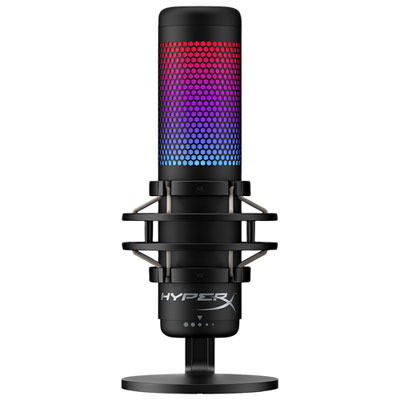
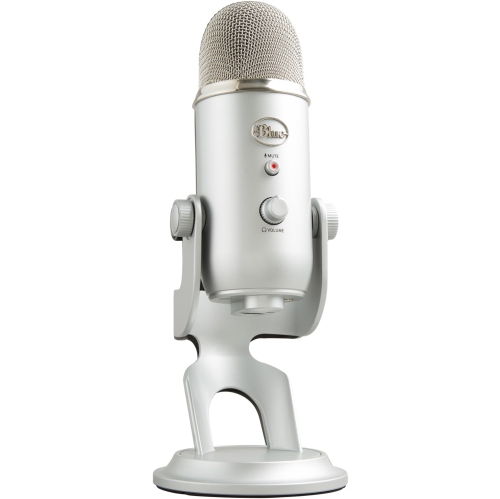
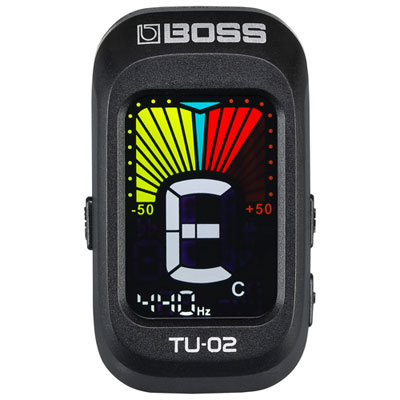
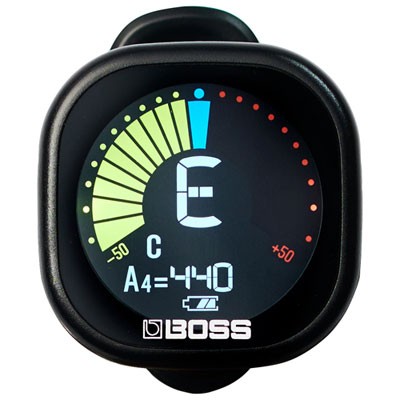
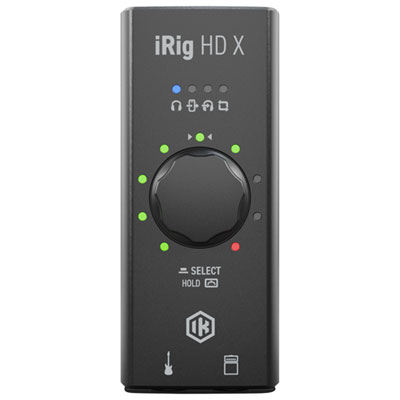
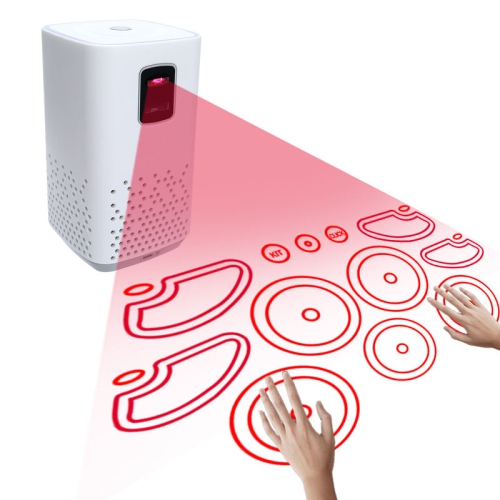
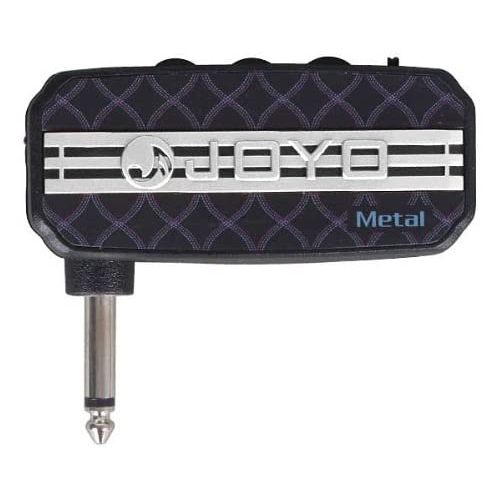
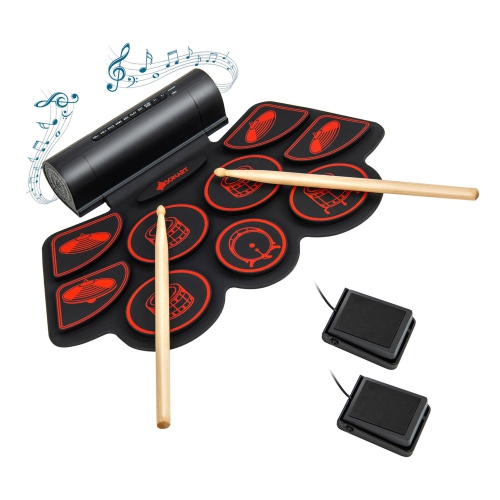
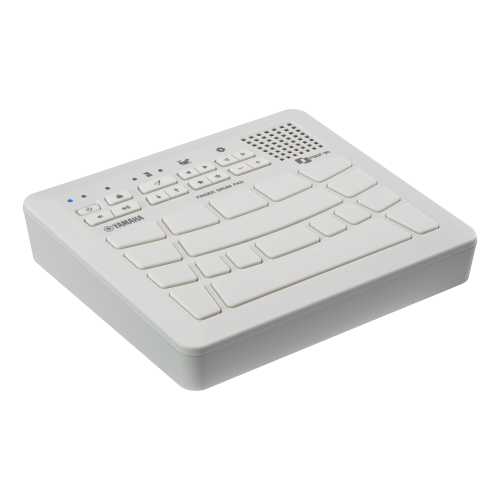
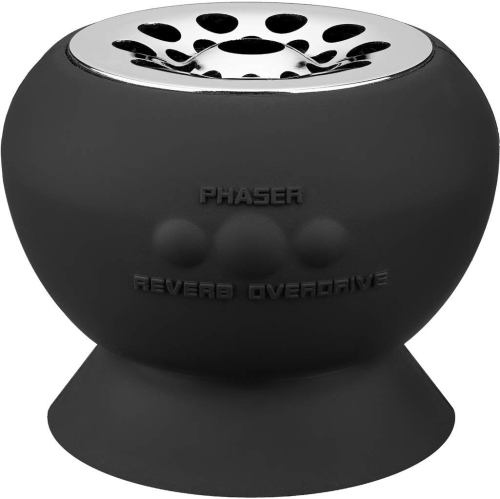
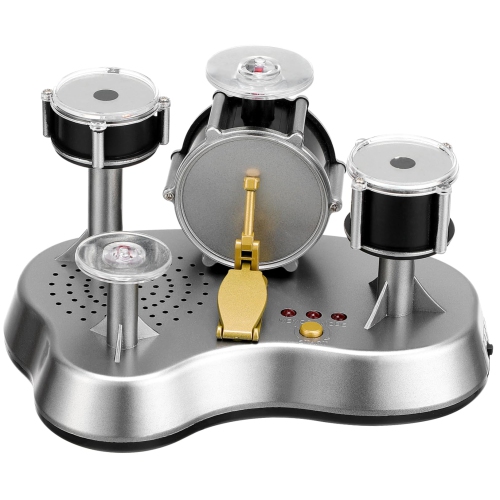
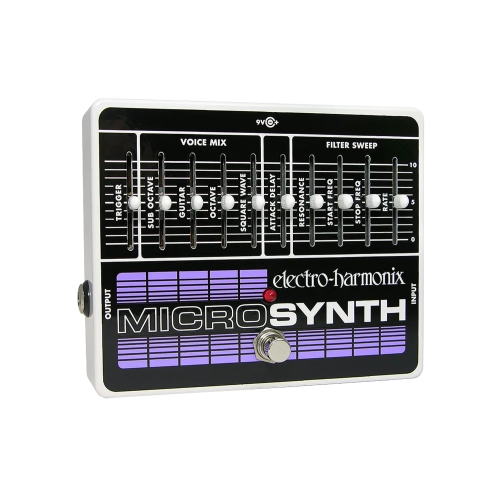
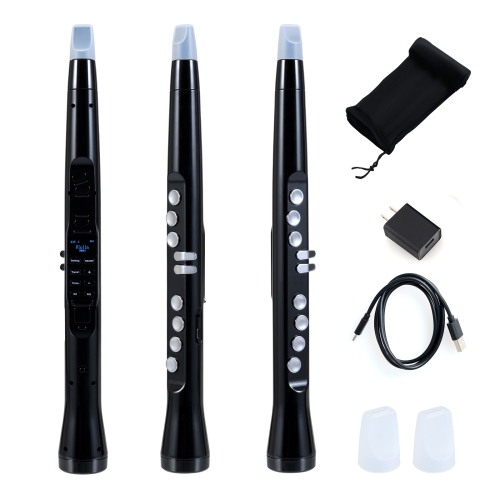
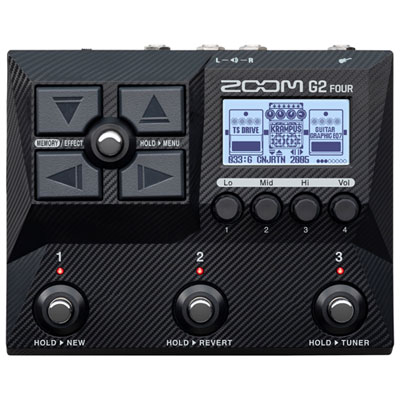
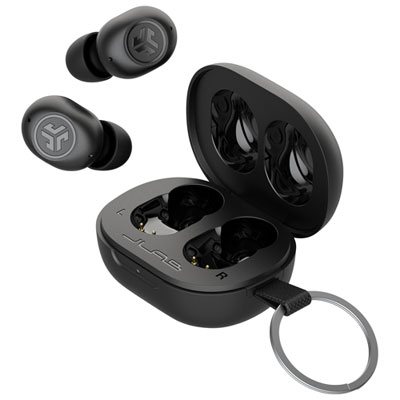
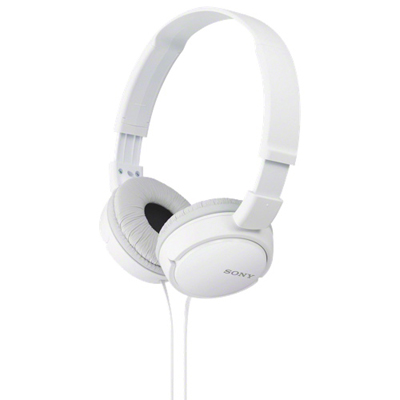
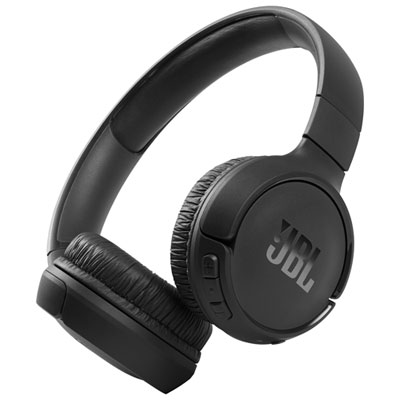
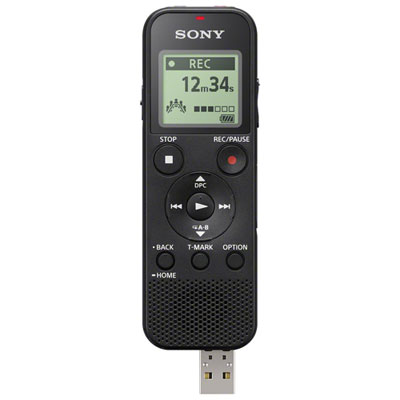
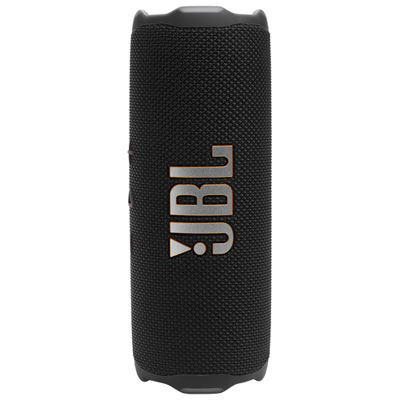
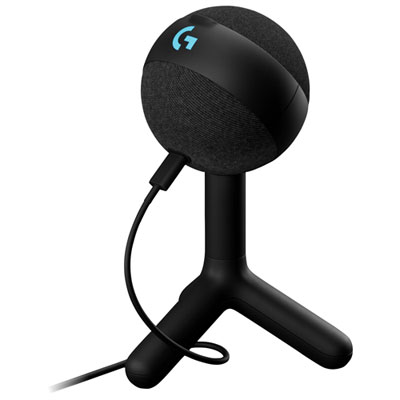
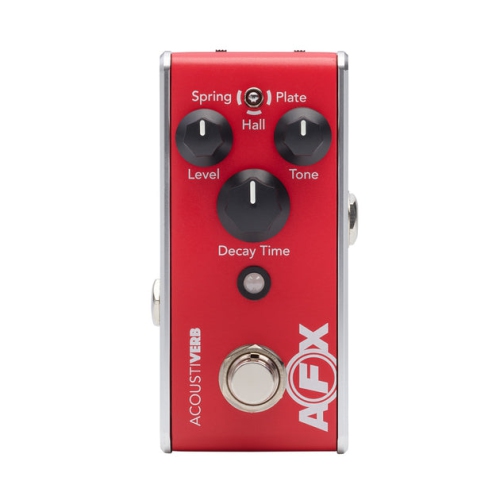
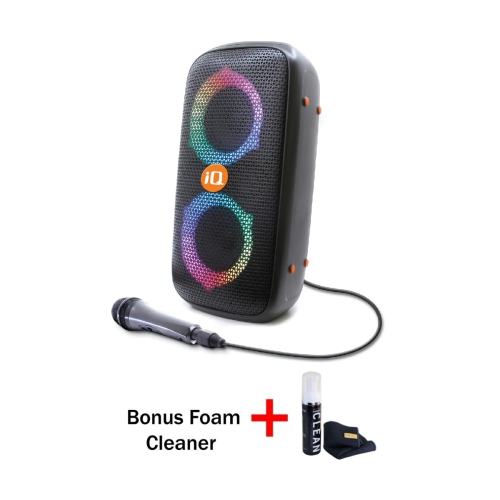

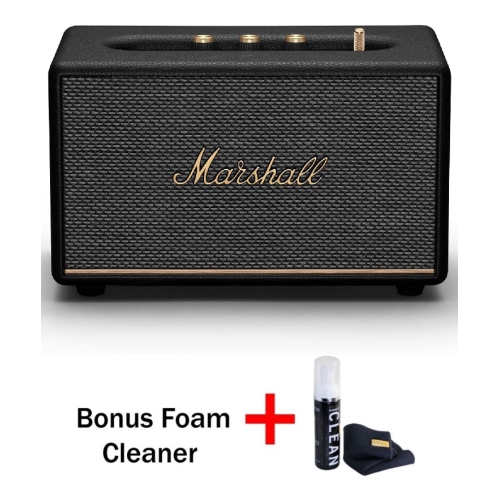
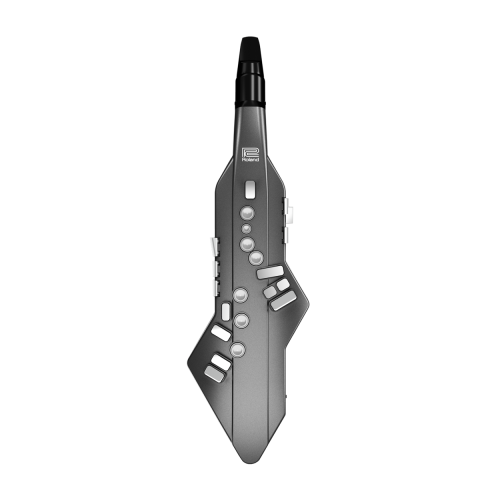
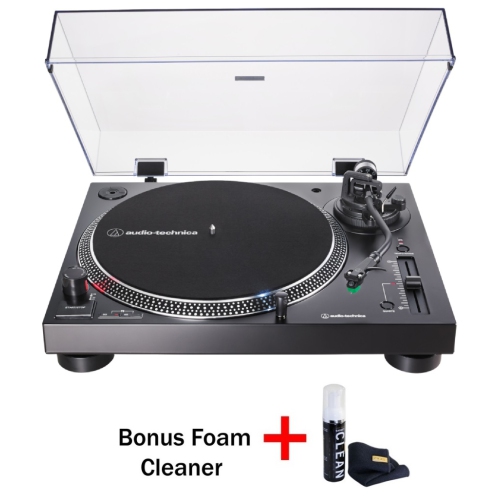
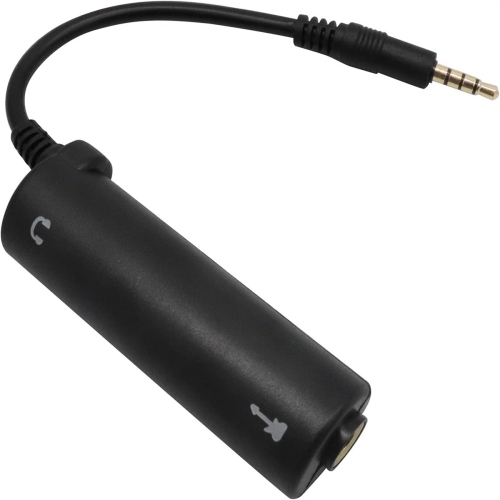
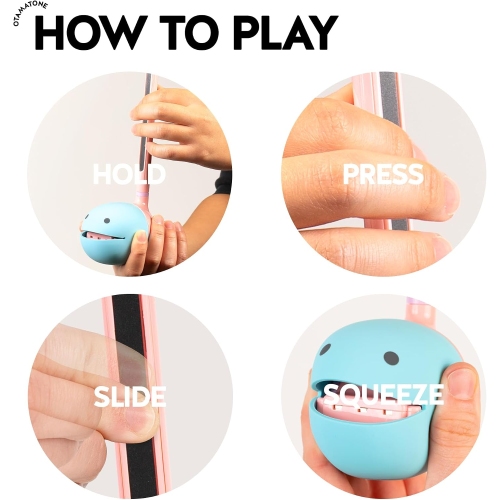
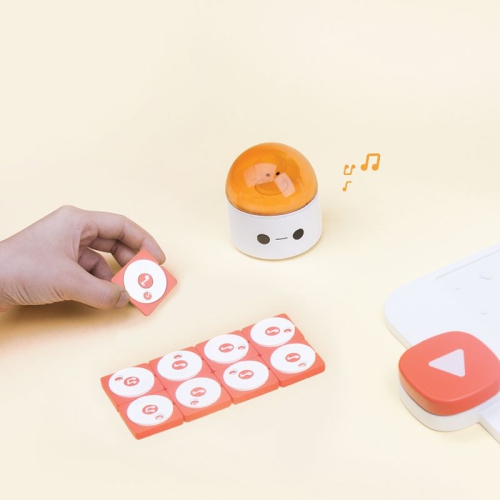
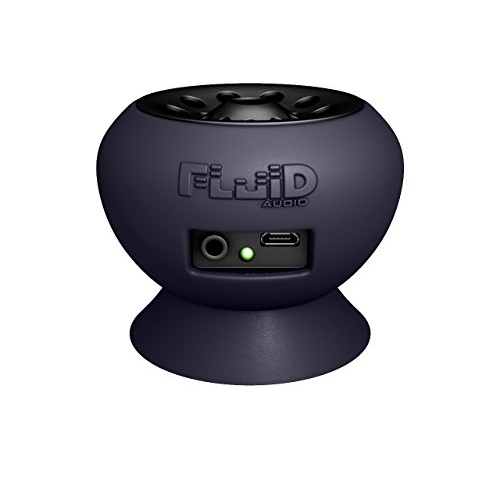
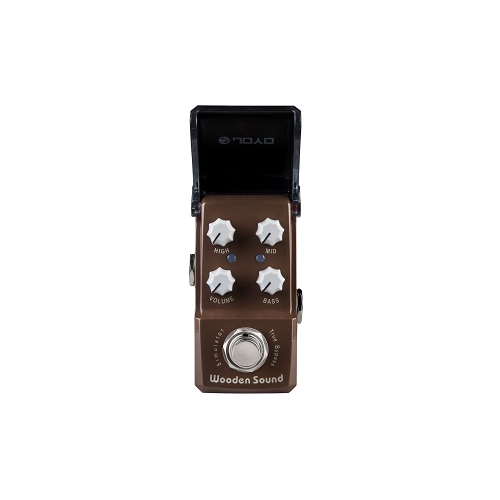
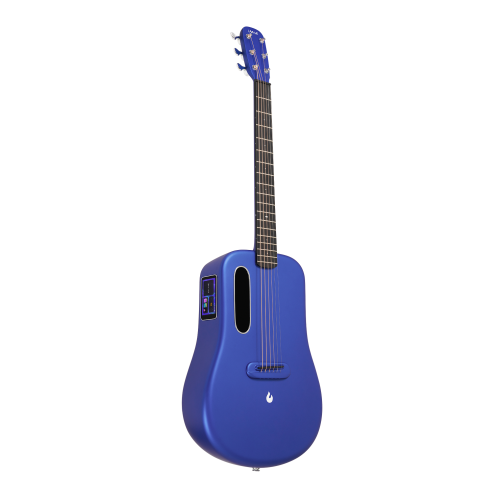
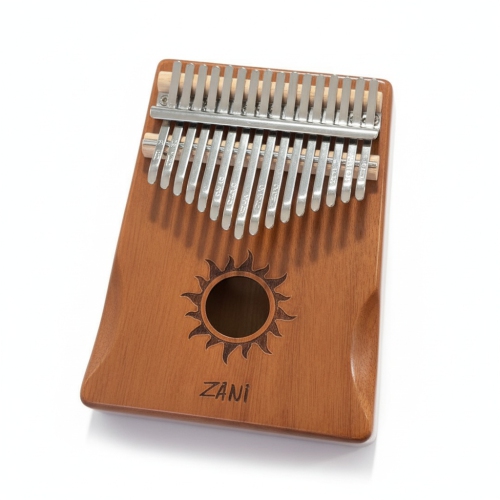
Compact tools for steadier practice and spontaneous recording
Musician gadgets are compact electronic tools and accessories that support tuning, timing, recording, sound creation, and live performance. They can fill the small but important gaps between an instrument and the way someone actually makes music: keeping a steady pulse through a difficult passage, saving a melody before it slips away, or turning a few tapped pads into a drum pattern. For beginners, useful features often centre on clear feedback and straightforward controls. A readable tuning display or an adjustable practice tempo can make a short session more focused without adding much setup time. Experienced players may look for finer control, flexible connections, or tools that handle a particular task without interrupting their playing. Guitarists and bassists often use clip-on tuning devices that sense vibration, while singers and acoustic instrumentalists may prefer tools with a microphone input or built-in microphone. Electronic metronomes provide a consistent beat, with options such as subdivisions, accented beats, visual cues, or vibration suited to different practice habits. A vibrating pulse can help a player follow the tempo without adding an audible click to the room, although its usefulness depends on how clearly it can be felt while playing. Portable audio recorders serve another everyday purpose: capturing a rehearsal, a lyric idea, or the balance between instruments so it can be heard again later. Built-in microphones make spontaneous recording simpler, while adjustable input levels help accommodate anything from a quiet vocal phrase to a louder ensemble. Compact synthesizers, looping tools, and tactile controllers add a more exploratory side to the category, giving musicians ways to layer parts and try unfamiliar sounds. These tools suit different stages of music-making, from practising a scale at home to sketching the opening bars of a song backstage. Their appeal comes less from replacing a full instrument or studio than from making a useful musical task easier to repeat.
Connections and control layouts have a major influence on how comfortably musician gadgets fit into an existing setup. A small MIDI controller, for example, typically sends performance instructions to compatible software or sound-generating hardware rather than producing sound on its own. Pads can suit finger drumming and launching phrases, keys offer a familiar layout for melodies and chords, and knobs or sliders provide hands-on adjustment of sound settings. An audio interface has a different role: it converts microphone or instrument signals into audio a computer or compatible mobile device can record, and it can route playback to headphones or speakers. Input type, supported operating systems, and power requirements all matter, especially when a setup moves between a desk and a rehearsal space. A matching connector alone does not guarantee compatibility; some devices require particular adapters, drivers, apps, or an external power supply. Wireless connections can reduce cable clutter, but delay varies by connection type and application. That delay may be noticeable when playing virtual instruments or listening to a live input, where a wired connection or direct monitoring can feel more immediate. For musicians building arrangements one layer at a time, looping functions can turn a chord progression into a backing part for practising melodies or harmonies. Clear start, stop, and undo controls become particularly important when both hands are occupied with an instrument. Foot-operated controls need enough spacing for confident use, while tabletop devices benefit from readable labels and controls that are easy to distinguish at a glance. Headphone outputs also make a difference for personal practice, though headphone-based setups are not necessarily silent: pads, keys, strings, and footswitches can still make physical noise. The broader Music Gadgets category brings together related tools for listening, creating, and working with sound. Within a musician’s setup, the strongest fit is usually a device whose connections and main functions match a task that comes up regularly, whether that means capturing acoustic performances or controlling software instruments.
Materials, size, and everyday handling help determine whether a gadget feels equally useful at home, in a lesson, and inside a crowded gig bag. Lightweight plastic housings can be comfortable to carry, while metal enclosures may offer greater resistance to knocks; construction quality, protected controls, and secure sockets matter as much as the housing material itself. Rubber feet help tabletop equipment stay put, and padded clips can improve grip while reducing direct contact between hard surfaces and an instrument’s finish. Fit deserves attention wherever a device attaches to an instrument or is worn on the body. A clip needs an appropriate opening and grip for its intended attachment point, and a wearable timing device should remain secure without restricting movement. Compact dimensions are helpful for travel, but very small buttons and closely spaced controls can be awkward during a performance. Battery life, charging method, and access to replaceable batteries also affect portability. A device that works well during a brief practice session may have different power needs over a long rehearsal, particularly with illuminated displays or wireless features in use. Simple care supports reliable operation: following the manufacturer’s cleaning directions, keeping liquids away from sockets, and storing equipment in a protective pouch can help prevent avoidable damage. Cables are easier to manage when loosely coiled rather than sharply bent at the connector, and plugs should be removed by gripping the connector rather than pulling the cable. For recording tools, transferring important files and keeping a separate copy protects musical ideas from accidental deletion or a lost device. Musician gadgets can also make thoughtful gifts for students, songwriters, bandmates, and people returning to an instrument after time away. Compatibility is especially important for gifts that depend on a phone, computer, or recording setup. A self-contained practice tool may be a more straightforward fit when those details are unknown, while a controller or recording accessory can be particularly meaningful when it supports an established interest. The most useful addition is often modest in scale: something that makes daily practice smoother, preserves an unexpected idea, or gives a musician another satisfying way to play.
Connections and control layouts have a major influence on how comfortably musician gadgets fit into an existing setup. A small MIDI controller, for example, typically sends performance instructions to compatible software or sound-generating hardware rather than producing sound on its own. Pads can suit finger drumming and launching phrases, keys offer a familiar layout for melodies and chords, and knobs or sliders provide hands-on adjustment of sound settings. An audio interface has a different role: it converts microphone or instrument signals into audio a computer or compatible mobile device can record, and it can route playback to headphones or speakers. Input type, supported operating systems, and power requirements all matter, especially when a setup moves between a desk and a rehearsal space. A matching connector alone does not guarantee compatibility; some devices require particular adapters, drivers, apps, or an external power supply. Wireless connections can reduce cable clutter, but delay varies by connection type and application. That delay may be noticeable when playing virtual instruments or listening to a live input, where a wired connection or direct monitoring can feel more immediate. For musicians building arrangements one layer at a time, looping functions can turn a chord progression into a backing part for practising melodies or harmonies. Clear start, stop, and undo controls become particularly important when both hands are occupied with an instrument. Foot-operated controls need enough spacing for confident use, while tabletop devices benefit from readable labels and controls that are easy to distinguish at a glance. Headphone outputs also make a difference for personal practice, though headphone-based setups are not necessarily silent: pads, keys, strings, and footswitches can still make physical noise. The broader Music Gadgets category brings together related tools for listening, creating, and working with sound. Within a musician’s setup, the strongest fit is usually a device whose connections and main functions match a task that comes up regularly, whether that means capturing acoustic performances or controlling software instruments.
Materials, size, and everyday handling help determine whether a gadget feels equally useful at home, in a lesson, and inside a crowded gig bag. Lightweight plastic housings can be comfortable to carry, while metal enclosures may offer greater resistance to knocks; construction quality, protected controls, and secure sockets matter as much as the housing material itself. Rubber feet help tabletop equipment stay put, and padded clips can improve grip while reducing direct contact between hard surfaces and an instrument’s finish. Fit deserves attention wherever a device attaches to an instrument or is worn on the body. A clip needs an appropriate opening and grip for its intended attachment point, and a wearable timing device should remain secure without restricting movement. Compact dimensions are helpful for travel, but very small buttons and closely spaced controls can be awkward during a performance. Battery life, charging method, and access to replaceable batteries also affect portability. A device that works well during a brief practice session may have different power needs over a long rehearsal, particularly with illuminated displays or wireless features in use. Simple care supports reliable operation: following the manufacturer’s cleaning directions, keeping liquids away from sockets, and storing equipment in a protective pouch can help prevent avoidable damage. Cables are easier to manage when loosely coiled rather than sharply bent at the connector, and plugs should be removed by gripping the connector rather than pulling the cable. For recording tools, transferring important files and keeping a separate copy protects musical ideas from accidental deletion or a lost device. Musician gadgets can also make thoughtful gifts for students, songwriters, bandmates, and people returning to an instrument after time away. Compatibility is especially important for gifts that depend on a phone, computer, or recording setup. A self-contained practice tool may be a more straightforward fit when those details are unknown, while a controller or recording accessory can be particularly meaningful when it supports an established interest. The most useful addition is often modest in scale: something that makes daily practice smoother, preserves an unexpected idea, or gives a musician another satisfying way to play.
Top selling and popular products
-
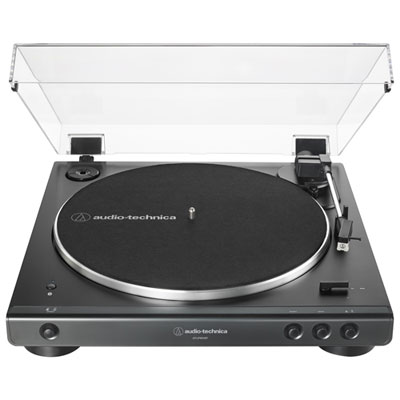 Your price for this item is $329.99
 -
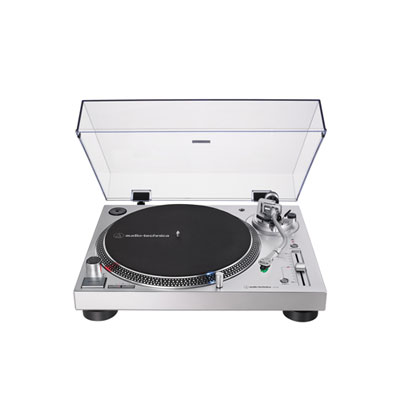 Your price for this item is $519.99
 -
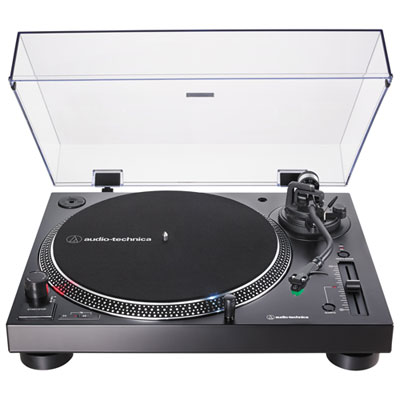 Your price for this item is $519.99
 -
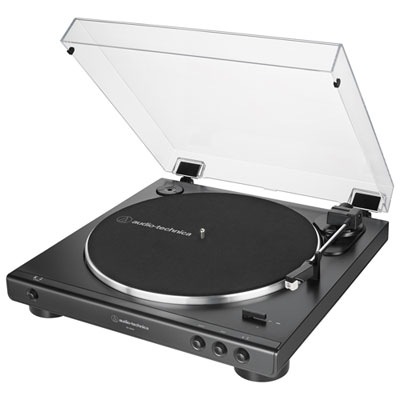 Your price for this item is $199.99
 -
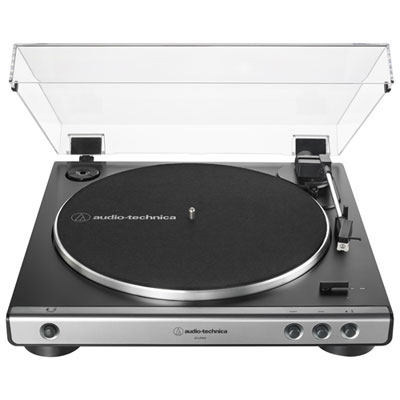 Your price for this item is $229.99
 -
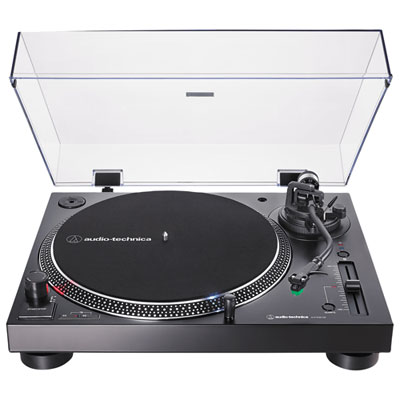 Your price for this item is $579.98
 -
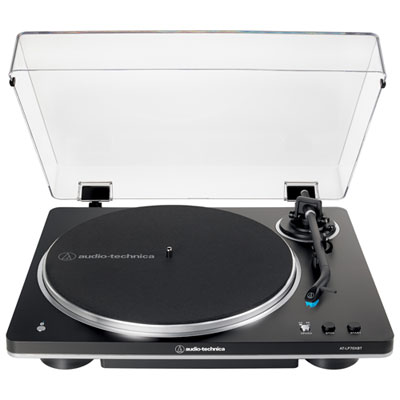 Your price for this item is $379.99
 -
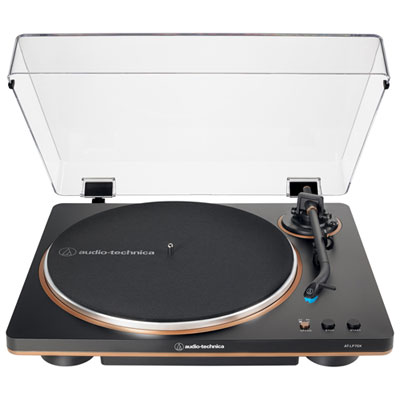 Your price for this item is $279.99
Discover more categories related to Musician Gadgets
Top Collections:
Pokemon Centers, Kindle Devices, Best Budget Office Chairs, Apple iPhones 16, Best Laptops for Writers, iPhone 15 Apple, Canon G7X Cameras, Refurbished Apple Laptops, Alarm Clock, Motorola Razr Phones
Some products may be subject to Environmental Handling Fees
(EHF) depending on your province.
Learn more about EHFs.