Recording Studio Mixers
If you're looking to take your music production to the next level, look no further than these recording studio mixers. These powerful devices are essential for any aspiring or professional musician looking to create high-quality audio recordings. Whether you're a solo artist, a band, or a podcast host, a recording studio mixer is an invaluable tool that allows you to control and fine-tune every aspect of your sound.
Sort


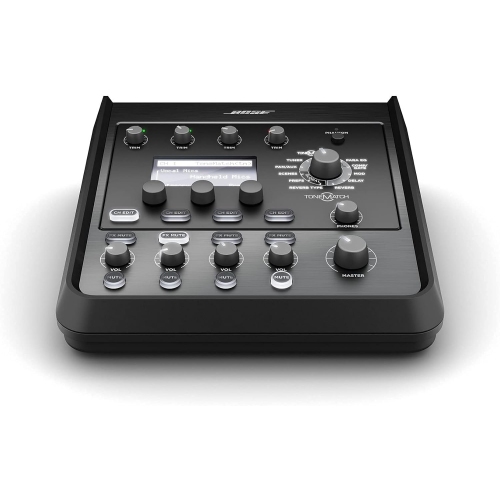
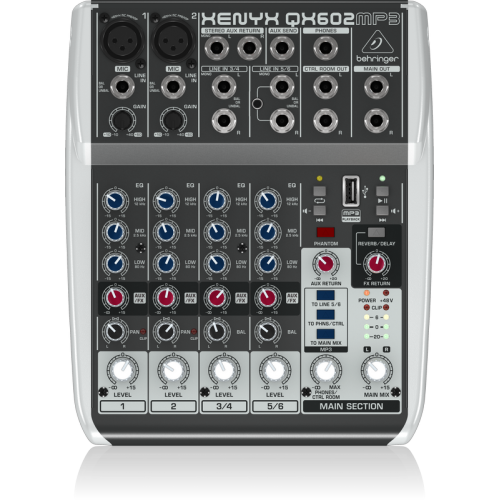
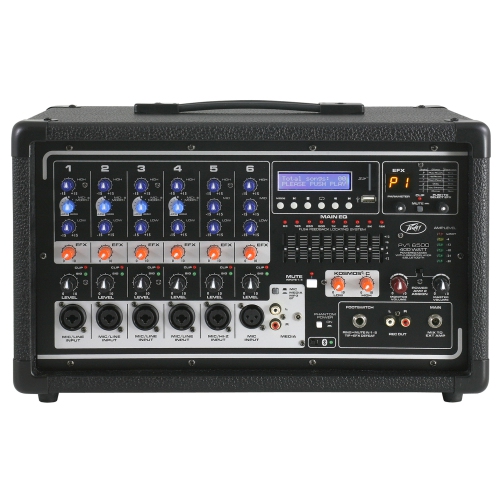
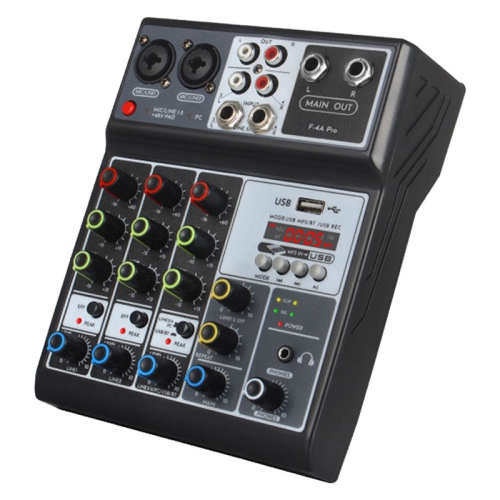



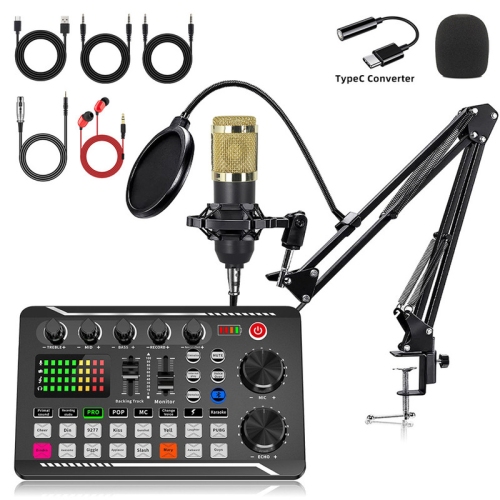
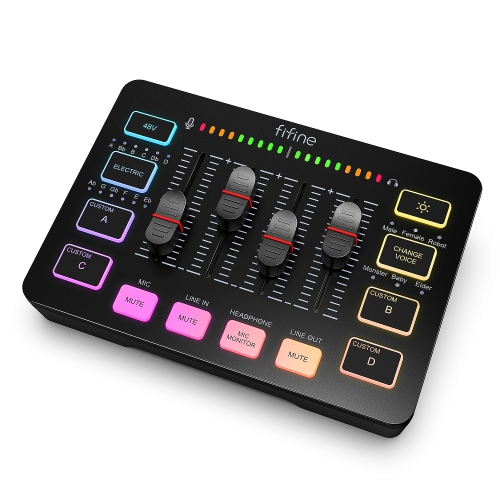
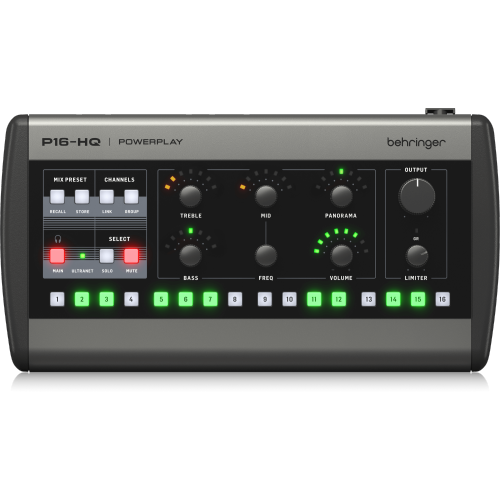
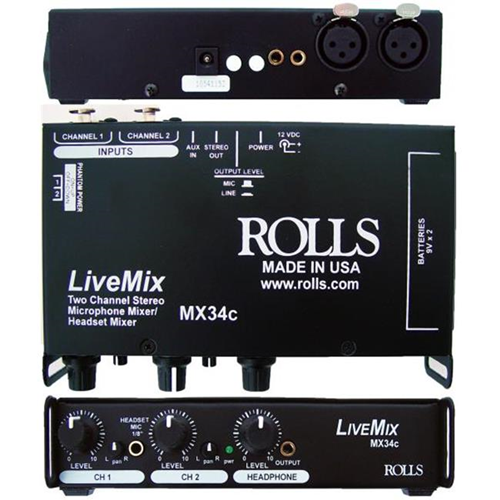
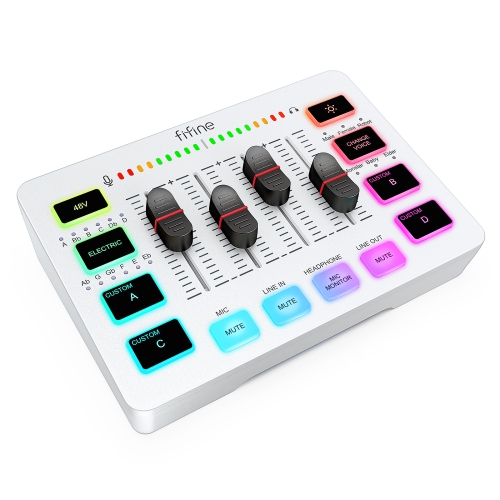

How signal routing shapes your recording sessions
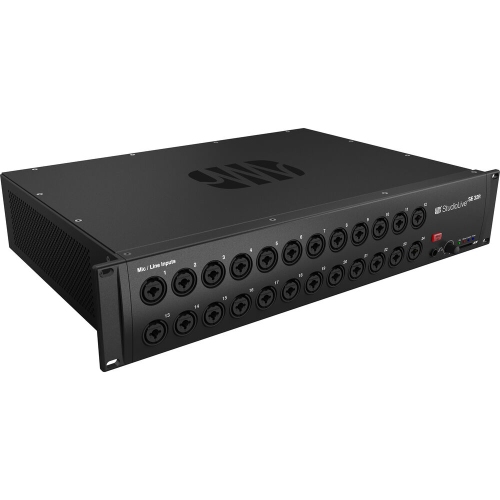
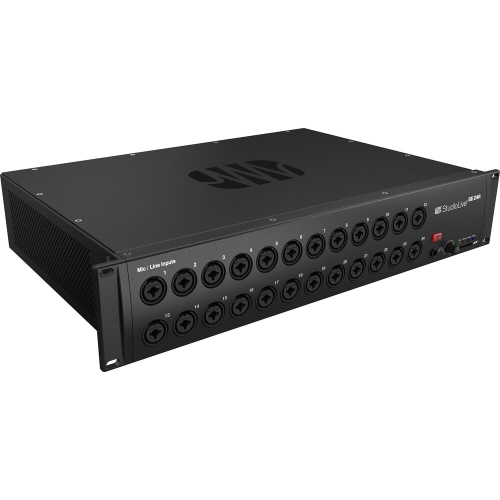
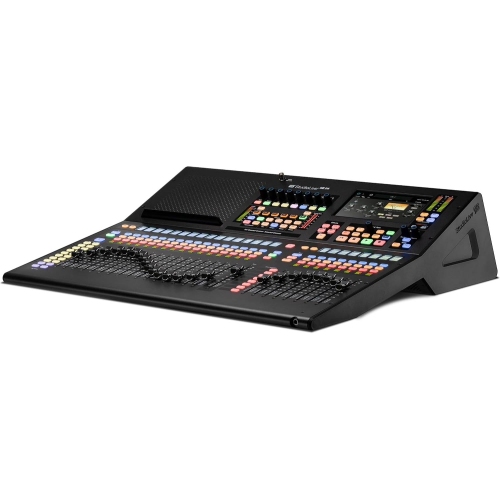
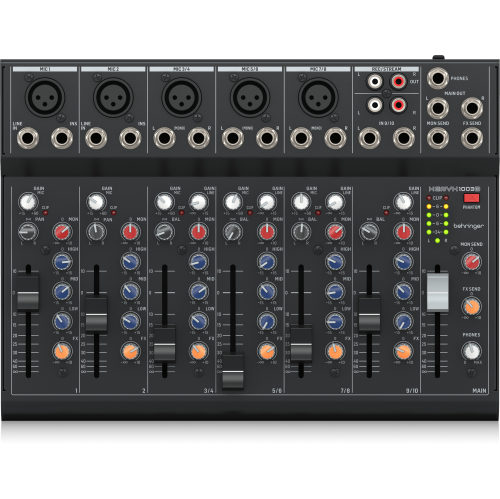
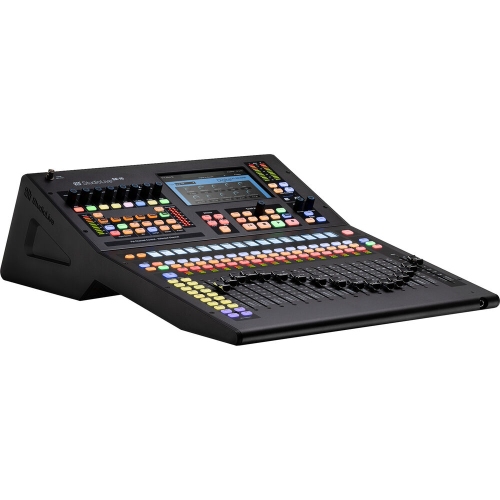
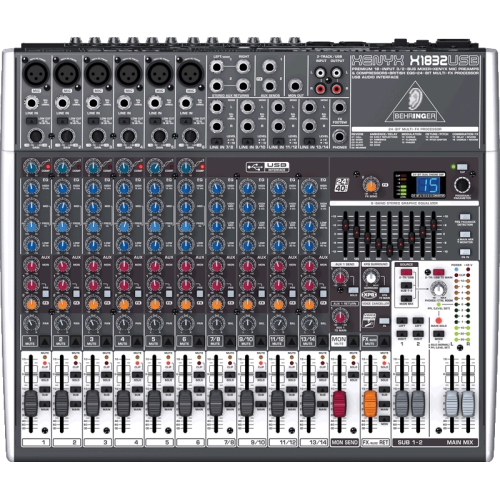
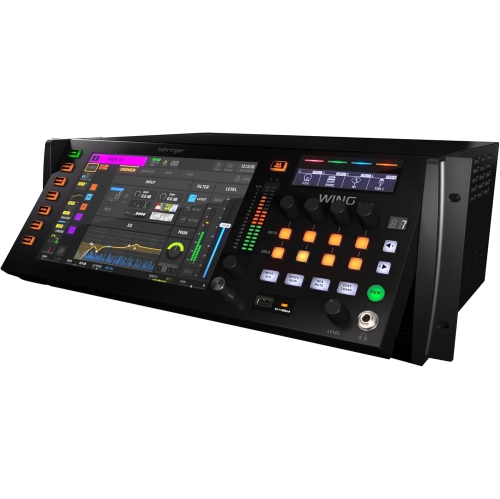
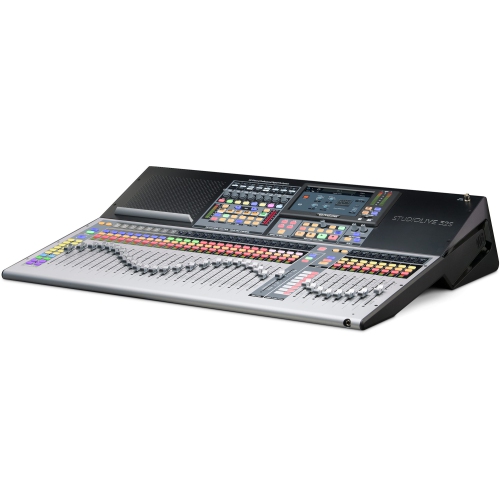
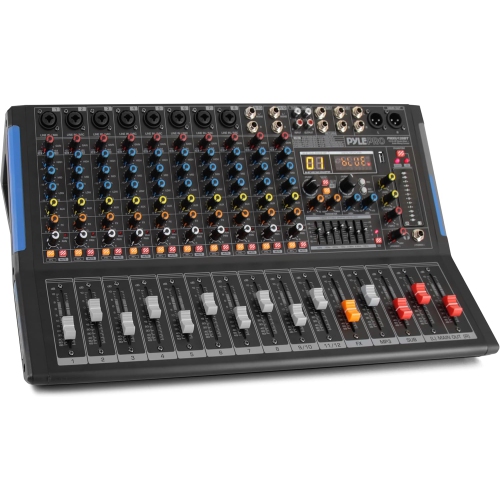
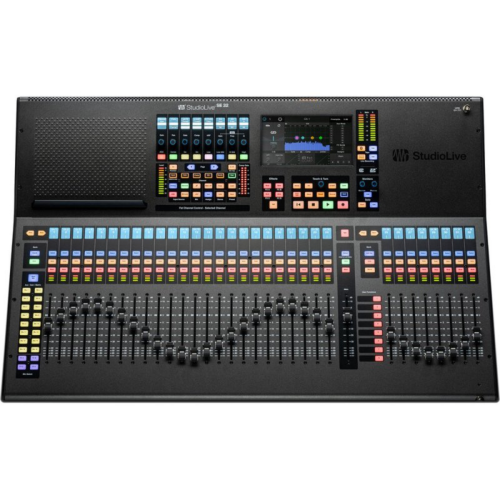
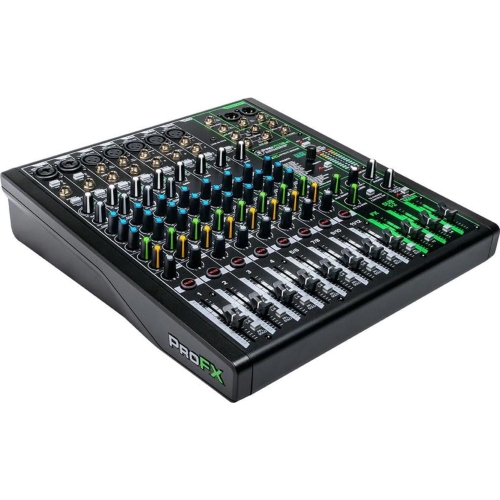
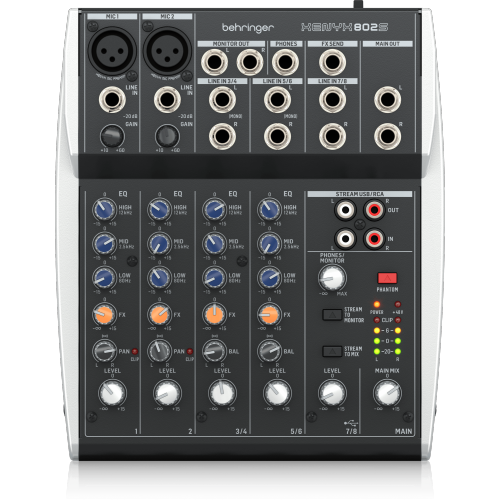
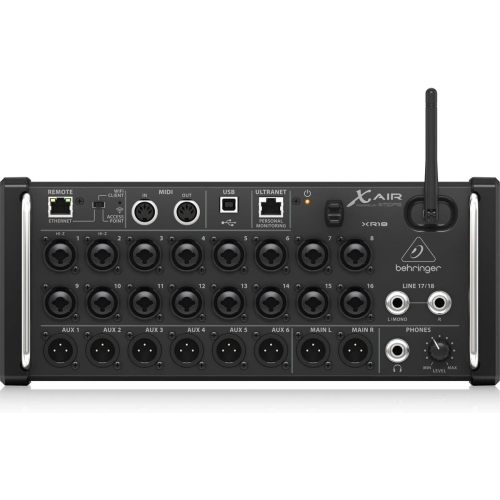
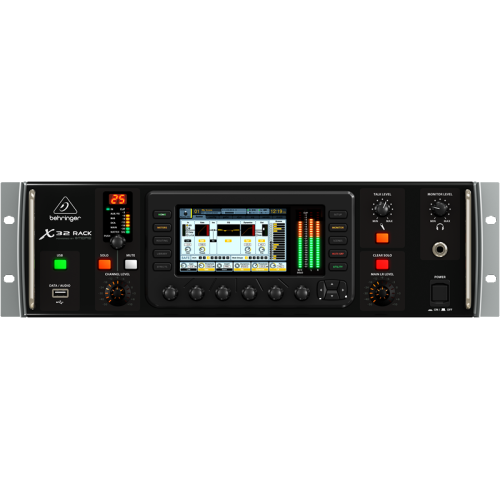
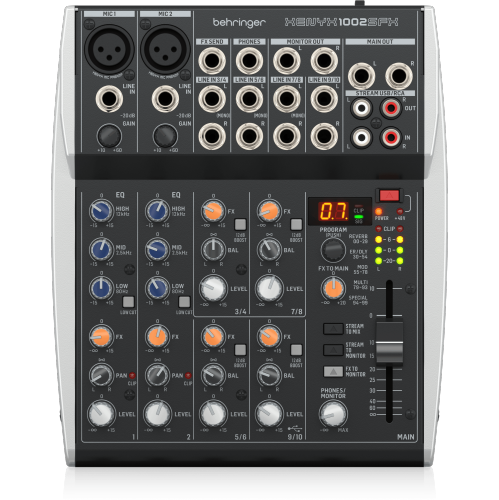
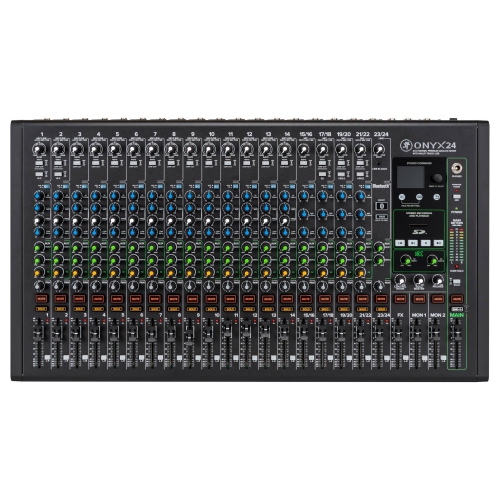
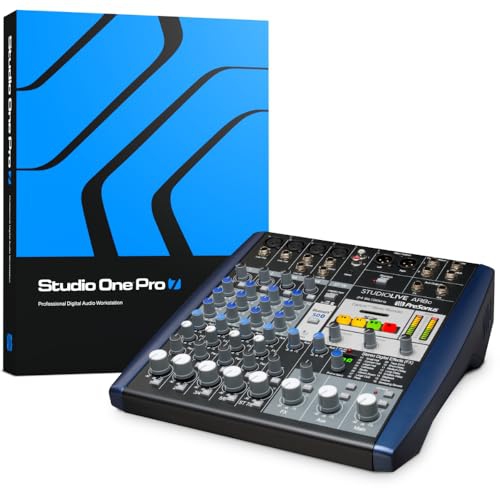
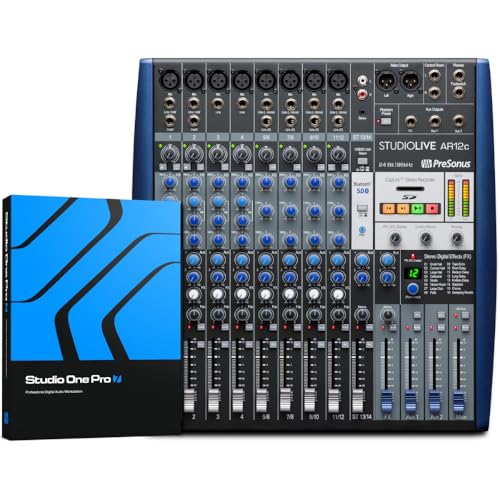
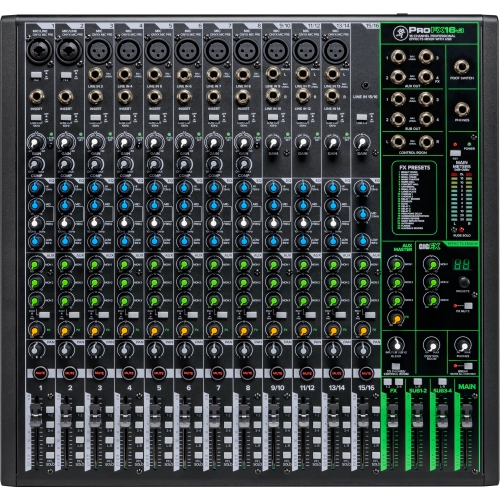
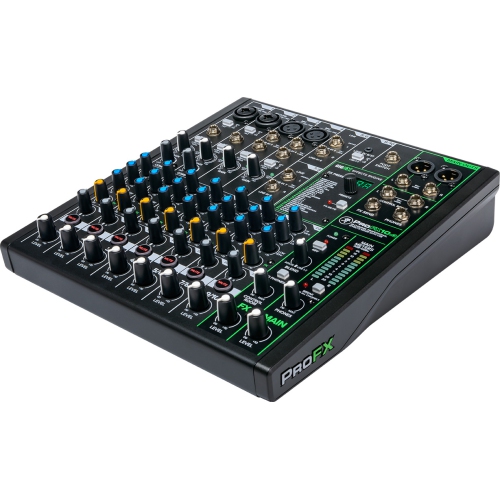
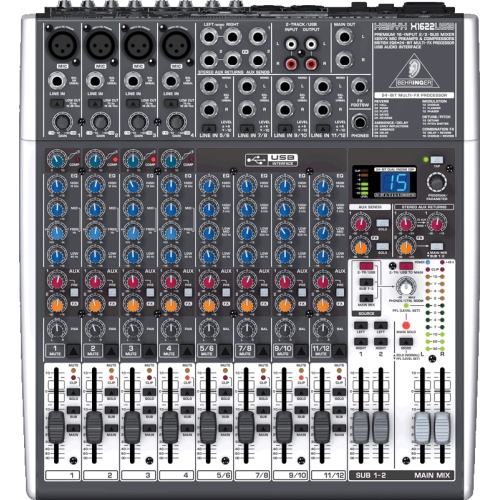
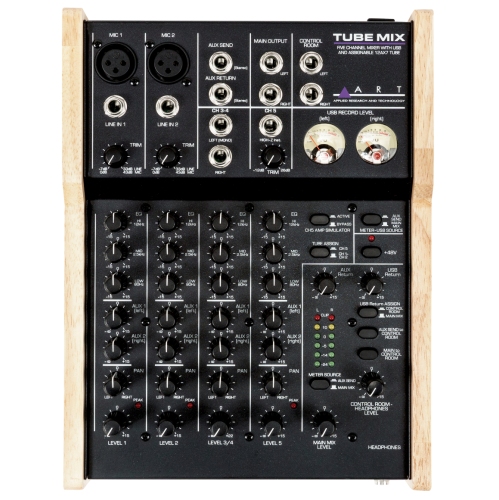
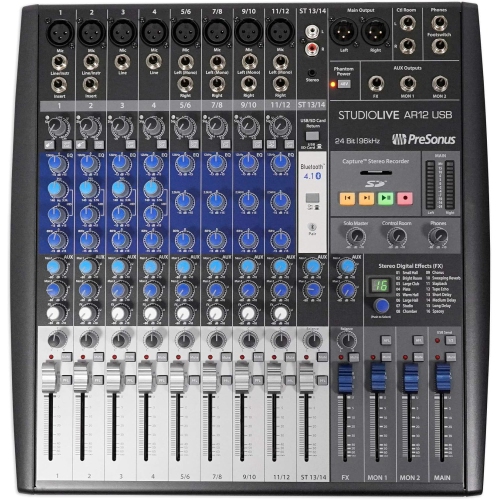
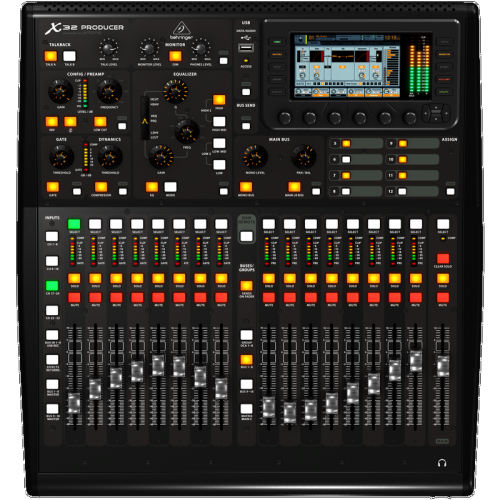
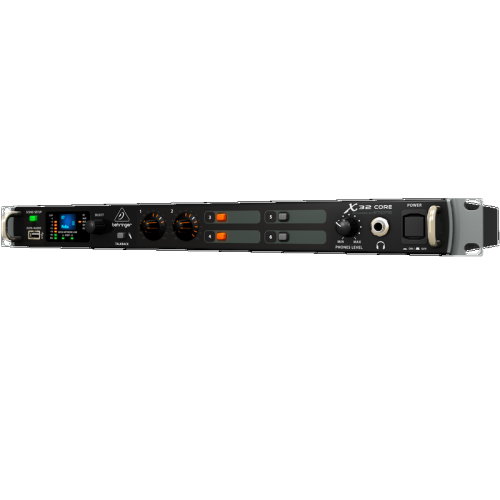
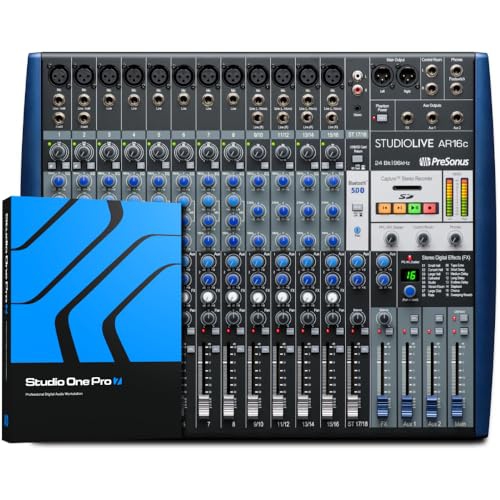
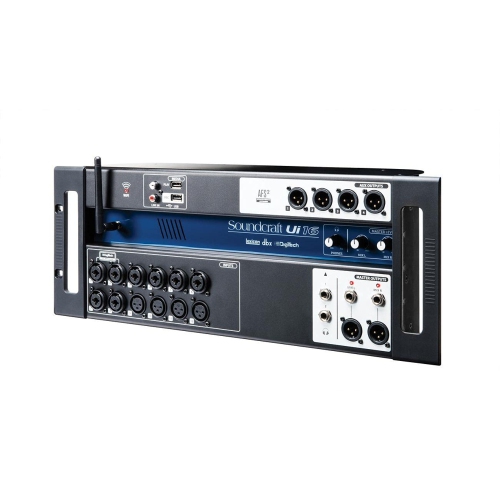
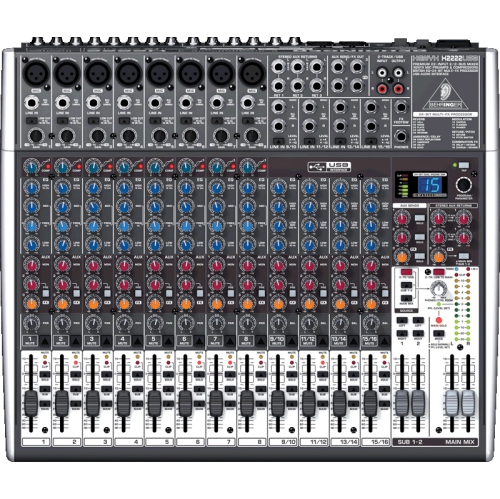
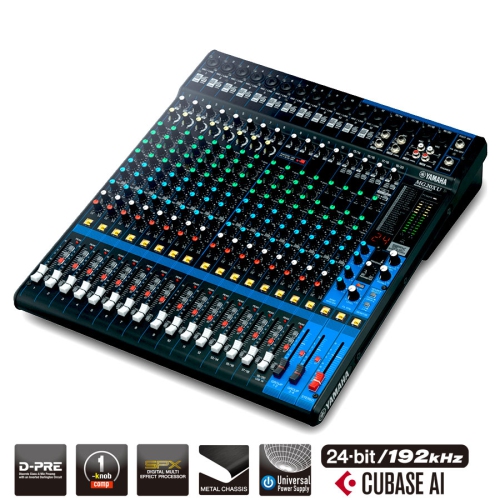
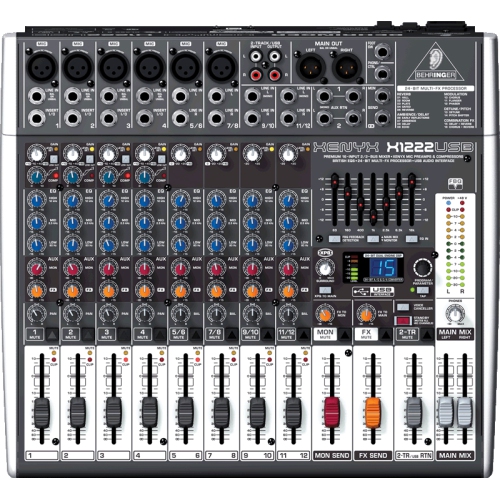
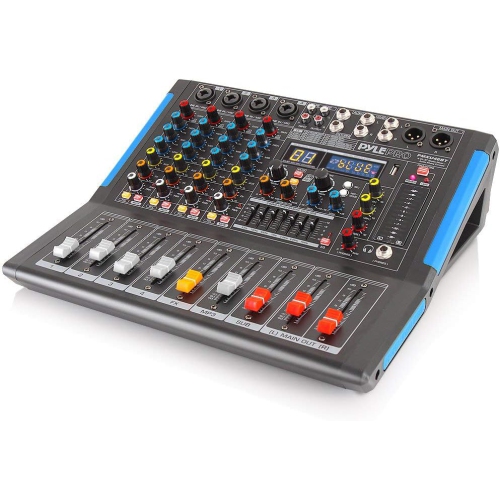
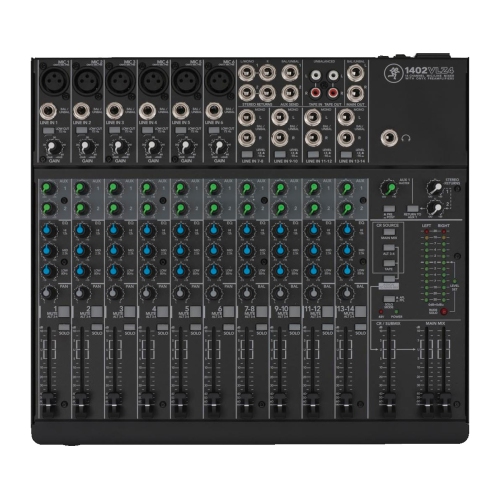
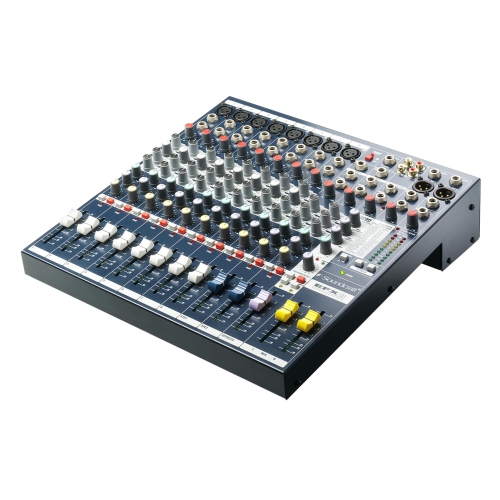
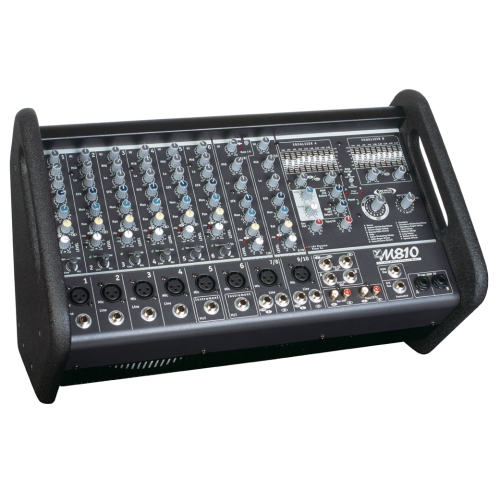
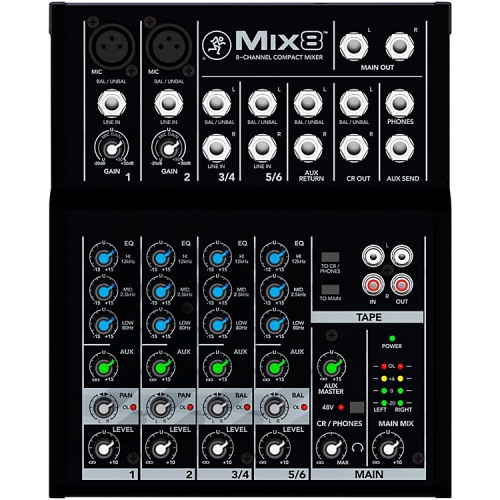
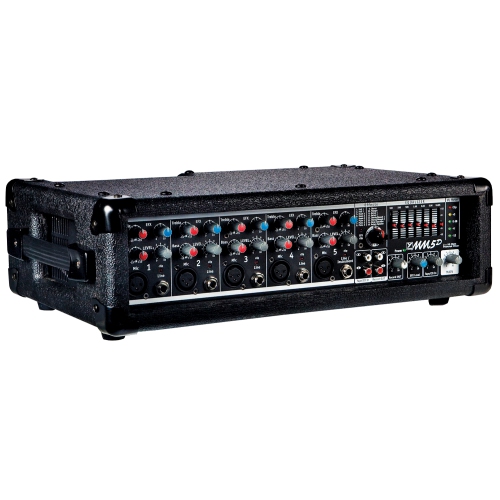
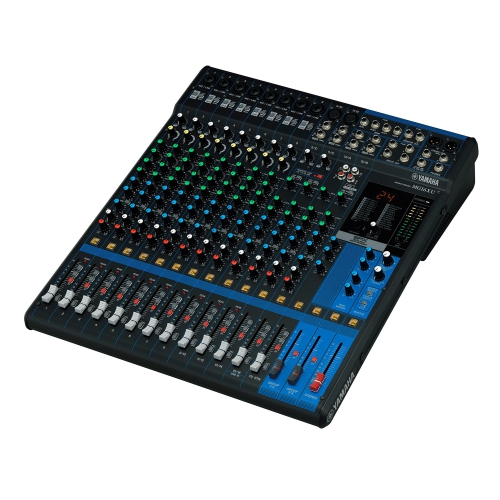
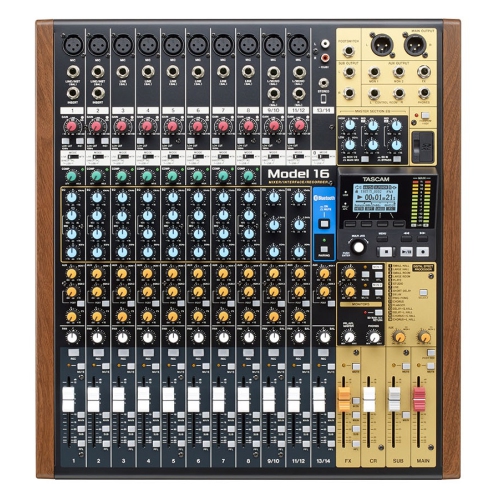
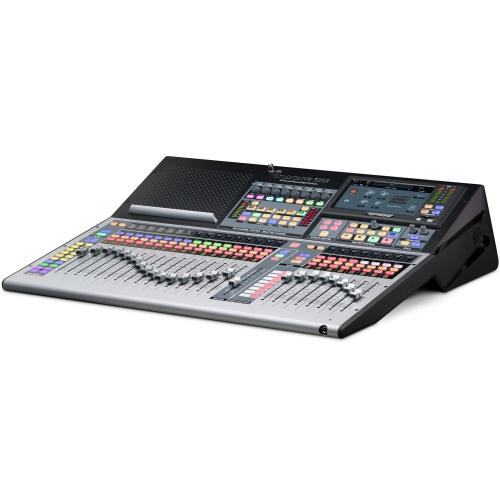
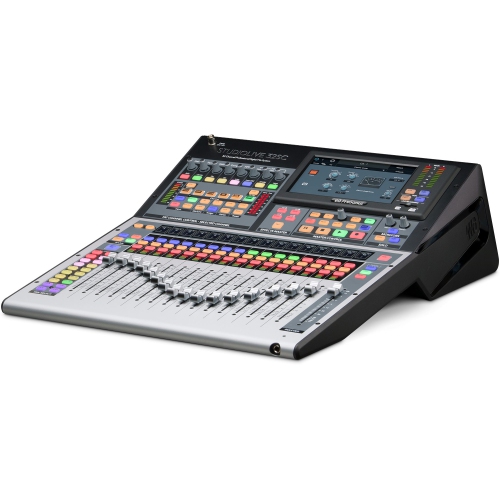
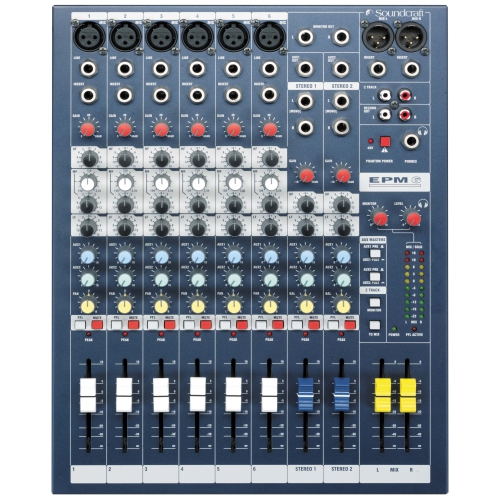
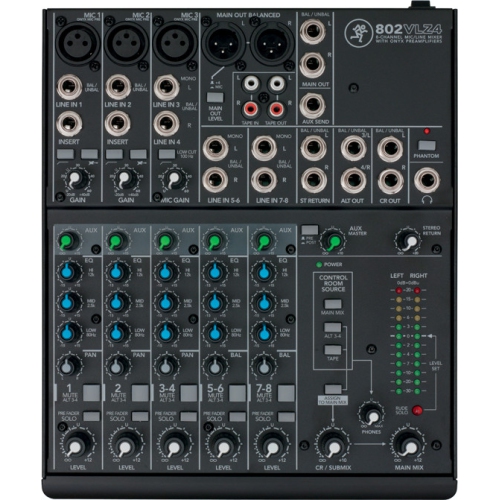
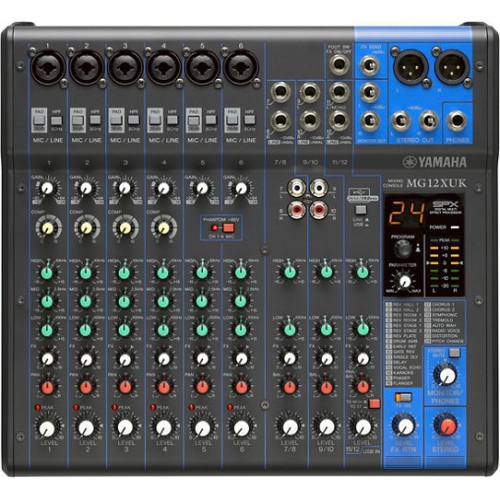
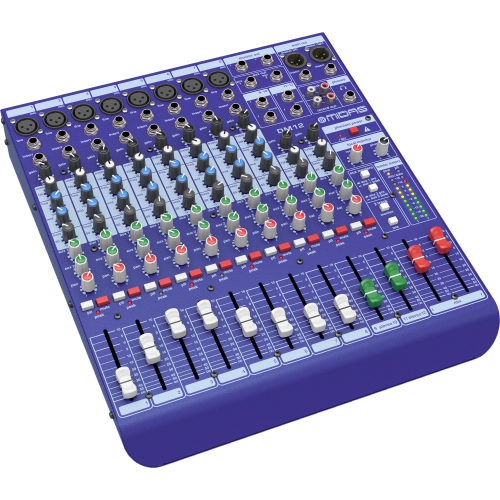
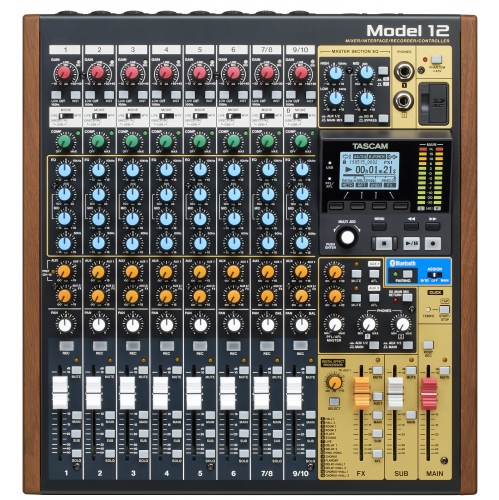
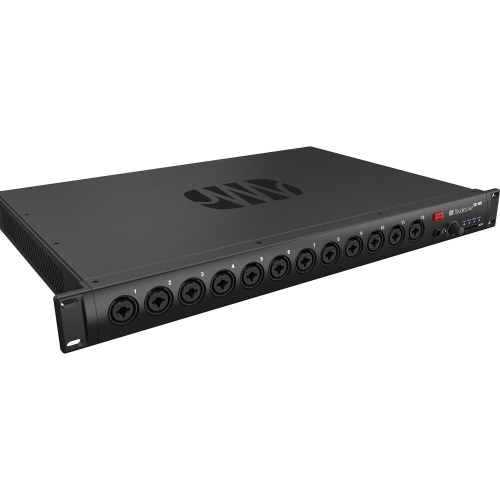
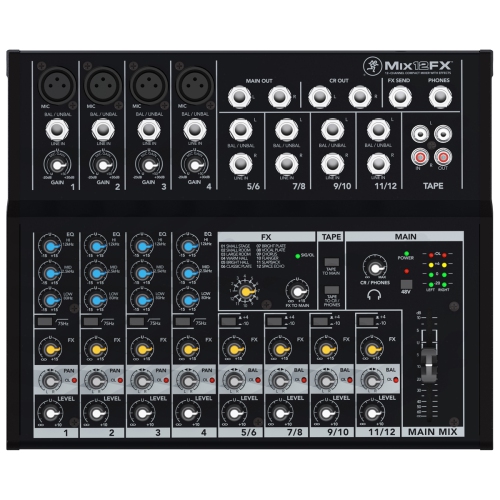
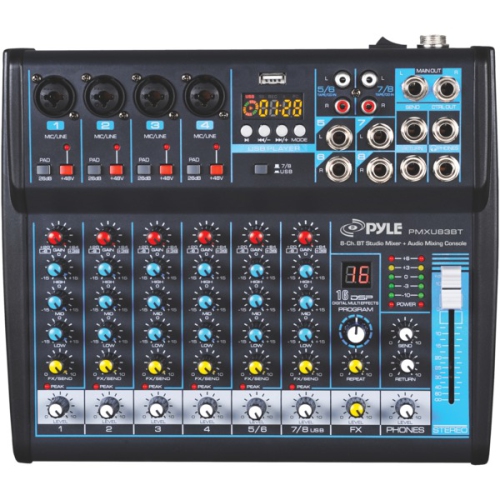
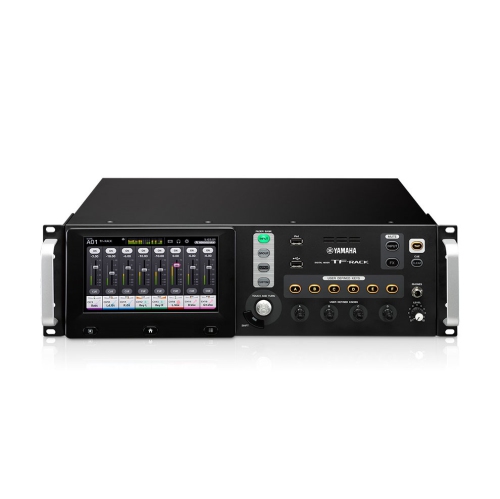
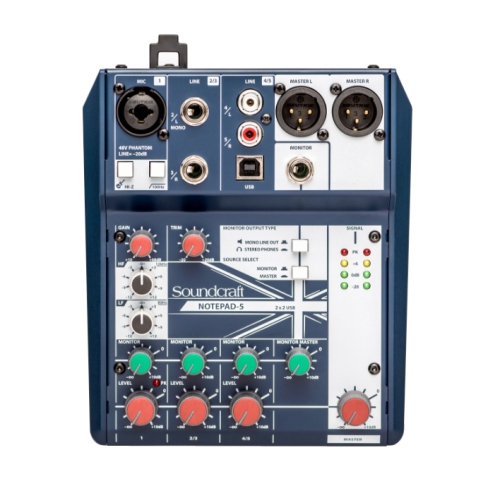
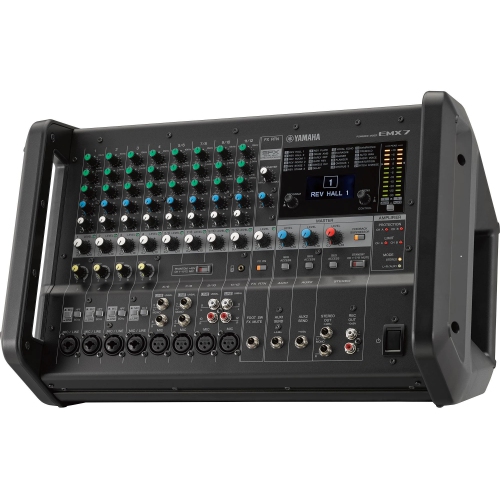
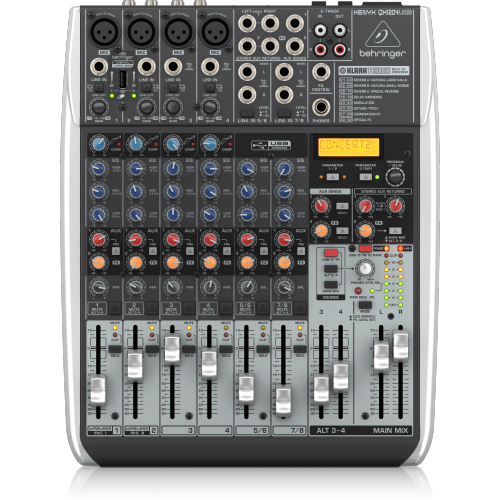
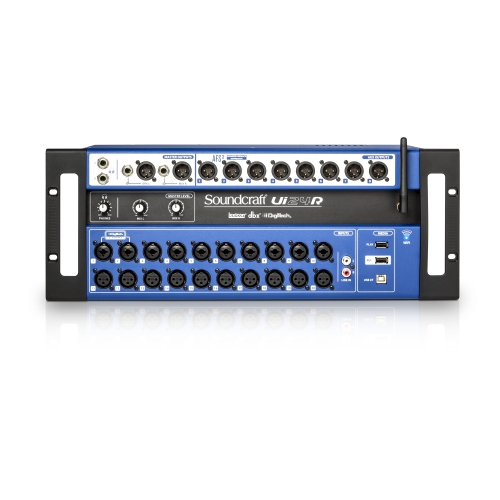
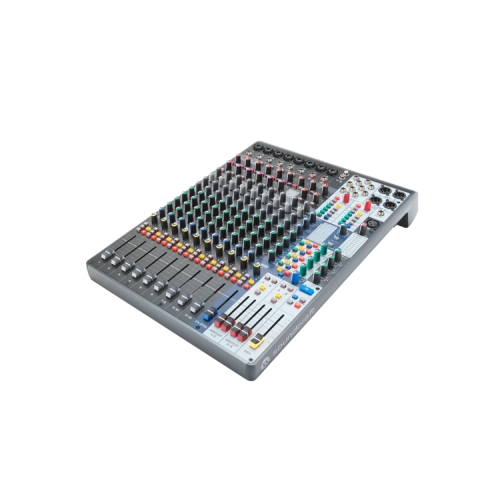
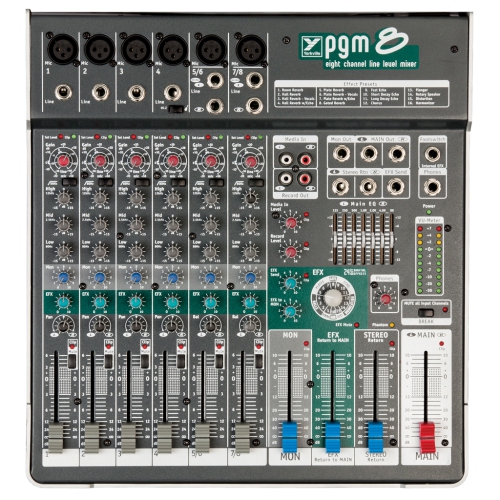
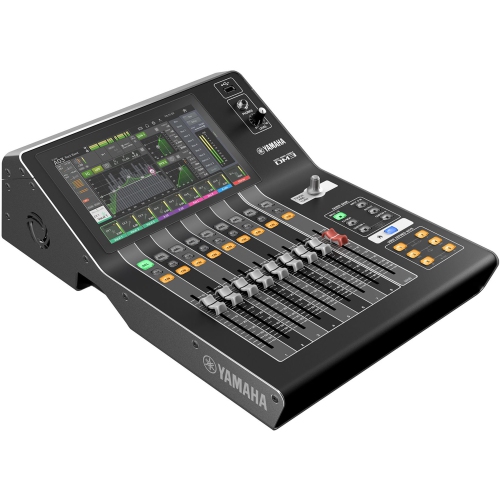
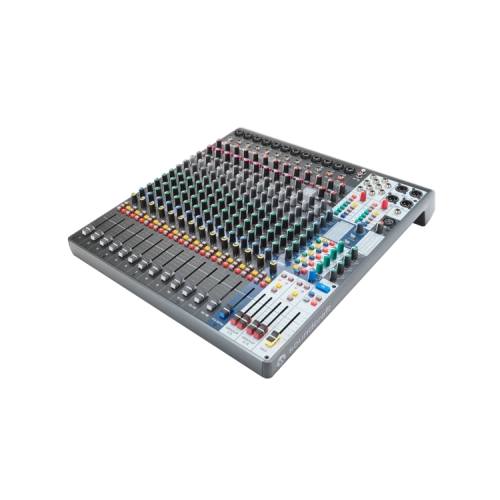
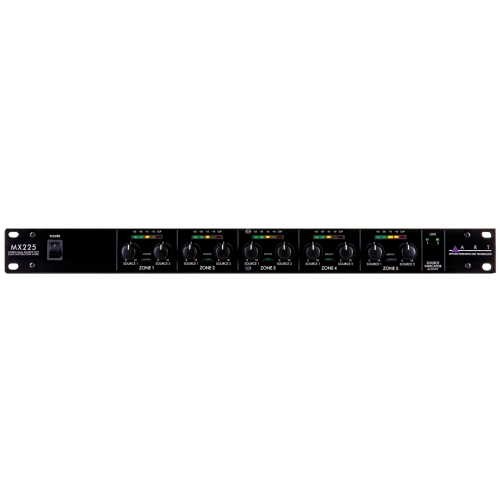
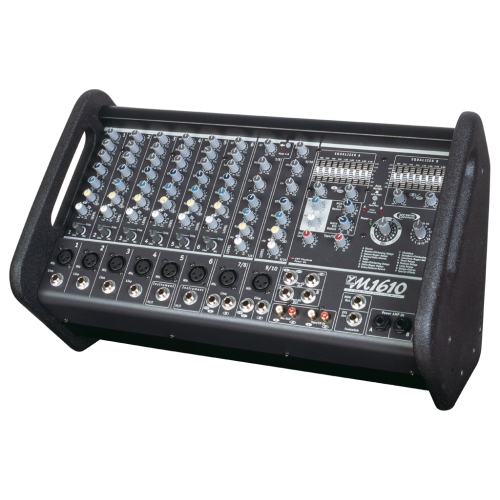
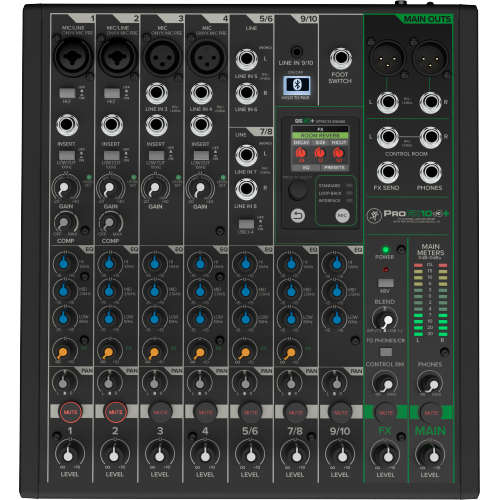
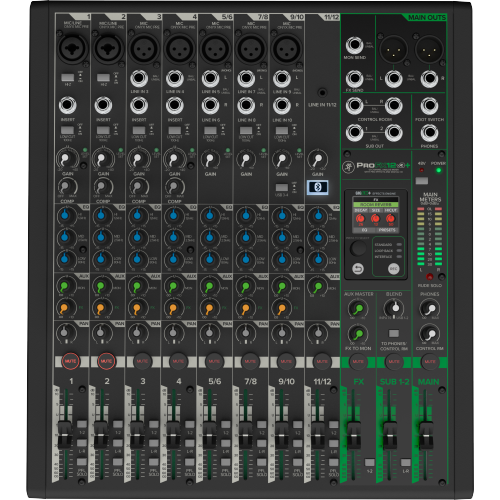
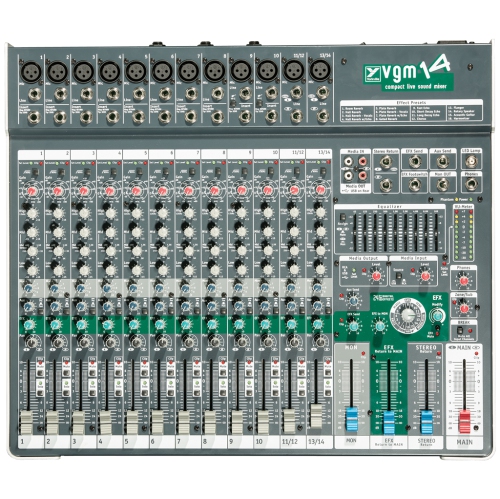
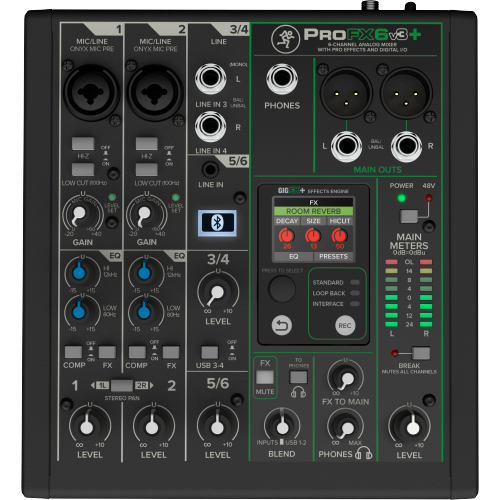
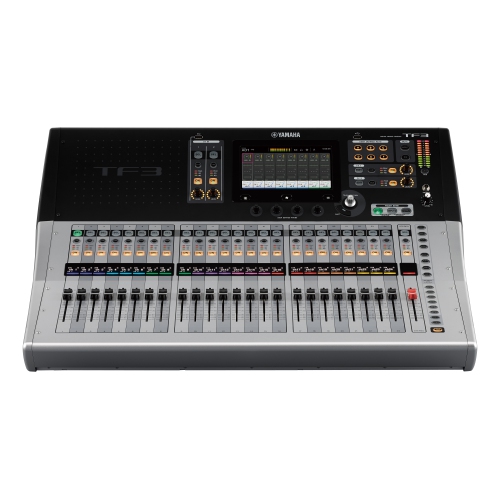
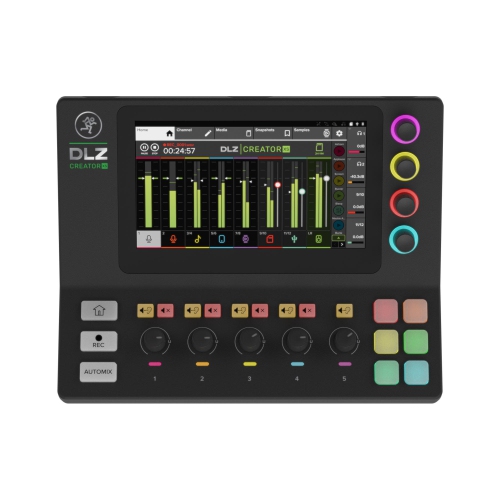
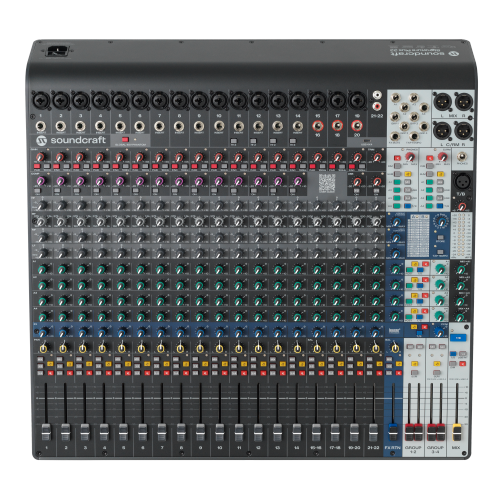
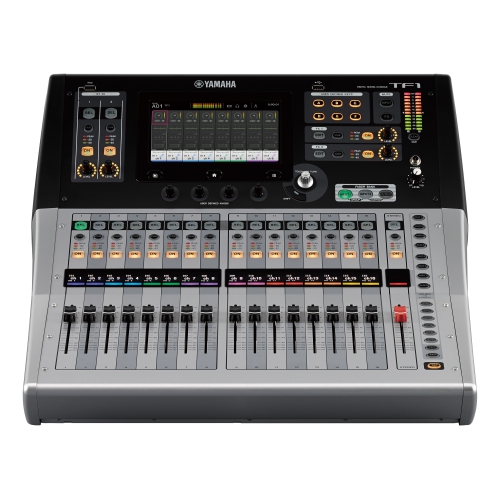
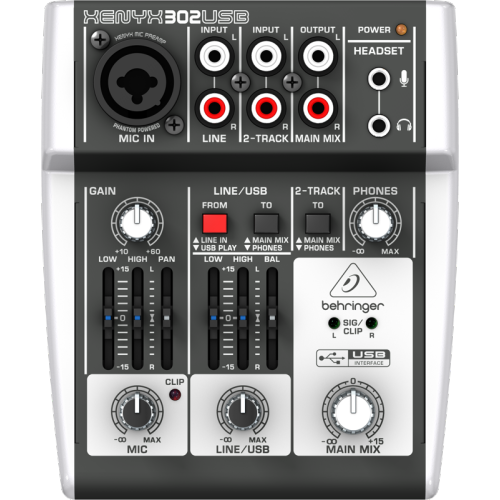
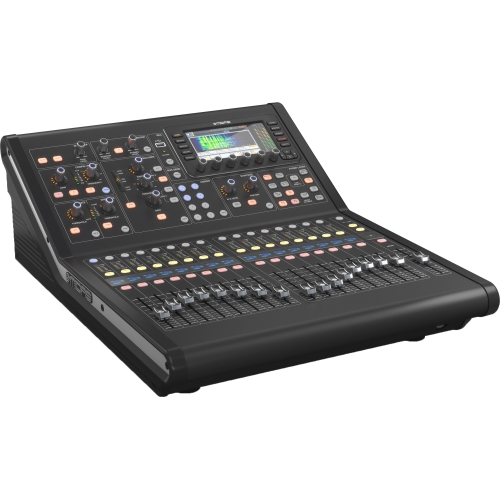
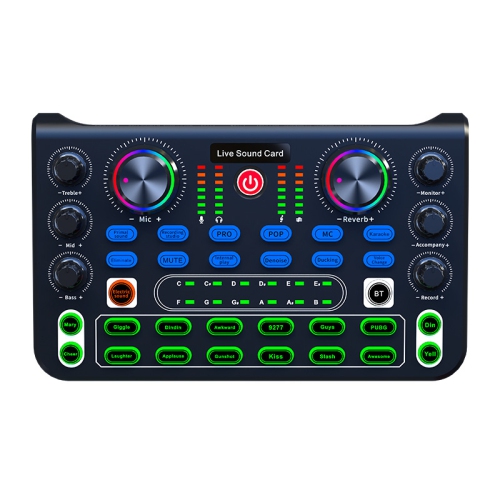
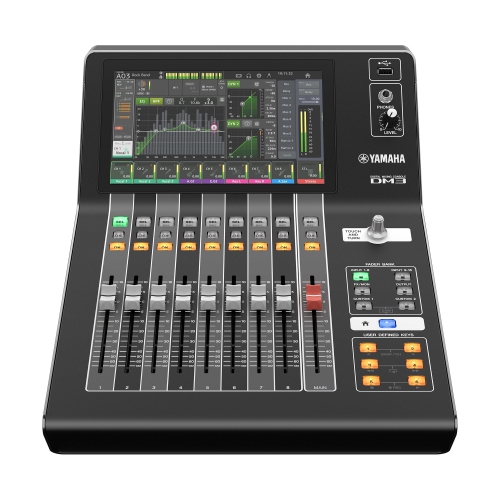
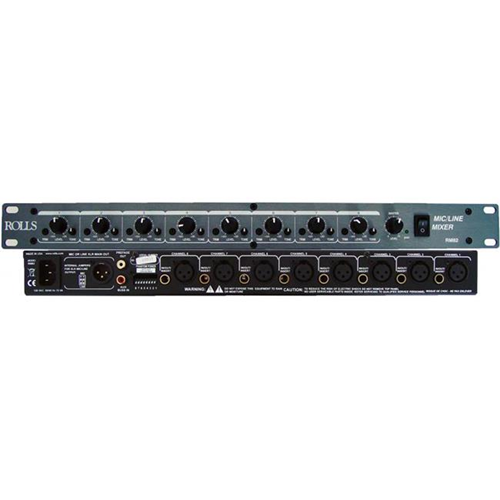
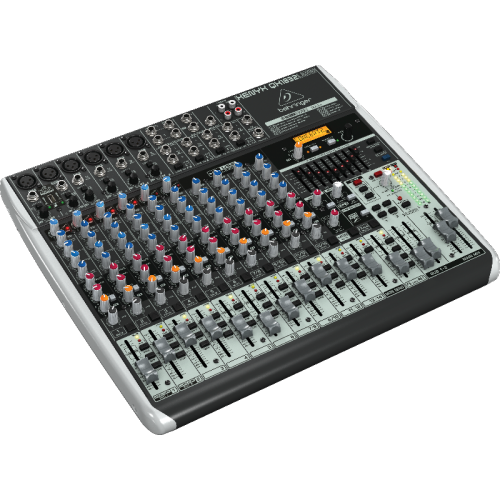
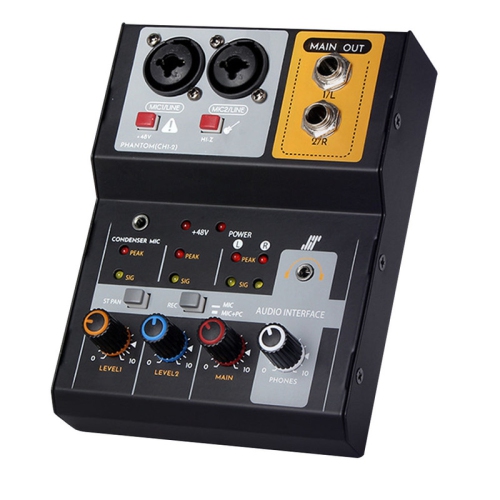
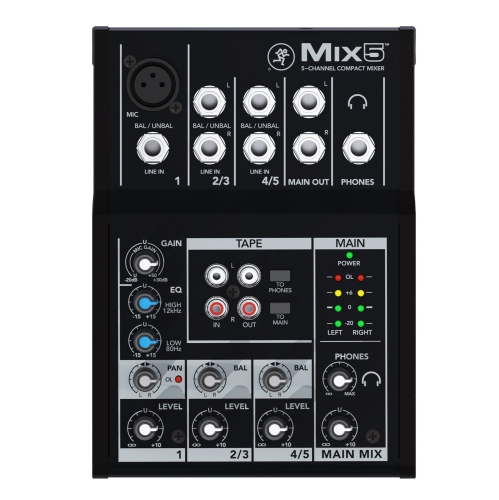
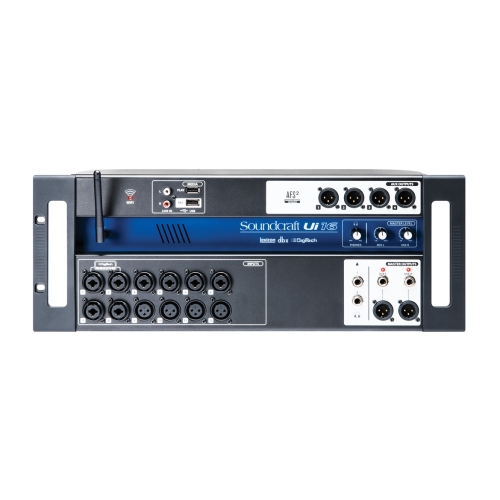
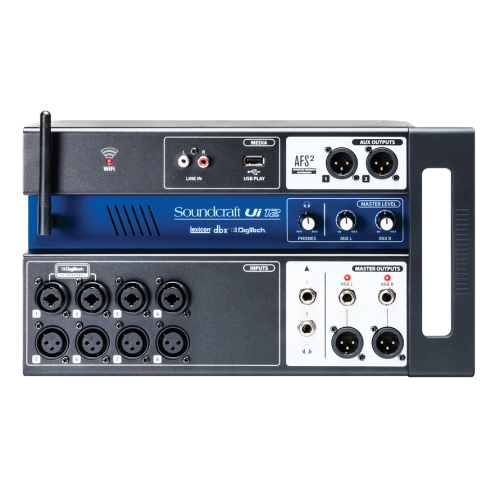
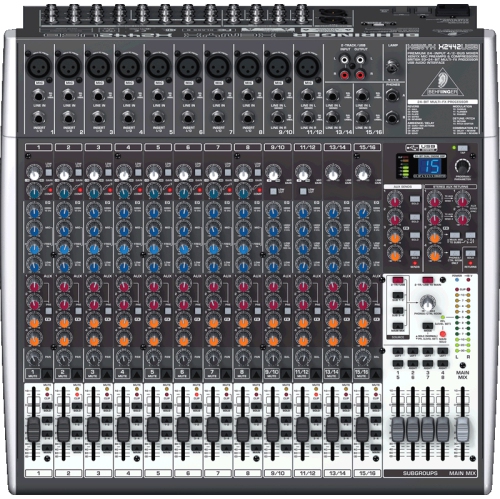
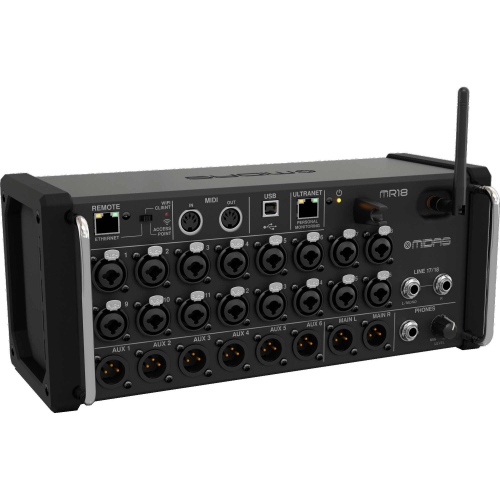
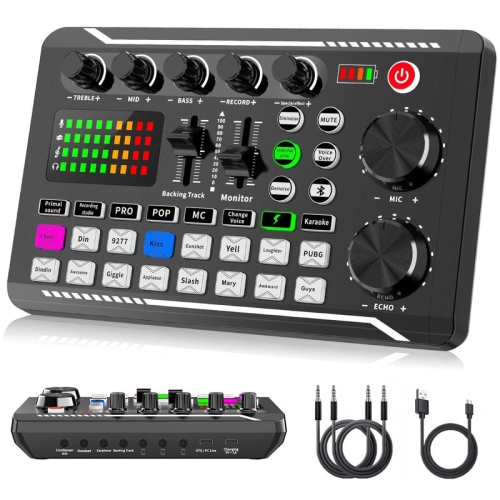
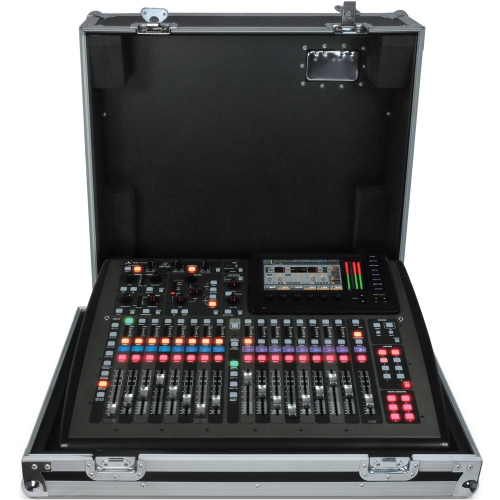
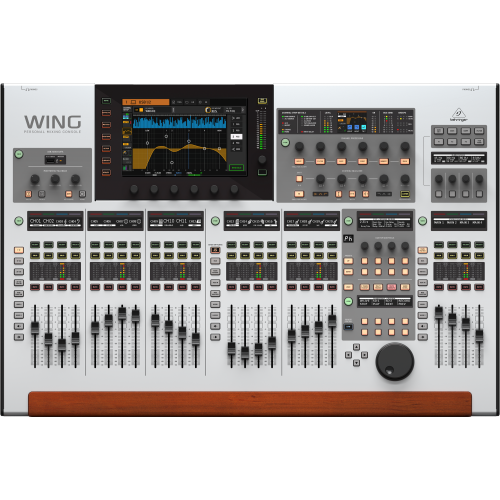
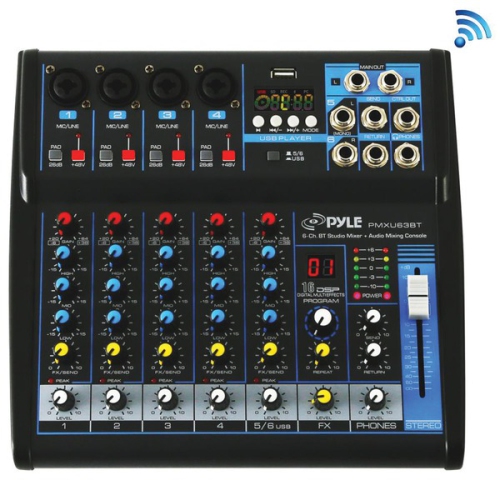
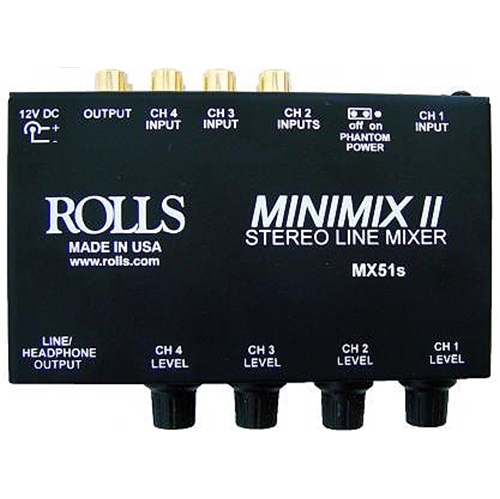
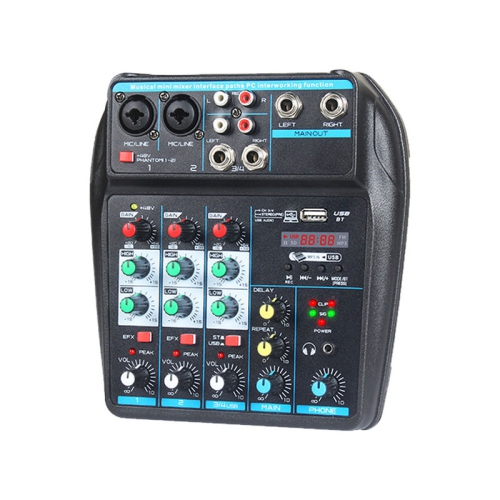
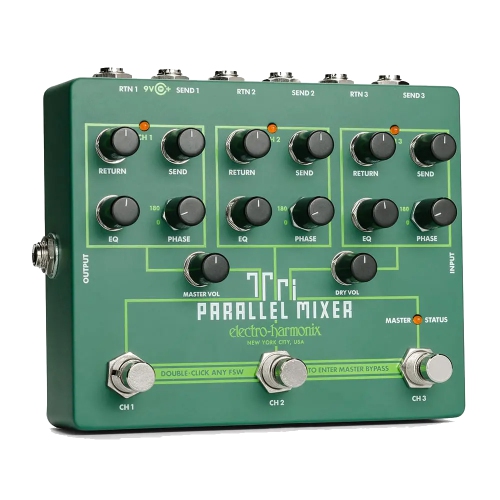
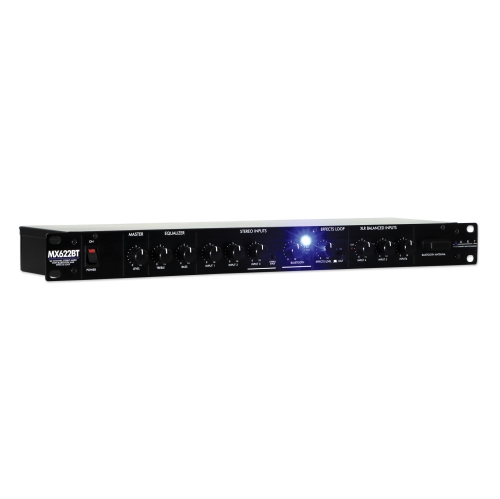
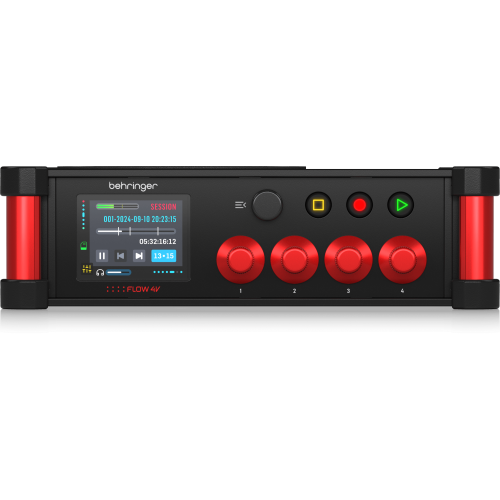
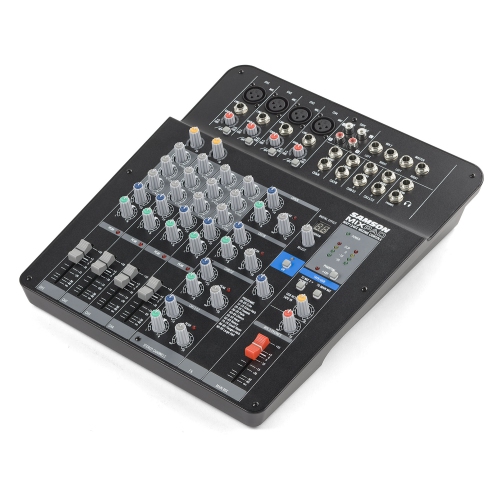
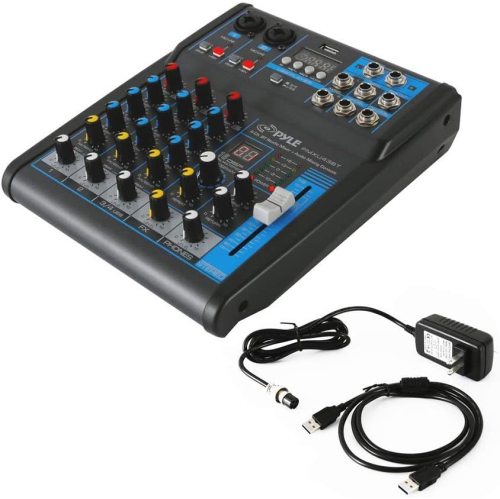
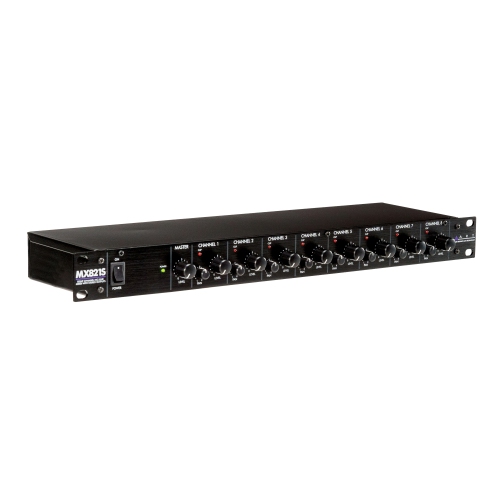
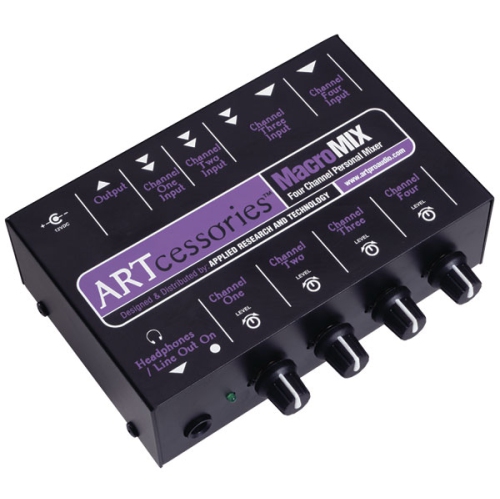
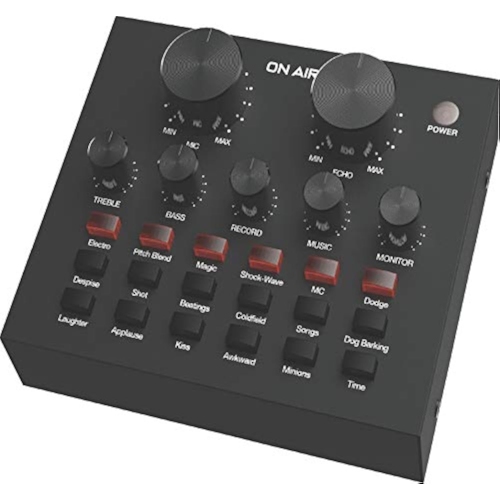
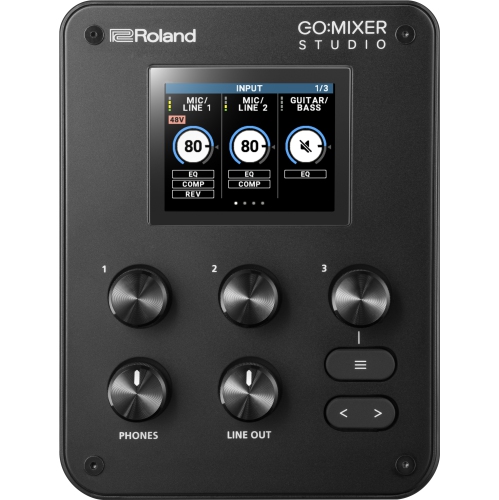
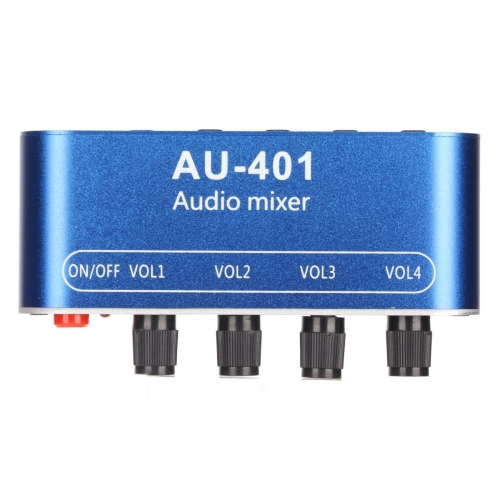
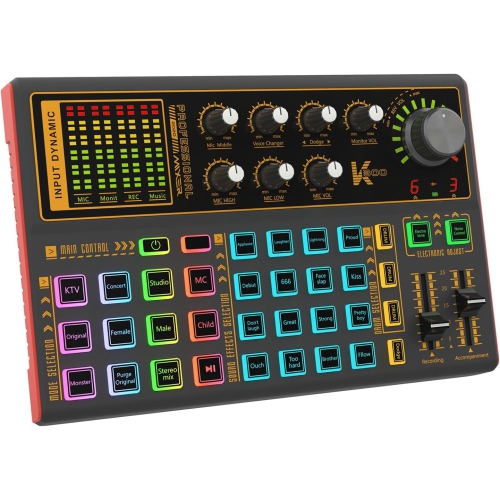
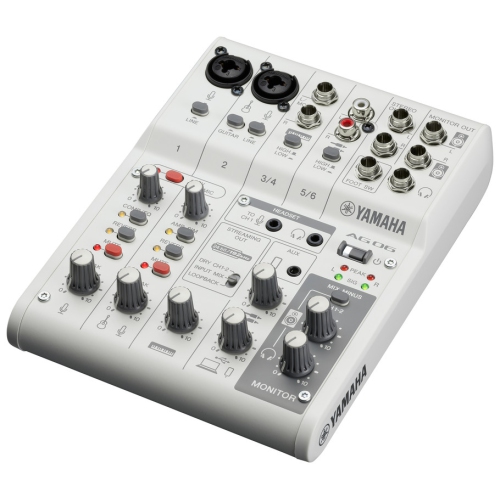
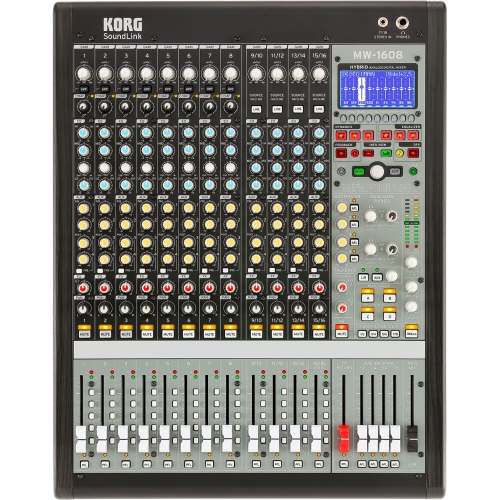
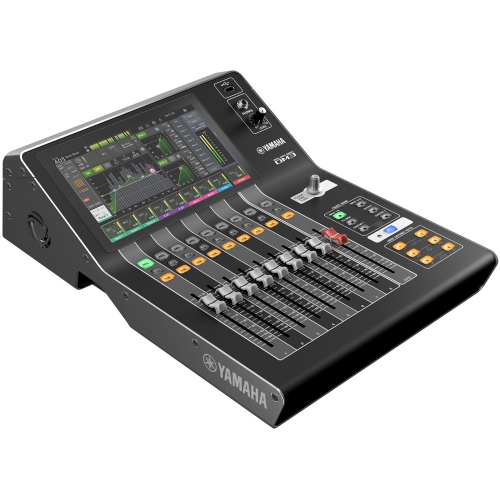
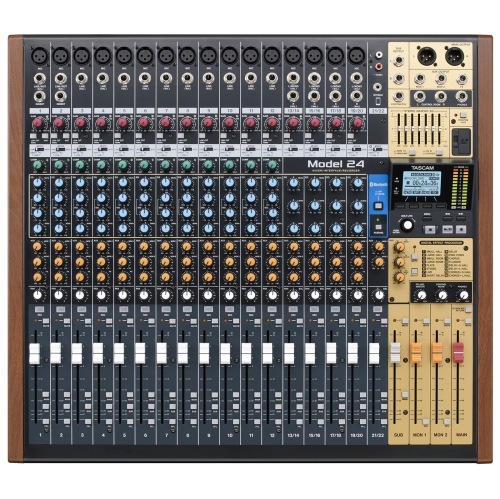
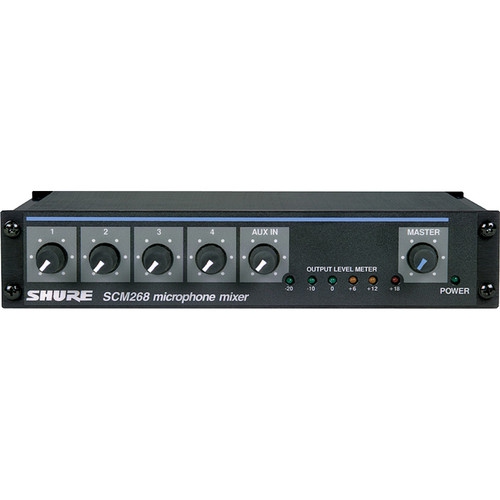
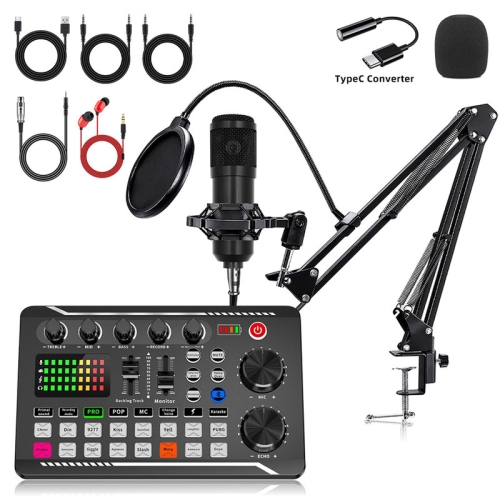
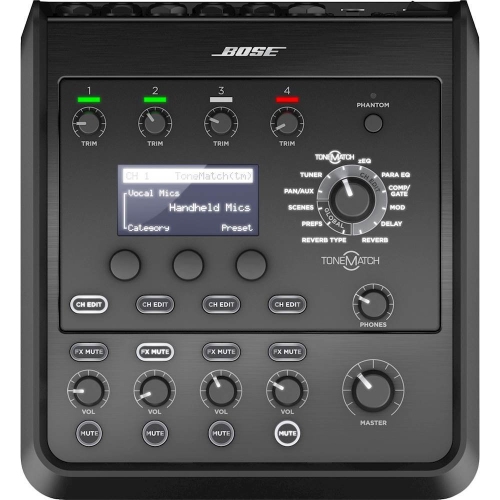
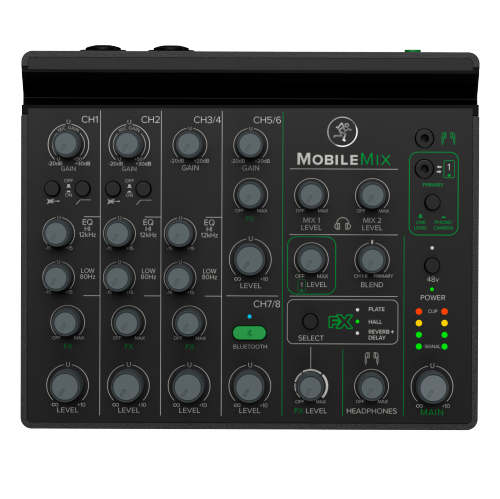
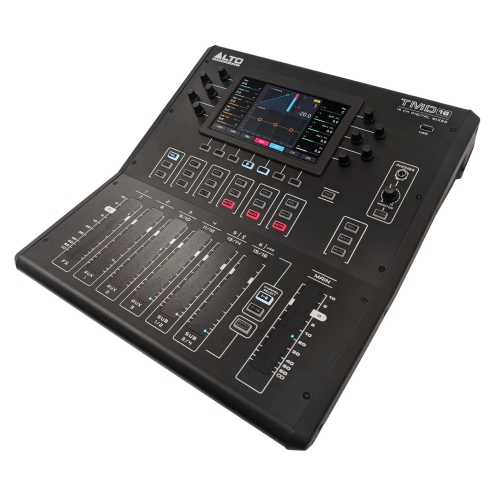
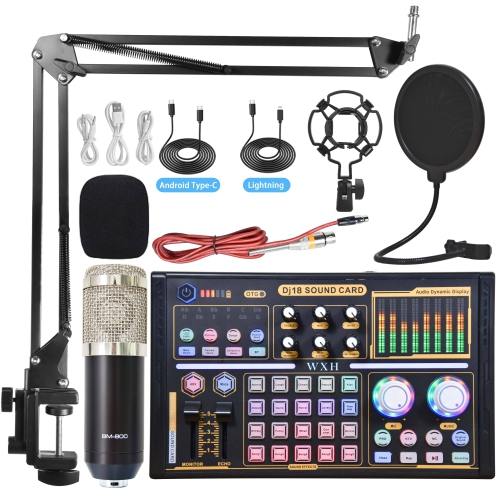
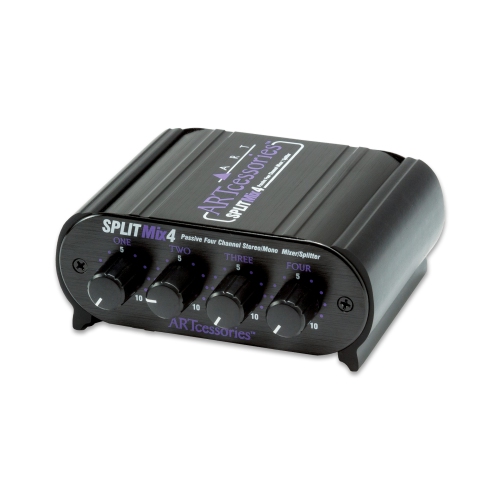
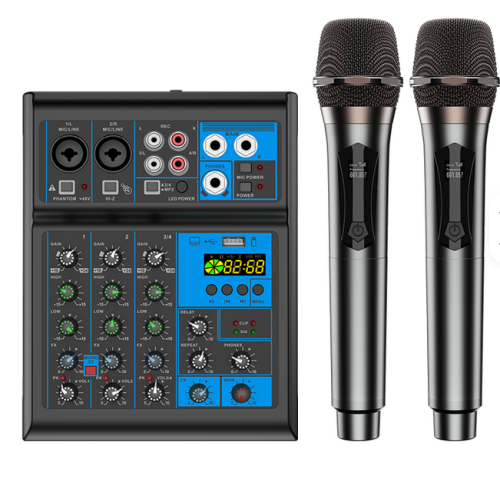
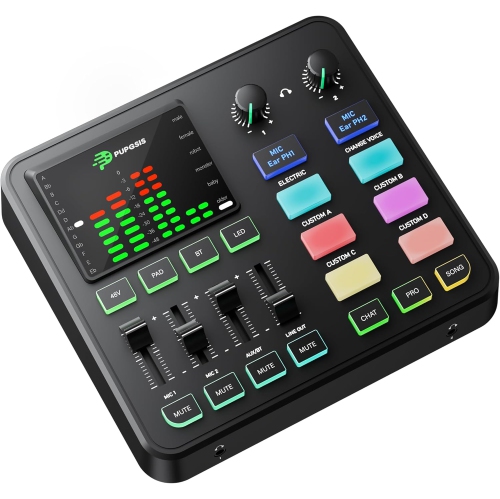
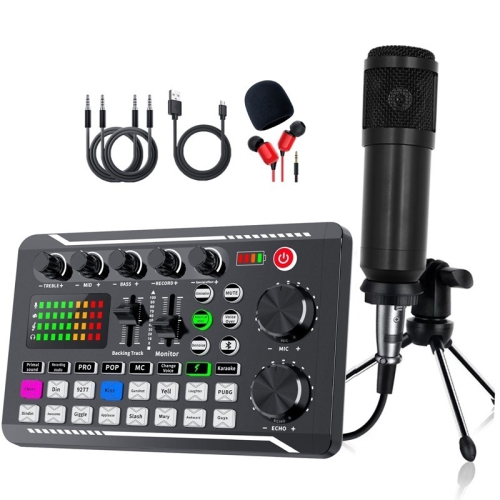
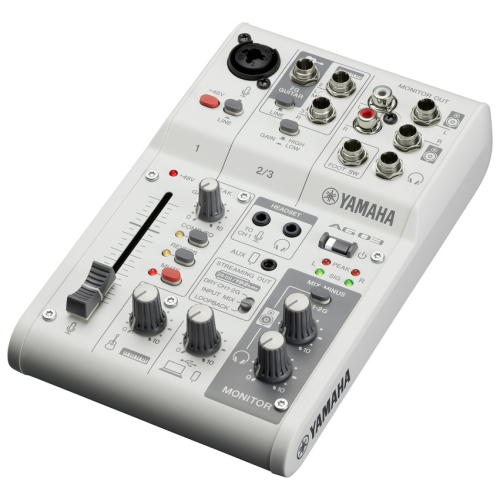
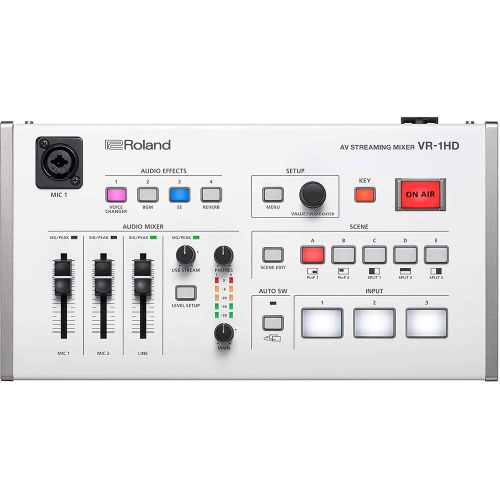
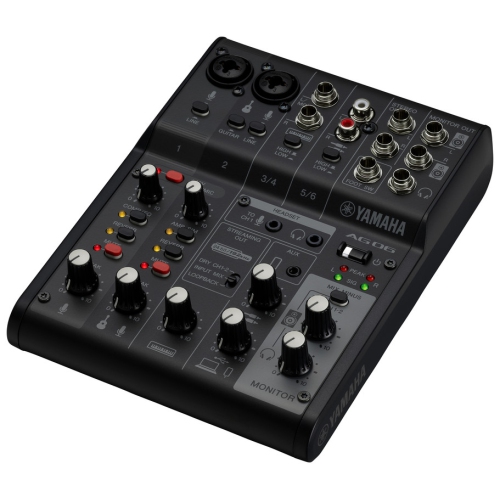
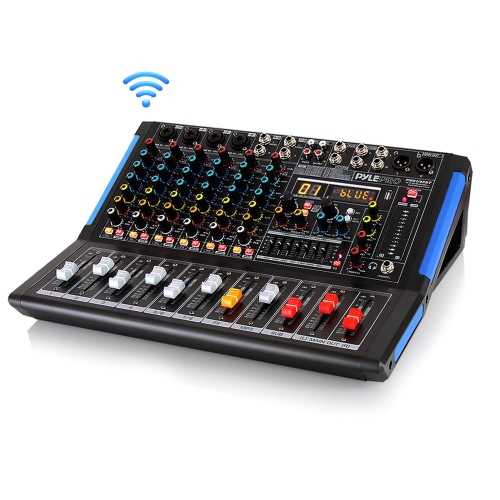
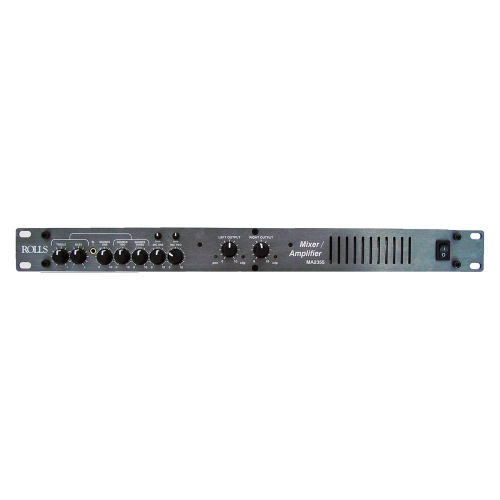
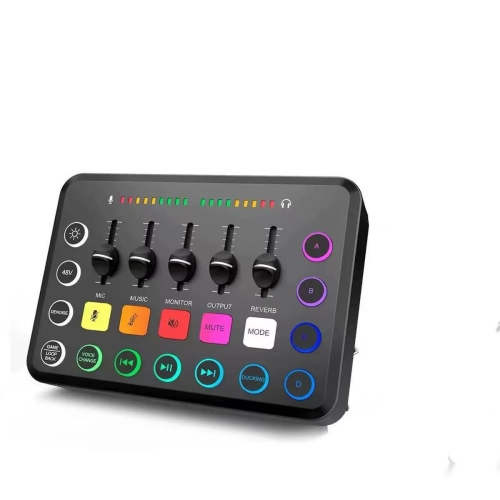
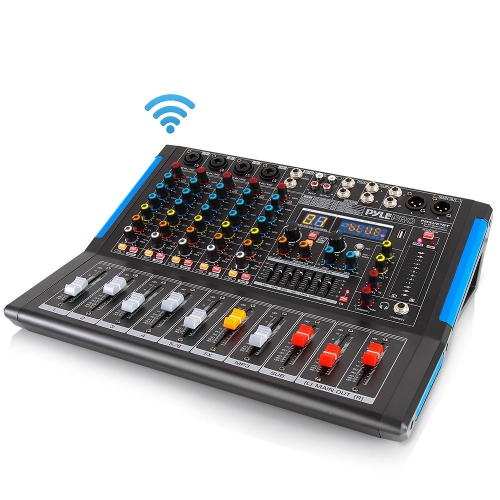
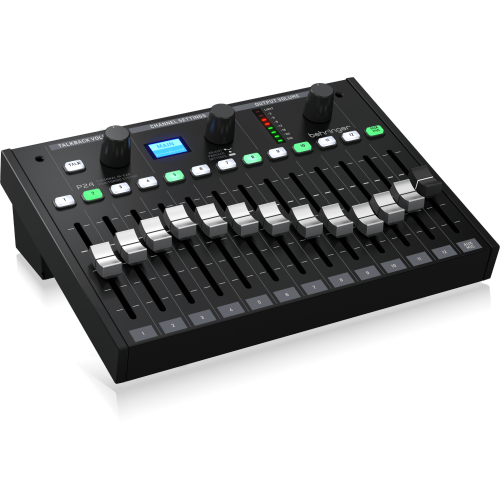
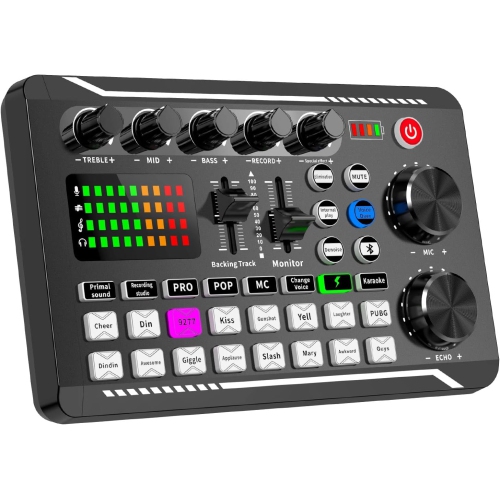
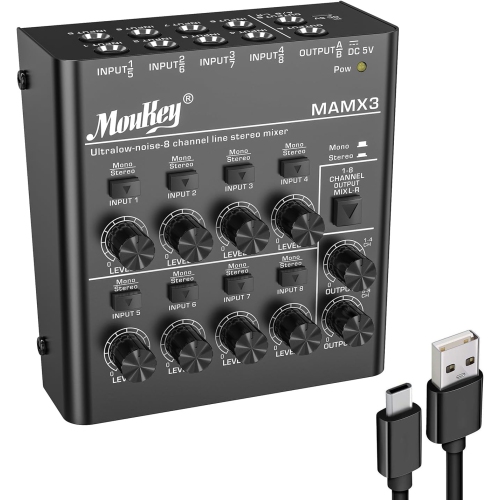
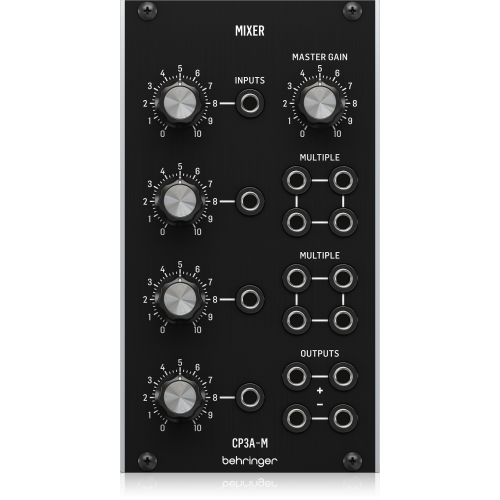
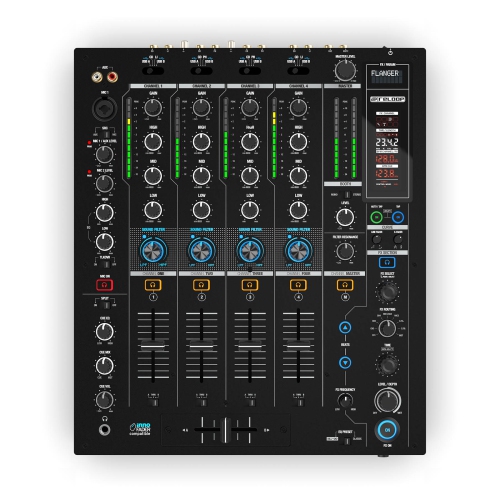
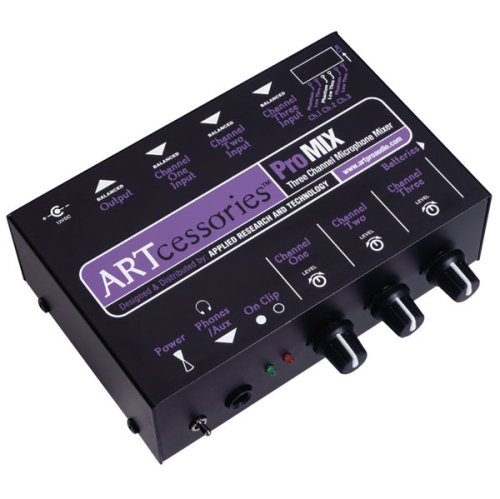
Recording studio mixers combine audio from microphones, instruments, and other sources, then route it to studio monitors, headphones, a computer, or a separate recording device. Their purpose goes beyond making several sounds audible at once: a mixer gives each source its own level control and, depending on its design, tools for adjusting tone, positioning sound within a stereo mix, and adding effects. For a singer recording alongside an acoustic guitar, that can mean balancing the vocal microphone against the instrument while keeping a comfortable headphone mix. For a band, it can mean bringing drum microphones, bass, keyboards, and vocals together without losing control of individual parts. Analogue mixers typically offer a direct, hands-on layout, with physical knobs and faders that make signal adjustments easy to see and feel. Digital mixers can provide more extensive routing, onboard processing, and saved settings that help restore a familiar setup between sessions. A selection of Digital Mixing Consoles is relevant to studios that need features such as scene recall, flexible monitor mixes, or detailed channel processing. Hybrid recording mixers combine a physical mixing surface with recording functions, which may include a USB audio interface or an onboard recorder. These capabilities vary considerably: a USB connection might carry only a stereo mix, or it might send multiple channels separately to recording software. That distinction matters when a session needs individual tracks for later editing. A mixer primarily handles signal balance and routing, while an audio interface primarily converts audio between analogue equipment and a computer; some devices perform both roles. Neither category automatically guarantees independent recording of every input. For producers working in a digital audio workstation, often called a DAW, a multitrack-capable mixer can bring tactile controls into a computer-based workflow while preserving separate performances for detailed mixing later. A stereo-output mixer suits sessions where capturing the finished balance is sufficient, such as a straightforward spoken-word recording or a keyboard performance mixed with backing audio.
The most useful recording studio mixer is one whose connections and signal paths match the session. Advertised channel counts do not always equal the number of microphones that can be connected at the same time: stereo line inputs, effects returns, and other sources may contribute to the total. A four-person podcast, for example, needs enough microphone inputs and preamps for four voices, while a keyboard-focused studio may place more value on stereo line inputs. Microphone preamps raise quiet microphone signals to a usable level, and their available gain and noise performance are particularly relevant for soft speech or quieter acoustic instruments. Phantom power supports compatible condenser microphones and some active devices, but microphone requirements and compatibility differ. Line-level inputs accommodate sources such as synthesizers and external preamps; a guitar or bass connected directly may need a dedicated high-impedance input or a suitable direct box. Once those signals reach the mixer, gain controls establish the input level, while channel faders or level knobs determine how prominently each source sits in the mix. Clear meters make it easier to spot peaks and avoid clipping during a forceful vocal phrase or a sudden snare hit. Equalization can reduce unwanted low-frequency rumble or make space between competing sounds, and onboard compression, where included, can help manage changes in level. Effects such as reverb can make a headphone performance feel more natural, although the ability to monitor an effect without recording it depends on the routing design. Auxiliary sends become especially useful when performers need different balances: a vocalist may want more voice and less percussion, while a drummer needs a stronger rhythm reference. Separate headphone feeds also require suitable outputs and, in some setups, additional headphone amplification. For computer recording, USB channel counts in both directions, operating-system compatibility, driver support, and supported recording resolution deserve attention. A connector labelled USB-C describes the physical connection, not the number of tracks available. Direct monitoring can let performers hear incoming audio without a round trip through recording software, reducing distracting delay when the mixer supports the required signal path.
Physical design has a noticeable effect on how a mixer fits into everyday studio work. A compact desktop layout can sit beside a laptop and small keyboard, while a larger console needs enough surface space for its footprint, connected cables, and comfortable access to the controls. Rear-panel connections can keep a permanent studio tidy, whereas top-panel sockets are easier to reach when microphones and instruments change frequently. Closely spaced knobs save room, but wider spacing and longer faders can make small adjustments more comfortable during extended sessions. Legible labels, visible meters, and clearly separated channel sections help keep attention on the performance rather than on finding a control. Construction also matters: metal chassis, firmly mounted sockets, and well-supported faders can suit repeated setup and teardown, although durability depends on the overall build rather than the casing material alone. A mixer that travels between a home studio and rehearsal space benefits from a fitted case that protects protruding controls and limits movement in transit. In a fixed setup, sensible cable routing reduces strain on sockets, and unobstructed ventilation helps equipment operate as intended. Dust, spilled drinks, and excessive force on connectors can shorten the useful life of otherwise dependable equipment. Gentle exterior cleaning with a soft, dry cloth, appropriate protection when the mixer is idle, and care around fader slots help preserve the control surface; cleaning methods should remain consistent with the manufacturer’s directions. Recording studio mixers serve musicians, producers, voice actors, podcasters, and creators who need several sound sources within reach. They can also make thoughtful gifts for someone building a recording space, provided the input types, computer connections, and intended workflow are understood. For a songwriter, a modest number of well-matched inputs may be more valuable than an expansive console. For a group recording together, additional microphone channels and flexible headphone routing can make the session feel less constrained. The right fit is a mixer that supports the way performances are captured, keeps essential controls accessible, and leaves practical room for the studio’s next microphone, instrument, or collaborator.
Top selling and popular products
-
 Your price for this item is $989
-
 Your price for this item is $699
-
 Your price for this item is $329.99
-
 Your price for this item is $799.99
-
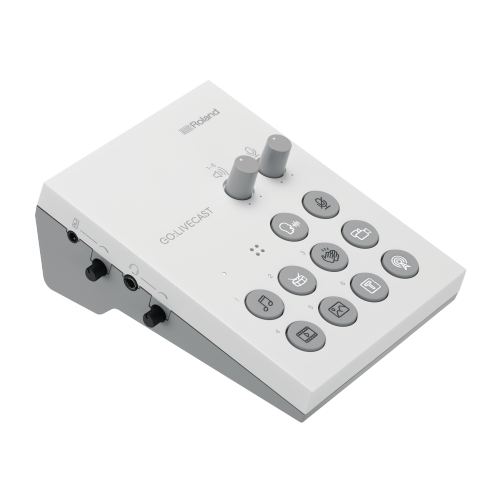 Your price for this item is $69
-
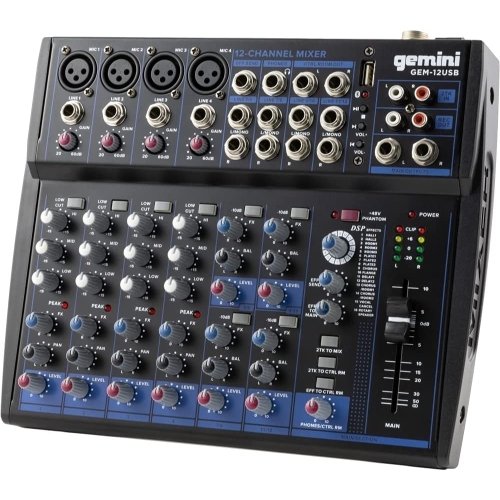 Your price for this item is $205.95
-
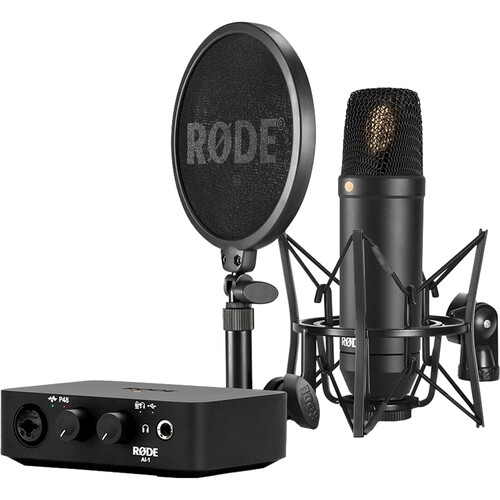 Your price for this item is $199
-
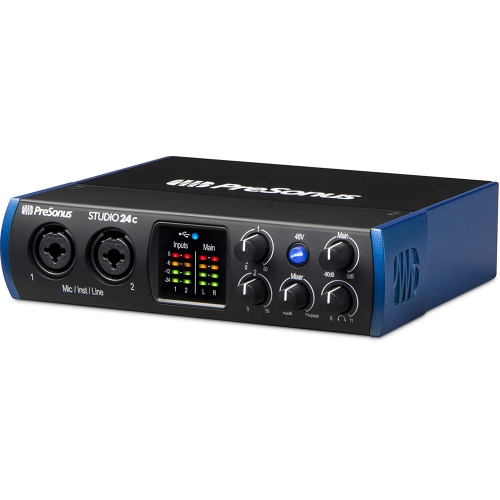 Your price for this item is $241.49
Discover more categories related to Recording Studio Mixers
Top Collections:
Best Black Friday Deals This Year, Best Black Friday Deals On Electronics, Kindle Devices, Pokemon Centers, Best Black Friday Deals On Apple Products, Best Cameras for Sports Photography, Dyson Airwrap, Pokémon 30th Celebration Cards, Apple iPhone 17 Pro, Canon G7X Cameras
Some products may be subject to Environmental Handling Fees
(EHF) depending on your province.
Learn more about EHFs.