Small Office Routers
A router is a networking device that allows you to share an Internet connection among multiple devices. Routers are often installed in the central office of a business, where they connect all of the company's computers and other equipment to the Internet. Here are some of the best small office routers on the market today.
Sort
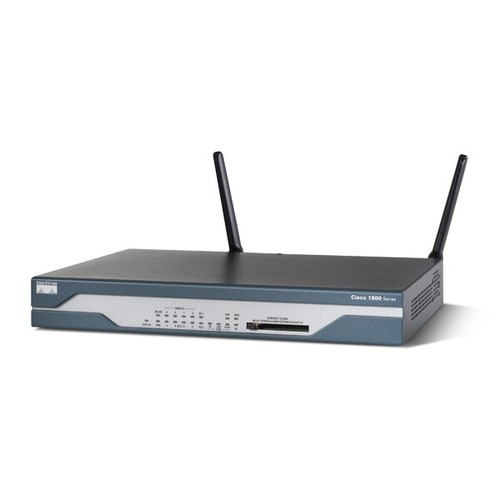
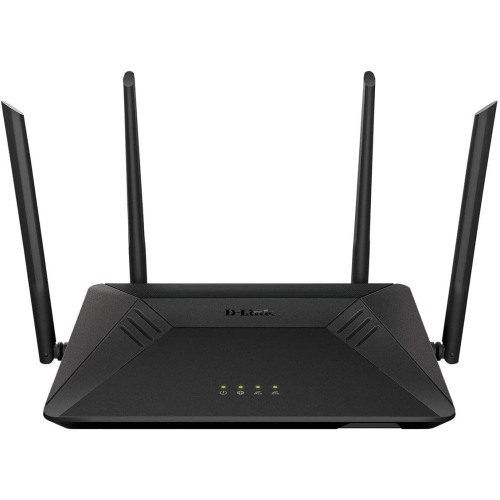
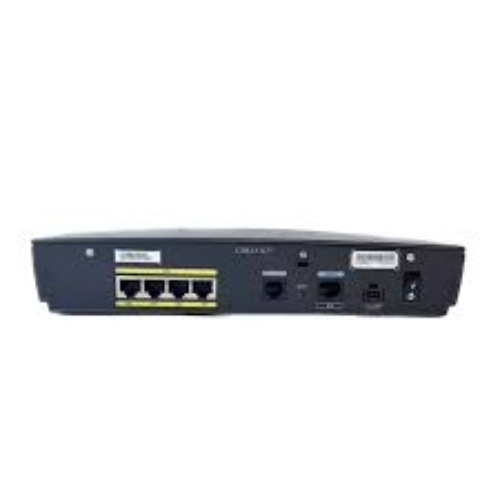
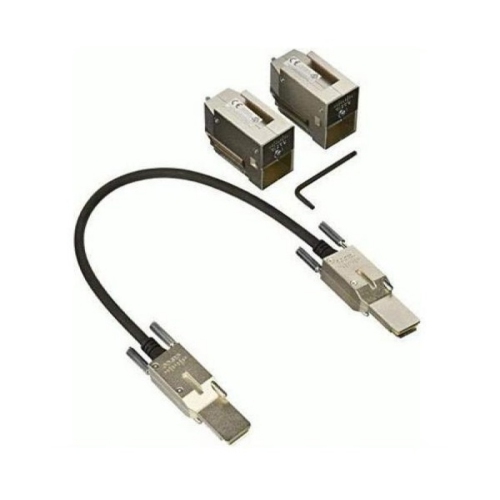
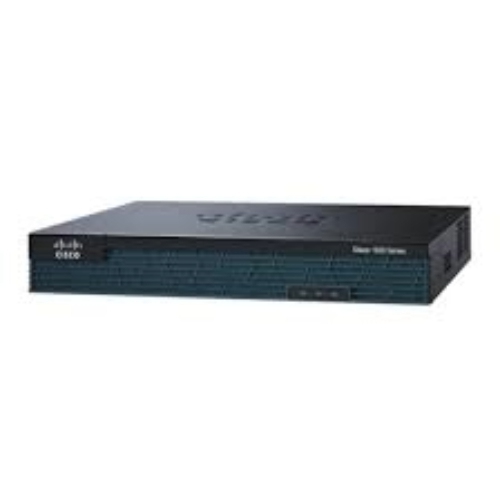
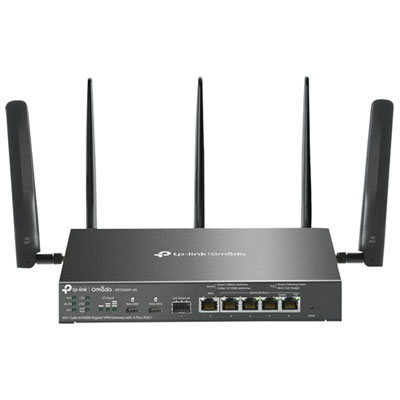
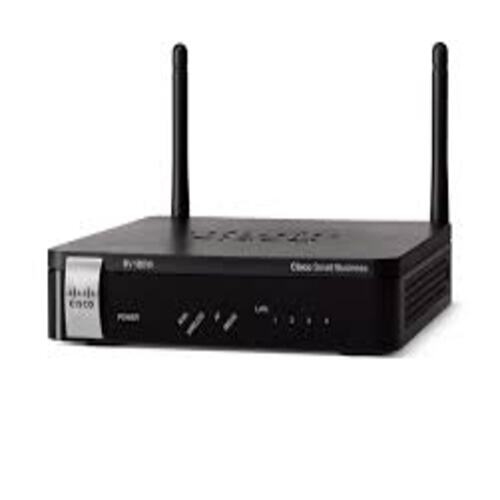
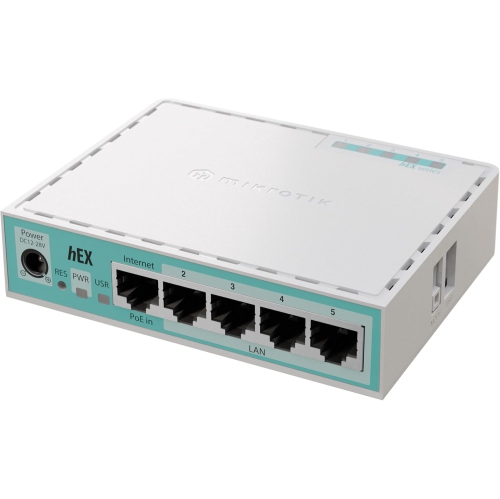
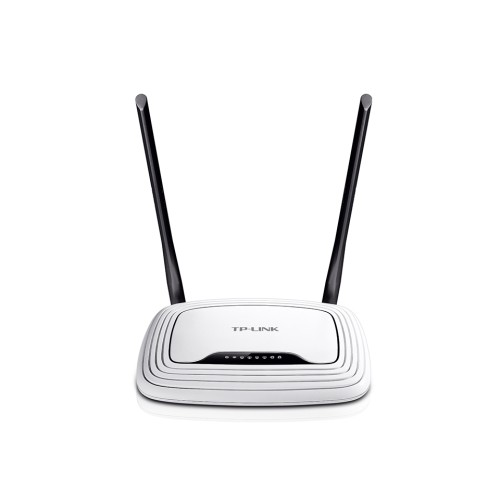

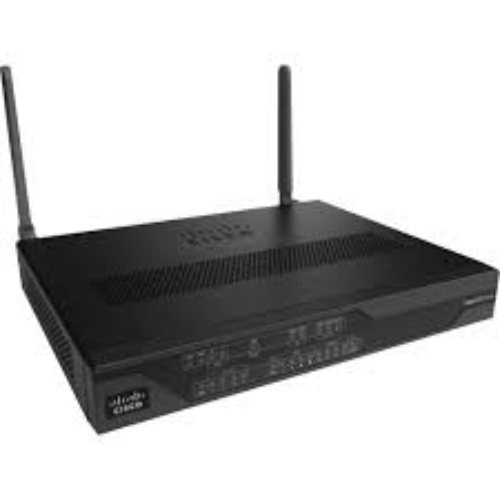
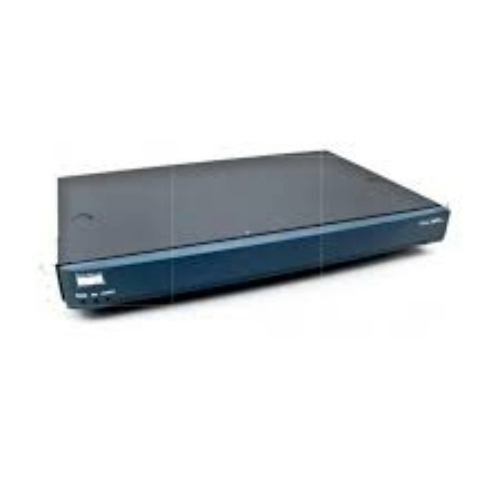
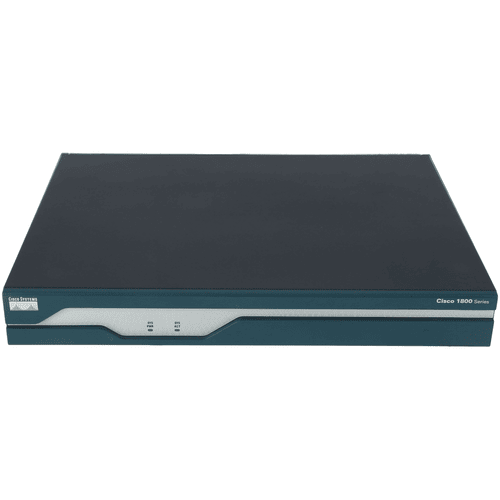
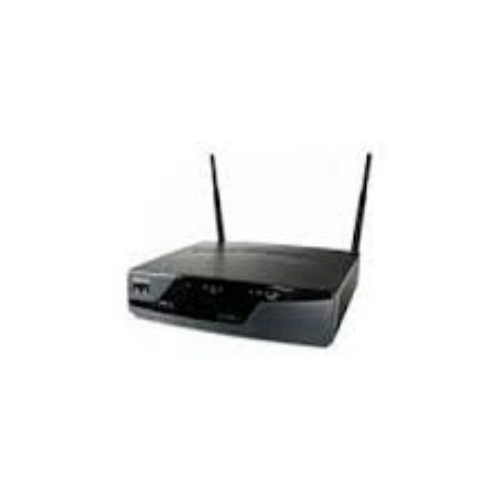
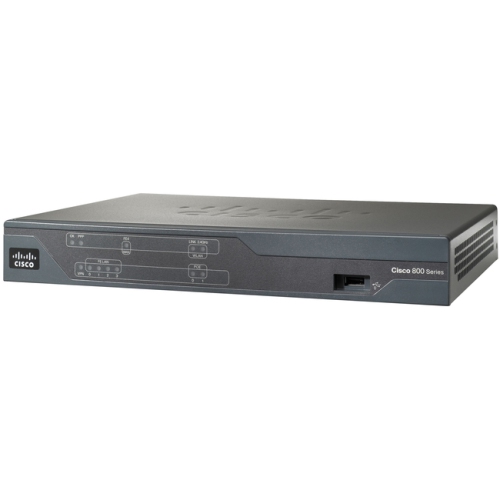
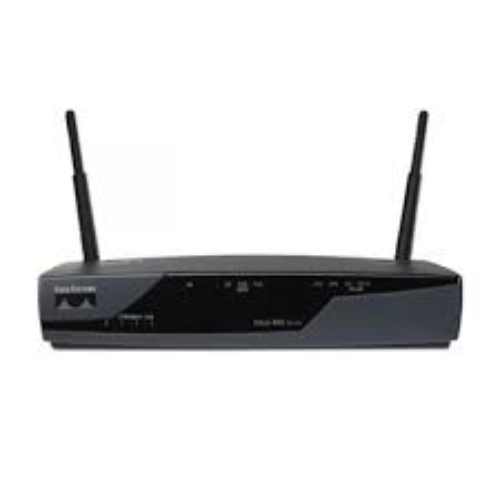
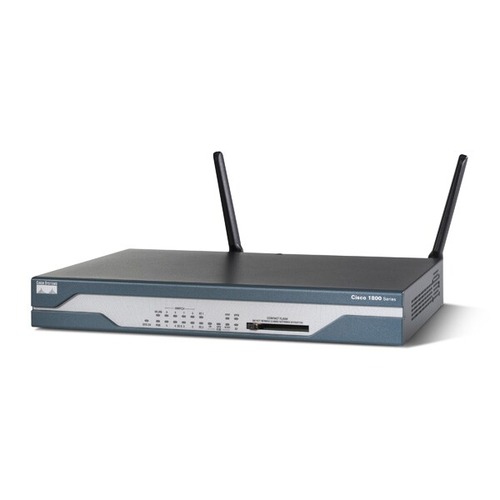
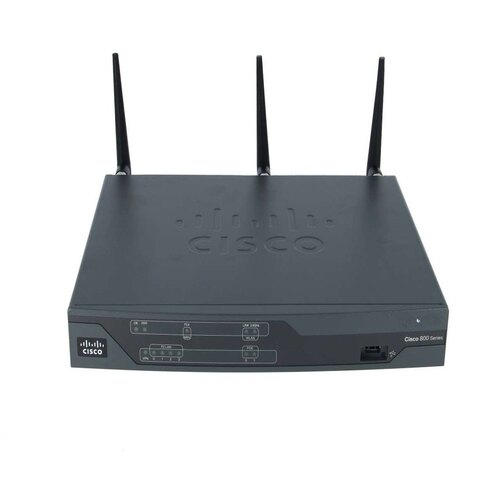
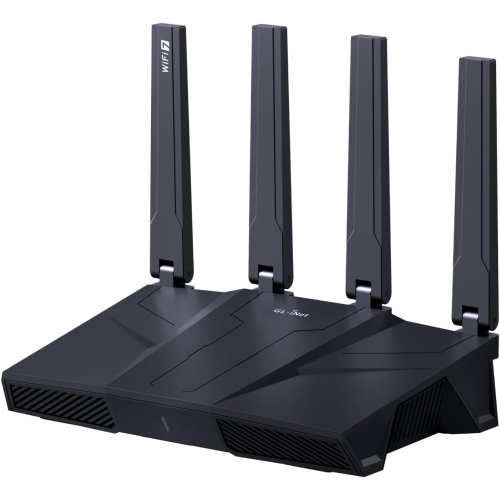
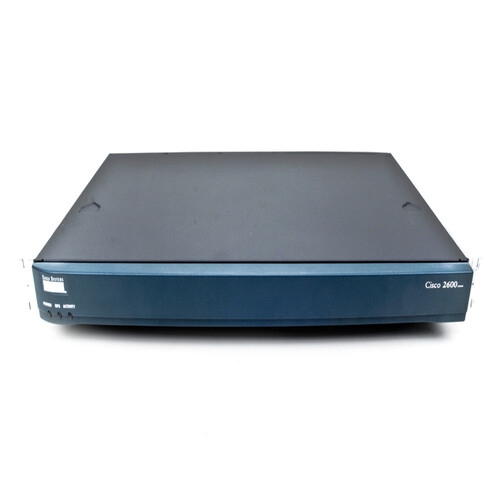
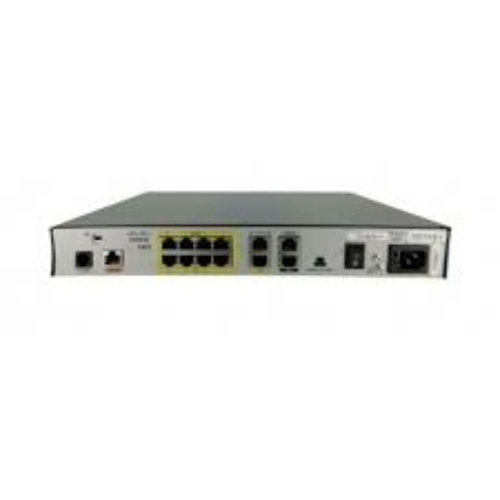
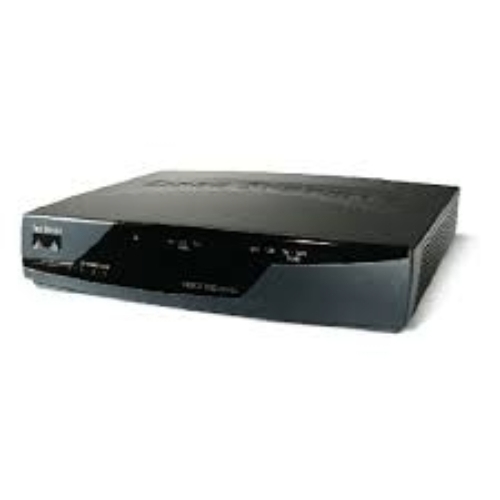
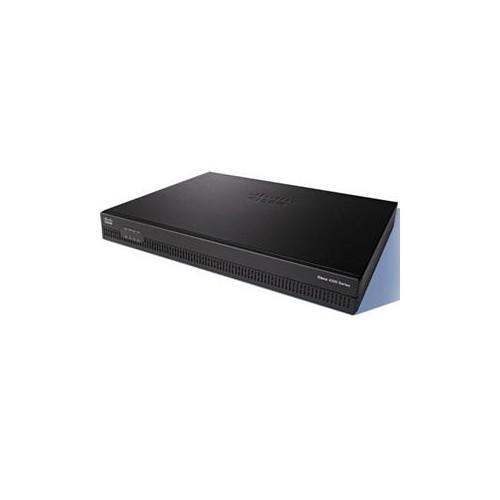
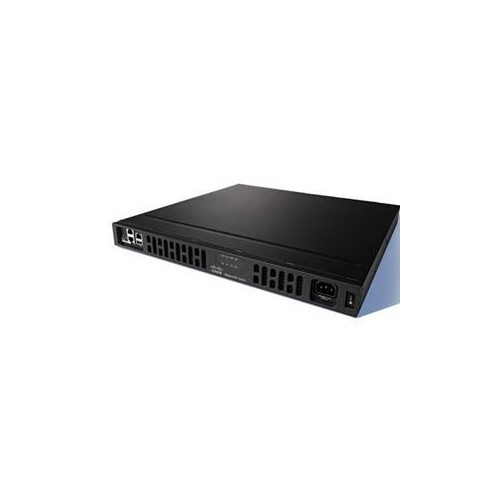
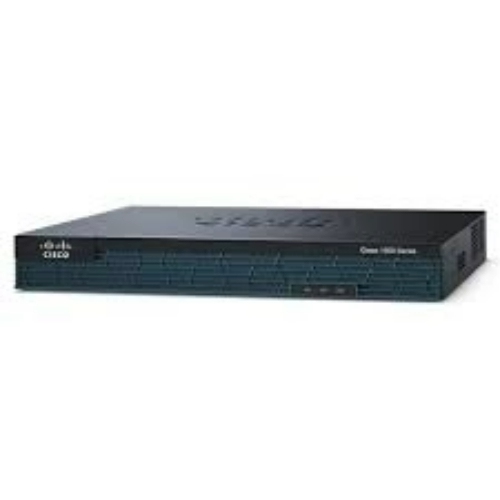
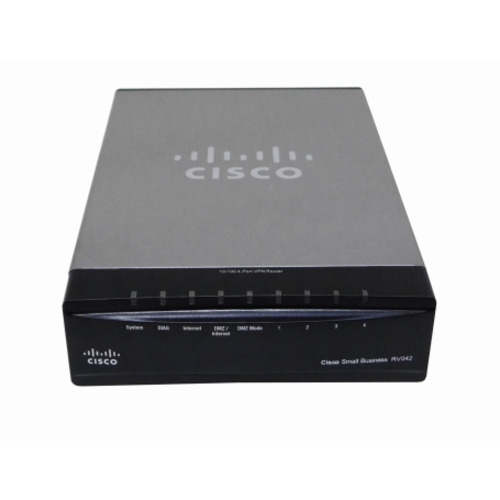
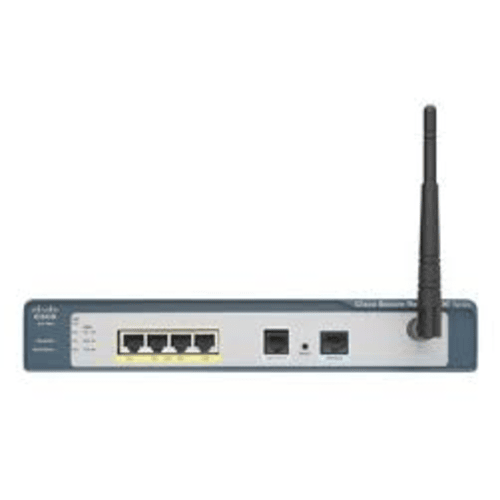
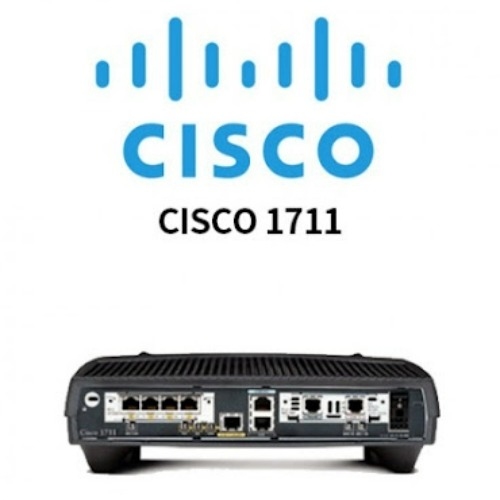
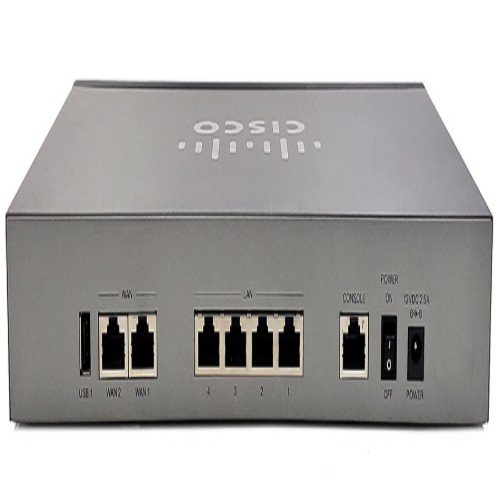
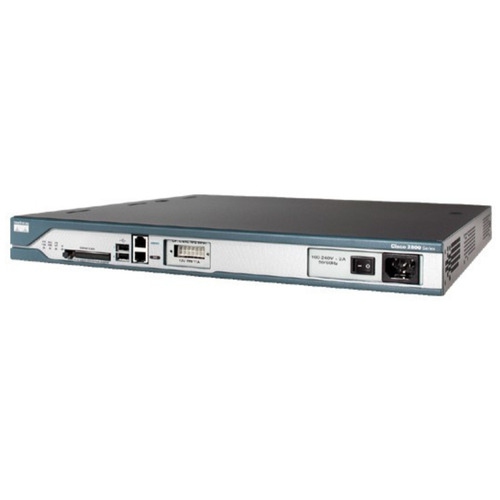
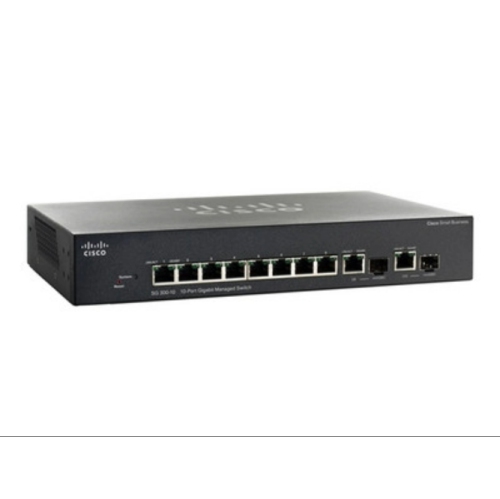
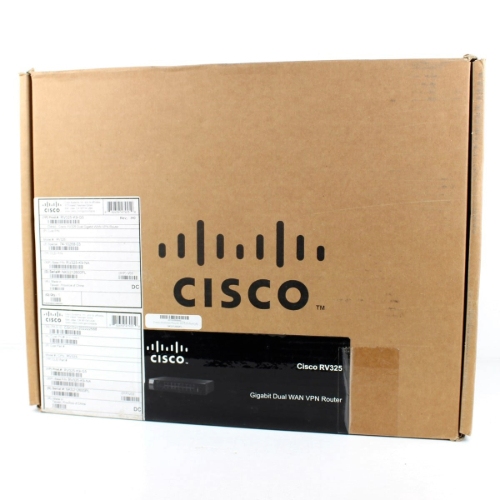
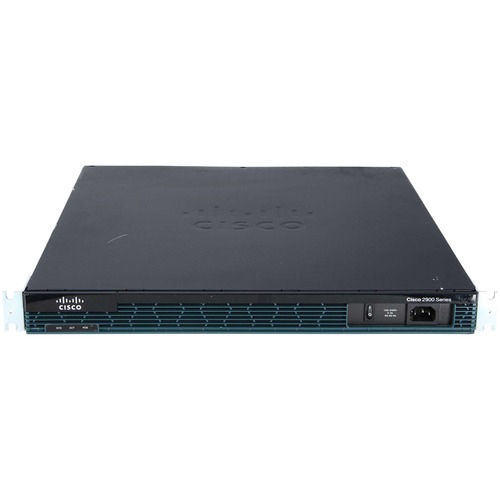
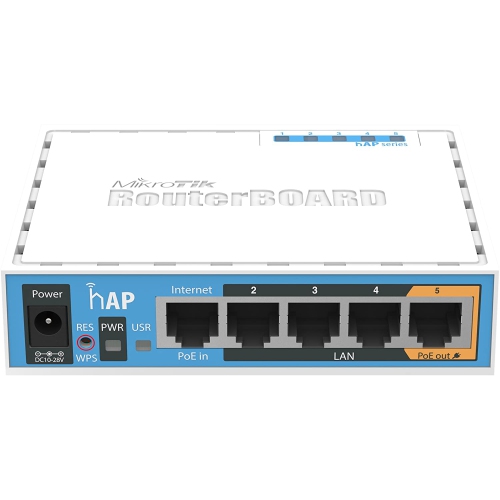
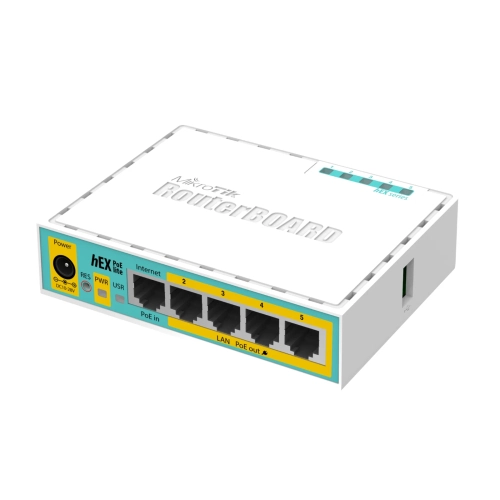
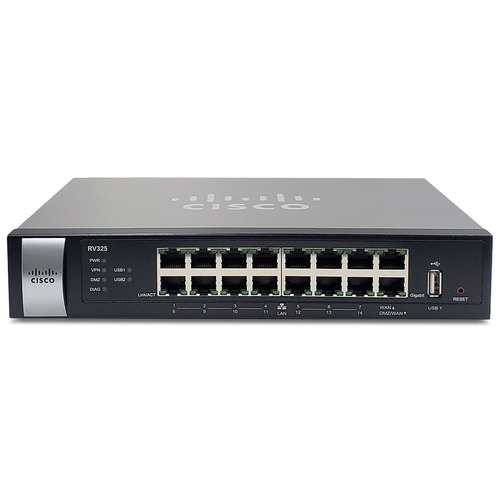
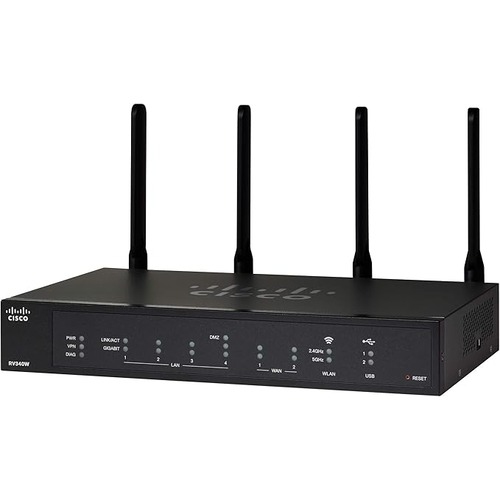
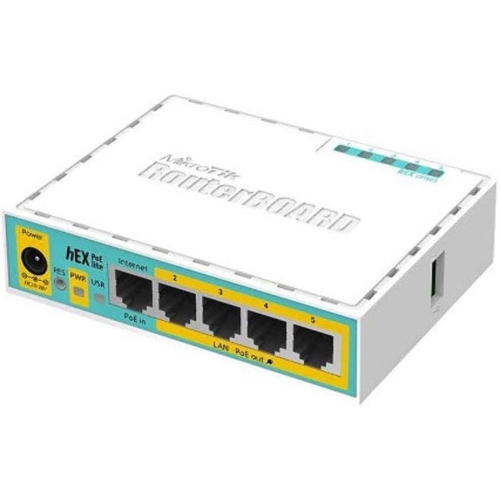
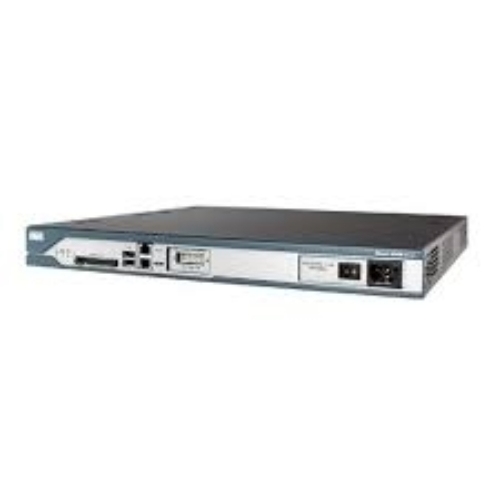
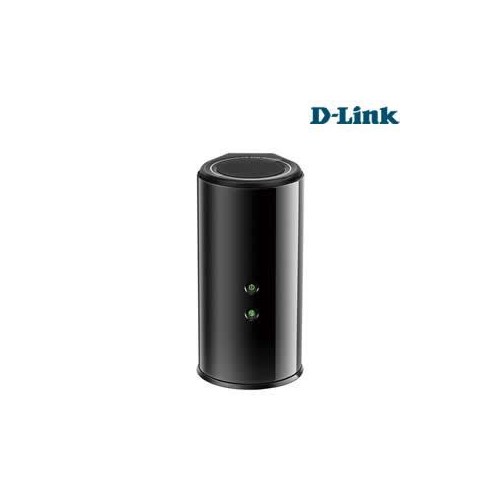
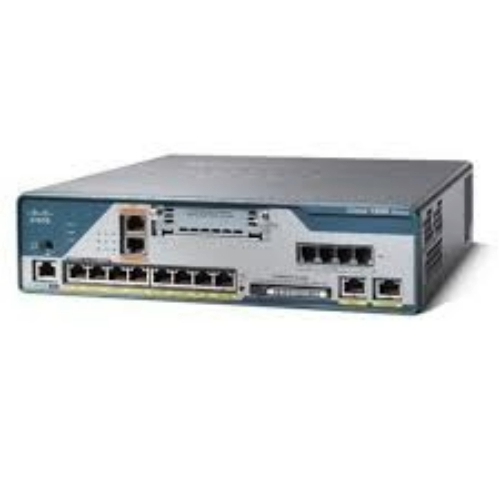
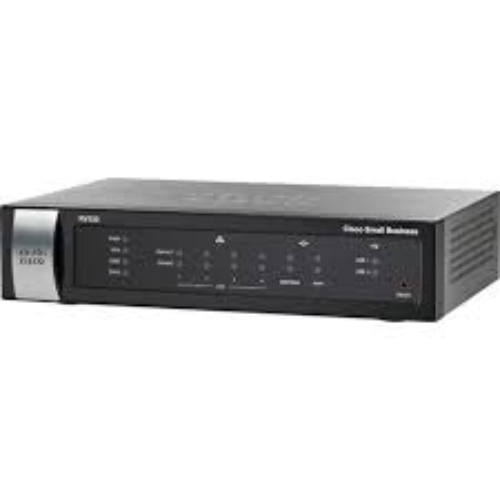

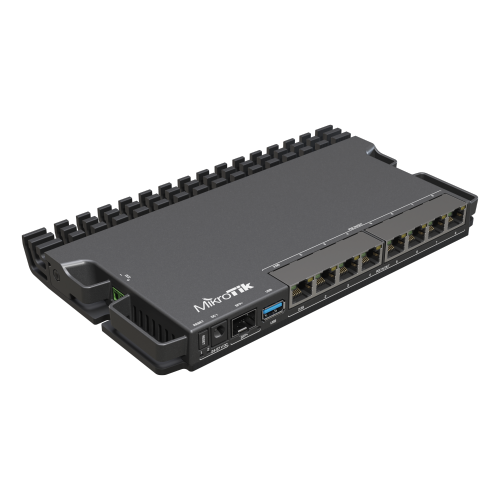
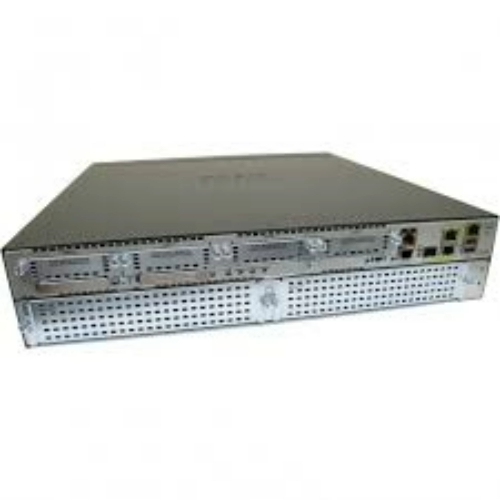

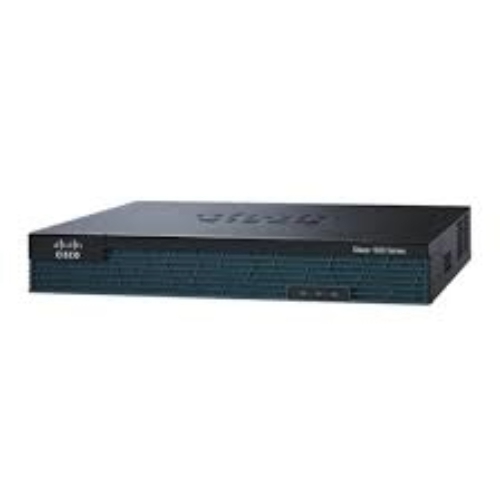
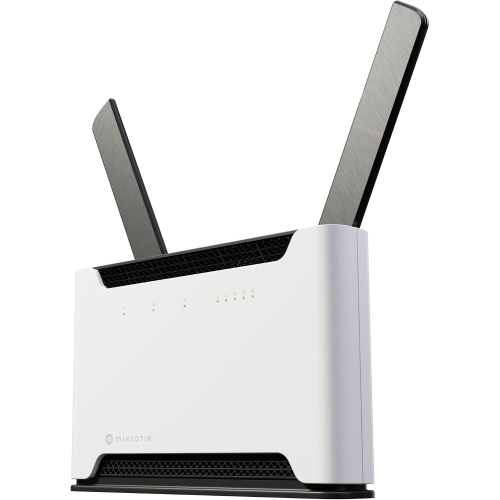
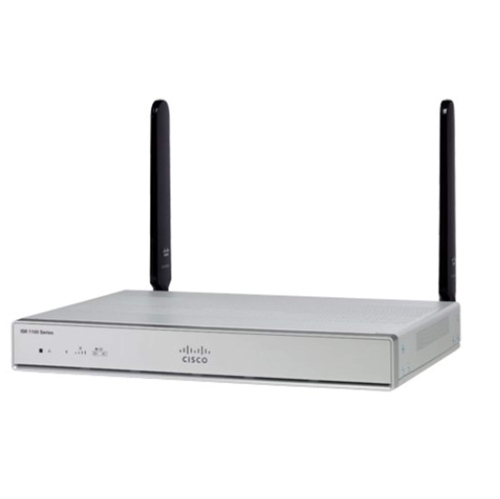
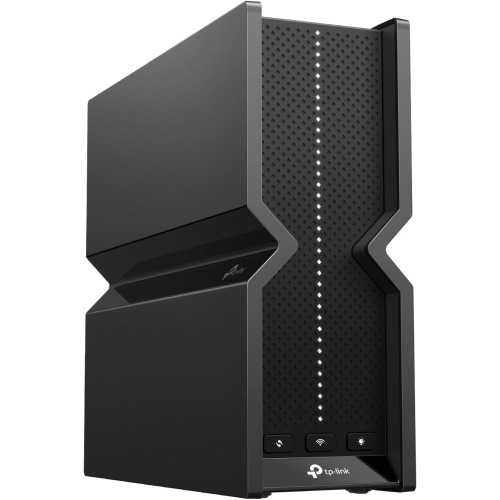
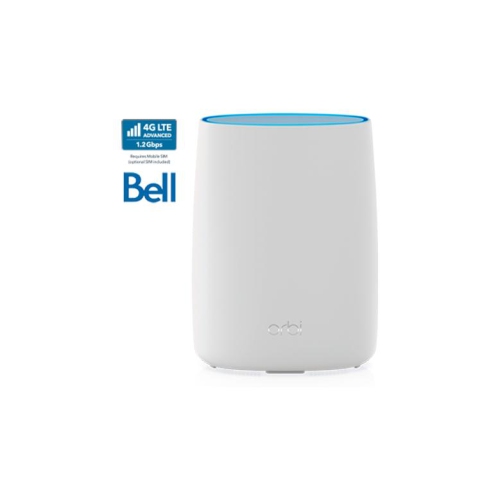
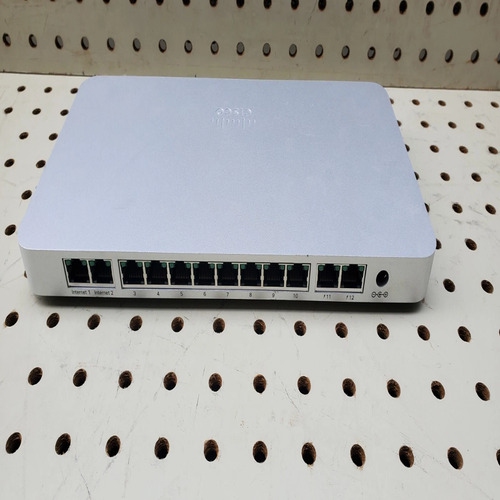
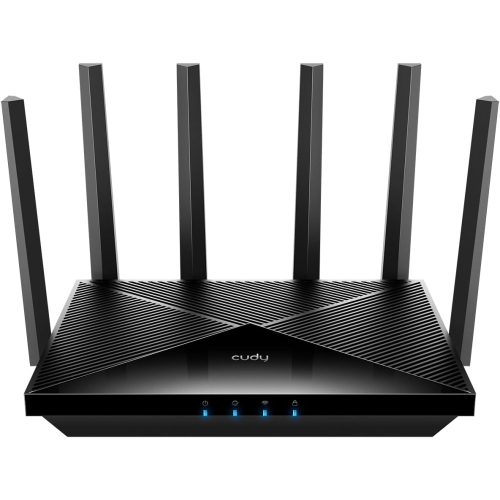
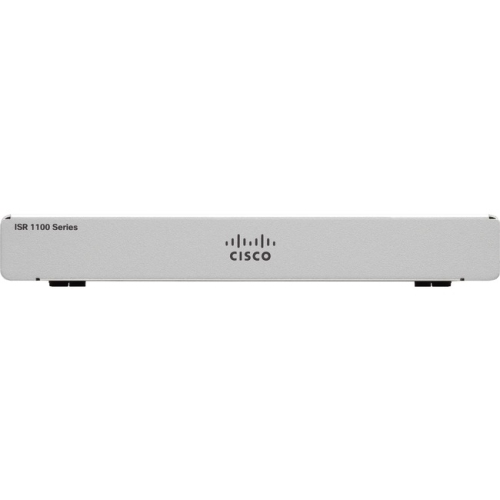
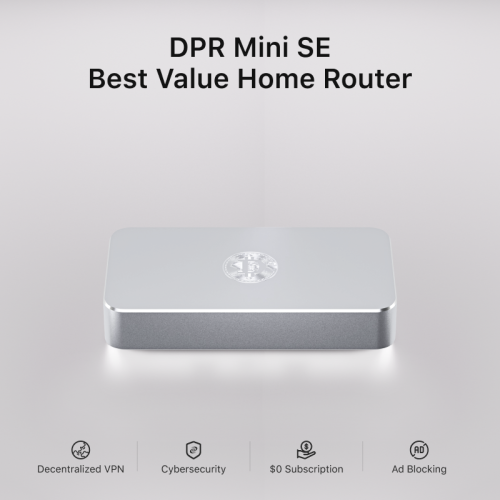
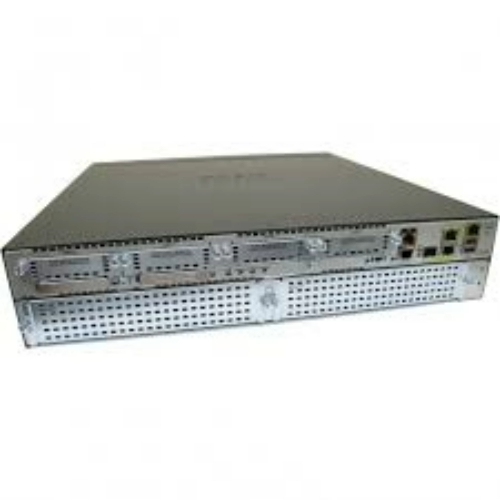
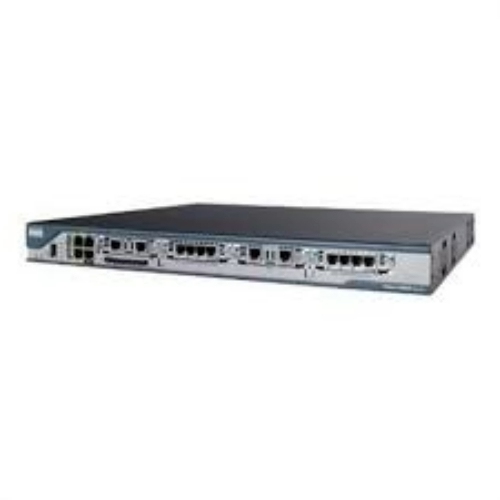
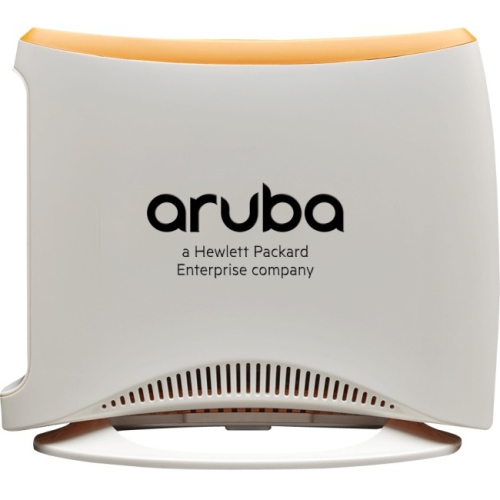
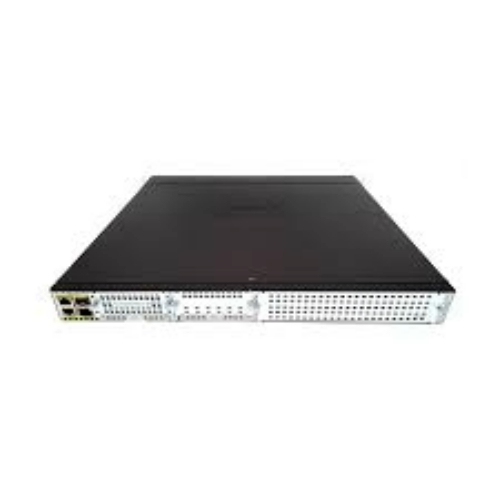
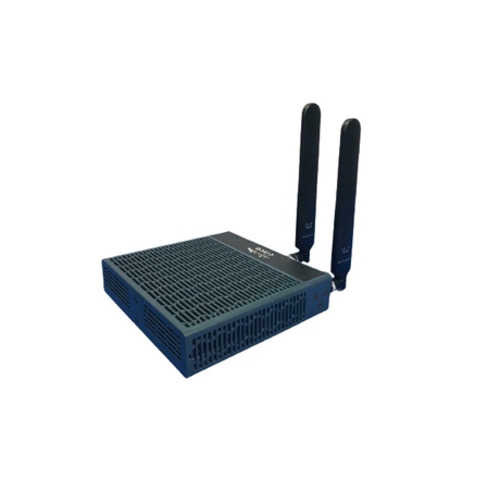
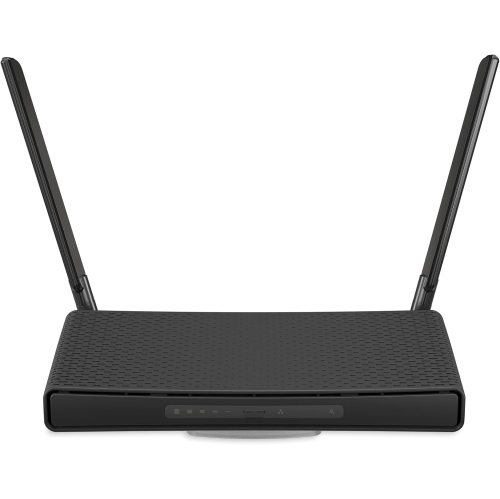
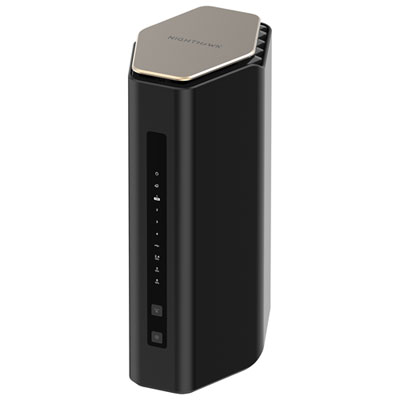
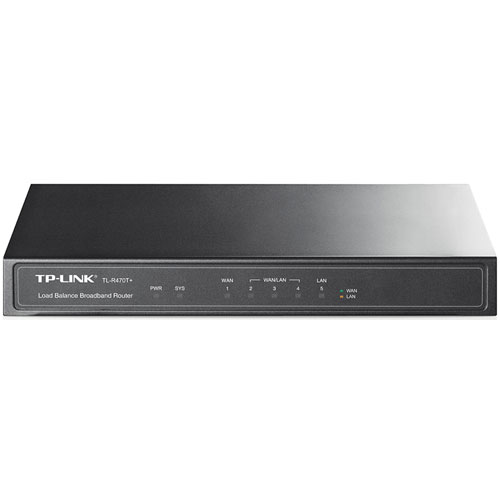
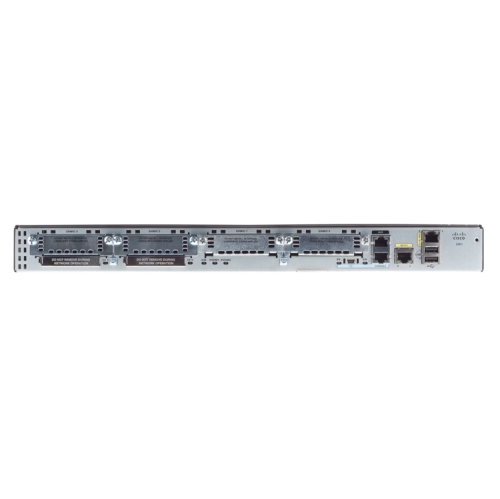
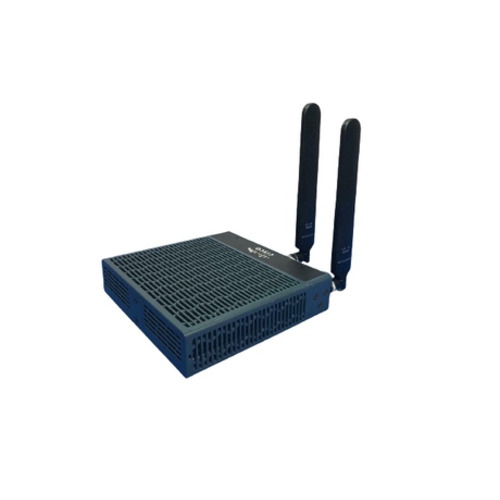
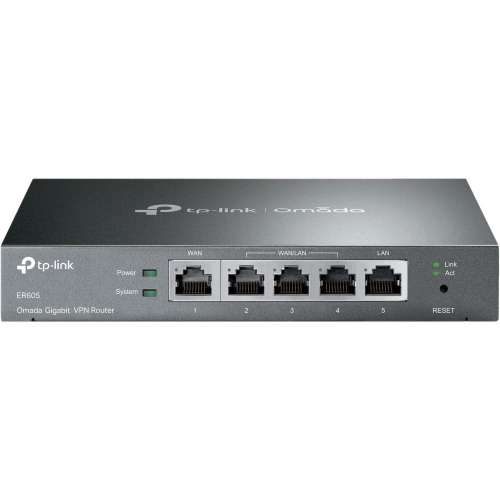
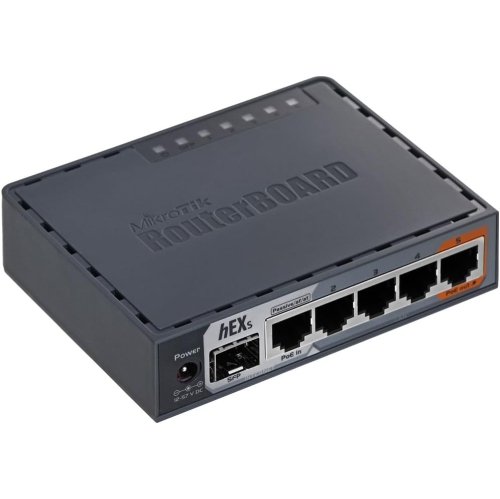
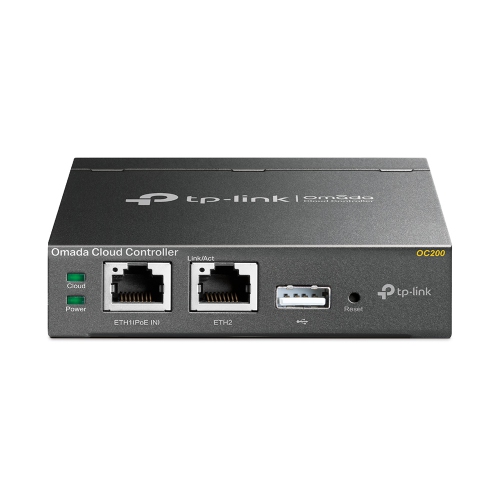
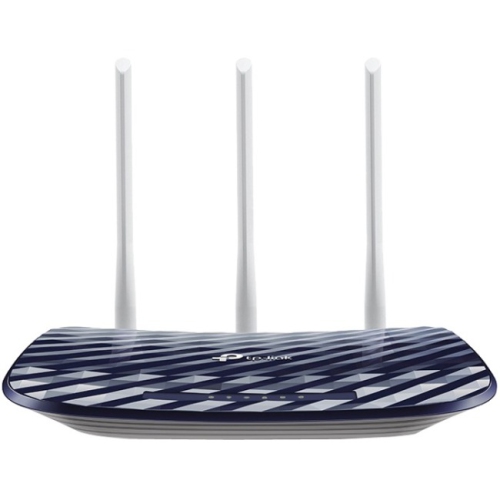
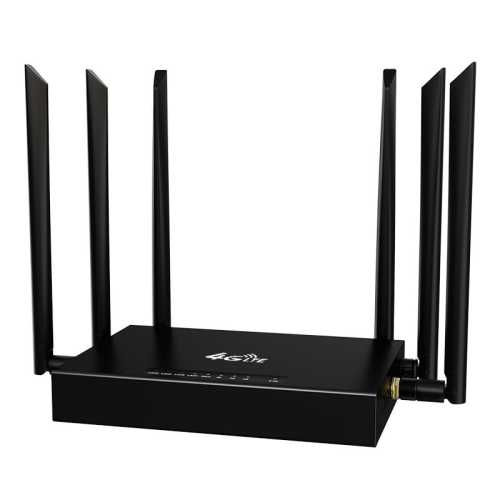
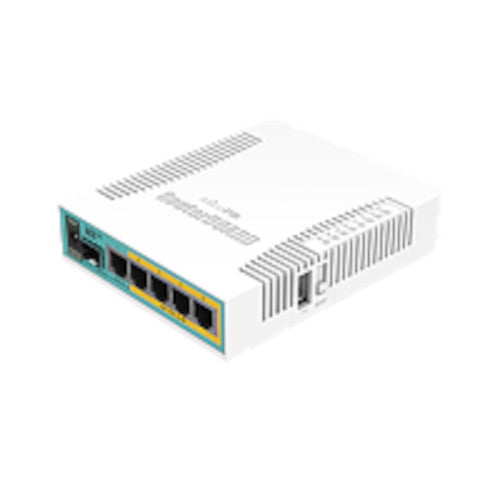
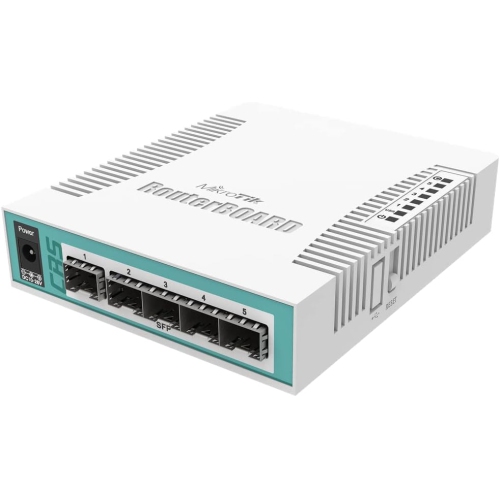
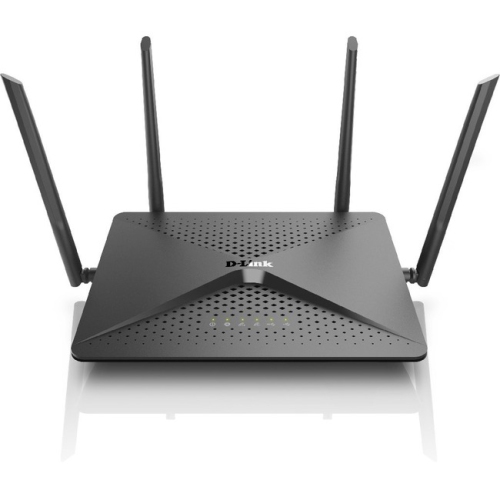
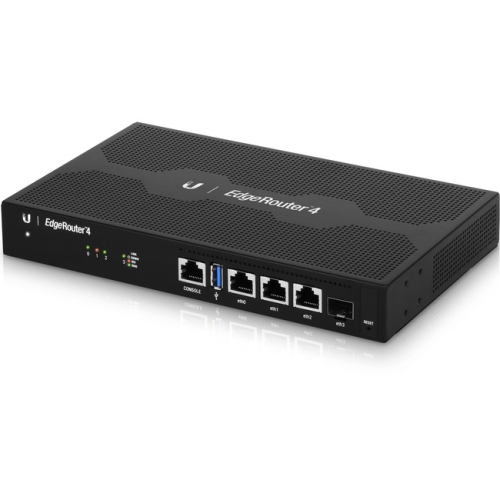
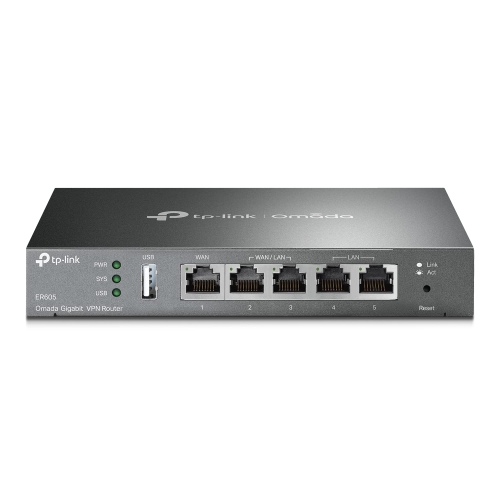
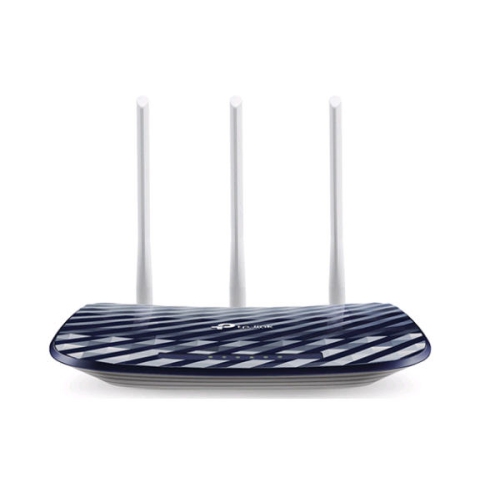
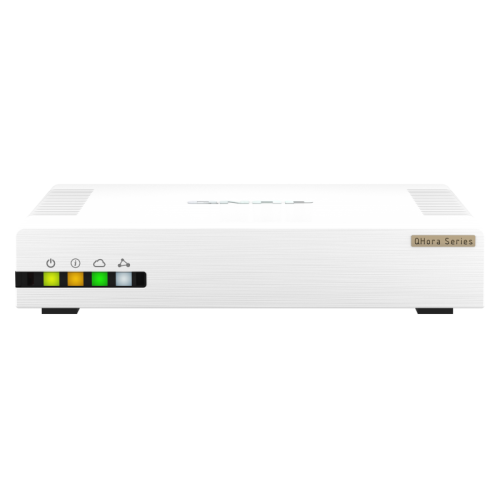
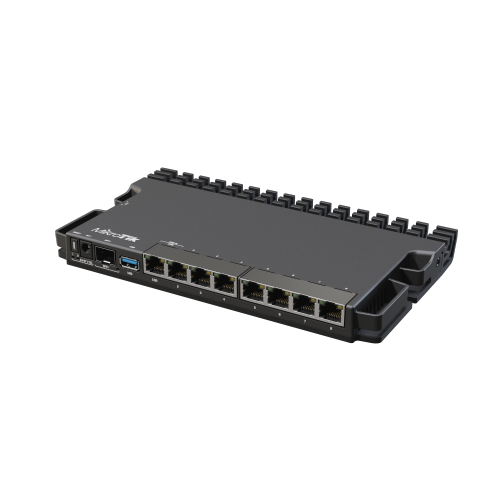
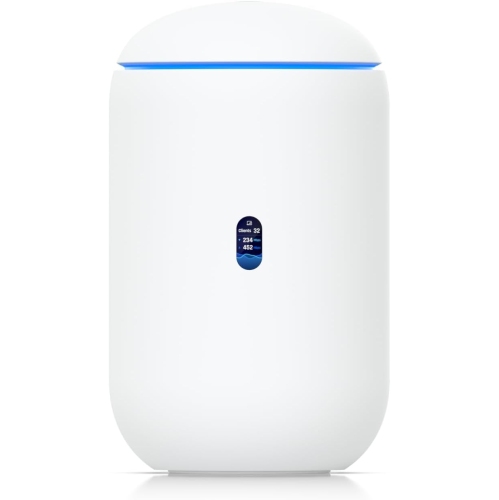
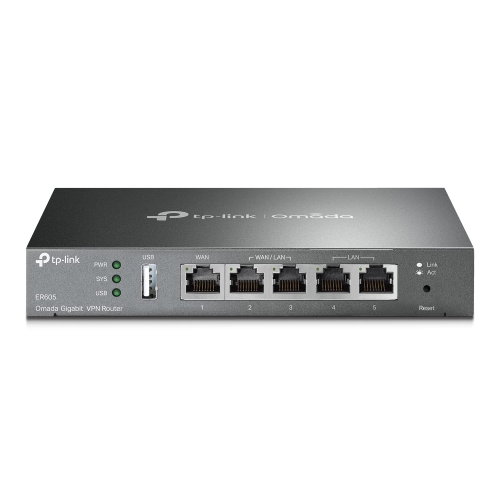
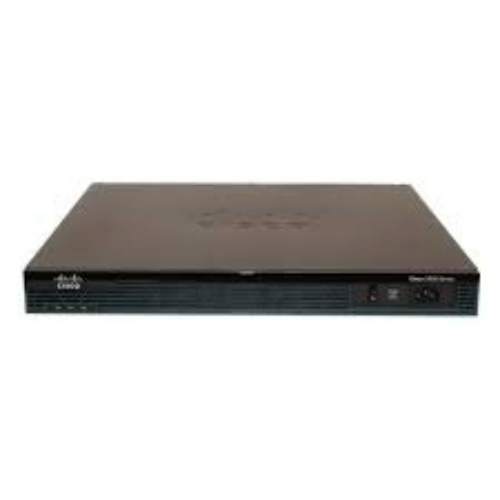
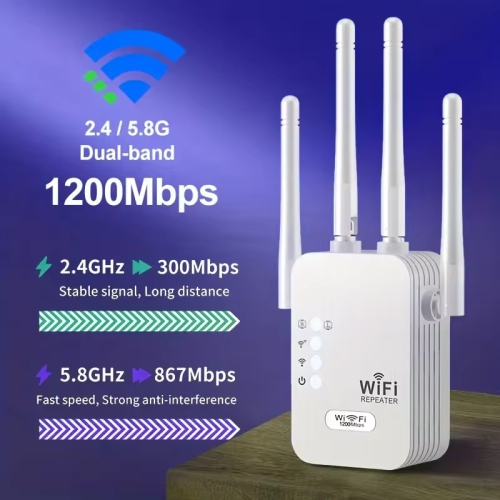
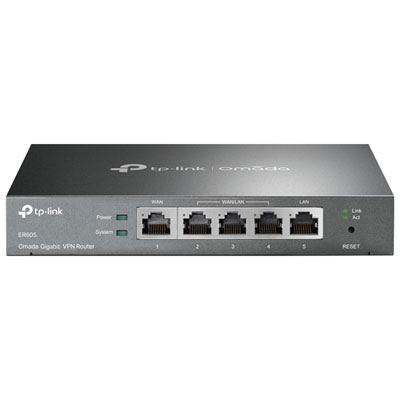
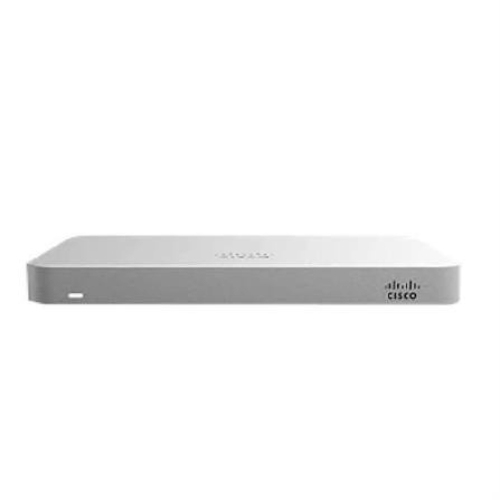
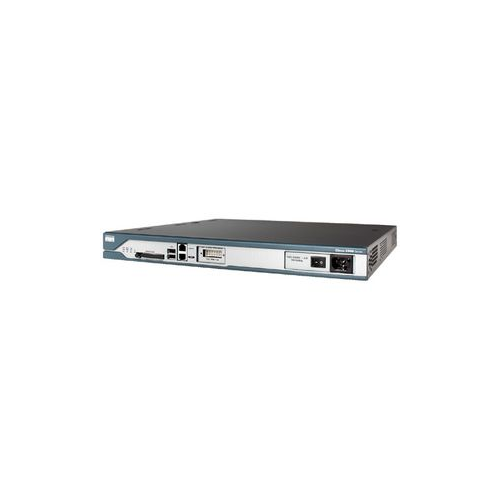

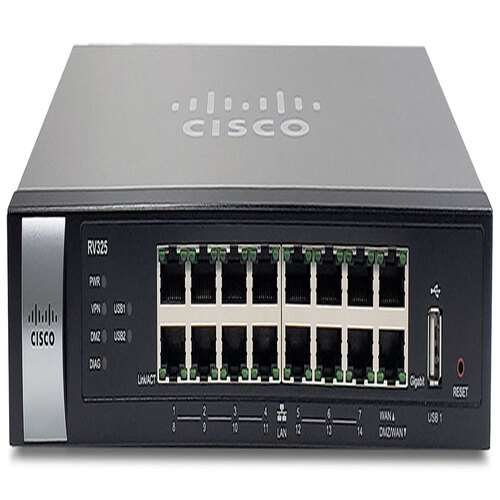

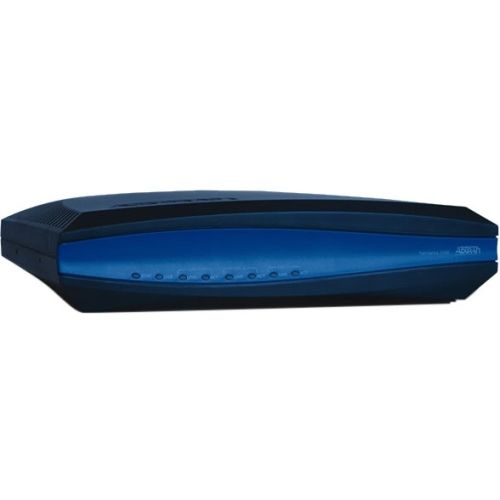
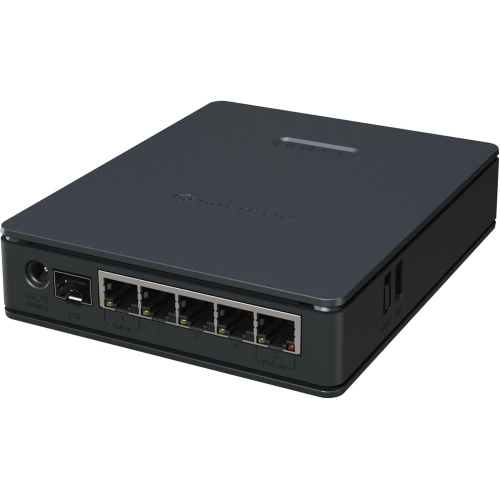
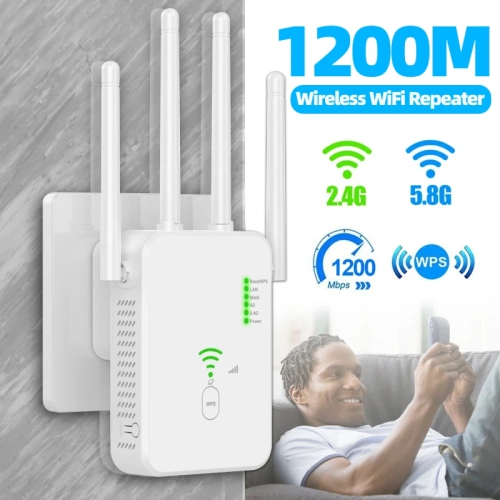
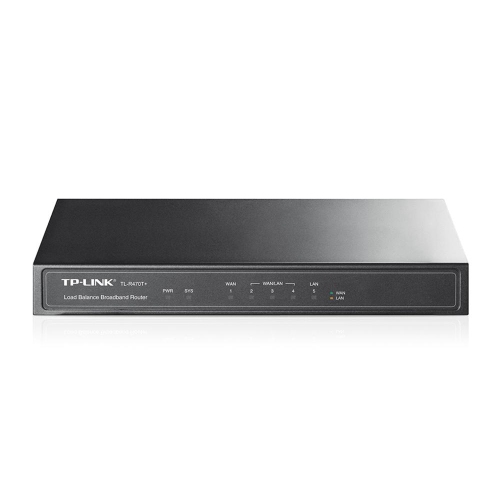
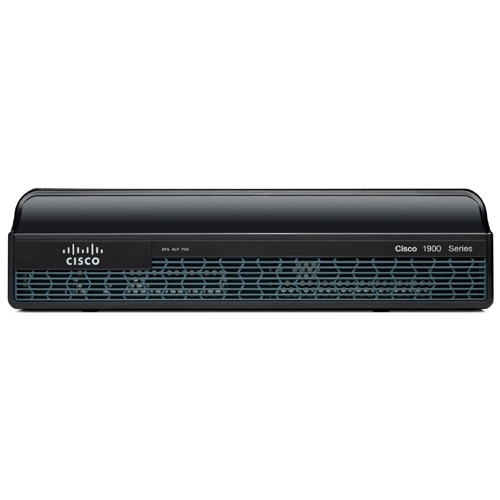
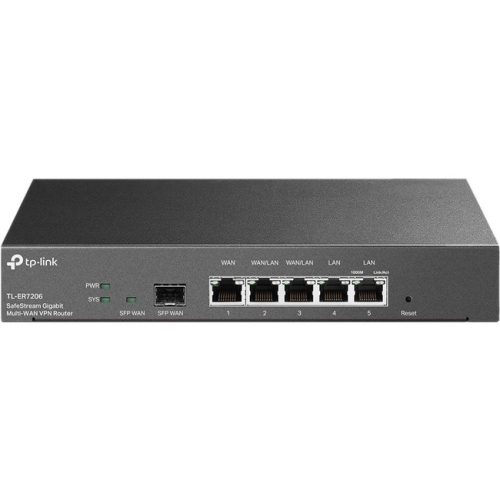
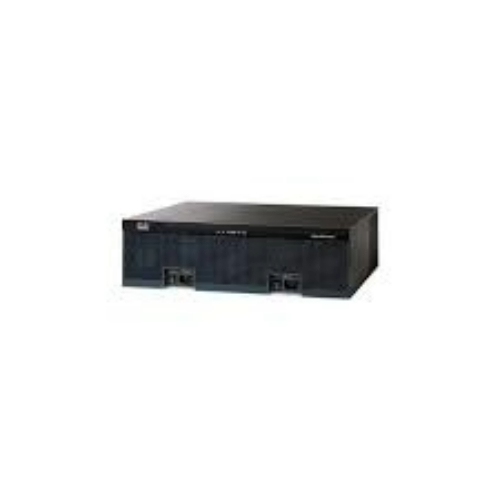
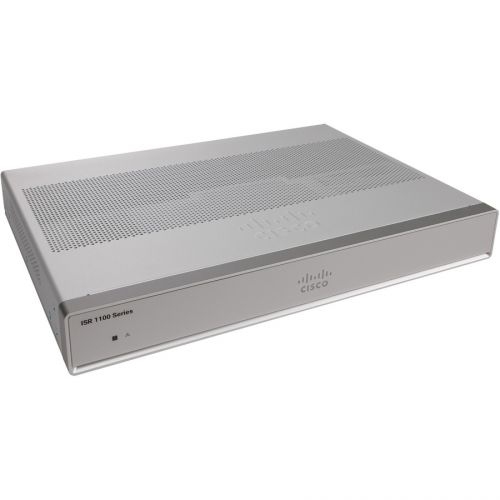
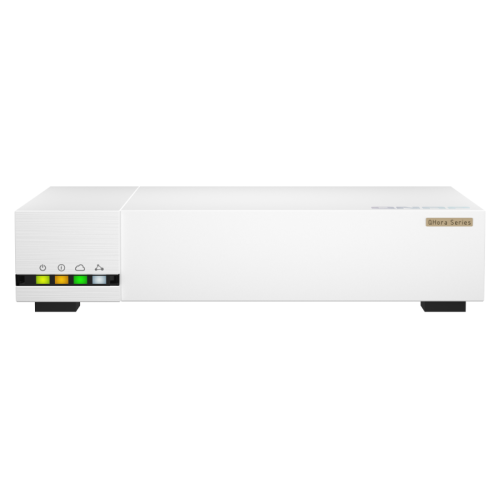
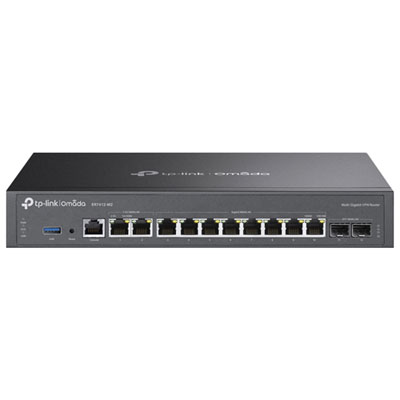
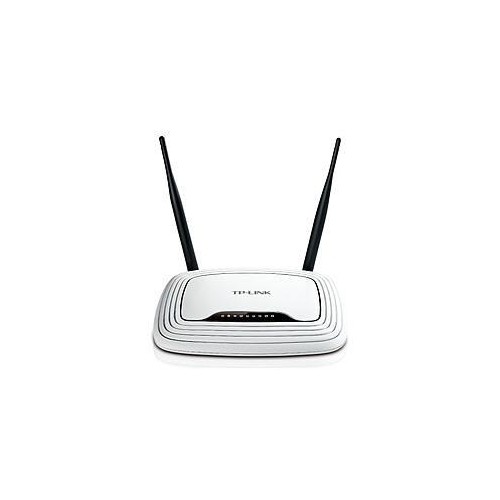
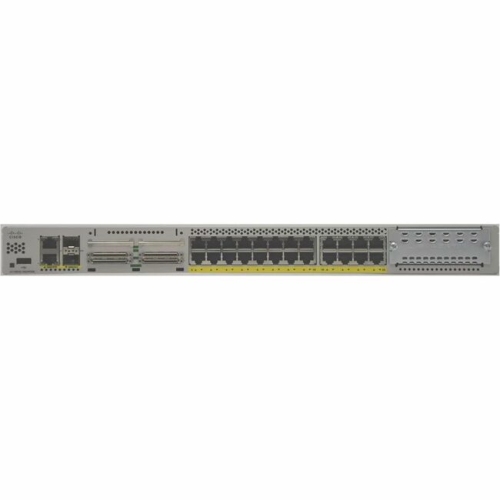
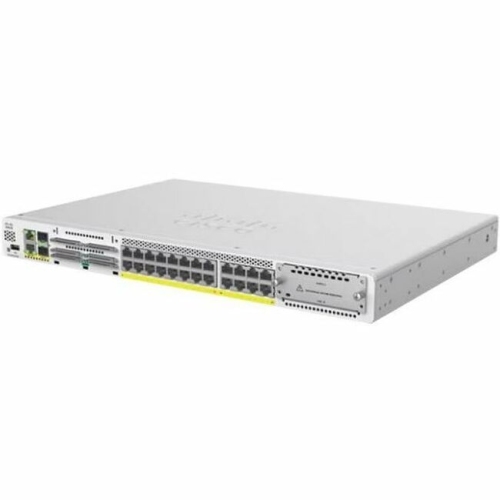
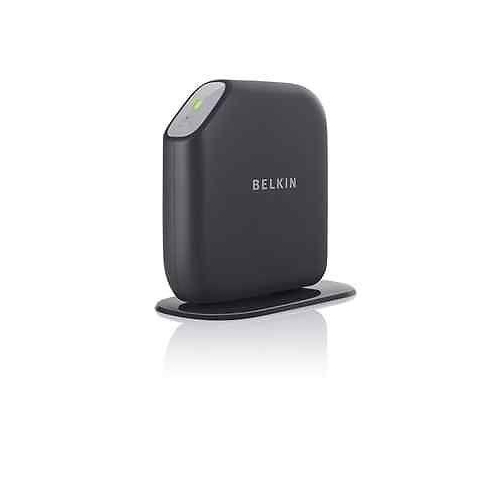
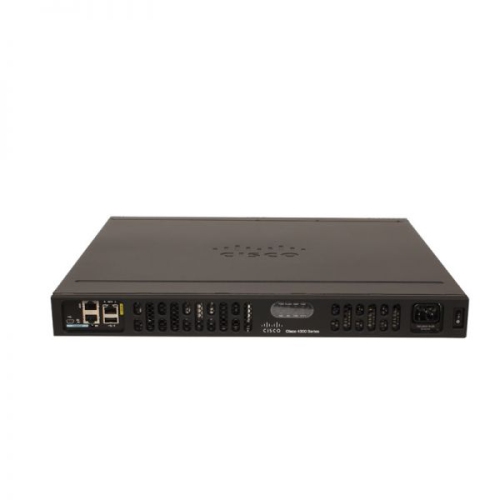
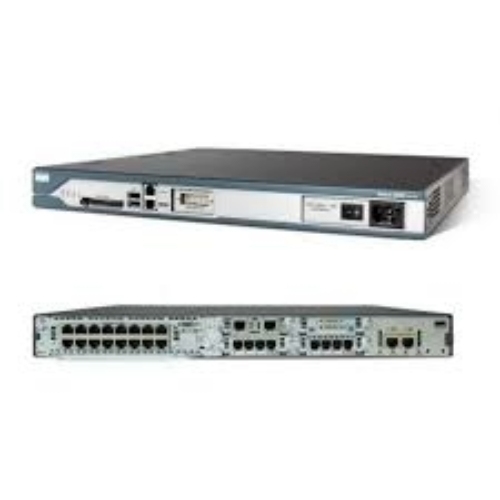
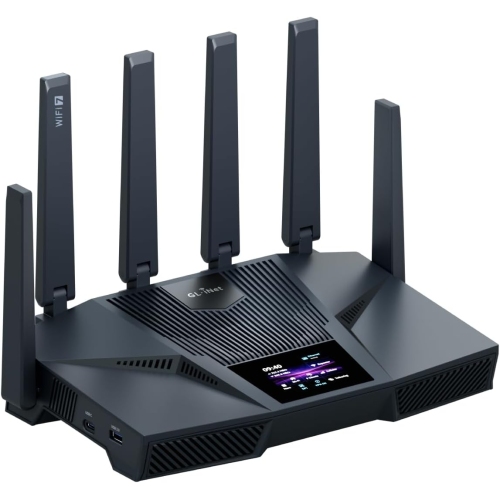

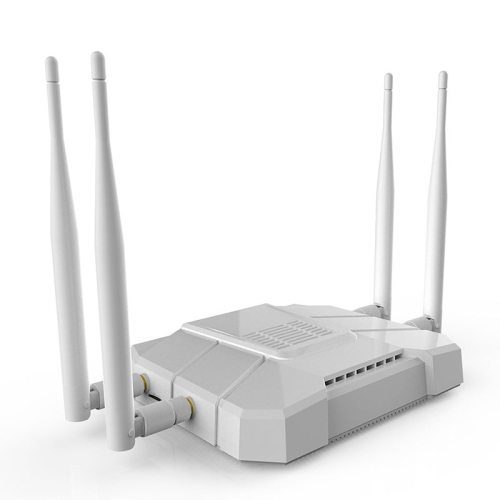
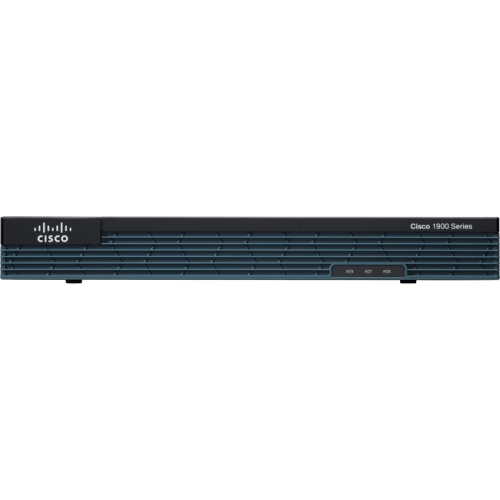
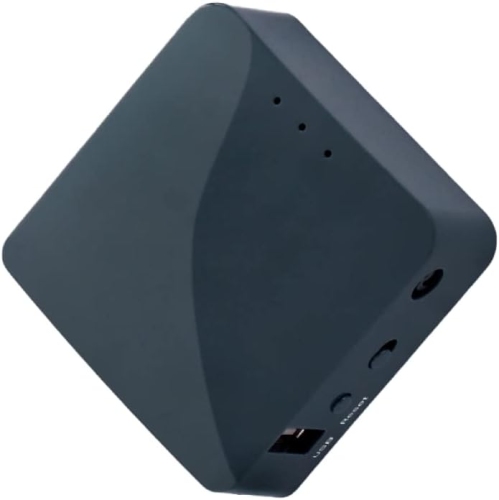
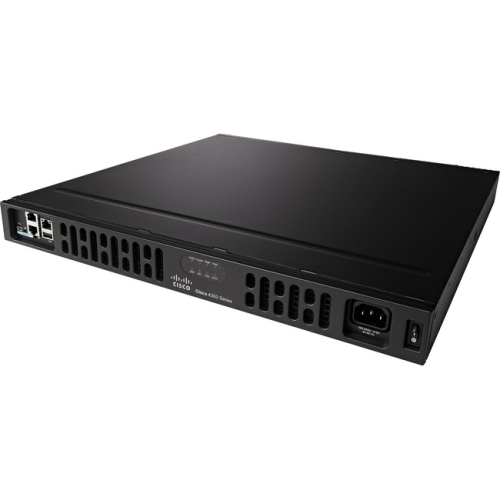
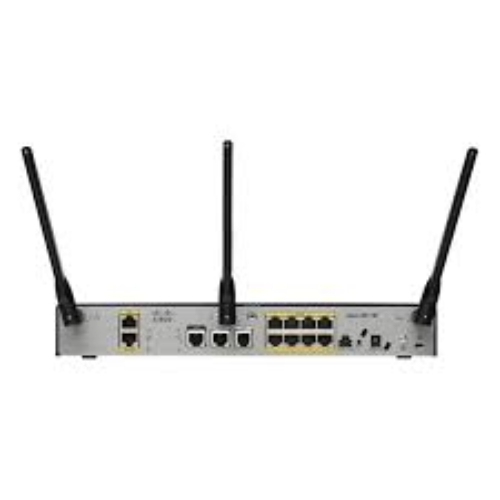
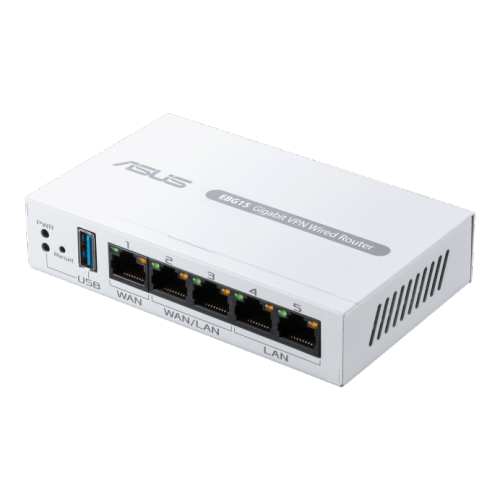
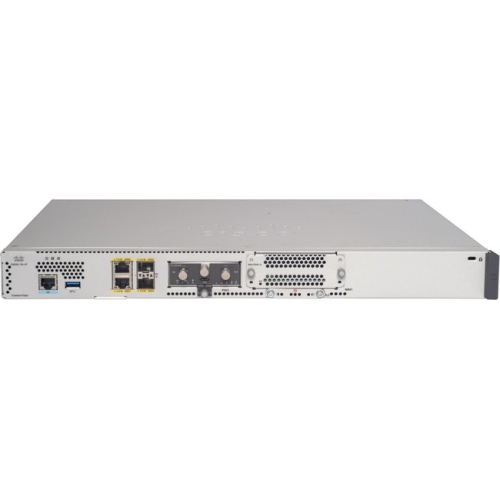
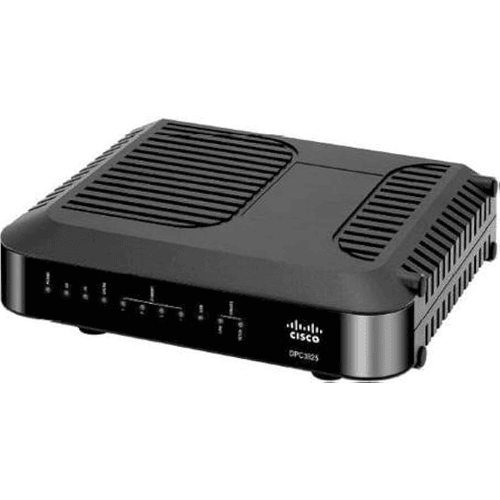
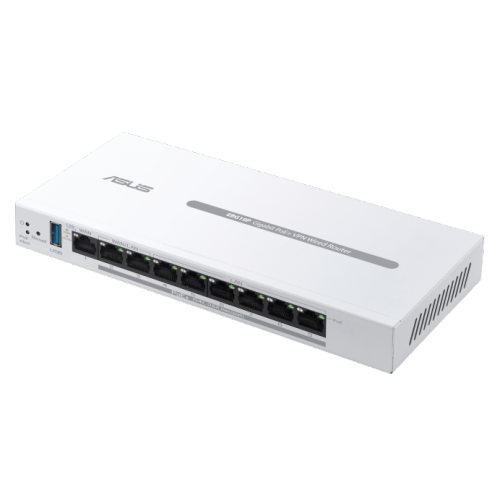
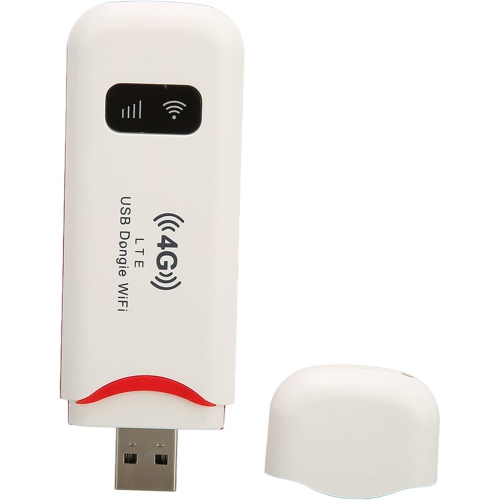
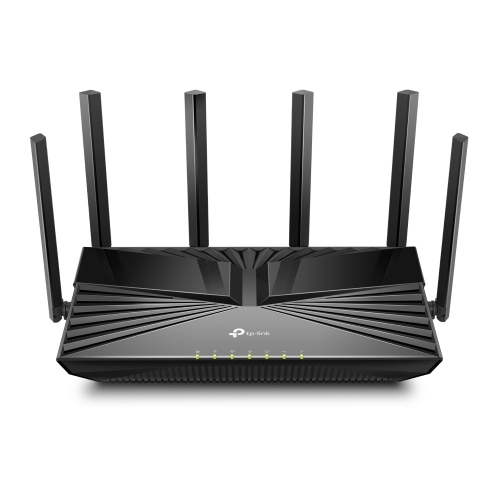
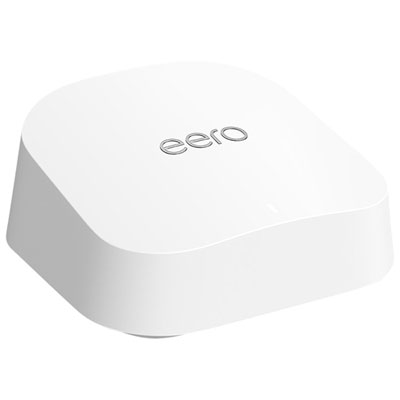
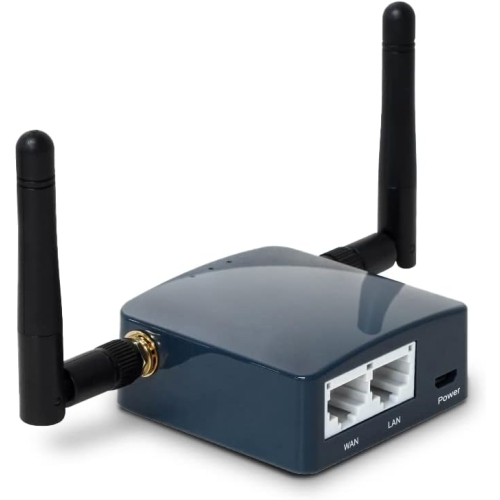
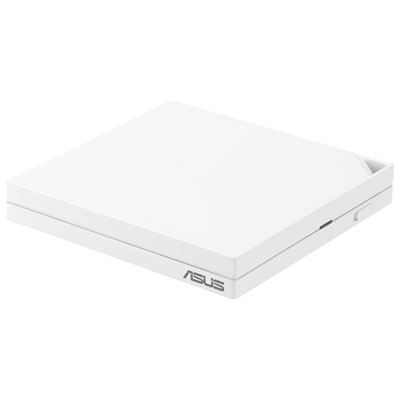
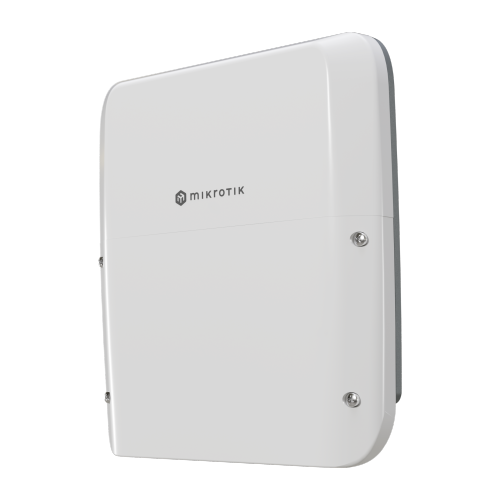
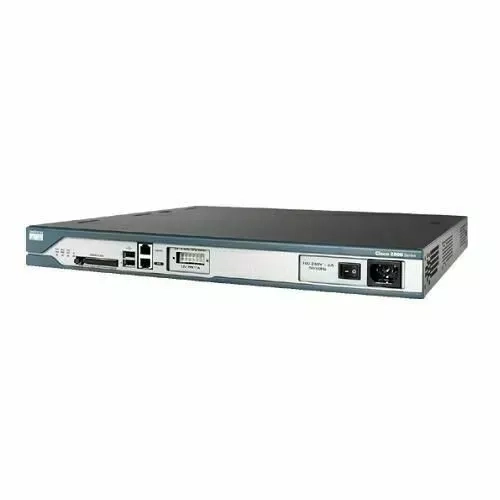
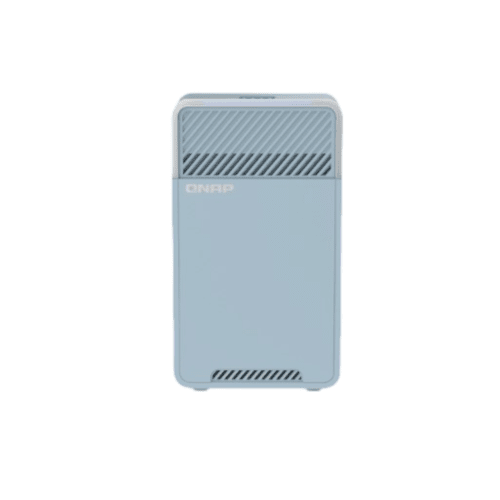
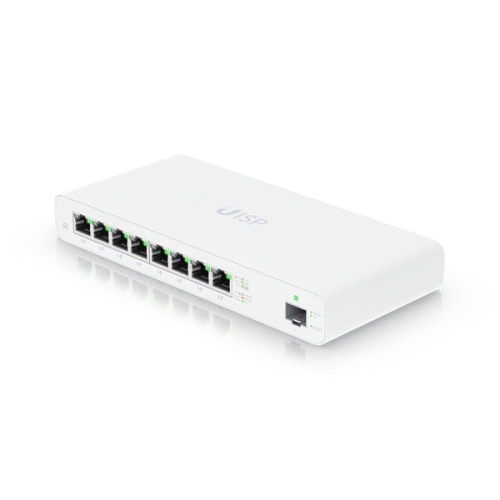

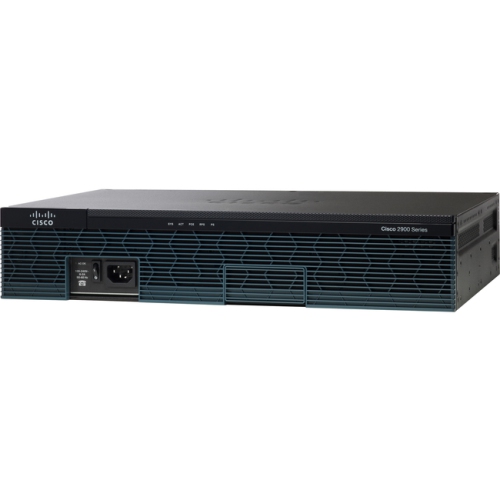
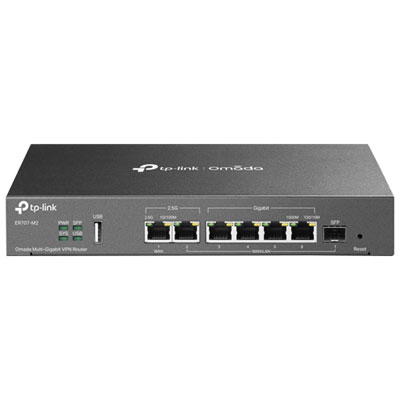
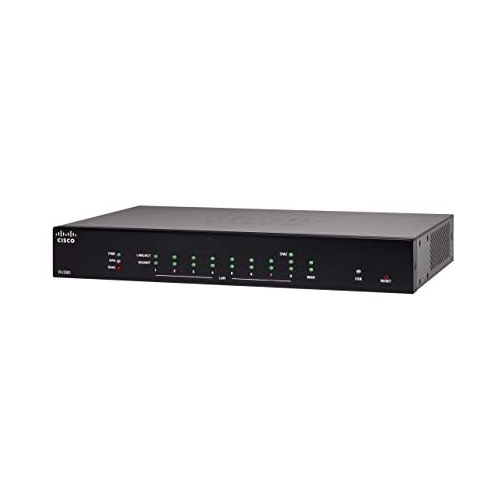
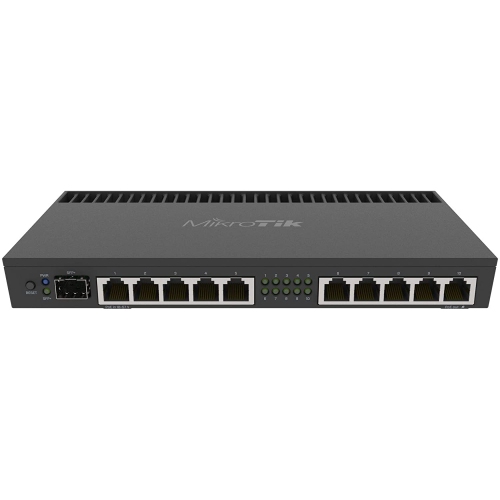
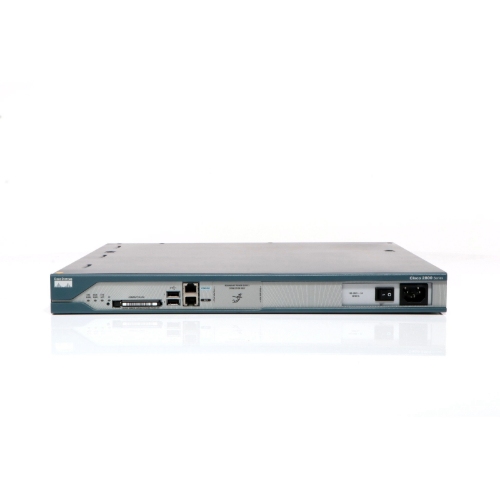
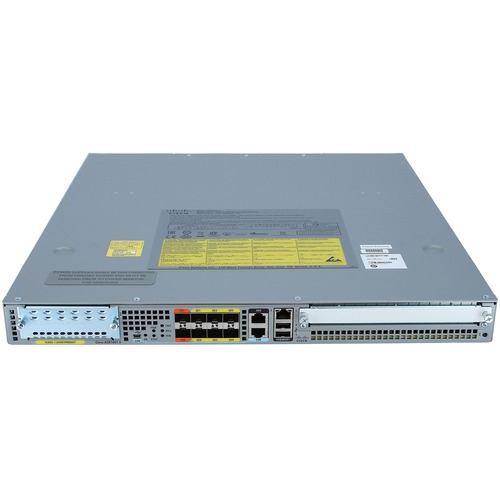

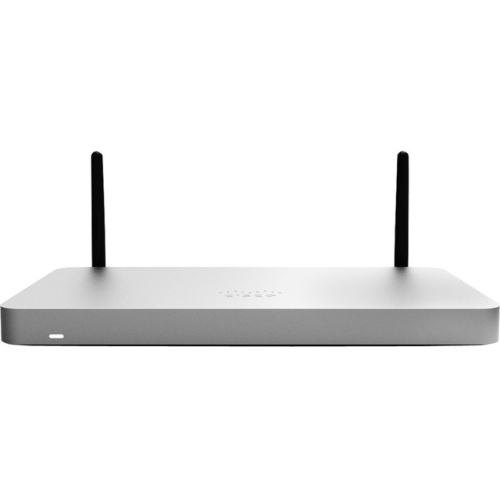
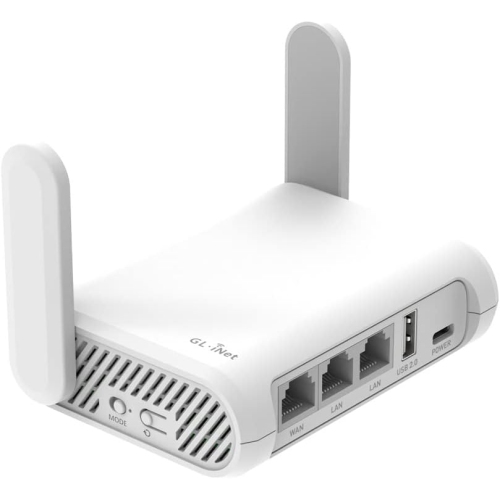
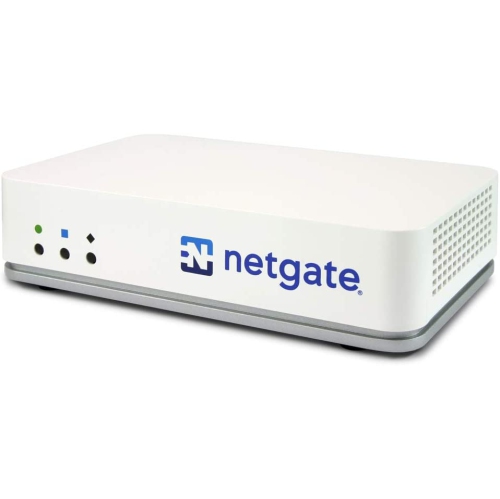
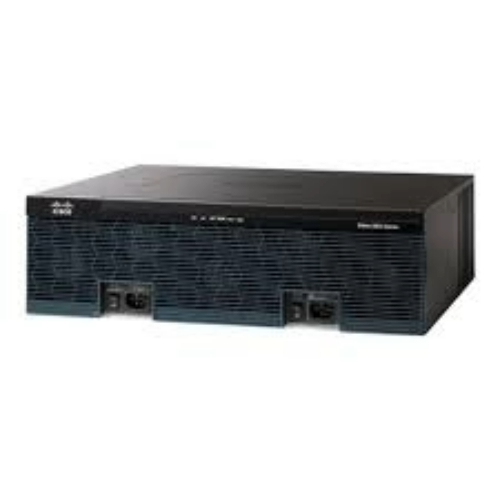
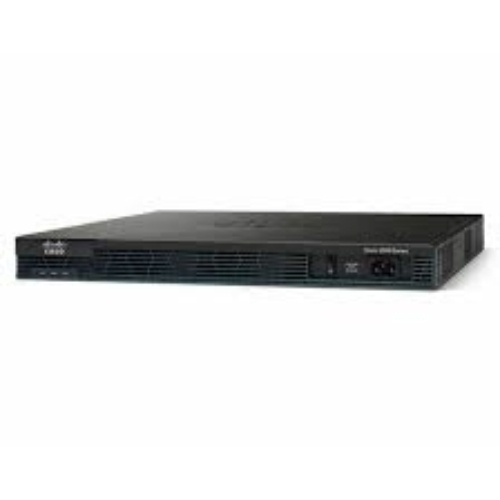
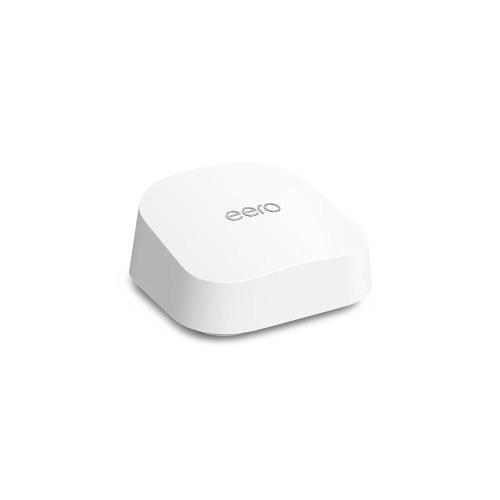
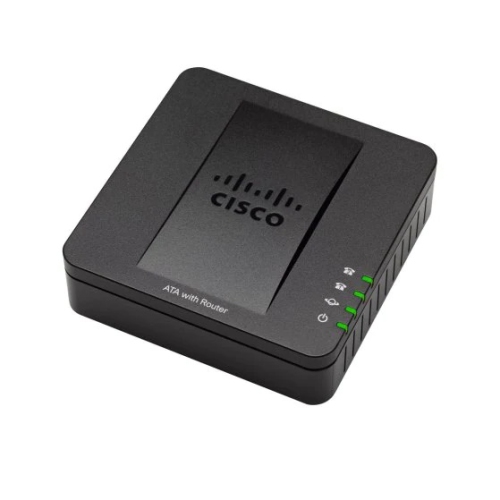
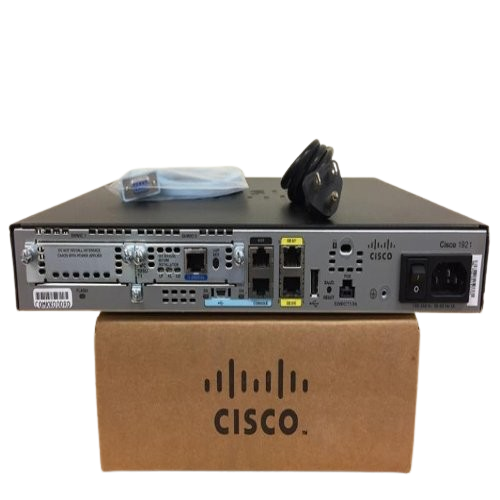

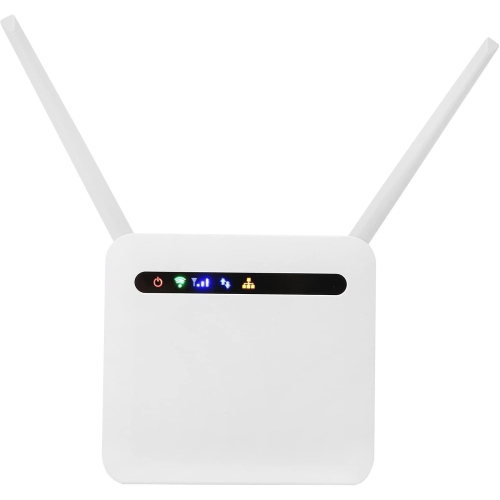
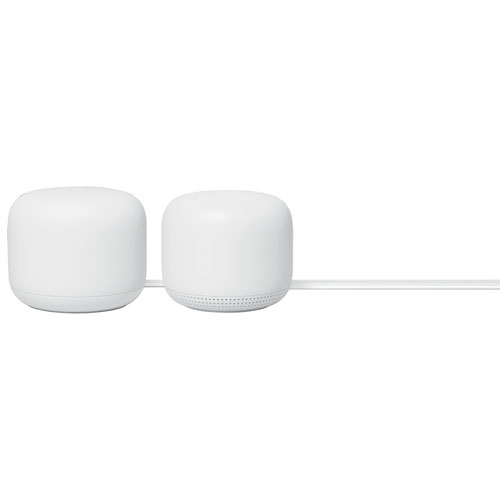
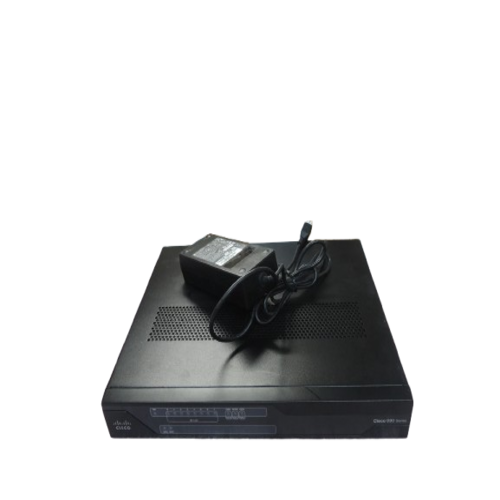
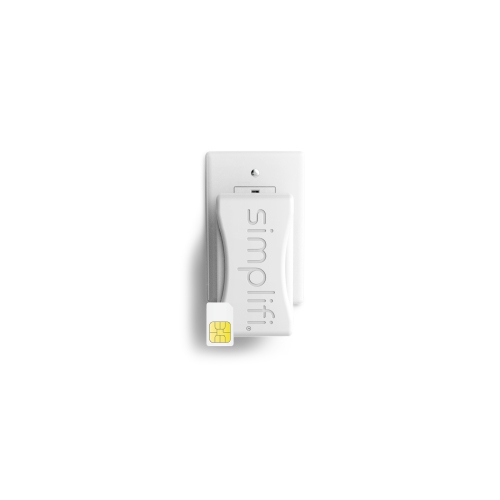
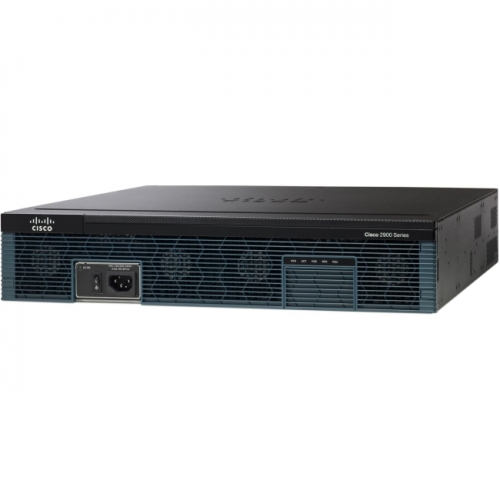
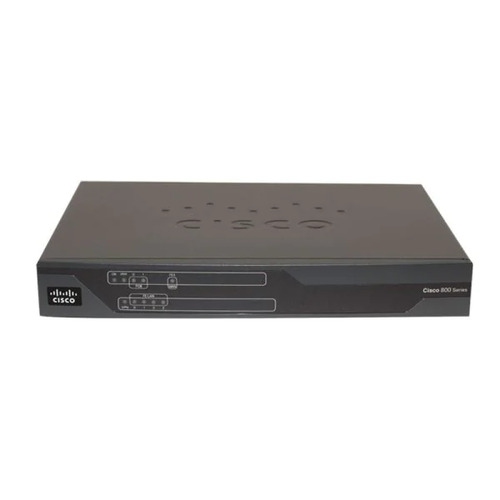
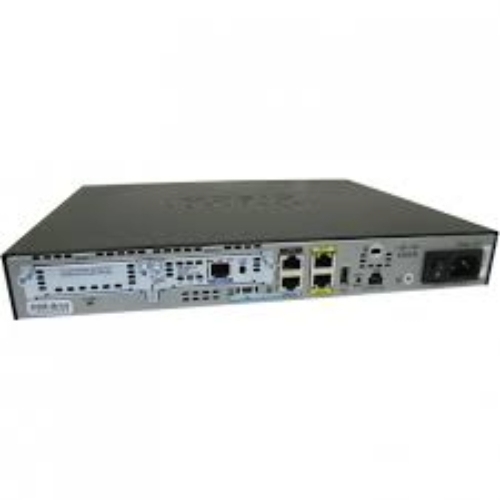
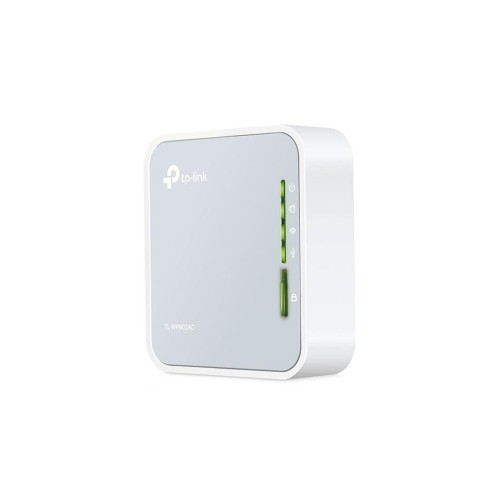
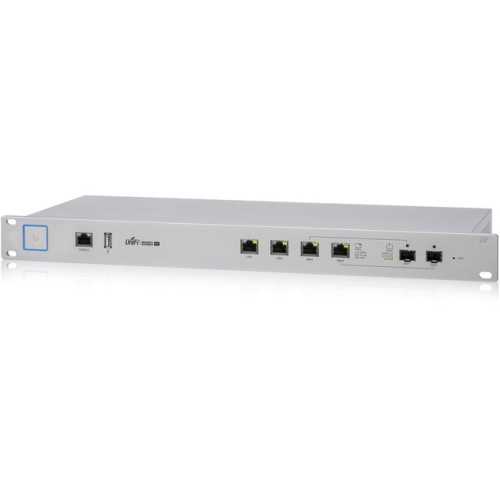

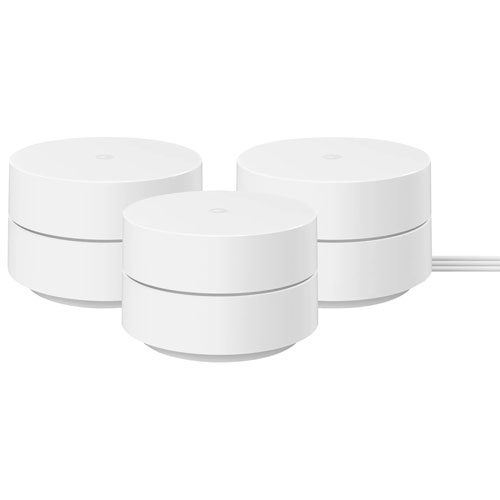
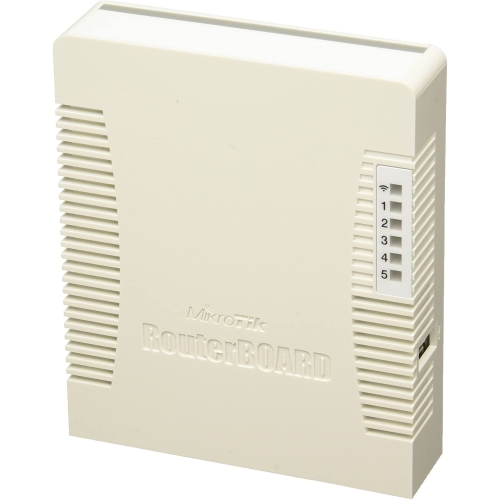
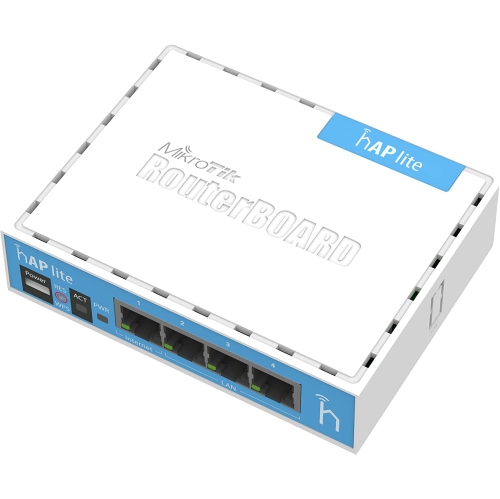
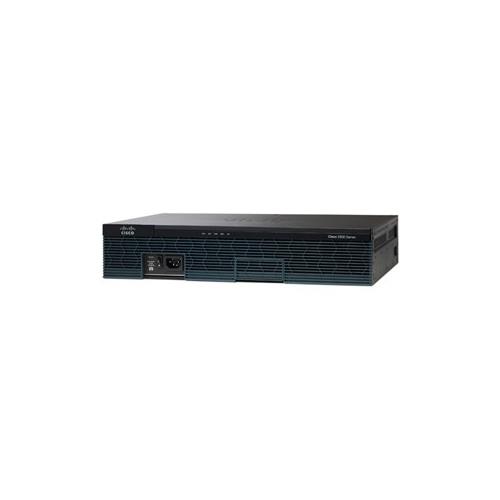
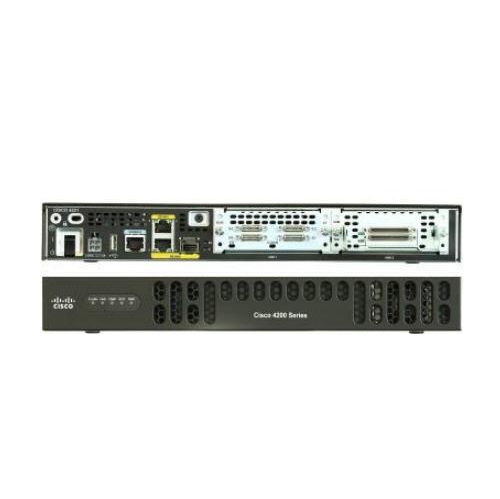
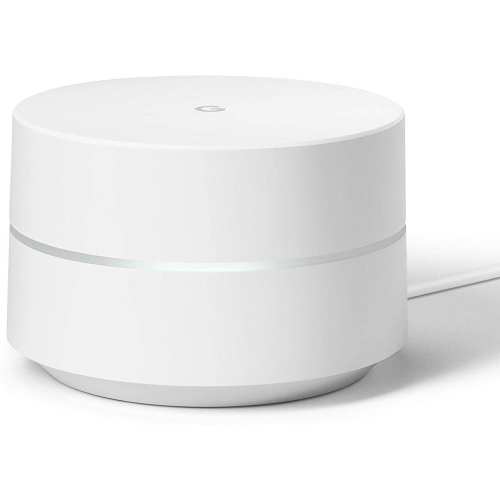
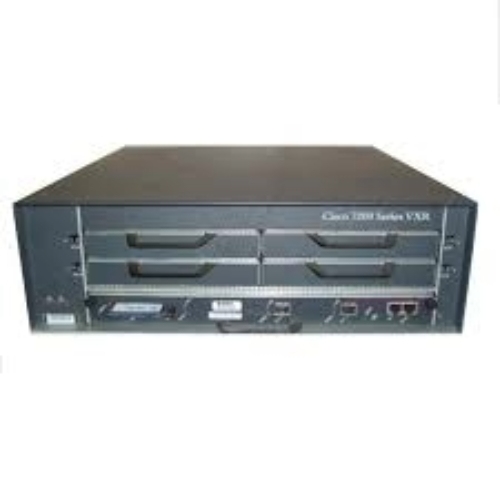

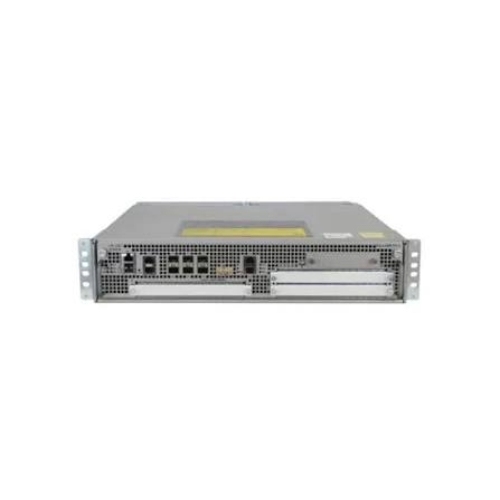
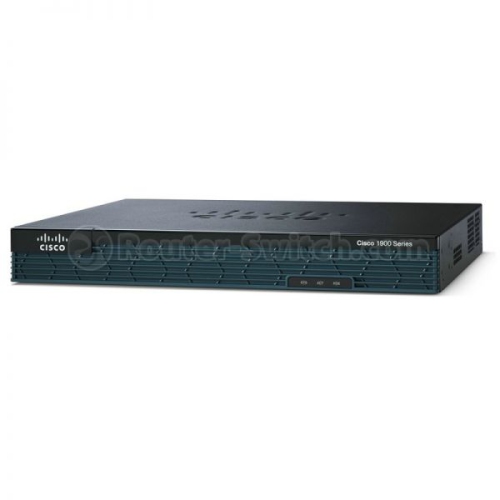
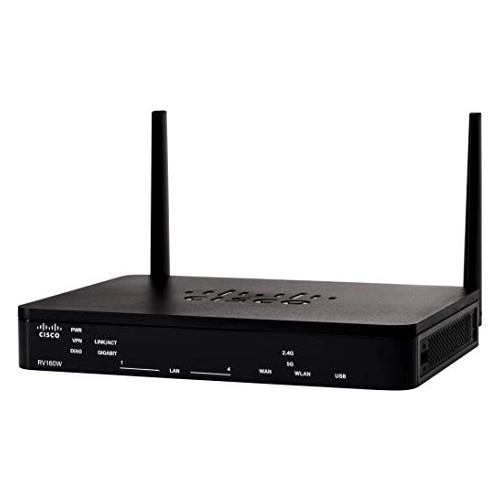
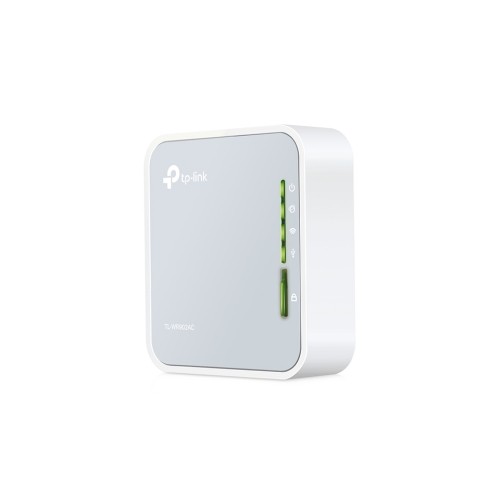
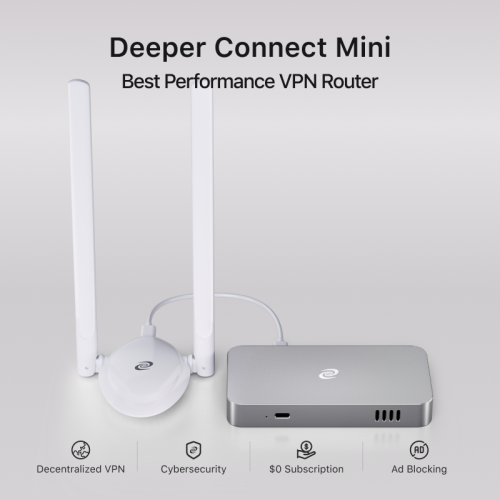
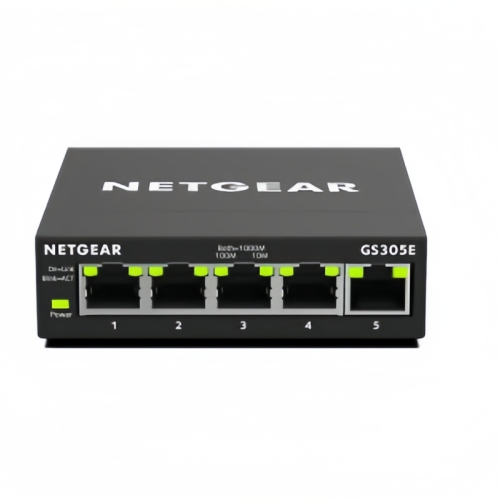
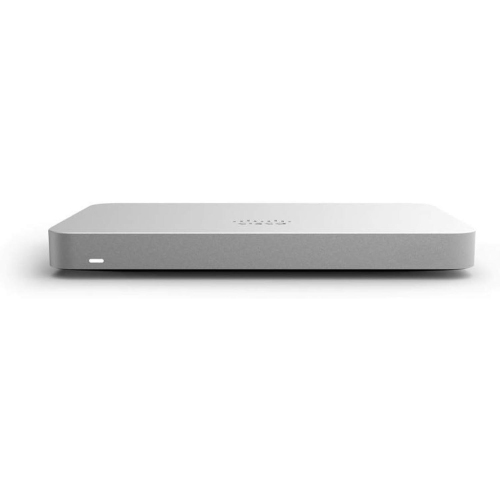
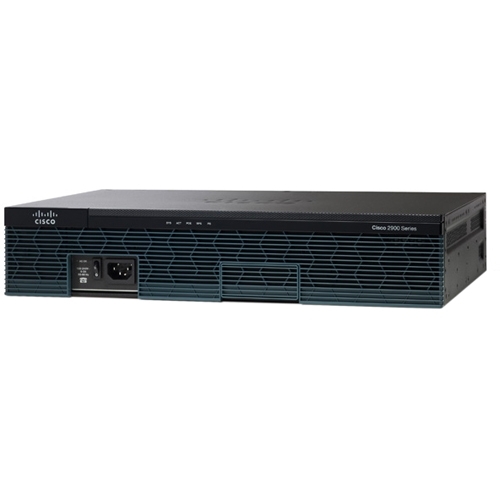
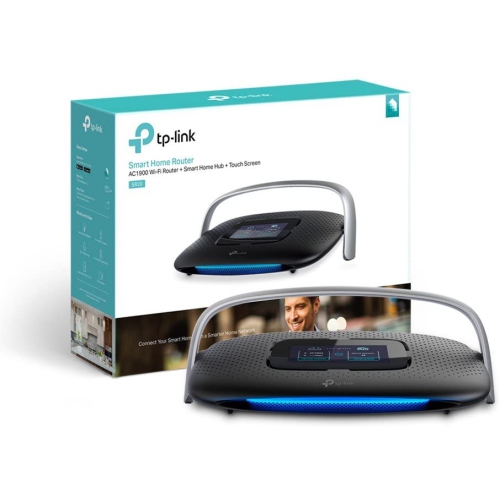
Reliable connections and stronger security for busy workspaces
Small office routers are designed to keep work devices connected, organized, and protected in a professional setting without requiring the equipment or complexity of a large enterprise network. They can be a practical fit for a home-based business, a shared studio, a clinic, a retail counter, a workshop, or a small office where several people rely on the same internet connection throughout the day. A typical setup may include desktop computers, laptops, printers, phones, cameras, point-of-sale equipment, smart displays, and guest devices, all competing for a reliable connection. The right router helps direct that traffic while providing a layer of protection between the office network and the wider internet. When comparing small office routers, start by considering the number of devices that will connect at the busiest time rather than the number of employees alone. A two-person office with cloud storage, video meetings, network printing, and several mobile devices may place more demand on a router than a larger space used mainly for email and occasional web browsing. Speed is another important consideration, particularly when staff regularly upload large files, use cloud-based applications, host video calls, or transfer data between computers. Fast Ethernet or multi-gigabit ports can help wired devices move information efficiently, while newer Wi-Fi standards can improve wireless performance, capacity, and responsiveness when compatible devices are used. Coverage also matters: thick walls, multiple floors, shelving, machinery, and distant workstations can all affect signal strength. A router with built-in Wi-Fi may suit a compact workspace, while a wired security router paired with separate wireless access points can offer more flexibility in a larger or more demanding office.
Security features deserve close attention because a small office network may handle customer information, invoices, payment details, employee records, and confidential files. Look for routers with a strong firewall, automatic security updates where available, guest networking, and clear controls for managing connected devices. A separate guest network allows visitors or customers to access the internet without placing the main office computers and printers on the same network. Some routers also support virtual private network (VPN) functions, which can help authorized employees connect to office resources securely while working from home or travelling. VPN features vary considerably, so it is worth checking whether the router supports the type of remote access your business requires and whether setup is straightforward for the person managing the network. Quality-of-service controls can prioritize video conferencing, voice calls, or essential business applications when several people are streaming, downloading, or backing up files at once. App-based management can make routine tasks easier, such as changing the Wi-Fi password, creating a guest network, checking for unfamiliar devices, or reviewing basic traffic information. For offices without a dedicated IT professional, an intuitive interface and simple installation instructions can be just as valuable as headline speed. Businesses expecting to add staff, open another room, install more cameras, or increase cloud usage should also consider scalability, including support for additional access points, VLANs, VPN connections, and centralized management. If your workspace is part of a home, you may also wish to compare these products with Home Office Routers to find a setup that matches the balance between household and business use.
Choosing a small office router is ultimately about matching the network to the way people work. A freelancer who spends most of the day on a laptop may value easy app control and dependable wireless coverage, while a design team moving large media files may benefit from fast wired ports and stronger capacity for simultaneous transfers. A service business with employees working from different locations may place greater importance on VPN support and user access controls. A growing office might prefer equipment that can be expanded later rather than replacing the entire network after a move or staffing change. It is also helpful to map the workspace before making a decision: note where the internet connection enters the building, where the busiest desks are located, and whether computers, printers, or other fixed equipment can be connected with Ethernet cables. Picture a typical working day, from the first laptop connecting in the morning to a busy period when a video meeting runs beside a cloud backup and several phones join the network. That simple exercise can reveal whether you need broad wireless coverage, extra wired connections, stronger traffic management, or a dedicated access point. During the warmer and cooler parts of the year, offices may also see changing routines as staff work from different locations, seasonal employees join the team, or a shared workspace becomes busier, making reliable guest access and straightforward network controls especially useful. Small office routers can also be a thoughtful gift for a family member launching a consulting business, a creative professional setting up a studio, or someone turning a spare room into a proper workspace, provided the router’s features suit their internet plan and device requirements. Before buying, check your internet service speed, the number and type of devices in use, required VPN compatibility, available Ethernet ports, wireless coverage needs, and the level of hands-on management you are comfortable providing. A well-matched router should fade into the background during a productive day, keeping files moving, calls clear, and authorized users connected without constant troubleshooting.
Security features deserve close attention because a small office network may handle customer information, invoices, payment details, employee records, and confidential files. Look for routers with a strong firewall, automatic security updates where available, guest networking, and clear controls for managing connected devices. A separate guest network allows visitors or customers to access the internet without placing the main office computers and printers on the same network. Some routers also support virtual private network (VPN) functions, which can help authorized employees connect to office resources securely while working from home or travelling. VPN features vary considerably, so it is worth checking whether the router supports the type of remote access your business requires and whether setup is straightforward for the person managing the network. Quality-of-service controls can prioritize video conferencing, voice calls, or essential business applications when several people are streaming, downloading, or backing up files at once. App-based management can make routine tasks easier, such as changing the Wi-Fi password, creating a guest network, checking for unfamiliar devices, or reviewing basic traffic information. For offices without a dedicated IT professional, an intuitive interface and simple installation instructions can be just as valuable as headline speed. Businesses expecting to add staff, open another room, install more cameras, or increase cloud usage should also consider scalability, including support for additional access points, VLANs, VPN connections, and centralized management. If your workspace is part of a home, you may also wish to compare these products with Home Office Routers to find a setup that matches the balance between household and business use.
Choosing a small office router is ultimately about matching the network to the way people work. A freelancer who spends most of the day on a laptop may value easy app control and dependable wireless coverage, while a design team moving large media files may benefit from fast wired ports and stronger capacity for simultaneous transfers. A service business with employees working from different locations may place greater importance on VPN support and user access controls. A growing office might prefer equipment that can be expanded later rather than replacing the entire network after a move or staffing change. It is also helpful to map the workspace before making a decision: note where the internet connection enters the building, where the busiest desks are located, and whether computers, printers, or other fixed equipment can be connected with Ethernet cables. Picture a typical working day, from the first laptop connecting in the morning to a busy period when a video meeting runs beside a cloud backup and several phones join the network. That simple exercise can reveal whether you need broad wireless coverage, extra wired connections, stronger traffic management, or a dedicated access point. During the warmer and cooler parts of the year, offices may also see changing routines as staff work from different locations, seasonal employees join the team, or a shared workspace becomes busier, making reliable guest access and straightforward network controls especially useful. Small office routers can also be a thoughtful gift for a family member launching a consulting business, a creative professional setting up a studio, or someone turning a spare room into a proper workspace, provided the router’s features suit their internet plan and device requirements. Before buying, check your internet service speed, the number and type of devices in use, required VPN compatibility, available Ethernet ports, wireless coverage needs, and the level of hands-on management you are comfortable providing. A well-matched router should fade into the background during a productive day, keeping files moving, calls clear, and authorized users connected without constant troubleshooting.
Top selling and popular products
-
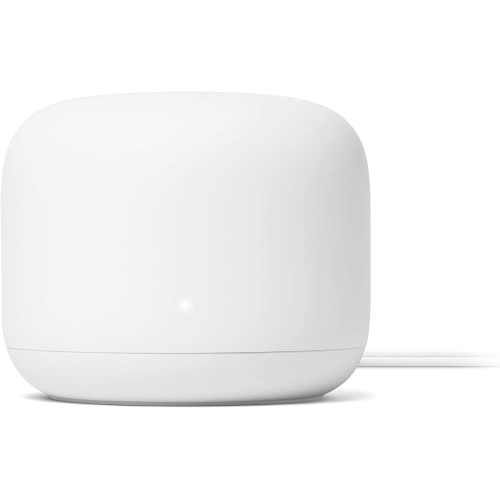 Your price for this item is $99
 -
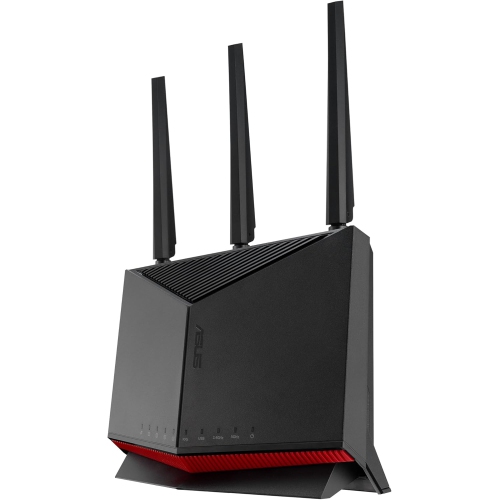 Your price for this item is $490.72
 -
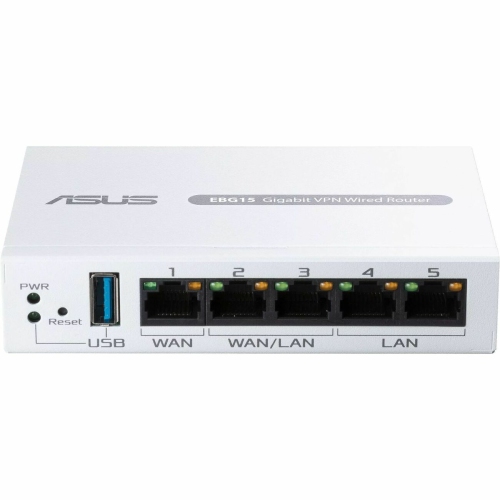 Your price for this item is $128.99
 -
 Your price for this item is $629.99
 -
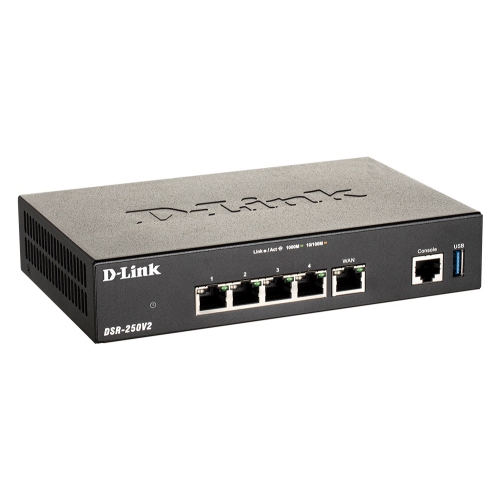 Your price for this item is $293.68
 -
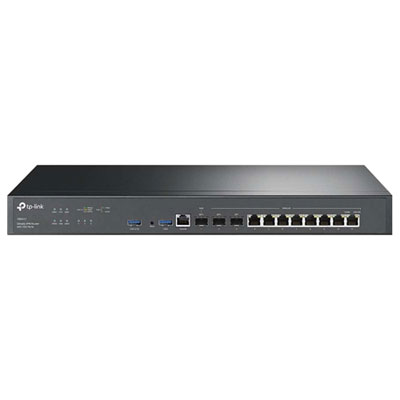 Your price for this item is $899.99
 -
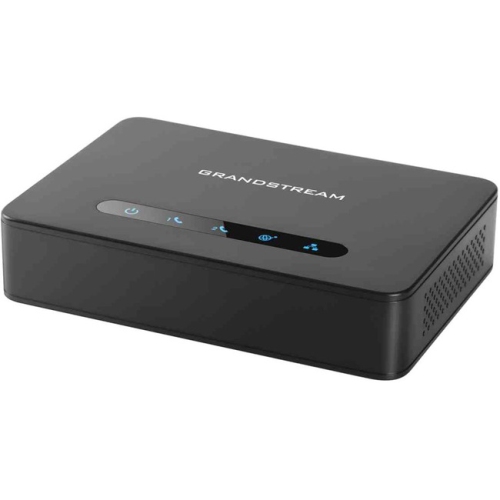 Your price for this item is $79.75
 -
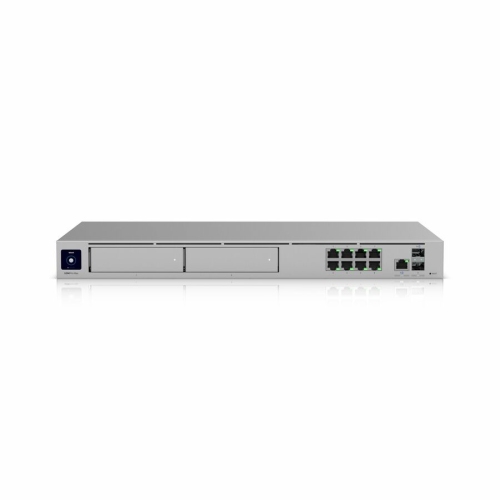 Your price for this item is $971.99
Discover more categories related to Small Office Routers
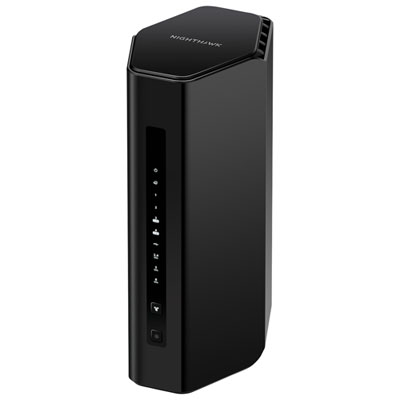
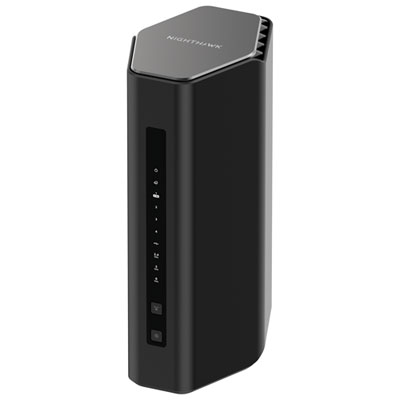

Top Collections:
Pokemon Centers, Kindle Devices, Best Budget Office Chairs, Canon G7X Cameras, Apple iPhones 16, Samsung Galaxy Phones, Refurbished Apple Laptops, Laptops for Students, iPhone 15 Apple, Budget Smartphones
Some products may be subject to Environmental Handling Fees
(EHF) depending on your province.
Learn more about EHFs.