Note 9 Charger Type

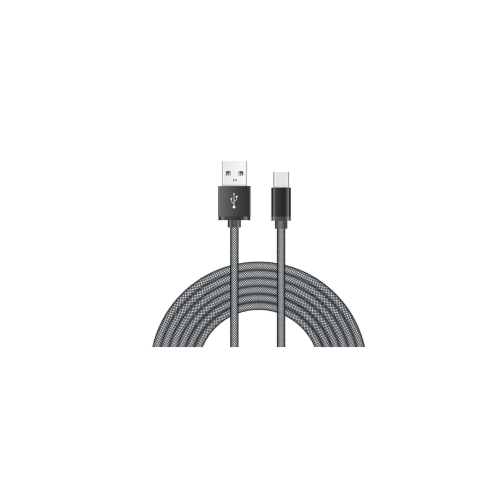
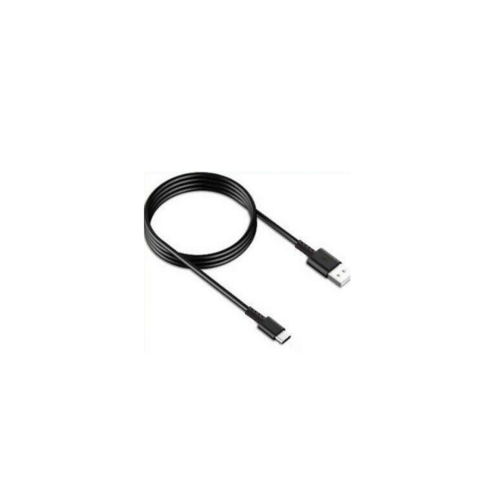
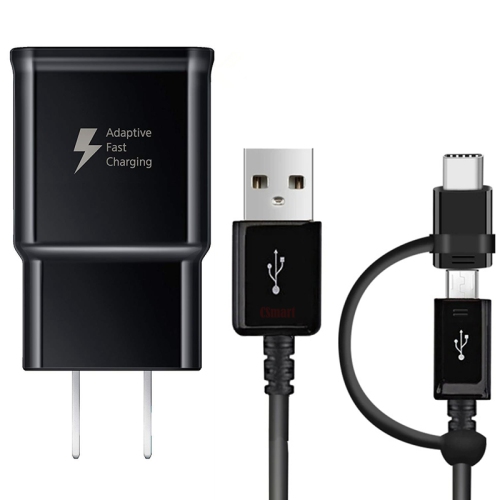
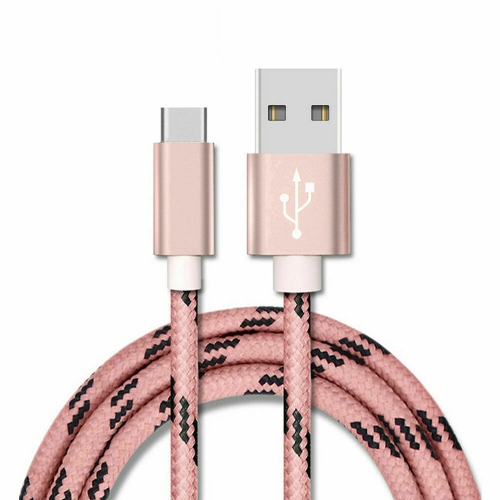
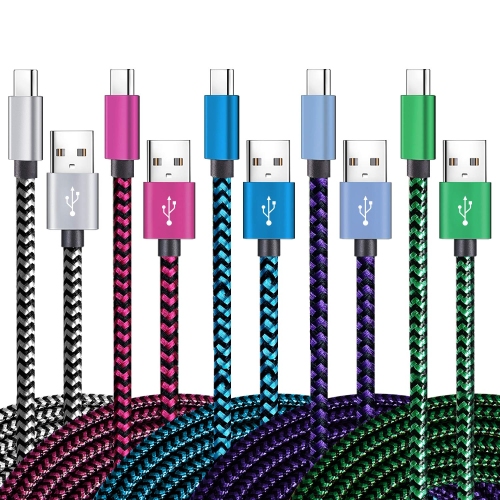
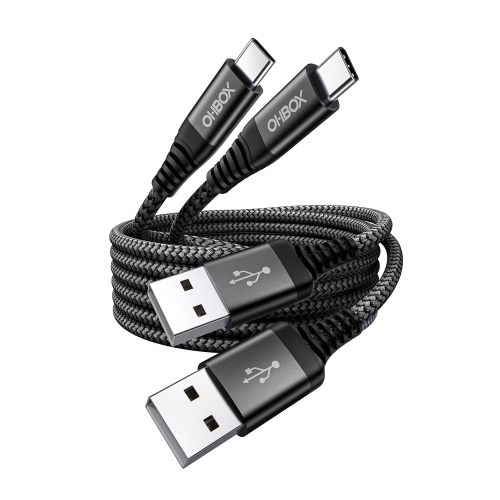
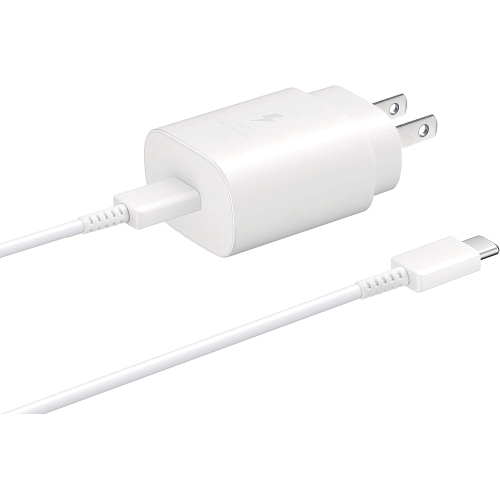
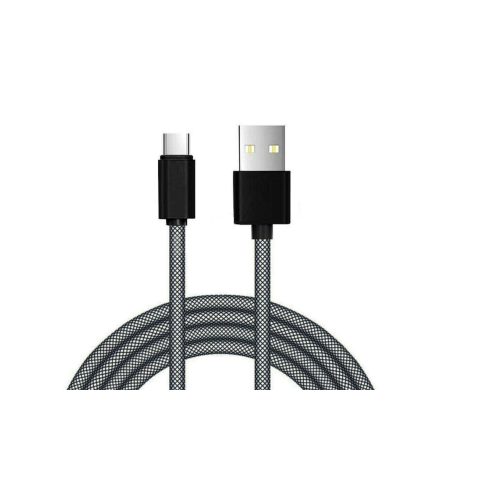
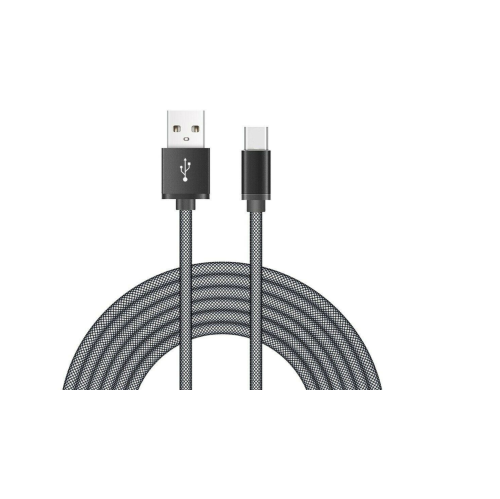
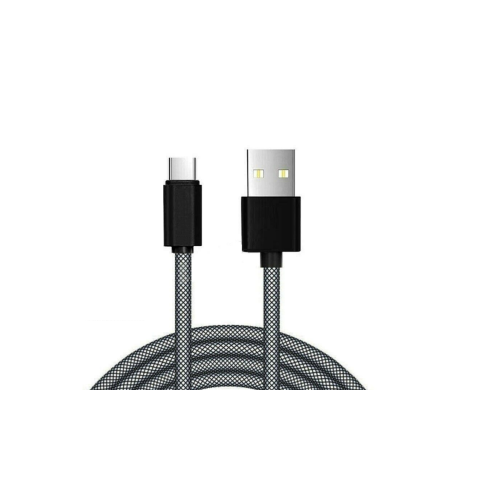
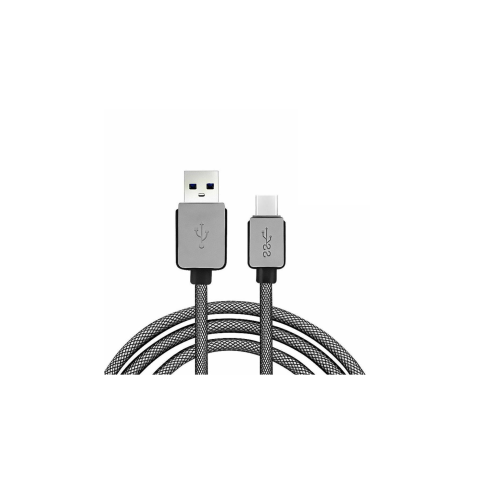
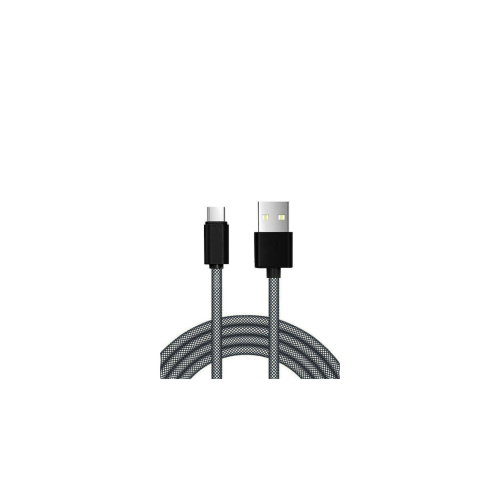
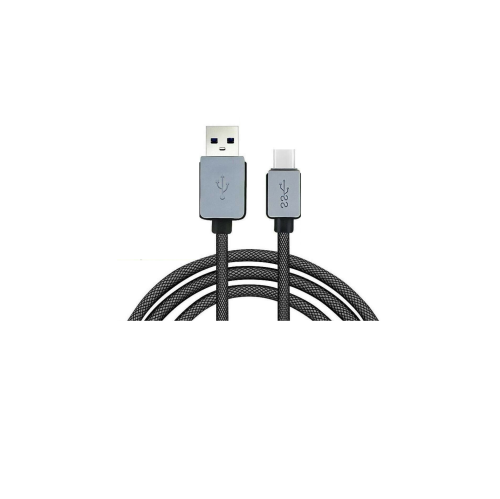
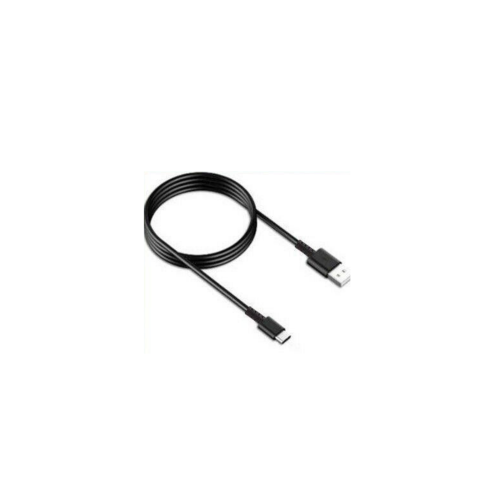
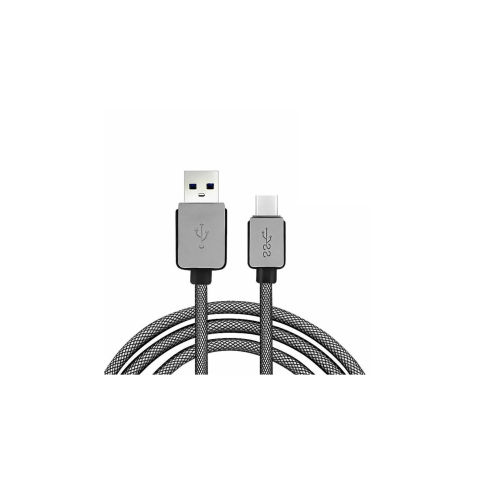
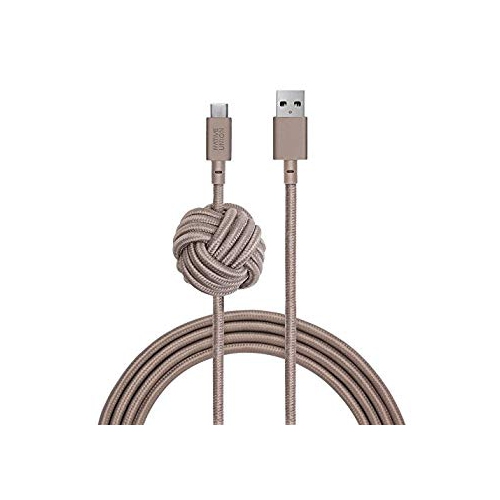
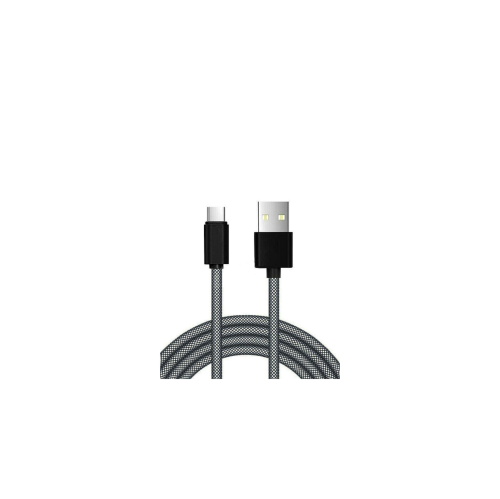
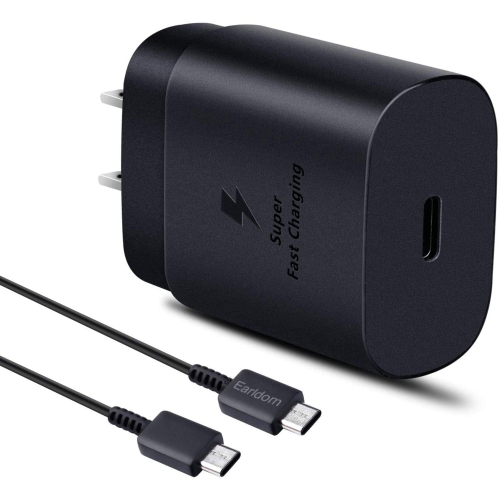
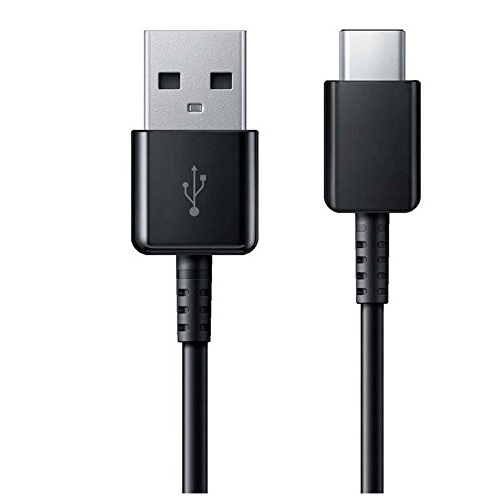
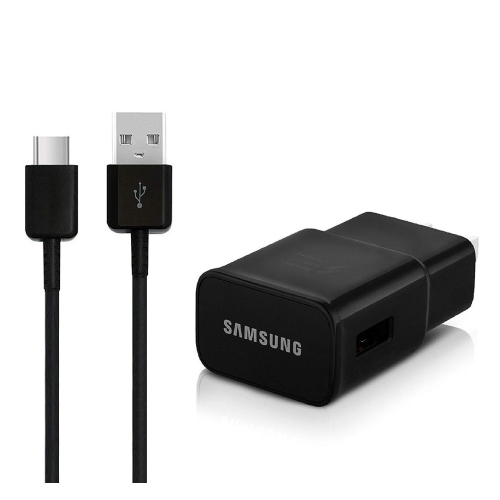
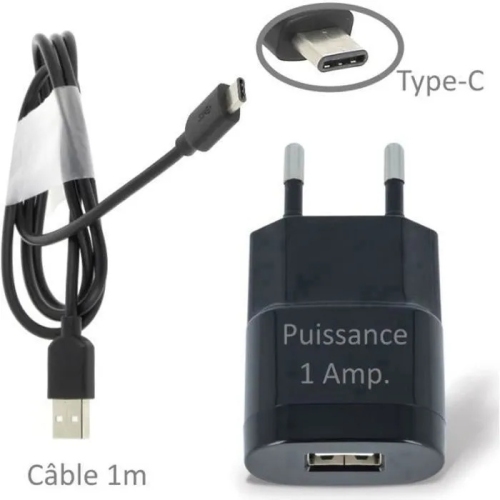
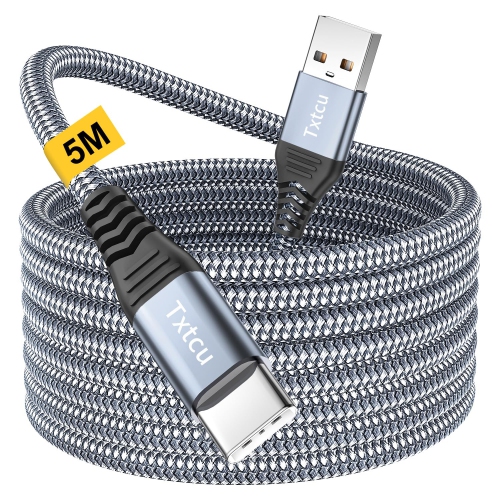
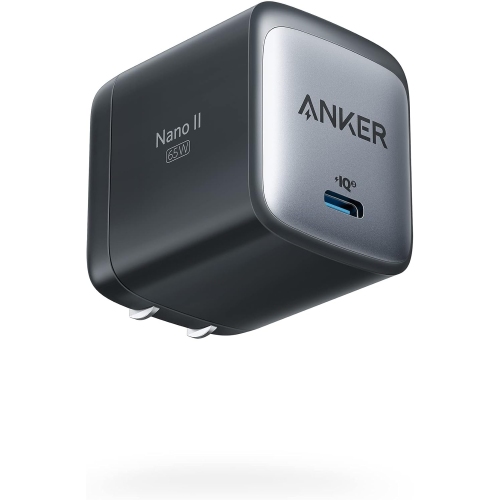
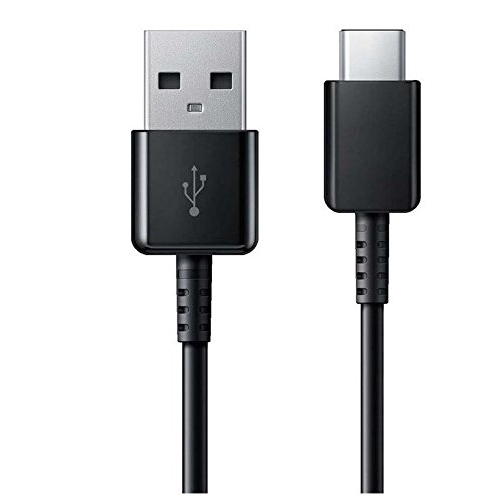
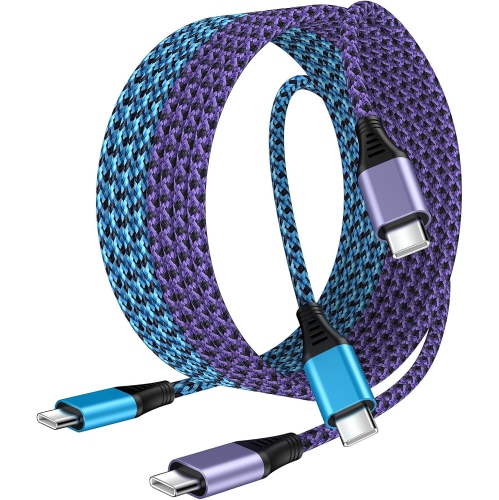
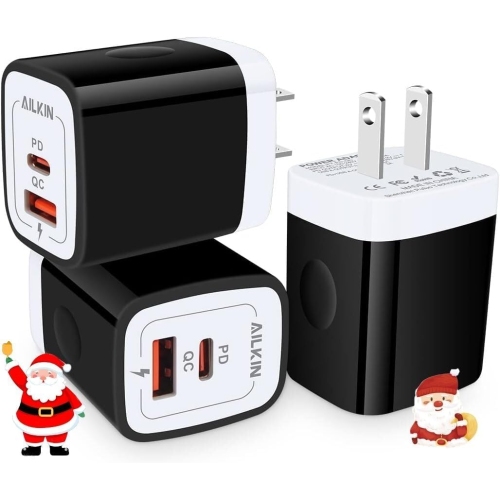
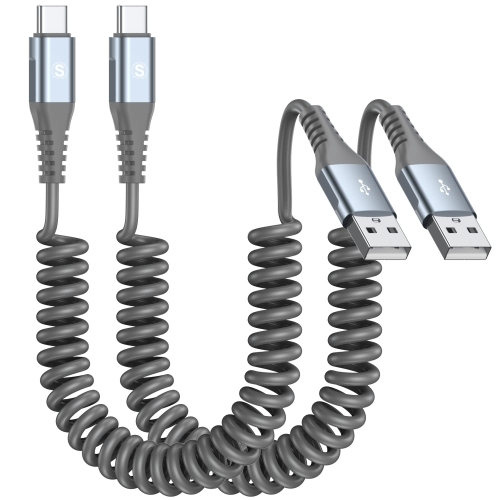
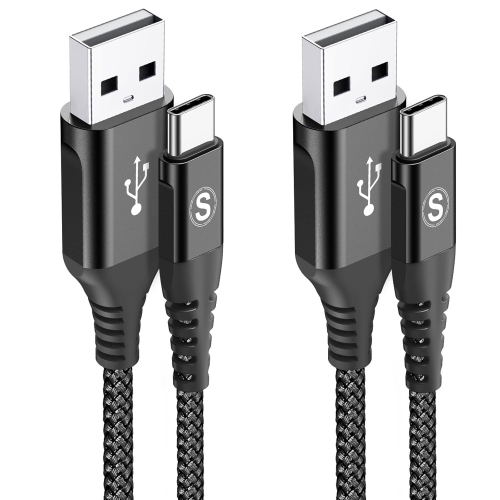
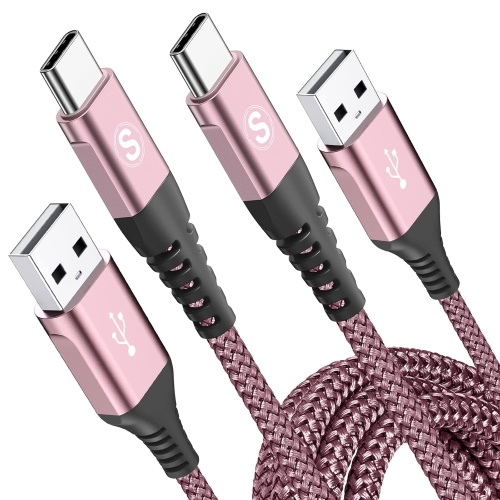
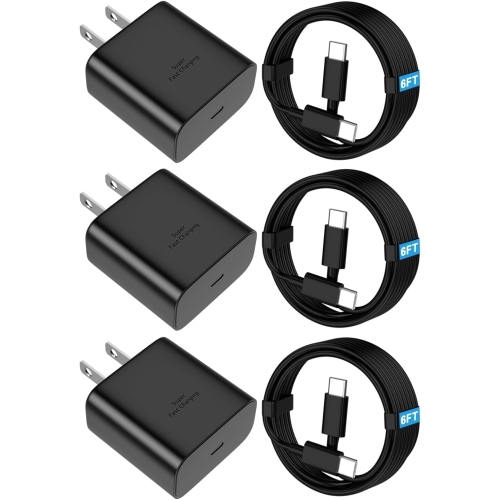
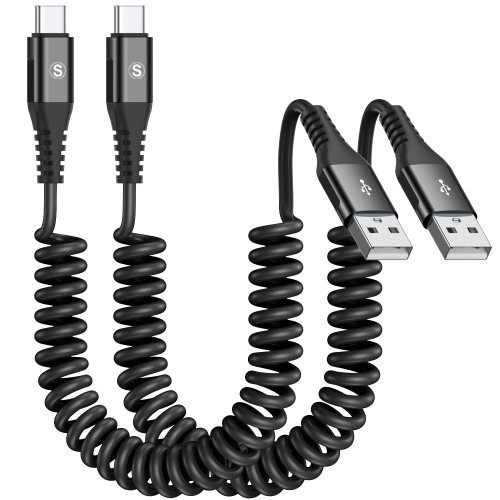
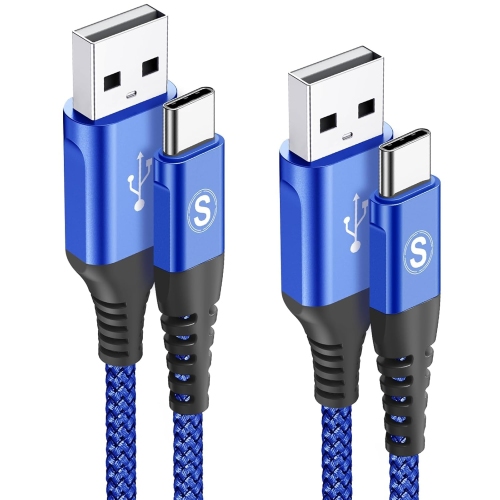
The Samsung Galaxy Note9 uses a USB-C charging port, so look for a charging cable with a USB-C connector at the phone end. Compare cables and power adapters by connector type and listed Note9 compatibility, ensuring the cable also fits the adapter’s port. For fast charging, check for explicit support for the Galaxy Note9.
Sort

Why USB-C alone does not guarantee fast charging

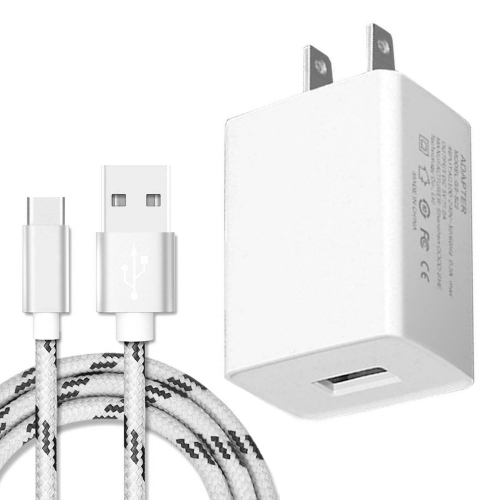
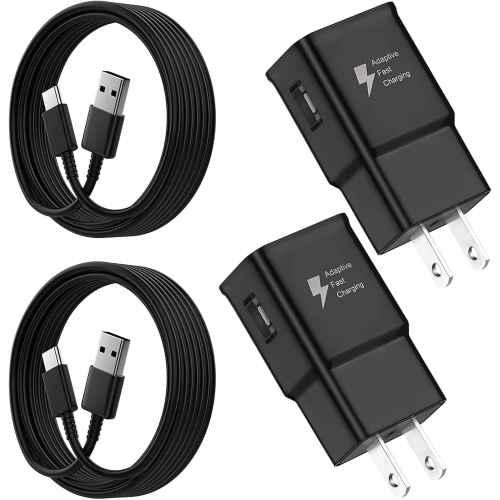
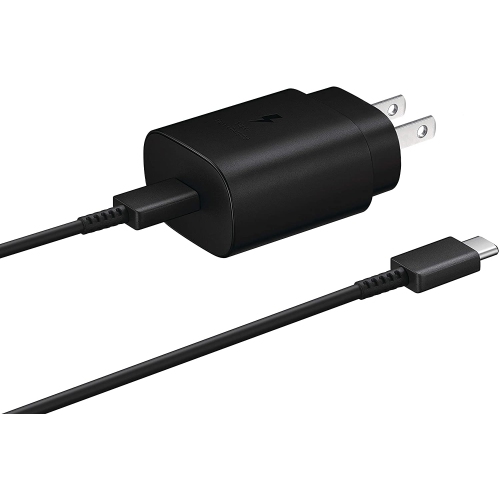
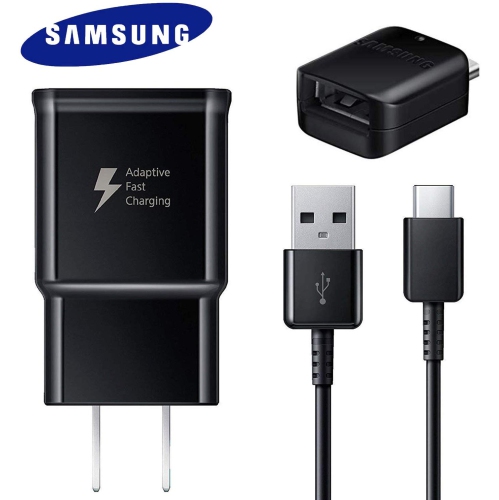
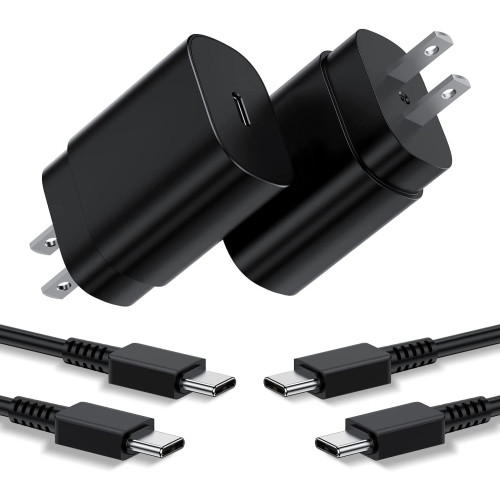
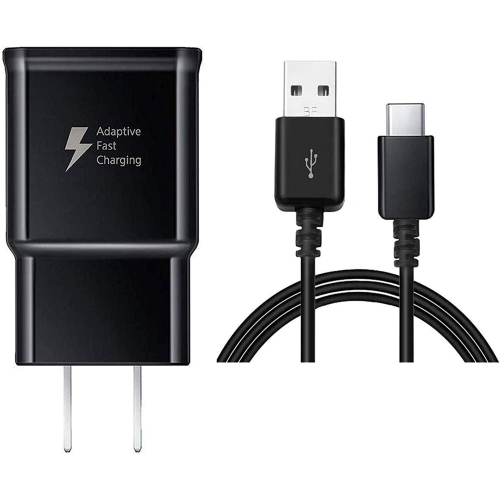
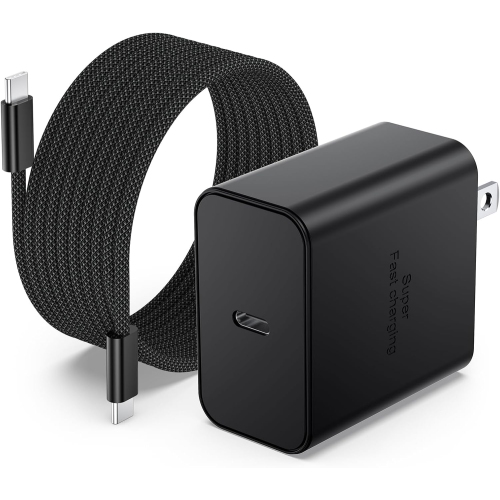
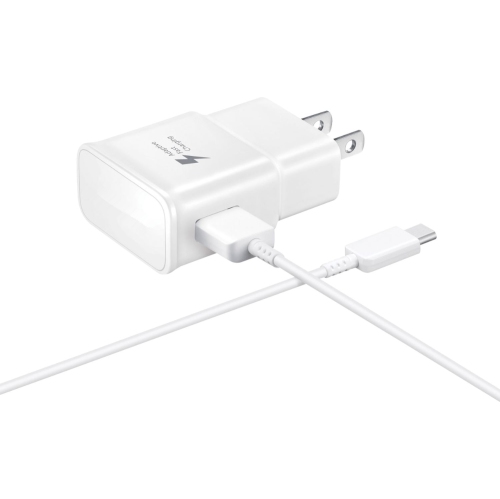
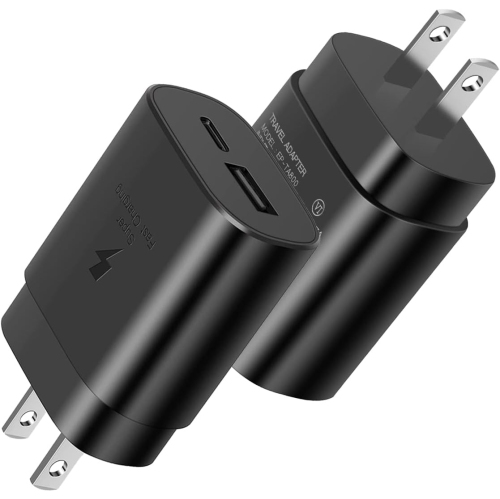
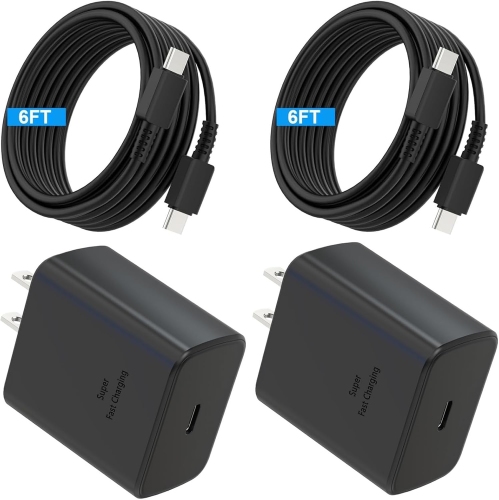
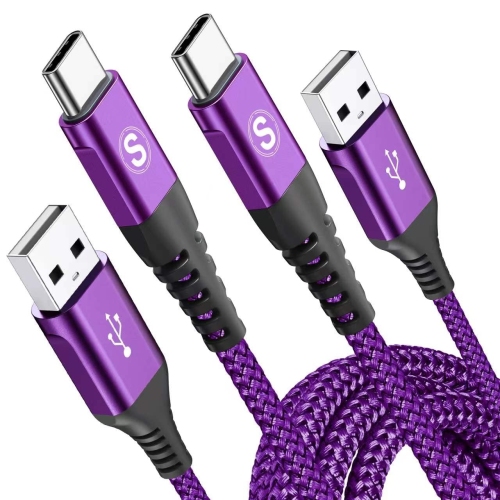
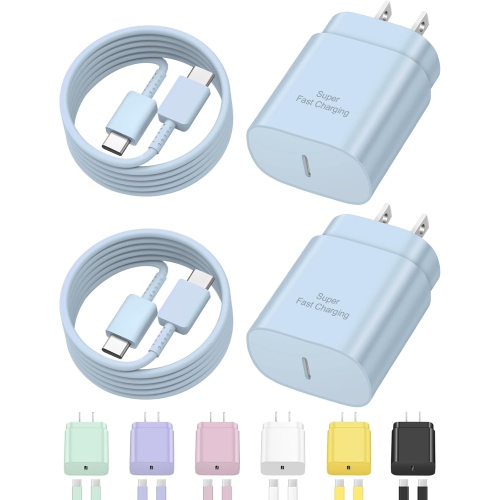
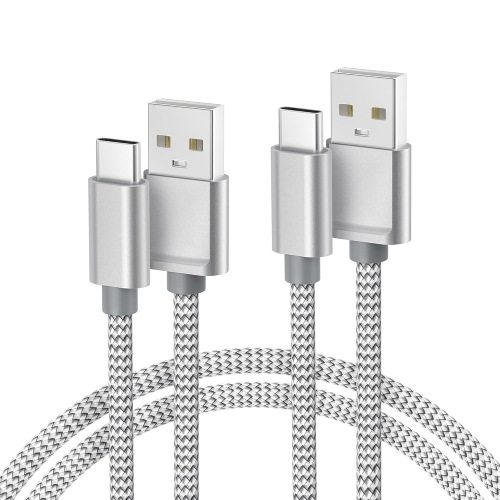
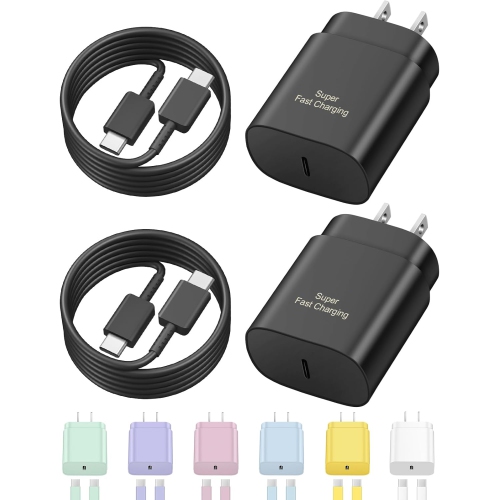
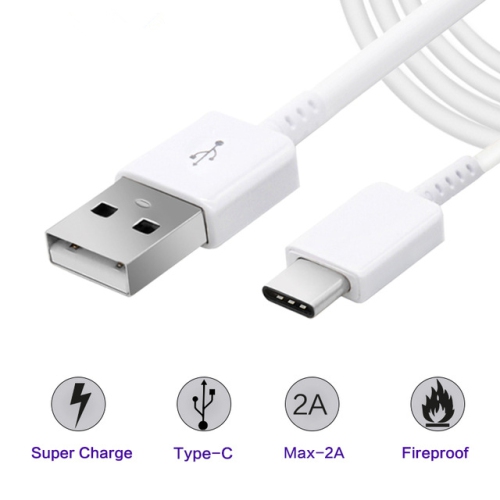
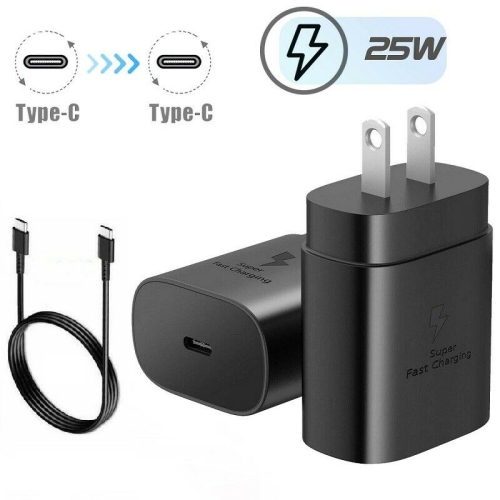
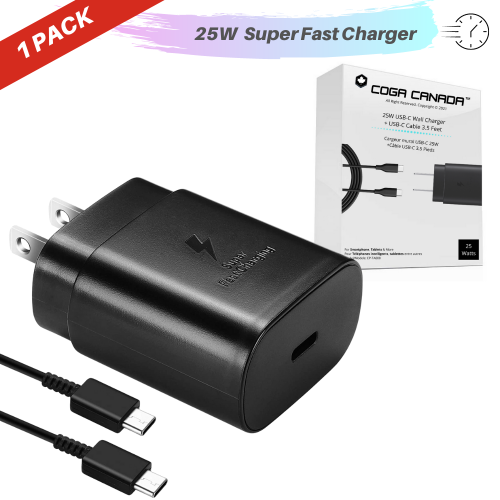
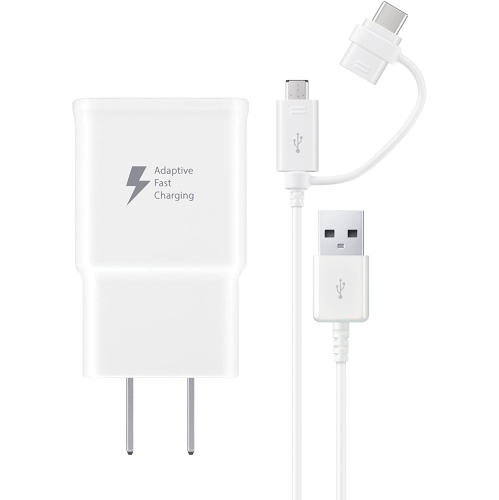
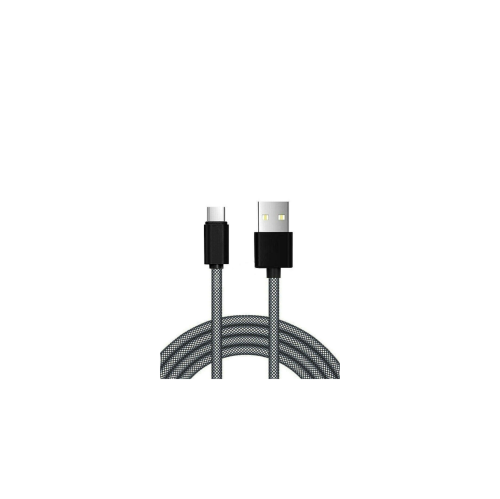
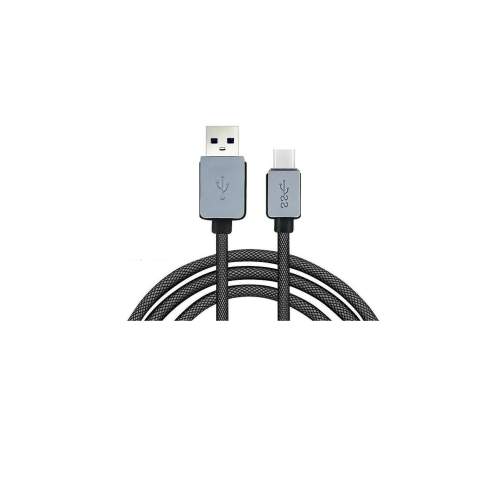
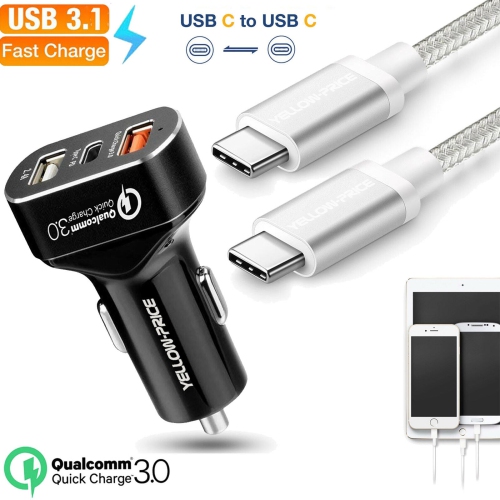
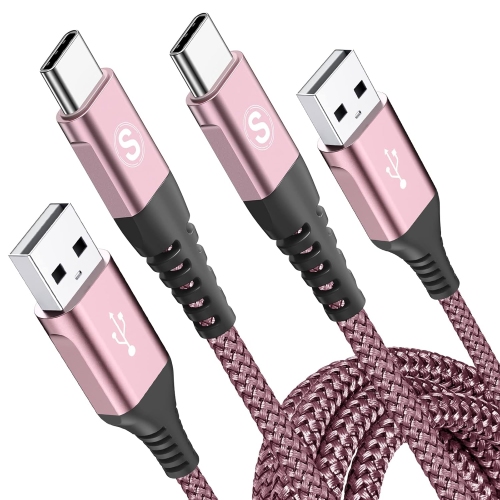
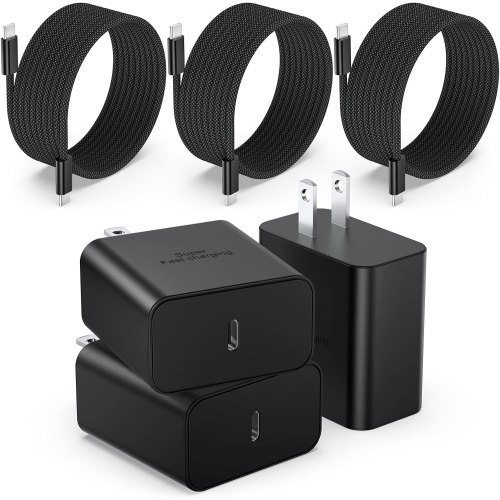
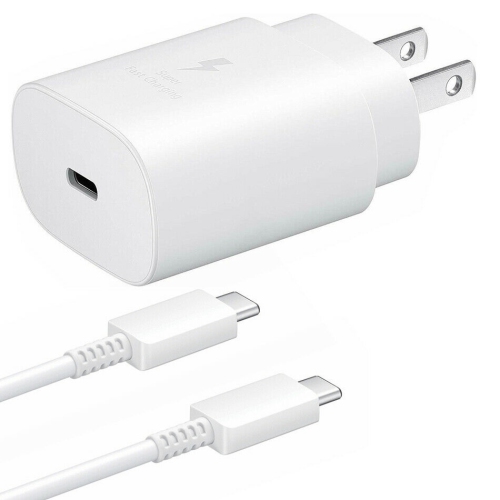
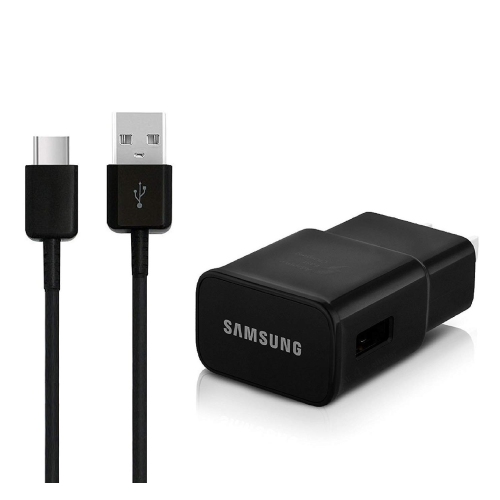
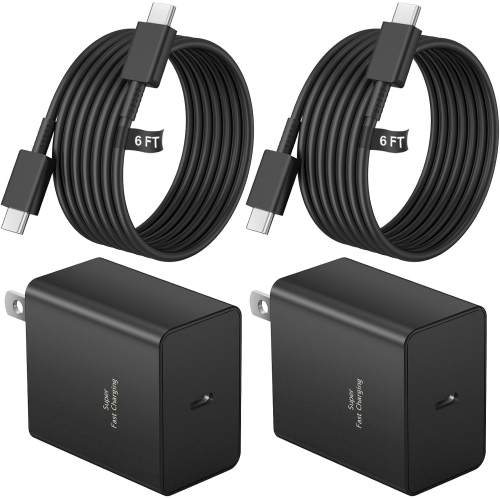
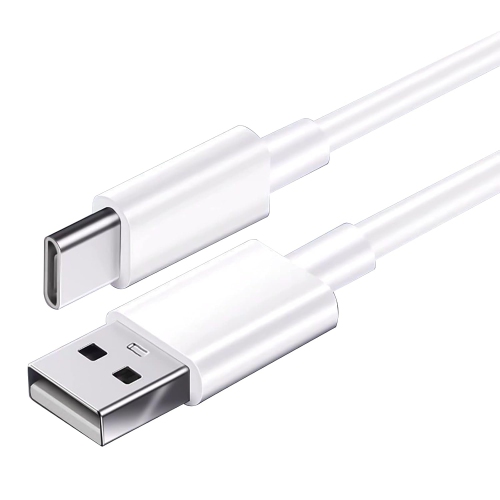
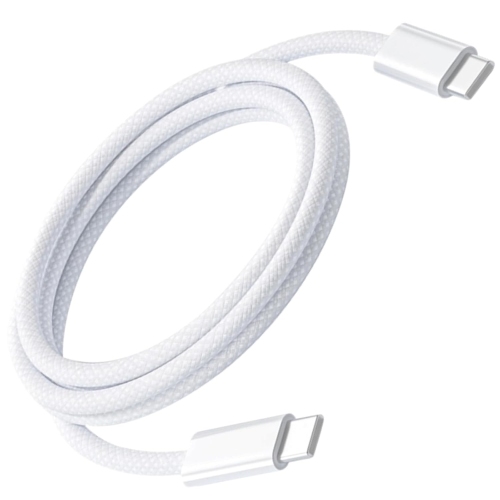
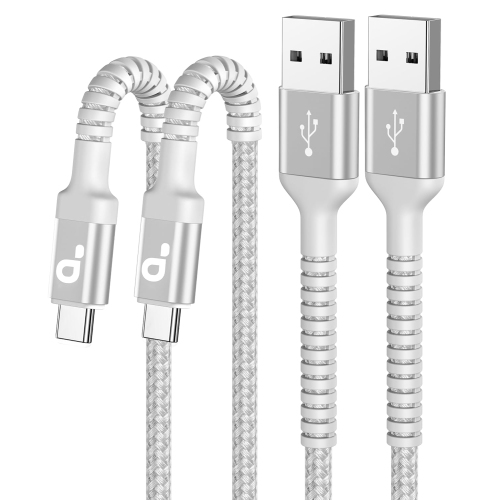
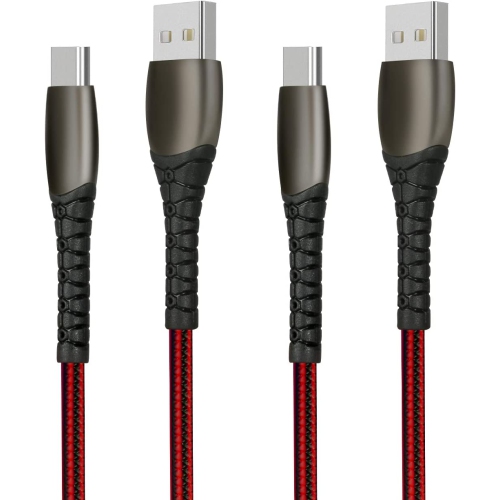
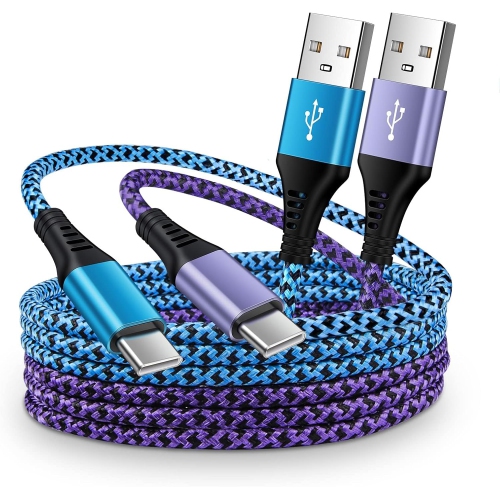
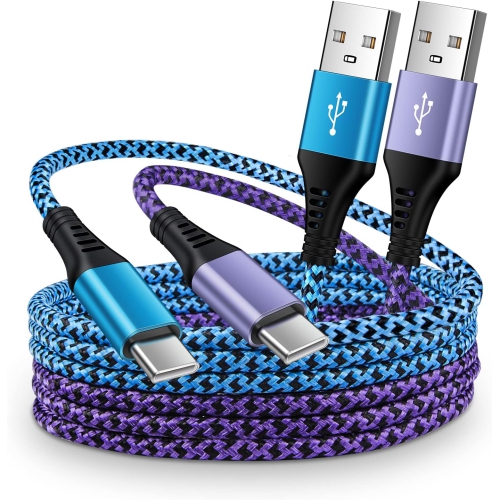
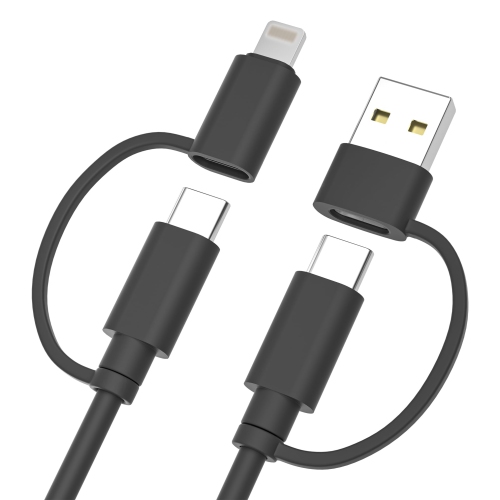
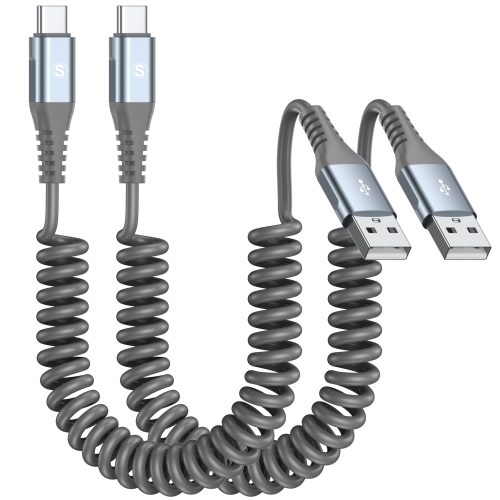
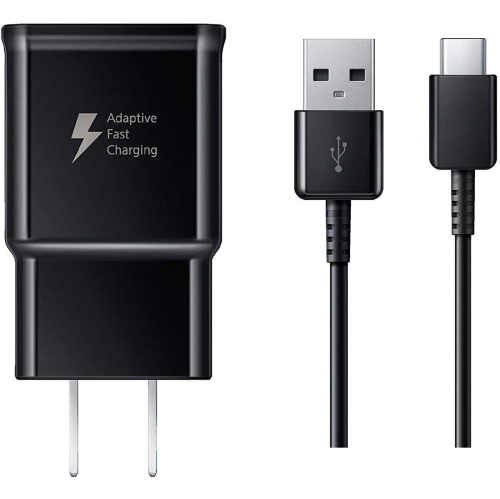
The Note 9 uses a USB Type-C, also called USB-C, port for wired charging and data transfer, and supports wired fast charging at up to 15W with a compatible Adaptive Fast Charging or Quick Charge 2.0 adapter. A common charging setup pairs a compatible USB-A wall adapter with a USB-A-to-USB-C cable. The smaller, reversible USB-C connector fits into the phone, while the rectangular USB-A connector plugs into the adapter. Micro-USB cables have a different connector and do not fit the phone’s charging port directly. When comparing charging accessories, the connector type and the charging standard are separate considerations: USB-C describes the physical connection, while the adapter’s supported charging protocol helps determine the power the phone can receive. A USB-C connector alone does not guarantee fast charging. Likewise, a higher wattage printed on an adapter does not mean the phone will charge above its supported limit. A compatible charger rated above 15W can supply only the power negotiated with the phone, and matching fast-charging support matters more than a large wattage figure. USB-C-to-USB-C cables have a different adapter connection from USB-A-to-USB-C cables, so the available port on the wall adapter also matters. For a replacement setup, compatibility information should identify the cable connections and supported charging standards rather than simply describe an accessory as a fast charger. Actual charging speed also varies with battery level, battery condition and how heavily the phone is being used. Navigation, video calls or other demanding tasks can draw power while charging, leaving less power to replenish the battery. A cable intended for transferring photos or other files should explicitly support data transfer as well as charging, since not every charging cable provides the same functions. For everyday use, a clearly specified adapter and cable pairing makes more sense than choosing either component by appearance alone. The complete setup includes the wall adapter, the cable and a connection that fits securely into the phone without being forced.
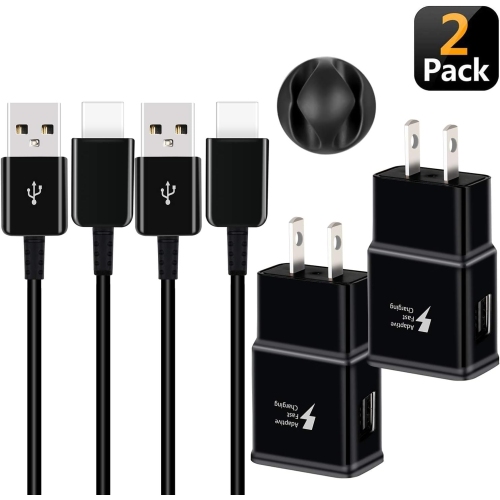
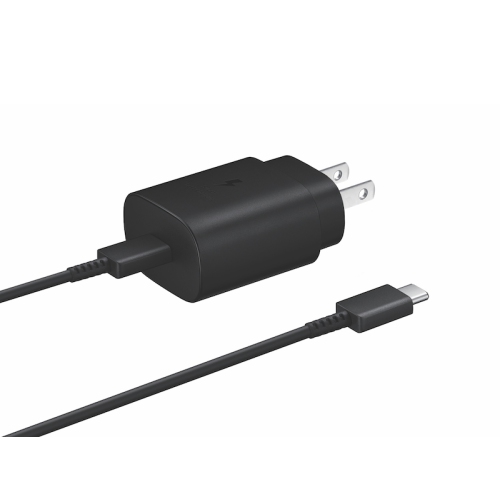
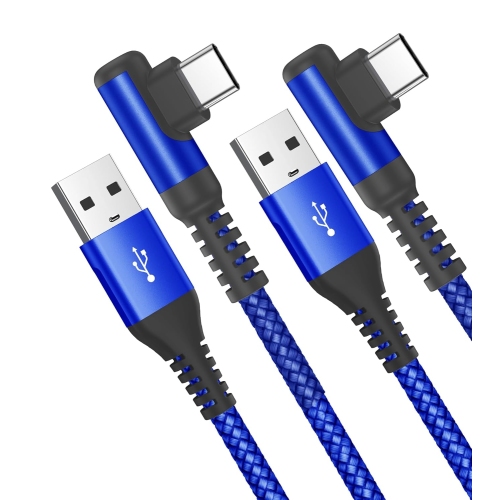
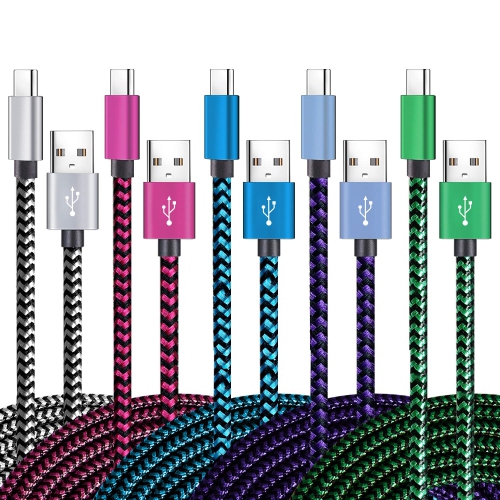
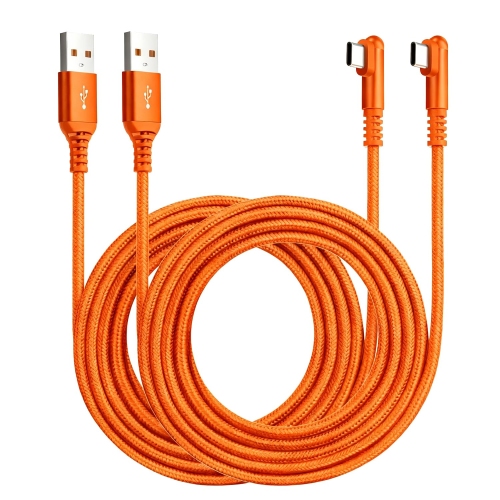
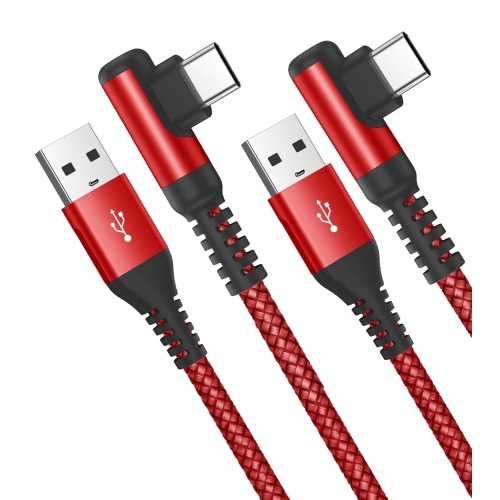
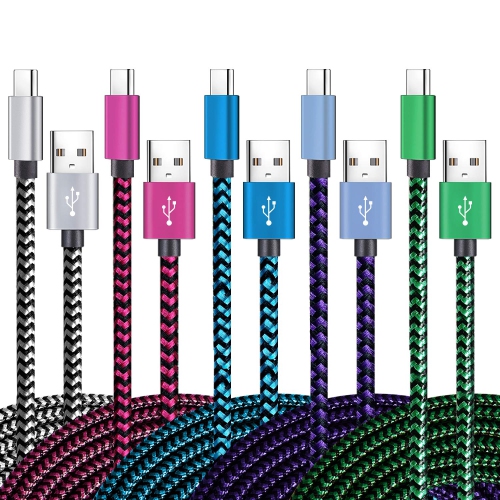
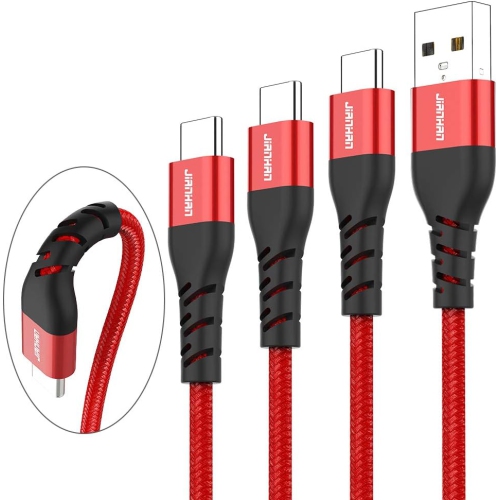
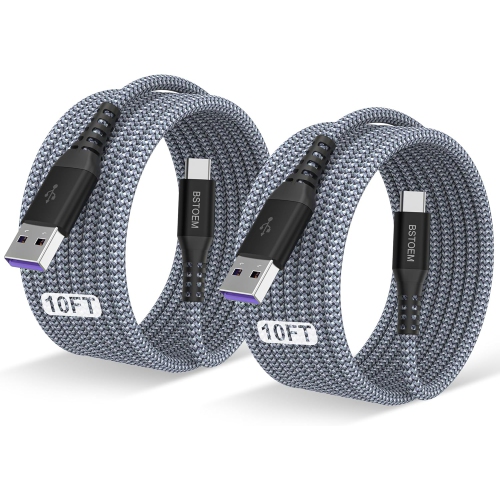
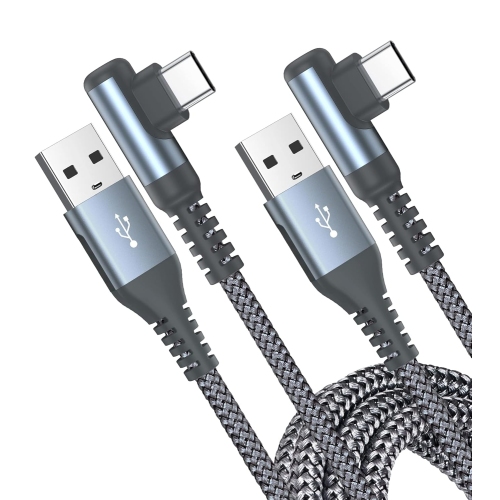
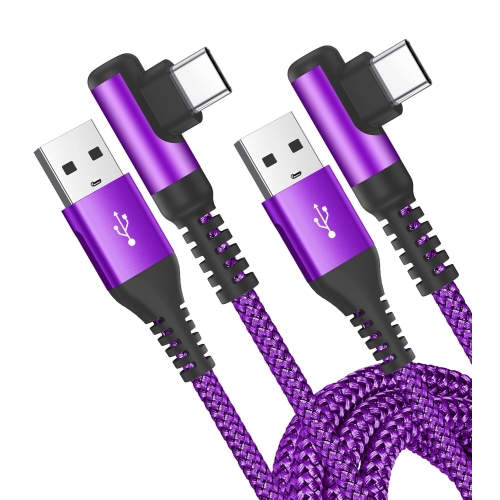
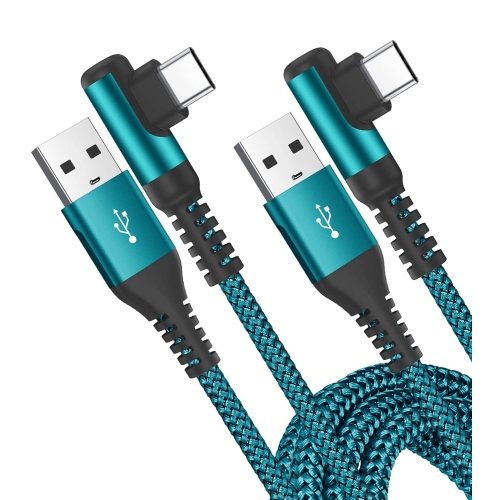
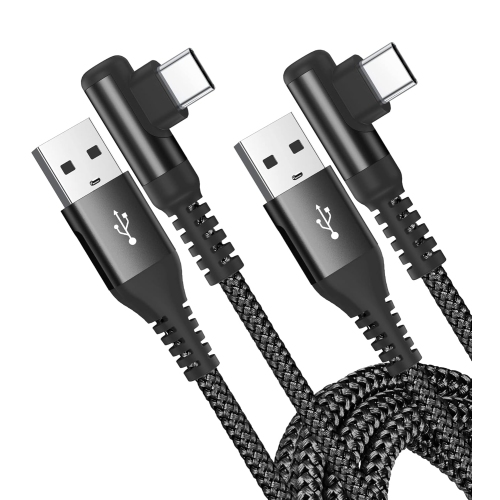
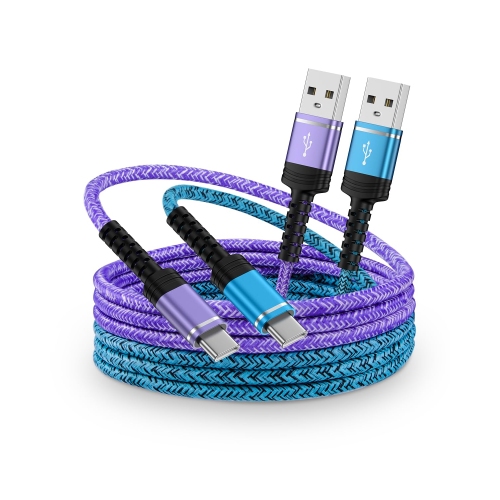
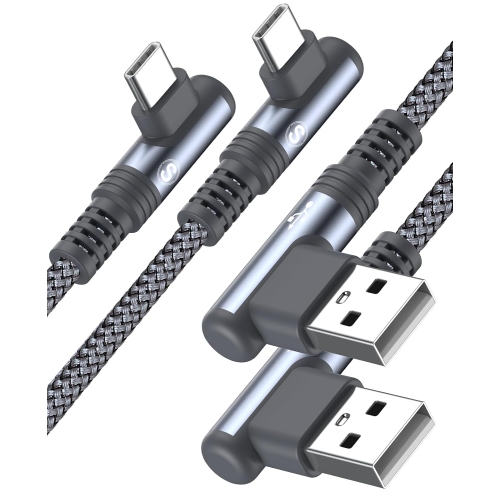
Cable length, jacket material and connector construction affect how comfortably a charging setup fits into daily life. A shorter cable keeps a bedside table or desktop tidy when the outlet is close, while a longer cable can reach from a wall socket behind a sofa to a comfortable place to sit. Extra length is useful only when the cable is well made and suitable for the intended charging load; a long, poorly specified cable may introduce more electrical resistance. Smooth jackets are easy to wipe clean and often slide neatly through a cable organizer, while braided jackets can offer added resistance to everyday abrasion. Neither a braided finish nor a thick outer covering proves that a cable supports a particular charging speed. Reinforced strain relief near the plugs can help protect the areas that bend repeatedly when a phone is picked up, placed in a bag or moved across a work surface. Connector housings deserve attention too, particularly when the phone stays inside a protective case. A bulky plug may meet the edge of a narrow case opening before it seats fully, even though the connector itself is USB-C. Right-angle connectors can reduce how far a cable projects from the phone during handheld use, but their orientation needs to suit the case and the way the phone is held. For a desk setup, a flexible cable with enough slack is often more comfortable than one stretched tightly between the adapter and the handset. In a vehicle, a shorter route can keep loose cable away from controls, provided it does not pull against the charging port. Everyday care also influences durability: pulling on the plug rather than the cord, avoiding sharp bends and storing cables in loose loops helps limit unnecessary wear. Frayed jackets, exposed wiring, cracked housings or loose connectors are reasons to stop using an accessory rather than keep bending it into a position that works.

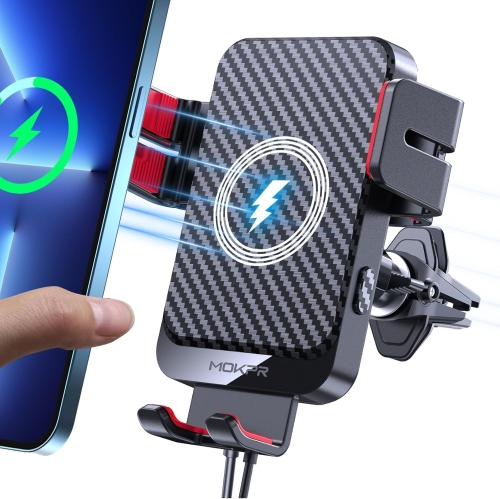
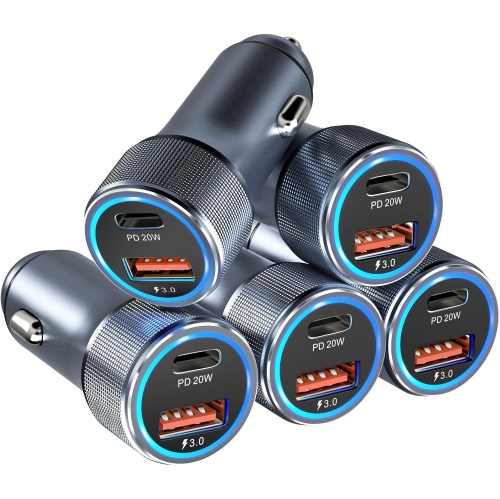
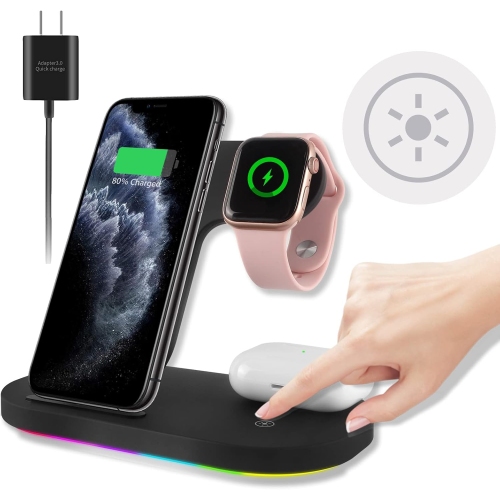
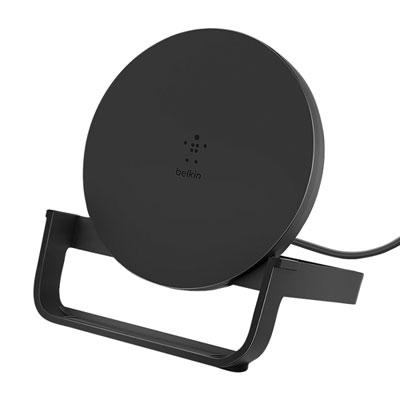
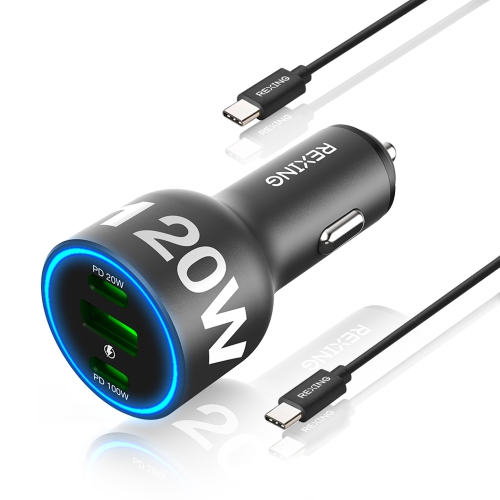
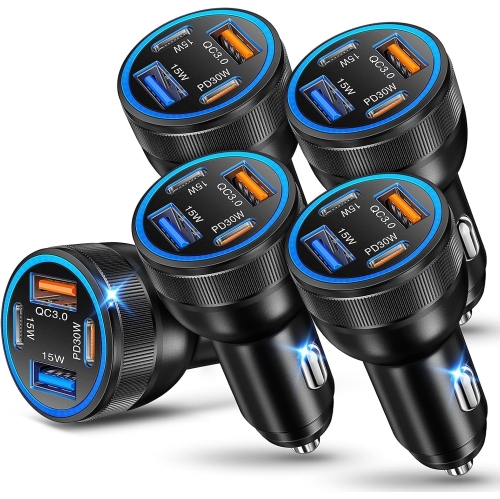
Different charging accessories suit different routines, even when they serve the same USB-C phone. A dedicated wall setup is practical for someone who charges beside a bed, while a spare cable at a work surface reduces the need to pack and unpack the same cord every day. Travellers may prefer a compact adapter with clearly marked electrical ratings, along with a cable that coils easily into a small pouch. For international travel, the adapter’s stated input range and the destination’s socket shape are separate considerations; a plug-shape adapter alone does not change electrical voltage. Multiport chargers can simplify a shared charging spot, although their specifications should show how power is distributed when several ports are occupied. The maximum output advertised for the whole charger may not be the output available from each port at the same time. Vehicle adapters offer another option for commuters and passengers, with both connector compatibility and fast-charging support remaining relevant. The phone also supports Qi wireless charging, so a compatible charging pad provides an alternative to plugging a cable into the handset. Wireless charging does not change the phone’s wired connector type, and its charging performance should not be confused with the 15W wired fast-charging specification. A wireless pad still requires a suitable power source, and reliable placement matters: a thick case, a metal attachment or poor alignment can interfere with charging. A stand-style pad can keep the screen visible for notifications, while a flat pad suits a clear space on a bedside table. For households comparing charging accessories across phones, Samsung Galaxy S10 Plus Charger Type offers related information on another USB-C charging setup. Shared connector shapes can make cable organization simpler, but each phone’s charging capabilities still determine the appropriate adapter pairing. Whether the accessory is a replacement for a worn cable, a second charging station or a practical gift for someone keeping a familiar phone, the most useful combination is one that matches the device, fits its case and reaches comfortably where charging happens.

FAQ

Some products may be subject to Environmental Handling Fees (EHF) depending on your province. Learn more about EHFs.