Best Standing Desks for Two Monitors
Build a comfortable, organized workspace with the best standing desks for two monitors, ranked by user review ratings. Whether you’re working, studying, or gaming, explore options with room for both screens and everyday essentials. Compare desktop dimensions, height adjustment ranges, and weight capacities to find a desk that fits your setup and makes switching between sitting and standing simple.
What to look for in standing desks for two monitors
1. Desktop Size and Layout
2. Weight Capacity and Stability
3. Height Range and Adjustment
4. Monitor Mounting and Cable Management
-
1
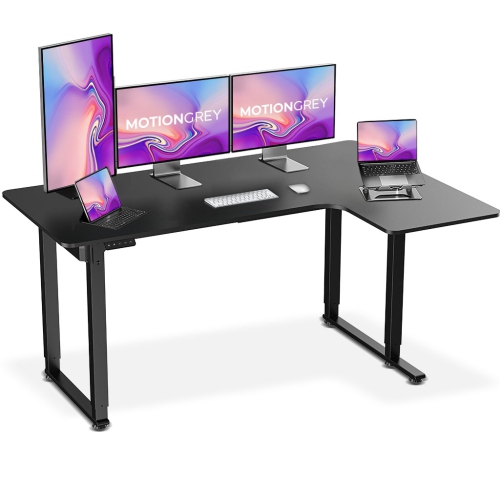
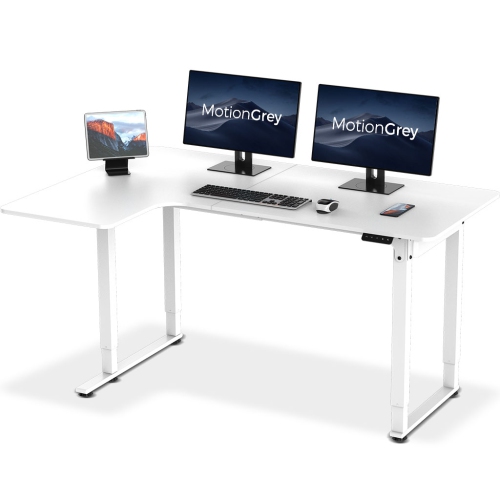
MOTIONGREY Ergo2 Pro L Shaped 63"x43" Adjustable Electric Corner Standing Desk Ergonomic Chair Desk for Home And Commercial Office Top Frame - w
About this product
An ergonomic black L-shaped electric standing desk with memory settings, high-quality laminated top, and 80kg capacity.
(8)$299.99Your price for this item is $299.99SAVE $220 -
2
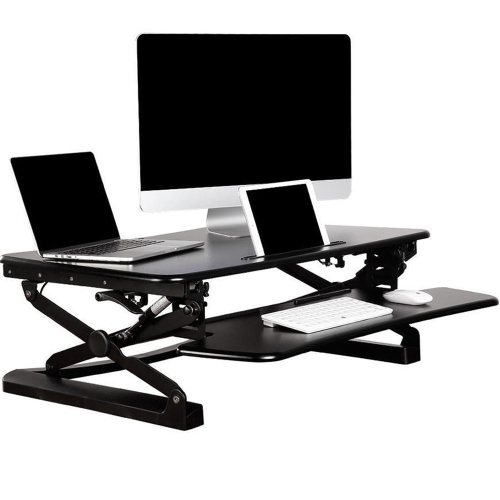
PRIMECABLES Height Adjustable 35 Inches Sit Stand Desk Converter, Stand Up Dual Monitor Desk Riser Laptop Desktop Computer Worksation - In Black
About this product
A height-adjustable black desk converter designed for sit-stand use with dual monitors or laptops.
(1)$239.99 Your price for this item is $239.99 -
3
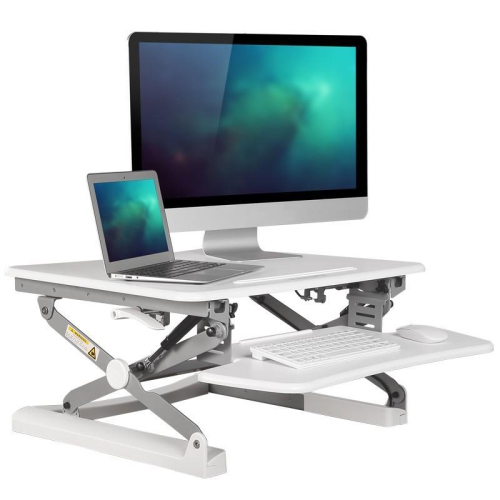
PRIMECABLES Height Adjustable 35 Inches Sit Stand Desk Converter, Stand Up Dual Monitor Desk Riser Laptop Desktop Computer Worksation-White
About this product
A height-adjustable white desk converter designed for sit-stand work with dual monitors or laptops.
$239.99 Your price for this item is $239.99 -
4
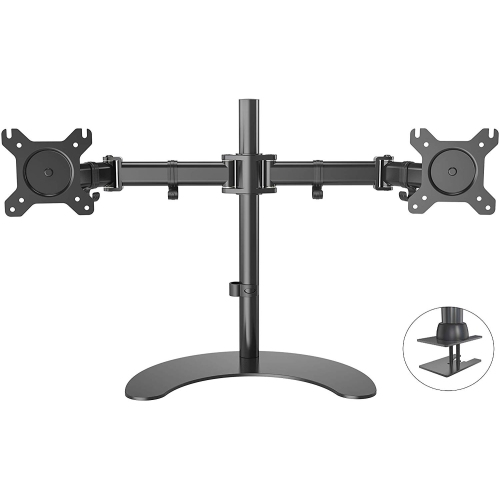
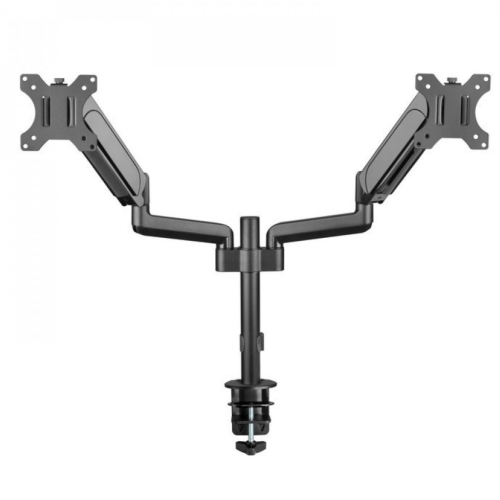
HLD Dual Lcd Led Monitor Desk Mount Stand Heavy Duty Fully Adjustable Holds Two Screen 13" to 32" With 3 Installation Options
About this product
A heavy-duty, fully adjustable desk mount that securely holds two monitors with three versatile installation options.
$98.96Your price for this item is $98.96SAVE $30 -
5
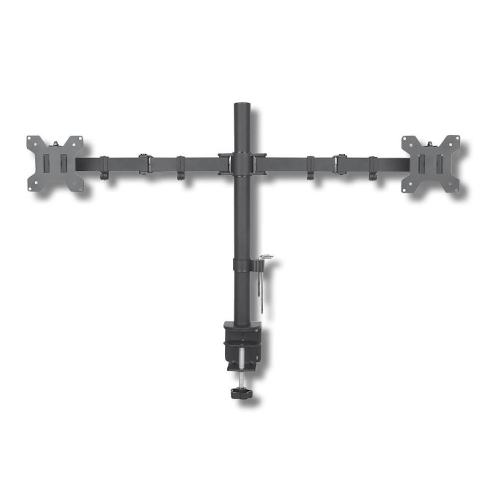
TECHLY Dual Monitor Desk Stand|Supports Two Monitors 13"-27"|Holds Up to 20 Kg| Vesa Up To100X100|Black
About this product
A black desk stand that supports two monitors with adjustable angles, height, and VESA compatibility.
$82.68 Your price for this item is $82.68 -
6
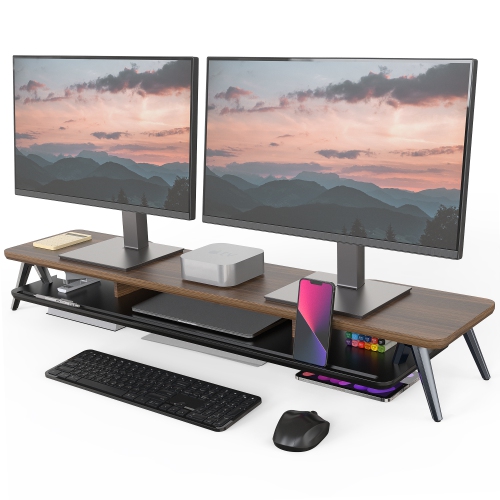
FENGE Dual Monitor Stand, Monitor Stands Riser for 2 Monitors, 42.5 Inch Wood Desk Shelf w Storage Organizer And Cable Management for Office Desk
About this product
A sturdy MDF dual monitor riser with storage organizer, cable management, and a waterproof, scratch-resistant surface.
$119.99Your price for this item is $119.99SAVE $10 -
7
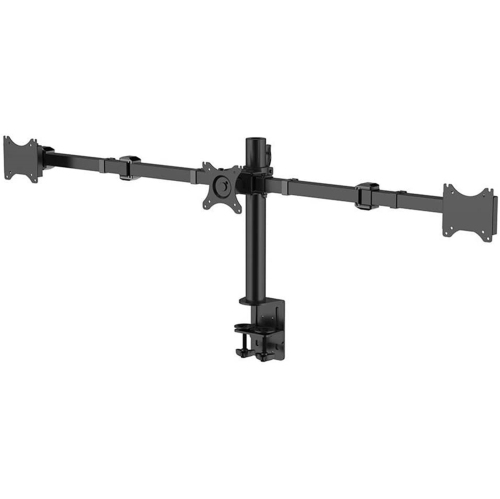
PRIMECABLES Triple Monitor Mount Stand for 10 – 30 Inch Screens With 90° Swivel Arms, Aluminum Monitor Arms for 3 Screens, 75 X 75 And 100 X 100 Vesa
About this product
An aluminum desk mount stand offering full-motion support for three monitors with 75x75 or 100x100 VESA compatibility.
$79.99 Your price for this item is $79.99 -
8
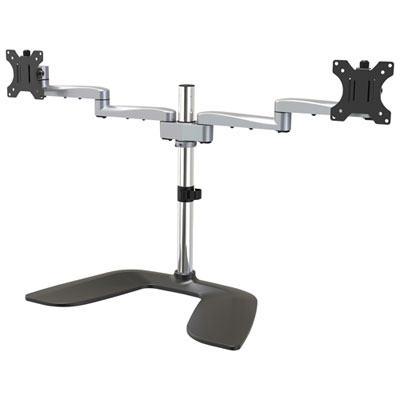
StarTech 32" Dual Arm Ergonomic Monitor Desk Stand - Black/Silver
About this product
A dual arm desk stand in black and silver offering ergonomic support for two VESA-compatible monitors.
$277.99 Your price for this item is $277.99 -
9
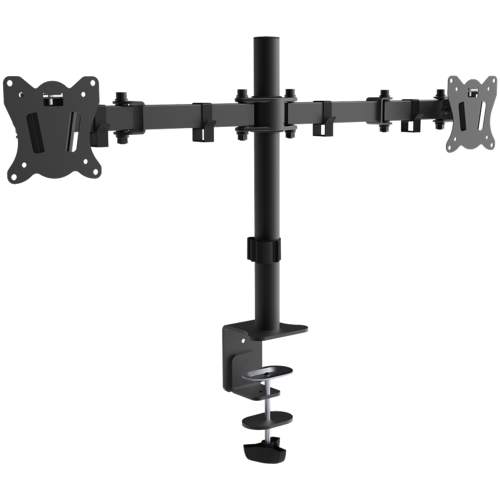
PRIMECABLES Full Motion Monitor Stand Dual Monitor Mount, Monitor Arm Fit 2 Screens Fully Adjustable Heavy Duty for 13"-27" Monitors Desk Mount
About this product
A fully adjustable dual monitor arm that supports two 13"-27" screens for an ergonomic workspace.
$29.99 Your price for this item is $29.99 -
10
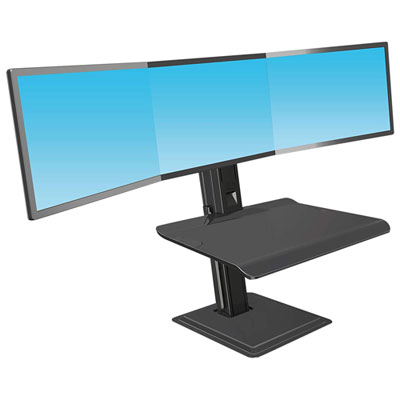
North Bayou Ergonomic Standing Desk with Triple Monitor Integration - Black
About this product
An ergonomic black standing desk with triple monitor support, adjustable height, and built-in USB adapter.
$499.99 Your price for this item is $499.99
FAQ
Look for convenient adjustment controls, cable management options and a desktop layout that accommodates your preferred monitor arrangement. Programmable presets and compatibility with monitor arms are also useful features to consider for a dual-monitor workstation.
Electric standing desks use motor-driven controls to raise and lower the desktop, while manual models typically use a hand crank or a pneumatic mechanism. Electric models may include programmable presets, while manual models do not require a power connection for adjustment.
Common options include under-desk cable trays, desktop grommets, cable sleeves and reusable straps. For two monitors, look for ways to route both display and power cables, including a flexible cable channel between the moving desktop and floor-level connections.
Many standing desks support clamp-mounted or grommet-mounted monitor arms, but compatibility varies by desktop construction and mounting requirements. Check the desk and arm specifications, along with each monitor’s VESA mounting pattern. Monitor stands are another option if you prefer not to attach hardware to the desktop.
Common choices include laminate, wood veneer, solid wood and glass. Laminate offers a range of finishes, veneer provides a real-wood surface over a core, and solid wood has natural grain variation. Glass offers a distinct appearance but may have restrictions on clamp-mounted accessories.
Top selling and popular products
Discover more categories related to Best Standing Desks for Two Monitors
Some products may be subject to Environmental Handling Fees (EHF) depending on your province. Learn more about EHFs.