Convertible Standing Desks
A standing desk is a great way to improve your posture, burn some calories, and stay focused. But if you have a small home office or a tight budget, it's hard to justify the cost of a standing desk. If so, consider a convertible Standing Desks are just as good as their stationary counterparts—and often cheaper—but can be used in more places than traditional desks.
Sort
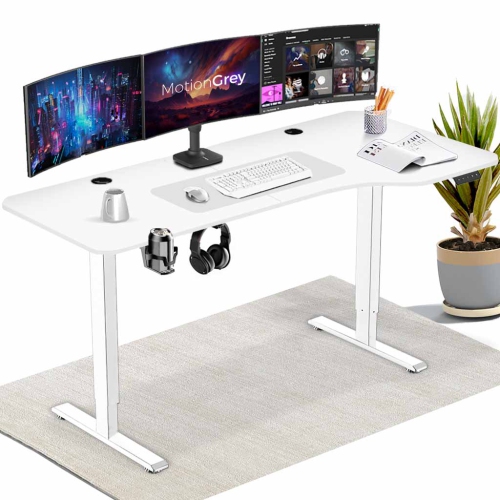
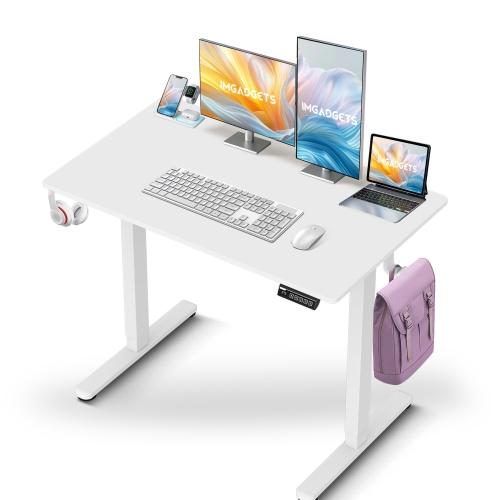
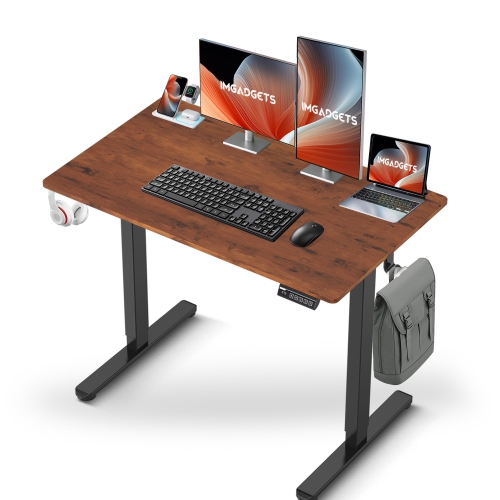
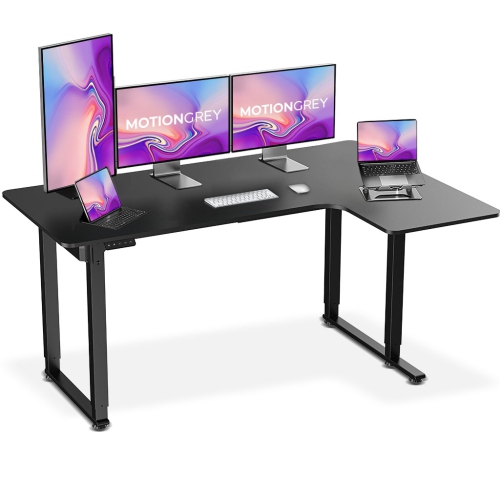
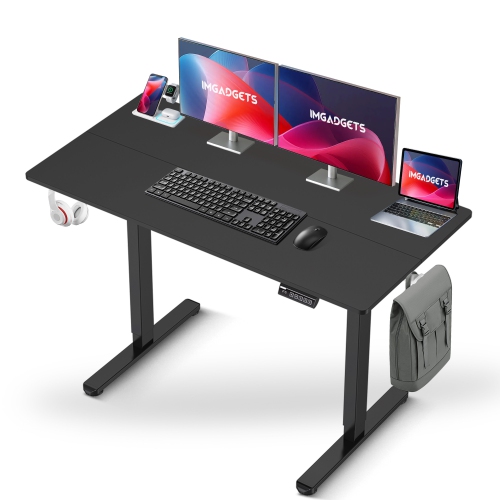
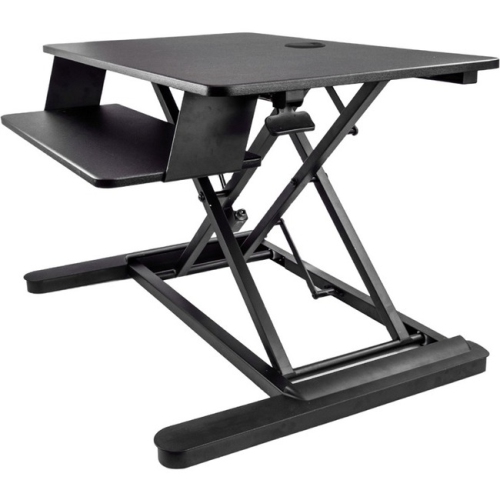
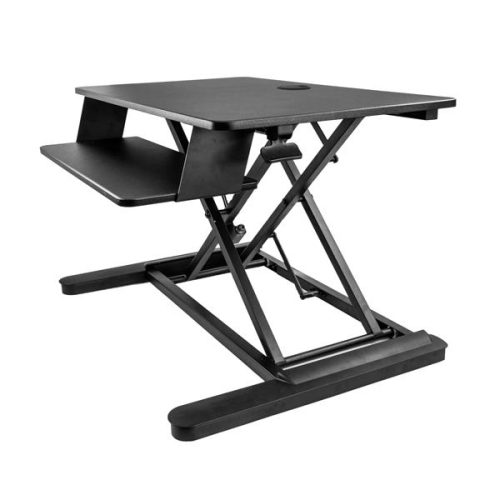
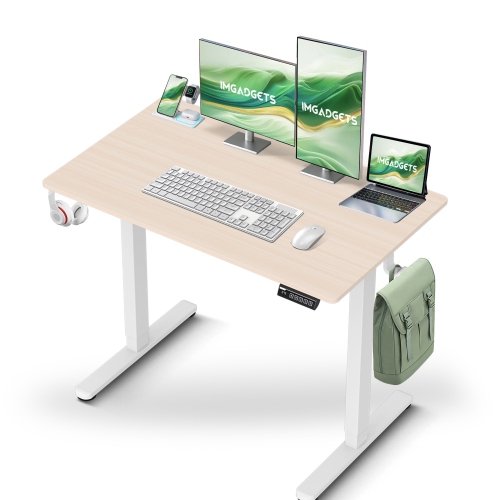
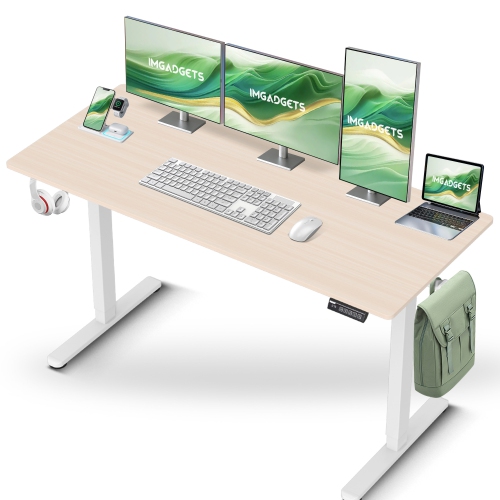
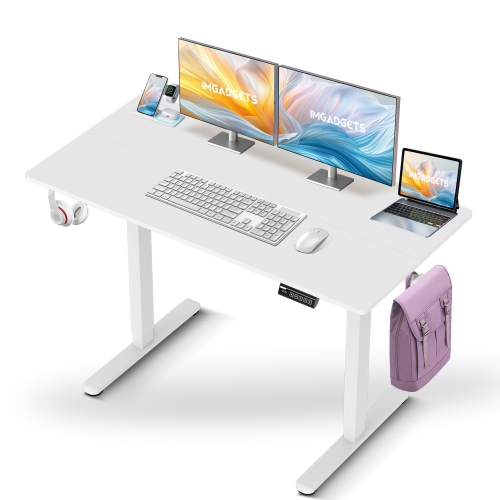
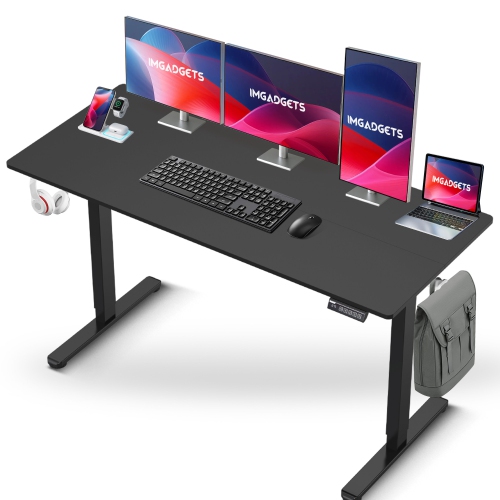
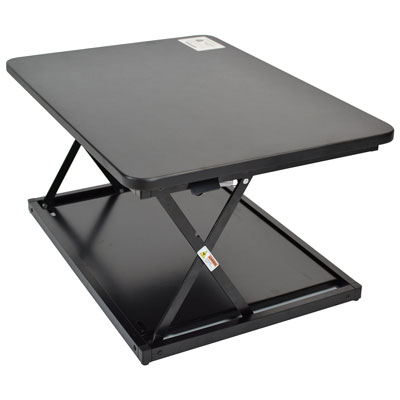
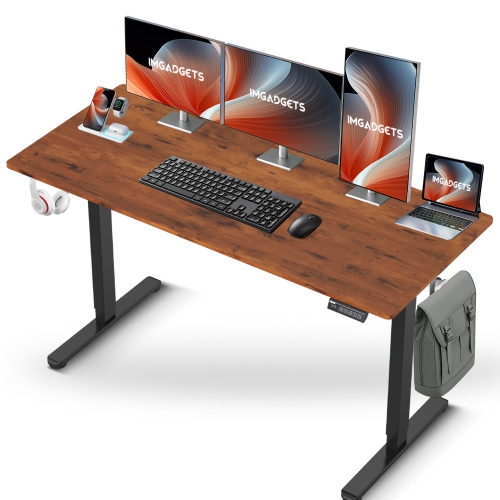
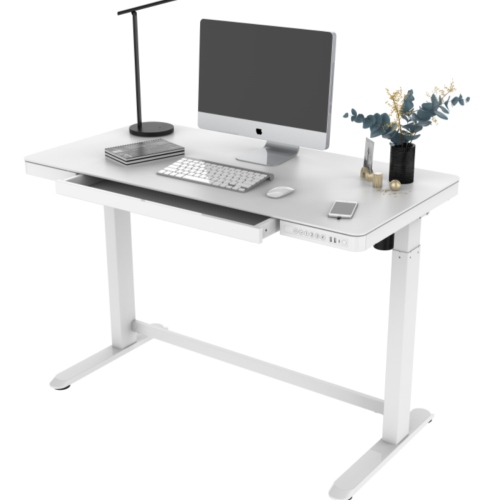
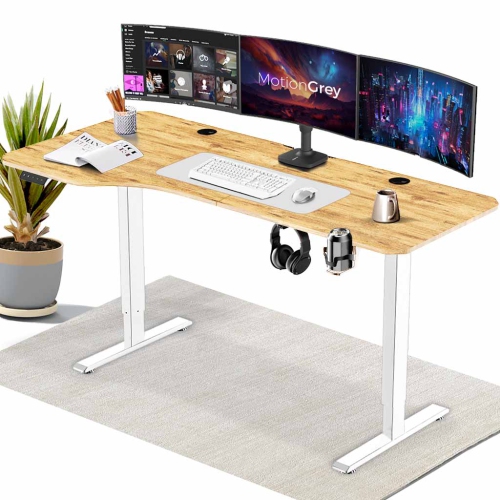
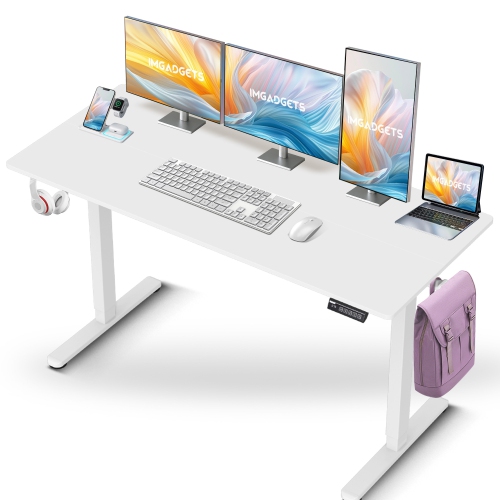


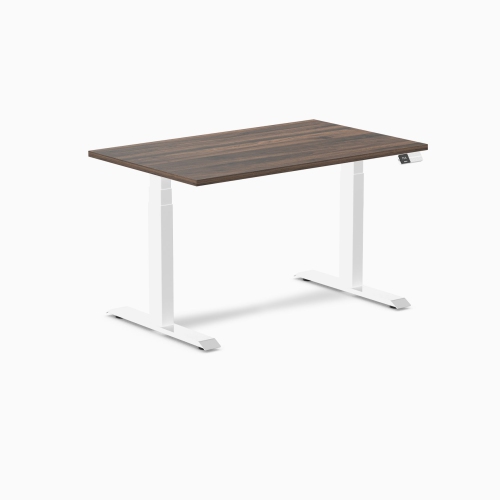
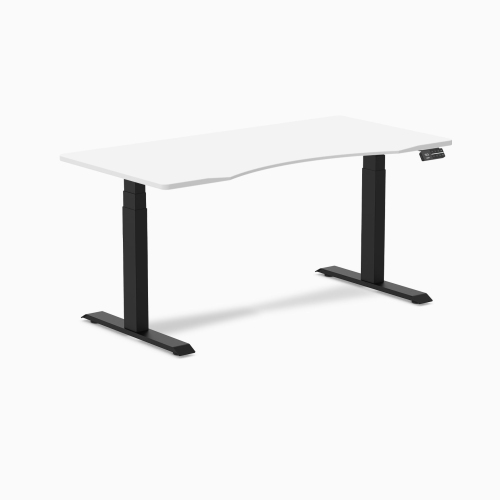
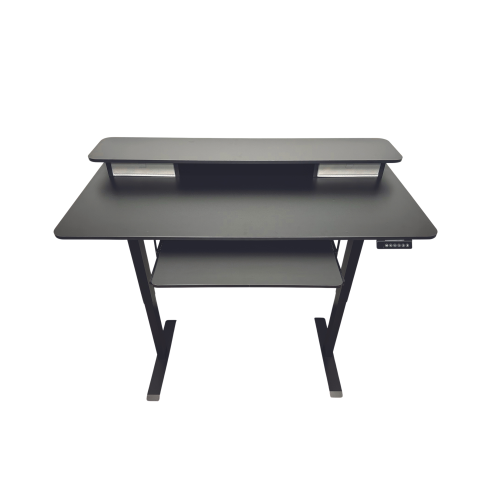
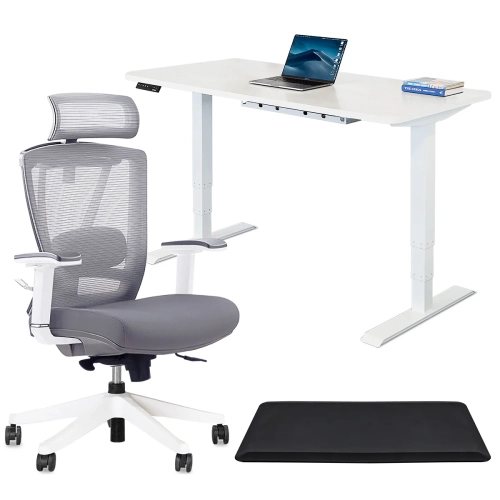


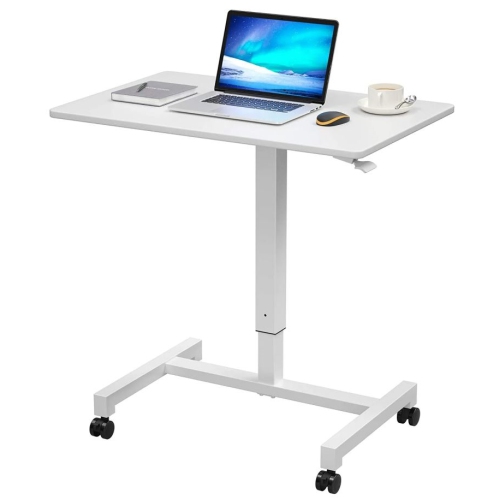
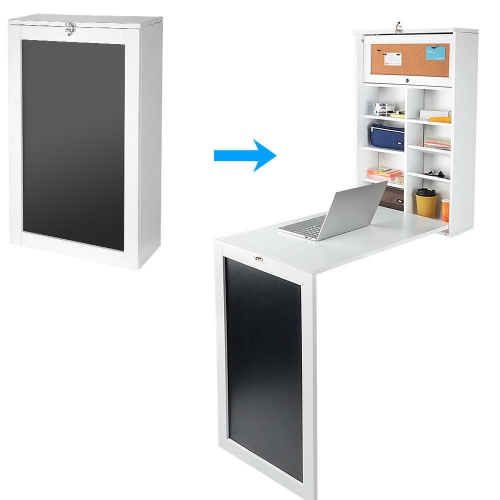
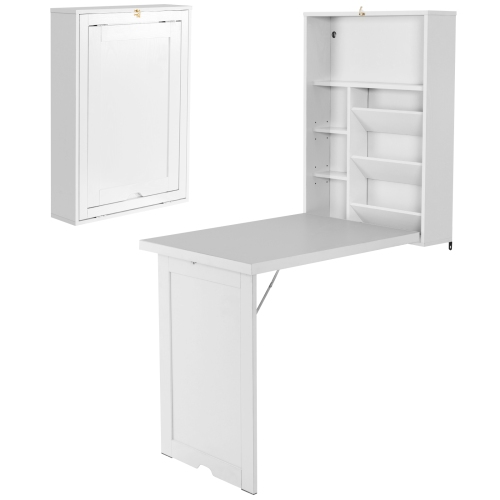
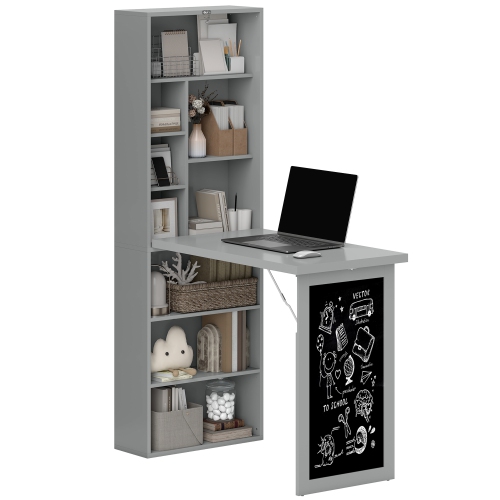

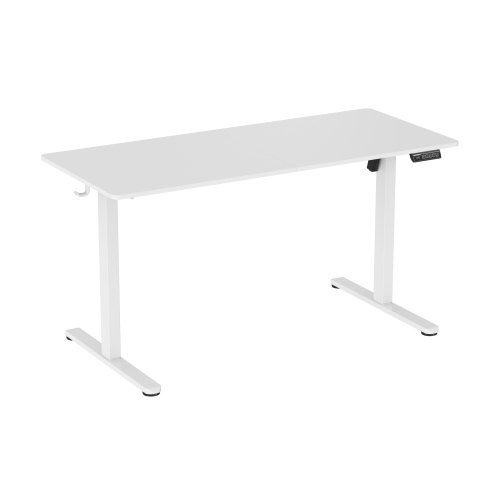
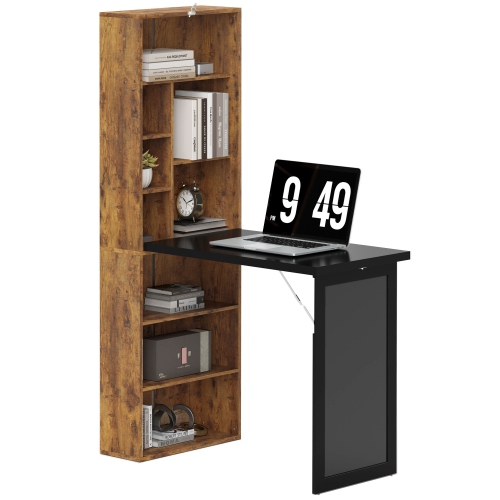
Two ways to switch between sitting and standing
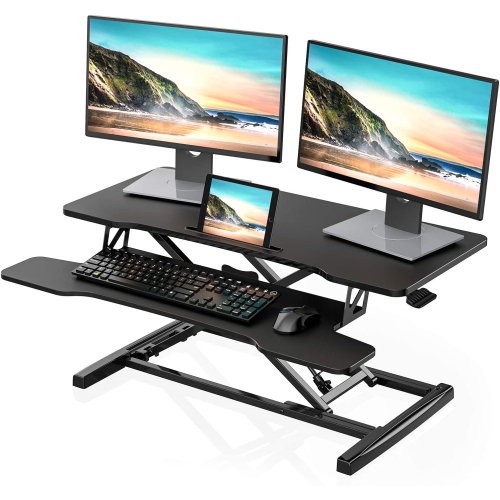
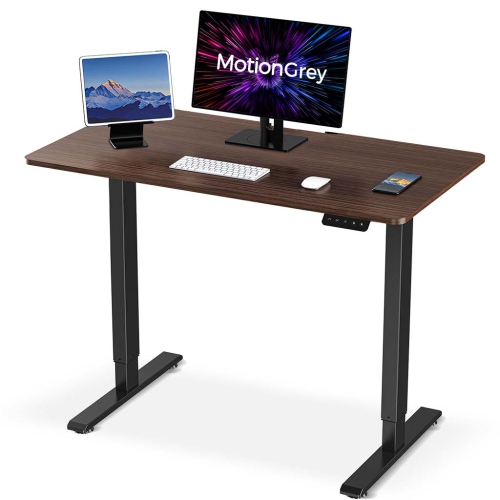
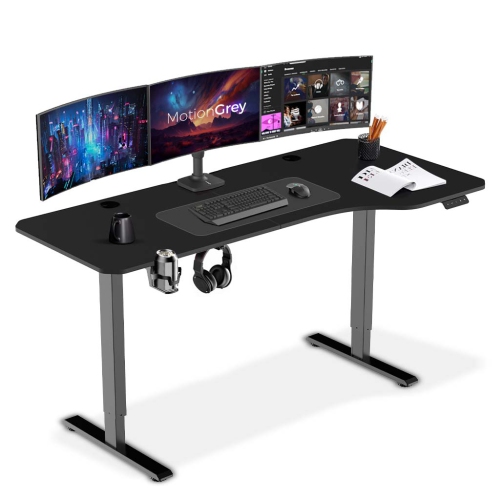
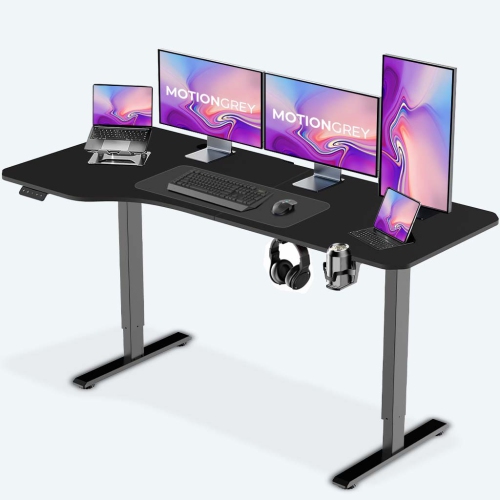
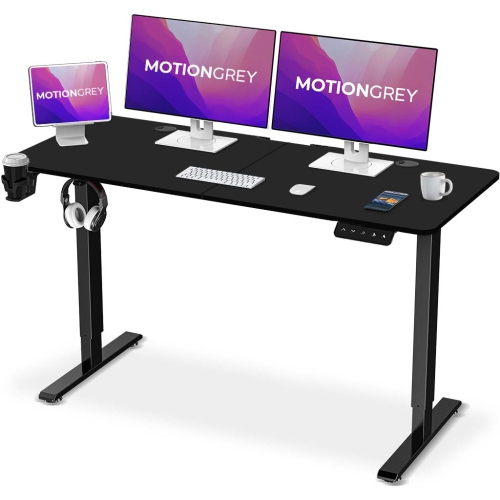
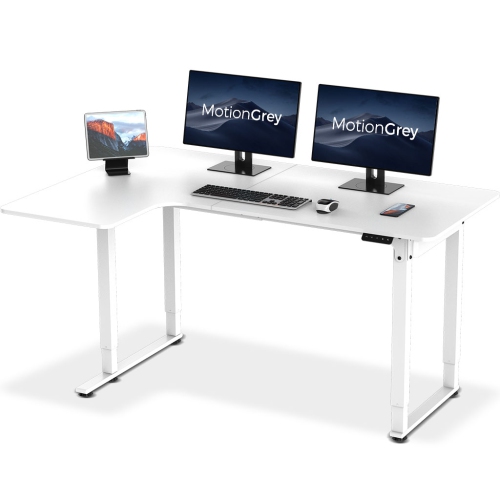
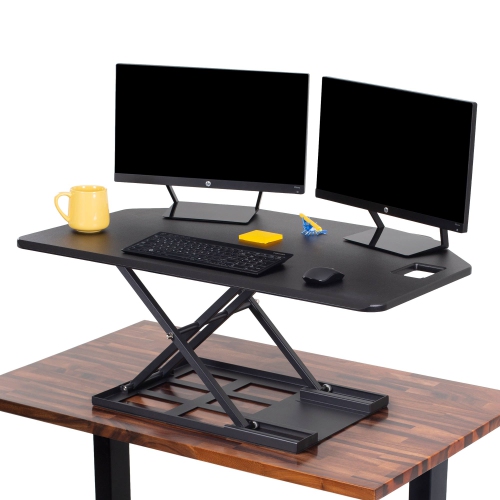
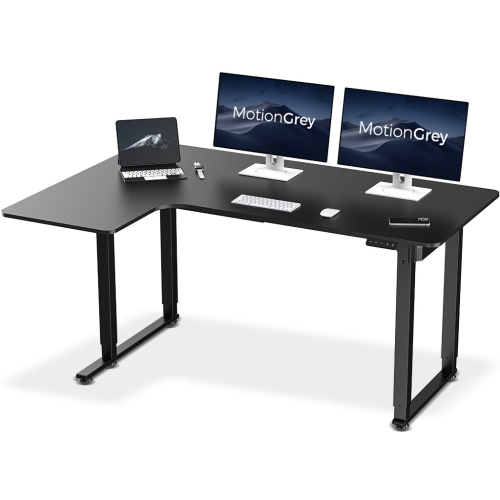
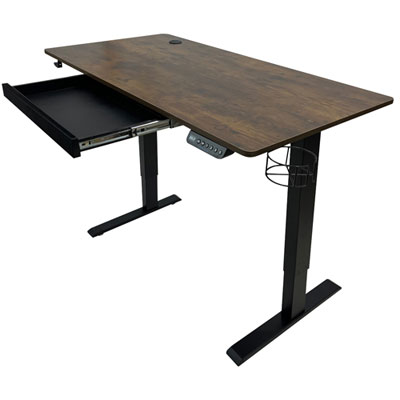
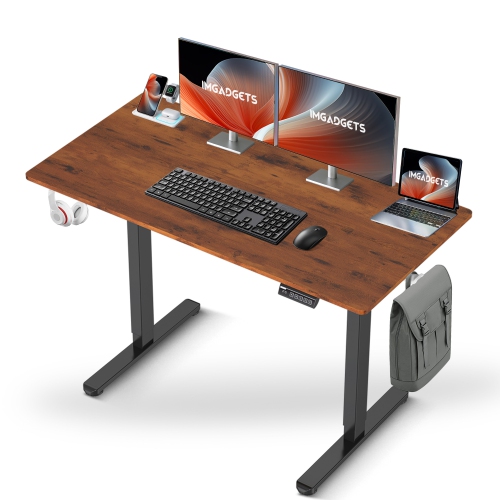
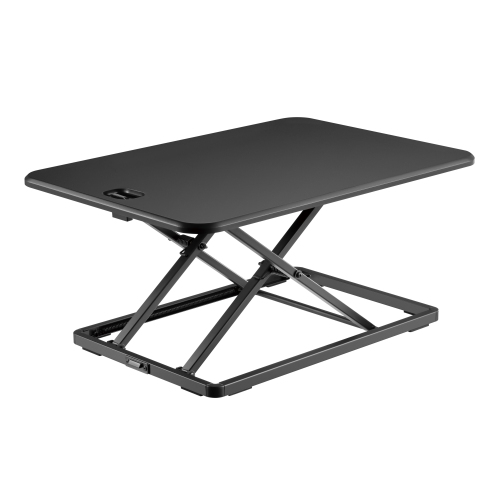
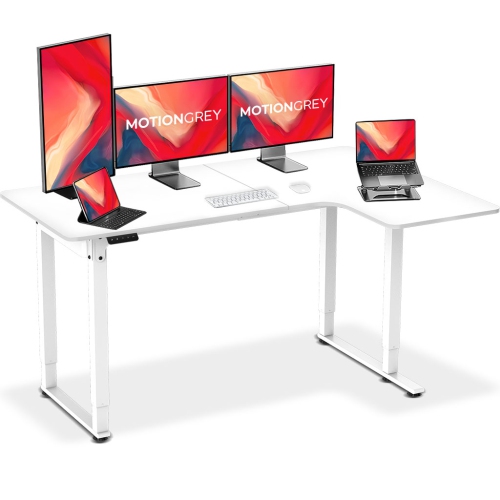
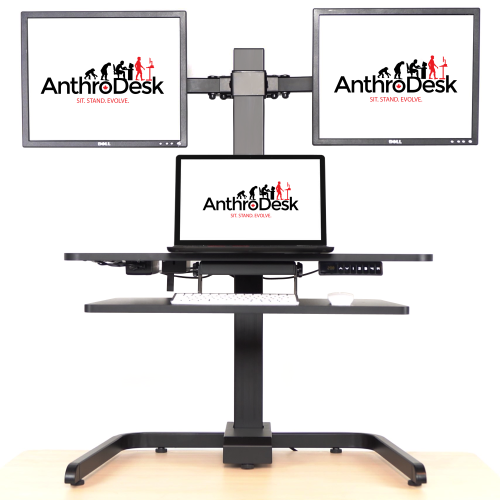
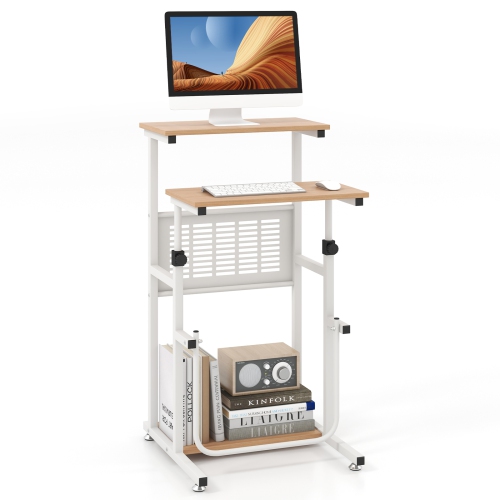
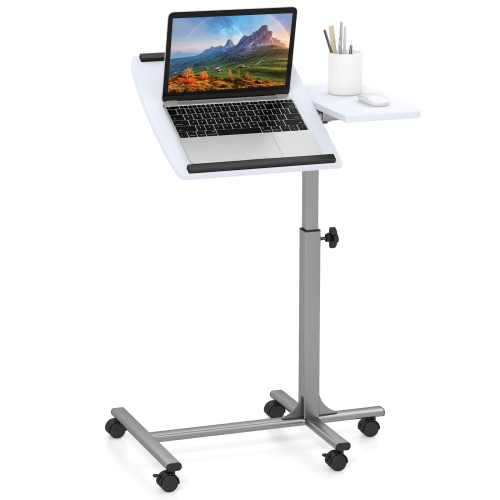
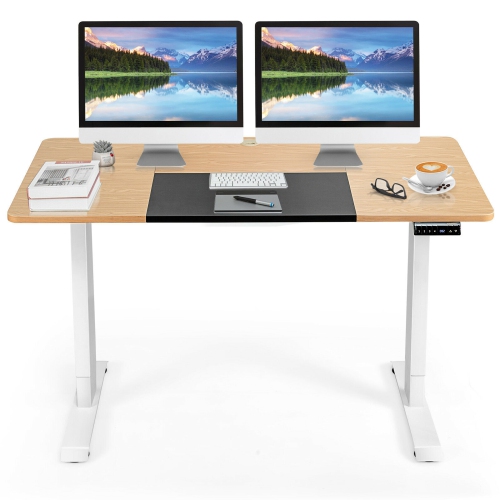
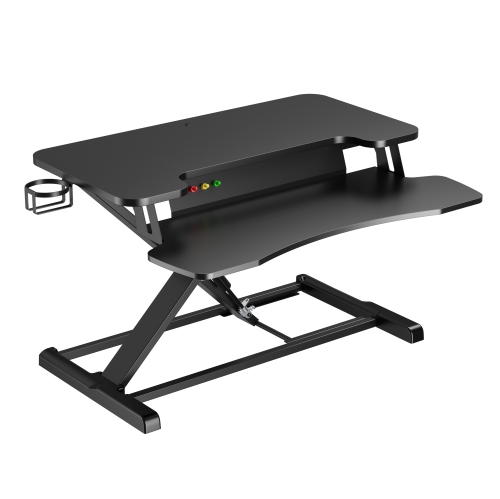
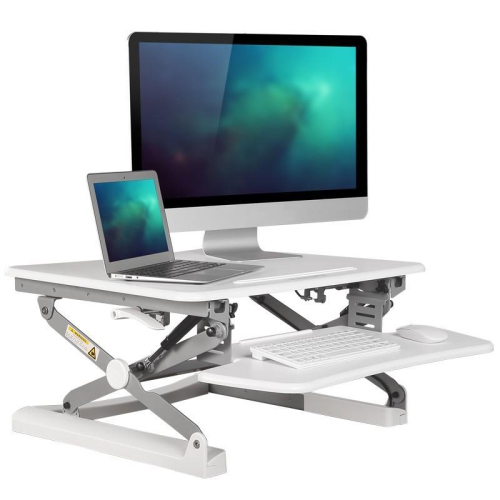
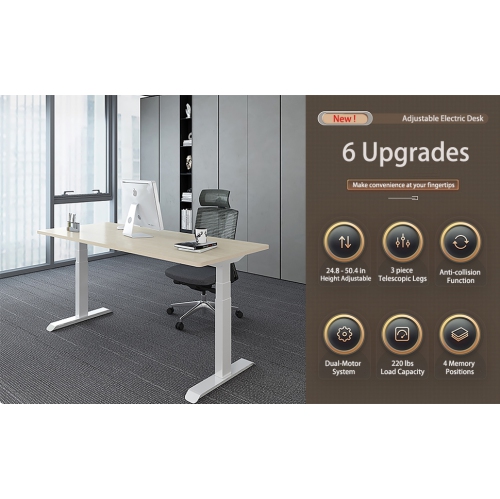
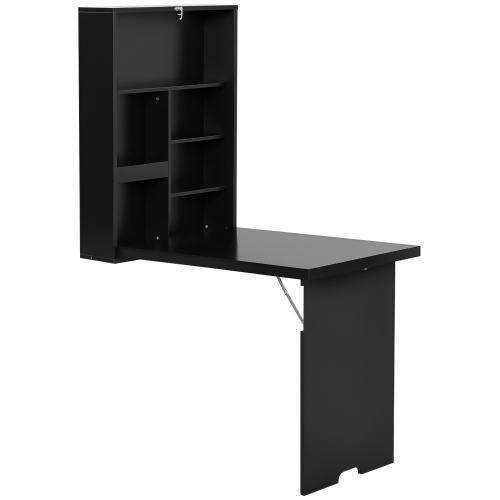
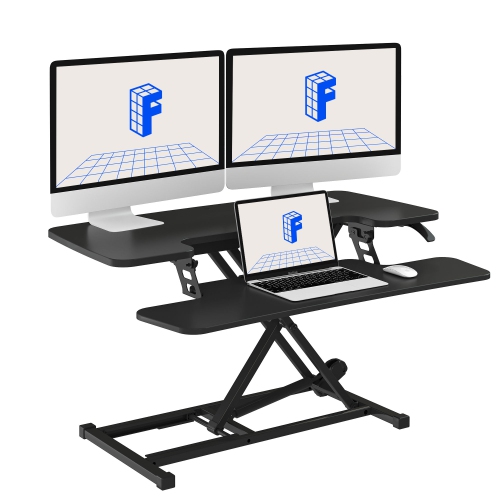
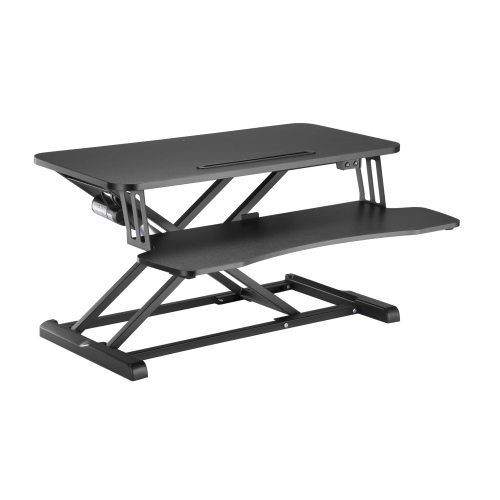
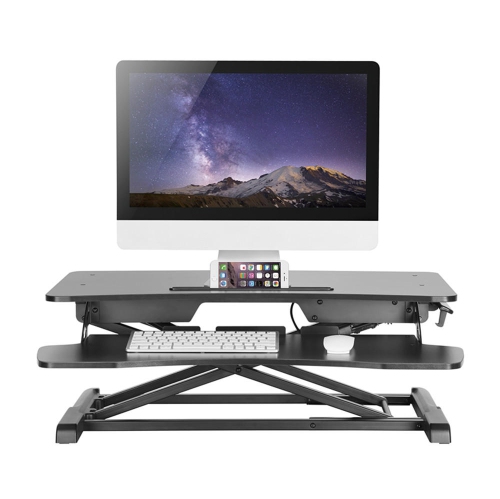
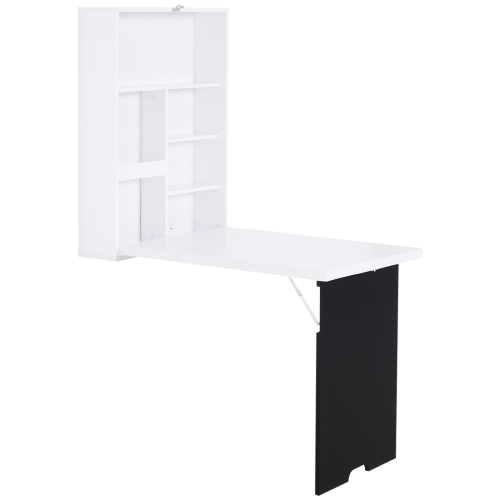
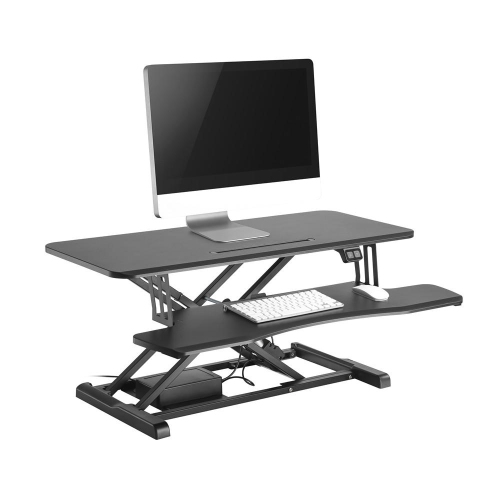
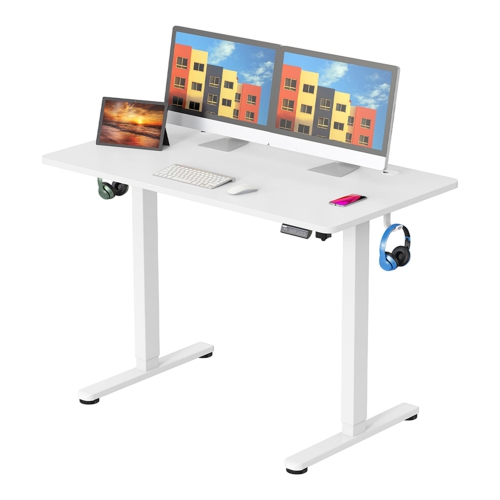
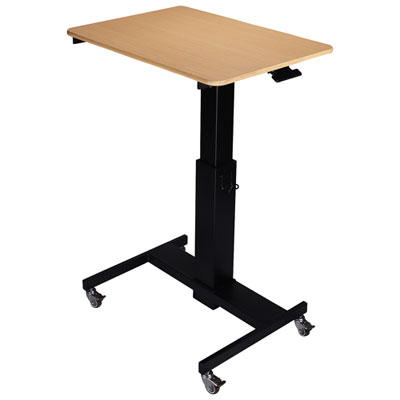
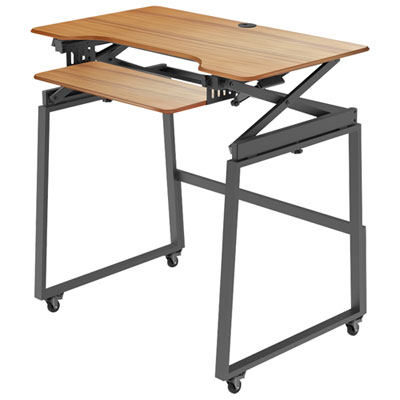
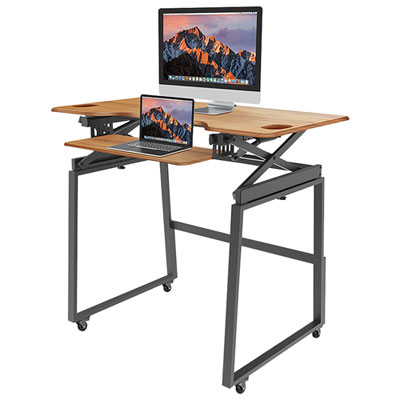
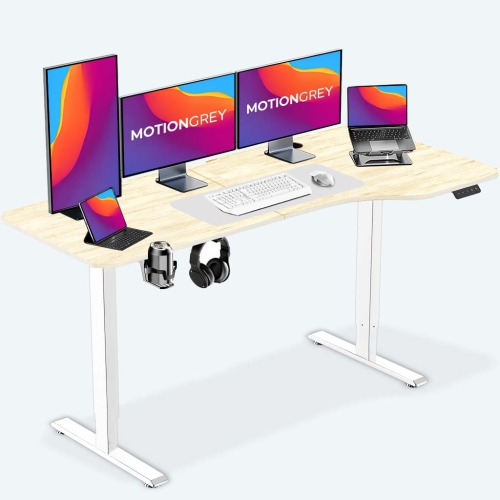
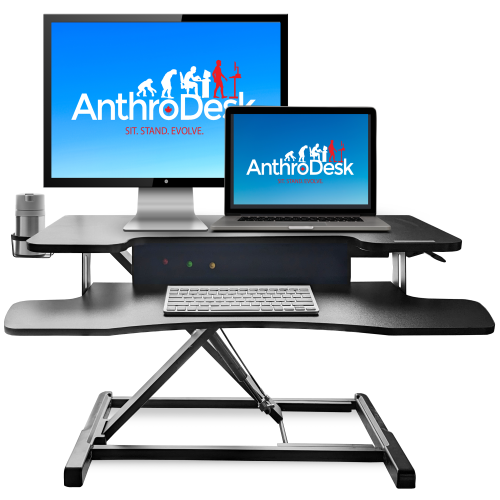
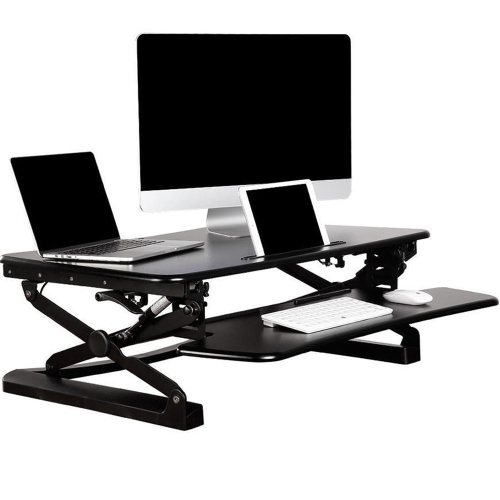
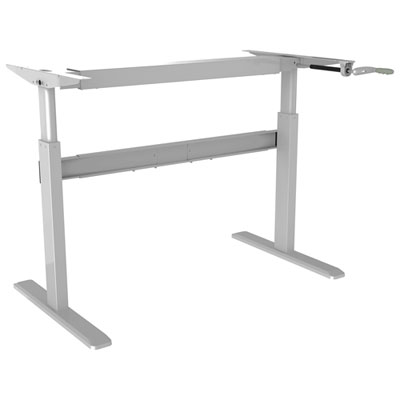
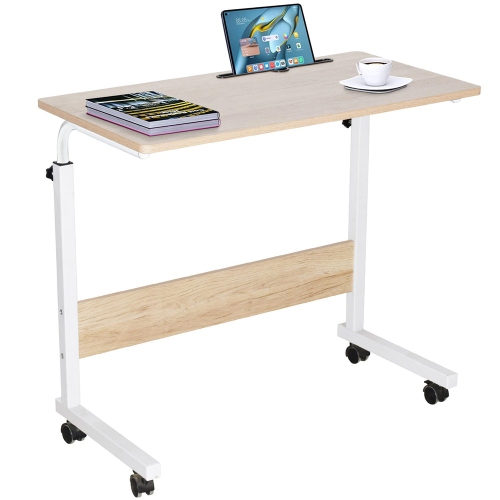
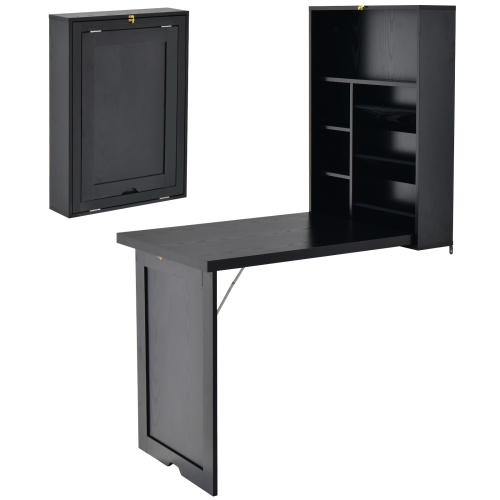
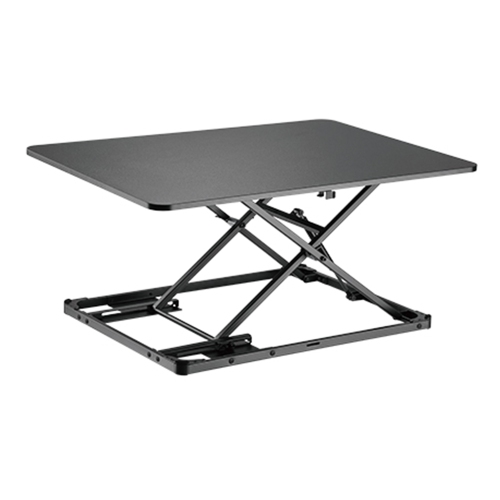
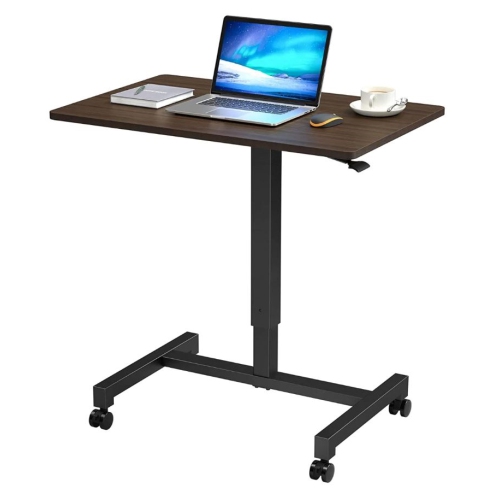
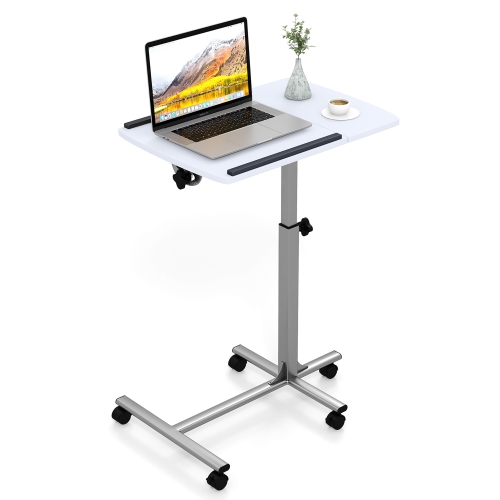
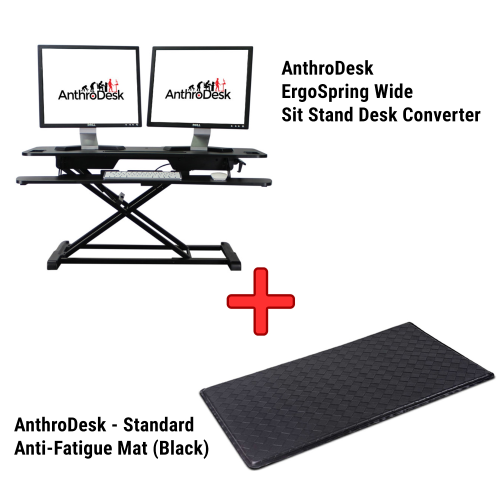
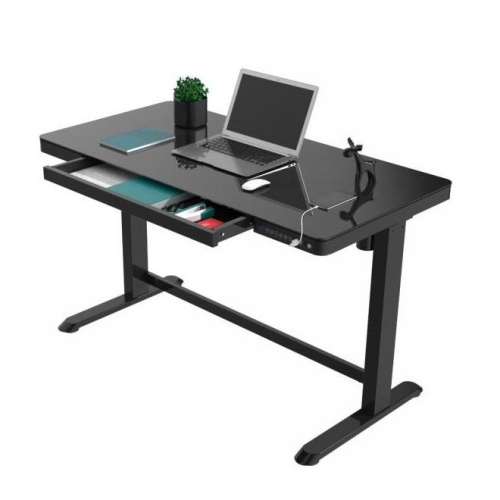
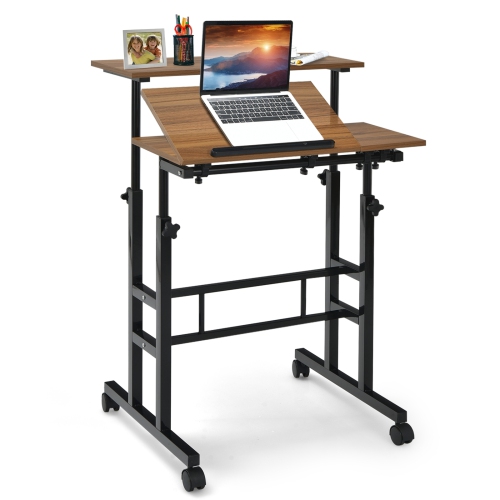
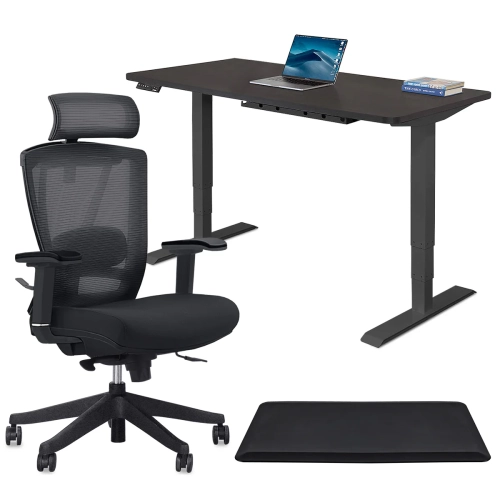
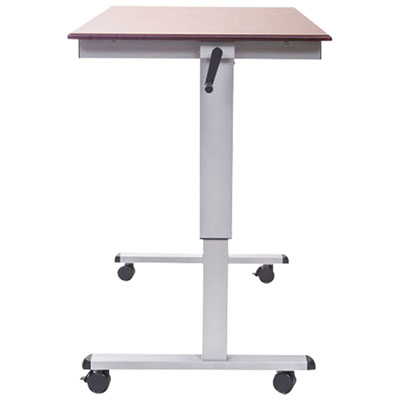
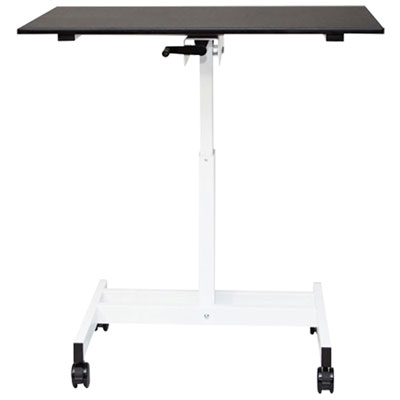
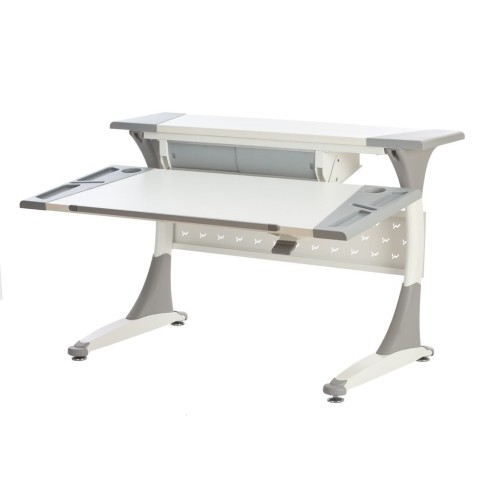
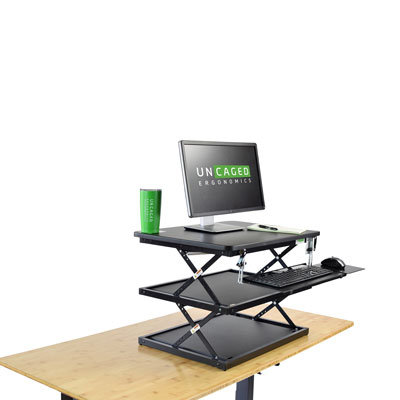
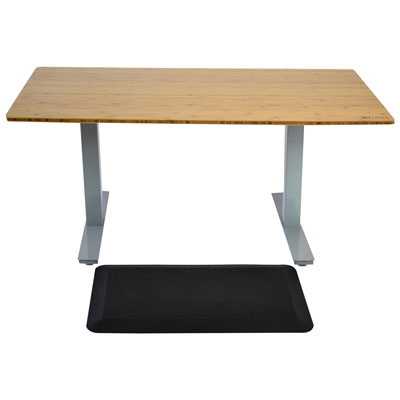
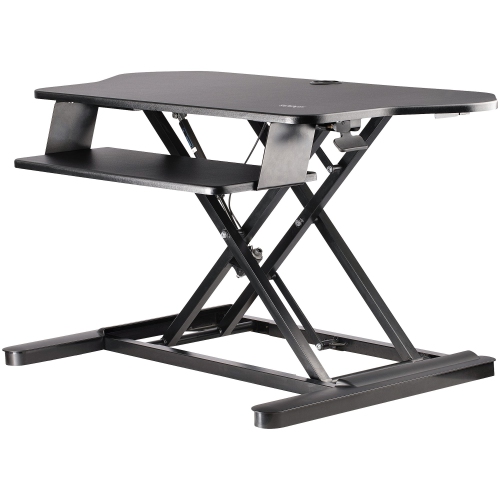
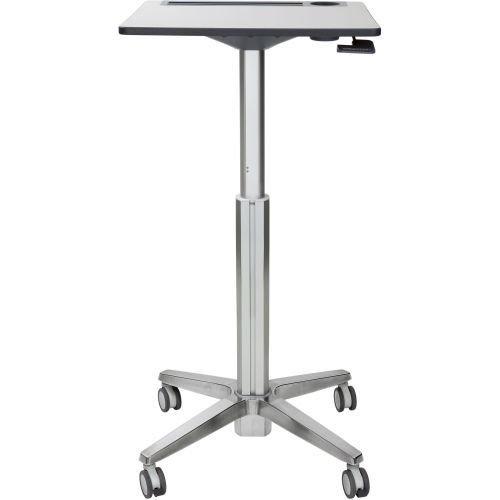
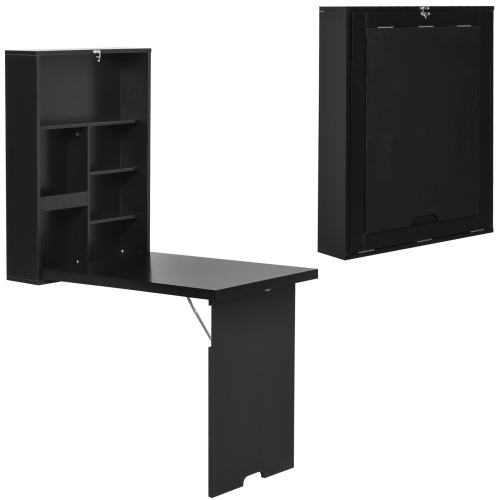
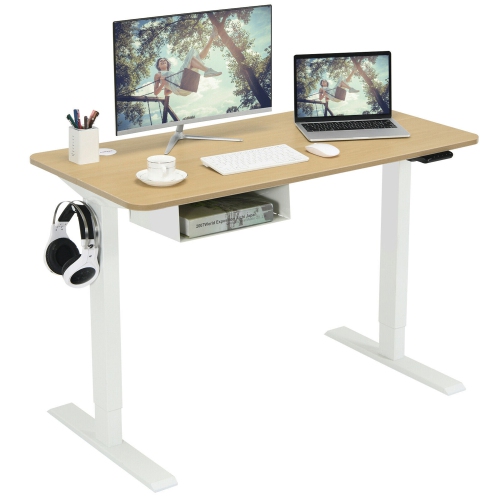
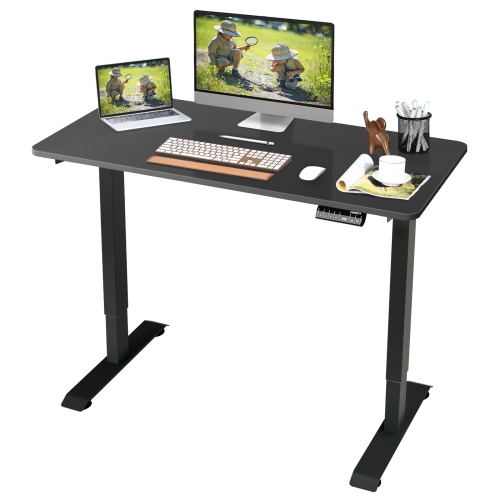
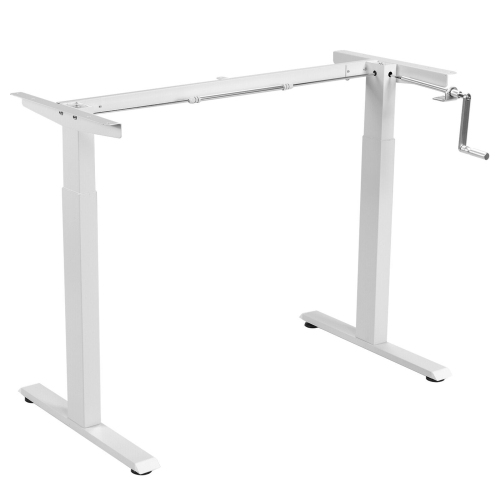
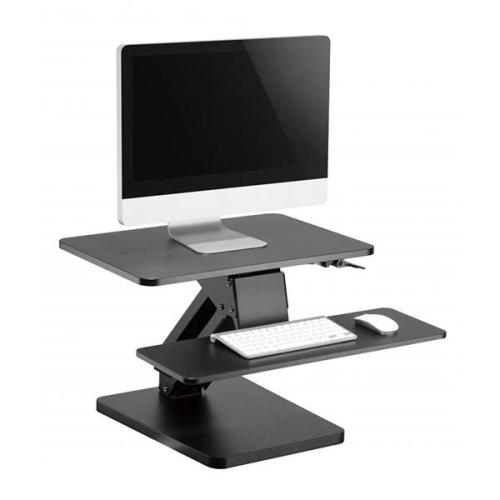
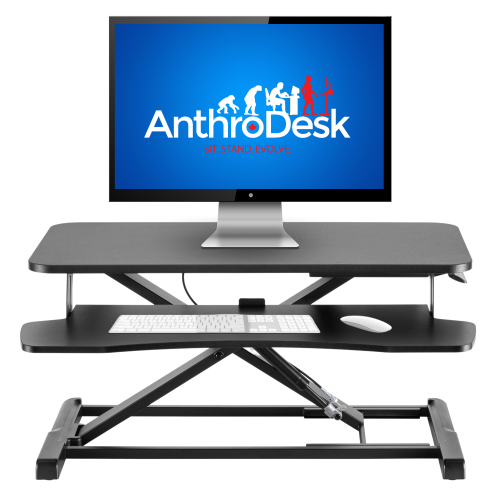
Convertible standing desks are height-adjustable work surfaces that let people alternate between sitting and standing without moving to a different workstation. The category includes desktop converters, which sit on existing furniture, and complete sit-stand desks, which replace a fixed-height desk. A desktop converter raises a platform for a monitor or laptop and may include a separate keyboard tray, while a full adjustable desk lifts the entire desktop along with the equipment resting on it. Both formats can suit everyday computer work, studying, video calls, and creative projects, but they make different use of the space already in a room. A converter is a practical fit for someone who wants to keep a familiar desk, particularly one with useful drawers or a finish that matches other furniture. A complete standing desk offers a continuous work surface for spreading out documents, placing speakers, or keeping a notebook beside a keyboard. For a remote worker moving between focused typing and online meetings, the ability to change height adds flexibility without requiring a separate work area. Students, programmers, designers, and people who share a workstation may also appreciate an adjustable setup that accommodates different tasks and users. Comfort depends on more than whether the surface moves: the keyboard should allow relaxed shoulders and elbows near the body, and the screen should remain at a comfortable viewing height and distance. When a laptop screen is raised for viewing, a separate keyboard and mouse can help keep the hands at a suitable typing height. Standing is an option rather than an all-day requirement, and a desk that adjusts easily makes it simpler to vary position and take movement breaks throughout a work session. The most useful height range supports both seated and standing work for the person using it, including a low enough position for comfortable typing while seated. That lower setting matters especially with desktop converters, since even a fully lowered platform adds some height above the original desk.
Fit involves the dimensions of the work surface, the equipment it supports, and the path it follows as it rises. A desktop converter needs a stable supporting desk deep and wide enough for its base, with room for any keyboard tray that extends towards the user. Some lifting mechanisms travel mostly straight up, while others move forward as they rise, changing the amount of clearance needed between the workstation and a chair or nearby furniture. A large upper platform may accommodate two monitors, but the usable space also depends on the shape and spread of their stands. Monitor bases, a laptop, a keyboard, and a mouse can fill a surface faster than its overall width suggests. The keyboard tray deserves particular attention for anyone using a full-size keyboard: a narrow tray can leave little room for comfortable mouse movement. For smaller rooms and shared living spaces, Compact Standing Desks offer another way to consider an adjustable workstation with a smaller footprint. Weight capacity is equally important, whether the setup holds one lightweight laptop or several displays and accessories. The total load includes monitor arms and anything else that moves with the surface, and a keyboard tray may have its own separate weight limit. The existing furniture beneath a converter also needs to support both the converter and its contents. Manual designs may use spring-assisted or gas-assisted lifting mechanisms, while electric designs use a motor and controls to change the height. Some manual models offer set height positions; others allow adjustment across a continuous range. Electric models may include memory settings that make returning to a preferred position more convenient, particularly at a shared desk. Stability at the intended working height matters as much as ease of adjustment. A sturdy base, suitable load distribution, and securely attached components help limit movement during typing. For full desks, crossbars, frame supports, and under-desk storage can affect knee room, so the open space beneath the desktop is part of the fit as well.
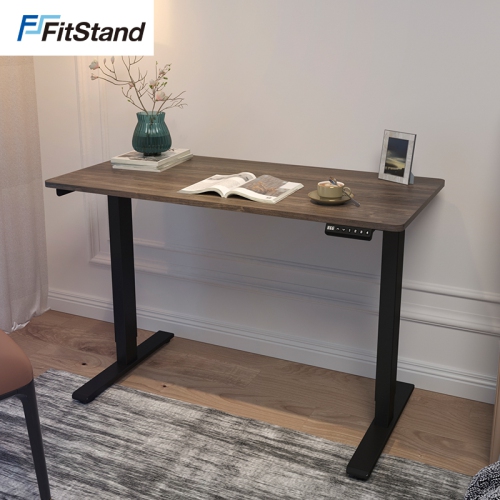
Materials and construction influence how a convertible standing desk looks, feels, and holds up to daily use. Steel frames are common in lifting assemblies and desk bases, while work surfaces may use laminated engineered wood, solid wood, bamboo, or glass, depending on the design. A laminate surface can provide a smooth area for writing and mouse movement, while a wood surface brings visible grain and may require more attention to moisture and finish care. Glass offers a different appearance but can show fingerprints readily, and compatibility with clamp-mounted accessories depends on the manufacturer's specifications. Rounded edges can feel more comfortable against forearms, and the depth of the desktop helps determine whether the screen can sit far enough back without pushing the keyboard towards the front edge. For a monitor arm, the surface thickness, edge shape, and any frame components underneath must allow the specified mounting method. Daily durability also depends on the lifting hardware, joints, and fasteners, not just the desktop finish. Assembly requirements vary: a converter may need only a keyboard tray attached, whereas a complete desk can involve fitting the frame, securing the top, and connecting controls. Care is generally straightforward when it follows the manufacturer's directions, with a soft cloth for routine cleaning, prompt attention to spills, and cleaning products suited to the surface. Lifting joints and electrical components should stay clear of liquids and obstructions. Cable routing becomes especially noticeable the first time the desk rises; power, display, and charging cables need enough slack to reach the highest position without pulling on ports or catching in the mechanism. Shelves above the desk, drawers below it, and nearby furniture also need clearance throughout its travel. Optional cable trays and clips can keep cords organized, provided they do not interfere with moving parts. In a home office, a restrained finish can help the workstation sit comfortably alongside bookshelves and cabinets; in a study corner, a smaller platform can preserve space for handwritten notes. A well-matched convertible standing desk brings the surface, screen, and controls within comfortable reach while leaving enough room for the ordinary details of work, from an open reference book to a cup placed safely away from electronics.
Fit involves the dimensions of the work surface, the equipment it supports, and the path it follows as it rises. A desktop converter needs a stable supporting desk deep and wide enough for its base, with room for any keyboard tray that extends towards the user. Some lifting mechanisms travel mostly straight up, while others move forward as they rise, changing the amount of clearance needed between the workstation and a chair or nearby furniture. A large upper platform may accommodate two monitors, but the usable space also depends on the shape and spread of their stands. Monitor bases, a laptop, a keyboard, and a mouse can fill a surface faster than its overall width suggests. The keyboard tray deserves particular attention for anyone using a full-size keyboard: a narrow tray can leave little room for comfortable mouse movement. For smaller rooms and shared living spaces, Compact Standing Desks offer another way to consider an adjustable workstation with a smaller footprint. Weight capacity is equally important, whether the setup holds one lightweight laptop or several displays and accessories. The total load includes monitor arms and anything else that moves with the surface, and a keyboard tray may have its own separate weight limit. The existing furniture beneath a converter also needs to support both the converter and its contents. Manual designs may use spring-assisted or gas-assisted lifting mechanisms, while electric designs use a motor and controls to change the height. Some manual models offer set height positions; others allow adjustment across a continuous range. Electric models may include memory settings that make returning to a preferred position more convenient, particularly at a shared desk. Stability at the intended working height matters as much as ease of adjustment. A sturdy base, suitable load distribution, and securely attached components help limit movement during typing. For full desks, crossbars, frame supports, and under-desk storage can affect knee room, so the open space beneath the desktop is part of the fit as well.
Materials and construction influence how a convertible standing desk looks, feels, and holds up to daily use. Steel frames are common in lifting assemblies and desk bases, while work surfaces may use laminated engineered wood, solid wood, bamboo, or glass, depending on the design. A laminate surface can provide a smooth area for writing and mouse movement, while a wood surface brings visible grain and may require more attention to moisture and finish care. Glass offers a different appearance but can show fingerprints readily, and compatibility with clamp-mounted accessories depends on the manufacturer's specifications. Rounded edges can feel more comfortable against forearms, and the depth of the desktop helps determine whether the screen can sit far enough back without pushing the keyboard towards the front edge. For a monitor arm, the surface thickness, edge shape, and any frame components underneath must allow the specified mounting method. Daily durability also depends on the lifting hardware, joints, and fasteners, not just the desktop finish. Assembly requirements vary: a converter may need only a keyboard tray attached, whereas a complete desk can involve fitting the frame, securing the top, and connecting controls. Care is generally straightforward when it follows the manufacturer's directions, with a soft cloth for routine cleaning, prompt attention to spills, and cleaning products suited to the surface. Lifting joints and electrical components should stay clear of liquids and obstructions. Cable routing becomes especially noticeable the first time the desk rises; power, display, and charging cables need enough slack to reach the highest position without pulling on ports or catching in the mechanism. Shelves above the desk, drawers below it, and nearby furniture also need clearance throughout its travel. Optional cable trays and clips can keep cords organized, provided they do not interfere with moving parts. In a home office, a restrained finish can help the workstation sit comfortably alongside bookshelves and cabinets; in a study corner, a smaller platform can preserve space for handwritten notes. A well-matched convertible standing desk brings the surface, screen, and controls within comfortable reach while leaving enough room for the ordinary details of work, from an open reference book to a cup placed safely away from electronics.
Top selling and popular products
-
 Your price for this item is $304.99
 -
 Your price for this item is $93.99
 -
 Your price for this item is $248.99
 -
 Your price for this item is $83.99
 -
 Your price for this item is $108.99
 -
 Your price for this item is $94.99
 -
 Your price for this item is $74.97
 -
 Your price for this item is $83.95
Discover more categories related to Convertible Standing Desks
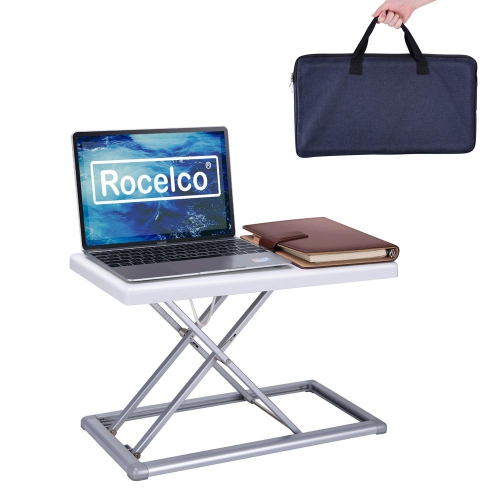
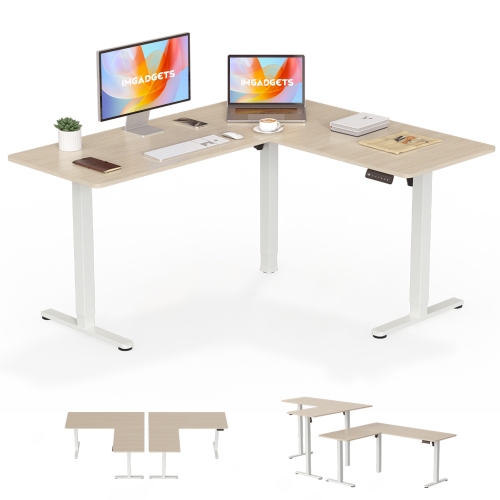
Top Collections:
Pokemon Centers, Kindle Devices, Best Budget Office Chairs, Apple iPhones 16, Best Laptops for Writers, iPhone 15 Apple, Canon G7X Cameras, Refurbished Apple Laptops, Alarm Clock, Motorola Razr Phones
Some products may be subject to Environmental Handling Fees
(EHF) depending on your province.
Learn more about EHFs.