Corner Standing Desks
Transform your workspace into an ergonomic haven with corner standing desks, designed to seamlessly fit into any office or home setting. These versatile desks are perfect for maximizing space while promoting a healthier, more active work environment. Whether you're looking to enhance productivity or simply add a modern touch to your room, corner standing desks offer a stylish and functional solution. Explore a variety of designs and finishes that cater to your unique preferences and elevate your daily routine with ease.
Sort
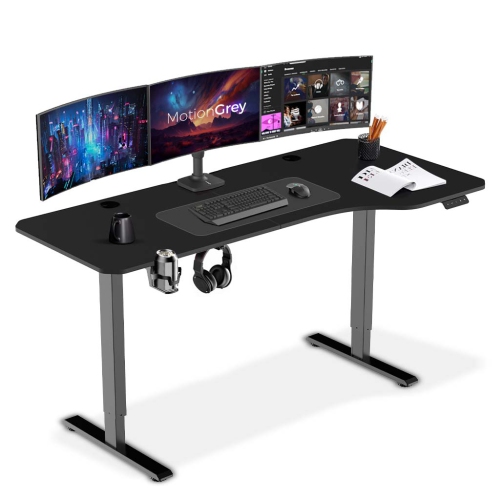
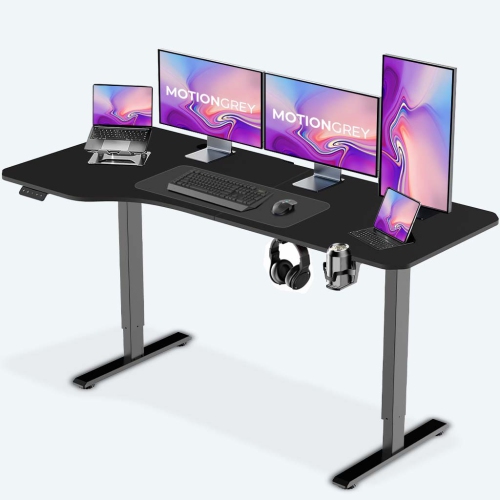
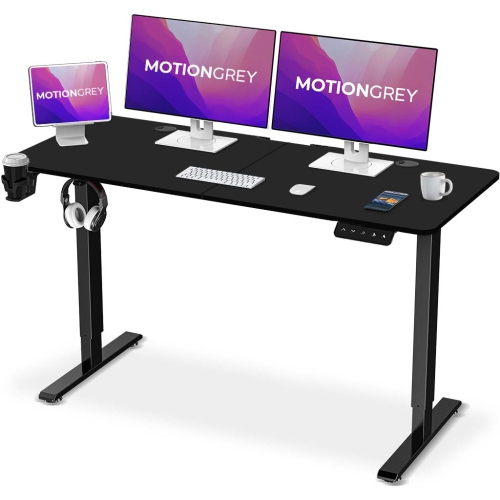
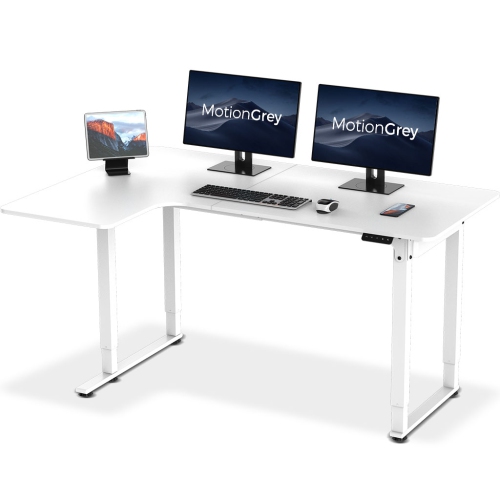
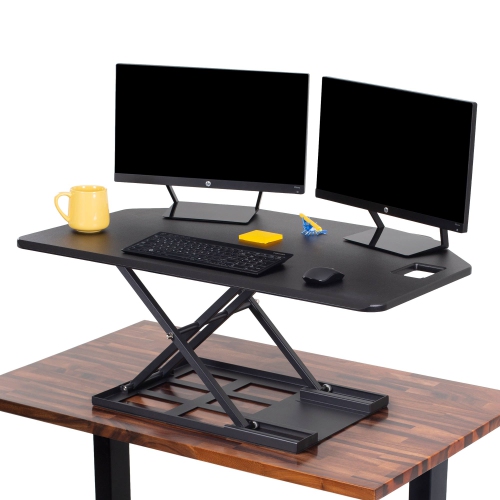
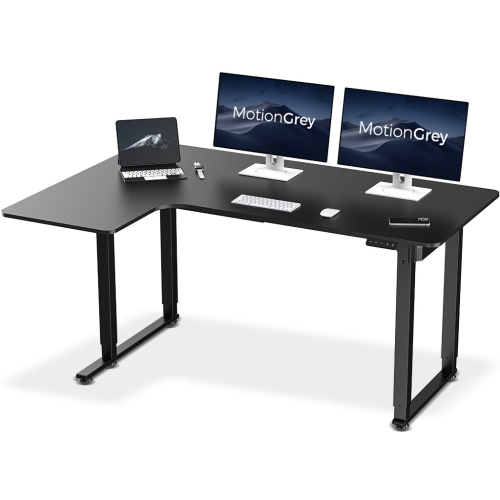
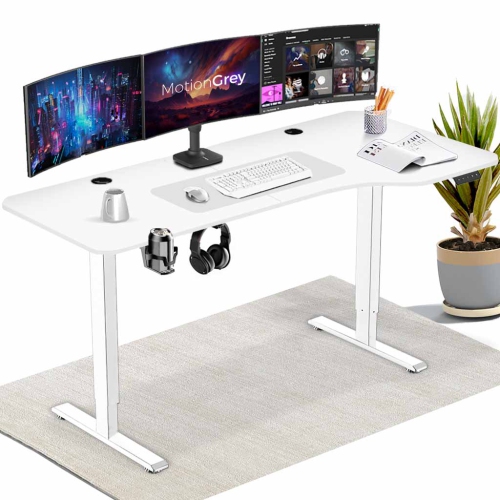
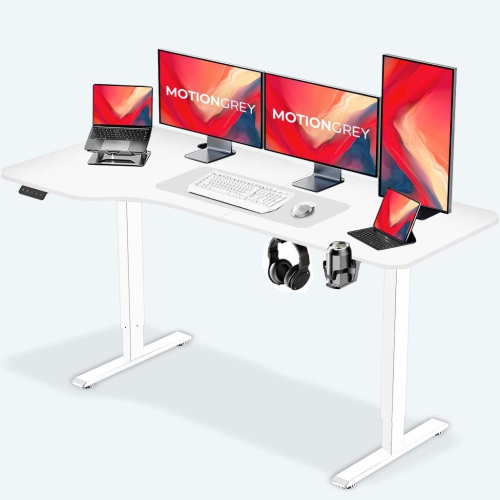
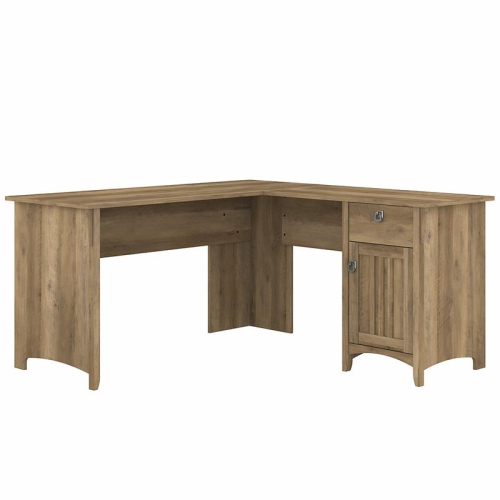
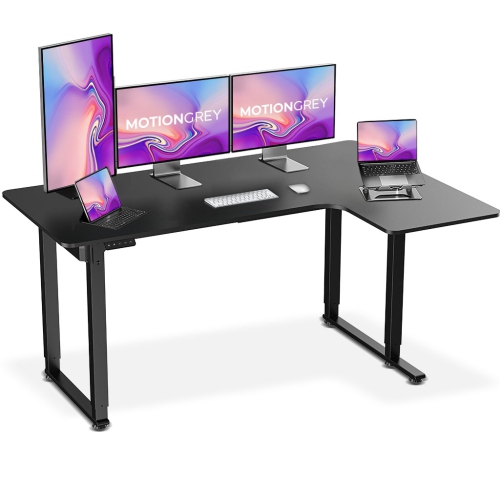
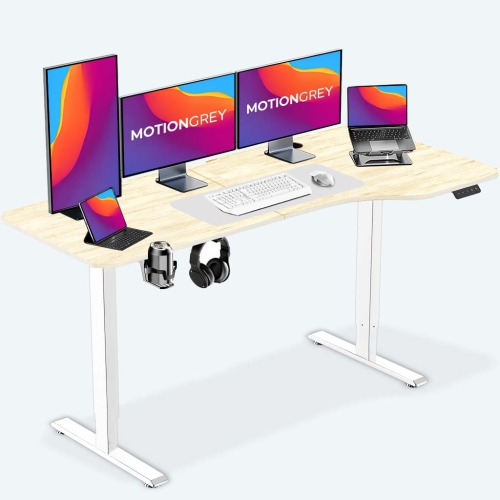
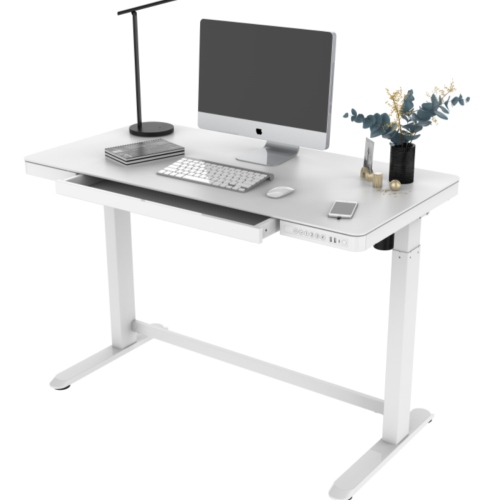
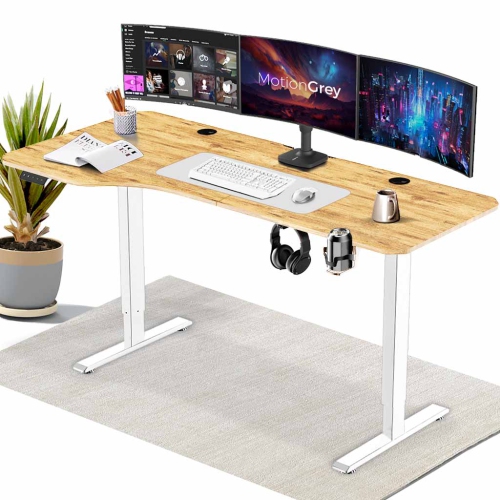
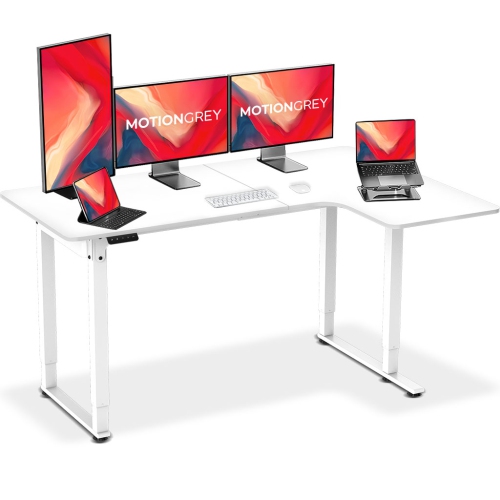
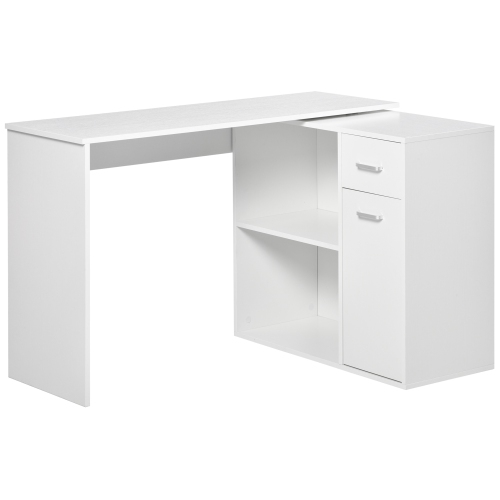
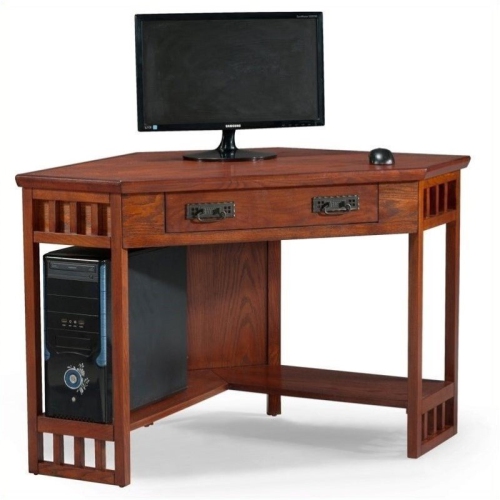
How L-shaped layouts support spacious, adaptable workstations
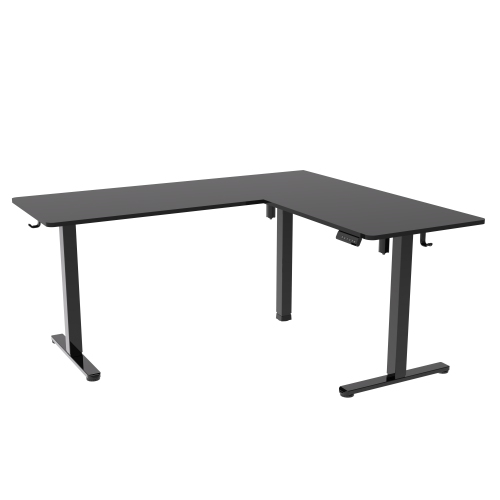
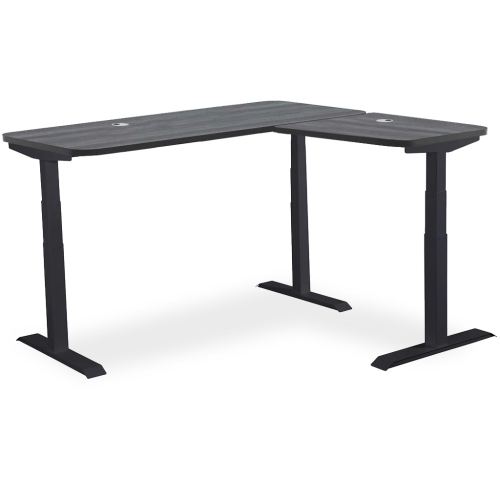
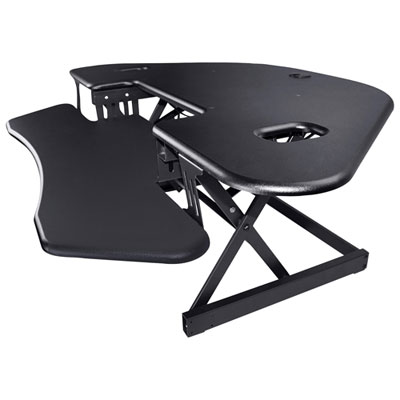
Corner standing desks, also called L-shaped standing desks, are designed to make productive use of the often-overlooked corner of a room. Instead of placing a straight desk against one wall and leaving the adjoining space unused, an L-shaped layout wraps around the corner to create a spacious, practical workstation. This extra surface area is useful for people who work with multiple monitors, reference documents, notebooks, speakers, drawing tablets, printers, or other desk accessories that need to stay close at hand. One side can hold a computer and display setup while the other provides room for paperwork, creative projects, study materials, or a second device. The result is a roomier command centre without requiring a separate table or work surface. Corner standing desks can suit home offices, gaming rooms, bedrooms, shared workspaces, studios, and small business environments where every square foot matters. They are also a thoughtful gift for someone setting up a new office, returning to school, upgrading a work-from-home space, or spending long hours at a computer. A corner configuration can make a room feel more intentional, especially when the desk is positioned so that the user can move between tasks without repeatedly reaching across a crowded surface. Before choosing one, measure the full corner carefully, including baseboards, windows, doors, radiators, shelving, and nearby outlets. Note the length and depth of both sides rather than measuring only the longest edge. Some designs have a fixed left- or right-hand return, while others allow the shorter section to be positioned on either side. A reversible layout can make a significant difference when arranging furniture in an unfamiliar room or adapting the desk to a future move. It is also worth checking the lowest and highest settings so the desk can accommodate seated work, standing work, and the height of the person using it. If a household includes more than one user, a broad adjustment range and programmable memory settings can make transitions easier.
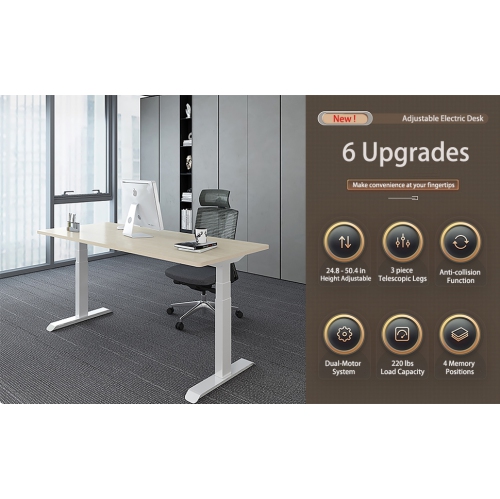
The lifting system is one of the most important features to compare in a corner standing desk. Electric models use one, two, or three motors to raise and lower the work surface, and an L-shaped frame may benefit from a multi-motor design that distributes movement across the desk. Dual-motor and triple-motor systems are commonly chosen for larger surfaces, multiple monitors, and heavier equipment because they can provide smoother, more balanced adjustments than a basic single-motor setup. Look for simple controls, quiet operation, height memory presets, and an anti-collision feature that stops or reverses the desk if it meets an obstruction. A controller with two or more saved positions is convenient when switching between a seated height and a standing height throughout the day. Weight capacity deserves close attention, particularly if the setup includes several displays, monitor arms, a desktop computer tower, speakers, books, or photography and crafting equipment. A robust frame rated for 300 pounds or more may be appropriate for a heavily equipped workstation, but the published capacity should always be checked against the total weight of the desktop, accessories, and anything stored on it. Stability matters at both ends of the height range. At a standing position, a desk should feel solid when typing or moving a mouse, with minimal wobble through the frame and legs. Wide feet, a strong cross-support structure, adjustable levelling glides, and a properly assembled frame can all contribute to a steadier experience. Floor conditions also play a role; uneven flooring may require careful levelling, while thick carpeting can affect how firmly the desk sits. The desktop material, edge shape, and finish influence everyday comfort as well. A gently contoured front edge can give wrists and forearms a more natural resting area, while a durable, easy-to-maintain surface is useful for busy family rooms and shared offices. Consider the placement of power bars and charging cables before assembly, since an L-shaped desktop can make cords harder to reach once it is pushed into a corner. Cable-management trays, clips, grommets, and under-desk mounts help keep wires from hanging into the leg area or becoming tangled when the desk moves.
The best corner standing desk is one that supports the way the space is actually used, rather than simply offering the largest possible surface. Keep the primary monitor directly in front of the main seating or standing position, with secondary screens angled gently toward the user. Frequently used items should remain within easy reach, while heavier equipment should be positioned over the strongest sections of the frame and kept clear of moving legs. When alternating between sitting and standing, adjust the screen so the top portion is near eye level and keep the keyboard and mouse close enough that the shoulders can stay relaxed. An anti-fatigue mat can add comfort during longer standing sessions, and a supportive chair remains useful for focused tasks that are better completed while seated. A corner desk can also divide activities naturally: one wing for video calls and daily work, another for writing, planning, gaming, studying, or hands-on projects. During the cooler months, when more time may be spent indoors, that extra room can help a home office feel less cramped and make it easier to keep work materials organized instead of spreading them across nearby furniture. If the desk will be placed in a guest room or shared area, think about how it looks when not in use and whether the controls, cables, and accessories can be kept tidy. Shoppers who prefer a smaller footprint may also want to compare Tall Standing Desks for a more straightforward wall-facing arrangement, while those with an available corner can take advantage of the L-shaped layout and its larger work zone. Assembly requirements are another practical consideration: confirm the recommended number of people, the tools included, the final assembled dimensions, and whether the frame and desktop arrive together or separately. With accurate measurements, suitable weight capacity, dependable height adjustment, and a layout that matches the room, a corner standing desk can become a comfortable everyday hub for work, study, creative hobbies, gaming, and household planning.
The lifting system is one of the most important features to compare in a corner standing desk. Electric models use one, two, or three motors to raise and lower the work surface, and an L-shaped frame may benefit from a multi-motor design that distributes movement across the desk. Dual-motor and triple-motor systems are commonly chosen for larger surfaces, multiple monitors, and heavier equipment because they can provide smoother, more balanced adjustments than a basic single-motor setup. Look for simple controls, quiet operation, height memory presets, and an anti-collision feature that stops or reverses the desk if it meets an obstruction. A controller with two or more saved positions is convenient when switching between a seated height and a standing height throughout the day. Weight capacity deserves close attention, particularly if the setup includes several displays, monitor arms, a desktop computer tower, speakers, books, or photography and crafting equipment. A robust frame rated for 300 pounds or more may be appropriate for a heavily equipped workstation, but the published capacity should always be checked against the total weight of the desktop, accessories, and anything stored on it. Stability matters at both ends of the height range. At a standing position, a desk should feel solid when typing or moving a mouse, with minimal wobble through the frame and legs. Wide feet, a strong cross-support structure, adjustable levelling glides, and a properly assembled frame can all contribute to a steadier experience. Floor conditions also play a role; uneven flooring may require careful levelling, while thick carpeting can affect how firmly the desk sits. The desktop material, edge shape, and finish influence everyday comfort as well. A gently contoured front edge can give wrists and forearms a more natural resting area, while a durable, easy-to-maintain surface is useful for busy family rooms and shared offices. Consider the placement of power bars and charging cables before assembly, since an L-shaped desktop can make cords harder to reach once it is pushed into a corner. Cable-management trays, clips, grommets, and under-desk mounts help keep wires from hanging into the leg area or becoming tangled when the desk moves.
The best corner standing desk is one that supports the way the space is actually used, rather than simply offering the largest possible surface. Keep the primary monitor directly in front of the main seating or standing position, with secondary screens angled gently toward the user. Frequently used items should remain within easy reach, while heavier equipment should be positioned over the strongest sections of the frame and kept clear of moving legs. When alternating between sitting and standing, adjust the screen so the top portion is near eye level and keep the keyboard and mouse close enough that the shoulders can stay relaxed. An anti-fatigue mat can add comfort during longer standing sessions, and a supportive chair remains useful for focused tasks that are better completed while seated. A corner desk can also divide activities naturally: one wing for video calls and daily work, another for writing, planning, gaming, studying, or hands-on projects. During the cooler months, when more time may be spent indoors, that extra room can help a home office feel less cramped and make it easier to keep work materials organized instead of spreading them across nearby furniture. If the desk will be placed in a guest room or shared area, think about how it looks when not in use and whether the controls, cables, and accessories can be kept tidy. Shoppers who prefer a smaller footprint may also want to compare Tall Standing Desks for a more straightforward wall-facing arrangement, while those with an available corner can take advantage of the L-shaped layout and its larger work zone. Assembly requirements are another practical consideration: confirm the recommended number of people, the tools included, the final assembled dimensions, and whether the frame and desktop arrive together or separately. With accurate measurements, suitable weight capacity, dependable height adjustment, and a layout that matches the room, a corner standing desk can become a comfortable everyday hub for work, study, creative hobbies, gaming, and household planning.
Top selling and popular products
-
 Your price for this item is $304.99
 -
 Your price for this item is $93.99
 -
 Your price for this item is $248.99
 -
 Your price for this item is $83.99
 -
 Your price for this item is $108.99
 -
 Your price for this item is $94.99
 -
 Your price for this item is $74.97
 -
 Your price for this item is $83.95
Discover more categories related to Corner Standing Desks
Top Collections:
Pokemon Centers, Kindle Devices, Best Budget Office Chairs, Apple iPhones 16, Best Laptops for Writers, iPhone 15 Apple, Canon G7X Cameras, Refurbished Apple Laptops, Alarm Clock, Motorola Razr Phones
Some products may be subject to Environmental Handling Fees
(EHF) depending on your province.
Learn more about EHFs.