Brother L5200DW
Discover the Brother L5200DW and elevate your workspace with a reliable printing solution designed for efficiency. Ideal for both home offices and busy work environments, the Brother L5200DW offers seamless integration to help streamline your daily tasks. Explore a range of compatible accessories and supplies to ensure optimal performance and keep your workflow running smoothly. Find everything you need to get the most out of your Brother L5200DW at Best Buy.
Sort
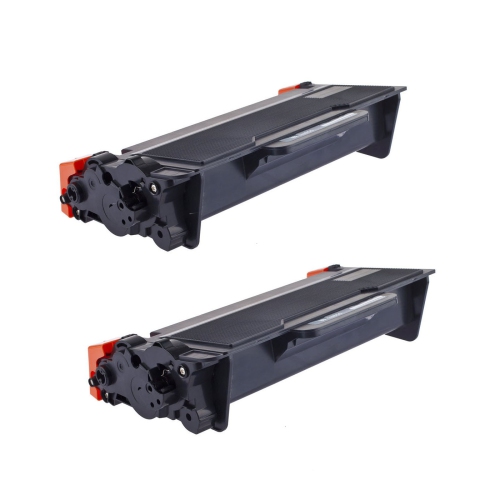
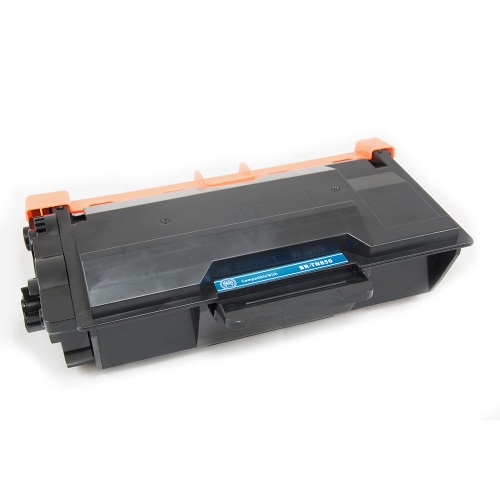
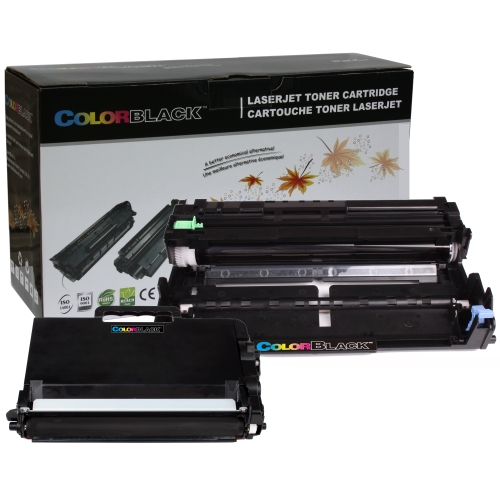
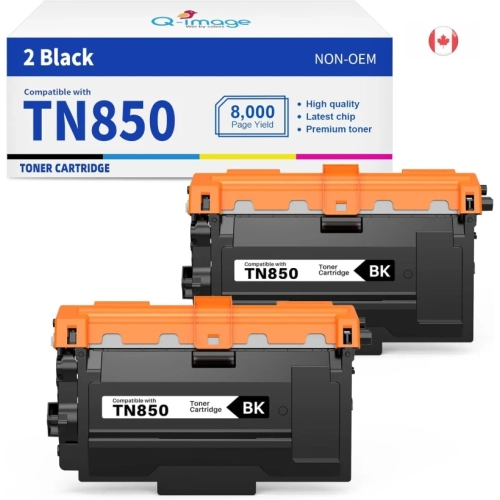

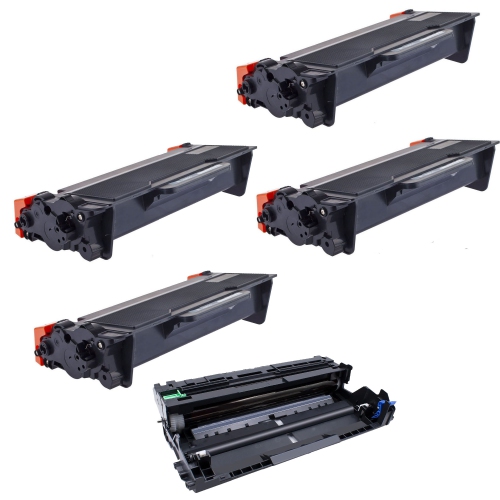
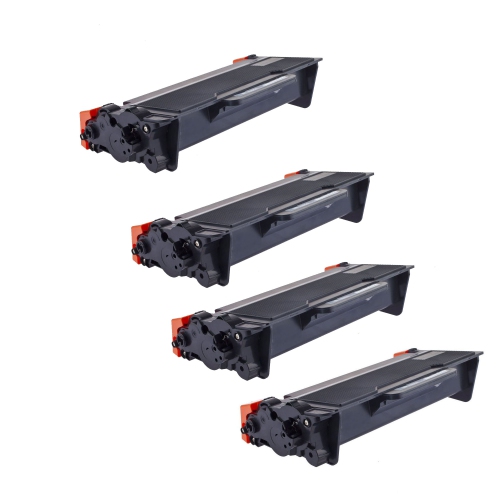
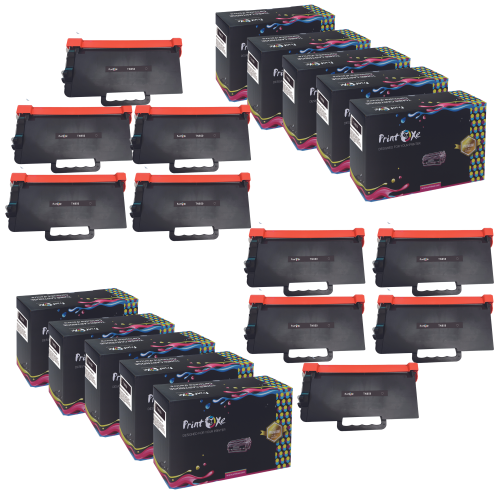
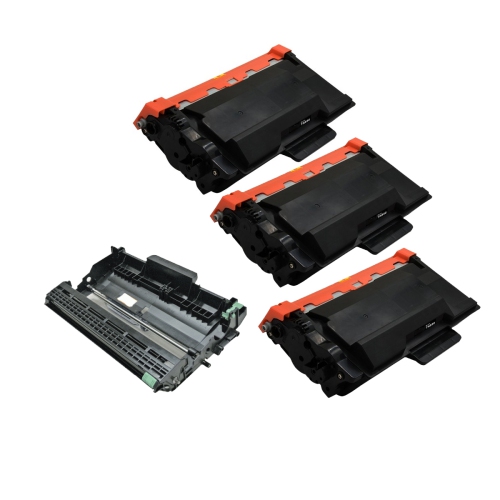
Crisp black-and-white printing for everyday office paperwork
Monochrome laser printers are designed for clear black-and-white document printing, making them a practical fit for home offices, small businesses and shared workspaces that handle paperwork every day. Their strengths are especially useful for reports, invoices, shipping documents, contracts and training materials, where crisp lettering and consistent page output matter more than colour reproduction. Laser printing uses powdered toner that is bonded to the paper with heat, producing text that is ready to handle shortly after it leaves the output tray. For an administrator preparing a stack of meeting handouts or a bookkeeper printing statements, that combination of readable text and steady output can help keep routine work moving. Print speed is worth considering, but it is only part of the experience: the time needed to produce the first page, the size of typical print jobs and the frequency of use all affect how a printer fits into the day. A device handling occasional forms has different demands from one serving several people who send lengthy documents throughout the afternoon. Automatic two-sided printing, where supported, is particularly useful for multipage contracts and internal reference documents because it keeps related pages together in a more compact stack. Black-and-white output also suits documents containing simple charts and diagrams, although colour-coded information needs enough contrast to remain understandable in shades of grey. Photographs, presentation artwork and detailed colour proofs generally call for a different printing approach. A print-only laser format makes sense when digital documents already arrive ready to print and there is no regular need to scan originals or make copies. The most suitable choice is therefore not necessarily the one with the longest feature list, but one whose capabilities match the documents being produced, the number of people using it and the amount of space set aside for office equipment. In a busy reception area, for example, dependable everyday printing may be more valuable than functions that rarely get used.
Connectivity determines how easily a monochrome laser printer becomes part of a working office. Wi-Fi can provide flexibility when the printer needs to sit away from a desk, while an Ethernet connection can suit a shared workspace with an established wired network. A direct USB connection may be sufficient for a dedicated workstation, depending on the device and its supported connections. Wireless printing does not automatically mean compatibility with every phone, tablet or computer, so support for the operating systems and mobile printing methods used in the office deserves attention. For a household with a mix of personal computers and work-issued laptops, compatible drivers and any employer restrictions can be just as important as the printer’s hardware. Shared printing also benefits from clear access controls, particularly when documents contain client details, payroll information or other sensitive material. Physical placement matters alongside those digital connections. The printer needs a stable surface, room for its trays and covers to open, and clearance around the ventilation areas specified by the manufacturer. A compact footprint can be helpful on a side cabinet, but the usable space should account for paper loading and routine toner replacement rather than just the closed dimensions. Paper capacity is another everyday consideration: a larger input tray can reduce interruptions during longer jobs, while a multipurpose feed, when included, can make occasional envelopes or letterhead easier to handle. Supported paper sizes and weights vary, so letter-size documents, legal-size forms and thicker media should be matched to the device’s stated capabilities. Paper should also be suitable for laser printing, especially when using labels or envelopes that will pass through a heated printing process. In a small office where one person prints correspondence and another prepares batches of forms, flexible paper handling can be more useful than a feature that has little connection to the actual workload. Printer noise and operating activity also deserve consideration when the machine will sit beside a desk used for calls, focused work or client meetings.
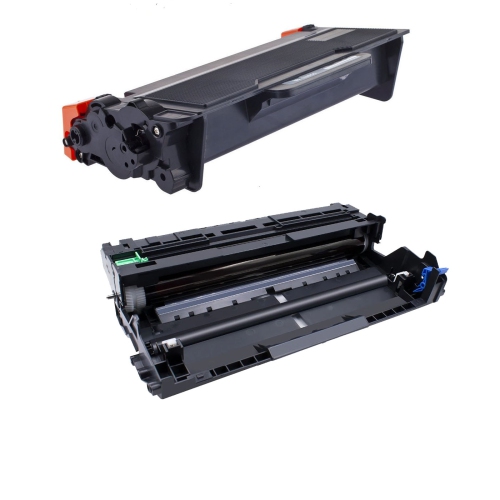
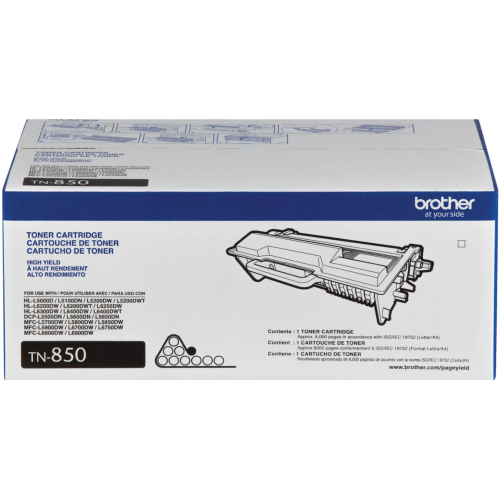
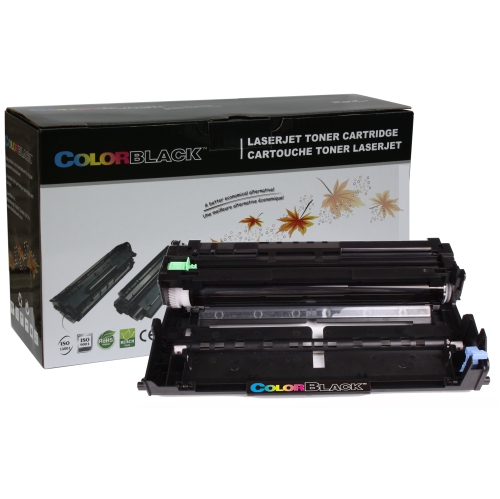
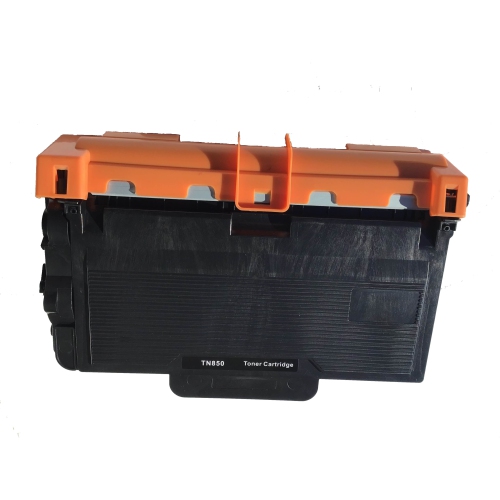
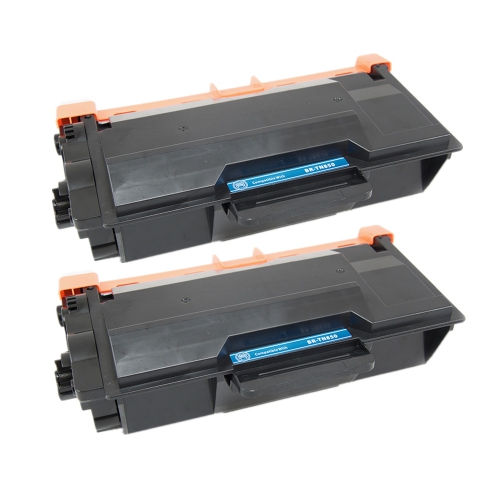
Long-term satisfaction with a laser printer depends on sensible workload expectations, compatible supplies and straightforward care. A manufacturer’s maximum monthly duty cycle describes an upper workload limit, not necessarily the amount of printing best suited to regular daily use; a recommended monthly volume, when provided, is often more useful for matching a device to an office. Toner yield is another helpful comparison, but published page counts are based on defined test conditions rather than a promise that every document will use the same amount of toner. Dense charts, shaded backgrounds and heavily printed pages can change how quickly a cartridge is used. Some laser printers use separate toner and drum components, which perform different jobs and may need replacement at different intervals. Checking the exact compatibility information for each component helps avoid confusing a toner cartridge with a drum unit or assuming that similar-looking supplies are interchangeable. The same attention applies to paper: sheets stored flat and kept dry are less likely to curl or feed unevenly, while damaged sheets can interrupt an otherwise routine print run. A durable casing and sturdy trays are useful, but careful handling still matters when loading paper, extending guides or opening access panels. Routine care generally involves keeping the exterior and accessible paper areas clean, following the manufacturer’s maintenance directions and allowing heated internal parts to cool before addressing a paper jam. Clear access to the printer makes those ordinary tasks easier, especially in a shared office where several people may refill the tray. For self-employed professionals, administrative teams and households with substantial document needs, a well-matched monochrome laser printer can become a dependable part of the workspace rather than an occasional accessory. It can also be a practical gift for someone establishing a home office, provided their space, connection requirements and printing habits are understood. Shoppers whose paperwork also involves copying and scanning may also want to explore Brother MFC L2710DW. Whether the priority is a focused print-only setup or a broader document workflow, the strongest fit comes from matching everyday tasks with paper handling, connectivity and maintenance needs.
Connectivity determines how easily a monochrome laser printer becomes part of a working office. Wi-Fi can provide flexibility when the printer needs to sit away from a desk, while an Ethernet connection can suit a shared workspace with an established wired network. A direct USB connection may be sufficient for a dedicated workstation, depending on the device and its supported connections. Wireless printing does not automatically mean compatibility with every phone, tablet or computer, so support for the operating systems and mobile printing methods used in the office deserves attention. For a household with a mix of personal computers and work-issued laptops, compatible drivers and any employer restrictions can be just as important as the printer’s hardware. Shared printing also benefits from clear access controls, particularly when documents contain client details, payroll information or other sensitive material. Physical placement matters alongside those digital connections. The printer needs a stable surface, room for its trays and covers to open, and clearance around the ventilation areas specified by the manufacturer. A compact footprint can be helpful on a side cabinet, but the usable space should account for paper loading and routine toner replacement rather than just the closed dimensions. Paper capacity is another everyday consideration: a larger input tray can reduce interruptions during longer jobs, while a multipurpose feed, when included, can make occasional envelopes or letterhead easier to handle. Supported paper sizes and weights vary, so letter-size documents, legal-size forms and thicker media should be matched to the device’s stated capabilities. Paper should also be suitable for laser printing, especially when using labels or envelopes that will pass through a heated printing process. In a small office where one person prints correspondence and another prepares batches of forms, flexible paper handling can be more useful than a feature that has little connection to the actual workload. Printer noise and operating activity also deserve consideration when the machine will sit beside a desk used for calls, focused work or client meetings.
Long-term satisfaction with a laser printer depends on sensible workload expectations, compatible supplies and straightforward care. A manufacturer’s maximum monthly duty cycle describes an upper workload limit, not necessarily the amount of printing best suited to regular daily use; a recommended monthly volume, when provided, is often more useful for matching a device to an office. Toner yield is another helpful comparison, but published page counts are based on defined test conditions rather than a promise that every document will use the same amount of toner. Dense charts, shaded backgrounds and heavily printed pages can change how quickly a cartridge is used. Some laser printers use separate toner and drum components, which perform different jobs and may need replacement at different intervals. Checking the exact compatibility information for each component helps avoid confusing a toner cartridge with a drum unit or assuming that similar-looking supplies are interchangeable. The same attention applies to paper: sheets stored flat and kept dry are less likely to curl or feed unevenly, while damaged sheets can interrupt an otherwise routine print run. A durable casing and sturdy trays are useful, but careful handling still matters when loading paper, extending guides or opening access panels. Routine care generally involves keeping the exterior and accessible paper areas clean, following the manufacturer’s maintenance directions and allowing heated internal parts to cool before addressing a paper jam. Clear access to the printer makes those ordinary tasks easier, especially in a shared office where several people may refill the tray. For self-employed professionals, administrative teams and households with substantial document needs, a well-matched monochrome laser printer can become a dependable part of the workspace rather than an occasional accessory. It can also be a practical gift for someone establishing a home office, provided their space, connection requirements and printing habits are understood. Shoppers whose paperwork also involves copying and scanning may also want to explore Brother MFC L2710DW. Whether the priority is a focused print-only setup or a broader document workflow, the strongest fit comes from matching everyday tasks with paper handling, connectivity and maintenance needs.
Top selling and popular products
-
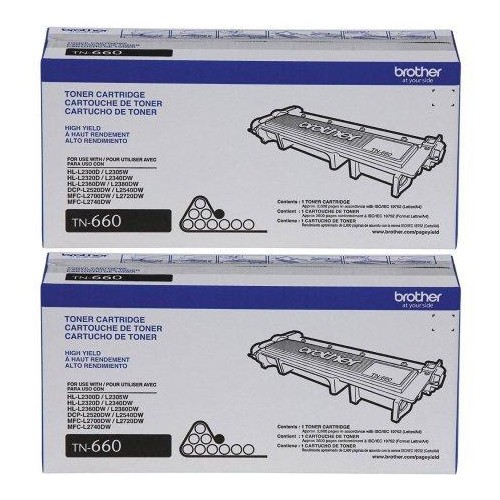 Your price for this item is $157.94
 -
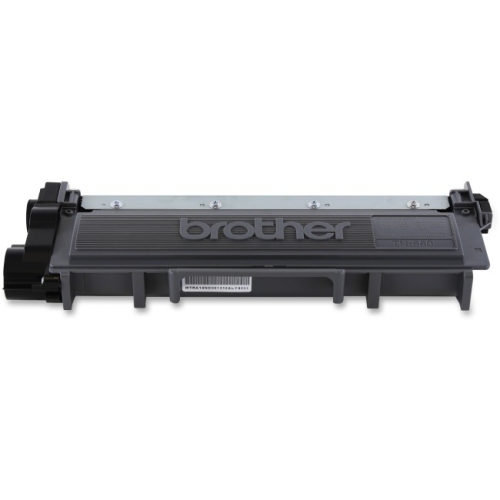 Your price for this item is $74.99
 -
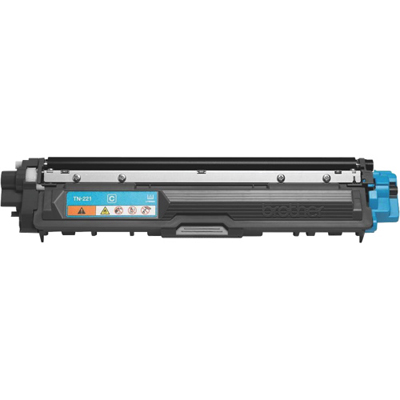 Your price for this item is $102.99
 -
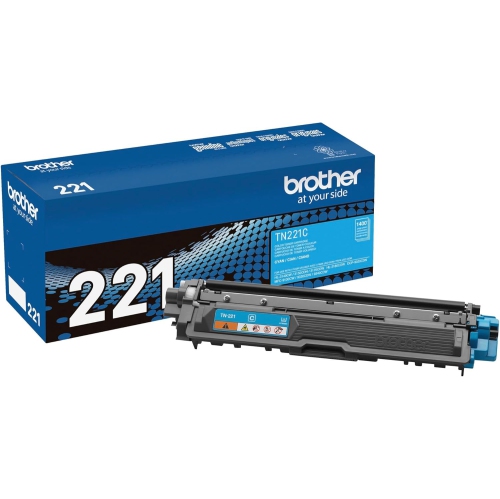 Your price for this item is $115.02
 -
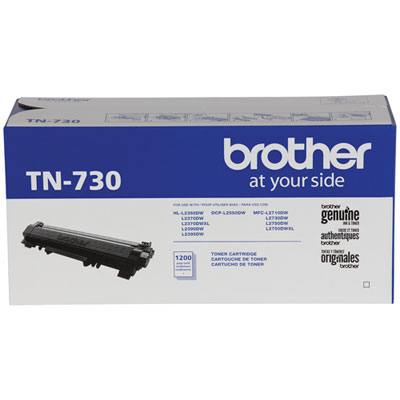 Your price for this item is $72.99
 -
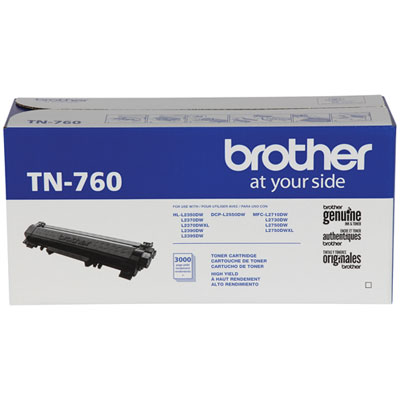 Your price for this item is $115.99
 -
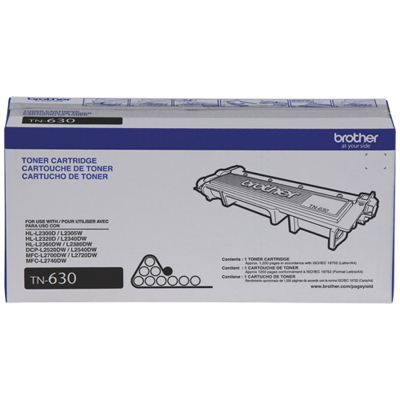 Your price for this item is $72.99
 -
 Your price for this item is $85.57
Discover more categories related to Brother L5200DW
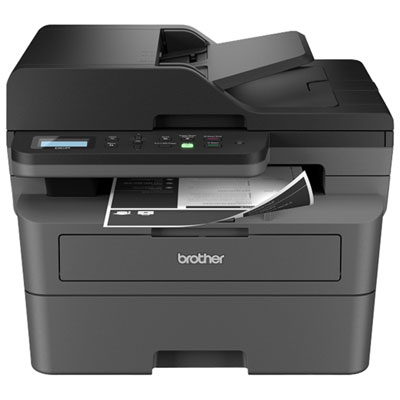
Top Collections:
Pokemon Centers, Kindle Devices, Best Cameras for Sports Photography, Samsung Galaxy Phones, Laptops for Business Work, Canon G7X Cameras, Pokémon 30th Celebration Cards, Refurbished Apple Laptops, iPhone 15 Apple, Cordless Dyson Vacuums
Some products may be subject to Environmental Handling Fees
(EHF) depending on your province.
Learn more about EHFs.