Business Phone Systems
Looking to upgrade your communication system for your business? Explore our selection of cutting-edge business phone systems designed to enhance productivity and efficiency in the workplace. From traditional desk phones to advanced VoIP solutions, we offer a range of options to meet the diverse needs of businesses of all sizes. Stay connected with clients and colleagues seamlessly with features like call forwarding, voicemail-to-email transcription, and more. Find the perfect business phone system to streamline your communications and elevate your professional image.
Sort

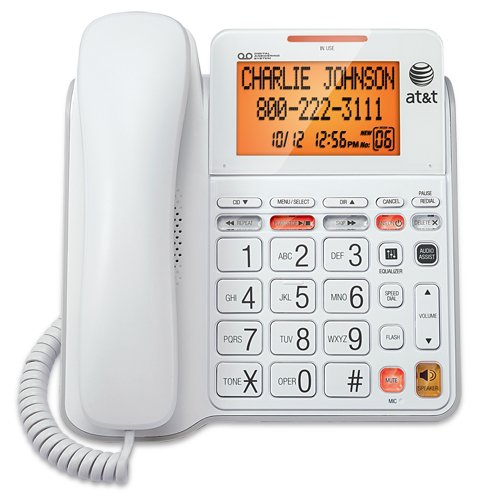
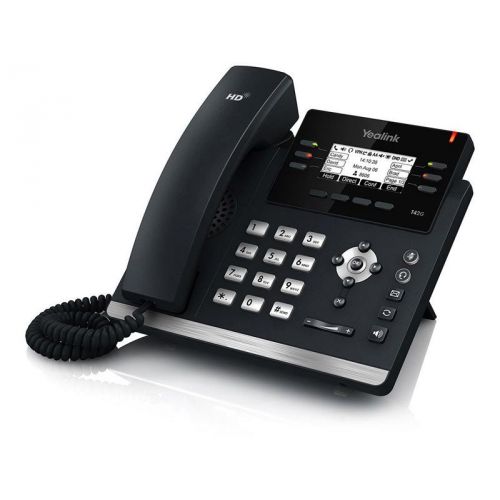
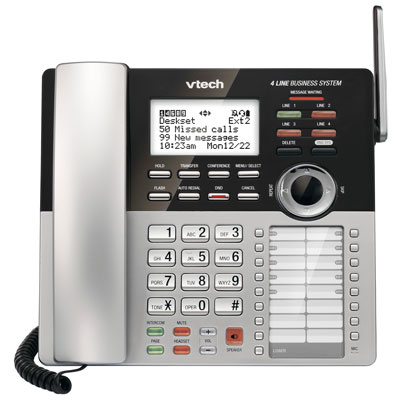
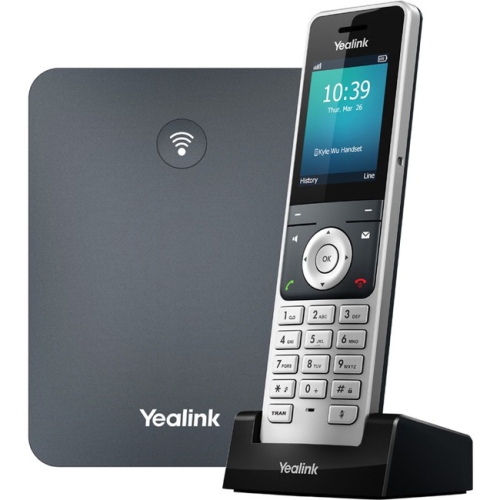

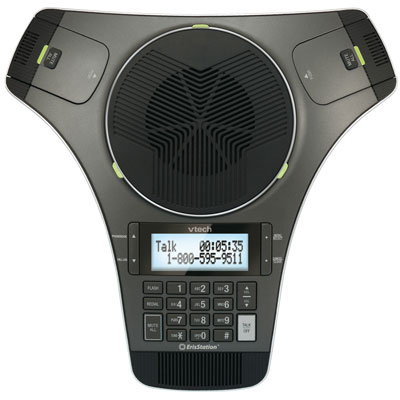
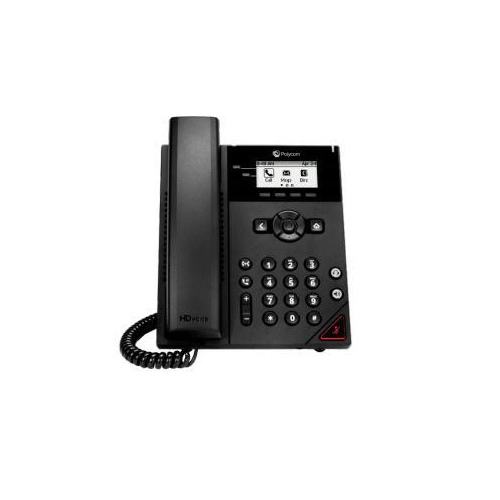
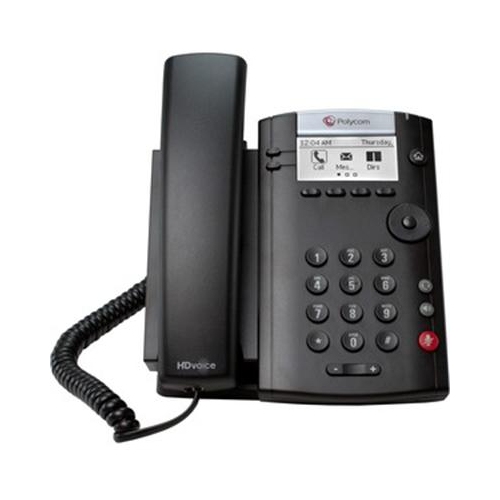

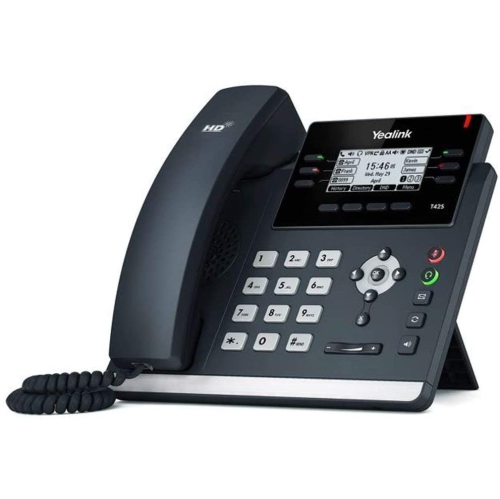

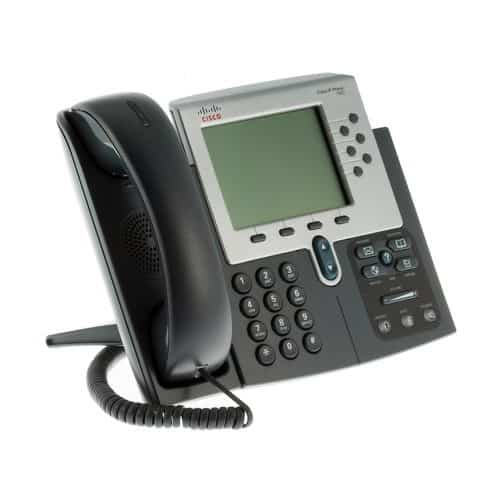

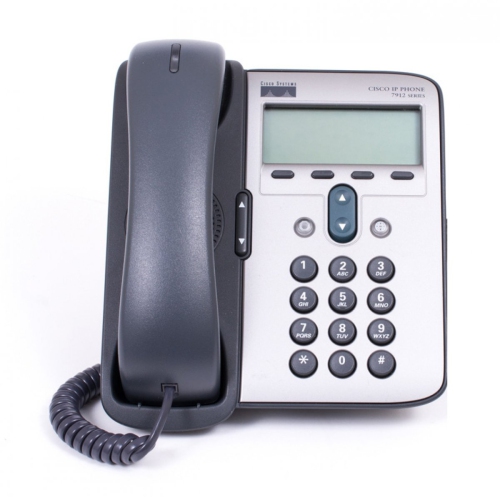
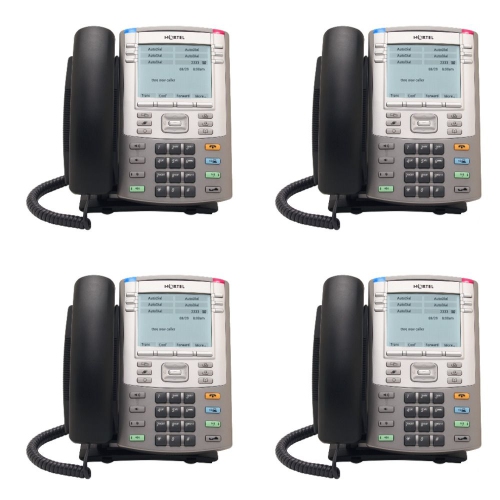
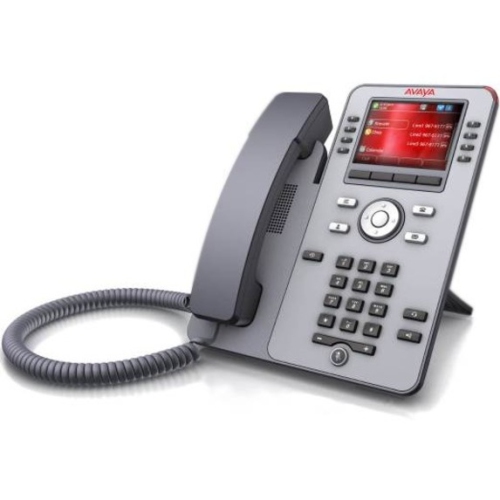

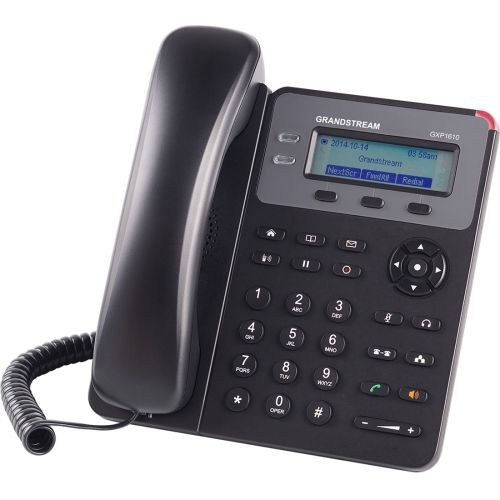
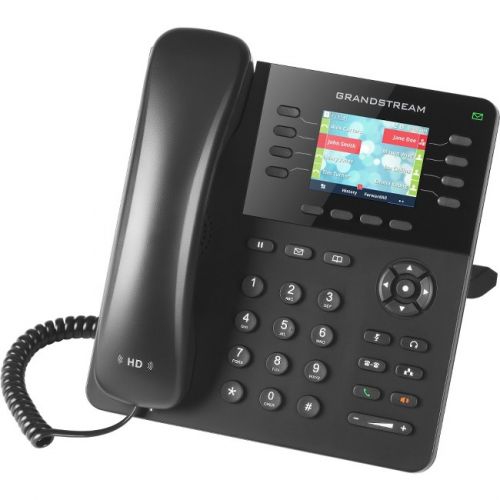
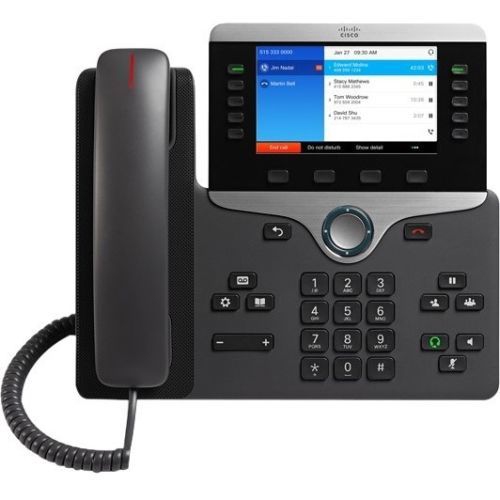
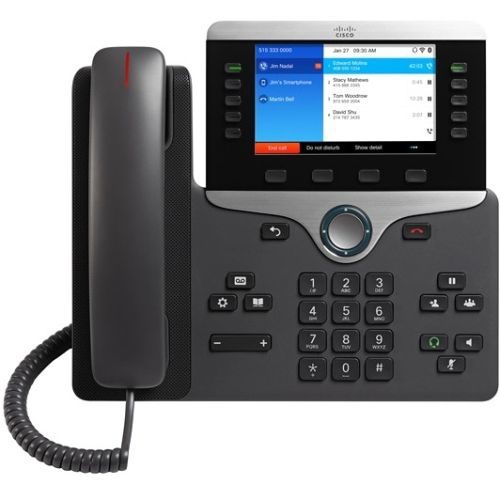
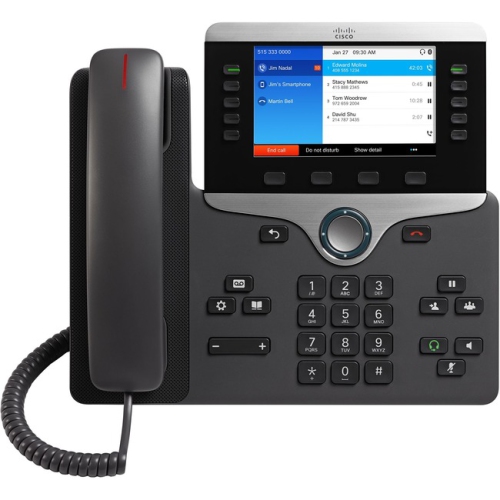
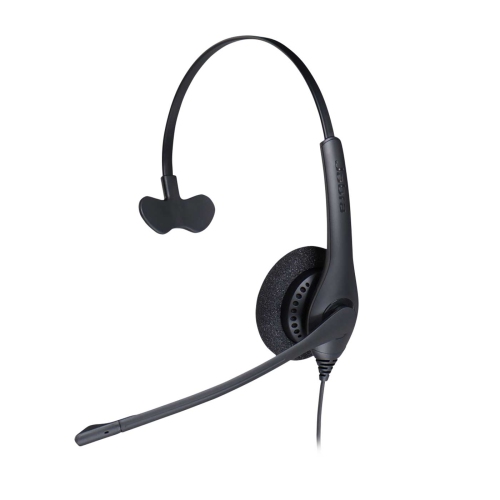

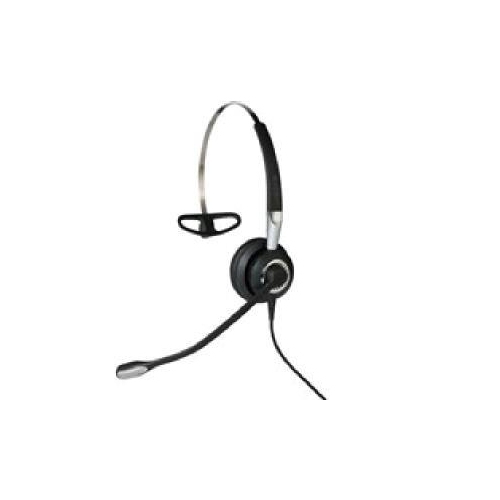
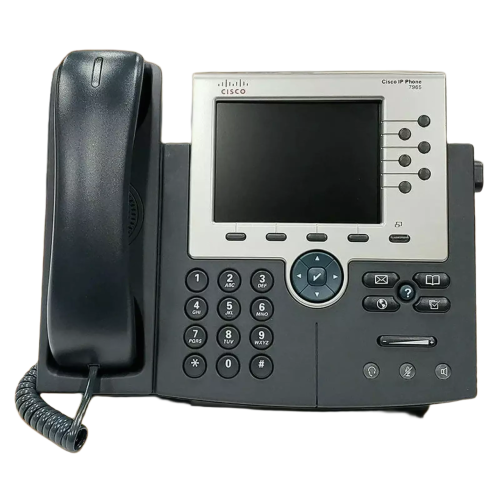
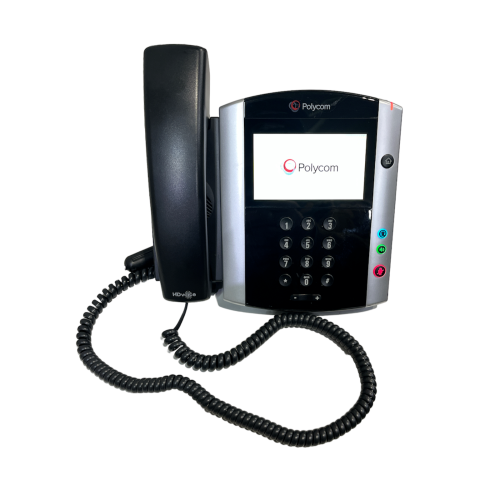
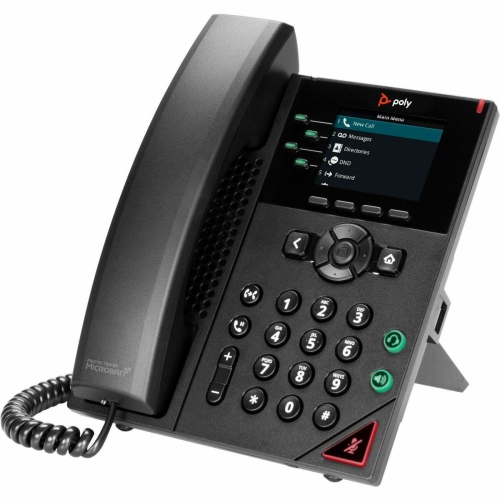
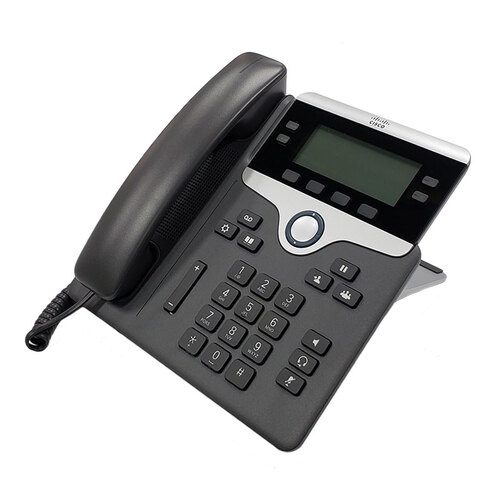
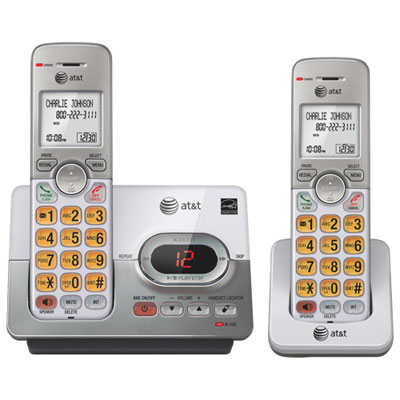
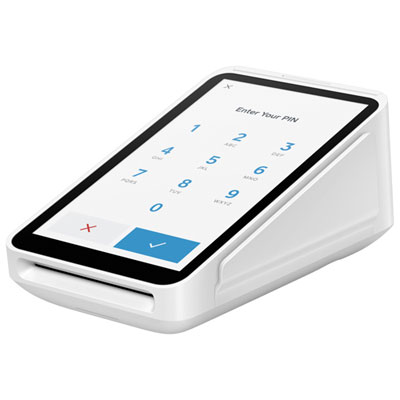
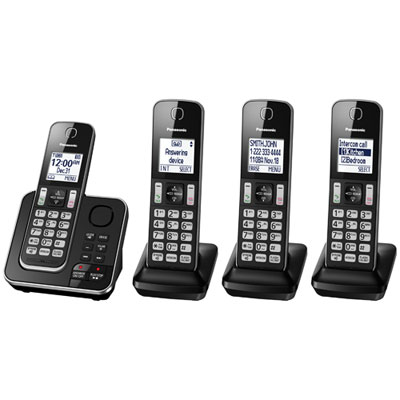

How the right system keeps workplace calls moving
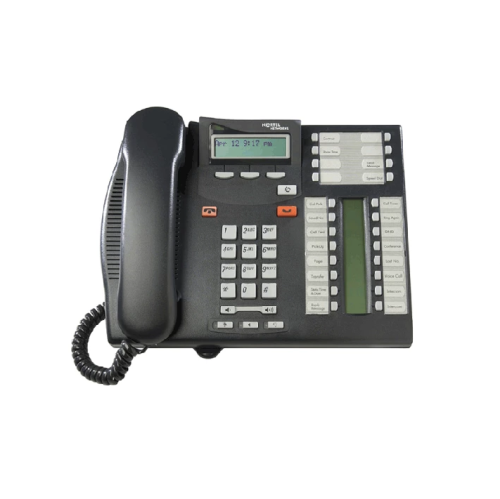
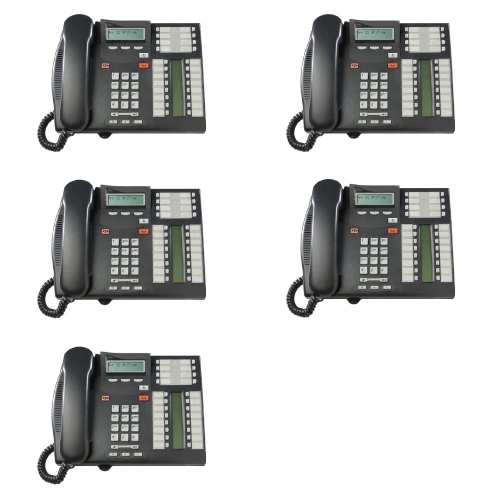
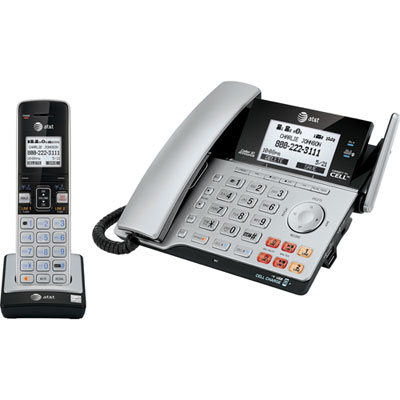
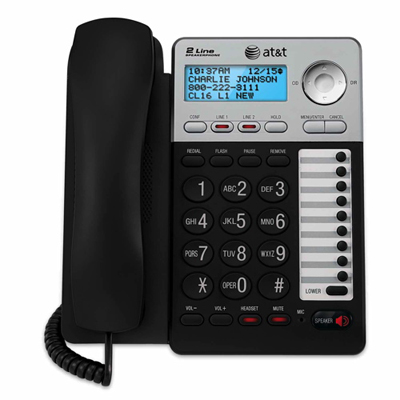
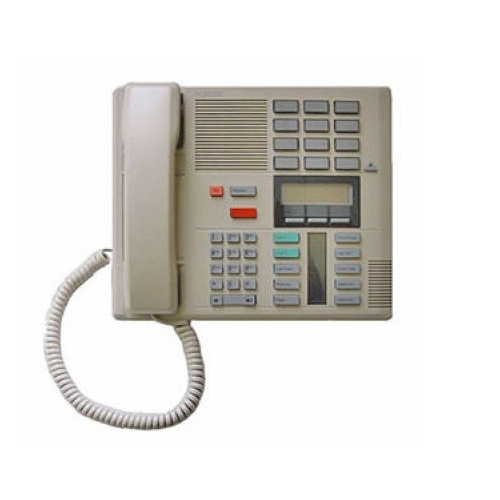
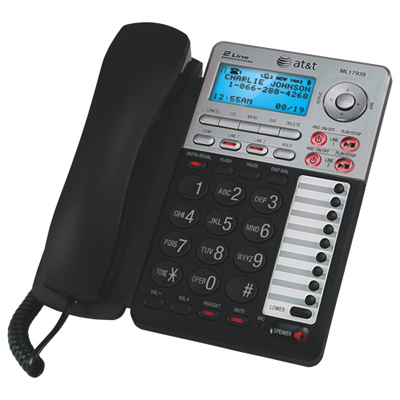
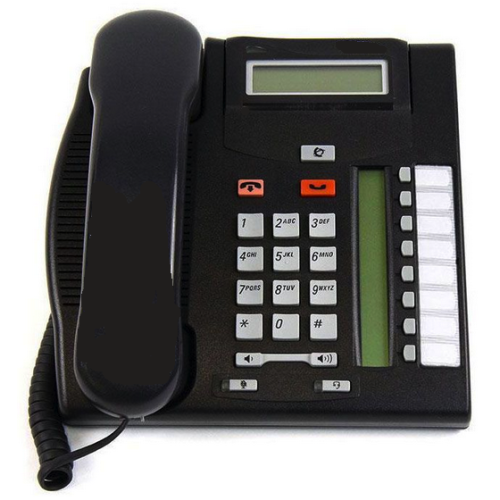
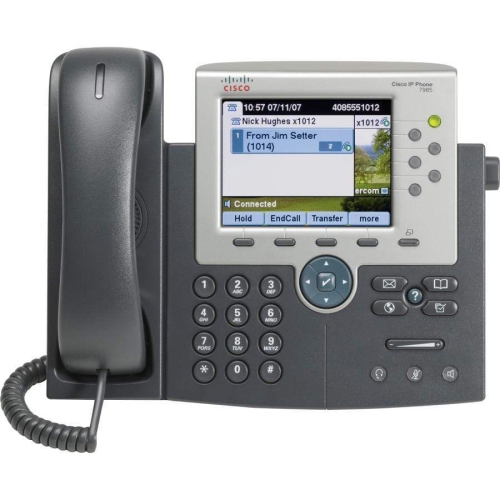
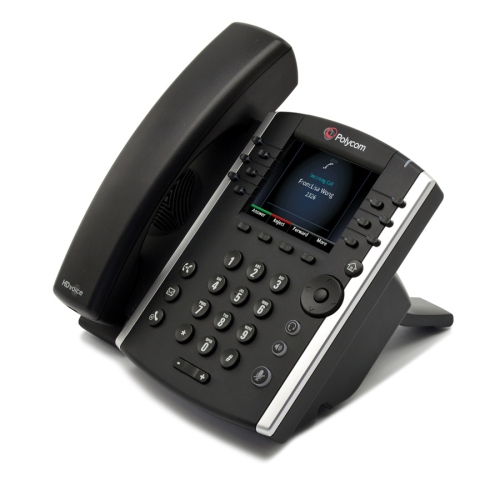
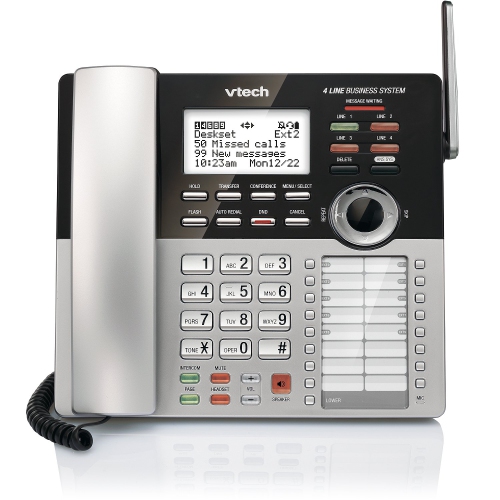
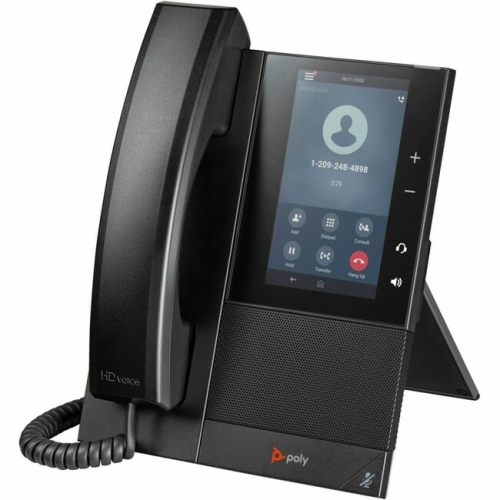
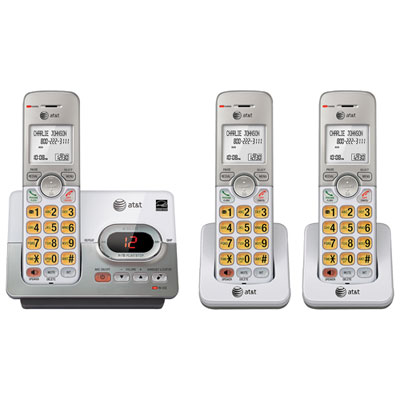
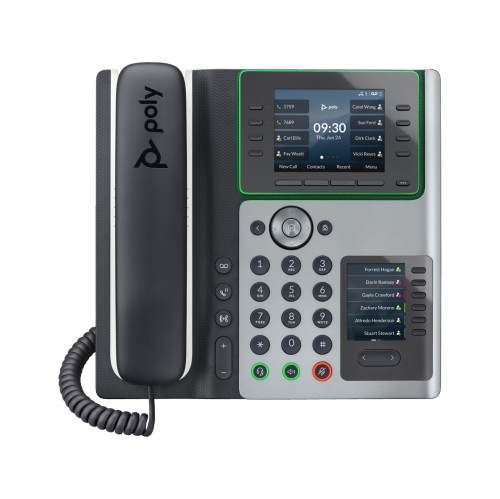
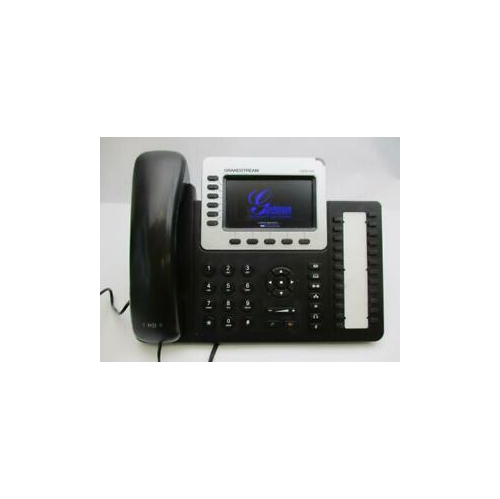
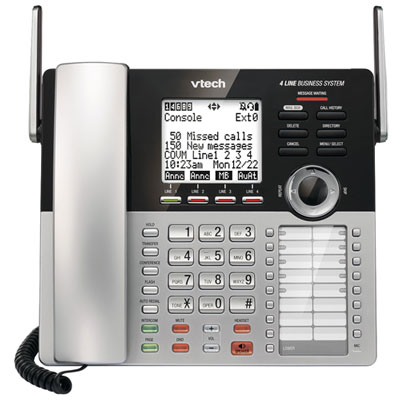
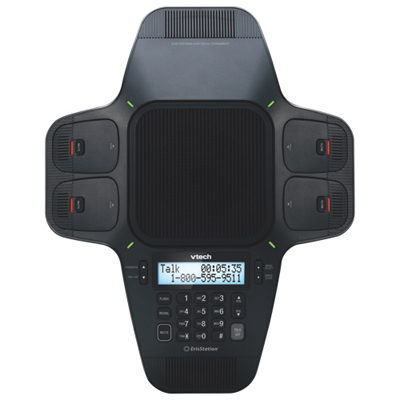
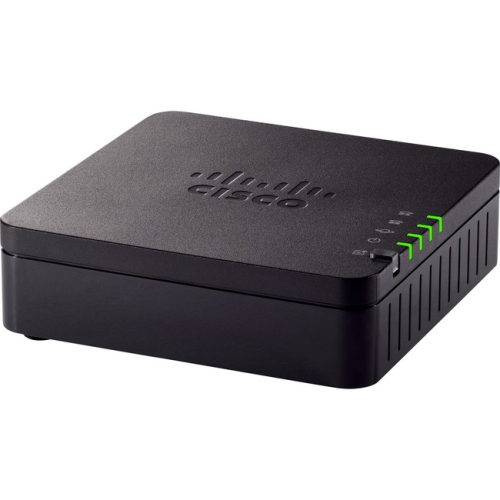
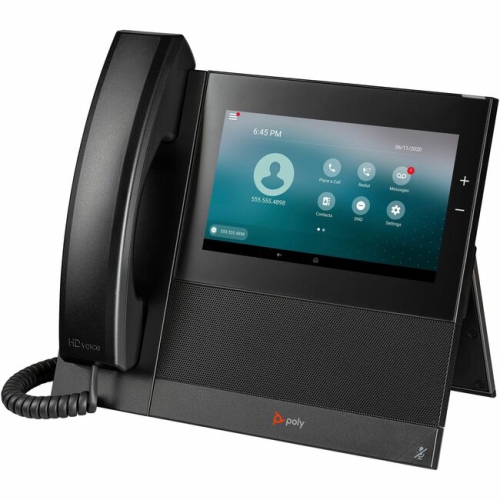
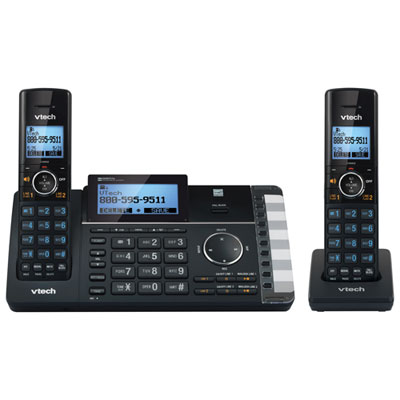
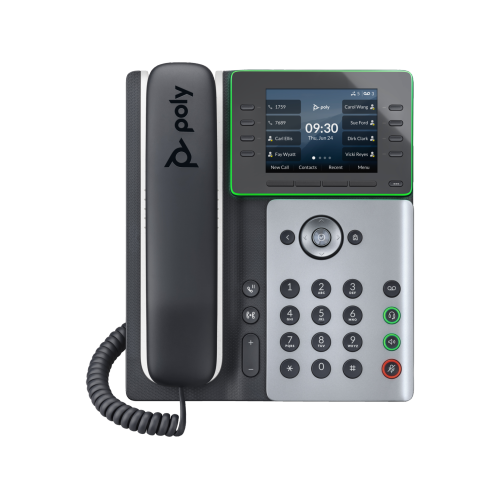
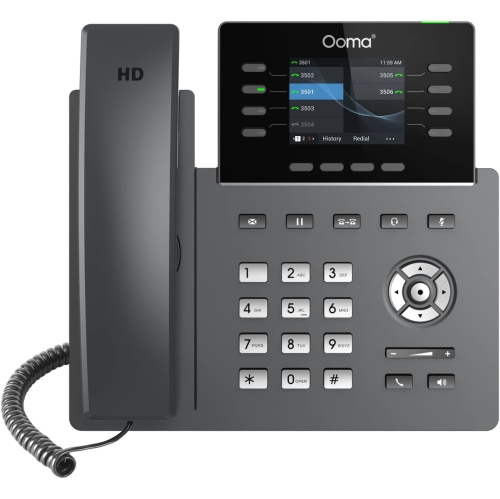
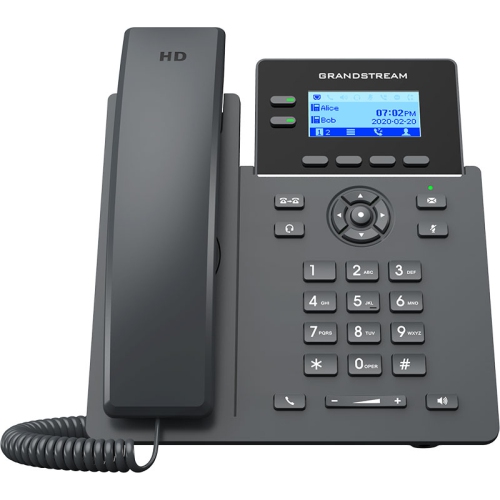
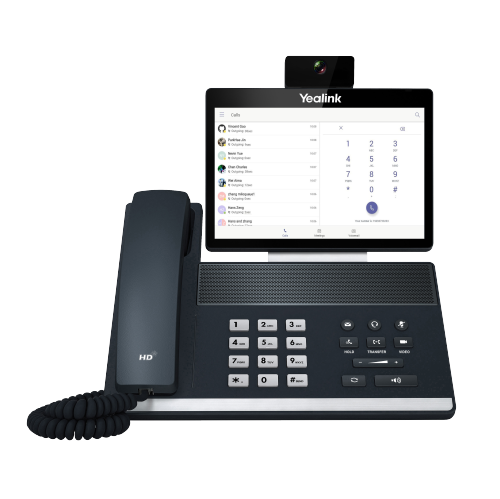
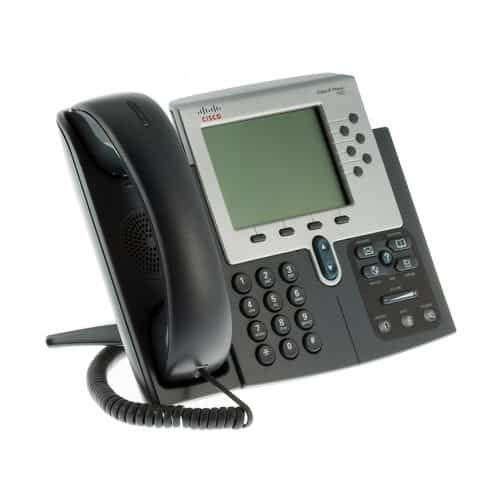
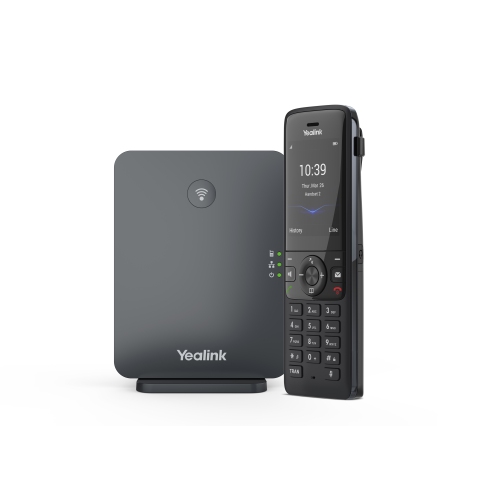
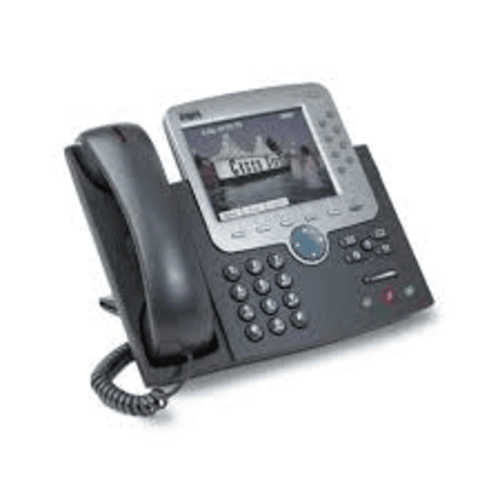
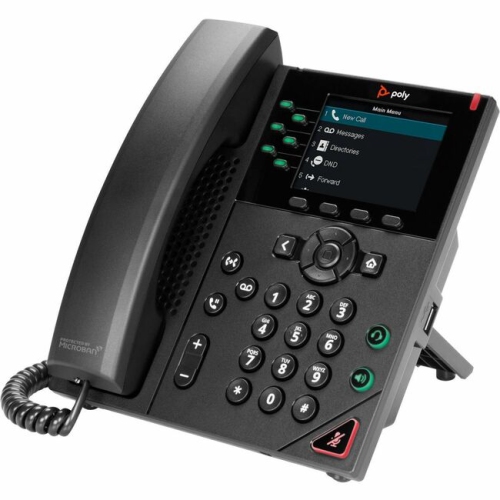
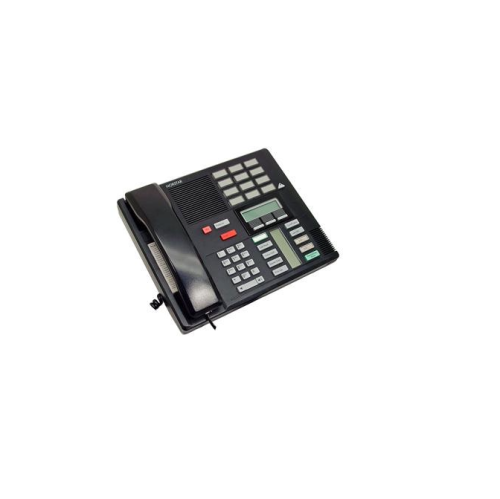
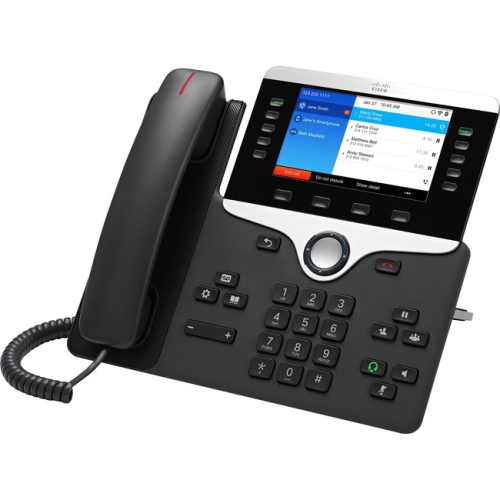
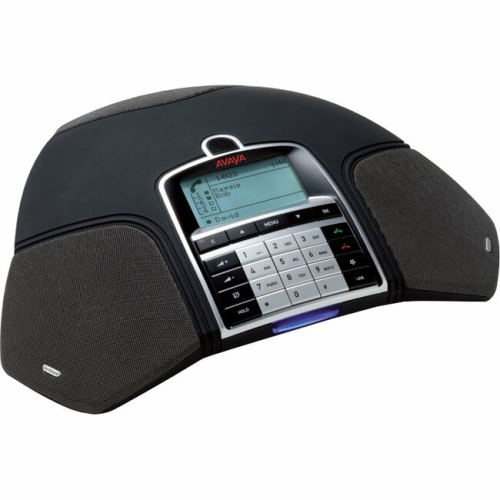
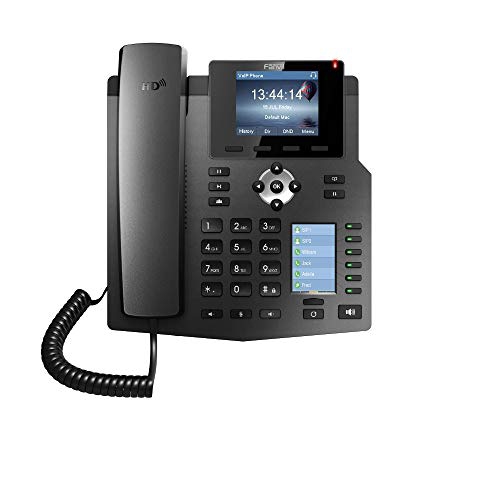
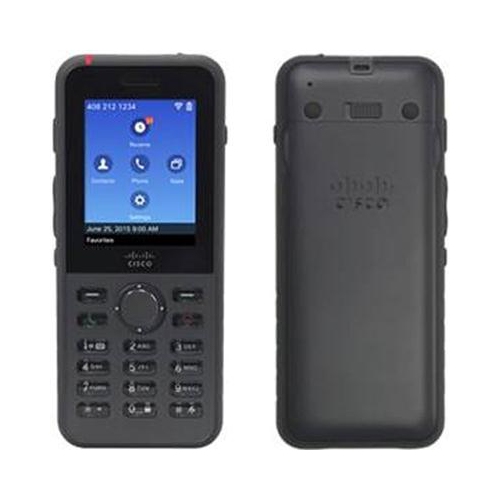
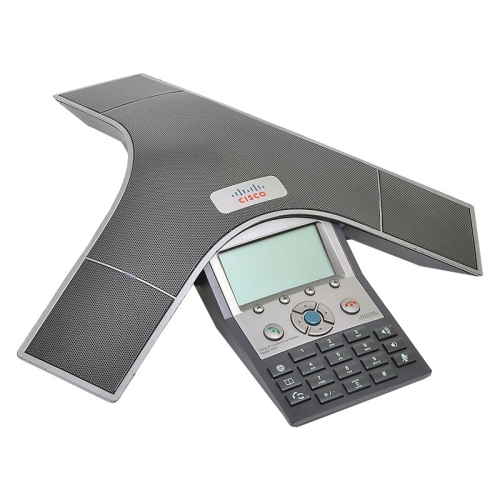
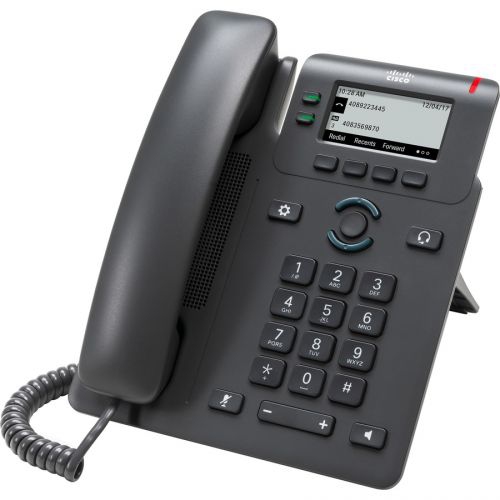
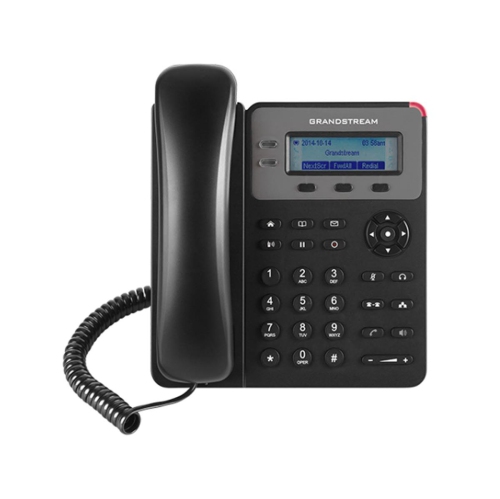
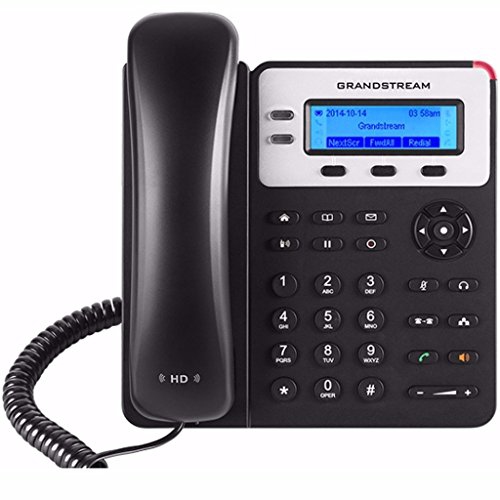
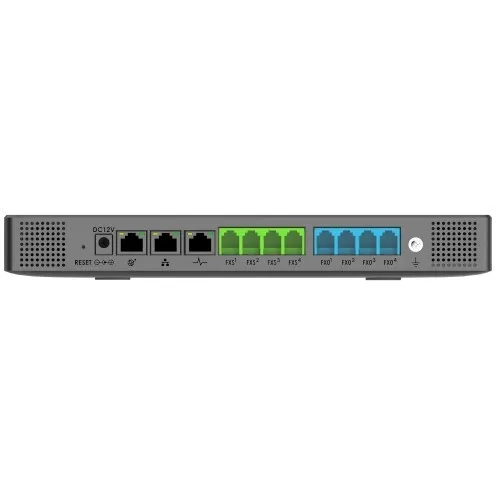
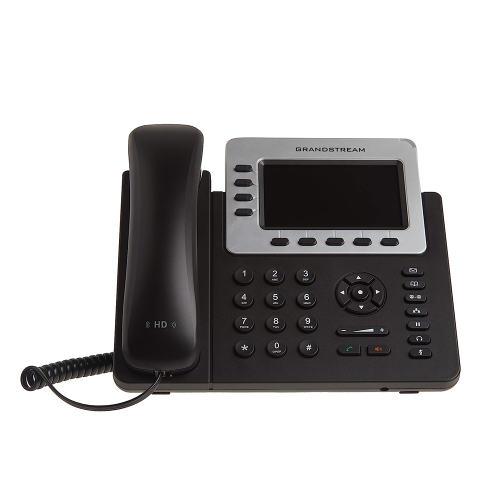
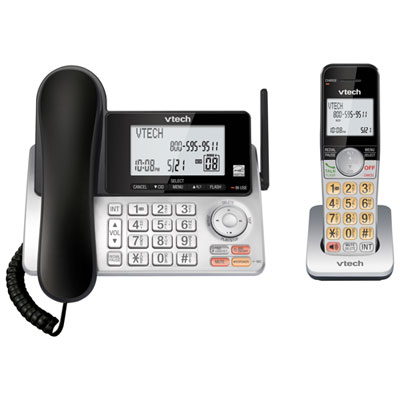
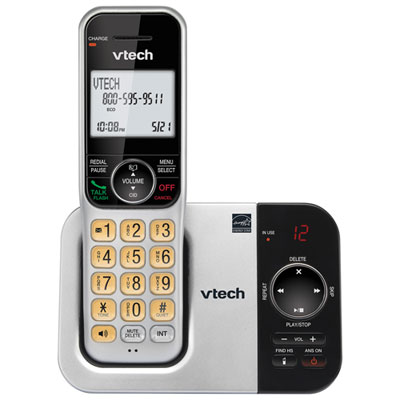
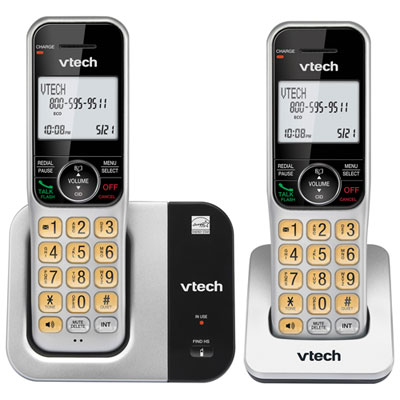
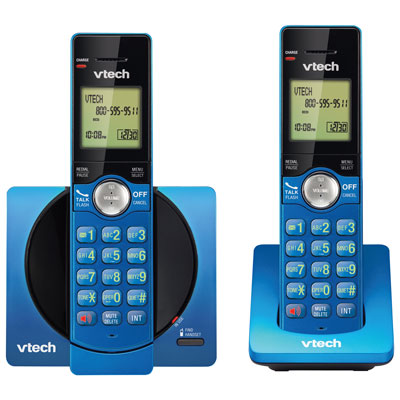
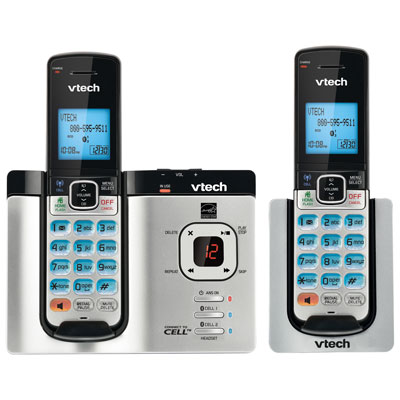
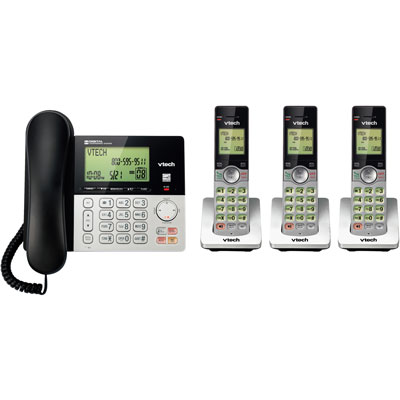
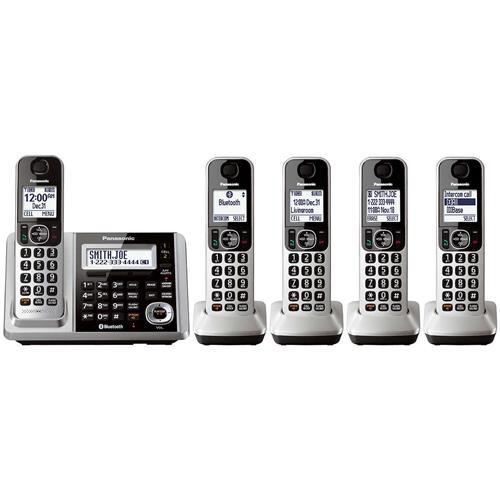
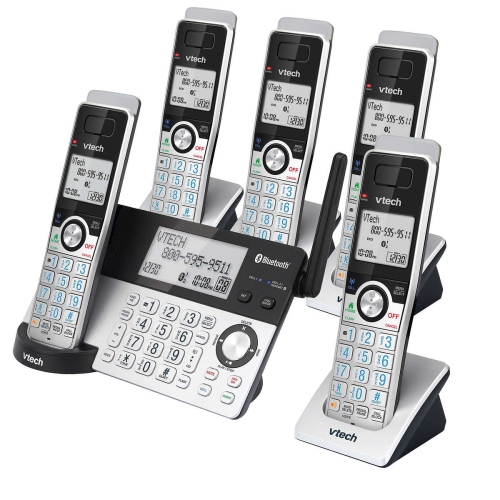
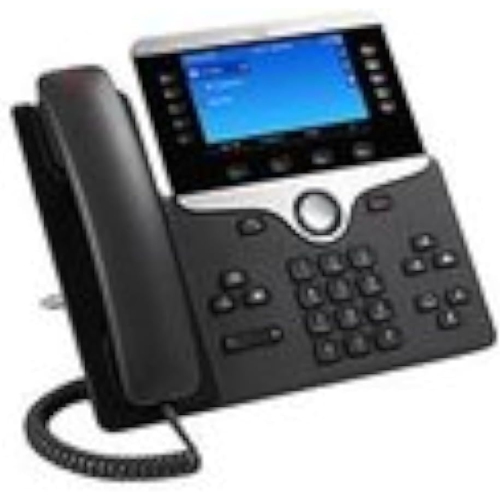
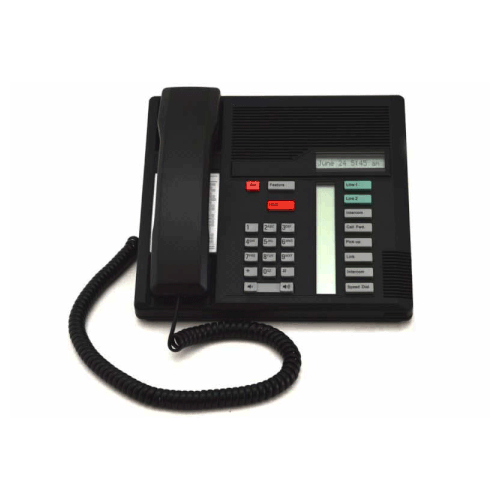
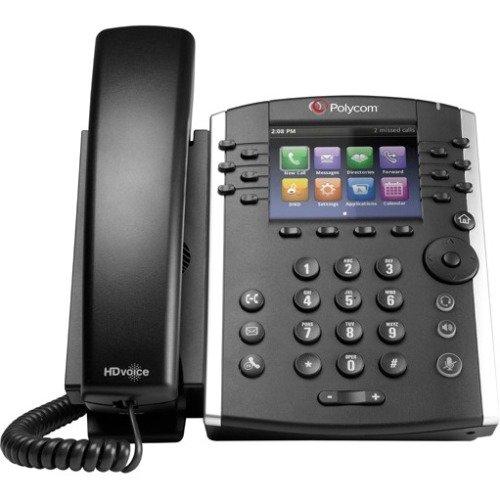
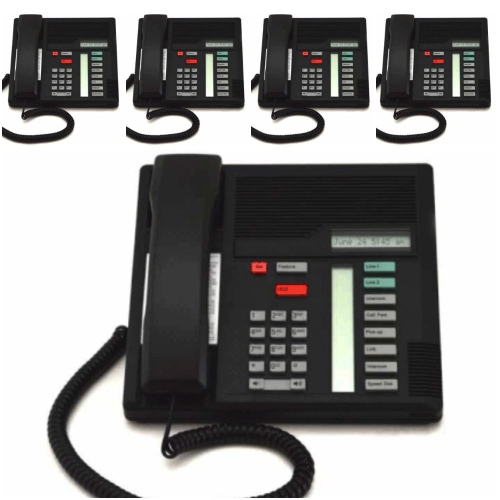
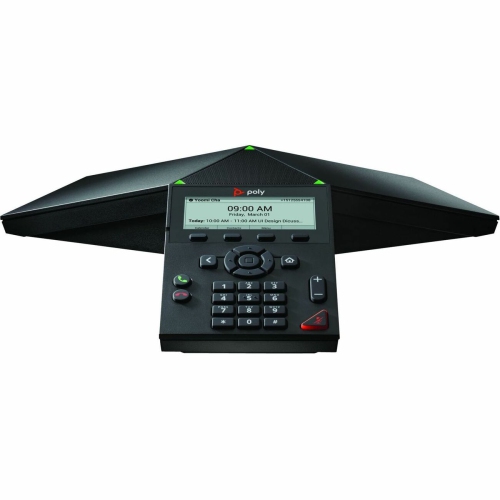
Business phone systems help organizations manage everyday communication with greater clarity, consistency, and control. Whether you are outfitting a small office, expanding a growing company, or replacing an older setup, the right system can bring multiple lines, extensions, voicemail, call transfers, and shared access together in one practical solution. These systems are designed for more than simply making and receiving calls. They can help a receptionist direct visitors to the right department, allow a sales team to respond promptly to enquiries, and give service staff a reliable way to keep conversations moving during busy periods. A well-planned setup can also make a compact office feel more organized, with dedicated extensions for each employee, clear call-handling routines, and fewer interruptions at individual desks. Businesses with staff working from home, on the road, or between different locations may also benefit from features that connect desk phones with mobile devices and computers. Browse Business Ip Phones when you are comparing options that use an internet connection to support modern workplace communication. These systems can be particularly useful for professional offices, retail operations, clinics, property managers, contractors, schools, and home-based businesses that want a more polished way to handle incoming calls.
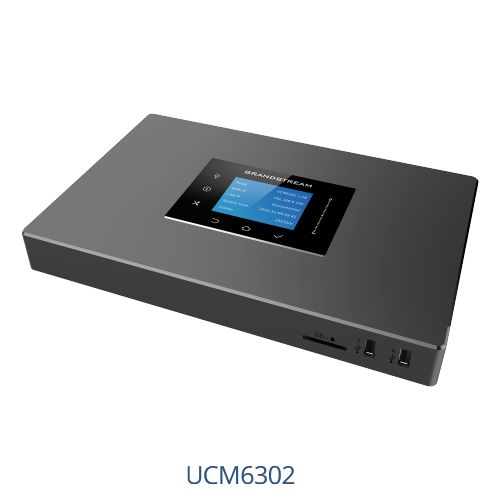
One of the first decisions is choosing between cloud-based, on-premises, or hybrid phone service. Cloud-based systems, often called VoIP or hosted PBX systems, place much of the call management with an online service rather than relying solely on equipment installed at your location. They can offer flexible user management, mobile applications, automatic attendants, voicemail transcription, call forwarding, and softphone access through a computer or compatible mobile device. This arrangement may suit businesses with remote employees, multiple locations, or a changing number of users because extensions and permissions can often be adjusted without a full hardware replacement. On-premises systems use local equipment such as a control unit, telephone base, or office phone controller, making them a practical choice for companies that prefer to keep core equipment at the workplace or that already have compatible wiring and lines in place. They may be well suited to established offices with predictable staffing and a dedicated area for communications equipment. Hybrid systems combine local hardware with online features, giving larger or more complex workplaces a way to maintain familiar office equipment while adding remote access, mobile calling, or online management tools. When comparing these approaches, consider the number of users and lines required, the quality and reliability of the office internet connection, installation needs, ongoing service charges, and how easily the system can grow. It is also worth checking whether the system supports the type of numbers and calling plans your organization uses, along with any existing equipment you hope to keep. A small team may only need a few extensions and straightforward voicemail, while a busy office could benefit from call queues, multiple departments, shared reception coverage, and after-hours routing.
Call-handling features can make a noticeable difference during a full workday, especially when several calls arrive at once. An auto-attendant, sometimes described as a virtual receptionist, can greet callers and direct them to sales, service, billing, or other departments without requiring someone to answer every call manually. Call queues can place callers in an orderly line, while hold music or recorded messages can provide useful information during wait times. Call forwarding helps staff remain reachable when they are away from their desks, and simultaneous ringing can send a call to more than one approved device. Look for voicemail-to-email or voicemail transcription if employees need to review messages while travelling, attending meetings, or working outside regular office hours. Call recording may assist with training, quality checks, or keeping a record of important conversations, but organizations should review applicable privacy requirements and notify callers where necessary. Computer-based softphones can give employees access to their business number through a laptop, while mobile applications can help maintain a consistent caller ID when staff are visiting clients, working from home, or moving between locations. Integration with productivity tools, customer relationship management platforms, calendars, and team collaboration services may help employees see relevant details without switching repeatedly between systems. Before selecting a setup, map out a typical day: note how calls enter the business, who answers them, where they need to go, and what should happen outside business hours. A simple call-flow plan can reveal whether you need a receptionist console, department extensions, a shared line, an emergency backup method, or support for several office locations. Also consider handset comfort, speaker quality, headset compatibility, display readability, button layout, and ease of setup, since employees spend long stretches using these devices. During the cooler months, when weather can affect travel and staff may work from home more often, dependable remote access and clear call routing can help keep customer conversations on track. With the right balance of features, capacity, and service requirements, a business phone system can provide a professional first point of contact while giving employees the flexibility to communicate wherever their work takes them.
One of the first decisions is choosing between cloud-based, on-premises, or hybrid phone service. Cloud-based systems, often called VoIP or hosted PBX systems, place much of the call management with an online service rather than relying solely on equipment installed at your location. They can offer flexible user management, mobile applications, automatic attendants, voicemail transcription, call forwarding, and softphone access through a computer or compatible mobile device. This arrangement may suit businesses with remote employees, multiple locations, or a changing number of users because extensions and permissions can often be adjusted without a full hardware replacement. On-premises systems use local equipment such as a control unit, telephone base, or office phone controller, making them a practical choice for companies that prefer to keep core equipment at the workplace or that already have compatible wiring and lines in place. They may be well suited to established offices with predictable staffing and a dedicated area for communications equipment. Hybrid systems combine local hardware with online features, giving larger or more complex workplaces a way to maintain familiar office equipment while adding remote access, mobile calling, or online management tools. When comparing these approaches, consider the number of users and lines required, the quality and reliability of the office internet connection, installation needs, ongoing service charges, and how easily the system can grow. It is also worth checking whether the system supports the type of numbers and calling plans your organization uses, along with any existing equipment you hope to keep. A small team may only need a few extensions and straightforward voicemail, while a busy office could benefit from call queues, multiple departments, shared reception coverage, and after-hours routing.
Call-handling features can make a noticeable difference during a full workday, especially when several calls arrive at once. An auto-attendant, sometimes described as a virtual receptionist, can greet callers and direct them to sales, service, billing, or other departments without requiring someone to answer every call manually. Call queues can place callers in an orderly line, while hold music or recorded messages can provide useful information during wait times. Call forwarding helps staff remain reachable when they are away from their desks, and simultaneous ringing can send a call to more than one approved device. Look for voicemail-to-email or voicemail transcription if employees need to review messages while travelling, attending meetings, or working outside regular office hours. Call recording may assist with training, quality checks, or keeping a record of important conversations, but organizations should review applicable privacy requirements and notify callers where necessary. Computer-based softphones can give employees access to their business number through a laptop, while mobile applications can help maintain a consistent caller ID when staff are visiting clients, working from home, or moving between locations. Integration with productivity tools, customer relationship management platforms, calendars, and team collaboration services may help employees see relevant details without switching repeatedly between systems. Before selecting a setup, map out a typical day: note how calls enter the business, who answers them, where they need to go, and what should happen outside business hours. A simple call-flow plan can reveal whether you need a receptionist console, department extensions, a shared line, an emergency backup method, or support for several office locations. Also consider handset comfort, speaker quality, headset compatibility, display readability, button layout, and ease of setup, since employees spend long stretches using these devices. During the cooler months, when weather can affect travel and staff may work from home more often, dependable remote access and clear call routing can help keep customer conversations on track. With the right balance of features, capacity, and service requirements, a business phone system can provide a professional first point of contact while giving employees the flexibility to communicate wherever their work takes them.
Top selling and popular products
-
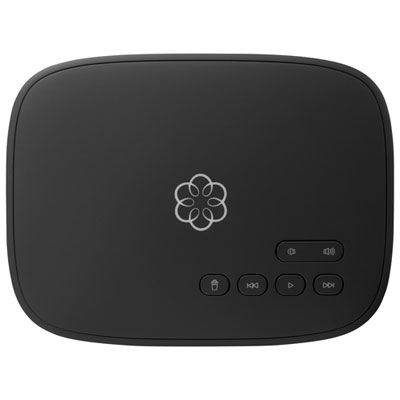 Your price for this item is $129.99
 -
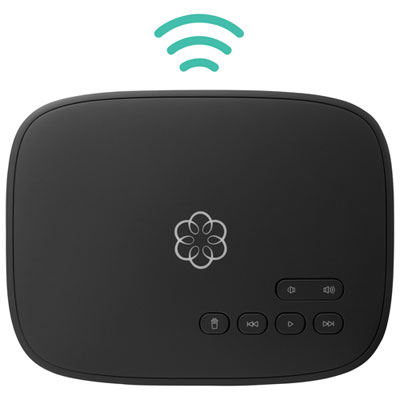 Your price for this item is $109.99
 -
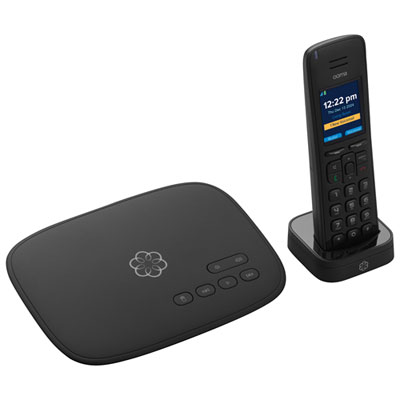 Your price for this item is $139.99
 -
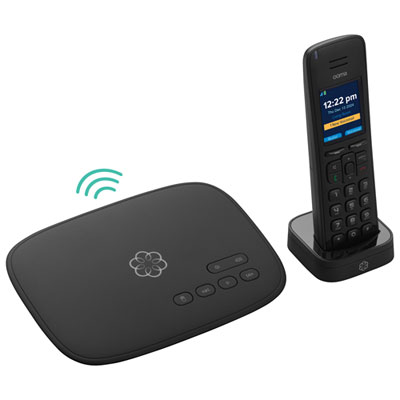 Your price for this item is $159.99
 -
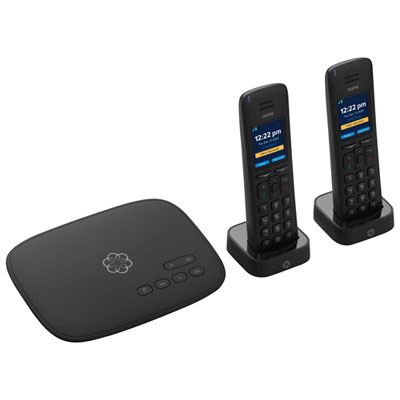 Your price for this item is $159.99
 -
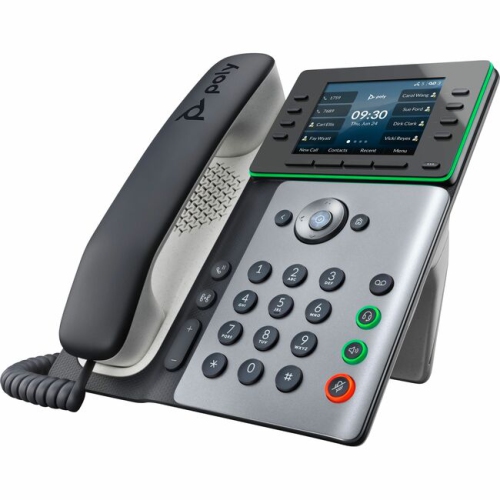 Your price for this item is $276.37
 -
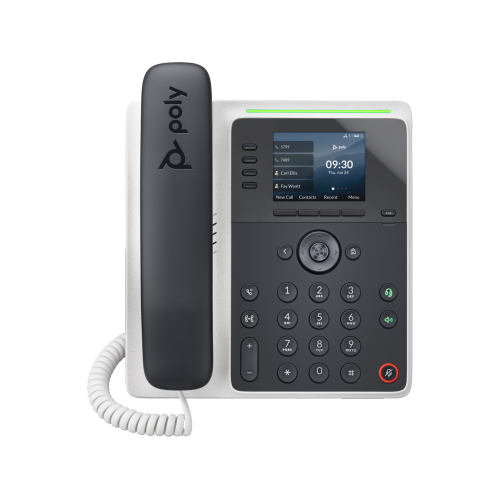 Your price for this item is $162.99
 -
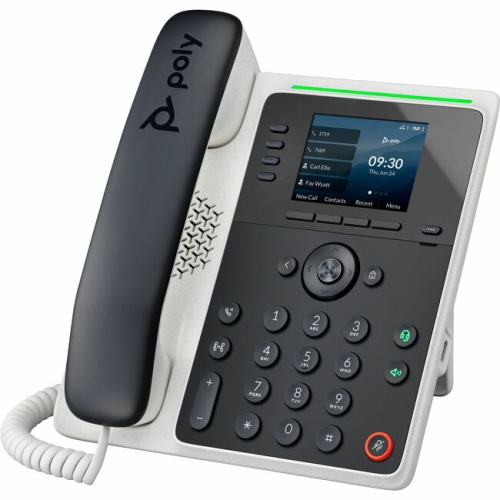 Your price for this item is $211.74
Discover more categories related to Business Phone Systems
Top Collections:
Pokemon Centers, Kindle Devices, Best Budget Office Chairs, Apple iPhones 16, Best Laptops for Writers, iPhone 15 Apple, Canon G7X Cameras, Refurbished Apple Laptops, Alarm Clock, Motorola Razr Phones
Some products may be subject to Environmental Handling Fees
(EHF) depending on your province.
Learn more about EHFs.