Color Laser Papers
Looking to print vibrant and professional documents? Look no further than our collection of color laser papers. Whether you need to create eye-catching presentations, brochures, or marketing materials, these high-quality papers are designed to deliver exceptional color accuracy and sharpness. With a wide range of options available, you can find the perfect color laser paper to suit your printing needs. Explore our selection today and bring your prints to life with vivid hues and impressive clarity.
Sort
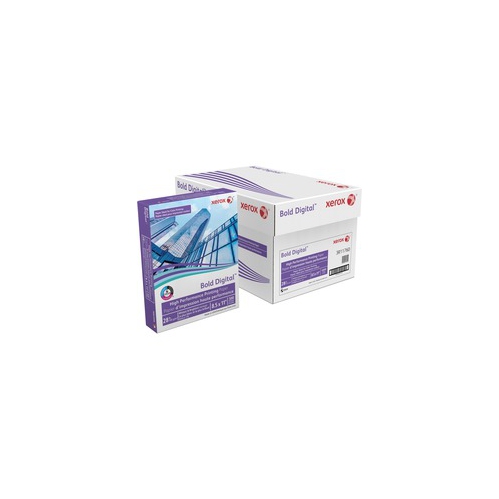
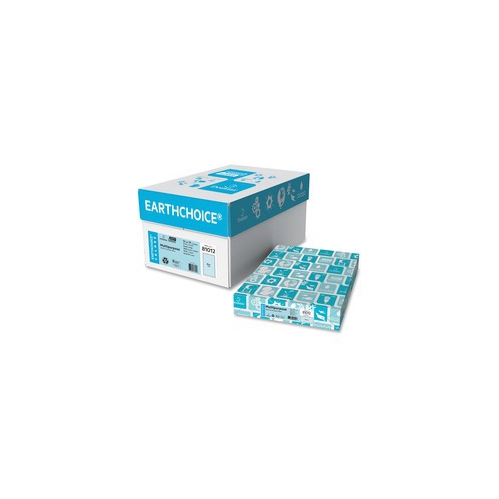
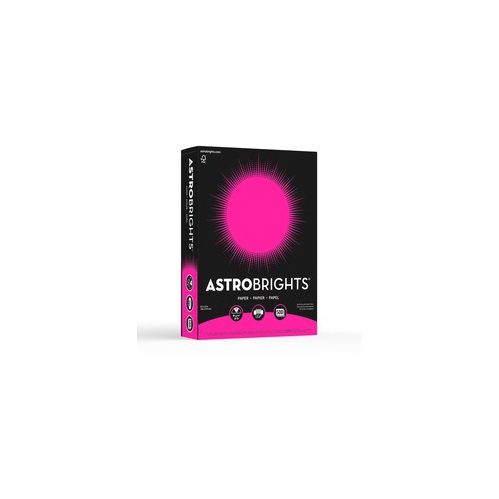
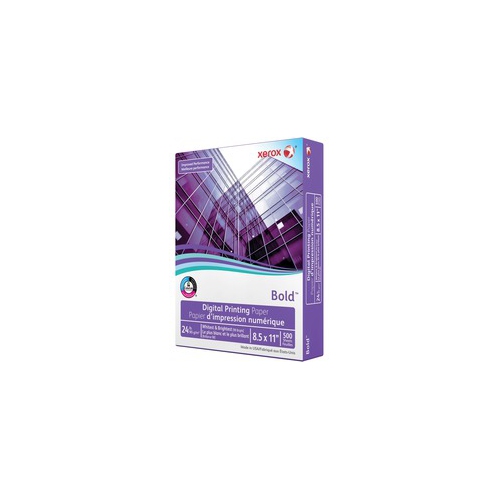

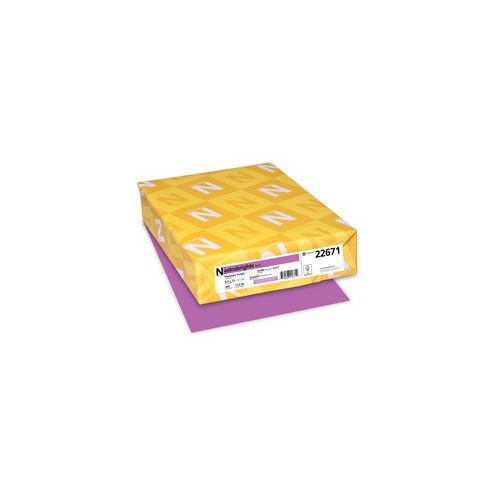

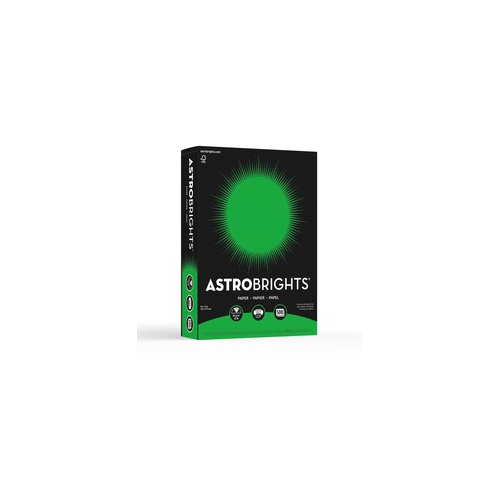
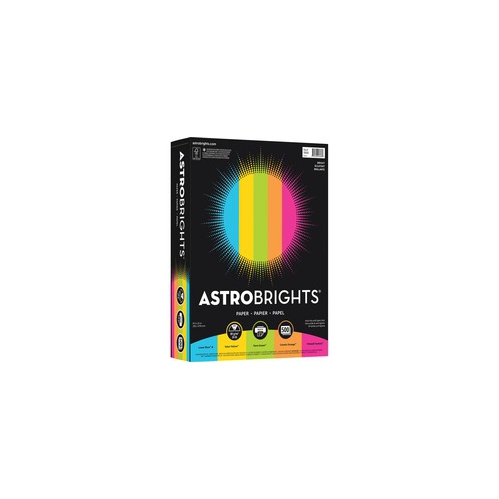
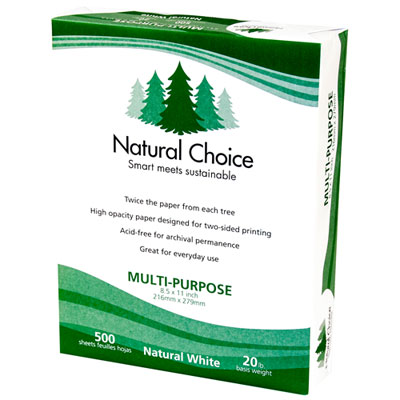
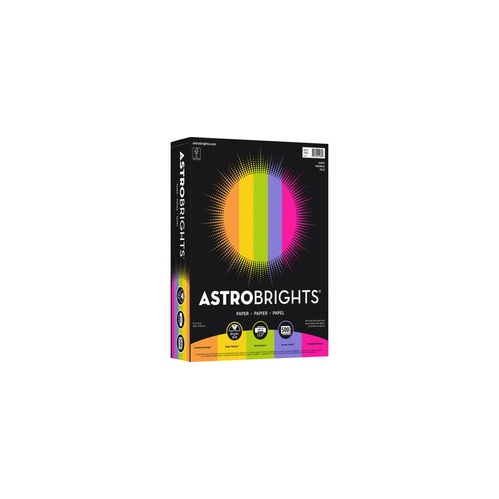
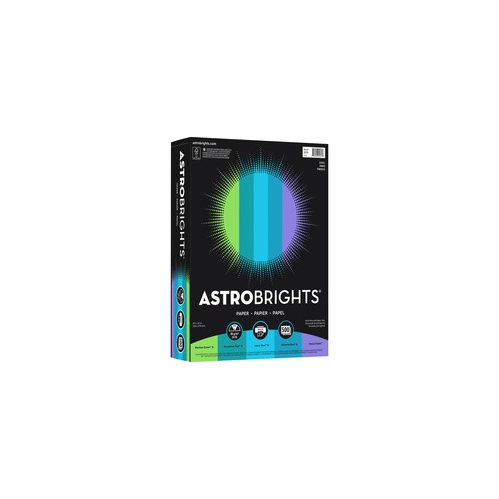
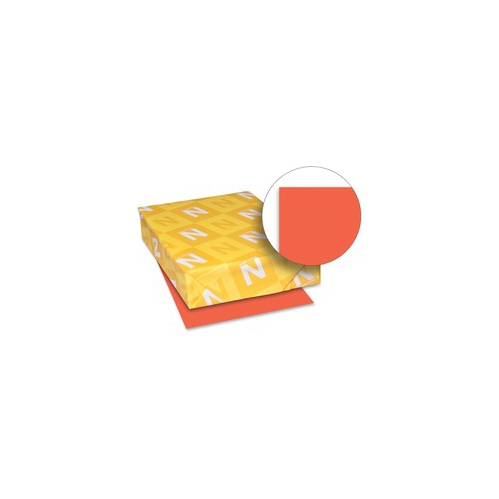

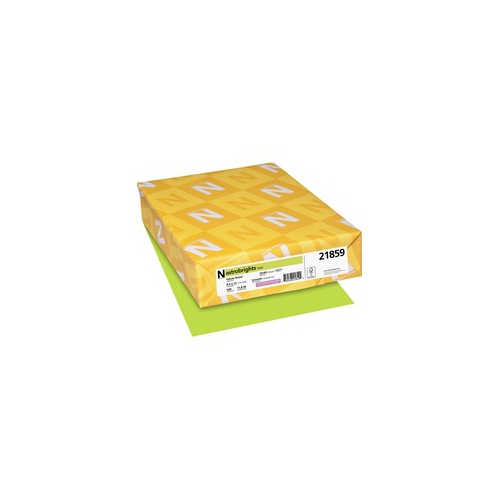

Sharper colour and polished results for photos and proposals
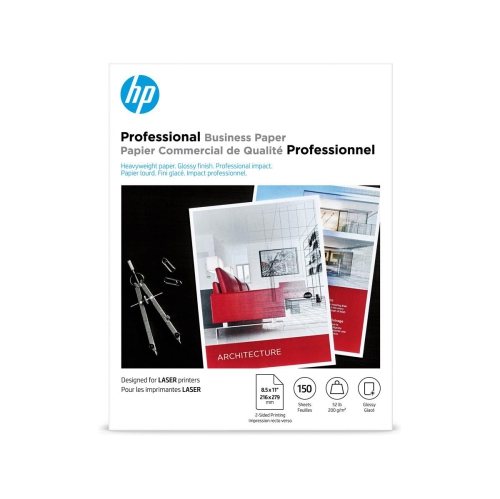
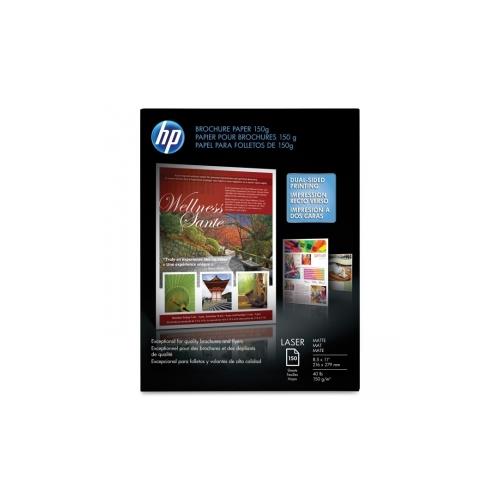
Colour laser papers are designed to help laser printers produce sharper, more polished results than standard office sheets. While everyday copy paper may be perfectly suitable for routine text documents, specialised colour laser paper can make a noticeable difference when a project includes photographs, charts, illustrations, bold backgrounds or finely detailed graphics. These papers are manufactured to pass safely through the heat of a laser printer’s fuser, where toner is bonded to the sheet, and many feature a smoother surface or a heat-resistant coating to help reduce flaking, smearing and paper jams. When shopping for colour laser papers, look for packaging that clearly states laser compatible, colour laser compatible or suitable for digital presses. Paper made only for inkjet printers may not tolerate the heat generated inside a laser printer and can blister, curl or cause problems with the fuser. For a broad selection of sizes, finishes and weights, browse Laser Printer Papers. The right choice depends on the kind of impression you want to create. Glossy and semi-gloss sheets can bring photographs, promotional graphics and colourful images to life with a smooth sheen, while matte presentation paper offers a refined look with less glare under office lighting. Standard coloured paper is useful for notices, dividers, classroom activities, forms and colour-coded filing, especially when you want an easy way to make an everyday document stand out.
Paper weight is another important consideration, particularly for double-sided printing. Lightweight sheets are convenient for routine handouts and internal documents, but heavier stock generally feels more substantial and helps limit show-through when text or graphics appear on both sides. For polished proposals, menus, event programmes, certificates and presentation materials, look for paper around 32 lb to 44 lb, or approximately 120 gsm and above, depending on your printer’s specifications. A heavier sheet can also feed differently, so it is wise to confirm the printer’s supported media range before loading a full tray. Brightness affects how colours and black text appear: a brighter white surface can provide stronger contrast and help photos and graphics look crisp, while coloured sheets can provide instant visual organization without requiring elaborate design work. Finish matters just as much. Glossy paper reflects more light and can make images feel vivid, but it may show fingerprints and be harder to read under direct illumination. Matte paper is often easier to handle and read, making it a practical choice for documents that will be passed around, marked up or viewed during a meeting. For projects requiring a professional feel on both sides, select paper specifically labelled for two-sided or duplex printing, and check whether the surface treatment is intended for colour laser output. Store unused sheets flat in a dry, moderate room, and keep them sealed until needed to help prevent curling or uneven feeding.
Colour laser papers suit a wide range of users, from home office workers preparing client-ready documents to students creating visual reports, teachers organizing classroom materials and small businesses producing flyers or service menus without sending every job to a print shop. They can also be useful during the cooler months, when families may spend more time indoors working on school projects, preparing keepsakes or organizing household paperwork. A well-chosen sheet can give a child’s illustrated project a sturdy finish, help a community group create clear information sheets, or make a family recipe collection feel more personal. For office use, consider the message, handling and storage needs of the finished document: a glossy sheet may suit a single-page promotional handout, while matte stock may be more comfortable for a multi-page proposal that people need to read closely. Coloured multi-use sheets are practical for separating sections, flagging urgent information or creating simple flyers when a coated finish is unnecessary. Some specialised laser papers are made for transfer applications and can be used with compatible laser or white-toner equipment to move printed designs onto apparel or hard surfaces; these require careful attention to application instructions, temperature settings and the intended material. Before printing a large batch, test a few sheets to check colour, alignment, drying or fusing, double-sided registration and how the paper travels through the printer. Use the printer’s recommended media setting when available, avoid overfilling the tray, and let freshly printed pages cool before stacking them. Matching the paper’s finish and weight to the job helps reduce waste, improves handling and gives each finished piece the clean, deliberate appearance you had in mind.
Paper weight is another important consideration, particularly for double-sided printing. Lightweight sheets are convenient for routine handouts and internal documents, but heavier stock generally feels more substantial and helps limit show-through when text or graphics appear on both sides. For polished proposals, menus, event programmes, certificates and presentation materials, look for paper around 32 lb to 44 lb, or approximately 120 gsm and above, depending on your printer’s specifications. A heavier sheet can also feed differently, so it is wise to confirm the printer’s supported media range before loading a full tray. Brightness affects how colours and black text appear: a brighter white surface can provide stronger contrast and help photos and graphics look crisp, while coloured sheets can provide instant visual organization without requiring elaborate design work. Finish matters just as much. Glossy paper reflects more light and can make images feel vivid, but it may show fingerprints and be harder to read under direct illumination. Matte paper is often easier to handle and read, making it a practical choice for documents that will be passed around, marked up or viewed during a meeting. For projects requiring a professional feel on both sides, select paper specifically labelled for two-sided or duplex printing, and check whether the surface treatment is intended for colour laser output. Store unused sheets flat in a dry, moderate room, and keep them sealed until needed to help prevent curling or uneven feeding.
Colour laser papers suit a wide range of users, from home office workers preparing client-ready documents to students creating visual reports, teachers organizing classroom materials and small businesses producing flyers or service menus without sending every job to a print shop. They can also be useful during the cooler months, when families may spend more time indoors working on school projects, preparing keepsakes or organizing household paperwork. A well-chosen sheet can give a child’s illustrated project a sturdy finish, help a community group create clear information sheets, or make a family recipe collection feel more personal. For office use, consider the message, handling and storage needs of the finished document: a glossy sheet may suit a single-page promotional handout, while matte stock may be more comfortable for a multi-page proposal that people need to read closely. Coloured multi-use sheets are practical for separating sections, flagging urgent information or creating simple flyers when a coated finish is unnecessary. Some specialised laser papers are made for transfer applications and can be used with compatible laser or white-toner equipment to move printed designs onto apparel or hard surfaces; these require careful attention to application instructions, temperature settings and the intended material. Before printing a large batch, test a few sheets to check colour, alignment, drying or fusing, double-sided registration and how the paper travels through the printer. Use the printer’s recommended media setting when available, avoid overfilling the tray, and let freshly printed pages cool before stacking them. Matching the paper’s finish and weight to the job helps reduce waste, improves handling and gives each finished piece the clean, deliberate appearance you had in mind.
Top selling and popular products
-
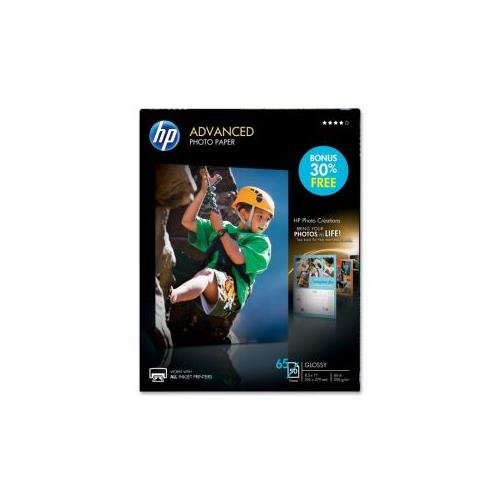 Your price for this item is $47.68
 -
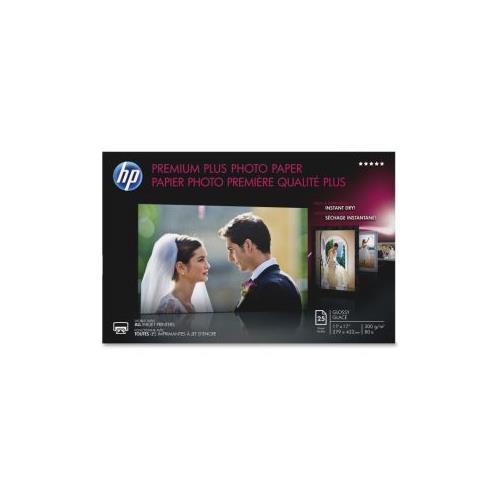 Your price for this item is $80.68
 -
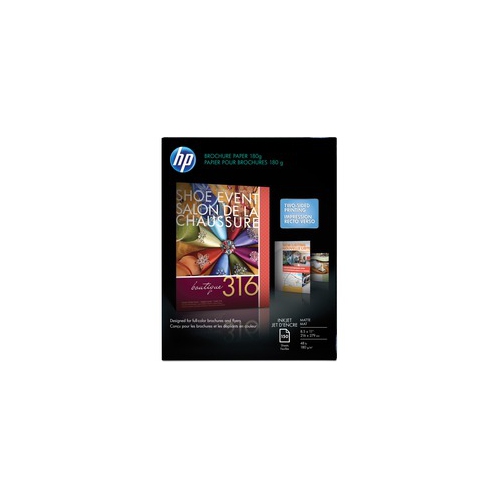 Your price for this item is $45.99
 -
 Your price for this item is $45.79
 -
 Your price for this item is $37.99
 -
 Your price for this item is $358.99
 -
 Your price for this item is $31.99
 -
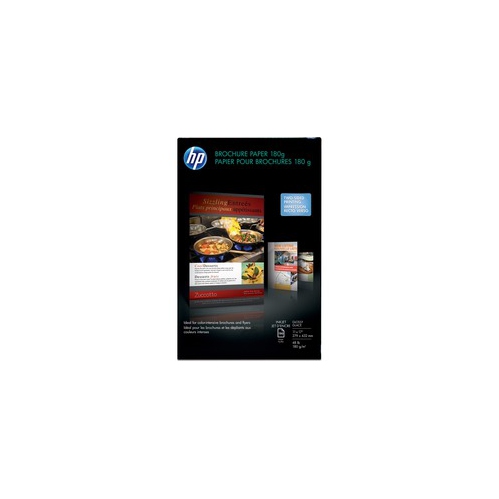 Your price for this item is $103.99
Discover more categories related to Color Laser Papers
Top Collections:
Pokemon Centers, Kindle Devices, Best Budget Office Chairs, Apple iPhones 16, Best Laptops for Writers, iPhone 15 Apple, Canon G7X Cameras, Refurbished Apple Laptops, Alarm Clock, Motorola Razr Phones
Some products may be subject to Environmental Handling Fees
(EHF) depending on your province.
Learn more about EHFs.