Laser Printer Papers
Looking for high-quality laser printer paper to ensure crisp and vibrant prints? Look no further! Our extensive selection of laser printer paper is designed to deliver exceptional results, whether you're printing important documents, professional presentations, or eye-catching marketing materials. With a variety of sizes and weights available, you can find the perfect paper to meet your specific printing needs. Elevate your printing experience and achieve professional-level results with our premium laser printer paper.
Sort






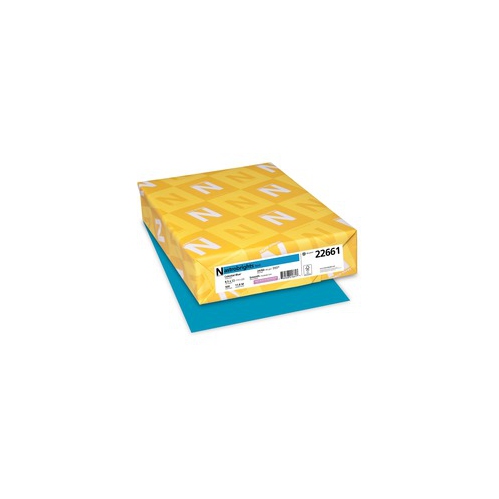
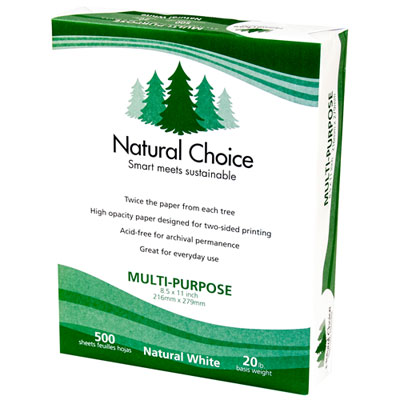
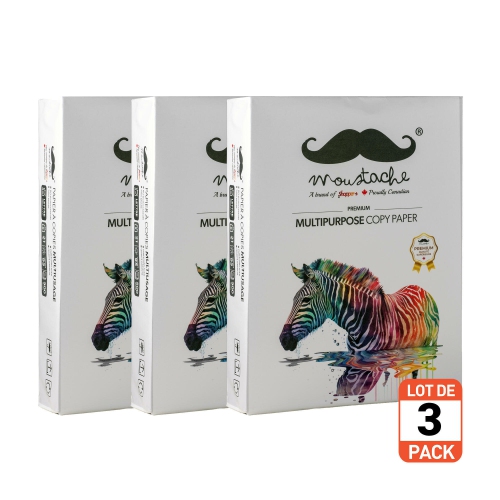
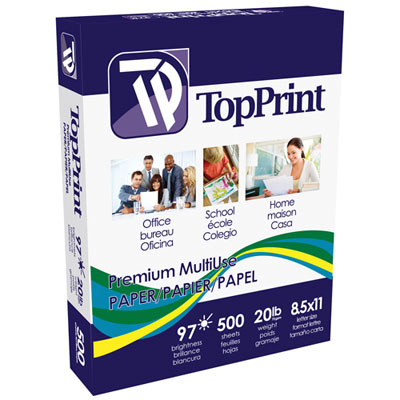




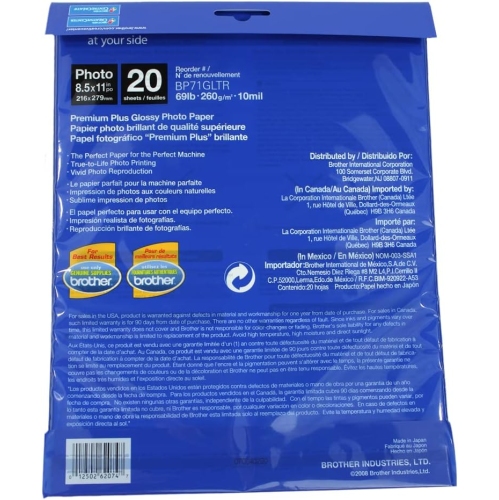

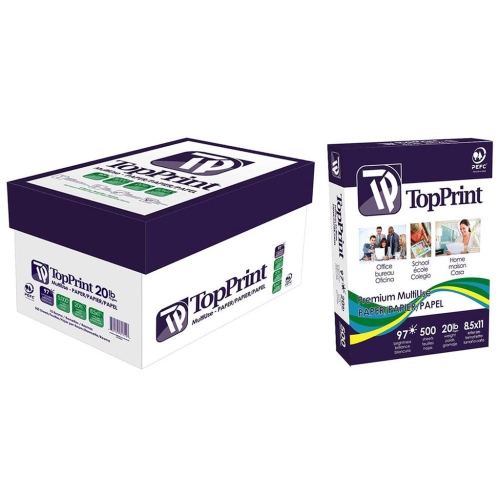

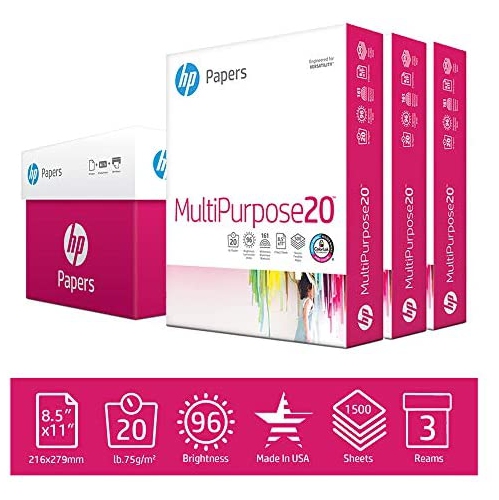



Why paper weight and finish matter for laser printing
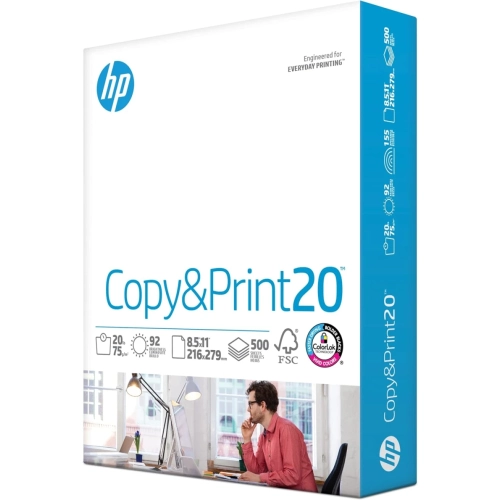
Laser printer papers support crisp text, clean lines and consistent toner coverage across everyday documents and more polished presentations. Unlike inkjet printers, which spray liquid ink onto a sheet, laser printers use toner that is bonded to the surface through heat and pressure. Paper labelled for laser printing is suited to that process, helping printed pages hold their detail without relying on an ink-absorbing coating. The main considerations are printer compatibility, sheet size, weight, finish and whether the document will be printed on one side or both. For routine correspondence, worksheets, invoices and reference copies, paper in the approximate range of 75 to 90 grams per square metre, or gsm, often provides a practical balance of flexibility and substance. Papers around 90 to 120 gsm can give reports, proposals and presentation handouts a firmer feel, provided the printer supports that weight. Heavier sheets and cardstock require particular attention to the machine’s stated media limits and feed settings; a sheet that fits inside a tray is not necessarily suitable for its paper path. Weight describes mass rather than thickness, so papers with the same gsm can still differ in stiffness and feel. Pound ratings also need context because bond paper and cover paper use different measurement bases. A 20 lb bond sheet, for example, is not comparable in thickness to a 20 lb sheet from a different paper category. Letter paper, measuring 8.5 by 11 inches, suits many home, school and business documents, while legal paper at 8.5 by 14 inches provides extra length for forms and longer layouts. Larger formats require a printer specifically equipped to handle them. Matching the document size, paper size and printer settings helps keep margins intact and prevents text or graphics from being unexpectedly cropped or reduced. For a shared office printer handling everything from shipping paperwork to meeting notes, consistent sizing and a dependable everyday weight can make the transition between different tasks simpler.
Surface texture, brightness and opacity all influence how a finished page looks and feels. A smooth sheet can help small lettering, fine rules and detailed charts appear well defined, while a more textured surface may produce a different appearance and should be checked against the printer’s recommendations. Most laser printer paper is made from cellulose fibres, but the way those fibres are processed and the surface is finished affects stiffness, smoothness and toner adhesion. Brightness describes how much light a paper reflects under a particular measurement method, while whiteness relates more broadly to its visual shade. A bright sheet can create strong contrast for black text, although the highest brightness rating is not automatically necessary for a page of internal notes. Opacity matters especially for double-sided printing: more opaque paper helps reduce the visibility of text and images through the reverse side. This becomes noticeable in a training manual with dense paragraphs, a classroom worksheet with answer spaces, or a report with a dark chart behind a page of text. For documents containing photographs, logos or shaded graphics, Color Laser Papers offers a focused category to consider alongside the printer’s colour capabilities. Paper intended for colour laser output can help support clear graphic detail and even-looking areas of toner, but it cannot compensate for a low-resolution image or incorrect print settings. Matte finishes suit readable handouts and documents that will be handled frequently. Laser-compatible glossy finishes can give image-led materials a more reflective appearance, though reflections may make lengthy text less comfortable to read under overhead lighting. Glossy inkjet photo paper should not be substituted unless it is also explicitly approved for laser use, because its coating may not tolerate the fusing process. Finish compatibility is just as important as weight when choosing paper for menus, certificates, promotional sheets or presentation inserts.
Reliable results also depend on how laser printer papers are loaded, stored and matched to the job. The printer manual remains the reference for supported weights, coated media, automatic double-sided printing and the use of a manual feed slot or multipurpose tray. Some machines accept heavier sheets through a separate feed path but have a lower weight limit for automatic duplex printing. Selecting the appropriate paper type in the print settings allows the printer to use the intended operating settings for that media. Tray guides should hold sheets squarely without bending their edges, and paper should remain below the tray’s fill line. A stack with curled corners, creased edges or mixed sizes can feed unevenly, creating interruptions during a long print run. Keeping unused paper flat in its wrapper or a closed storage container helps protect it from dust, spills and moisture changes that can affect feeding. Paper left loose beside a busy desktop is more likely to pick up bent corners or surface marks before it reaches the printer. For documents that will be filed, mailed or passed between several people, a slightly more substantial sheet can feel sturdier and withstand handling better than a lightweight alternative, although it may also make a thick report bulkier. Papers labelled acid-free can be useful for records intended for longer storage, but document life also depends on the printing process, handling and storage conditions. Protected folders and binders help keep important pages clean and reduce wear along exposed edges. Teachers may prioritize readable double-sided worksheets, home offices may need tidy correspondence and forms, and design teams may place greater emphasis on colour graphics and surface finish. Where pages will be signed or annotated, the suitability of the surface for handwriting matters too; very glossy finishes can be less convenient for everyday pens and pencils. Consistent paper choice across a project gives the finished set a uniform thickness, shade and feel, whether the result is a short client proposal, a stack of workshop handouts or a neatly organized reference binder.
Top selling and popular products
-
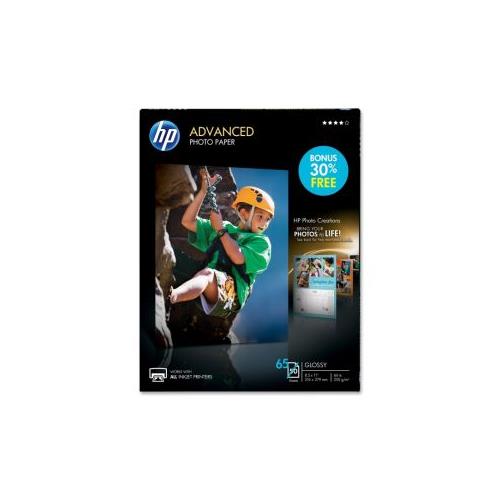 Your price for this item is $62.68
-
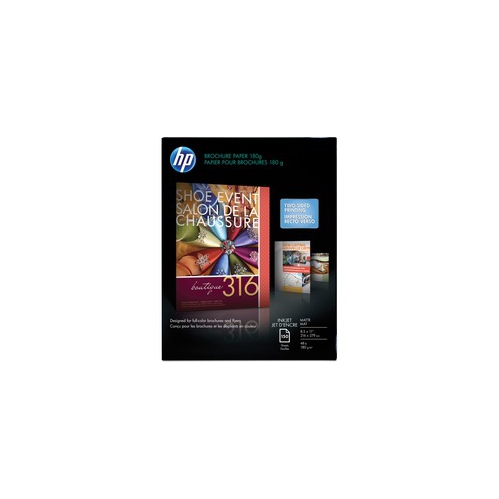 Your price for this item is $66.68
-
 Your price for this item is $46.68
-
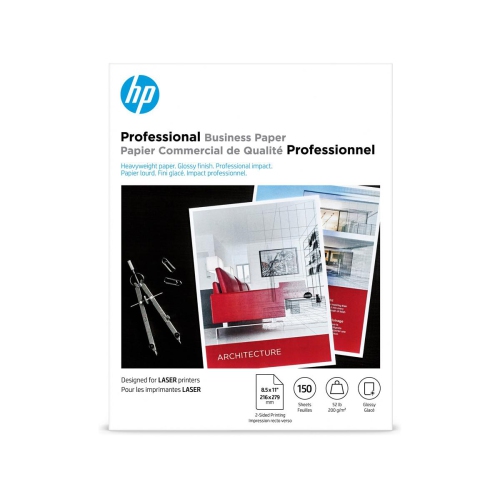 Your price for this item is $40.79
-
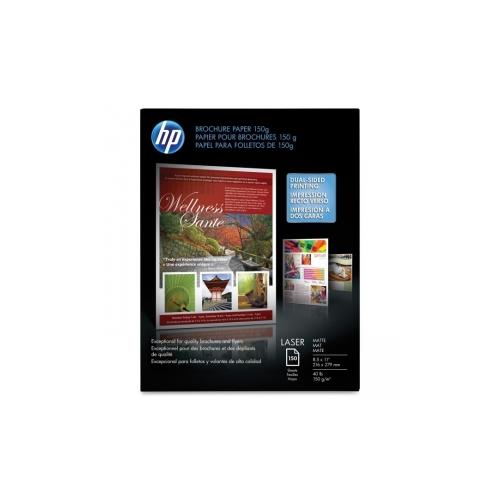 Your price for this item is $37.99
-
 Your price for this item is $426.68
-
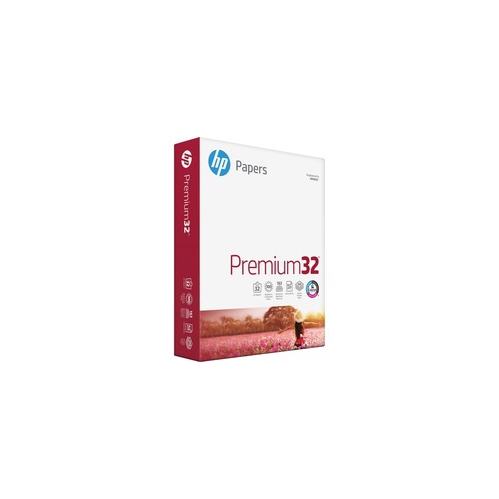 Your price for this item is $31.99
-
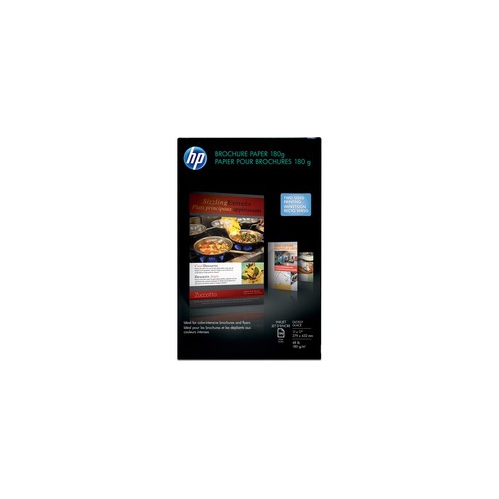 Your price for this item is $103.99
Discover more categories related to Laser Printer Papers
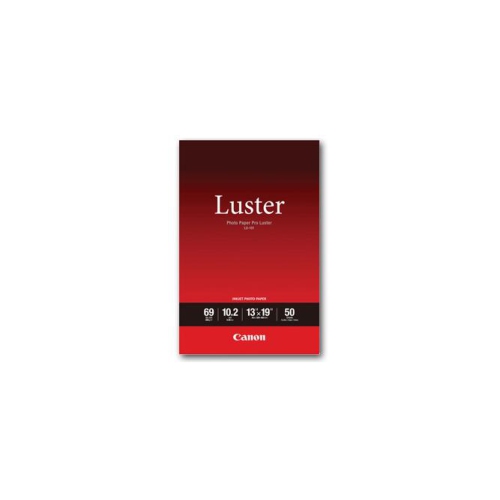
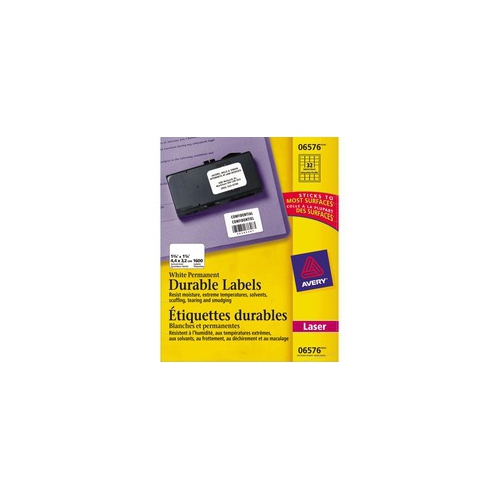
Top Collections:
Best Black Friday Deals This Year, Best Black Friday Deals On Electronics, Kindle Devices, Pokemon Centers, Best Black Friday Deals On Apple Products, Best Cameras for Sports Photography, Dyson Airwrap, Pokémon 30th Celebration Cards, Apple iPhone 17 Pro, Canon G7X Cameras
Some products may be subject to Environmental Handling Fees
(EHF) depending on your province.
Learn more about EHFs.