Epson Ink Maintenance Boxes
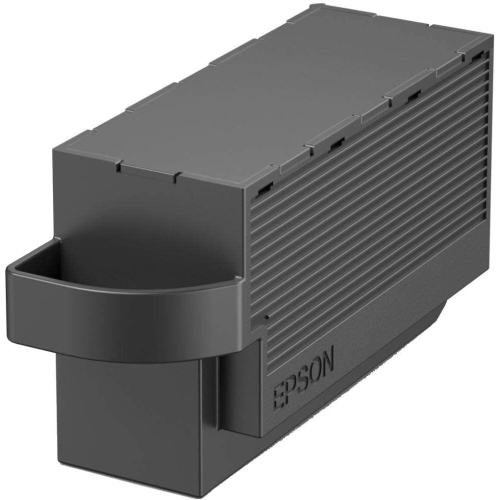
The Epson Ink Maintenance Box is an essential accessory designed to help keep your printer running smoothly. Ideal for home offices, small businesses, or everyday printing needs, this maintenance box is easy to install and convenient to replace. Ensure consistent performance and reliable operation by choosing the right Epson Ink Maintenance Box for your compatible printer model. Shop a selection of options to find the best fit for your printing setup.
Sort
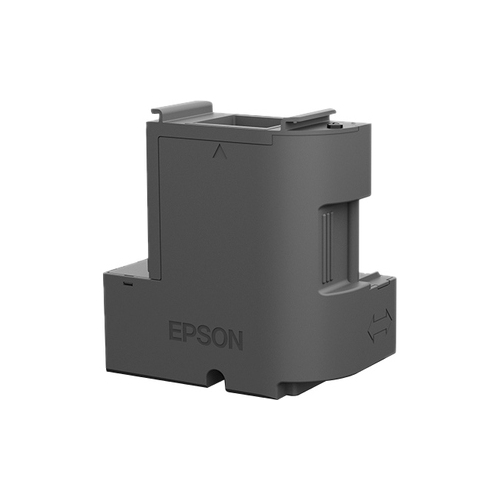
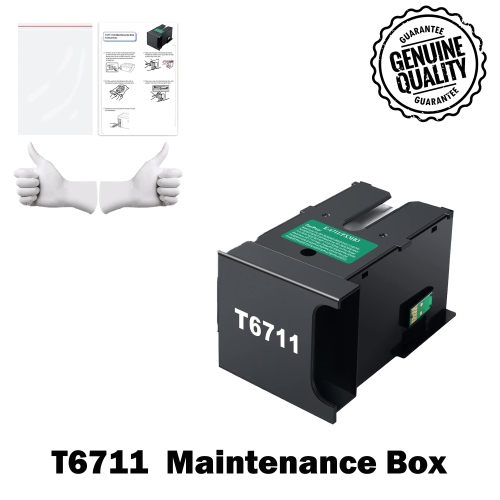
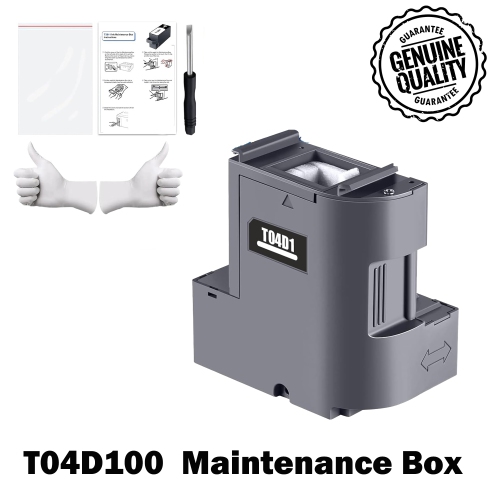
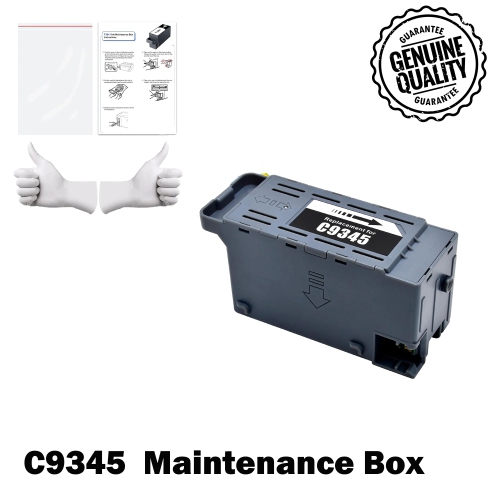
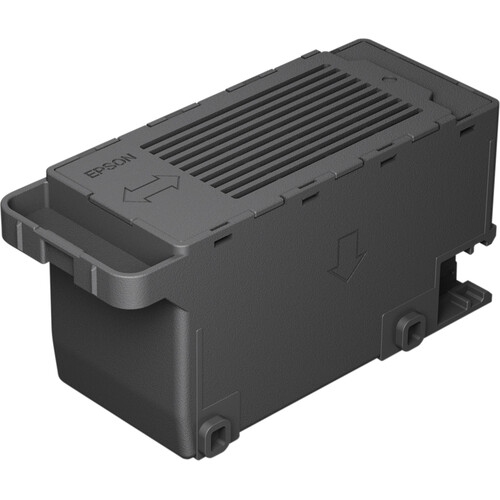

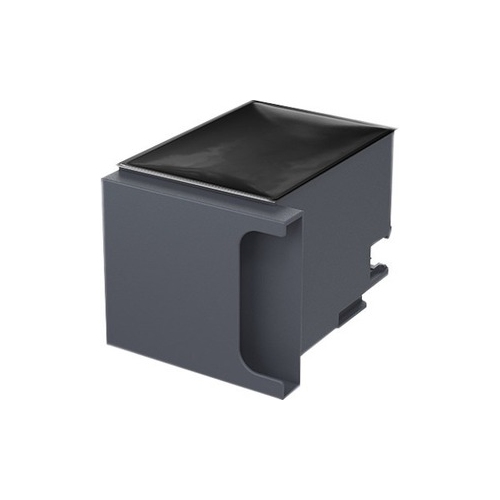
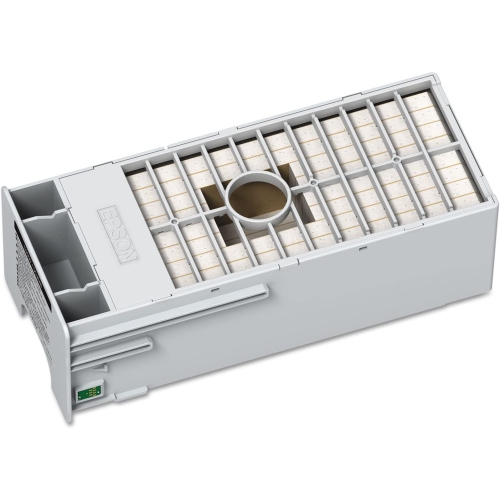
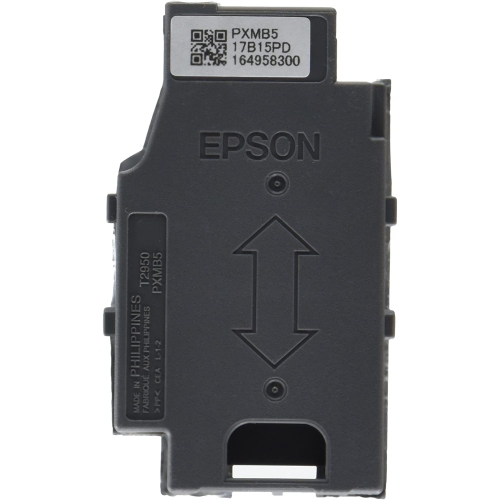
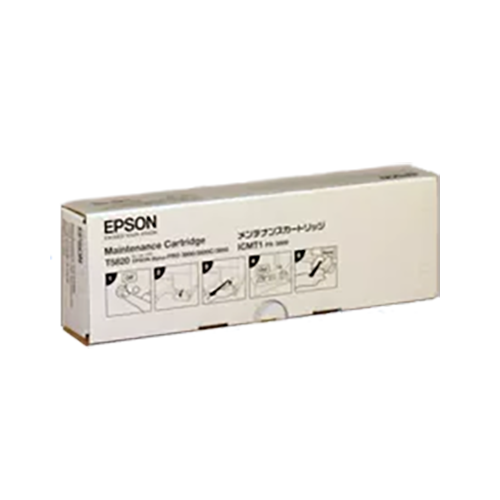
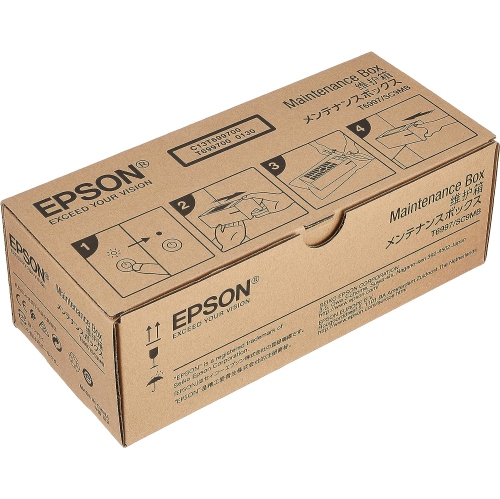
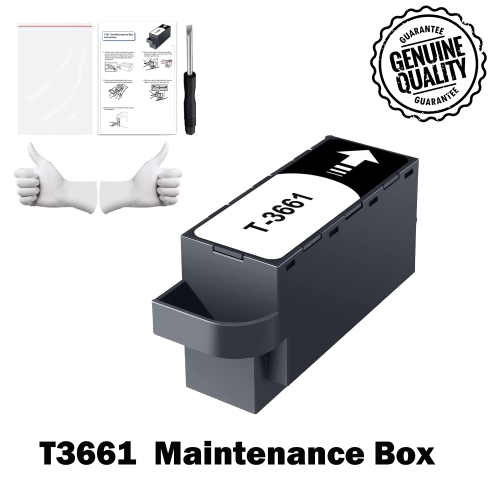
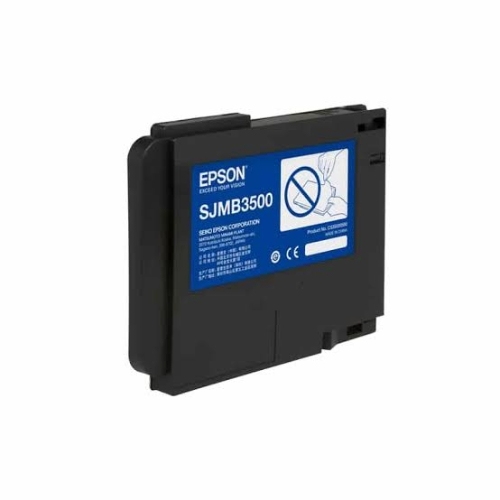
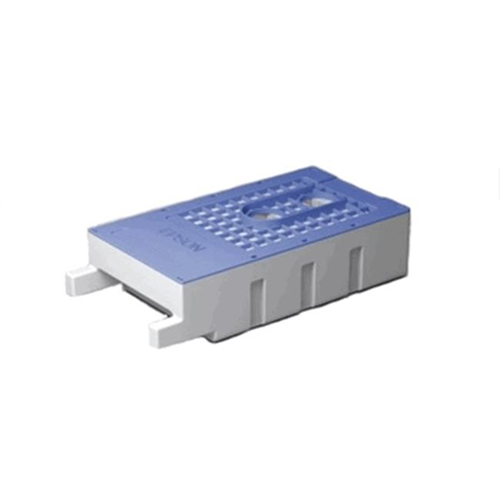
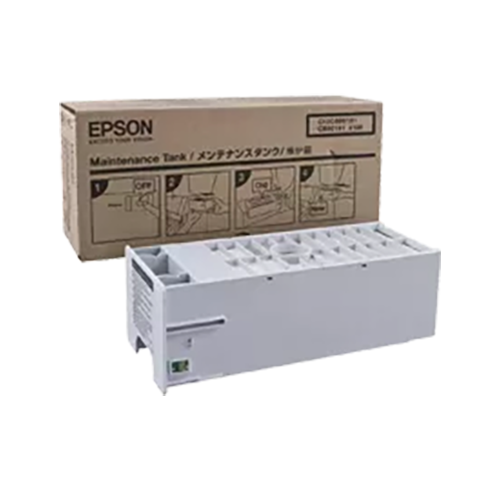
Timely replacements help prevent printer interruptions and ink leaks
When it comes to keeping your printer running smoothly, having a reliable ink maintenance box is a must for both home and office environments. This essential component plays a quiet but crucial role in the daily operation of your printer, collecting surplus ink that’s flushed during print head cleaning and regular use. It’s easy to overlook until a message pops up on your printer’s display, alerting you that it’s time for a replacement. Whether you’re printing family photos, work reports, or creative projects, a full maintenance box will pause your workflow until it’s swapped out for a new one. For busy professionals working from home, students with assignments due, or families printing out winter recipes and seasonal greeting cards, ensuring you have a spare maintenance box on hand can save you from last-minute scrambles. These boxes are especially helpful during the colder months, when increased indoor activities often mean more printing—think school projects, tax documents, or even travel itineraries for upcoming spring break getaways.
Choosing the right ink maintenance box involves more than just matching the model number. Consider your typical printing volume and the type of documents you produce. If you’re someone who relies on high-capacity printers for frequent, large-scale jobs—like a small business owner or a teacher preparing classroom materials—you might notice the maintenance box fills up faster, especially after several deep cleaning cycles. For crafters, photographers, or anyone who enjoys making keepsakes at home, a properly functioning maintenance box ensures your printer stays in top condition, preventing ink leaks and protecting internal components from damage. It’s a thoughtful gift for anyone who recently upgraded to a new printer, especially models known for their efficiency and longevity. If you’re helping a student set up their dorm room or assisting a family member with a new home office, including a maintenance box alongside other supplies makes for a practical and considerate bundle. Installation is usually straightforward—just locate the compartment (often at the back or side), remove the old box carefully to avoid spills, and insert the new one, making sure it’s fully seated. Always keep the new box sealed until you’re ready to use it, and store it in a spot away from extreme temperatures for best results.
Staying ahead of routine maintenance can make all the difference in your printing experience. After replacing the maintenance box, follow your printer’s on-screen instructions to reset the counter, ensuring the system recognizes the new component and resumes operation without interruptions. For those using advanced models, such as the Epson Ecotank Printer, these steps are designed to be intuitive, minimizing downtime and keeping your workflow on track. With the right ink maintenance box at your side, you can focus on what matters—whether that’s preparing for a busy tax season, creating personalized winter cards, or simply enjoying uninterrupted printing for everyday tasks. Keeping a spare maintenance box in your supply drawer is a small step that pays off in peace of mind, especially during the colder months when reliable home technology becomes even more essential.
Choosing the right ink maintenance box involves more than just matching the model number. Consider your typical printing volume and the type of documents you produce. If you’re someone who relies on high-capacity printers for frequent, large-scale jobs—like a small business owner or a teacher preparing classroom materials—you might notice the maintenance box fills up faster, especially after several deep cleaning cycles. For crafters, photographers, or anyone who enjoys making keepsakes at home, a properly functioning maintenance box ensures your printer stays in top condition, preventing ink leaks and protecting internal components from damage. It’s a thoughtful gift for anyone who recently upgraded to a new printer, especially models known for their efficiency and longevity. If you’re helping a student set up their dorm room or assisting a family member with a new home office, including a maintenance box alongside other supplies makes for a practical and considerate bundle. Installation is usually straightforward—just locate the compartment (often at the back or side), remove the old box carefully to avoid spills, and insert the new one, making sure it’s fully seated. Always keep the new box sealed until you’re ready to use it, and store it in a spot away from extreme temperatures for best results.
Staying ahead of routine maintenance can make all the difference in your printing experience. After replacing the maintenance box, follow your printer’s on-screen instructions to reset the counter, ensuring the system recognizes the new component and resumes operation without interruptions. For those using advanced models, such as the Epson Ecotank Printer, these steps are designed to be intuitive, minimizing downtime and keeping your workflow on track. With the right ink maintenance box at your side, you can focus on what matters—whether that’s preparing for a busy tax season, creating personalized winter cards, or simply enjoying uninterrupted printing for everyday tasks. Keeping a spare maintenance box in your supply drawer is a small step that pays off in peace of mind, especially during the colder months when reliable home technology becomes even more essential.
Top selling and popular products
-
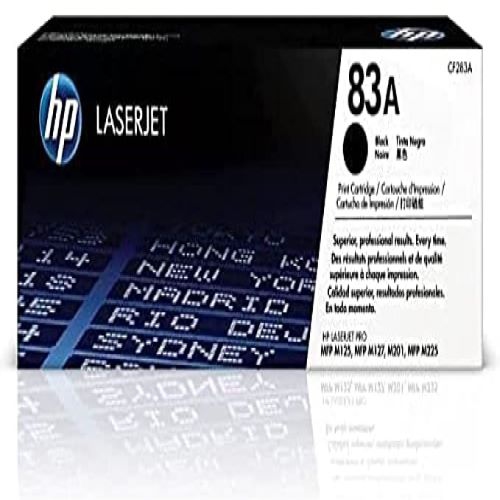 Your price for this item is $151.05
 -
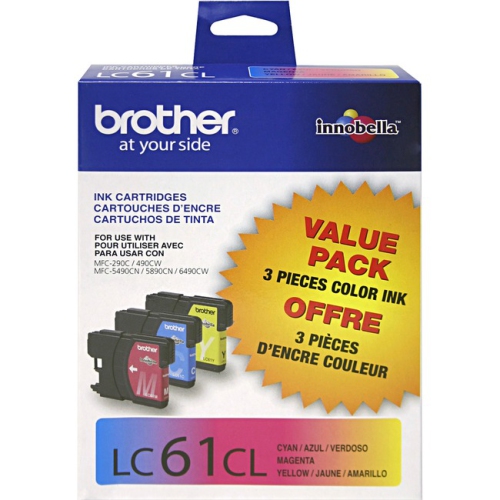 Your price for this item is $63.56
 -
 Your price for this item is $85.3
 -
 Your price for this item is $56.99
 -
 Your price for this item is $64.52
 -
 Your price for this item is $112.4
 -
 Your price for this item is $114.99
 -
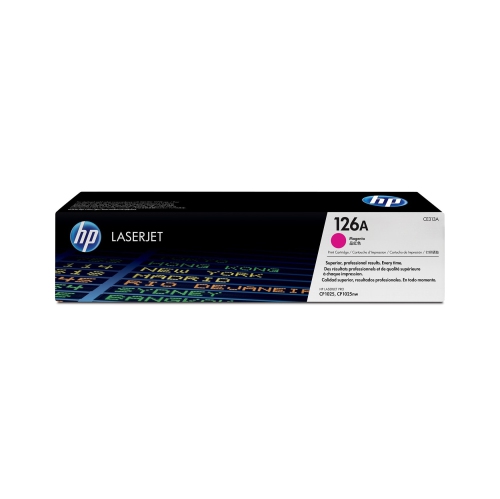 Your price for this item is $114.99
Discover more categories related to Epson Ink Maintenance Boxes
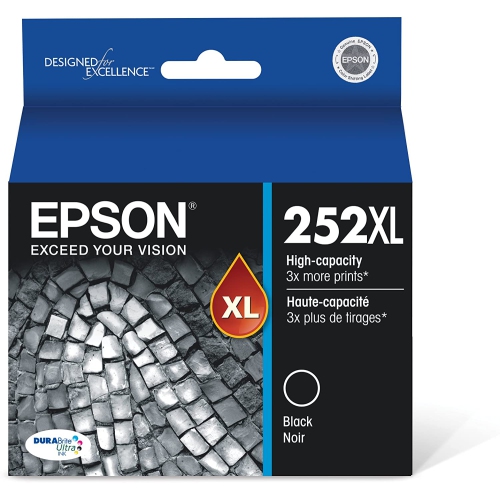
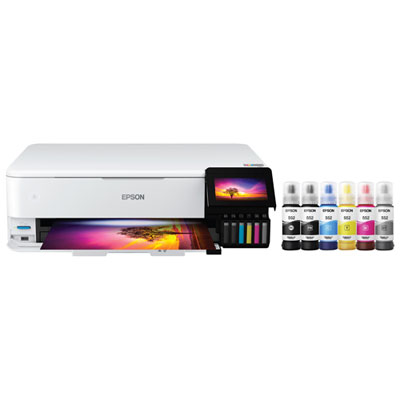
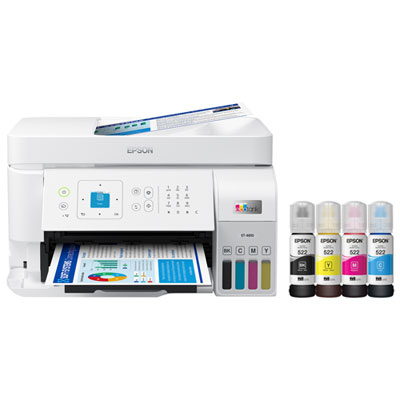
Top Collections:
Pokemon Centers, Kindle Devices, Best Budget Office Chairs, Apple iPhones 16, Best Laptops for Writers, iPhone 15 Apple, Canon G7X Cameras, Refurbished Apple Laptops, Alarm Clock, Motorola Razr Phones
Some products may be subject to Environmental Handling Fees
(EHF) depending on your province.
Learn more about EHFs.