Epson EcoTank Business Printers
An Epson EcoTank business printer is a multifunction color printer that can be used for printing, scanning, copying and faxing. It is designed for small business and home offices that need to print, scan and copy documents and photos. Here are some great options available today.
Sort
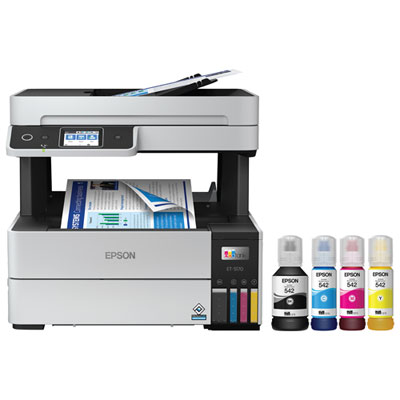
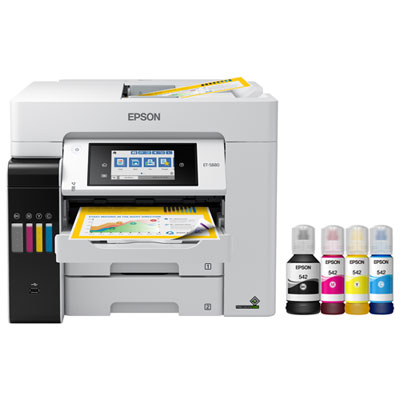
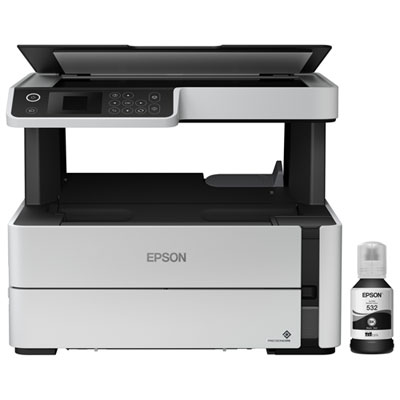
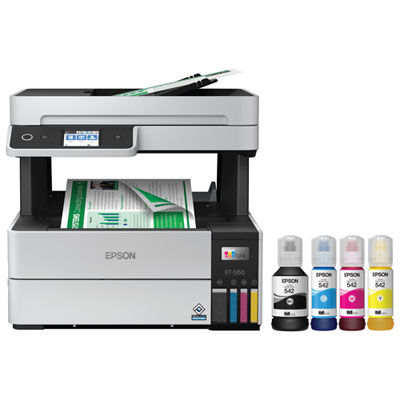
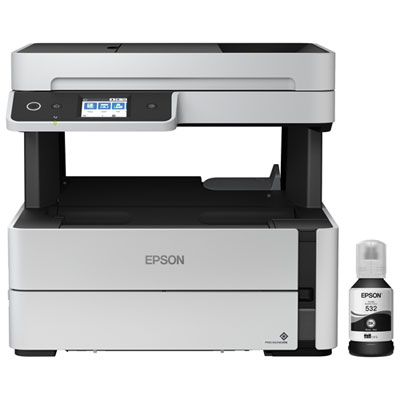
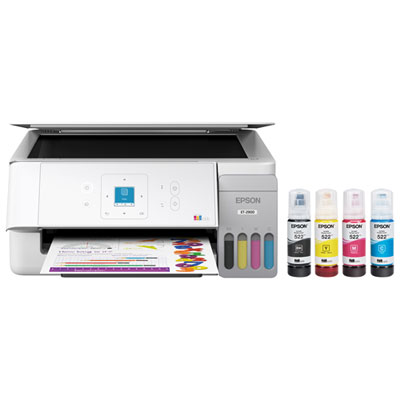
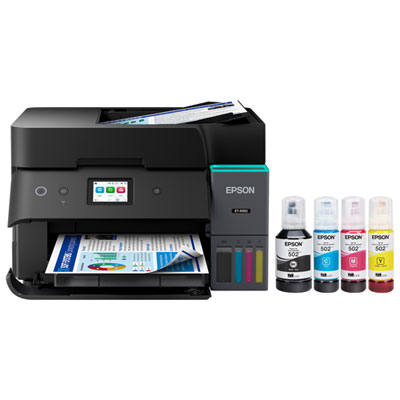
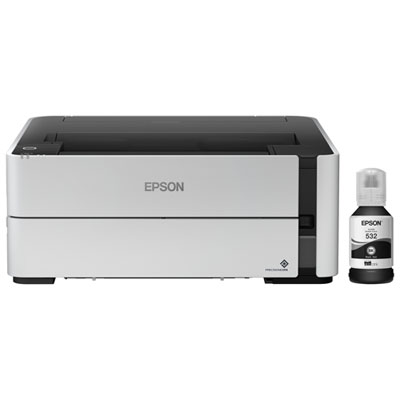
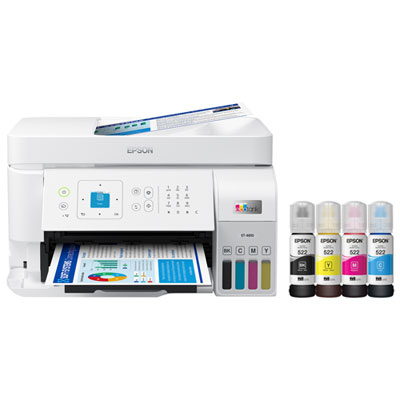
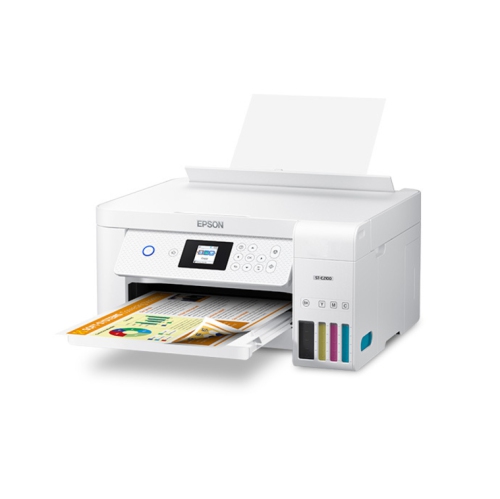
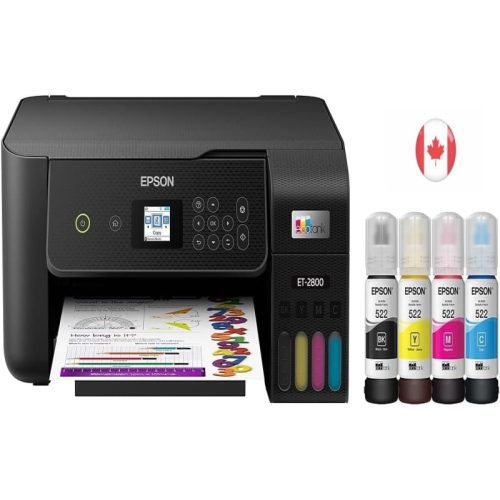
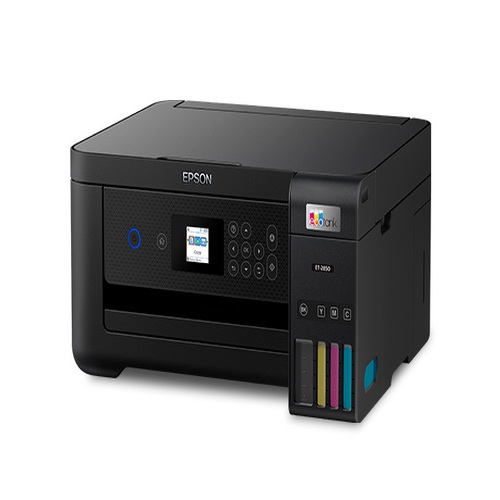
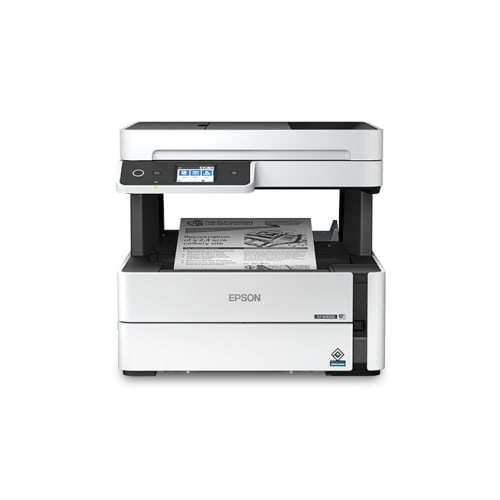
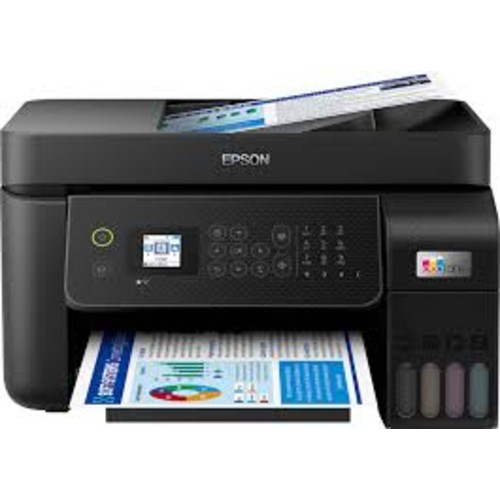

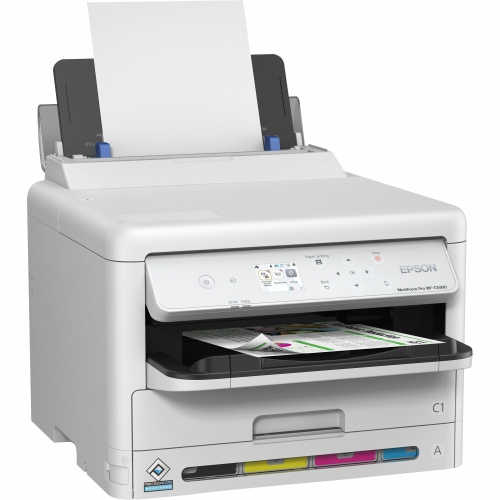
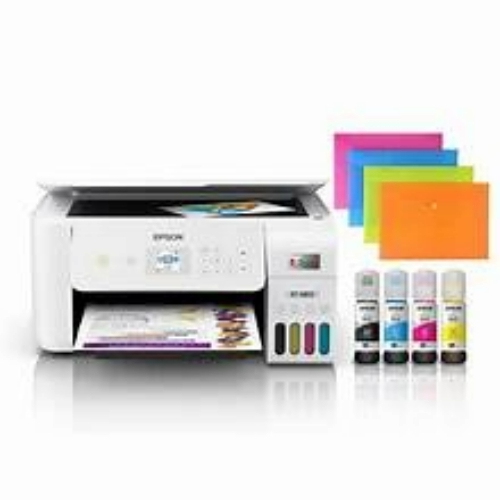
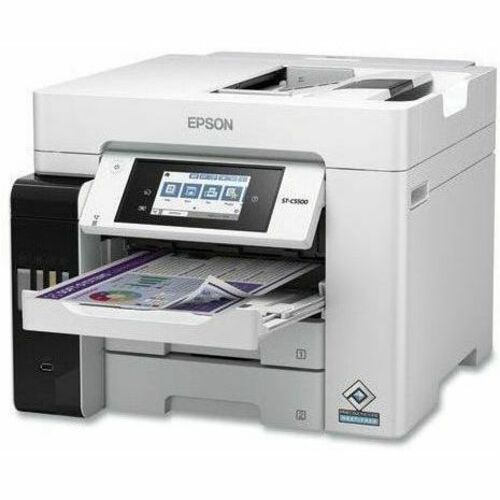
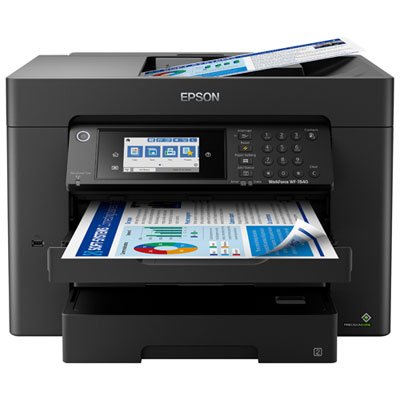
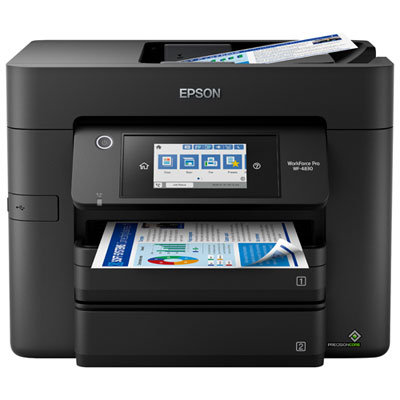
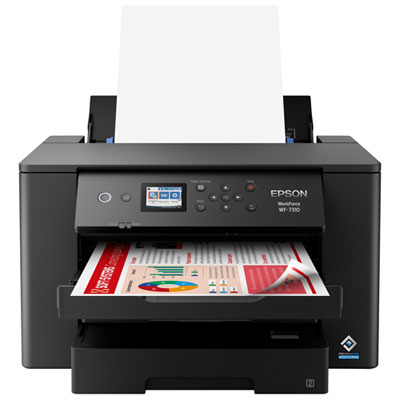
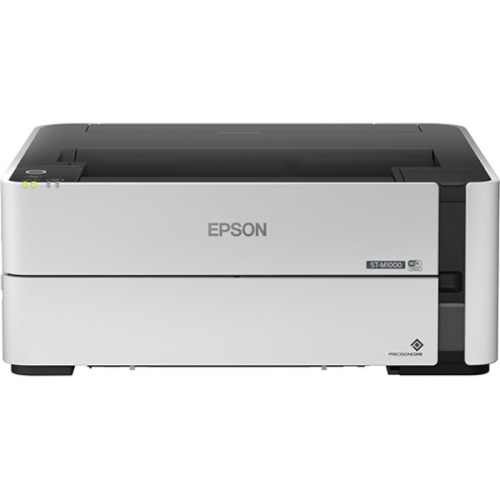
Cartridge-free printing for your office’s daily paperwork
Business ink tank printers bring cartridge-free printing to home offices, small businesses, and shared workspaces where paperwork is part of the daily routine. Instead of relying on replaceable ink cartridges, these inkjet printers draw ink from built-in tanks replenished with compatible bottles. Their high-capacity ink systems suit regular document production, from invoices and appointment schedules to training handouts and colour presentations. A monochrome printer serves teams that mainly produce text, while a colour model adds flexibility for charts, branded documents, and customer-facing materials. All-in-one designs combine printing, scanning, and copying in a single machine, with fax functionality included on select models. That combination can be particularly useful on a reception counter or in a small office where separate devices would take up valuable space. Within the broader selection of refillable ink tank printers, business-oriented options place greater emphasis on document handling, connectivity, and the demands of repeated use. The right fit depends less on occasional bursts of activity than on the work passing through the office every day. A bookkeeper printing statements has different needs from a design studio producing colour layouts or a property manager scanning signed forms. Print speed, paper capacity, and supported document sizes help distinguish printers intended for straightforward desk use from those suited to a busier shared workspace. Ink yields also need context: published page-yield figures use defined test conditions, and actual results vary with page coverage, print settings, maintenance, and other factors. A full-page colour flyer uses ink differently from a short letter with a small logo. Included ink quantities vary by model, and some ink is used during initial setup. For businesses that print regularly, the appeal of a refillable system is the ability to handle substantial amounts of everyday paperwork between refills, with visible tank levels on many designs making it easier to monitor remaining ink.
Paper handling often has the greatest influence on how smoothly a business printer fits into a working day. Automatic two-sided printing can turn a lengthy staff handbook into a neatly paired stack without someone manually feeding the sheets back through. An automatic document feeder handles a batch of loose originals for scanning or copying, while a flatbed accommodates bound pages, receipts, and documents that should not pass through a feeder. These functions are not interchangeable: automatic two-sided printing does not necessarily mean a printer can scan both sides of an original automatically. Models with duplex scanning are especially useful for multi-page contracts or forms printed on both sides. Paper trays matter just as much. A larger input capacity means fewer interruptions during a substantial print job, and separate trays can keep different supported paper sizes ready without repeated swapping. Letter and legal support covers many routine business documents, while wide-format capability can be useful for spreadsheets, drawings, and layouts that become difficult to read when reduced. Maximum printing size and maximum scanning size may differ, even on the same machine. Media compatibility also varies, including support for envelopes, labels, heavier sheets, and coated presentation paper. Plain office paper is suitable for much routine correspondence; graphics and image-heavy documents may benefit from a compatible paper finish and the appropriate print setting. Black text quality is important for small type, account details, and fine lines, while colour consistency helps charts and presentation materials remain clear. Some printers use pigment-based inks for certain or all colours, but ink formulation and resistance to smudging depend on the model and paper combination. Advertised print speeds provide another useful comparison, though colour output, higher-quality settings, two-sided jobs, and complex files can take longer than basic text pages. A short document printed before a meeting makes first-page response noticeable; a long batch of handouts puts more emphasis on sustained output and tray capacity. These everyday distinctions are often more meaningful than a single headline specification.
Connectivity, physical fit, and routine care round out the practical differences between business ink tank printers. Wi-Fi supports flexible placement within range of a suitable network, Ethernet provides a wired connection on models equipped with a network port, and USB can connect a printer directly to a compatible computer. Mobile printing and app-based functions may make it easier to print a document from a phone or send a scan onward, but supported operating systems, services, and setup requirements vary. In a shared office, compatibility with existing computers and network arrangements matters as much as the convenience of wireless printing. Security features also differ, so businesses handling personal or confidential documents benefit from checking the available access controls and keeping printer software and firmware up to date. Physical dimensions tell only part of the story when fitting a machine onto a desk or cabinet. Paper trays may extend beyond the body, the scanner lid needs room to open, and access is required for refilling tanks and clearing paper jams. A stable, level surface and the clearances specified by the manufacturer help support reliable operation. Plastic housings are common, but long-term suitability depends more on the paper-feed mechanism, expected workload, maintenance requirements, and how the machine is used than on exterior appearance alone. Recommended monthly print volume is a useful measure of intended workload; a maximum duty-cycle figure should not be treated as a target for continuous use. Care is generally straightforward but still important. Compatible refill bottles, correctly matched ink colours, and careful handling help prevent filling errors, while paper stored flat and dry feeds more consistently than curled or damp sheets. Following the prescribed shutdown process allows the printer to park its print head properly, and using built-in maintenance functions as directed can help address gaps or streaks. User-replaceable maintenance parts vary by model. For a sole proprietor, an administrative team, or a growing home-based business, a well-matched ink tank printer brings printing and document capture into the same dependable daily workflow, whether the task is a single signed form or a substantial set of meeting materials.
Paper handling often has the greatest influence on how smoothly a business printer fits into a working day. Automatic two-sided printing can turn a lengthy staff handbook into a neatly paired stack without someone manually feeding the sheets back through. An automatic document feeder handles a batch of loose originals for scanning or copying, while a flatbed accommodates bound pages, receipts, and documents that should not pass through a feeder. These functions are not interchangeable: automatic two-sided printing does not necessarily mean a printer can scan both sides of an original automatically. Models with duplex scanning are especially useful for multi-page contracts or forms printed on both sides. Paper trays matter just as much. A larger input capacity means fewer interruptions during a substantial print job, and separate trays can keep different supported paper sizes ready without repeated swapping. Letter and legal support covers many routine business documents, while wide-format capability can be useful for spreadsheets, drawings, and layouts that become difficult to read when reduced. Maximum printing size and maximum scanning size may differ, even on the same machine. Media compatibility also varies, including support for envelopes, labels, heavier sheets, and coated presentation paper. Plain office paper is suitable for much routine correspondence; graphics and image-heavy documents may benefit from a compatible paper finish and the appropriate print setting. Black text quality is important for small type, account details, and fine lines, while colour consistency helps charts and presentation materials remain clear. Some printers use pigment-based inks for certain or all colours, but ink formulation and resistance to smudging depend on the model and paper combination. Advertised print speeds provide another useful comparison, though colour output, higher-quality settings, two-sided jobs, and complex files can take longer than basic text pages. A short document printed before a meeting makes first-page response noticeable; a long batch of handouts puts more emphasis on sustained output and tray capacity. These everyday distinctions are often more meaningful than a single headline specification.
Connectivity, physical fit, and routine care round out the practical differences between business ink tank printers. Wi-Fi supports flexible placement within range of a suitable network, Ethernet provides a wired connection on models equipped with a network port, and USB can connect a printer directly to a compatible computer. Mobile printing and app-based functions may make it easier to print a document from a phone or send a scan onward, but supported operating systems, services, and setup requirements vary. In a shared office, compatibility with existing computers and network arrangements matters as much as the convenience of wireless printing. Security features also differ, so businesses handling personal or confidential documents benefit from checking the available access controls and keeping printer software and firmware up to date. Physical dimensions tell only part of the story when fitting a machine onto a desk or cabinet. Paper trays may extend beyond the body, the scanner lid needs room to open, and access is required for refilling tanks and clearing paper jams. A stable, level surface and the clearances specified by the manufacturer help support reliable operation. Plastic housings are common, but long-term suitability depends more on the paper-feed mechanism, expected workload, maintenance requirements, and how the machine is used than on exterior appearance alone. Recommended monthly print volume is a useful measure of intended workload; a maximum duty-cycle figure should not be treated as a target for continuous use. Care is generally straightforward but still important. Compatible refill bottles, correctly matched ink colours, and careful handling help prevent filling errors, while paper stored flat and dry feeds more consistently than curled or damp sheets. Following the prescribed shutdown process allows the printer to park its print head properly, and using built-in maintenance functions as directed can help address gaps or streaks. User-replaceable maintenance parts vary by model. For a sole proprietor, an administrative team, or a growing home-based business, a well-matched ink tank printer brings printing and document capture into the same dependable daily workflow, whether the task is a single signed form or a substantial set of meeting materials.
Top selling and popular products
-
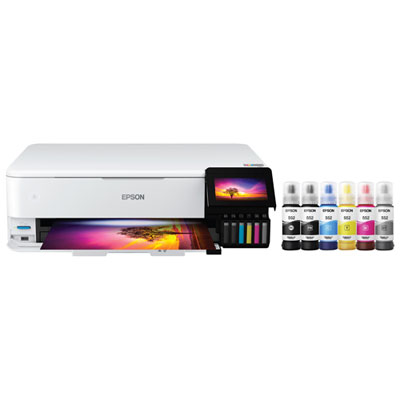 Your price for this item is $1099.99
 -
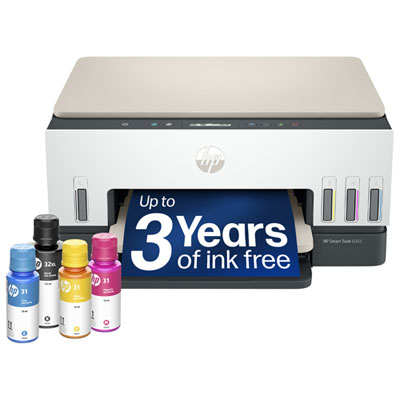 Your price for this item is $399.99
 -
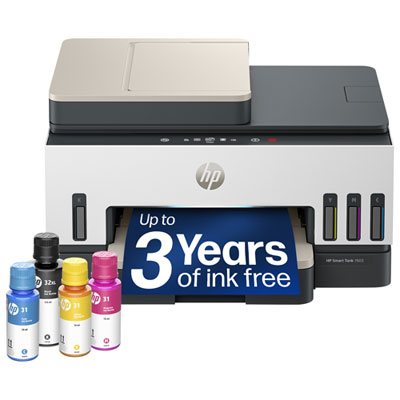 Your price for this item is $439.99
 -
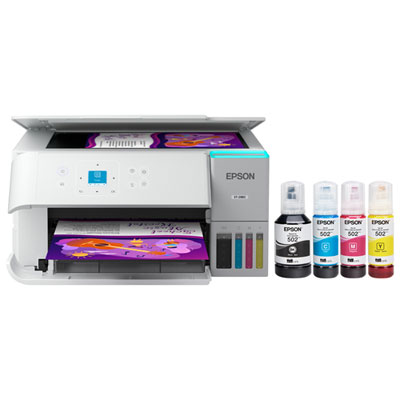 Your price for this item is $399.99
 -
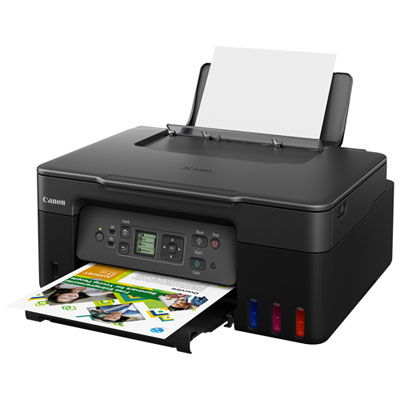 Your price for this item is $249.99
 -
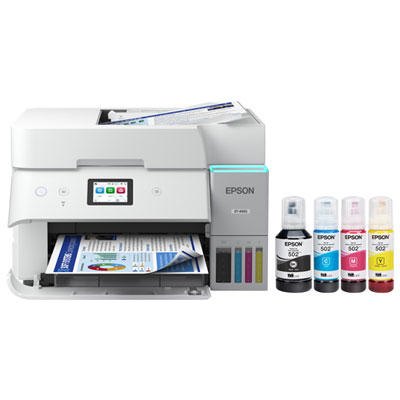 Your price for this item is $599.99
 -
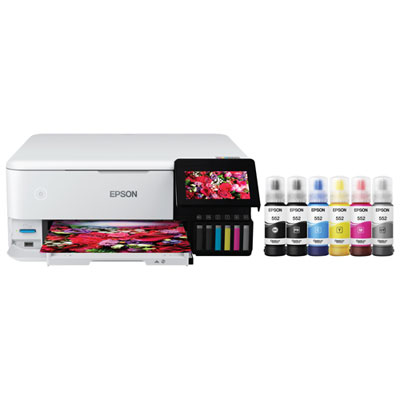 Your price for this item is $729.99
 -
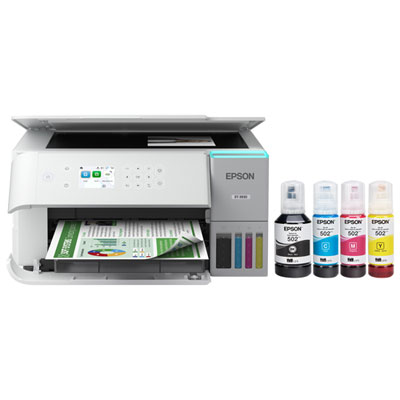 Your price for this item is $479.99
Discover more categories related to Epson EcoTank Business Printers

Top Collections:
Pokemon Centers, Kindle Devices, Best Budget Office Chairs, Apple iPhones 16, Best Laptops for Writers, iPhone 15 Apple, Canon G7X Cameras, Refurbished Apple Laptops, Alarm Clock, Motorola Razr Phones
Some products may be subject to Environmental Handling Fees
(EHF) depending on your province.
Learn more about EHFs.