Epson EcoTank Office Printers
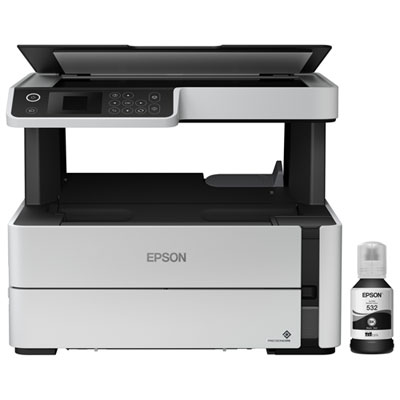
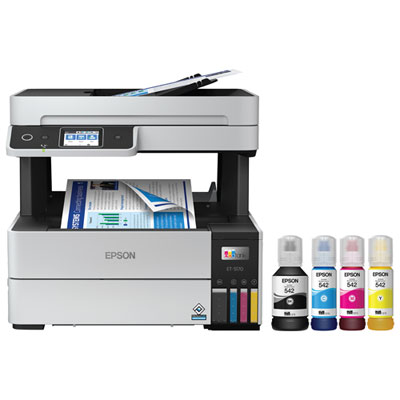
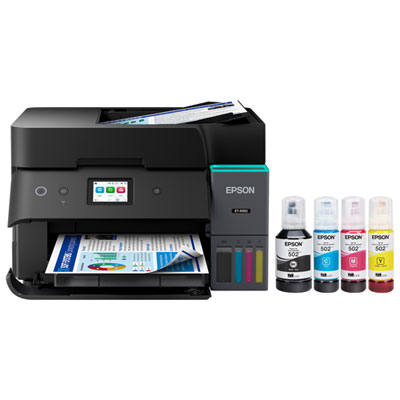
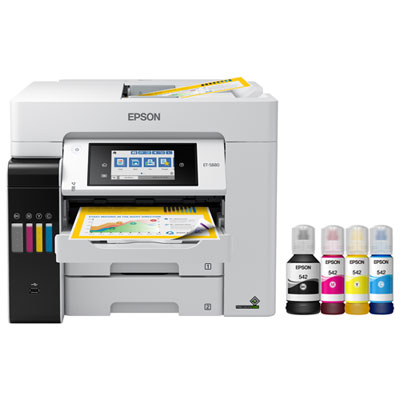
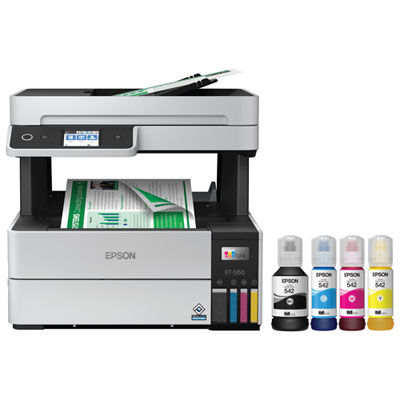
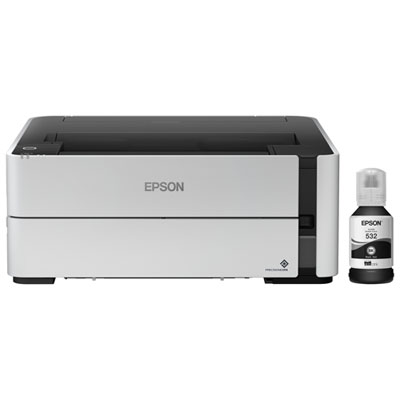
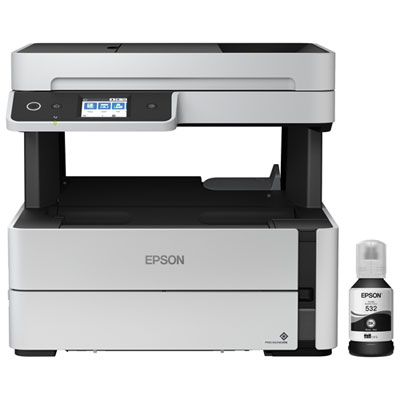
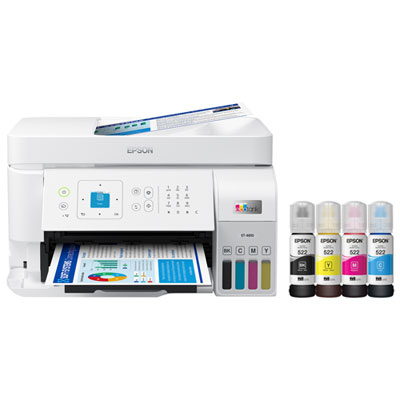
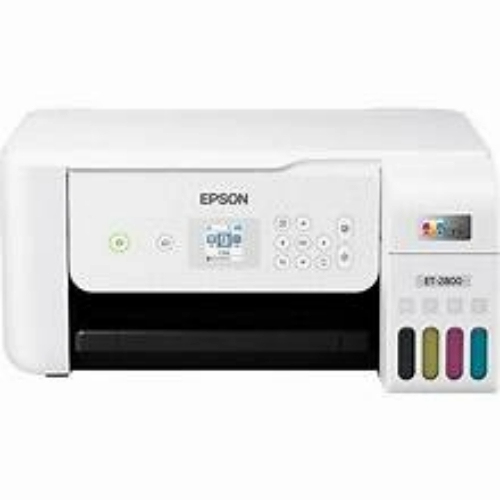
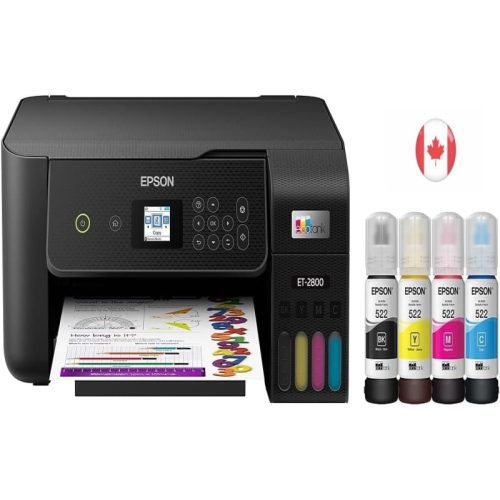
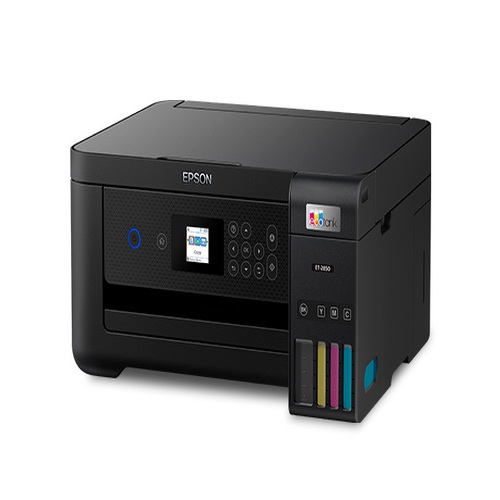
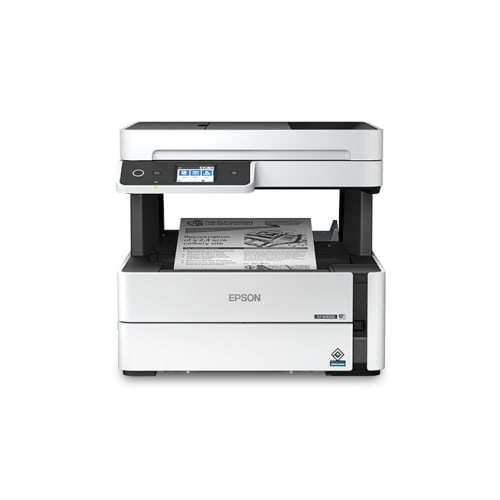
The Epson Ecotank printer is a multifunction printer that prints, copies, and scans. Some of these printers also have Wi-Fi connectivity. The Epson Ecotank printer is an ideal printer for small offices and home offices. Here are some great options for you.
Sort
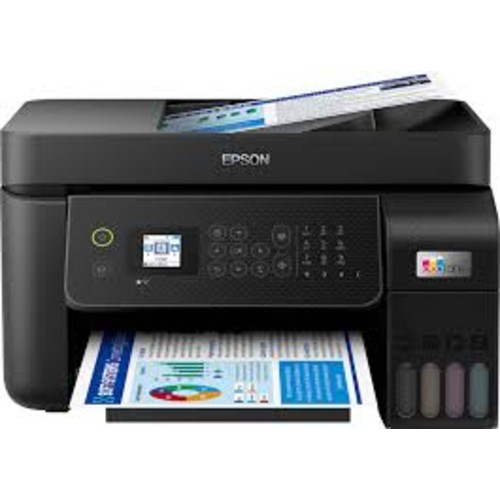

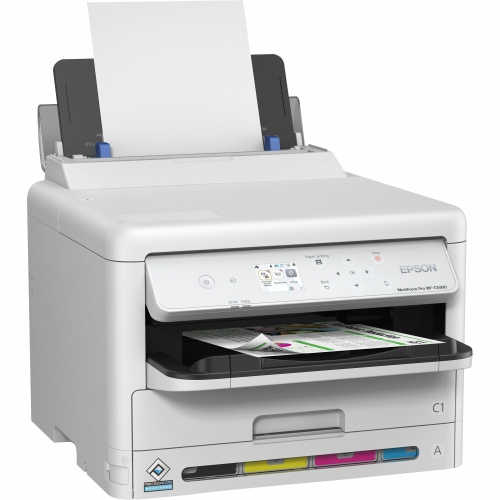
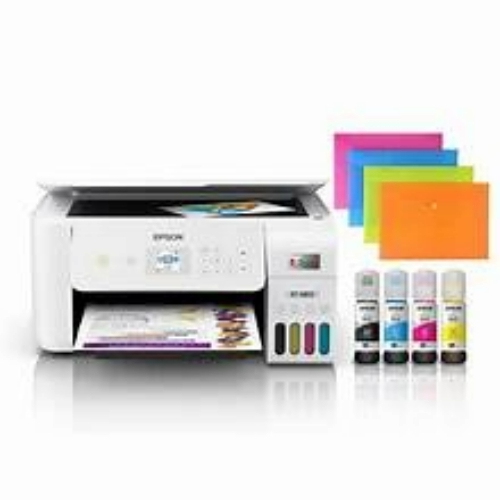
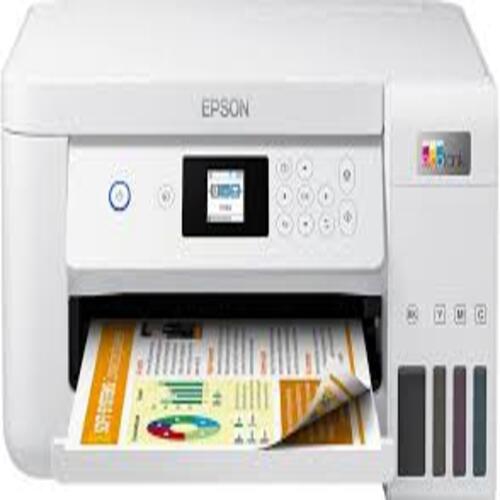
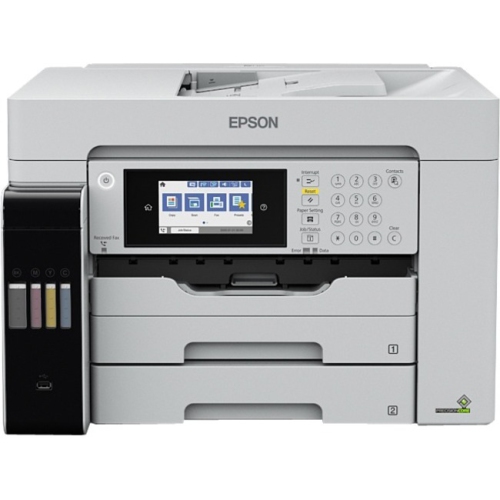
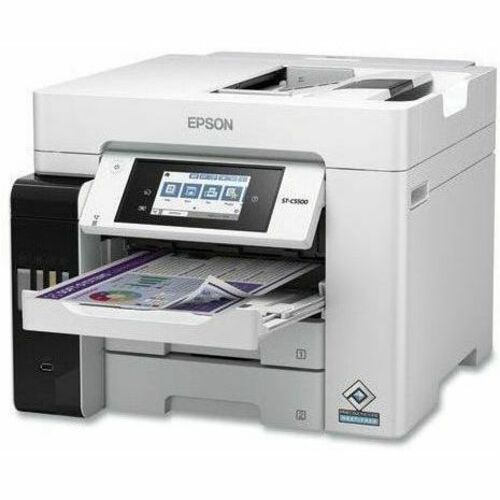
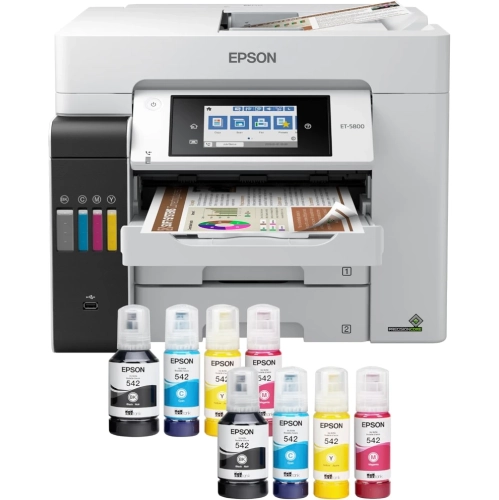
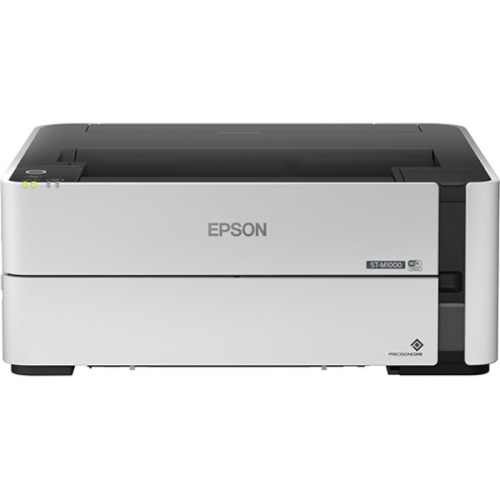
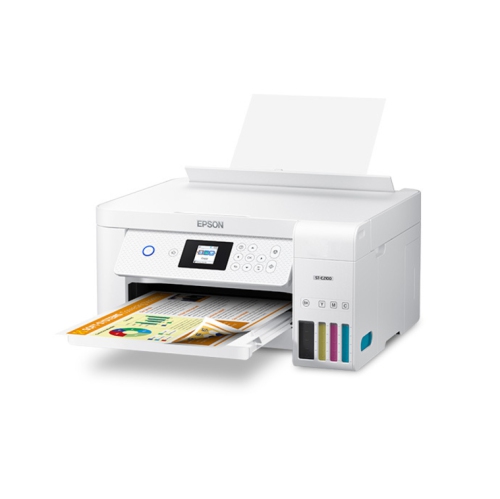
How refillable ink supports busy office workflows
Epson EcoTank Office Printers are designed for workplaces that need dependable day-to-day output without relying on traditional ink cartridges. Instead, these printers use integrated, refillable ink tanks that hold a generous supply, making them well suited to offices that print invoices, forms, reports, shipping documents, meeting materials and client handouts on a regular basis. Many models combine printing, scanning and copying in one compact unit, while select all-in-one configurations also include fax functionality for businesses that still exchange signed forms, purchase orders or other time-sensitive paperwork that way. When comparing options, start by considering the type and volume of documents your workplace produces. A small office with a steady stream of black-and-white contracts may value fast text printing and a straightforward control panel, while a design studio, real estate office or service business may benefit from colour printing, a wider paper path and the ability to produce larger spreadsheets, diagrams, posters or flyers. Print speed is commonly listed separately for black and colour pages, and office-focused models may print around 17 pages per minute in black and roughly 9 to 10 pages per minute in colour, while heavier-duty options can reach speeds of up to 25 pages per minute in black. These figures provide a useful starting point, although your actual results can vary with page coverage, paper type, print quality settings and whether a document includes images. Checking the recommended monthly volume is also important: a printer intended for occasional household paperwork may not be the right fit for a busy reception desk, classroom or shared workroom.
The physical setup of your office should guide the rest of the decision. An automatic document feeder can save considerable time when scanning or copying a stack of pages, especially when preparing tax records, employee files or multi-page client packages. Duplex printing can help make reports and internal documents easier to handle, while a larger paper tray reduces the number of interruptions during a busy afternoon. Ethernet connectivity is useful when a printer will remain in one place and needs a stable connection to several computers, whereas Wi-Fi makes it easier for staff to print from laptops, phones and tablets throughout the office. If your team works with promotional materials, construction plans or detailed financial tables, look for wide-format support that can handle paper sizes up to 13 x 19 inch, provided the available desk or counter space can accommodate the printer. It is also worth measuring the installation area before ordering, leaving enough room to open the scanner lid, load paper, refill the tanks and access the rear connections. Refillable ink systems can be a practical choice for teams that print frequently because large ink capacities mean fewer interruptions and more predictable running costs over time. Keep replacement ink pricing, included ink yields and the cost of specialty paper in mind when estimating the total cost of ownership. For a home office, a compact all-in-one can serve as a calm, capable centre for invoices, school forms, returns and occasional colour projects. For a small business, features such as a document feeder, fax, wired networking and higher duty capacity may matter more than a minimal footprint. If your needs are mainly personal documents, family schedules and occasional photos, you may also want to compare this office-oriented collection with Epson Ecotank Home Printers.
These printers can suit a broad range of users, from freelancers working at a kitchen table to growing teams sharing a dedicated office printer. A consultant may use one to prepare polished proposals and scan signed agreements, while a property professional may need crisp colour brochures, inspection records and larger floor plans. Teachers, tutors and community organizers can print activity sheets, attendance lists and presentation materials, and a home-based retailer may rely on the scanner and copier for packing slips, inventory records and shipping paperwork. They can also be a thoughtful practical gift for someone setting up a new home office, launching a small business or returning to study, particularly when the recipient values convenience more than a printer built only for occasional use. Before choosing, consider who will use the printer, how many people will connect to it, whether documents are mostly black and white or colour, and whether scanning or copying will be part of the weekly routine. Look for a clear display, simple refill access and controls that feel comfortable for everyone who may operate the machine. During the cooler months, when more work and studying often move indoors, a reliable printer can become one of those quietly essential tools that keeps paperwork moving: a stack of forms goes in, a signed copy comes out, and the office is ready for the next task. By matching print volume, paper size, connectivity, document handling and available space to your everyday workflow, you can choose an office printer that feels useful from the first page and remains practical as your needs grow.
The physical setup of your office should guide the rest of the decision. An automatic document feeder can save considerable time when scanning or copying a stack of pages, especially when preparing tax records, employee files or multi-page client packages. Duplex printing can help make reports and internal documents easier to handle, while a larger paper tray reduces the number of interruptions during a busy afternoon. Ethernet connectivity is useful when a printer will remain in one place and needs a stable connection to several computers, whereas Wi-Fi makes it easier for staff to print from laptops, phones and tablets throughout the office. If your team works with promotional materials, construction plans or detailed financial tables, look for wide-format support that can handle paper sizes up to 13 x 19 inch, provided the available desk or counter space can accommodate the printer. It is also worth measuring the installation area before ordering, leaving enough room to open the scanner lid, load paper, refill the tanks and access the rear connections. Refillable ink systems can be a practical choice for teams that print frequently because large ink capacities mean fewer interruptions and more predictable running costs over time. Keep replacement ink pricing, included ink yields and the cost of specialty paper in mind when estimating the total cost of ownership. For a home office, a compact all-in-one can serve as a calm, capable centre for invoices, school forms, returns and occasional colour projects. For a small business, features such as a document feeder, fax, wired networking and higher duty capacity may matter more than a minimal footprint. If your needs are mainly personal documents, family schedules and occasional photos, you may also want to compare this office-oriented collection with Epson Ecotank Home Printers.
These printers can suit a broad range of users, from freelancers working at a kitchen table to growing teams sharing a dedicated office printer. A consultant may use one to prepare polished proposals and scan signed agreements, while a property professional may need crisp colour brochures, inspection records and larger floor plans. Teachers, tutors and community organizers can print activity sheets, attendance lists and presentation materials, and a home-based retailer may rely on the scanner and copier for packing slips, inventory records and shipping paperwork. They can also be a thoughtful practical gift for someone setting up a new home office, launching a small business or returning to study, particularly when the recipient values convenience more than a printer built only for occasional use. Before choosing, consider who will use the printer, how many people will connect to it, whether documents are mostly black and white or colour, and whether scanning or copying will be part of the weekly routine. Look for a clear display, simple refill access and controls that feel comfortable for everyone who may operate the machine. During the cooler months, when more work and studying often move indoors, a reliable printer can become one of those quietly essential tools that keeps paperwork moving: a stack of forms goes in, a signed copy comes out, and the office is ready for the next task. By matching print volume, paper size, connectivity, document handling and available space to your everyday workflow, you can choose an office printer that feels useful from the first page and remains practical as your needs grow.
Top selling and popular products
-
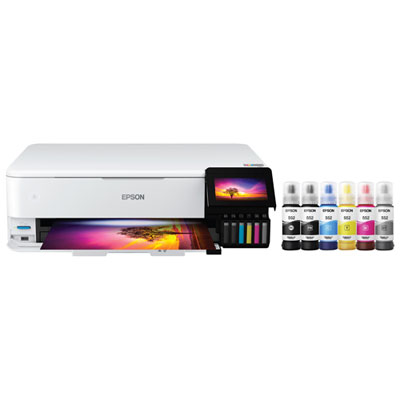 Your price for this item is $1099.99
 -
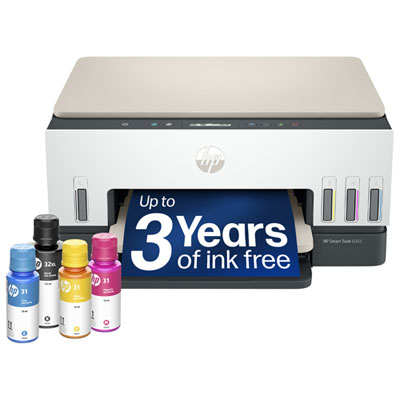 Your price for this item is $399.99
 -
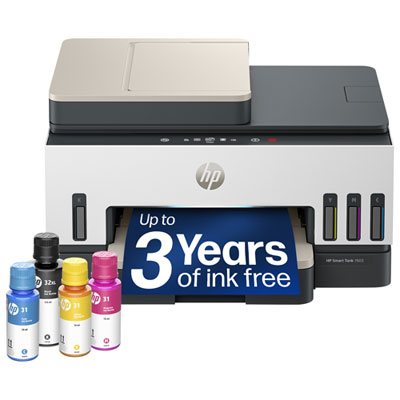 Your price for this item is $439.99
 -
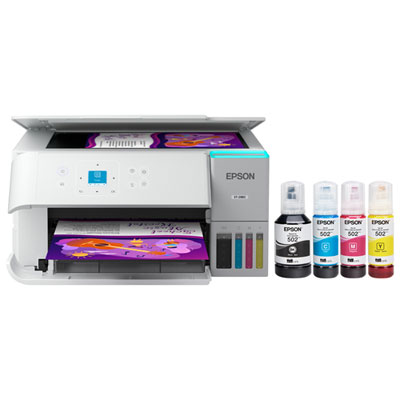 Your price for this item is $399.99
 -
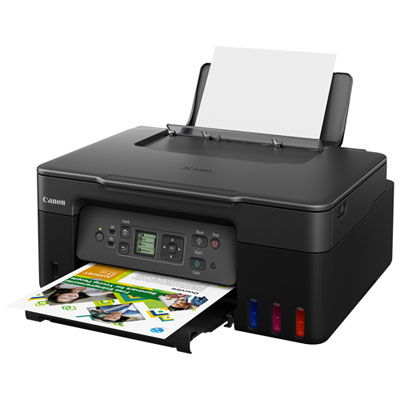 Your price for this item is $249.99
 -
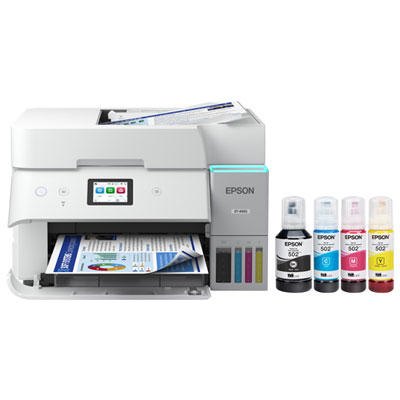 Your price for this item is $599.99
 -
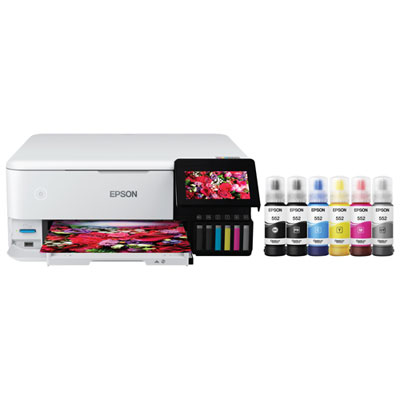 Your price for this item is $729.99
 -
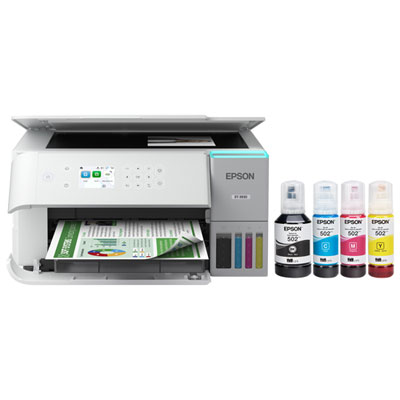 Your price for this item is $479.99
Discover more categories related to Epson EcoTank Office Printers
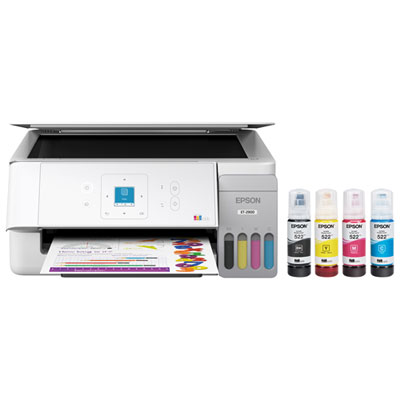
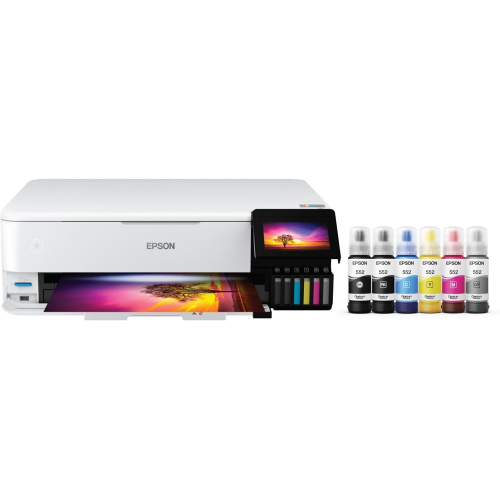
Top Collections:
Pokemon Centers, Kindle Devices, Best Budget Office Chairs, Apple iPhones 16, Best Laptops for Writers, iPhone 15 Apple, Canon G7X Cameras, Refurbished Apple Laptops, Alarm Clock, Motorola Razr Phones
Some products may be subject to Environmental Handling Fees
(EHF) depending on your province.
Learn more about EHFs.