HP 3755 Ink
HP 3755 Ink is designed to help you achieve crisp, vibrant prints for all your important documents and photos. Whether you're printing at home, in the office, or for school projects, choosing the right ink ensures reliable performance and consistent quality. Explore a range of HP 3755 Ink options to keep your printer running smoothly and your printouts looking their best. Find the perfect match for your printing needs and enjoy hassle-free replacement when you need it most.
Sort
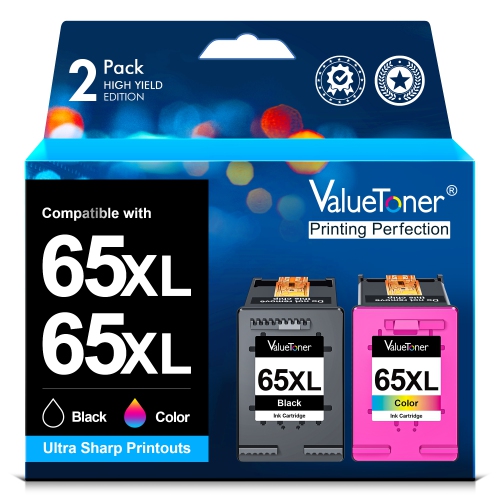

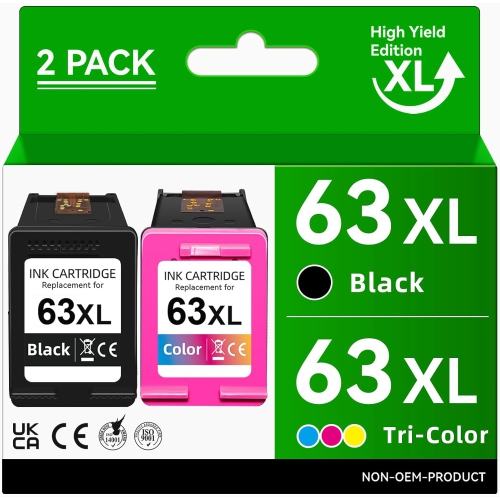
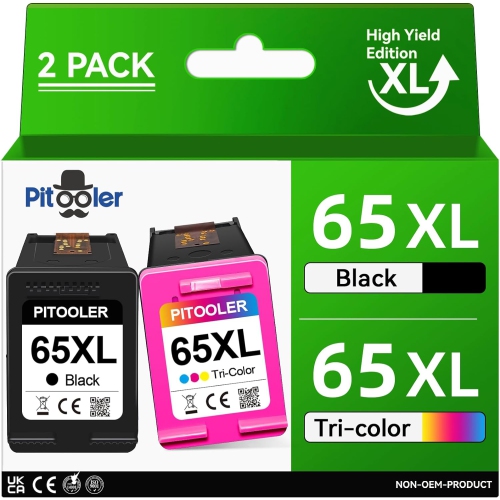
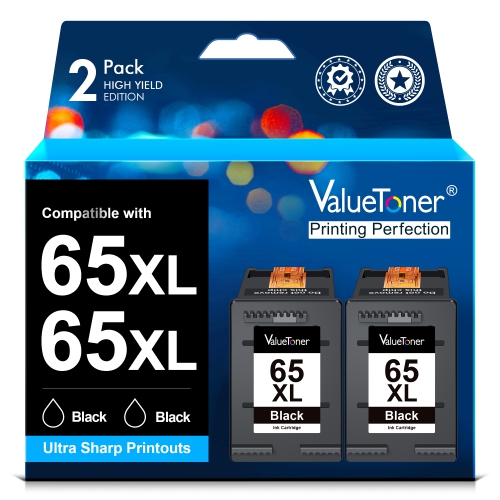
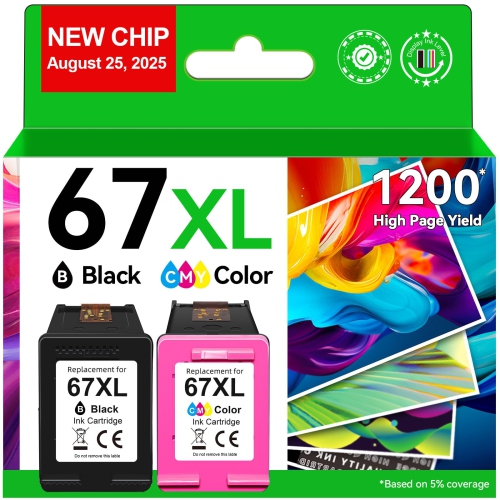
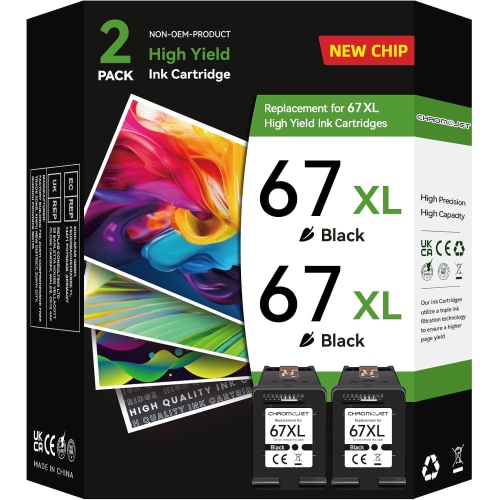
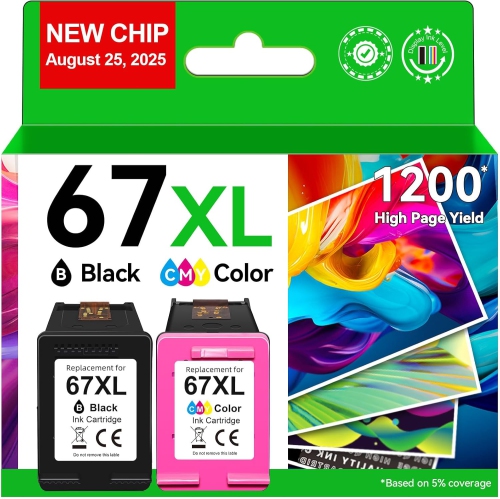
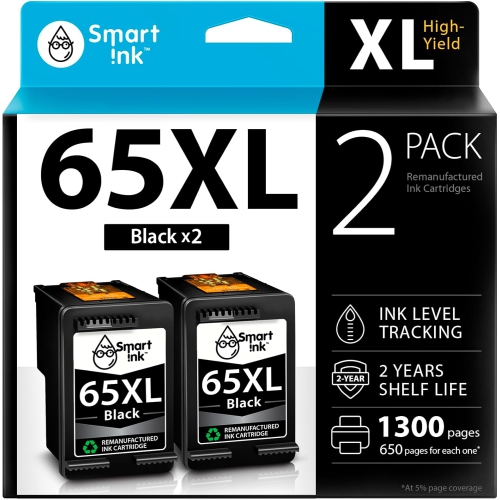
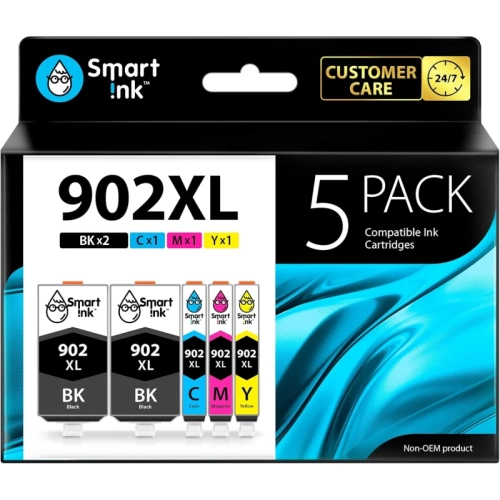

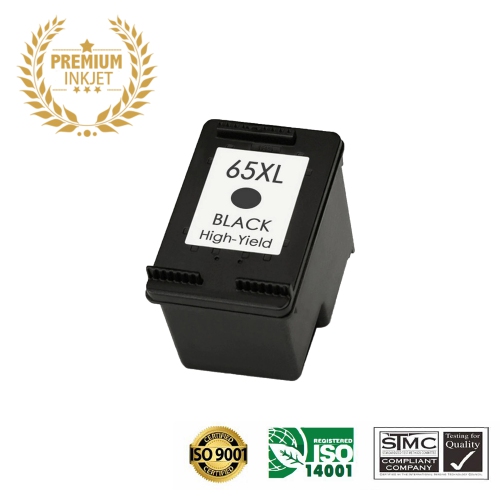

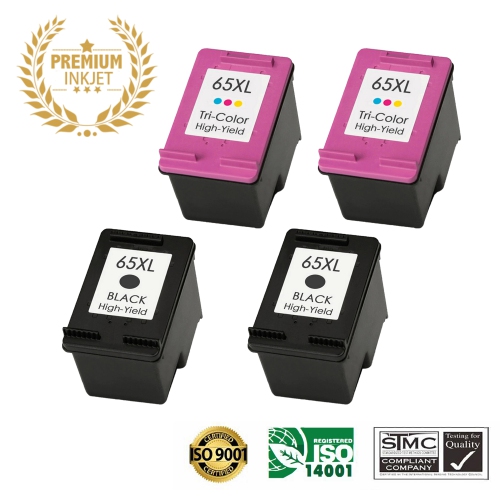
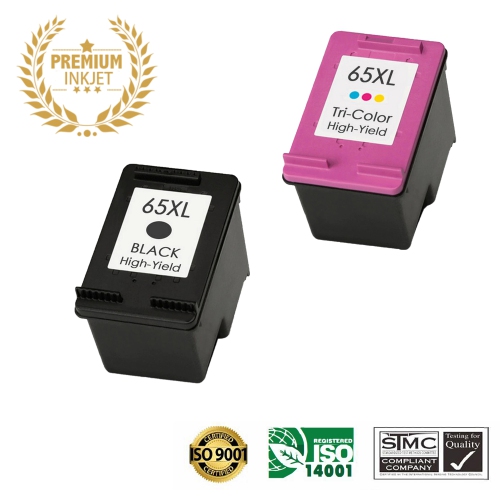
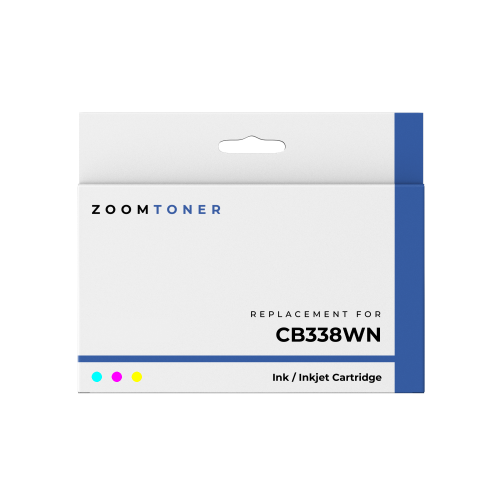
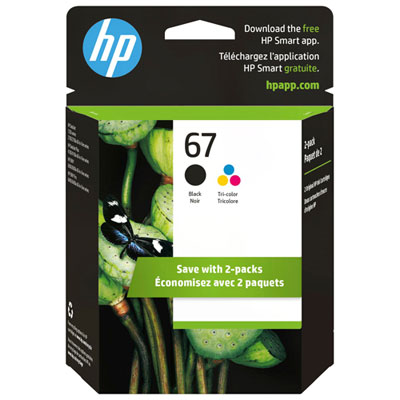
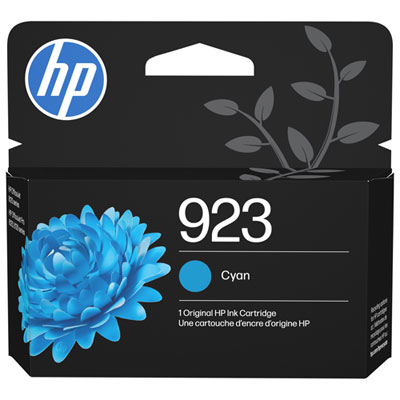
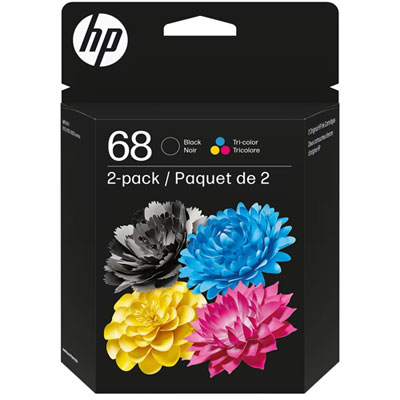
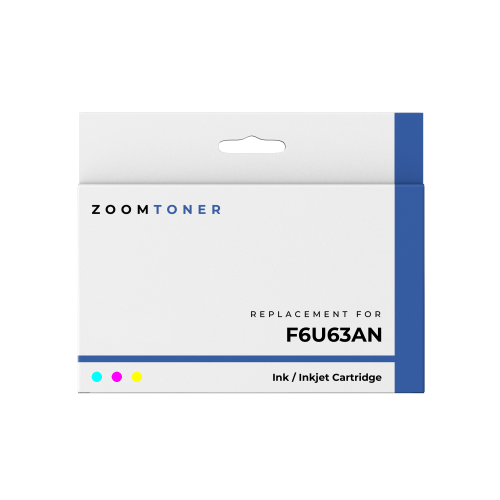
Cartridge compatibility and yield shape everyday printing
Finding the right ink for a compact all-in-one printer starts with confirming the exact cartridge family listed in the printer manual, on the existing cartridge, or in the printer’s settings menu. Ink made for one model may look nearly identical to ink made for another, but the cartridge shape, electrical contacts, formulation, and built-in printhead can differ. For this printer series, shoppers generally choose between black and tri-colour cartridges, and both cartridges need to be installed for the printer to operate normally. Black ink handles everyday text, forms, shipping labels, homework, and crisp outlines, while the tri-colour cartridge combines its internal colours to produce graphics, charts, greeting cards, school projects, and casual photographs. Checking the cartridge number before adding anything to a cart can save an inconvenient trip back to the store, especially when an older cartridge has already been recycled or discarded. It is also worth checking whether the listing is for a standard-yield or high-yield cartridge. Standard-yield options can suit occasional printing, such as a few pages of correspondence or a return label every so often. High-yield options are often a better fit for a busy household, home office, student workspace, or anyone who prints several pages at a time. Page estimates are based on controlled testing and can vary with print coverage: a page filled with dense text or colourful images uses more ink than a lightly printed document. A cartridge that lasts for a certain number of pages in testing may therefore run out sooner when printing photos, full-page graphics, or documents with bold headings and coloured charts.
When replacing the cartridges, keep the printer powered on so the carriage can move into its service position, and follow the prompts shown on the printer or in its software. Remove the protective tape only when the cartridge is ready to be installed, and avoid touching the copper-coloured contacts or the ink nozzles. On compatible two-cartridge systems, the black cartridge typically fits on the right side and the tri-colour cartridge on the left side; the markings inside the carriage should always take priority if they differ. Press each cartridge firmly into place until it clicks, then allow the printer to complete its alignment routine. A test page or alignment sheet is useful after installation because it confirms that text is sharp and that every colour is appearing as expected. If a page shows missing lines, pale areas, or uneven colour, run the printer’s built-in cleaning or alignment cycle once, then print another test page. Repeated cleaning uses ink, so it is better to check that the protective tape has been removed and that each cartridge is seated correctly before running several cycles. For shoppers comparing supplies for a related compact printer, compatibility should never be assumed based on appearance alone; visit HP 2655 Ink for a separate selection, and confirm the model number before purchasing. Keeping a spare set in a drawer can be helpful during the cooler months, when school forms, indoor projects, travel documents, recipes, and household paperwork often seem to accumulate at once. Store unopened cartridges flat in their original packaging at room temperature, away from direct sunlight and excessive heat, and install them before their recommended use date whenever possible. These cartridges can be practical gifts for students heading into a new term, family members setting up a home office, or anyone who relies on a small printer for everyday documents. Choosing the correct colour combination, yield, and cartridge type helps make routine printing feel less disruptive, whether the next job is a single page or a stack of documents for the week ahead.
When replacing the cartridges, keep the printer powered on so the carriage can move into its service position, and follow the prompts shown on the printer or in its software. Remove the protective tape only when the cartridge is ready to be installed, and avoid touching the copper-coloured contacts or the ink nozzles. On compatible two-cartridge systems, the black cartridge typically fits on the right side and the tri-colour cartridge on the left side; the markings inside the carriage should always take priority if they differ. Press each cartridge firmly into place until it clicks, then allow the printer to complete its alignment routine. A test page or alignment sheet is useful after installation because it confirms that text is sharp and that every colour is appearing as expected. If a page shows missing lines, pale areas, or uneven colour, run the printer’s built-in cleaning or alignment cycle once, then print another test page. Repeated cleaning uses ink, so it is better to check that the protective tape has been removed and that each cartridge is seated correctly before running several cycles. For shoppers comparing supplies for a related compact printer, compatibility should never be assumed based on appearance alone; visit HP 2655 Ink for a separate selection, and confirm the model number before purchasing. Keeping a spare set in a drawer can be helpful during the cooler months, when school forms, indoor projects, travel documents, recipes, and household paperwork often seem to accumulate at once. Store unopened cartridges flat in their original packaging at room temperature, away from direct sunlight and excessive heat, and install them before their recommended use date whenever possible. These cartridges can be practical gifts for students heading into a new term, family members setting up a home office, or anyone who relies on a small printer for everyday documents. Choosing the correct colour combination, yield, and cartridge type helps make routine printing feel less disruptive, whether the next job is a single page or a stack of documents for the week ahead.
Top selling and popular products
-
 Your price for this item is $109.99
 -
 Your price for this item is $40.99
 -
 Your price for this item is $101.99
 -
 Your price for this item is $129.99
 -
 Your price for this item is $109.99
 -
 Your price for this item is $89.99
 -
 Your price for this item is $90.99
 -
 Your price for this item is $57.99
Discover more categories related to HP 3755 Ink
Top Collections:
Pokemon Centers, Kindle Devices, Best Budget Office Chairs, Apple iPhones 16, Canon G7X Cameras, iPhone 15 Apple, Alarm Clock, Refurbished Apple Laptops, Flip Phones, Best Laptops for Writers
Some products may be subject to Environmental Handling Fees
(EHF) depending on your province.
Learn more about EHFs.