HP DeskJet 2755e Ink
Find the right HP DeskJet 2755e Ink to keep your printer running smoothly and your documents looking sharp. Whether you’re printing school assignments, work reports, or family photos, having the correct ink ensures consistent results every time. Explore a variety of options compatible with your HP DeskJet 2755e and enjoy reliable performance for all your printing needs.
Sort
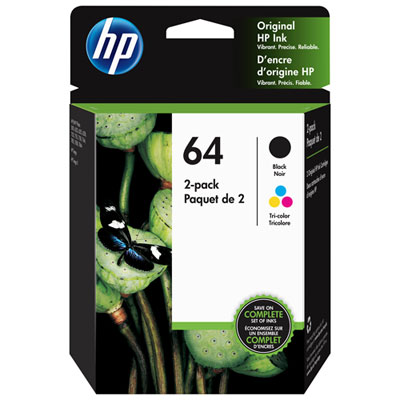
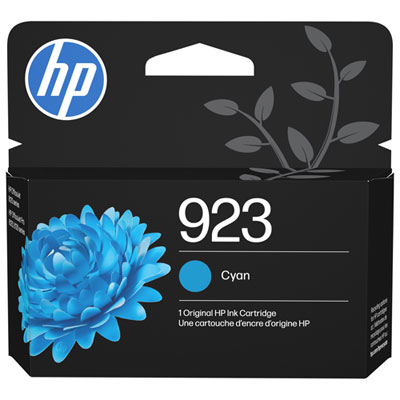
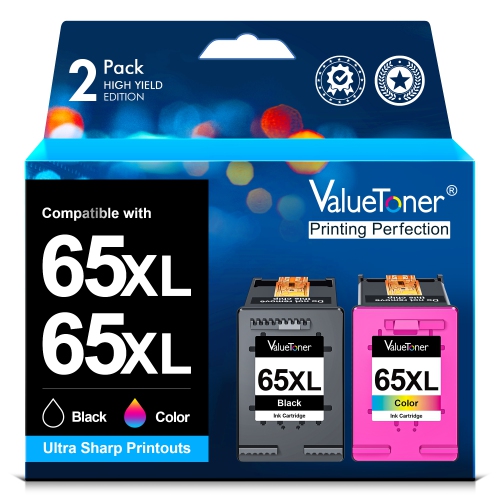
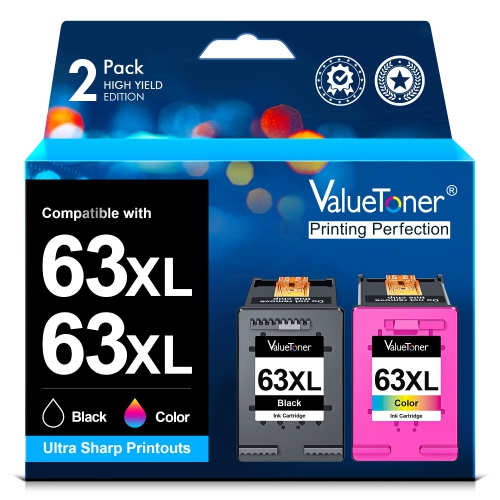
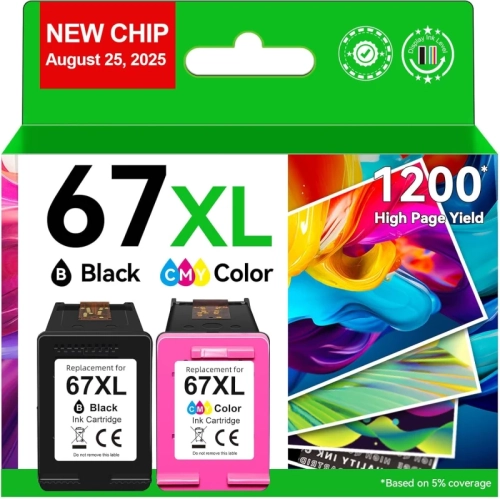
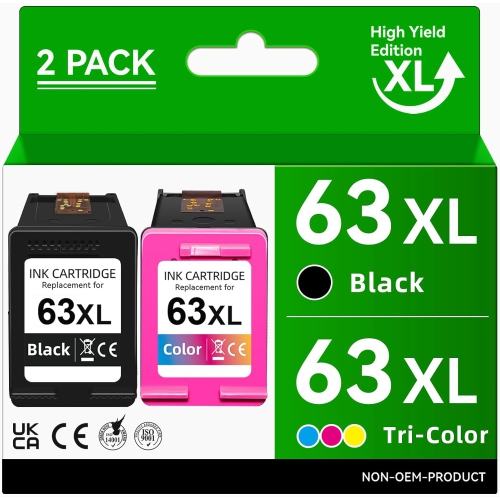
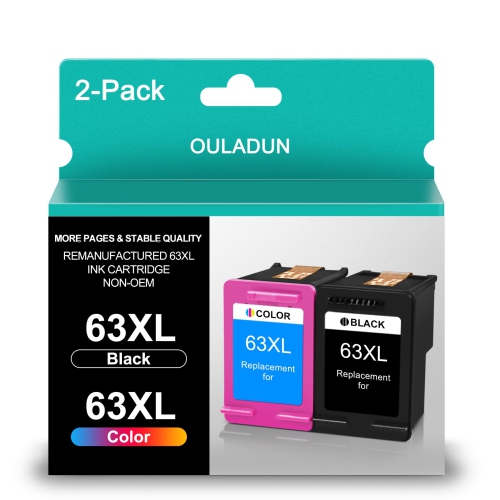
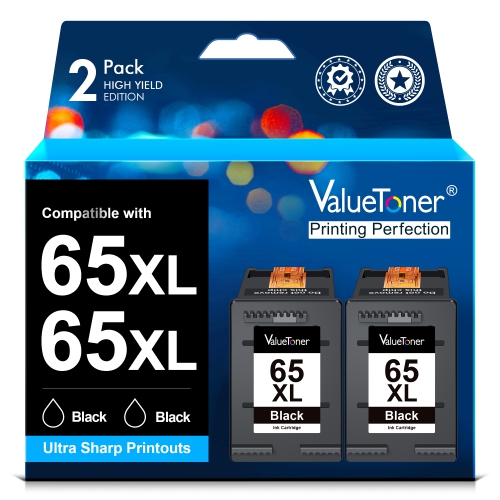
![BESTONER [High Yield] 2Bk Remanufactured Ink Cartridge Replacement for HP 67Xl - HP Deskjet 1255, 2700, 4100 Series, HP Envy 6000, 6400 Series](https://multimedia.bbycastatic.ca/multimedia/products/500x500/191/19188/19188349.jpeg)
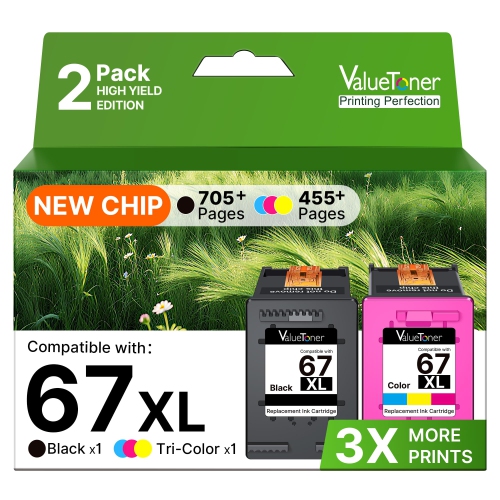
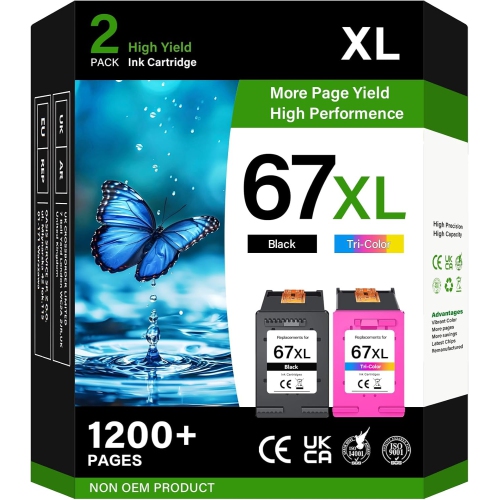
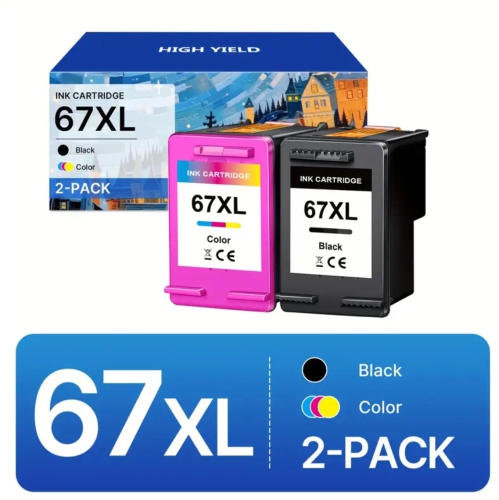
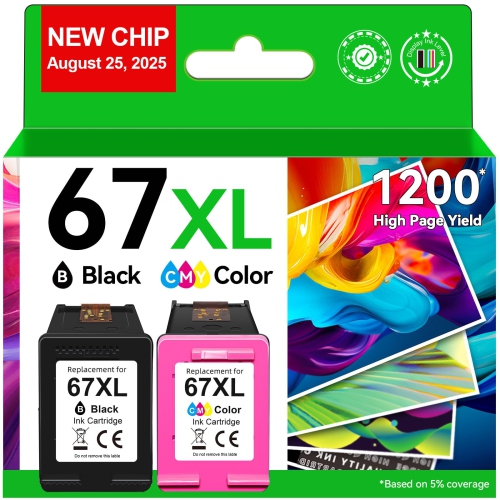
![BESTONER [High Yield] 1 Set Remanufactured Ink Cartridge Replacement for HP 67Xl - HP Deskjet 1255, 2700, 4100 Series, HP Envy 6000, 6400 Series](https://multimedia.bbycastatic.ca/multimedia/products/500x500/177/17702/17702626.jpeg)
![BESTONER [High Yield] 1 Set Remanufactured Ink Cartridge Replacement for HP 61Xl for HP Envy 4500 5530 Deskjet 1000 1050 1512 1513 2540 2542 2549](https://multimedia.bbycastatic.ca/multimedia/products/500x500/177/17702/17702624.jpeg)
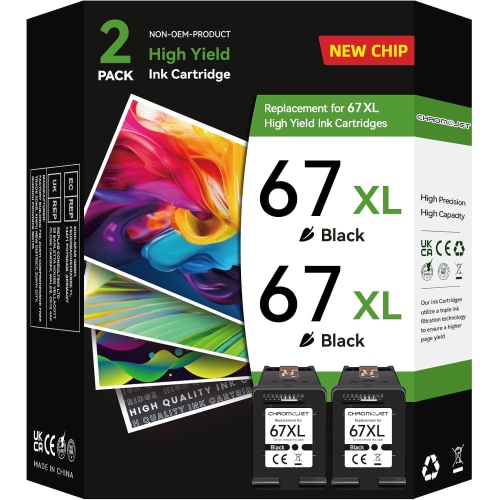
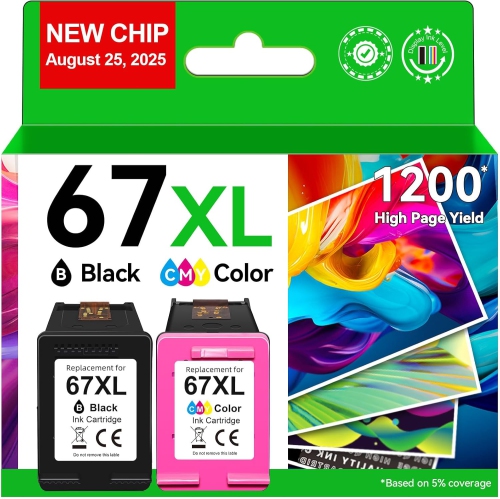
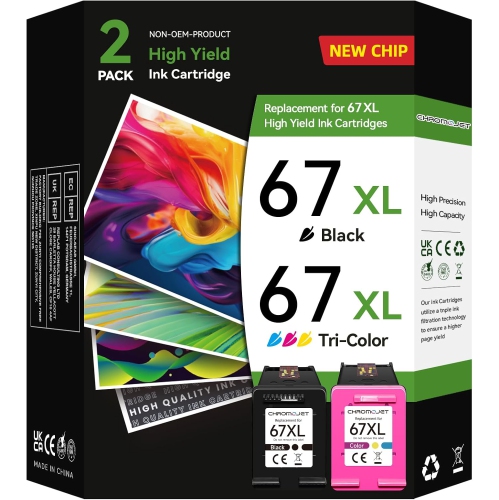
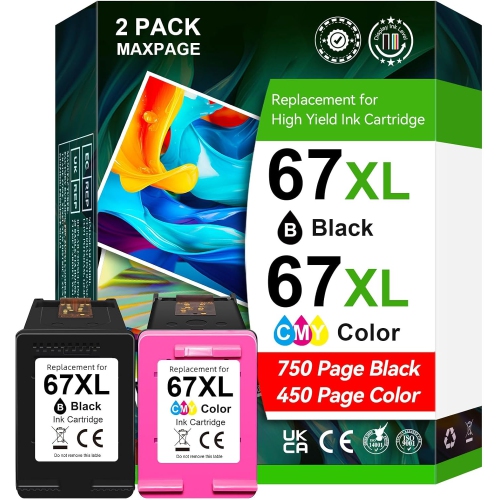
![BESTONER [High Yield] 2Bk Remanufactured Ink Cartridge Replacement for HP 61Xl for HP Envy 4500 5530 Deskjet 1000 1050 1512 1513 2540 2542 2549 3510](https://multimedia.bbycastatic.ca/multimedia/products/500x500/198/19820/19820962.jpeg)
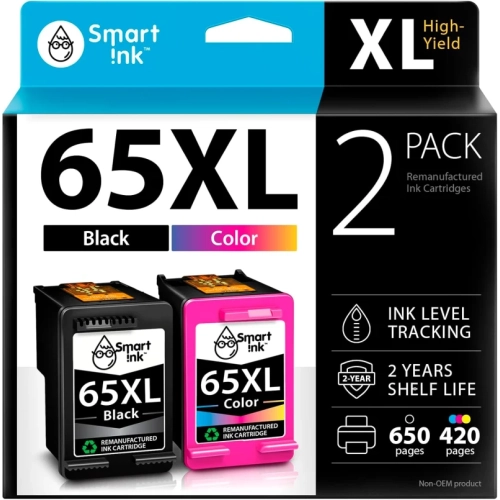
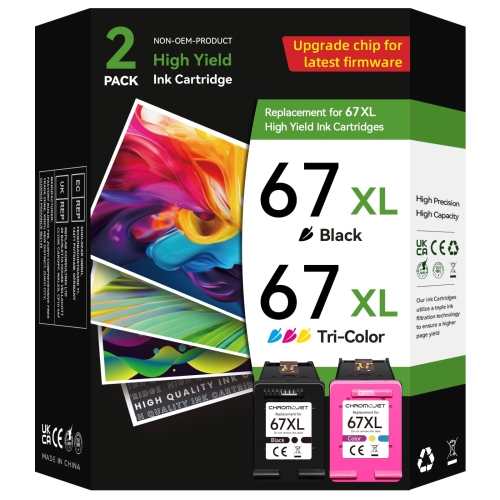

Why cartridge fit and printing habits matter
Ink cartridges for compact all-in-one inkjet printers support the everyday printing that keeps a household, study space, or small home office organized. Black ink gives text its definition on assignments, return labels, forms, and appointment details, while colour ink brings charts, illustrations, and photographs to life. In a two-cartridge printer, one cartridge holds black ink and the other holds cyan, magenta, and yellow inks together. This arrangement keeps replacement straightforward, although a tri-colour cartridge may need replacing when one of its colours runs out, even if some of the other inks remain. Cartridge fit is determined by the printer’s exact model and regional compatibility, not simply by the cartridge’s appearance or the brand name on the packaging. Closely related printers can use different cartridge families, and a cartridge that looks the right size may still be unsuitable. Compatibility information on the cartridge packaging or product description should explicitly include the printer model; the label on an installed cartridge can provide another useful point of comparison. Standard-yield and high-yield cartridges serve different printing habits. Standard-yield ink can suit occasional paperwork or a few pages of schoolwork at a time, while a compatible high-yield version contains more usable ink for a larger printing workload. A higher yield does not mean sharper text or richer colour by itself: it describes the amount of printing the cartridge is designed to support under specified test conditions. Published page yields are estimates rather than a promise of an exact number of finished sheets. A page of short paragraphs uses ink differently from a dense worksheet, a full-page illustration, or a photograph with deep shadows. The balance between text and images, print settings, and maintenance cycles all affects how long a cartridge lasts. That makes typical printing habits a more useful starting point than page count alone when considering the right cartridge capacity.
The character of a printed page depends on the relationship between ink, paper, and the printer’s settings. Ordinary office paper is well suited to text-heavy documents, checklists, and reference material, where clear lettering matters more than a glossy finish. Paper designed for inkjet printing helps control how liquid ink spreads into the fibres, which can make a visible difference around small type and fine lines. For photographs and image-heavy projects, suitable coated paper holds ink differently, allowing smoother colour transitions and more defined detail than basic copy paper. The paper setting matters because the printer adjusts ink delivery to suit the selected surface. Using a photo setting on unsuitable paper can leave a sheet heavily saturated without producing the intended finish. Everyday printing also calls for different levels of detail: a draft of an essay needs readable text, while a presentation handout may benefit from stronger colour and cleaner graphics. Draft settings generally use less ink, though the resulting text and images can appear lighter. Higher-quality settings may use more ink and take longer, particularly on pages with broad areas of colour. Black-only printing and greyscale printing are not always identical; depending on the printer and selected settings, shades of grey may be formed using colour ink as well as black. Some printers also require both cartridges to be installed and functioning for normal operation. These differences help explain why colour ink can be used even in a household that mostly prints documents. For students, teachers, remote workers, and families, a suitable ink supply supports everything from annotated reading material to colourful learning activities. Occasional photographs and craft templates introduce a different workload, with greater colour coverage than routine correspondence. Documents intended for frequent handling also benefit from appropriate paper and time to dry, since freshly printed ink can smudge when sheets are stacked, highlighted, or tucked straight into a folder.
The cartridge itself is a precision component rather than a simple container of liquid. Its moulded housing holds the ink supply, while seals, electrical contacts, and, on some designs, an integrated printhead help the printer deliver tiny droplets in a controlled pattern. These components make careful handling important. An unopened cartridge is best kept in its original packaging until it is needed, with its protective seals intact and storage directions observed. During installation, handling the cartridge by its housing helps keep fingers away from contacts and ink outlets. Protective tape must be removed as directed, but other labels and seals should remain in place unless the installation instructions say otherwise. A cartridge should seat in the correct position without being forced; the black and tri-colour positions are not interchangeable. After replacement, an alignment process may be needed to produce straight text and properly registered images. Consistent print quality also depends on the condition of the ink delivery system. Long gaps between print jobs can contribute to dried ink at the nozzles, while repeated cleaning cycles consume ink, so a printer’s built-in diagnostic tools are useful when streaks or missing colours appear. A low-ink message alone does not describe every print-quality problem, and replacing a cartridge will not correct an unsuitable paper setting or a sheet loaded on the wrong side. For finished prints, resistance to moisture, rubbing, and fading varies with the ink formulation and paper combination; ordinary inkjet output should not automatically be treated as waterproof or archival. Cartridge descriptions may also distinguish original-manufacturer supplies from remanufactured or third-party alternatives. Those labels describe the source or preparation of the cartridge, not universal compatibility, and printer firmware or cartridge-authentication features can affect whether an alternative is accepted. Any stated limitations deserve attention alongside the model list. Households with more than one printer benefit from keeping replacement cartridges clearly matched to each machine rather than assuming similar-looking supplies can be shared. For a different printer model, HP 3755 Ink provides a separate starting point for model-specific browsing. Matching the cartridge family, capacity, and intended use helps keep everyday printing dependable, whether the next job is a single signed form or a set of illustrated classroom pages.
The character of a printed page depends on the relationship between ink, paper, and the printer’s settings. Ordinary office paper is well suited to text-heavy documents, checklists, and reference material, where clear lettering matters more than a glossy finish. Paper designed for inkjet printing helps control how liquid ink spreads into the fibres, which can make a visible difference around small type and fine lines. For photographs and image-heavy projects, suitable coated paper holds ink differently, allowing smoother colour transitions and more defined detail than basic copy paper. The paper setting matters because the printer adjusts ink delivery to suit the selected surface. Using a photo setting on unsuitable paper can leave a sheet heavily saturated without producing the intended finish. Everyday printing also calls for different levels of detail: a draft of an essay needs readable text, while a presentation handout may benefit from stronger colour and cleaner graphics. Draft settings generally use less ink, though the resulting text and images can appear lighter. Higher-quality settings may use more ink and take longer, particularly on pages with broad areas of colour. Black-only printing and greyscale printing are not always identical; depending on the printer and selected settings, shades of grey may be formed using colour ink as well as black. Some printers also require both cartridges to be installed and functioning for normal operation. These differences help explain why colour ink can be used even in a household that mostly prints documents. For students, teachers, remote workers, and families, a suitable ink supply supports everything from annotated reading material to colourful learning activities. Occasional photographs and craft templates introduce a different workload, with greater colour coverage than routine correspondence. Documents intended for frequent handling also benefit from appropriate paper and time to dry, since freshly printed ink can smudge when sheets are stacked, highlighted, or tucked straight into a folder.
The cartridge itself is a precision component rather than a simple container of liquid. Its moulded housing holds the ink supply, while seals, electrical contacts, and, on some designs, an integrated printhead help the printer deliver tiny droplets in a controlled pattern. These components make careful handling important. An unopened cartridge is best kept in its original packaging until it is needed, with its protective seals intact and storage directions observed. During installation, handling the cartridge by its housing helps keep fingers away from contacts and ink outlets. Protective tape must be removed as directed, but other labels and seals should remain in place unless the installation instructions say otherwise. A cartridge should seat in the correct position without being forced; the black and tri-colour positions are not interchangeable. After replacement, an alignment process may be needed to produce straight text and properly registered images. Consistent print quality also depends on the condition of the ink delivery system. Long gaps between print jobs can contribute to dried ink at the nozzles, while repeated cleaning cycles consume ink, so a printer’s built-in diagnostic tools are useful when streaks or missing colours appear. A low-ink message alone does not describe every print-quality problem, and replacing a cartridge will not correct an unsuitable paper setting or a sheet loaded on the wrong side. For finished prints, resistance to moisture, rubbing, and fading varies with the ink formulation and paper combination; ordinary inkjet output should not automatically be treated as waterproof or archival. Cartridge descriptions may also distinguish original-manufacturer supplies from remanufactured or third-party alternatives. Those labels describe the source or preparation of the cartridge, not universal compatibility, and printer firmware or cartridge-authentication features can affect whether an alternative is accepted. Any stated limitations deserve attention alongside the model list. Households with more than one printer benefit from keeping replacement cartridges clearly matched to each machine rather than assuming similar-looking supplies can be shared. For a different printer model, HP 3755 Ink provides a separate starting point for model-specific browsing. Matching the cartridge family, capacity, and intended use helps keep everyday printing dependable, whether the next job is a single signed form or a set of illustrated classroom pages.
Top selling and popular products
-
 Your price for this item is $109.99
 -
 Your price for this item is $40.99
 -
 Your price for this item is $101.99
 -
 Your price for this item is $129.99
 -
 Your price for this item is $109.99
 -
 Your price for this item is $89.99
 -
 Your price for this item is $90.99
 -
 Your price for this item is $57.99
Discover more categories related to HP DeskJet 2755e Ink

Top Collections:
Pokemon Centers, Kindle Devices, Best Budget Office Chairs, Apple iPhones 16, Canon G7X Cameras, iPhone 15 Apple, Alarm Clock, Refurbished Apple Laptops, Flip Phones, Best Laptops for Writers
Some products may be subject to Environmental Handling Fees
(EHF) depending on your province.
Learn more about EHFs.