HP 2655 Ink
Find the right HP 2655 Ink to keep your printer performing at its best. Explore a range of reliable ink options designed for smooth, high-quality printing of documents, photos, and projects. Whether you're working from home, tackling school assignments, or managing everyday tasks, HP 2655 Ink helps ensure consistent results every time you print. Shop for the ink you need and enjoy dependable performance with every page.
Sort
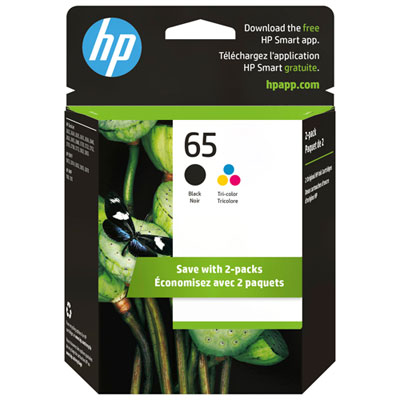
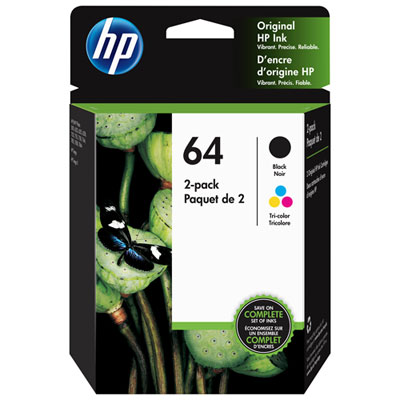
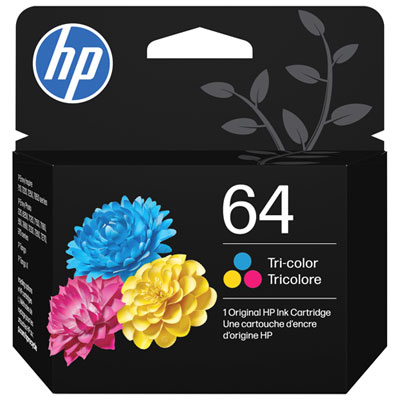
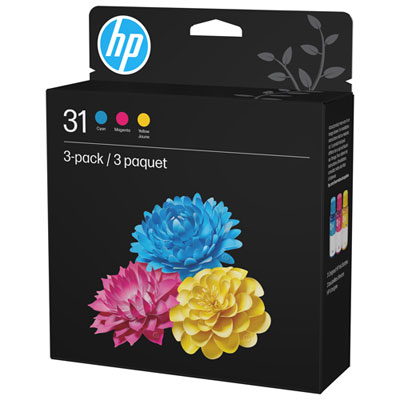
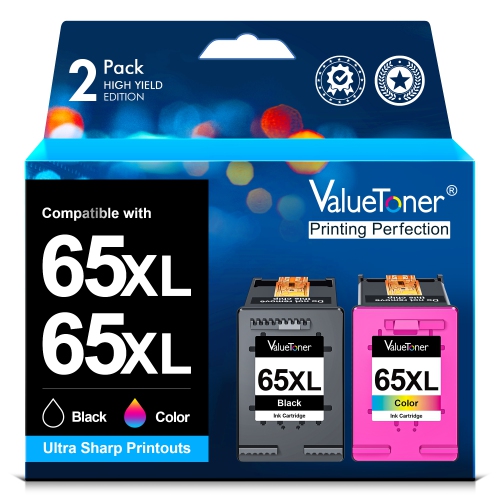
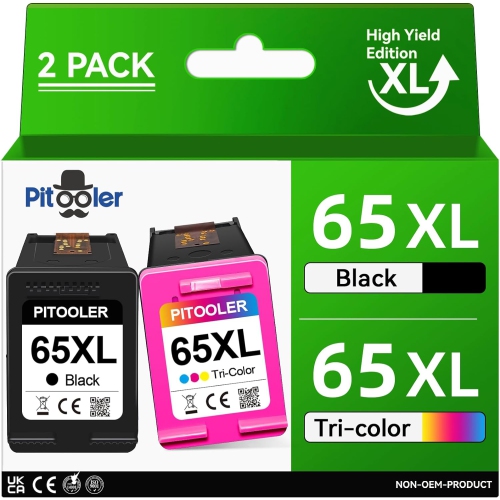
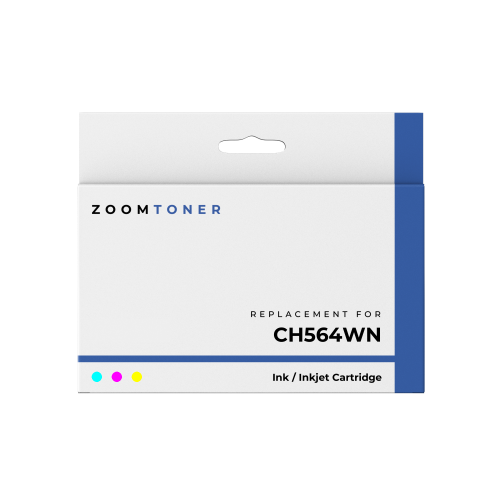
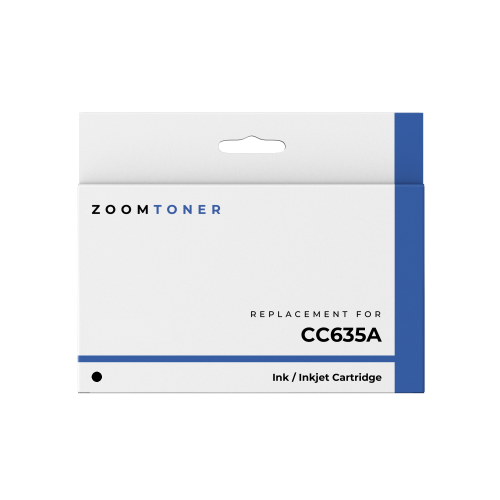
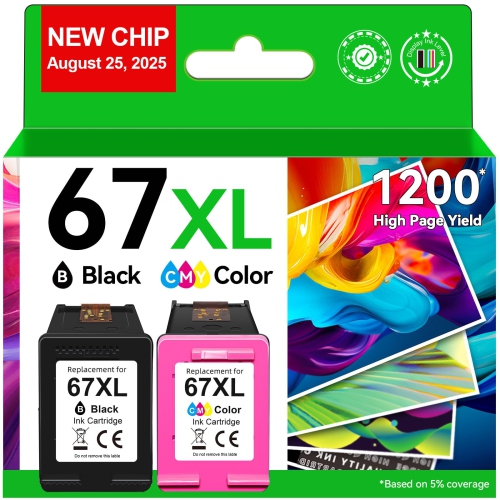
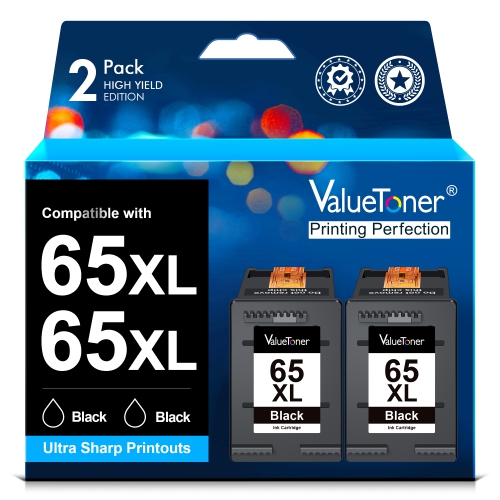
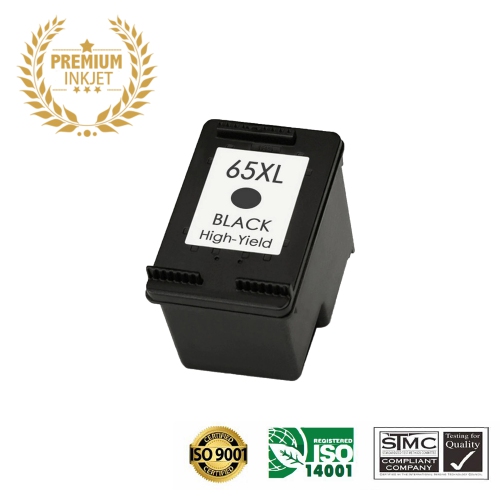
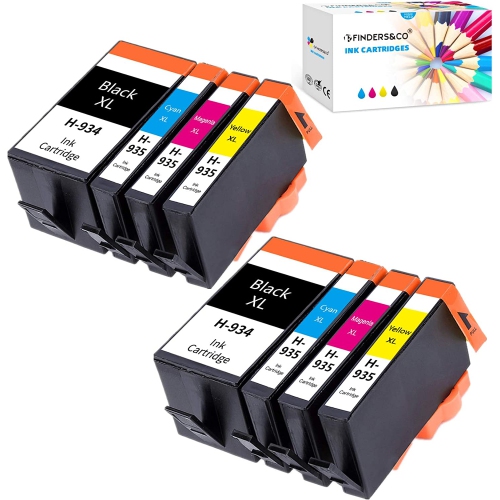

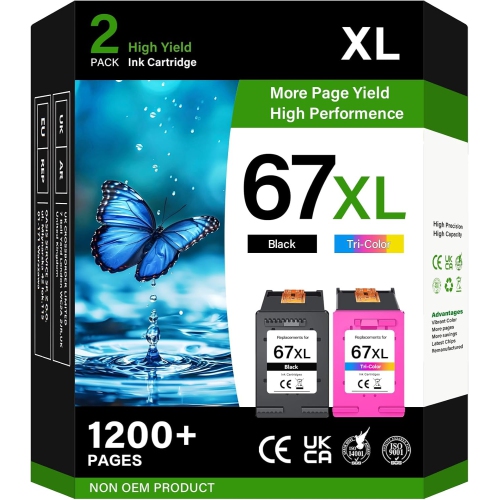
![BESTONER [High Yield] 2Bk Remanufactured Ink Cartridge Replacement for HP 65Xl HP65 Ink - HP Deskjet 2620 2625 2630 2635 2655 3700 3720 3730 3735](https://multimedia.bbycastatic.ca/multimedia/products/500x500/189/18904/18904516.jpeg)
![BESTONER [High Yield] 1 Set Remanufactured Ink Cartridge Replacement for HP 65Xl HP65 Ink - HP Deskjet 2620 2625 2630 2635 2655 3700 3720 3730 3735](https://multimedia.bbycastatic.ca/multimedia/products/500x500/189/18904/18904515.jpeg)
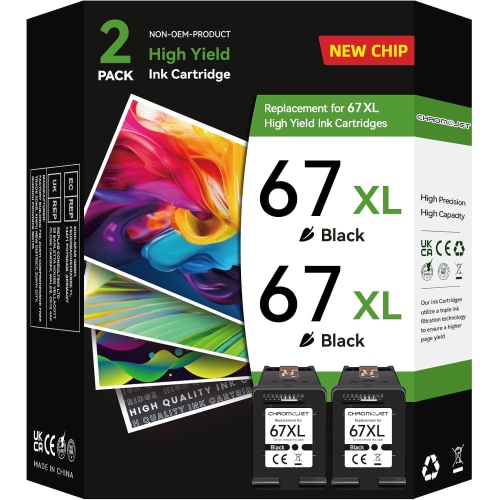
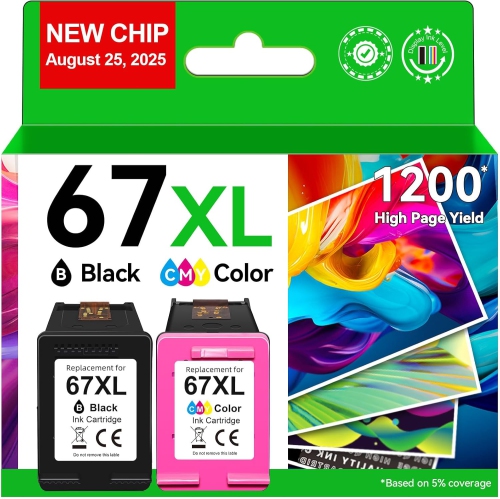
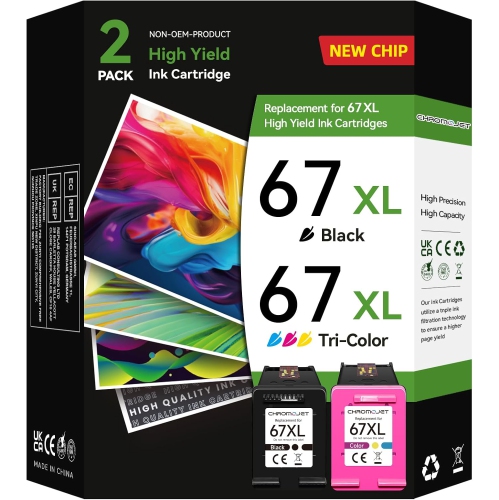
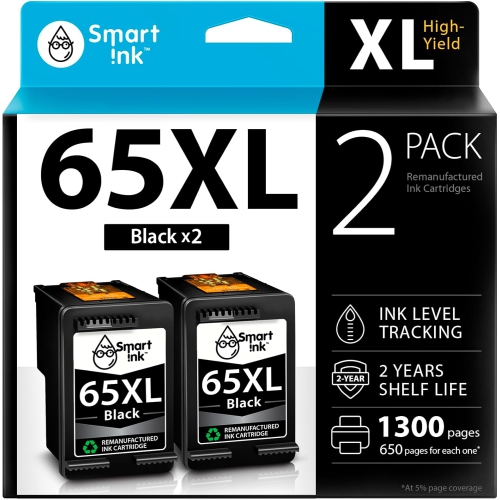
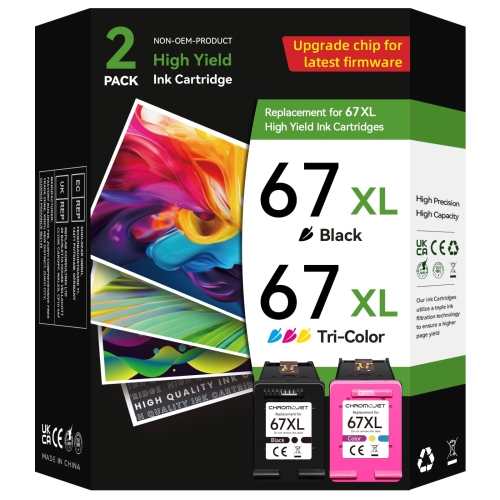
Why cartridge fit and capacity matter for home printing
Replacement ink for a home inkjet printer supports everything from neatly printed homework to colour charts, family photos, and forms that need a handwritten signature. For a printer with a two-cartridge system, black ink and tri-colour ink serve different purposes: the black cartridge supplies dark text and monochrome detail, while the tri-colour cartridge combines cyan, magenta, and yellow in one housing to produce a range of colours. Both cartridge positions need the correct fit, and compatibility depends on the printer’s exact model and the cartridge family specified for it. Similar-looking printers do not necessarily accept the same ink, even when their names differ by only a few characters. The model information on the printer and the compatibility details on the cartridge packaging are more reliable than appearance alone. Cartridge shape, electrical contacts, and printer recognition all matter; a cartridge that appears to fit is not automatically suitable. Regional compatibility can also be relevant, so ink intended for a Canadian printer should match the requirements of that printer rather than an apparently equivalent model sold elsewhere. Households comparing supplies for another printer can also browse HP DeskJet 2755e Ink, with each printer’s requirements checked separately. Once compatibility is established, the main considerations are the balance of black and colour printing, how often the printer is used, and how much ink each task tends to consume. A page of meeting notes with generous margins has very different demands from a full-page illustration or a photograph with deep shadows. For students, parents, and people handling paperwork at home, suitable ink helps keep small but important jobs straightforward, whether that means printing a permission form before leaving the house or producing a readable copy of a document for an appointment. Clear lettering, distinct colours, and consistent output make those everyday pages easier to use.
Standard-yield and high-yield cartridges offer different ink capacities within a compatible cartridge family. High yield refers to the amount of printing a cartridge is designed to support, not a larger sheet size or a higher print resolution. A compatible high-yield cartridge generally fits the same designated cartridge position as its standard-yield counterpart, but the printer’s specifications remain the deciding reference. Standard capacity can suit occasional printing, while higher capacity may be more practical for regular batches of worksheets, reference documents, or household records. Published page yields are estimates established under defined test conditions, not a promise that every cartridge will produce that many pages in every home. Actual output varies with page coverage, print settings, the mix of text and images, and ink used during printer maintenance. A short letter may use relatively little ink; a presentation handout with coloured backgrounds and several images can use considerably more. Black and tri-colour cartridges may also need replacement at different times. Someone who mainly prints text may use black ink more quickly, while a household printing craft templates or illustrated school assignments may place greater demands on colour. Because a tri-colour cartridge contains three colours in a single unit, depletion of one colour can affect the usefulness of the entire cartridge even if some of the other inks remain. This makes printing habits more informative than page counts alone when considering capacity. Separate replacement cartridges can suit uneven use, while a package containing both black and tri-colour ink can be convenient when both need attention. Draft settings may be suitable for a personal reading copy, but fine print, charts with subtle colour differences, and photographs often benefit from a more detailed setting. Selecting black-and-white output does not always mean that only the black cartridge is used; some printers and settings combine colour inks to render greys or perform maintenance. The printer’s documented settings provide the clearest indication of how those options work.
Ink quality and paper choice work together, so the cartridge is only part of the finished result. Inkjet ink is a liquid formulation designed to pass through very small nozzles and settle onto a suitable surface. Pigment-based black inks are often associated with defined document text, while dye-based colour inks are commonly used for smooth colour transitions; the actual formulation depends on the cartridge. Neither formulation alone guarantees that every page will resist moisture, rubbing, or fading. Plain inkjet-compatible paper is a practical match for letters, schoolwork, and everyday records, while coated photo paper is designed to handle the ink coverage and detail of photographs. Paper thickness, surface finish, and the selected media setting can affect sharpness, drying, and how evenly colour appears. A family photograph printed on ordinary copy paper may look flatter than the same image printed on suitable photo paper, and a heavily inked sheet may need time to dry before being stacked or placed in a sleeve. For documents that will be handled frequently, keeping pages away from spills and allowing the ink to set helps preserve legibility. Cartridge care matters before printing begins, too. An intact cartridge housing helps contain the ink, and protective packaging keeps sensitive parts covered until installation. Unopened cartridges are best kept sealed and stored according to the manufacturer’s directions, without pressure that could damage the packaging or casing. During handling, electrical contacts and nozzle areas should remain untouched, since fingerprints or residue can interfere with performance. Printer-supported cleaning and alignment functions are intended to address issues such as missing lines or uneven output, but repeated cleaning cycles also consume ink. Occasional printing and attention to the printer’s maintenance messages can help keep a lightly used machine ready for routine tasks. A home office may depend on crisp invoices and annotated reference pages; a student may need legible diagrams and highlighted notes; a family may want clear recipes, activity sheets, and snapshots. The most useful ink choice is one that matches the printer precisely and supports those real printing habits, with an appropriate capacity and the right paper for the intended result.
Standard-yield and high-yield cartridges offer different ink capacities within a compatible cartridge family. High yield refers to the amount of printing a cartridge is designed to support, not a larger sheet size or a higher print resolution. A compatible high-yield cartridge generally fits the same designated cartridge position as its standard-yield counterpart, but the printer’s specifications remain the deciding reference. Standard capacity can suit occasional printing, while higher capacity may be more practical for regular batches of worksheets, reference documents, or household records. Published page yields are estimates established under defined test conditions, not a promise that every cartridge will produce that many pages in every home. Actual output varies with page coverage, print settings, the mix of text and images, and ink used during printer maintenance. A short letter may use relatively little ink; a presentation handout with coloured backgrounds and several images can use considerably more. Black and tri-colour cartridges may also need replacement at different times. Someone who mainly prints text may use black ink more quickly, while a household printing craft templates or illustrated school assignments may place greater demands on colour. Because a tri-colour cartridge contains three colours in a single unit, depletion of one colour can affect the usefulness of the entire cartridge even if some of the other inks remain. This makes printing habits more informative than page counts alone when considering capacity. Separate replacement cartridges can suit uneven use, while a package containing both black and tri-colour ink can be convenient when both need attention. Draft settings may be suitable for a personal reading copy, but fine print, charts with subtle colour differences, and photographs often benefit from a more detailed setting. Selecting black-and-white output does not always mean that only the black cartridge is used; some printers and settings combine colour inks to render greys or perform maintenance. The printer’s documented settings provide the clearest indication of how those options work.
Ink quality and paper choice work together, so the cartridge is only part of the finished result. Inkjet ink is a liquid formulation designed to pass through very small nozzles and settle onto a suitable surface. Pigment-based black inks are often associated with defined document text, while dye-based colour inks are commonly used for smooth colour transitions; the actual formulation depends on the cartridge. Neither formulation alone guarantees that every page will resist moisture, rubbing, or fading. Plain inkjet-compatible paper is a practical match for letters, schoolwork, and everyday records, while coated photo paper is designed to handle the ink coverage and detail of photographs. Paper thickness, surface finish, and the selected media setting can affect sharpness, drying, and how evenly colour appears. A family photograph printed on ordinary copy paper may look flatter than the same image printed on suitable photo paper, and a heavily inked sheet may need time to dry before being stacked or placed in a sleeve. For documents that will be handled frequently, keeping pages away from spills and allowing the ink to set helps preserve legibility. Cartridge care matters before printing begins, too. An intact cartridge housing helps contain the ink, and protective packaging keeps sensitive parts covered until installation. Unopened cartridges are best kept sealed and stored according to the manufacturer’s directions, without pressure that could damage the packaging or casing. During handling, electrical contacts and nozzle areas should remain untouched, since fingerprints or residue can interfere with performance. Printer-supported cleaning and alignment functions are intended to address issues such as missing lines or uneven output, but repeated cleaning cycles also consume ink. Occasional printing and attention to the printer’s maintenance messages can help keep a lightly used machine ready for routine tasks. A home office may depend on crisp invoices and annotated reference pages; a student may need legible diagrams and highlighted notes; a family may want clear recipes, activity sheets, and snapshots. The most useful ink choice is one that matches the printer precisely and supports those real printing habits, with an appropriate capacity and the right paper for the intended result.
Top selling and popular products
-
 Your price for this item is $109.99
 -
 Your price for this item is $40.99
 -
 Your price for this item is $101.99
 -
 Your price for this item is $129.99
 -
 Your price for this item is $109.99
 -
 Your price for this item is $89.99
 -
 Your price for this item is $90.99
 -
 Your price for this item is $57.99
Discover more categories related to HP 2655 Ink


Top Collections:
Pokemon Centers, Kindle Devices, Best Budget Office Chairs, Apple iPhones 16, Canon G7X Cameras, iPhone 15 Apple, Alarm Clock, Refurbished Apple Laptops, Flip Phones, Best Laptops for Writers
Some products may be subject to Environmental Handling Fees
(EHF) depending on your province.
Learn more about EHFs.