HP 5200 Printer Ink
HP 5200 printers are one of the most popular choices for home offices and small businesses. An ink cartridge is the most important part of a printer. It is the component that carries out the work of printing. The quality of the printed output depends on the quality of the ink cartridge. Here are some of the best inks for the HP 5200 printer.
Sort
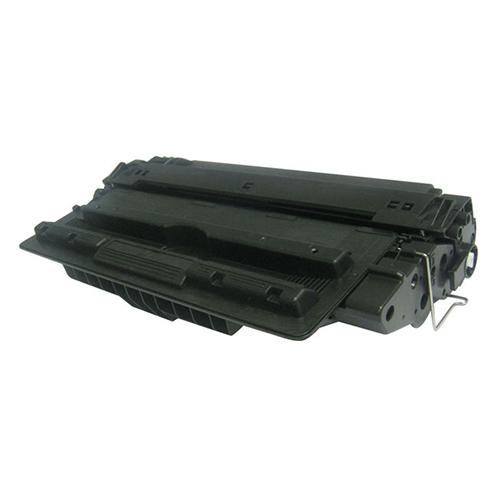
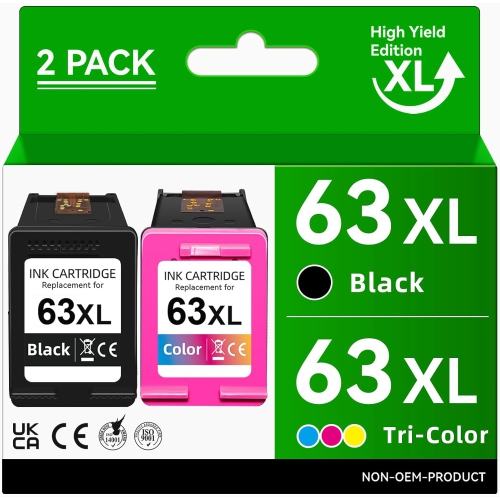
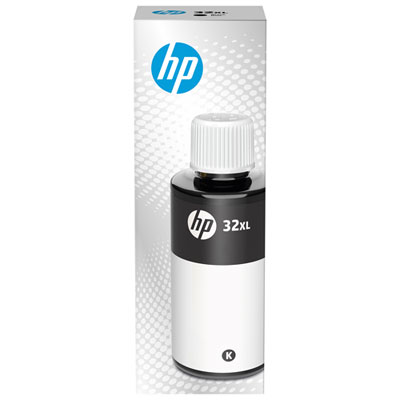
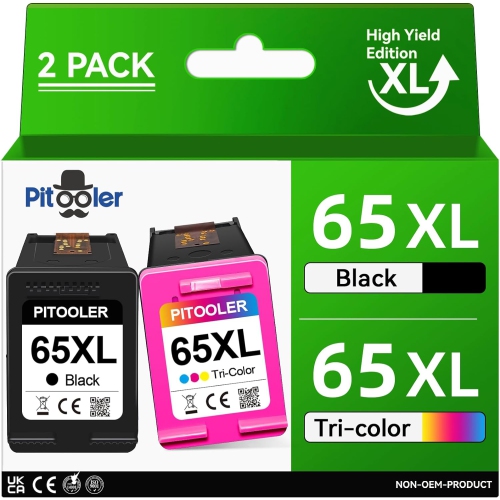
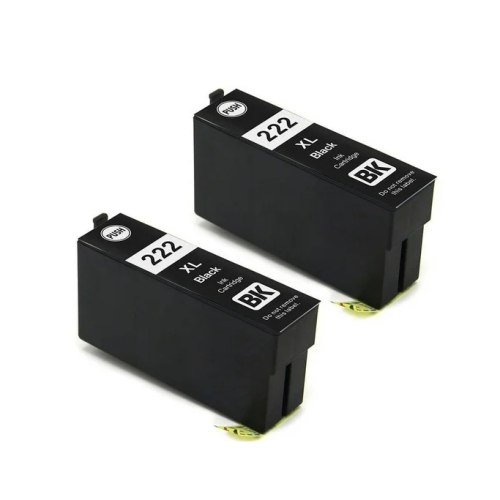
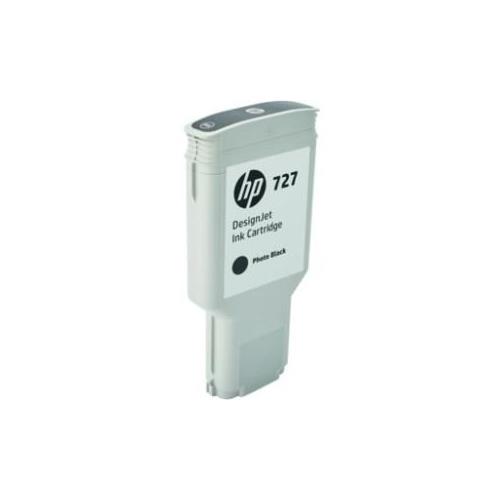
Why a shared series number doesn’t guarantee cartridge compatibility
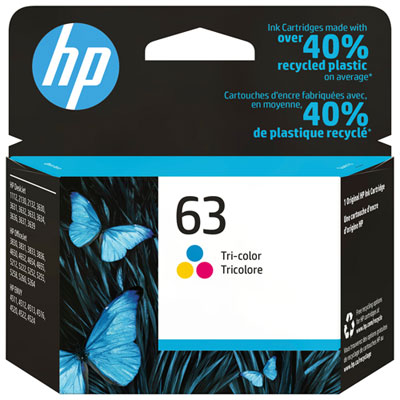
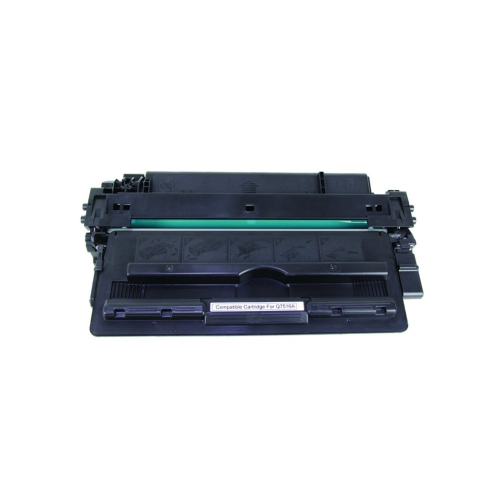
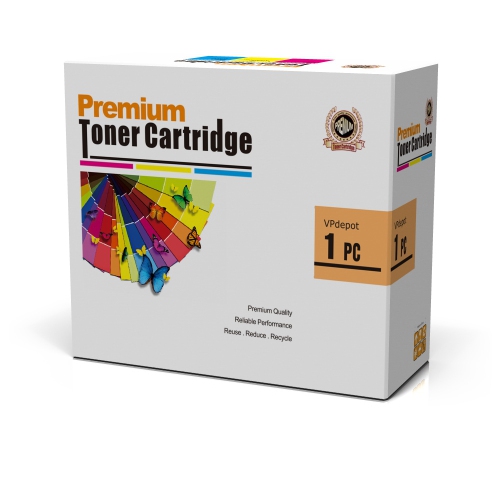
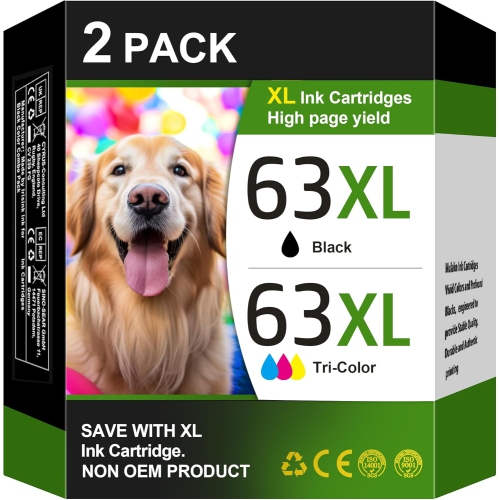
Printer ink for a 5200-series device needs to match the complete printer model, not just the number on the front of the machine. The same series number can appear across different printer families, including inkjet and laser printers, and those machines do not all use the same supplies. Inkjet cartridges contain liquid ink, while laser cartridges contain powdered toner; the two are not interchangeable. Even among inkjet printers with similar names, cartridge fit and recognition can differ. The full model name on the printer label, along with the cartridge reference in its documentation, provides a more dependable match than appearance alone. Compatibility information should identify the printer family and model explicitly, including any relevant regional requirements. This distinction matters whether the printer handles a few household forms or a steady stream of business documents. A cartridge that looks almost identical to the previous one may have a different electronic contact layout, ink delivery system, or recognition chip. For compatible inkjet machines, black ink supports clear text on letters, shipping labels, school assignments, and appointment confirmations, while colour ink adds meaning to charts, presentation handouts, and photographs. Some models use a black cartridge alongside a combined colour cartridge; others have a different arrangement, so the replacement format depends on the machine. A combined colour cartridge typically holds cyan, magenta, and yellow in separate chambers within one housing. When one colour is depleted, the whole cartridge may need replacing even if some ink remains in the other chambers. Related printer families also require their own compatibility checks: HP Envy 5000 Printer Ink is a separate category to consider only when the printer’s full model appears in the cartridge compatibility information. A shared number, similar family name, or familiar cartridge shape is not enough to establish a match.
Cartridge capacity is another important distinction within a compatible ink range. Standard-yield cartridges can suit occasional household printing, while high-yield versions are intended to produce more pages before replacement. Where a printer supports both formats, the larger capacity can be useful for a home office preparing client paperwork or a student printing frequent readings and revision notes. High-yield does not mean universal fit, however, and a capacity designation only has meaning within the correct cartridge family. Published page yields are based on standardized testing rather than a promise that every cartridge will print that exact number of pages. A page containing a short letter uses much less ink than a full-page photograph, a shaded worksheet, or a presentation slide with a dark background. Cleaning cycles and other maintenance functions can also consume ink without producing a finished page. For that reason, the mix of documents matters as much as the number of sheets in the tray. Black-only printing needs deserve particular attention: depending on the printer, selecting greyscale may still use some colour ink, and some machines require functioning colour cartridges even for predominantly black text. Ink formulation also affects the finished result. Pigment-based inks are often used for defined text, while dye-based inks are common in colour printing, although the formulation varies by cartridge and printer system. The paper contributes just as much to the result. Plain office paper works well for everyday correspondence, whereas compatible coated photo paper can support richer colour and finer image detail. A photograph printed on absorbent paper may look flatter or less sharply defined than the same image printed on media intended for inkjet photos. Matching the print settings to the paper type helps control ink application and drying. For forms that will be highlighted, photographs that will be handled frequently, or notices placed near daylight, resistance to smearing, moisture, and fading depends on the combination of ink, paper, and use; no cartridge alone makes every print waterproof or permanent.
The practical details of cartridge construction and care influence how reliably a printer performs over time. A cartridge is more than a container: its moulded housing, seals, internal chambers, and electrical contacts work together to deliver ink in controlled amounts. Some designs incorporate a printhead into the cartridge, while others feed ink to a printhead that remains inside the printer. That difference affects maintenance and means a fresh cartridge will not necessarily resolve every print-quality problem. Pale lines, missing sections of letters, or an unexpected colour cast can result from low ink, blocked nozzles, an alignment issue, or unsuitable print settings. Built-in diagnostic pages help distinguish these issues without repeatedly printing an entire document. Protective packaging keeps a replacement cartridge sealed until installation, and leaving it unopened until needed helps preserve its condition. Storage should follow the packaging directions, with cartridges kept away from direct sunlight and placed where their housings will not be crushed or punctured. During installation, handling the cartridge by its sides helps keep fingerprints off the electrical contacts and ink outlets. Only the specified protective tape or cap should be removed; other labels and seals may form part of the cartridge’s working structure. The printer’s own installation sequence remains the reference for cartridge placement, since slot arrangements vary between models. After replacement, an alignment or test page can confirm that text edges and colour blocks print properly before a longer job begins. For infrequent users, following the printer’s maintenance recommendations helps limit interruptions when an important document is needed. For frequent users, clear compatibility labelling and a capacity suited to the workload make routine replacement more straightforward. A parent printing permission forms, a remote worker preparing meeting notes, and a photographer making small keepsake prints may all use the same type of home printer differently. The most suitable ink reflects those everyday tasks while meeting the machine’s exact requirements, supporting readable documents, balanced colour, and consistent results without relying on a series number alone.
Cartridge capacity is another important distinction within a compatible ink range. Standard-yield cartridges can suit occasional household printing, while high-yield versions are intended to produce more pages before replacement. Where a printer supports both formats, the larger capacity can be useful for a home office preparing client paperwork or a student printing frequent readings and revision notes. High-yield does not mean universal fit, however, and a capacity designation only has meaning within the correct cartridge family. Published page yields are based on standardized testing rather than a promise that every cartridge will print that exact number of pages. A page containing a short letter uses much less ink than a full-page photograph, a shaded worksheet, or a presentation slide with a dark background. Cleaning cycles and other maintenance functions can also consume ink without producing a finished page. For that reason, the mix of documents matters as much as the number of sheets in the tray. Black-only printing needs deserve particular attention: depending on the printer, selecting greyscale may still use some colour ink, and some machines require functioning colour cartridges even for predominantly black text. Ink formulation also affects the finished result. Pigment-based inks are often used for defined text, while dye-based inks are common in colour printing, although the formulation varies by cartridge and printer system. The paper contributes just as much to the result. Plain office paper works well for everyday correspondence, whereas compatible coated photo paper can support richer colour and finer image detail. A photograph printed on absorbent paper may look flatter or less sharply defined than the same image printed on media intended for inkjet photos. Matching the print settings to the paper type helps control ink application and drying. For forms that will be highlighted, photographs that will be handled frequently, or notices placed near daylight, resistance to smearing, moisture, and fading depends on the combination of ink, paper, and use; no cartridge alone makes every print waterproof or permanent.
The practical details of cartridge construction and care influence how reliably a printer performs over time. A cartridge is more than a container: its moulded housing, seals, internal chambers, and electrical contacts work together to deliver ink in controlled amounts. Some designs incorporate a printhead into the cartridge, while others feed ink to a printhead that remains inside the printer. That difference affects maintenance and means a fresh cartridge will not necessarily resolve every print-quality problem. Pale lines, missing sections of letters, or an unexpected colour cast can result from low ink, blocked nozzles, an alignment issue, or unsuitable print settings. Built-in diagnostic pages help distinguish these issues without repeatedly printing an entire document. Protective packaging keeps a replacement cartridge sealed until installation, and leaving it unopened until needed helps preserve its condition. Storage should follow the packaging directions, with cartridges kept away from direct sunlight and placed where their housings will not be crushed or punctured. During installation, handling the cartridge by its sides helps keep fingerprints off the electrical contacts and ink outlets. Only the specified protective tape or cap should be removed; other labels and seals may form part of the cartridge’s working structure. The printer’s own installation sequence remains the reference for cartridge placement, since slot arrangements vary between models. After replacement, an alignment or test page can confirm that text edges and colour blocks print properly before a longer job begins. For infrequent users, following the printer’s maintenance recommendations helps limit interruptions when an important document is needed. For frequent users, clear compatibility labelling and a capacity suited to the workload make routine replacement more straightforward. A parent printing permission forms, a remote worker preparing meeting notes, and a photographer making small keepsake prints may all use the same type of home printer differently. The most suitable ink reflects those everyday tasks while meeting the machine’s exact requirements, supporting readable documents, balanced colour, and consistent results without relying on a series number alone.
Top selling and popular products
-
 Your price for this item is $40.99
 -
 Your price for this item is $101.99
 -
 Your price for this item is $129.99
 -
 Your price for this item is $109.99
 -
 Your price for this item is $89.99
 -
 Your price for this item is $90.99
 -
 Your price for this item is $52.99
 -
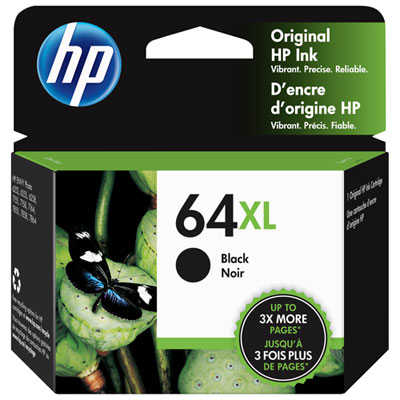 Your price for this item is $101.99
Discover more categories related to HP 5200 Printer Ink
Top Collections:
Pokemon Centers, Best Cameras for Sports Photography, Kindle Devices, Samsung Galaxy Phones, Canon G7X Cameras, Pokémon 30th Celebration Cards, Refurbished Apple Laptops, iPhone 15 Apple, Laptops for Students, Budget Smartphones
Some products may be subject to Environmental Handling Fees
(EHF) depending on your province.
Learn more about EHFs.