HP 60XL
Discover the HP 60XL collection, designed to help you get the most out of your printing needs. Whether you're preparing important documents, vibrant photos, or everyday projects, HP 60XL options offer reliable performance for home, school, or office use. Explore a range of choices to find the right fit for your printer and enjoy smooth, consistent results with every print job. Shop HP 60XL products and keep your workflow running efficiently.
Sort
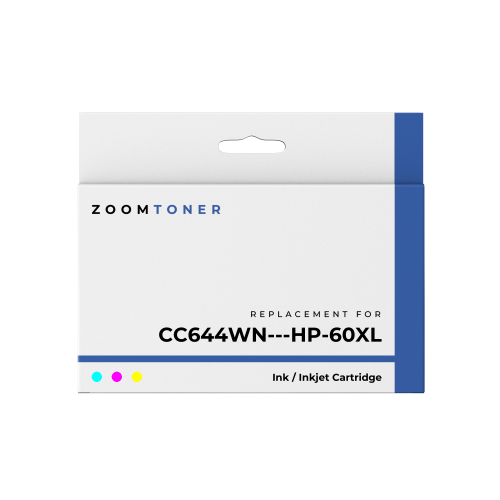
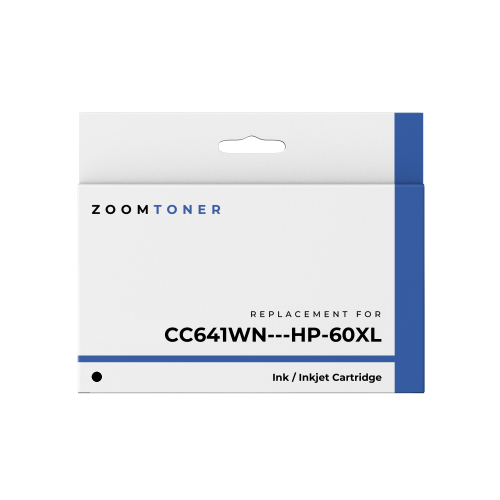

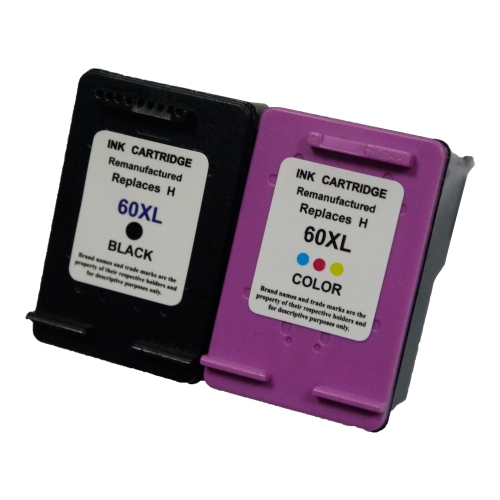
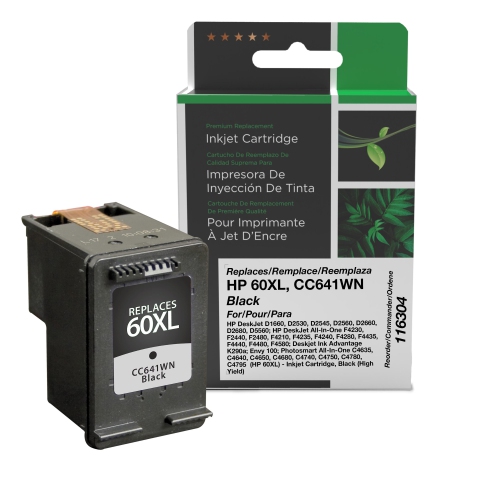
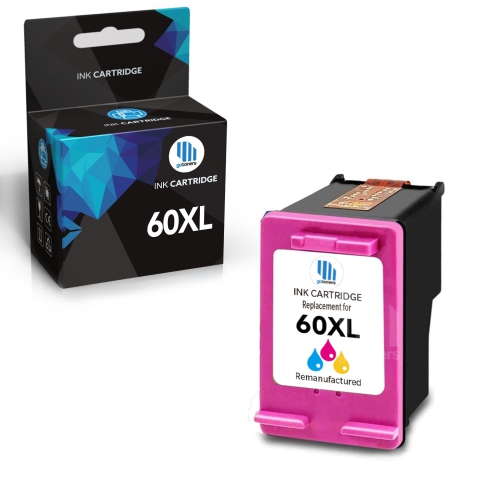
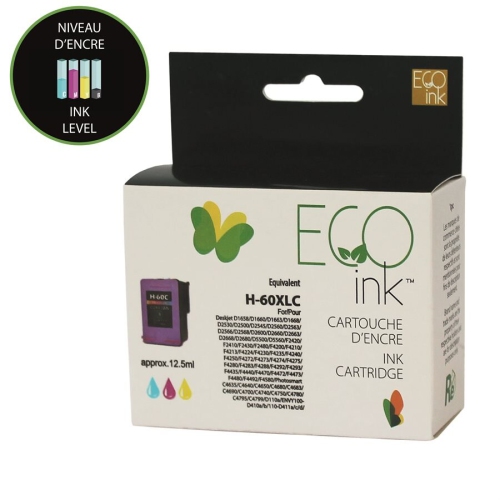
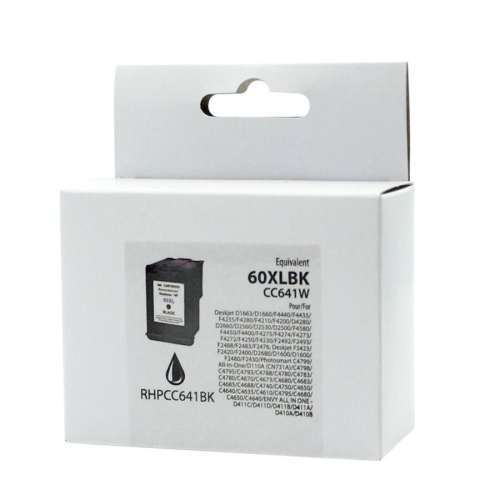
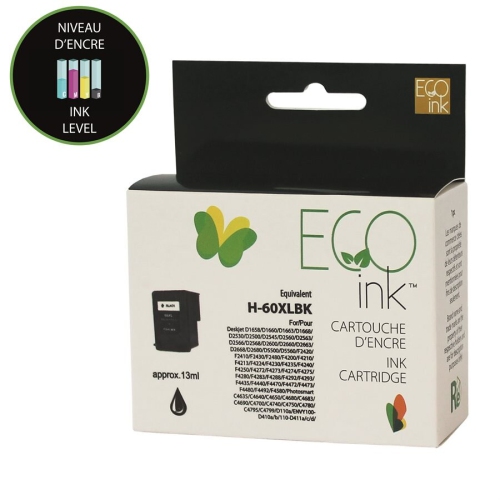
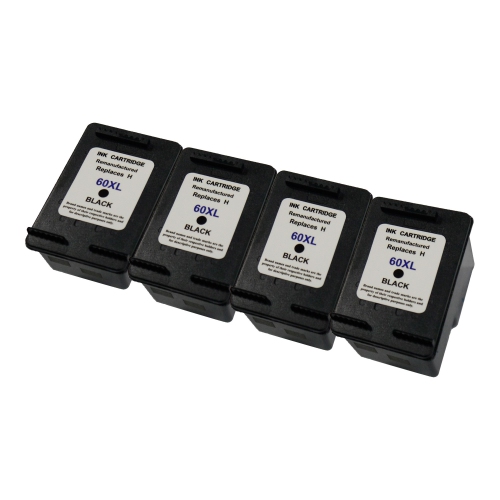
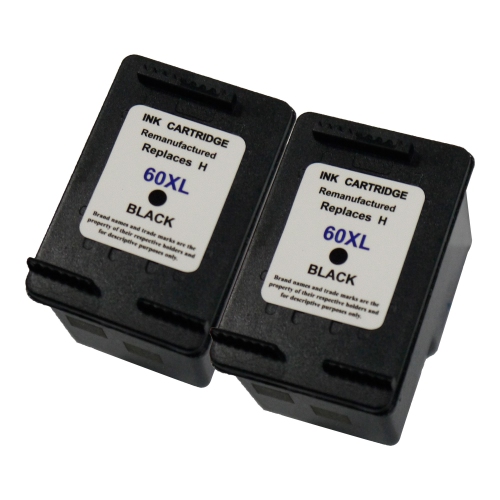
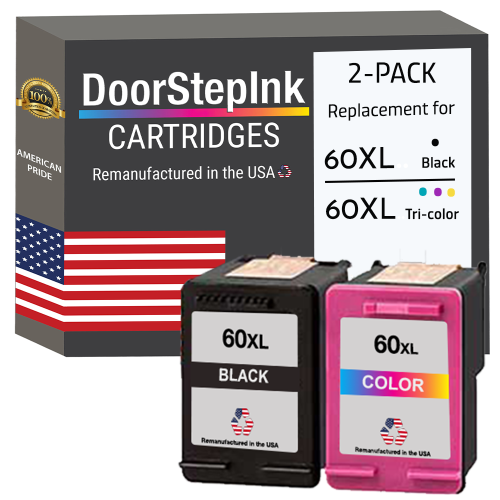
High-yield printing starts with the right cartridge fit
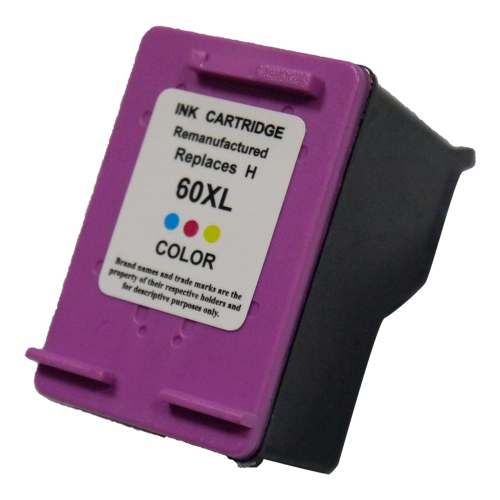
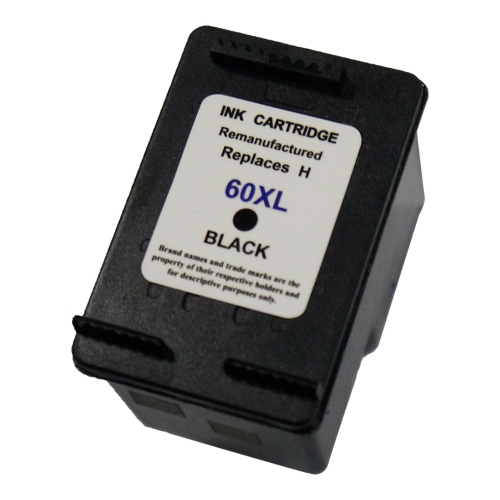
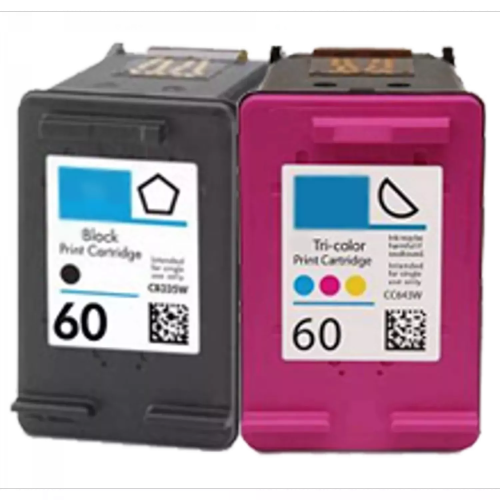
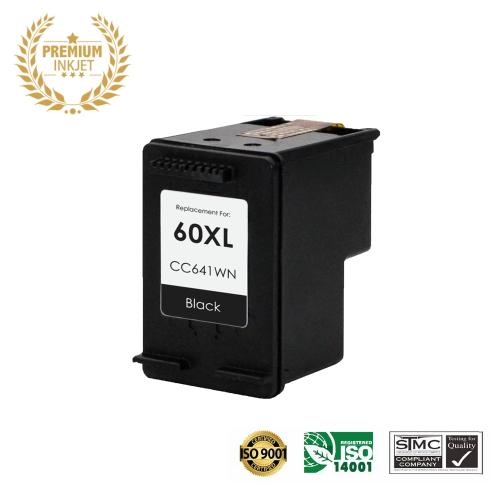
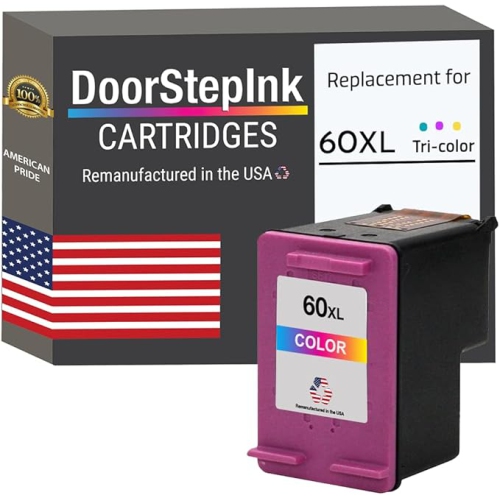
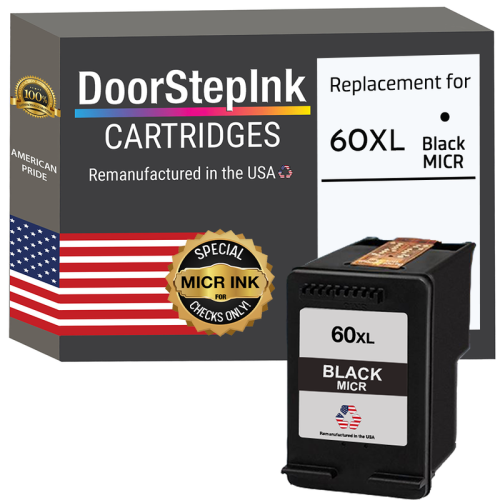
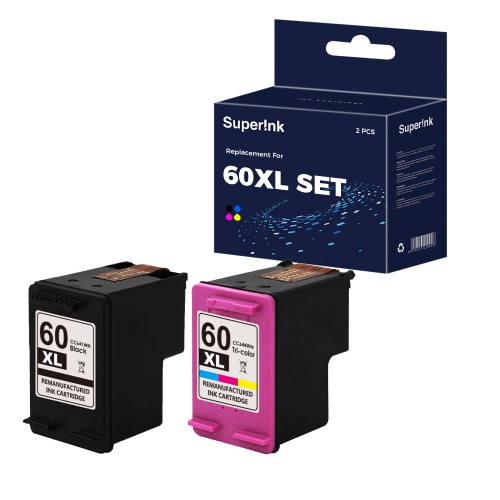
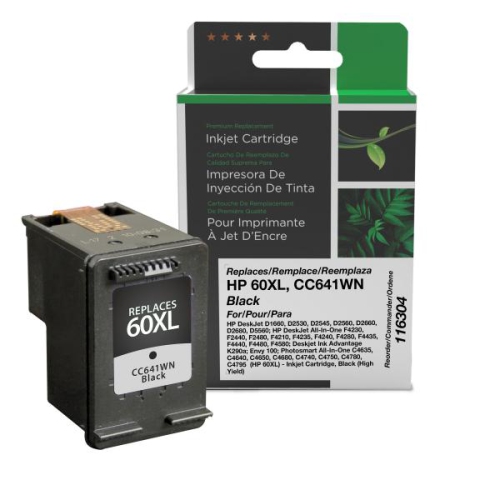
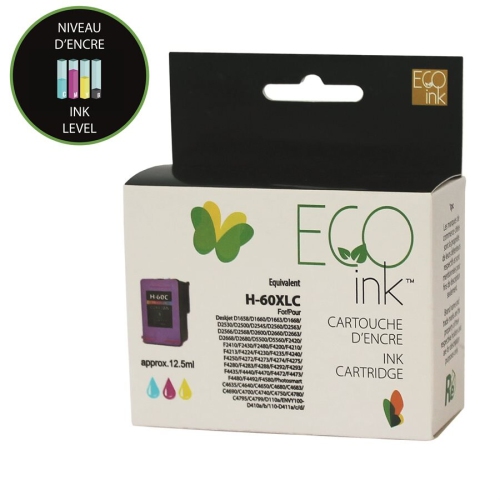
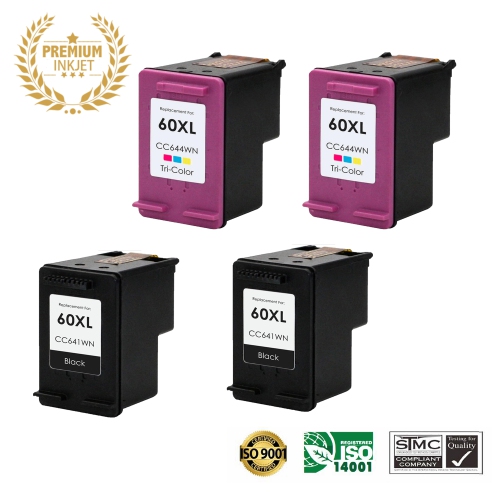
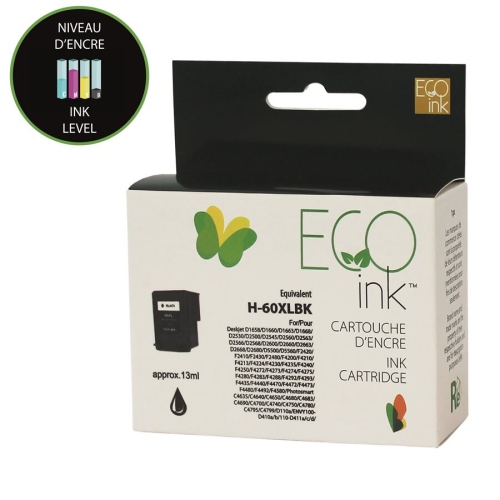
High-yield ink cartridges support everyday printing when a household or small office needs more pages between cartridge changes. Their larger ink supply can be useful for school assignments, forms, meeting notes, shipping labels, and other documents that move from a screen to a printed page. The XL designation generally describes a higher ink capacity within a particular cartridge family, rather than a cartridge that requires a physically larger printer. Compatibility still depends on the exact cartridge number and printer model: a similar-looking cartridge, a nearby number, or the same colour designation does not establish a match. Black and tri-colour cartridges also serve different purposes. Black ink handles text-heavy work such as letters, reading material, and invoices, while a tri-colour cartridge combines cyan, magenta, and yellow for graphics, illustrations, and colour images. In printers designed for this arrangement, the black and tri-colour cartridges occupy separate positions and work together when needed. A tri-colour cartridge contains its colour inks in separate internal chambers, but the cartridge is replaced as a unit when a colour is depleted or print quality can no longer be restored through routine maintenance. For someone printing several pages of notes each day, high-yield black ink may suit the workload particularly well. A household producing illustrated homework, craft templates, and presentation handouts may use both black and colour more regularly. The useful distinction is not simply how often the printer runs, but what appears on each page. A page with a few paragraphs uses ink differently from a full-page image or a handout with large shaded boxes. High-yield cartridges offer a greater ink supply, not an automatic improvement in sharpness, colour accuracy, or print permanence. Those qualities also depend on the ink formulation, paper, printer settings, and condition of the printing system. Matching the cartridge to both the printer and the usual workload helps keep everyday printing predictable.
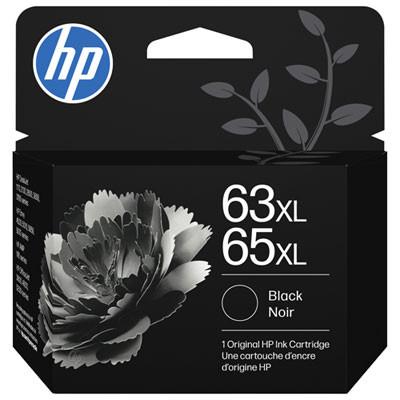
Fit is the first practical consideration for replacement ink. The full printer model name, including any letters or numbers at the end, matters more than its appearance or broad series name. A model label on the machine, the printer software, or the cartridge information in its documentation can help establish the correct family. The label on an installed cartridge provides another useful reference, although it is worth checking that cartridge against the printer’s own specifications. Compatibility information should explicitly include the intended printer rather than relying on packaging colour or a familiar cartridge shape. For a printer that specifies a different cartridge family, the Hp 63xl page is a separate reference, not evidence that the two families are interchangeable. Cartridge construction explains why an exact match is important. A moulded housing holds the ink, while electrical contacts allow the printer to communicate with the cartridge; some designs also incorporate the printhead and its tiny ink nozzles. Differences in these parts can prevent an otherwise similar cartridge from fitting or functioning correctly. Ink type matters as well. Pigment-based black ink is often used for crisp document text, while dye-based colour inks are commonly used for smooth colour output. The actual formulation should be confirmed in the cartridge specifications rather than assumed from the XL label. Some replacement cartridges are made by the printer manufacturer, while others are supplied by independent manufacturers or rebuilt from previously used cartridge housings. Compatibility statements, stated ink yields, warranty terms, and any documented printer software requirements are useful distinctions between these options. Pack contents deserve equal attention: a black cartridge, a tri-colour cartridge, and a combination pack meet different replacement needs. A printer may require both cartridge positions to be occupied even when the document is entirely black, although this varies by model. Checking those details beforehand helps avoid an interrupted print job when a signed form or a set of meeting handouts is needed.
Page yield provides a helpful way to understand cartridge capacity, but it is an estimate rather than a promise that every household will print the same number of pages. Published yields are typically based on standardized testing, and the stated test method gives that number its context. Dense text, photographs, coloured backgrounds, print quality settings, and maintenance cycles can all affect how quickly ink is used. A student printing double-spaced essays may get a different result from someone producing image-heavy project pages, even with the same cartridge and printer. Printing on both sides reduces the number of sheets used, but each printed side still consumes ink. Paper choice also influences the finished result. Smooth paper intended for inkjet printing supports readable text and cleaner edges, while suitable photo paper helps colour images retain detail without the uneven absorption that can occur on ordinary office paper. Selecting the matching paper type in the print settings helps the printer apply ink appropriately. For drafts and working notes, a draft setting may be sufficient; a final submission or a photo usually calls for settings suited to that output. Cartridge care starts before installation. Unopened cartridges are best kept in their original sealed packaging and stored according to the manufacturer’s directions. Once a cartridge is ready to install, only the protective materials identified in its instructions should be removed. Touching electrical contacts or nozzle surfaces can interfere with operation, so handling the housing rather than those delicate areas is preferable. A cartridge should settle into its designated position without being forced, followed by any alignment process requested by the printer. If printed text develops gaps or colour output becomes streaky, the printer’s built-in diagnostic and cleaning tools can help identify the issue. Repeated cleaning uses ink, so following the model’s maintenance sequence is more useful than running cleaning cycles without checking the results. Using the printer’s power button to shut it down also allows supported models to park and protect the printhead. Together, accurate cartridge matching, appropriate paper, and straightforward care support clear, consistent output for everyday documents and colour printing.
Fit is the first practical consideration for replacement ink. The full printer model name, including any letters or numbers at the end, matters more than its appearance or broad series name. A model label on the machine, the printer software, or the cartridge information in its documentation can help establish the correct family. The label on an installed cartridge provides another useful reference, although it is worth checking that cartridge against the printer’s own specifications. Compatibility information should explicitly include the intended printer rather than relying on packaging colour or a familiar cartridge shape. For a printer that specifies a different cartridge family, the Hp 63xl page is a separate reference, not evidence that the two families are interchangeable. Cartridge construction explains why an exact match is important. A moulded housing holds the ink, while electrical contacts allow the printer to communicate with the cartridge; some designs also incorporate the printhead and its tiny ink nozzles. Differences in these parts can prevent an otherwise similar cartridge from fitting or functioning correctly. Ink type matters as well. Pigment-based black ink is often used for crisp document text, while dye-based colour inks are commonly used for smooth colour output. The actual formulation should be confirmed in the cartridge specifications rather than assumed from the XL label. Some replacement cartridges are made by the printer manufacturer, while others are supplied by independent manufacturers or rebuilt from previously used cartridge housings. Compatibility statements, stated ink yields, warranty terms, and any documented printer software requirements are useful distinctions between these options. Pack contents deserve equal attention: a black cartridge, a tri-colour cartridge, and a combination pack meet different replacement needs. A printer may require both cartridge positions to be occupied even when the document is entirely black, although this varies by model. Checking those details beforehand helps avoid an interrupted print job when a signed form or a set of meeting handouts is needed.
Page yield provides a helpful way to understand cartridge capacity, but it is an estimate rather than a promise that every household will print the same number of pages. Published yields are typically based on standardized testing, and the stated test method gives that number its context. Dense text, photographs, coloured backgrounds, print quality settings, and maintenance cycles can all affect how quickly ink is used. A student printing double-spaced essays may get a different result from someone producing image-heavy project pages, even with the same cartridge and printer. Printing on both sides reduces the number of sheets used, but each printed side still consumes ink. Paper choice also influences the finished result. Smooth paper intended for inkjet printing supports readable text and cleaner edges, while suitable photo paper helps colour images retain detail without the uneven absorption that can occur on ordinary office paper. Selecting the matching paper type in the print settings helps the printer apply ink appropriately. For drafts and working notes, a draft setting may be sufficient; a final submission or a photo usually calls for settings suited to that output. Cartridge care starts before installation. Unopened cartridges are best kept in their original sealed packaging and stored according to the manufacturer’s directions. Once a cartridge is ready to install, only the protective materials identified in its instructions should be removed. Touching electrical contacts or nozzle surfaces can interfere with operation, so handling the housing rather than those delicate areas is preferable. A cartridge should settle into its designated position without being forced, followed by any alignment process requested by the printer. If printed text develops gaps or colour output becomes streaky, the printer’s built-in diagnostic and cleaning tools can help identify the issue. Repeated cleaning uses ink, so following the model’s maintenance sequence is more useful than running cleaning cycles without checking the results. Using the printer’s power button to shut it down also allows supported models to park and protect the printhead. Together, accurate cartridge matching, appropriate paper, and straightforward care support clear, consistent output for everyday documents and colour printing.
Top selling and popular products
-
 Your price for this item is $109.99
 -
 Your price for this item is $40.99
 -
 Your price for this item is $101.99
 -
 Your price for this item is $129.99
 -
 Your price for this item is $109.99
 -
 Your price for this item is $89.99
 -
 Your price for this item is $90.99
 -
 Your price for this item is $57.99
Top Collections:
Pokemon Centers, Kindle Devices, Best Budget Office Chairs, Apple iPhones 16, Canon G7X Cameras, iPhone 15 Apple, Alarm Clock, Refurbished Apple Laptops, Flip Phones, Best Laptops for Writers
Some products may be subject to Environmental Handling Fees
(EHF) depending on your province.
Learn more about EHFs.