HP 8600 Printer Ink
Discover the perfect solution for all your printing needs with HP 8600 printer ink, designed to deliver reliable and high-quality results every time. Whether you're printing vibrant photos or important documents, having the right ink ensures your prints are sharp and professional. Our selection of HP 8600 printer ink offers a variety of options to suit your specific requirements, providing consistent performance and value. Explore our range to find the ideal ink that keeps your printer running smoothly and efficiently, making it easier than ever to achieve outstanding print quality at home or in the office.
Sort




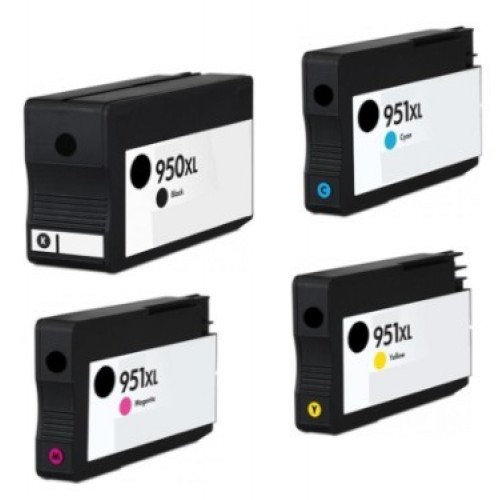
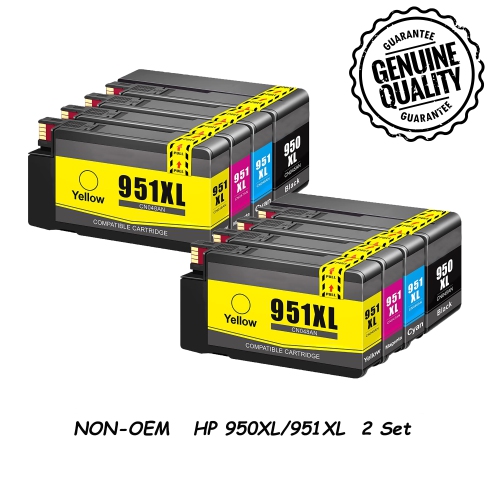
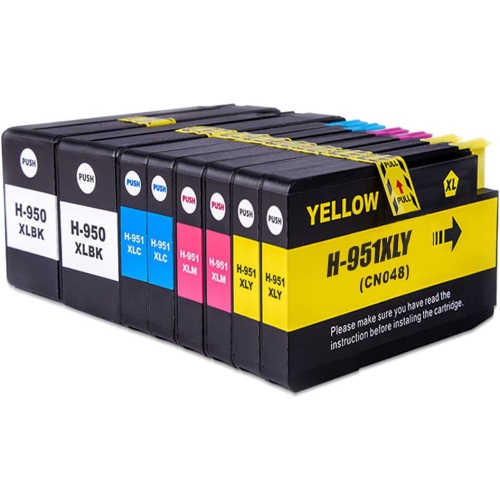
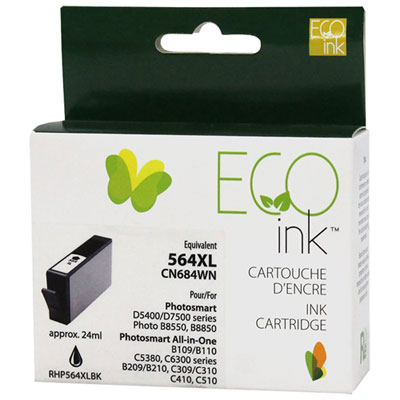
Cartridge compatibility, colour, and yield for reliable printing
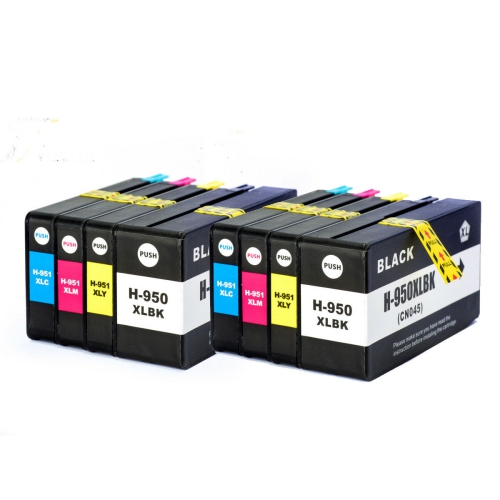
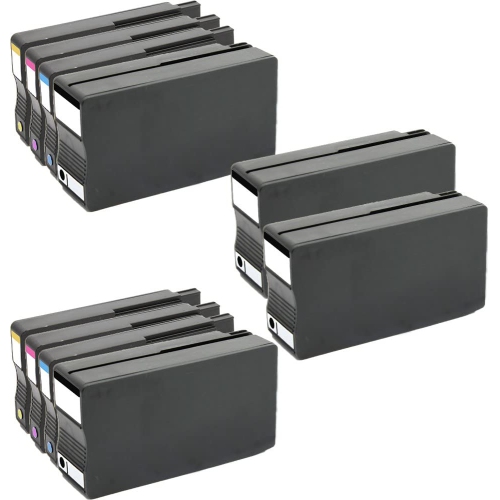
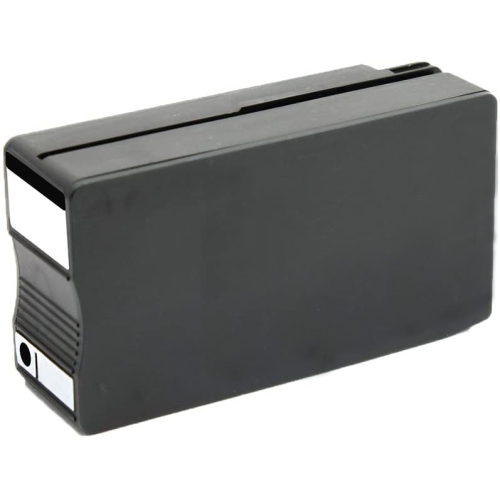
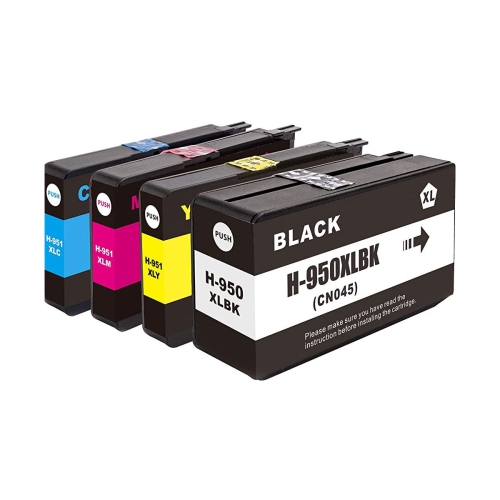
Finding the right ink for an HP OfficeJet Pro 8600 printer starts with matching the cartridge family, colour, and yield to the way the printer is used. This printer uses HP 950 black ink and HP 951 cyan, magenta, and yellow ink, with standard and high-yield XL options available for many printing needs. Black ink is often the first cartridge to run low in a home office, especially when printing invoices, school assignments, shipping labels, recipes, meeting notes, and multi-page documents. Colour cartridges are essential for presentations, charts, photographs, invitations, classroom materials, and any document where clear visual contrast matters. Before adding a cartridge to your cart, check the model number printed on the existing cartridge or listed in the printer settings, then confirm that the replacement is identified as compatible with the OfficeJet Pro 8600 series. A cartridge that looks similar may belong to another printer family, and selecting the correct number helps prevent installation errors, warning messages, and disappointing print results. Standard-yield cartridges can be a practical choice for occasional printing or for households that use colour ink only from time to time. High-yield XL cartridges may be more convenient for busy workspaces, shared family printers, small businesses, and anyone who prefers to keep a spare on hand rather than pause a project when the ink level drops. Page yields are estimates based on testing conditions, so the actual number of pages can vary with font size, image coverage, print quality settings, paper type, and how often the printer performs cleaning cycles. A page filled with dense graphics uses considerably more ink than a short letter with a few lines of text. For that reason, comparing the expected yield with your typical print routine is often more useful than choosing solely by the lowest purchase price.
When selecting ink for an HP 8600 printer, consider whether you want original cartridges, compatible alternatives, or refilled options, and review the product details carefully before ordering. Original cartridges are designed for the printer’s intended ink system and typically provide straightforward installation, dependable communication with the printer, and support for ink-level monitoring. Compatible and refilled cartridges can offer another option, but performance may differ between suppliers, particularly when the cartridge relies on a replacement electronic chip. Printer firmware updates can sometimes affect whether third-party cartridges are recognized, so it is wise to check recent compatibility information and return policies before making a purchase. If a cartridge is not detected, remove it, turn the printer off, check that all protective tape has been removed, and reinstall it firmly in the colour-coded slot. Avoid touching the copper contacts or ink nozzles, since fingerprints and debris can interfere with communication and print quality. Keep unopened cartridges in their original packaging until needed, store them at room temperature away from direct sunlight, and use them within the period recommended on the packaging. Replacing all four colours at once is not always necessary; if black is empty, a black replacement may be enough for text documents, while colour printing generally requires each of the cyan, magenta, and yellow cartridges to be present and working. A multipack can be convenient for regular users because it keeps the full colour set together, while individual cartridges make sense when one colour is being used more quickly than the others. For an office that prints shipping labels and reports throughout the cooler months, a high-yield black cartridge may reduce interruptions. For a family preparing school projects, photo pages, or seasonal cards, having the colour set ready can make the printer feel more dependable when a deadline is close.
Ink for an HP OfficeJet Pro 8600 can be useful for home offices, students, independent professionals, community groups, and families that rely on printed information rather than keeping every task on a screen. It also makes a thoughtful practical gift for someone setting up a study area, returning to classes, managing household paperwork, or working from home, particularly when paired with a supply of suitable printer paper. For the best results, select paper that matches the job: plain multipurpose paper works well for everyday documents, while heavier or coated paper can produce more attractive graphics and photographs when the printer settings are adjusted accordingly. If printed pages begin showing streaks, faded areas, missing lines, or an unusual colour cast, first confirm that the affected cartridge is installed correctly and has not reached the end of its usable supply. Running the printer’s built-in alignment or printhead-cleaning routine may help, although repeated cleaning uses additional ink. Printing a small amount in each colour from time to time can also help keep nozzles from drying during long periods of inactivity. Store spare cartridges upright or as directed by the packaging, and avoid leaving them in a vehicle, garage, or other location exposed to extreme temperatures. For shoppers comparing options, the most useful details include cartridge number, colour, standard or XL yield, pack size, compatibility notes, included warranty, and whether the item is new, compatible, or refilled. Those details make it easier to choose an ink supply that suits a light personal printer or a demanding shared workspace. If your printer belongs to a related series rather than the 8600 family, review the corresponding cartridge requirements before purchasing; for example, options listed under HP 6700 Printer Ink are intended for a different printer family and should not be assumed to fit an OfficeJet Pro 8600. Taking a moment to verify the model and cartridge number helps protect your documents, your time, and the quality you expect from every page.
When selecting ink for an HP 8600 printer, consider whether you want original cartridges, compatible alternatives, or refilled options, and review the product details carefully before ordering. Original cartridges are designed for the printer’s intended ink system and typically provide straightforward installation, dependable communication with the printer, and support for ink-level monitoring. Compatible and refilled cartridges can offer another option, but performance may differ between suppliers, particularly when the cartridge relies on a replacement electronic chip. Printer firmware updates can sometimes affect whether third-party cartridges are recognized, so it is wise to check recent compatibility information and return policies before making a purchase. If a cartridge is not detected, remove it, turn the printer off, check that all protective tape has been removed, and reinstall it firmly in the colour-coded slot. Avoid touching the copper contacts or ink nozzles, since fingerprints and debris can interfere with communication and print quality. Keep unopened cartridges in their original packaging until needed, store them at room temperature away from direct sunlight, and use them within the period recommended on the packaging. Replacing all four colours at once is not always necessary; if black is empty, a black replacement may be enough for text documents, while colour printing generally requires each of the cyan, magenta, and yellow cartridges to be present and working. A multipack can be convenient for regular users because it keeps the full colour set together, while individual cartridges make sense when one colour is being used more quickly than the others. For an office that prints shipping labels and reports throughout the cooler months, a high-yield black cartridge may reduce interruptions. For a family preparing school projects, photo pages, or seasonal cards, having the colour set ready can make the printer feel more dependable when a deadline is close.
Ink for an HP OfficeJet Pro 8600 can be useful for home offices, students, independent professionals, community groups, and families that rely on printed information rather than keeping every task on a screen. It also makes a thoughtful practical gift for someone setting up a study area, returning to classes, managing household paperwork, or working from home, particularly when paired with a supply of suitable printer paper. For the best results, select paper that matches the job: plain multipurpose paper works well for everyday documents, while heavier or coated paper can produce more attractive graphics and photographs when the printer settings are adjusted accordingly. If printed pages begin showing streaks, faded areas, missing lines, or an unusual colour cast, first confirm that the affected cartridge is installed correctly and has not reached the end of its usable supply. Running the printer’s built-in alignment or printhead-cleaning routine may help, although repeated cleaning uses additional ink. Printing a small amount in each colour from time to time can also help keep nozzles from drying during long periods of inactivity. Store spare cartridges upright or as directed by the packaging, and avoid leaving them in a vehicle, garage, or other location exposed to extreme temperatures. For shoppers comparing options, the most useful details include cartridge number, colour, standard or XL yield, pack size, compatibility notes, included warranty, and whether the item is new, compatible, or refilled. Those details make it easier to choose an ink supply that suits a light personal printer or a demanding shared workspace. If your printer belongs to a related series rather than the 8600 family, review the corresponding cartridge requirements before purchasing; for example, options listed under HP 6700 Printer Ink are intended for a different printer family and should not be assumed to fit an OfficeJet Pro 8600. Taking a moment to verify the model and cartridge number helps protect your documents, your time, and the quality you expect from every page.
Top selling and popular products
-
 Your price for this item is $109.99
 -
 Your price for this item is $40.99
 -
 Your price for this item is $101.99
 -
 Your price for this item is $129.99
 -
 Your price for this item is $109.99
 -
 Your price for this item is $89.99
 -
 Your price for this item is $90.99
 -
 Your price for this item is $57.99
Discover more categories related to HP 8600 Printer Ink
Top Collections:
Pokemon Centers, Kindle Devices, Best Budget Office Chairs, Apple iPhones 16, Best Laptops for Writers, iPhone 15 Apple, Canon G7X Cameras, Refurbished Apple Laptops, Alarm Clock, Motorola Razr Phones
Some products may be subject to Environmental Handling Fees
(EHF) depending on your province.
Learn more about EHFs.