HP 8620 Ink
HP 8620 Ink delivers reliable performance for your printing needs, ensuring crisp documents and vibrant images with every page. Whether you're tackling everyday tasks or important projects, choosing the right ink is essential for consistent results. Explore a range of HP 8620 Ink options designed to support your printer and keep your workflow running smoothly. Find the perfect fit to help you achieve professional-quality prints at home or in the office.
Sort

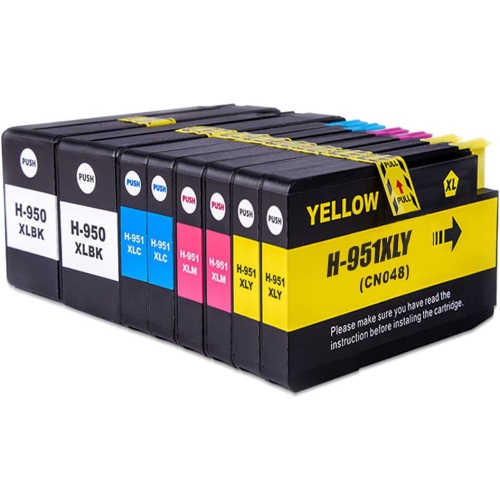
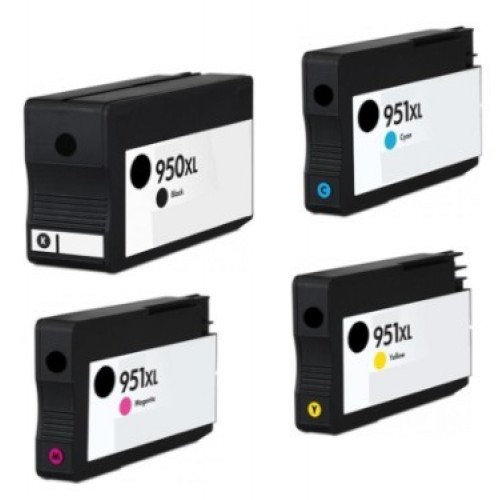
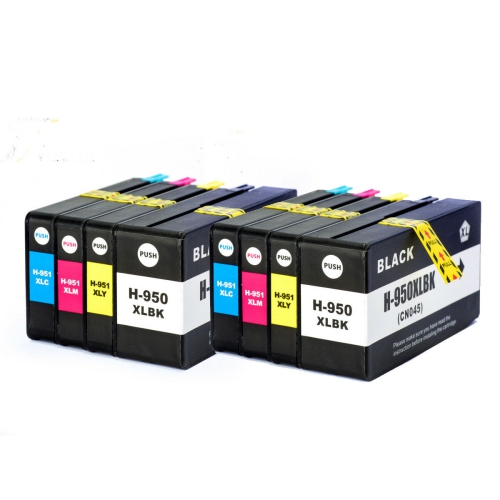
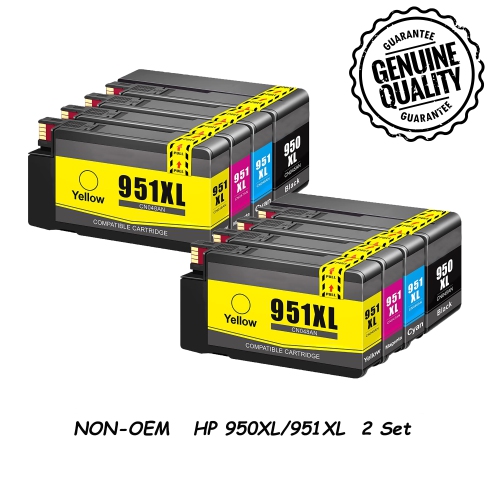


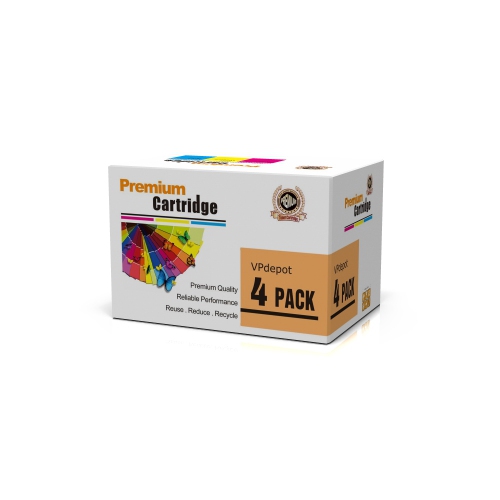

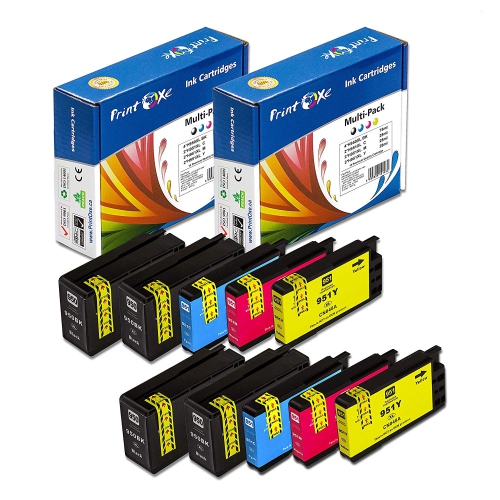

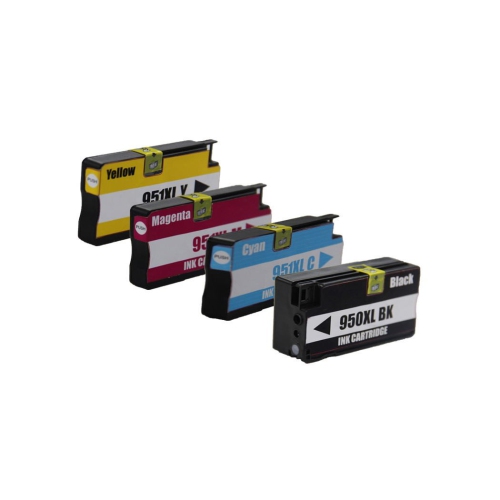

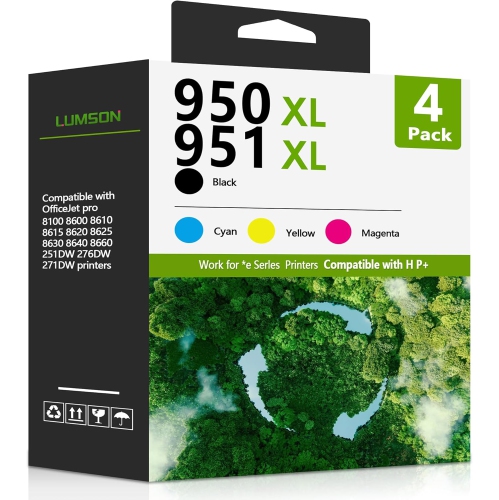
Why cartridge fit matters more than appearances
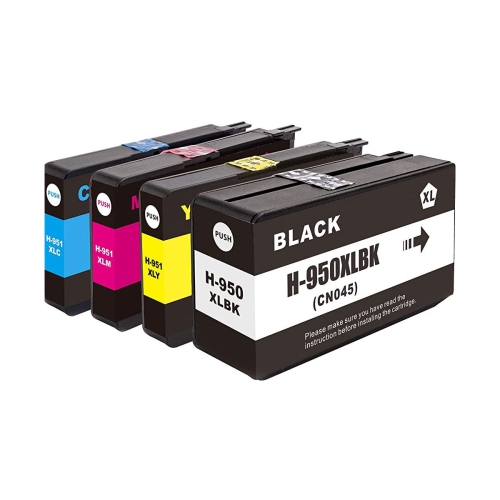
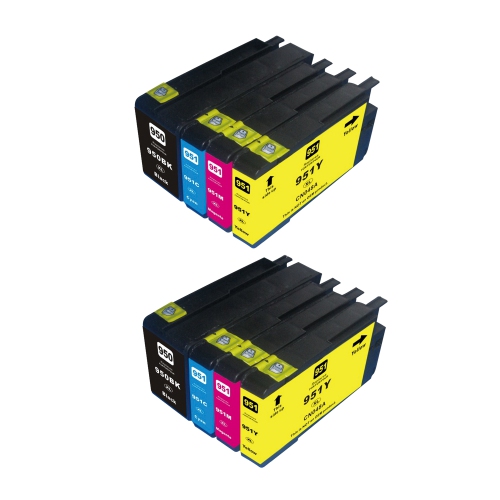
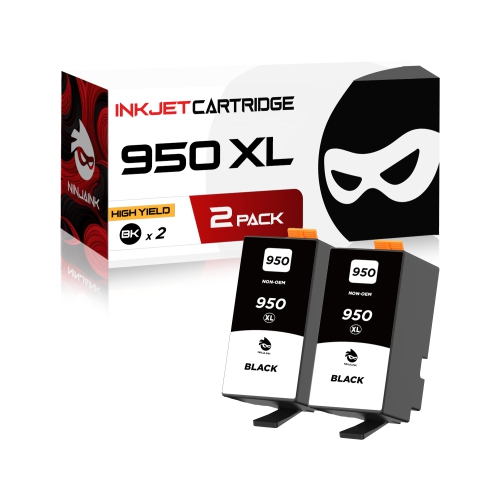
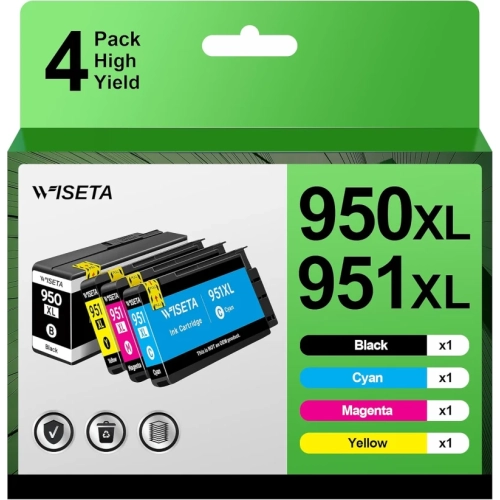
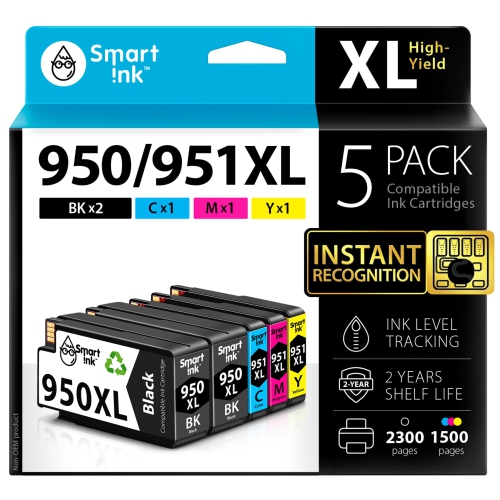
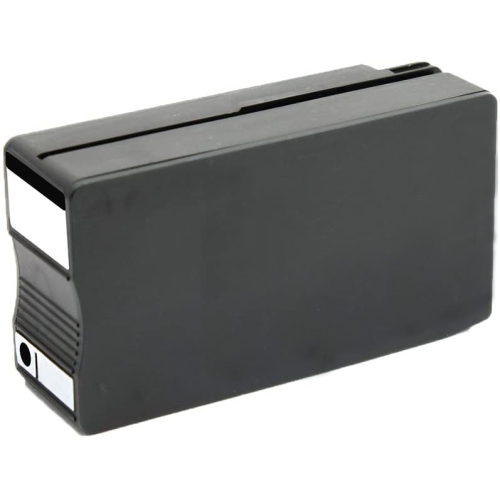
Printer ink supports everything from a sharp black address on an envelope to the coloured bars that make a sales report easy to read. For a four-colour office inkjet printer, the cartridge system separates black, cyan, magenta, and yellow, allowing each colour to be replaced independently when needed. Black ink carries much of the work in correspondence, invoices, shipping labels, and school assignments, while the three colour inks combine to produce graphics, illustrations, and photographs. Cartridge fit is the essential starting point: the compatibility information needs to name the exact printer model, not simply a similar-looking machine or the same printer family. A cartridge’s shape, electrical contacts, and ink delivery system all have to work with the printer, so a close match in appearance is not enough. Standard-yield and high-yield cartridges serve different printing routines. Standard-yield options can suit occasional household paperwork, while high-yield versions hold more ink and allow frequent users to go longer between replacements. A high-yield designation does not mean that the cartridge produces darker text or richer colour; it refers to capacity within the compatible cartridge range. Published page yields are useful for comparing capacity, but they are test-based estimates rather than a promise for every type of document. A page filled with colour graphics uses ink differently from a short letter, and full-page photographs can use considerably more ink than lightly covered text pages. Cleaning and maintenance cycles can also consume ink. Individual cartridges suit a printer that runs through one colour more quickly than the others, while multipacks group several cartridges into one package. Pack contents deserve a careful look because some contain only the three colours, while others include black as well. The right combination depends on what gets printed most often, whether that is a steady stream of text documents or a varied mix of charts, presentations, and family projects.
Ink formulation and paper choice both contribute to the finished page. Pigment-based inks use fine particles suspended in liquid and are often associated with crisp office documents, while dye-based inks use dissolved colourants and are common in applications that call for smooth colour transitions. The printer’s specified ink system determines the appropriate formulation; these types are not interchangeable simply because the colours match. For everyday letters and worksheets, suitable plain paper provides a practical surface, but thin or highly absorbent sheets may allow ink to spread or show through to the other side. A heavier presentation paper can give a client handout a more substantial feel, and a compatible coated paper can help colour graphics look more defined. Paper settings matter as much as the sheet itself because they tell the printer how to apply ink for that surface. A draft setting can be useful for checking a document’s layout, while a higher-quality setting may be better suited to a final presentation with small lettering and detailed images. For double-sided documents, the paper’s opacity and the amount of ink on each side affect readability. Someone printing a rental application needs clean, legible text; a home-based business producing product information sheets may also need consistent colour across headings, logos, and diagrams. Families printing classroom projects often need both, with readable captions alongside colourful maps or illustrations. Durability depends on the combination of ink, paper, drying time, and handling. Claims about resistance to water, smudging, or fading should come from the cartridge and paper specifications rather than assumptions about all inkjet output. Fresh pages benefit from time to dry before highlighting, stacking tightly, or sliding into a document sleeve. Printed labels need particular care because their coated surfaces must be intended for inkjet use. These details help explain why a cartridge that performs well for routine paperwork may produce a different-looking result when the same file is printed on glossy paper or specialty stationery.
Cartridge construction is designed around controlled ink flow, with a housing, sealed ink supply, and connection points that must remain intact until installation. Keeping replacement cartridges sealed in their original packaging helps protect the ink and contacts before use. Storage should follow the manufacturer’s directions, with cartridges protected from direct sunlight and positioned as indicated on the package. When a replacement is needed, opening one cartridge at a time helps keep colours and slots easy to distinguish. Only the specified protective tape or cap should be removed; peeling away other labels or touching ink outlets and electrical contacts can interfere with normal operation. A cartridge should seat securely without being forced, and any alignment or setup process requested by the printer should be allowed to finish. Streaks, missing colour, or faint text do not always mean that a newly fitted cartridge is empty. They may also relate to installation, blocked ink flow, printhead condition, or an incorrect paper setting. The printer’s built-in checks provide a sensible starting point, while repeated cleaning cycles can use ink without resolving an underlying fault. Manufacturer-made, third-party, and refilled cartridges can differ in how they interact with the printer’s electronics, and a physical fit alone does not guarantee that a cartridge will be accepted. Compatibility details, regional requirements, and any stated firmware limitations are especially relevant when comparing alternatives. For households or offices with more than one printer, keeping each model’s cartridge requirements separate helps prevent mix-ups; HP 8610 Printer Ink provides a related category for a different model, whose compatibility details should also be checked before choosing. A useful replacement plan reflects actual printing habits rather than cartridge size alone. A household printing a few forms has different needs from an office producing daily invoices, and colour-heavy work can deplete individual supplies unevenly. Matching cartridge capacity, colour selection, and paper type to those routines helps keep everyday documents clear and printing interruptions manageable.
Ink formulation and paper choice both contribute to the finished page. Pigment-based inks use fine particles suspended in liquid and are often associated with crisp office documents, while dye-based inks use dissolved colourants and are common in applications that call for smooth colour transitions. The printer’s specified ink system determines the appropriate formulation; these types are not interchangeable simply because the colours match. For everyday letters and worksheets, suitable plain paper provides a practical surface, but thin or highly absorbent sheets may allow ink to spread or show through to the other side. A heavier presentation paper can give a client handout a more substantial feel, and a compatible coated paper can help colour graphics look more defined. Paper settings matter as much as the sheet itself because they tell the printer how to apply ink for that surface. A draft setting can be useful for checking a document’s layout, while a higher-quality setting may be better suited to a final presentation with small lettering and detailed images. For double-sided documents, the paper’s opacity and the amount of ink on each side affect readability. Someone printing a rental application needs clean, legible text; a home-based business producing product information sheets may also need consistent colour across headings, logos, and diagrams. Families printing classroom projects often need both, with readable captions alongside colourful maps or illustrations. Durability depends on the combination of ink, paper, drying time, and handling. Claims about resistance to water, smudging, or fading should come from the cartridge and paper specifications rather than assumptions about all inkjet output. Fresh pages benefit from time to dry before highlighting, stacking tightly, or sliding into a document sleeve. Printed labels need particular care because their coated surfaces must be intended for inkjet use. These details help explain why a cartridge that performs well for routine paperwork may produce a different-looking result when the same file is printed on glossy paper or specialty stationery.
Cartridge construction is designed around controlled ink flow, with a housing, sealed ink supply, and connection points that must remain intact until installation. Keeping replacement cartridges sealed in their original packaging helps protect the ink and contacts before use. Storage should follow the manufacturer’s directions, with cartridges protected from direct sunlight and positioned as indicated on the package. When a replacement is needed, opening one cartridge at a time helps keep colours and slots easy to distinguish. Only the specified protective tape or cap should be removed; peeling away other labels or touching ink outlets and electrical contacts can interfere with normal operation. A cartridge should seat securely without being forced, and any alignment or setup process requested by the printer should be allowed to finish. Streaks, missing colour, or faint text do not always mean that a newly fitted cartridge is empty. They may also relate to installation, blocked ink flow, printhead condition, or an incorrect paper setting. The printer’s built-in checks provide a sensible starting point, while repeated cleaning cycles can use ink without resolving an underlying fault. Manufacturer-made, third-party, and refilled cartridges can differ in how they interact with the printer’s electronics, and a physical fit alone does not guarantee that a cartridge will be accepted. Compatibility details, regional requirements, and any stated firmware limitations are especially relevant when comparing alternatives. For households or offices with more than one printer, keeping each model’s cartridge requirements separate helps prevent mix-ups; HP 8610 Printer Ink provides a related category for a different model, whose compatibility details should also be checked before choosing. A useful replacement plan reflects actual printing habits rather than cartridge size alone. A household printing a few forms has different needs from an office producing daily invoices, and colour-heavy work can deplete individual supplies unevenly. Matching cartridge capacity, colour selection, and paper type to those routines helps keep everyday documents clear and printing interruptions manageable.
Top selling and popular products
-
 Your price for this item is $109.99
 -
 Your price for this item is $40.99
 -
 Your price for this item is $101.99
 -
 Your price for this item is $129.99
 -
 Your price for this item is $109.99
 -
 Your price for this item is $89.99
 -
 Your price for this item is $90.99
 -
 Your price for this item is $57.99
Discover more categories related to HP 8620 Ink
Top Collections:
Pokemon Centers, Kindle Devices, Best Budget Office Chairs, Apple iPhones 16, Canon G7X Cameras, iPhone 15 Apple, Alarm Clock, Refurbished Apple Laptops, Flip Phones, Best Laptops for Writers
Some products may be subject to Environmental Handling Fees
(EHF) depending on your province.
Learn more about EHFs.