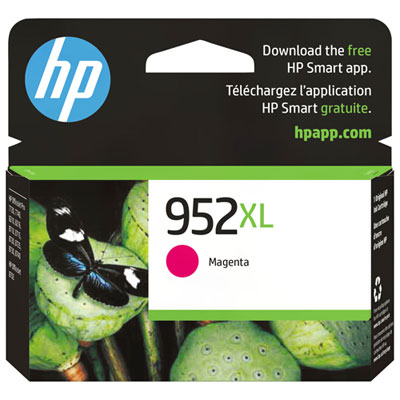
HP 962 Ink Cartridge
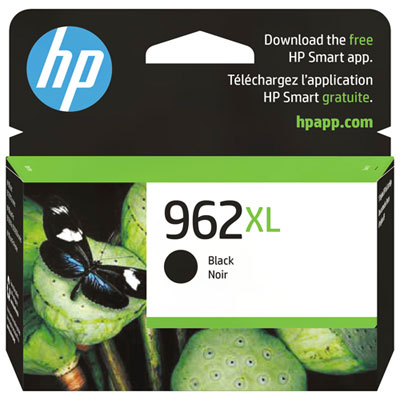
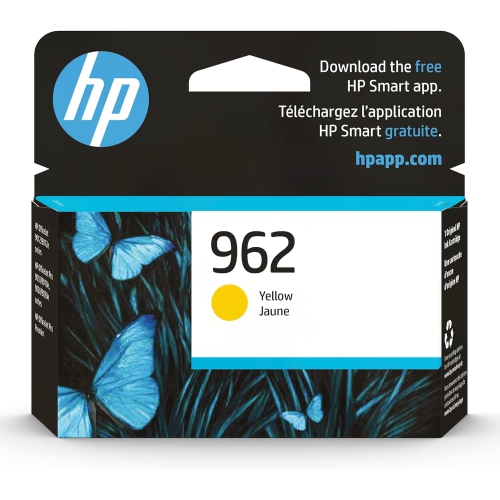
Keep your printer running smoothly and your documents looking sharp with the HP 962 Ink Cartridge. Designed to deliver reliable performance, this essential printing supply helps ensure crisp text and vibrant images for all your projects. Whether you're preparing important reports or printing memorable photos, the HP 962 Ink Cartridge offers a convenient solution for consistent results at home or in the office. Find the right cartridge to keep your workflow uninterrupted and your prints looking their best.
Sort
![BESTONER [New Chip] 1 Set Compatible HP 962 Xl Ink Cartridges 962Xl High Yield - HP Officejet Pro 9010 9015 9016 9018 9020 9025 9028 9019E 9022E 9013](https://multimedia.bbycastatic.ca/multimedia/products/500x500/172/17257/17257733.jpeg)


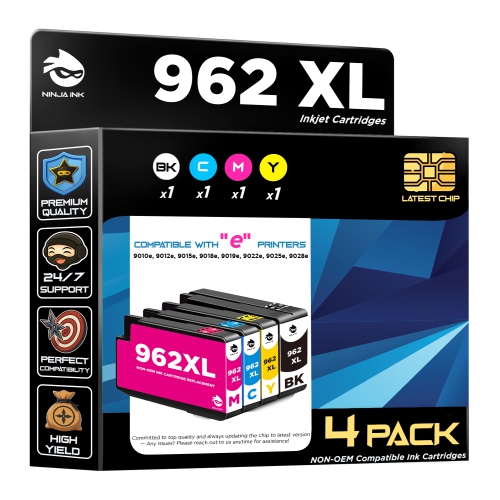
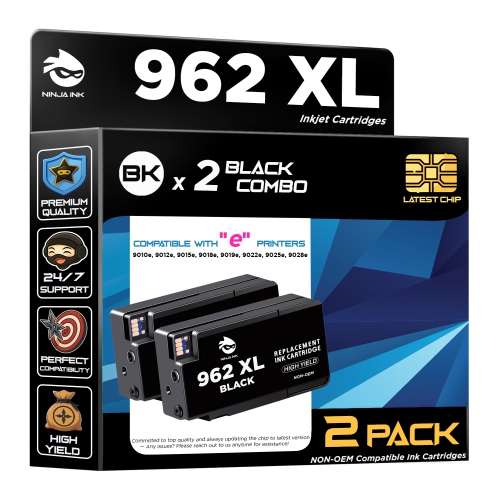

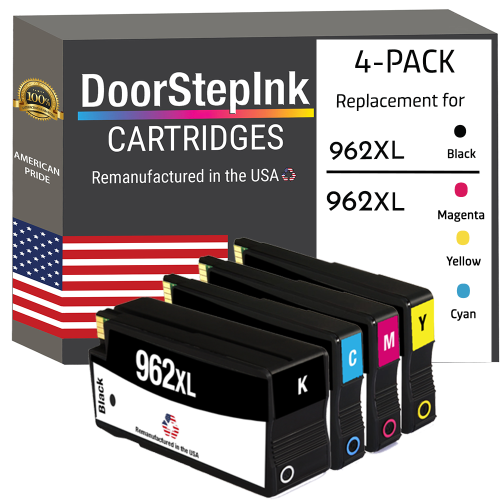
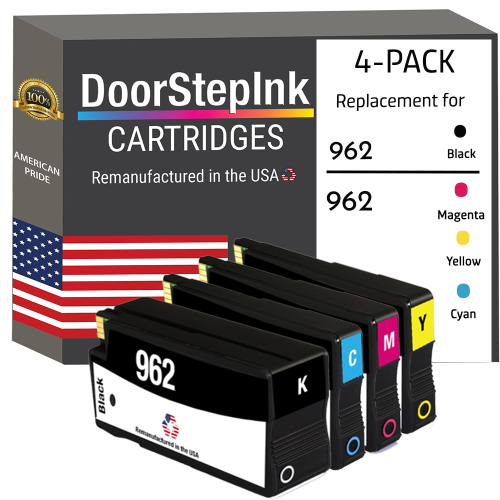
Why cartridge fit matters more than appearance
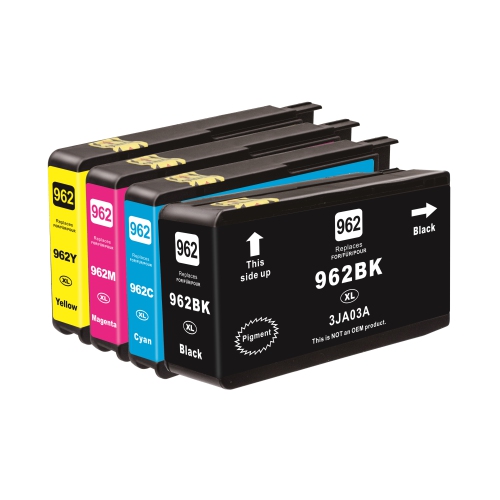
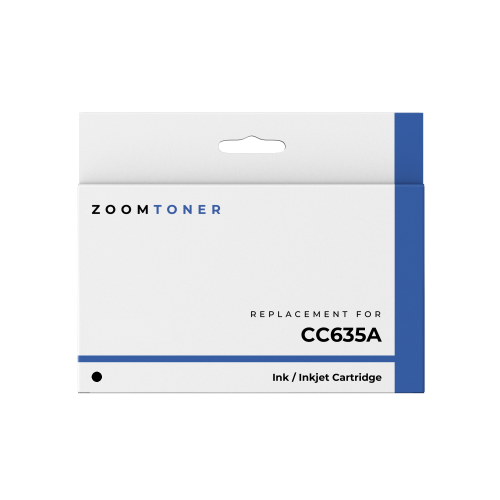
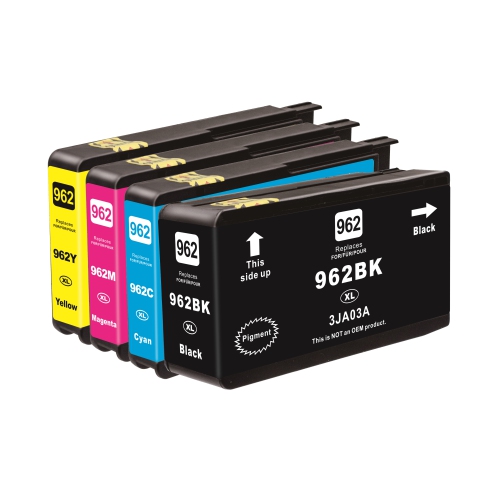
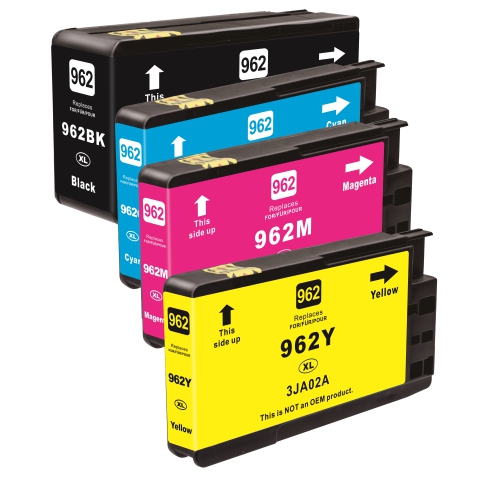
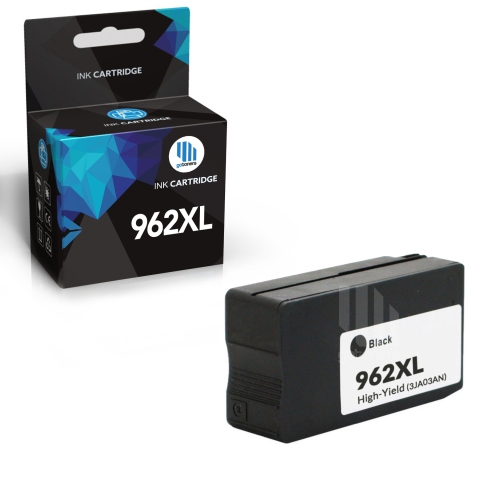
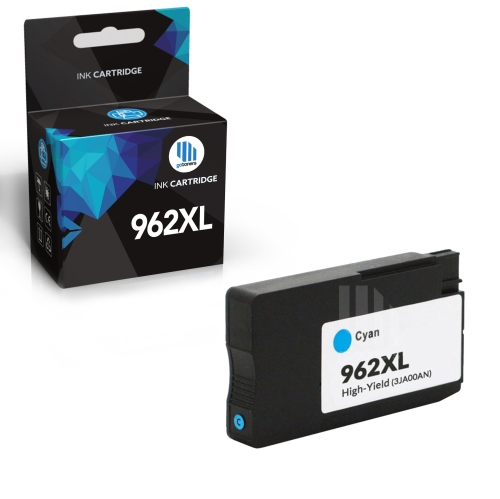
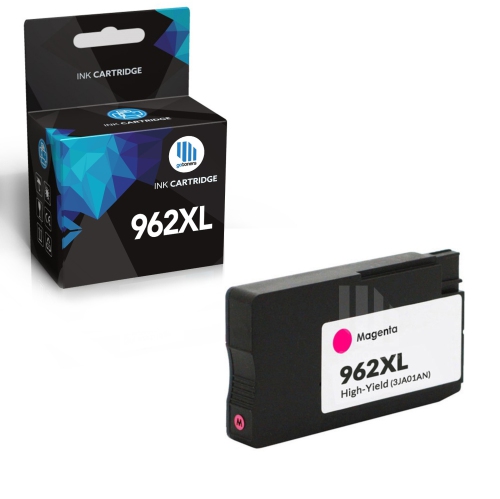
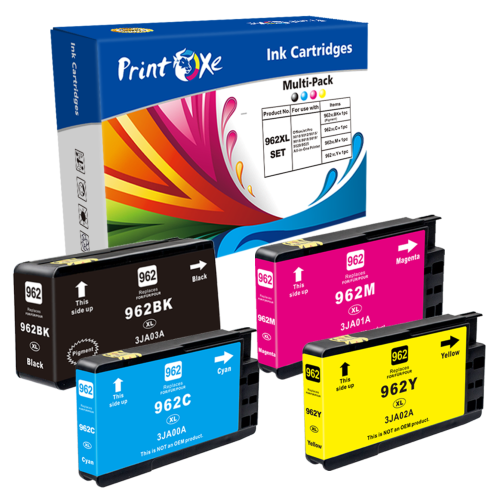
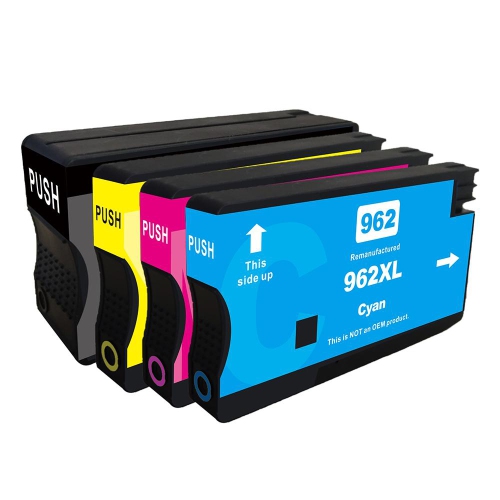
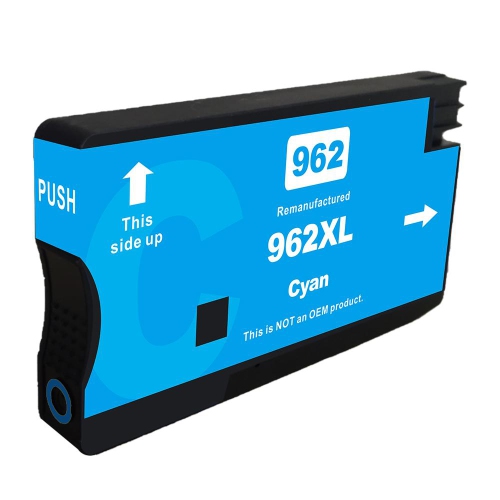
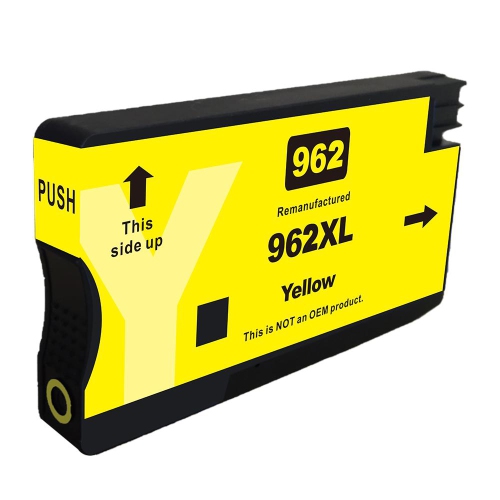
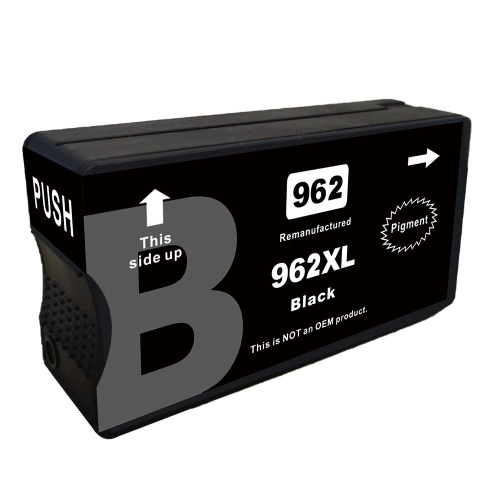
Ink cartridges keep a home office or shared workspace ready for the paperwork that still works best on a printed page: a signed agreement, a neatly labelled chart, a school assignment, or a set of meeting notes. For compatible office inkjet printers, the right cartridge supports clear text, distinct colours, and consistent results across everyday documents. Cartridge fit is specific to the printer, not simply its manufacturer or its outward appearance. Two cartridges can look almost identical while using different electrical contacts, ink delivery connections, or identification chips. The full printer model name, including any letters at the end, is therefore a more reliable starting point than the shape of the cartridge already installed. The HP 962 page brings together cartridges within that family; the compatibility information for each option determines whether it matches a particular printer. A matching cartridge number matters more than a broad description such as “office ink” or “black inkjet cartridge.” Black, cyan, magenta, and yellow each serve a different role in a four-colour printing system. Black handles much of the text in letters, forms, and reports, while the three colour inks combine to produce graphics, photographs, highlights, and shaded elements. Printers with separate cartridges for each colour let an individual colour be replaced when it runs low, rather than requiring all colours to be replaced together. That distinction is useful when printing habits lean heavily towards one colour, such as blue charts in business reports or yellow accents in classroom handouts. It is also worth noting that some printers use colour ink during maintenance or when producing certain shades of grey, even when the finished page looks mostly black and white. A cartridge choice is ultimately about keeping the printer supplied with the correct ink for its design and the documents it handles most often.
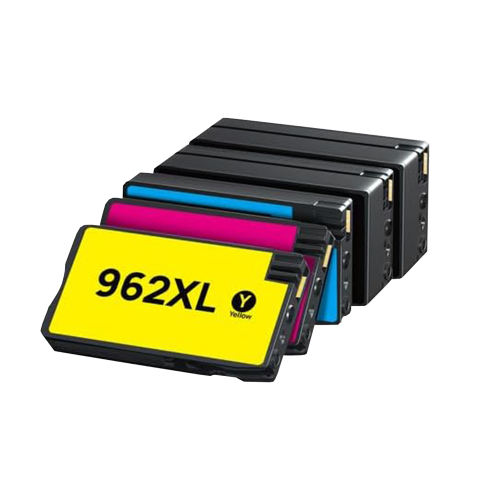
Ink formulation and paper choice both influence how a printed document looks and holds up to handling. Pigment-based ink contains fine colour particles dispersed in liquid, and it is commonly used in office printing for defined text and strong colour on suitable papers. Its performance still depends on the printer, the paper surface, and the selected print settings; no ink description alone guarantees that every page will resist moisture, rubbing, or highlighting. For a report that will be marked up during a meeting, allowing the ink to dry before stacking pages or using a highlighter helps preserve the text. Smooth, printer-compatible paper supports cleaner edges around small lettering, while heavily textured or unsuitable coated sheets can change how ink settles on the surface. Everyday forms, reference copies, and school worksheets usually have different demands from a presentation with full-colour charts or a photograph intended for display. Selecting the appropriate paper type in the print settings helps the printer control ink application for the sheet being used. Standard-yield and high-yield cartridges address different printing volumes rather than different levels of image quality. Where both are supported by the printer, a higher-yield version generally contains more usable ink and is intended to print more pages before replacement. It does not, by itself, make letters sharper or photographs more detailed. Stated page yields are measured under standardized test conditions and are best understood as a basis for comparison, not a promise for every household or office. A short letter with wide margins uses ink differently from a page filled with coloured diagrams, and repeated cleaning cycles also consume ink. Someone printing a few forms at a time may have different needs from an administrator preparing lengthy client packages. Individual cartridges suit uneven colour use, while multipacks group several cartridges together; the package description identifies which colours are included. A colour pack should not be assumed to include black, and cartridges grouped in one package may not all have the same stated yield.
The cartridge housing does more than hold ink: its moulded body, seals, contacts, and outlet are designed to work with the printer’s cartridge carriage and ink delivery system. Careful handling protects these parts during installation and replacement. Keeping a cartridge sealed in its original packaging until it is needed helps protect the ink outlet and reduces unnecessary exposure to air. Once opened, the cartridge should be handled by its body rather than its contacts or ink outlet, with only the protective materials identified in the installation directions removed. A cartridge that does not seat easily may be in the wrong colour position or may not match the printer; forcing it can damage the cartridge or the receiving slot. Following the printer’s replacement prompts helps confirm that the new cartridge has been recognized and that any required alignment or preparation has finished. For ongoing care, the printer’s built-in maintenance tools are more appropriate than wiping internal components or applying household cleaners. Missing lines, faint areas, or unexpected colour shifts can have several causes, including low ink, an unsuitable paper setting, or a printhead that needs attention. A diagnostic page can help distinguish these issues before another cartridge is opened. Repeated deep-cleaning cycles are not a substitute for identifying the cause, since cleaning uses ink and may not resolve a compatibility or paper problem. Original-manufacturer and third-party cartridges can differ in ink formulation, chip design, and printer support, so compatibility details and any stated printer restrictions deserve attention alongside colour and yield. These practical differences matter in homes where one printer serves several people, small businesses preparing invoices and correspondence, and study spaces turning digital notes into pages that can be annotated by hand. Consistent printing is less about choosing the largest cartridge every time and more about matching the cartridge family, colour, capacity, and support requirements to the printer. With suitable paper and routine care, that match helps keep everything from a single signature page to a substantial document package clear, readable, and ready to use.
Ink formulation and paper choice both influence how a printed document looks and holds up to handling. Pigment-based ink contains fine colour particles dispersed in liquid, and it is commonly used in office printing for defined text and strong colour on suitable papers. Its performance still depends on the printer, the paper surface, and the selected print settings; no ink description alone guarantees that every page will resist moisture, rubbing, or highlighting. For a report that will be marked up during a meeting, allowing the ink to dry before stacking pages or using a highlighter helps preserve the text. Smooth, printer-compatible paper supports cleaner edges around small lettering, while heavily textured or unsuitable coated sheets can change how ink settles on the surface. Everyday forms, reference copies, and school worksheets usually have different demands from a presentation with full-colour charts or a photograph intended for display. Selecting the appropriate paper type in the print settings helps the printer control ink application for the sheet being used. Standard-yield and high-yield cartridges address different printing volumes rather than different levels of image quality. Where both are supported by the printer, a higher-yield version generally contains more usable ink and is intended to print more pages before replacement. It does not, by itself, make letters sharper or photographs more detailed. Stated page yields are measured under standardized test conditions and are best understood as a basis for comparison, not a promise for every household or office. A short letter with wide margins uses ink differently from a page filled with coloured diagrams, and repeated cleaning cycles also consume ink. Someone printing a few forms at a time may have different needs from an administrator preparing lengthy client packages. Individual cartridges suit uneven colour use, while multipacks group several cartridges together; the package description identifies which colours are included. A colour pack should not be assumed to include black, and cartridges grouped in one package may not all have the same stated yield.
The cartridge housing does more than hold ink: its moulded body, seals, contacts, and outlet are designed to work with the printer’s cartridge carriage and ink delivery system. Careful handling protects these parts during installation and replacement. Keeping a cartridge sealed in its original packaging until it is needed helps protect the ink outlet and reduces unnecessary exposure to air. Once opened, the cartridge should be handled by its body rather than its contacts or ink outlet, with only the protective materials identified in the installation directions removed. A cartridge that does not seat easily may be in the wrong colour position or may not match the printer; forcing it can damage the cartridge or the receiving slot. Following the printer’s replacement prompts helps confirm that the new cartridge has been recognized and that any required alignment or preparation has finished. For ongoing care, the printer’s built-in maintenance tools are more appropriate than wiping internal components or applying household cleaners. Missing lines, faint areas, or unexpected colour shifts can have several causes, including low ink, an unsuitable paper setting, or a printhead that needs attention. A diagnostic page can help distinguish these issues before another cartridge is opened. Repeated deep-cleaning cycles are not a substitute for identifying the cause, since cleaning uses ink and may not resolve a compatibility or paper problem. Original-manufacturer and third-party cartridges can differ in ink formulation, chip design, and printer support, so compatibility details and any stated printer restrictions deserve attention alongside colour and yield. These practical differences matter in homes where one printer serves several people, small businesses preparing invoices and correspondence, and study spaces turning digital notes into pages that can be annotated by hand. Consistent printing is less about choosing the largest cartridge every time and more about matching the cartridge family, colour, capacity, and support requirements to the printer. With suitable paper and routine care, that match helps keep everything from a single signature page to a substantial document package clear, readable, and ready to use.
Top selling and popular products
-
 Your price for this item is $109.99
 -
 Your price for this item is $40.99
 -
 Your price for this item is $101.99
 -
 Your price for this item is $129.99
 -
 Your price for this item is $109.99
 -
 Your price for this item is $89.99
 -
 Your price for this item is $90.99
 -
 Your price for this item is $57.99
Discover more categories related to HP 962 Ink Cartridge

Top Collections:
Pokemon Centers, Kindle Devices, Best Budget Office Chairs, Apple iPhones 16, Canon G7X Cameras, iPhone 15 Apple, Alarm Clock, Refurbished Apple Laptops, Flip Phones, Best Laptops for Writers
Some products may be subject to Environmental Handling Fees
(EHF) depending on your province.
Learn more about EHFs.