HP DeskJet 3520 Ink
Find the right HP DeskJet 3520 Ink to keep your printer running smoothly and your documents looking sharp. Whether you’re printing important work files, school assignments, or vibrant photos, having the correct ink ensures reliable performance every time. Explore a variety of options designed to fit your needs and help you get the most out of your printing experience with HP DeskJet 3520 Ink.
Sort
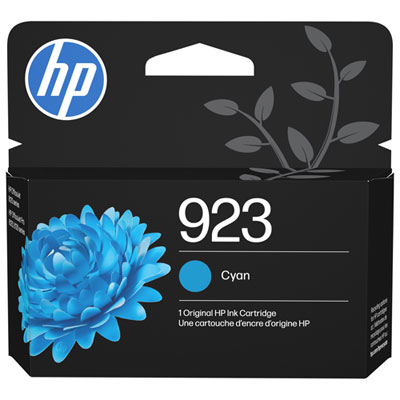
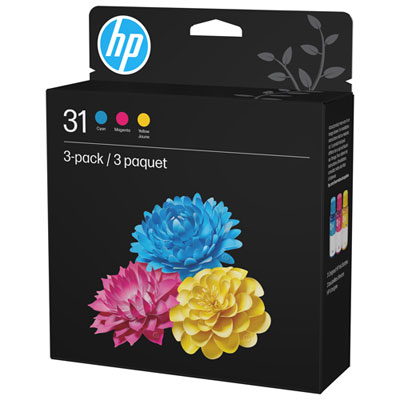
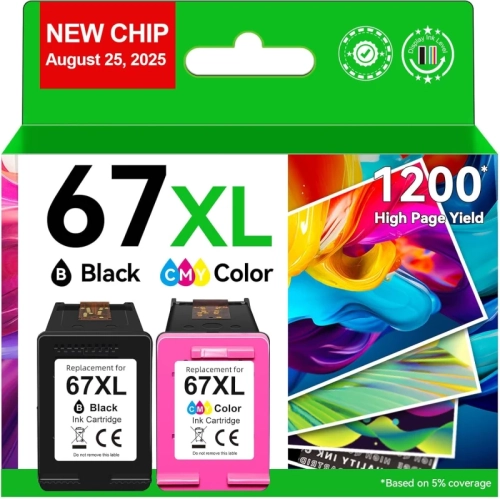
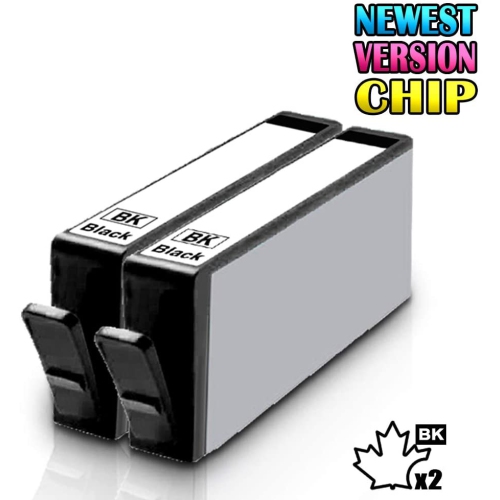

Cartridge compatibility and practical printing tips for home use
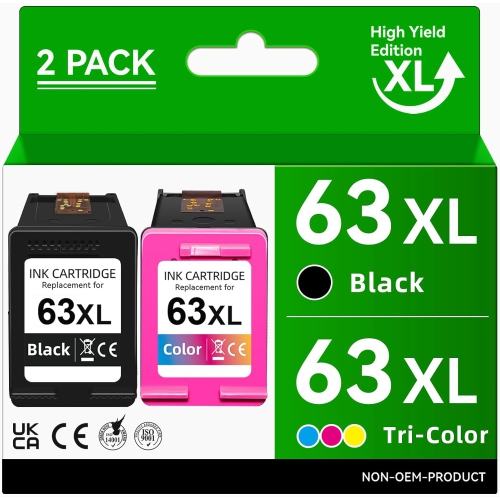
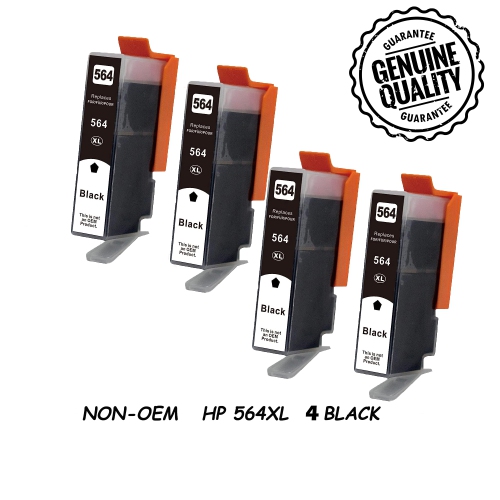
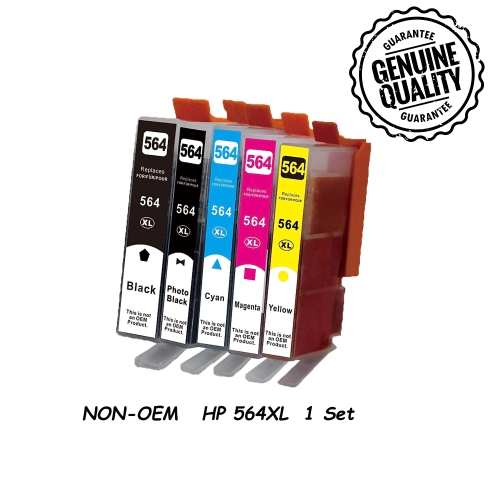
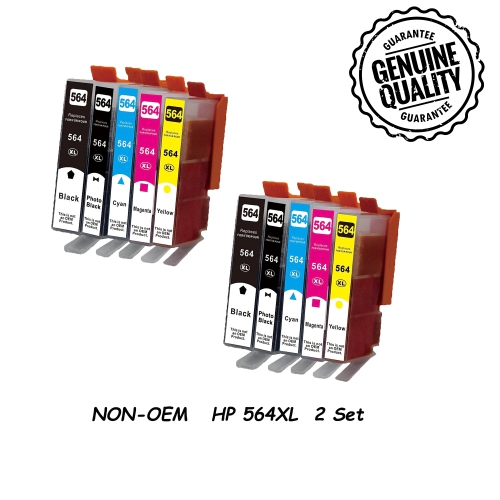
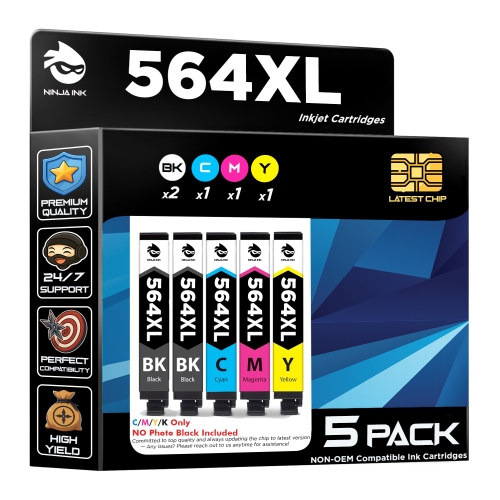
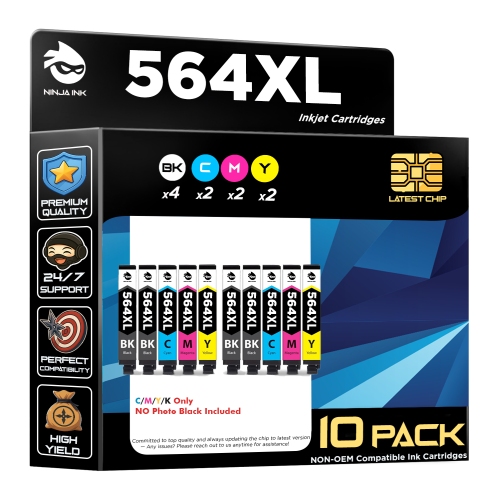
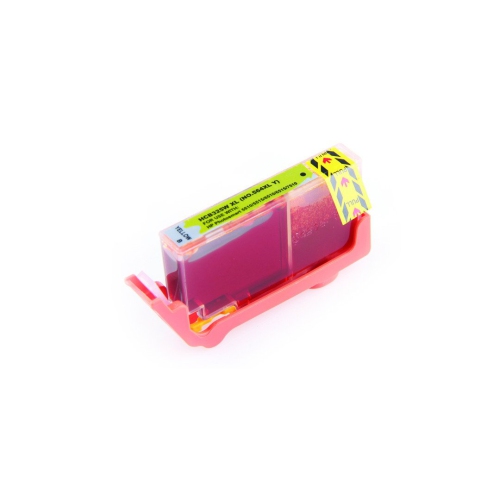
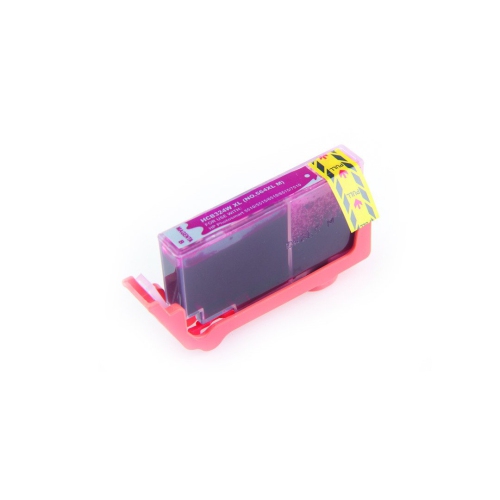
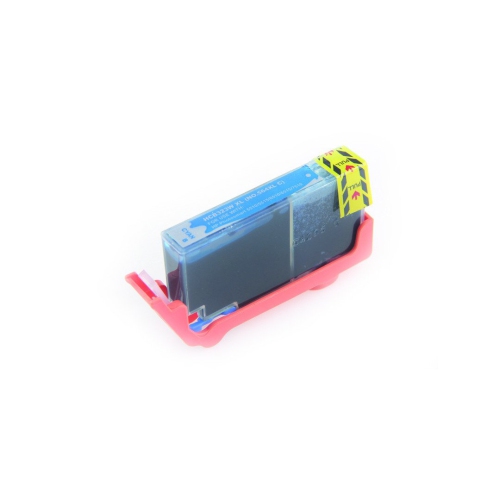
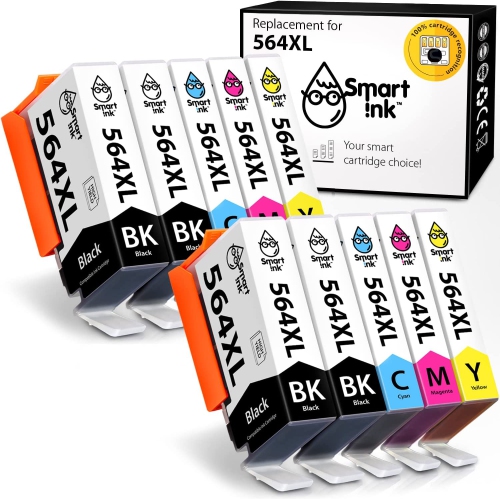
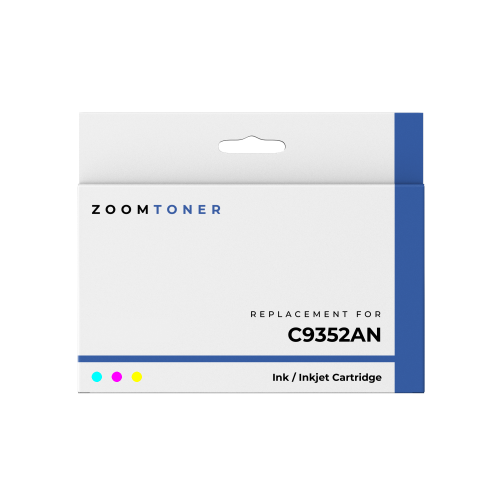
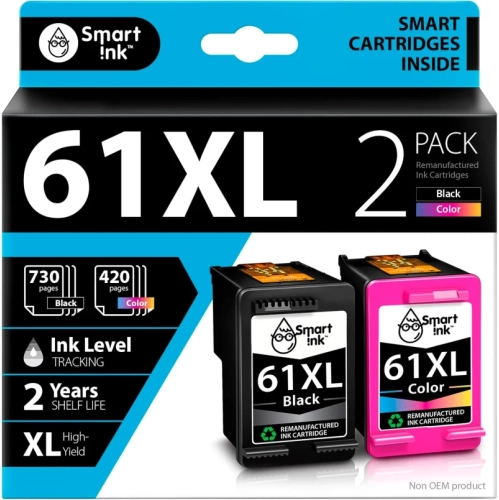
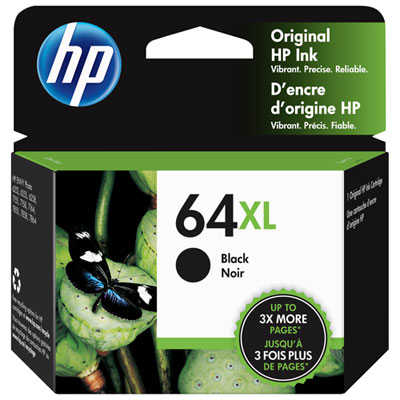
When shopping for HP DeskJet 3520 ink, compatibility is the most important place to begin. This printer uses the HP 564 cartridge family, available in standard and high-yield HP 564XL options. A quick check of the cartridge number printed on the existing cartridge, the printer’s setup information, or the packaging can help confirm that the replacement is suitable before you place an order. The printer uses four individual cartridges: black, cyan, magenta, and yellow. This separate-cartridge design means you can replace only the colour that has run out instead of changing the entire set, which is useful for households that print mostly text, students who need occasional colour pages, or home offices that move through black ink more quickly than the other colours. Black ink is commonly used for letters, forms, shipping labels, school assignments, recipes, and everyday documents, while cyan, magenta, and yellow combine to create colour in photographs, charts, invitations, crafts, and presentation materials. Standard cartridges can be a practical choice when printing is occasional or unpredictable. High-yield cartridges may be more convenient for busy households, small workspaces, and anyone who regularly prints several pages at a time, since they are designed to provide a greater page yield before replacement. Page counts can vary depending on the amount of ink used, the type of paper selected, font size, image coverage, and print-quality settings, so the cartridge with the lowest listed price is not always the option that offers the best value for a particular routine. People who print a mixture of homework, family photographs, and work documents may prefer keeping a complete set of colours on hand, while those who use the printer mainly for black-and-white paperwork may want to prioritize a replacement black cartridge. A complete set can also make a thoughtful and practical gift for a university student, remote worker, new homeowner, or family member who relies on a home printer but may not notice the ink level until an important document is needed. For shoppers comparing options, the available selection may include cartridges from the original manufacturer as well as compatible alternatives. Original cartridges are made for the printer’s intended system, while compatible cartridges are produced by other manufacturers to fit the same cartridge specification. Read the listing carefully to confirm the exact printer series, cartridge family, colour, quantity, and yield before purchasing. If you use another printer in the home, avoid assuming that cartridges with similar shapes or numbers will work interchangeably. A cartridge that fits physically may still be rejected by the printer if it is not designed for the correct model or region.
Replacing ink is a straightforward task, but taking a few careful steps can help prevent common printing issues. Before opening a new cartridge, turn on the printer and allow the carriage to move into its replacement position. Remove the cartridge from its packaging only when you are ready to install it, and handle it by the sides rather than touching the copper-coloured contacts or the ink outlet. Any protective cap, tape, or pull tab should be removed according to the cartridge instructions so that the ink vent is open and the cartridge can communicate properly with the printer. Press the cartridge into its matching colour slot until it is securely seated, then close the access door and allow the printer to complete its setup cycle. Because the four colours occupy separate positions, match the label or colour marker carefully; forcing a cartridge into the wrong slot can cause damage or prevent accurate printing. It is also best to avoid mixing standard and high-yield cartridges from different compatible suppliers in the same set unless the instructions confirm that they are designed to work together. If a newly installed colour does not appear, check that all packaging has been removed, confirm that the cartridge is fully clicked into place, and print a test page. A maintenance or printhead-cleaning cycle through the printer menu can help when a colour is faint, streaky, or missing after installation, although repeated cleaning uses additional ink. Alignment may also be helpful when text looks uneven or images show blurred edges. Store unopened cartridges in their original packaging in a dry indoor cupboard away from direct sunlight, heaters, and sharp temperature changes. Keeping a spare black cartridge and a complete colour set in a convenient drawer can make it easier to print a return label, school project, travel document, or family photo without an unexpected trip to the store. Ink works best with paper suited to the job: plain multipurpose paper is convenient for documents, while coated photo paper can produce sharper images and richer colour. Let freshly printed photographs and graphics dry before stacking them, particularly when using heavier paper or a high-coverage image. For another printer in the same family, shoppers can browse HP DeskJet 2755e Ink to compare compatible options. With the correct cartridge family, a sensible choice between standard and high-yield capacity, and simple installation and maintenance habits, replacement ink can keep a home printer ready for the steady mix of paperwork, creative projects, schoolwork, and photographs that fills the cooler months.
Replacing ink is a straightforward task, but taking a few careful steps can help prevent common printing issues. Before opening a new cartridge, turn on the printer and allow the carriage to move into its replacement position. Remove the cartridge from its packaging only when you are ready to install it, and handle it by the sides rather than touching the copper-coloured contacts or the ink outlet. Any protective cap, tape, or pull tab should be removed according to the cartridge instructions so that the ink vent is open and the cartridge can communicate properly with the printer. Press the cartridge into its matching colour slot until it is securely seated, then close the access door and allow the printer to complete its setup cycle. Because the four colours occupy separate positions, match the label or colour marker carefully; forcing a cartridge into the wrong slot can cause damage or prevent accurate printing. It is also best to avoid mixing standard and high-yield cartridges from different compatible suppliers in the same set unless the instructions confirm that they are designed to work together. If a newly installed colour does not appear, check that all packaging has been removed, confirm that the cartridge is fully clicked into place, and print a test page. A maintenance or printhead-cleaning cycle through the printer menu can help when a colour is faint, streaky, or missing after installation, although repeated cleaning uses additional ink. Alignment may also be helpful when text looks uneven or images show blurred edges. Store unopened cartridges in their original packaging in a dry indoor cupboard away from direct sunlight, heaters, and sharp temperature changes. Keeping a spare black cartridge and a complete colour set in a convenient drawer can make it easier to print a return label, school project, travel document, or family photo without an unexpected trip to the store. Ink works best with paper suited to the job: plain multipurpose paper is convenient for documents, while coated photo paper can produce sharper images and richer colour. Let freshly printed photographs and graphics dry before stacking them, particularly when using heavier paper or a high-coverage image. For another printer in the same family, shoppers can browse HP DeskJet 2755e Ink to compare compatible options. With the correct cartridge family, a sensible choice between standard and high-yield capacity, and simple installation and maintenance habits, replacement ink can keep a home printer ready for the steady mix of paperwork, creative projects, schoolwork, and photographs that fills the cooler months.
Top selling and popular products
-
 Your price for this item is $109.99
 -
 Your price for this item is $40.99
 -
 Your price for this item is $101.99
 -
 Your price for this item is $129.99
 -
 Your price for this item is $109.99
 -
 Your price for this item is $89.99
 -
 Your price for this item is $90.99
 -
 Your price for this item is $57.99
Discover more categories related to HP DeskJet 3520 Ink

Top Collections:
Pokemon Centers, Kindle Devices, Best Budget Office Chairs, Apple iPhones 16, Canon G7X Cameras, iPhone 15 Apple, Alarm Clock, Refurbished Apple Laptops, Flip Phones, Best Laptops for Writers
Some products may be subject to Environmental Handling Fees
(EHF) depending on your province.
Learn more about EHFs.