HP Laserjet 1320 Toners
Our wide selection of toners is here to ensure that you never run out of ink when you need it the most. With a range of options available, you can find the perfect toner to suit your printing needs. Whether you're printing important documents for work or creating vibrant images for personal use, our HP Laserjet 1320 toners are designed to deliver exceptional results every time. Say goodbye to blurry prints and faded text—shop our collection today and experience the difference!
Sort
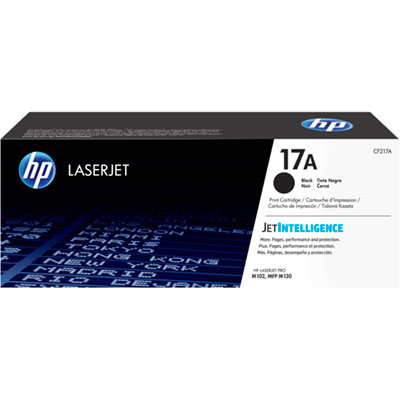
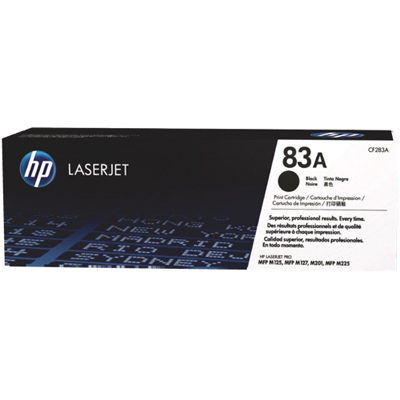
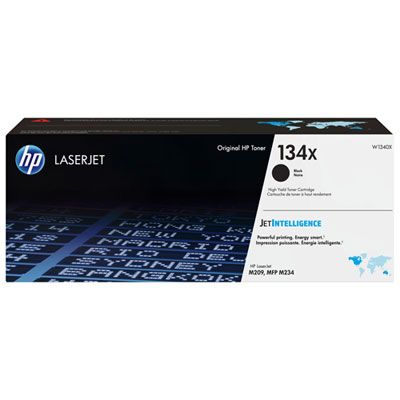
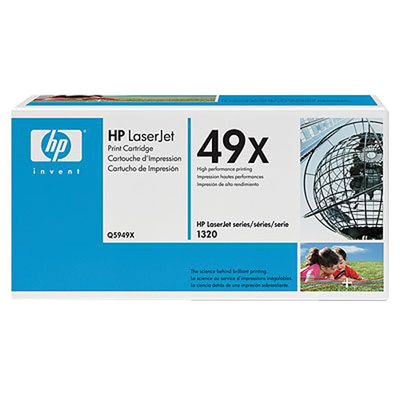

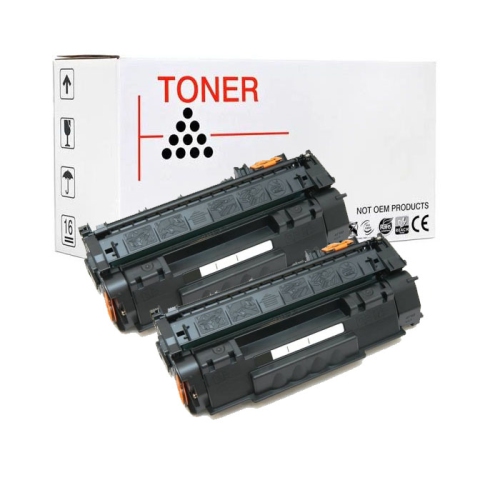
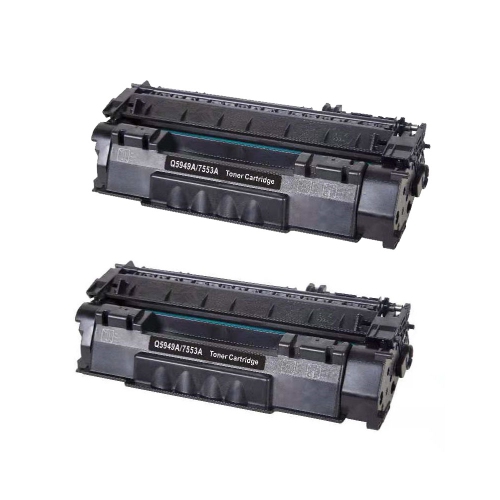
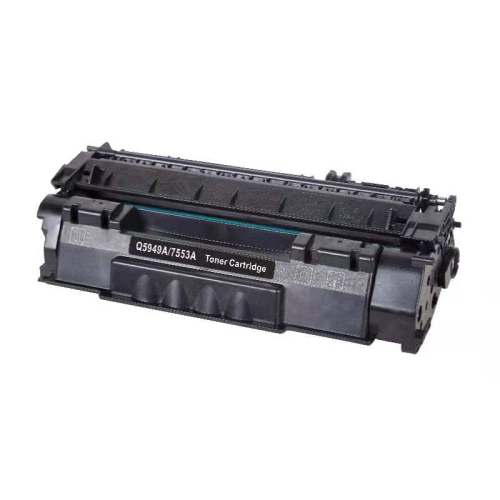
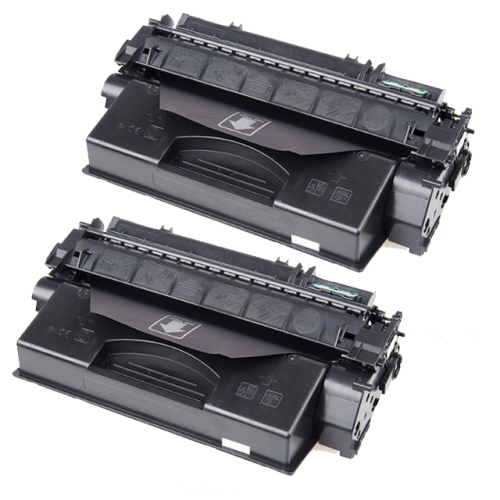
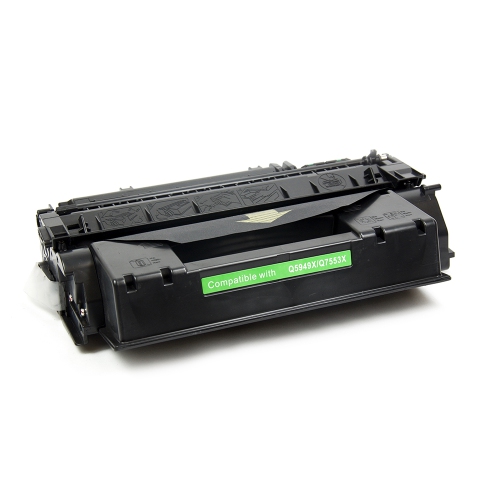
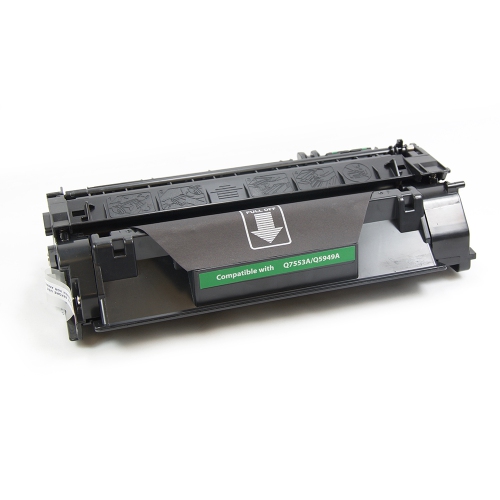
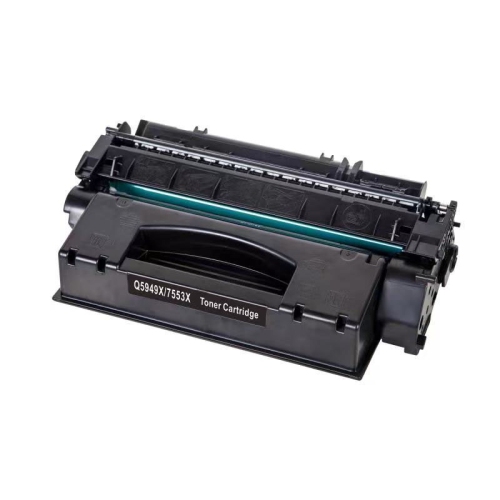
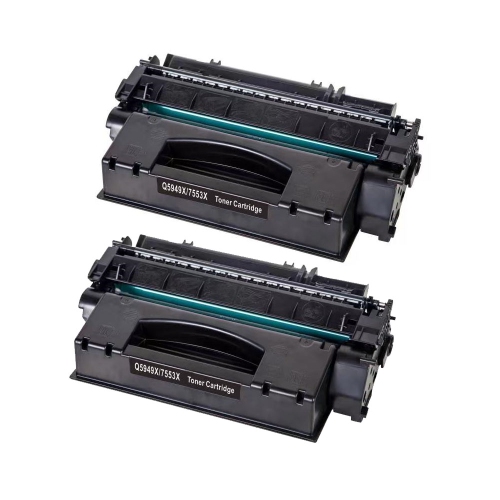

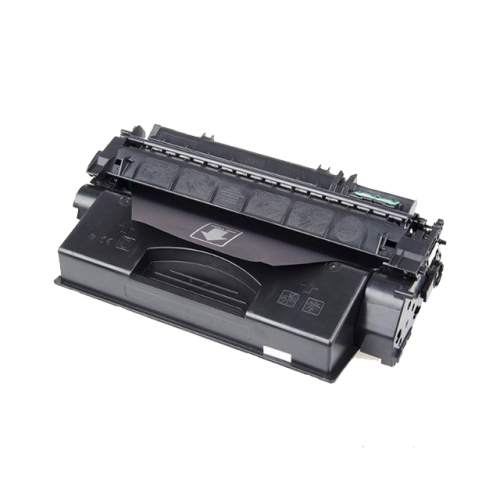
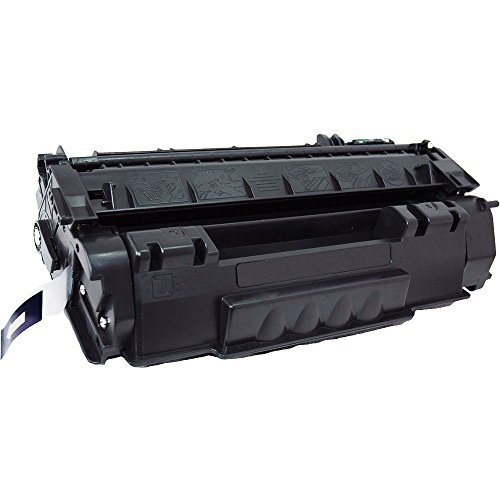
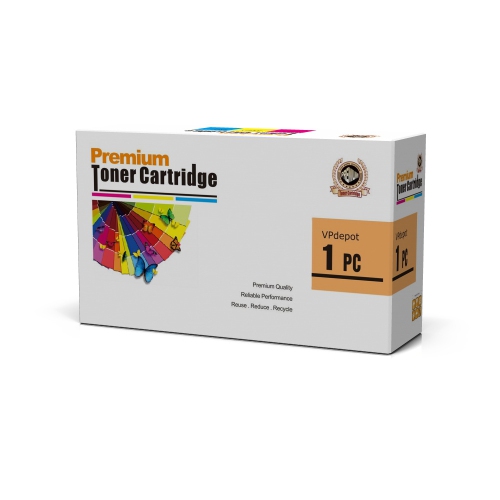
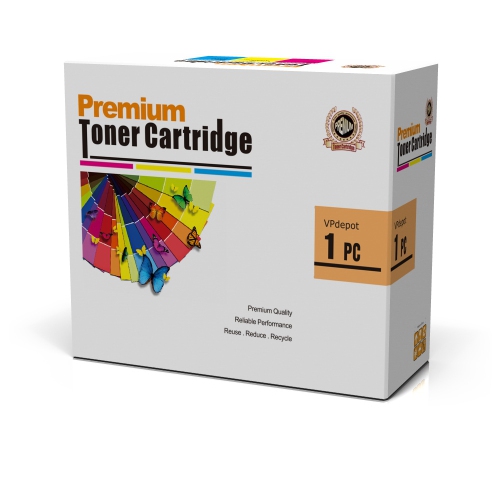
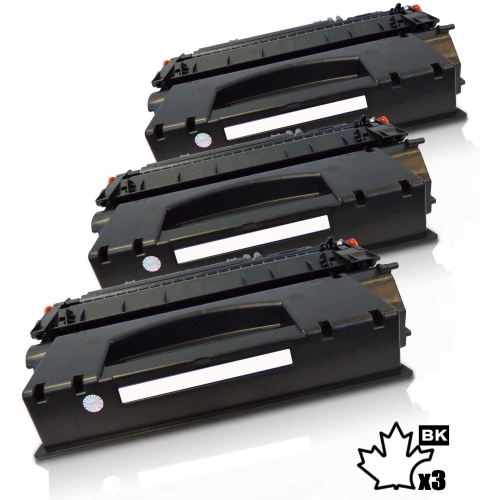
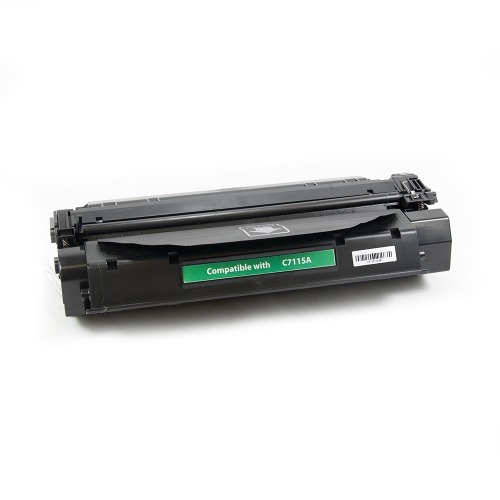
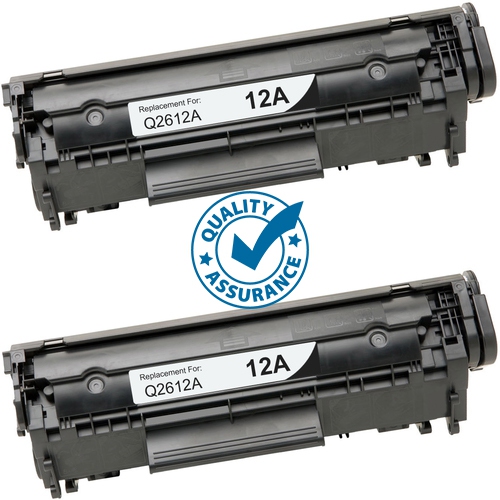
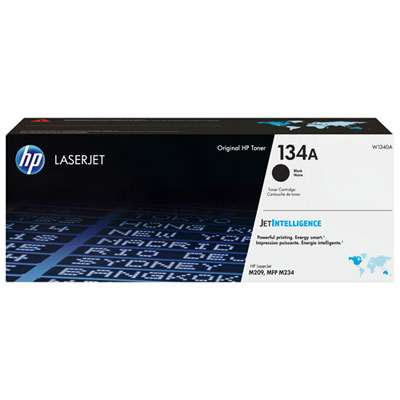
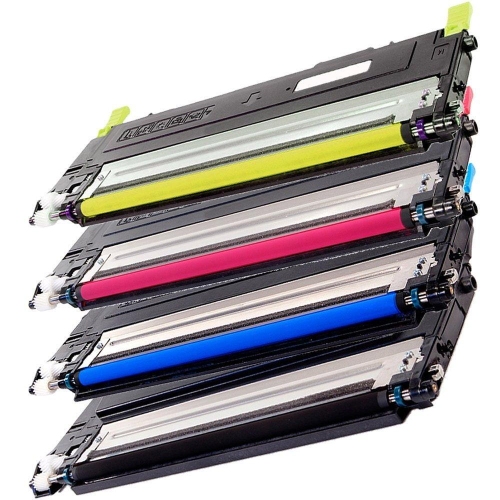
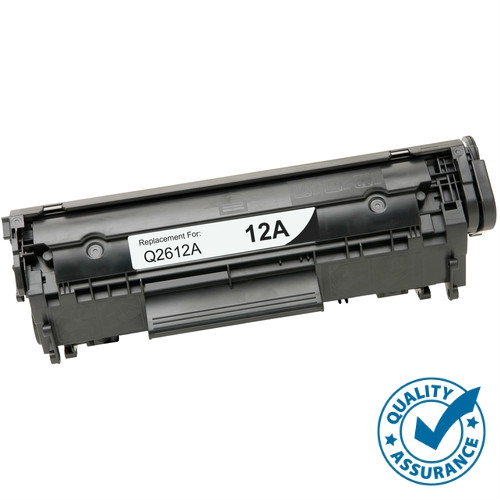
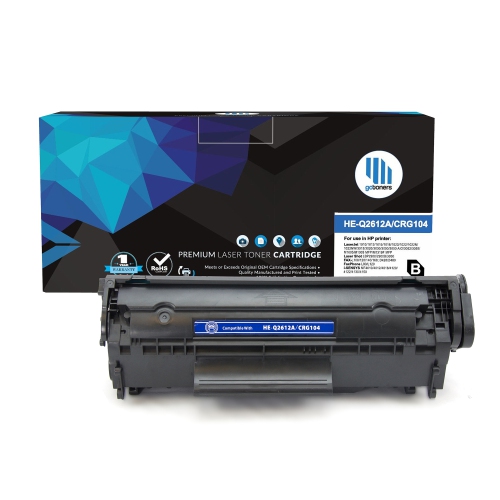
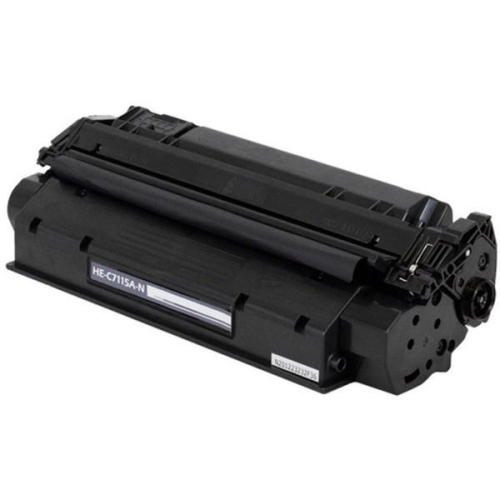
Why cartridge compatibility matters as much as page yield
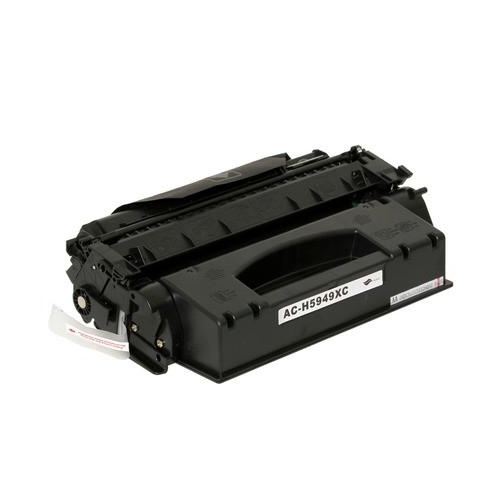
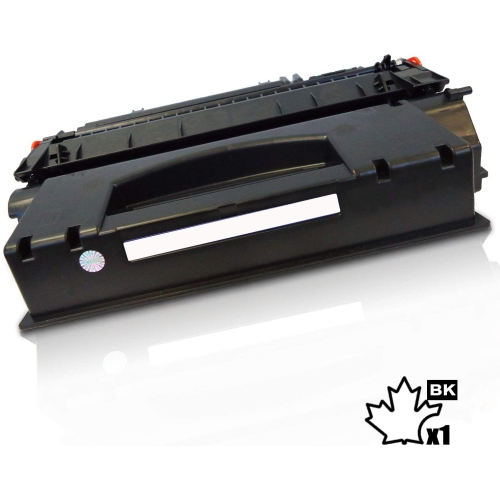
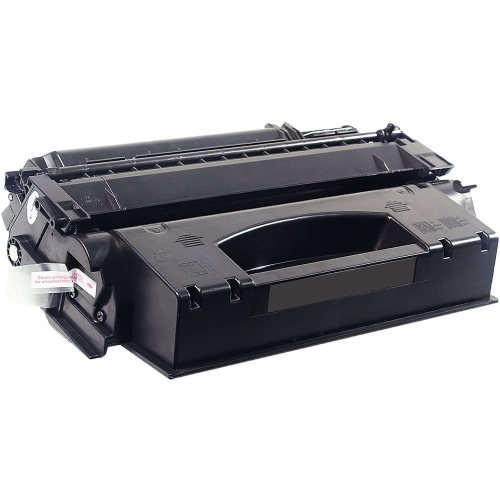
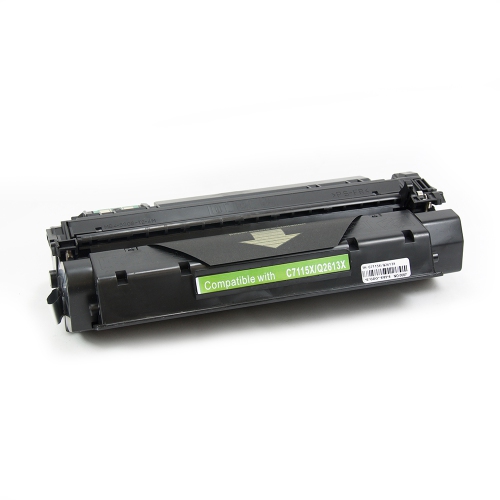
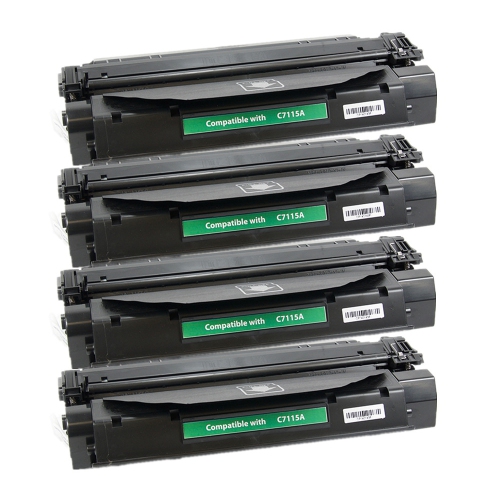
Black toner cartridges for this monochrome laser printer family are designed for everyday document printing, from invoices and shipping labels to course readings, contracts, and household paperwork. Unlike inkjet cartridges, they contain a fine, dry powder that is transferred onto the page and bonded to the paper by heat. The result is well suited to documents where legible text, defined lines, and consistent black print matter more than colour reproduction. Standard-yield and high-yield formats accommodate different printing habits. Manufacturer-rated yields for the original cartridge formats in this printer family are approximately 2,500 pages for standard yield and 6,000 pages for high yield, based on around 5% page coverage. These figures are useful reference points, not a promise that every cartridge will print exactly that many sheets. A short letter with wide margins uses less toner than a densely printed report, a shaded table, or a page filled with black-and-white images. Replacement cartridges from other manufacturers may also carry different yield ratings, so the stated capacity of each cartridge matters. For someone printing occasional forms, meeting notes, or a few pages of homework, standard yield can suit a modest routine. A busy reception desk, home business, or shared office producing substantial document runs may benefit from a higher-capacity cartridge, where the exact printer model supports it, because replacements are needed less frequently. Capacity does not determine whether a cartridge fits: the printer model and cartridge compatibility information remain the deciding factors. A larger page-yield number should never be treated as proof that a cartridge will work in a particular machine. Both capacity and fit deserve attention, especially when similar-looking printer names appear across different generations. For text-heavy work, a suitable cartridge helps keep small type readable and makes headings, signatures, and fine rules easier to distinguish. Black-and-white charts and illustrations can also print effectively, although their appearance depends on the original file, print settings, paper, and condition of the printer as well as the toner itself.
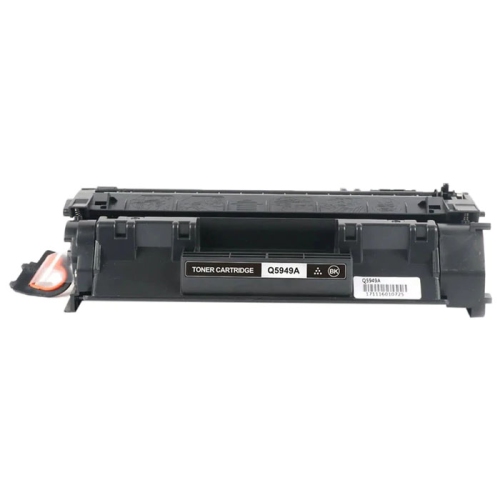
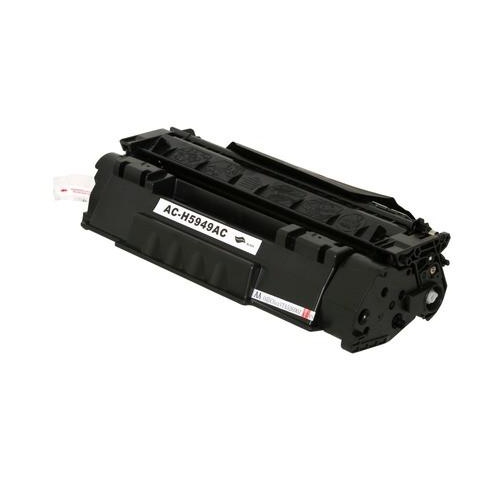
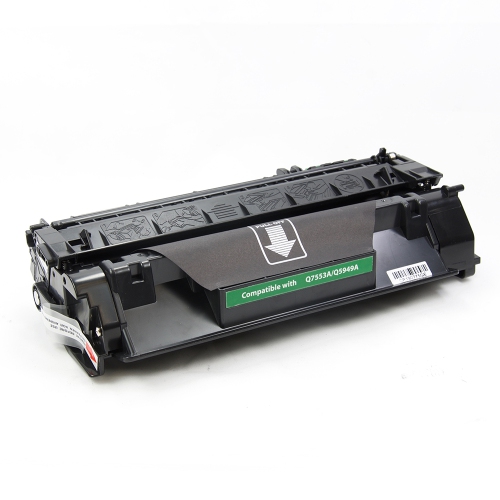
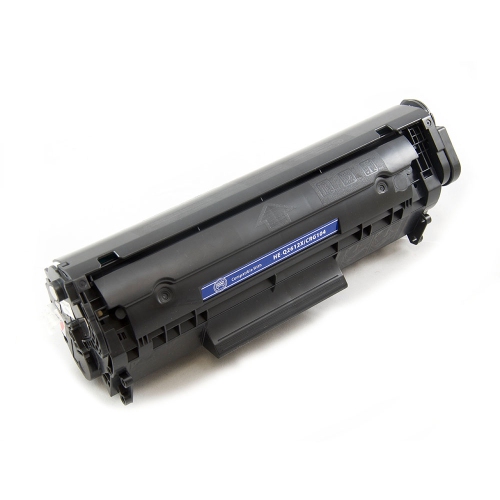
Compatibility involves more than the outside shape of a cartridge. Its housing, contact points, internal components, and toner formulation need to work with the intended printer, so a close visual resemblance is not enough. The complete model designation is particularly useful when a printer belongs to a family with several variations. Cartridge descriptions should explicitly identify the supported printer models rather than leave the match to an assumption. Original, compatible, and remanufactured cartridges describe different manufacturing approaches, not different colours of toner. An original cartridge is made by the printer manufacturer; a compatible cartridge is produced by another manufacturer for use with specified printers; and a remanufactured cartridge uses a previously used cartridge assembly that has been prepared for further service. None of these descriptions alone establishes page yield or print quality. Clear compatibility details, the stated yield, manufacturing consistency, and applicable support terms provide a more useful basis for comparison. The cartridge assembly contains more than powder: its casing, seals, and imaging components contribute to how evenly toner reaches the page and how reliably the cartridge operates. A well-fitting housing should seat correctly without being forced, while intact seals help contain toner before installation. For everyday office use, consistent output matters across an entire document, not just on its first page. A multi-page agreement should have readable clauses throughout, and a batch of address labels should retain defined lettering from the beginning of the run to the end. Paper also plays a part. Sheets intended for laser printing are better suited to the printer’s heat-based process, and labels or specialty media need to be rated for that process as well. Toner cannot make unsuitable paper appropriate for a laser printer. For households or offices with more than one machine, separate model-specific categories, including HP LaserJet 1022n Toner Cartridges, help distinguish replacement supplies for different devices. A cartridge intended for another model should not be assumed interchangeable, even when both printers produce black-and-white documents.
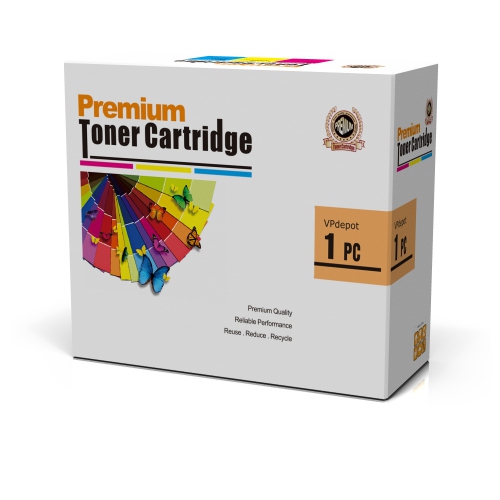
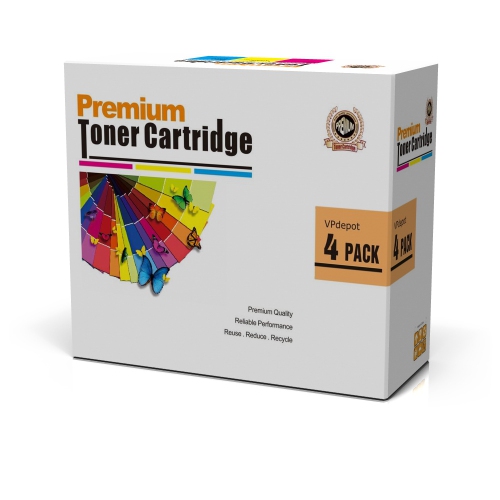
Care and handling help protect a toner cartridge before it reaches the printer and during its working life. Unopened cartridges are best kept in their protective packaging in a dry storage space away from direct sunlight. The packaging helps shield sensitive components and contains the cartridge securely, making it useful for a spare kept in a cupboard near a home workstation or in an office supply cabinet. Heavy objects resting on the box can damage the assembly inside, even when the outer packaging does not look badly affected. Once unpacked, the cartridge should be handled by the designated grip areas, without touching exposed imaging surfaces or electrical contacts. Protective strips and shipping pieces vary between cartridge designs, so the installation information supplied with the cartridge is important. A cartridge that will not seat properly may have a shipping component still attached or may be the wrong fit; forcing it into place can damage both the cartridge and the printer. Over its working life, toner consumption will reflect the documents being printed. A stack of text-only invoices places different demands on the supply than presentation handouts with shaded backgrounds or scanned pages containing dark borders. Print settings can reduce toner use for draft documents, but lighter output may be unsuitable for small print, barcodes, or paperwork that needs to be copied later. Faint text, streaks, repeated marks, and uneven shading can indicate a cartridge issue, although paper, settings, and printer wear can produce similar symptoms. A replacement cartridge is not a remedy for every print defect. For students, administrators, bookkeepers, and people managing household records, the most useful choice balances exact compatibility, expected document volume, and dependable output. Someone who prints a few pages at a time has different capacity needs from a team preparing training binders or client documents every day. Keeping those practical uses in view makes cartridge specifications easier to interpret and helps match the replacement supply to the work the printer actually does.
Compatibility involves more than the outside shape of a cartridge. Its housing, contact points, internal components, and toner formulation need to work with the intended printer, so a close visual resemblance is not enough. The complete model designation is particularly useful when a printer belongs to a family with several variations. Cartridge descriptions should explicitly identify the supported printer models rather than leave the match to an assumption. Original, compatible, and remanufactured cartridges describe different manufacturing approaches, not different colours of toner. An original cartridge is made by the printer manufacturer; a compatible cartridge is produced by another manufacturer for use with specified printers; and a remanufactured cartridge uses a previously used cartridge assembly that has been prepared for further service. None of these descriptions alone establishes page yield or print quality. Clear compatibility details, the stated yield, manufacturing consistency, and applicable support terms provide a more useful basis for comparison. The cartridge assembly contains more than powder: its casing, seals, and imaging components contribute to how evenly toner reaches the page and how reliably the cartridge operates. A well-fitting housing should seat correctly without being forced, while intact seals help contain toner before installation. For everyday office use, consistent output matters across an entire document, not just on its first page. A multi-page agreement should have readable clauses throughout, and a batch of address labels should retain defined lettering from the beginning of the run to the end. Paper also plays a part. Sheets intended for laser printing are better suited to the printer’s heat-based process, and labels or specialty media need to be rated for that process as well. Toner cannot make unsuitable paper appropriate for a laser printer. For households or offices with more than one machine, separate model-specific categories, including HP LaserJet 1022n Toner Cartridges, help distinguish replacement supplies for different devices. A cartridge intended for another model should not be assumed interchangeable, even when both printers produce black-and-white documents.
Care and handling help protect a toner cartridge before it reaches the printer and during its working life. Unopened cartridges are best kept in their protective packaging in a dry storage space away from direct sunlight. The packaging helps shield sensitive components and contains the cartridge securely, making it useful for a spare kept in a cupboard near a home workstation or in an office supply cabinet. Heavy objects resting on the box can damage the assembly inside, even when the outer packaging does not look badly affected. Once unpacked, the cartridge should be handled by the designated grip areas, without touching exposed imaging surfaces or electrical contacts. Protective strips and shipping pieces vary between cartridge designs, so the installation information supplied with the cartridge is important. A cartridge that will not seat properly may have a shipping component still attached or may be the wrong fit; forcing it into place can damage both the cartridge and the printer. Over its working life, toner consumption will reflect the documents being printed. A stack of text-only invoices places different demands on the supply than presentation handouts with shaded backgrounds or scanned pages containing dark borders. Print settings can reduce toner use for draft documents, but lighter output may be unsuitable for small print, barcodes, or paperwork that needs to be copied later. Faint text, streaks, repeated marks, and uneven shading can indicate a cartridge issue, although paper, settings, and printer wear can produce similar symptoms. A replacement cartridge is not a remedy for every print defect. For students, administrators, bookkeepers, and people managing household records, the most useful choice balances exact compatibility, expected document volume, and dependable output. Someone who prints a few pages at a time has different capacity needs from a team preparing training binders or client documents every day. Keeping those practical uses in view makes cartridge specifications easier to interpret and helps match the replacement supply to the work the printer actually does.
Top selling and popular products
-
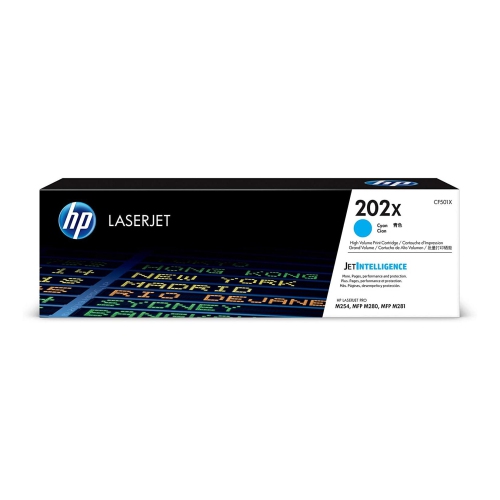 Your price for this item is $184.99
 -
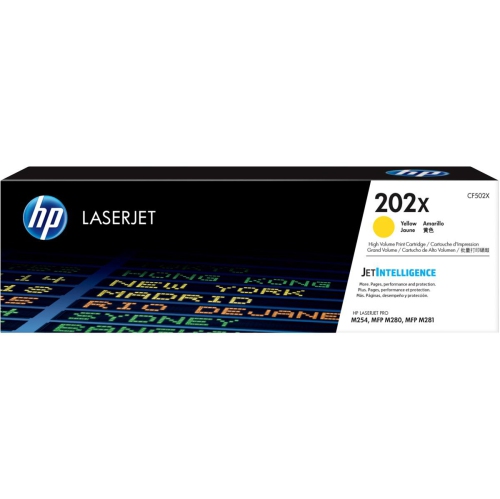 Your price for this item is $184.99
 -
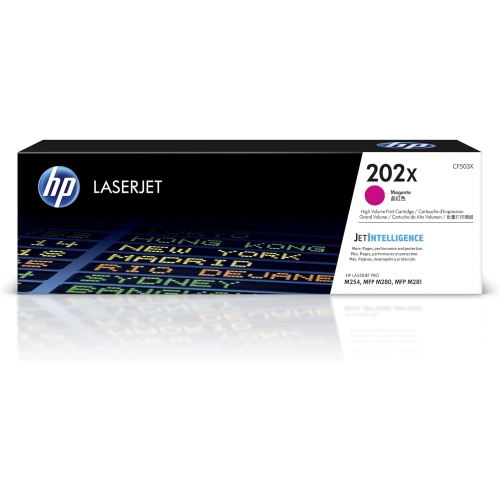 Your price for this item is $184.99
 -
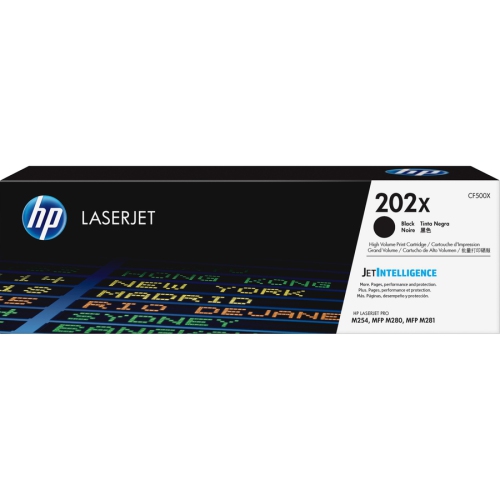 Your price for this item is $176.99
 -
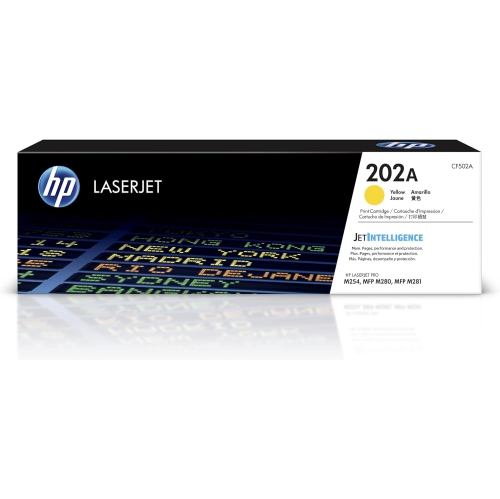 Your price for this item is $139.99
 -
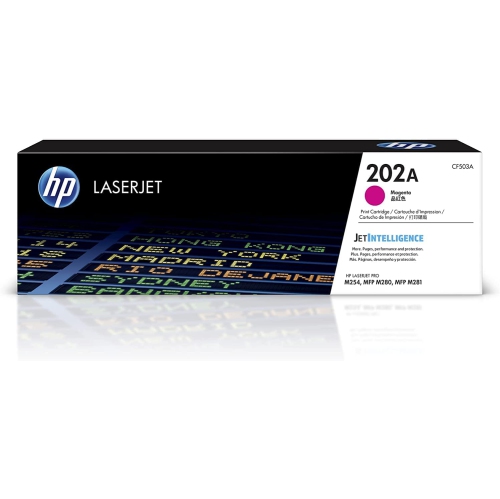 Your price for this item is $139.99
 -
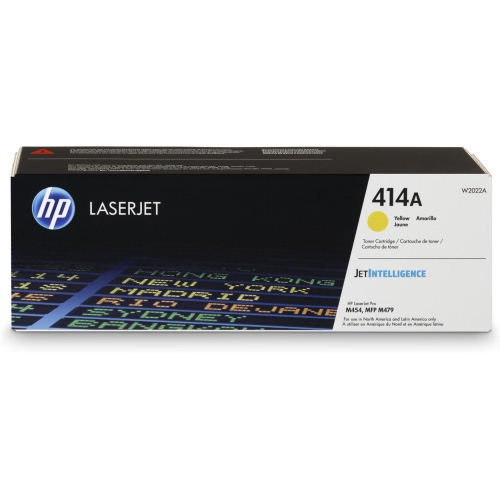 Your price for this item is $230.82
 -
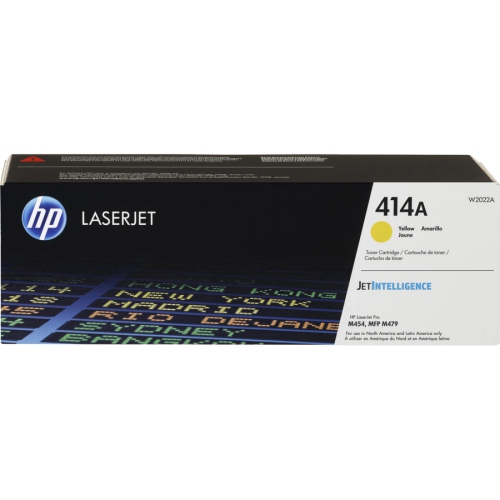 Your price for this item is $197.99
Discover more categories related to HP Laserjet 1320 Toners


Top Collections:
Pokemon Centers, Best Cameras for Sports Photography, Kindle Devices, Samsung Galaxy Phones, Canon G7X Cameras, Pokémon 30th Celebration Cards, Refurbished Apple Laptops, iPhone 15 Apple, Laptops for Students, Budget Smartphones
Some products may be subject to Environmental Handling Fees
(EHF) depending on your province.
Learn more about EHFs.