HP Printers 6600
Discover reliable printing solutions with the HP Printer 6600, designed to streamline your home or office tasks. Perfect for a variety of printing needs, the HP Printer 6600 offers versatile performance and user-friendly operation. Whether you’re working on important documents or personal projects, this printer delivers consistent results every time. Explore a range of options and find the HP Printer 6600 that fits seamlessly into your workspace.
Sort
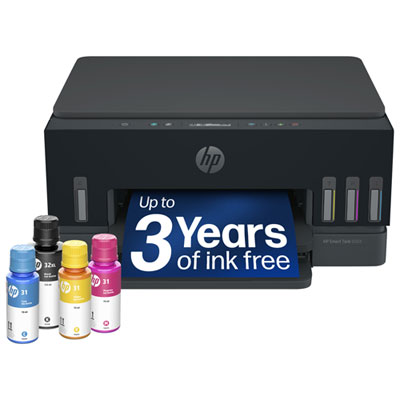
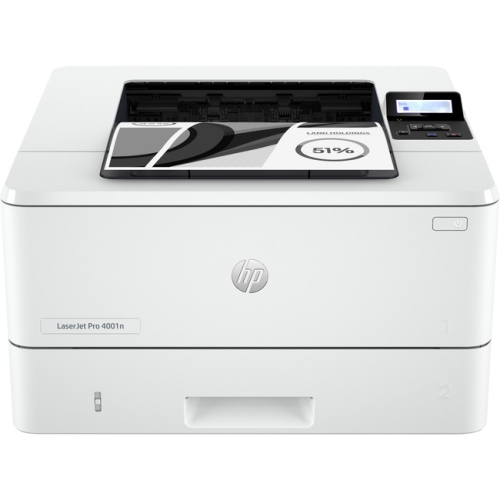
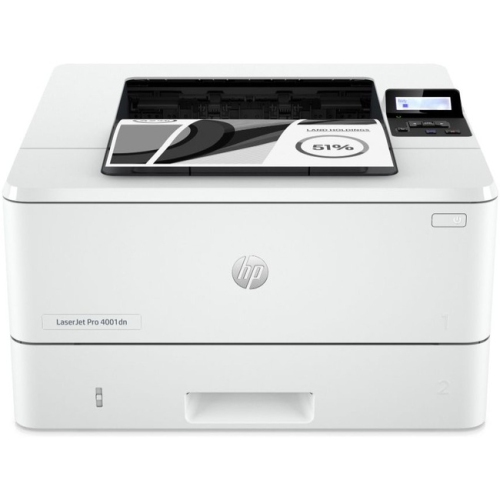
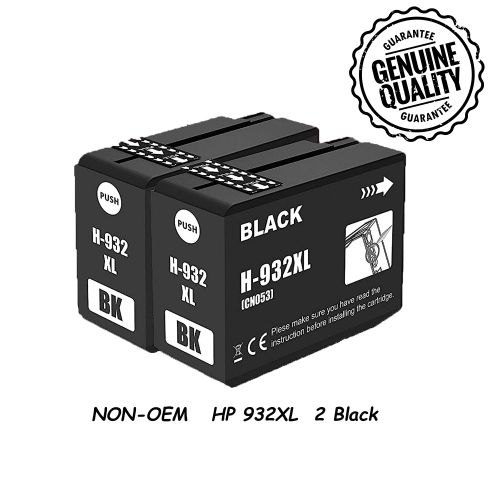
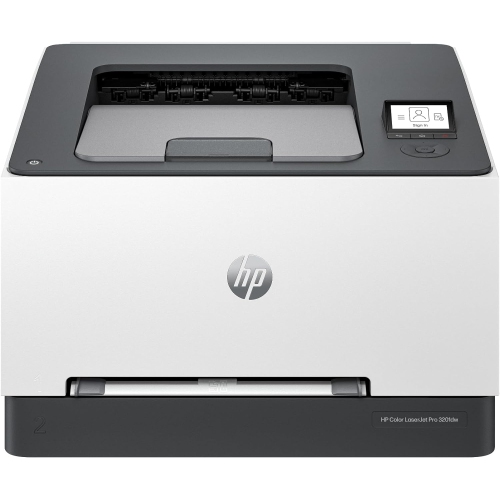
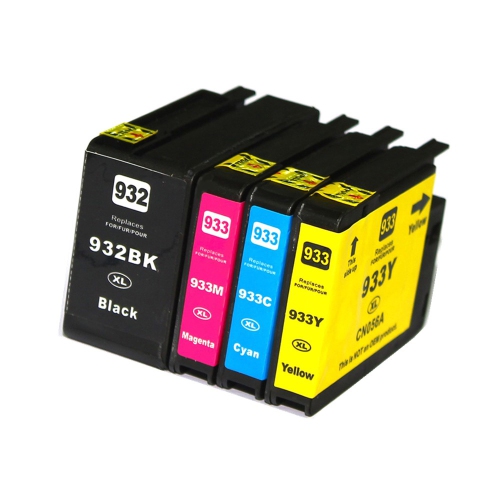

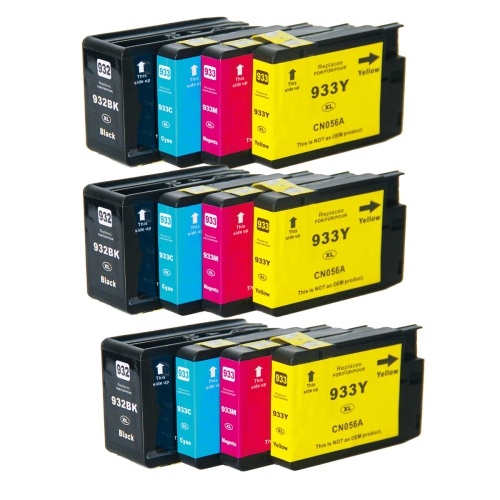
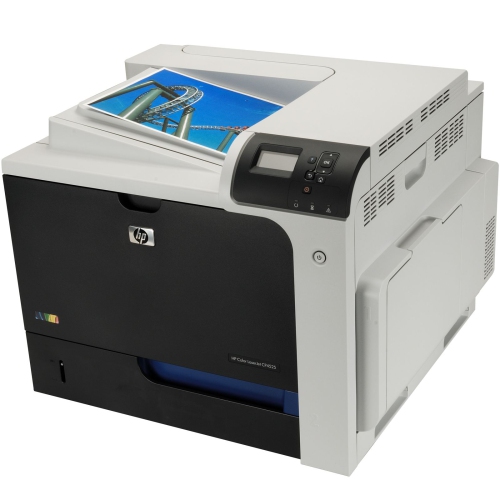
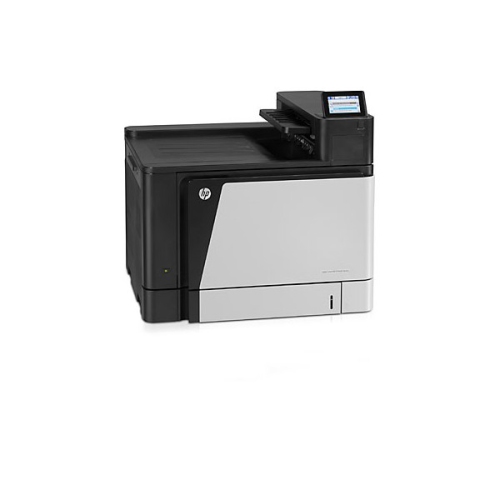
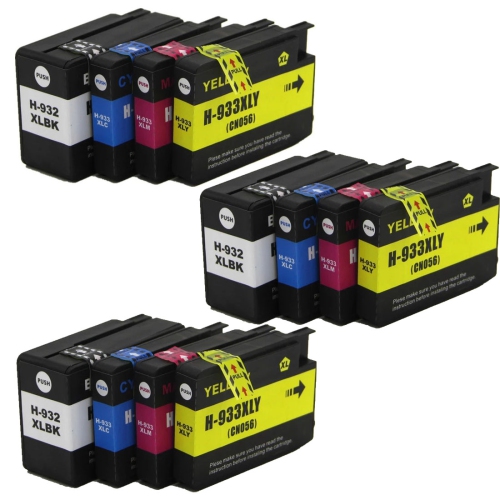
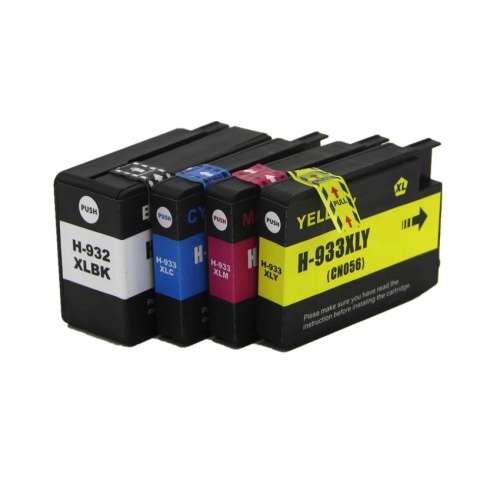
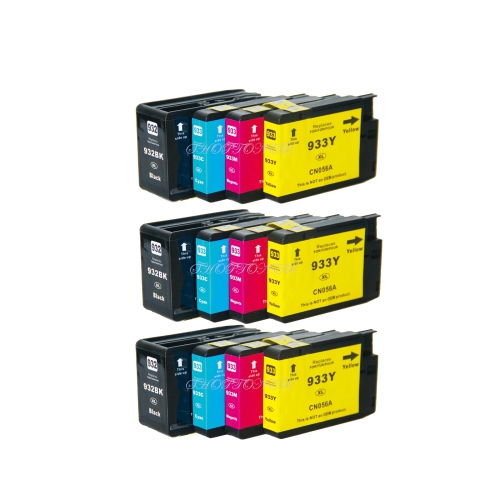
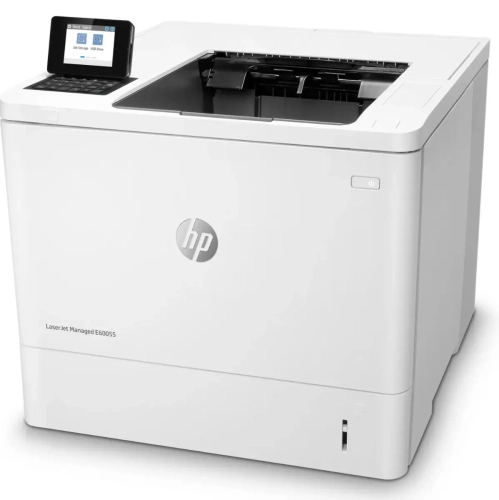
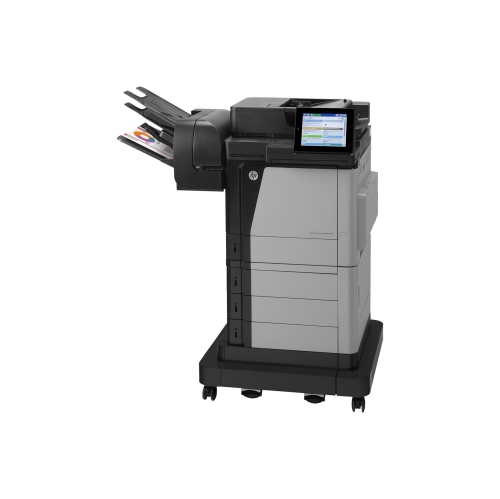
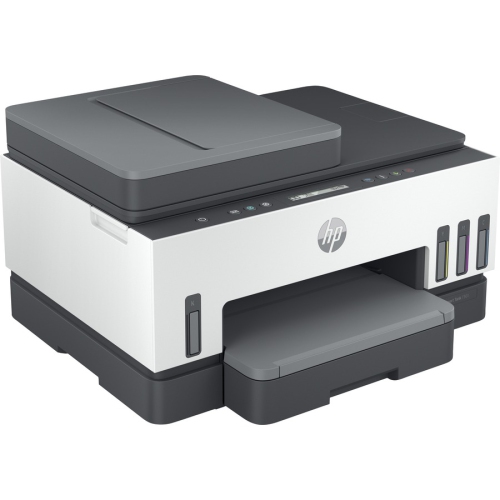
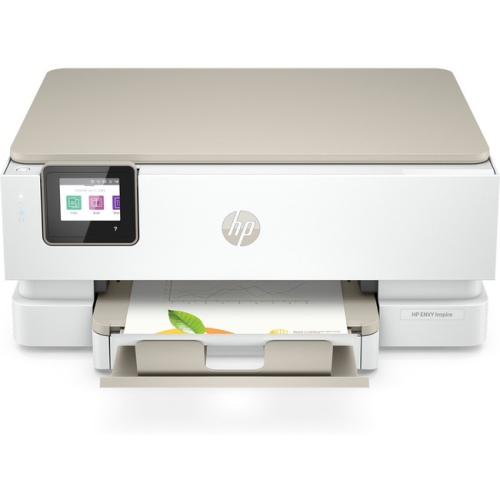
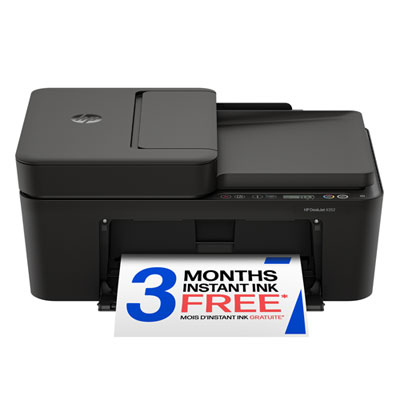
Practical all-in-one printing for home offices and shared spaces
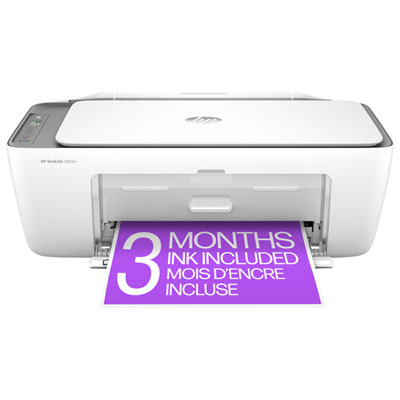
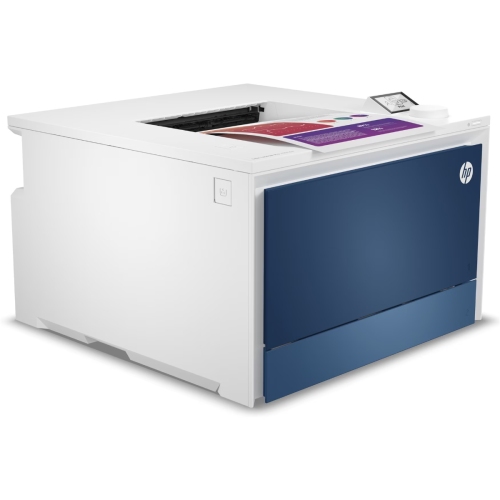
The HP Printers 6600 collection is suited to shoppers looking for a practical home or small-office printing setup with more than basic document output. Printers in this category are generally designed as all-in-one devices, combining printing, copying, scanning and, on some configurations, faxing in one convenient unit. That combination can be useful in a home office where space is limited, especially when a scanner is needed for signed forms, receipts, school assignments, travel documents or household records. It can also suit a small business that regularly prepares invoices, client paperwork, shipping labels, reports and colour marketing materials without needing separate machines for each task. Before choosing a printer, consider the kind of work it will handle most often. Text-heavy users may want to focus on black-and-white print performance, crisp lettering and the cost of replacement ink, while households that print photos, charts, invitations or colourful school projects may place greater importance on colour quality and individual colour cartridges. Separate cartridges can be helpful because only the depleted colour needs to be replaced, rather than discarding a combined cartridge when one shade runs low. Standard-capacity cartridges can work well for occasional printing, while high-yield options may be more convenient for people who print frequently and prefer fewer interruptions. It is also worth checking the available paper sizes, supported media types, automatic two-sided printing, paper-tray capacity and the ease of replacing ink. A printer that handles envelopes, heavier paper or photo sheets can be especially useful during the cooler months, when more people are working, studying and organizing projects from home. Those comparing related options can browse HP OfficeJet Printers to review the broader selection and find a format that better matches their workspace and routine.
Connectivity is another important part of the buying decision. Wireless printing can help keep a desk uncluttered and lets several people share one printer from computers, tablets and compatible mobile devices. USB connectivity remains useful when setting up a printer beside a single computer or when a direct connection is preferred for reliable file transfers. Mobile and cloud-enabled printing can make everyday tasks feel simpler: a boarding pass can be sent from a phone, a form stored online can be printed from another room, and a student can submit a document without moving files between devices. Setup is often easiest when the printer is placed within dependable wireless range, near a power outlet and somewhere with enough room to open the scanner lid and access the paper tray. Leave clearance around the unit rather than pushing it tightly against a wall or shelf, and keep commonly used paper and spare cartridges close by. For a family, an all-in-one printer can become the quiet workhorse of a shared area, producing homework pages in the evening, recipes on a weekend morning and copies of important documents when they are needed. For a remote worker, it can support a more complete workstation by handling contracts, meeting notes, expense records and occasional colour presentations. It may also be a thoughtful gift for a student, a new homeowner setting up a study area or someone starting a small home-based service, provided the recipient has a suitable place to use it and a regular need for printed material. When reviewing older or discontinued printer references, confirm operating-system support, available drivers, ink compatibility and wireless setup requirements before purchasing replacement supplies or accessories. Print speed can vary according to whether a page contains plain text, graphics or detailed colour imagery, so real-world performance may differ from the advertised maximum. Regular maintenance also helps: use the printer periodically, follow the cleaning prompts, keep the paper dry and properly aligned, and replace cartridges when print quality begins to fade. With the right combination of functions, connection options, paper support and ongoing supply availability, a printer from this collection can provide a dependable way to manage paperwork, creative projects and everyday tasks through changing routines and the busy season ahead.
Connectivity is another important part of the buying decision. Wireless printing can help keep a desk uncluttered and lets several people share one printer from computers, tablets and compatible mobile devices. USB connectivity remains useful when setting up a printer beside a single computer or when a direct connection is preferred for reliable file transfers. Mobile and cloud-enabled printing can make everyday tasks feel simpler: a boarding pass can be sent from a phone, a form stored online can be printed from another room, and a student can submit a document without moving files between devices. Setup is often easiest when the printer is placed within dependable wireless range, near a power outlet and somewhere with enough room to open the scanner lid and access the paper tray. Leave clearance around the unit rather than pushing it tightly against a wall or shelf, and keep commonly used paper and spare cartridges close by. For a family, an all-in-one printer can become the quiet workhorse of a shared area, producing homework pages in the evening, recipes on a weekend morning and copies of important documents when they are needed. For a remote worker, it can support a more complete workstation by handling contracts, meeting notes, expense records and occasional colour presentations. It may also be a thoughtful gift for a student, a new homeowner setting up a study area or someone starting a small home-based service, provided the recipient has a suitable place to use it and a regular need for printed material. When reviewing older or discontinued printer references, confirm operating-system support, available drivers, ink compatibility and wireless setup requirements before purchasing replacement supplies or accessories. Print speed can vary according to whether a page contains plain text, graphics or detailed colour imagery, so real-world performance may differ from the advertised maximum. Regular maintenance also helps: use the printer periodically, follow the cleaning prompts, keep the paper dry and properly aligned, and replace cartridges when print quality begins to fade. With the right combination of functions, connection options, paper support and ongoing supply availability, a printer from this collection can provide a dependable way to manage paperwork, creative projects and everyday tasks through changing routines and the busy season ahead.
Top selling and popular products
-
 Your price for this item is $109.99
 -
 Your price for this item is $40.99
 -
 Your price for this item is $101.99
 -
 Your price for this item is $129.99
 -
 Your price for this item is $109.99
 -
 Your price for this item is $89.99
 -
 Your price for this item is $90.99
 -
 Your price for this item is $57.99
Discover more categories related to HP Printers 6600
Top Collections:
Pokemon Centers, Kindle Devices, Best Budget Office Chairs, Apple iPhones 16, Best Laptops for Writers, iPhone 15 Apple, Canon G7X Cameras, Refurbished Apple Laptops, Alarm Clock, Motorola Razr Phones
Some products may be subject to Environmental Handling Fees
(EHF) depending on your province.
Learn more about EHFs.