HP Pro 8610
Discover reliable performance and advanced technology with the HP Pro 8610. Designed to streamline your workflow, the HP Pro 8610 offers a dependable solution for both home offices and small businesses. Explore options that help enhance productivity and deliver professional results every time. Find the right fit for your workspace with the HP Pro 8610, available now at Best Buy.
Sort
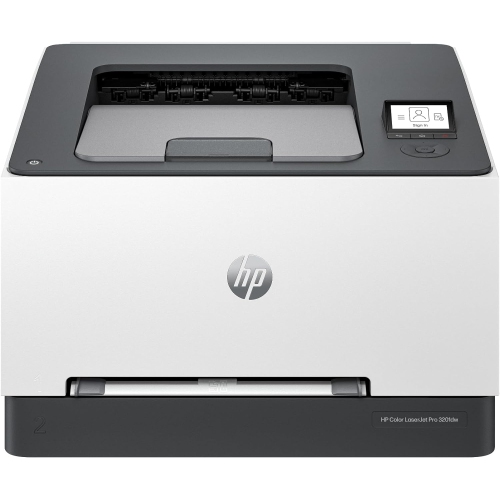
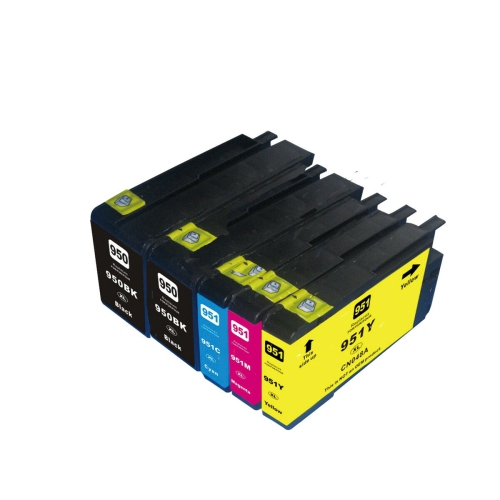
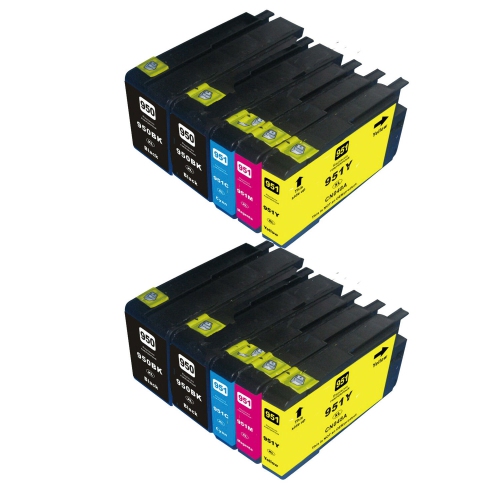
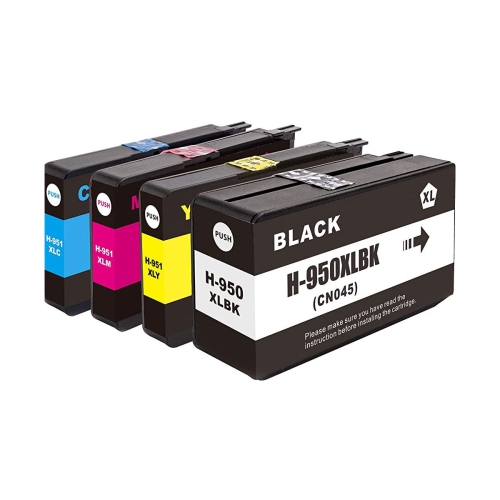


How all-in-one printers handle everyday office paperwork
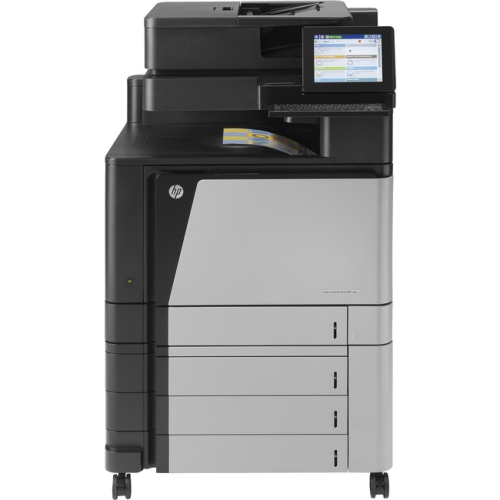
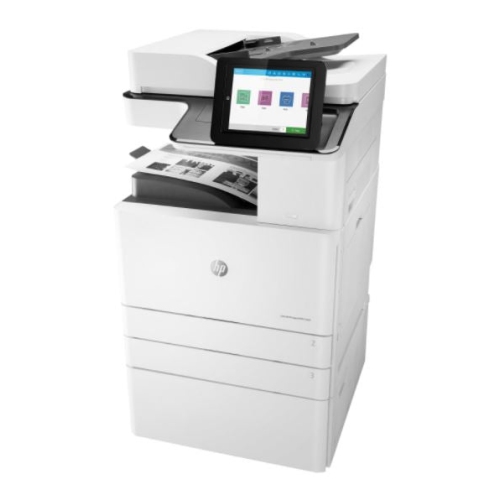
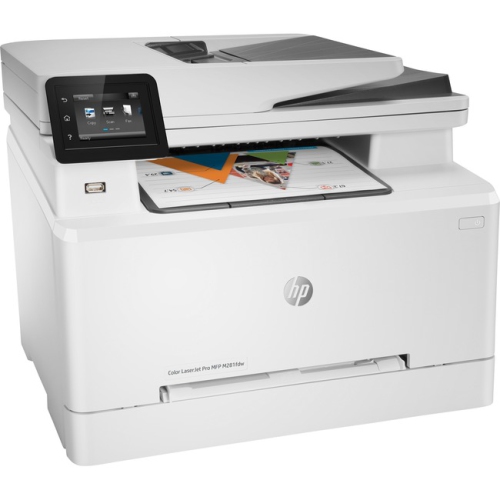
All-in-one colour inkjet printers bring printing, copying, scanning, and faxing into a single workspace, making them a practical fit for home offices and small businesses that handle a mix of paper and digital documents. Their appeal is straightforward: a signed agreement can be scanned for an email attachment, an invoice printed for a client, and a receipt copied for a paper file without moving between separate machines. Business-oriented inkjet printers are designed around this kind of everyday document work, with features that may include automatic two-sided printing, a flatbed scanner, an automatic document feeder, and wired or wireless connections. A flatbed accommodates individual pages and delicate originals, while a document feeder is useful for processing a stack of loose sheets. Feeder capacity and two-sided scanning support vary, so those details matter when the workload includes lengthy contracts or forms printed on both sides. Print speed is usually expressed in pages per minute, with separate figures for black and colour output; actual results depend on document complexity, print settings, connection quality, and the time needed to prepare the first page. Paper capacity also affects daily convenience. A larger input tray can handle recurring batches of correspondence with fewer interruptions, while adjustable guides help keep supported paper sizes aligned. For someone running a consulting business from a spare room, the most useful combination may be clear text, dependable scanning, and easy access from a laptop. A shared office may place greater value on network connectivity and a tray that holds enough paper for several people. Students, bookkeepers, administrators, and people managing household paperwork can also benefit from having these functions together. The right fit depends less on a long feature list than on how well the printer, its compatible ink, and its supported paper types match the documents produced most often.
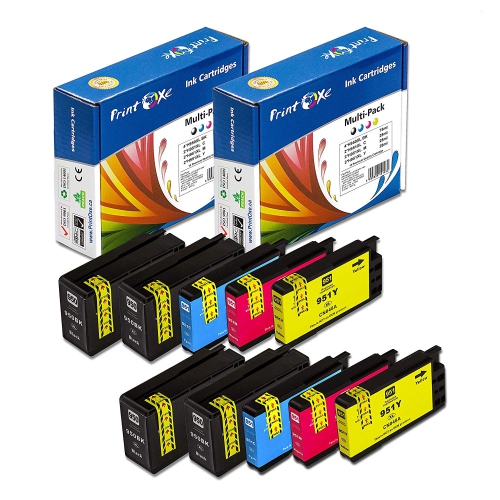
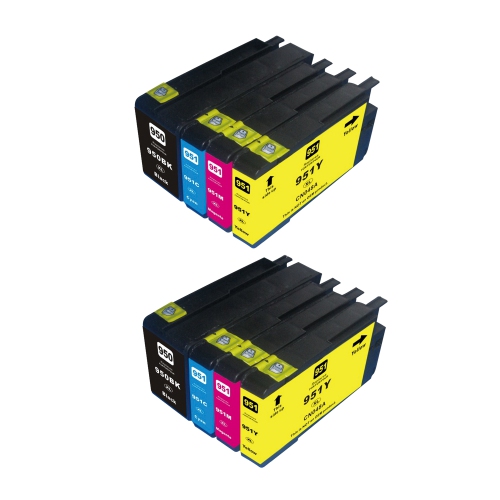
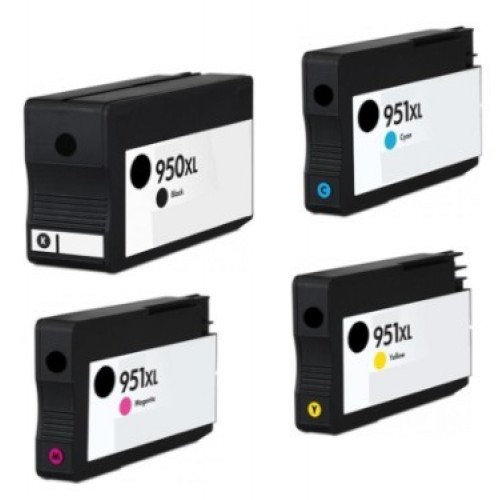
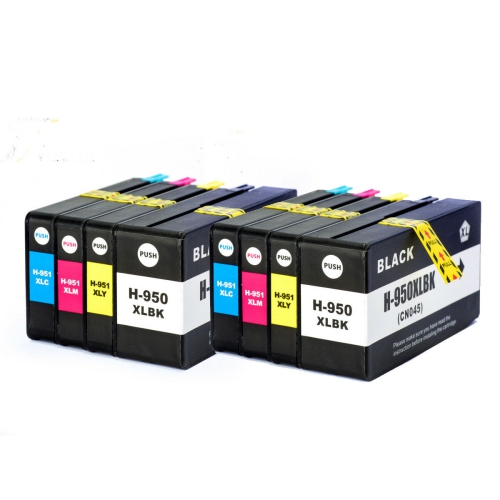
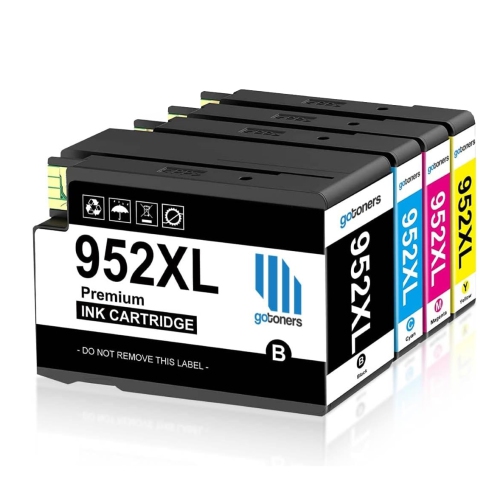
Ink compatibility is central to keeping an established office printer useful. Cartridges that look similar are not necessarily interchangeable: the cartridge family, colour position, regional designation, and printer compatibility information all need to match. A compatibility list that explicitly includes the exact printer model is more reliable than appearance or a broadly similar product name. Some business inkjet systems use a separate black cartridge alongside individual cyan, magenta, and yellow cartridges, allowing each colour to be replaced independently as it runs out. Standard and high-yield versions may be offered within the same compatible cartridge family. High-yield cartridges contain more usable ink for a greater stated page yield, but that yield is a testing-based estimate rather than a promise for every document. A page of short meeting notes uses ink differently from a presentation filled with charts, photographs, and large areas of colour. Printhead servicing can also consume ink, and some printers require usable ink in every colour position even when the intended output is black text. Original and third-party cartridges may differ in their compatibility assurances, warranty terms, and interaction with printer firmware, making the stated support details important for an older machine. Paper choice has an equally visible effect on the finished page. Smooth paper intended for inkjet printing supports clean text and controlled ink absorption, while coated presentation or photo paper serves different purposes and requires the appropriate settings. The paper weight, dimensions, and finish must fall within the printer’s supported range; a heavier sheet is not automatically a better choice for a document feeder or two-sided print path. For everyday correspondence, consistent feeding and legible output often matter more than a glossy surface. Ink stored in its sealed packaging until needed, along with paper kept flat and protected from moisture, helps preserve supplies before use. In a busy workspace, clearly labelled cartridges and neatly stored paper also make routine replenishment simpler, particularly when more than one printer is in use.
Physical fit, connectivity, and ongoing support shape the experience of owning an all-in-one printer just as much as the printed result. The closed dimensions tell only part of the story: space is also needed for the output tray, scanner lid, cables, and access to cartridges or jam-clearance panels. A sturdy desk or cabinet should support the machine without wobbling, with frequently used controls and paper trays within comfortable reach. Plastic housings are common in this category, but long-term usability also depends on paper-feed rollers, hinges, trays, and the condition of the scanning glass. Clean glass helps prevent marks on scans and copies, while paper free of folds, staples, and curled edges is easier for a document feeder to handle. Manufacturer-approved cleaning methods are important because abrasive materials or unsuitable liquids can damage surfaces and internal components. Connection options deserve similar attention. Wi-Fi can make a printer accessible to several devices without a direct cable to each one, Ethernet provides a wired network connection, and USB supports a direct connection to a compatible computer. Mobile printing depends on the printer, device, application, and network working together; wireless capability alone does not establish support for every phone or tablet. For older printers, operating system compatibility and access to supported drivers are especially relevant, as printing and scanning may rely on different software components. Some internet-based functions may no longer be supported even when local printing remains usable. Fax functionality has its own connection requirements and should not be confused with emailing a scanned file. For comparison with another office printing option, the HP OfficeJet Pro 8720 page offers a related point of reference, though cartridge compatibility and feature support must be checked separately for each model. Whether the task is producing a tidy client proposal, copying a signed form, or saving searchable paperwork through compatible scanning software, a well-matched printer setup supports the work without adding unnecessary steps. Suitable supplies, accessible placement, and confirmed device compatibility help keep everyday document handling straightforward.
Ink compatibility is central to keeping an established office printer useful. Cartridges that look similar are not necessarily interchangeable: the cartridge family, colour position, regional designation, and printer compatibility information all need to match. A compatibility list that explicitly includes the exact printer model is more reliable than appearance or a broadly similar product name. Some business inkjet systems use a separate black cartridge alongside individual cyan, magenta, and yellow cartridges, allowing each colour to be replaced independently as it runs out. Standard and high-yield versions may be offered within the same compatible cartridge family. High-yield cartridges contain more usable ink for a greater stated page yield, but that yield is a testing-based estimate rather than a promise for every document. A page of short meeting notes uses ink differently from a presentation filled with charts, photographs, and large areas of colour. Printhead servicing can also consume ink, and some printers require usable ink in every colour position even when the intended output is black text. Original and third-party cartridges may differ in their compatibility assurances, warranty terms, and interaction with printer firmware, making the stated support details important for an older machine. Paper choice has an equally visible effect on the finished page. Smooth paper intended for inkjet printing supports clean text and controlled ink absorption, while coated presentation or photo paper serves different purposes and requires the appropriate settings. The paper weight, dimensions, and finish must fall within the printer’s supported range; a heavier sheet is not automatically a better choice for a document feeder or two-sided print path. For everyday correspondence, consistent feeding and legible output often matter more than a glossy surface. Ink stored in its sealed packaging until needed, along with paper kept flat and protected from moisture, helps preserve supplies before use. In a busy workspace, clearly labelled cartridges and neatly stored paper also make routine replenishment simpler, particularly when more than one printer is in use.
Physical fit, connectivity, and ongoing support shape the experience of owning an all-in-one printer just as much as the printed result. The closed dimensions tell only part of the story: space is also needed for the output tray, scanner lid, cables, and access to cartridges or jam-clearance panels. A sturdy desk or cabinet should support the machine without wobbling, with frequently used controls and paper trays within comfortable reach. Plastic housings are common in this category, but long-term usability also depends on paper-feed rollers, hinges, trays, and the condition of the scanning glass. Clean glass helps prevent marks on scans and copies, while paper free of folds, staples, and curled edges is easier for a document feeder to handle. Manufacturer-approved cleaning methods are important because abrasive materials or unsuitable liquids can damage surfaces and internal components. Connection options deserve similar attention. Wi-Fi can make a printer accessible to several devices without a direct cable to each one, Ethernet provides a wired network connection, and USB supports a direct connection to a compatible computer. Mobile printing depends on the printer, device, application, and network working together; wireless capability alone does not establish support for every phone or tablet. For older printers, operating system compatibility and access to supported drivers are especially relevant, as printing and scanning may rely on different software components. Some internet-based functions may no longer be supported even when local printing remains usable. Fax functionality has its own connection requirements and should not be confused with emailing a scanned file. For comparison with another office printing option, the HP OfficeJet Pro 8720 page offers a related point of reference, though cartridge compatibility and feature support must be checked separately for each model. Whether the task is producing a tidy client proposal, copying a signed form, or saving searchable paperwork through compatible scanning software, a well-matched printer setup supports the work without adding unnecessary steps. Suitable supplies, accessible placement, and confirmed device compatibility help keep everyday document handling straightforward.
Top selling and popular products
-
 Your price for this item is $109.99
 -
 Your price for this item is $40.99
 -
 Your price for this item is $101.99
 -
 Your price for this item is $129.99
 -
 Your price for this item is $109.99
 -
 Your price for this item is $89.99
 -
 Your price for this item is $90.99
 -
 Your price for this item is $57.99
Discover more categories related to HP Pro 8610

Top Collections:
Pokemon Centers, Kindle Devices, Best Budget Office Chairs, Apple iPhones 16, Best Laptops for Writers, iPhone 15 Apple, Canon G7X Cameras, Refurbished Apple Laptops, Alarm Clock, Motorola Razr Phones
Some products may be subject to Environmental Handling Fees
(EHF) depending on your province.
Learn more about EHFs.