HP Tri Color Ink
Looking to add a pop of vibrant color to your documents, photos, or creative projects? Our selection of tri-color ink cartridges from HP is just what you need. Designed to deliver sharp and vivid prints, our tri-color ink cartridges are perfect for achieving stunning results every time. Whether you're printing important documents for work or capturing precious memories in your photo albums, our tri-color ink options are a reliable choice. With their high-quality performance and compatibility with a wide range of printers, you can trust that your prints will come out looking crisp and true to life. Browse our collection of tri-color ink cartridges today and elevate your printing experience.
Sort
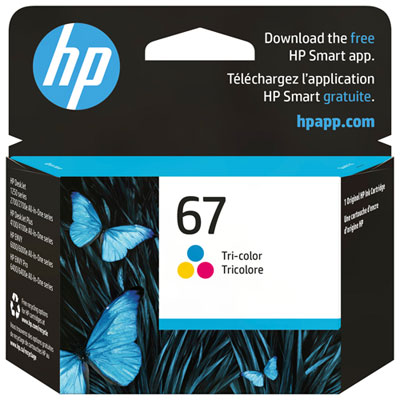
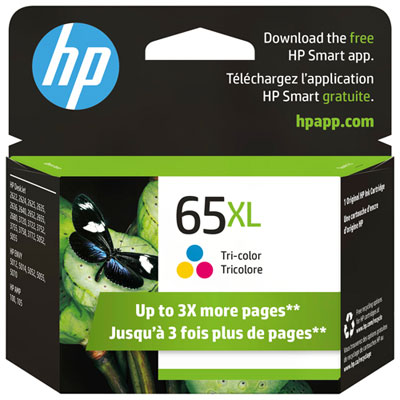
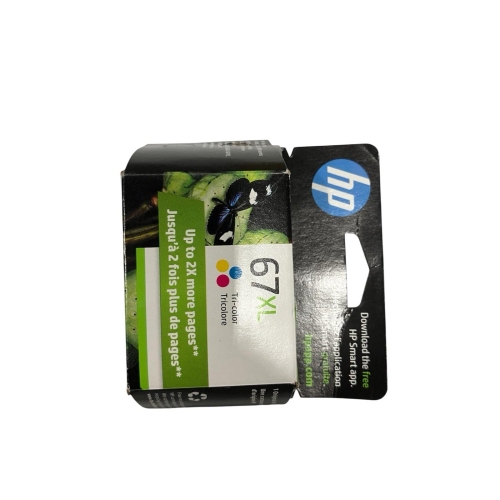
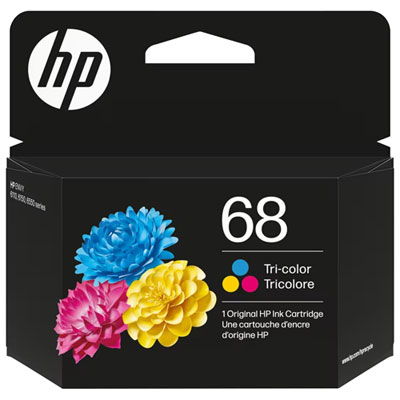
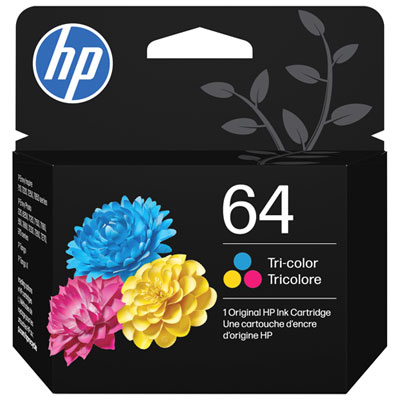
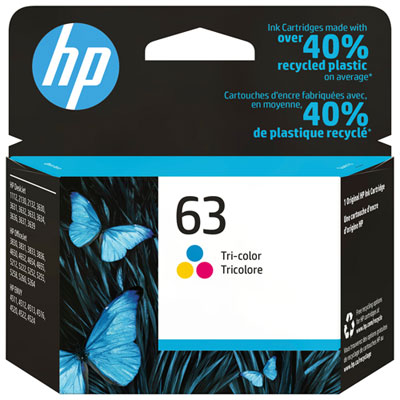
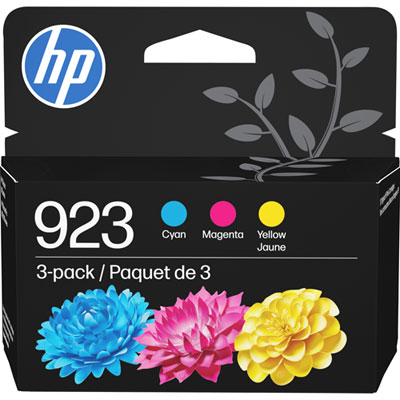
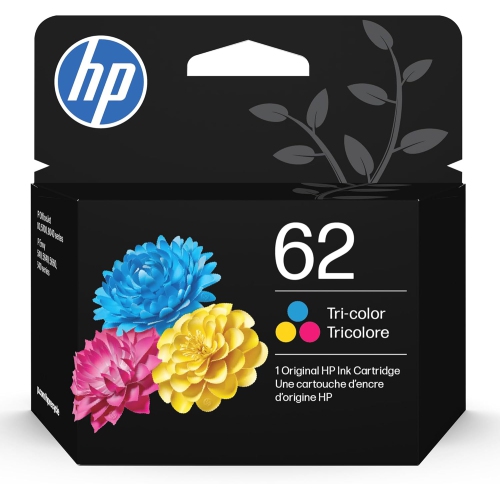
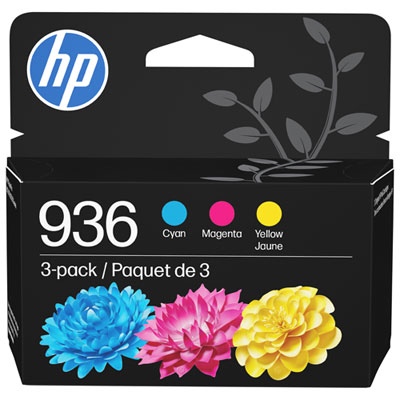
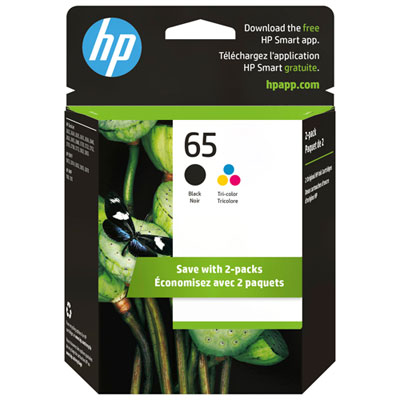
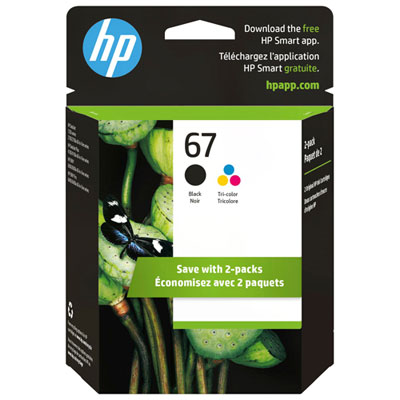
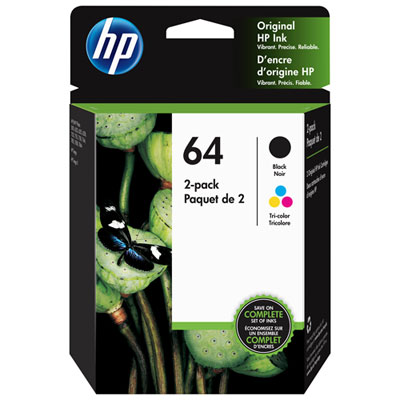
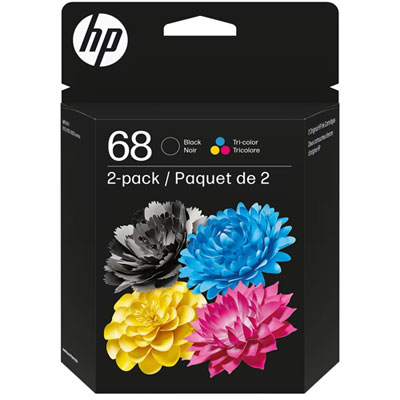
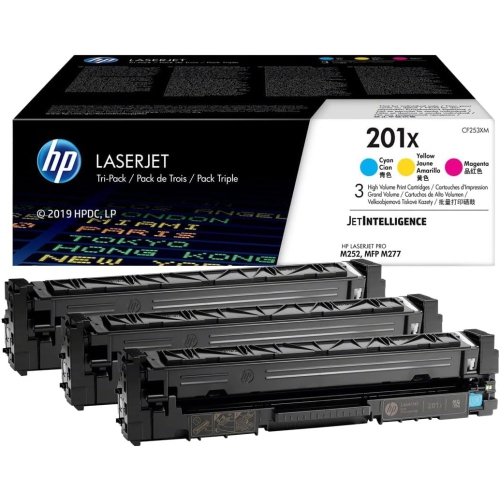
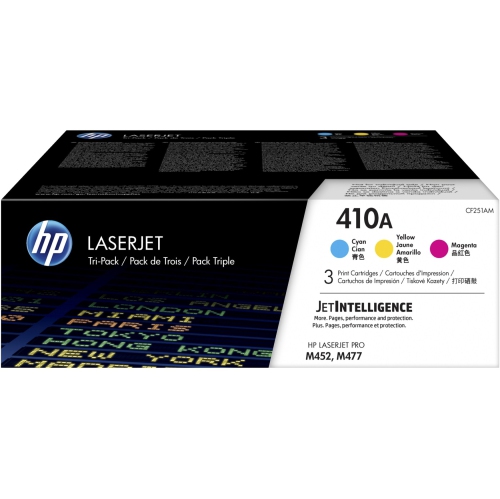
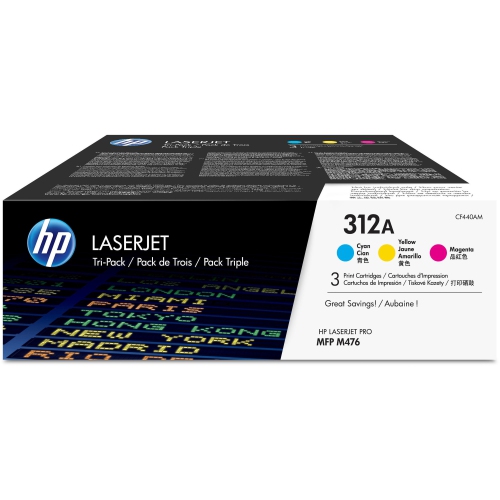
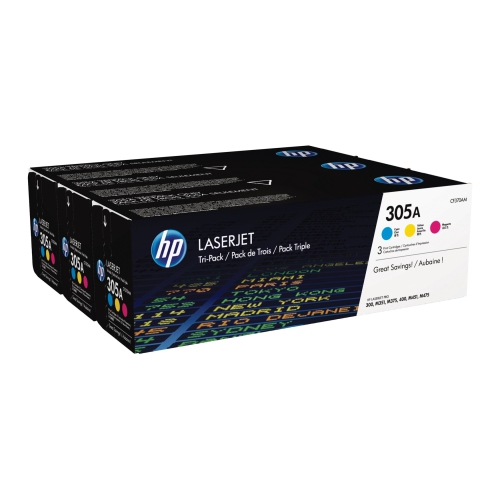
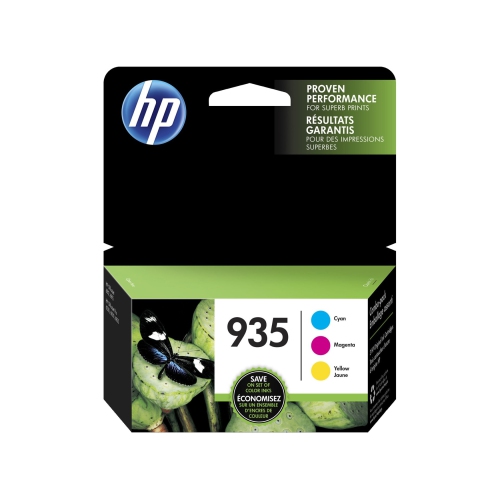
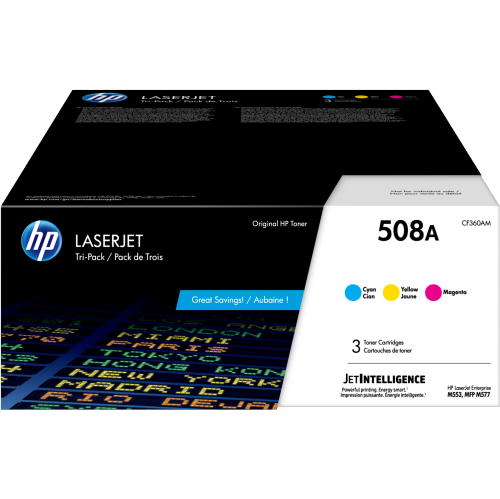
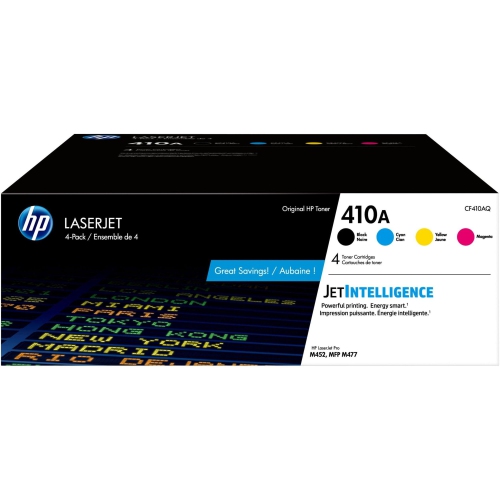
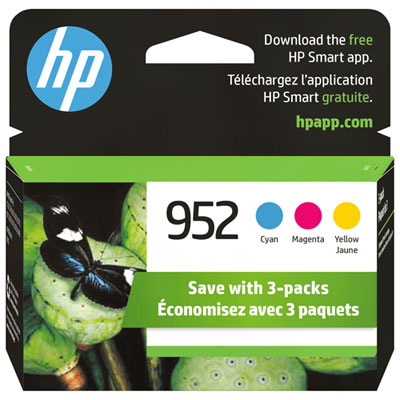
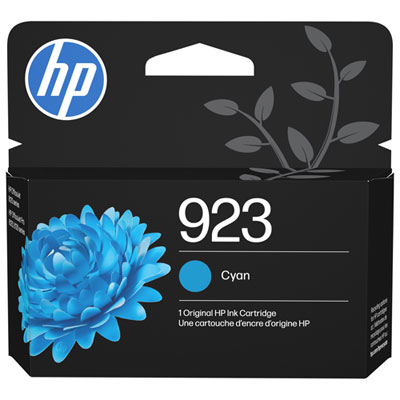
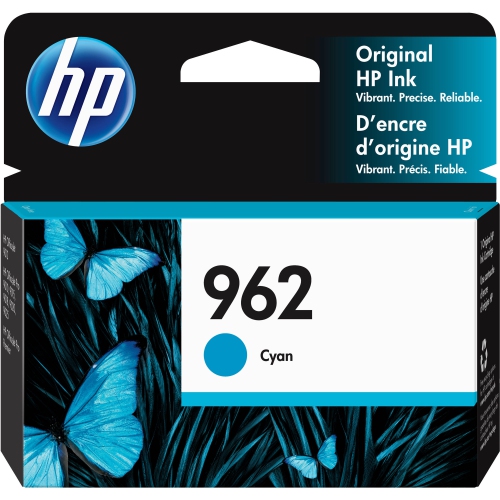
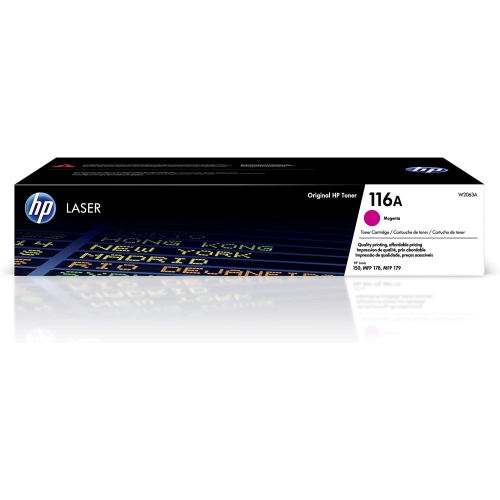
Three colours share one cartridge, but compatibility comes first
Tri-colour ink cartridges hold cyan, magenta, and yellow ink in separate chambers within a single cartridge. An inkjet printer combines tiny droplets of these three colours to produce the shades used in photographs, illustrations, charts, and everyday colour documents. Many printers that use this format pair the tri-colour cartridge with a separate black cartridge, although the exact arrangement depends on the printer. Having the three colour inks in one unit makes replacement straightforward: there is one colour cartridge to handle rather than three individual colour tanks. This format suits a wide range of home and small-office printing, from a school assignment with a colour-coded map to a presentation with graphs that need to remain easy to distinguish. Compatibility is the most important consideration, since cartridges with similar packaging or a similar shape may fit different printers. The printer’s full model number and its specified cartridge number provide a more reliable match than appearance alone. Even printers within the same family can require different cartridges, and a cartridge intended for one generation may not work in another. Regional compatibility can also matter, making the Canadian version of the printer’s cartridge information useful when matching a replacement. Beyond fit, the intended work helps shape the choice. Occasional worksheets and return labels place different demands on a cartridge than batches of illustrated handouts or full-page photographs. A household printer may move between all of these tasks, producing mostly text one day and bright party invitations the next. Tri-colour ink provides a compact way to support that mixture of work without managing each colour separately. Its convenience comes with one practical distinction: because the colour chambers are housed together, the cartridge generally needs replacement when one colour is depleted, even if some ink remains in the other chambers.
Standard-capacity and high-yield tri-colour cartridges are designed for different printing volumes, where those options are supported by the printer. High-yield versions generally contain more ink than their standard counterparts, but the designation does not make a cartridge universally compatible or mean that it produces richer colour. A larger ink capacity is most relevant to people who print regularly, such as a student preparing illustrated coursework, a teacher making classroom materials, or a home-office user producing client handouts. For lighter use, the balance between capacity and printing frequency deserves attention, since ink can dry at the nozzles during long periods of inactivity. Published page yields are estimates based on defined testing conditions, not a promise that every cartridge will produce that number of personal documents. A page with a small colour logo uses ink differently from an edge-to-edge photograph, and print settings, cleaning cycles, and the mix of colours on the page can all affect results. Repeatedly printing designs dominated by one colour may use that chamber faster than the others. Cyan helps form blues and greens, magenta contributes to pinks, purples, and reds, and yellow combines with the other inks to produce a broad range of warm and bright tones. Separate magenta cartridges, such as those associated with HP Magenta Ink, belong to a different cartridge arrangement and are not substitutes for a tri-colour unit unless the printer explicitly supports that ink system. Paper choice matters just as much as the colour combination. Plain paper is practical for drafts, worksheets, and everyday documents, while compatible coated inkjet paper can help photographs and detailed graphics appear sharper. Matching the printer’s paper setting to the paper being used helps control how ink is laid down. A glossy photo sheet and an ordinary sheet of multipurpose paper absorb ink differently, so the same image can look noticeably different on each.
The cartridge’s construction and handling also influence reliable everyday use. A moulded housing keeps the ink chambers contained, while contacts and ink-delivery components connect the cartridge to the printer’s printing system. Some tri-colour designs include the printhead as part of the cartridge, so care around the contacts and nozzle area is especially important. Protective packaging helps keep the cartridge ready for installation; leaving it sealed until needed limits unnecessary exposure to air. Storage in a dry indoor space, away from direct sunlight and temperature extremes, is preferable to leaving cartridges beside a radiator or in a vehicle. During installation, removing only the specified protective tape and avoiding contact with sensitive surfaces helps prevent ink-transfer problems or connection errors. The printer’s own installation and alignment process is the appropriate reference, since the details vary by model. Once installed, occasional printing can help keep ink moving through the nozzles, while the printer’s normal shutdown process may help protect the printhead when the machine is idle. Repeated cleaning cycles use ink, so a nozzle check or the printer’s troubleshooting tools can help distinguish a genuine print-quality issue from an unsuitable paper setting. The finished print deserves care as well. Freshly printed photos and heavily coloured pages benefit from time to dry before they are stacked, slipped into sleeves, or handled across the printed surface. Resistance to smudging, moisture, and fading depends on the ink formulation, paper, and storage conditions; ordinary inkjet output should not automatically be treated as waterproof. For family photographs, keeping prints away from strong sunlight and damp spaces helps preserve their appearance. For office handouts, legible type and clearly separated chart colours may matter more than a glossy finish. Whether the next job is a child’s illustrated story, a recipe page with a food photograph, or a small batch of meeting materials, a correctly matched tri-colour cartridge supports the printer’s intended colour performance. The most useful choice brings together verified compatibility, a capacity suited to the printing routine, and paper appropriate to the finished document.
Standard-capacity and high-yield tri-colour cartridges are designed for different printing volumes, where those options are supported by the printer. High-yield versions generally contain more ink than their standard counterparts, but the designation does not make a cartridge universally compatible or mean that it produces richer colour. A larger ink capacity is most relevant to people who print regularly, such as a student preparing illustrated coursework, a teacher making classroom materials, or a home-office user producing client handouts. For lighter use, the balance between capacity and printing frequency deserves attention, since ink can dry at the nozzles during long periods of inactivity. Published page yields are estimates based on defined testing conditions, not a promise that every cartridge will produce that number of personal documents. A page with a small colour logo uses ink differently from an edge-to-edge photograph, and print settings, cleaning cycles, and the mix of colours on the page can all affect results. Repeatedly printing designs dominated by one colour may use that chamber faster than the others. Cyan helps form blues and greens, magenta contributes to pinks, purples, and reds, and yellow combines with the other inks to produce a broad range of warm and bright tones. Separate magenta cartridges, such as those associated with HP Magenta Ink, belong to a different cartridge arrangement and are not substitutes for a tri-colour unit unless the printer explicitly supports that ink system. Paper choice matters just as much as the colour combination. Plain paper is practical for drafts, worksheets, and everyday documents, while compatible coated inkjet paper can help photographs and detailed graphics appear sharper. Matching the printer’s paper setting to the paper being used helps control how ink is laid down. A glossy photo sheet and an ordinary sheet of multipurpose paper absorb ink differently, so the same image can look noticeably different on each.
The cartridge’s construction and handling also influence reliable everyday use. A moulded housing keeps the ink chambers contained, while contacts and ink-delivery components connect the cartridge to the printer’s printing system. Some tri-colour designs include the printhead as part of the cartridge, so care around the contacts and nozzle area is especially important. Protective packaging helps keep the cartridge ready for installation; leaving it sealed until needed limits unnecessary exposure to air. Storage in a dry indoor space, away from direct sunlight and temperature extremes, is preferable to leaving cartridges beside a radiator or in a vehicle. During installation, removing only the specified protective tape and avoiding contact with sensitive surfaces helps prevent ink-transfer problems or connection errors. The printer’s own installation and alignment process is the appropriate reference, since the details vary by model. Once installed, occasional printing can help keep ink moving through the nozzles, while the printer’s normal shutdown process may help protect the printhead when the machine is idle. Repeated cleaning cycles use ink, so a nozzle check or the printer’s troubleshooting tools can help distinguish a genuine print-quality issue from an unsuitable paper setting. The finished print deserves care as well. Freshly printed photos and heavily coloured pages benefit from time to dry before they are stacked, slipped into sleeves, or handled across the printed surface. Resistance to smudging, moisture, and fading depends on the ink formulation, paper, and storage conditions; ordinary inkjet output should not automatically be treated as waterproof. For family photographs, keeping prints away from strong sunlight and damp spaces helps preserve their appearance. For office handouts, legible type and clearly separated chart colours may matter more than a glossy finish. Whether the next job is a child’s illustrated story, a recipe page with a food photograph, or a small batch of meeting materials, a correctly matched tri-colour cartridge supports the printer’s intended colour performance. The most useful choice brings together verified compatibility, a capacity suited to the printing routine, and paper appropriate to the finished document.
Top selling and popular products
-
 Your price for this item is $40.99
 -
 Your price for this item is $101.99
 -
 Your price for this item is $129.99
 -
 Your price for this item is $109.99
 -
 Your price for this item is $89.99
 -
 Your price for this item is $90.99
 -
 Your price for this item is $52.99
 -
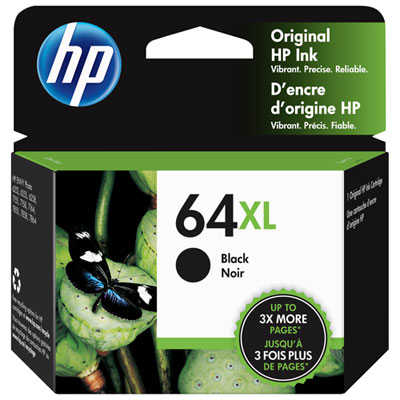 Your price for this item is $101.99
Discover more categories related to HP Tri Color Ink

Top Collections:
Pokemon Centers, Best Cameras for Sports Photography, Kindle Devices, Samsung Galaxy Phones, Canon G7X Cameras, Pokémon 30th Celebration Cards, Refurbished Apple Laptops, iPhone 15 Apple, Laptops for Students, Budget Smartphones
Some products may be subject to Environmental Handling Fees
(EHF) depending on your province.
Learn more about EHFs.