Peel And Stick Address Labels
Peel and stick address labels offer a convenient solution for organizing mail, packages, and important documents. Designed for quick application, these labels help streamline your mailing process at home, in the office, or for special events. With a variety of sizes and styles available, peel and stick address labels make it easy to add a personal or professional touch to every envelope or parcel. Find the right option to suit your needs and keep your correspondence looking neat and organized.
Sort
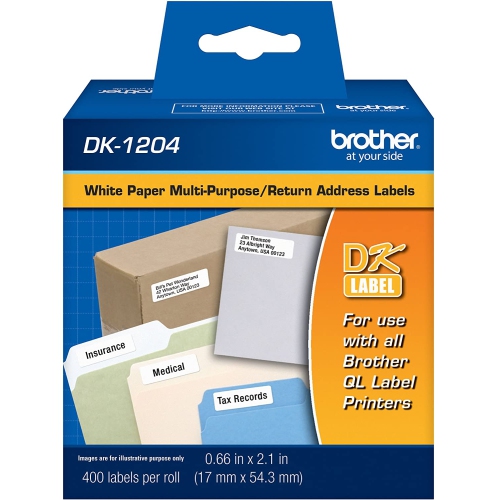
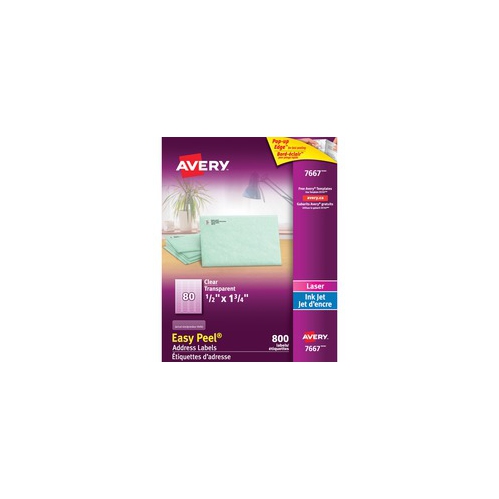
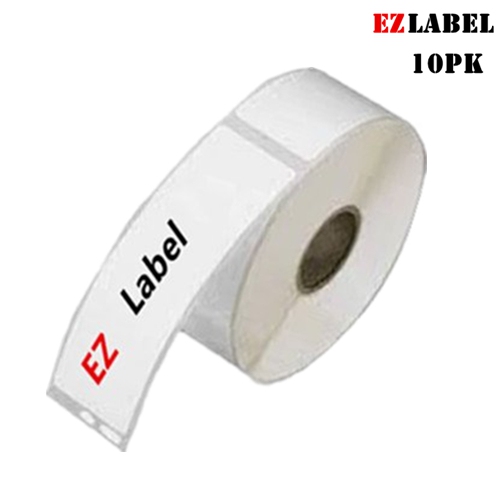
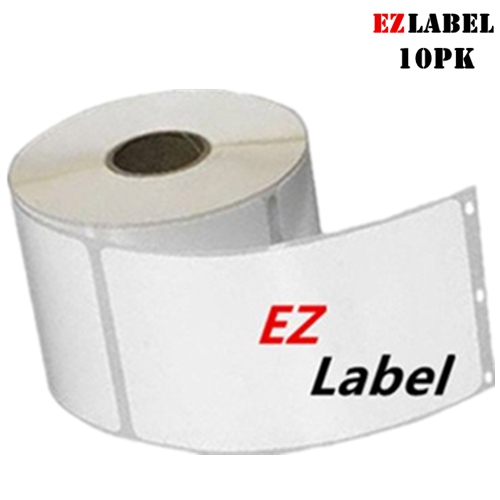
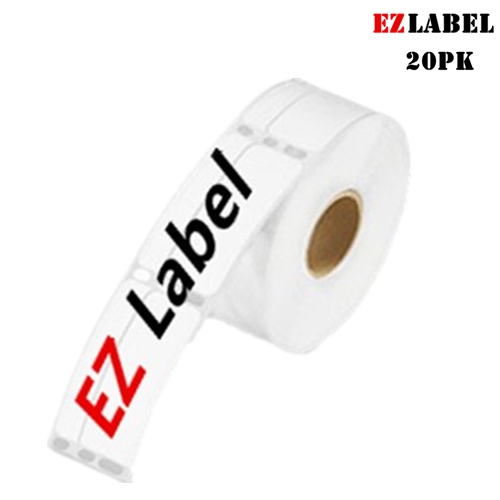
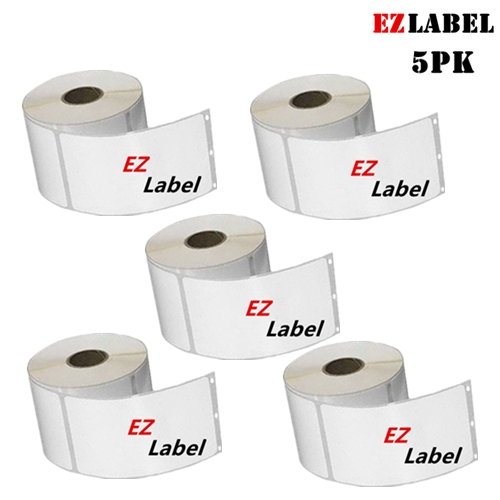
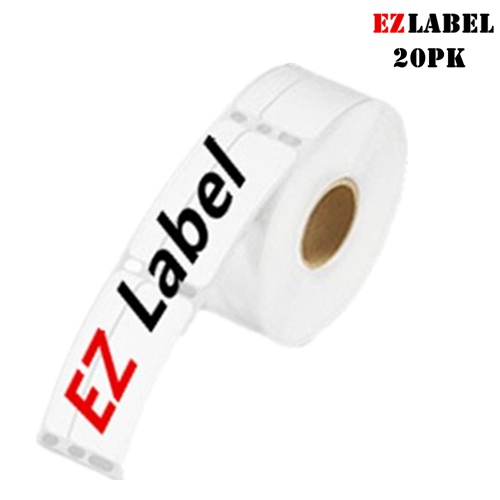


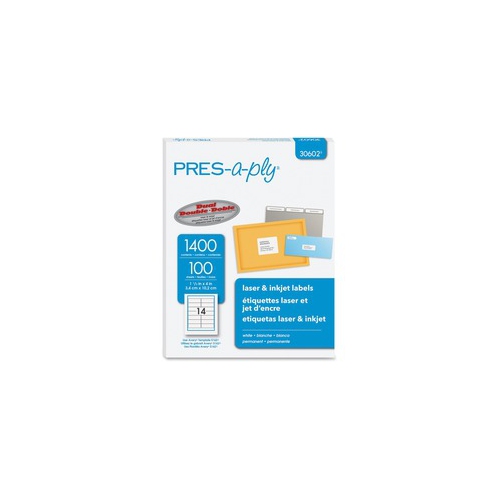
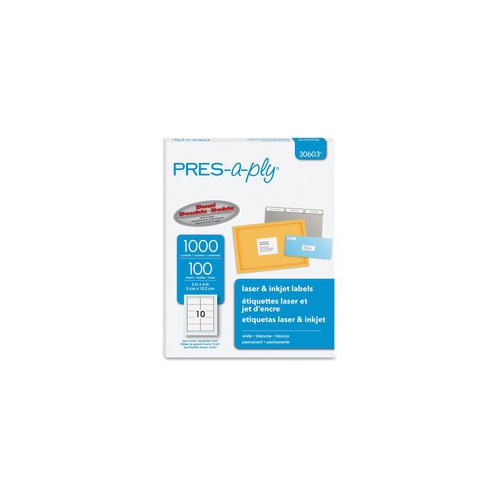
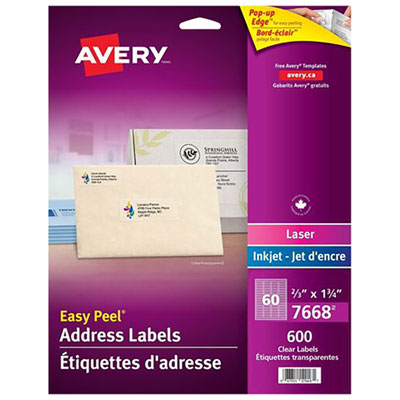
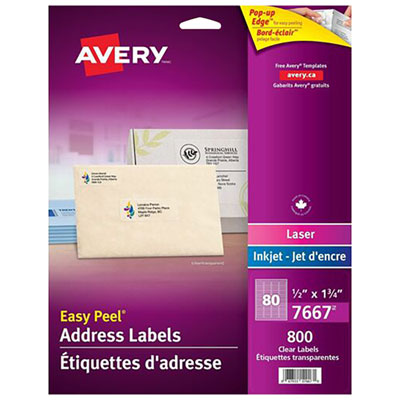

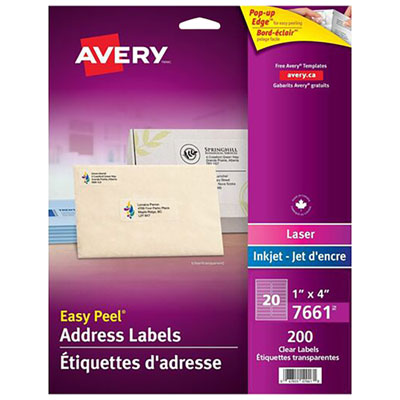
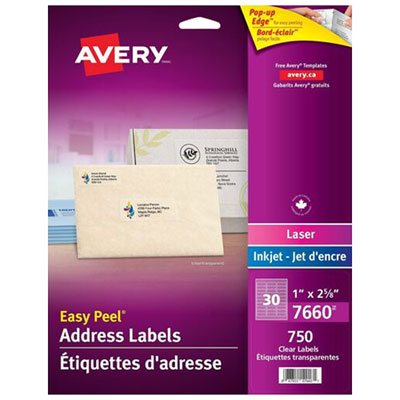
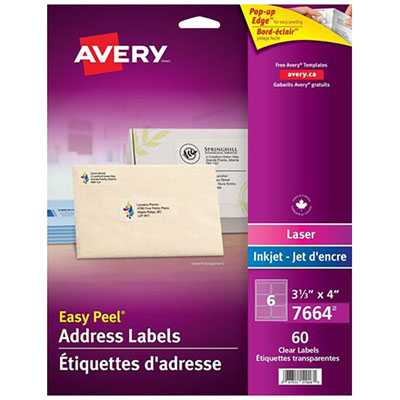

Practical tips for printing, applying, and storing labels
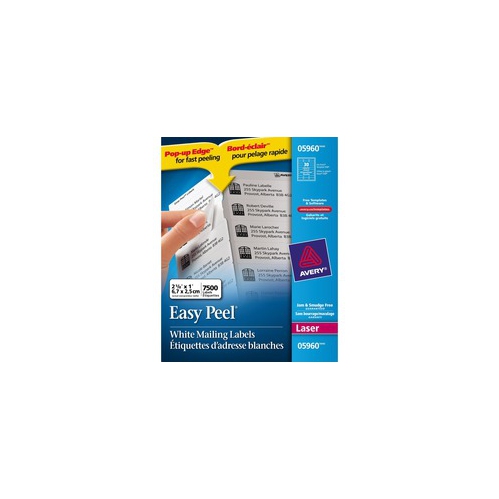
Peel and stick address labels make everyday mailing, shipping, and organizing tasks faster and more consistent. Designed with a self-adhesive backing, they can be applied directly to envelopes, parcels, folders, storage bins, invitations, and other smooth surfaces without separate glue or tape. They are especially useful for anyone who sends regular correspondence, manages household paperwork, runs a home-based business, or prepares packages for friends and family. A clearly printed address label gives envelopes and parcels a tidy, easy-to-read finish, while a return address label helps undeliverable mail make its way back to the sender. During the cooler months, when more people spend time indoors sorting paperwork, sending parcels, or preparing seasonal greetings, a supply of labels can be a practical addition to a home office or family command centre. They can also be a thoughtful gift for students moving into a residence, new homeowners organizing their paperwork, small-business owners handling customer orders, or anyone who appreciates neat and efficient stationery. For a more polished result, consider how the label size will work with the envelopes or packaging you use most often. Standard address labels are convenient for everyday envelopes, while larger formats can provide more room for complete delivery details, return information, or a business address. White labels offer strong contrast for easy reading, and clear labels can create a more subtle appearance when used on suitable surfaces. If your mailing routine includes a range of package sizes, choosing a versatile format can help keep your supplies simple and ready for different tasks.
Printer compatibility is one of the most important details to check before choosing peel and stick address labels. Many label sheets are made for inkjet printers, laser printers, or both, but the printing method and sheet design should match the specifications on the package. Using the correct type helps produce sharper text and reduces the risk of smudging, misalignment, or adhesive entering the printer. Before printing a full sheet, use the matching template or design layout and print a test page on ordinary paper. Hold the test behind the label sheet in front of a light source to check whether the addresses line up with the individual labels. This small step can prevent wasted sheets and is particularly helpful when setting up a new printer, changing label sizes, or printing a large mailing. Address labels can be created with word-processing software, spreadsheet tools, manufacturer templates, or other label-design programs. Templates can make it easier to duplicate one address across a sheet, create different recipient addresses, add a return address, or include a simple logo or decorative detail. Keep important information inside the label’s printable area, use a readable font, and leave enough space around the edges so text does not appear crowded. It is also wise to confirm postal addresses carefully before printing, since a small typing error can cause delays. For regular correspondence, personalized labels can save time and provide a consistent look; for parcels, a larger label may make delivery information easier to identify at a glance. Those seeking a more formal, organized appearance for frequent mailing may also wish to explore Professional Address Labels.
Applying peel and stick address labels is straightforward, but a few simple habits can improve the finished result. Start with a clean, dry, smooth surface and make sure the envelope or parcel is securely closed. Separate only the label you are ready to use, taking care not to touch too much of the adhesive or bend the sheet. Align one edge first, then smooth the label across the surface with a finger or the side of a card to press out air bubbles and help the adhesive make full contact. Avoid placing labels over seams, folds, rough textures, heavy tape, or areas that may become damp, as these conditions can affect how well they stay in place. On packages, position the main delivery label on the largest flat surface and keep it away from corners, openings, and other markings that could make scanning or reading more difficult. A return address label is generally best placed in the upper-left area of an envelope or parcel, while the recipient’s information should remain prominent and separate. Store unused sheets flat in their original packaging, away from excessive heat, moisture, and direct sunlight, so they remain ready for clear printing and reliable application. Peel and stick address labels are useful well beyond outgoing mail: they can identify classroom supplies, mark files, organize moving boxes, label handmade gifts, or keep shared household items easy to sort. Their convenience is most noticeable when a task arrives unexpectedly—a last-minute parcel, a stack of invitations, or a pile of documents that needs sorting—because a printed label can replace hurried handwriting and keep every item looking orderly. Choosing the right size, material, adhesive style, and printer format will help ensure that the labels suit the surfaces and mailing routines they are intended for.
Printer compatibility is one of the most important details to check before choosing peel and stick address labels. Many label sheets are made for inkjet printers, laser printers, or both, but the printing method and sheet design should match the specifications on the package. Using the correct type helps produce sharper text and reduces the risk of smudging, misalignment, or adhesive entering the printer. Before printing a full sheet, use the matching template or design layout and print a test page on ordinary paper. Hold the test behind the label sheet in front of a light source to check whether the addresses line up with the individual labels. This small step can prevent wasted sheets and is particularly helpful when setting up a new printer, changing label sizes, or printing a large mailing. Address labels can be created with word-processing software, spreadsheet tools, manufacturer templates, or other label-design programs. Templates can make it easier to duplicate one address across a sheet, create different recipient addresses, add a return address, or include a simple logo or decorative detail. Keep important information inside the label’s printable area, use a readable font, and leave enough space around the edges so text does not appear crowded. It is also wise to confirm postal addresses carefully before printing, since a small typing error can cause delays. For regular correspondence, personalized labels can save time and provide a consistent look; for parcels, a larger label may make delivery information easier to identify at a glance. Those seeking a more formal, organized appearance for frequent mailing may also wish to explore Professional Address Labels.
Applying peel and stick address labels is straightforward, but a few simple habits can improve the finished result. Start with a clean, dry, smooth surface and make sure the envelope or parcel is securely closed. Separate only the label you are ready to use, taking care not to touch too much of the adhesive or bend the sheet. Align one edge first, then smooth the label across the surface with a finger or the side of a card to press out air bubbles and help the adhesive make full contact. Avoid placing labels over seams, folds, rough textures, heavy tape, or areas that may become damp, as these conditions can affect how well they stay in place. On packages, position the main delivery label on the largest flat surface and keep it away from corners, openings, and other markings that could make scanning or reading more difficult. A return address label is generally best placed in the upper-left area of an envelope or parcel, while the recipient’s information should remain prominent and separate. Store unused sheets flat in their original packaging, away from excessive heat, moisture, and direct sunlight, so they remain ready for clear printing and reliable application. Peel and stick address labels are useful well beyond outgoing mail: they can identify classroom supplies, mark files, organize moving boxes, label handmade gifts, or keep shared household items easy to sort. Their convenience is most noticeable when a task arrives unexpectedly—a last-minute parcel, a stack of invitations, or a pile of documents that needs sorting—because a printed label can replace hurried handwriting and keep every item looking orderly. Choosing the right size, material, adhesive style, and printer format will help ensure that the labels suit the surfaces and mailing routines they are intended for.
Top selling and popular products
-
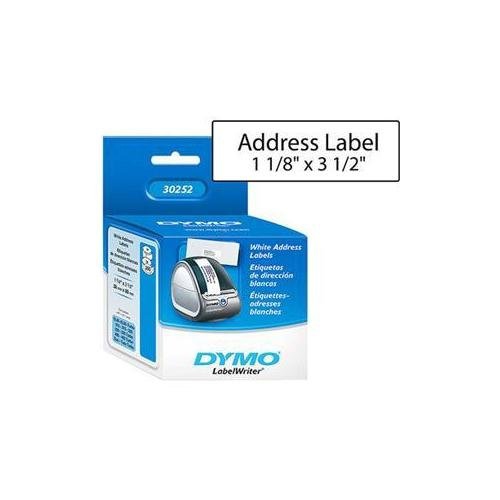 Your price for this item is $48.37
 -
 Your price for this item is $70.99
 -
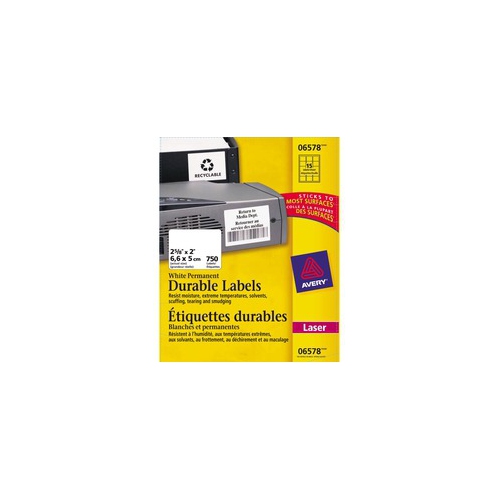 Your price for this item is $64.99
 -
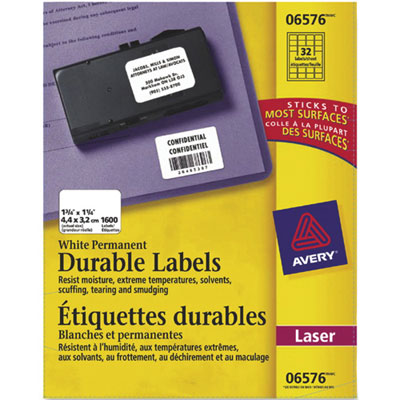 Your price for this item is $70.99
 -
 Your price for this item is $64.99
 -
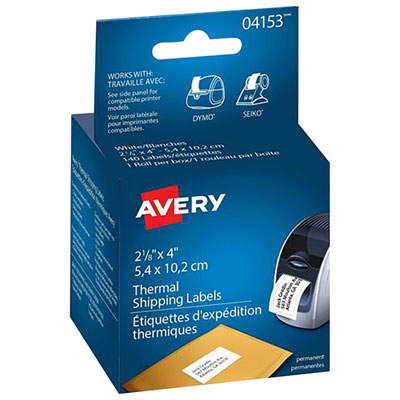 Your price for this item is $30.99
 -
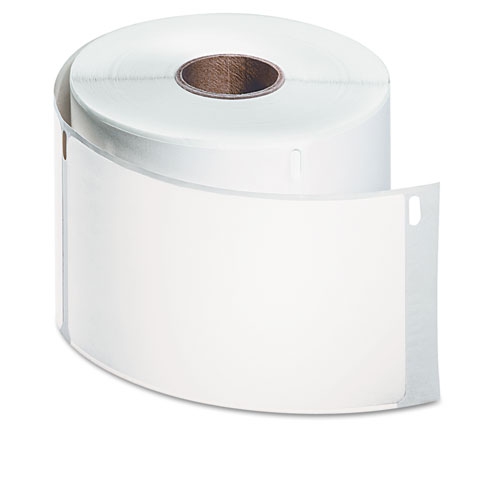 Your price for this item is $33.99
 -
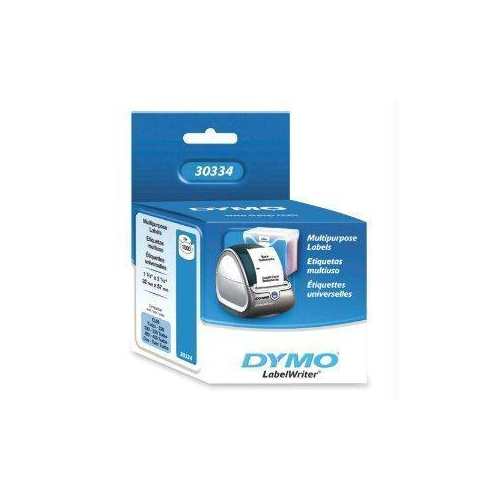 Your price for this item is $76.68
Discover more categories related to Peel And Stick Address Labels
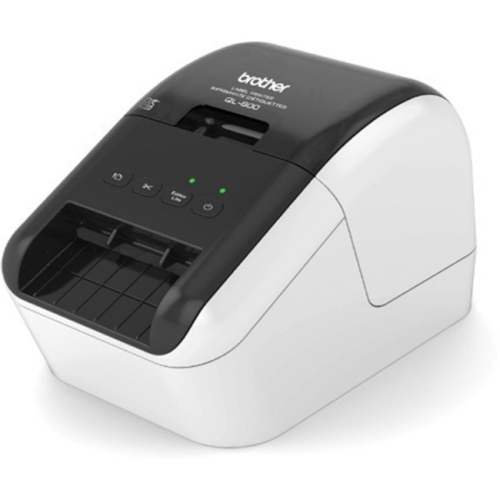
Top Collections:
Pokemon Centers, Budget 4K TVs, Best Budget Office Chairs, Kindle Devices, Canon G7X Cameras, Apple iPhones 16, iPhone 15 Apple, Laptops for Business Work, Xiaomi Phones, Flip Phones
Some products may be subject to Environmental Handling Fees
(EHF) depending on your province.
Learn more about EHFs.