Photo Laminators
Looking to preserve and protect your cherished memories? Look no further than our collection of photo laminators. Whether you're a professional photographer or an avid scrapbooker, these versatile devices are designed to give your photographs and documents a glossy, durable finish that will stand the test of time. With their user-friendly features and advanced technology, our photo laminators make it easy to enhance the quality and longevity of your prints. Explore our range of options and find the perfect photo laminator to bring your images to life in stunning detail.
Sort
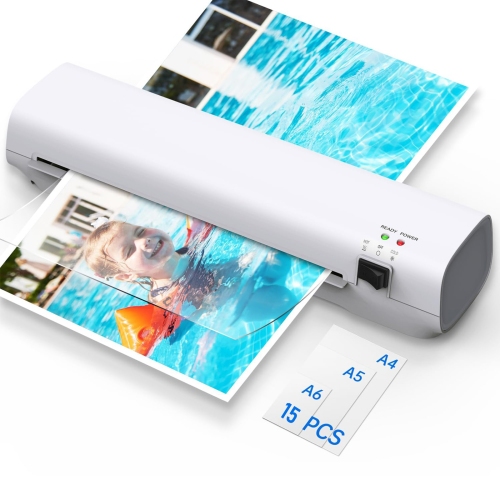
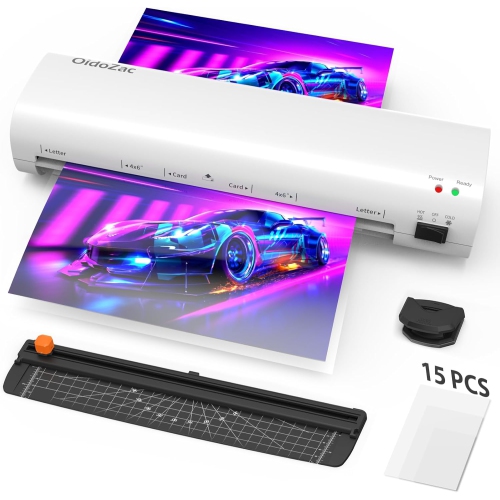
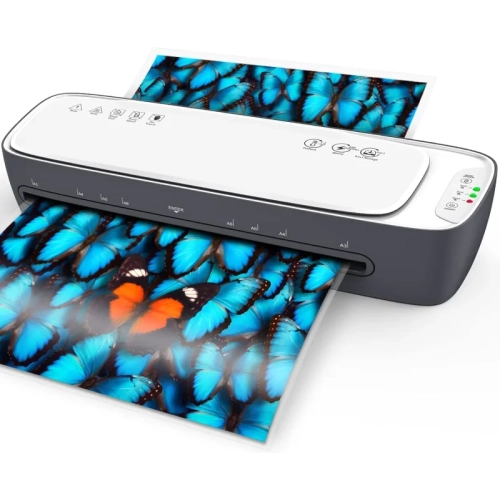
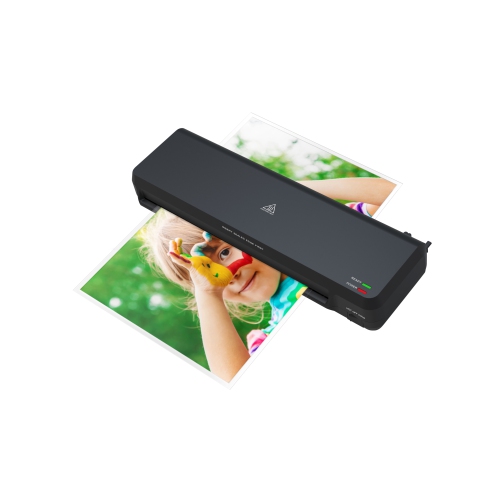
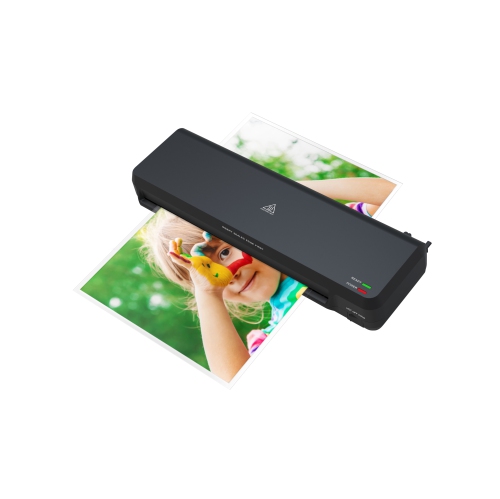
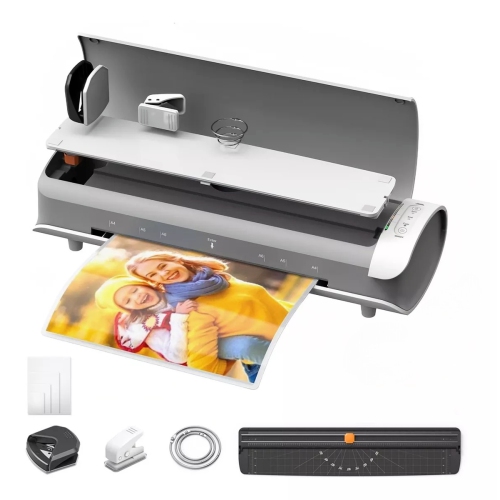
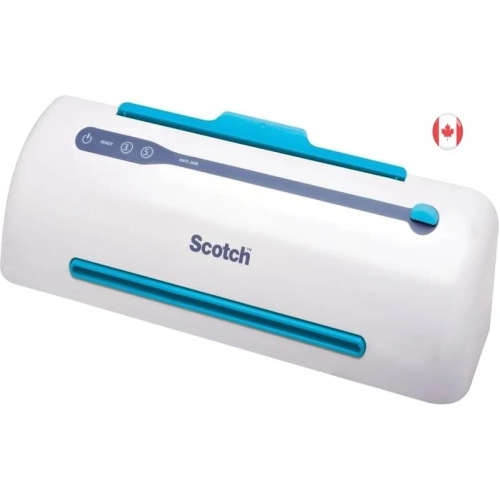
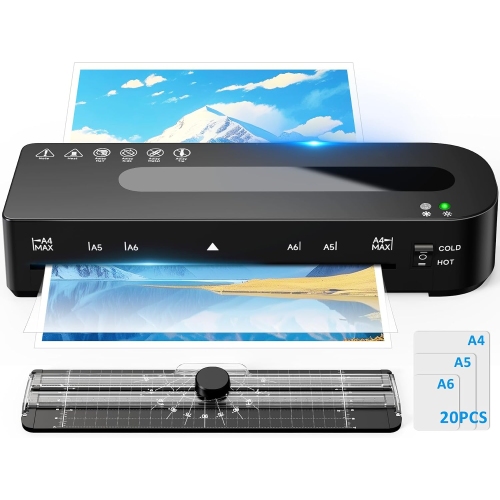
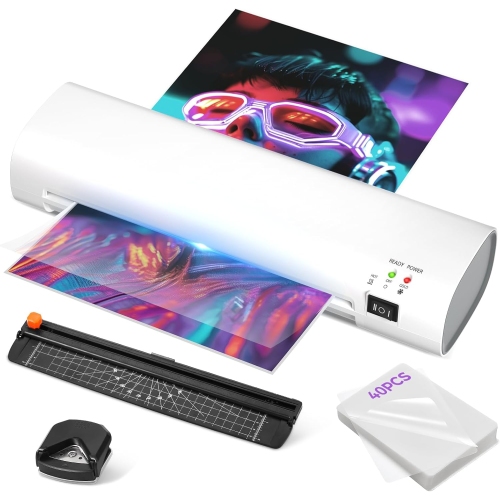
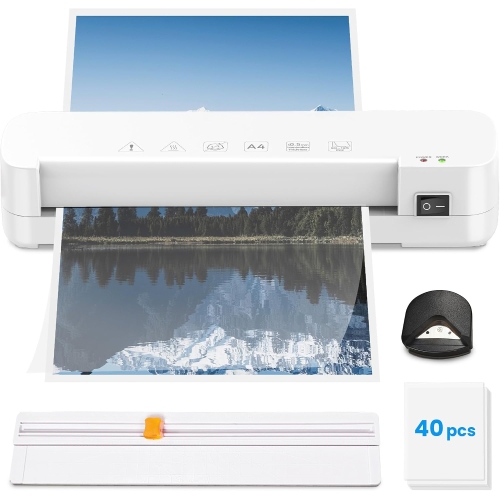
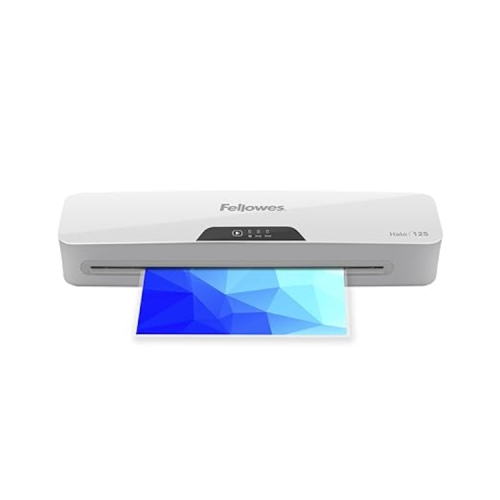
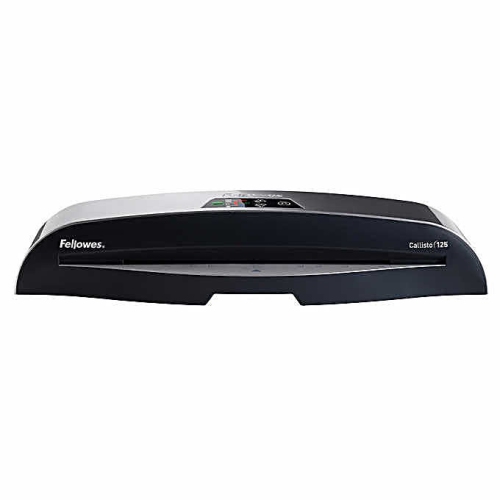

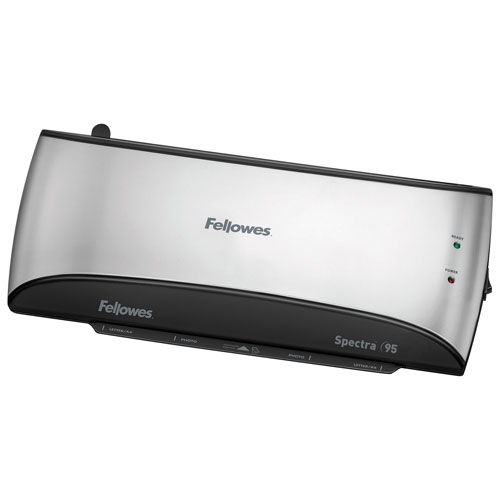
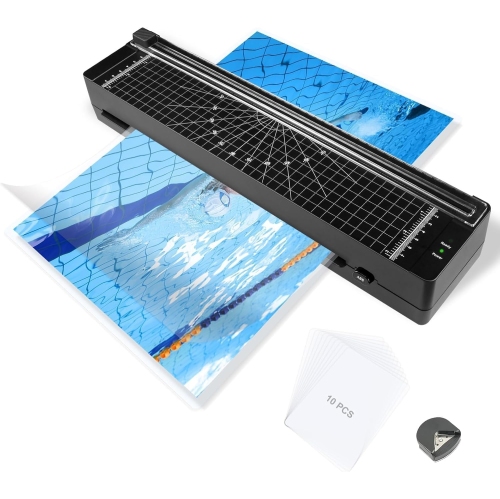
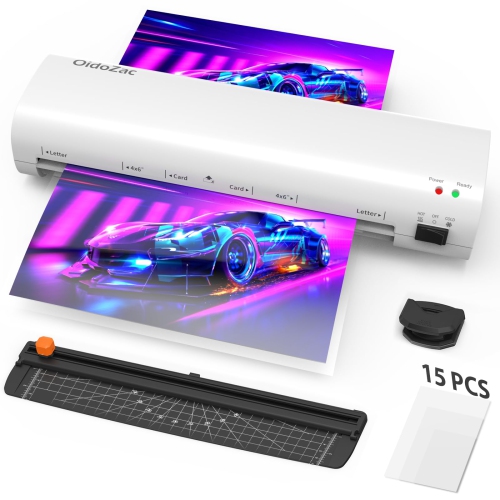
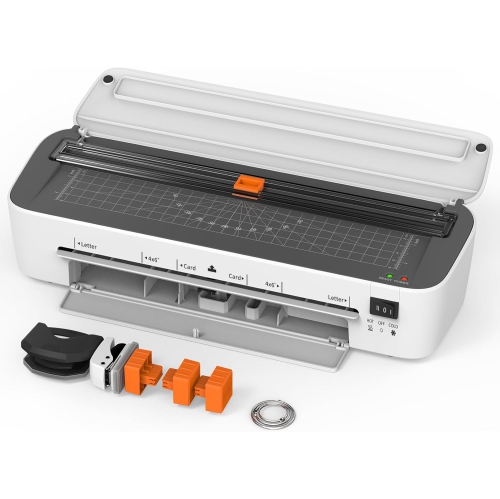
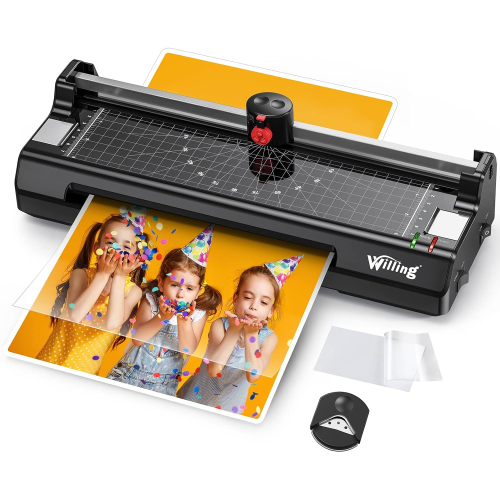
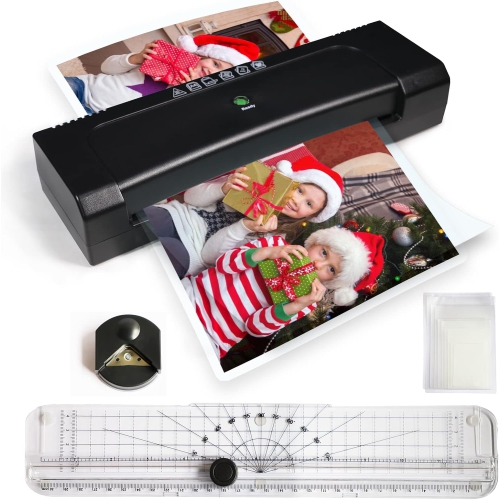
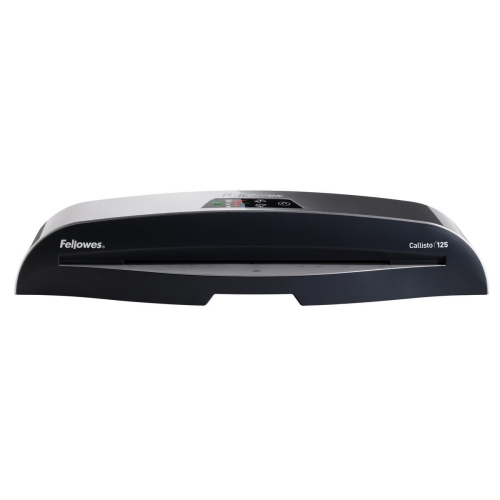
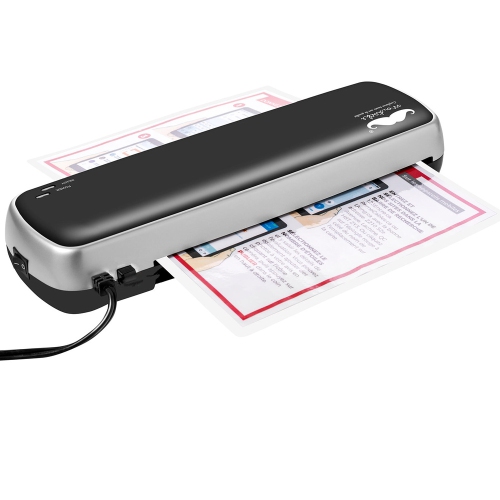
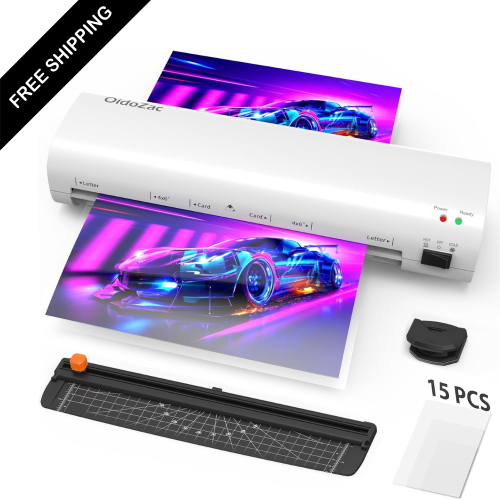
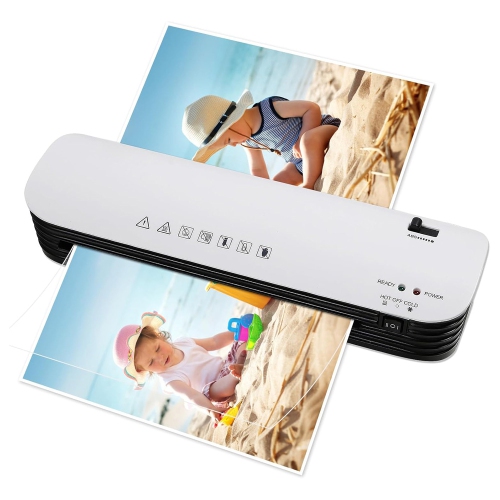
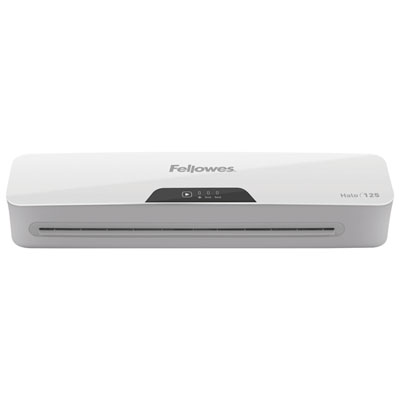
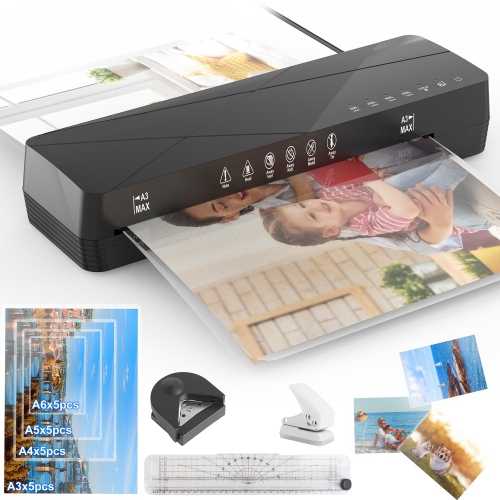
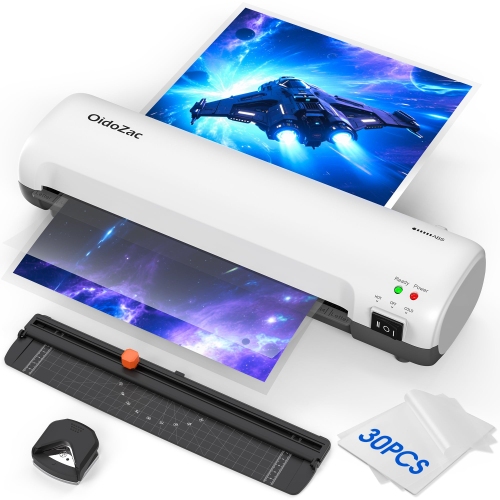
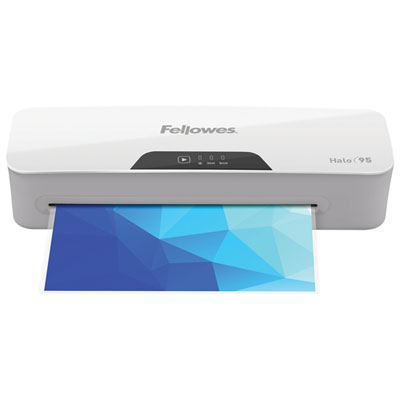
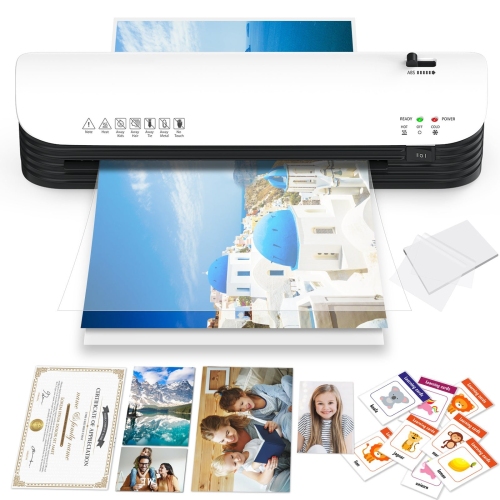
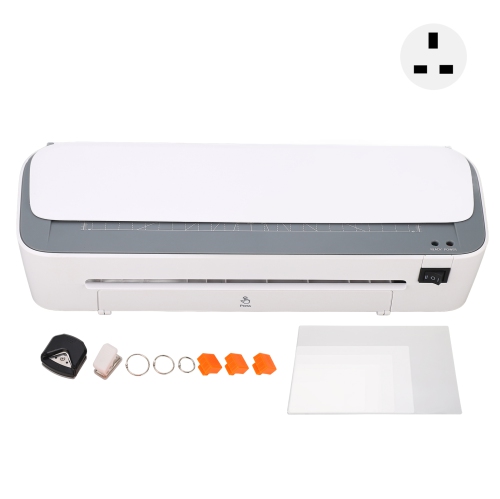
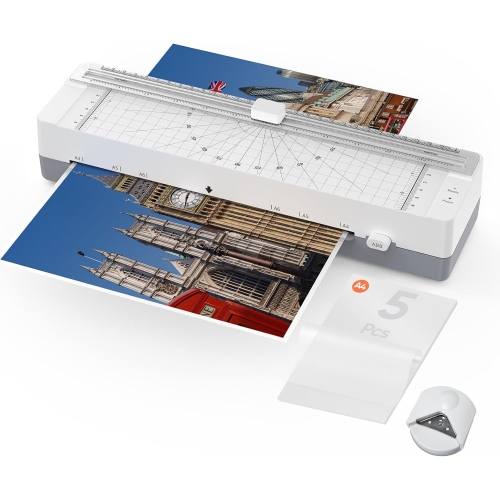
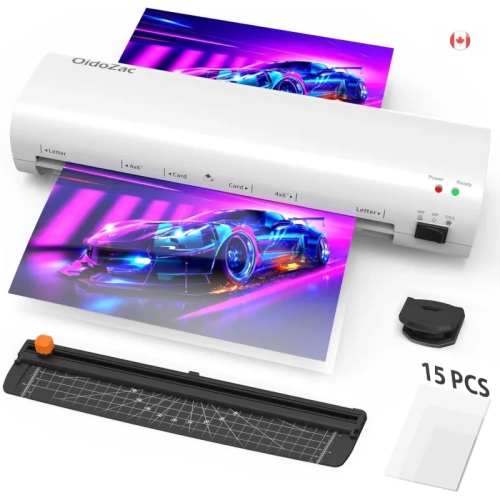
Extra protection for photos that get passed around
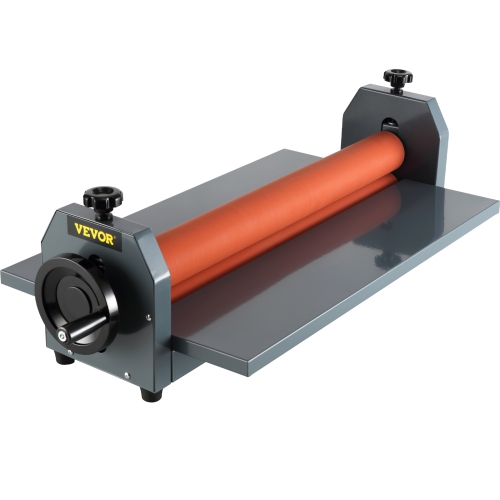
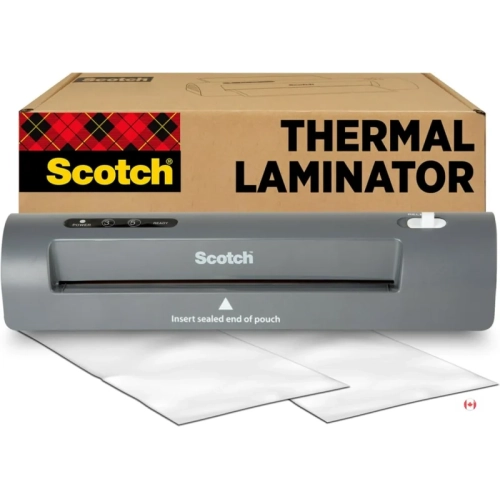
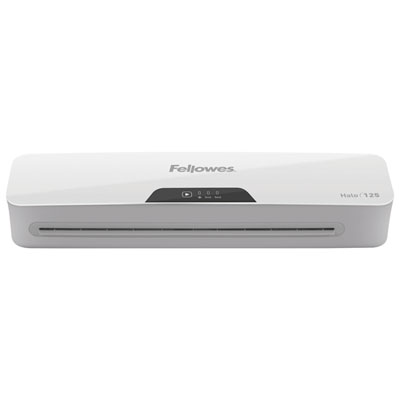
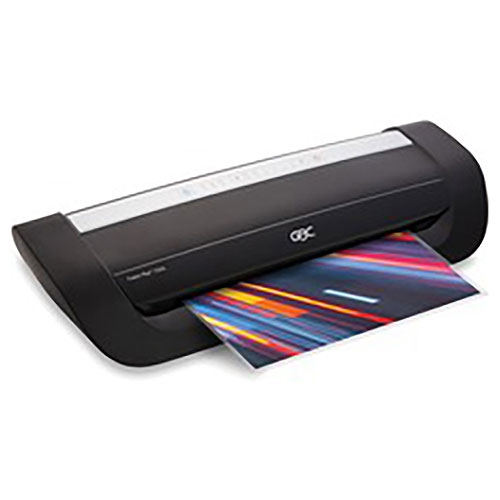
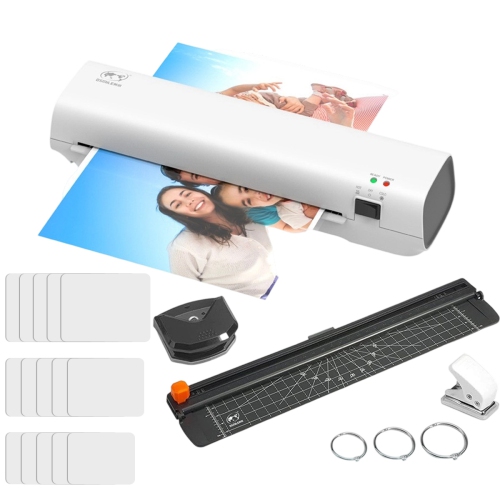
Photo laminators add a clear protective layer to compatible photographic prints, helping shield their surfaces from fingerprints, light splashes, scuffs, and repeated handling. They are useful for pictures that spend more time in someone’s hands than behind glass: a set of family snapshots shared around a table, photo labels on classroom storage bins, or illustrated reference cards kept beside a workbench. The two main approaches are thermal lamination, which uses heat to activate adhesive inside a pouch or on a film, and cold lamination, which uses pressure-sensitive adhesive without heating the print. Thermal pouch laminators are commonly suited to smaller projects and standard photo formats, provided the paper, ink, and coating are approved for heat lamination. Cold laminators can be a better fit for heat-sensitive materials, while wider roller machines accommodate larger prints and graphics. Neither method is automatically suitable for every photograph. Original, vintage, instant, or irreplaceable prints deserve particular care because heat and adhesive can permanently alter the image or its surface, and removing lamination may damage the photograph. For a treasured family portrait, laminating a fresh duplicate rather than the original offers a practical way to make a handling copy. An archival sleeve or photo-safe enclosure is generally more appropriate when long-term preservation and the ability to remove the photograph matter most. For everyday copies, however, lamination can turn a delicate print into a more durable piece that is easier to pass around, display, or wipe clean. Parents, teachers, craft enthusiasts, photographers, and small-business owners may all find uses for a photo laminating machine, from reusable picture-based learning materials to sample images shown to clients. During the cooler months, indoor craft sessions and family photo projects offer plenty of opportunities to put printed pictures to use beyond a screen. The appeal is straightforward: a familiar image becomes a practical, finished piece suited to regular handling, rather than a loose print that quickly develops bent corners or a marked surface.
The fit between a photo laminator and its intended projects depends on more than the dimensions printed on the photograph. Feed width must accommodate the full pouch or film, including the clear margin around the image, so a machine intended for small snapshots may not accept a larger portrait with its required border. A 4-by-6-inch print and an 8-by-10-inch print have different space requirements, and projects that combine several pictures on a backing sheet need additional room. Pouch thickness also affects compatibility and the finished feel. Thinner laminating materials tend to remain more flexible, while thicker ones provide greater stiffness for cards, labels, and frequently handled displays. Thickness is often expressed in mils, meaning thousandths of an inch rather than millimetres; checking how the pouch and machine manufacturers state this measurement helps avoid mismatched supplies. Many pouches use a clear polyester outer layer with an adhesive lining, but formulations and supported settings vary. Matching Laminating Pouches for Photos to the machine’s supported thickness and the print material helps achieve an even finish without unnecessary bulk. Glossy surfaces can give colours a vivid appearance and make fine details stand out, although reflections may be noticeable under overhead lights. Matte finishes can reduce glare, which is useful for picture cards viewed from different angles, but may slightly change the perceived contrast or sharpness of the image. Adjustable temperature or speed settings offer flexibility across approved materials, while warm-up time and continuous operating limits become more relevant when several sets of photographs need finishing in one session. Multiple rollers can support steady feeding and even pressure, though roller count alone does not guarantee a flawless result. A jam-release or reverse function may make a misfeed easier to address, and automatic shut-off adds convenience between projects. For wider cold laminators, roller alignment, pressure adjustment, and adequate working space matter especially when handling a broad print that needs to stay flat from entry to exit.
A neatly laminated photograph starts with a clean, fully dry print and compatible materials. Dust, a stray fibre, or a fingerprint trapped beneath the film can remain visible, particularly across pale skies, white backgrounds, and dark areas with a smooth finish. Inkjet prints may feel dry before their inks and coatings have finished curing, so the paper and ink manufacturer’s drying guidance matters. A spare print made on the same paper provides a useful test of how heat, pressure, and adhesive affect colour and surface texture before a larger batch is processed. Pouch machines typically require the sealed edge to enter first, with the photograph positioned to leave the specified sealing margin; carrier-sheet requirements differ between machines. Clear space behind the laminator allows the finished piece to emerge without bending against a wall or curling over a desk edge. Thermal laminates also need time to cool flat before handling or trimming. Cutting too close to the photograph can break the surrounding seal and allow moisture or dirt to reach the paper, so the finished size includes more than the image itself. That border matters when the laminated photo must fit inside a display pocket, attach to a noticeboard, or slide into a storage box. Durability is best understood as added protection for everyday use rather than complete waterproofing or permanent protection against fading. Unless the materials explicitly provide suitable UV protection, laminated pictures still benefit from being kept away from prolonged direct sunlight. Gentle cleaning with a soft cloth is generally preferable to soaking, abrasive scrubbing, or strong solvents, and the machine’s own care instructions determine how its rollers and housing should be maintained. A stable work surface, room for cooling prints, and storage that keeps unused pouches flat help make repeat projects more manageable. As a gift, a photo laminator is particularly practical for someone who regularly creates classroom resources, organizes visual materials, or enjoys turning duplicate snapshots into keepsakes. Its value lies in the everyday results: a recipe card with a family photograph, a durable picture schedule, or a set of labelled images that stays tidy through frequent use.
The fit between a photo laminator and its intended projects depends on more than the dimensions printed on the photograph. Feed width must accommodate the full pouch or film, including the clear margin around the image, so a machine intended for small snapshots may not accept a larger portrait with its required border. A 4-by-6-inch print and an 8-by-10-inch print have different space requirements, and projects that combine several pictures on a backing sheet need additional room. Pouch thickness also affects compatibility and the finished feel. Thinner laminating materials tend to remain more flexible, while thicker ones provide greater stiffness for cards, labels, and frequently handled displays. Thickness is often expressed in mils, meaning thousandths of an inch rather than millimetres; checking how the pouch and machine manufacturers state this measurement helps avoid mismatched supplies. Many pouches use a clear polyester outer layer with an adhesive lining, but formulations and supported settings vary. Matching Laminating Pouches for Photos to the machine’s supported thickness and the print material helps achieve an even finish without unnecessary bulk. Glossy surfaces can give colours a vivid appearance and make fine details stand out, although reflections may be noticeable under overhead lights. Matte finishes can reduce glare, which is useful for picture cards viewed from different angles, but may slightly change the perceived contrast or sharpness of the image. Adjustable temperature or speed settings offer flexibility across approved materials, while warm-up time and continuous operating limits become more relevant when several sets of photographs need finishing in one session. Multiple rollers can support steady feeding and even pressure, though roller count alone does not guarantee a flawless result. A jam-release or reverse function may make a misfeed easier to address, and automatic shut-off adds convenience between projects. For wider cold laminators, roller alignment, pressure adjustment, and adequate working space matter especially when handling a broad print that needs to stay flat from entry to exit.
A neatly laminated photograph starts with a clean, fully dry print and compatible materials. Dust, a stray fibre, or a fingerprint trapped beneath the film can remain visible, particularly across pale skies, white backgrounds, and dark areas with a smooth finish. Inkjet prints may feel dry before their inks and coatings have finished curing, so the paper and ink manufacturer’s drying guidance matters. A spare print made on the same paper provides a useful test of how heat, pressure, and adhesive affect colour and surface texture before a larger batch is processed. Pouch machines typically require the sealed edge to enter first, with the photograph positioned to leave the specified sealing margin; carrier-sheet requirements differ between machines. Clear space behind the laminator allows the finished piece to emerge without bending against a wall or curling over a desk edge. Thermal laminates also need time to cool flat before handling or trimming. Cutting too close to the photograph can break the surrounding seal and allow moisture or dirt to reach the paper, so the finished size includes more than the image itself. That border matters when the laminated photo must fit inside a display pocket, attach to a noticeboard, or slide into a storage box. Durability is best understood as added protection for everyday use rather than complete waterproofing or permanent protection against fading. Unless the materials explicitly provide suitable UV protection, laminated pictures still benefit from being kept away from prolonged direct sunlight. Gentle cleaning with a soft cloth is generally preferable to soaking, abrasive scrubbing, or strong solvents, and the machine’s own care instructions determine how its rollers and housing should be maintained. A stable work surface, room for cooling prints, and storage that keeps unused pouches flat help make repeat projects more manageable. As a gift, a photo laminator is particularly practical for someone who regularly creates classroom resources, organizes visual materials, or enjoys turning duplicate snapshots into keepsakes. Its value lies in the everyday results: a recipe card with a family photograph, a durable picture schedule, or a set of labelled images that stays tidy through frequent use.
Top selling and popular products
-
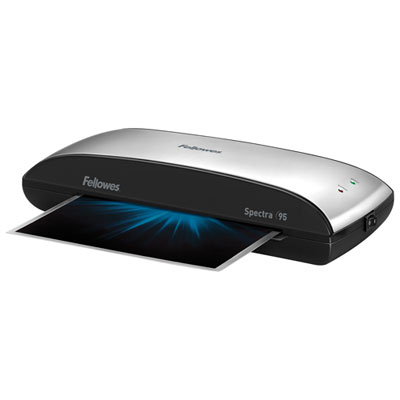 Your price for this item is $63.99
 -
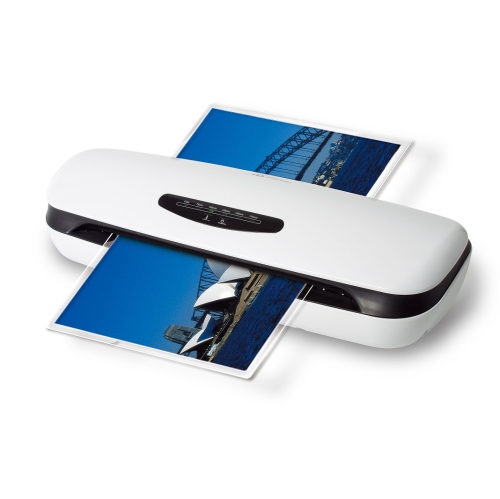 Your price for this item is $34.99
 -
 Your price for this item is $200.99
 -
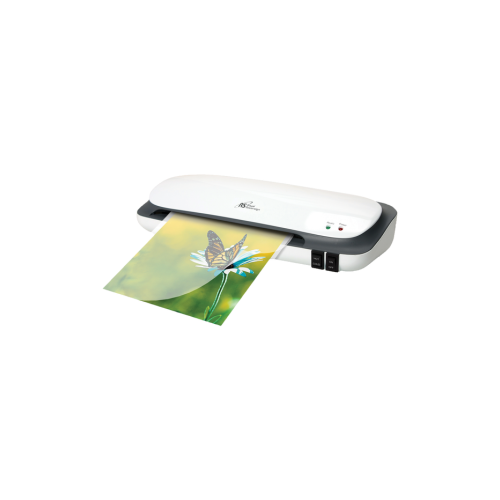 Your price for this item is $49.85
 -
 Your price for this item is $299
 -
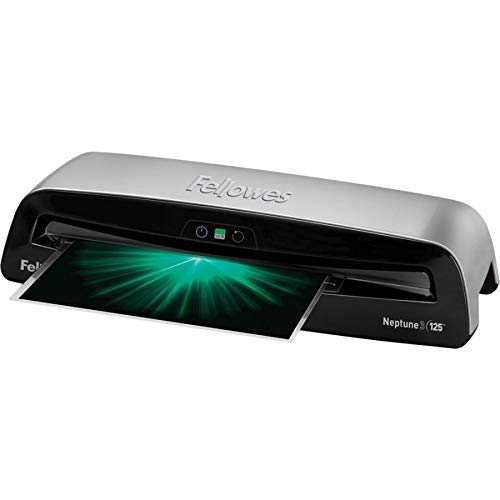 Your price for this item is $646.68
 -
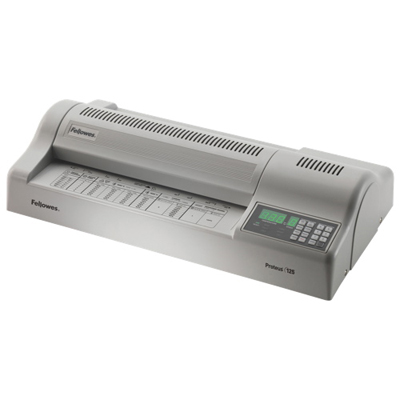 Your price for this item is $1525.99
 -
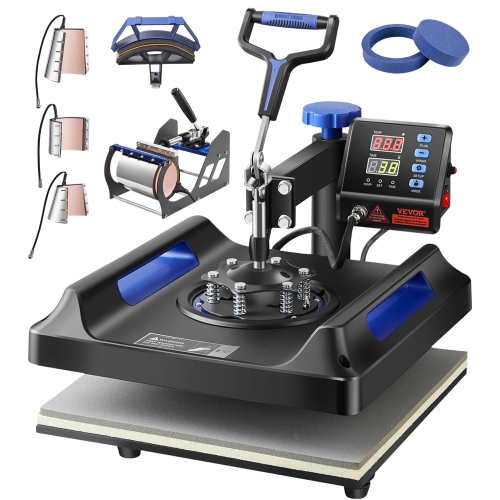 Your price for this item is $317.99
Discover more categories related to Photo Laminators
Top Collections:
Pokemon Centers, Best Cameras for Sports Photography, Kindle Devices, Samsung Galaxy Phones, Canon G7X Cameras, Pokémon 30th Celebration Cards, Refurbished Apple Laptops, iPhone 15 Apple, Laptops for Students, Budget Smartphones
Some products may be subject to Environmental Handling Fees
(EHF) depending on your province.
Learn more about EHFs.