Presentation Cover Pages
When it comes to making a great first impression, the right presentation cover page can set the tone for your work. Elevate your documents, reports, and presentations with stylish and professional cover pages that reflect your attention to detail and creativity. Whether you're looking for a sleek and modern design or something more classic and elegant, our collection of presentation cover pages offers a variety of options to suit your unique style. Stand out from the crowd and make a statement with our selection of cover pages that will leave a lasting impact on your audience.
Sort
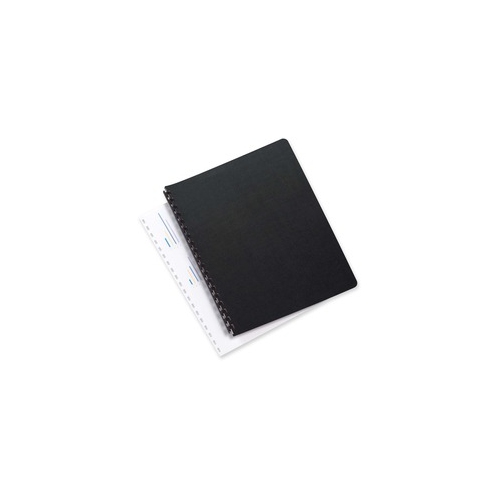

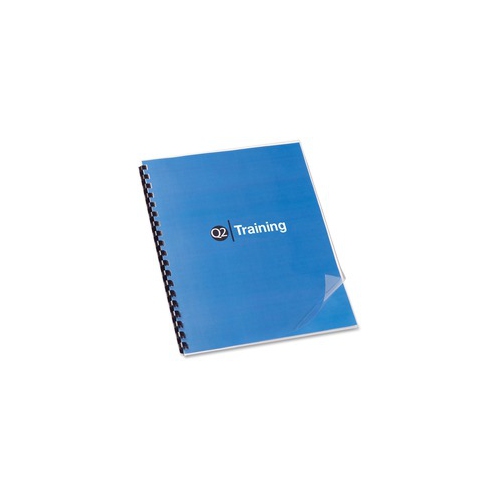
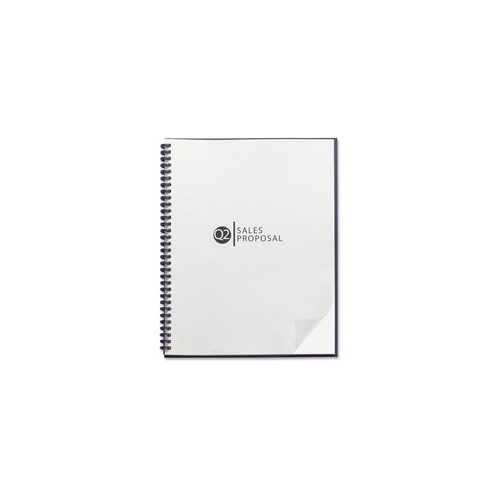


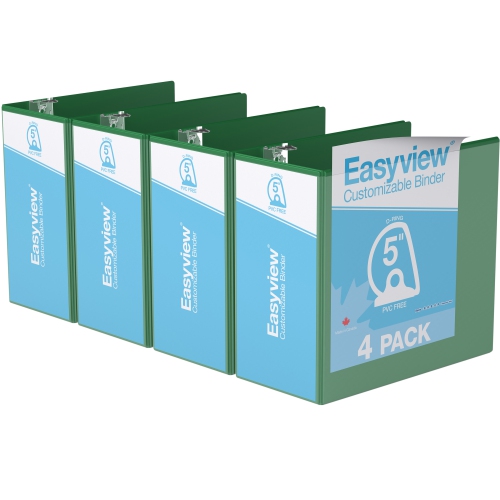
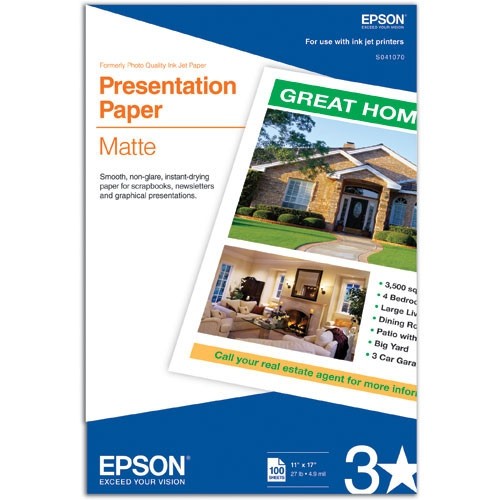


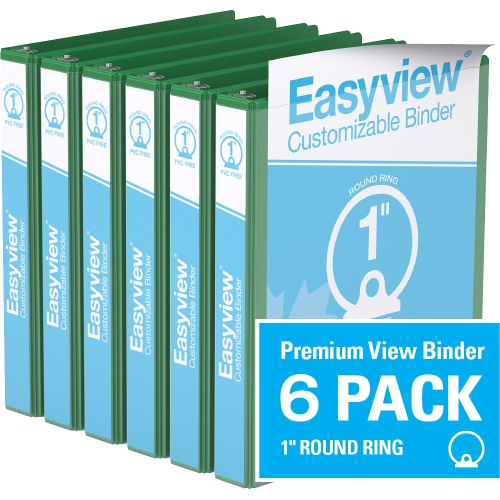
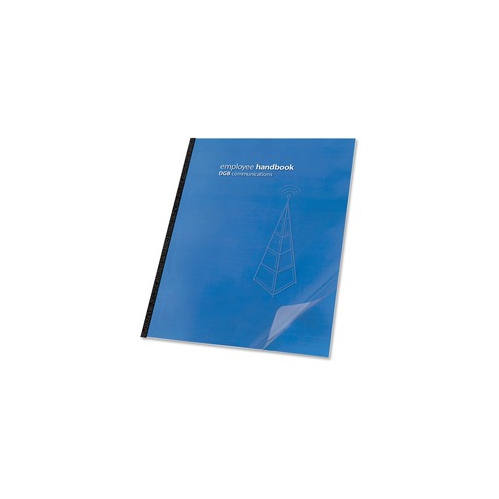
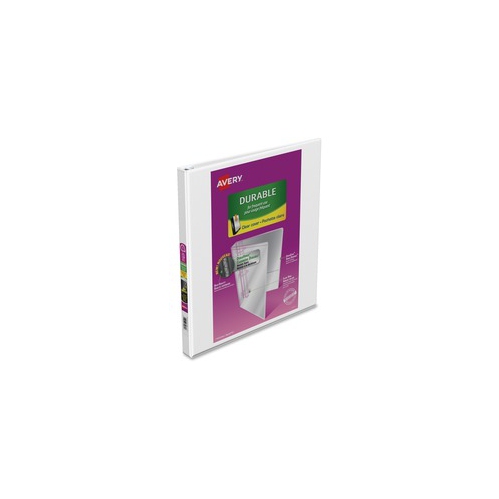
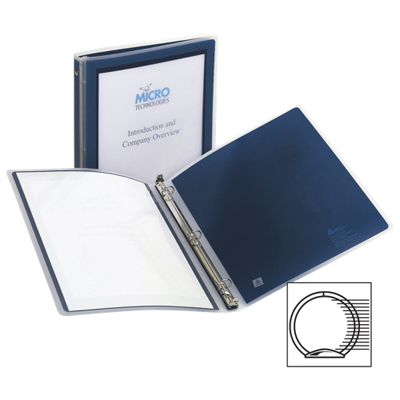
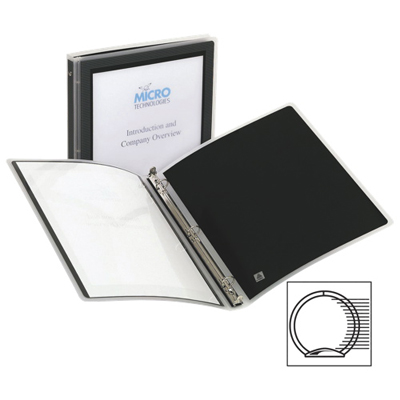
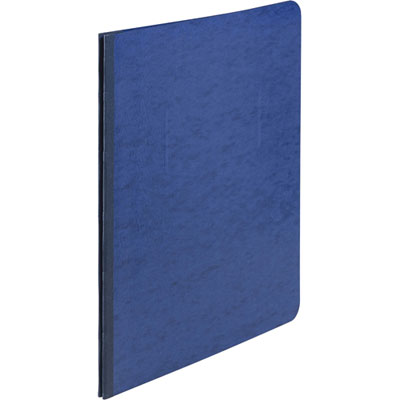



A polished opening sets the tone for every presentation
Presentation cover pages provide the opening frame for a slideshow, helping viewers understand the subject, purpose, and presenter before the main content begins. Whether the presentation is for a classroom project, a team briefing, a client proposal, a training session, or a community event, the first slide establishes the visual direction for everything that follows. A well-designed cover page usually includes a clear main title, a concise subtitle, the presenter’s name or organization, and the date or version when that information helps identify the material. Shopping for presentation cover page resources can make it easier to create a polished opening without starting with a blank slide. Look for layouts that give the title enough space to stand out, provide a logical place for supporting details, and leave room for a logo, image, or other identifying element when needed. A minimalist design with a light background and strong, dark lettering can feel calm and professional, while a full-screen photograph can create atmosphere and give a subject an immediate sense of place. Geometric blocks, clean lines, and coordinated colour areas can also add structure without competing with the title. The best choice depends on the audience and the message: a student may prefer a lively layout for a creative project, while a presenter speaking to senior leadership may choose a restrained design with a clear hierarchy and limited decoration.
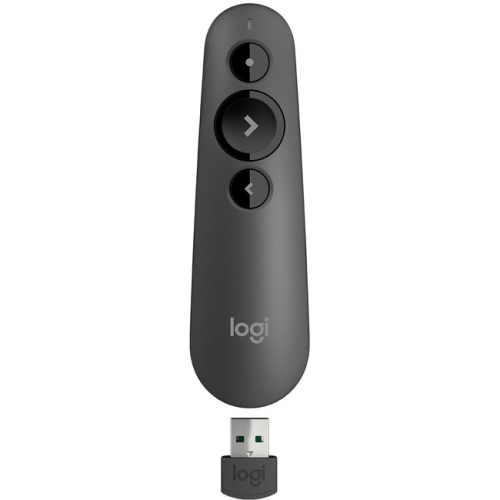
When comparing presentation cover pages, consider how easily each layout can be adapted to different subjects and presentation lengths. Editable text fields are useful when a title needs to be shortened, a subtitle needs to be removed, or presenter details need to be updated before sharing the file. Check that the format works with the presentation software and devices used for editing and presenting, and look for layouts that can be exported cleanly for printing or saved as a shareable file. Screen proportions are another practical consideration, since a cover page designed for a wide display may not look balanced on a different screen shape. Images should be sharp enough for the intended display, while text should remain legible from the back of a classroom or meeting room. Strong contrast between lettering and the background is especially important when a photo or pattern is used. A subtle dark overlay behind white text, for example, can prevent a busy image from making the title difficult to read. It is also helpful to choose a design with consistent spacing and simple alignment, since these details make even a short presentation feel thoughtfully prepared. Presenters who rely on physical equipment can pair a finished cover page with Presentation Clickers and other presentation accessories to move through slides smoothly while keeping their attention on the audience. Together, an organized opening slide and dependable presentation setup can make the first few moments feel more confident and less hurried.
Presentation cover pages can be useful for people at many stages of school, work, and professional development. They are a practical addition to a student’s digital toolkit for research assignments, group projects, portfolio reviews, and end-of-term presentations, particularly when several contributors need a consistent visual format. Teachers, tutors, and workshop leaders can use them to introduce lessons with a recognizable title treatment and room for a course name, session topic, or learning objective. In an office setting, a carefully chosen cover page can help organize sales proposals, project updates, staff training, budget discussions, and reports prepared for clients or colleagues. Freelancers and small business owners may use a repeatable layout to give presentations a consistent identity, while families and community groups can use one for celebrations, fundraising events, travel plans, or photo-based storytelling. These resources can also make a thoughtful gift for a student, new graduate, home-office user, or anyone preparing for frequent presentations, especially when combined with other desk and office essentials. Before choosing, think about the tone the recipient usually needs, the software they use, and whether they would benefit most from a flexible collection of layouts or a focused design for a particular type of presentation. A cover page should support the message rather than overwhelm it: the title needs to be easy to find, supporting information should be brief, and decorative elements should guide the eye toward the subject. With the right balance of clarity, imagery, and personal detail, the opening slide can create a welcoming first impression and give the rest of the presentation a more unified appearance.
When comparing presentation cover pages, consider how easily each layout can be adapted to different subjects and presentation lengths. Editable text fields are useful when a title needs to be shortened, a subtitle needs to be removed, or presenter details need to be updated before sharing the file. Check that the format works with the presentation software and devices used for editing and presenting, and look for layouts that can be exported cleanly for printing or saved as a shareable file. Screen proportions are another practical consideration, since a cover page designed for a wide display may not look balanced on a different screen shape. Images should be sharp enough for the intended display, while text should remain legible from the back of a classroom or meeting room. Strong contrast between lettering and the background is especially important when a photo or pattern is used. A subtle dark overlay behind white text, for example, can prevent a busy image from making the title difficult to read. It is also helpful to choose a design with consistent spacing and simple alignment, since these details make even a short presentation feel thoughtfully prepared. Presenters who rely on physical equipment can pair a finished cover page with Presentation Clickers and other presentation accessories to move through slides smoothly while keeping their attention on the audience. Together, an organized opening slide and dependable presentation setup can make the first few moments feel more confident and less hurried.
Presentation cover pages can be useful for people at many stages of school, work, and professional development. They are a practical addition to a student’s digital toolkit for research assignments, group projects, portfolio reviews, and end-of-term presentations, particularly when several contributors need a consistent visual format. Teachers, tutors, and workshop leaders can use them to introduce lessons with a recognizable title treatment and room for a course name, session topic, or learning objective. In an office setting, a carefully chosen cover page can help organize sales proposals, project updates, staff training, budget discussions, and reports prepared for clients or colleagues. Freelancers and small business owners may use a repeatable layout to give presentations a consistent identity, while families and community groups can use one for celebrations, fundraising events, travel plans, or photo-based storytelling. These resources can also make a thoughtful gift for a student, new graduate, home-office user, or anyone preparing for frequent presentations, especially when combined with other desk and office essentials. Before choosing, think about the tone the recipient usually needs, the software they use, and whether they would benefit most from a flexible collection of layouts or a focused design for a particular type of presentation. A cover page should support the message rather than overwhelm it: the title needs to be easy to find, supporting information should be brief, and decorative elements should guide the eye toward the subject. With the right balance of clarity, imagery, and personal detail, the opening slide can create a welcoming first impression and give the rest of the presentation a more unified appearance.
Top selling and popular products
-
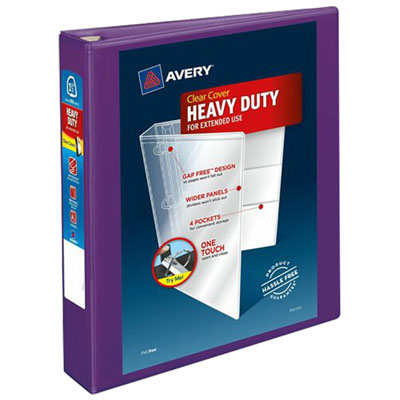 Your price for this item is $11.99
 -
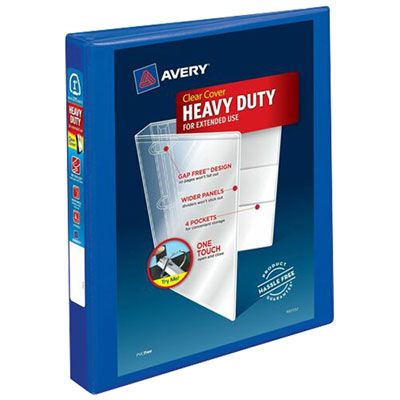 Your price for this item is $17.99
 -
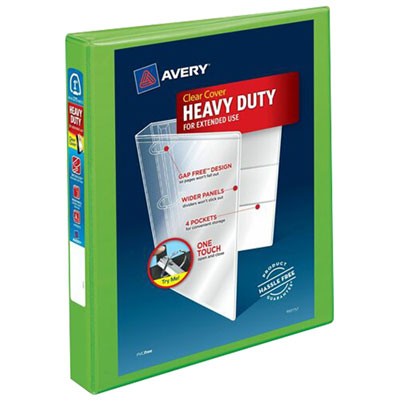 Your price for this item is $9.99
 -
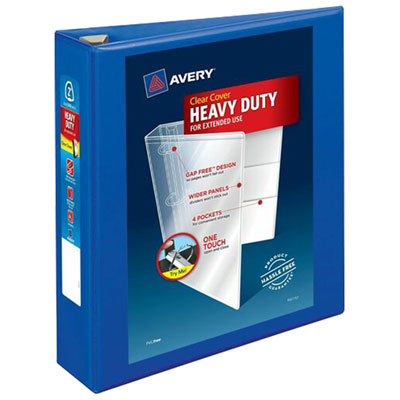 Your price for this item is $13.99
 -
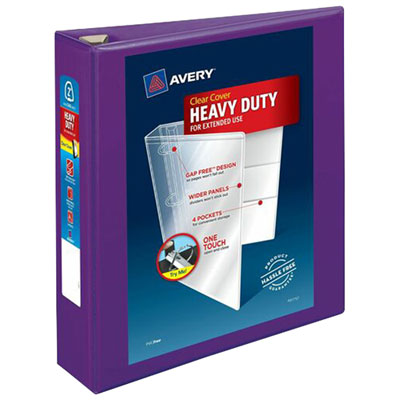 Your price for this item is $14.99
 -
 Your price for this item is $9.99
 -
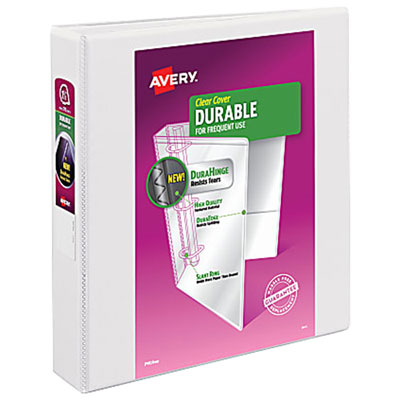 Your price for this item is $12.99
 -
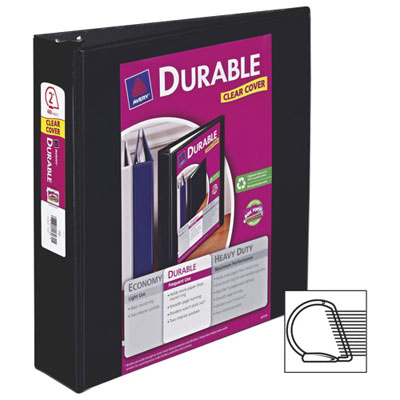 Your price for this item is $10.99
Discover more categories related to Presentation Cover Pages
Top Collections:
Pokemon Centers, Kindle Devices, Best Budget Office Chairs, Apple iPhones 16, Best Laptops for Writers, iPhone 15 Apple, Canon G7X Cameras, Refurbished Apple Laptops, Alarm Clock, Motorola Razr Phones
Some products may be subject to Environmental Handling Fees
(EHF) depending on your province.
Learn more about EHFs.