Presentation Tools
Looking to enhance your presentations and captivate your audience? Look no further than our wide selection of presentation tools. Whether you're a student, professional, or entrepreneur, having the right tools can make all the difference in delivering a compelling and engaging presentation. From projectors and screens to laser pointers and wireless presenters, we've got everything you need to take your presentations to the next level. With our high-quality and innovative presentation tools, you can deliver your message with confidence and leave a lasting impression on your audience. Browse through our collection today and elevate your presentation game!
Sort
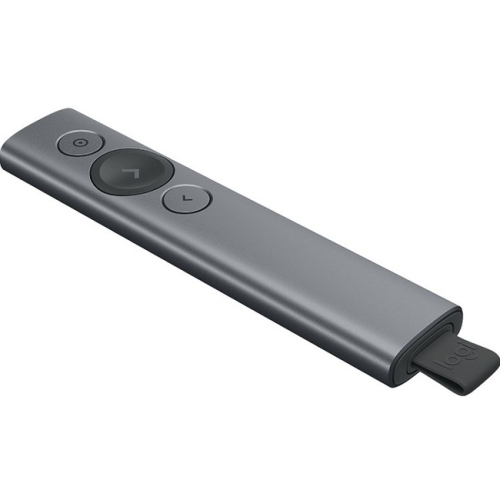
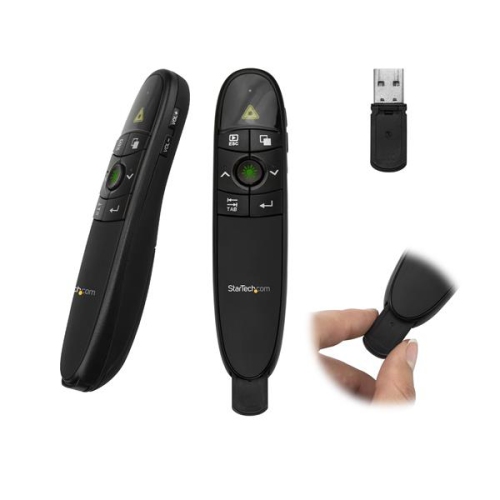
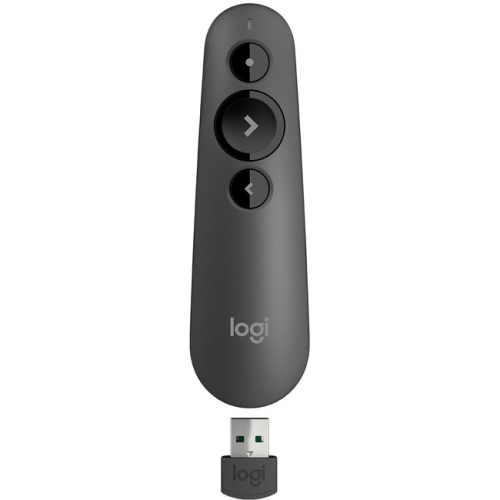
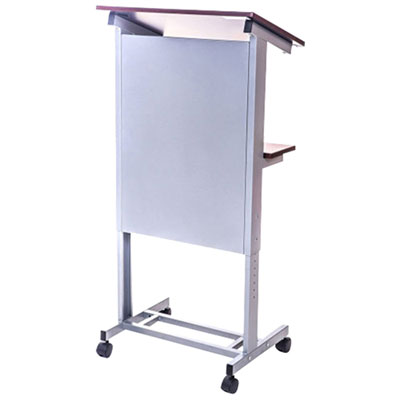
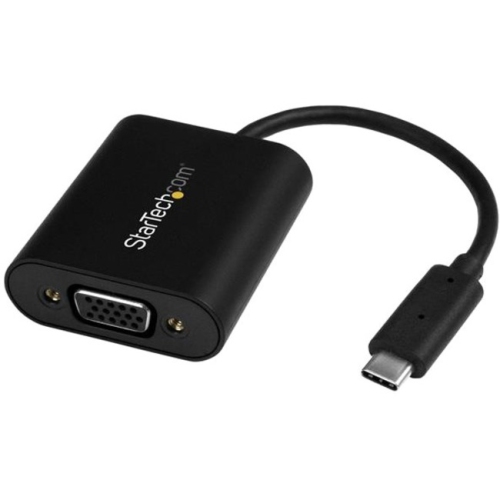
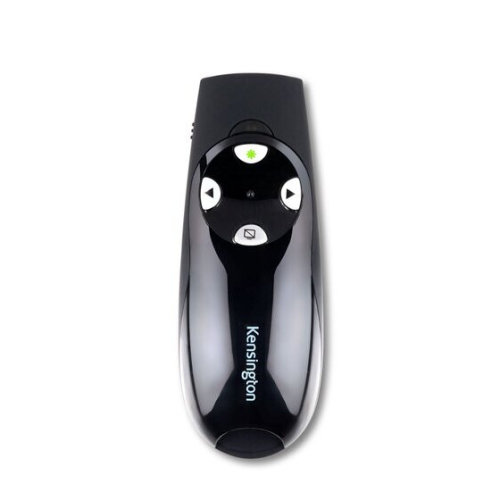
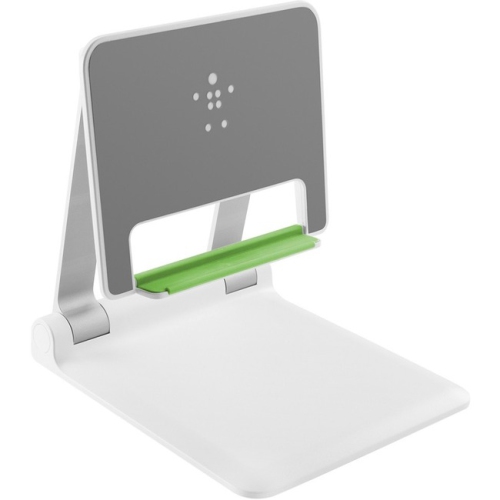
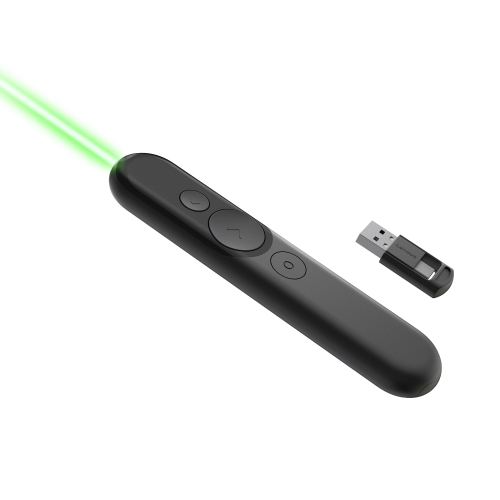
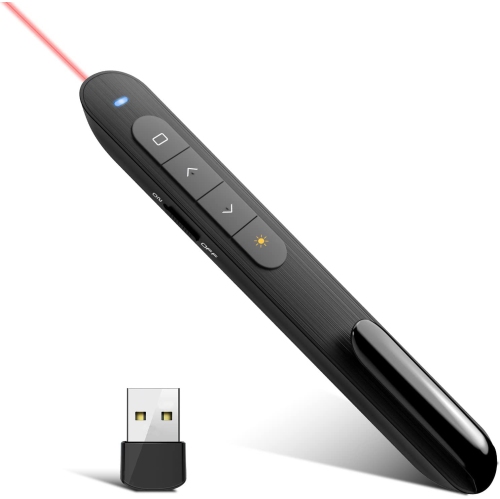
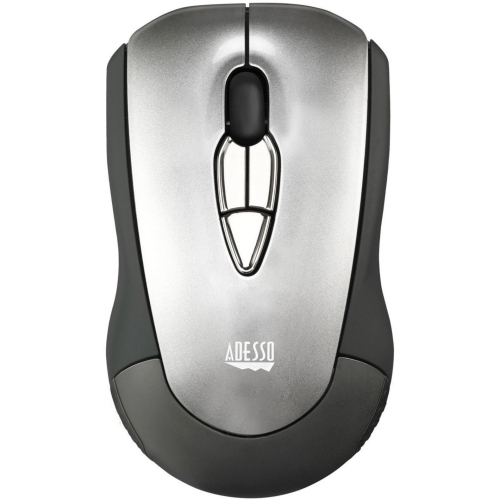
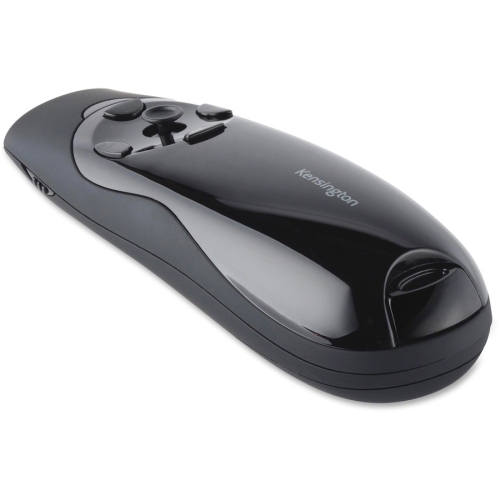
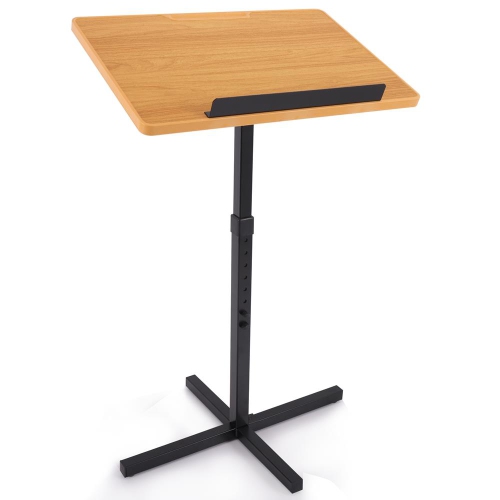
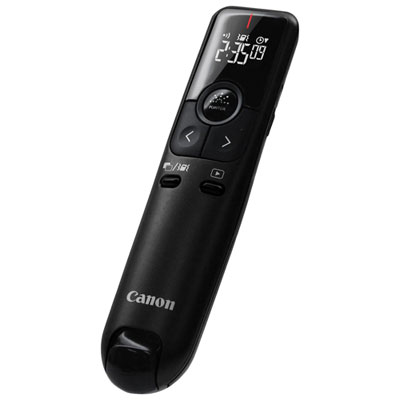
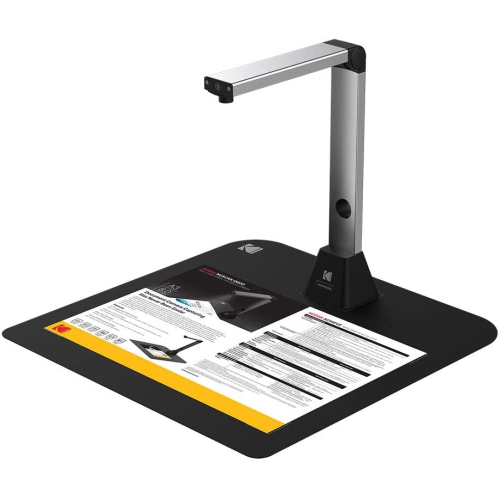
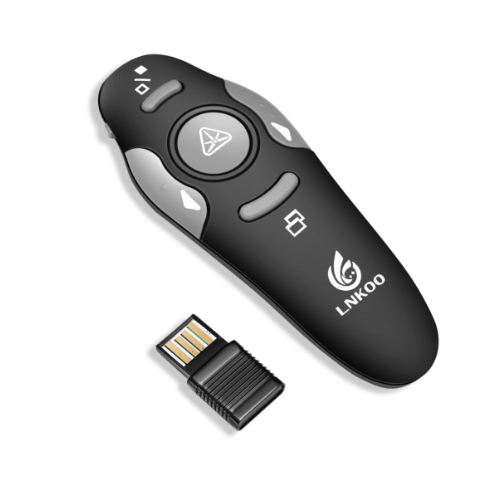
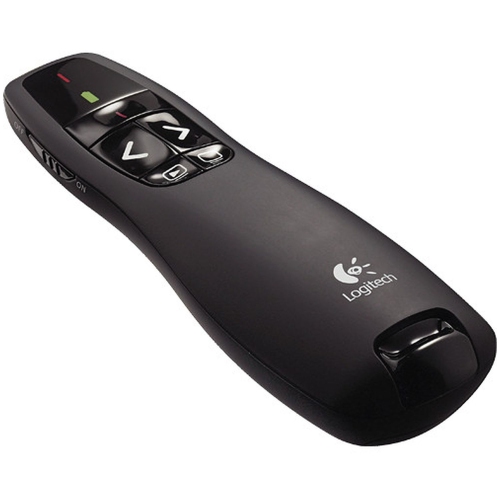
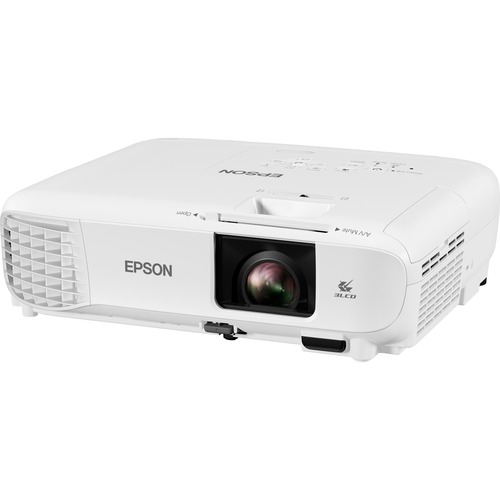
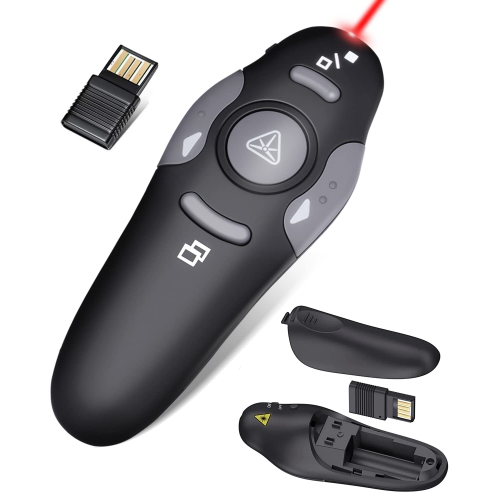
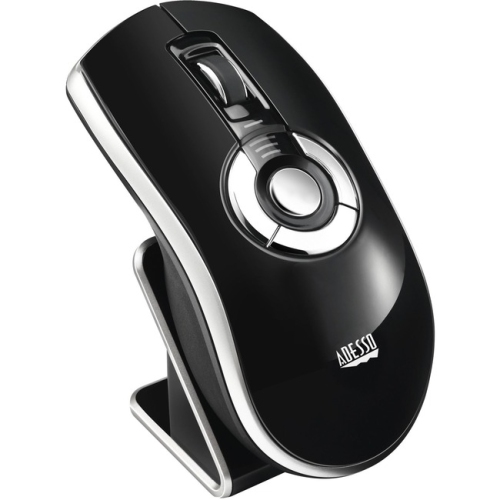
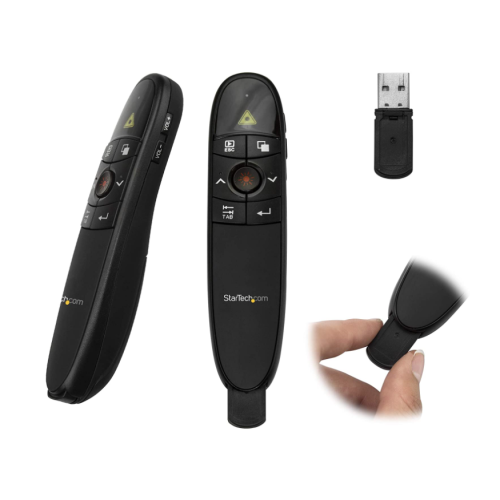
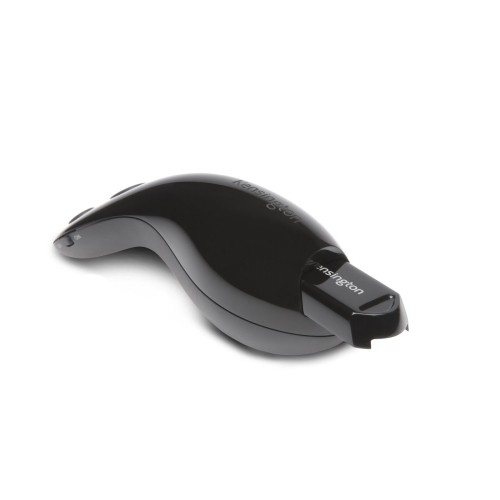
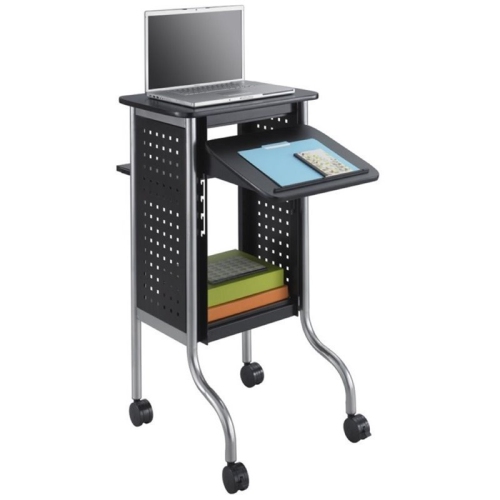

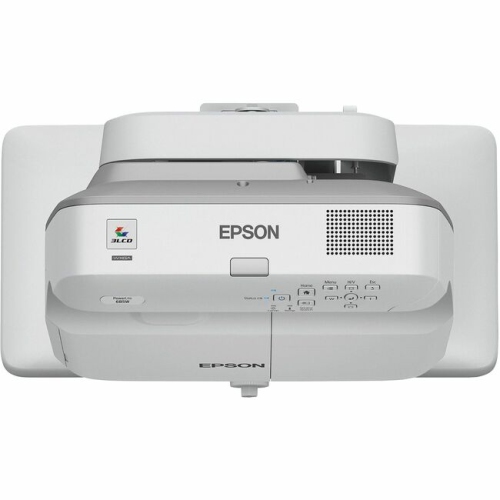
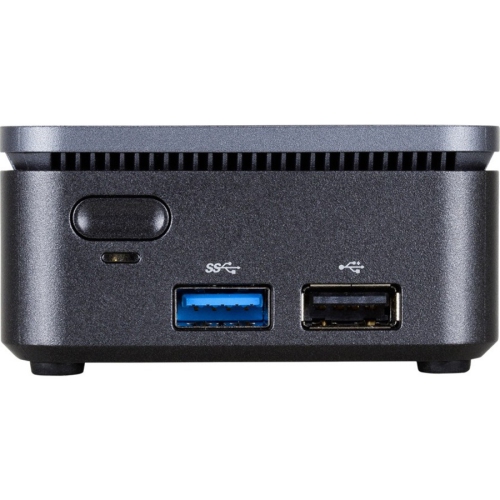

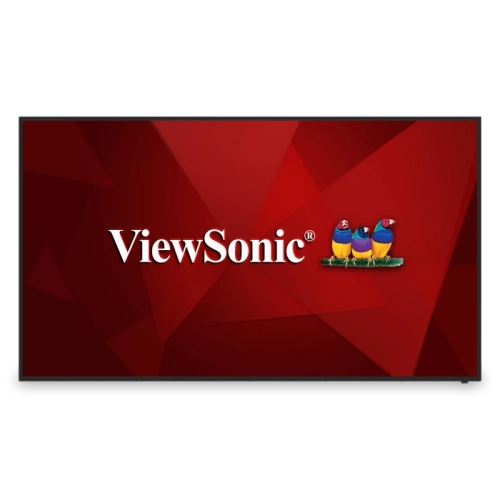
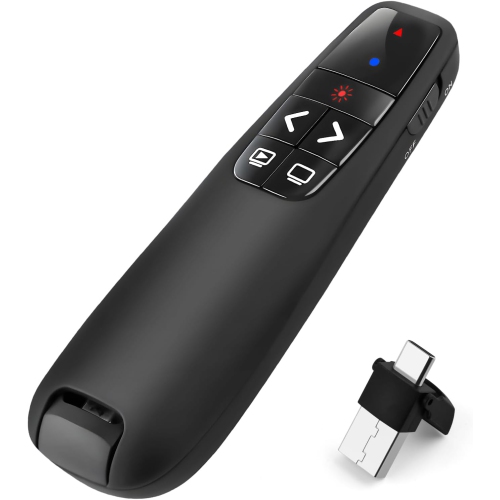
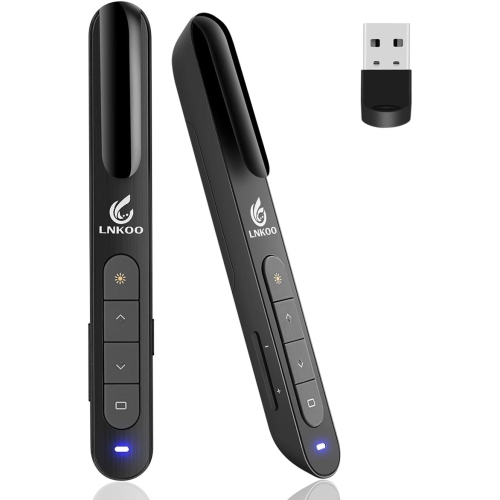






Tools that help turn ideas into focused visual stories
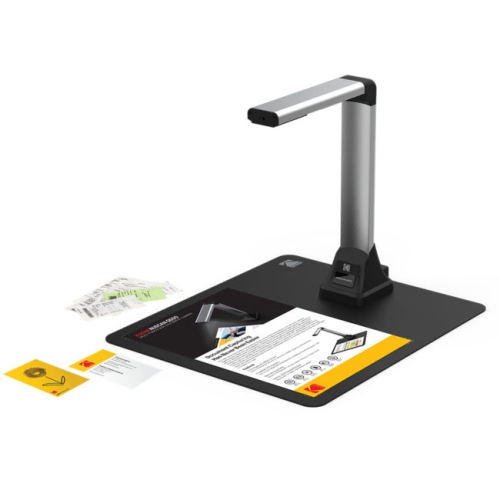
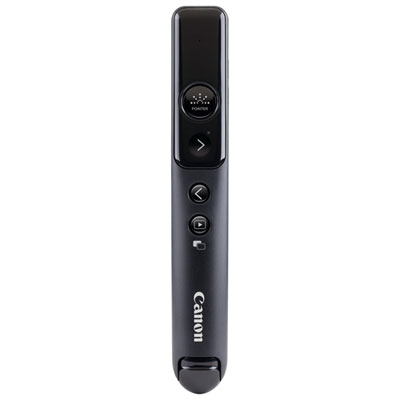
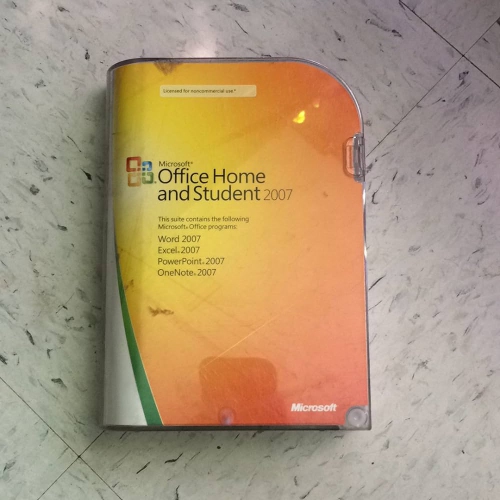
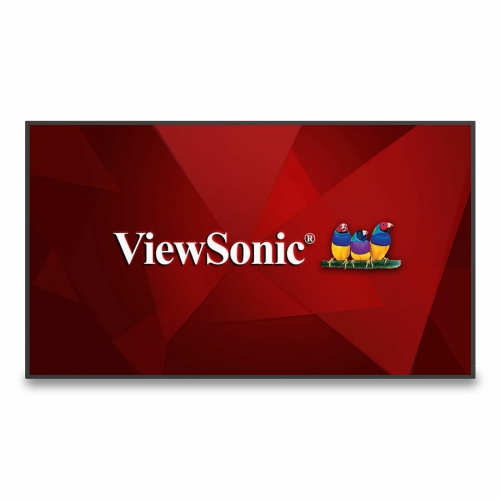
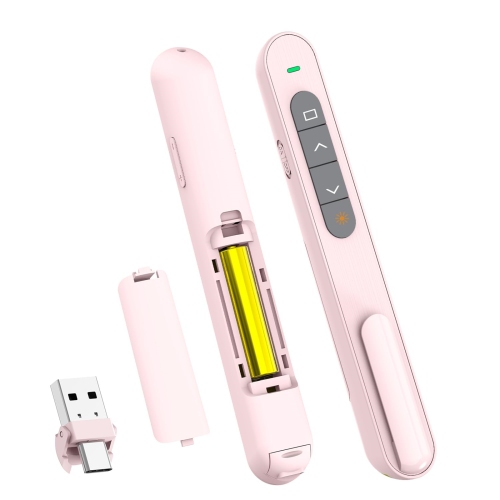
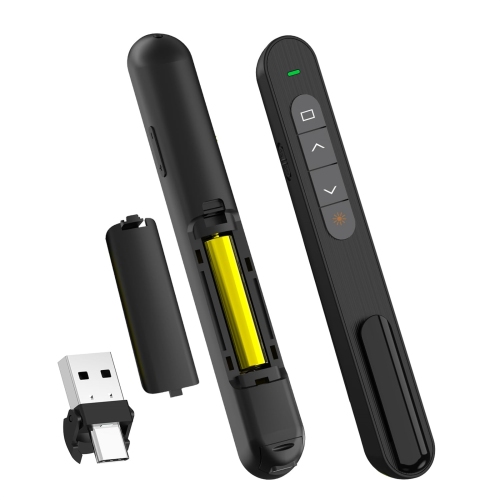
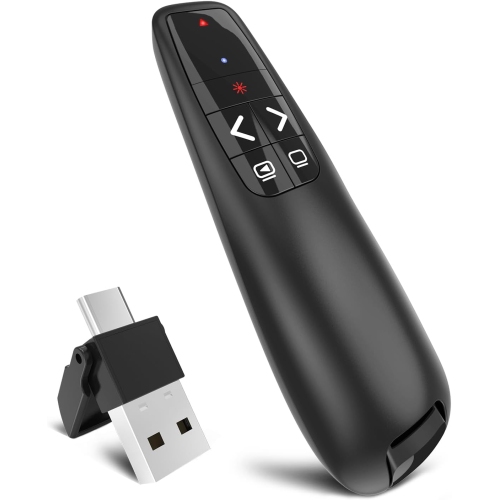
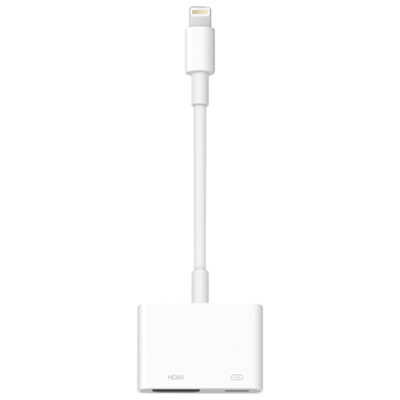
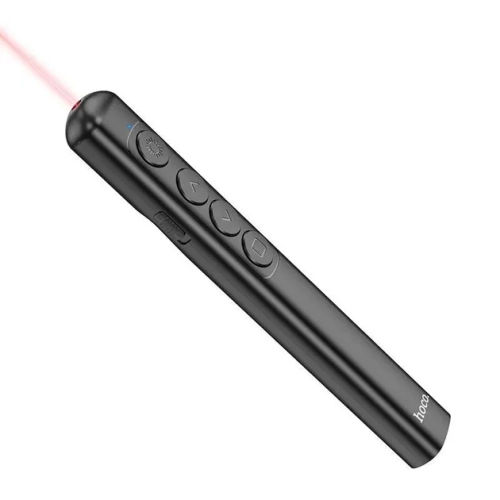
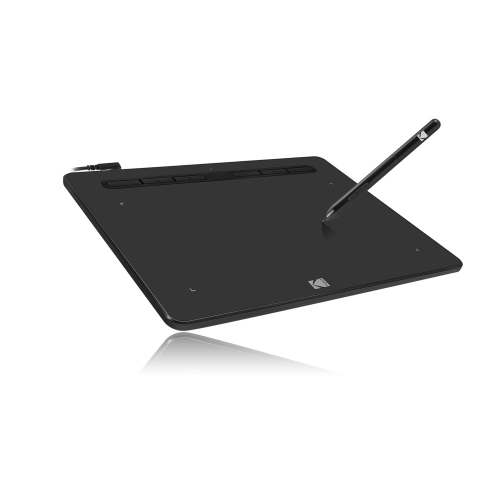
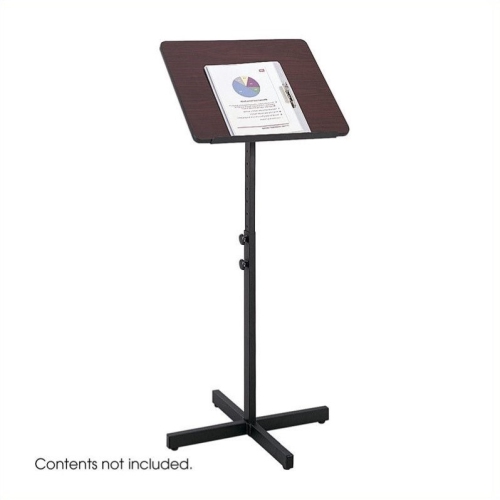
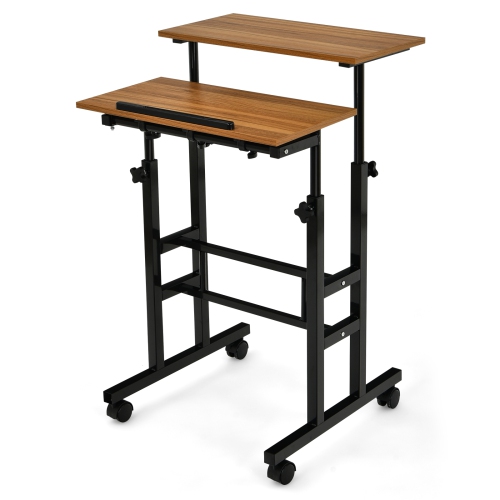
Presentation tools bring structure, clarity, and confidence to the moments when ideas need to make an impression. Whether you are preparing a sales pitch, teaching a class, leading a team meeting, presenting project results, or sharing a creative portfolio, the right tools can help turn a collection of notes into a focused visual story. This category may include software for building slides, devices for displaying content, presentation remotes, digital writing tools, webcams, microphones, speakers, and other accessories that support communication from beginning to end. A well-chosen setup lets you move smoothly from opening remarks to supporting visuals, while keeping your audience focused on the message rather than the technology. Many people begin with a laptop or tablet and add the accessories that suit their space, while others need a complete setup for a boardroom, classroom, home office, community hall, or hybrid meeting area. Students can use presentation tools to organize research and explain complex topics with images, diagrams, and clear headings. Professionals may rely on them for client proposals, training sessions, product demonstrations, or remote meetings. Families and hobbyists may also appreciate presentation-focused tools for photo slideshows, creative projects, club activities, and special gatherings during the cooler months. If you are exploring related accessories, Presentation Materials can help you find practical additions for preparing, displaying, and delivering content.
When choosing presentation tools, start by considering how and where the presentation will take place. A person who presents from a desk may value a compact webcam, a clear microphone, and software that supports screen sharing, while someone moving between classrooms or meeting rooms may prefer lightweight accessories with simple setup. For larger spaces, display brightness, screen size, viewing angles, connection options, and speaker volume can make a noticeable difference, especially when diagrams, small text, or video clips are part of the deck. A presentation remote with responsive controls can make it easier to move naturally around the room instead of staying beside a keyboard. Some presenters may benefit from a digital pen or stylus for marking up slides, sketching ideas, or highlighting a detail in real time. If several people contribute to one presentation, look for tools that support shared editing, comments, file compatibility, and easy access across computers and tablets. Cloud-based platforms can be helpful for group work, while desktop applications may offer more detailed formatting, animation, media control, and offline access. Tools with templates and drag-and-drop layouts can save time when the goal is a polished presentation without extensive design experience. Other options provide more control over typography, transitions, charts, video, and interactive elements. AI-assisted features may help create an outline, suggest layouts, summarize notes, or reorganize information, but the final content should still reflect the presenter’s own knowledge, tone, and judgement. Clear visuals, readable text, and a logical sequence usually matter more than elaborate effects. Before making a purchase, check compatibility with the computer, tablet, display, operating system, ports, conferencing platform, and file formats already in use.
Presentation tools can also make thoughtful and useful gifts for students, instructors, remote workers, new graduates, small business owners, and anyone who regularly speaks in front of a group. A presentation remote may be a practical gift for someone preparing lectures or client meetings, while a webcam or microphone can help a relative create clearer video calls, tutorials, or online lessons. For a student heading into a new term, a reliable accessory that improves presentations can support group projects and classroom participation without taking up much space in a backpack. A person setting up a home office may appreciate a simple combination of a comfortable display, dependable audio, and an easy way to control slides from a distance. Gift shoppers can match the tool to the recipient’s habits: frequent travellers may prefer portable, low-cable accessories; creative users may enjoy annotation and drawing capabilities; and detail-oriented presenters may look for advanced controls, strong file support, and precise layout options. It is also worth considering setup time, storage, charging requirements, warranty coverage, and whether the recipient prefers wired or wireless connections. A few minutes spent testing the presentation area before an important meeting can reveal issues with audio levels, screen sharing, fonts, video playback, or connection stability. Keeping a backup copy of the deck and bringing the appropriate adapter can add another layer of reassurance. With the right combination of software, display, audio, and control accessories, presentations can feel more natural, organized, and engaging, whether they take place in a busy office, a quiet study space, a classroom, or a virtual meeting room.
When choosing presentation tools, start by considering how and where the presentation will take place. A person who presents from a desk may value a compact webcam, a clear microphone, and software that supports screen sharing, while someone moving between classrooms or meeting rooms may prefer lightweight accessories with simple setup. For larger spaces, display brightness, screen size, viewing angles, connection options, and speaker volume can make a noticeable difference, especially when diagrams, small text, or video clips are part of the deck. A presentation remote with responsive controls can make it easier to move naturally around the room instead of staying beside a keyboard. Some presenters may benefit from a digital pen or stylus for marking up slides, sketching ideas, or highlighting a detail in real time. If several people contribute to one presentation, look for tools that support shared editing, comments, file compatibility, and easy access across computers and tablets. Cloud-based platforms can be helpful for group work, while desktop applications may offer more detailed formatting, animation, media control, and offline access. Tools with templates and drag-and-drop layouts can save time when the goal is a polished presentation without extensive design experience. Other options provide more control over typography, transitions, charts, video, and interactive elements. AI-assisted features may help create an outline, suggest layouts, summarize notes, or reorganize information, but the final content should still reflect the presenter’s own knowledge, tone, and judgement. Clear visuals, readable text, and a logical sequence usually matter more than elaborate effects. Before making a purchase, check compatibility with the computer, tablet, display, operating system, ports, conferencing platform, and file formats already in use.
Presentation tools can also make thoughtful and useful gifts for students, instructors, remote workers, new graduates, small business owners, and anyone who regularly speaks in front of a group. A presentation remote may be a practical gift for someone preparing lectures or client meetings, while a webcam or microphone can help a relative create clearer video calls, tutorials, or online lessons. For a student heading into a new term, a reliable accessory that improves presentations can support group projects and classroom participation without taking up much space in a backpack. A person setting up a home office may appreciate a simple combination of a comfortable display, dependable audio, and an easy way to control slides from a distance. Gift shoppers can match the tool to the recipient’s habits: frequent travellers may prefer portable, low-cable accessories; creative users may enjoy annotation and drawing capabilities; and detail-oriented presenters may look for advanced controls, strong file support, and precise layout options. It is also worth considering setup time, storage, charging requirements, warranty coverage, and whether the recipient prefers wired or wireless connections. A few minutes spent testing the presentation area before an important meeting can reveal issues with audio levels, screen sharing, fonts, video playback, or connection stability. Keeping a backup copy of the deck and bringing the appropriate adapter can add another layer of reassurance. With the right combination of software, display, audio, and control accessories, presentations can feel more natural, organized, and engaging, whether they take place in a busy office, a quiet study space, a classroom, or a virtual meeting room.
Top selling and popular products
-
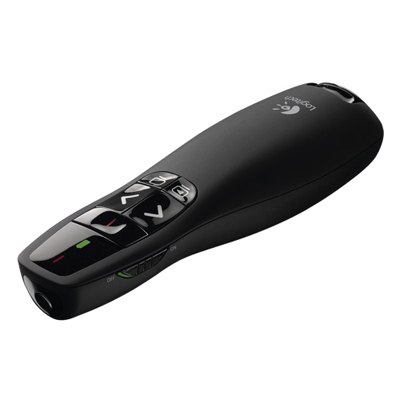 Your price for this item is $44.98
 -
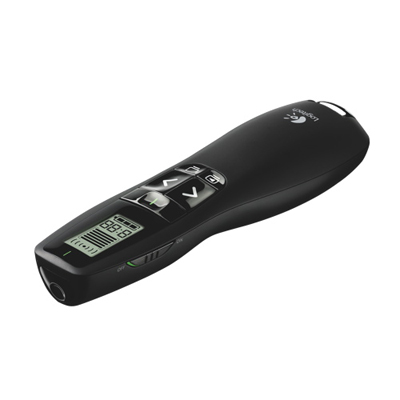 Your price for this item is $69.99
 -
 Your price for this item is $130.99
 -
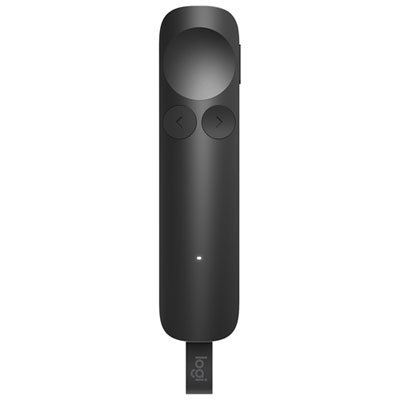 Your price for this item is $179.99
 -
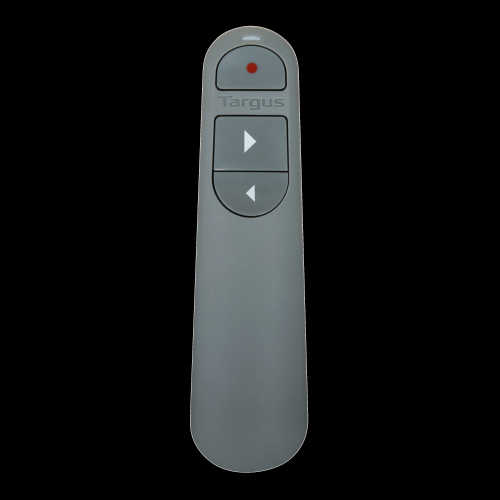 Your price for this item is $67
 -
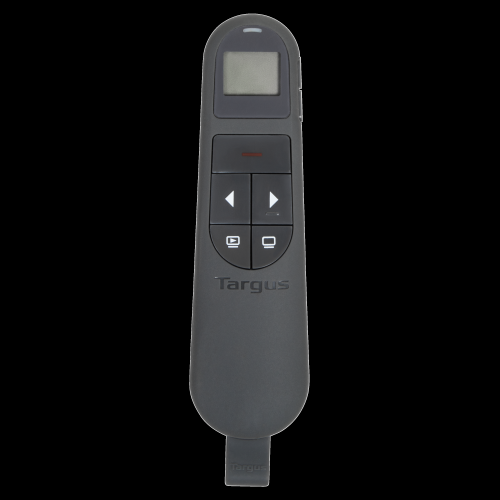 Your price for this item is $46.99
 -
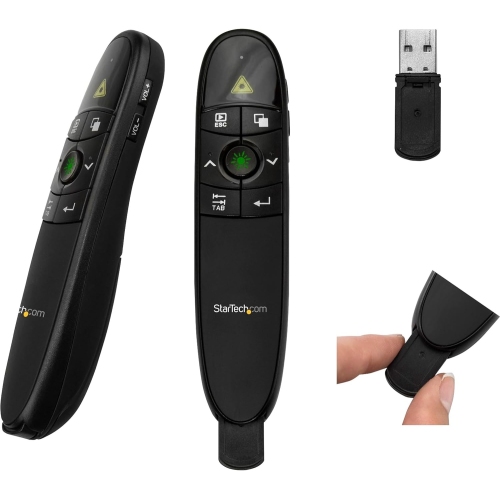 Your price for this item is $55.99
 -
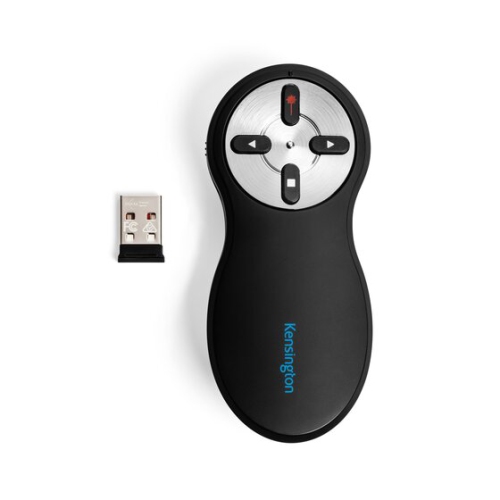 Your price for this item is $54.99
Discover more categories related to Presentation Tools

Top Collections:
Pokemon Centers, Kindle Devices, Best Budget Office Chairs, Apple iPhones 16, Best Laptops for Writers, iPhone 15 Apple, Canon G7X Cameras, Refurbished Apple Laptops, Alarm Clock, Motorola Razr Phones
Some products may be subject to Environmental Handling Fees
(EHF) depending on your province.
Learn more about EHFs.