Radio Station Equipment
Looking to set up your own radio station? Look no further! Best Buy has a wide selection of top-of-the-line radio station equipment to help you broadcast your message loud and clear. From high-quality microphones and mixers to powerful transmitters and antennas, our range of equipment is designed to meet the needs of both amateur broadcasters and professional radio stations. Whether you're starting from scratch or upgrading your existing setup, we have everything you need to take your radio station to the next level. Explore our extensive collection of radio station equipment and get ready to make waves in the airwaves!
Sort
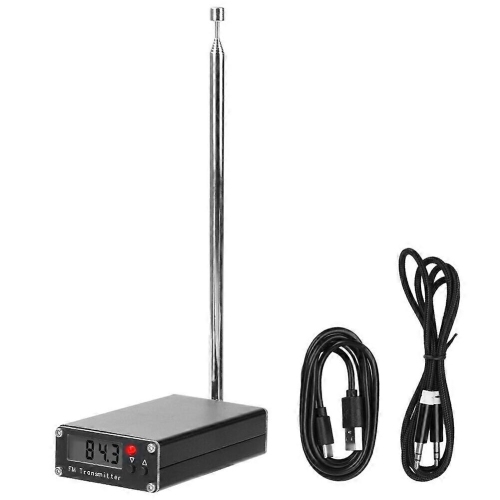
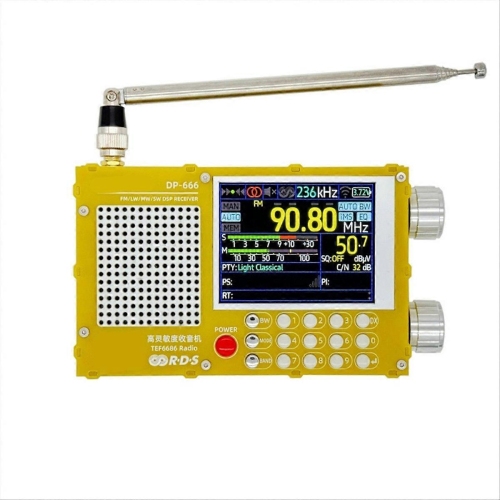
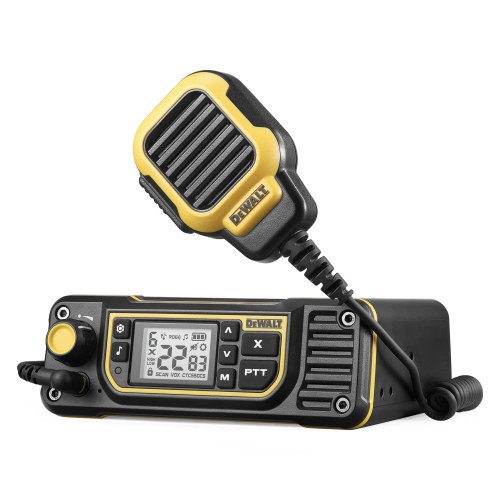
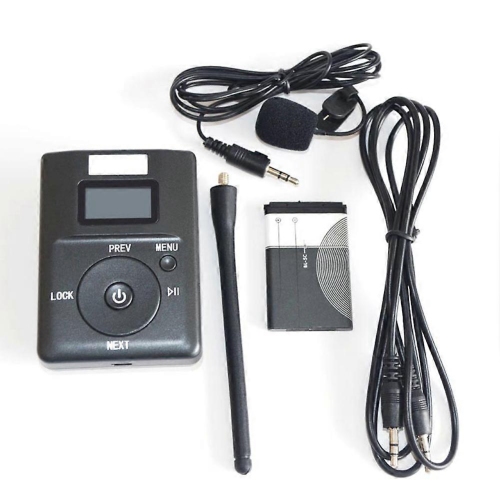
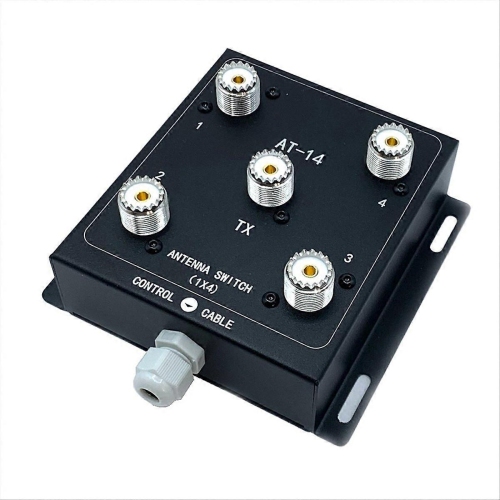
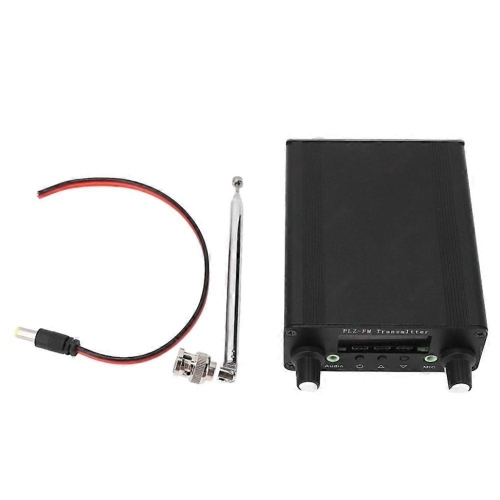
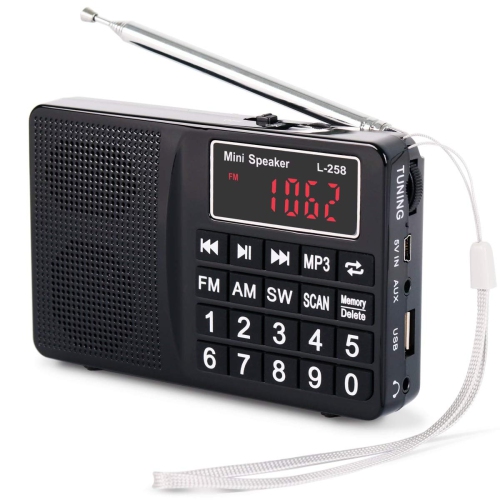
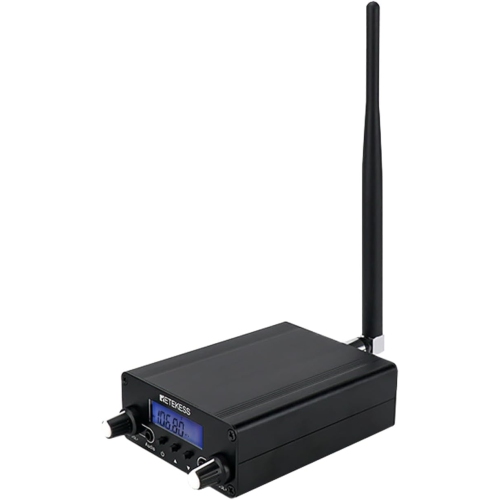
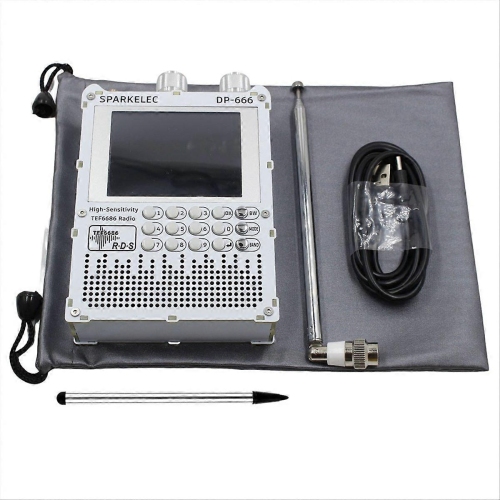
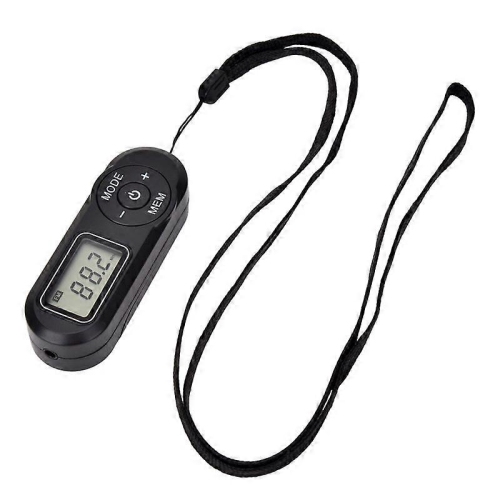
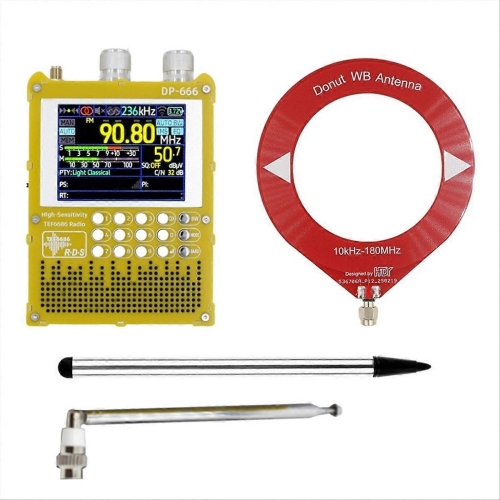
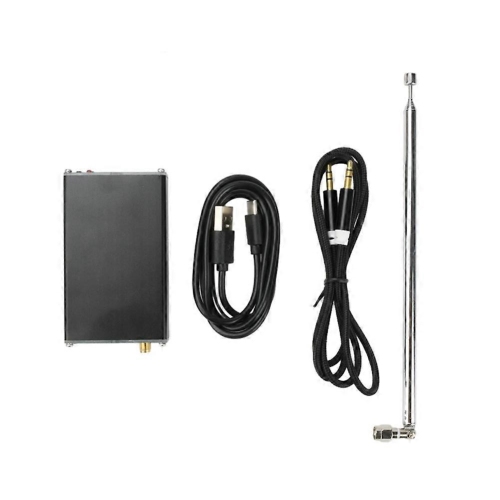
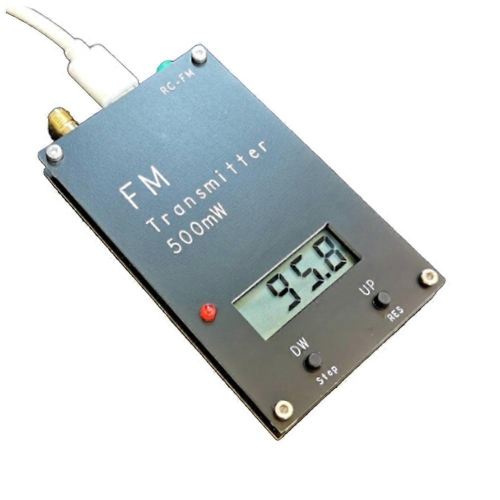
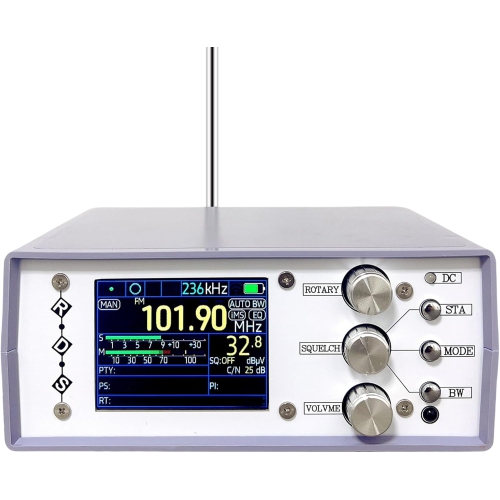
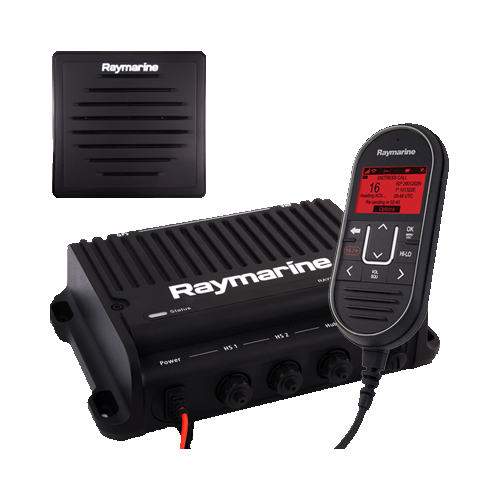
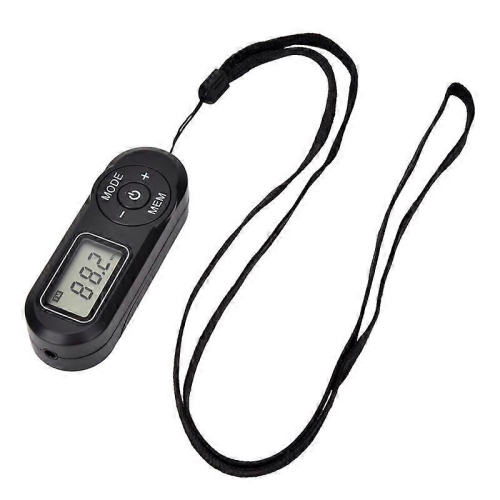
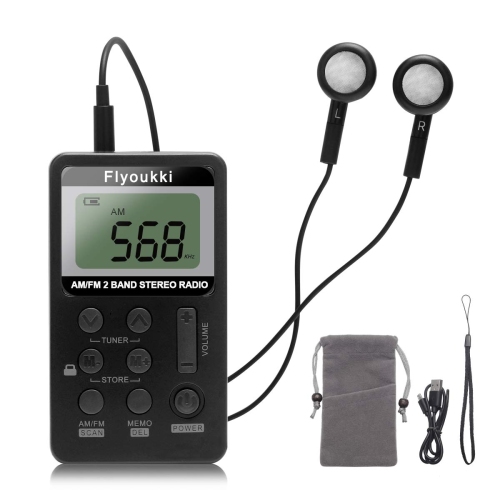
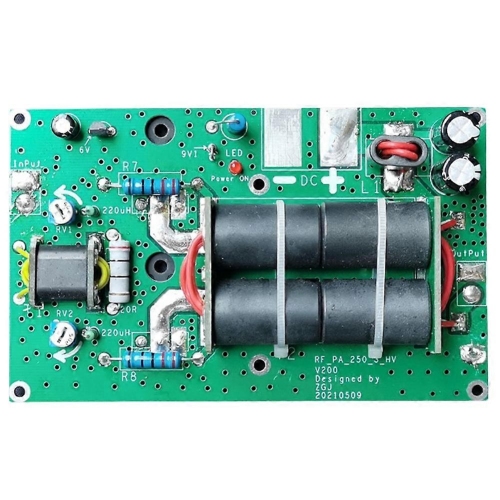
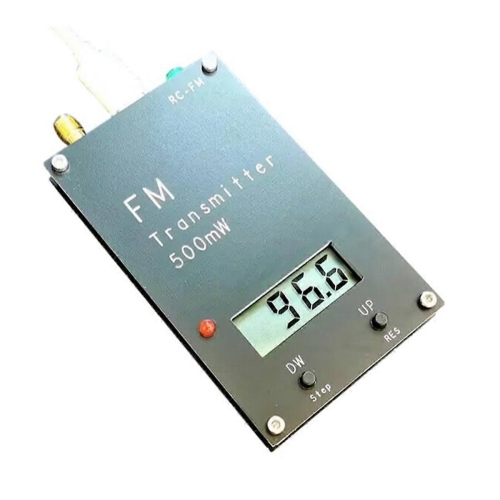
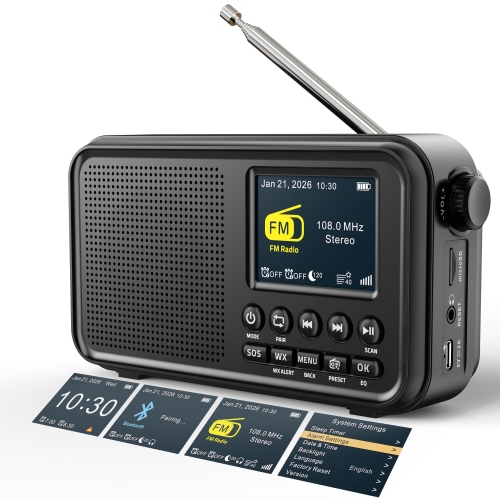
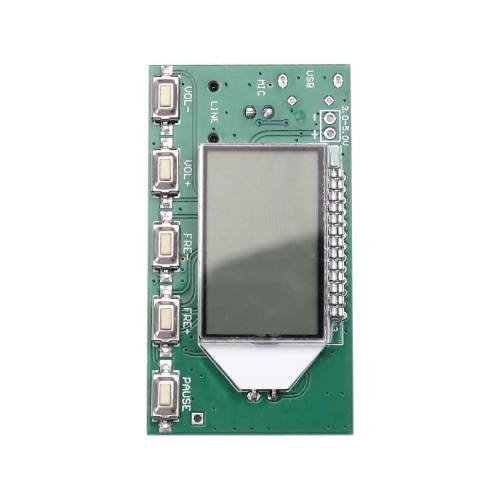
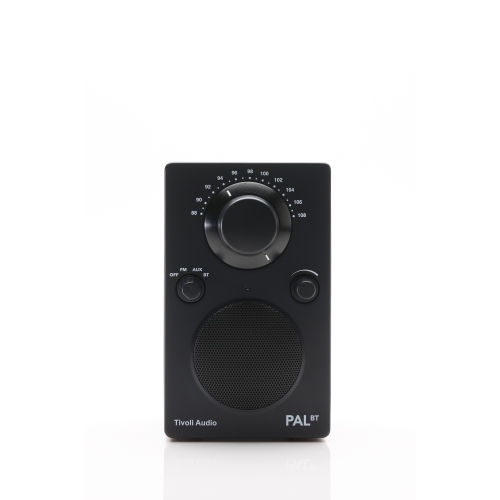
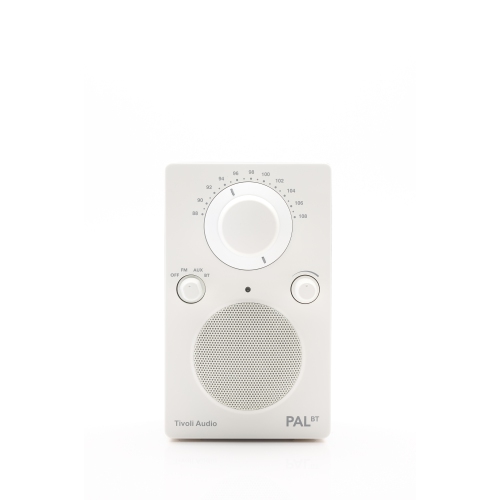
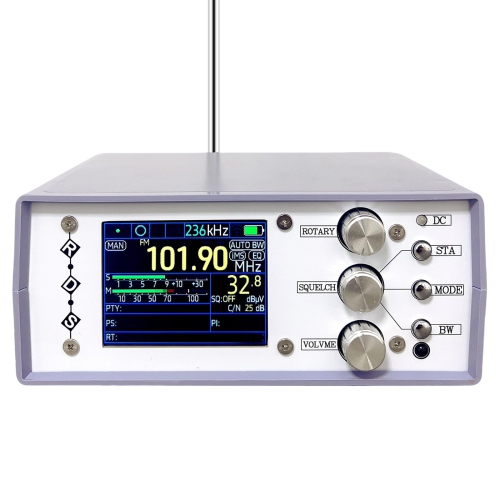
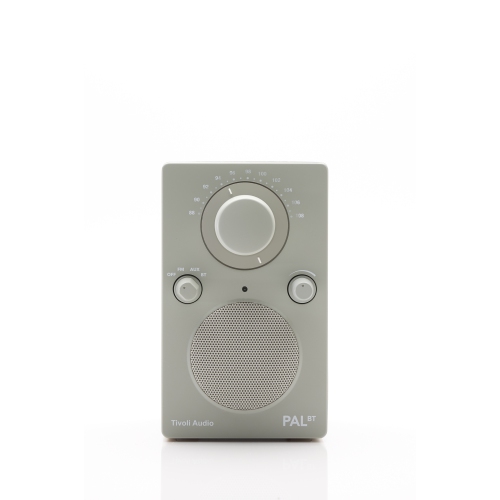
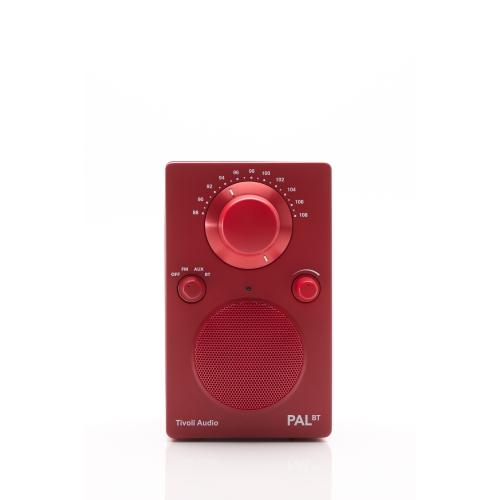
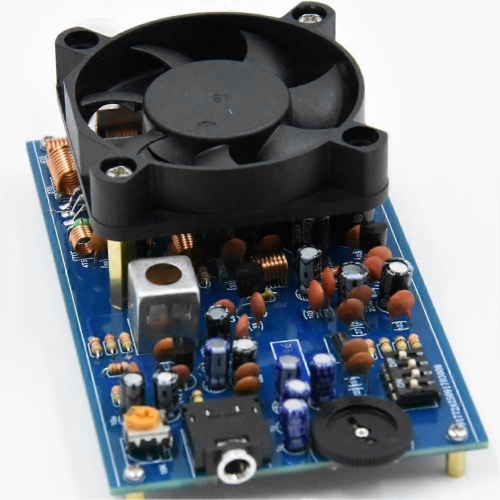
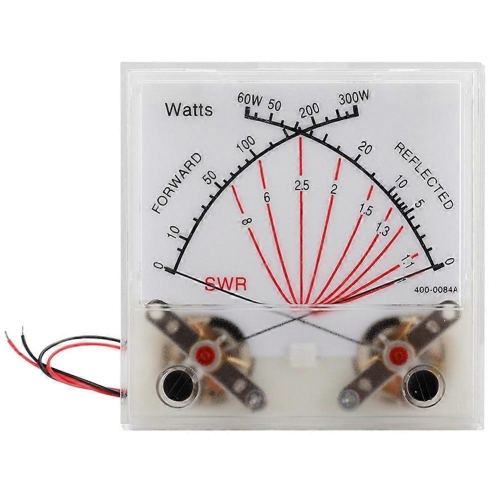
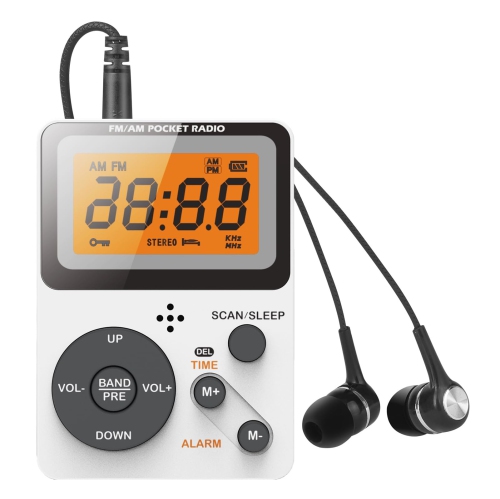
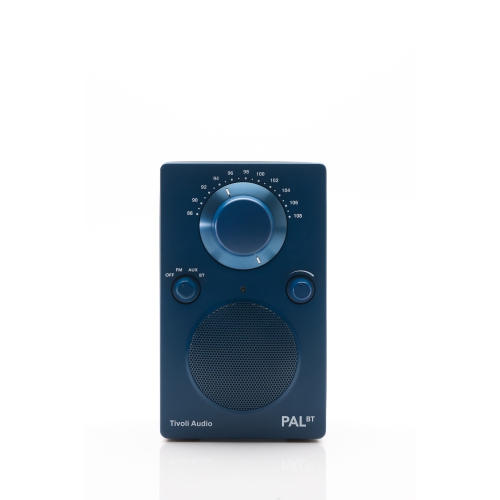
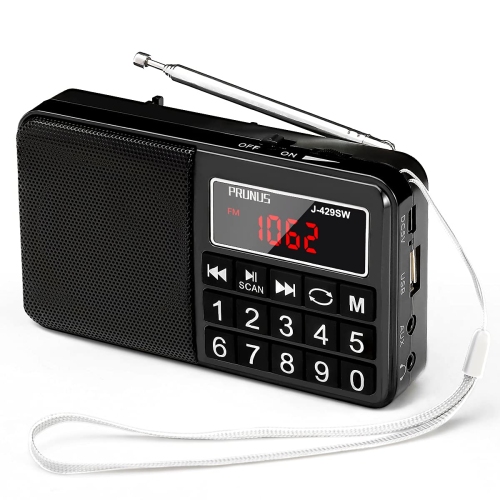
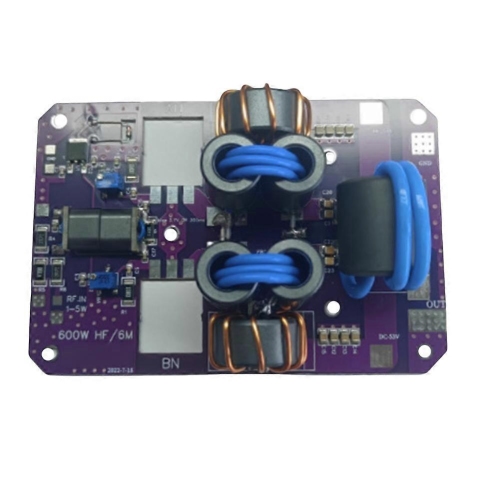
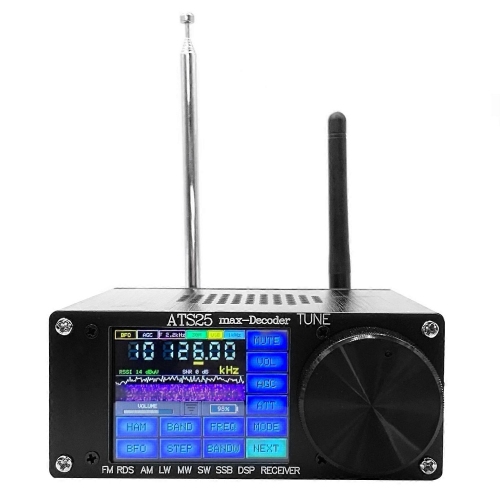
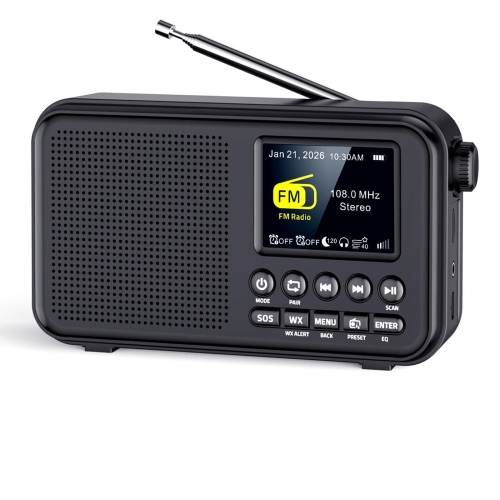
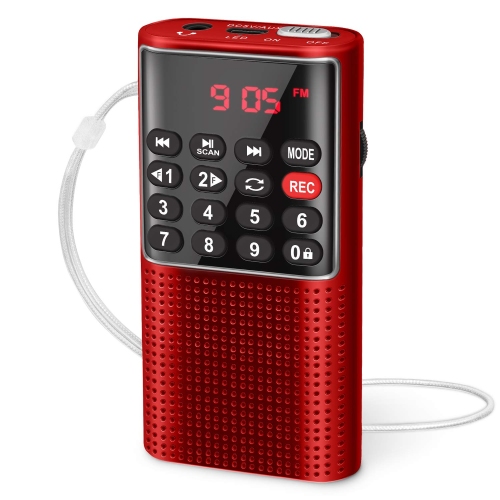
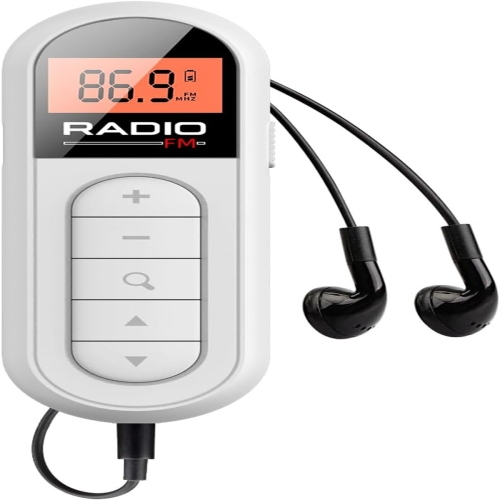
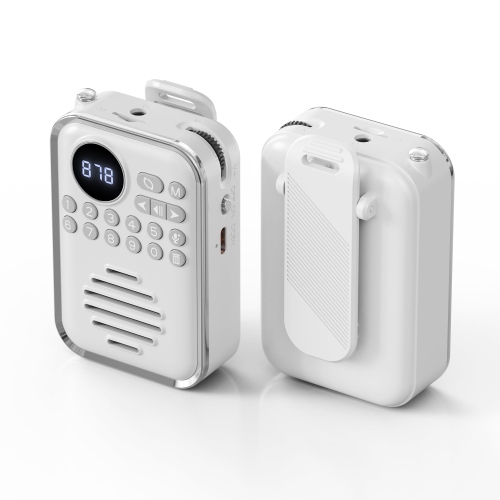
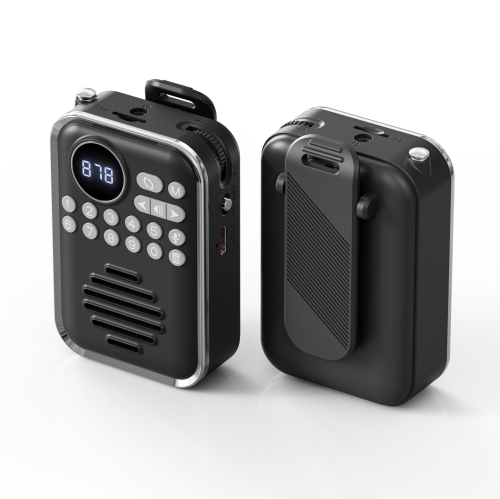
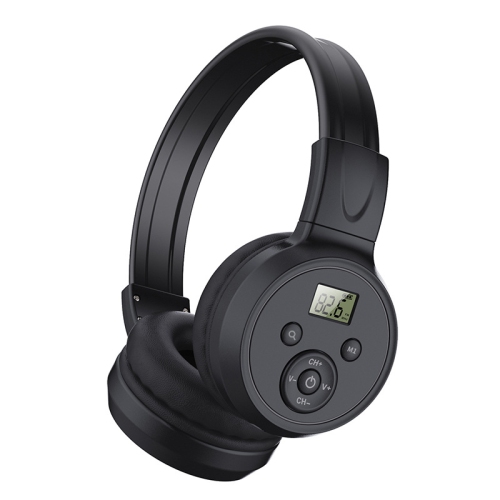
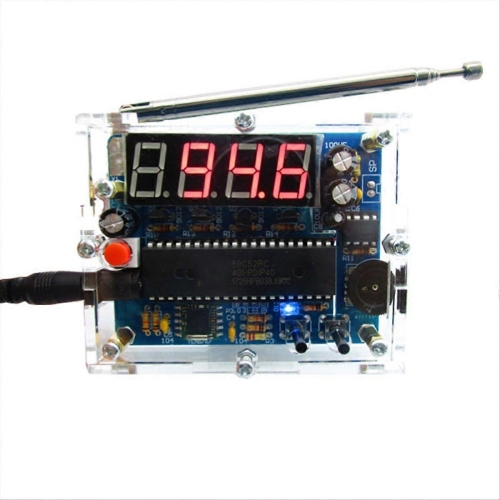
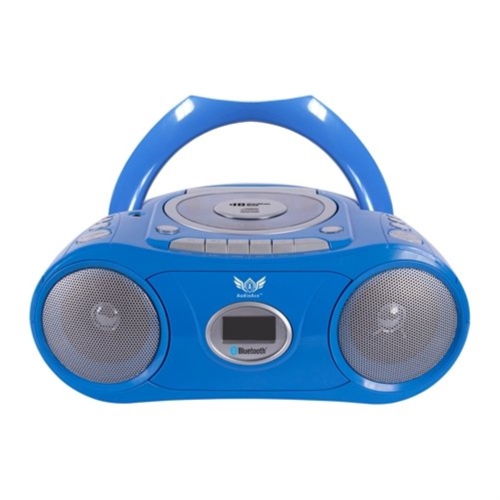
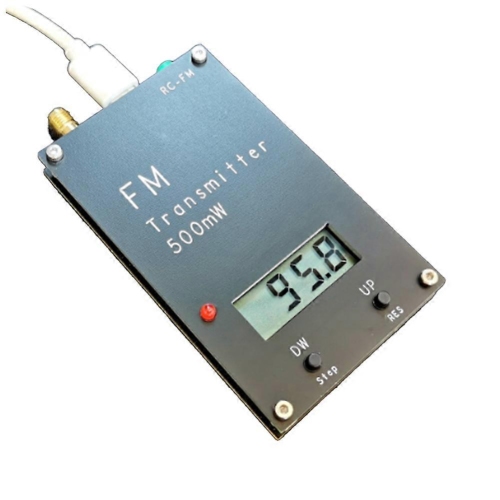
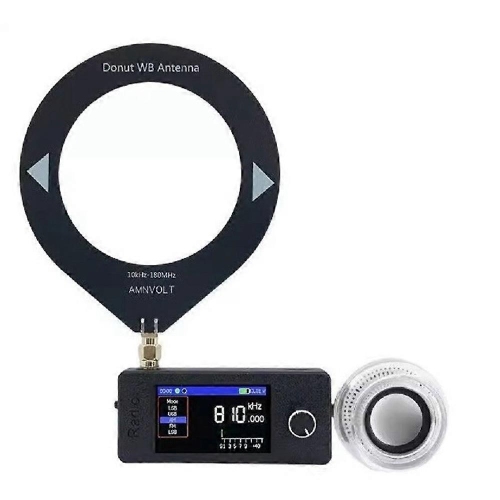
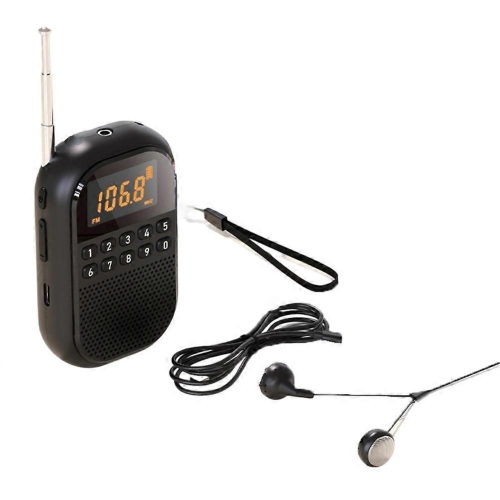
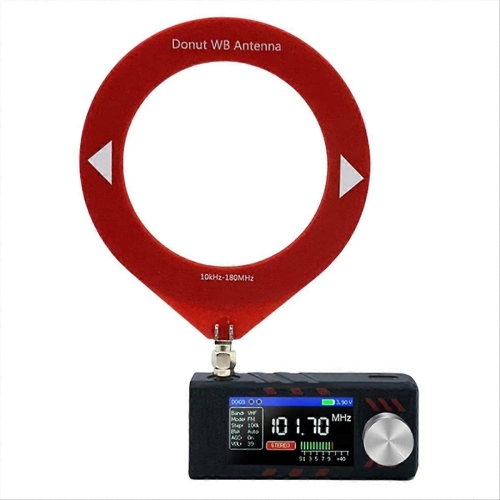
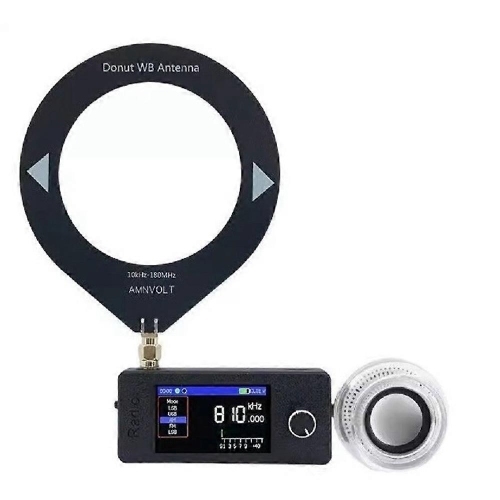
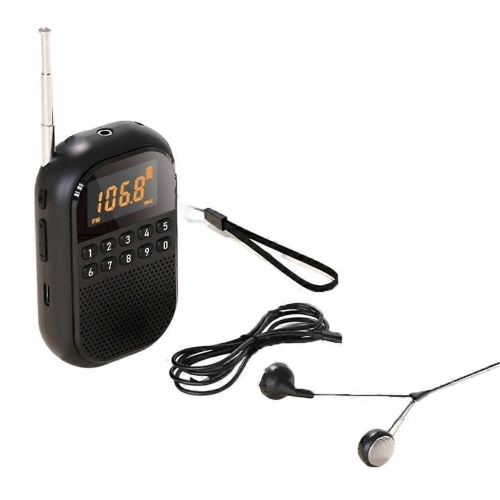
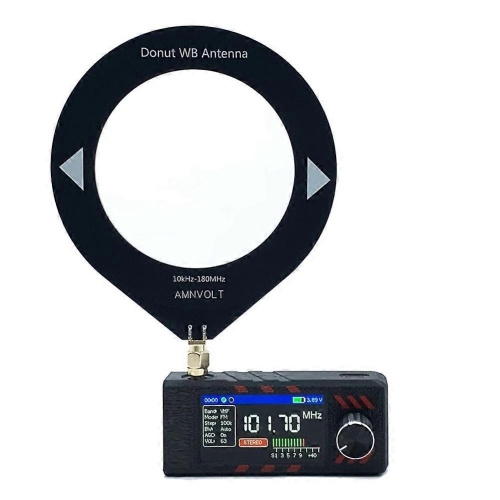
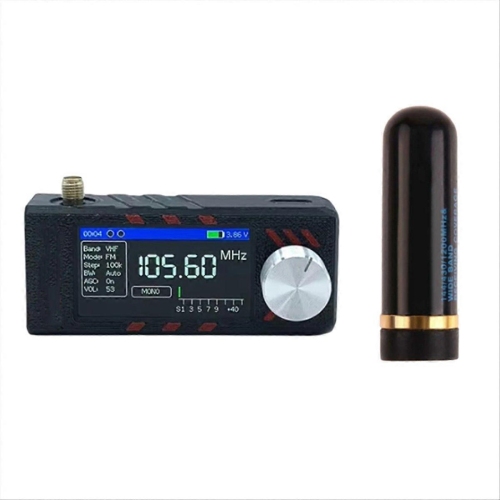
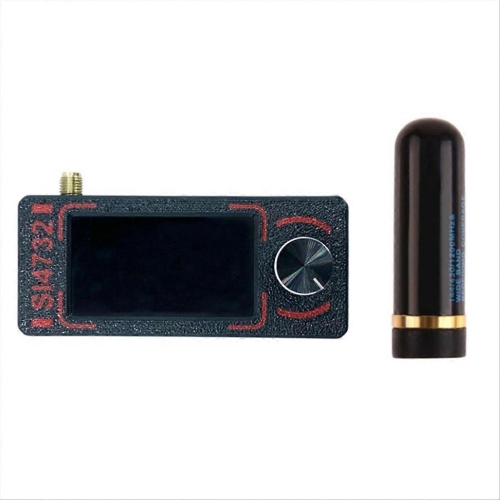
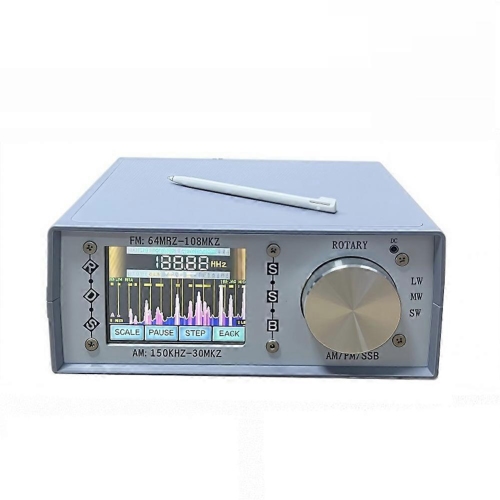
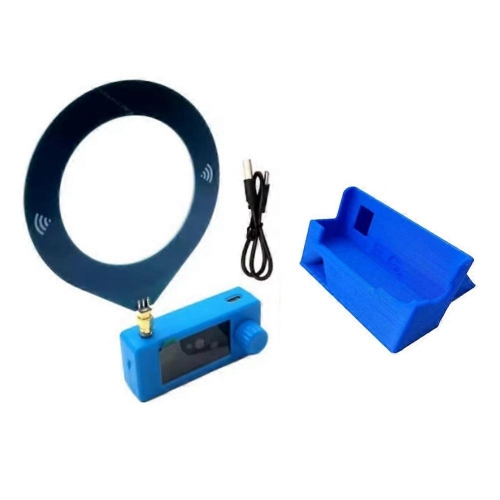
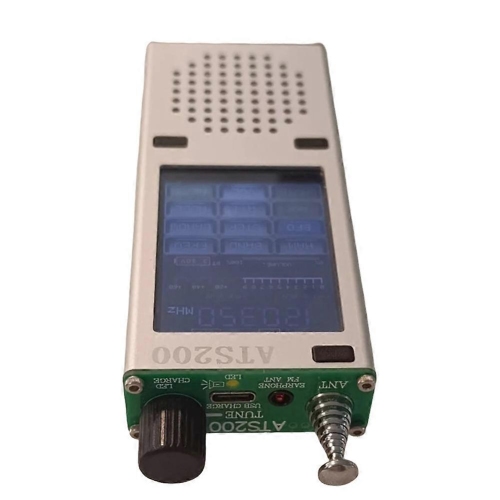
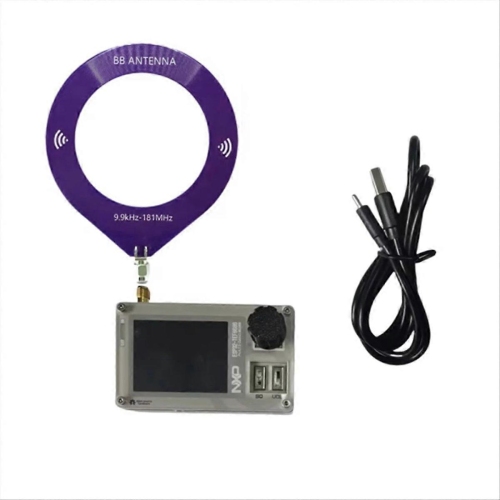
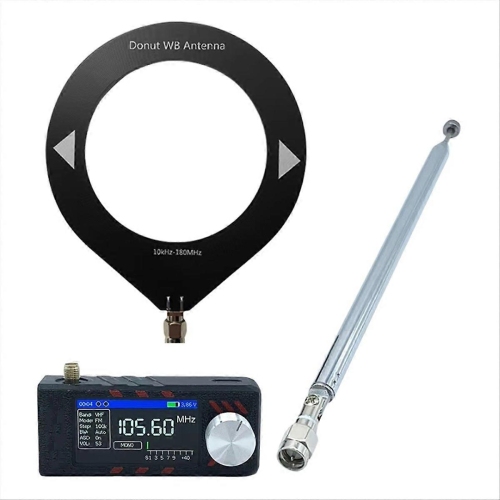

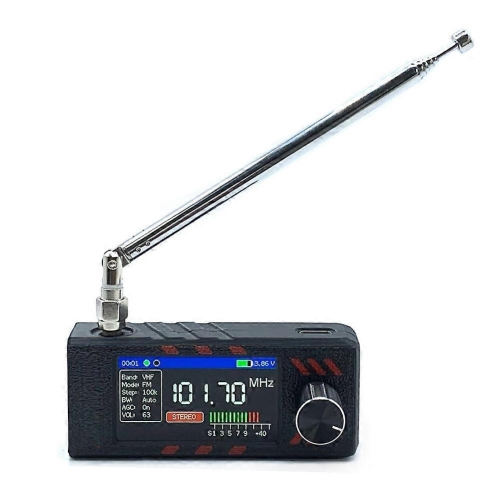
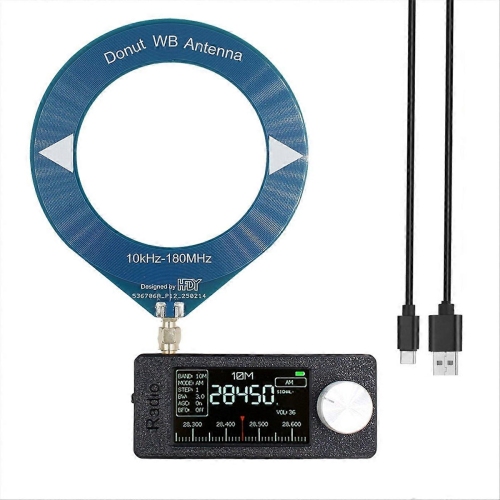
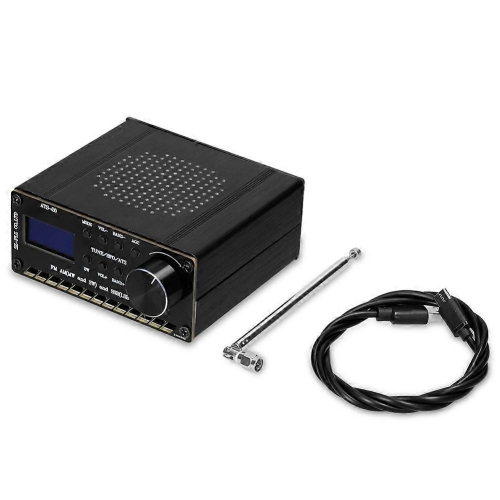
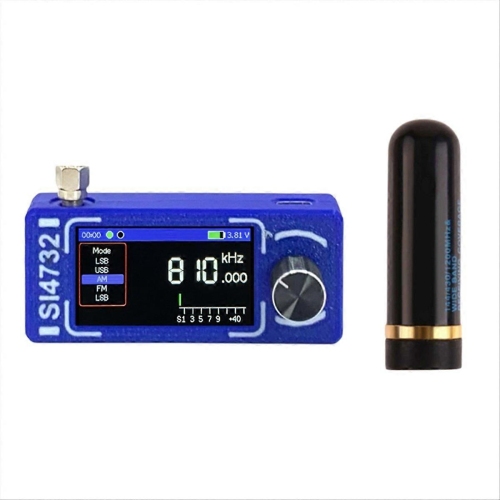
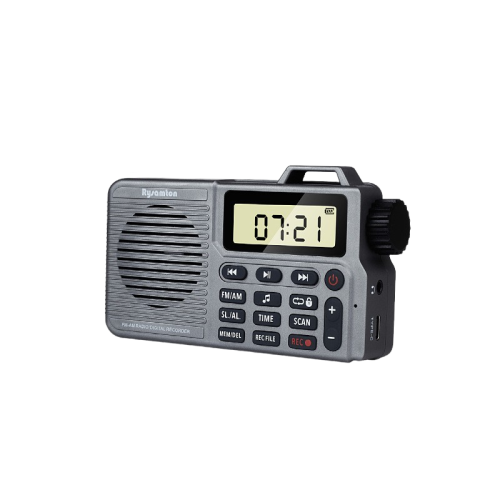
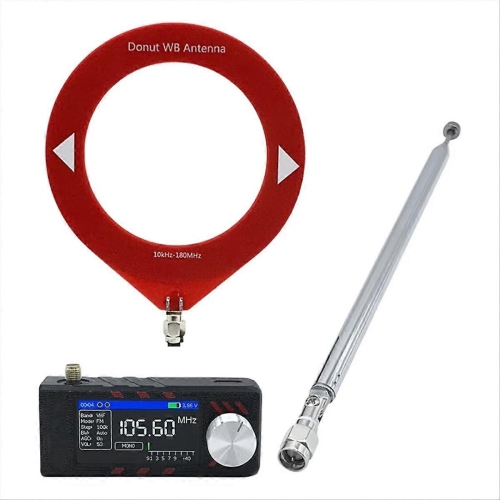
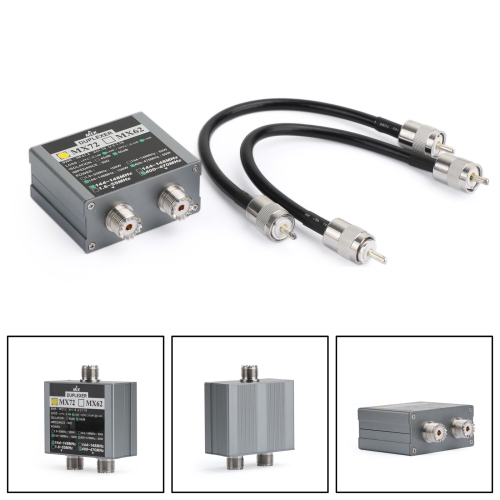
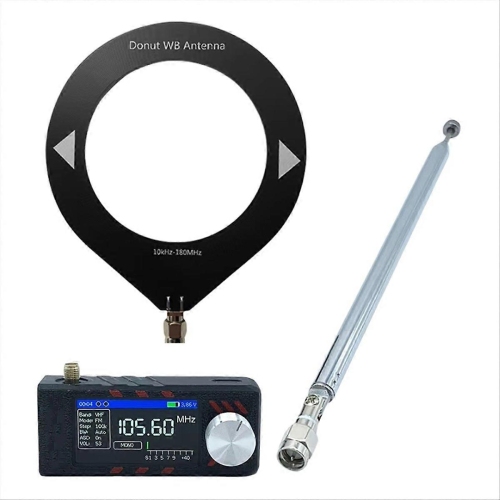
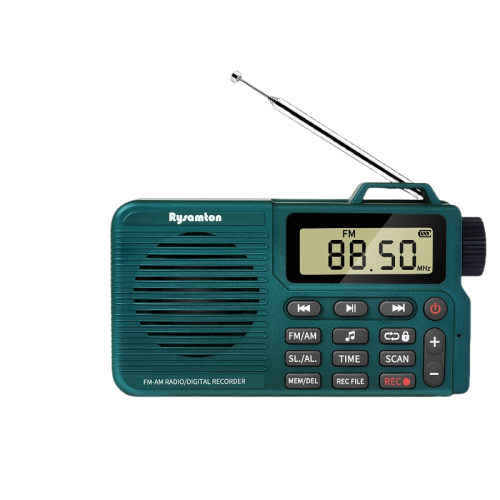
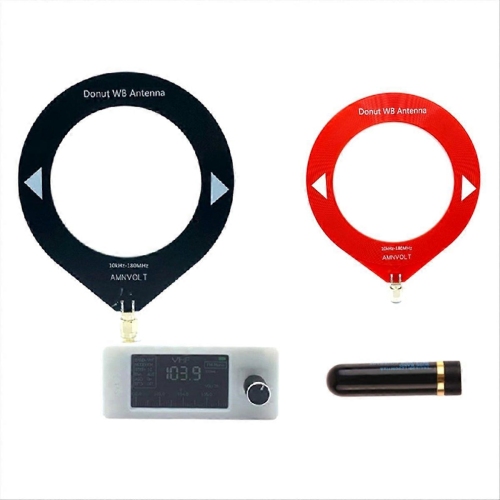
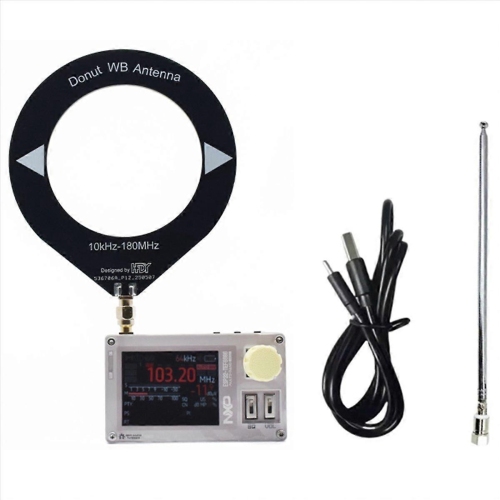
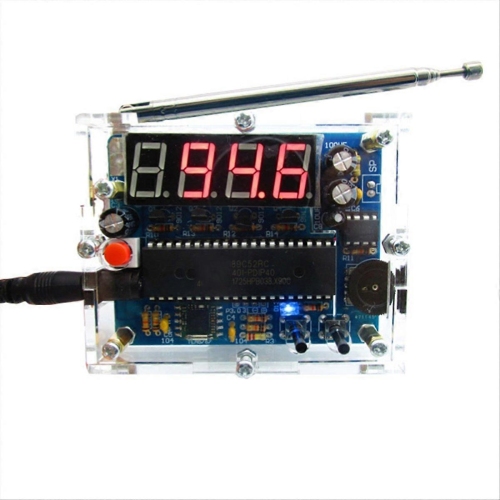
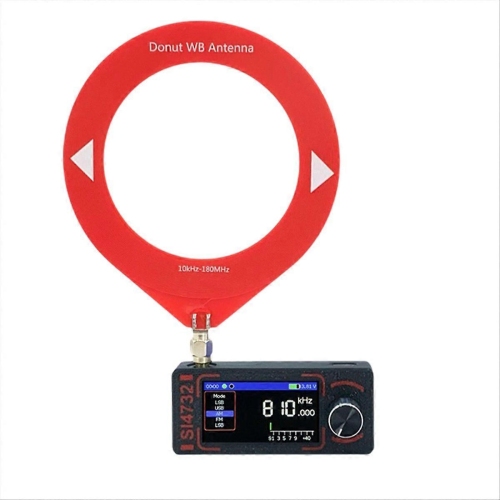
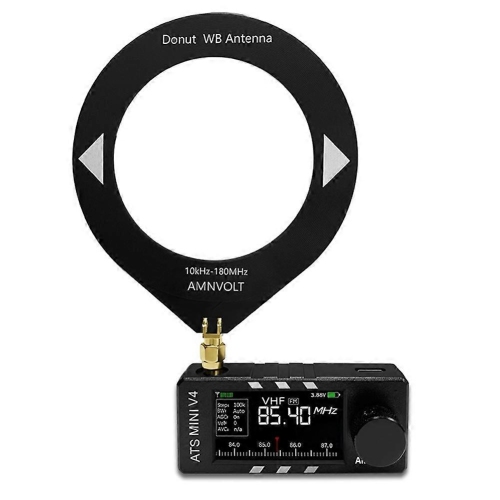
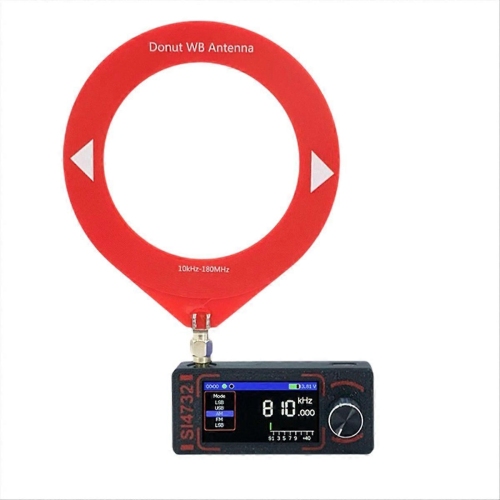
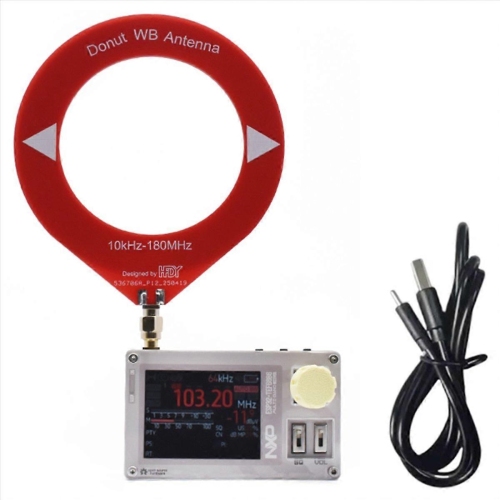
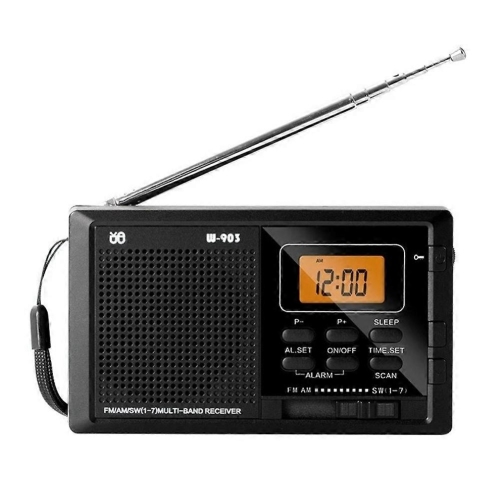
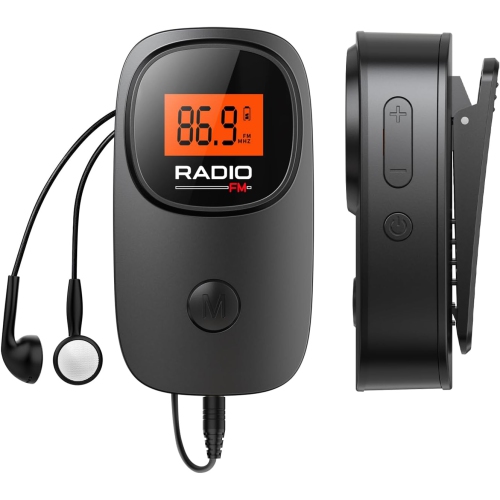
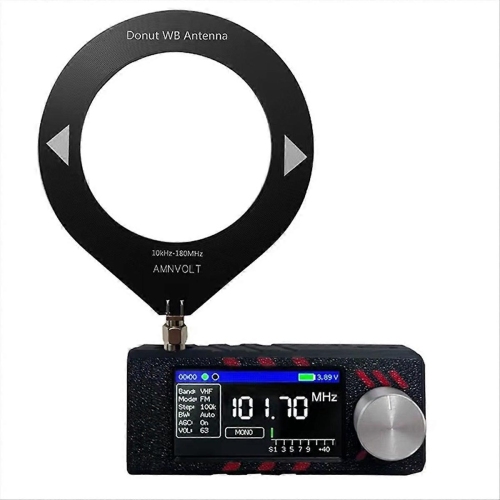
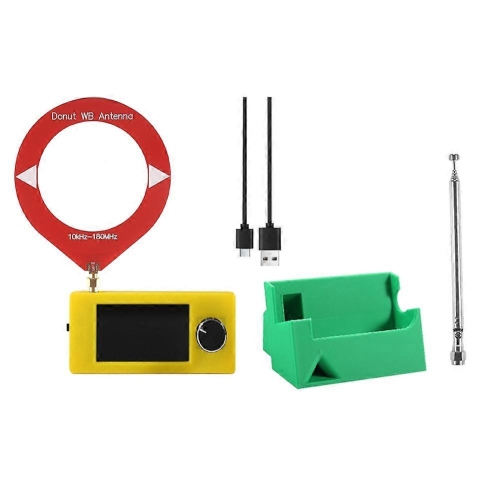
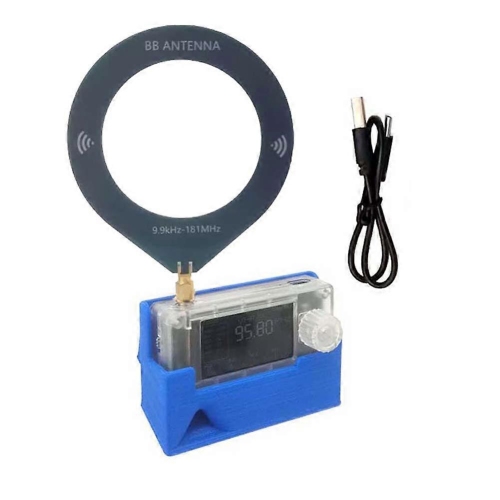
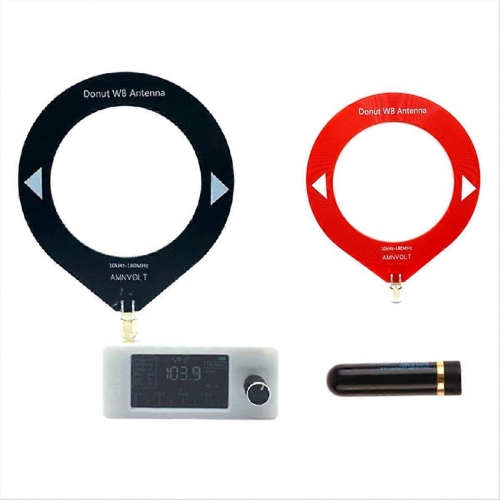
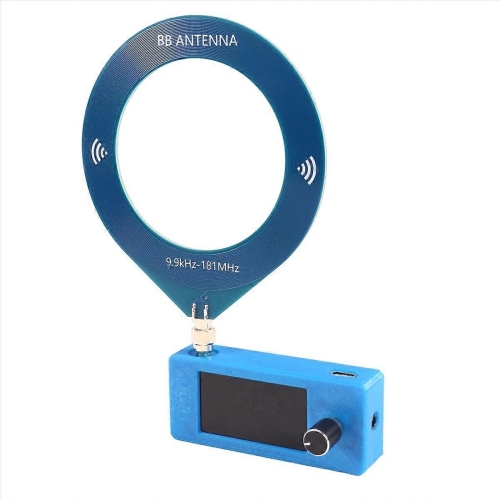
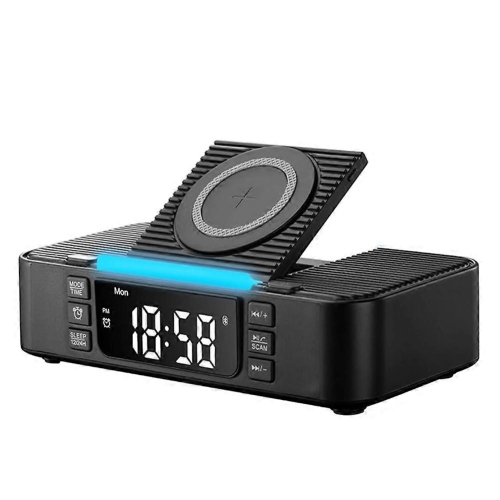
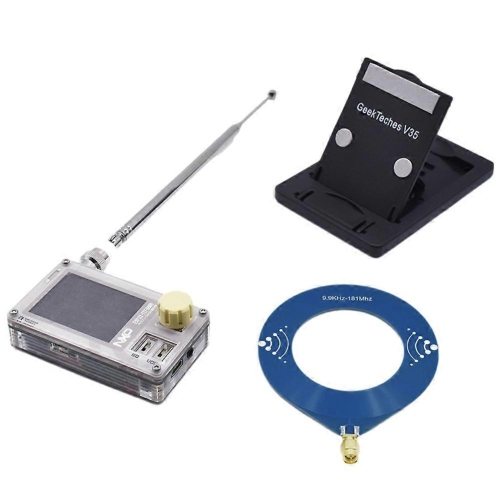
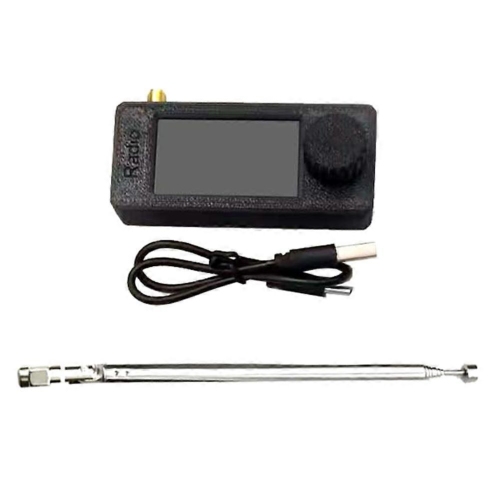
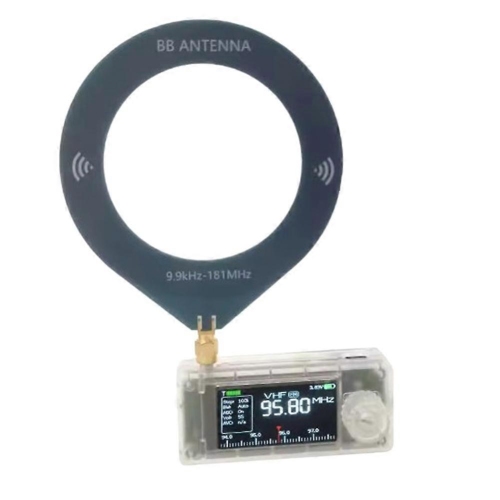
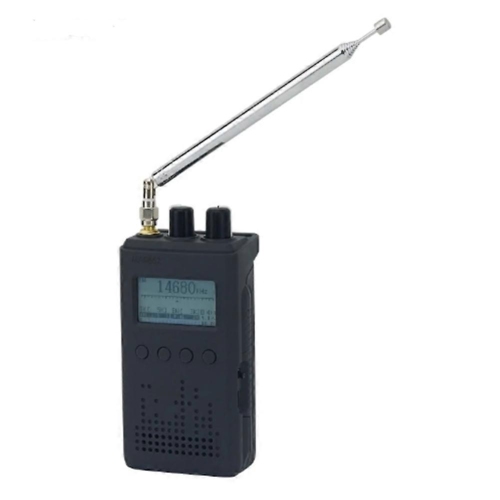
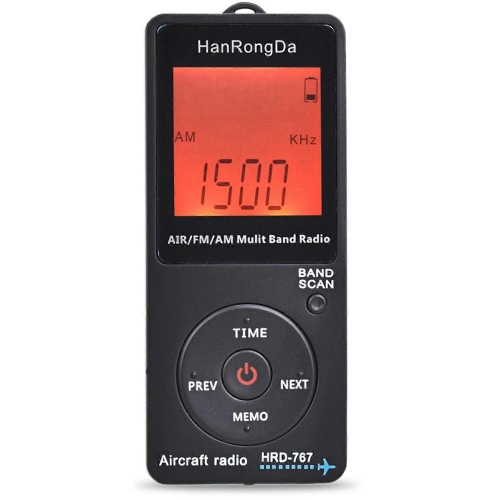
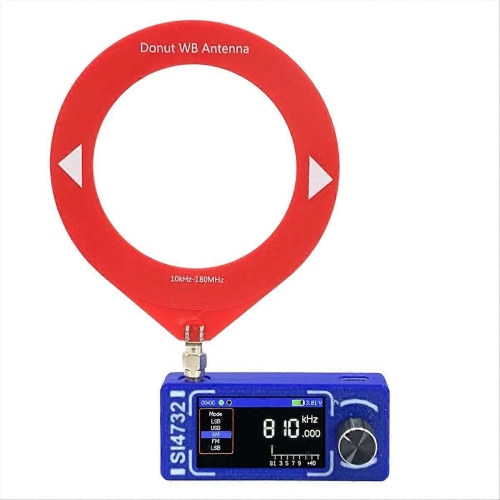
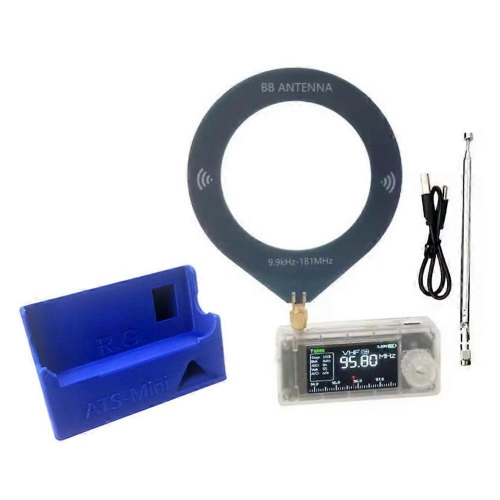
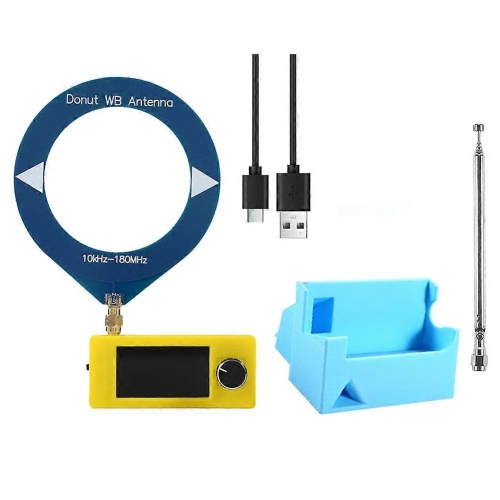
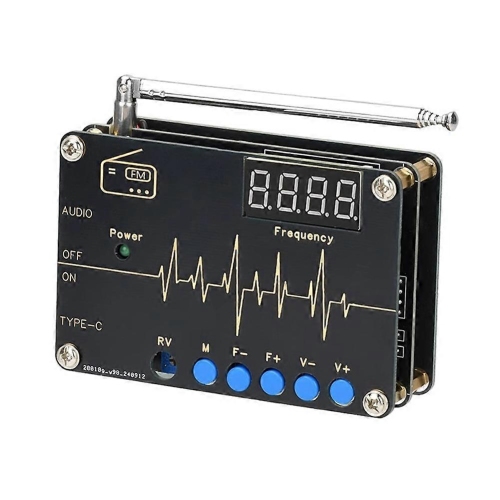
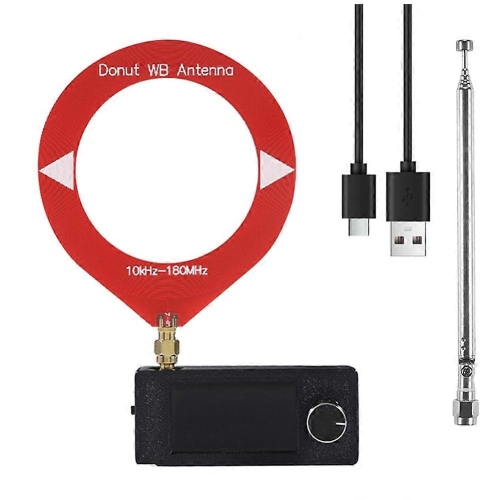
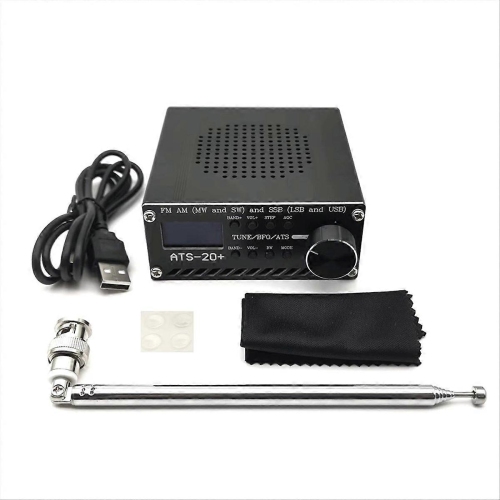
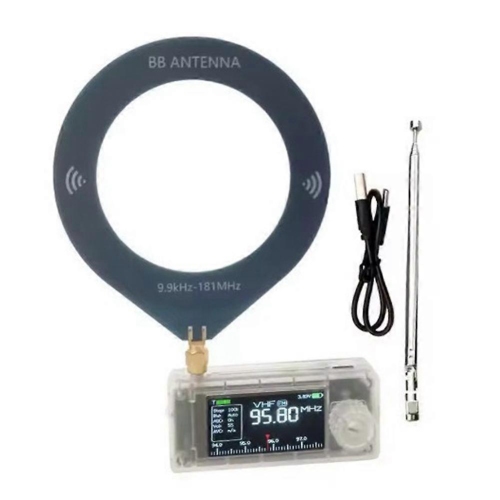
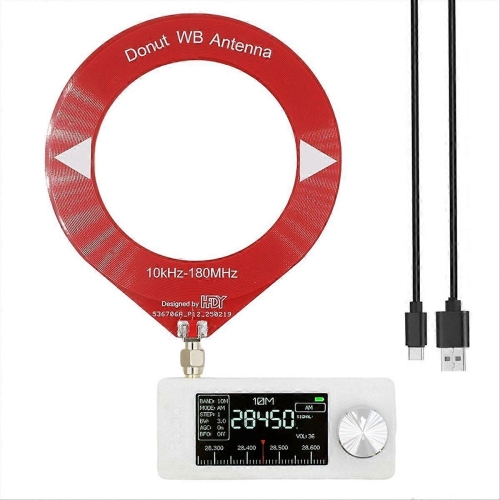
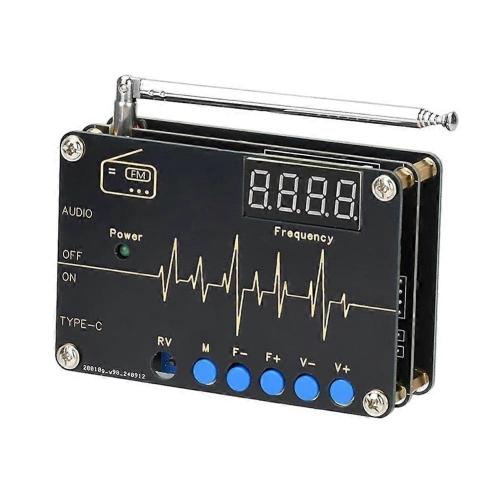
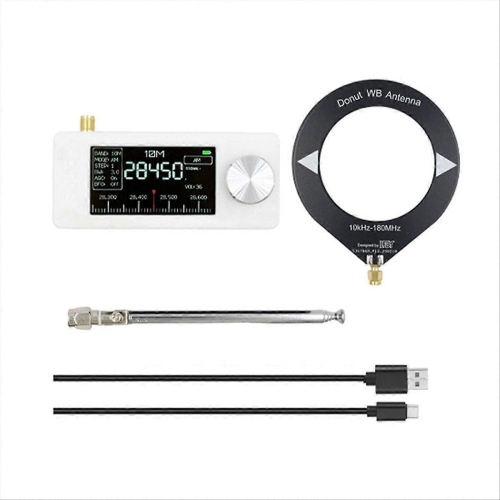
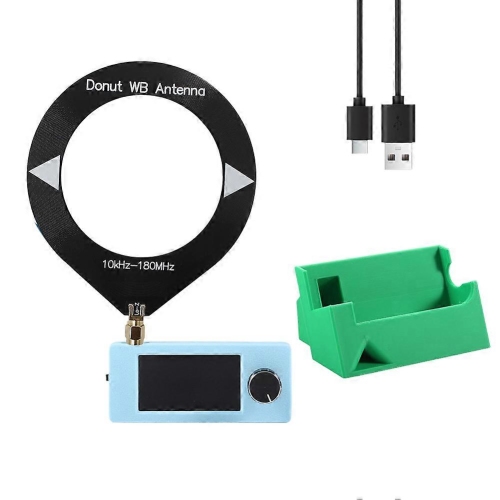
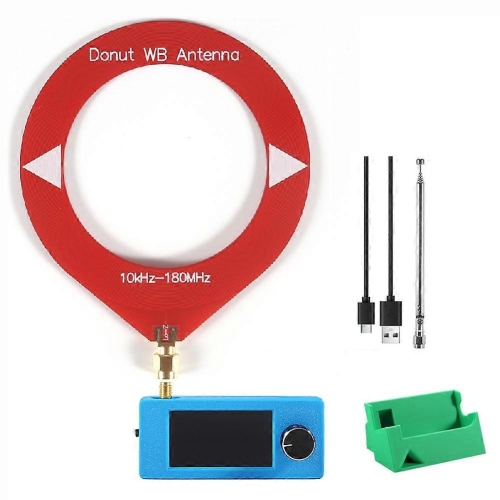
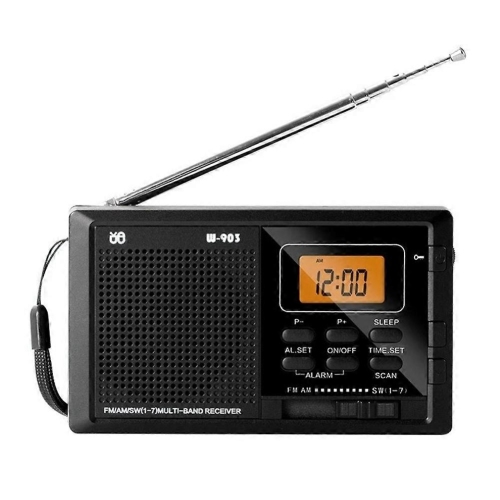
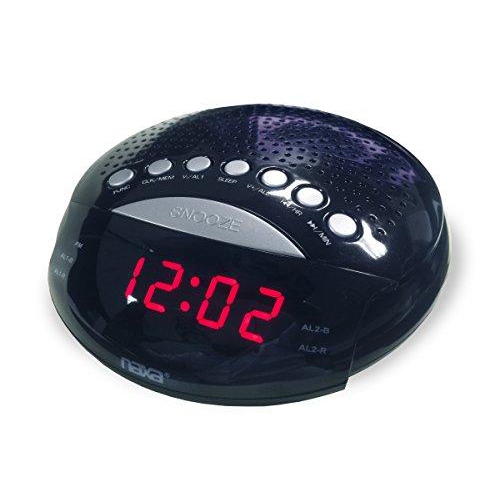
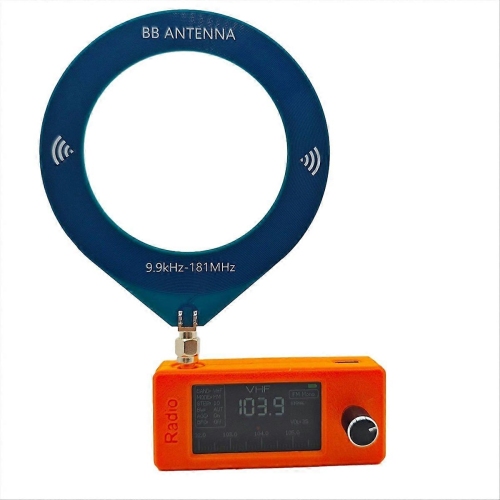
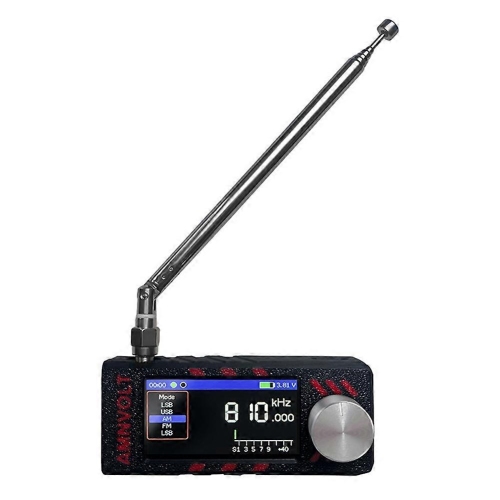
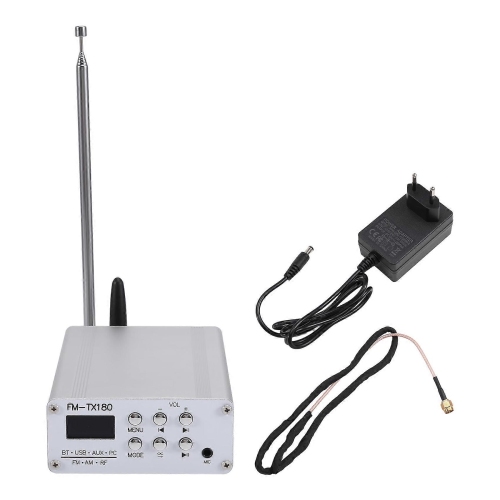
Shared studio essentials with different paths to listeners
Radio station equipment brings together the tools used to capture voices, mix music and other audio, monitor sound, and deliver a programme to listeners. The equipment falls into three main groups: studio hardware, audio processing and routing systems, and transmission or streaming hardware. A studio typically centres on an audio console or mixer, with microphones, headphones, playback computers, and connecting cables working around it. For an internet radio station, the finished audio feed passes through an encoder or streaming application to an online distribution service. A terrestrial AM or FM station also needs a suitable transmitter, antenna system, and associated radio-frequency connections; when the transmitter is located away from the studio, a studio-to-transmitter link carries the programme between the two sites. These different paths share many studio essentials, but their delivery hardware is not interchangeable. A radio receiver lets someone listen to a broadcast, while a broadcast transmitter sends a signal out to an audience. Within the studio, the right combination depends on the programme format. A solo presenter introducing music needs fewer microphone inputs than a community discussion with a host and several guests, while live interviews introduce additional needs for call handling and separate headphone feeds. Campus stations, community broadcasters, production teams, and internet radio hosts may all use this equipment, although the scale and technical requirements vary considerably. The broader Radio Equipment category provides related context for shoppers considering how listening and communication equipment differs from studio production hardware. For a working broadcast space, useful details include the number of simultaneous sources, the types of connections, and how easily a presenter can reach the controls while speaking. Clearly marked channels, readable meters, and accessible mute controls matter during an unscripted conversation, when the host may be watching audio levels, cueing the next segment, and listening to a guest at the same time. Equipment that suits those everyday tasks helps keep attention on the programme rather than on operating the desk.
Microphones and their supporting hardware shape both the sound and the physical comfort of a radio studio. Dynamic microphones are common for close-spoken presentation, while condenser microphones can capture fine detail and may require phantom power from a compatible mixer or interface. Neither type automatically removes room noise: microphone placement, pickup pattern, input gain, and the room’s acoustics all influence how clearly a voice comes through. A directional microphone positioned close to the presenter can help favour speech over sounds elsewhere in the room. Pop filters and foam windscreens soften bursts of air from consonants, while shock mounts can reduce vibration transmitted through a desk or support arm. For a host who alternates between a script and a computer screen, an adjustable microphone arm keeps the microphone within reach without occupying the main work surface. Arm load capacity, mounting clearance, thread compatibility, and the weight of the microphone and mount all affect fit. Metal joints and secure clamps are useful durability features where positions are adjusted repeatedly throughout the day. Closed-back headphones help limit playback leaking into live microphones, and a headphone distribution amplifier can give several participants their own listening connection, sometimes with individual volume control. Comfortable ear cushions, an adjustable headband, and replaceable wear parts become especially relevant during long programmes or shared studio use. Studio speakers serve a different purpose, allowing teams to assess playback together; speaker muting while microphones are live helps prevent feedback and unwanted sound pickup. Acoustic panels can reduce reflections within a room, but they should not be confused with structural sound isolation that limits noise passing through walls and doors. A modest interview space can benefit from careful positioning just as much as from additional hardware. Routine care also matters: clean shared contact surfaces according to the manufacturer’s directions, keep liquids away from electronics, and avoid pulling cables by their leads. Removable cushions, serviceable connectors, and stable mounting hardware can make heavily used equipment easier to maintain.
Audio consoles, interfaces, and processing hardware determine how smoothly the individual parts of a station work together. A mixer combines sources and provides hands-on control, while an audio interface connects compatible microphones and other audio equipment to a computer; some devices perform both roles. Input counts deserve close attention because a listed channel total does not necessarily mean an equal number of microphone preamps. Balanced XLR connections are common for microphones, and balanced line-level connections are useful between compatible studio devices, particularly along longer cable runs. USB connections can simplify computer integration, but operating-system support, drivers, and software compatibility still matter. For telephone or remote interviews, a mix-minus feed sends the guest the programme audio without returning their own delayed voice, making conversation more natural. Audio processing can help manage level differences between a quiet guest, an energetic presenter, and music playback, although it cannot repair every problem caused by distortion or poor microphone technique. Computers used for scheduling, playout, editing, and streaming need enough processing capacity, storage, and suitable connections for the intended workload. Separate recording and backup arrangements can preserve interviews and other material, while an uninterruptible power supply may provide time to save work or bridge a brief power interruption, depending on its capacity and connected load. For terrestrial broadcasting, transmitter output, antenna design, feed-line losses, and site placement work together to affect coverage; transmitter power alone does not establish a reliable service area. Transmitting in Canada is subject to applicable authorization and technical requirements, so consumer listening equipment should not be mistaken for a ready-to-operate broadcast system. Rack-mounted hardware also needs compatible rack dimensions, adequate ventilation, and access for servicing. Labelled cables and sensible routing make it easier to trace a silent microphone or replace a connection without disturbing the rest of the studio. For an aspiring presenter, an accessory such as a compatible microphone support or comfortable monitoring headphones can make a thoughtful gift, provided it matches the existing setup. Across small streaming spaces and multi-presenter studios, lasting value comes from equipment that fits the available space, connects correctly, and supports the people using it every day.
Microphones and their supporting hardware shape both the sound and the physical comfort of a radio studio. Dynamic microphones are common for close-spoken presentation, while condenser microphones can capture fine detail and may require phantom power from a compatible mixer or interface. Neither type automatically removes room noise: microphone placement, pickup pattern, input gain, and the room’s acoustics all influence how clearly a voice comes through. A directional microphone positioned close to the presenter can help favour speech over sounds elsewhere in the room. Pop filters and foam windscreens soften bursts of air from consonants, while shock mounts can reduce vibration transmitted through a desk or support arm. For a host who alternates between a script and a computer screen, an adjustable microphone arm keeps the microphone within reach without occupying the main work surface. Arm load capacity, mounting clearance, thread compatibility, and the weight of the microphone and mount all affect fit. Metal joints and secure clamps are useful durability features where positions are adjusted repeatedly throughout the day. Closed-back headphones help limit playback leaking into live microphones, and a headphone distribution amplifier can give several participants their own listening connection, sometimes with individual volume control. Comfortable ear cushions, an adjustable headband, and replaceable wear parts become especially relevant during long programmes or shared studio use. Studio speakers serve a different purpose, allowing teams to assess playback together; speaker muting while microphones are live helps prevent feedback and unwanted sound pickup. Acoustic panels can reduce reflections within a room, but they should not be confused with structural sound isolation that limits noise passing through walls and doors. A modest interview space can benefit from careful positioning just as much as from additional hardware. Routine care also matters: clean shared contact surfaces according to the manufacturer’s directions, keep liquids away from electronics, and avoid pulling cables by their leads. Removable cushions, serviceable connectors, and stable mounting hardware can make heavily used equipment easier to maintain.
Audio consoles, interfaces, and processing hardware determine how smoothly the individual parts of a station work together. A mixer combines sources and provides hands-on control, while an audio interface connects compatible microphones and other audio equipment to a computer; some devices perform both roles. Input counts deserve close attention because a listed channel total does not necessarily mean an equal number of microphone preamps. Balanced XLR connections are common for microphones, and balanced line-level connections are useful between compatible studio devices, particularly along longer cable runs. USB connections can simplify computer integration, but operating-system support, drivers, and software compatibility still matter. For telephone or remote interviews, a mix-minus feed sends the guest the programme audio without returning their own delayed voice, making conversation more natural. Audio processing can help manage level differences between a quiet guest, an energetic presenter, and music playback, although it cannot repair every problem caused by distortion or poor microphone technique. Computers used for scheduling, playout, editing, and streaming need enough processing capacity, storage, and suitable connections for the intended workload. Separate recording and backup arrangements can preserve interviews and other material, while an uninterruptible power supply may provide time to save work or bridge a brief power interruption, depending on its capacity and connected load. For terrestrial broadcasting, transmitter output, antenna design, feed-line losses, and site placement work together to affect coverage; transmitter power alone does not establish a reliable service area. Transmitting in Canada is subject to applicable authorization and technical requirements, so consumer listening equipment should not be mistaken for a ready-to-operate broadcast system. Rack-mounted hardware also needs compatible rack dimensions, adequate ventilation, and access for servicing. Labelled cables and sensible routing make it easier to trace a silent microphone or replace a connection without disturbing the rest of the studio. For an aspiring presenter, an accessory such as a compatible microphone support or comfortable monitoring headphones can make a thoughtful gift, provided it matches the existing setup. Across small streaming spaces and multi-presenter studios, lasting value comes from equipment that fits the available space, connects correctly, and supports the people using it every day.
Top selling and popular products
-
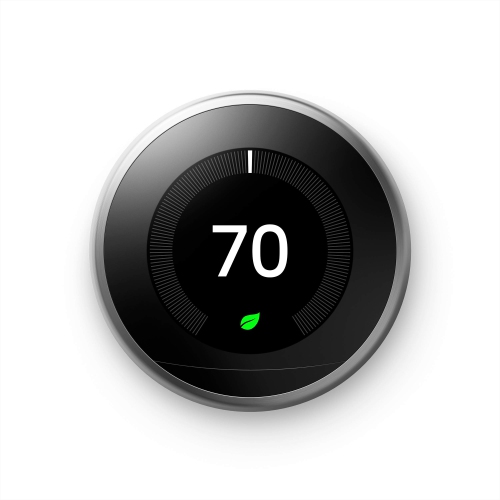 Your price for this item is $303.46
 -
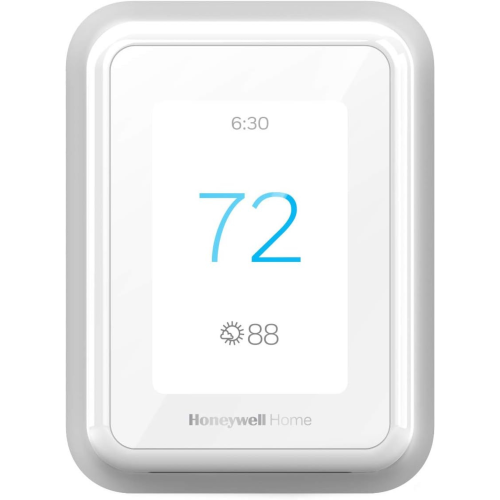 Your price for this item is $219.99
 -
 Your price for this item is $114.99
 -
 Your price for this item is $399.99
 -
 Your price for this item is $542.64
 -
 Your price for this item is $109.99
 -
 Your price for this item is $249
 -
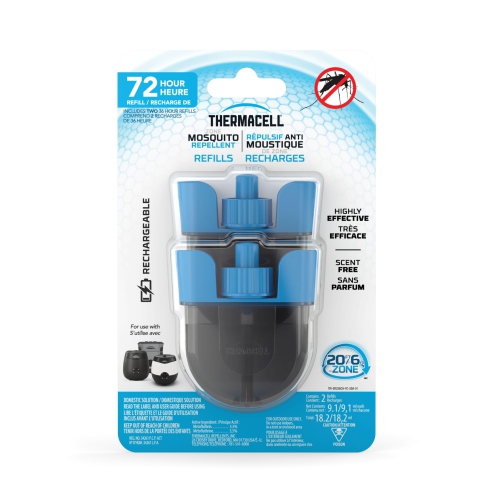 Your price for this item is $32.99
Discover more categories related to Radio Station Equipment

Top Collections:
Pokemon Centers, Best Cameras for Sports Photography, Kindle Devices, Samsung Galaxy Phones, Canon G7X Cameras, Pokémon 30th Celebration Cards, Refurbished Apple Laptops, iPhone 15 Apple, Laptops for Students, Budget Smartphones
Some products may be subject to Environmental Handling Fees
(EHF) depending on your province.
Learn more about EHFs.