Broadcasting Equipment
Looking to take your broadcasting game to the next level? Look no further than our wide selection of top-of-the-line broadcasting equipment. Whether you're a professional broadcaster or just starting out, we have everything you need to create high-quality audio and video content. From microphones and cameras to mixers and lighting equipment, our range of broadcasting gear is designed to enhance your production value and capture every detail with precision. With reliable performance and cutting-edge technology, our broadcasting equipment will help you deliver captivating content that keeps your audience engaged. Explore our collection today and elevate your broadcasting experience like never before.
Sort
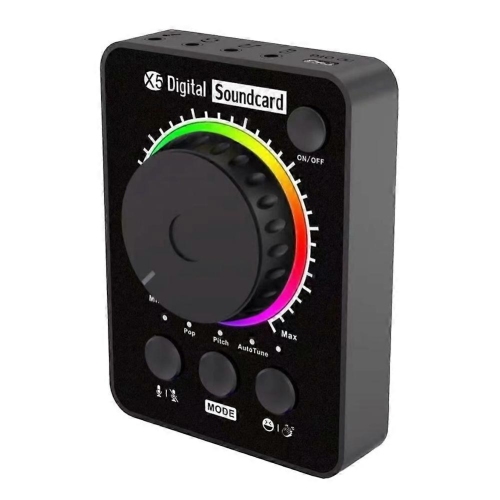
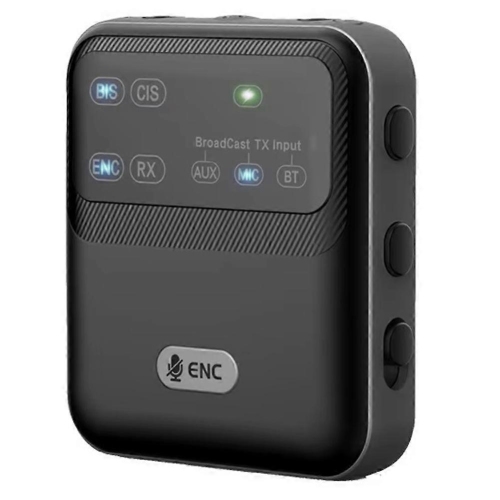
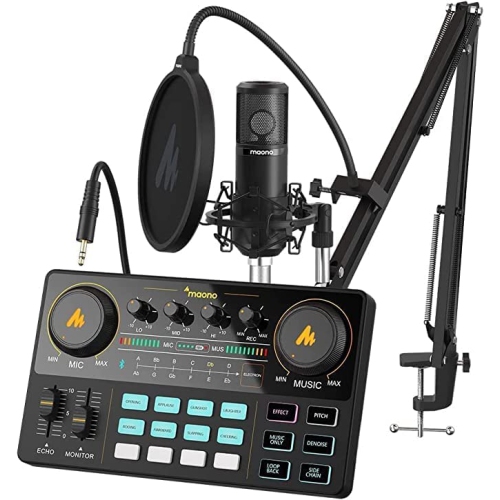
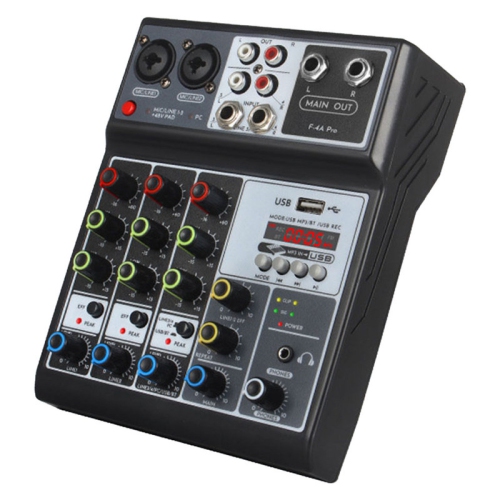
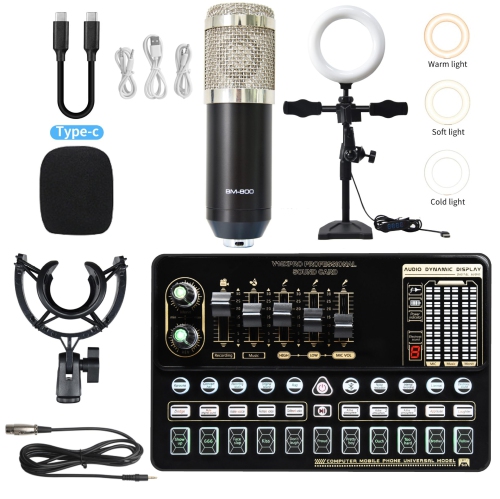
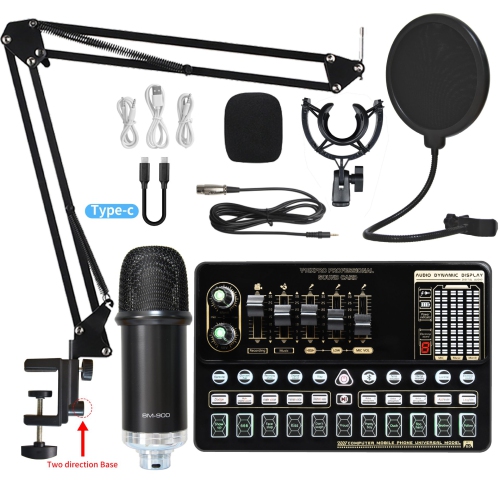
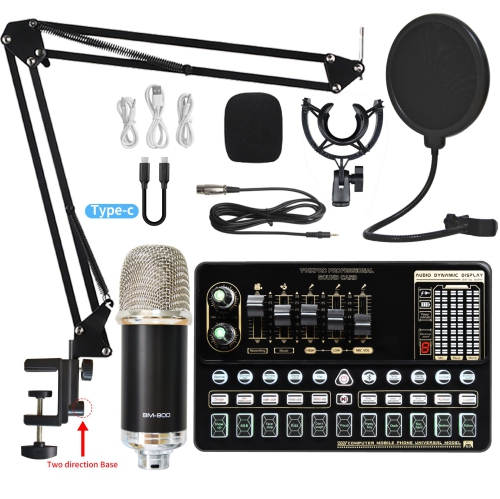
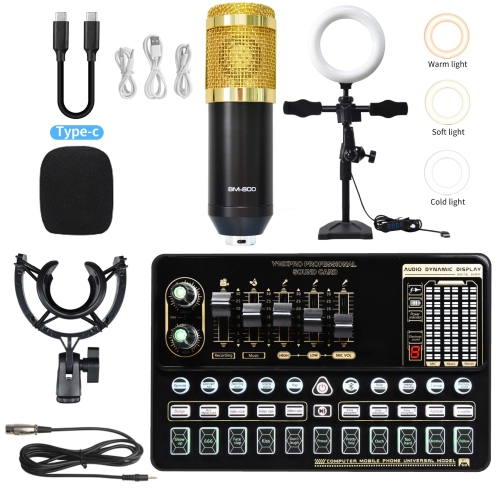
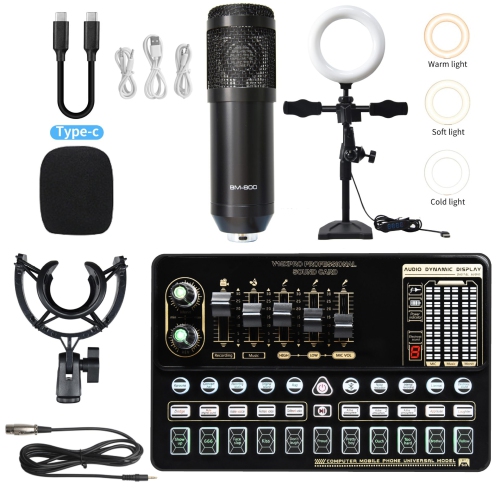
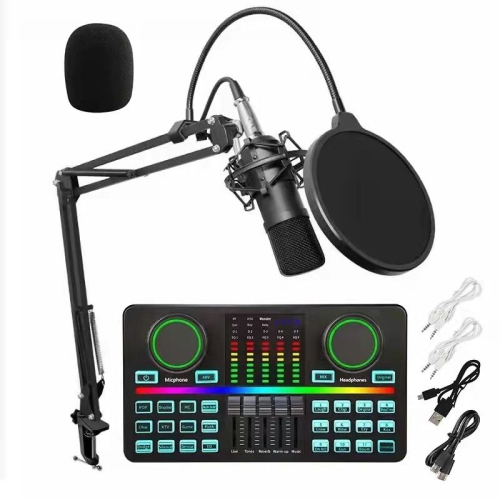
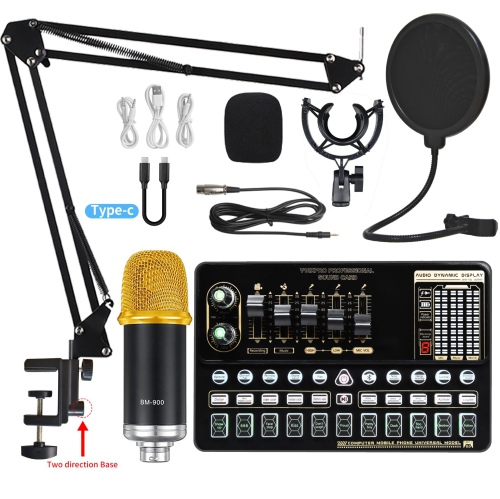
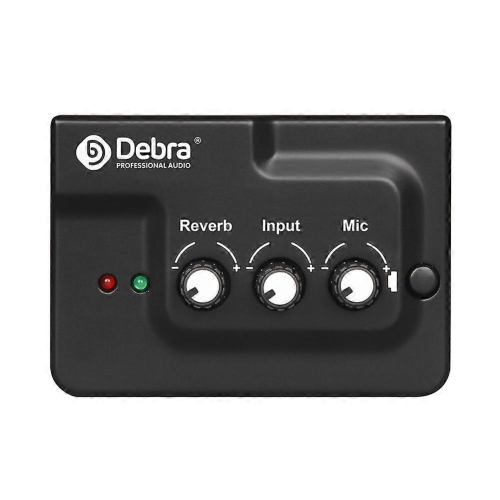
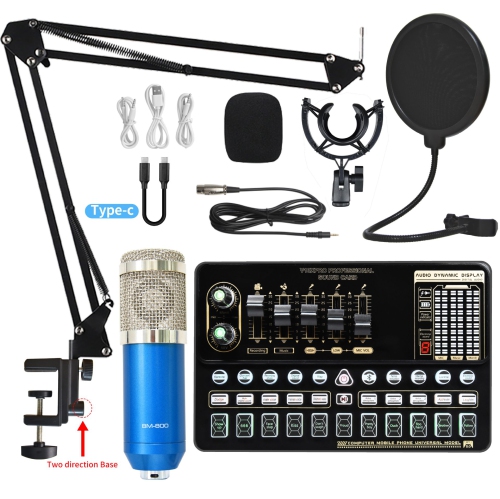
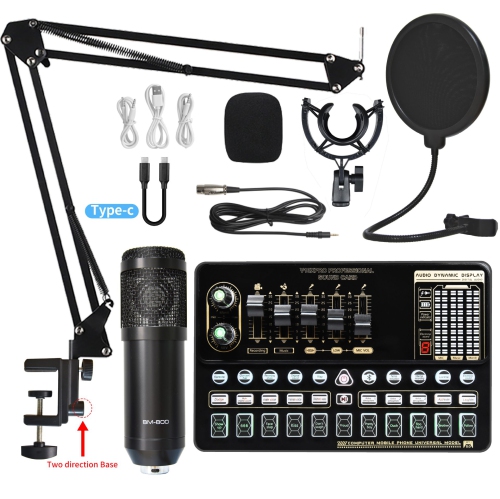
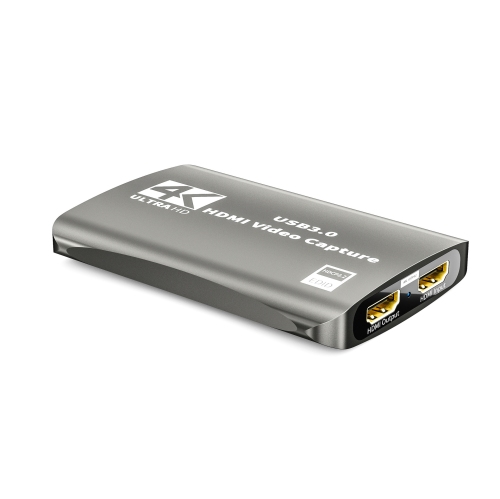
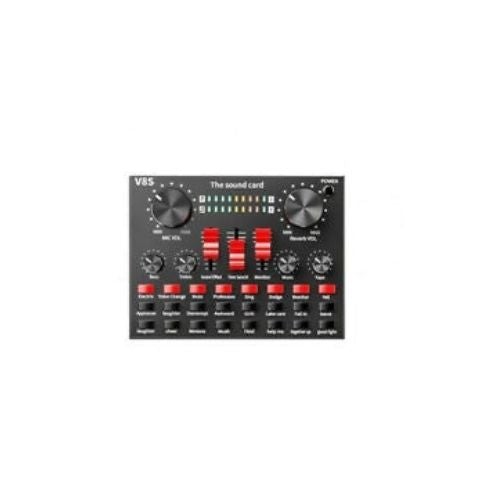
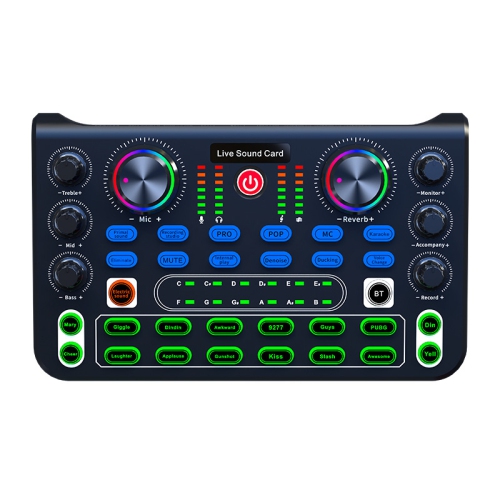

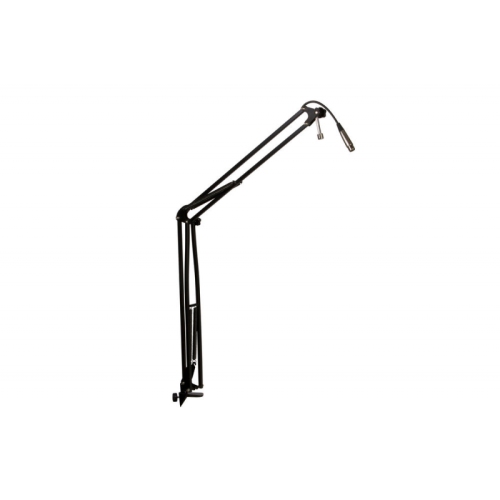
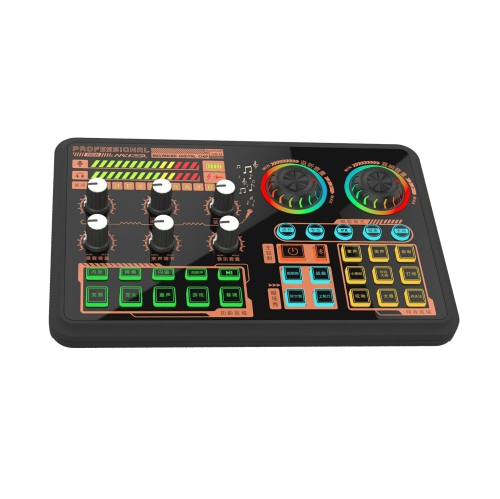
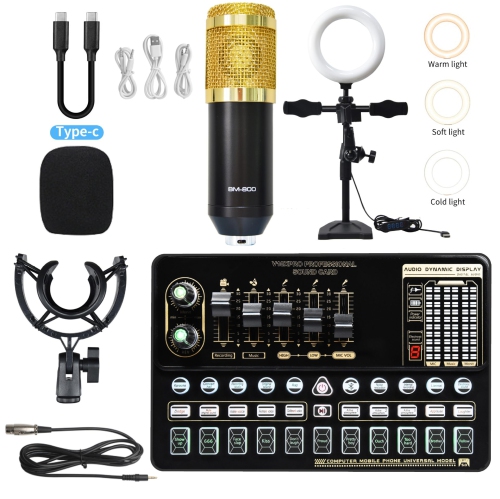


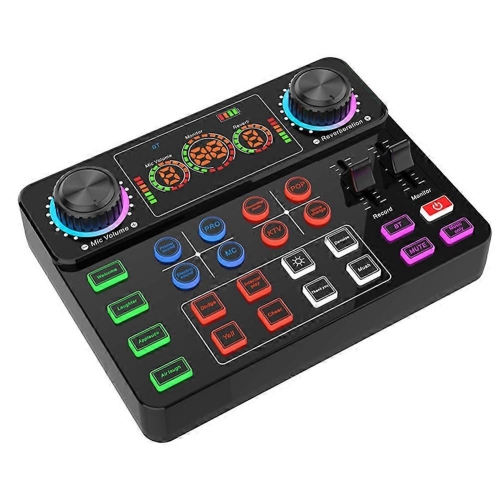
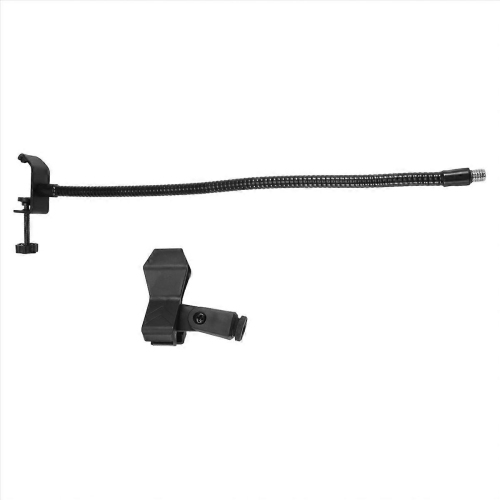
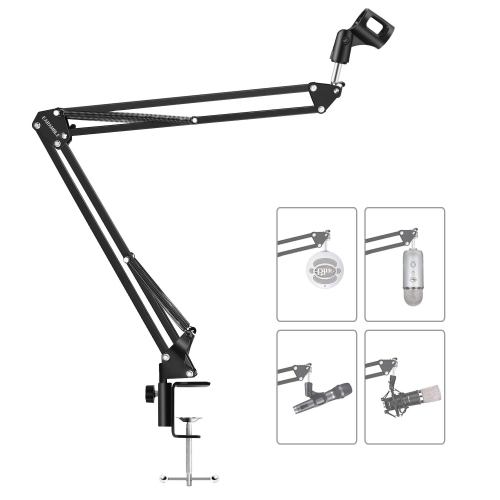
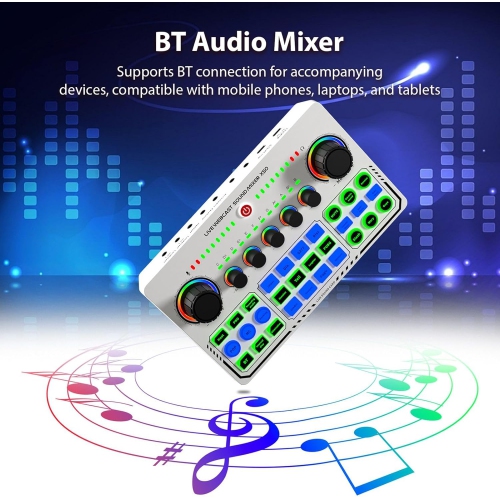
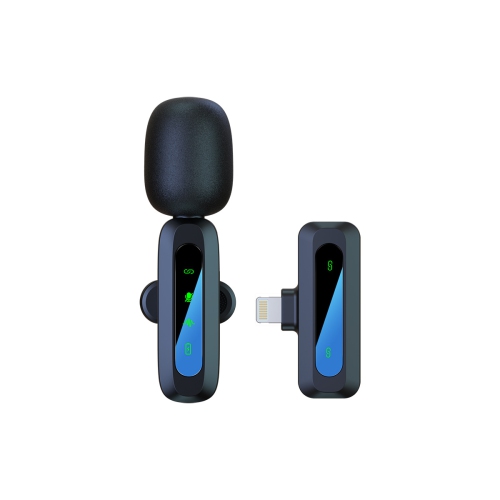
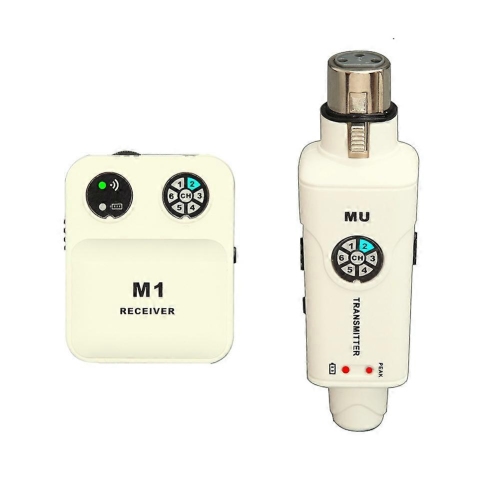
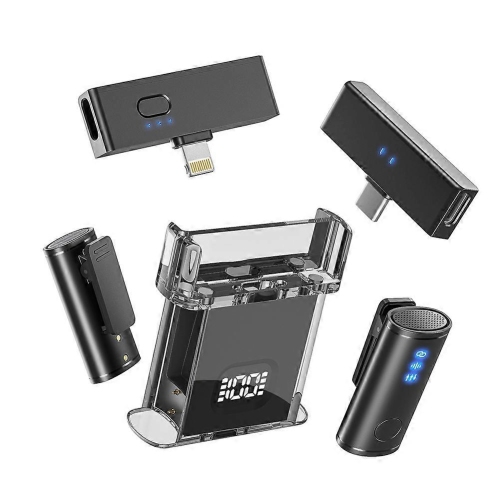
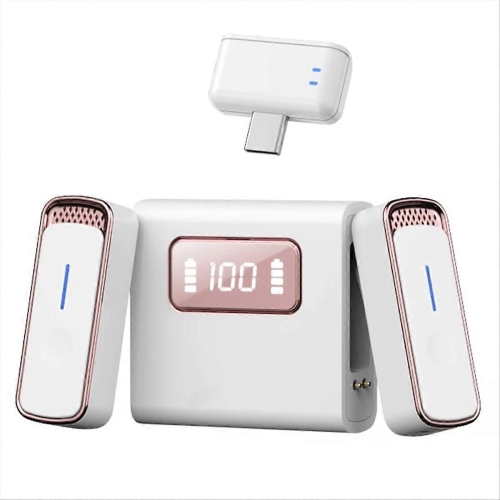
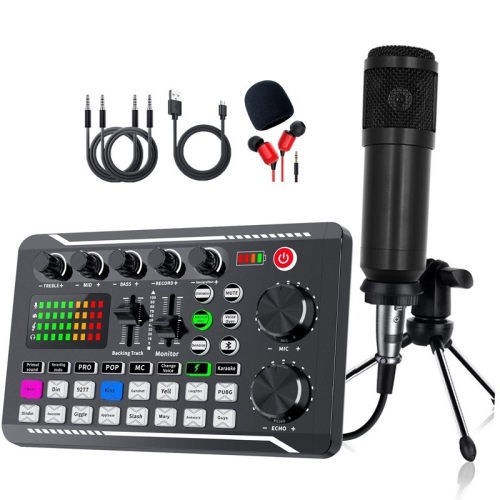
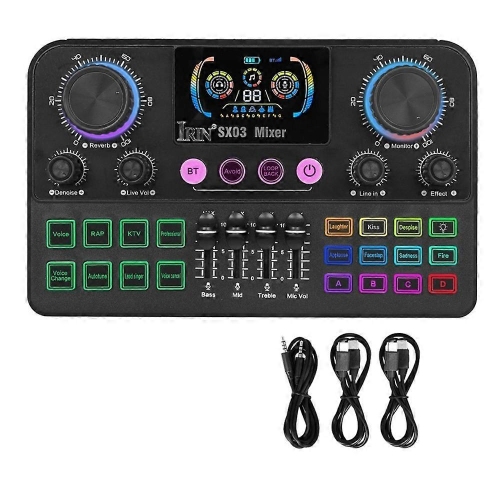
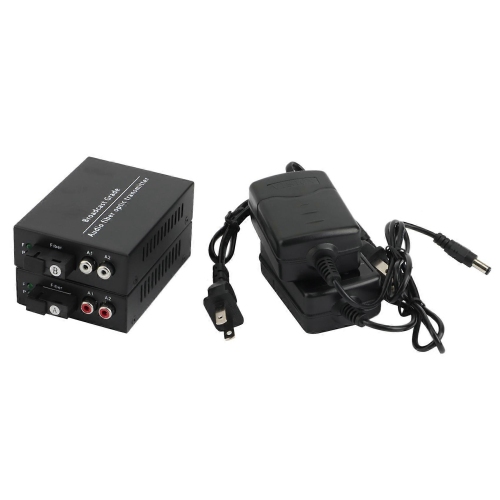
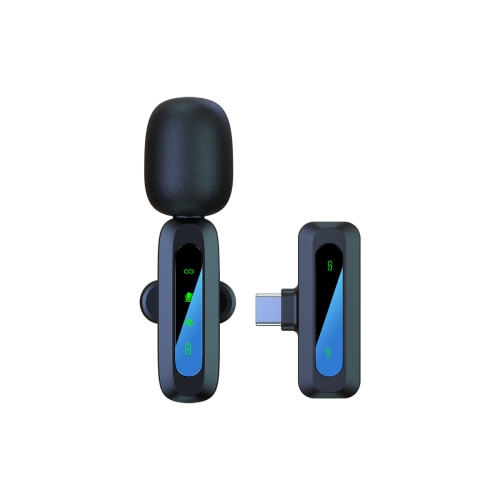
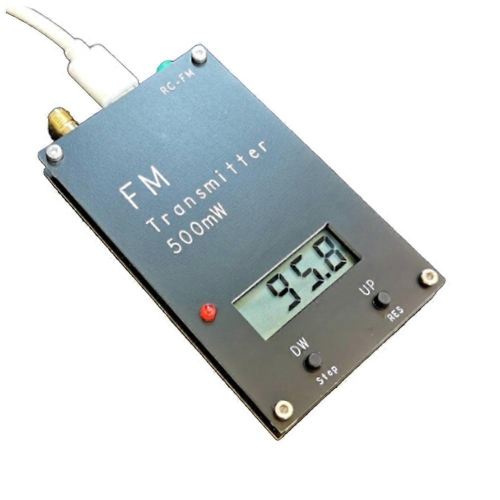
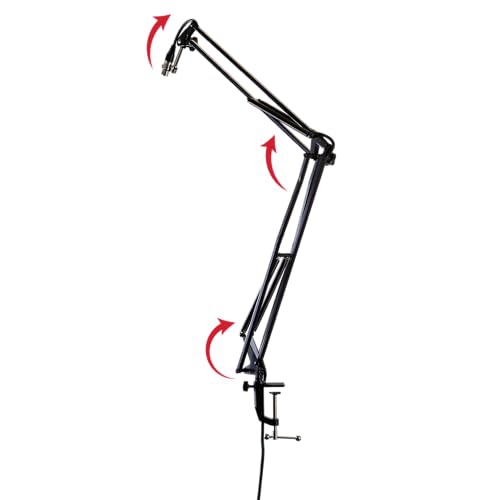
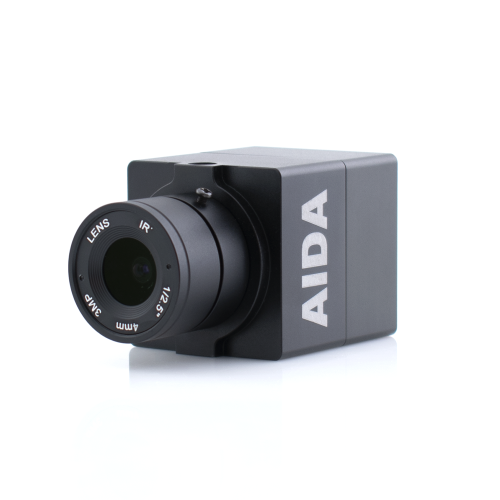
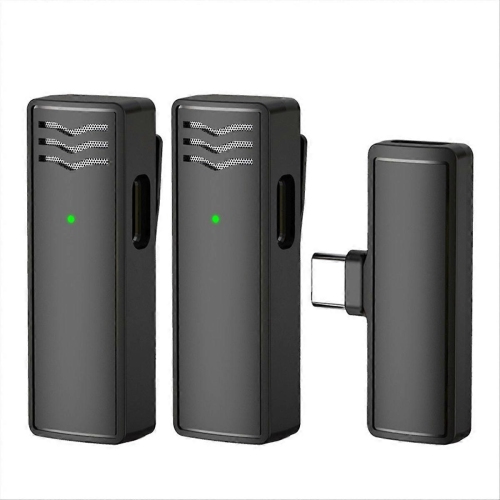
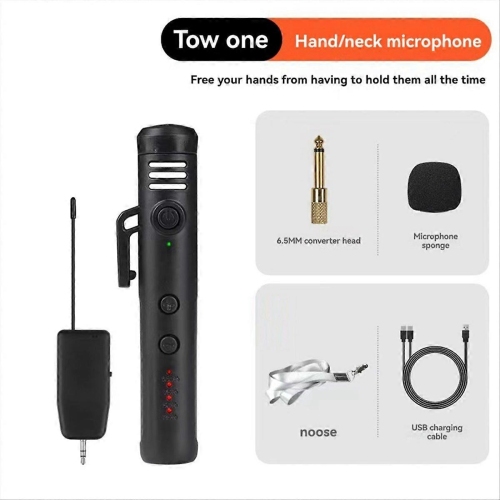
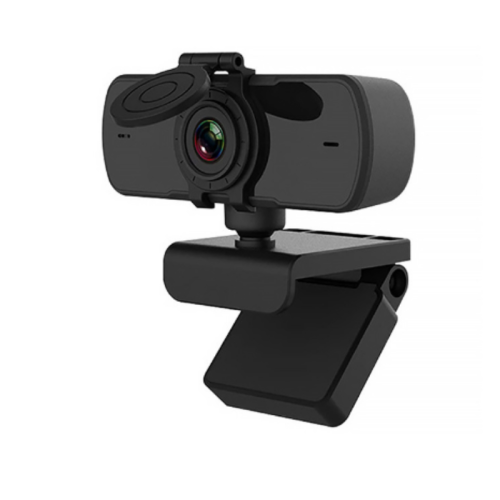
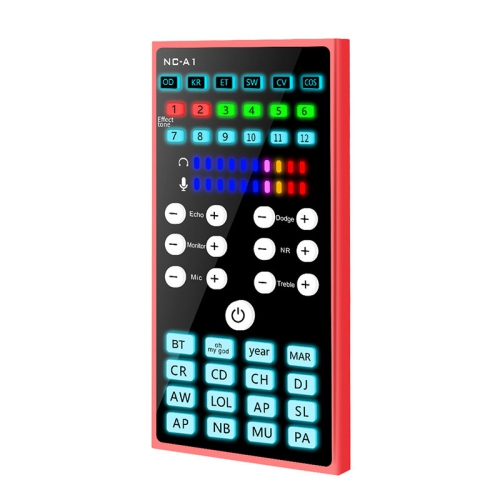
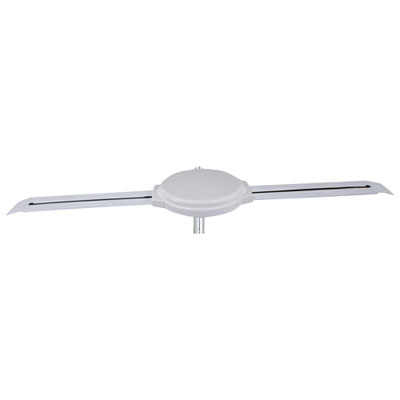
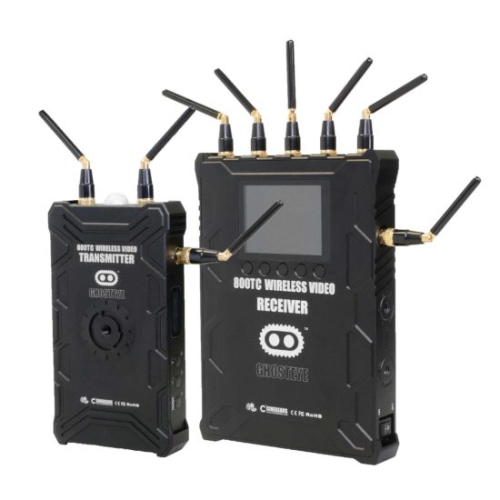
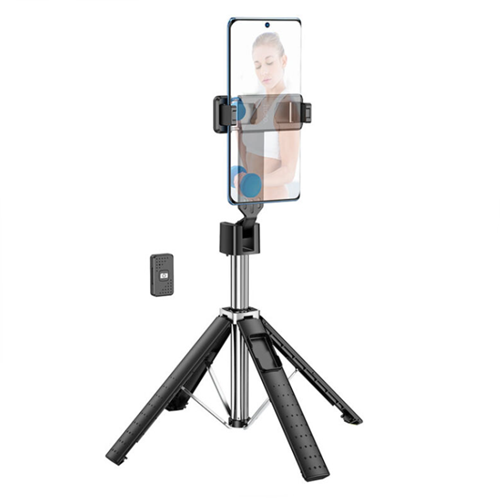
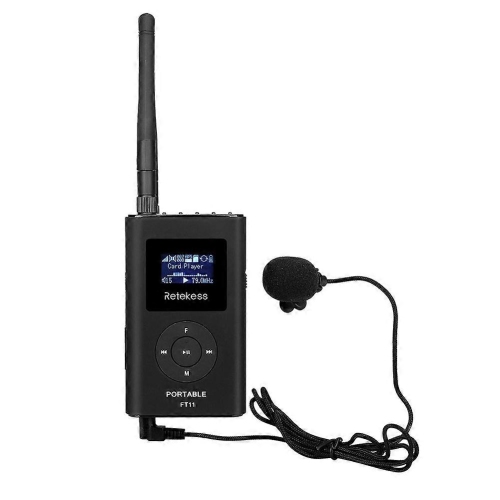
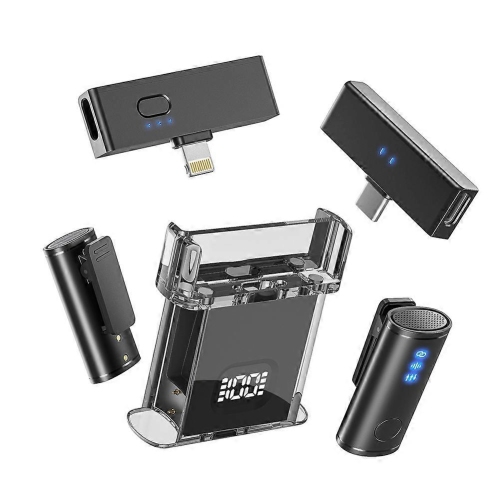
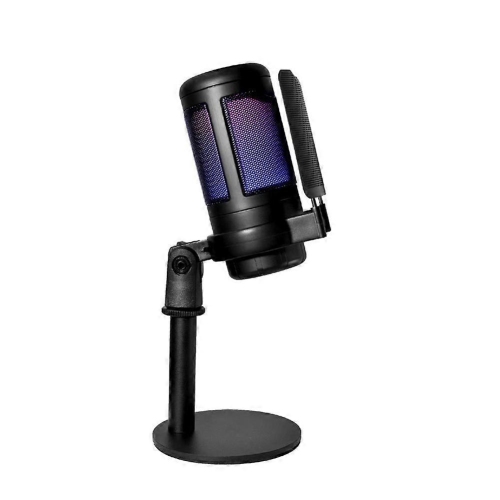
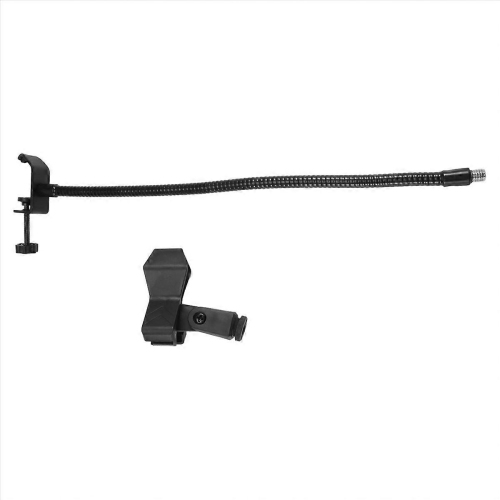
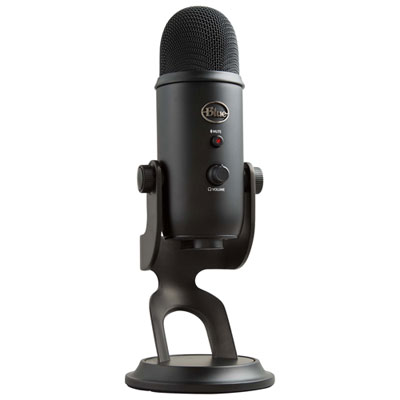
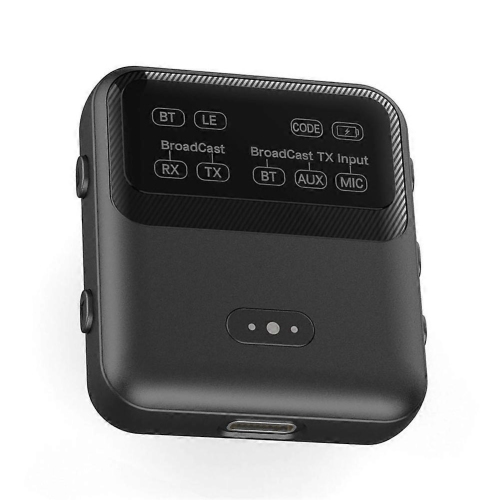
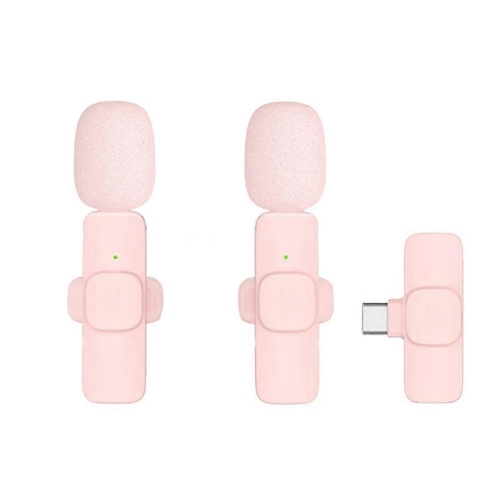

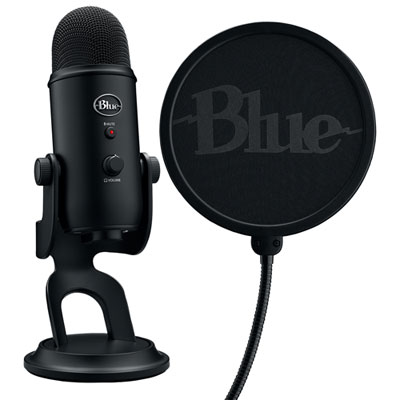
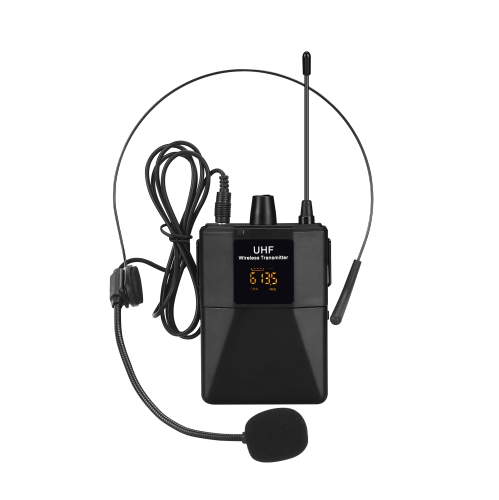
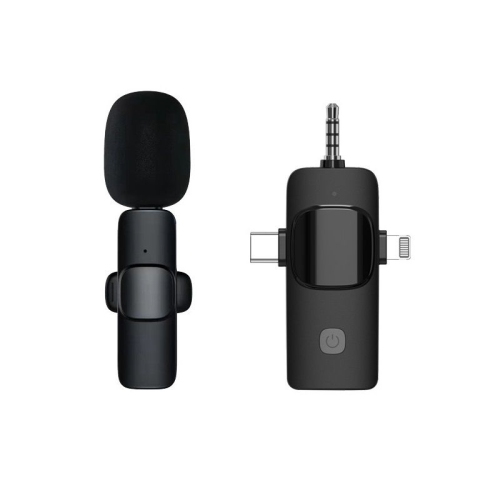
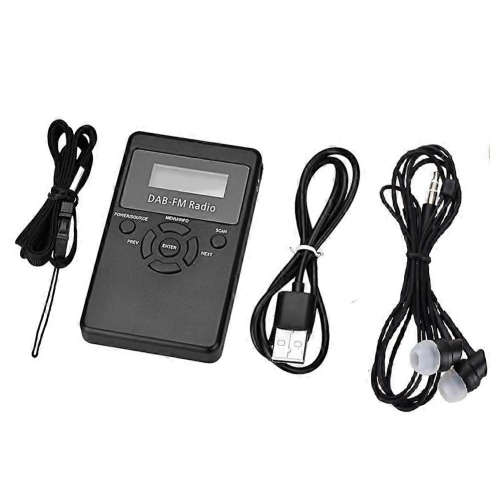
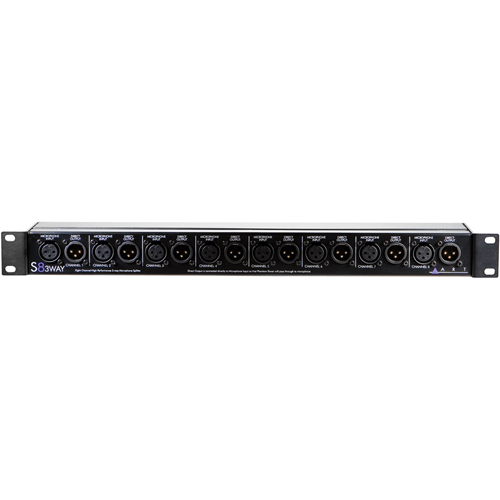
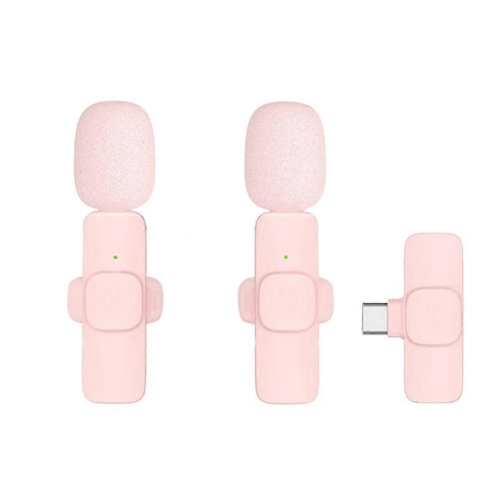
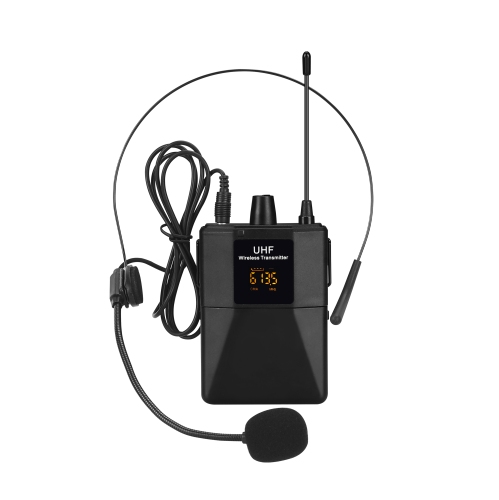
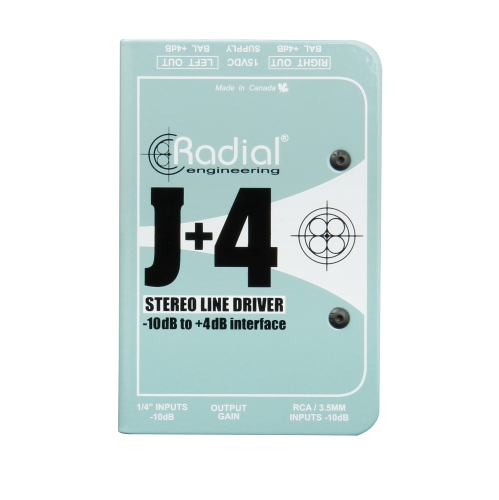
How sound and picture reach your audience clearly
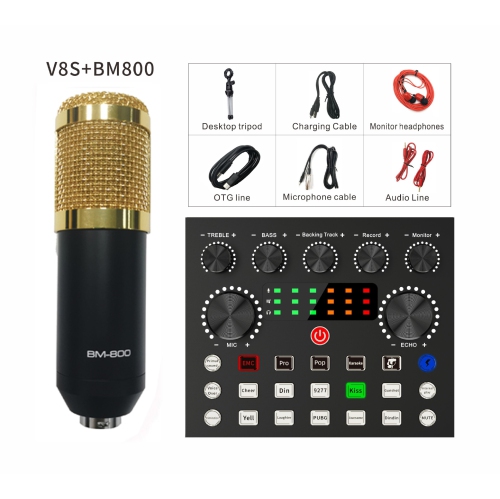
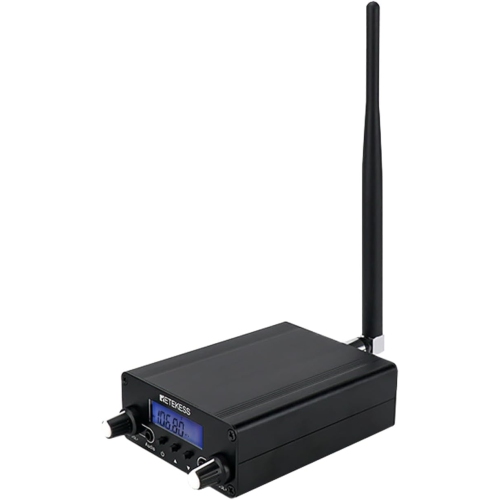
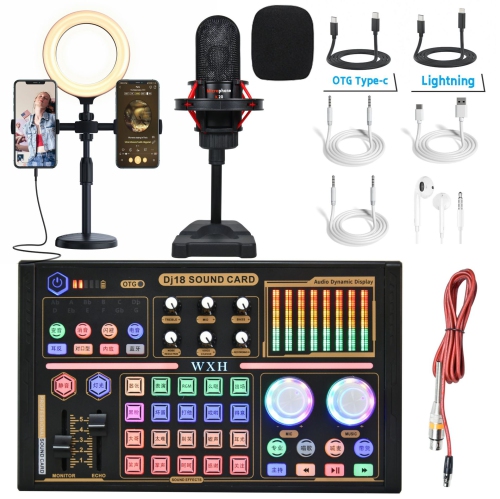
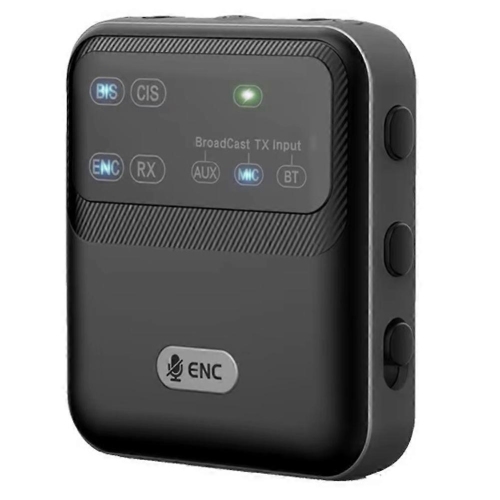
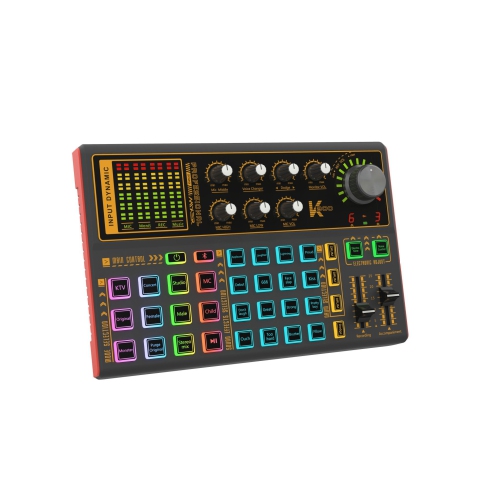
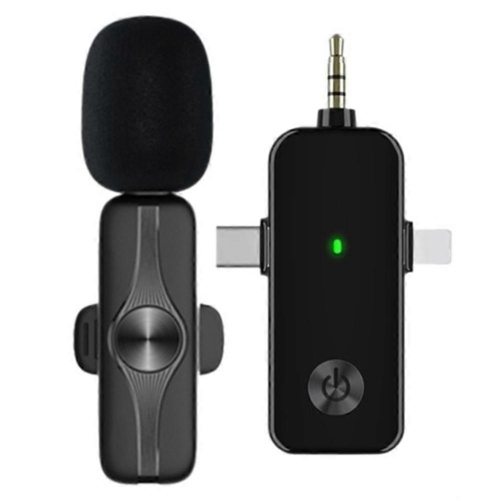
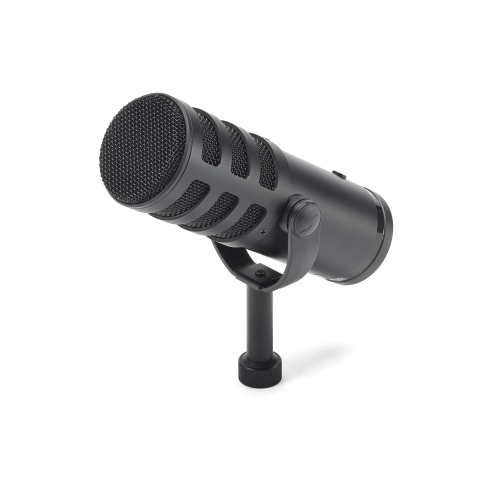
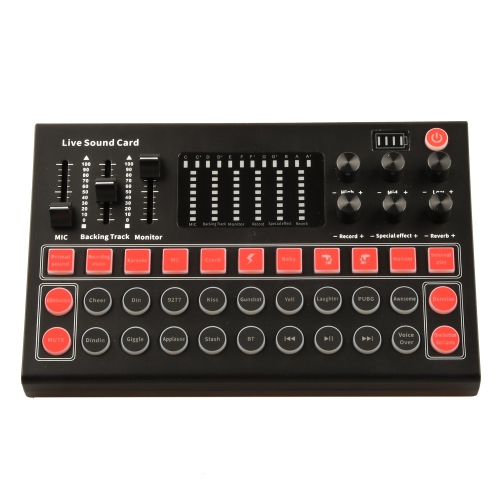
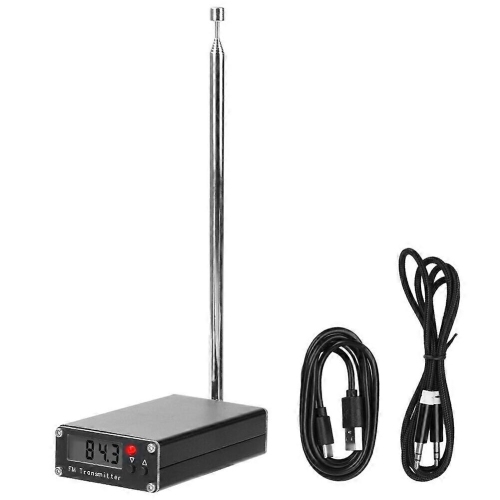
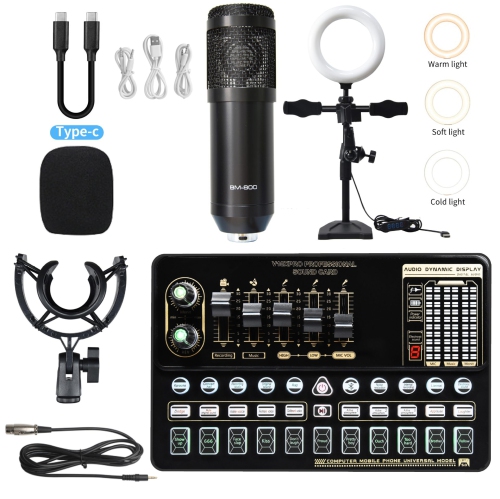
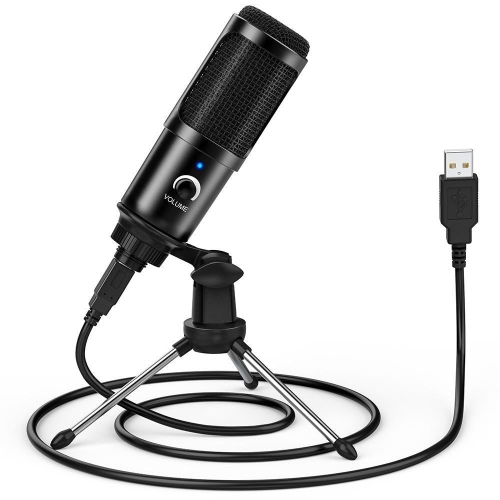
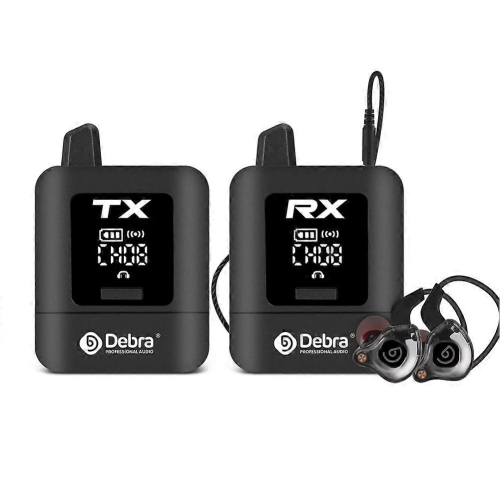
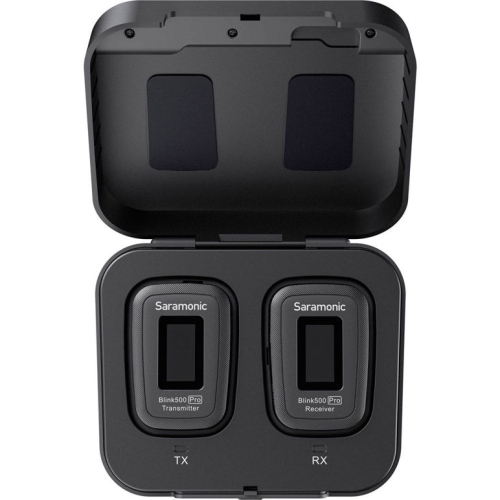
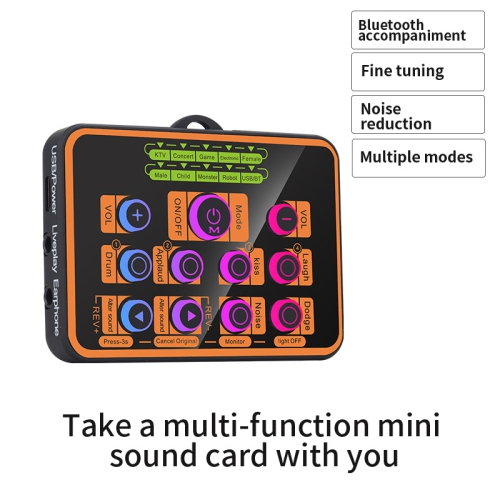
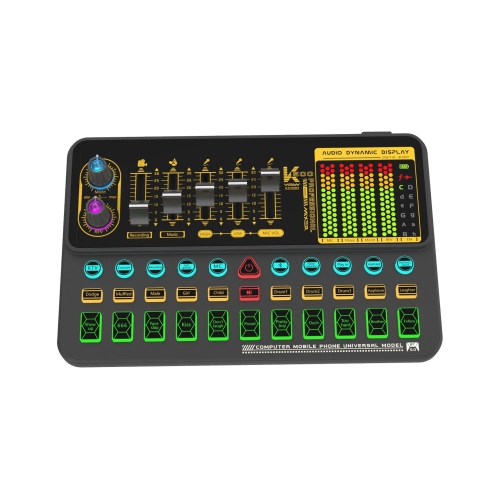
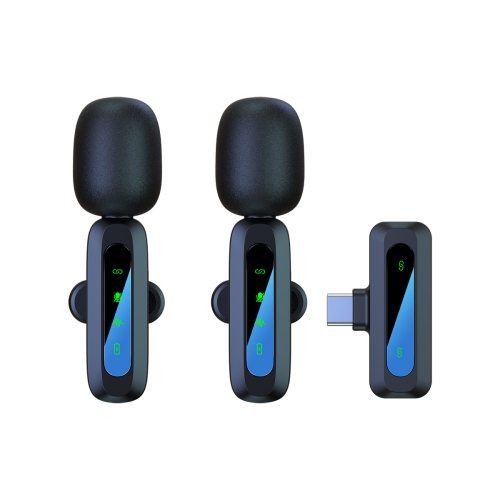
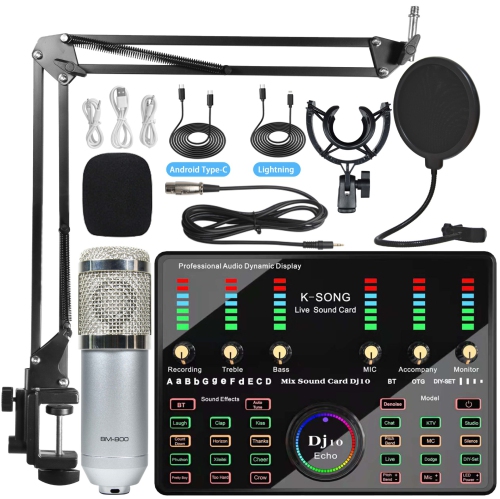
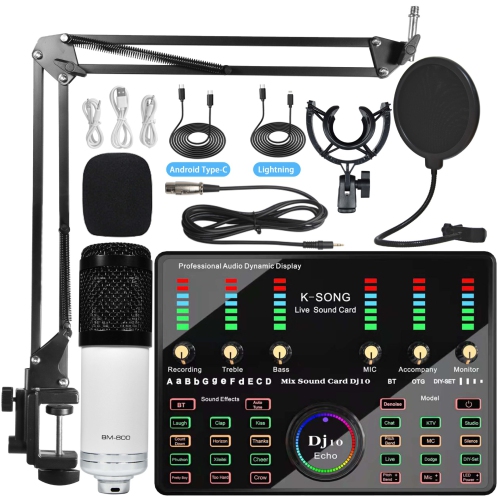
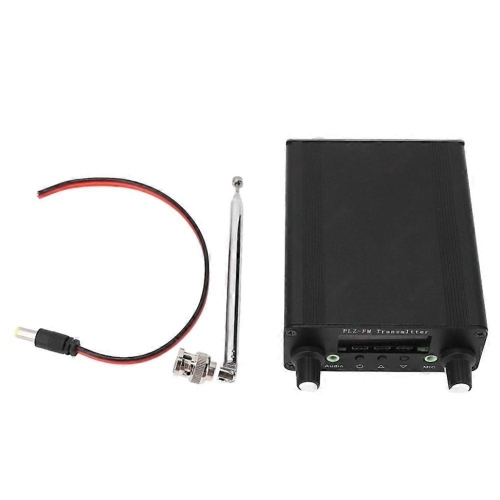
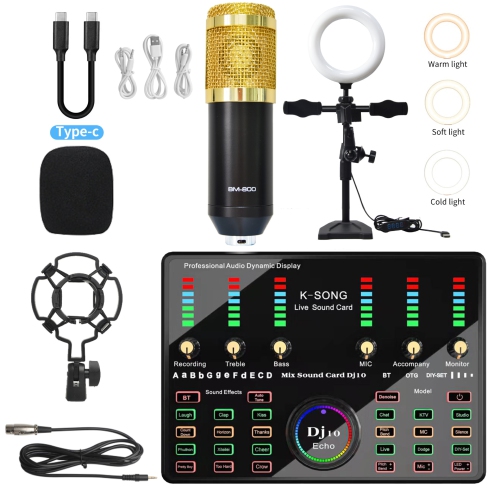
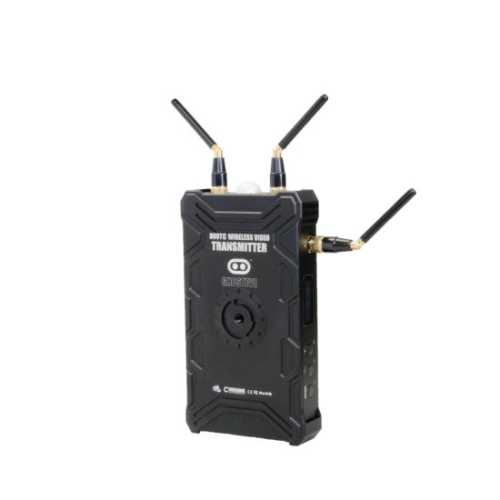
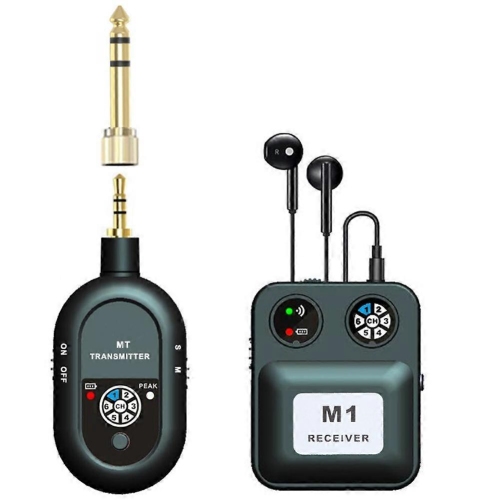
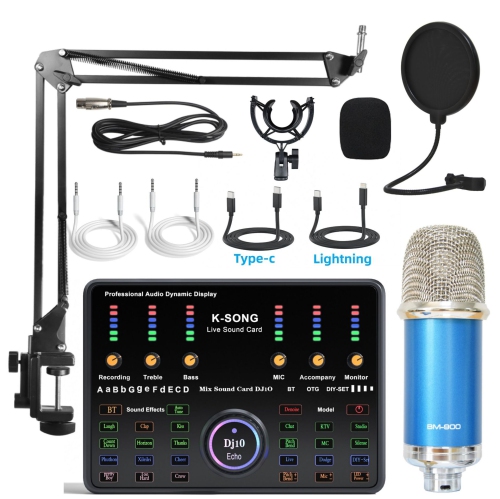
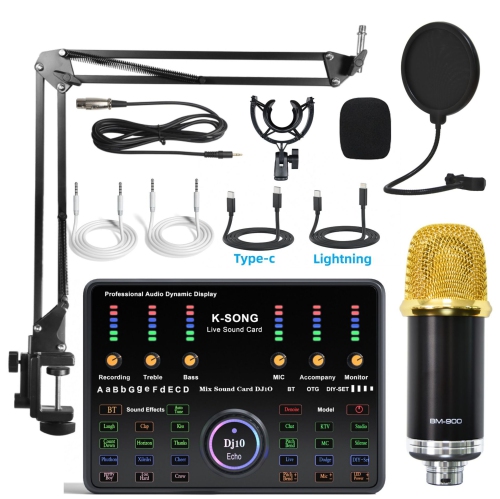
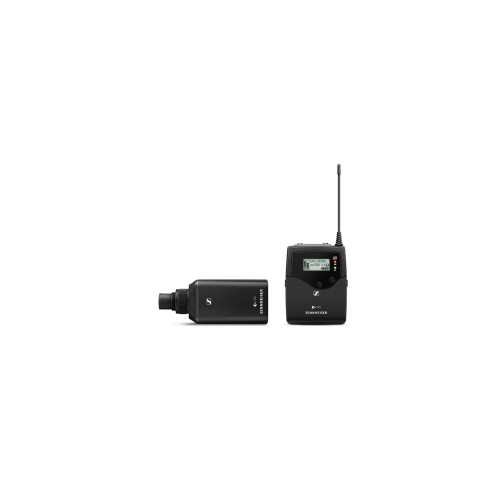
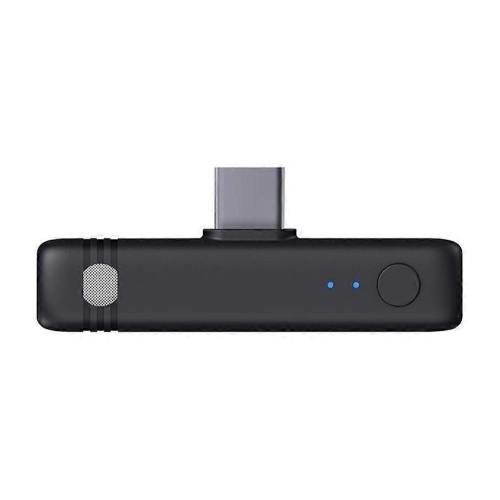
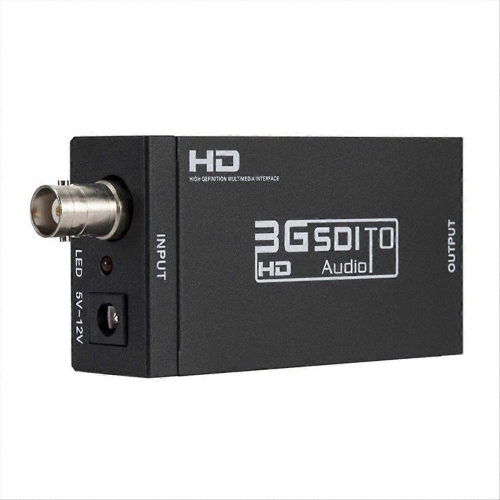
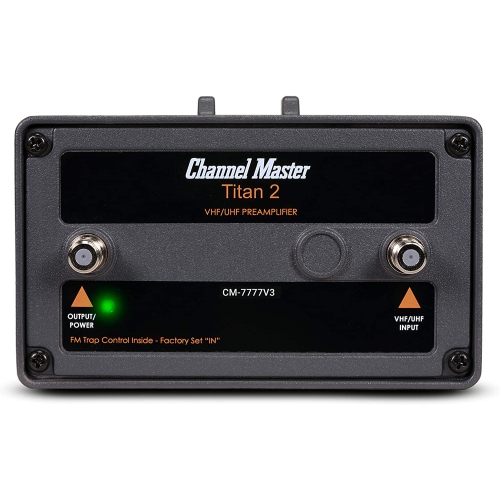
Broadcasting equipment is the hardware and software used to capture, mix, process, monitor, and transmit audio and video for radio, television, and internet streaming. These systems bring voices, images, and other media together so an audience can follow a programme clearly, whether listeners are tuning in from their cars or viewers are watching a live presentation at home. Each part has a distinct role: capture equipment gathers sound and pictures, mixing and switching systems combine sources, processing tools adjust the signal, and encoding equipment prepares content for delivery over a network or broadcast channel. Monitoring lets the operator hear and see what is being sent, making it easier to catch an uneven voice level or an unexpected change in picture quality before it distracts the audience. The right combination depends on the production. An audio-only interview needs a different setup from a multi-camera event, while a live broadcast places greater emphasis on immediate control than a programme that can be edited before release. For productions centred on speech, music, and listening audiences, Radio Equipment offers a related category to explore. Broadcasting equipment also serves people well beyond traditional stations. Independent creators, educators, community groups, businesses, performers, and event teams use production tools to share conversations, lessons, announcements, and performances with people who cannot be in the room. Picture a community discussion with several speakers around a table: the audience needs to hear the quietest contributor just as comfortably as the most animated one. In a live demonstration, viewers need clear detail and a smooth transition between the presenter and the subject being shown. Those everyday demands explain why a useful broadcasting setup is not simply about impressive specifications. It is about making the content understandable, keeping operation manageable, and giving the person behind the controls enough confidence to concentrate on the people in front of them.
When choosing broadcasting equipment, compatibility deserves as much attention as audio or picture quality. Connections must work across the whole signal path, from the source through processing and into the destination. Matching connector shapes is only the beginning; signal type, supported resolution, frame rate, audio level, and software requirements can all affect whether components work together. Some audio connections also require power from compatible equipment, while certain video workflows need additional conversion between formats. Checking these details before purchasing can prevent a seemingly simple addition from requiring several unexpected accessories. For audio, useful considerations include available inputs, independent level control, routing flexibility, and the ability to monitor without distracting delay. A setup for one presenter may be straightforward, but interviews, panels, and performances introduce more voices and more opportunities for overlap. Room acoustics matter, too. Bare walls and hard floors can make speech sound distant or hollow, even when the equipment itself is capable of excellent results. Acoustic treatment can reduce reflections within a room, but it should not be confused with sound isolation, which limits sound passing into or out of the space. For video, resolution is only one part of the picture. Consistent lighting, accurate colour, reliable focus, and stable motion can matter more to viewers than a higher resolution alone. Switching capabilities become valuable when a production involves several angles, presentation material, or remote participants. Encoding and delivery requirements should match the intended platform or transmission system; equipment designed for online streaming is not automatically suitable for over-the-air broadcasting. Internet upload capacity is another practical limit, especially when the connection is shared with other activity. A stable wired connection, where available, can help reduce wireless variability. Storage capacity, recording options, and file compatibility also deserve consideration if programmes will be archived, edited, or shared later. Looking at the complete workflow helps distinguish features that will genuinely be used from specifications that add cost without solving a production need.
The best fit also depends on where broadcasting equipment will be used and who will operate it. A permanent studio can accommodate a more extensive layout, with controls positioned for repeated use and connections left in place. A portable production needs a different balance: manageable weight, secure transport, quick setup, clear labelling, and dependable power become especially important when the same equipment moves between rooms or venues. During the cooler months, indoor presentations, performances, and community gatherings can bring familiar challenges, from crowded tables to ventilation noise and limited access to outlets. Compact dimensions help, but so does leaving enough room to reach connections without disturbing a live programme. Physical controls that are easy to identify can be reassuring when a speaker begins unexpectedly or a remote guest joins at the last moment. For a small team, straightforward operation may be more valuable than a long list of advanced functions; for an experienced operator, flexible routing and detailed adjustments can make a demanding production easier to manage. Buyers should also consider how a setup might grow. Spare input capacity, support for common formats, and compatibility with existing software can leave room for another participant or an additional production source without replacing the entire system. Total cost includes more than the main equipment: mounting, cabling, storage, software subscriptions, transport protection, and any required adapters can influence the overall budget. Warranty coverage and access to support are worth weighing, particularly when equipment will be used for scheduled events that cannot easily be postponed. Broadcasting equipment can make a thoughtful gift for a committed creator, student, or community volunteer, although checking their existing connections and production needs is more useful than guessing at an upgrade. Often, the most appreciated addition addresses a small, persistent frustration, such as difficult monitoring or a setup that takes too long to assemble. Whether the goal is a first live conversation or a more polished recurring production, well-matched equipment helps the technology stay in the background and gives the audience a clear connection to the story, performance, or discussion being shared.
When choosing broadcasting equipment, compatibility deserves as much attention as audio or picture quality. Connections must work across the whole signal path, from the source through processing and into the destination. Matching connector shapes is only the beginning; signal type, supported resolution, frame rate, audio level, and software requirements can all affect whether components work together. Some audio connections also require power from compatible equipment, while certain video workflows need additional conversion between formats. Checking these details before purchasing can prevent a seemingly simple addition from requiring several unexpected accessories. For audio, useful considerations include available inputs, independent level control, routing flexibility, and the ability to monitor without distracting delay. A setup for one presenter may be straightforward, but interviews, panels, and performances introduce more voices and more opportunities for overlap. Room acoustics matter, too. Bare walls and hard floors can make speech sound distant or hollow, even when the equipment itself is capable of excellent results. Acoustic treatment can reduce reflections within a room, but it should not be confused with sound isolation, which limits sound passing into or out of the space. For video, resolution is only one part of the picture. Consistent lighting, accurate colour, reliable focus, and stable motion can matter more to viewers than a higher resolution alone. Switching capabilities become valuable when a production involves several angles, presentation material, or remote participants. Encoding and delivery requirements should match the intended platform or transmission system; equipment designed for online streaming is not automatically suitable for over-the-air broadcasting. Internet upload capacity is another practical limit, especially when the connection is shared with other activity. A stable wired connection, where available, can help reduce wireless variability. Storage capacity, recording options, and file compatibility also deserve consideration if programmes will be archived, edited, or shared later. Looking at the complete workflow helps distinguish features that will genuinely be used from specifications that add cost without solving a production need.
The best fit also depends on where broadcasting equipment will be used and who will operate it. A permanent studio can accommodate a more extensive layout, with controls positioned for repeated use and connections left in place. A portable production needs a different balance: manageable weight, secure transport, quick setup, clear labelling, and dependable power become especially important when the same equipment moves between rooms or venues. During the cooler months, indoor presentations, performances, and community gatherings can bring familiar challenges, from crowded tables to ventilation noise and limited access to outlets. Compact dimensions help, but so does leaving enough room to reach connections without disturbing a live programme. Physical controls that are easy to identify can be reassuring when a speaker begins unexpectedly or a remote guest joins at the last moment. For a small team, straightforward operation may be more valuable than a long list of advanced functions; for an experienced operator, flexible routing and detailed adjustments can make a demanding production easier to manage. Buyers should also consider how a setup might grow. Spare input capacity, support for common formats, and compatibility with existing software can leave room for another participant or an additional production source without replacing the entire system. Total cost includes more than the main equipment: mounting, cabling, storage, software subscriptions, transport protection, and any required adapters can influence the overall budget. Warranty coverage and access to support are worth weighing, particularly when equipment will be used for scheduled events that cannot easily be postponed. Broadcasting equipment can make a thoughtful gift for a committed creator, student, or community volunteer, although checking their existing connections and production needs is more useful than guessing at an upgrade. Often, the most appreciated addition addresses a small, persistent frustration, such as difficult monitoring or a setup that takes too long to assemble. Whether the goal is a first live conversation or a more polished recurring production, well-matched equipment helps the technology stay in the background and gives the audience a clear connection to the story, performance, or discussion being shared.
Top selling and popular products
-
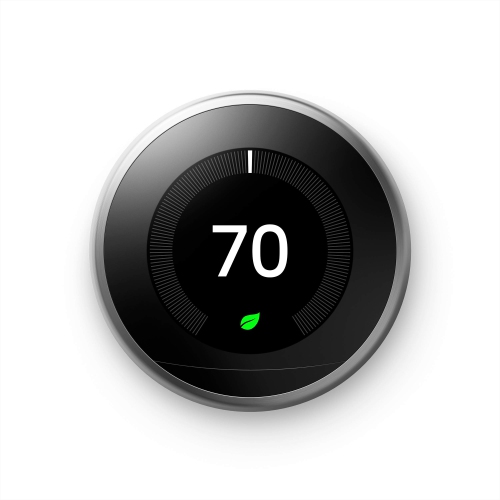 Your price for this item is $303.46
 -
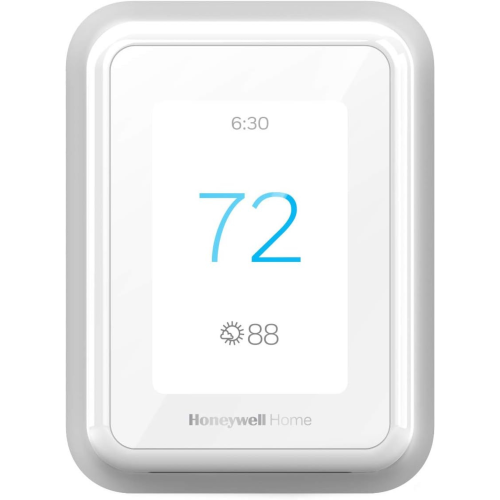 Your price for this item is $219.99
 -
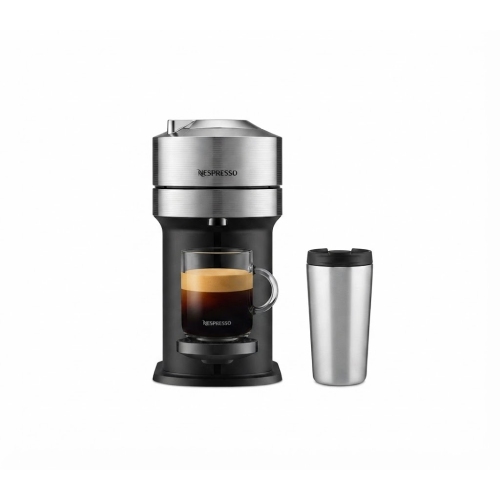 Your price for this item is $114.99
 -
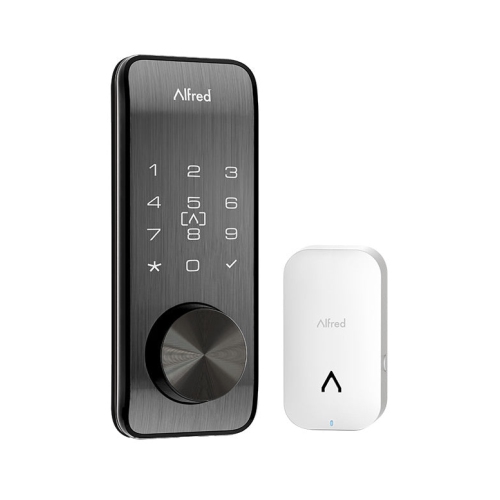 Your price for this item is $399.99
 -
 Your price for this item is $542.64
 -
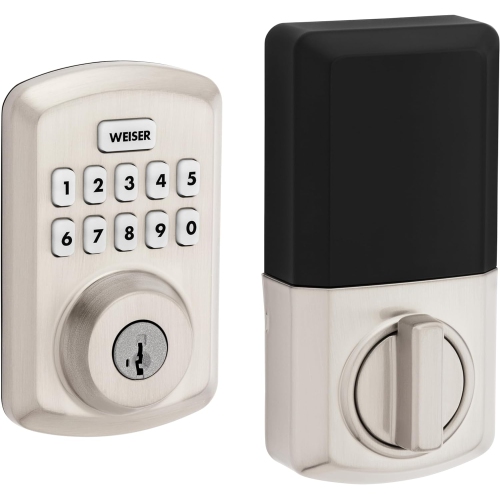 Your price for this item is $109.99
 -
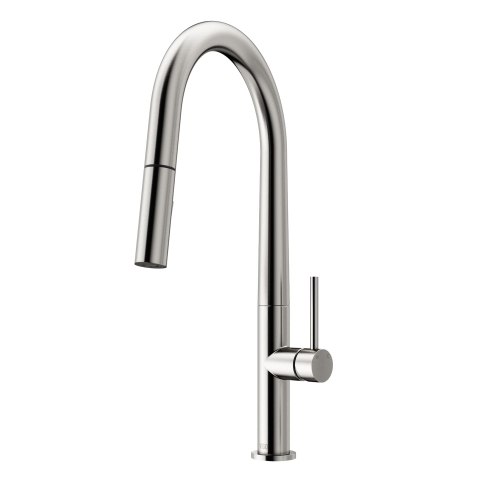 Your price for this item is $249
 -
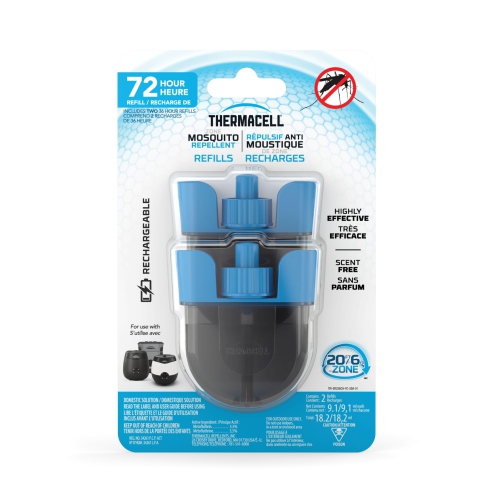 Your price for this item is $32.99
Discover more categories related to Broadcasting Equipment
Top Collections:
Pokemon Centers, Best Cameras for Sports Photography, Kindle Devices, Samsung Galaxy Phones, Canon G7X Cameras, Pokémon 30th Celebration Cards, Refurbished Apple Laptops, iPhone 15 Apple, Laptops for Students, Budget Smartphones
Some products may be subject to Environmental Handling Fees
(EHF) depending on your province.
Learn more about EHFs.