Xerox Workcentre Toners
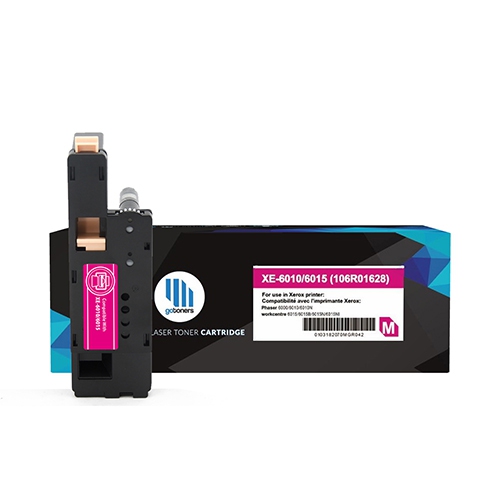
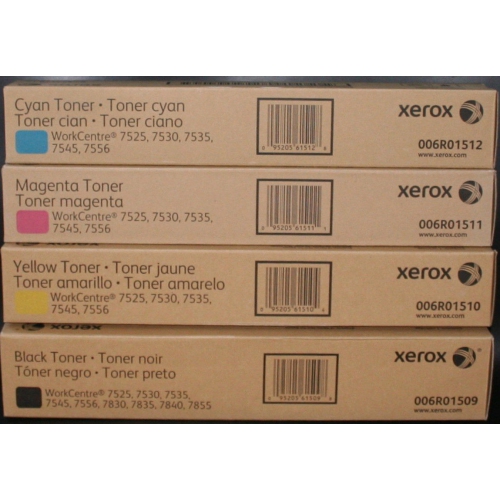
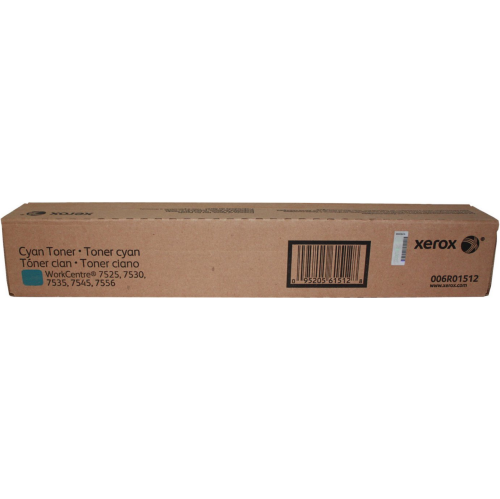
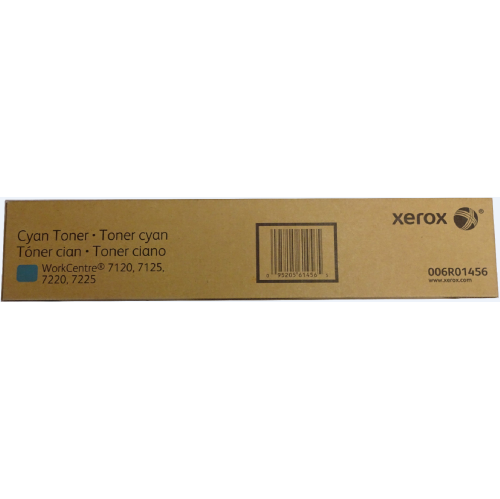
Looking to keep your office printing smoothly and efficiently? Our selection of toner cartridges for Xerox Workcentre printers is just what you need. With a range of options to choose from, you can find the perfect toner to produce crisp, professional documents every time. Whether you're printing reports, presentations, or marketing materials, our Xerox Workcentre toners deliver high-quality results that will impress both clients and colleagues. Browse our collection now to find the right toner cartridge for your specific printer model and get ready to elevate your printing experience.
Sort
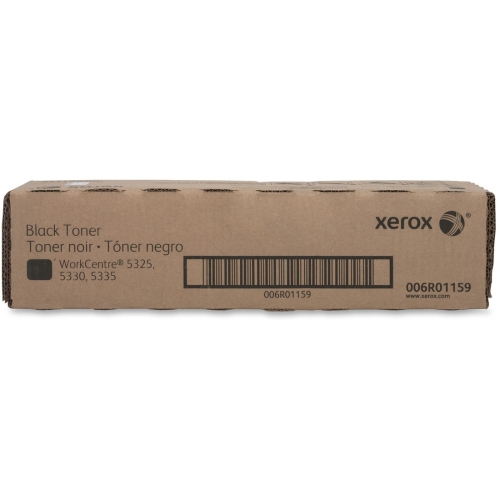


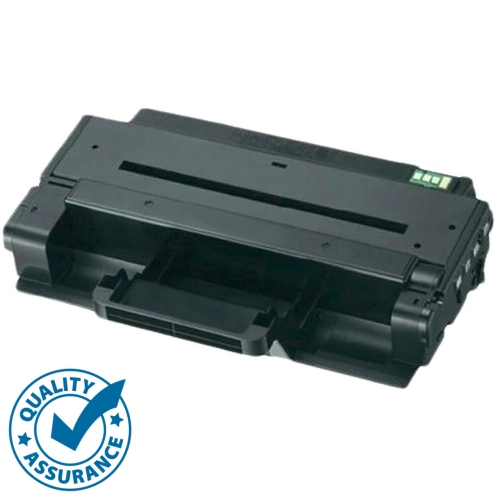



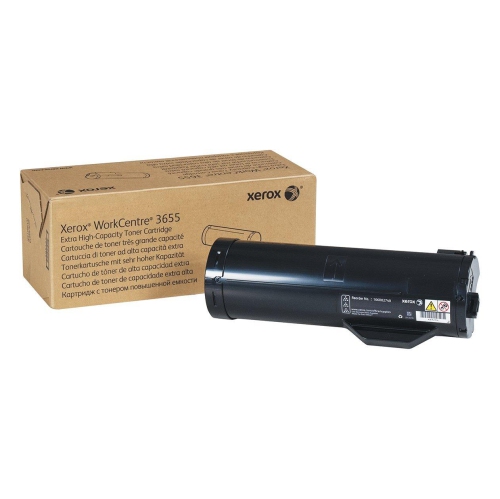
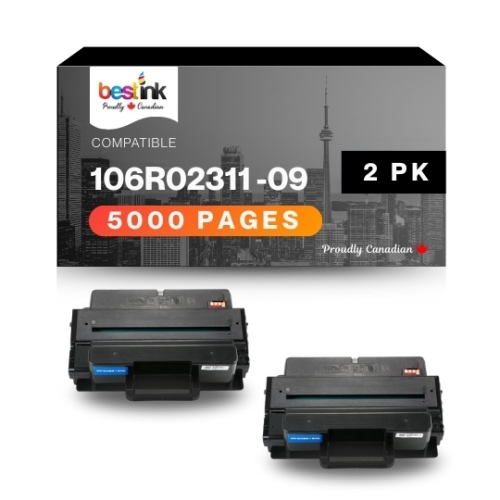
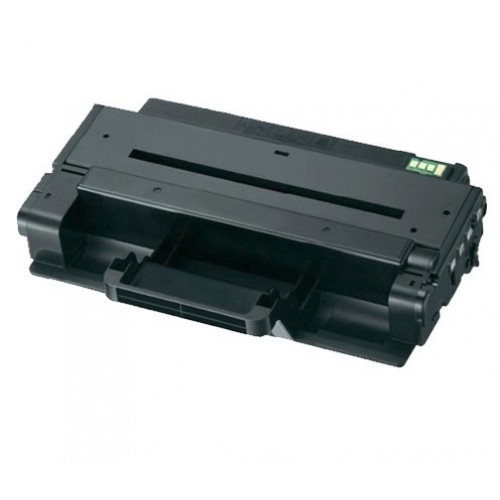
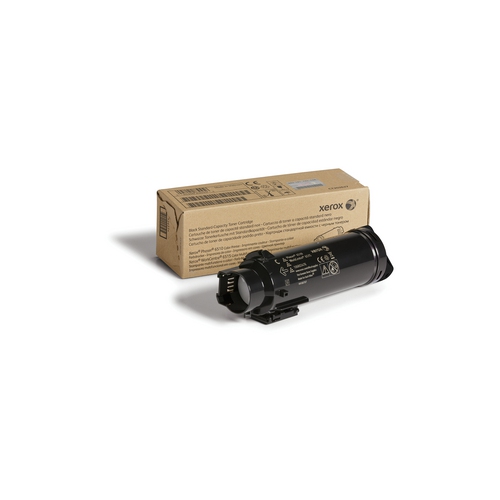
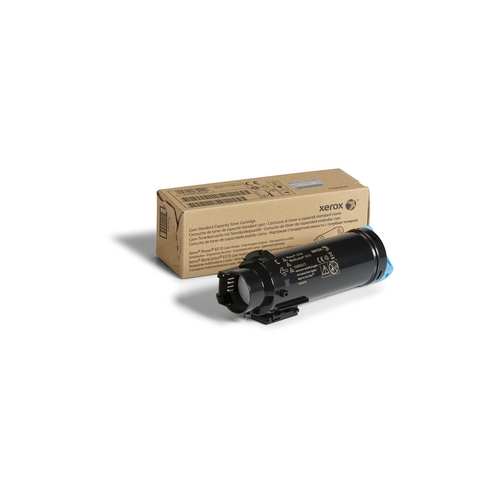
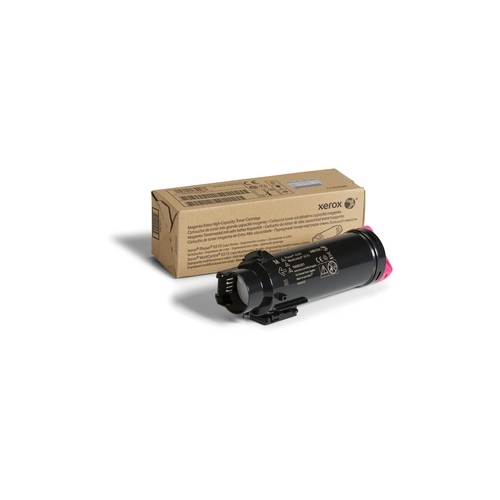

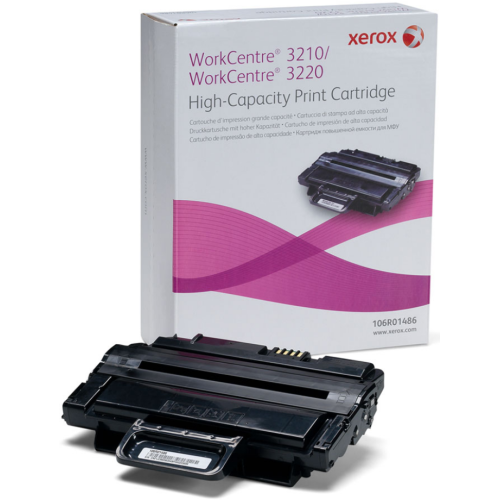
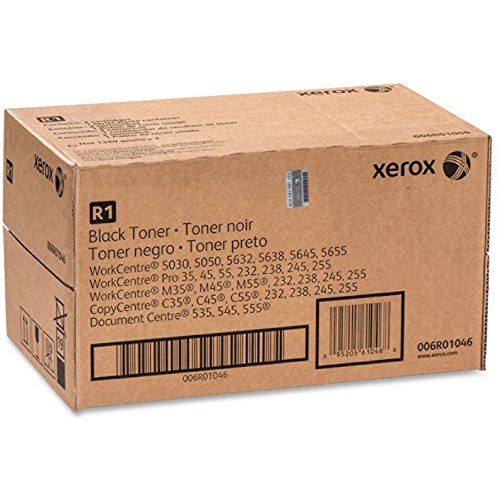
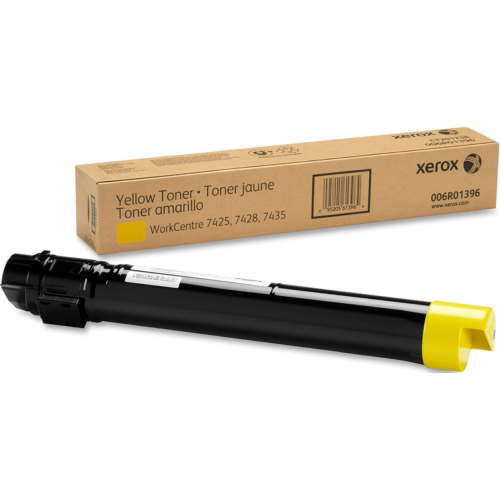
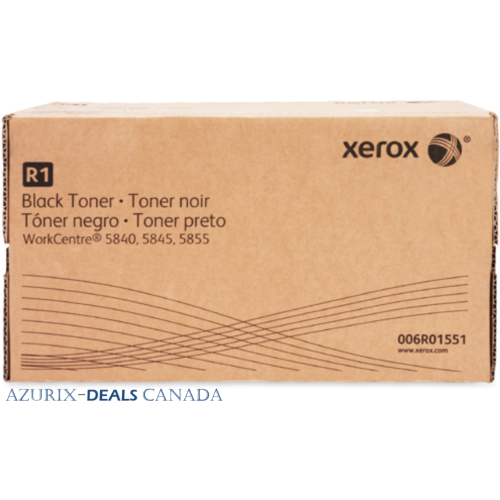
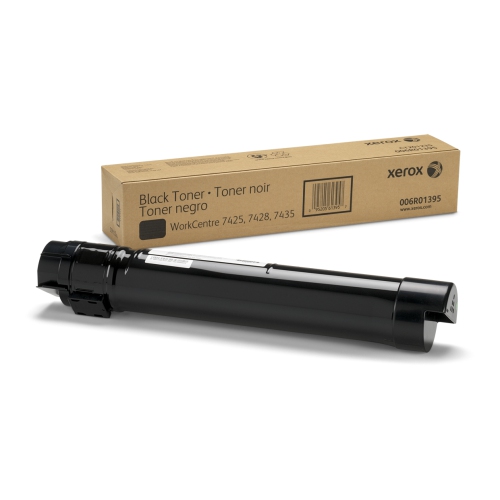
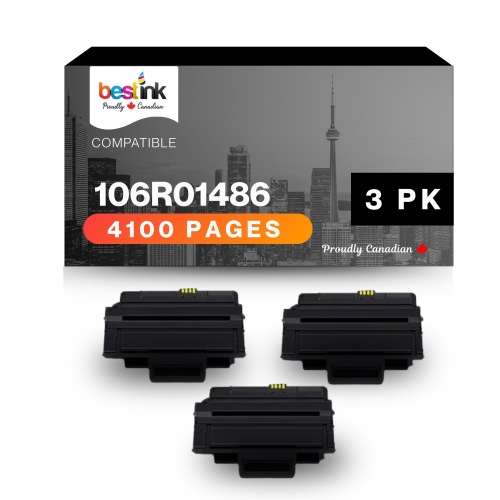
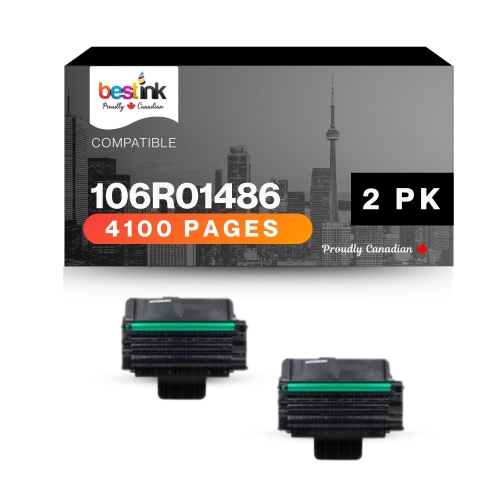
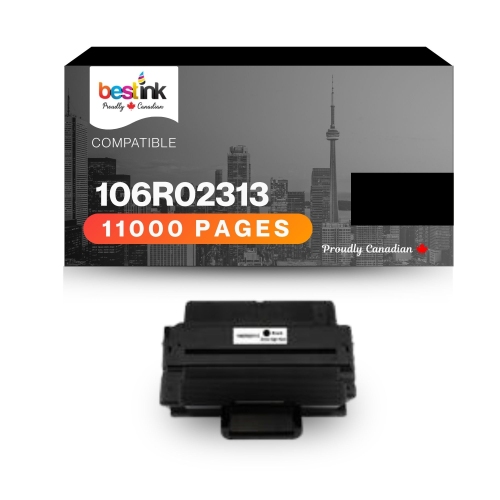
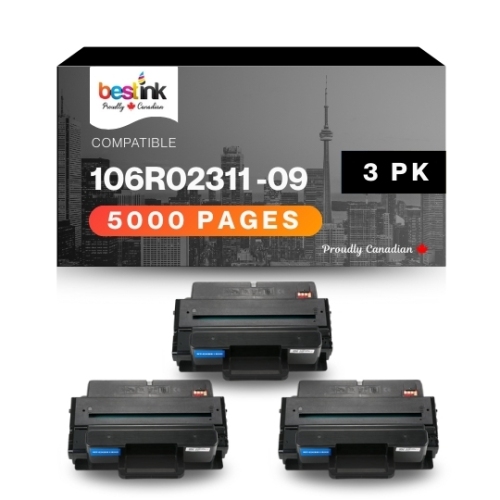
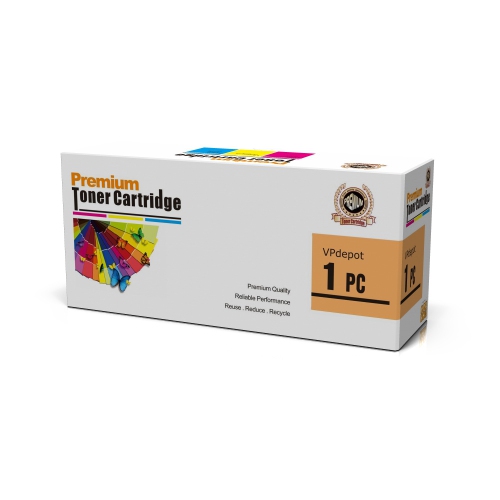
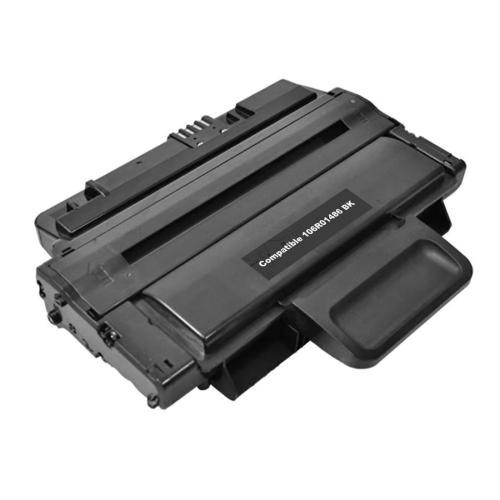
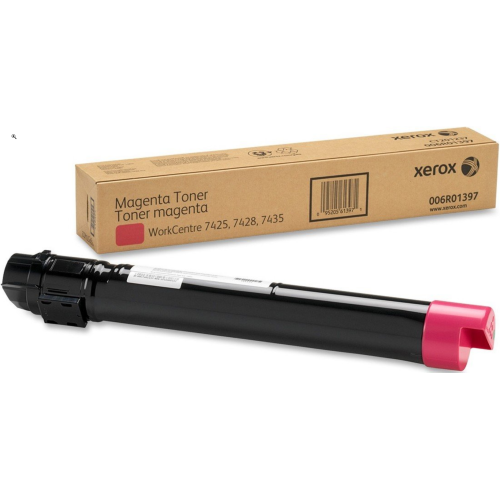
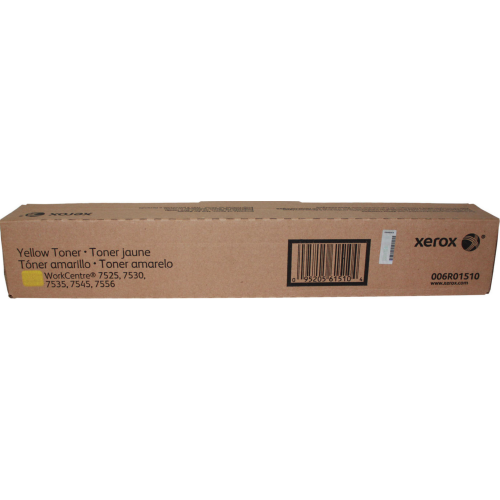
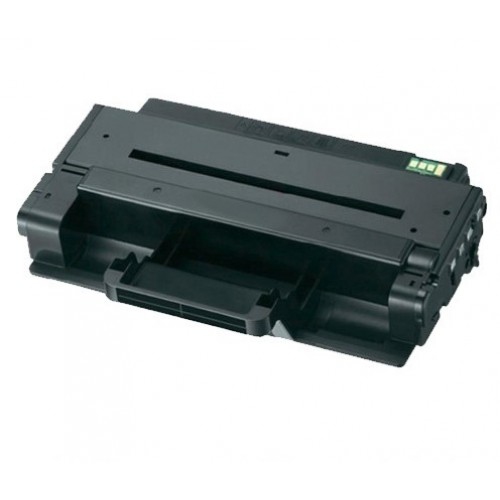
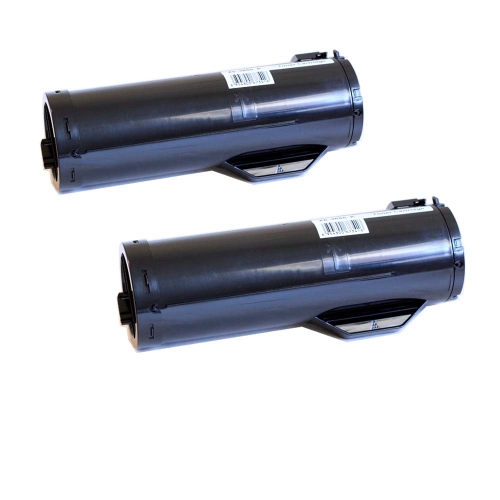
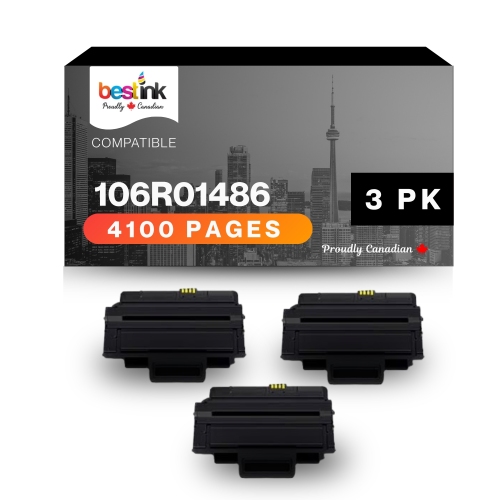
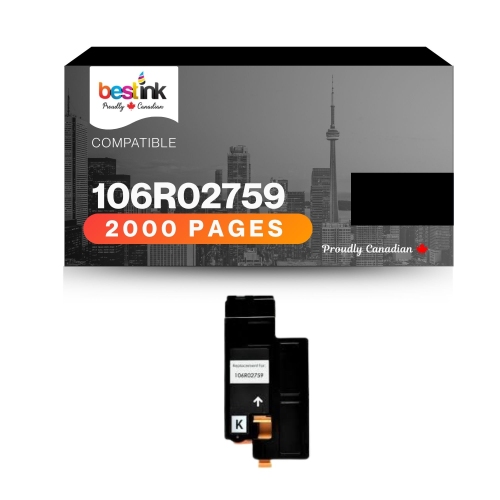

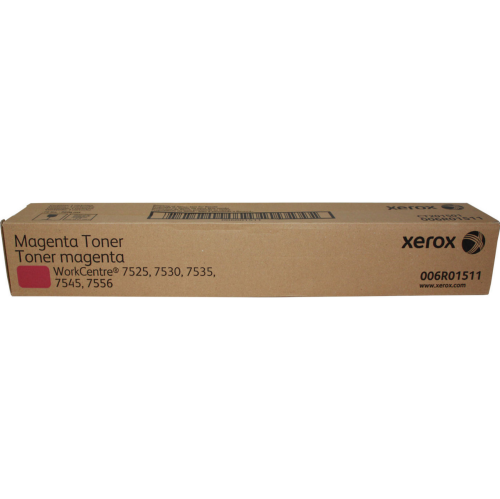
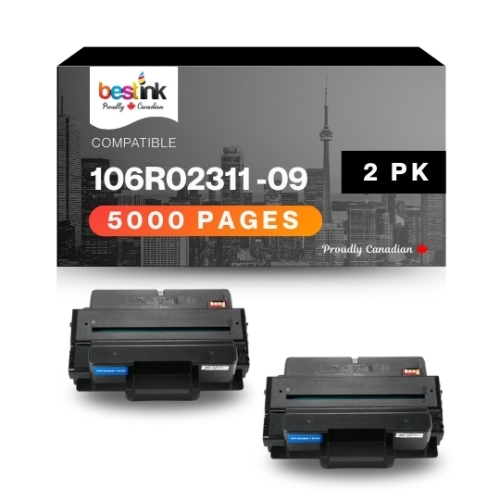
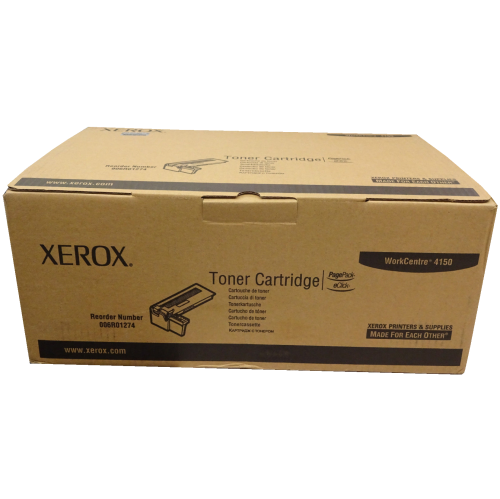
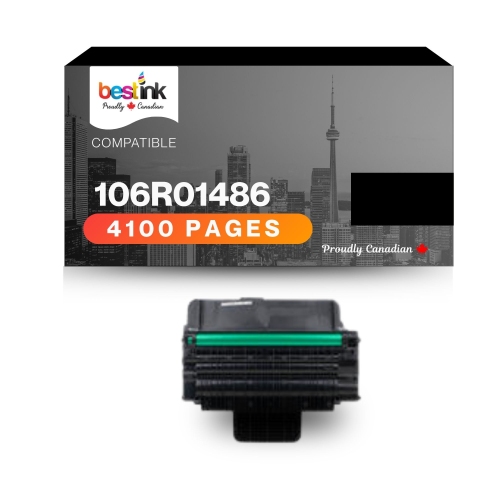
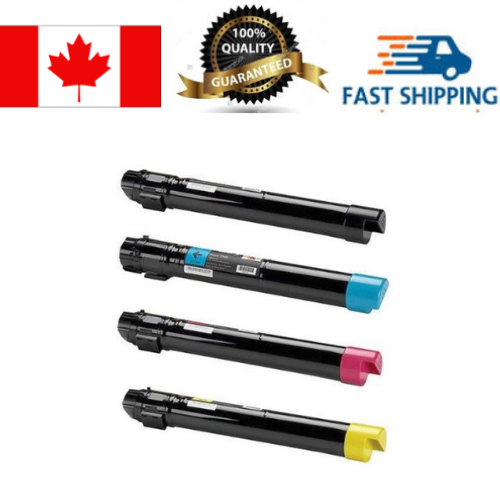
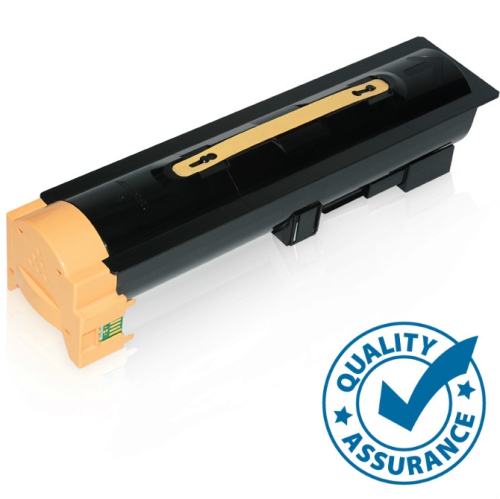
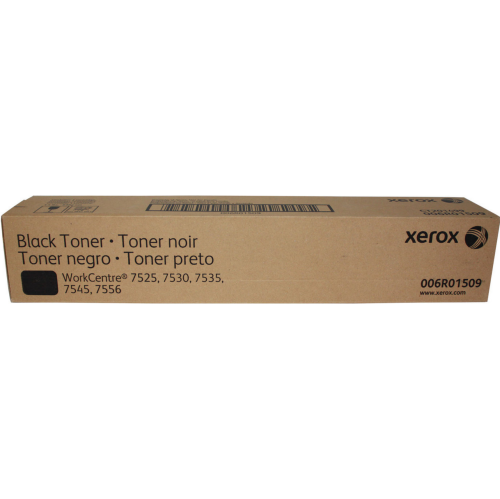
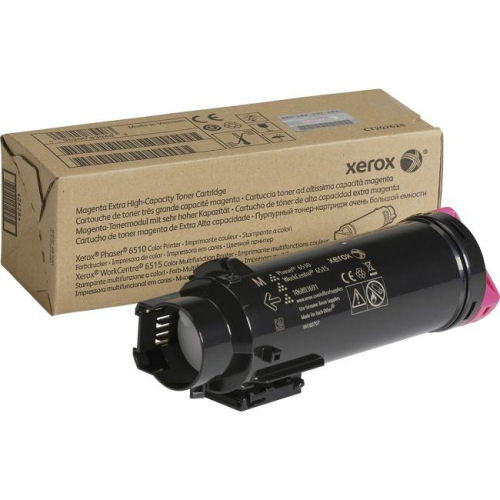
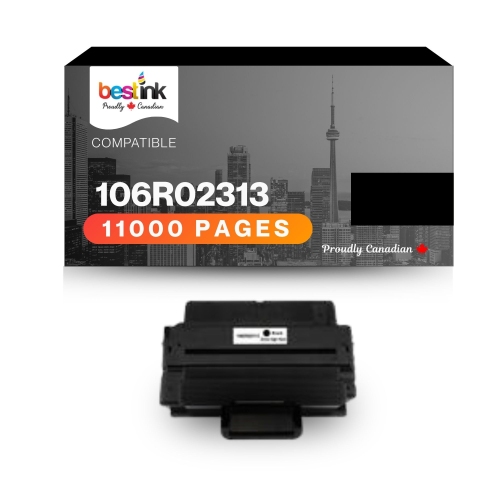

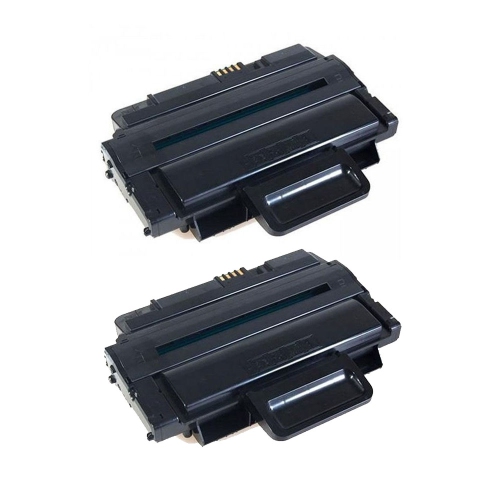
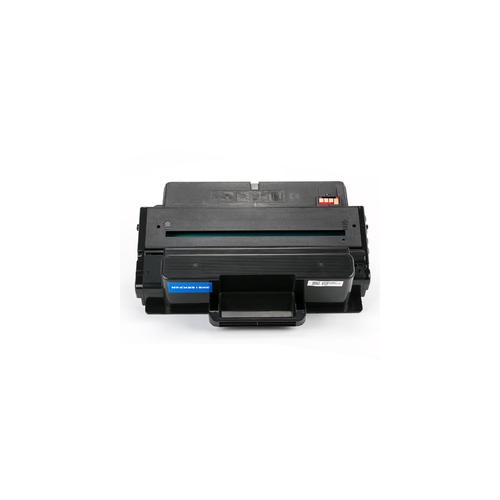

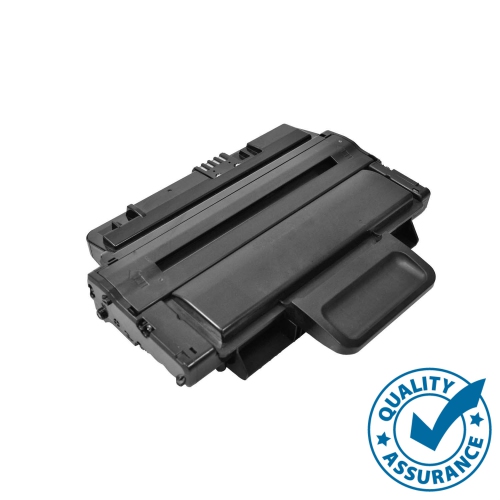
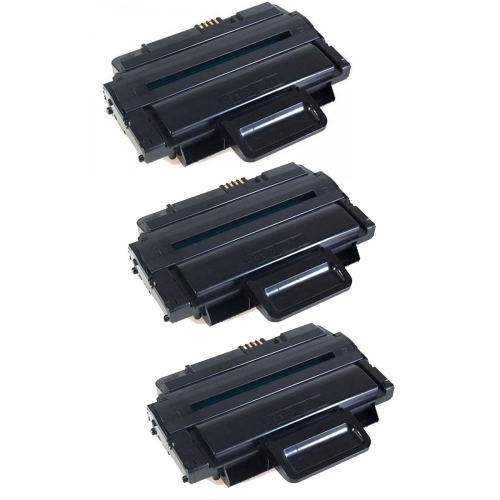
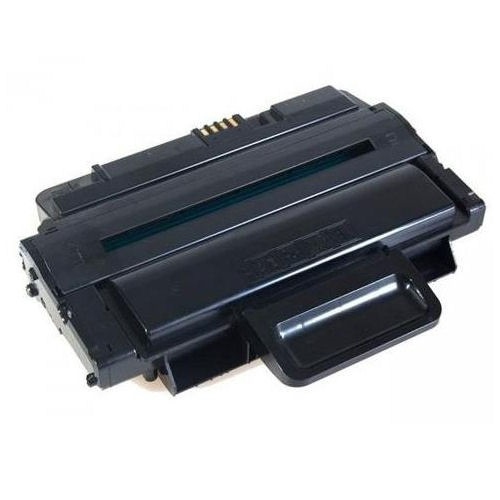
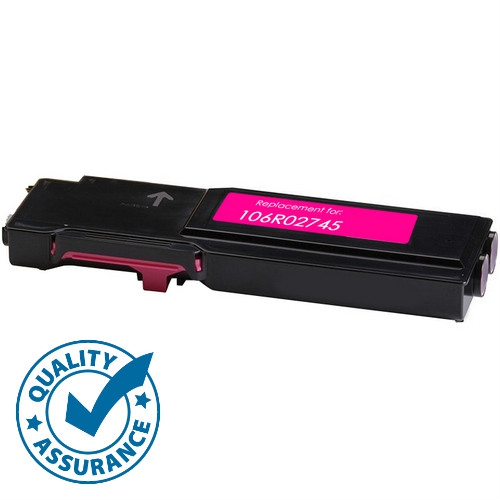
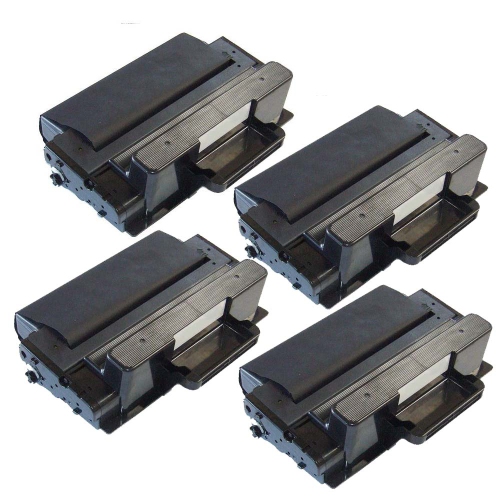

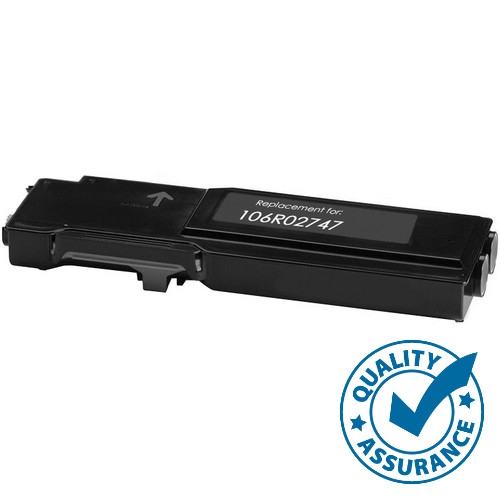
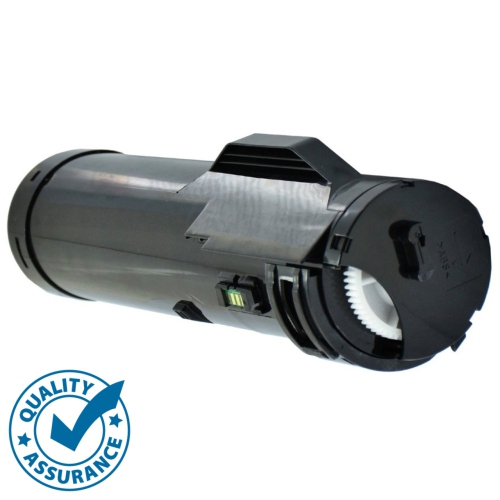
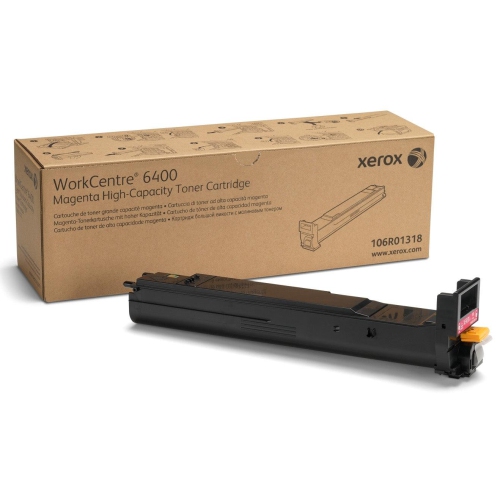
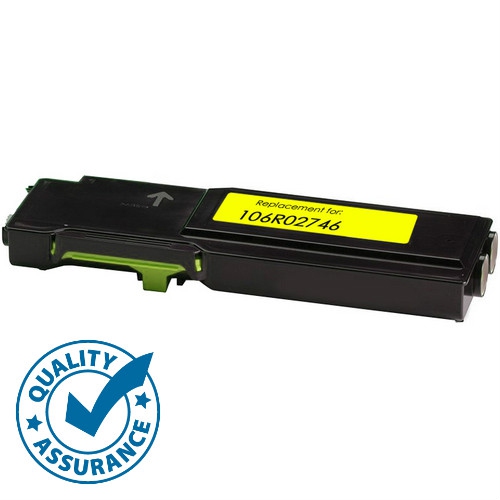

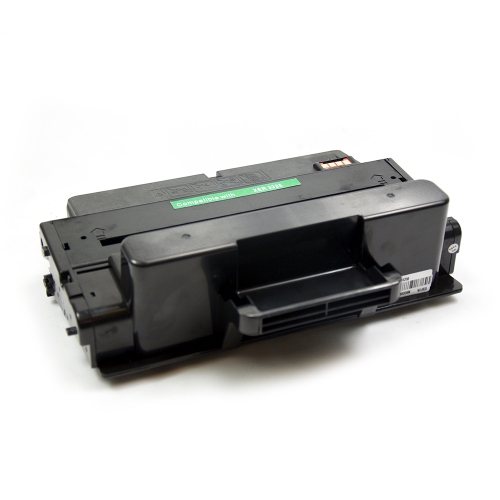
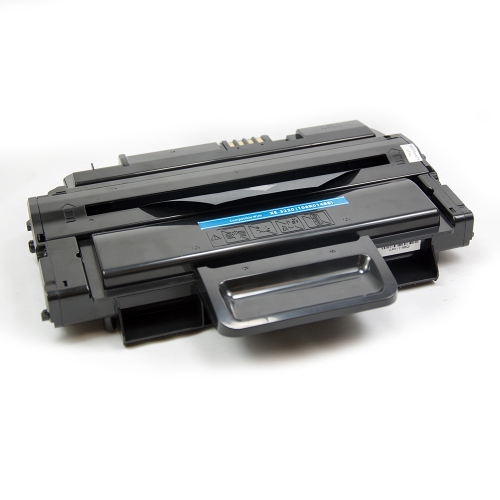
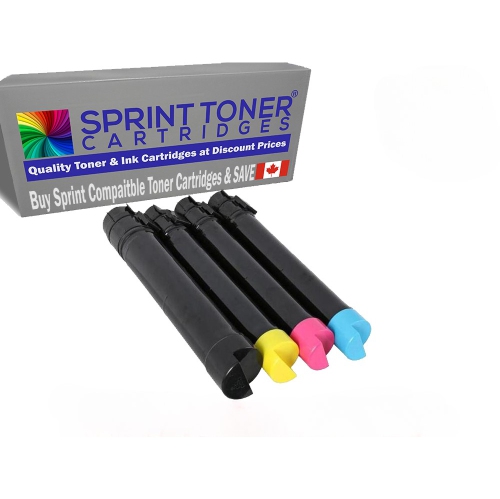
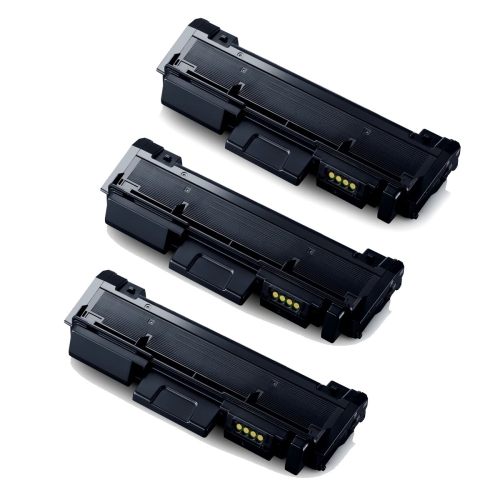
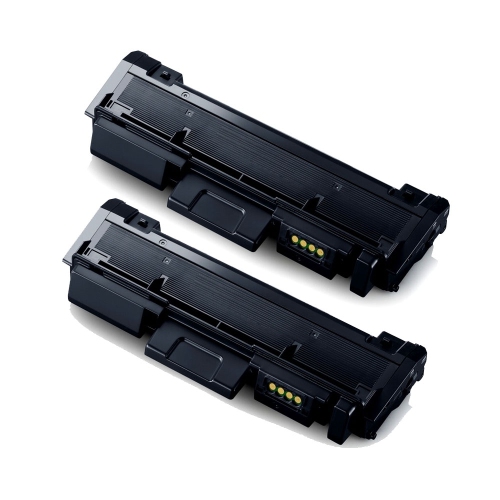
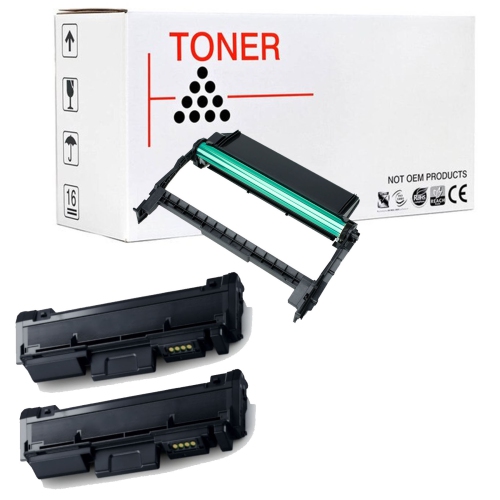
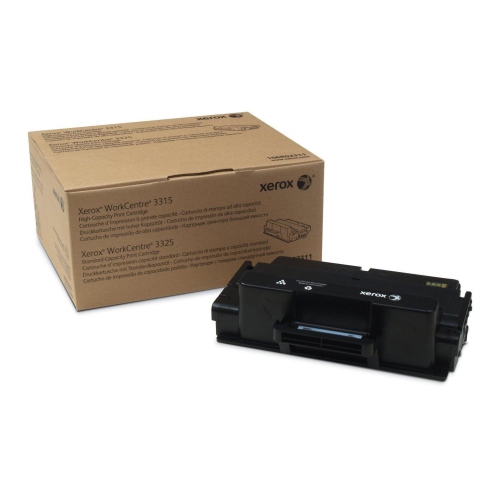
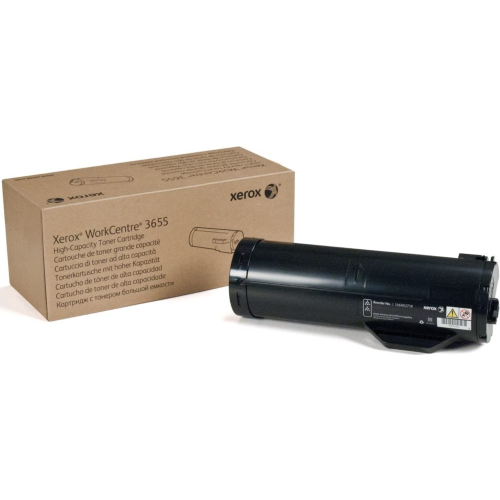
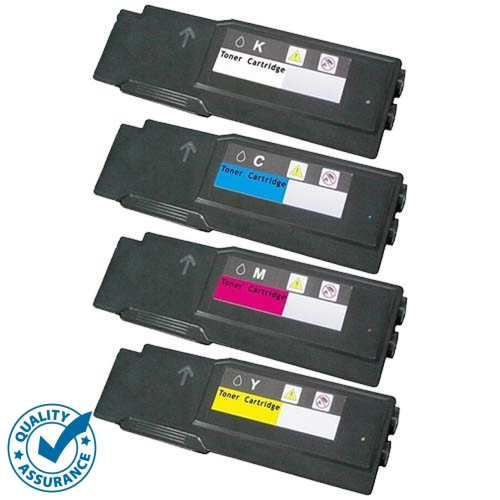
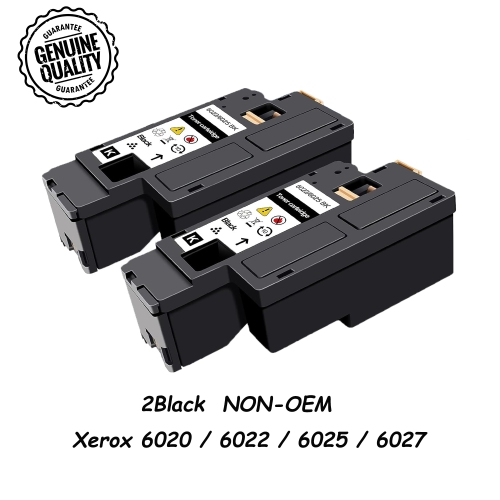
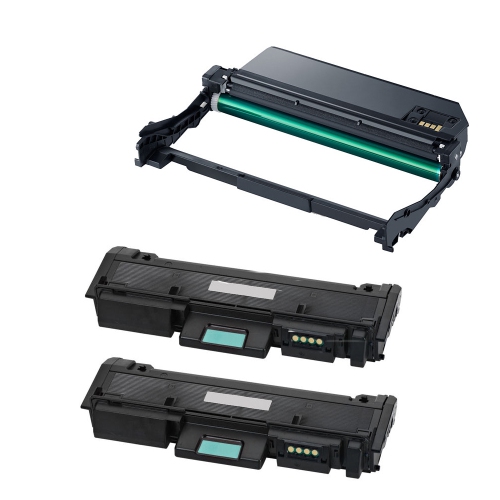
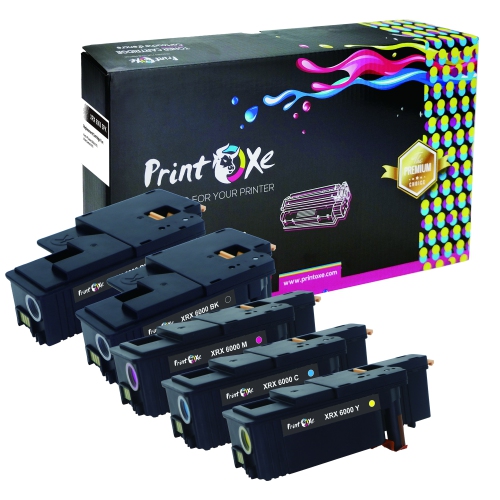

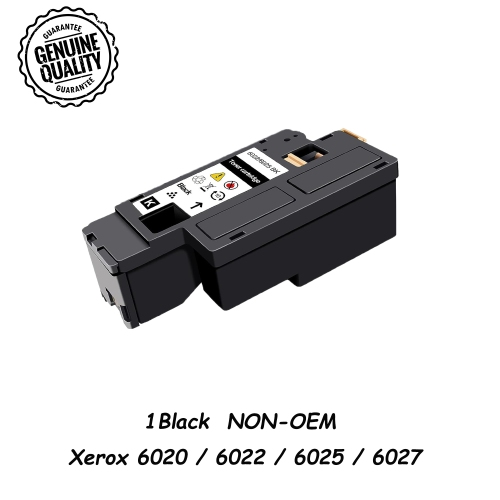
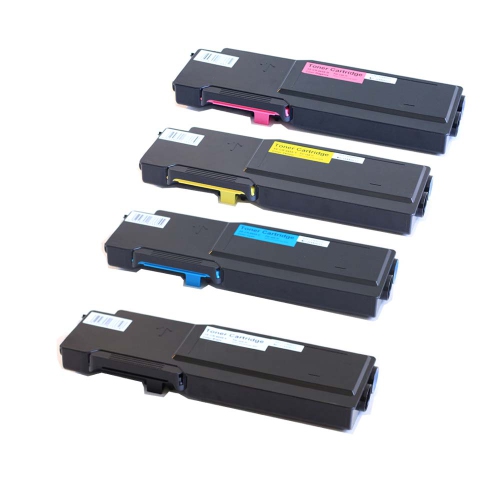
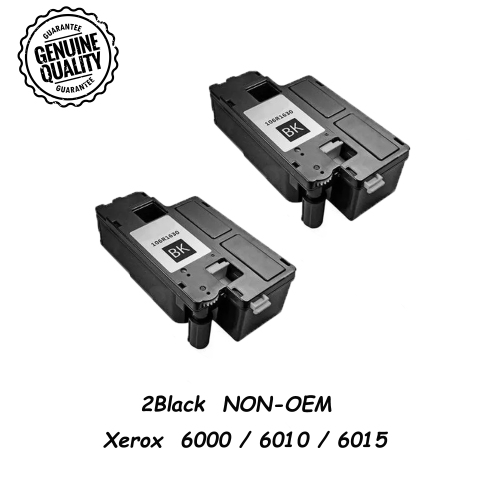

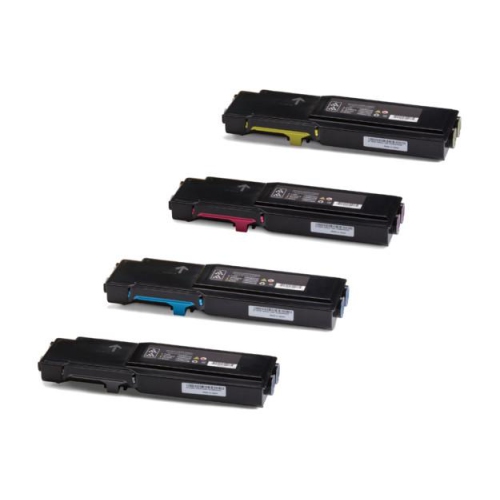
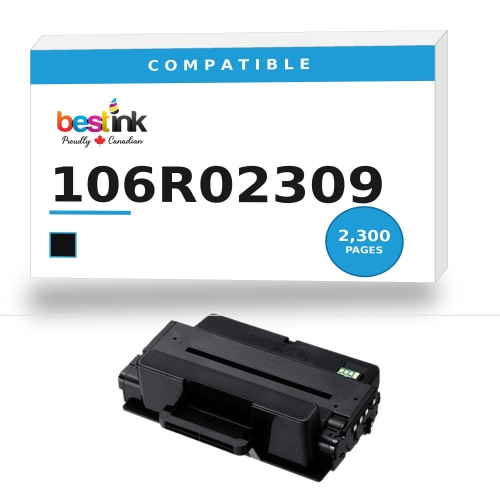
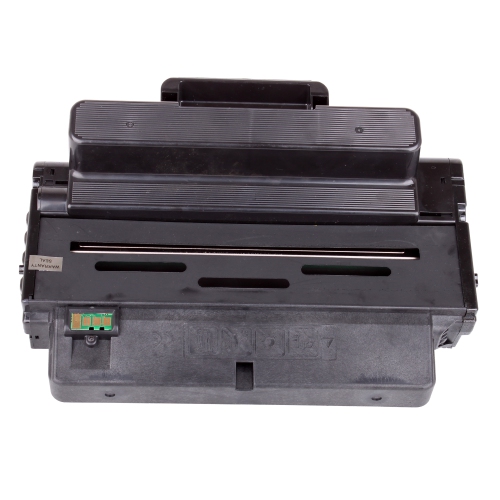
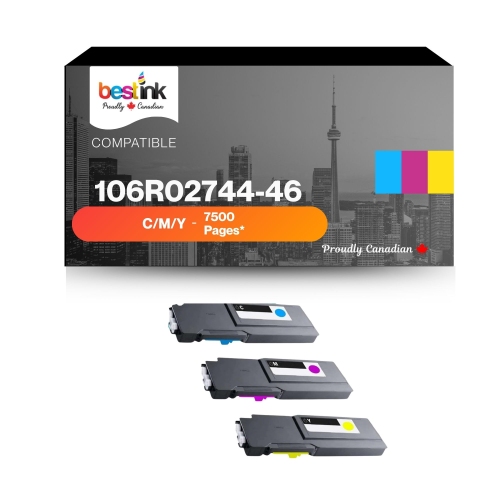
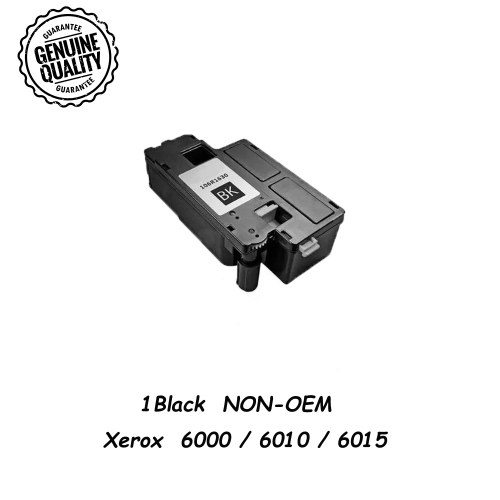
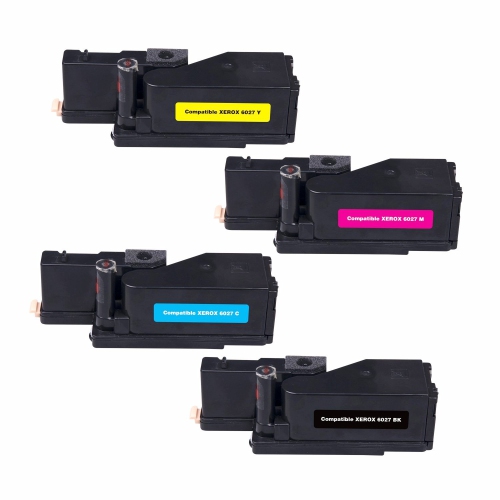

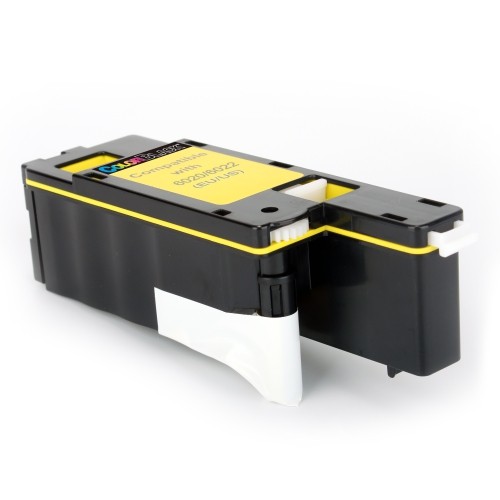
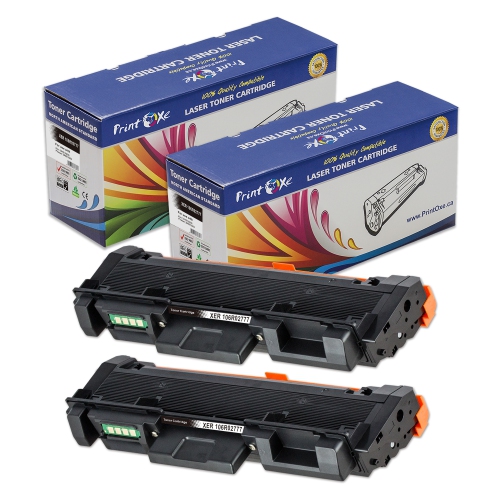
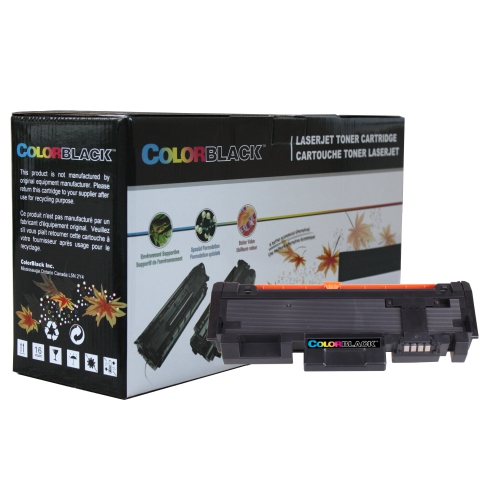




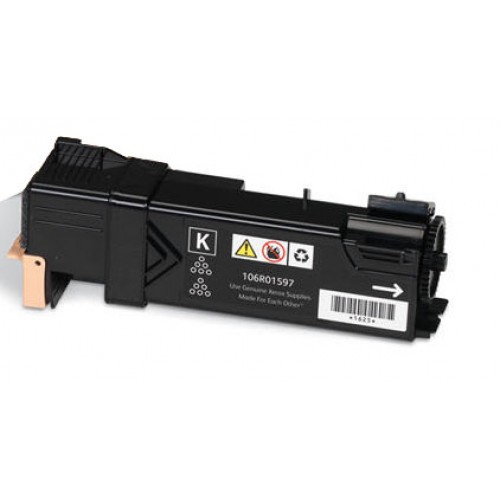
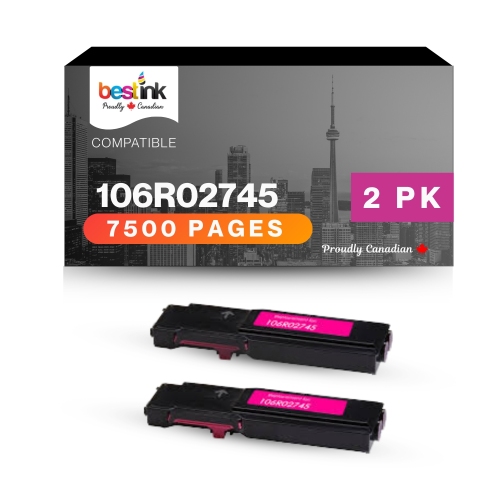
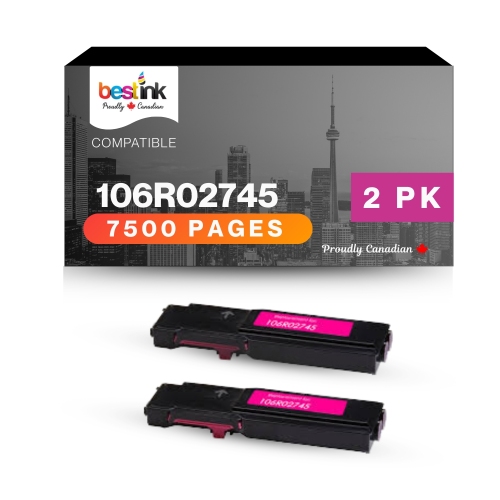
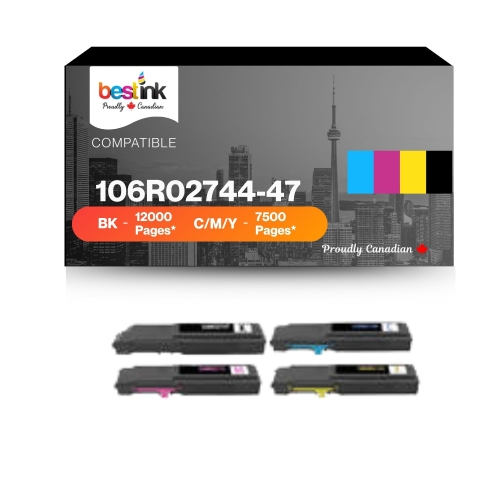


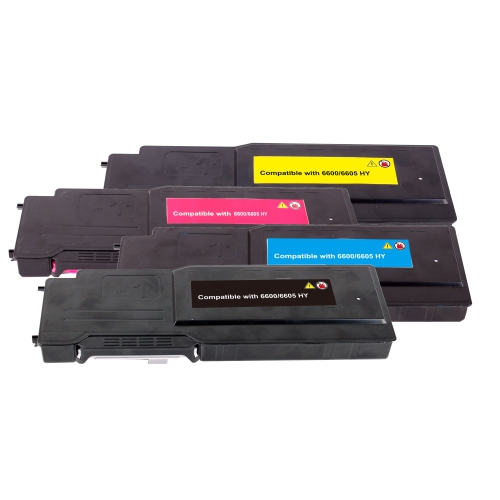
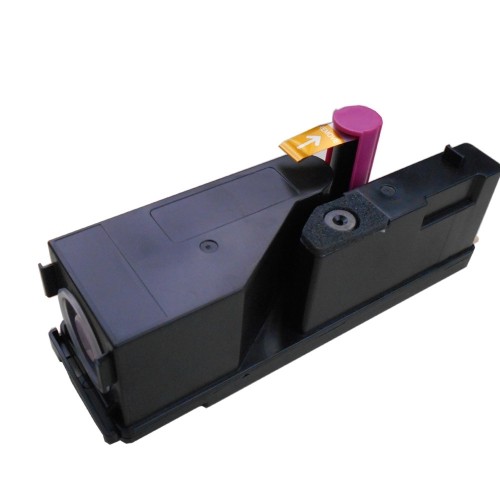
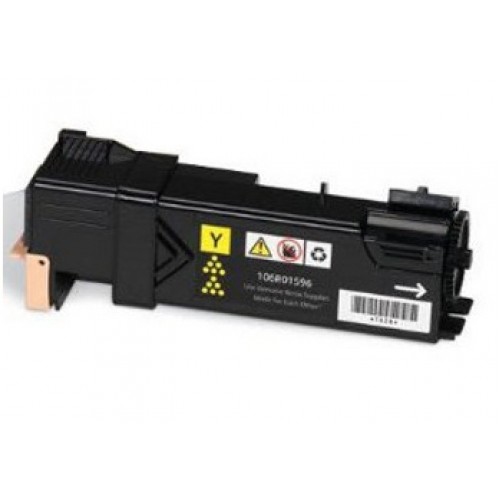
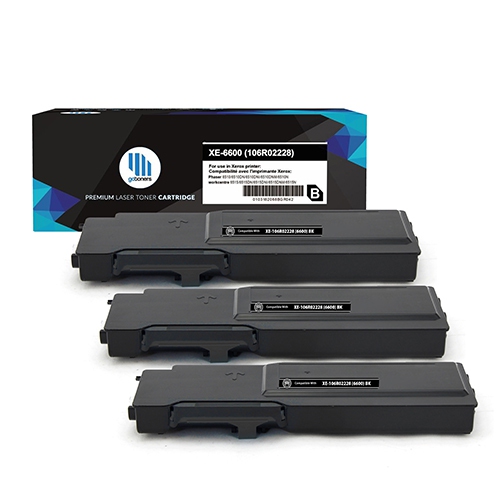

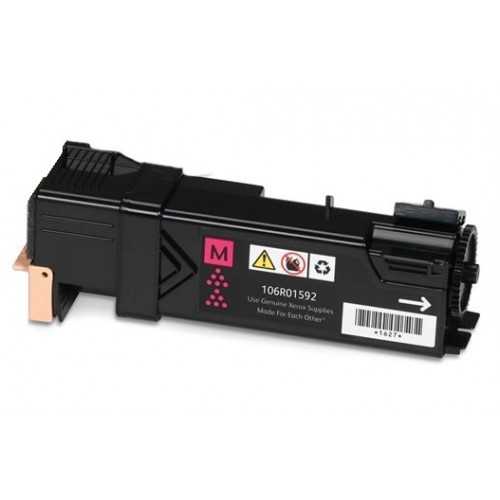
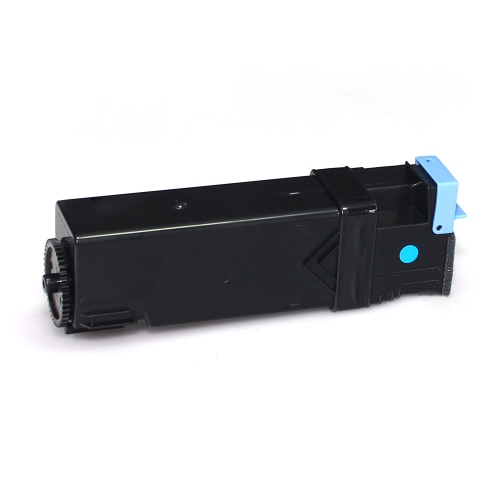
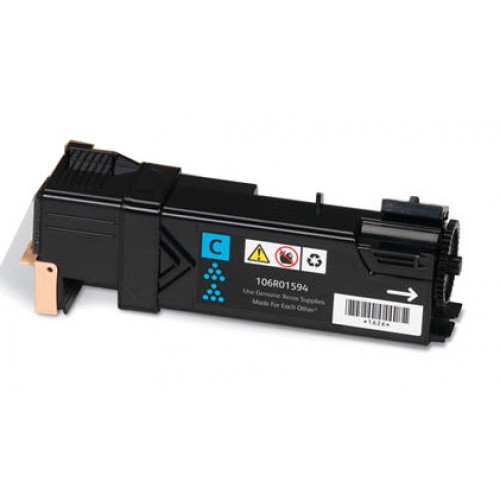

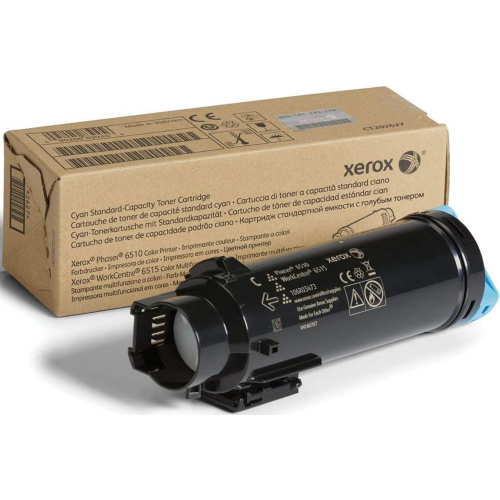
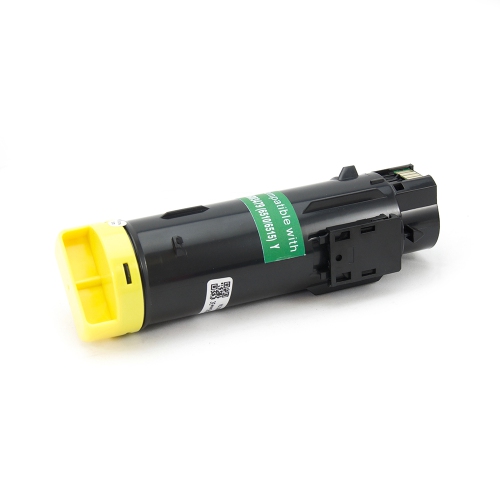

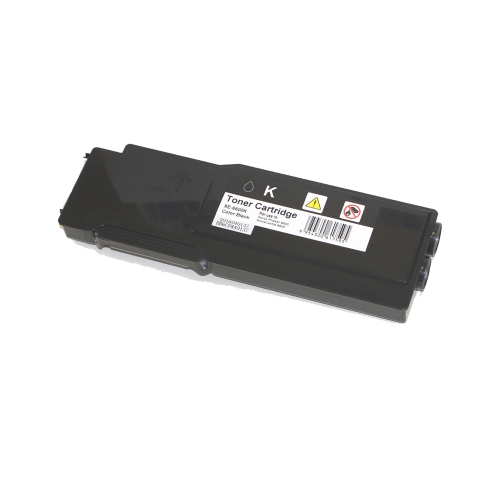
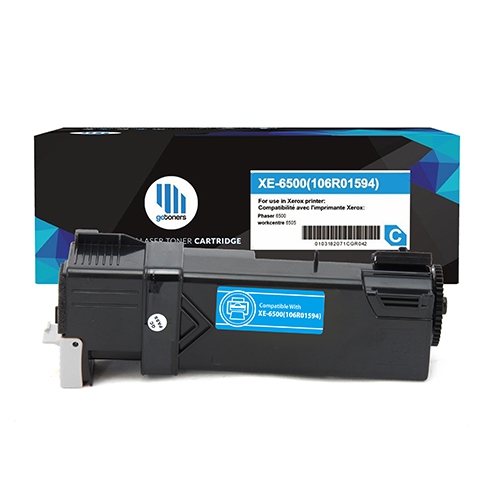

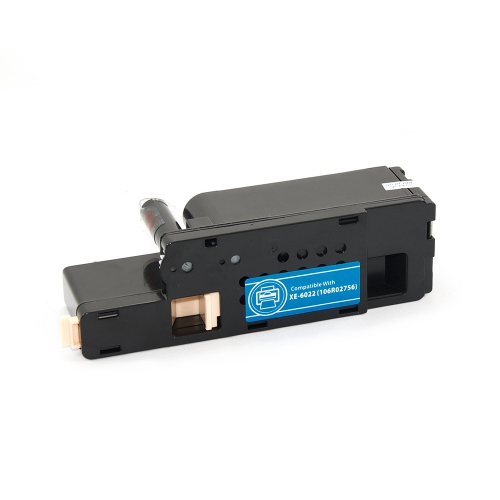

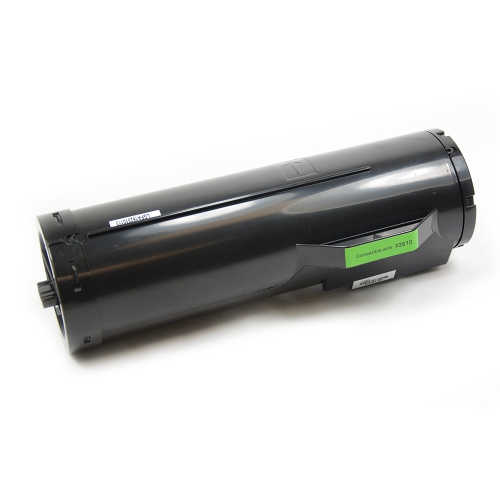
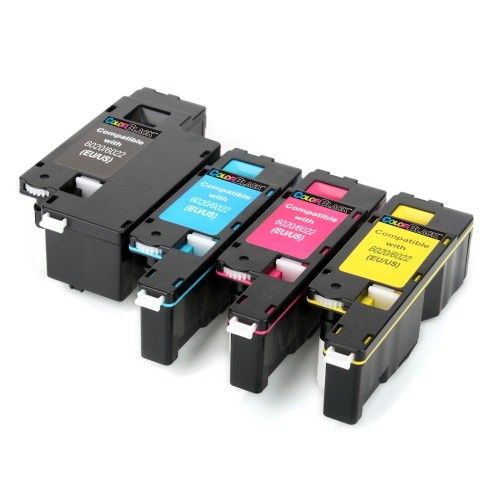
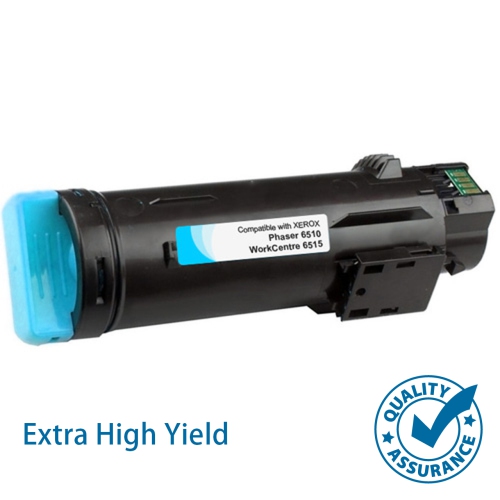
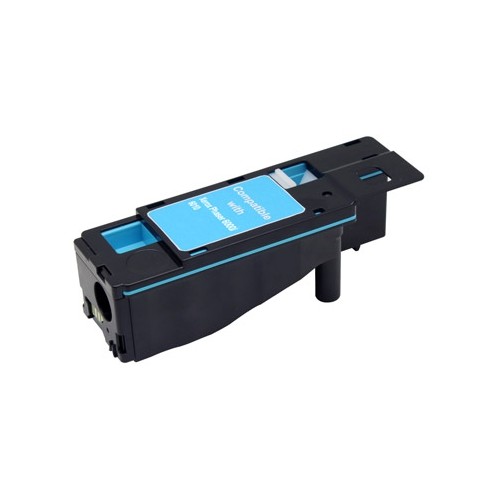
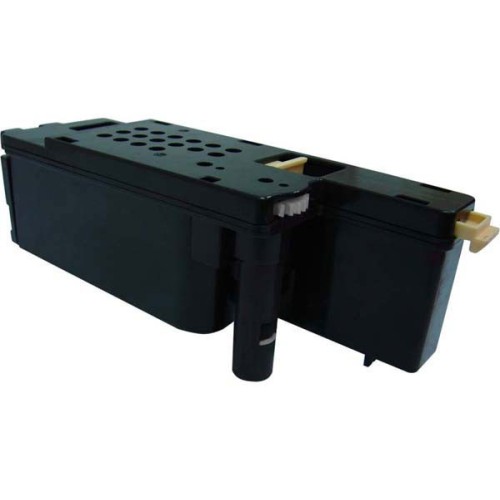
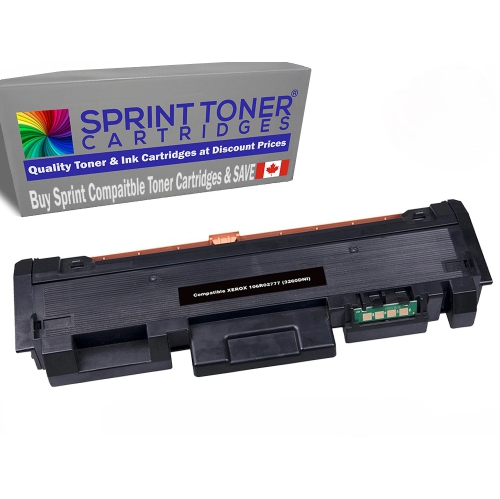
Why the full printer model matters for toner
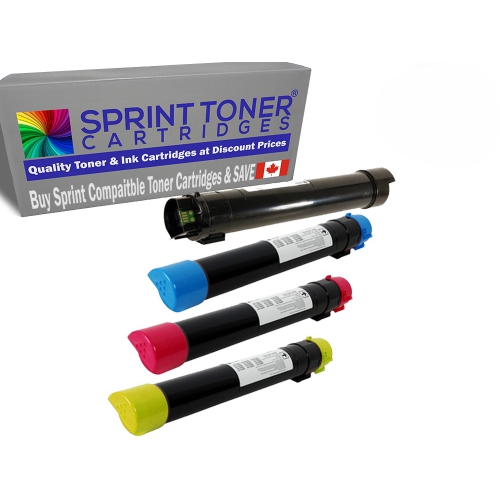
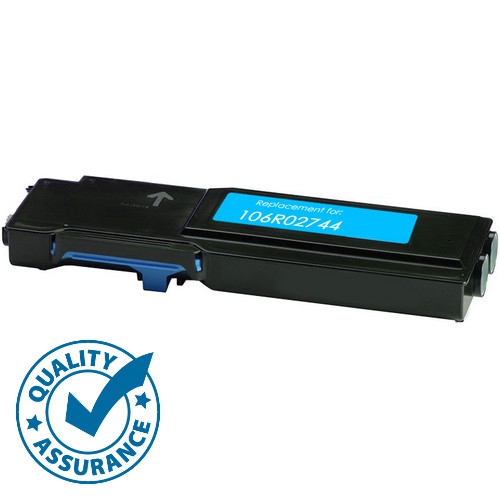
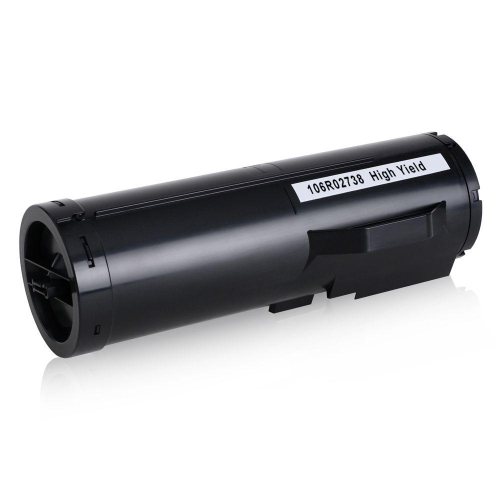
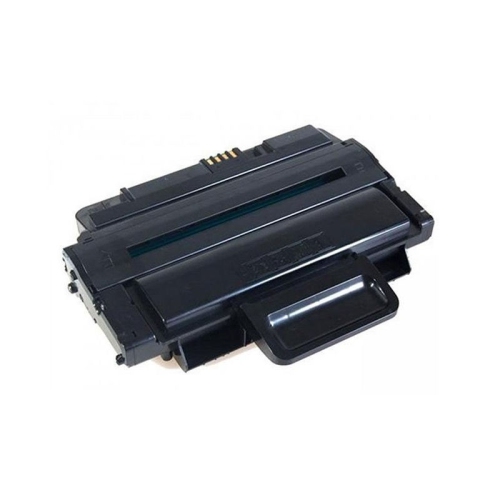
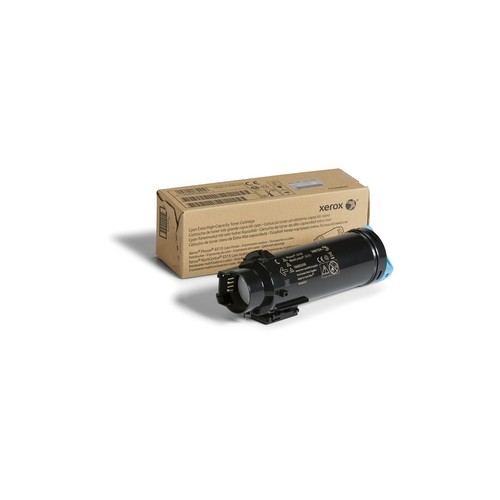
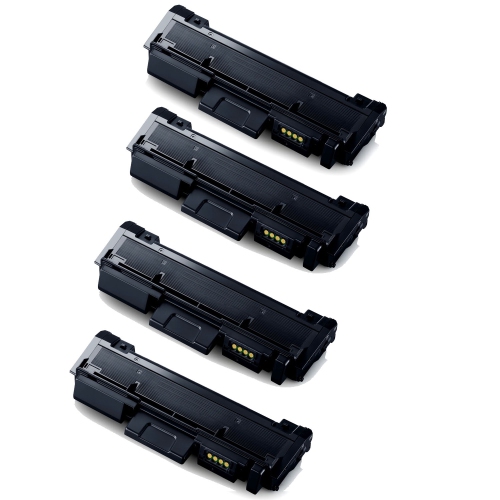
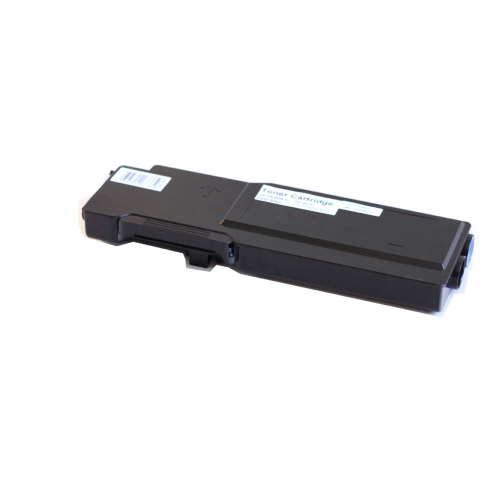
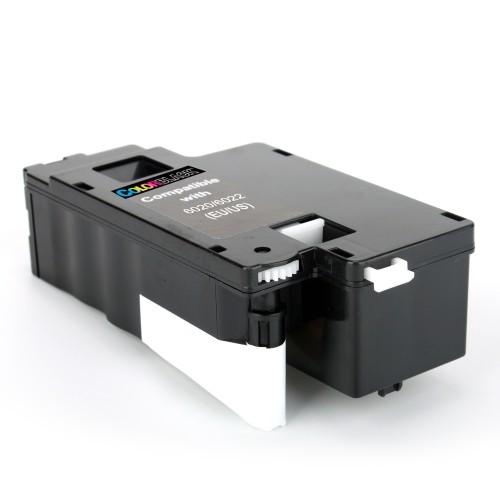
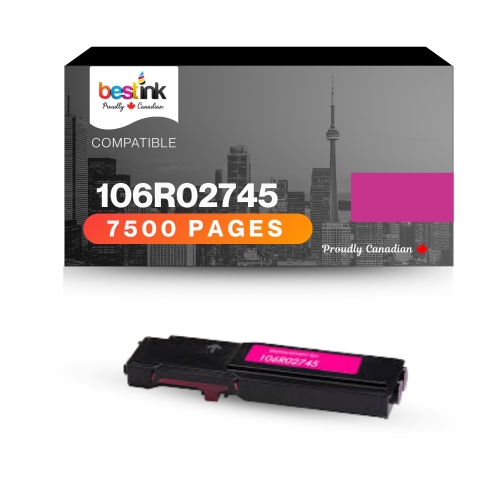
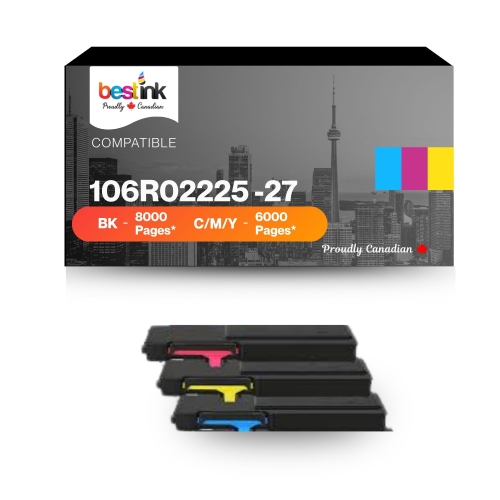
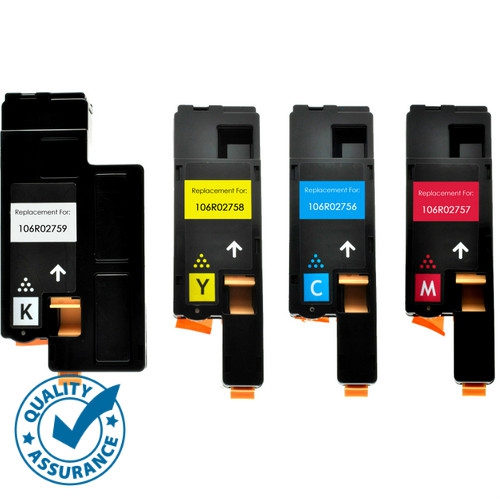
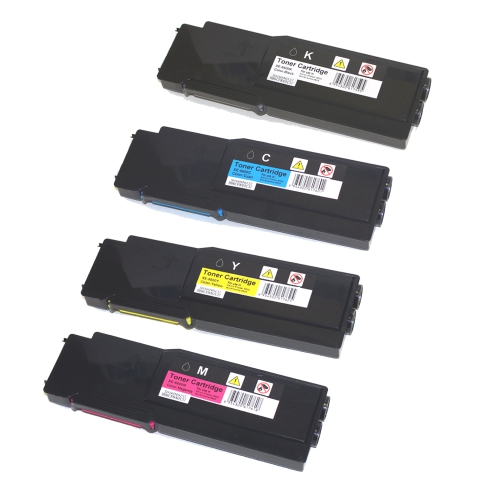
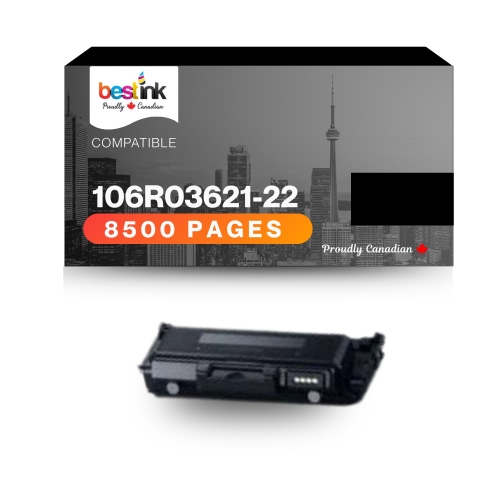
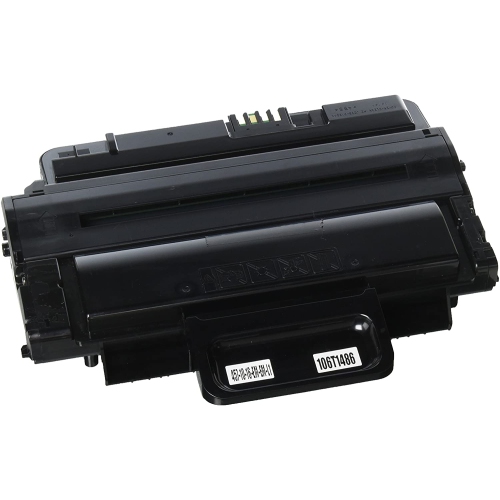
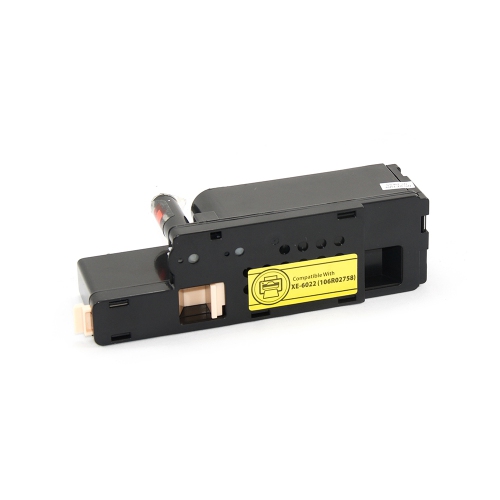
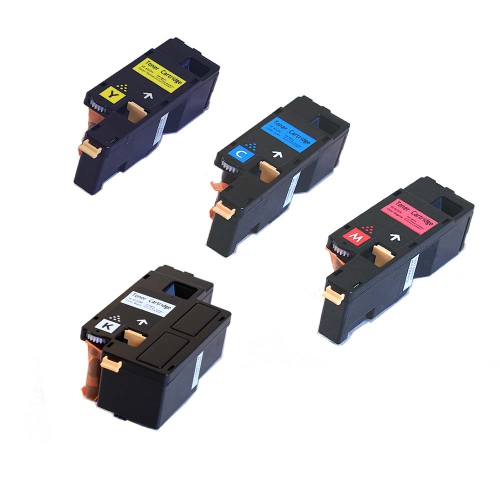
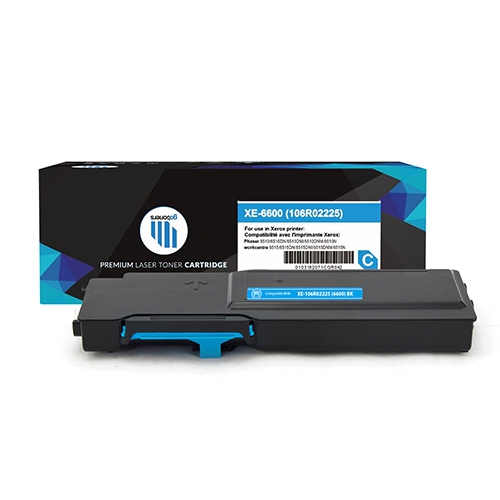
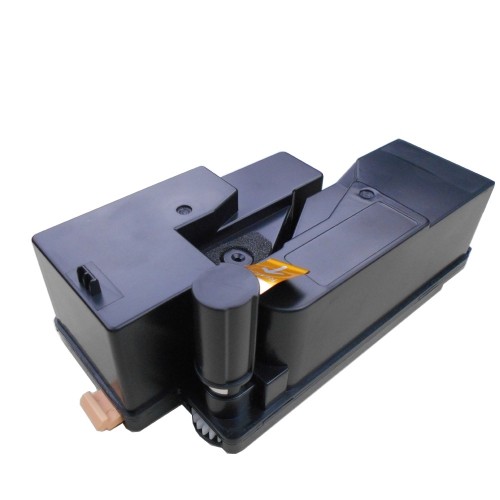
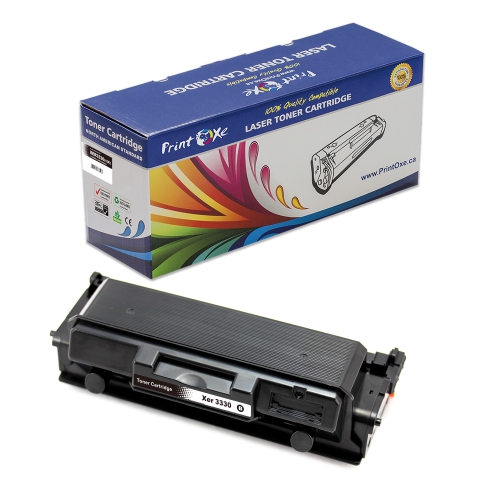
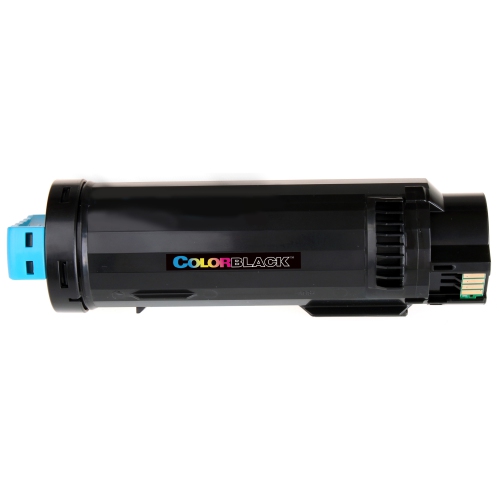
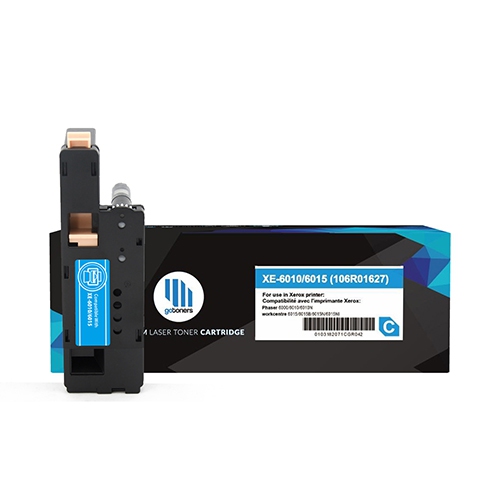
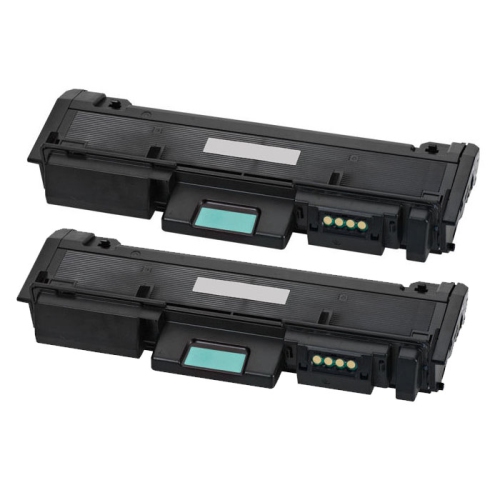
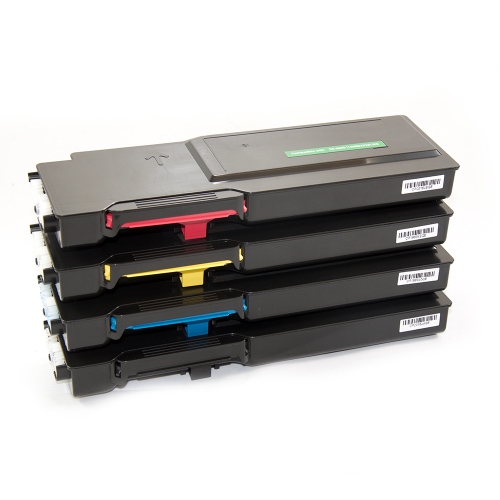
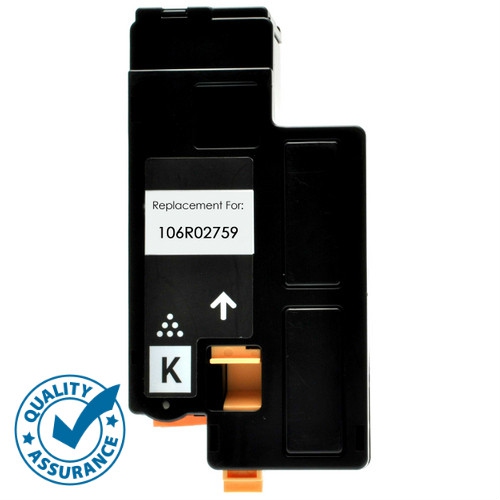
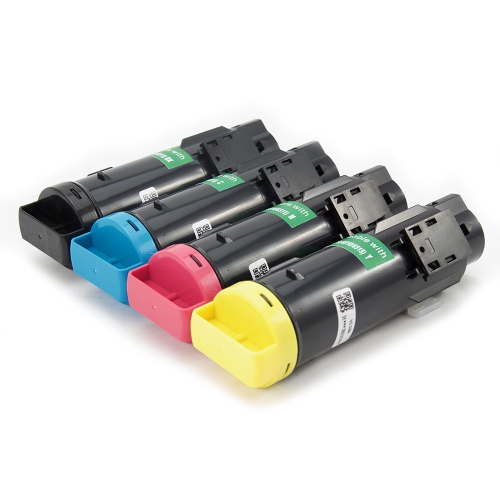
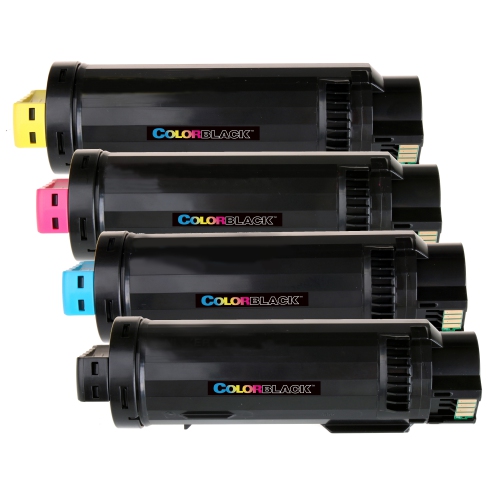
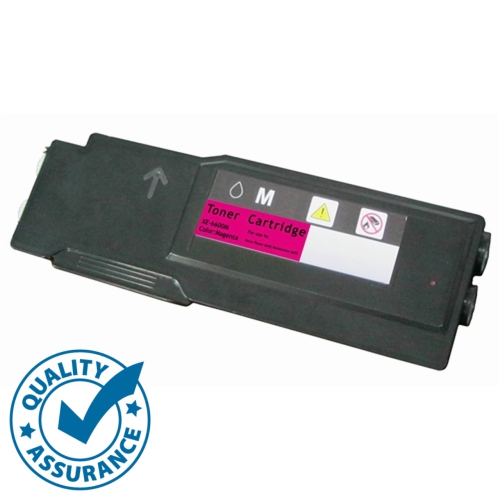
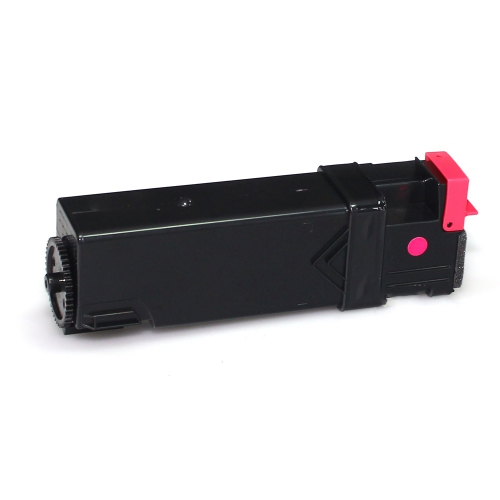
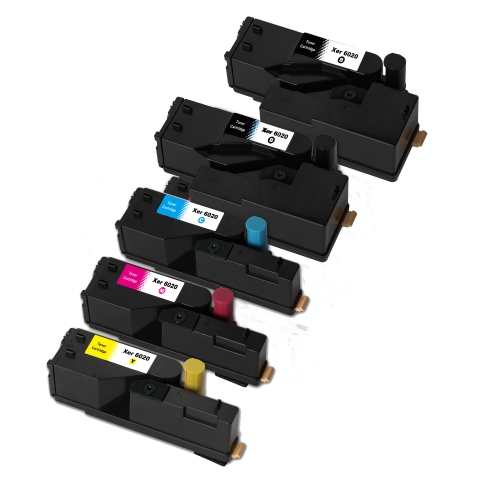
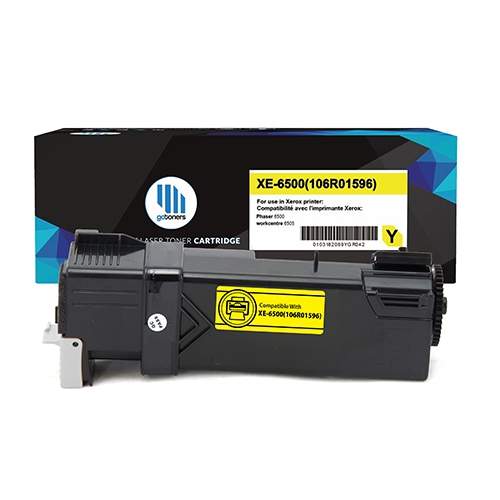
Toner cartridges for multifunction laser printers support the everyday documents that keep a workplace moving, from neatly aligned invoices and shipping labels to meeting handouts and full-colour presentations. Unlike liquid ink, toner is a fine powder that forms text and images through a laser printing process, with heat and pressure bonding the image to the paper. Its formulation typically includes resin and pigments, while the cartridge housing holds the powder and delivers it through a mechanism designed for a particular printer. That precise fit matters: cartridges that look similar can have different shapes, connectors, internal components, or electronic identification features. Compatibility depends on the complete printer model and the cartridge reference specified for that machine, not simply the manufacturer name or the fact that it is a multifunction printer. A model suffix can distinguish machines with different supply requirements, making the full model designation especially useful when matching a replacement. Black toner is central to text-heavy printing, including contracts, forms, correspondence, and classroom worksheets. Colour laser printers generally use separate black, cyan, magenta, and yellow cartridges, combining these colours to reproduce charts, photographs, illustrations, and other visual elements. For offices producing client proposals or training materials, clear colour differences can make a crowded graph easier to read and a diagram easier to follow. Broader printing needs may also include Colour Toner Cartridges, with suitability still determined by the exact printer model. Home offices, reception desks, school administration teams, and shared workspaces can all have different printing patterns, but the same fundamentals apply: the correct cartridge type, the required colour, and a capacity suited to the volume of documents being produced. Toner supports the printed output of a multifunction machine, including photocopies and printed faxes where those functions are supported; scanning a document to a digital file does not consume toner.
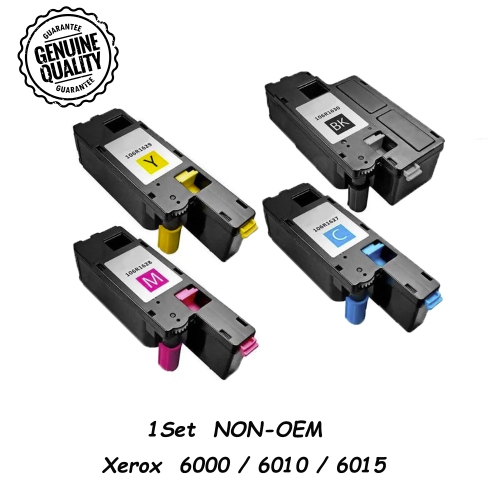
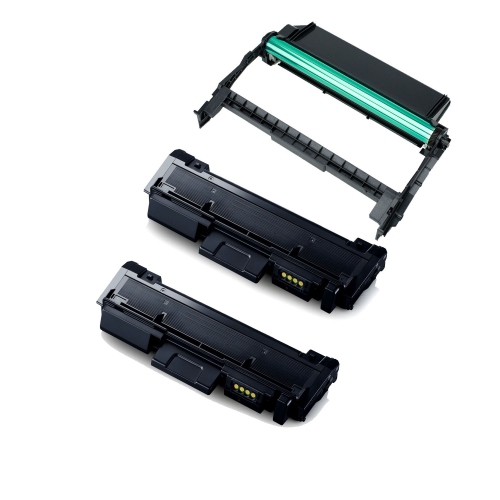
Cartridge capacity helps distinguish supplies intended for occasional printing from those suited to a busy document workflow. Standard-capacity cartridges can suit a small office that prints a few forms or letters at a time, while higher-capacity versions may reduce replacement frequency for a shared printer handling longer runs. These capacity options are model-dependent, and a higher-yield cartridge is only suitable when the printer explicitly supports it. Page yield is an estimate measured under stated test conditions, rather than a promise that every cartridge will produce the same number of finished documents in every office. A page containing a short paragraph uses toner differently from a page filled with a photograph, a coloured background, or dense graphics. Document coverage, print settings, job frequency, and device maintenance can all influence actual consumption. Double-sided printing saves space in a filing cabinet, but both printed sides still contribute to toner use. A training department printing illustrated booklets may therefore use supplies at a different rate from an accounts team producing mostly black text, even when both teams handle a similar number of sheets. Separate colour cartridges allow each colour to be replaced as needed, which is useful when documents consistently favour one part of the colour palette. A recurring blue graphic, for example, can draw more heavily on certain colour supplies than a plain black-and-white form. Black-only printing settings may help manage colour use, although some colour machines can still consume colour toner during calibration or other device processes. Individual cartridges suit targeted replacements, while packs containing multiple cartridges can support offices that replace several supplies together. Pack contents need to match both the printer and the colours required; a set is not automatically a complete replacement for every supply inside the machine. Toner, imaging drums, waste toner containers, and fusing components perform different jobs, and many printers track them separately. A low-toner message does not necessarily mean that another component needs replacing, just as replacing toner will not resolve every print-quality issue.
Print quality and reliable handling are especially important when documents leave the office or need to remain easy to read through repeated use. Fine text on a service agreement, small numbers in a spreadsheet, and shaded sections of a floor plan all depend on more than toner alone: the printer’s condition, the selected print mode, and the paper or other supported media also contribute. Toner properly fused to suitable paper produces dry output ready for routine handling, but adhesion can suffer when the media or printer settings are unsuitable. Envelopes, labels, and heavier paper require particular care because they must be approved for the printer’s laser printing process; label adhesive and backing materials, for instance, need to tolerate passage through the fuser. Cartridge construction also matters, with seals, moving parts, and electronic components contributing to correct installation and toner delivery. Original-manufacturer and third-party cartridges may differ in their construction, recognition features, and support terms, so compatibility information is more useful than appearance alone. Unused cartridges are best kept sealed in their protective packaging until needed, stored as directed by the manufacturer, and protected from moisture and direct light. Careful handling helps keep toner contained and protects sensitive parts from fingerprints or accidental damage. Any protective tabs or shipping seals need to be removed according to the cartridge instructions, without touching exposed rollers or electrical contacts. Where a cartridge includes an imaging component, its light-sensitive surface may also need protection during handling. A straightforward replacement routine is valuable at a busy reception counter or in a home office preparing an important print run, but forcing a cartridge into place can damage both the supply and the machine. Persistent streaks, repeating marks, or poor adhesion may point to a separate maintenance need rather than an empty cartridge. Matching the supply accurately and keeping the printer maintained helps support crisp lettering, readable detail, and consistent output across the documents people rely on every day.
Cartridge capacity helps distinguish supplies intended for occasional printing from those suited to a busy document workflow. Standard-capacity cartridges can suit a small office that prints a few forms or letters at a time, while higher-capacity versions may reduce replacement frequency for a shared printer handling longer runs. These capacity options are model-dependent, and a higher-yield cartridge is only suitable when the printer explicitly supports it. Page yield is an estimate measured under stated test conditions, rather than a promise that every cartridge will produce the same number of finished documents in every office. A page containing a short paragraph uses toner differently from a page filled with a photograph, a coloured background, or dense graphics. Document coverage, print settings, job frequency, and device maintenance can all influence actual consumption. Double-sided printing saves space in a filing cabinet, but both printed sides still contribute to toner use. A training department printing illustrated booklets may therefore use supplies at a different rate from an accounts team producing mostly black text, even when both teams handle a similar number of sheets. Separate colour cartridges allow each colour to be replaced as needed, which is useful when documents consistently favour one part of the colour palette. A recurring blue graphic, for example, can draw more heavily on certain colour supplies than a plain black-and-white form. Black-only printing settings may help manage colour use, although some colour machines can still consume colour toner during calibration or other device processes. Individual cartridges suit targeted replacements, while packs containing multiple cartridges can support offices that replace several supplies together. Pack contents need to match both the printer and the colours required; a set is not automatically a complete replacement for every supply inside the machine. Toner, imaging drums, waste toner containers, and fusing components perform different jobs, and many printers track them separately. A low-toner message does not necessarily mean that another component needs replacing, just as replacing toner will not resolve every print-quality issue.
Print quality and reliable handling are especially important when documents leave the office or need to remain easy to read through repeated use. Fine text on a service agreement, small numbers in a spreadsheet, and shaded sections of a floor plan all depend on more than toner alone: the printer’s condition, the selected print mode, and the paper or other supported media also contribute. Toner properly fused to suitable paper produces dry output ready for routine handling, but adhesion can suffer when the media or printer settings are unsuitable. Envelopes, labels, and heavier paper require particular care because they must be approved for the printer’s laser printing process; label adhesive and backing materials, for instance, need to tolerate passage through the fuser. Cartridge construction also matters, with seals, moving parts, and electronic components contributing to correct installation and toner delivery. Original-manufacturer and third-party cartridges may differ in their construction, recognition features, and support terms, so compatibility information is more useful than appearance alone. Unused cartridges are best kept sealed in their protective packaging until needed, stored as directed by the manufacturer, and protected from moisture and direct light. Careful handling helps keep toner contained and protects sensitive parts from fingerprints or accidental damage. Any protective tabs or shipping seals need to be removed according to the cartridge instructions, without touching exposed rollers or electrical contacts. Where a cartridge includes an imaging component, its light-sensitive surface may also need protection during handling. A straightforward replacement routine is valuable at a busy reception counter or in a home office preparing an important print run, but forcing a cartridge into place can damage both the supply and the machine. Persistent streaks, repeating marks, or poor adhesion may point to a separate maintenance need rather than an empty cartridge. Matching the supply accurately and keeping the printer maintained helps support crisp lettering, readable detail, and consistent output across the documents people rely on every day.
Top selling and popular products
-
 Your price for this item is $127.99
 -
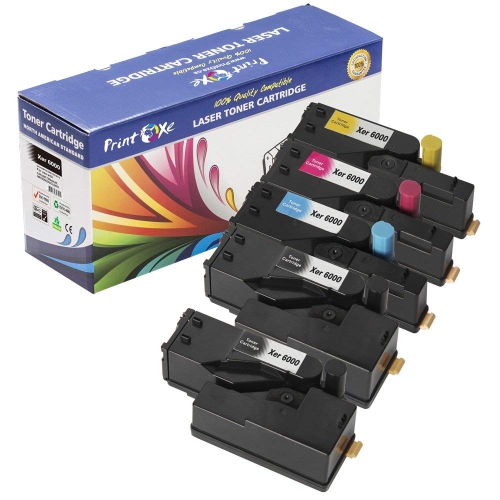 Your price for this item is $54.99
 -
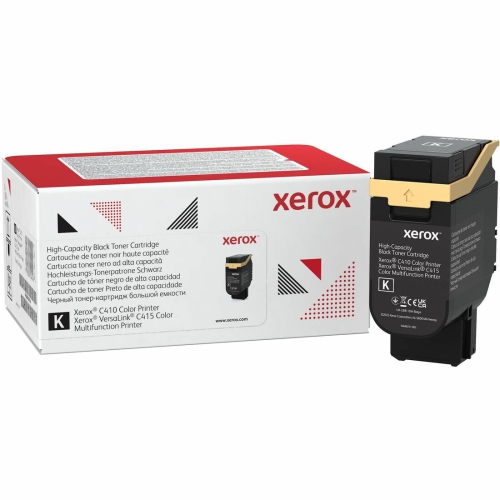 Your price for this item is $317.99
 -
 Your price for this item is $150.99
 -
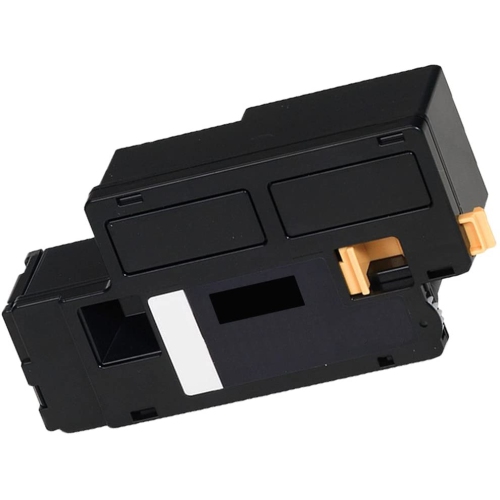 Your price for this item is $26.25
 -
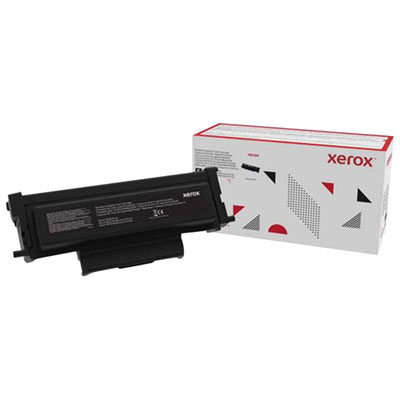 Your price for this item is $96.99
 -
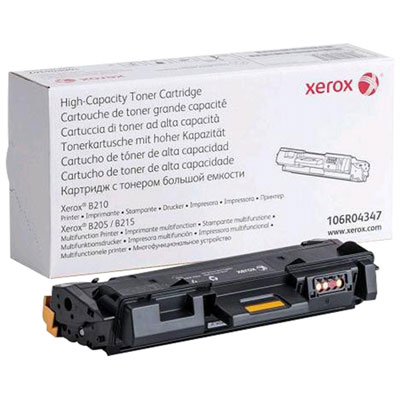 Your price for this item is $143.99
 -
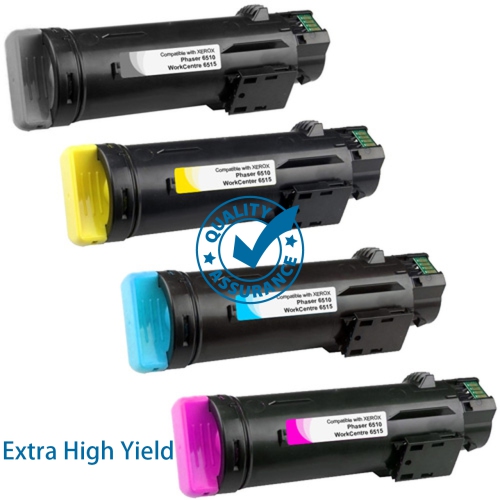 Your price for this item is $49.95
Discover more categories related to Xerox Workcentre Toners
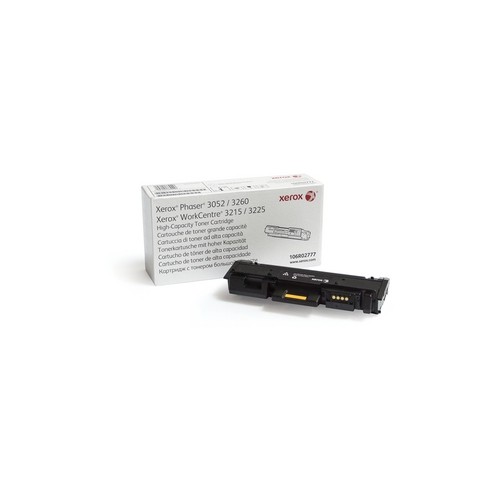
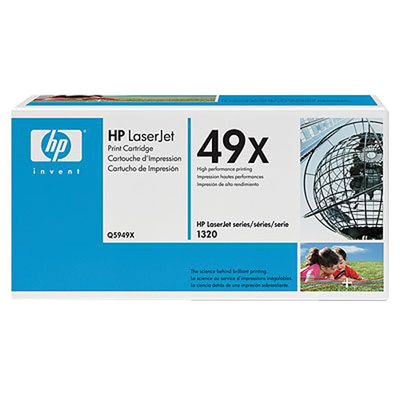
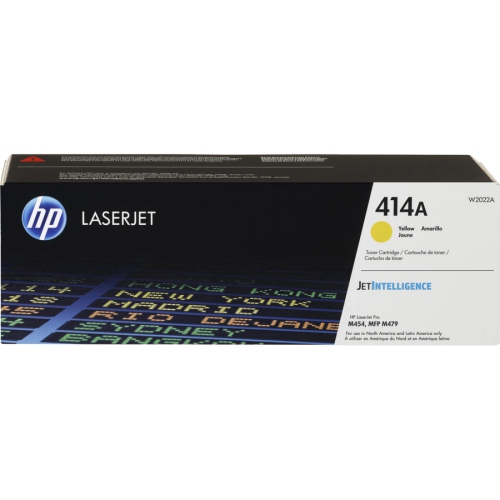
Top Collections:
Pokemon Centers, Kindle Devices, Best Budget Office Chairs, Canon G7X Cameras, Apple iPhones 16, Samsung Galaxy Phones, Refurbished Apple Laptops, Laptops for Students, iPhone 15 Apple, Budget Smartphones
Some products may be subject to Environmental Handling Fees
(EHF) depending on your province.
Learn more about EHFs.