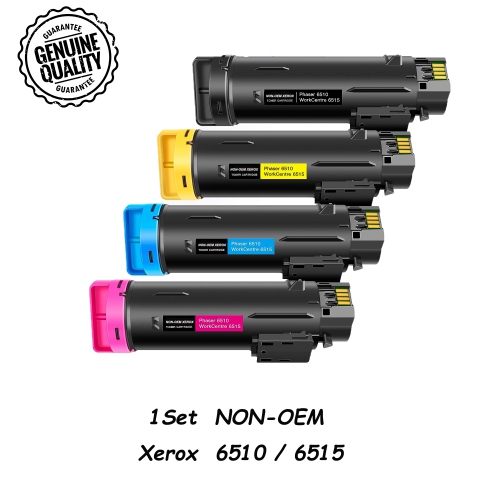
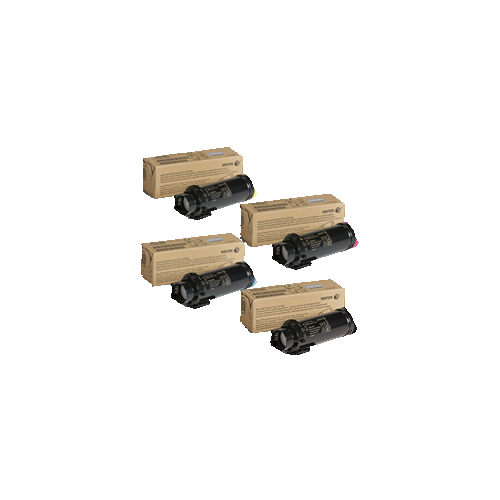
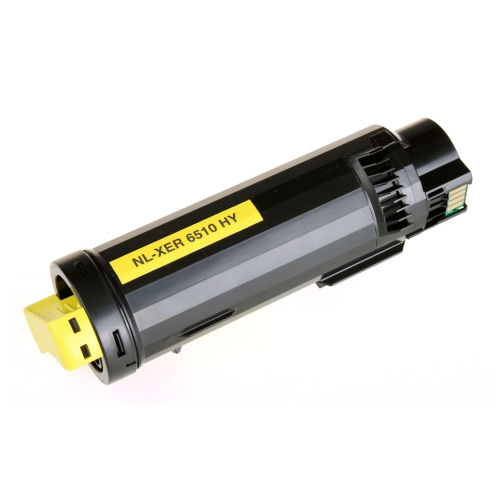
Xerox 6515 Toners

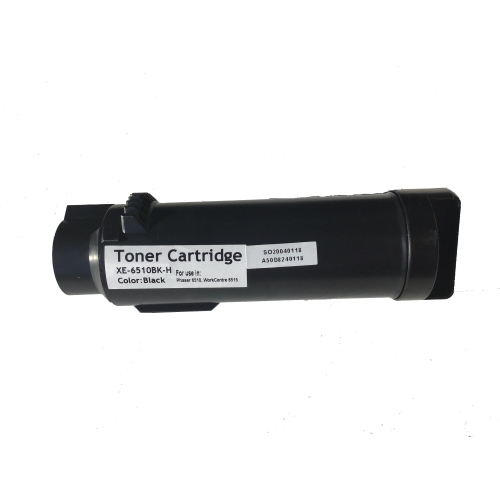
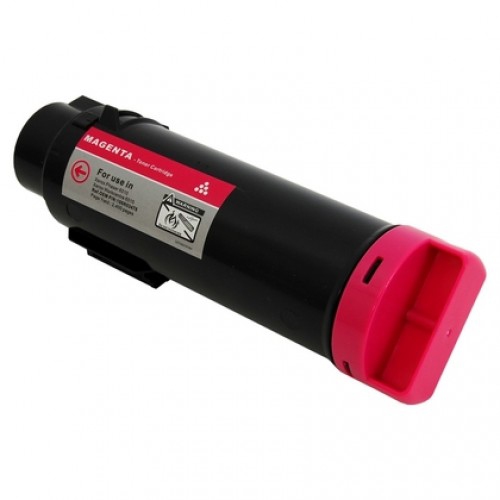
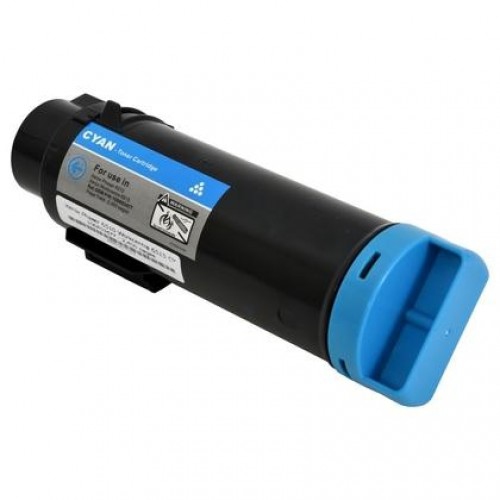
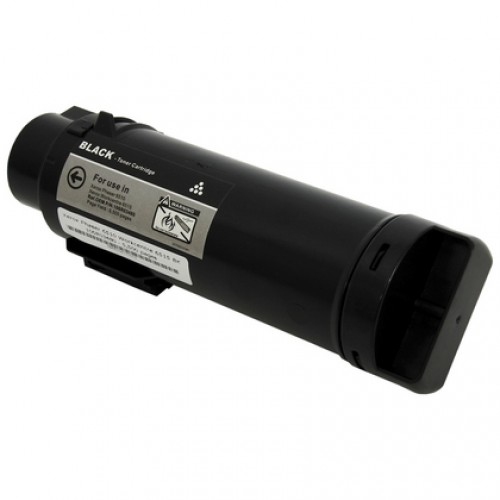
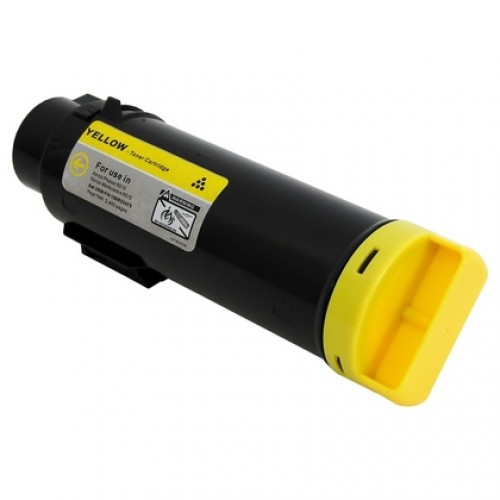
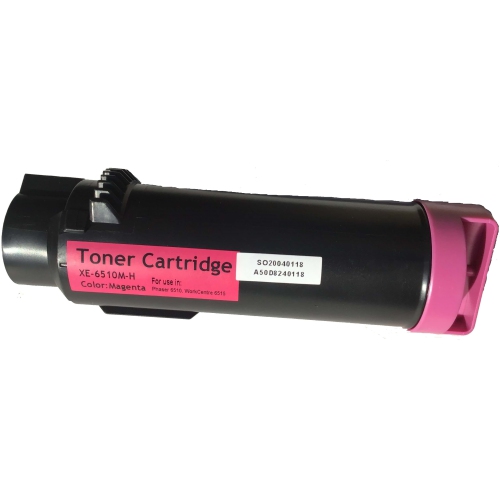
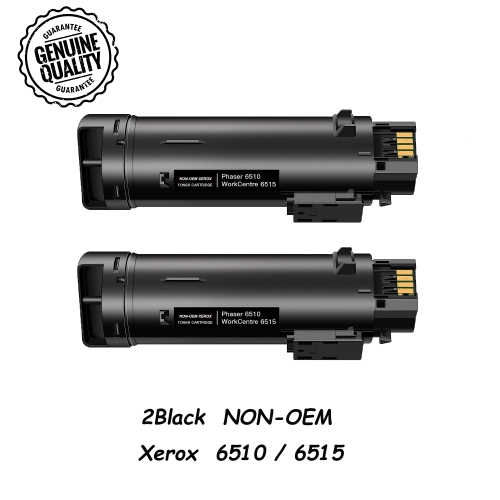
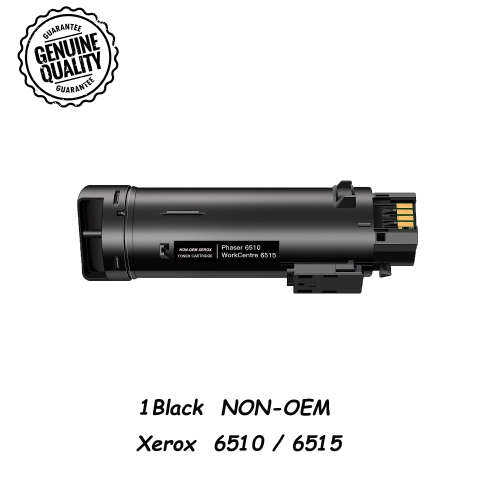
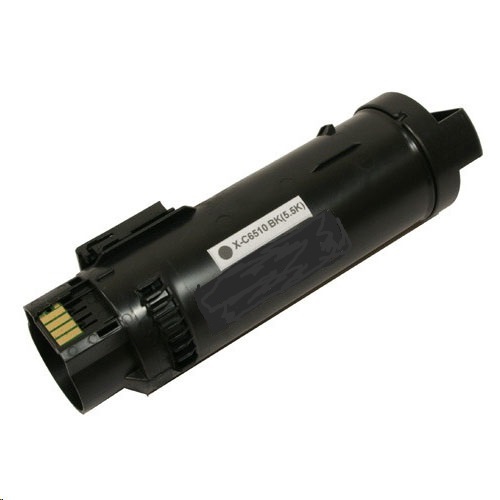
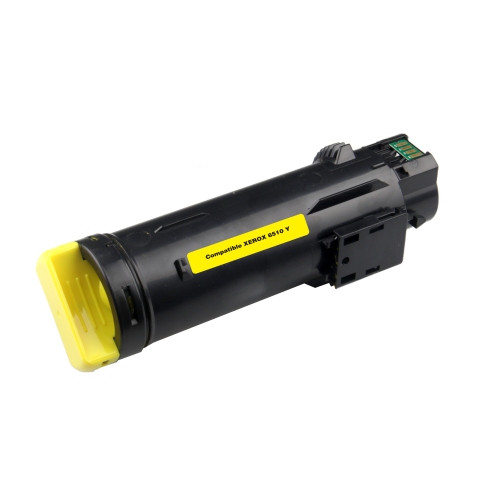
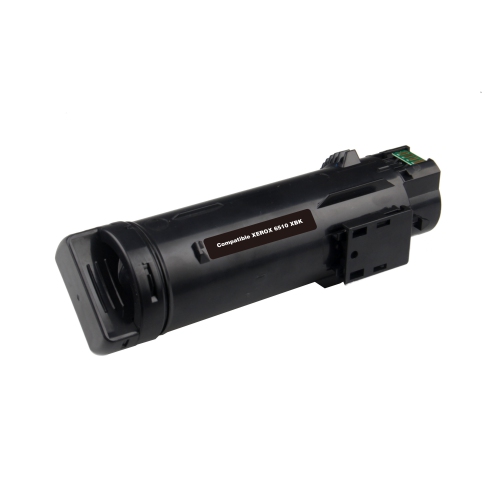
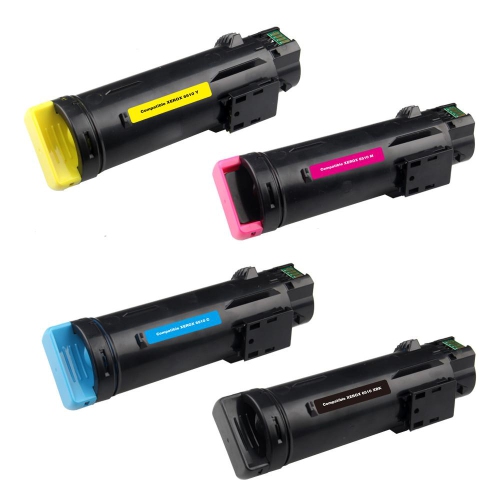
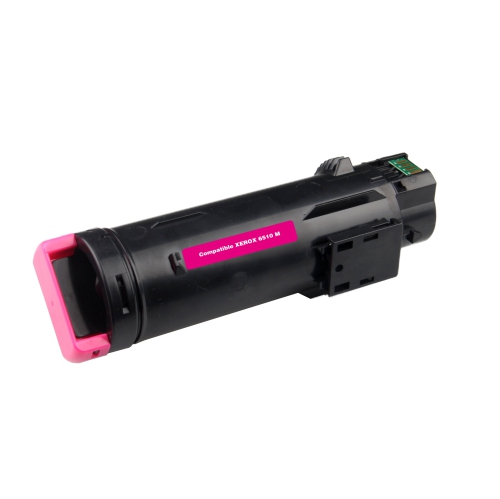
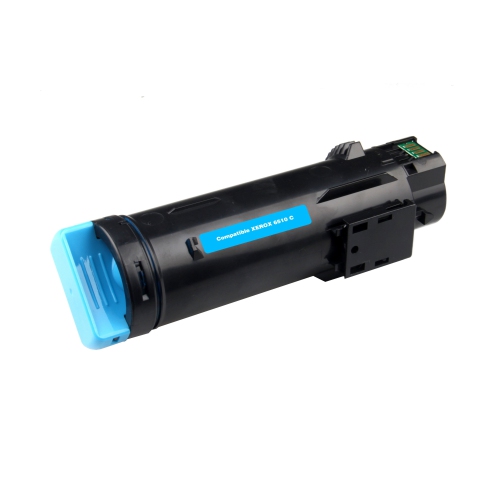
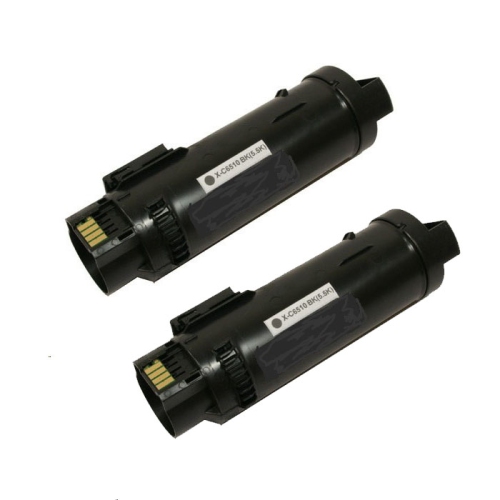
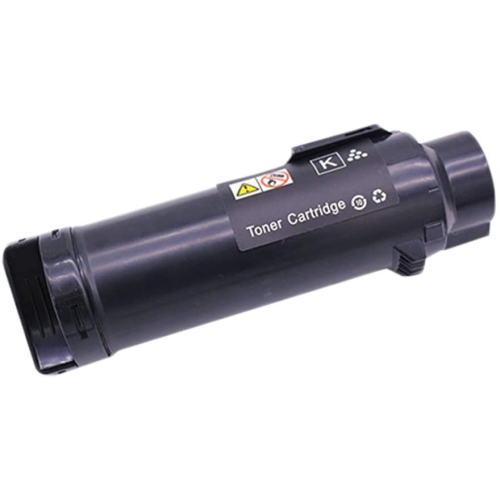
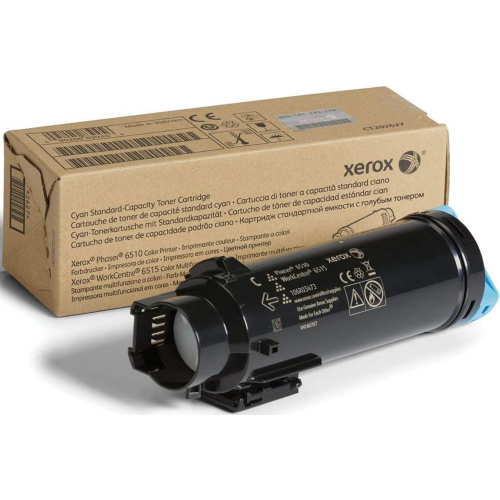
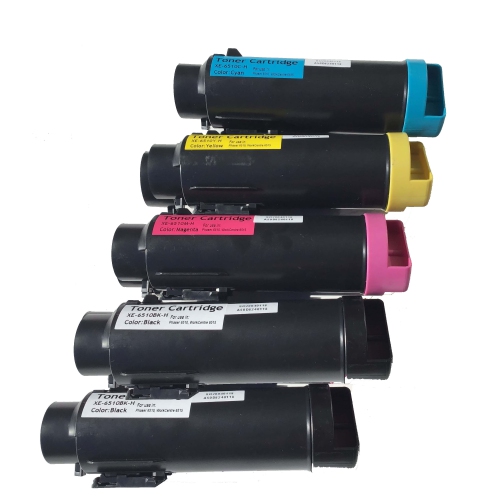
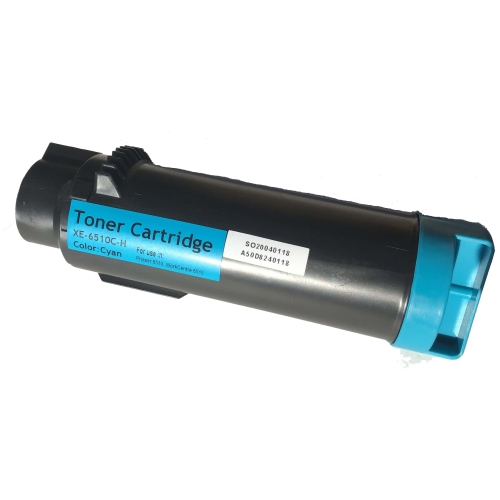
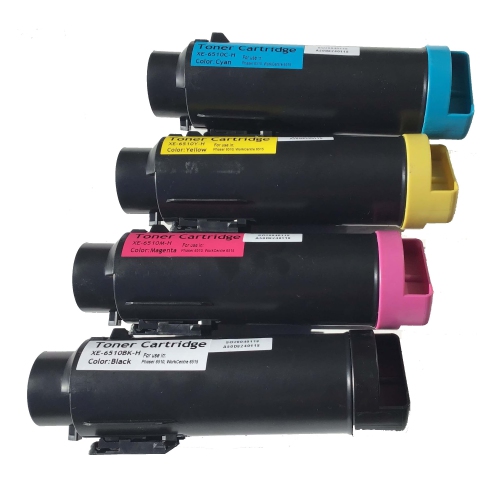
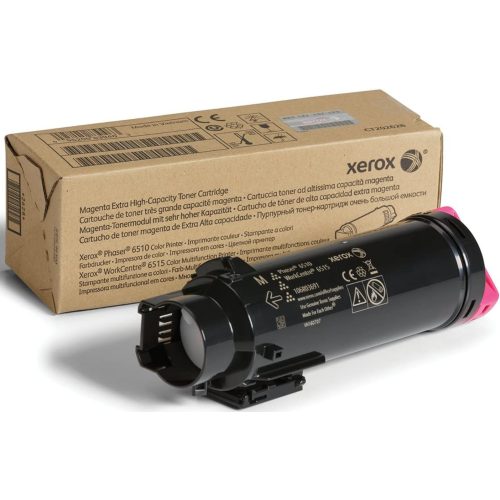
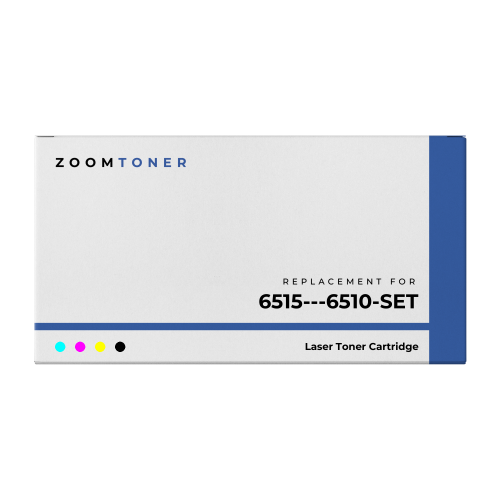
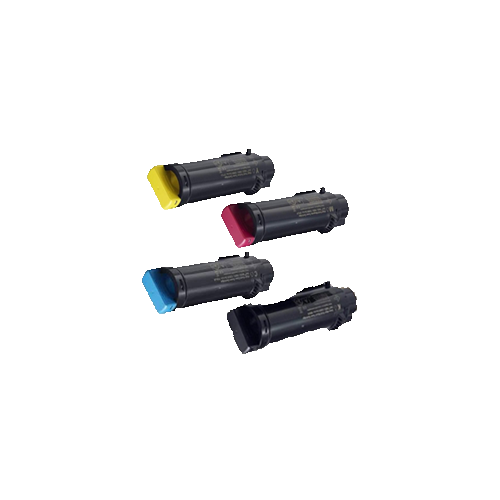
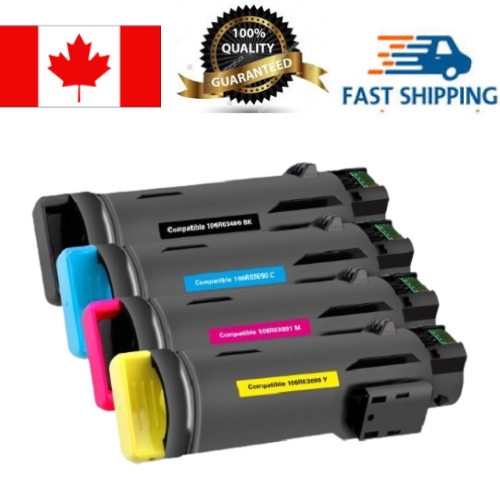
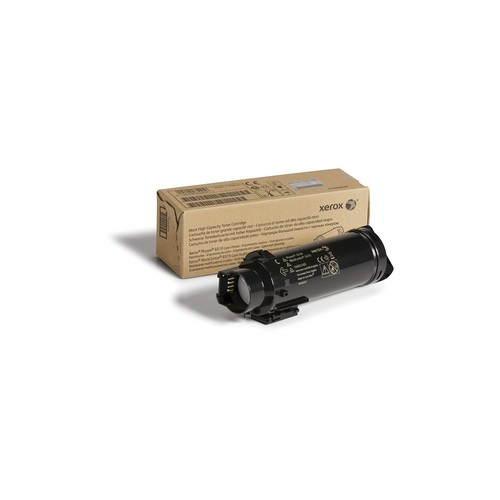
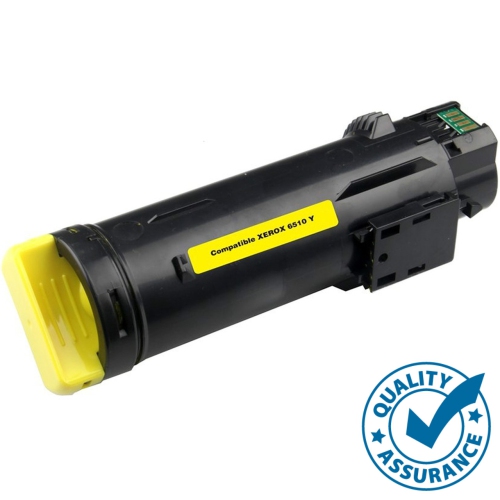
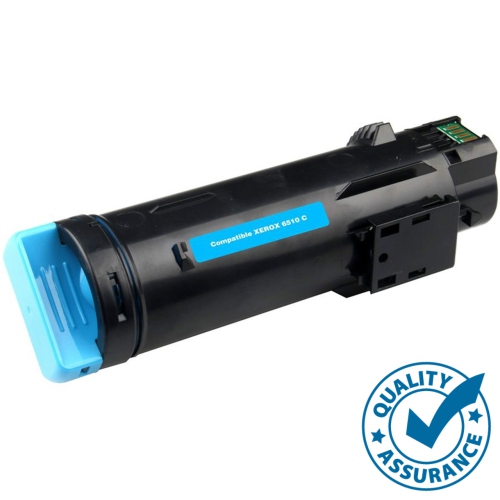
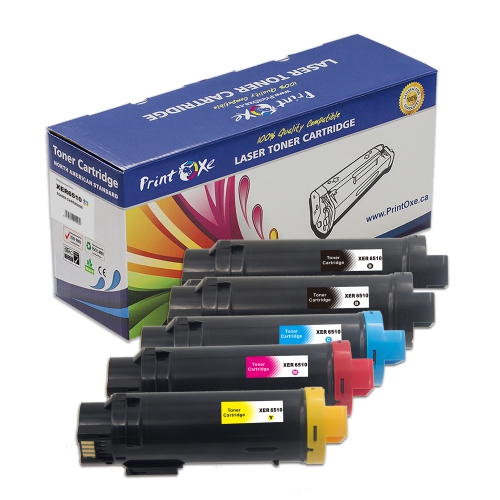
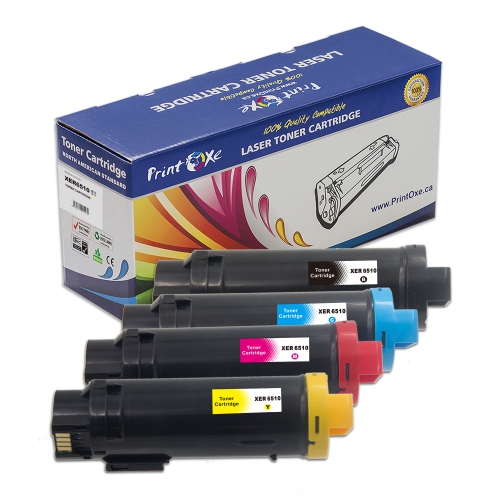
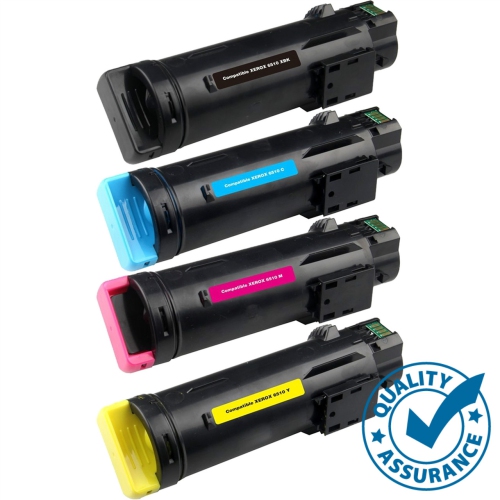
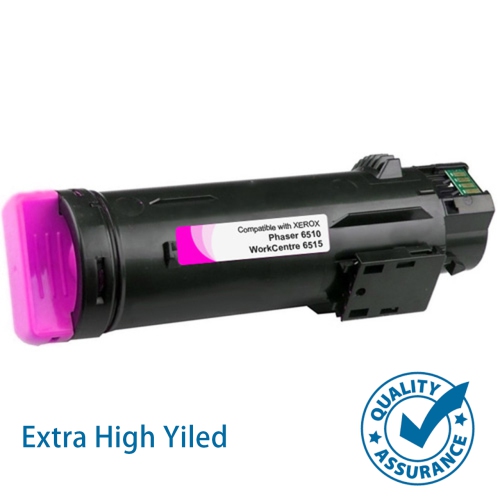
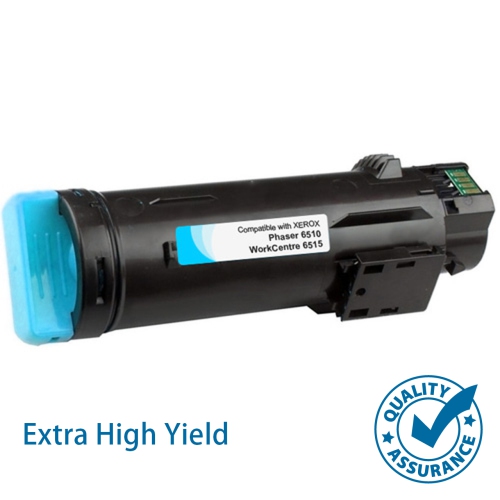
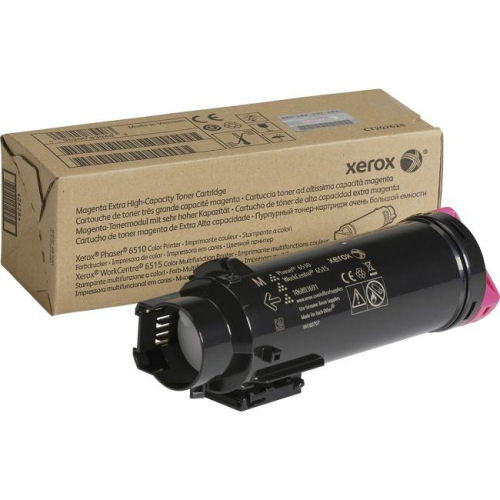
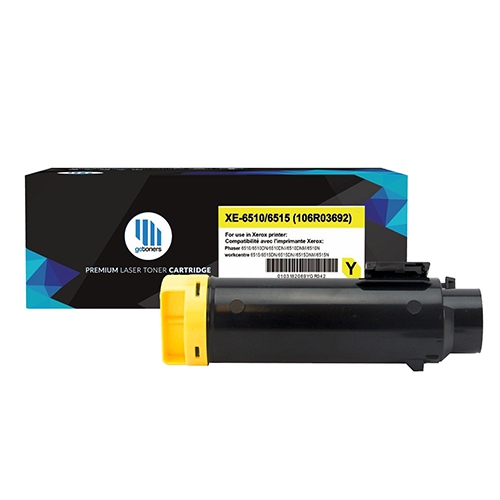
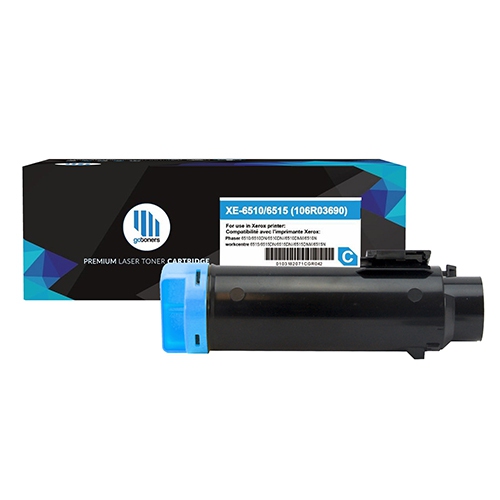
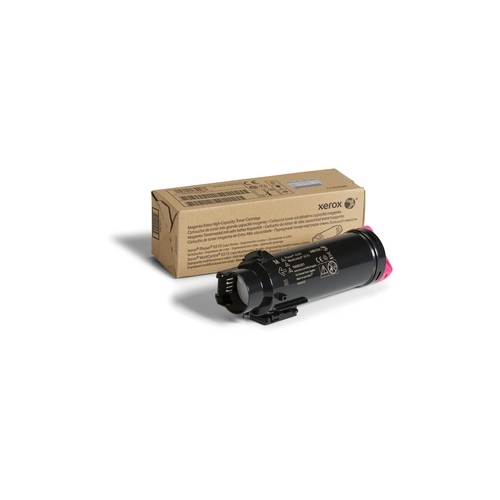
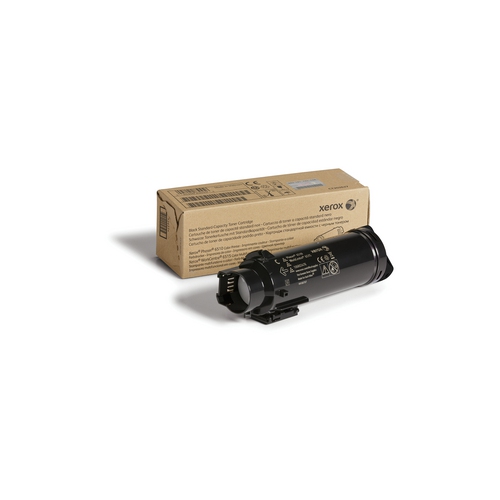
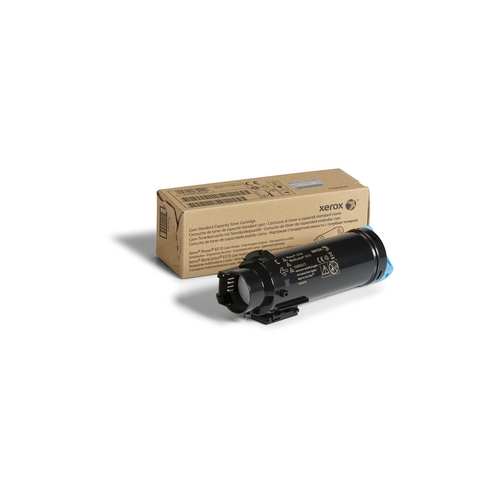
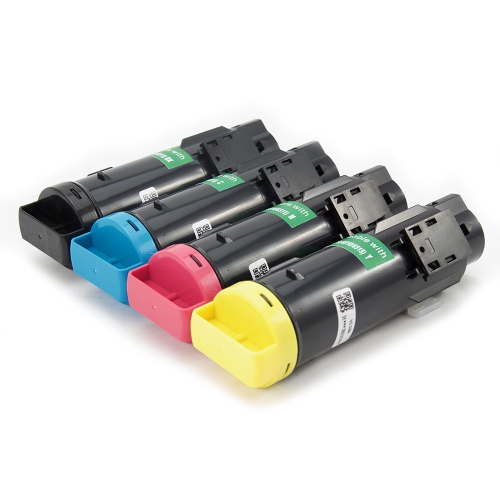
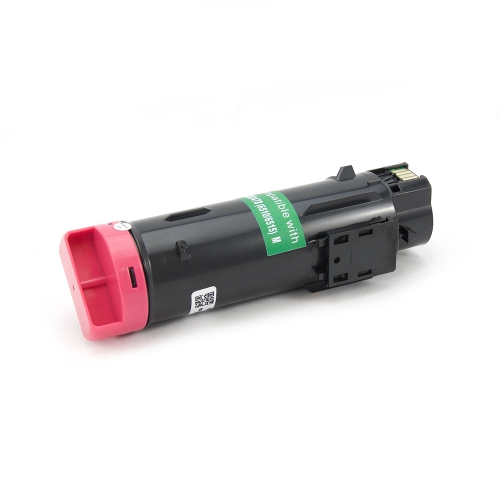
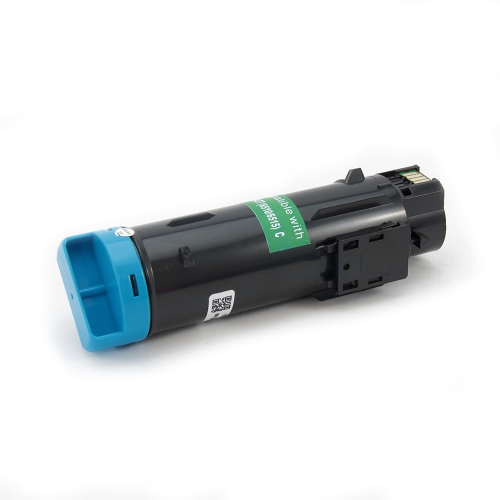
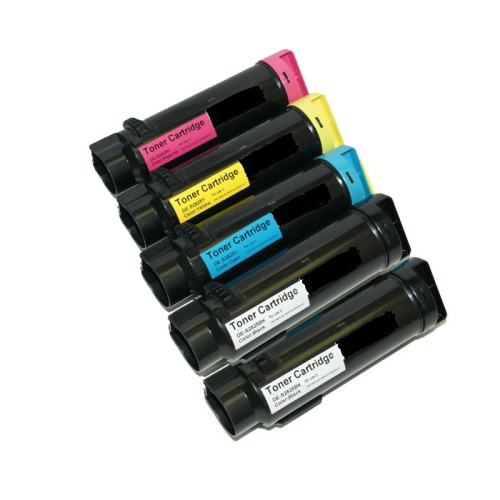
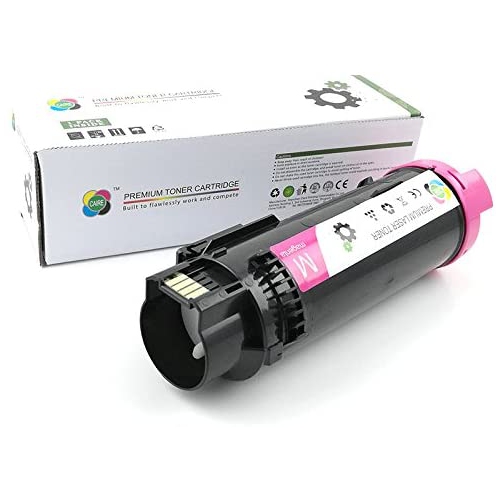
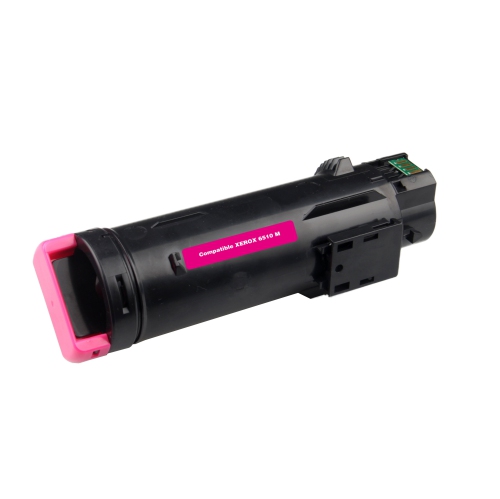
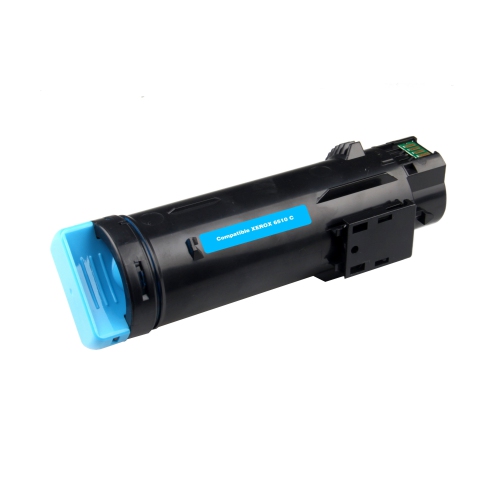
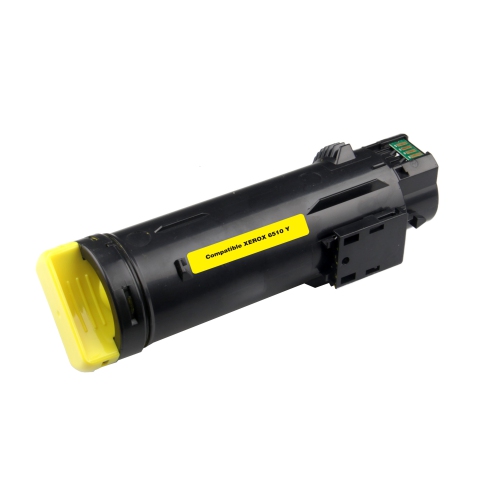
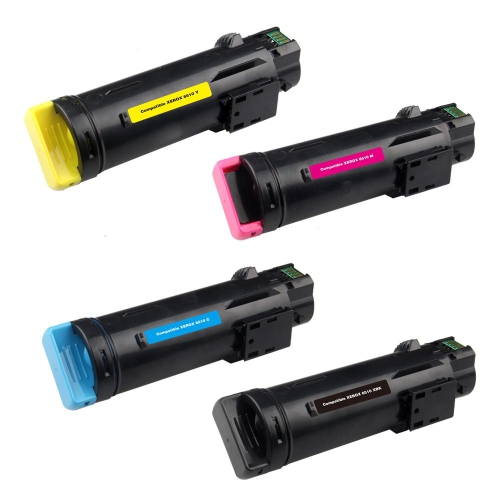
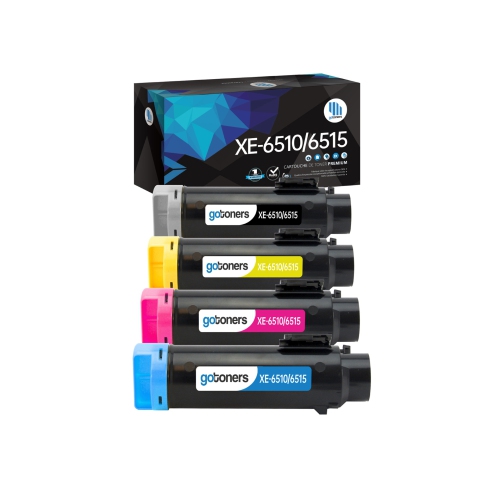
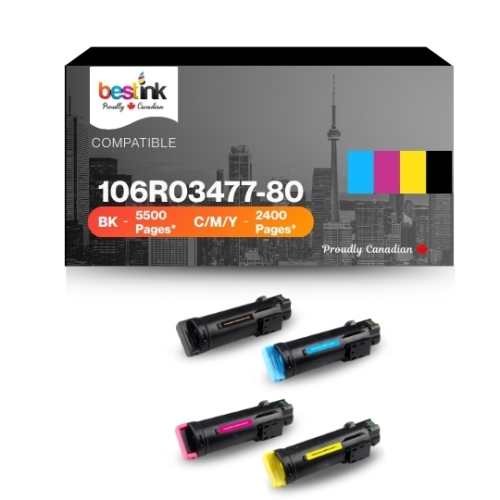
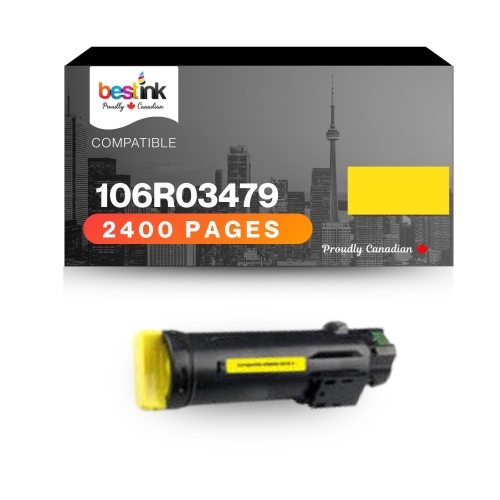
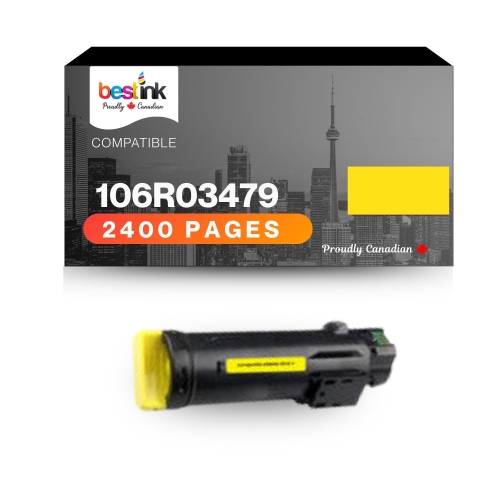
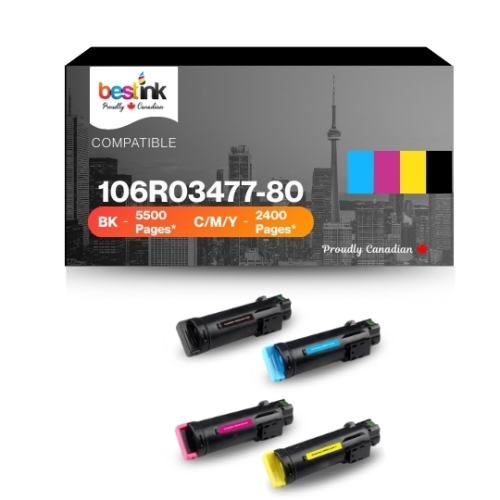
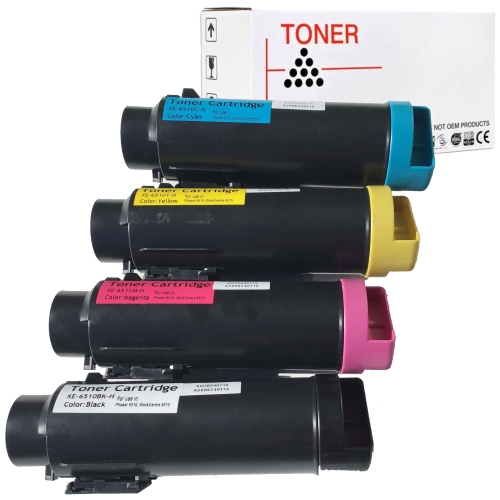
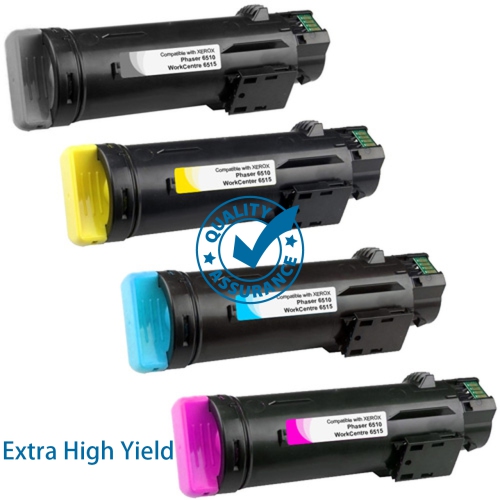
Find Xerox 6515 toners for your Xerox WorkCentre 6515 printer, whether you need to replace a single colour or stock up on toner cartridges. Compare cartridge colours, page yields, and compatibility details to choose the right replacement for your printing needs.
Read More

Sort

How toner turns fine powder into sharp documents

Toner cartridges are the working supplies behind the sharp text, defined graphics, and consistent colour expected from a colour laser or LED multifunction printer. Unlike liquid ink, toner is a fine powder made with pigments, resins, and other ingredients suited to the printer’s imaging and fusing process. The printer places that powder onto the page and bonds it to the paper with heat, producing documents that can move straight from the output tray into a folder, presentation binder, or mailing envelope. A colour printing system typically uses black, cyan, magenta, and yellow cartridges, combining those colours to reproduce everything from a small company logo to a full-page chart. Black toner handles much of the everyday workload: invoices, correspondence, shipping paperwork, meeting agendas, and pages of text. Colour toner adds clarity when a document depends on visual distinctions, such as separate lines on a sales graph, highlighted sections in a training handout, or photographs in a property listing. These supplies suit home offices, administrative teams, small businesses, and shared workspaces where printed information still has a practical role. A bookkeeper may need clean figures that remain easy to read in a dense table, while a consultant may want a proposal with balanced colour and crisp headings. Teachers and tutors can use colour to distinguish diagrams and exercises without making every page a full-colour image. The cartridge is only one part of the result, however. Paper suitable for laser printing, the document’s original image quality, and the selected print settings all influence the finished page. Ordinary office paper is often sufficient for correspondence and working copies, while a compatible heavier sheet can give a client-facing document a more substantial feel. Toner-based output is useful for frequently handled paperwork because it does not need the drying time associated with wet ink, although the durability of the finished print still depends on proper fusing, suitable paper, and how the document is stored and handled.
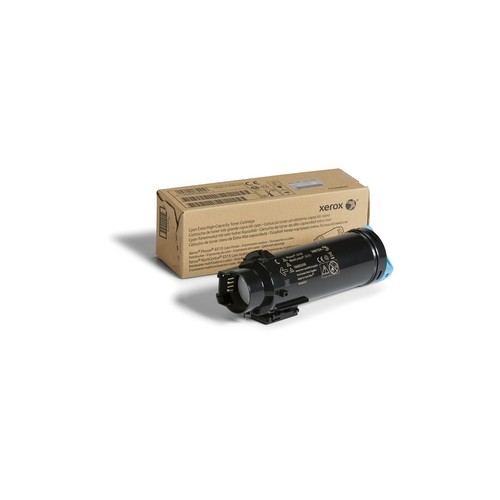
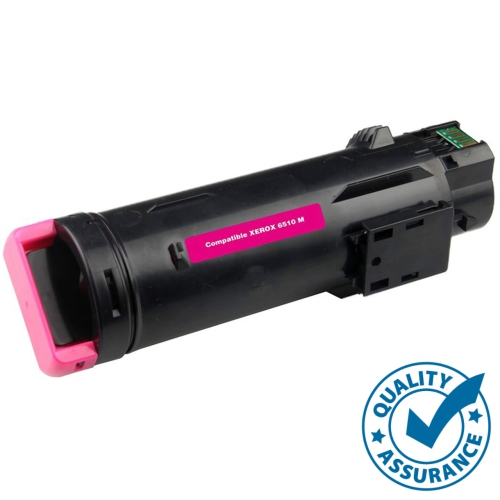
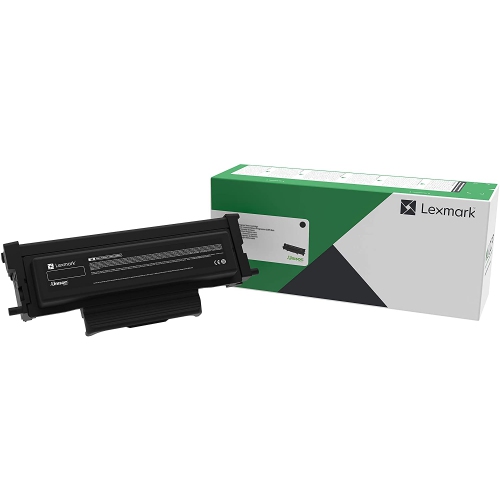
Cartridge fit matters more than outward appearance. Two toner cartridges can look similar yet differ in their housing, locating tabs, internal components, or electronic identification, so the exact printer model and the cartridge reference specified for it are the most reliable starting points. A shared series name alone may not establish compatibility, particularly when nearby models use different supplies. The colour designation also matters: black, cyan, magenta, and yellow cartridges occupy their own positions and are not interchangeable. Replacement toner should be distinguished from other printer supplies, such as an imaging unit, waste toner container, or maintenance component; those parts serve different purposes and are replaced according to the printer’s own requirements. Some cartridge families include standard-yield and higher-yield versions, with the latter intended to support more printed pages before replacement. The stated page yield is an estimate based on defined test conditions, not a promise that every document will use the same amount of toner. A short letter with a small logo places different demands on a cartridge than a presentation filled with shaded backgrounds, photographs, and large colour blocks. Print volume is therefore only part of the picture. Document coverage, the balance between black and colour printing, and the way colour is used throughout a file all help explain why cartridges may reach replacement at different times. An office printing mostly contracts may use black toner more quickly, while a team producing illustrated handouts may place greater demands on the colour cartridges. Original and third-party compatible cartridges may differ in formulation, construction, printer recognition, and support arrangements, so compatibility statements and installation requirements deserve close attention. Offices that use several printer families may also need Lexmark Toner for a separate compatible device; supplies intended for another printer family should never be treated as substitutes simply because they contain the same toner colours. Clearly identifying which cartridge belongs to which printer helps prevent confusion in a shared supply cupboard, especially when several people handle replacements.

Careful storage and handling help keep toner cartridges ready for dependable use. An unopened cartridge is best kept in its protective packaging until installation, in a dry location away from direct sunlight, excessive heat, and accidental knocks. The cartridge housing protects a finely engineered supply system, so damaged packaging or a cracked casing warrants attention before the cartridge goes into the printer. During installation, following the printer manufacturer’s directions is important: protective seals, shipping pieces, and any preparation steps vary by cartridge design. Grasping the designated handle rather than touching exposed contacts or sensitive surfaces helps avoid unnecessary contamination. Toner powder should remain contained, and any spill should be dealt with using the manufacturer’s recommended procedure rather than blown into the air. Once installed, a cartridge should sit securely in its assigned position without being forced. Printer messages can help distinguish a low-toner warning from a cartridge-recognition issue or a separate maintenance requirement, but the printed page also provides useful clues. Faint text, streaks, uneven colour, or marks that repeat at regular intervals can have several causes, including paper, imaging components, or the fusing system, rather than toner alone. Checking the printer’s maintenance information can prevent replacing the wrong component. For everyday use, matching the print setting to the task makes the output more predictable. A draft setting may suit internal working pages, while a normal or higher-quality setting may be appropriate for a report that will be presented to a client. Selecting black-and-white output for documents that do not need colour can also help reserve colour toner for pages where it adds meaning, though the printer’s specific behaviour depends on its settings and design. The aim is consistent, readable output suited to the job, whether that means a stack of straightforward invoices or a carefully prepared presentation. With correctly matched cartridges, suitable paper, and routine printer care, toner supports the ordinary but important work of turning digital files into documents people can review, annotate, distribute, and keep.
Read More

FAQ

Some products may be subject to Environmental Handling Fees (EHF) depending on your province. Learn more about EHFs.