Office Workstations
Transform your office into a productivity powerhouse with our wide selection of Beautiful Work Desk. Whether you're setting up a home office or revamping your corporate space, we have the perfect workstation to suit your needs. From sleek and modern designs to spacious and functional setups, our range of workstations offers something for every style and preference. Elevate your workflow, maximize your organization, and create a professional environment that inspires success. Explore our collection of office workstations today and take the first step towards a more efficient and stylish workspace.
Sort







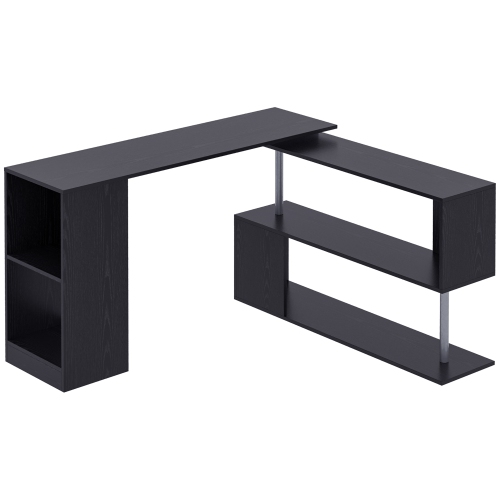

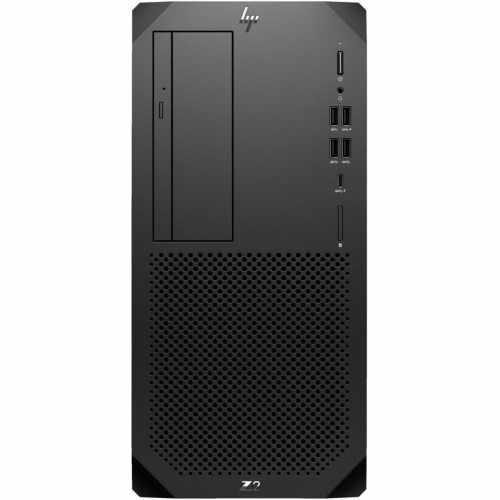
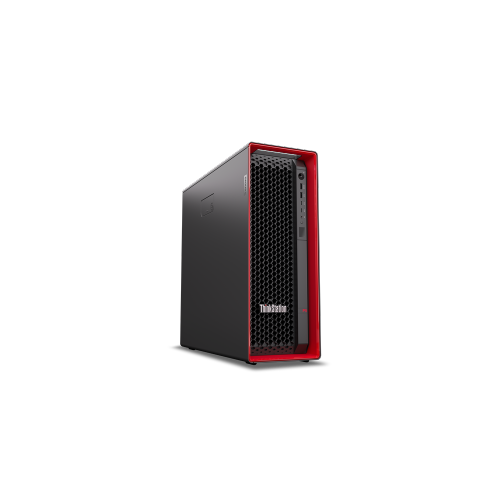
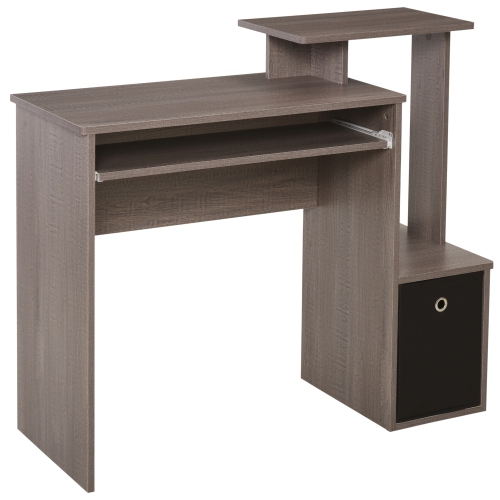

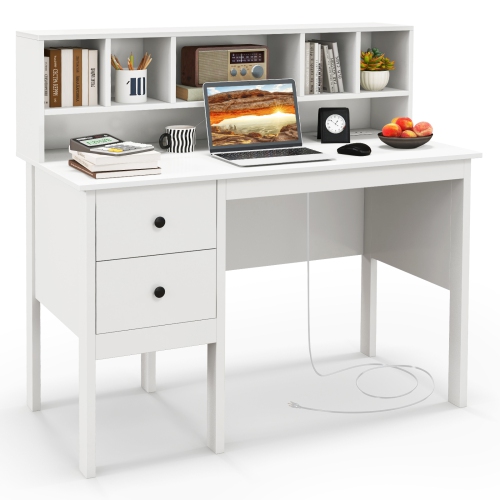
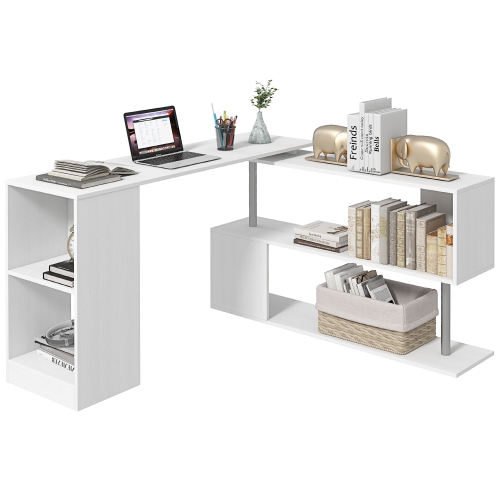
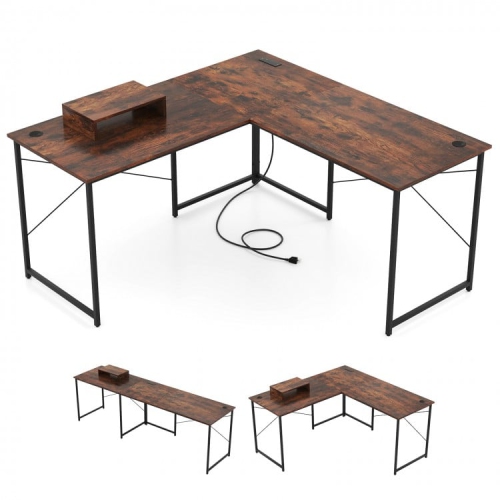
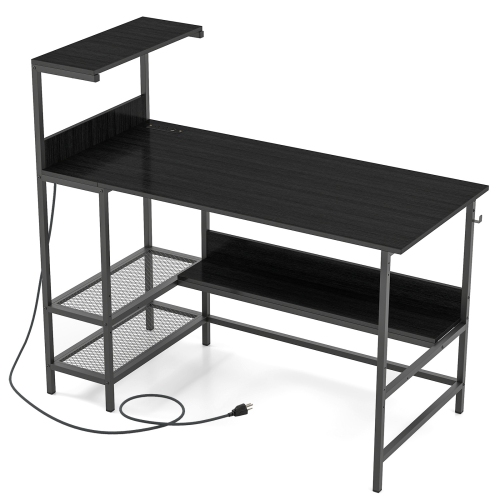
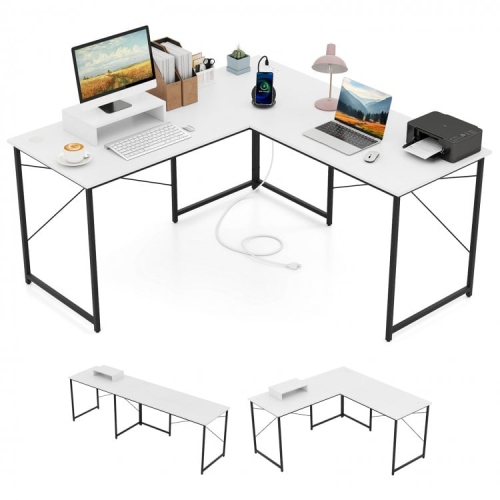
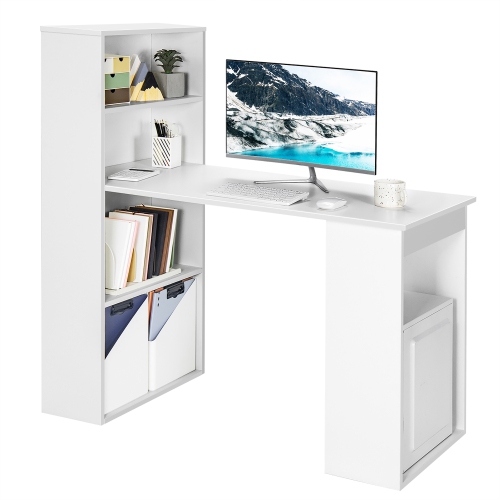
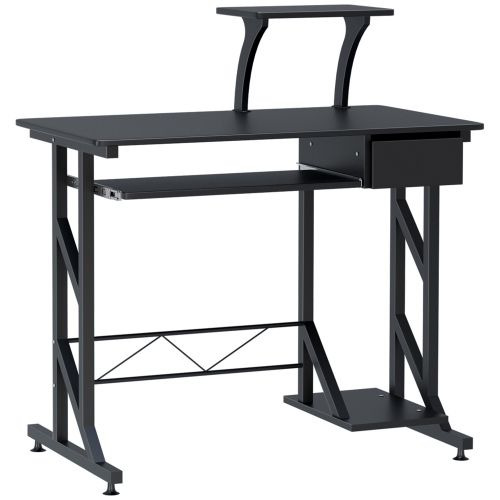
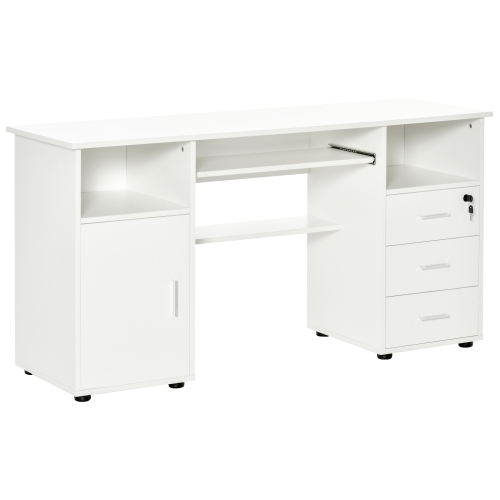
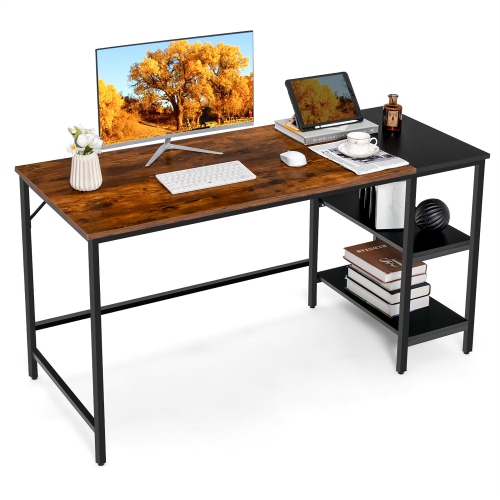
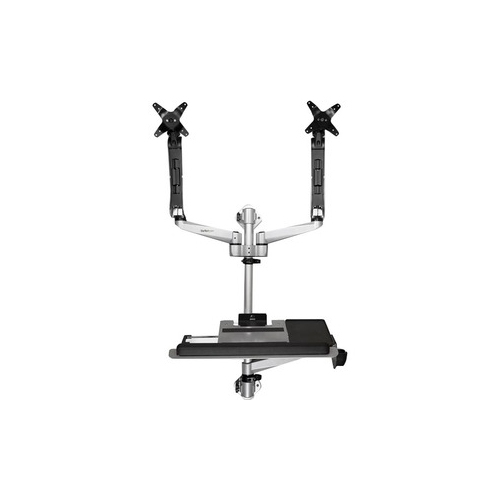
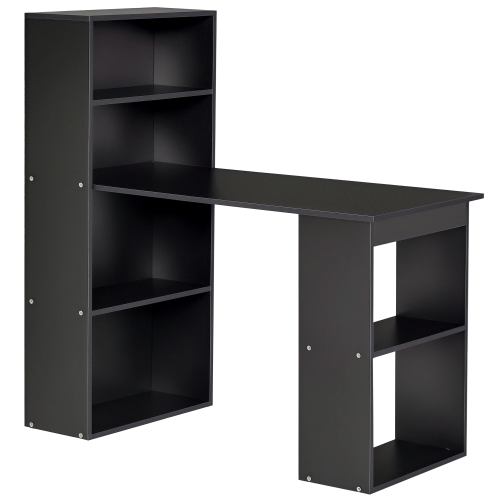
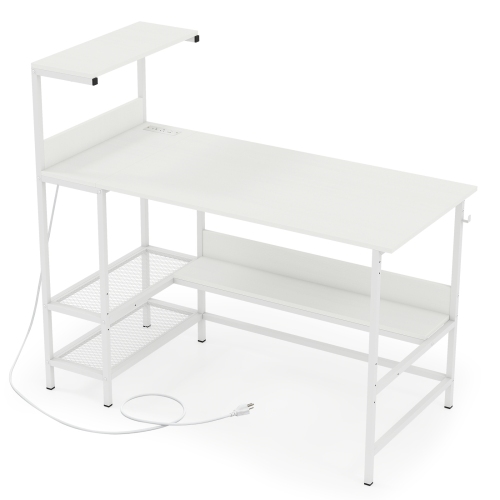
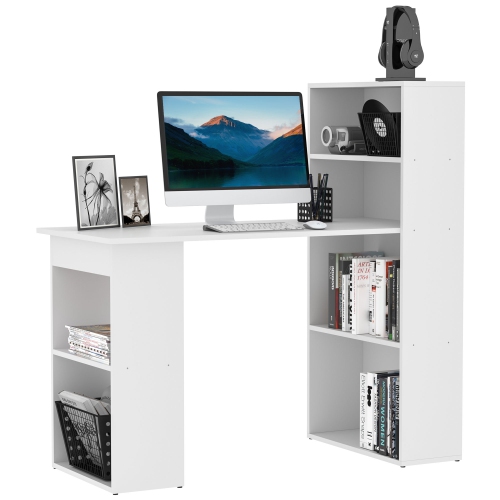
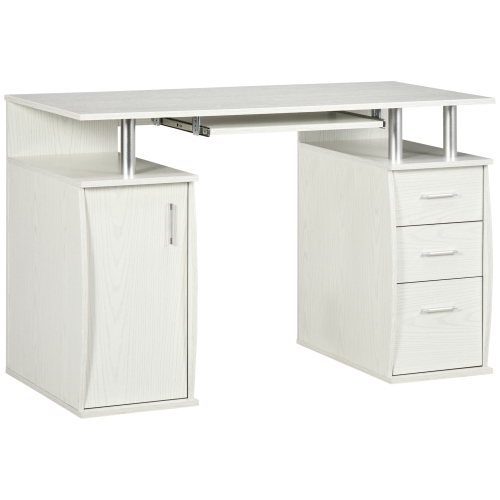
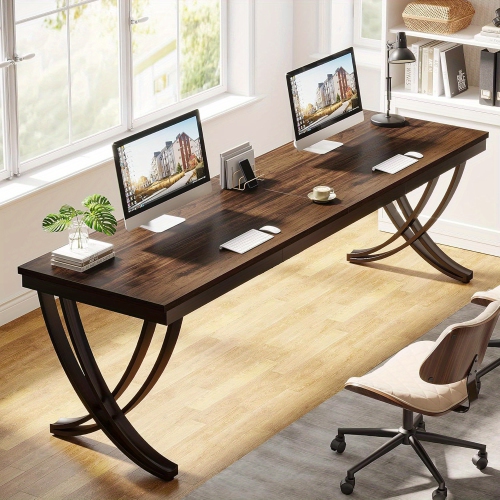
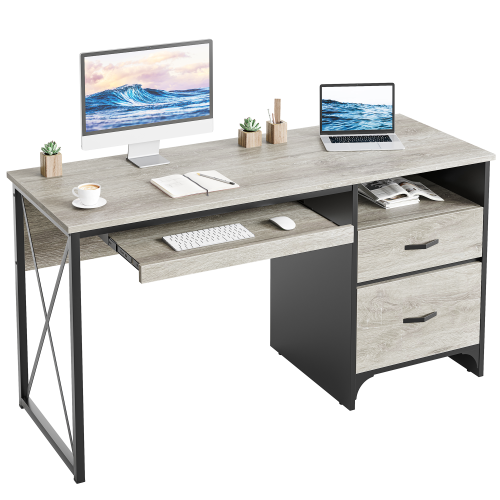


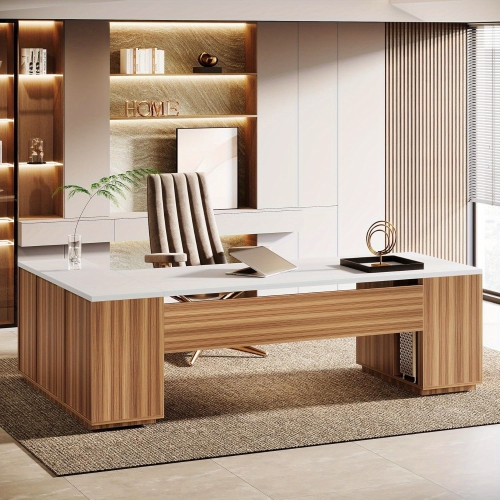


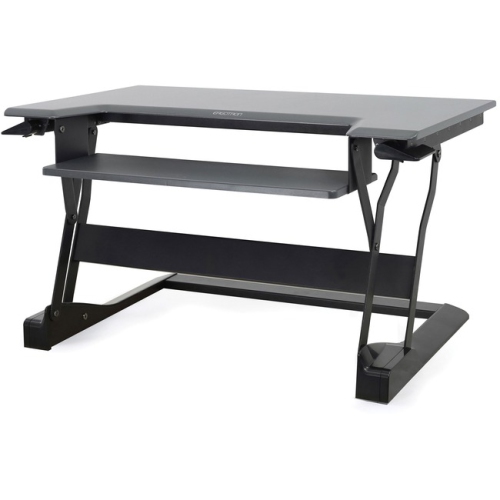
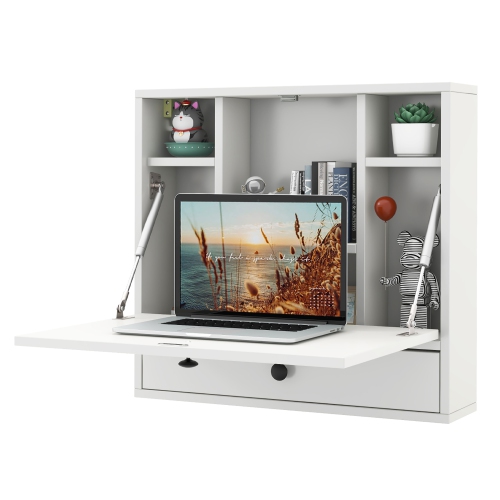
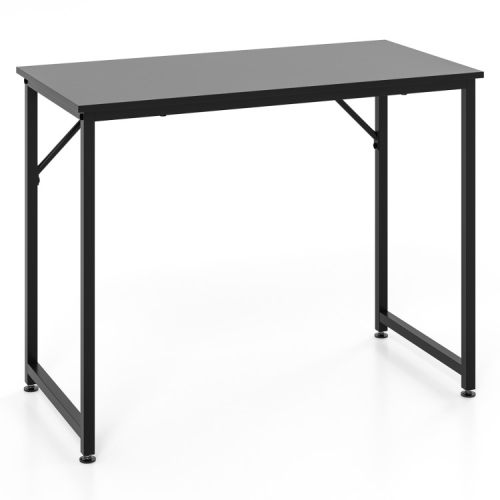
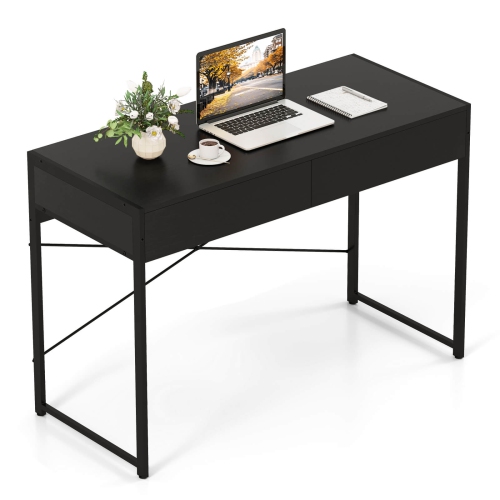
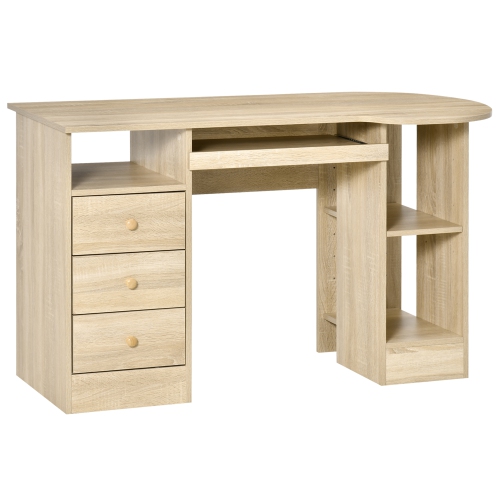
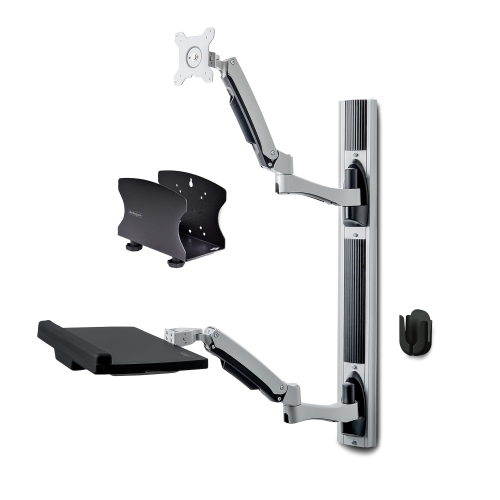
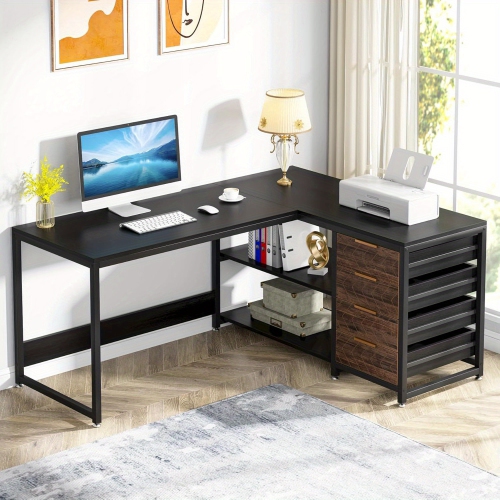
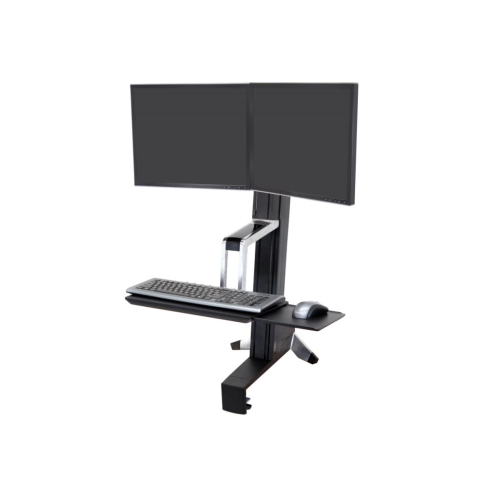

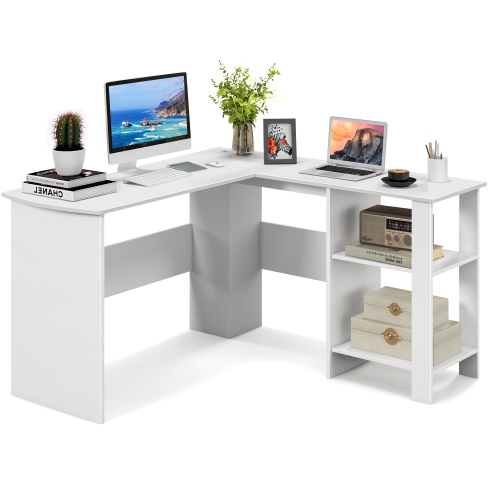
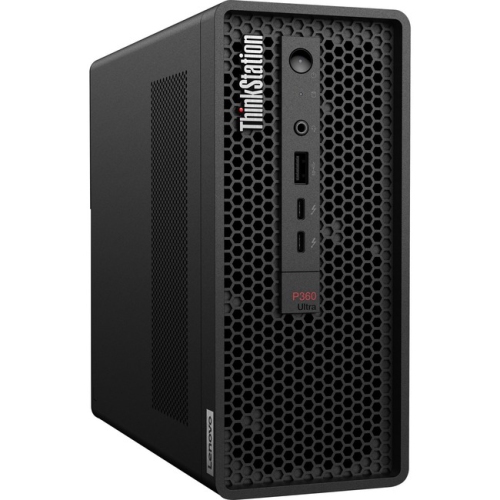
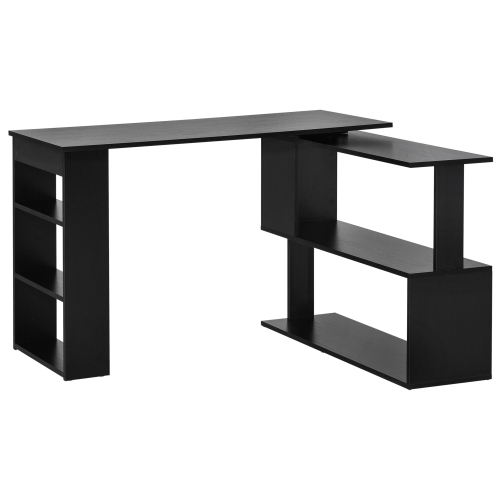

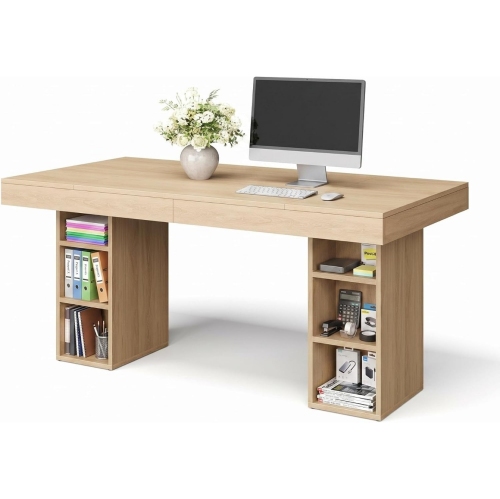
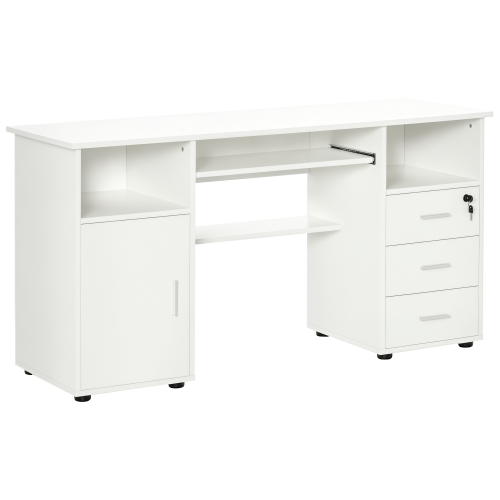
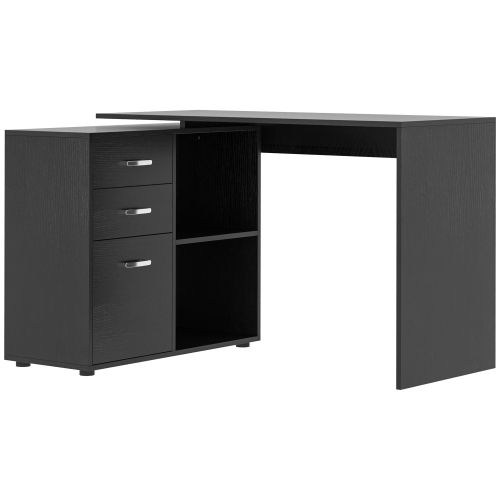
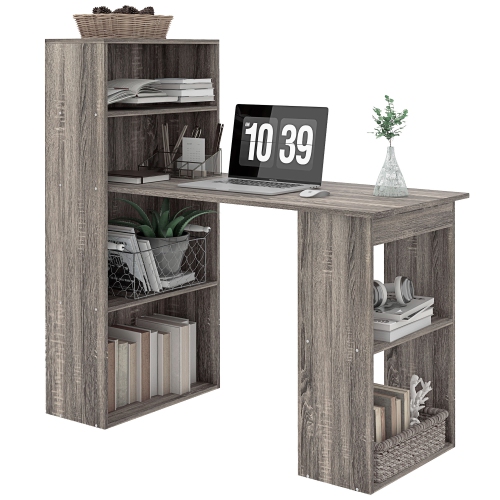



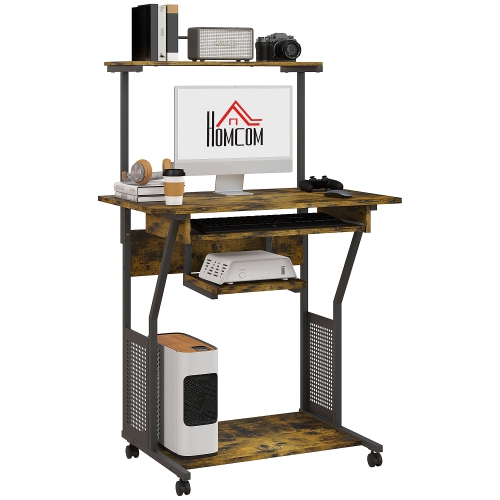
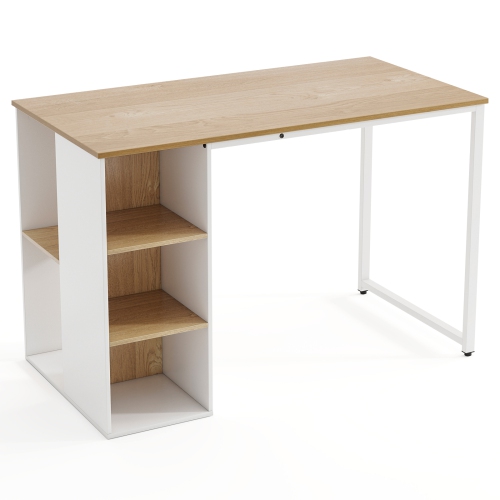
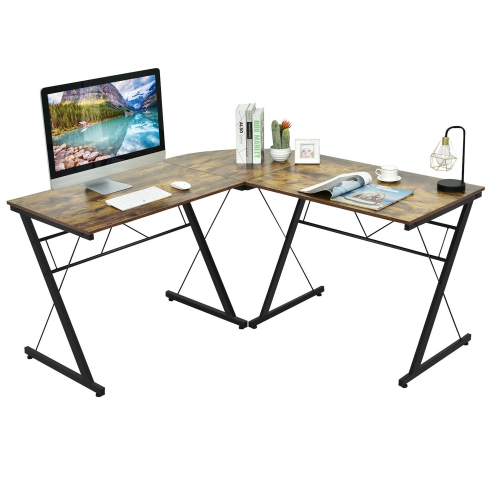
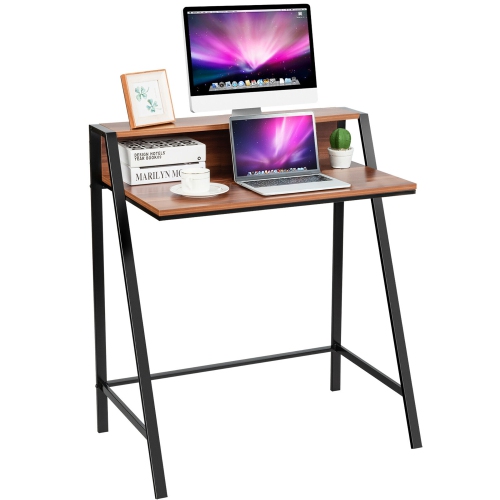

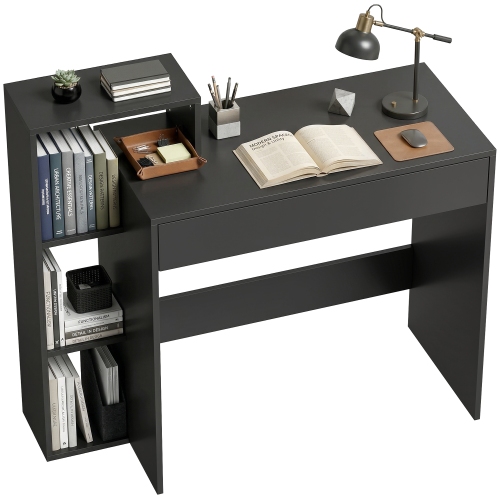
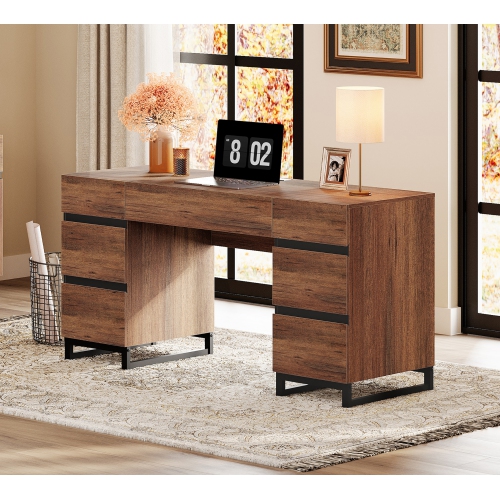
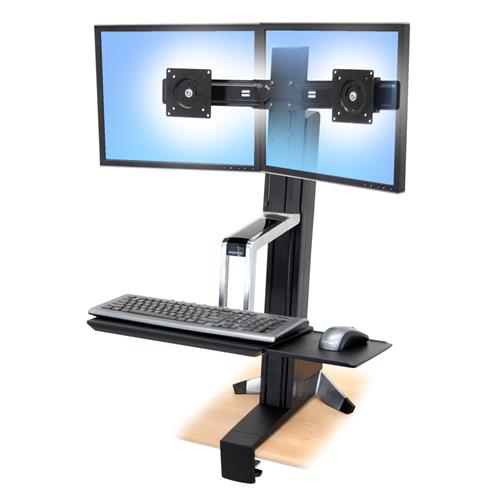
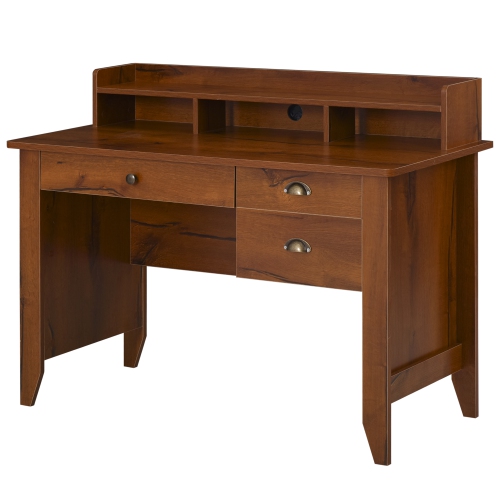
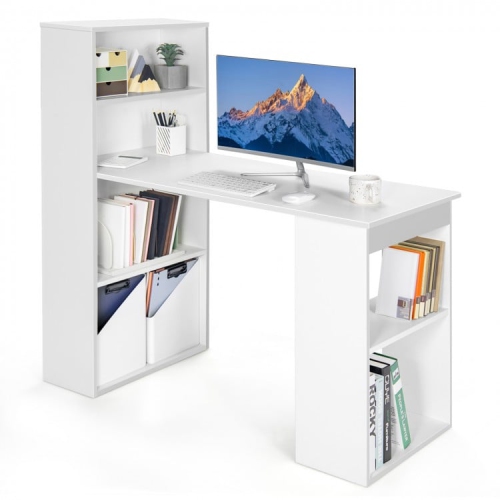

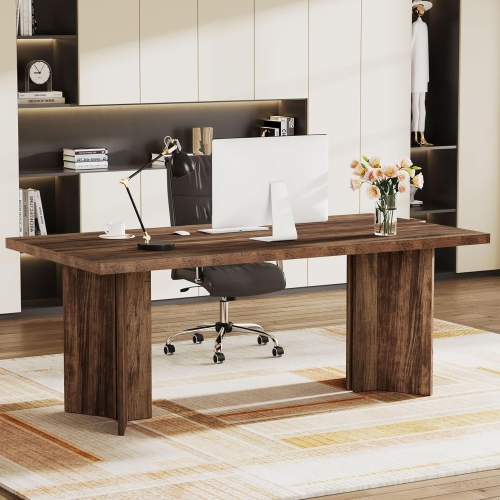
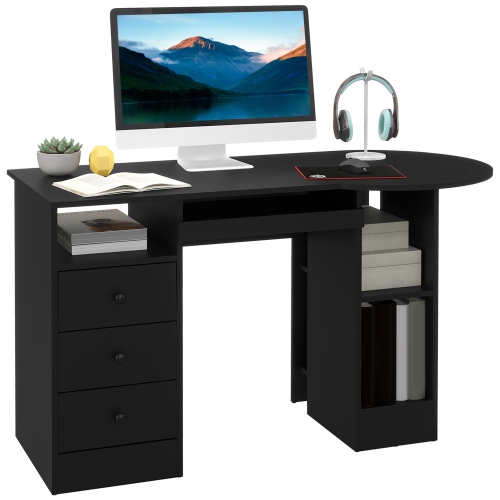

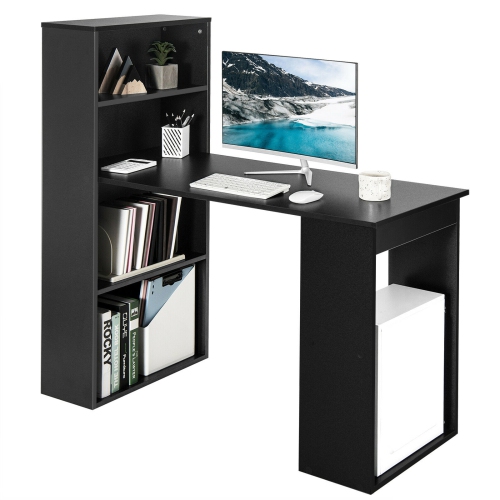

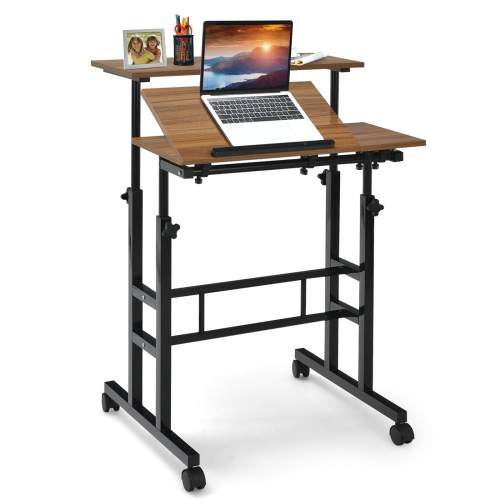
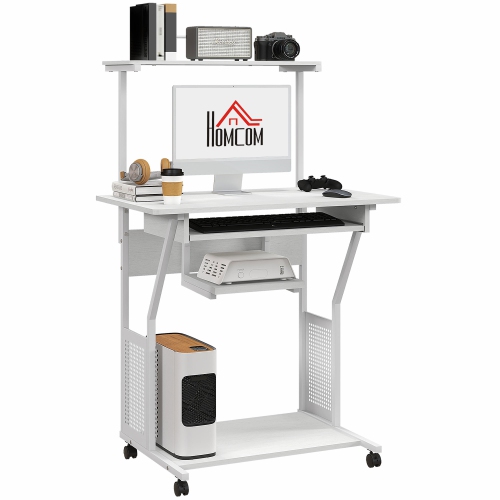
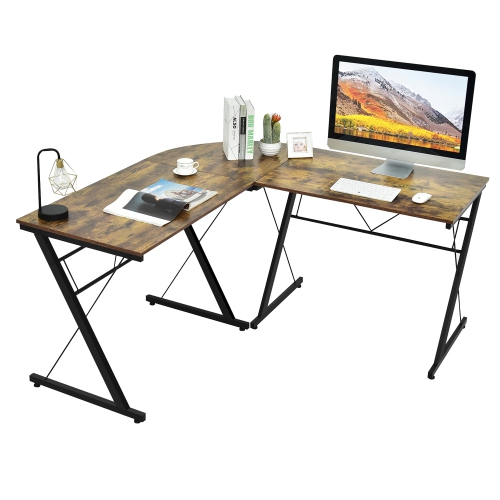


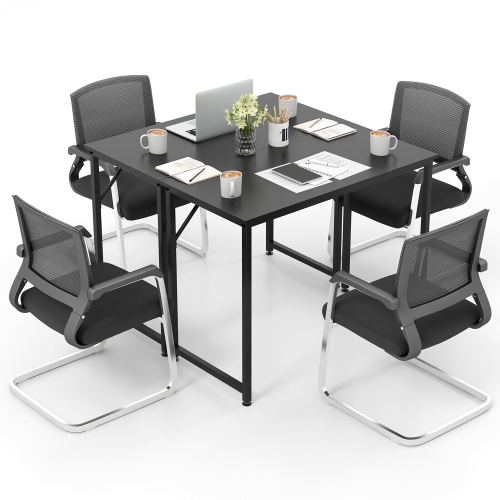


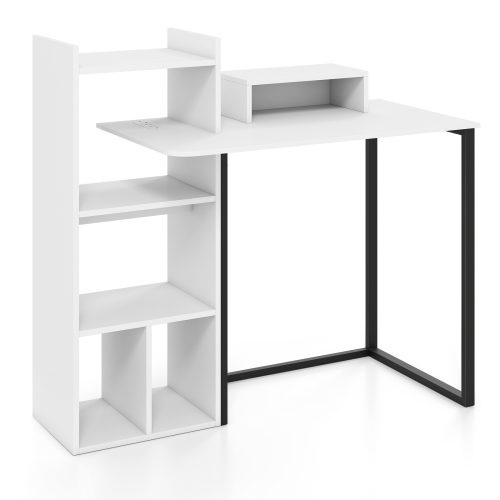

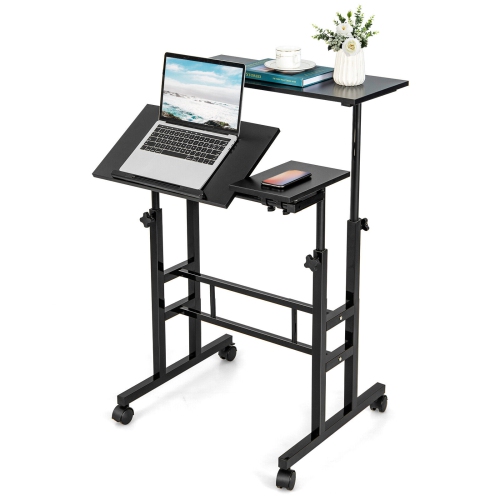

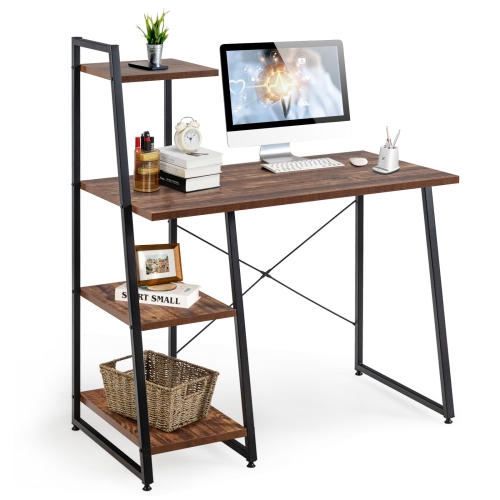
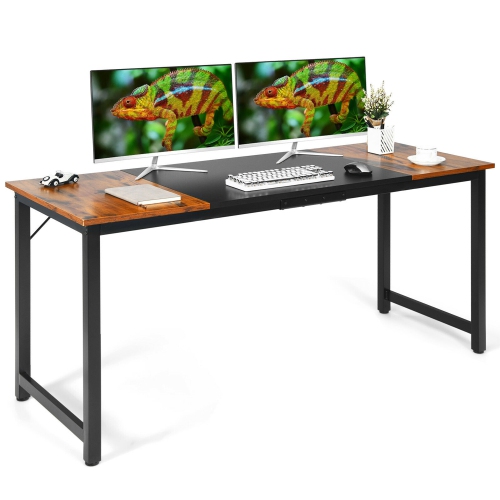

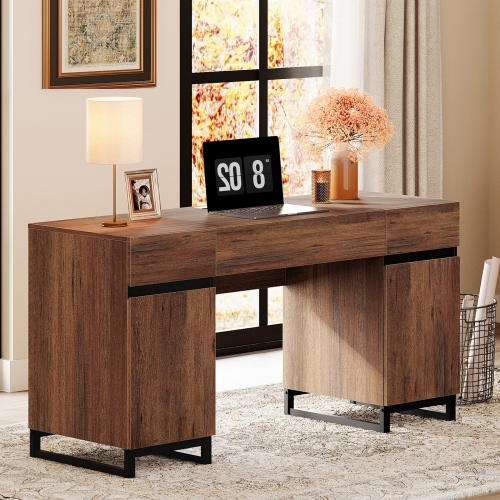
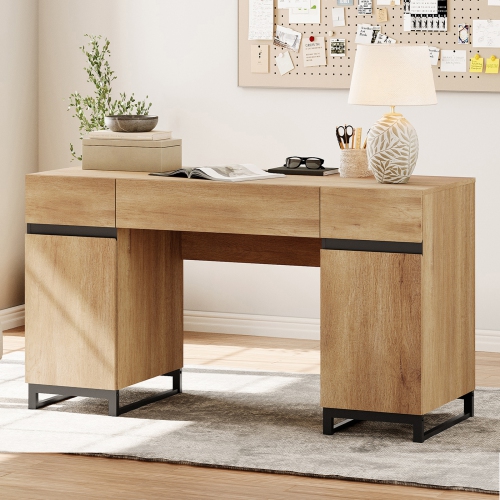
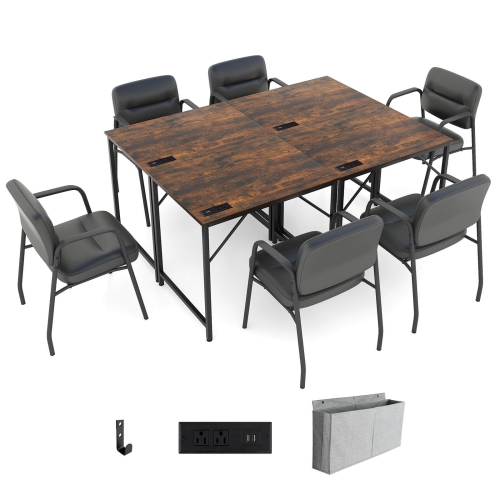

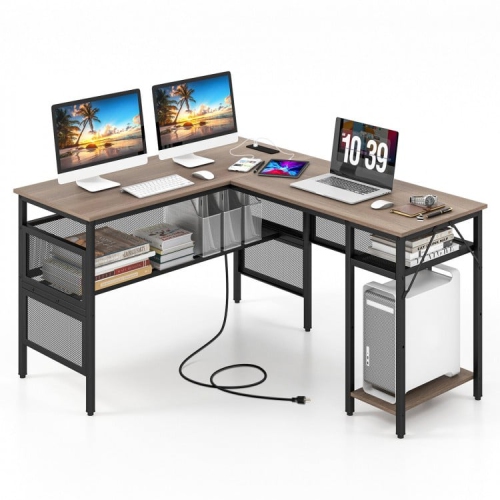
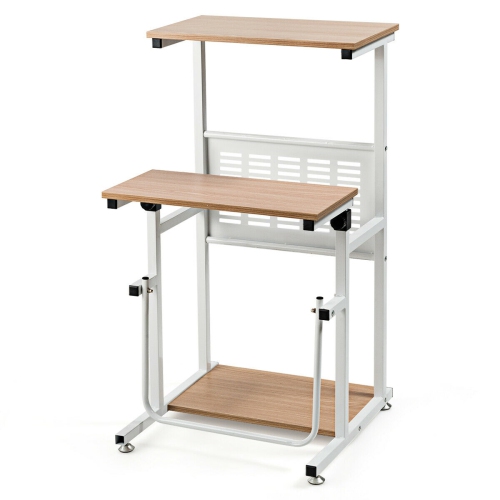
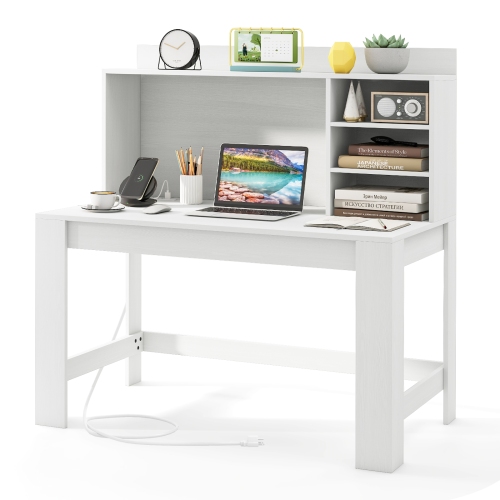
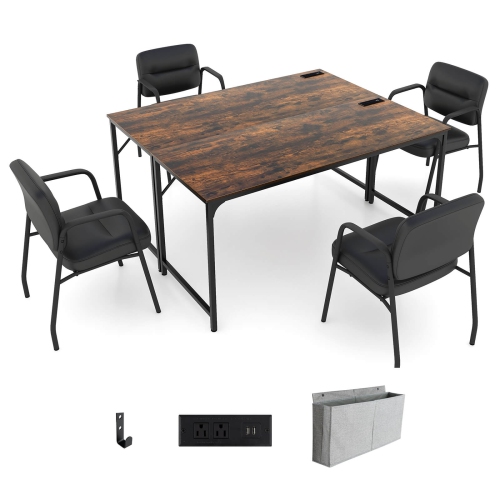
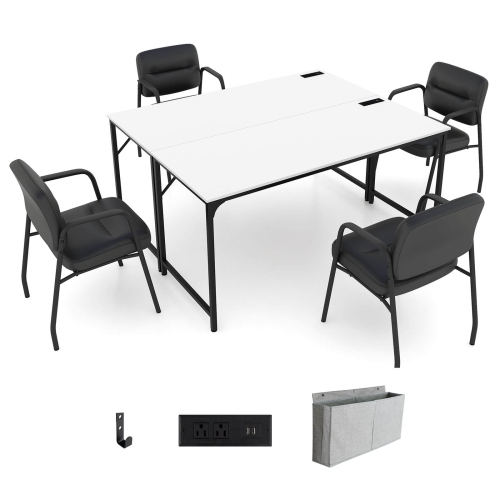
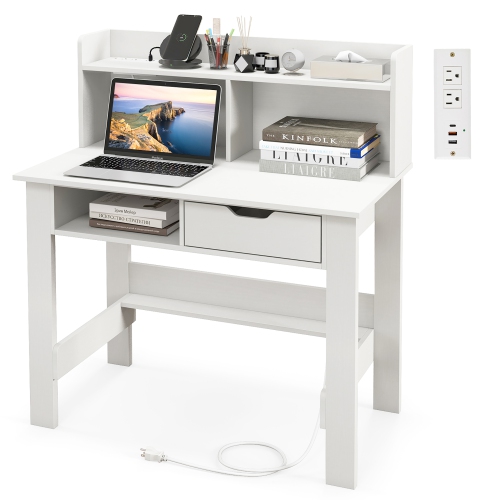
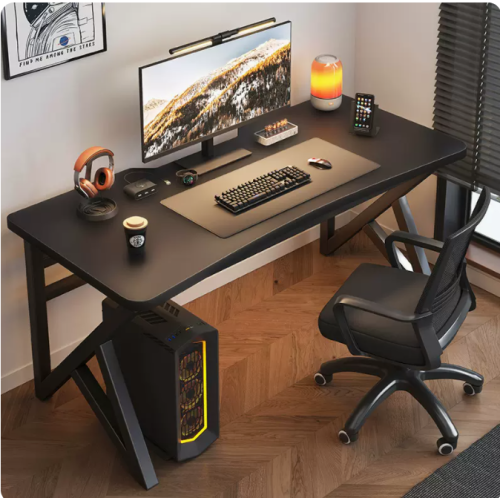
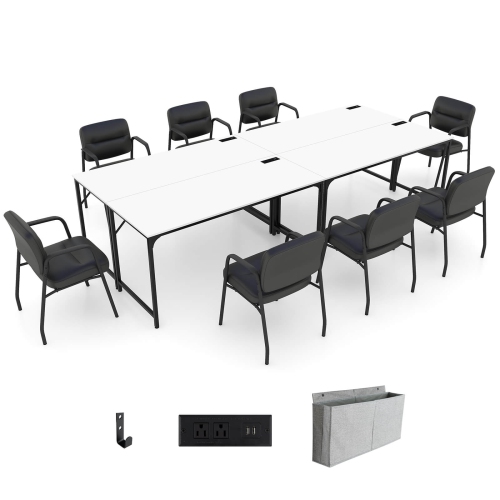
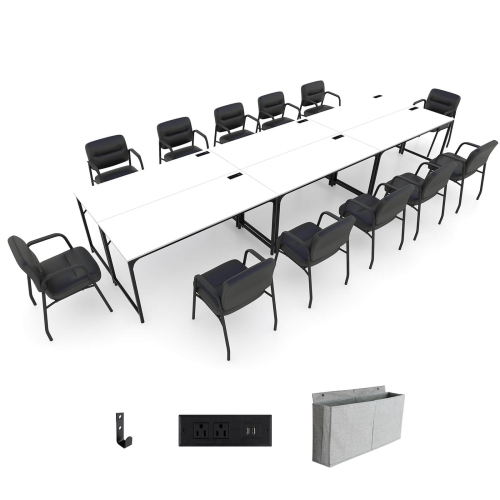
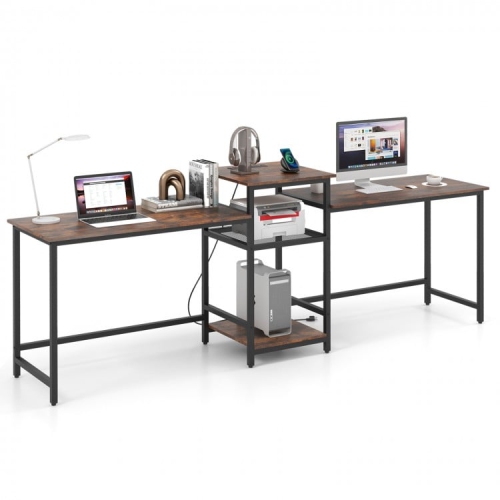
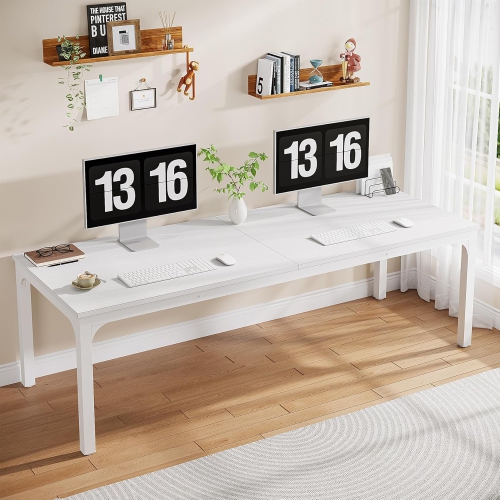
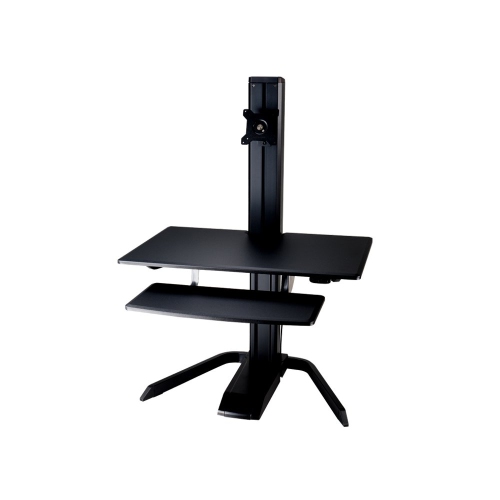
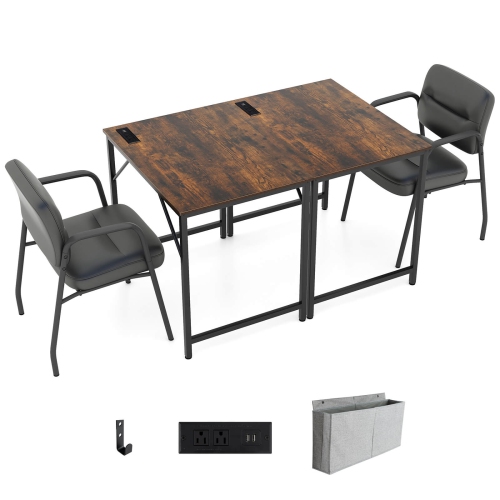
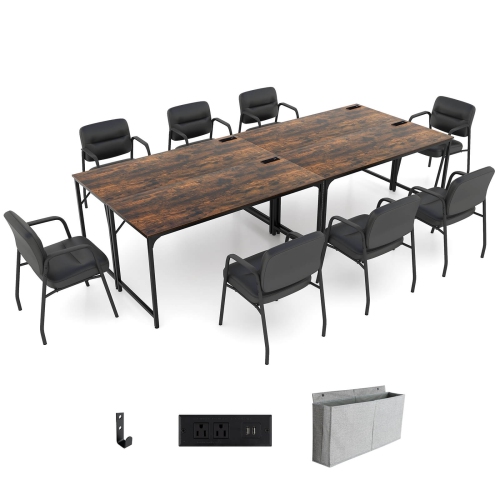

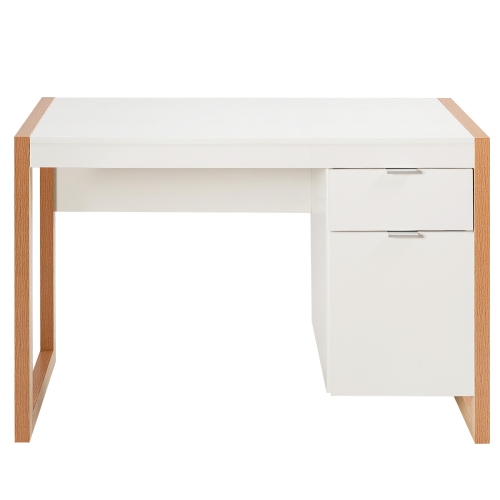

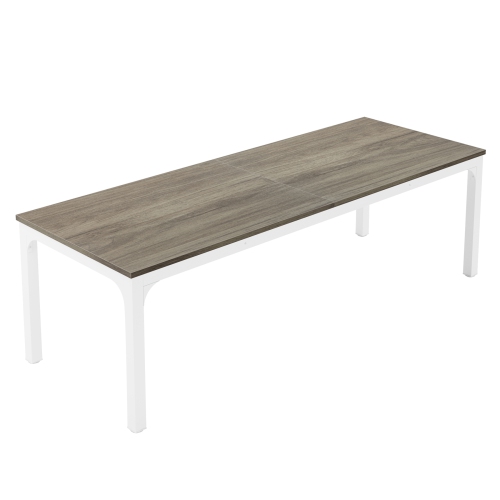
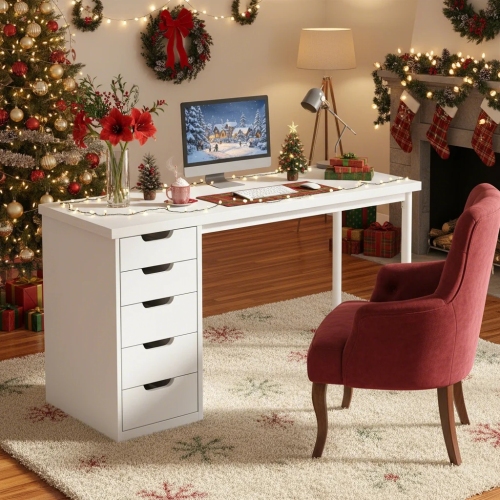










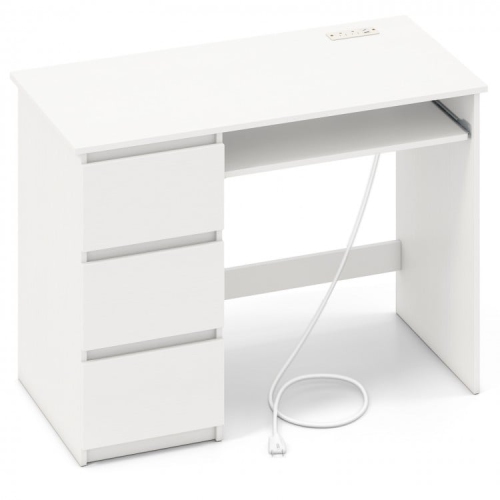
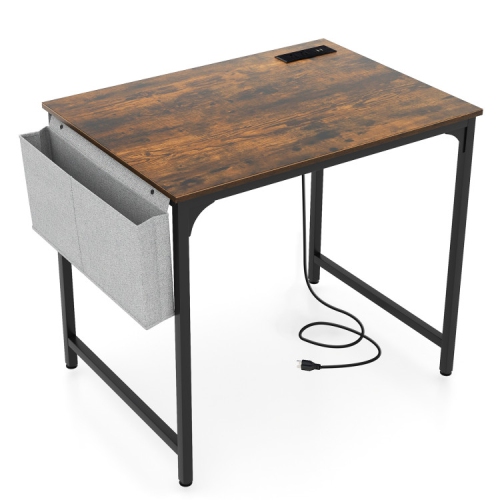
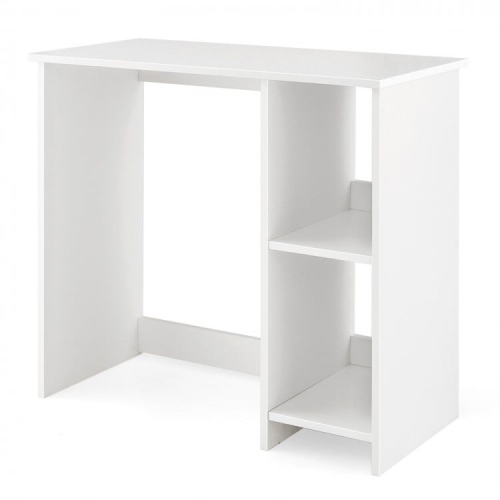
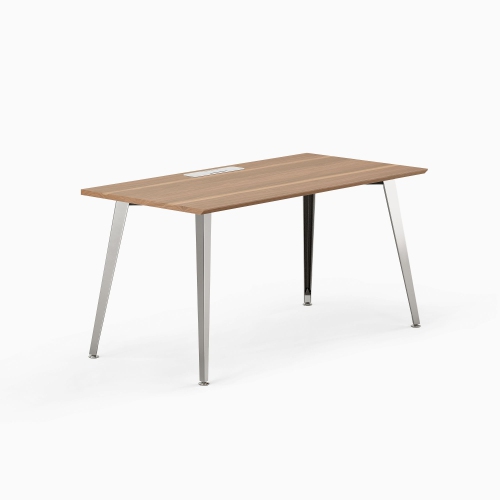
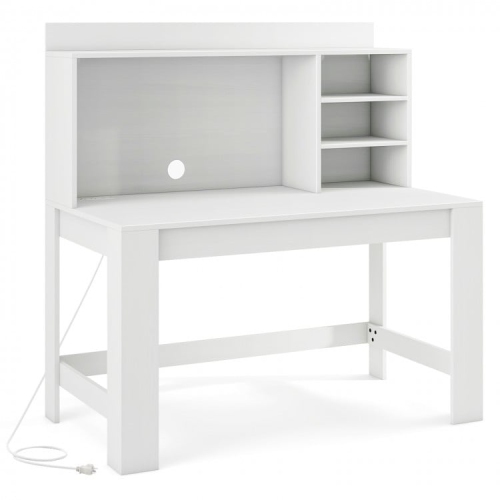
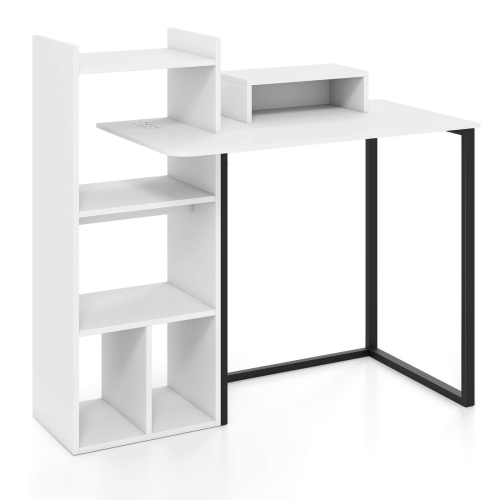
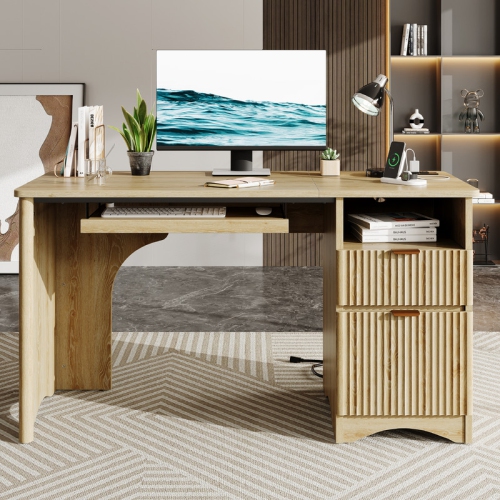
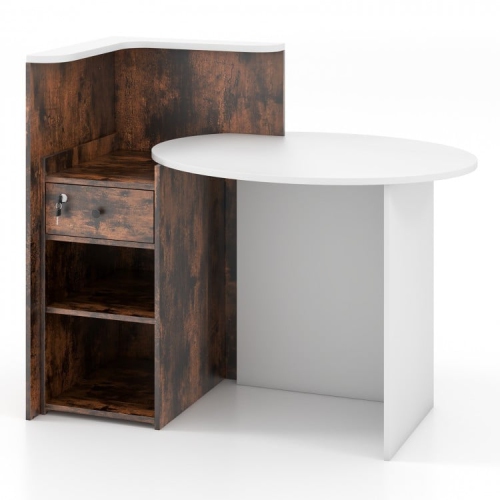
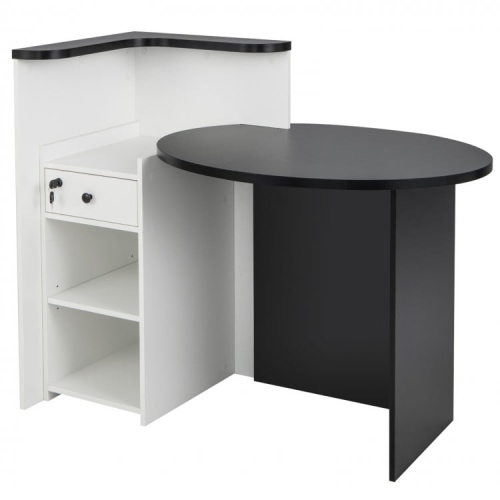
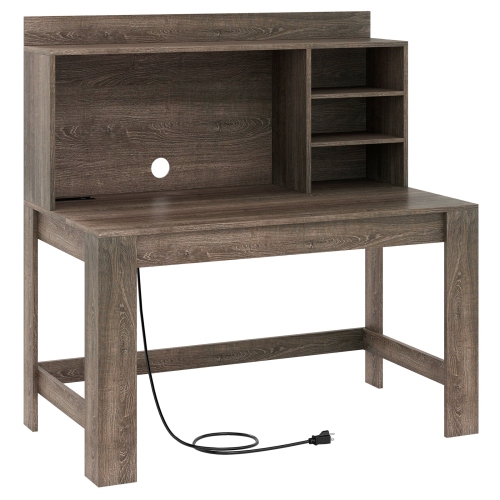
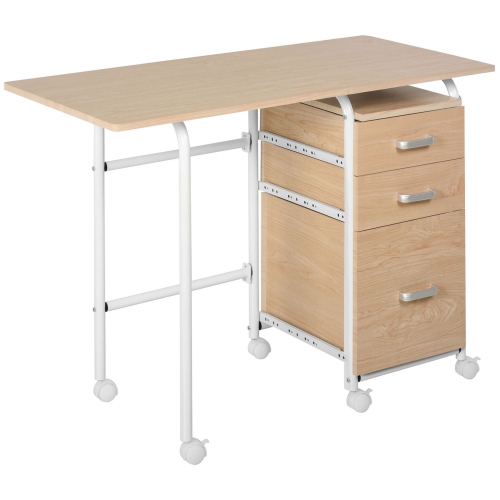
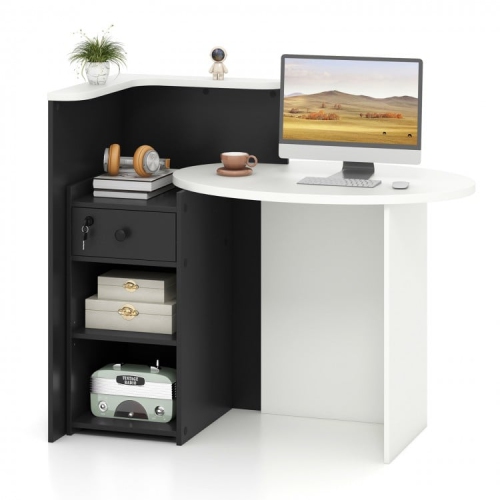
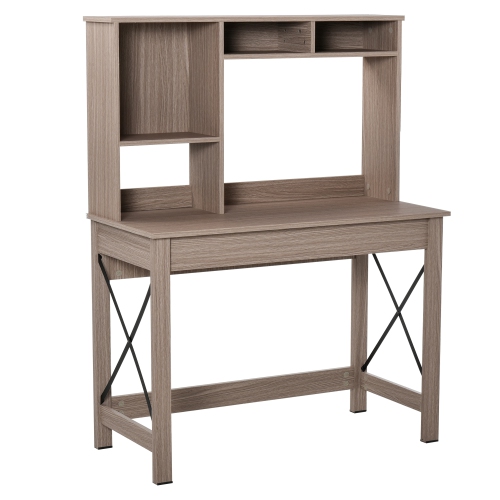


More than a desk: a layout that works
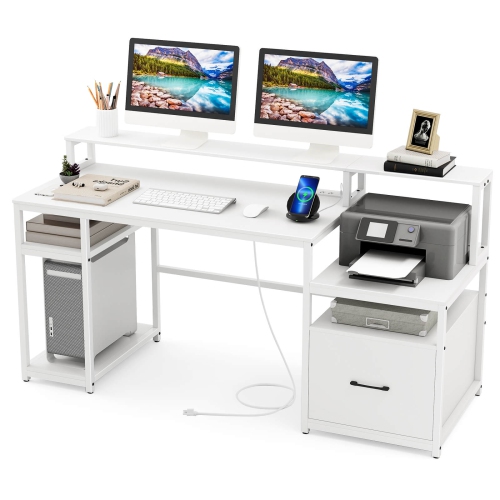
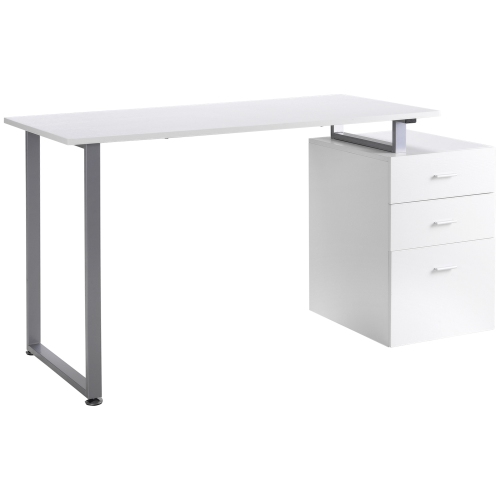
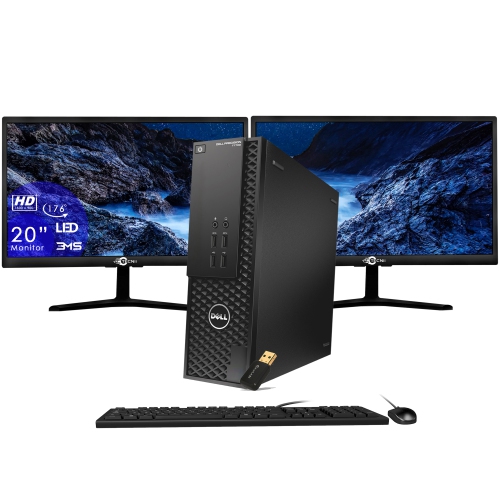
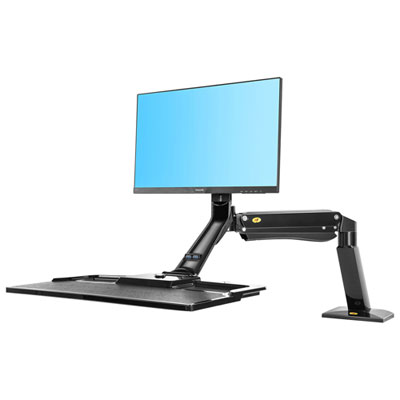
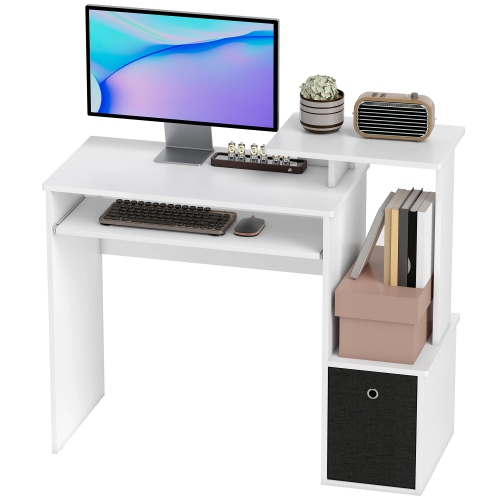
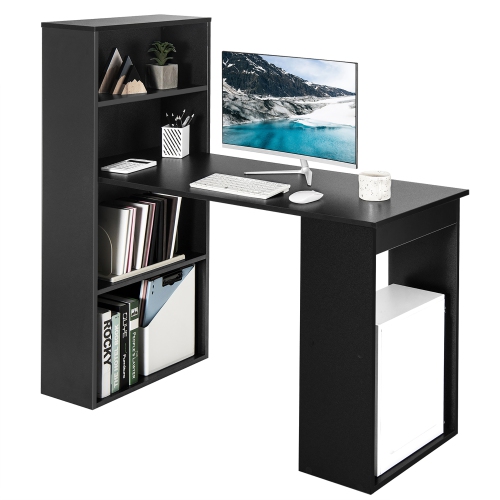
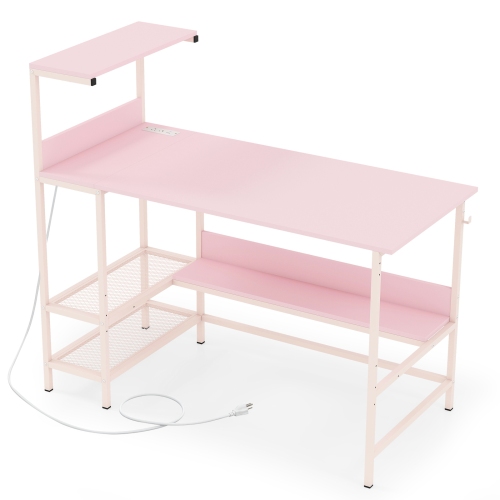
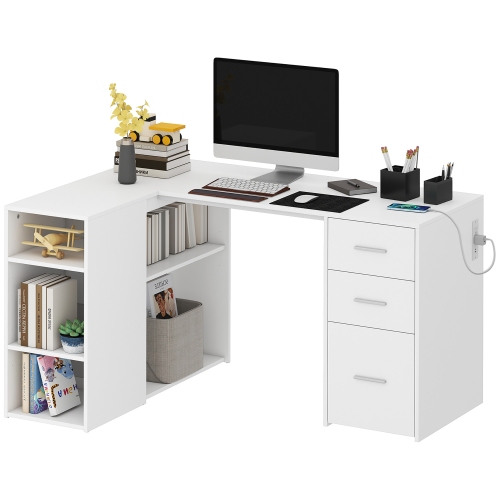
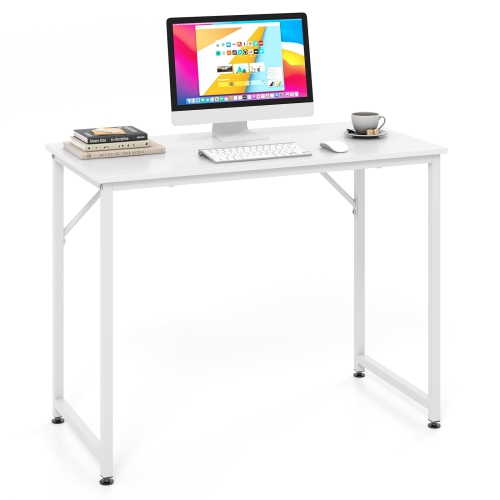
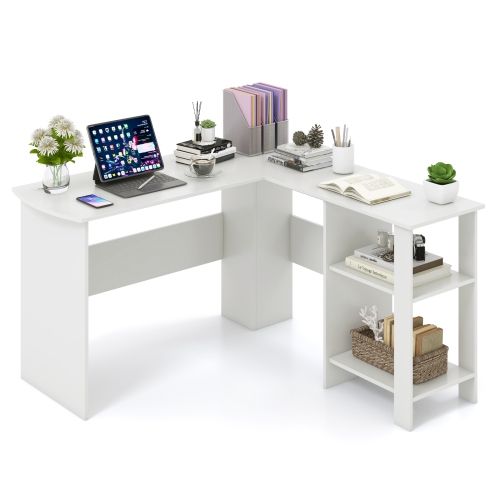
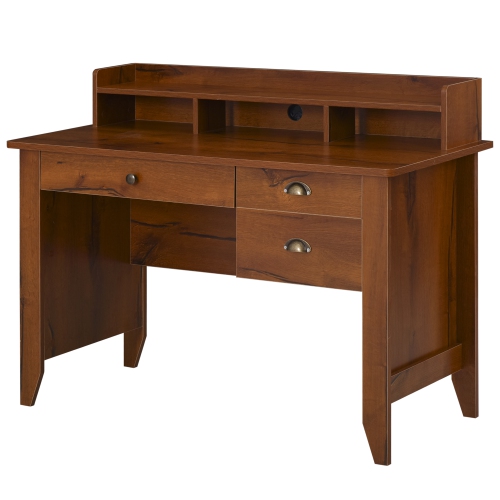
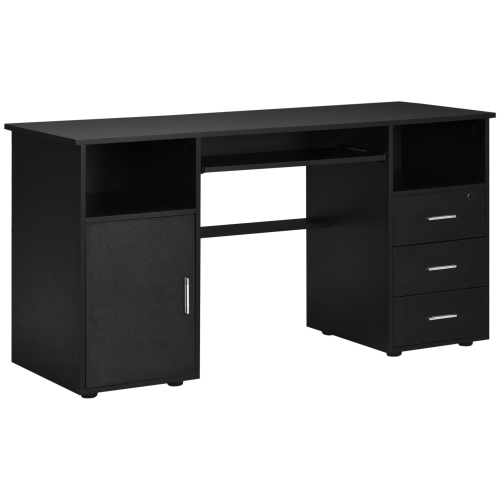
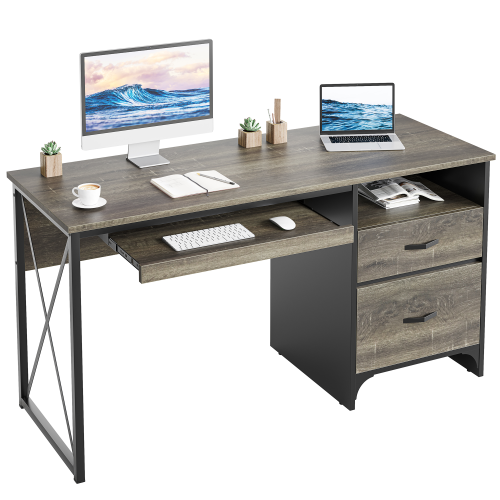
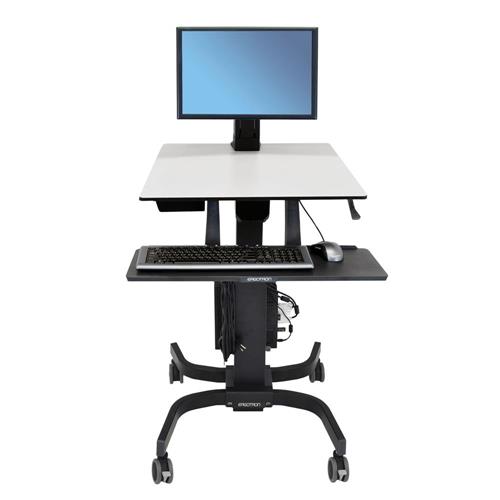
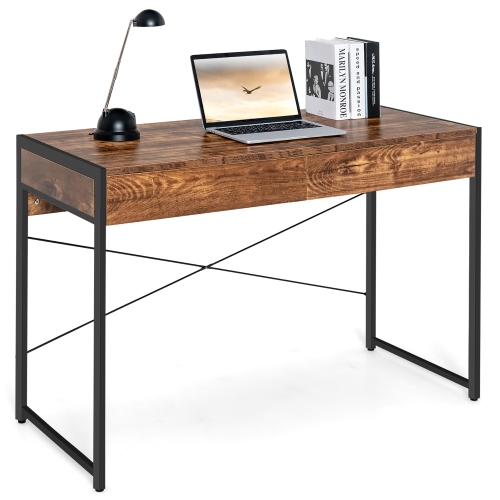
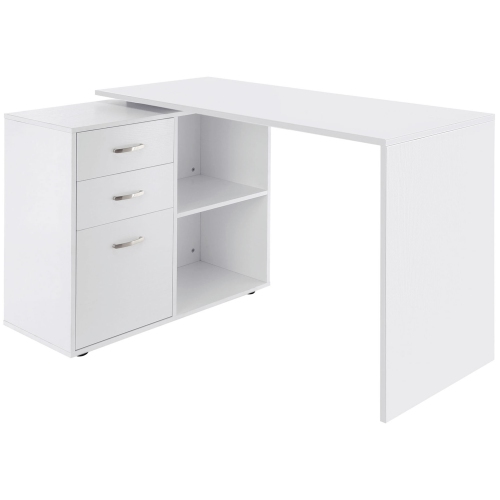
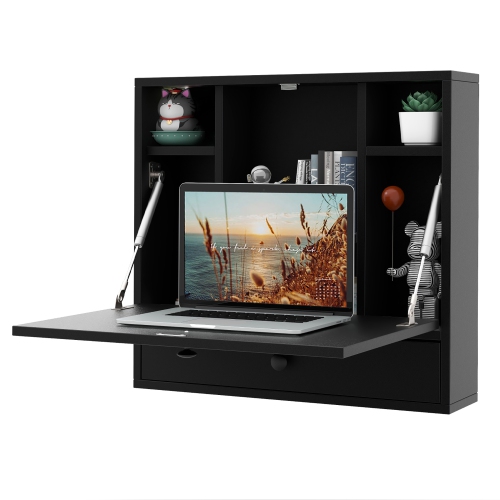
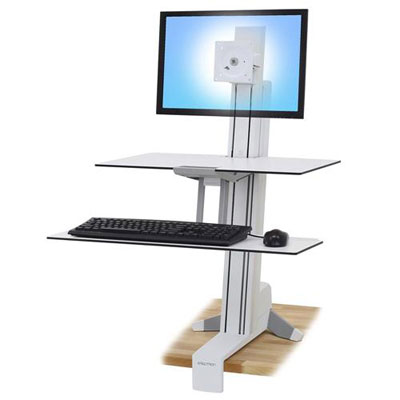
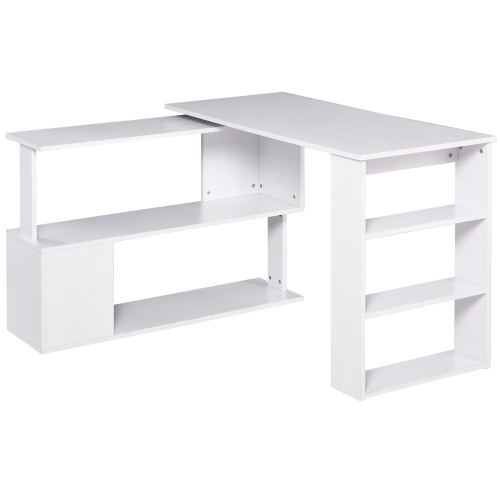
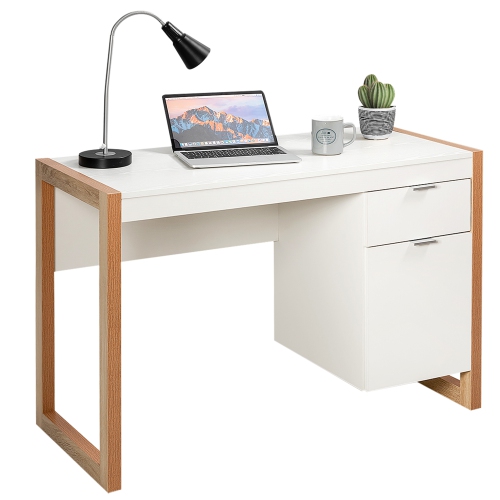
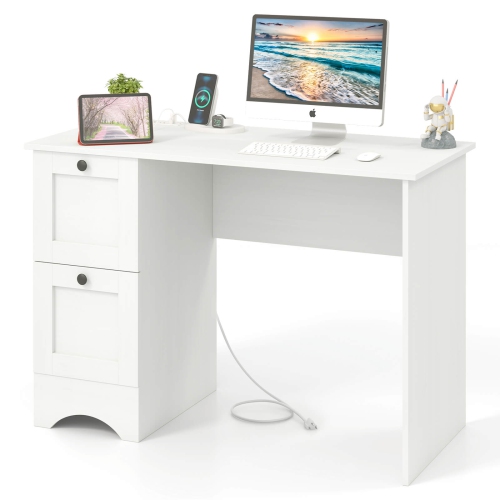
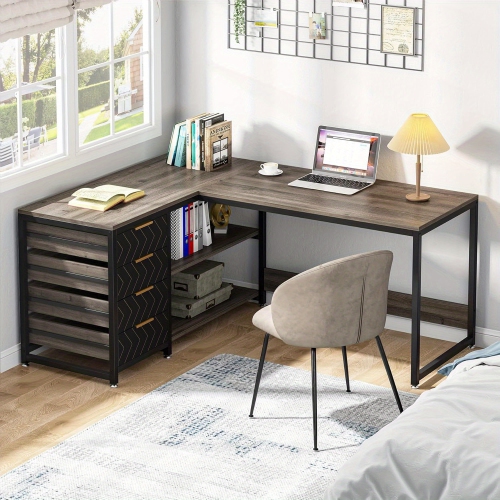
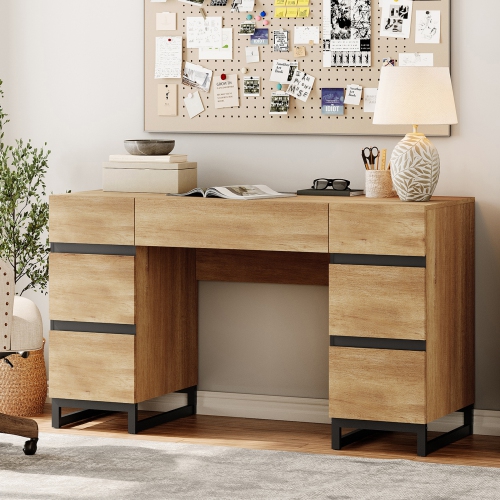
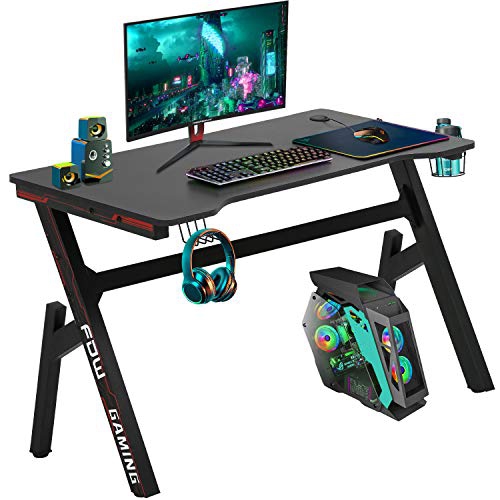
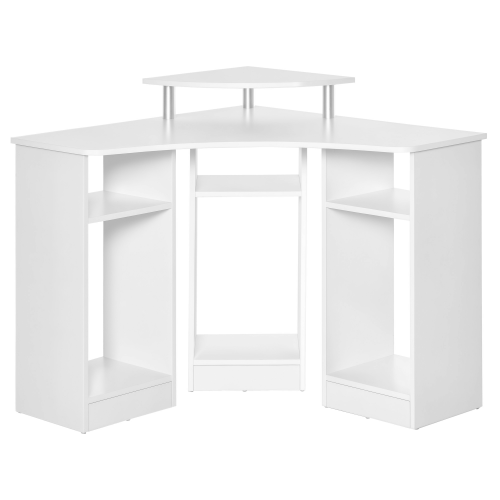
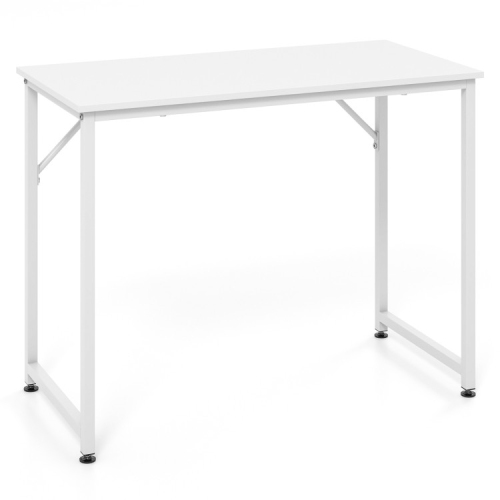
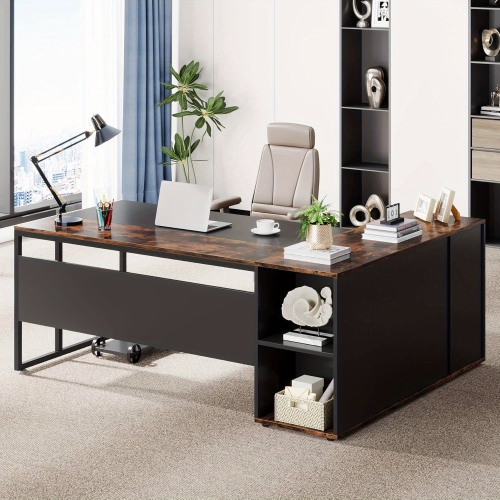
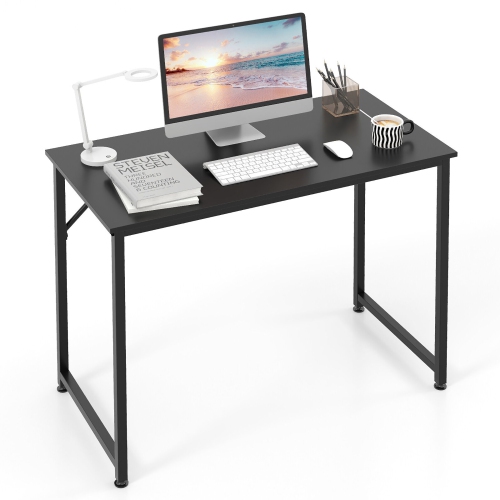
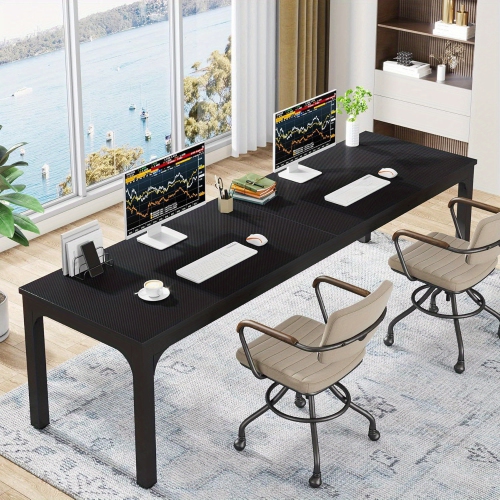
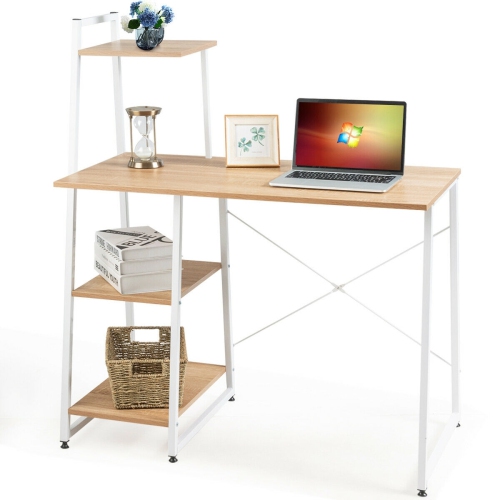
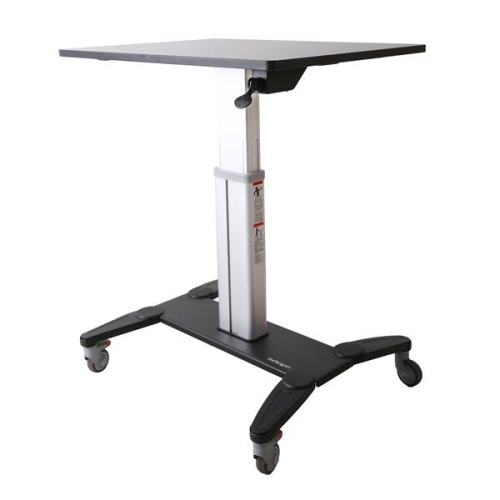
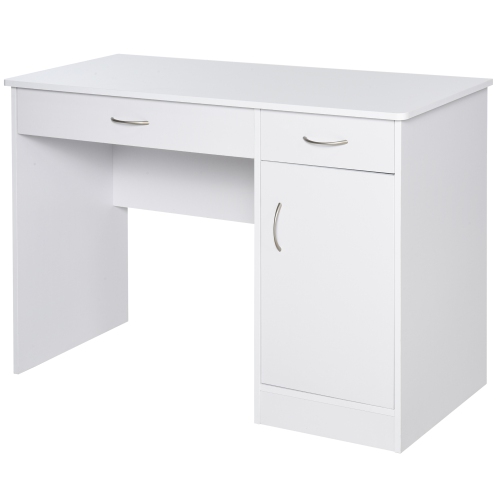
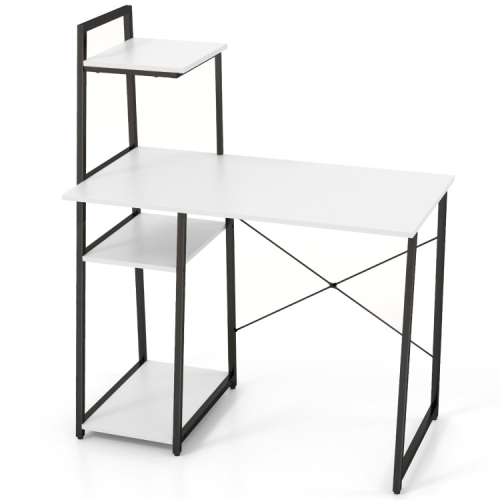
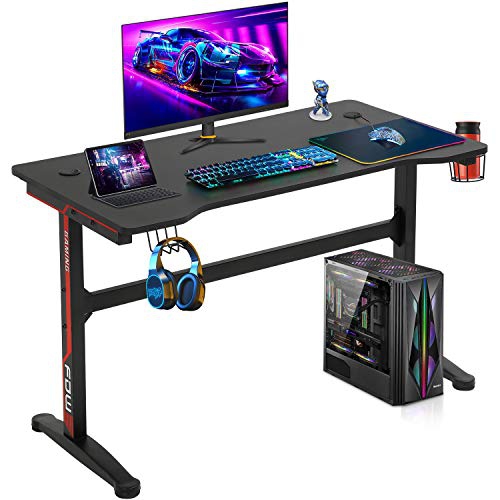
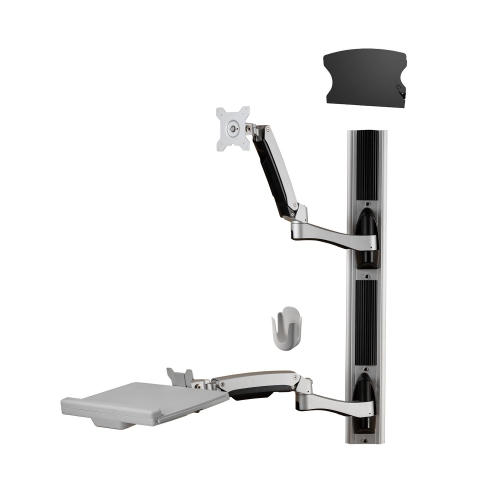
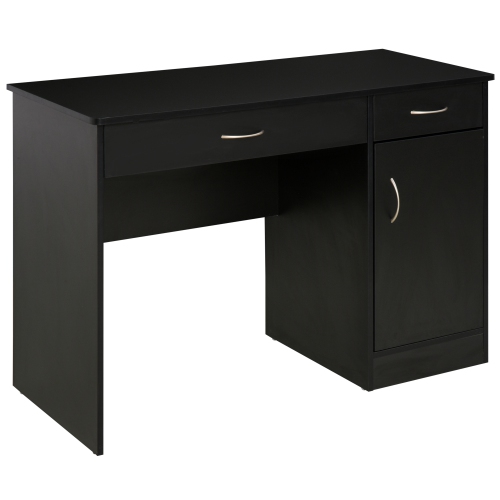
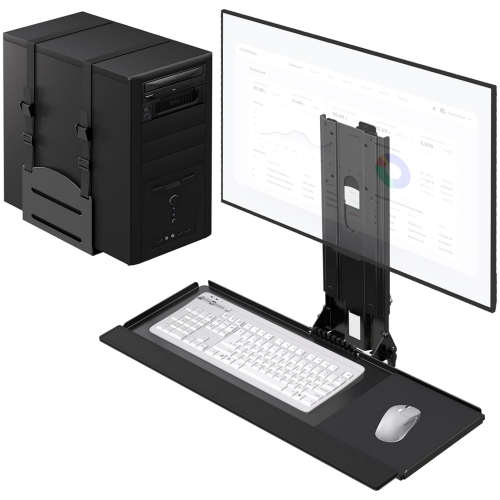
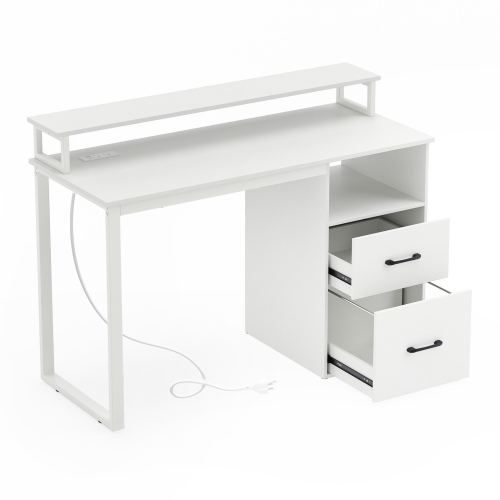
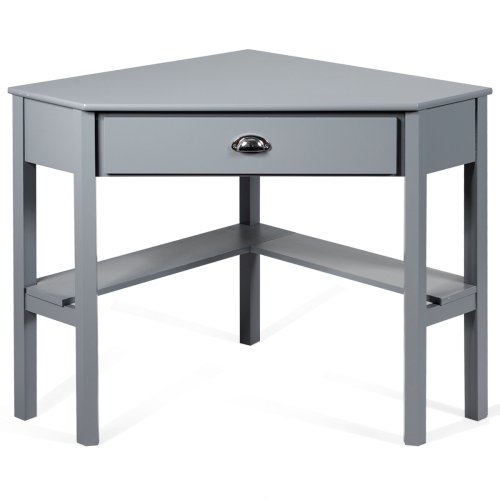
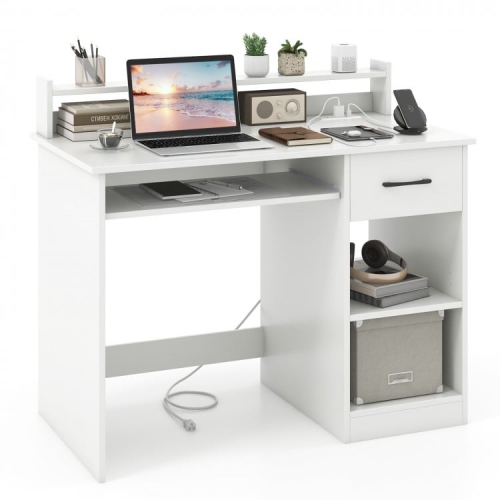
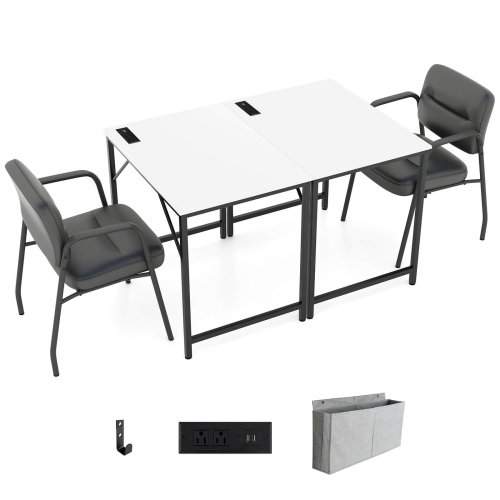
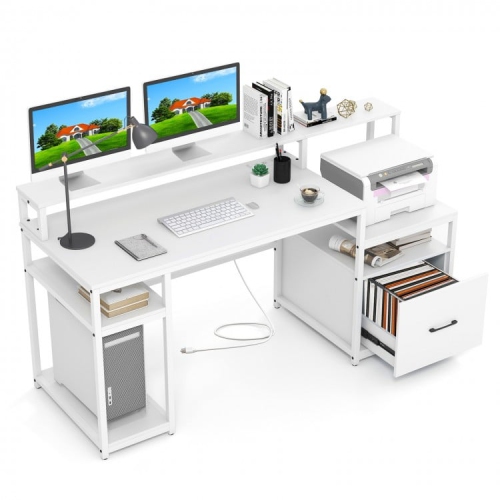
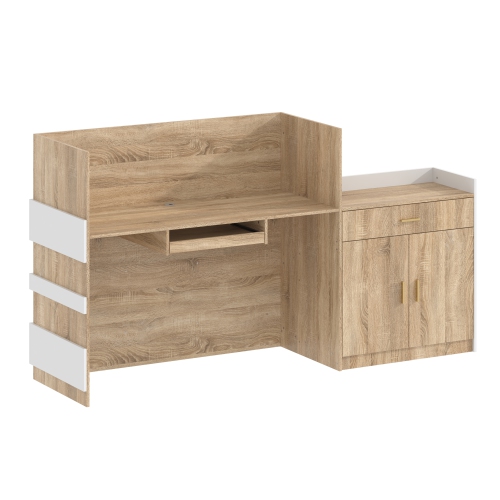
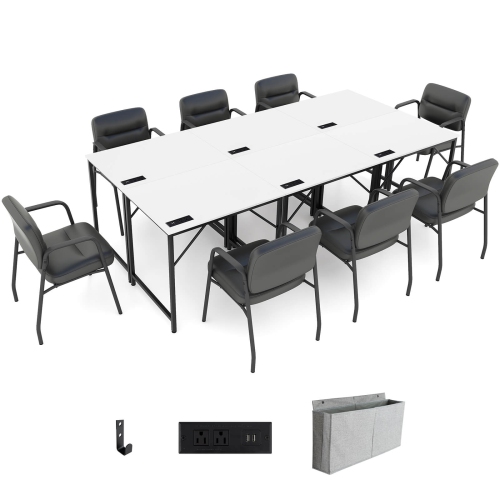
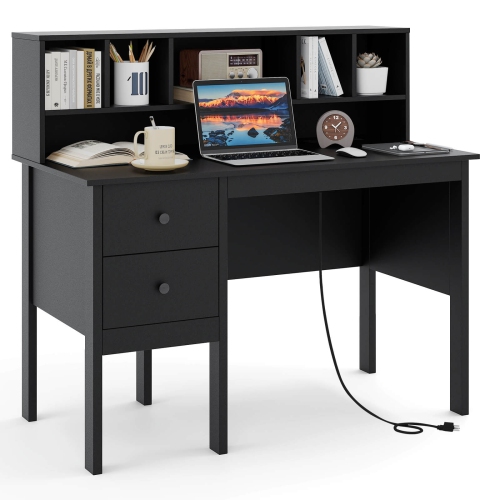
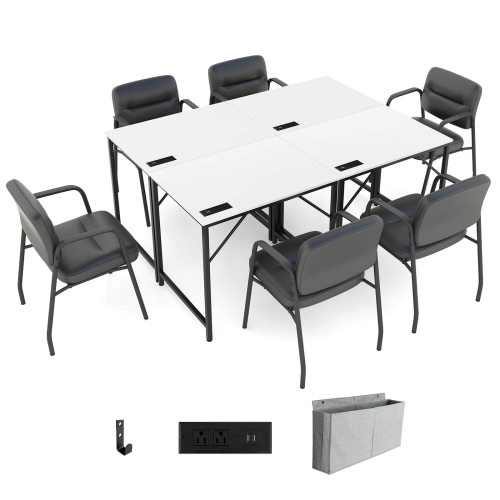
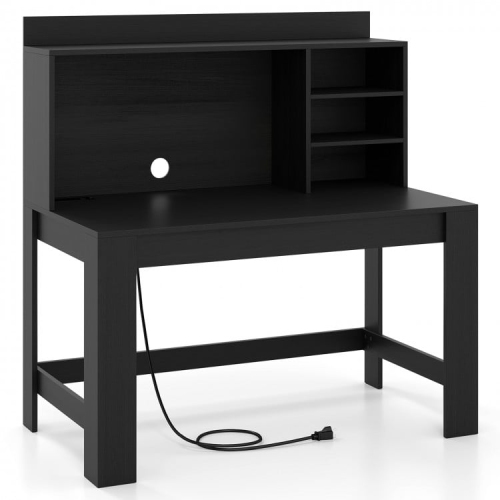
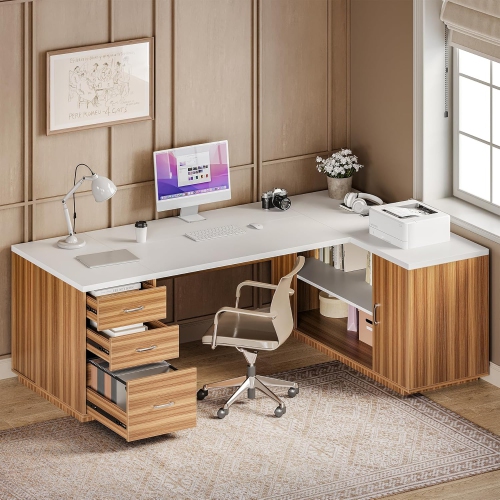
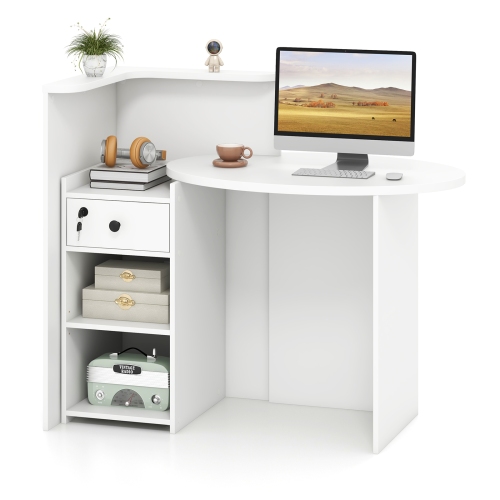
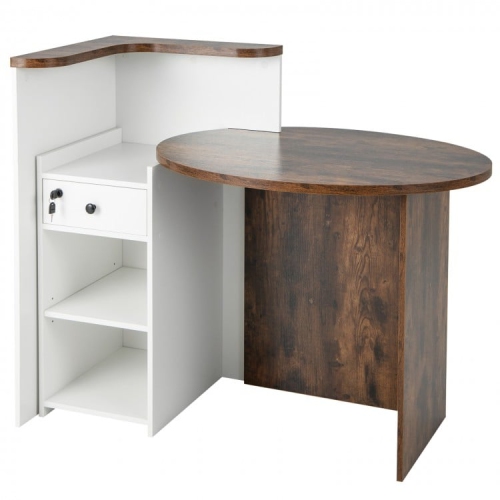
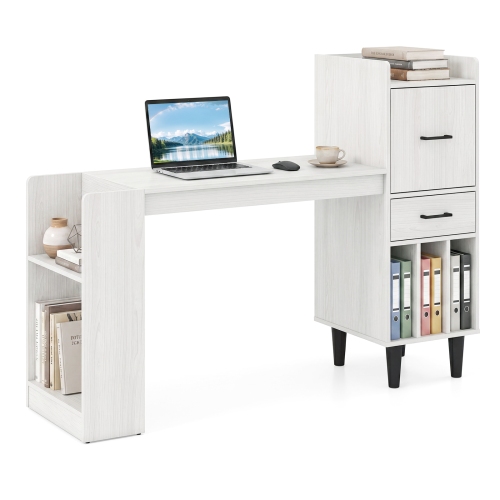
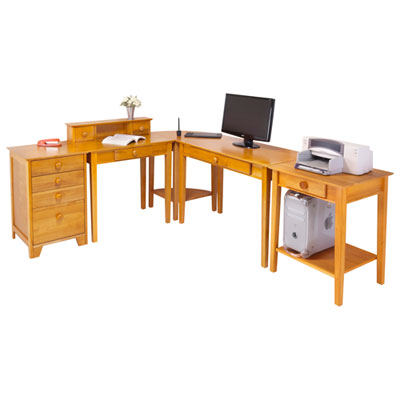
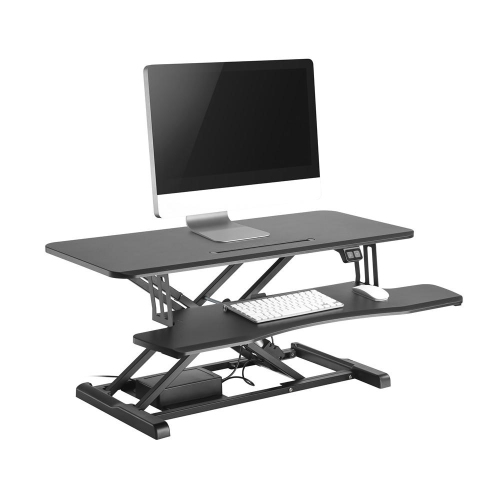
Office workstations bring together a work surface and the supporting features that make everyday tasks easier to manage, from storage and cable routing to space for screens, paperwork, and shared equipment. Unlike a desk considered on its own, a workstation is defined by how its parts function together. It might be a compact setup for one person, an L-shaped arrangement with separate areas for computer work and writing, or a modular system that gives several people their own places within a shared office. Storage, dividers, and cable management may be integrated or added separately, depending on the design. The right layout reflects the work taking place: someone handling invoices needs room to sort documents, while a designer may need a deeper surface for a large display and enough clear space to sketch beside it. For a home office that also serves as a guest room or study, a streamlined workstation can keep the working area clearly defined without dominating the room. In a dedicated office, larger configurations can accommodate multiple monitors, reference materials, and frequently used supplies within comfortable reach. Straight workstations suit walls and rows, while corner and L-shaped layouts make use of adjoining surfaces and can separate focused screen time from hands-on tasks. Multi-person arrangements support teams, although the balance between openness and privacy matters when phone calls and concentrated work happen side by side. Panels can create visual separation, but they should not be assumed to provide sound isolation. Related Working Stations offer another way to explore furniture arrangements for dedicated work areas. Across these formats, the purpose remains practical: to give remote employees, students, business owners, and office teams a place where the tools they use have a logical home. A well-proportioned workstation leaves room for the work itself, rather than filling every part of the surface with equipment.
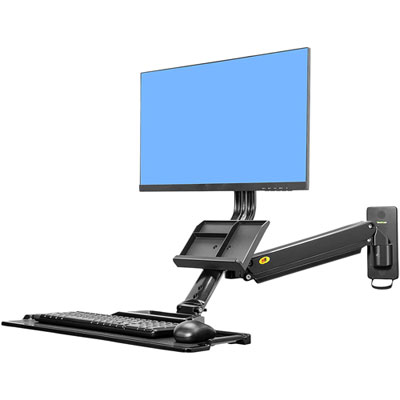
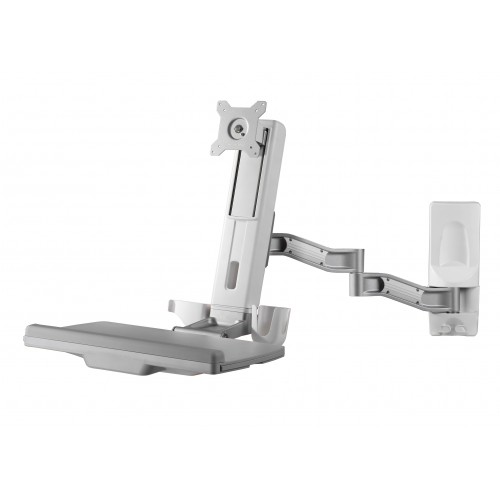
Fit involves more than whether an office workstation fits along a wall. Its footprint includes the space needed to move a chair, open drawers, access shelves, and walk past without squeezing between furniture. A desk that looks compact with everything closed may need considerably more room once someone is seated and a storage cabinet is in use. Surface depth is especially important for computer work because it affects the distance between the user and the screen, as well as the space left for a keyboard and mouse. A shallow top may suit brief laptop sessions, while longer stretches of work with separate peripherals generally call for more room. Monitor arms can free up surface space, but their mounting requirements must match the desktop’s thickness, edge shape, construction, and weight limits. Underneath, clear knee and leg space helps prevent drawers, braces, or equipment from dictating an awkward sitting position. Comfortable positioning usually means relaxed shoulders, elbows close to the body, and feet supported by the floor or a footrest. Screen height and distance should suit the person’s vision and posture; the top of the display is commonly positioned at or slightly below eye level, with adjustments for individual needs. Height-adjustable workstations offer flexibility for alternating between sitting and standing, though the adjustment range needs to accommodate the user in both positions. Materials influence the daily experience, too. Laminate and melamine surfaces are common choices for routine office use because many wipe clean easily, while their resistance to scratches and wear varies by finish and construction. Wood veneer brings natural grain to the room, and solid wood can offer substantial character, with care requirements that depend on its finish. Metal frames can provide firm support, but stability also relies on joint design, bracing, and correct assembly. Rounded edges may feel more comfortable against forearms, while matte finishes can help reduce distracting reflections near a screen. Colour and texture also affect how a large workstation sits within a room, whether the aim is a quiet backdrop or a more defined working zone.
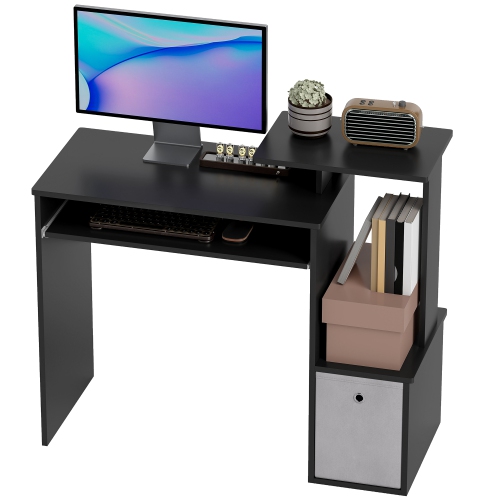
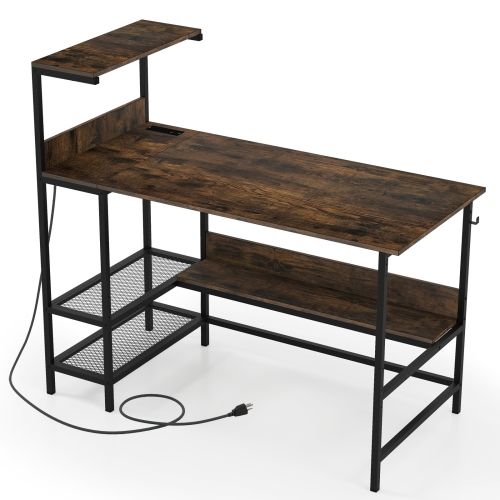
Storage and cable management often make the difference between a workstation that looks tidy before use and one that stays manageable through a full working day. Shallow drawers keep pens, charging leads, and small supplies close at hand, while deeper compartments can hold bulkier materials without taking over the desktop. Filing space is most useful when it matches the documents being stored, including letter- or legal-size folders where needed. Open shelves make reference books easy to reach, whereas closed storage keeps less frequently used supplies out of sight. In shared offices, lockable compartments can help separate personal belongings and work materials, although the level of security depends on the hardware and construction. Cable openings, trays, and channels provide routes for power and data cords, reducing loose loops around feet and chair wheels. A sit-stand setup also needs enough cable slack throughout its movement, without cords catching on storage or pulling at connections. Equipment needs breathing room, so enclosed compartments should be suitable for the devices placed inside them and should not obstruct ventilation. Durability becomes particularly important where a workstation is used by different people or supports several pieces of equipment. Published load limits, drawer hardware, edge finishing, and the firmness of connections are more informative than appearance alone. Modular designs may support future changes to a room, but compatibility between components should be confirmed rather than assumed. Everyday care is usually straightforward when it follows the manufacturer’s instructions: a soft cloth, prompt attention to spills, and cleaners approved for the surface help protect the finish. Excess moisture can damage some wood-based cores, particularly around seams and exposed edges, while abrasive pads may dull coatings or leave marks. Protective mats can reduce wear in heavily used areas, and periodic checks of fasteners help keep assembled furniture steady. These details matter in ordinary moments—rolling back from a video call, spreading out a report, or clearing space for the next task. An office workstation works best when its layout, materials, and supporting features suit those repeated movements, keeping the area comfortable, orderly, and ready for daily use.
Fit involves more than whether an office workstation fits along a wall. Its footprint includes the space needed to move a chair, open drawers, access shelves, and walk past without squeezing between furniture. A desk that looks compact with everything closed may need considerably more room once someone is seated and a storage cabinet is in use. Surface depth is especially important for computer work because it affects the distance between the user and the screen, as well as the space left for a keyboard and mouse. A shallow top may suit brief laptop sessions, while longer stretches of work with separate peripherals generally call for more room. Monitor arms can free up surface space, but their mounting requirements must match the desktop’s thickness, edge shape, construction, and weight limits. Underneath, clear knee and leg space helps prevent drawers, braces, or equipment from dictating an awkward sitting position. Comfortable positioning usually means relaxed shoulders, elbows close to the body, and feet supported by the floor or a footrest. Screen height and distance should suit the person’s vision and posture; the top of the display is commonly positioned at or slightly below eye level, with adjustments for individual needs. Height-adjustable workstations offer flexibility for alternating between sitting and standing, though the adjustment range needs to accommodate the user in both positions. Materials influence the daily experience, too. Laminate and melamine surfaces are common choices for routine office use because many wipe clean easily, while their resistance to scratches and wear varies by finish and construction. Wood veneer brings natural grain to the room, and solid wood can offer substantial character, with care requirements that depend on its finish. Metal frames can provide firm support, but stability also relies on joint design, bracing, and correct assembly. Rounded edges may feel more comfortable against forearms, while matte finishes can help reduce distracting reflections near a screen. Colour and texture also affect how a large workstation sits within a room, whether the aim is a quiet backdrop or a more defined working zone.
Storage and cable management often make the difference between a workstation that looks tidy before use and one that stays manageable through a full working day. Shallow drawers keep pens, charging leads, and small supplies close at hand, while deeper compartments can hold bulkier materials without taking over the desktop. Filing space is most useful when it matches the documents being stored, including letter- or legal-size folders where needed. Open shelves make reference books easy to reach, whereas closed storage keeps less frequently used supplies out of sight. In shared offices, lockable compartments can help separate personal belongings and work materials, although the level of security depends on the hardware and construction. Cable openings, trays, and channels provide routes for power and data cords, reducing loose loops around feet and chair wheels. A sit-stand setup also needs enough cable slack throughout its movement, without cords catching on storage or pulling at connections. Equipment needs breathing room, so enclosed compartments should be suitable for the devices placed inside them and should not obstruct ventilation. Durability becomes particularly important where a workstation is used by different people or supports several pieces of equipment. Published load limits, drawer hardware, edge finishing, and the firmness of connections are more informative than appearance alone. Modular designs may support future changes to a room, but compatibility between components should be confirmed rather than assumed. Everyday care is usually straightforward when it follows the manufacturer’s instructions: a soft cloth, prompt attention to spills, and cleaners approved for the surface help protect the finish. Excess moisture can damage some wood-based cores, particularly around seams and exposed edges, while abrasive pads may dull coatings or leave marks. Protective mats can reduce wear in heavily used areas, and periodic checks of fasteners help keep assembled furniture steady. These details matter in ordinary moments—rolling back from a video call, spreading out a report, or clearing space for the next task. An office workstation works best when its layout, materials, and supporting features suit those repeated movements, keeping the area comfortable, orderly, and ready for daily use.
Top selling and popular products
-
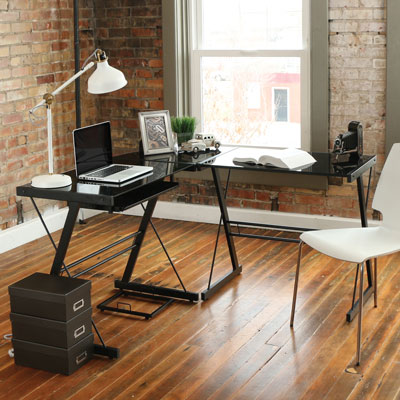 Your price for this item is $304.99
-
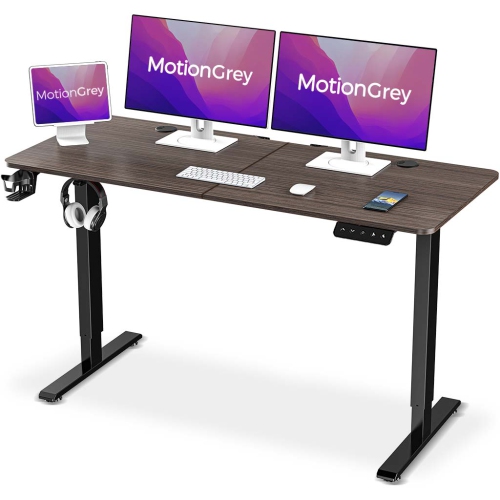 Your price for this item is $142.94
-
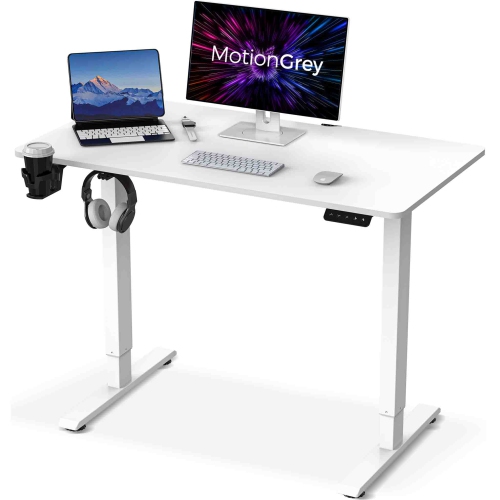 Your price for this item is $133.91
-
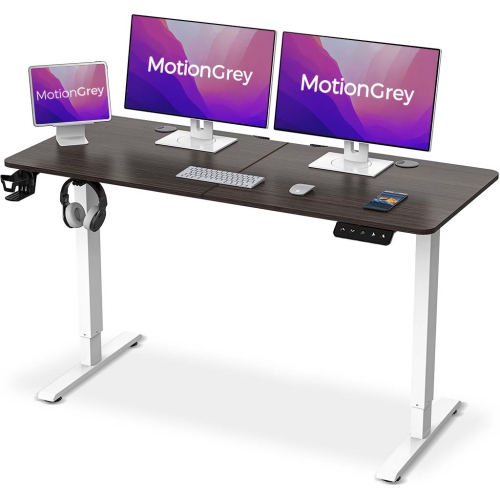 Your price for this item is $158.99
-
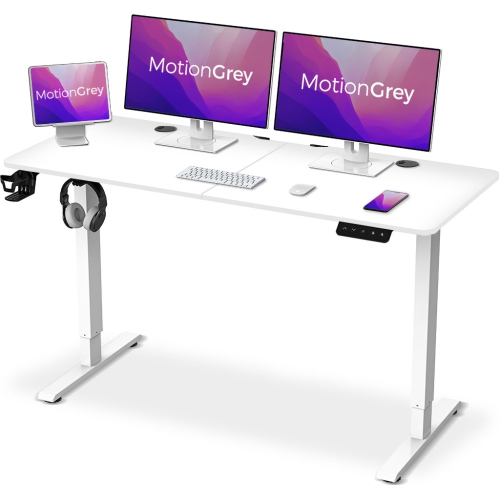 Your price for this item is $142.94
-
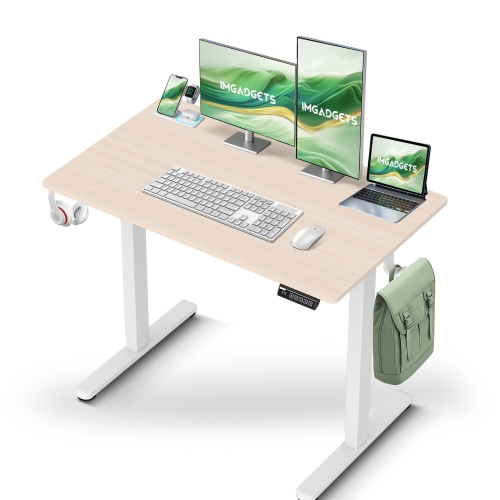 Your price for this item is $119.99
-
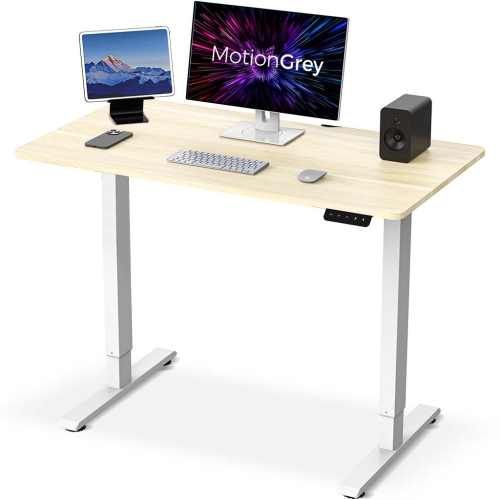 Your price for this item is $133.91
-
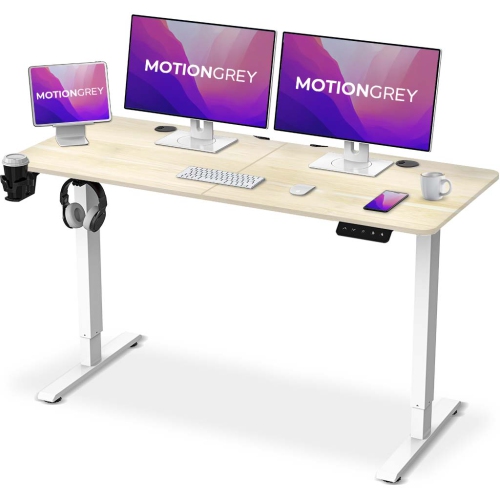 Your price for this item is $142.94
Discover more categories related to Office Workstations

Top Collections:
Pokemon Centers, Kindle Devices, Best Cameras for Sports Photography, Pokémon 30th Celebration Cards, Apple iPhones 16, Canon G7X Cameras, iPhone 15 Apple, Flip Phones, Samsung Galaxy Phones, Alarm Clock
Some products may be subject to Environmental Handling Fees
(EHF) depending on your province.
Learn more about EHFs.