Energy-Efficient PC Components for Green Builds
Looking to build a computer that not only delivers top-notch performance but also helps reduce your environmental footprint? Look no further than our collection of energy-efficient PC components. With a focus on sustainability, these components are designed to minimize power consumption without compromising on speed or reliability. Whether you're a tech enthusiast, a professional gamer, or simply someone who wants to make greener choices, our range of energy-efficient PC components will provide you with the perfect foundation for your eco-friendly build. From processors and graphics cards to power supplies and cooling systems, explore our selection and create a green PC that's as powerful as it is environmentally conscious.
Sort
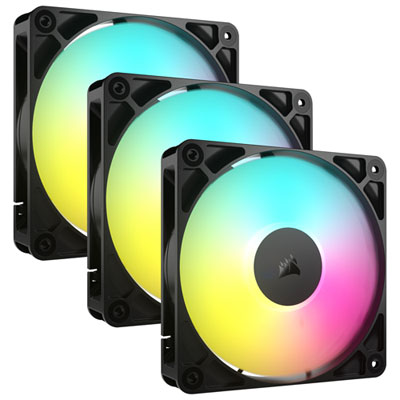
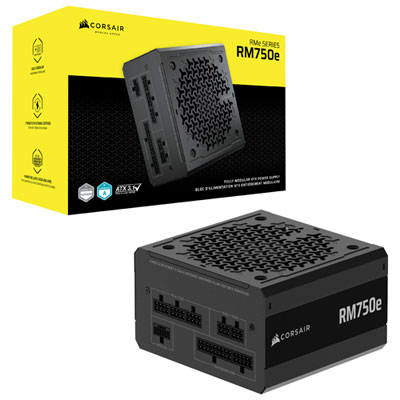
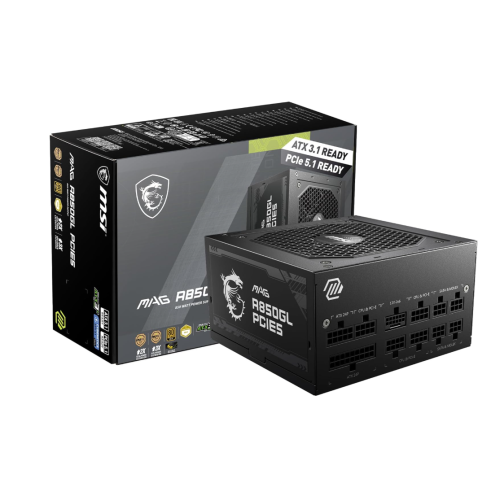
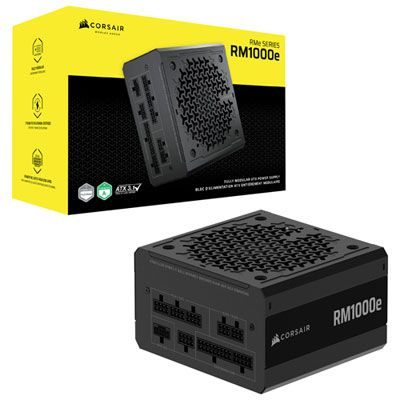
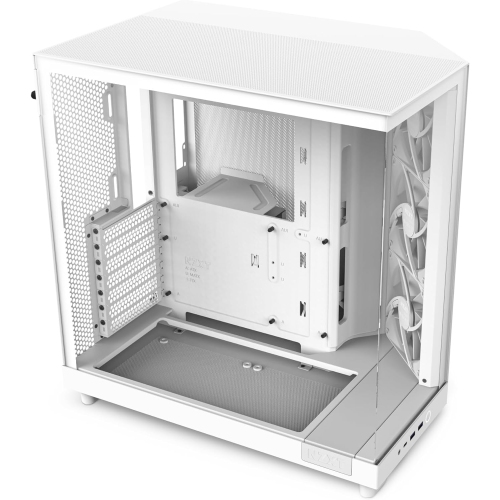
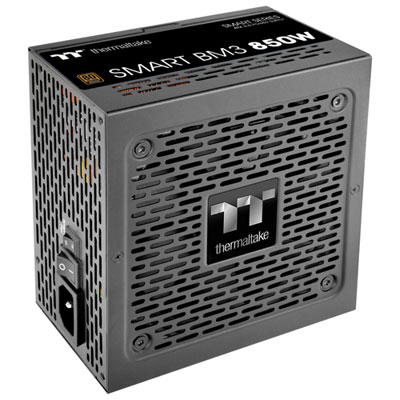
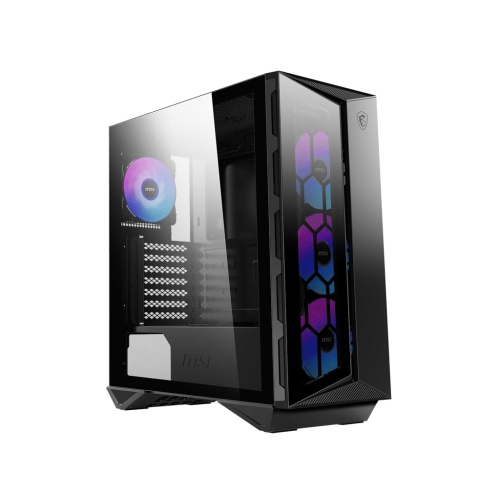
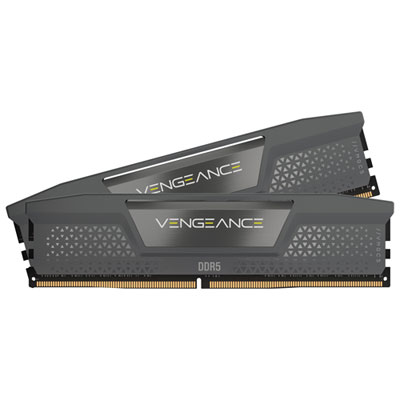

Responsive PC builds without unnecessary power or heat
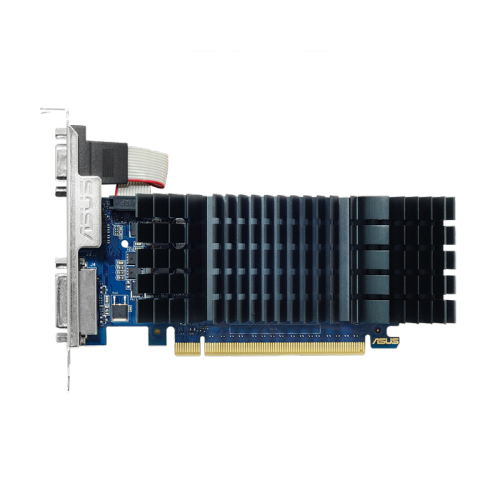
Energy-efficient PC components help you build a responsive computer while keeping power draw, heat output and operating costs under control. The best results come from balancing performance per watt with the way you actually plan to use the system. A computer for office work, online learning and everyday browsing may benefit from a capable processor with a modest standard power rating, integrated graphics and fast solid-state storage. A gaming or content-creation computer will require more headroom, particularly in the graphics card, but it can still be planned around sensible power limits rather than maximum consumption. Look for processors that deliver strong performance at their standard settings, and compare their typical power draw under everyday workloads instead of focusing only on peak specifications. A processor that feels quick when opening large spreadsheets, editing photos or moving between several applications can make a meaningful difference without running at unnecessarily high power levels. Graphics cards deserve the same careful consideration. Match the card to your monitor’s resolution and refresh rate, since a card intended for demanding 4K gaming may be more capability than needed for 1080p play or casual creative work. Features such as adjustable power targets, frame-rate limits and efficient idle behaviour can help reduce continuous demand during lighter sessions. For many people, a balanced mid-range system feels better in daily use than an oversized build that spends most of its time well below its potential.
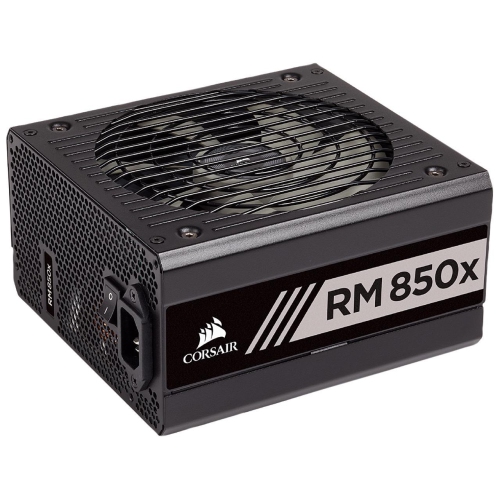
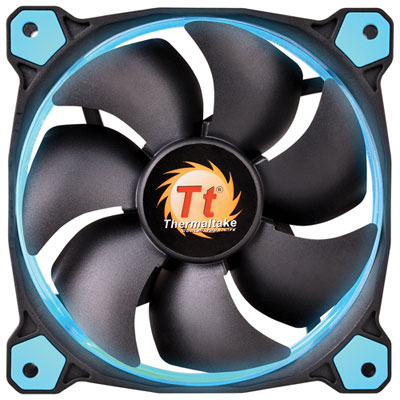
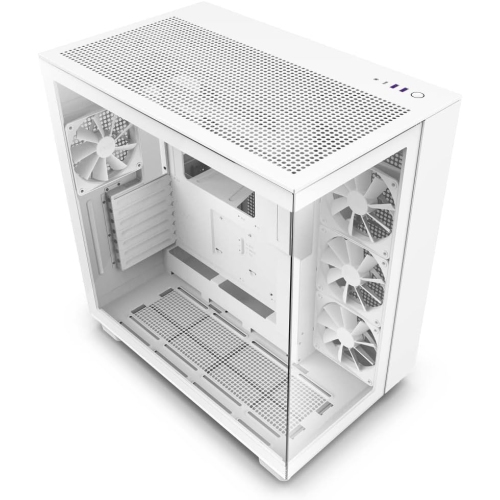
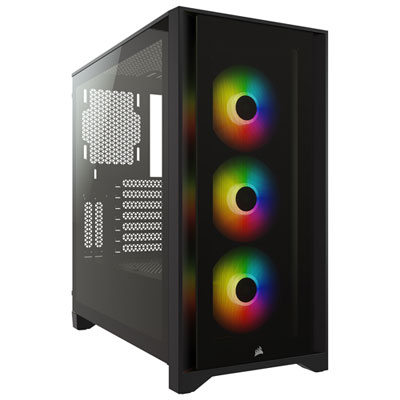
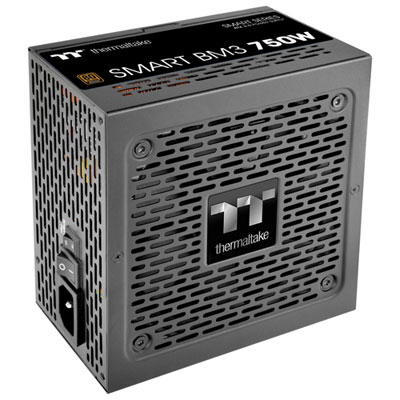
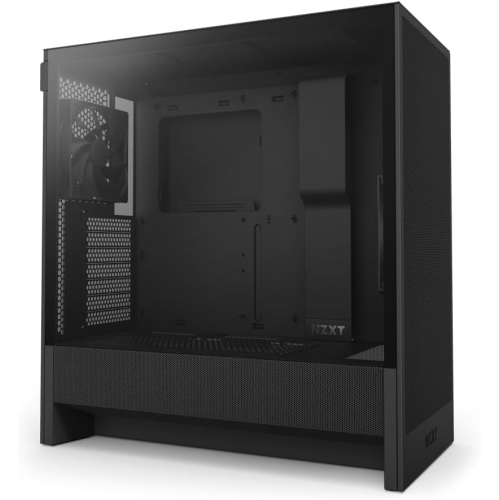
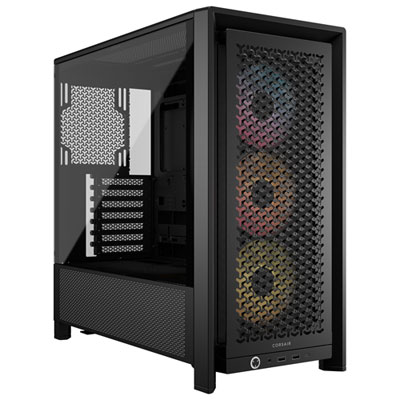
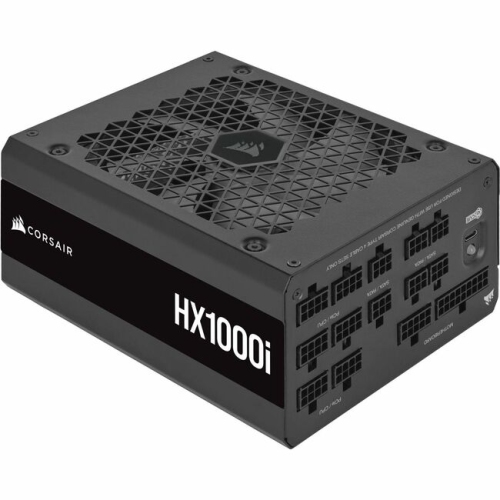
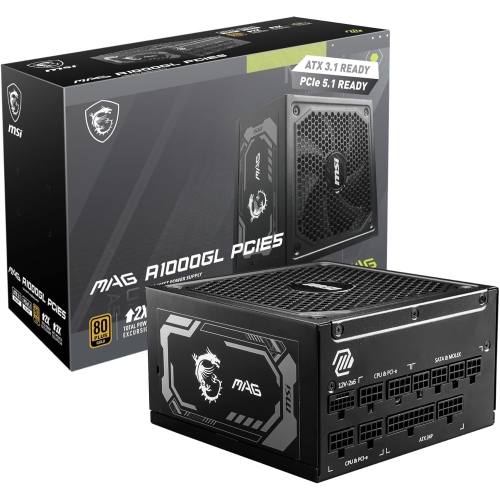
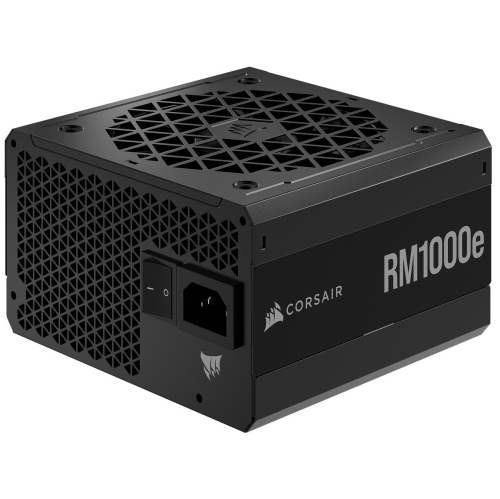
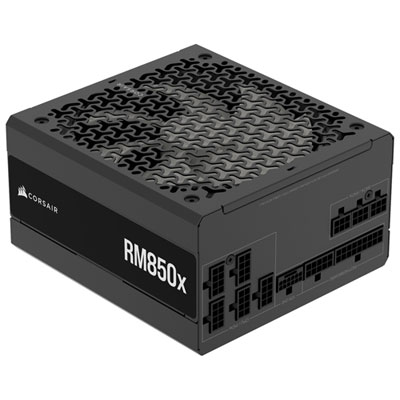
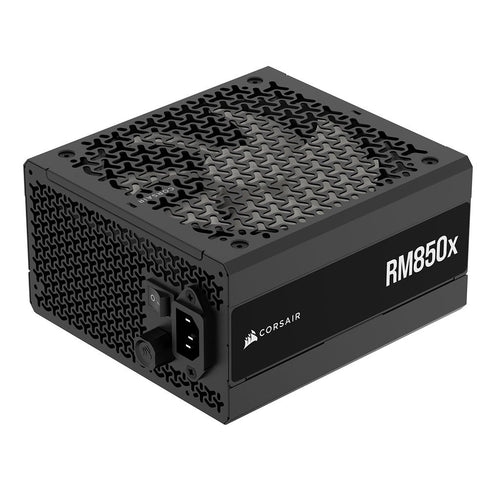
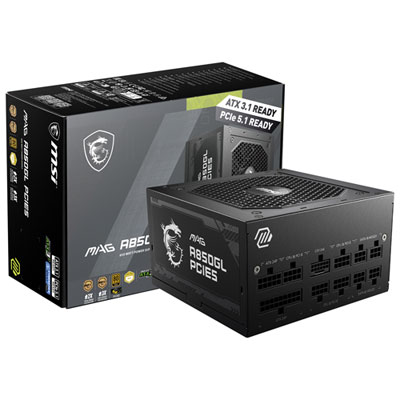
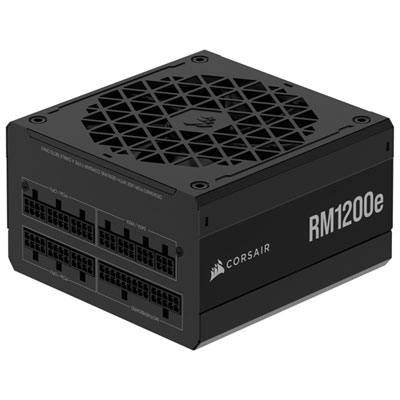
The power supply is the foundation of an efficient computer, and it should be selected with the rest of the component list in mind. Choose a unit with enough capacity for the processor, graphics card, drives, fans and future upgrades, while avoiding an excessively oversized model that may operate less efficiently during light workloads. Certification levels such as 80 Plus Gold or Platinum can indicate reduced conversion losses compared with less efficient designs, although build quality, protections, cooling and warranty support also matter. A properly sized power supply can run more quietly and produce less heat when the computer is browsing, streaming or sitting at the desktop. Storage and memory also contribute to the overall picture. NVMe M.2 solid-state drives are compact, responsive and typically draw only a few watts under load, making them a practical choice for a quick boot drive, game library or work storage. Additional drives should be chosen according to the amount of space you need, since an efficient setup does not require unused capacity or unnecessary hardware. Standard DDR5 memory kits can provide excellent bandwidth without excessive voltage, and it is worth checking that the selected memory runs at its intended settings on the chosen motherboard. Cooling components should be considered as part of the same system: a well-matched heatsink, a case with sensible airflow and quiet, temperature-controlled fans can help the computer maintain performance without running every fan at full speed. For compact systems, browse Compact PC Components for Mini-ITX Builds to find parts suited to smaller enclosures, where careful attention to dimensions, cable routing and thermal clearance is especially important.
These components can suit a wide range of users, from someone assembling a quiet home office computer to a student setting up a compact workstation in a bedroom or residence. They can also make a thoughtful gift for a PC enthusiast who is refreshing an older system, a gamer moving to a more efficient platform or a family member who needs faster storage and smoother multitasking. Before purchasing, check motherboard compatibility, socket type, memory support, available expansion slots and the physical clearance inside the case. Graphics cards may require specific power connectors and additional room for their cooler, while compact cases can limit the height of a processor cooler or the length of a power supply. Consider the tasks that will run for hours at a time: video rendering, game sessions and large data transfers place different demands on a system than email, document editing and streaming. In the operating system, enable sleep states and display timeout settings, and configure the computer to power down during longer periods of inactivity. For gaming, a frame-rate cap can reduce unnecessary processor and graphics-card activity when the display is already receiving more frames than it can show. Avoid overclocking if your priority is consistent power use and manageable temperatures, since pushing components past their standard limits can increase consumption for relatively modest gains. As the weather warms or during cooler months when a home office becomes a more frequently used space, a computer that runs efficiently and quietly can feel more comfortable in the room. With a balanced processor, appropriately matched graphics, efficient power supply, fast storage, suitable memory and dependable cooling, you can create a capable PC that fits your workload without demanding more power than the experience requires.
The power supply is the foundation of an efficient computer, and it should be selected with the rest of the component list in mind. Choose a unit with enough capacity for the processor, graphics card, drives, fans and future upgrades, while avoiding an excessively oversized model that may operate less efficiently during light workloads. Certification levels such as 80 Plus Gold or Platinum can indicate reduced conversion losses compared with less efficient designs, although build quality, protections, cooling and warranty support also matter. A properly sized power supply can run more quietly and produce less heat when the computer is browsing, streaming or sitting at the desktop. Storage and memory also contribute to the overall picture. NVMe M.2 solid-state drives are compact, responsive and typically draw only a few watts under load, making them a practical choice for a quick boot drive, game library or work storage. Additional drives should be chosen according to the amount of space you need, since an efficient setup does not require unused capacity or unnecessary hardware. Standard DDR5 memory kits can provide excellent bandwidth without excessive voltage, and it is worth checking that the selected memory runs at its intended settings on the chosen motherboard. Cooling components should be considered as part of the same system: a well-matched heatsink, a case with sensible airflow and quiet, temperature-controlled fans can help the computer maintain performance without running every fan at full speed. For compact systems, browse Compact PC Components for Mini-ITX Builds to find parts suited to smaller enclosures, where careful attention to dimensions, cable routing and thermal clearance is especially important.
These components can suit a wide range of users, from someone assembling a quiet home office computer to a student setting up a compact workstation in a bedroom or residence. They can also make a thoughtful gift for a PC enthusiast who is refreshing an older system, a gamer moving to a more efficient platform or a family member who needs faster storage and smoother multitasking. Before purchasing, check motherboard compatibility, socket type, memory support, available expansion slots and the physical clearance inside the case. Graphics cards may require specific power connectors and additional room for their cooler, while compact cases can limit the height of a processor cooler or the length of a power supply. Consider the tasks that will run for hours at a time: video rendering, game sessions and large data transfers place different demands on a system than email, document editing and streaming. In the operating system, enable sleep states and display timeout settings, and configure the computer to power down during longer periods of inactivity. For gaming, a frame-rate cap can reduce unnecessary processor and graphics-card activity when the display is already receiving more frames than it can show. Avoid overclocking if your priority is consistent power use and manageable temperatures, since pushing components past their standard limits can increase consumption for relatively modest gains. As the weather warms or during cooler months when a home office becomes a more frequently used space, a computer that runs efficiently and quietly can feel more comfortable in the room. With a balanced processor, appropriately matched graphics, efficient power supply, fast storage, suitable memory and dependable cooling, you can create a capable PC that fits your workload without demanding more power than the experience requires.
Top selling and popular products
-
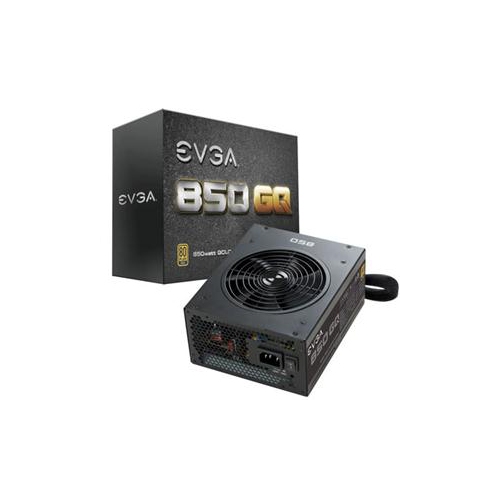 Your price for this item is $279.68
 -
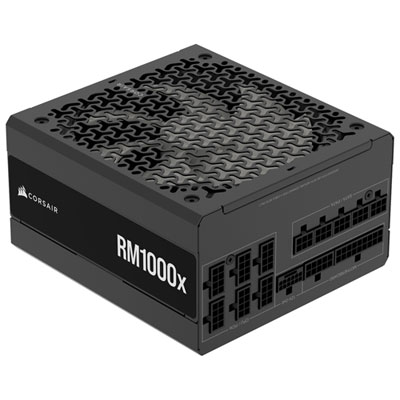 Your price for this item is $234.98
 -
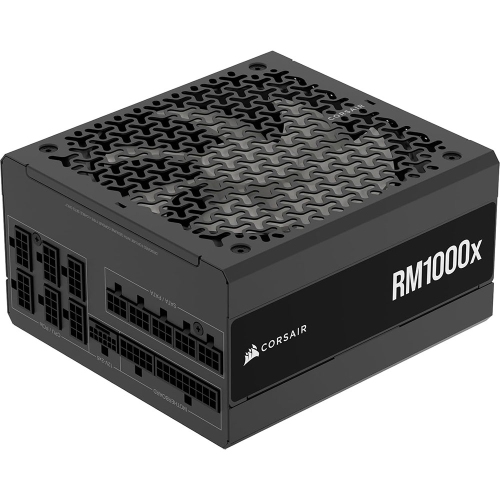 Your price for this item is $294.99
 -
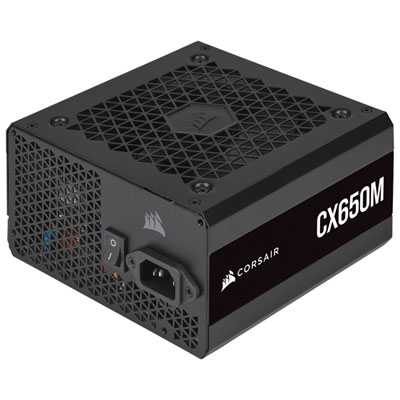 Your price for this item is $99.95
 -
 Your price for this item is $209.99
 -
 Your price for this item is $199.99
 -
 Your price for this item is $60.47
 -
 Your price for this item is $144.98
Discover more categories related to Energy-Efficient PC Components for Green Builds
Top Collections:
Pokemon Centers, Kindle Devices, Best Budget Office Chairs, Apple iPhones 16, Canon G7X Cameras, iPhone 15 Apple, Alarm Clock, Refurbished Apple Laptops, Flip Phones, Best Laptops for Writers
Some products may be subject to Environmental Handling Fees
(EHF) depending on your province.
Learn more about EHFs.