Compact PC Components for Mini-ITX Builds
Looking to build a powerful yet space-saving PC? Look no further than our collection of compact PC components for Mini-ITX builds. These small form factor components are designed to deliver big performance in a tiny package, making them perfect for gamers, professionals, and anyone looking to maximize their desk space. Whether you're building a gaming rig or a multimedia powerhouse, our selection of compact PC components has everything you need to create a high-performance system that fits seamlessly into any environment.
Sort
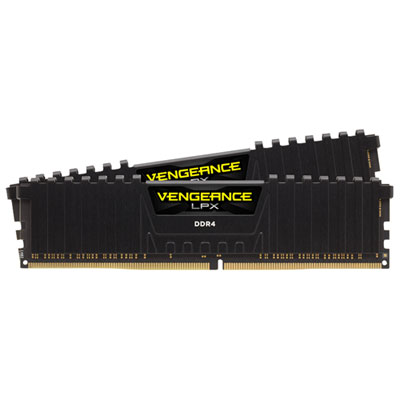
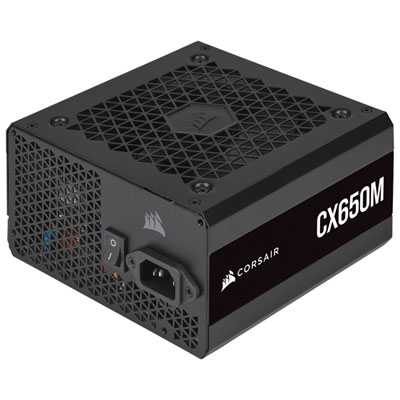
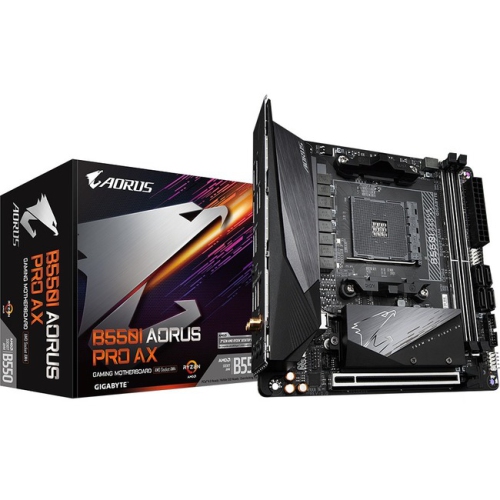
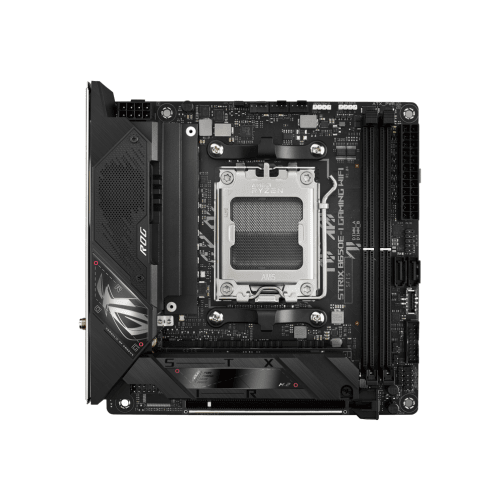
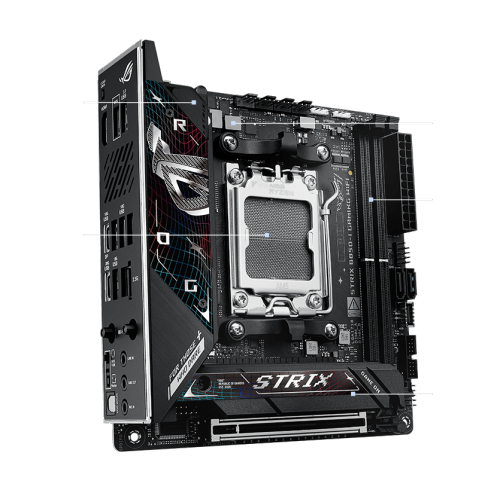
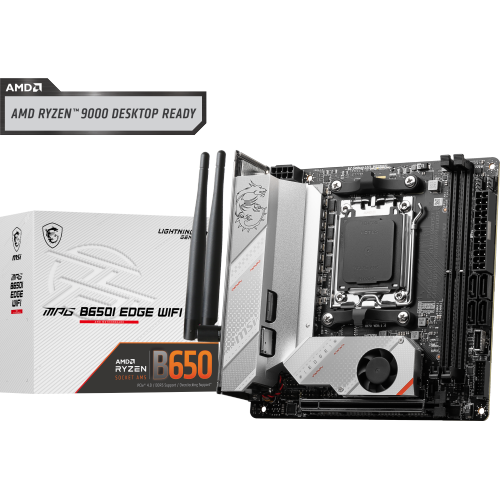
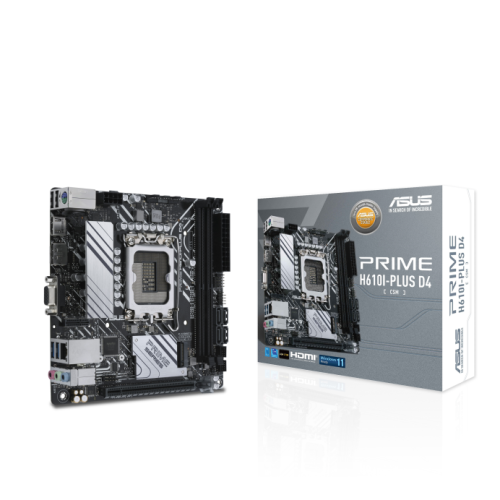
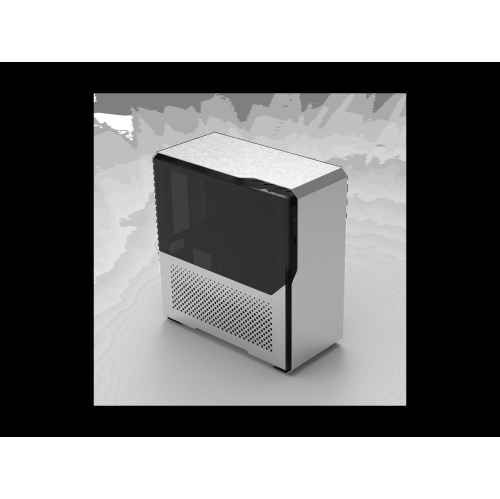
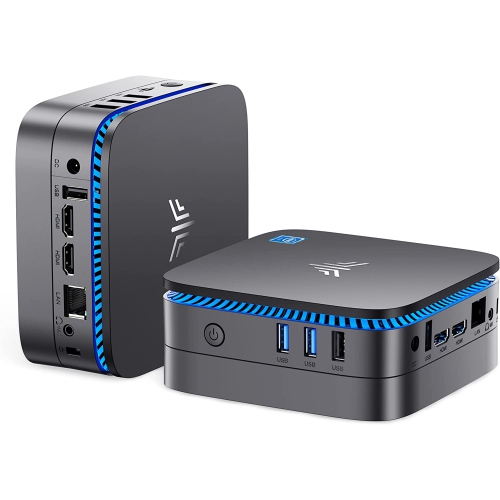
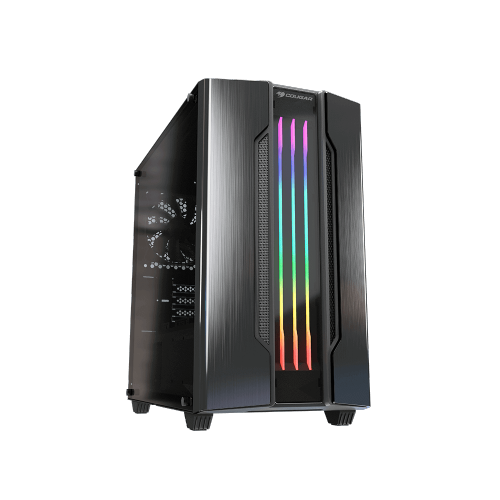
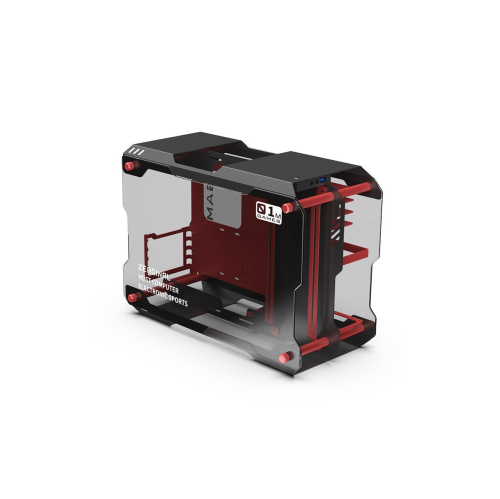

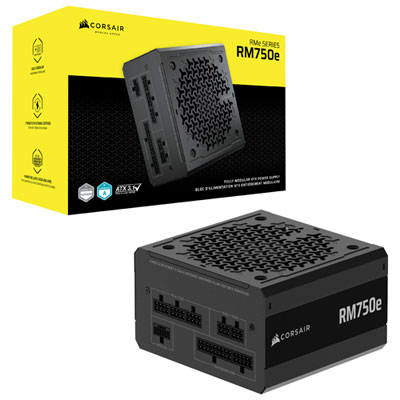
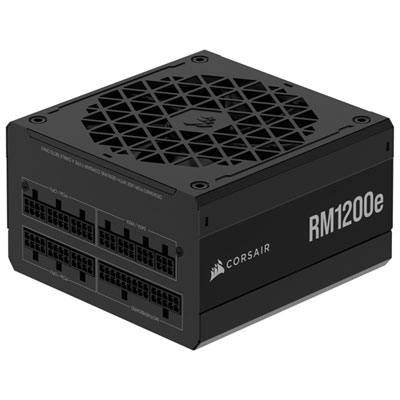
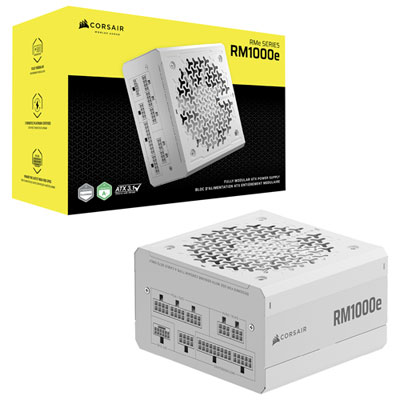
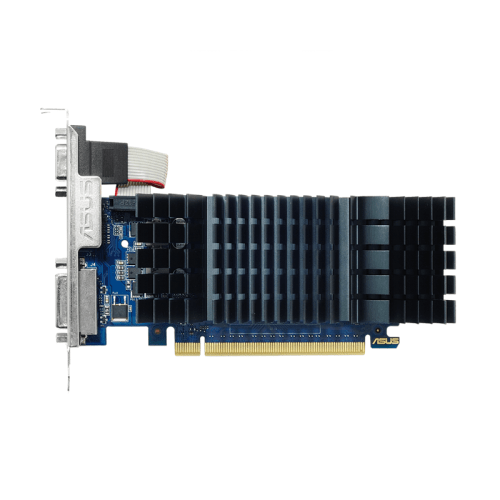
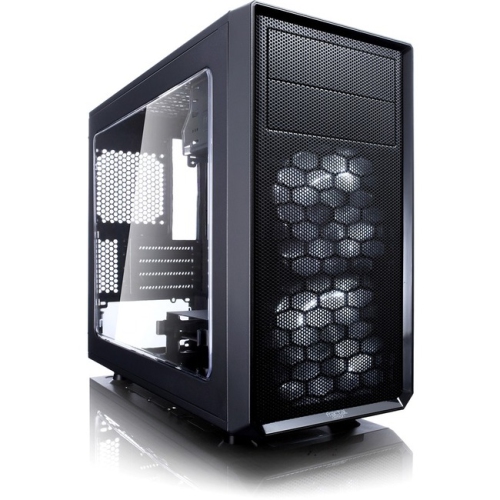
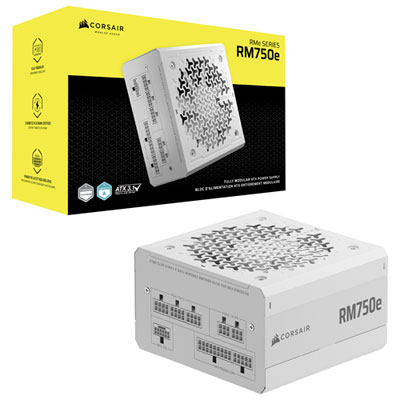
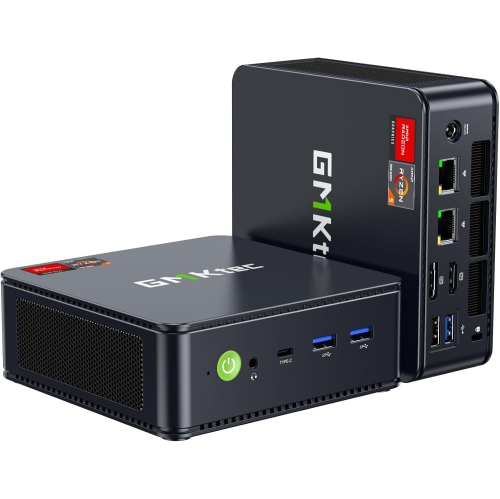
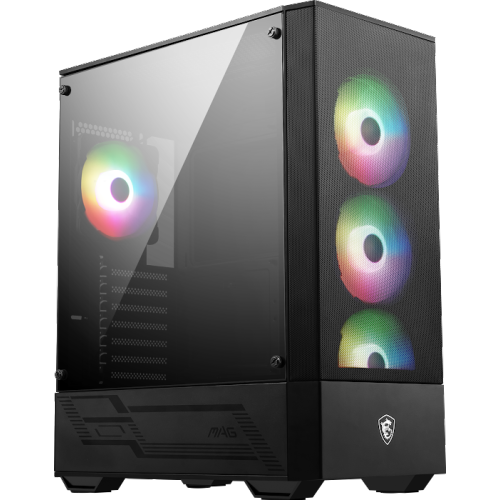
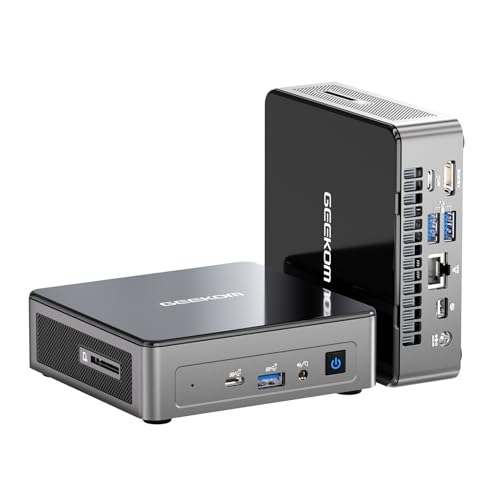
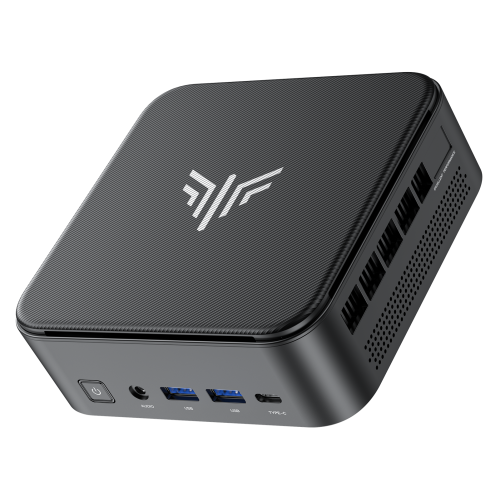
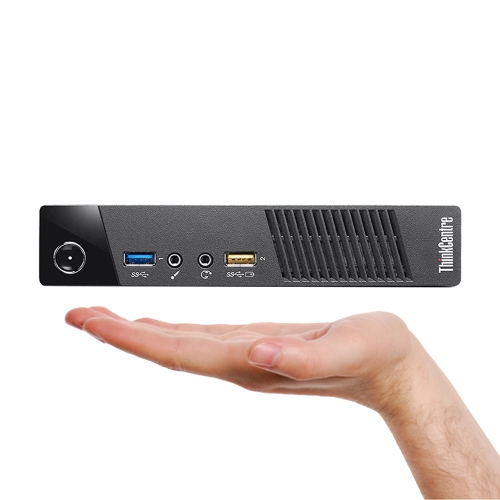
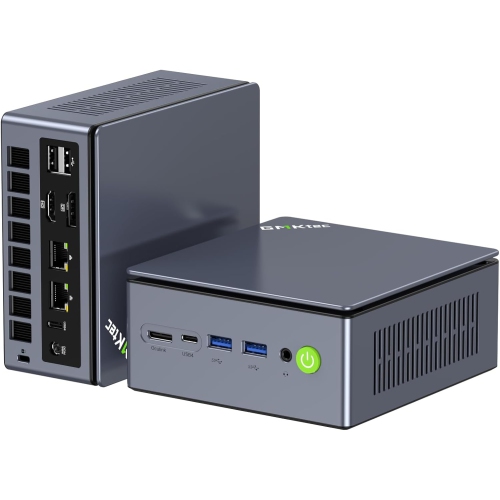
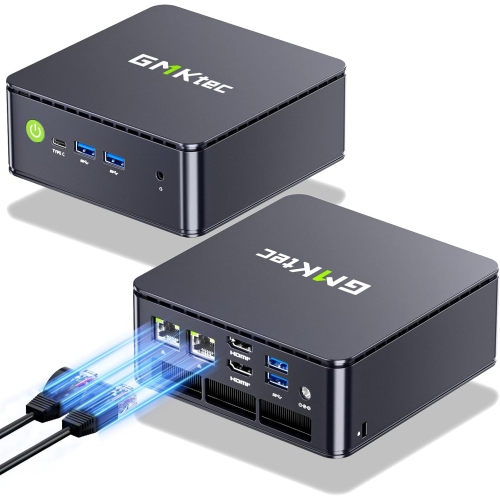
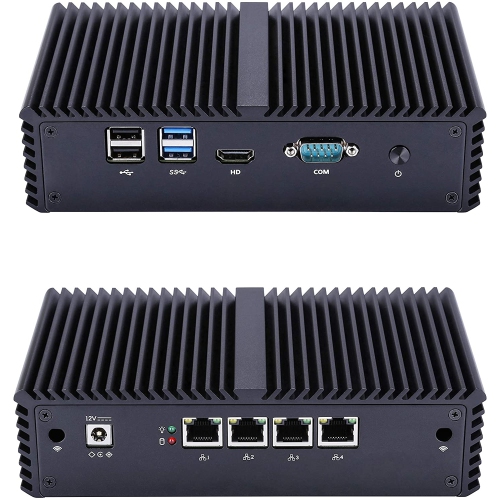
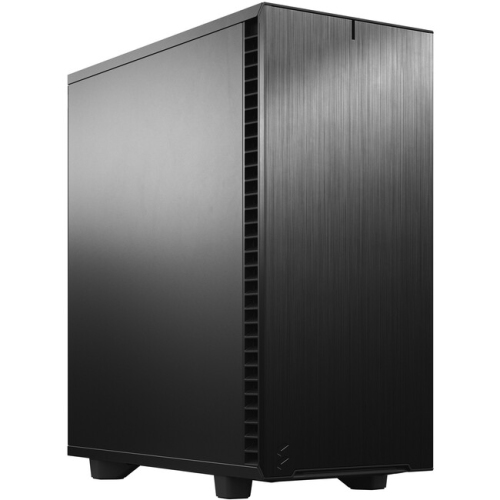
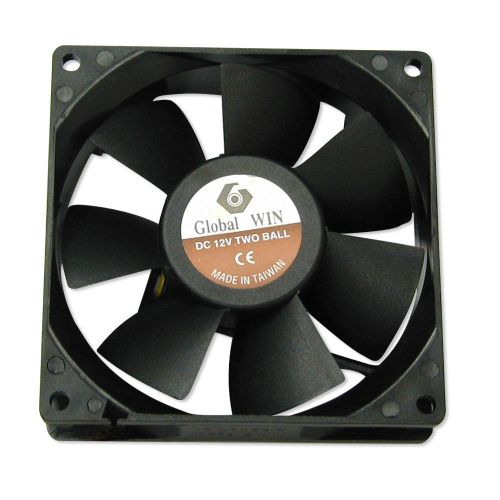
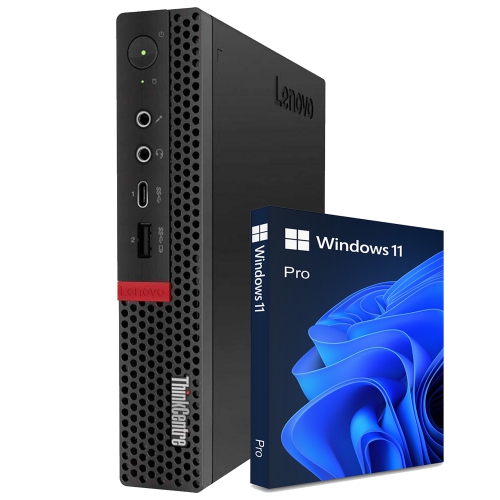
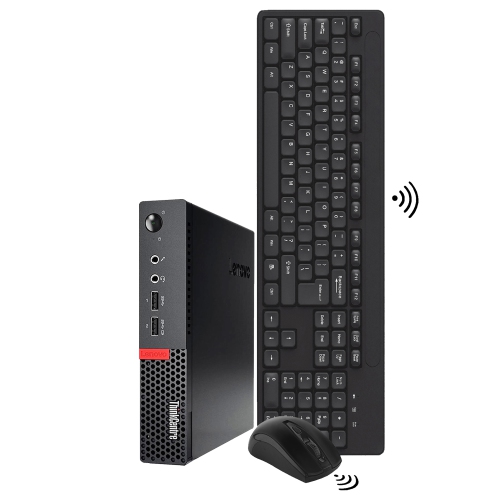
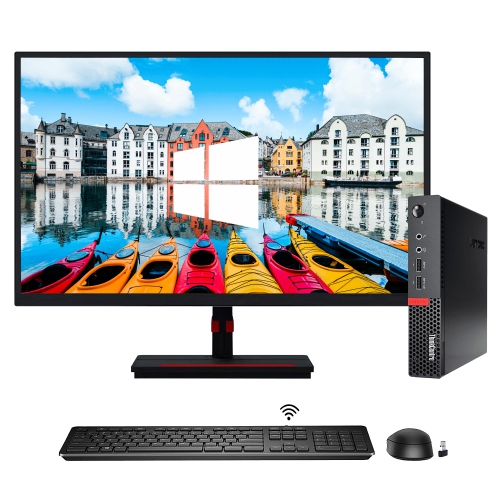
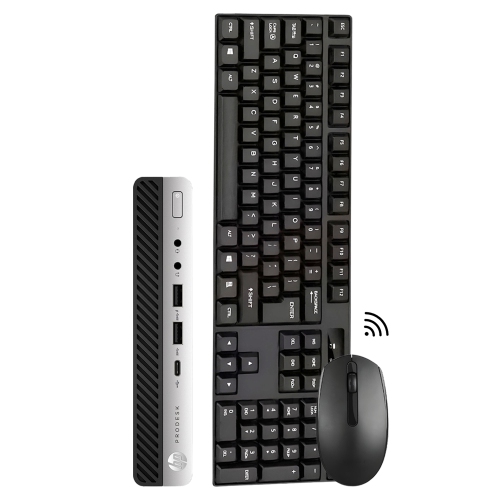
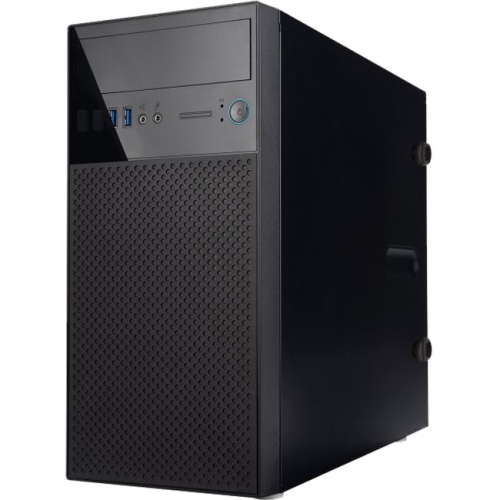
Small builds demand careful planning and precise component matching
Compact PC components for Mini-ITX builds are designed for people who want the capability of a full desktop in a smaller footprint. A Mini-ITX motherboard is the starting point, with a compact layout that typically includes one expansion slot, limited memory slots, and fewer internal connectors than larger motherboard formats. Before choosing one, check processor compatibility, socket type, chipset support, memory generation, storage connections, and the physical position of the CPU socket, memory slots, and M.2 storage slot. Built-in Wi-Fi can be especially useful in a small system where adding a separate wireless card may take up the only available expansion slot, while Bluetooth support can reduce the need for additional adapters. A motherboard with updated networking, several USB connections, and practical rear I/O can make a compact computer easier to use at a desk, in a living room, or beside a television. It is also important to confirm that the board supports the features expected from the finished computer, such as high-speed storage, multiple displays, a front-panel USB-C connection, or memory capacity for demanding software. Mini-ITX components can be an excellent choice for a clean workstation, a gaming computer, a media centre, a home server, or a portable system that can be moved between rooms without the weight and visual bulk of a traditional tower. They can also make a thoughtful gift for someone who enjoys assembling computers, upgrading an older setup, or creating a purpose-built machine for school, creative work, gaming, or home entertainment. For a broader look at parts that may be useful across different desktop formats, explore Best PC Components for PC Building.
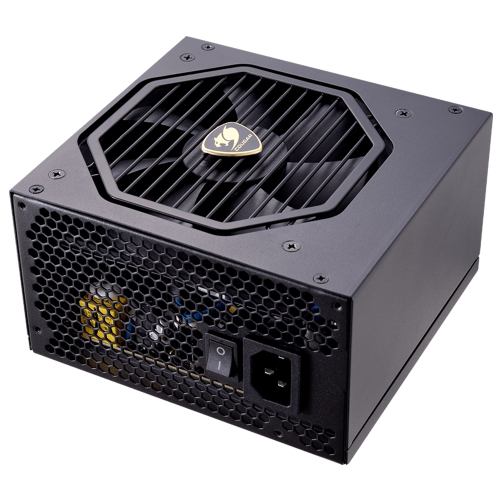
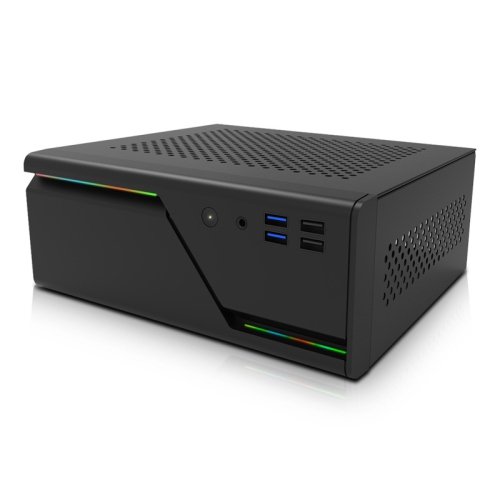
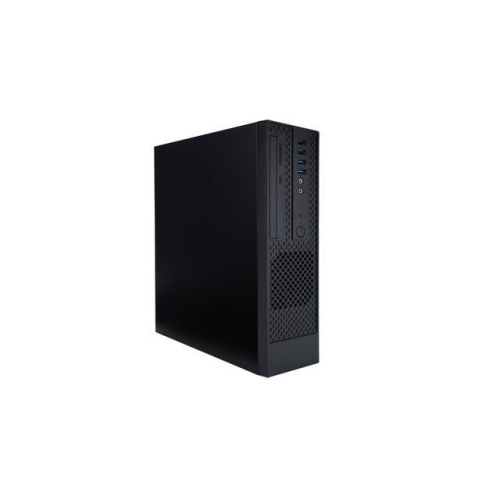
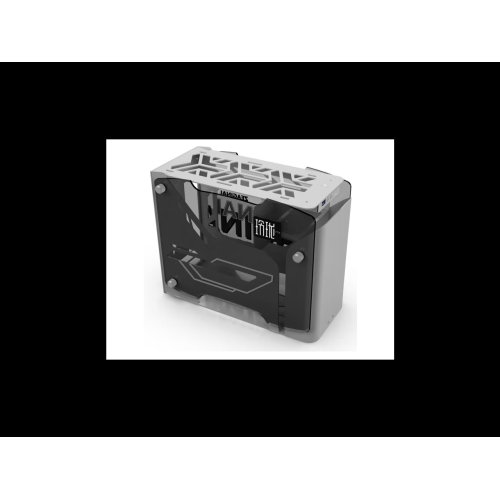
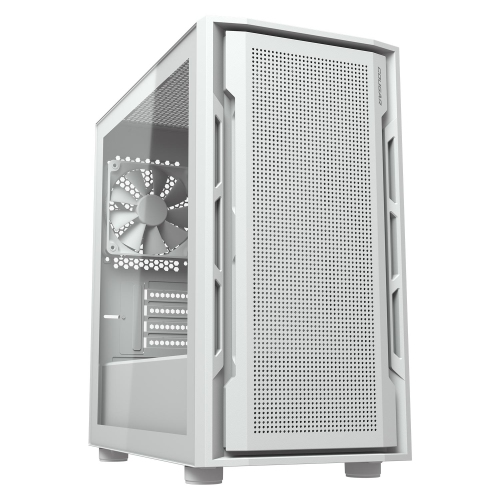
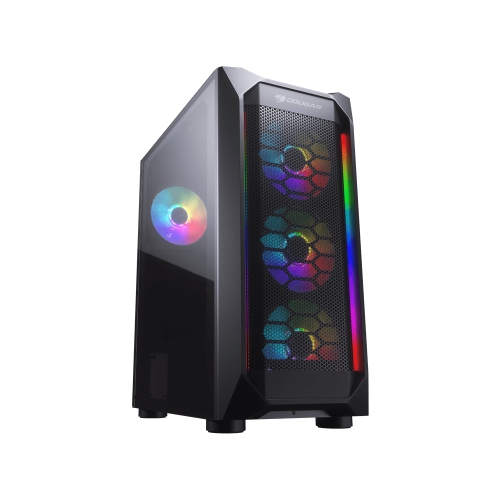
Space planning matters more in a Mini-ITX build than in almost any other desktop configuration. Start by selecting the case, then review its support for the motherboard, power supply, graphics card, CPU cooler, storage drives, radiator, and case fans before purchasing the remaining parts. Two cases with similar external dimensions can have very different internal layouts: one may allow a full-length graphics card but only a low-profile CPU cooler, while another may offer room for a larger cooler but restrict the length or thickness of the graphics card. Measure every component, including cable connectors, radiator fittings, fan frames, and power-supply cables, because a few extra millimetres can determine whether the side panel closes comfortably. SFX and SFX-L power supplies are common choices for compact systems because they leave more room around the motherboard and graphics card, while Flex-ATX units can suit especially narrow cases when the case provides the correct mounting points. Modular or shorter cables can make routing easier, but connector placement still matters in a tightly packed chassis. A low-profile air cooler can be a straightforward solution for a modest processor, office computer, or quiet productivity system, provided its height rating and thermal capacity match the processor. More powerful processors may need a larger heatsink, a compact tower cooler, or a liquid cooler with a compatible radiator mount. Cooling is not only about the cooler itself; airflow paths, fan direction, vent placement, dust filters, and the heat produced by the graphics card all affect the finished computer. In a small case, warm air can collect quickly, much like heat gathering in a closed room, so thoughtful intake and exhaust placement is essential. Leave enough room to install memory, connect storage, and reach the motherboard headers without forcing cables against fans or blocking vents. A careful layout can also make later maintenance less frustrating, particularly when the system is placed under a desk or on a shelf during the cooler months.
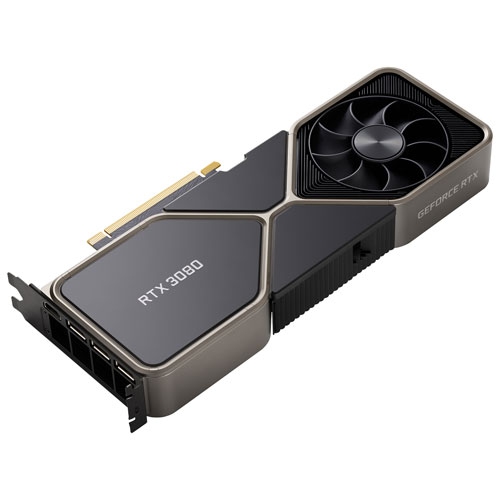
Mini-ITX systems reward careful matching rather than simply selecting the fastest individual component. A high-performance processor and graphics card can deliver excellent results in a compact computer, but they may also require stronger cooling, a higher-capacity power supply, and a case with generous ventilation. For gaming, confirm the graphics card’s maximum length, height, and thickness, as well as its power connector position and required clearance from the side panel. For productivity, video editing, music production, or software development, consider memory capacity, fast solid-state storage, and the number of displays supported by the processor or graphics card. A second storage drive may be useful for a large game library or media collection, but its mounting location can compete with the power supply, radiator, or cable channel. Small systems are also a good fit for people who value a tidy workspace, live in an apartment, share a room, or need a computer that can be transported for a work session, gaming event, or visit to family. They are often appealing as a first custom computer because the compact format encourages thoughtful planning, although assembly can be less forgiving than with a mid-tower case. Keep the motherboard manual, case instructions, and component measurements nearby, and install parts in an order that preserves access: processor and cooler before the motherboard is crowded, memory and storage before difficult-to-reach panels are covered, and power cables before the graphics card blocks access. Check firmware requirements, memory clearance, cooler orientation, and power limits before the final installation. Once assembled, monitor processor and graphics temperatures under the workloads the computer will actually handle, then adjust fan curves if necessary. Whether the goal is a discreet office computer, a capable gaming machine, or a portable desktop for everyday use, the right compact PC components can turn a small space into a dependable and highly personal Mini-ITX build.
Space planning matters more in a Mini-ITX build than in almost any other desktop configuration. Start by selecting the case, then review its support for the motherboard, power supply, graphics card, CPU cooler, storage drives, radiator, and case fans before purchasing the remaining parts. Two cases with similar external dimensions can have very different internal layouts: one may allow a full-length graphics card but only a low-profile CPU cooler, while another may offer room for a larger cooler but restrict the length or thickness of the graphics card. Measure every component, including cable connectors, radiator fittings, fan frames, and power-supply cables, because a few extra millimetres can determine whether the side panel closes comfortably. SFX and SFX-L power supplies are common choices for compact systems because they leave more room around the motherboard and graphics card, while Flex-ATX units can suit especially narrow cases when the case provides the correct mounting points. Modular or shorter cables can make routing easier, but connector placement still matters in a tightly packed chassis. A low-profile air cooler can be a straightforward solution for a modest processor, office computer, or quiet productivity system, provided its height rating and thermal capacity match the processor. More powerful processors may need a larger heatsink, a compact tower cooler, or a liquid cooler with a compatible radiator mount. Cooling is not only about the cooler itself; airflow paths, fan direction, vent placement, dust filters, and the heat produced by the graphics card all affect the finished computer. In a small case, warm air can collect quickly, much like heat gathering in a closed room, so thoughtful intake and exhaust placement is essential. Leave enough room to install memory, connect storage, and reach the motherboard headers without forcing cables against fans or blocking vents. A careful layout can also make later maintenance less frustrating, particularly when the system is placed under a desk or on a shelf during the cooler months.
Mini-ITX systems reward careful matching rather than simply selecting the fastest individual component. A high-performance processor and graphics card can deliver excellent results in a compact computer, but they may also require stronger cooling, a higher-capacity power supply, and a case with generous ventilation. For gaming, confirm the graphics card’s maximum length, height, and thickness, as well as its power connector position and required clearance from the side panel. For productivity, video editing, music production, or software development, consider memory capacity, fast solid-state storage, and the number of displays supported by the processor or graphics card. A second storage drive may be useful for a large game library or media collection, but its mounting location can compete with the power supply, radiator, or cable channel. Small systems are also a good fit for people who value a tidy workspace, live in an apartment, share a room, or need a computer that can be transported for a work session, gaming event, or visit to family. They are often appealing as a first custom computer because the compact format encourages thoughtful planning, although assembly can be less forgiving than with a mid-tower case. Keep the motherboard manual, case instructions, and component measurements nearby, and install parts in an order that preserves access: processor and cooler before the motherboard is crowded, memory and storage before difficult-to-reach panels are covered, and power cables before the graphics card blocks access. Check firmware requirements, memory clearance, cooler orientation, and power limits before the final installation. Once assembled, monitor processor and graphics temperatures under the workloads the computer will actually handle, then adjust fan curves if necessary. Whether the goal is a discreet office computer, a capable gaming machine, or a portable desktop for everyday use, the right compact PC components can turn a small space into a dependable and highly personal Mini-ITX build.
Top selling and popular products
-
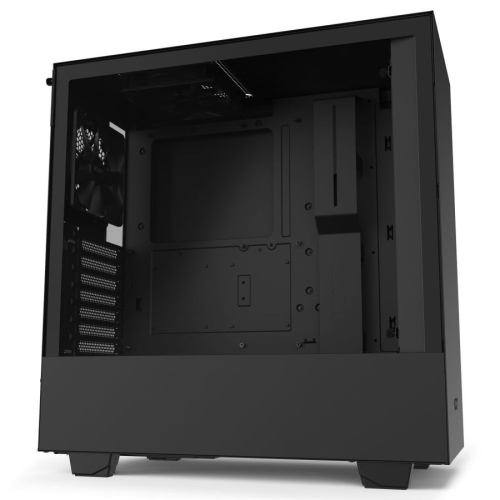 Your price for this item is $299
 -
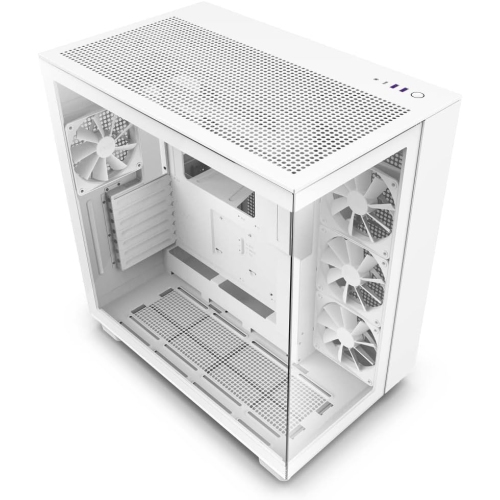 Your price for this item is $424.68
 -
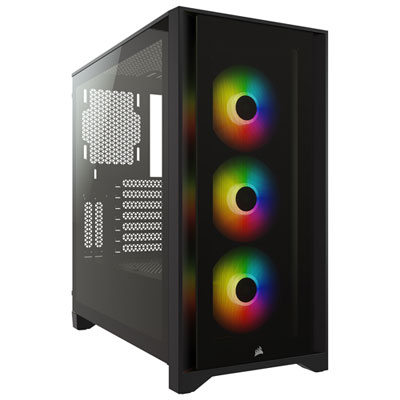 Your price for this item is $149.95
 -
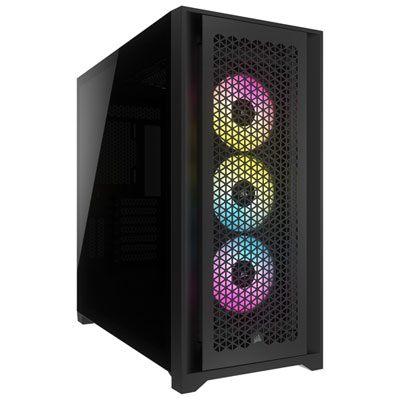 Your price for this item is $249.95
 -
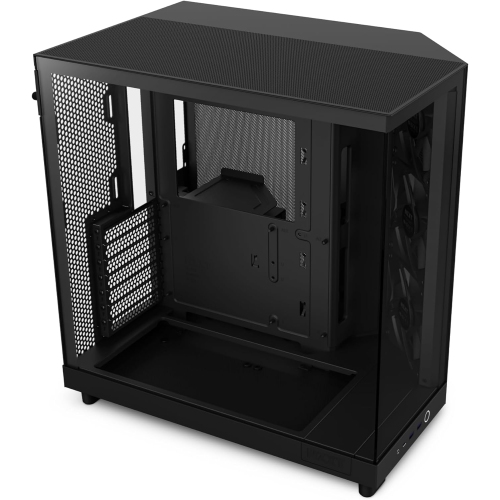 Your price for this item is $186.99
 -
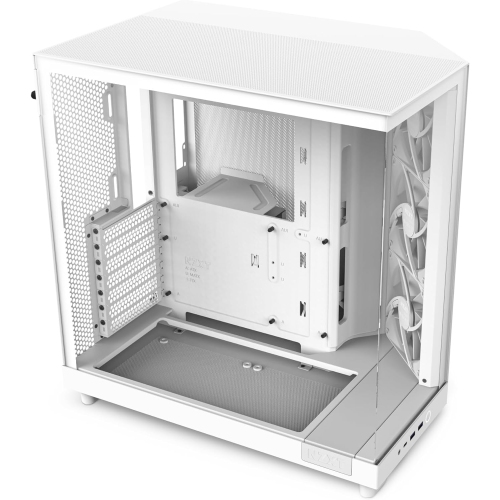 Your price for this item is $131.99
 -
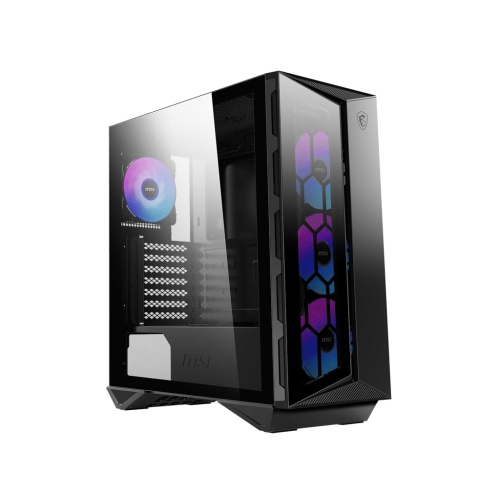 Your price for this item is $157.68
 -
 Your price for this item is $124.99
Discover more categories related to Compact PC Components for Mini-ITX Builds
Top Collections:
Pokemon Centers, Kindle Devices, Best Budget Office Chairs, Apple iPhones 16, Best Laptops for Writers, iPhone 15 Apple, Canon G7X Cameras, Refurbished Apple Laptops, Alarm Clock, Motorola Razr Phones
Some products may be subject to Environmental Handling Fees
(EHF) depending on your province.
Learn more about EHFs.