Silent PC Components for Quiet Builds
Achieve the ultimate in peaceful computing with silent PC components for quiet builds. Whether you're working late into the night, streaming your favorite shows, or engaging in intense gaming sessions, a whisper-quiet setup enhances your experience without the distraction of noisy hardware. Explore a range of carefully selected components designed to minimize sound while maximizing performance, ensuring that your PC remains as unobtrusive as possible. Create a serene and productive environment with silent PC components for quiet builds, where efficiency meets tranquility.
Sort
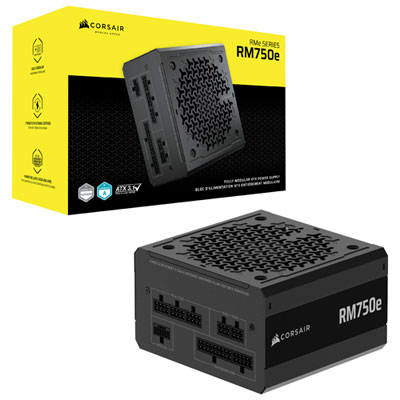
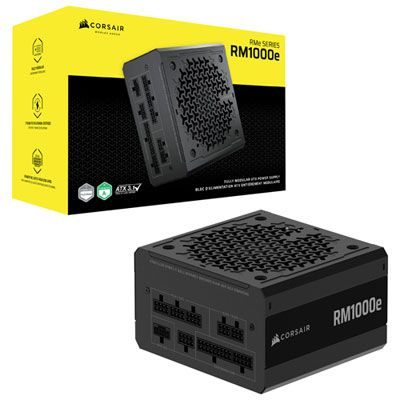
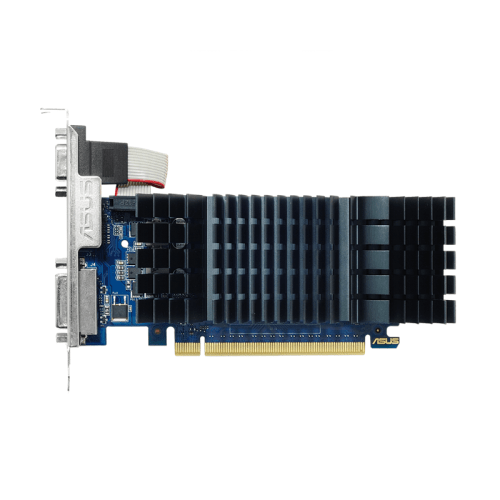
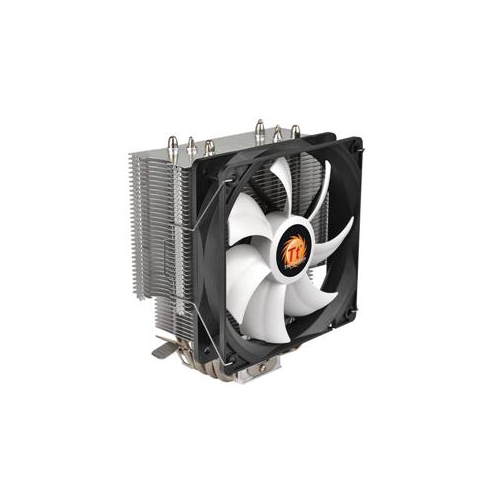


How cooling and component fit shape PC noise
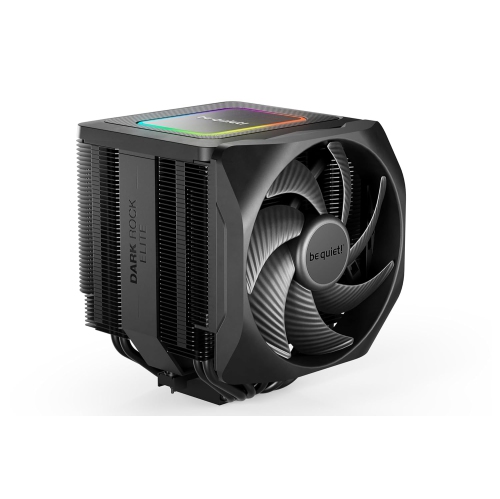
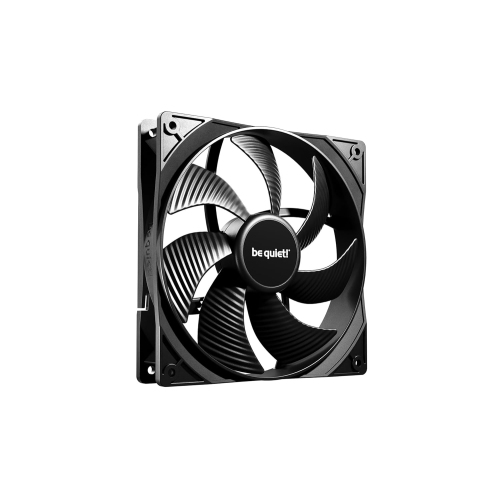
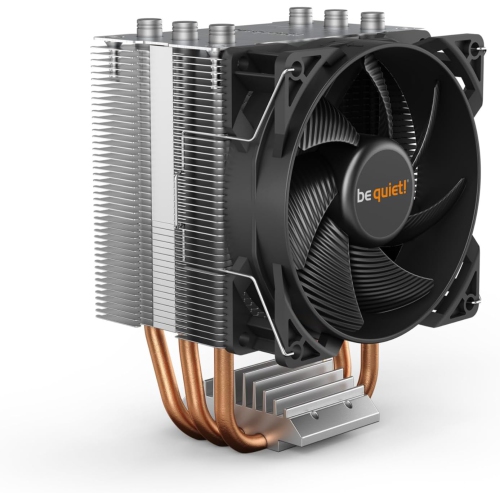
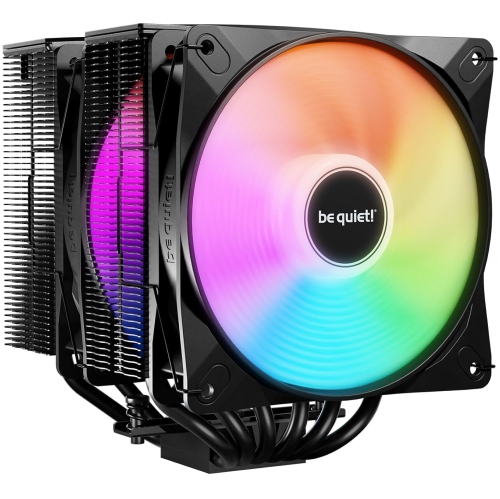
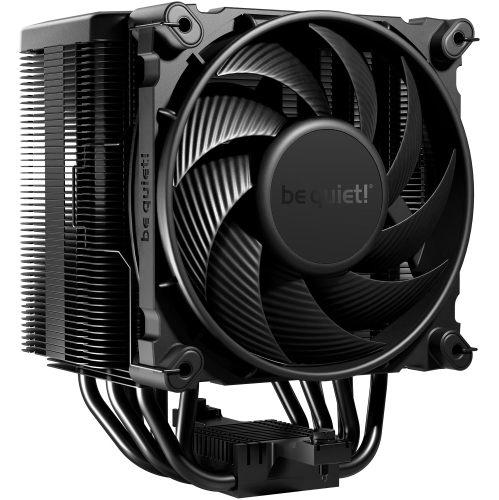
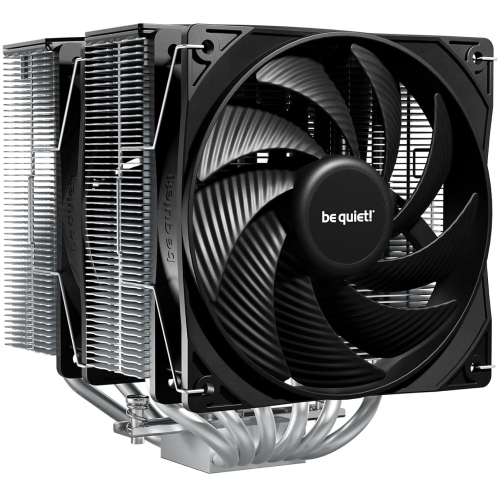
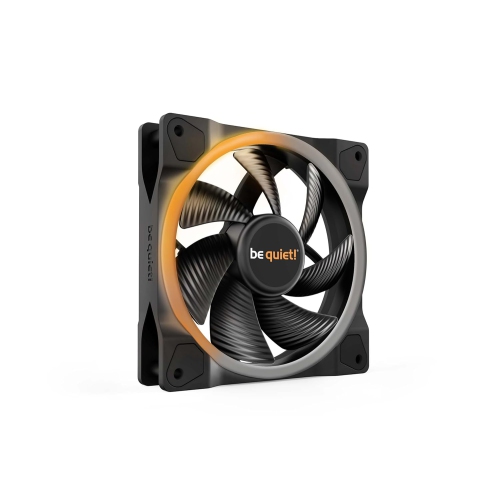
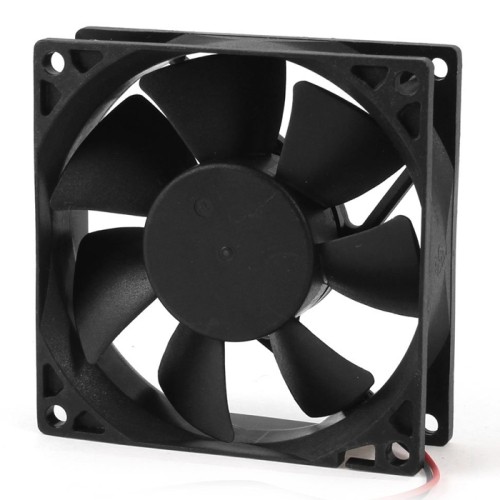
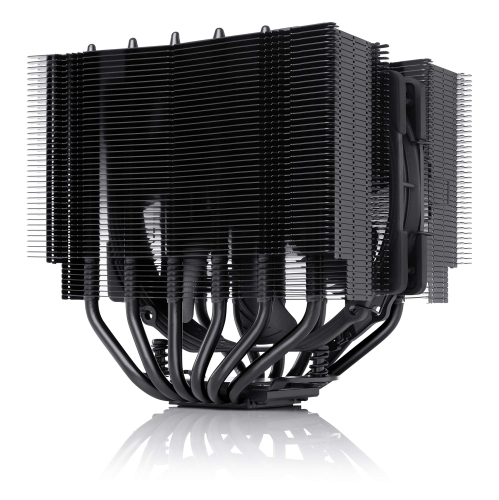
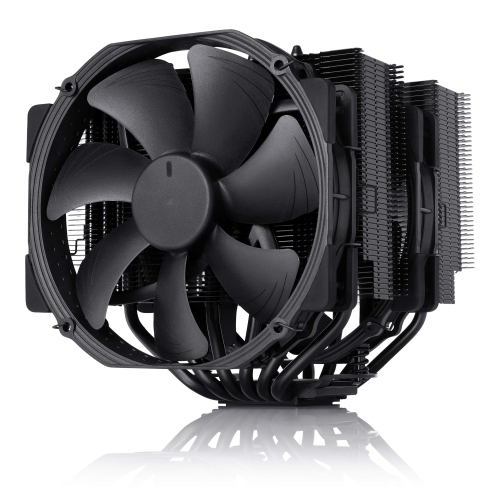
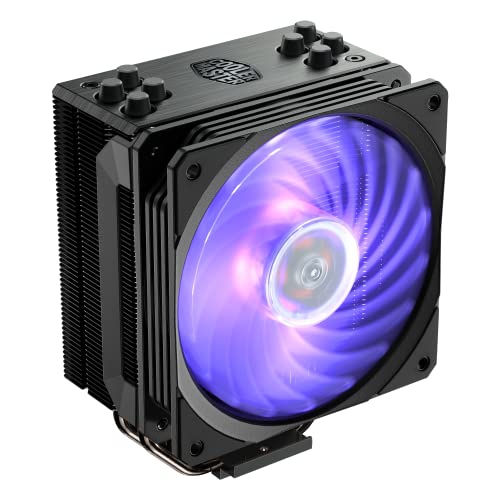
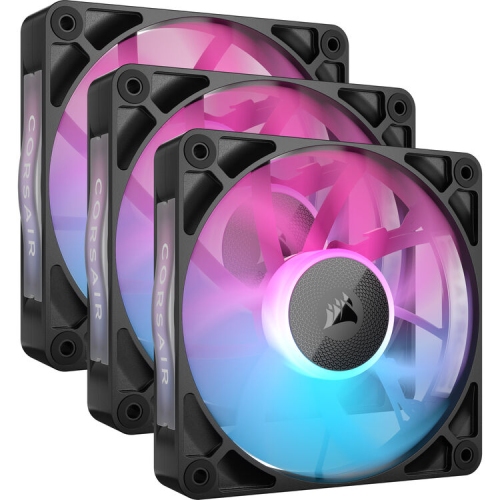
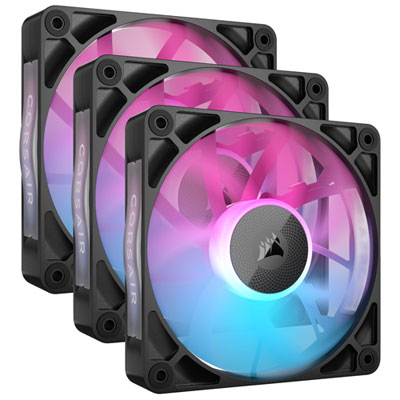
Silent PC components for quiet builds help reduce the fan noise, vibration, and mechanical hum that can make a desktop distracting at close range. They suit home offices, shared study spaces, gaming setups, and living room PCs where dialogue or music should not have to compete with a constant whirr. A quiet computer depends on how its parts work together: processors with modest power requirements produce less heat to remove, generous heatsinks spread that heat across a larger surface, and well-matched fans move air without repeatedly surging to high speeds. The word “silent” does not necessarily mean a complete system will be inaudible, particularly during demanding games or lengthy video exports. For many builds, the practical goal is a soft, steady airflow sound rather than abrupt changes in pitch. CPU air coolers commonly combine copper heat pipes with aluminium fins, using a broad cooling surface to support lower fan speeds under suitable loads. Large tower coolers can offer substantial cooling capacity without the additional pump sound associated with liquid cooling, although their height and memory clearance must match the case and motherboard layout. Liquid coolers can also suit quiet builds when radiator space, fan selection, and pump behaviour fit the intended workload; liquid cooling alone is not a guarantee of lower noise. Case fans deserve similar attention. Larger fans can often move a useful volume of air at lower rotational speeds than smaller alternatives, but blade design, bearing quality, nearby grilles, and mounting position all affect the result. Pulse-width modulation, often called PWM, allows compatible fan headers to adjust speed as cooling demand changes. A broad usable speed range supports gentle airflow during everyday browsing while leaving room for heavier work. Rubber corner pads and vibration-isolating mounts can limit the transfer of motor vibration into case panels. For a desktop beside a microphone or within arm’s reach on a desk, these small mechanical details can be as noticeable as the cooler’s overall size.
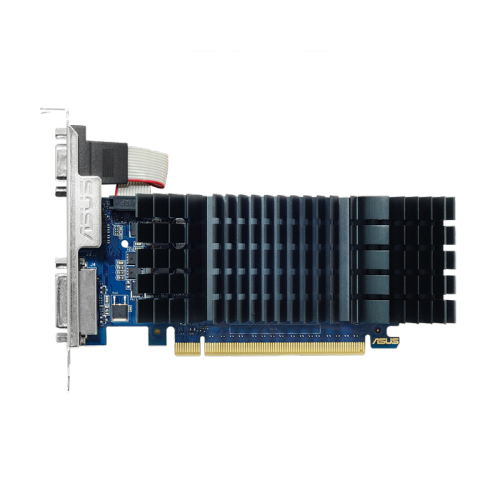
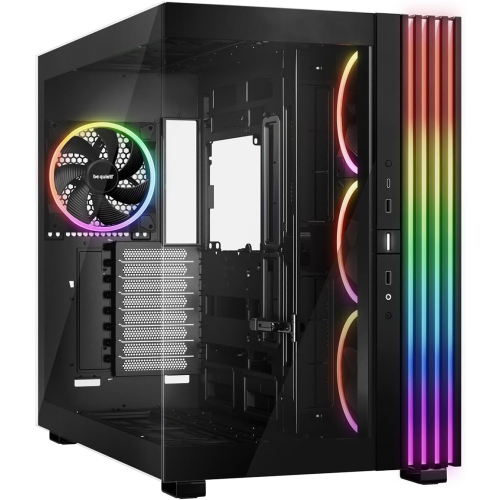
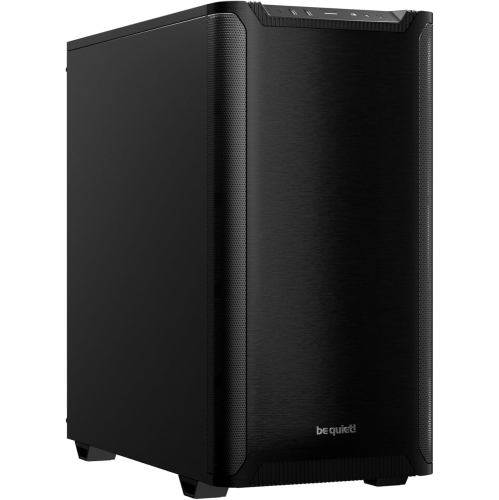
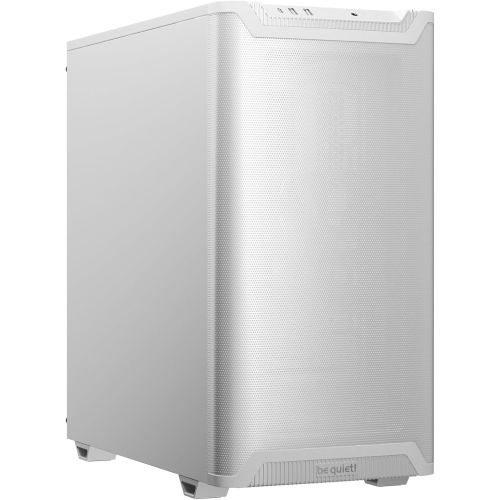
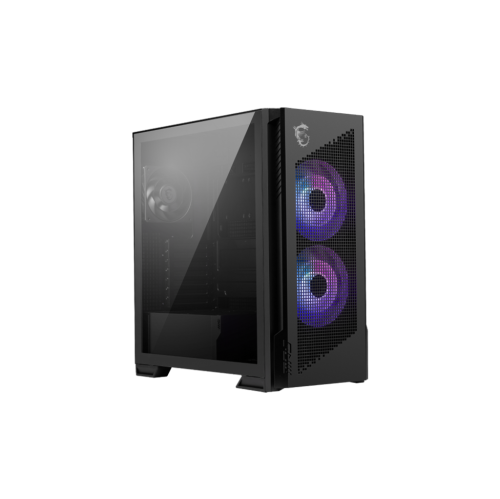
Quiet PC cases balance sound control with a clear path for incoming and outgoing air. Solid panels with sound-dampening lining can soften some internal noise, while sturdy steel construction and securely fitted panels help limit rattles. More open mesh designs let sound pass through more readily, but their reduced airflow restriction may allow fans to run more slowly. Neither approach is automatically quieter in every build: a restrictive enclosure holding high-heat components can require more aggressive cooling than a well-ventilated case. Internal space also matters. Clear routes around the graphics card, accessible cable channels, and suitable fan positions make it easier to maintain airflow without filling every mounting location. Tempered glass offers a view of the finished build, while panel fit, seals, and mounting hardware influence how the enclosure behaves acoustically. Physical compatibility extends beyond the motherboard format to CPU cooler height, graphics card length and thickness, radiator clearance, and power supply dimensions. A compact desktop has less space for large heatsinks and more closely packed components, so cooling layout deserves particular attention. Where desk space is limited, Compact PC Components for Mini-ITX Builds covers the smaller-format side of component selection, where fit and airflow are closely linked. Graphics cards contribute their own sound profile through heatsink design, fan diameter, and fan-control behaviour. Cards with a fan-stop mode can keep their fans stationary during light tasks when operating conditions allow, then start them as demand rises. This feature describes low-load behaviour rather than silence throughout a gaming session. Larger graphics coolers may dissipate heat with less fan speed, but their extra thickness can obstruct nearby expansion slots or sit too close to a case panel. Electrical coil whine is another possible source of sound, distinct from airflow or bearing noise, and its audibility varies with the component and workload. Acoustic measurements are most useful when the testing distance, system load, and background sound level are comparable; a single decibel figure cannot describe every listening experience.
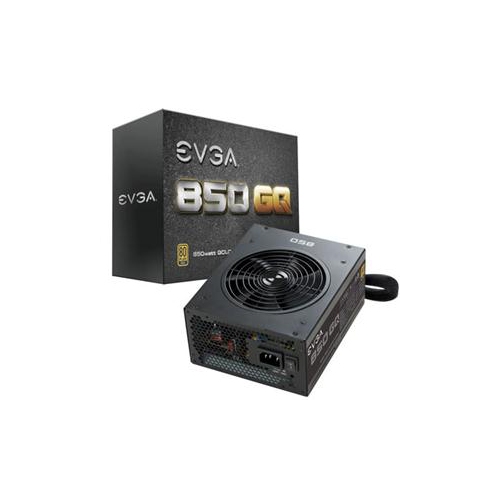
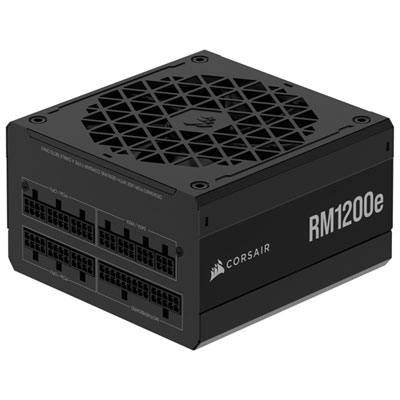
Power supplies and storage round out a quiet build in ways that are easy to overlook. A power supply with suitable capacity, effective internal cooling, and a well-controlled fan can remain unobtrusive across ordinary desktop tasks. Higher electrical efficiency means less of the incoming power becomes waste heat at a given output, but an efficiency rating is not itself a noise rating. Fan design and control settings still matter. Semi-passive power supplies can leave the fan off below certain load or thermal thresholds, whereas fully fanless designs rely on passive heat dissipation and need the installation conditions specified by their manufacturer. Modular cables allow unused leads to be left out, reducing clutter and helping preserve space around airflow paths. Solid-state drives have no spinning platters or moving read heads, so they avoid the seek clicks and rotational hum associated with mechanical hard drives. Hard drives can still serve large storage needs, with compatible vibration-dampening trays helping reduce noise transmitted through the chassis. Fast solid-state storage may also require a compatible heatsink or access to case airflow during sustained transfers. Long-term quiet operation depends partly on serviceability: removable dust filters, accessible fan mounts, and panels that fasten securely make routine care less awkward. Dust accumulating on filters and cooling fins can restrict airflow and lead to higher fan speeds, so cleaning according to the component manufacturer’s instructions helps preserve cooling performance. Durable bearings, replaceable standard-size fans, and secure mounting hardware support a build that remains practical to maintain. Intended use provides the final context for these choices. An office desktop handling documents and calls has different cooling demands from a workstation rendering complex scenes for hours, while a living room PC may make even a faint mechanical hum noticeable during a quiet film scene. For each, the most useful combination is not simply the greatest number of parts labelled quiet, but compatible components whose cooling capacity, airflow needs, and operating behaviour suit the work the computer will actually do.
Quiet PC cases balance sound control with a clear path for incoming and outgoing air. Solid panels with sound-dampening lining can soften some internal noise, while sturdy steel construction and securely fitted panels help limit rattles. More open mesh designs let sound pass through more readily, but their reduced airflow restriction may allow fans to run more slowly. Neither approach is automatically quieter in every build: a restrictive enclosure holding high-heat components can require more aggressive cooling than a well-ventilated case. Internal space also matters. Clear routes around the graphics card, accessible cable channels, and suitable fan positions make it easier to maintain airflow without filling every mounting location. Tempered glass offers a view of the finished build, while panel fit, seals, and mounting hardware influence how the enclosure behaves acoustically. Physical compatibility extends beyond the motherboard format to CPU cooler height, graphics card length and thickness, radiator clearance, and power supply dimensions. A compact desktop has less space for large heatsinks and more closely packed components, so cooling layout deserves particular attention. Where desk space is limited, Compact PC Components for Mini-ITX Builds covers the smaller-format side of component selection, where fit and airflow are closely linked. Graphics cards contribute their own sound profile through heatsink design, fan diameter, and fan-control behaviour. Cards with a fan-stop mode can keep their fans stationary during light tasks when operating conditions allow, then start them as demand rises. This feature describes low-load behaviour rather than silence throughout a gaming session. Larger graphics coolers may dissipate heat with less fan speed, but their extra thickness can obstruct nearby expansion slots or sit too close to a case panel. Electrical coil whine is another possible source of sound, distinct from airflow or bearing noise, and its audibility varies with the component and workload. Acoustic measurements are most useful when the testing distance, system load, and background sound level are comparable; a single decibel figure cannot describe every listening experience.
Power supplies and storage round out a quiet build in ways that are easy to overlook. A power supply with suitable capacity, effective internal cooling, and a well-controlled fan can remain unobtrusive across ordinary desktop tasks. Higher electrical efficiency means less of the incoming power becomes waste heat at a given output, but an efficiency rating is not itself a noise rating. Fan design and control settings still matter. Semi-passive power supplies can leave the fan off below certain load or thermal thresholds, whereas fully fanless designs rely on passive heat dissipation and need the installation conditions specified by their manufacturer. Modular cables allow unused leads to be left out, reducing clutter and helping preserve space around airflow paths. Solid-state drives have no spinning platters or moving read heads, so they avoid the seek clicks and rotational hum associated with mechanical hard drives. Hard drives can still serve large storage needs, with compatible vibration-dampening trays helping reduce noise transmitted through the chassis. Fast solid-state storage may also require a compatible heatsink or access to case airflow during sustained transfers. Long-term quiet operation depends partly on serviceability: removable dust filters, accessible fan mounts, and panels that fasten securely make routine care less awkward. Dust accumulating on filters and cooling fins can restrict airflow and lead to higher fan speeds, so cleaning according to the component manufacturer’s instructions helps preserve cooling performance. Durable bearings, replaceable standard-size fans, and secure mounting hardware support a build that remains practical to maintain. Intended use provides the final context for these choices. An office desktop handling documents and calls has different cooling demands from a workstation rendering complex scenes for hours, while a living room PC may make even a faint mechanical hum noticeable during a quiet film scene. For each, the most useful combination is not simply the greatest number of parts labelled quiet, but compatible components whose cooling capacity, airflow needs, and operating behaviour suit the work the computer will actually do.
Top selling and popular products
-
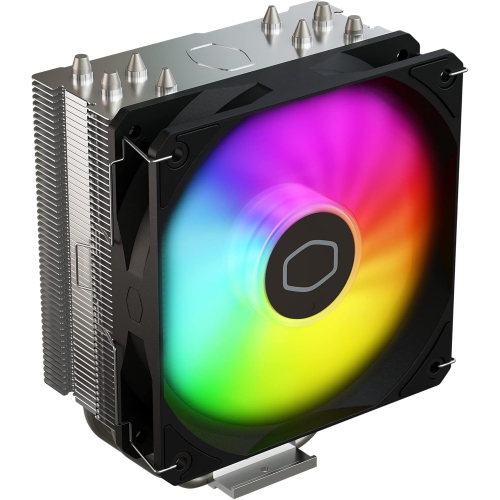 Your price for this item is $29.27
 -
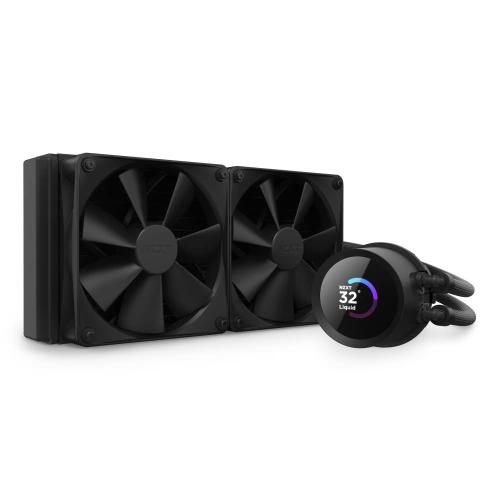 Your price for this item is $419.68
 -
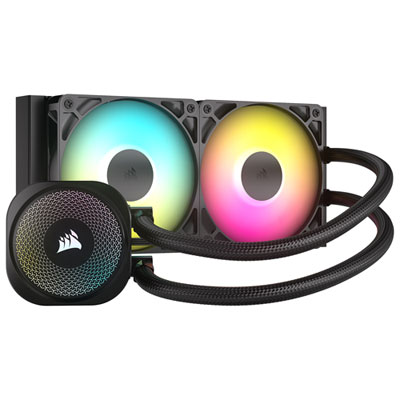 Your price for this item is $114.99
 -
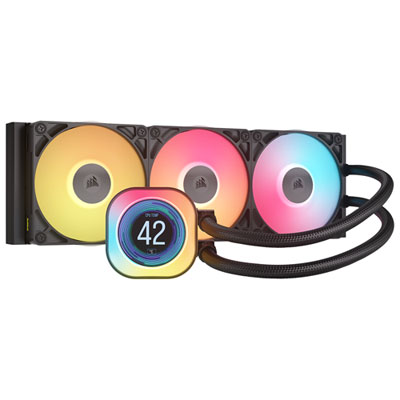 Your price for this item is $244.99
 -
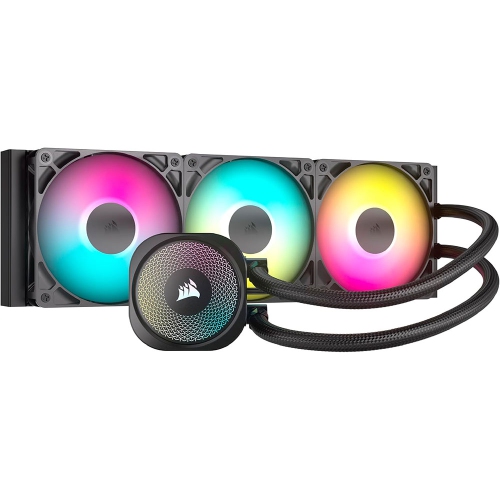 Your price for this item is $179
 -
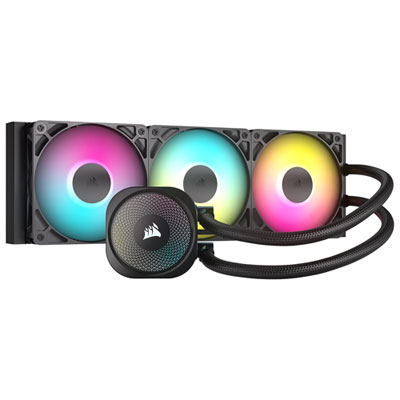 Your price for this item is $134.99
 -
 Your price for this item is $60.68
 -
 Your price for this item is $151.8
Discover more categories related to Silent PC Components for Quiet Builds
Top Collections:
Pokemon Centers, Kindle Devices, Best Budget Office Chairs, Apple iPhones 16, Best Laptops for Writers, iPhone 15 Apple, Canon G7X Cameras, Refurbished Apple Laptops, Alarm Clock, Motorola Razr Phones
Some products may be subject to Environmental Handling Fees
(EHF) depending on your province.
Learn more about EHFs.