PlayStation 4 External Hard Drives
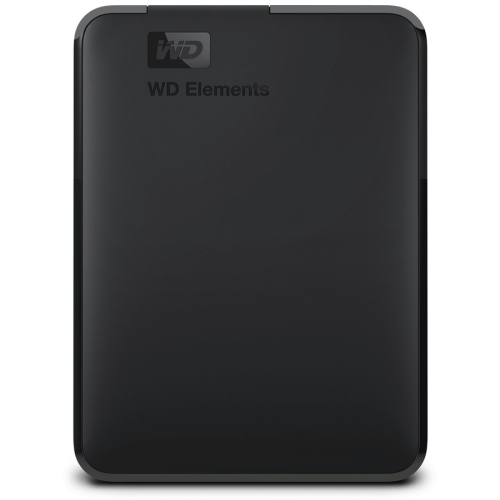
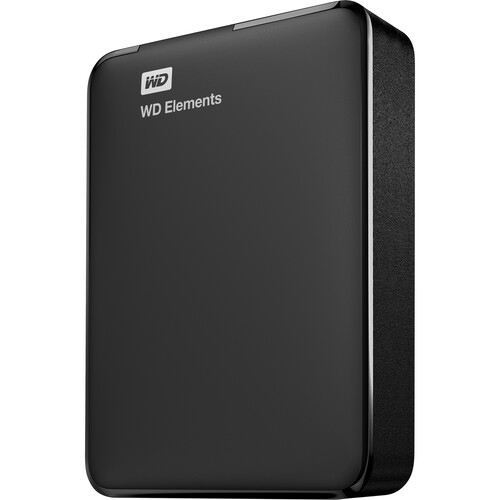
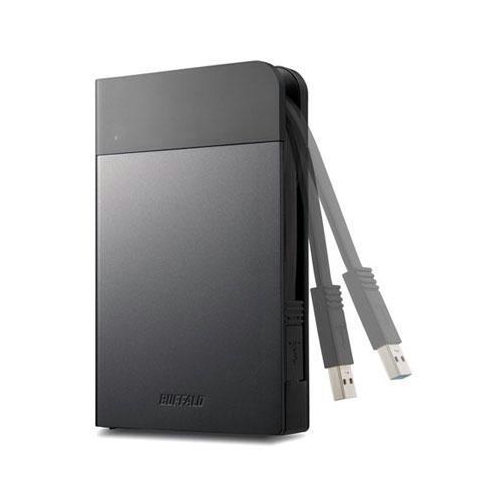
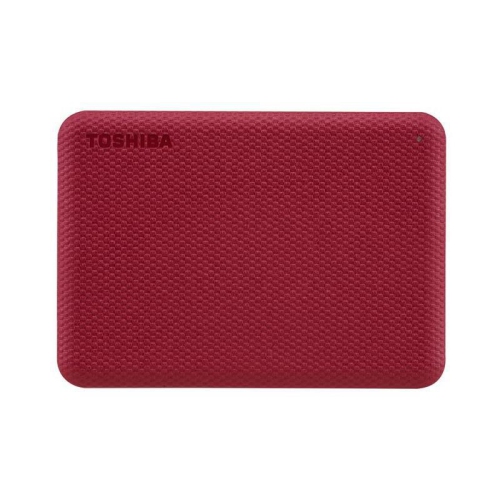
PlayStation 4 external hard drives give you more space for game downloads and installations without replacing your console’s internal drive. Compare storage capacities to suit your game library, and check PS4 compatibility and USB requirements before choosing a drive.

















FAQ
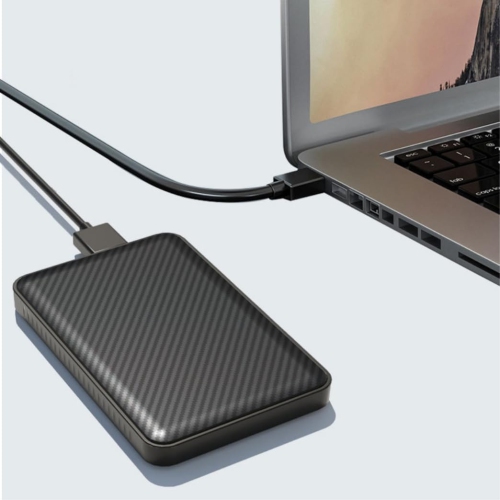
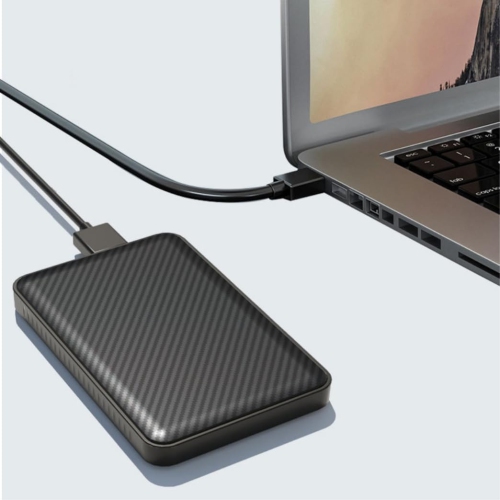
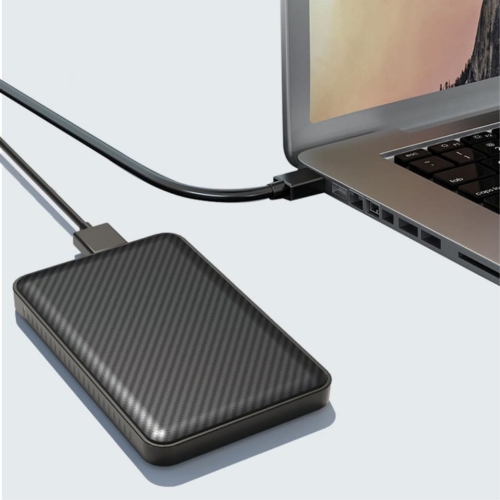
For game storage, PS4 supports compatible USB 3.0 or later external hard drives formatted as extended storage. Connect the drive directly to the console rather than through a USB hub. PS4, PS4 Slim and PS4 Pro consoles support this feature with system software version 4.50 or later.
Connect the drive to a USB port on your PS4, then go to Settings > Devices > USB Storage Devices. Select the drive and choose Format as Extended Storage. Formatting erases existing data on the drive. Once it is set up, you can choose extended storage as the installation location for new games under Settings > Storage.
Yes. Go to Settings > Storage > System Storage > Applications, press the OPTIONS button and select Move to Extended Storage. Choose the games you want to transfer, then select Move. You can also move games back to system storage through the same menu by starting from Extended Storage.
No. A drive formatted as PS4 extended storage holds game applications and add-ons, while saved game data, screenshots and video clips remain in system storage. Saved game data can be copied separately to a compatible USB storage device or uploaded to online storage with a PlayStation Plus membership.
Yes. Both downloaded games and disc-based game installations can run from compatible extended storage while the drive is connected. For disc-based games, you still need to insert the game disc to play. Digital games remain subject to the purchasing account's licence and console activation settings.
Top selling and popular products
Discover more categories related to PlayStation 4 External Hard Drives
Some products may be subject to Environmental Handling Fees (EHF) depending on your province. Learn more about EHFs.