Ready-to-Play PCs

Browse ready-to-play PCs for a prebuilt gaming computer without choosing and assembling individual components yourself. Compare each computer’s listed specifications with the requirements of the games you want to play, then narrow your options by budget and available desk space.

Sort

Desktop gaming without building a PC from scratch

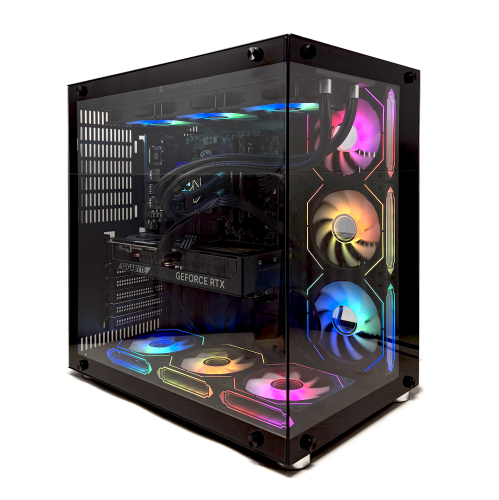
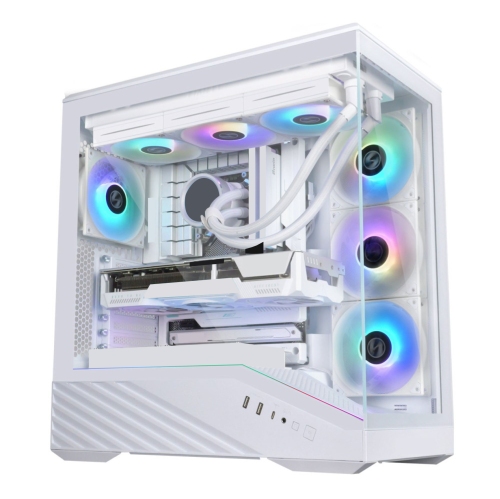
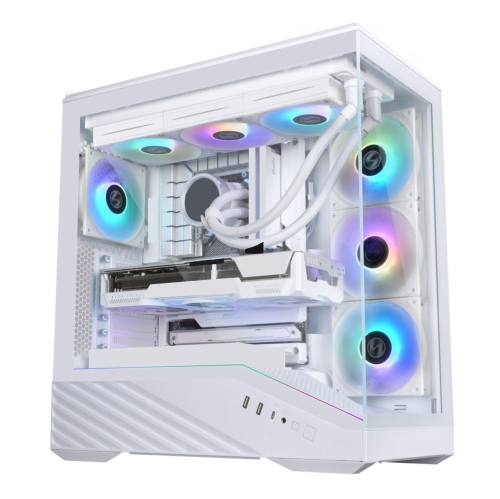
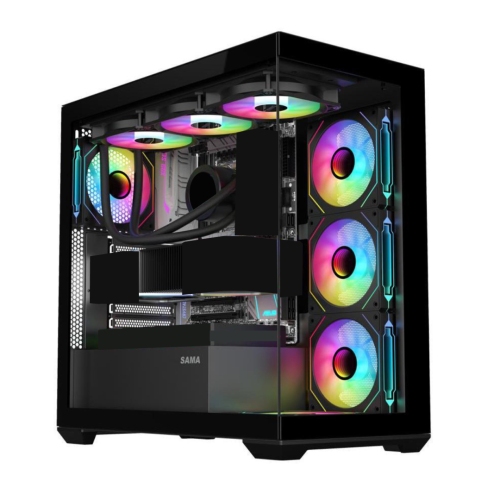
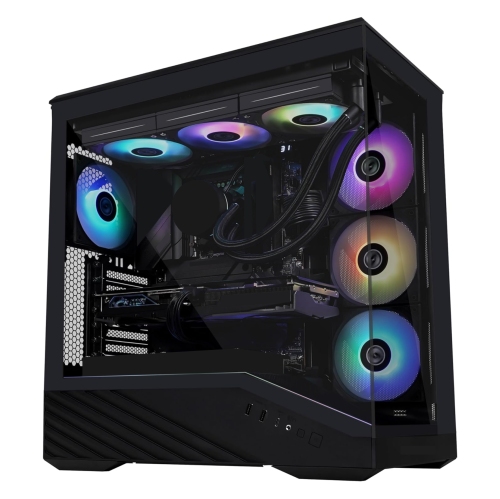
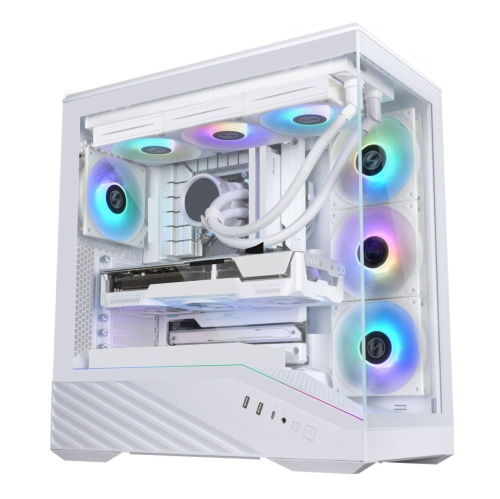
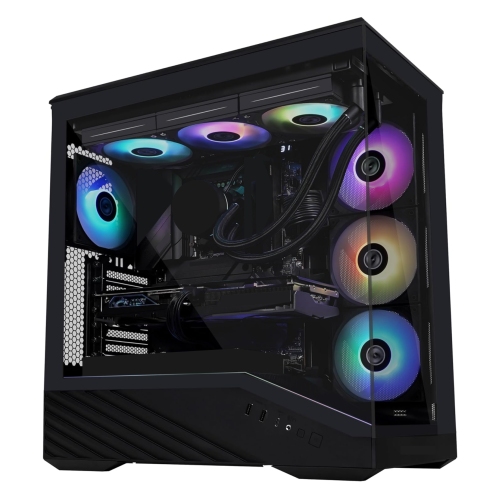
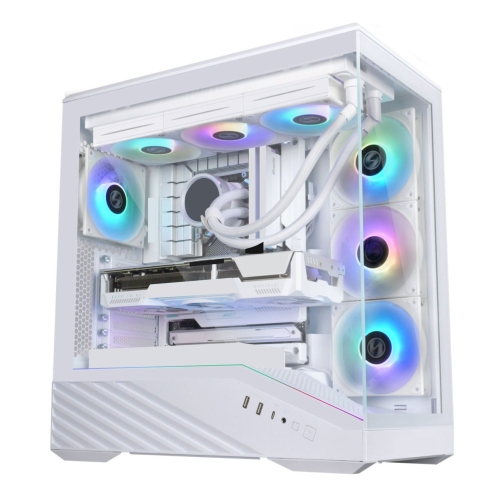
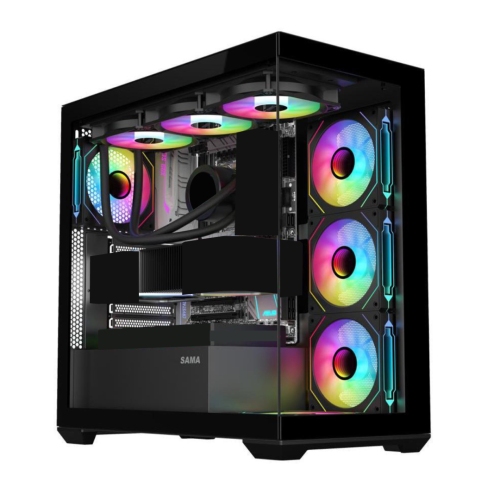
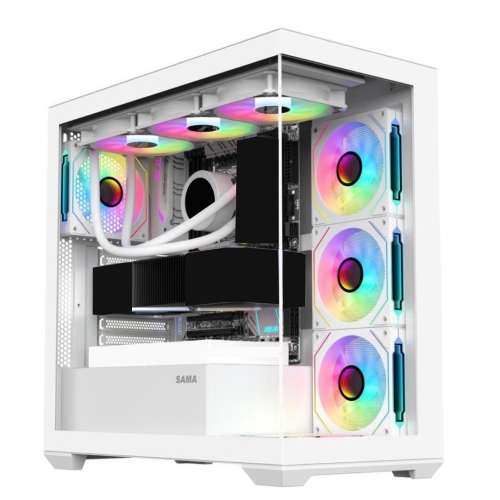
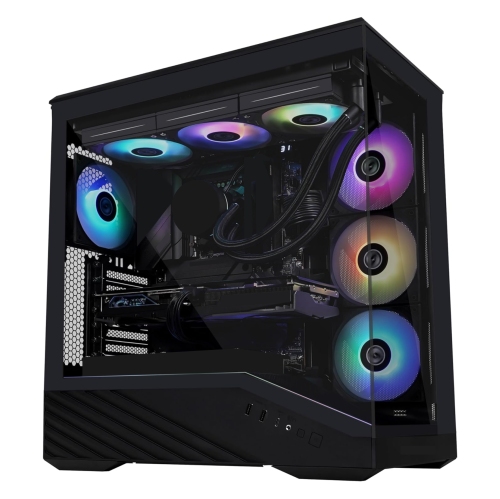
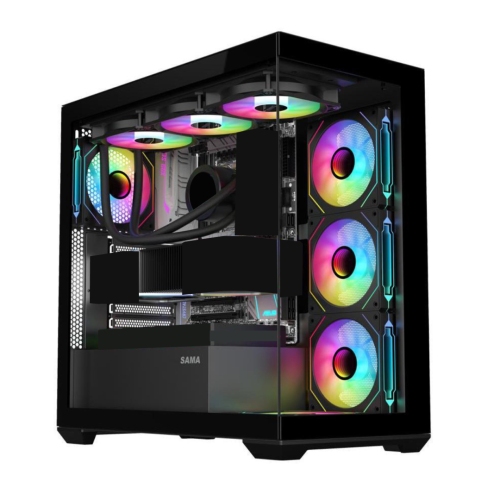
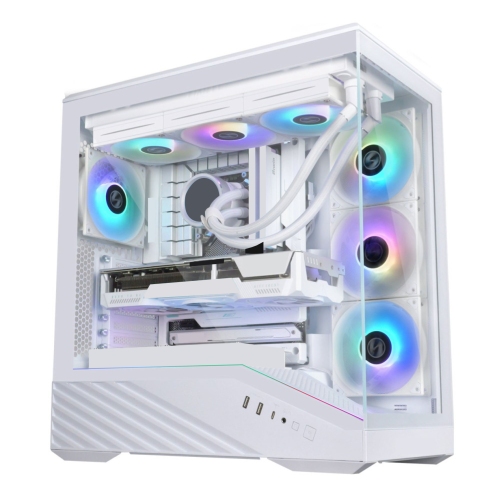
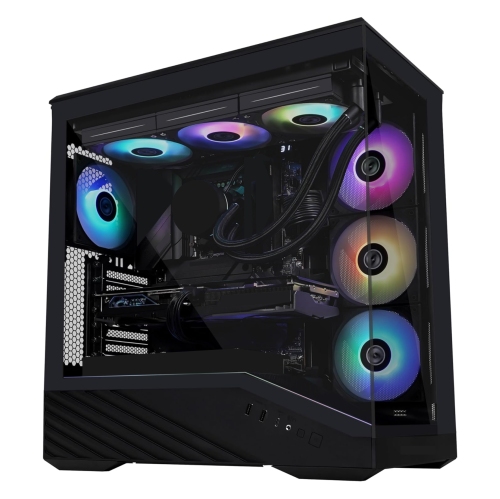
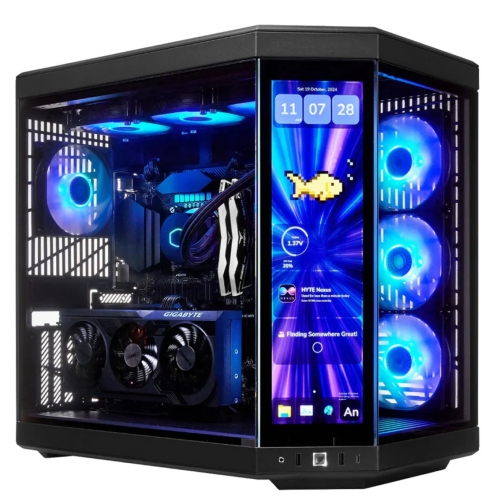
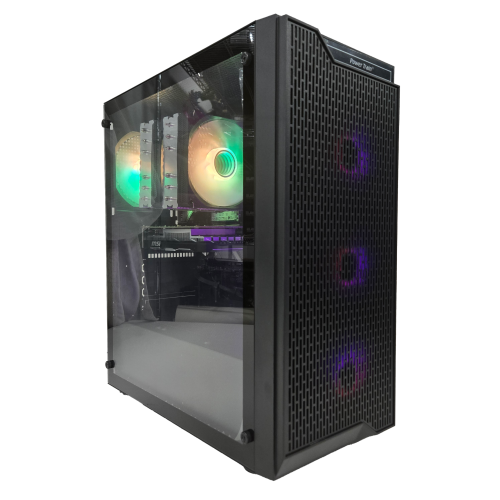
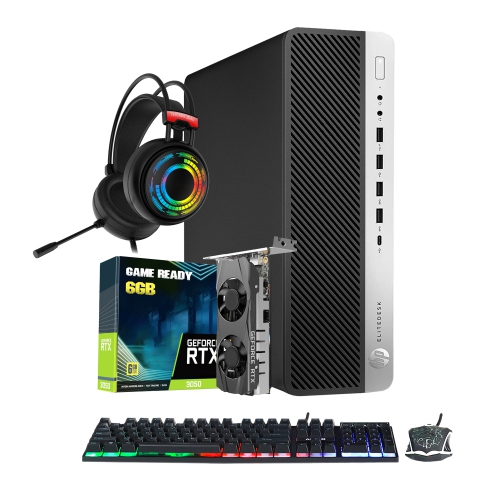
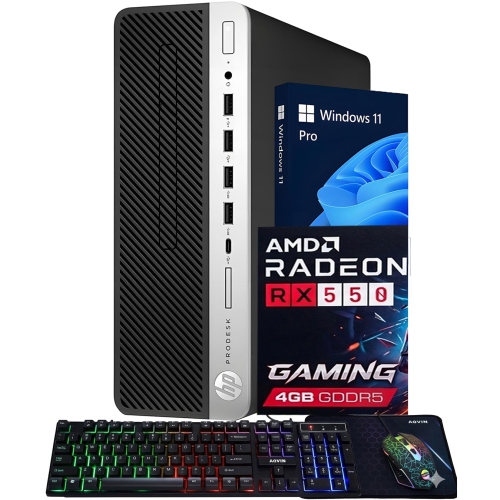
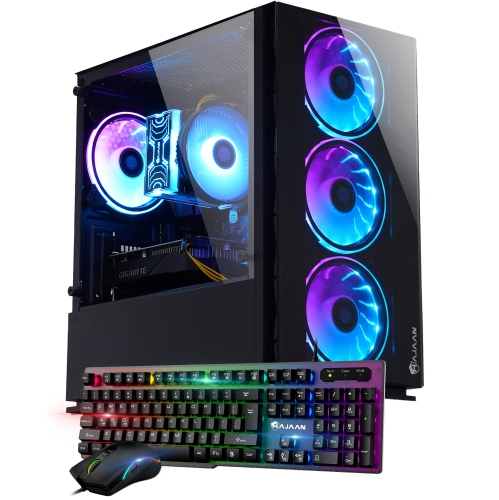
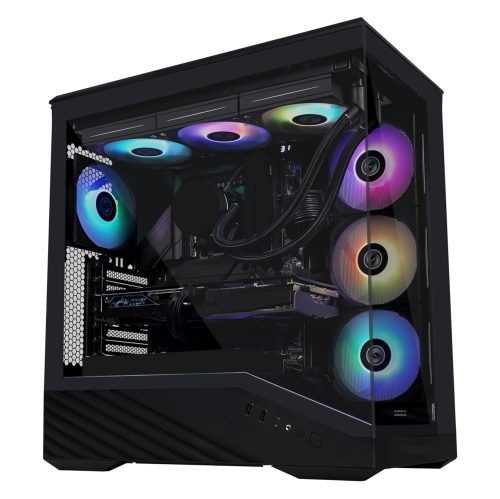
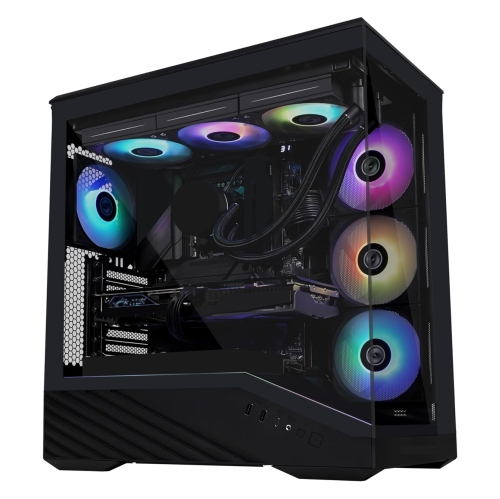
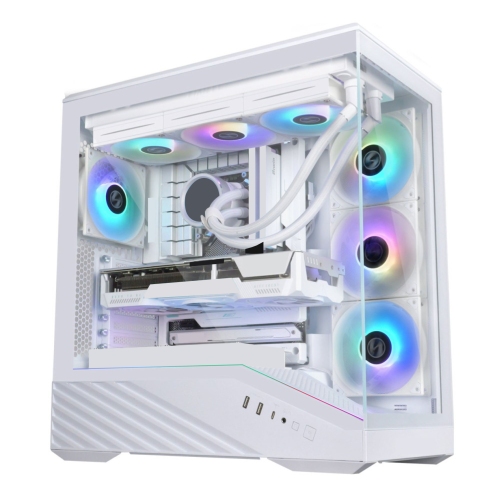
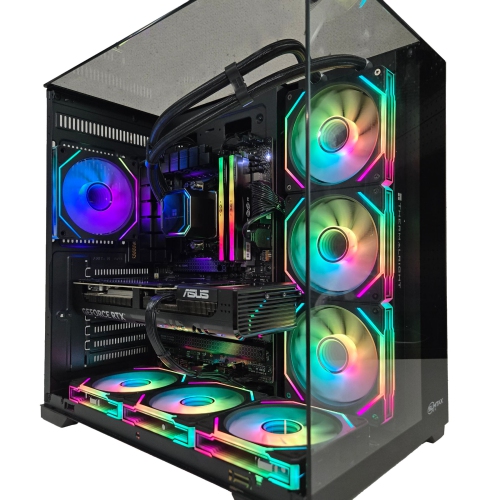
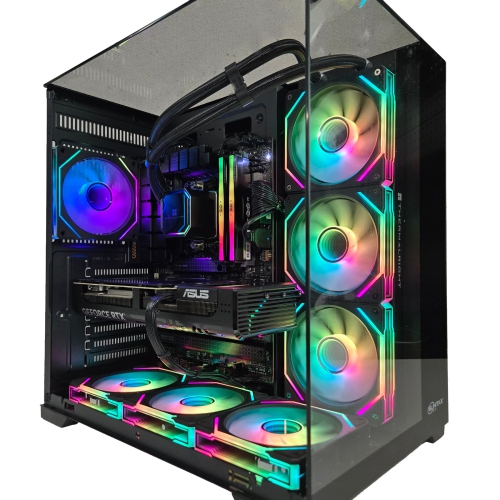
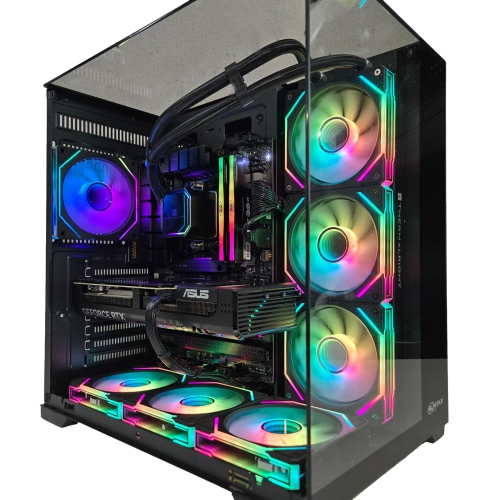
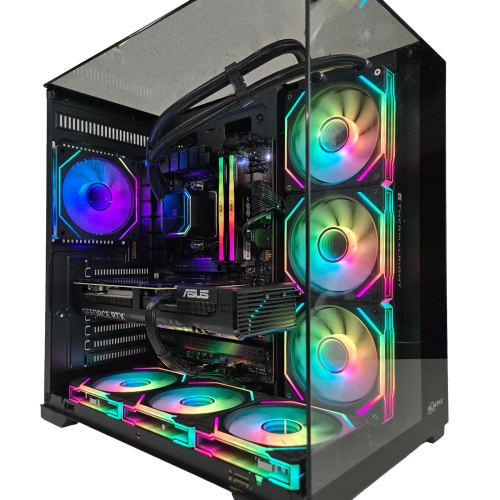
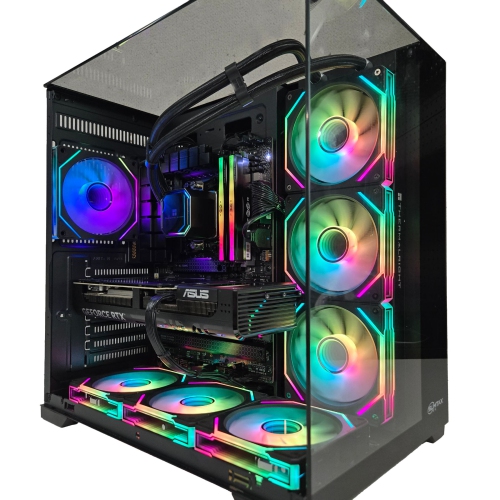
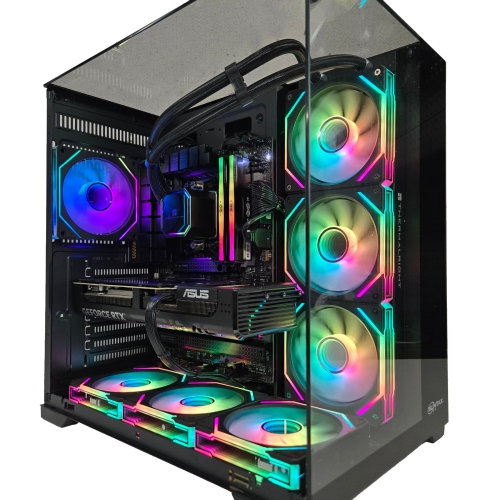
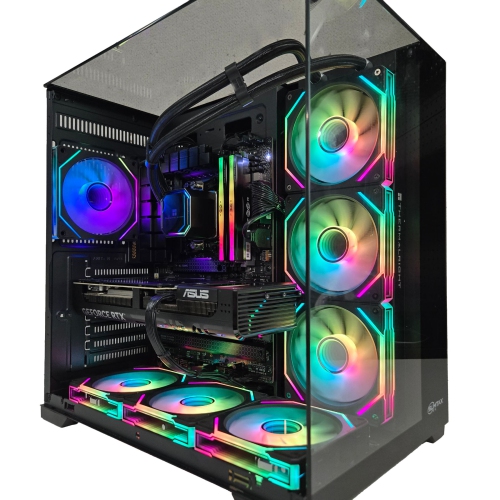
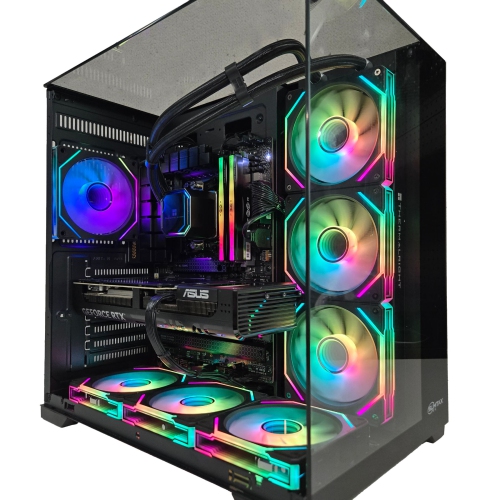
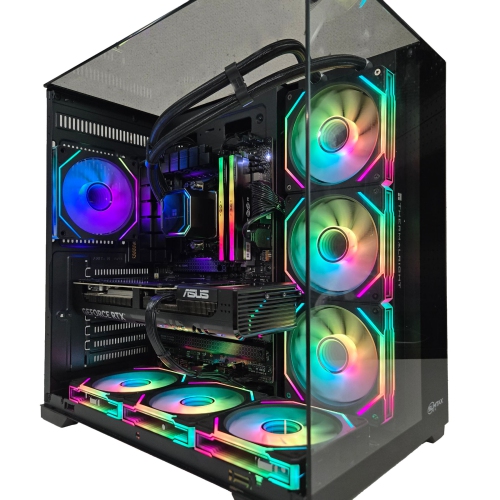
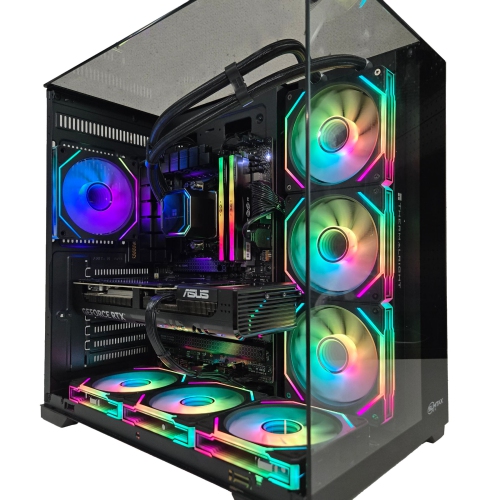
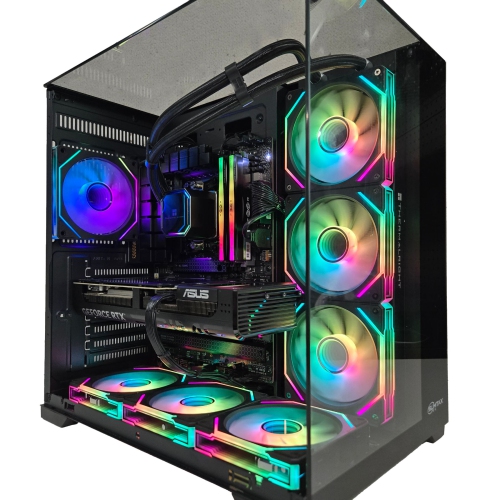
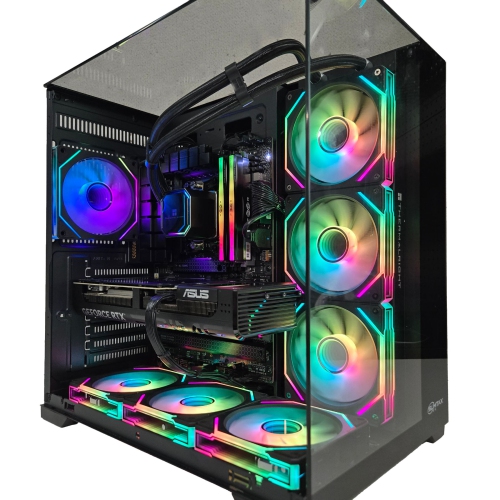
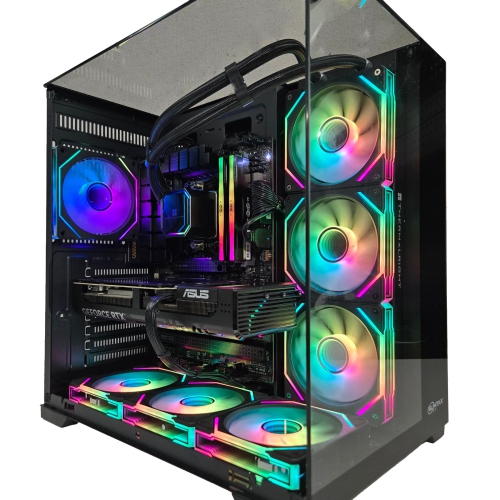
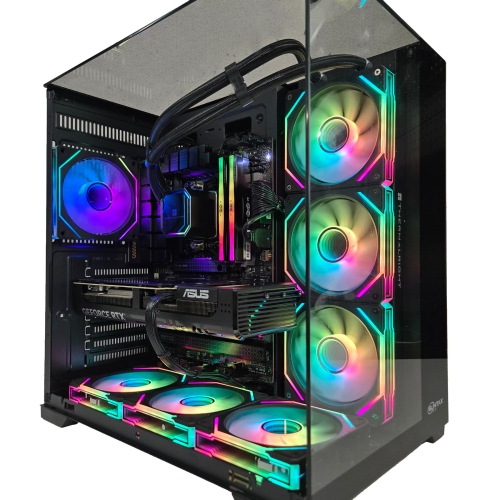
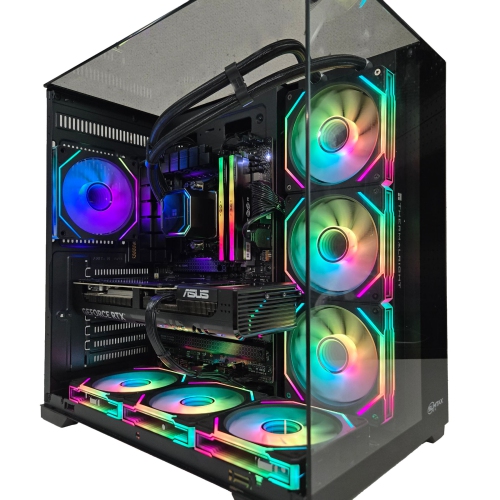
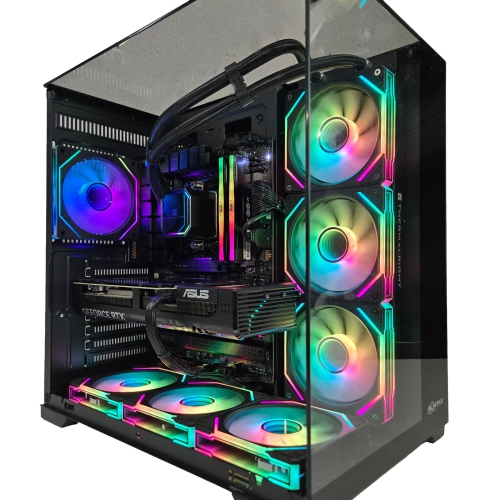
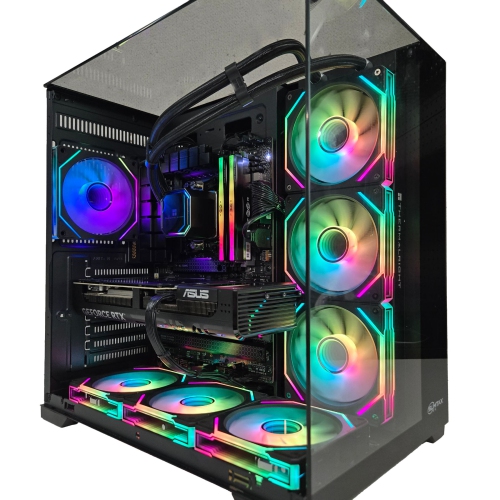
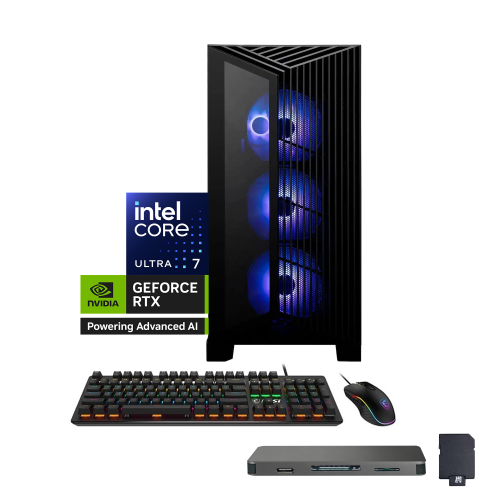
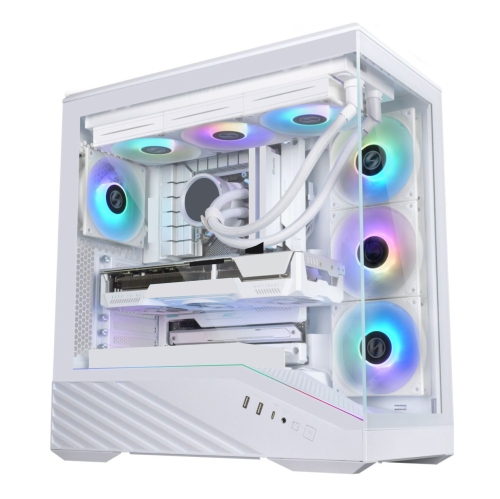
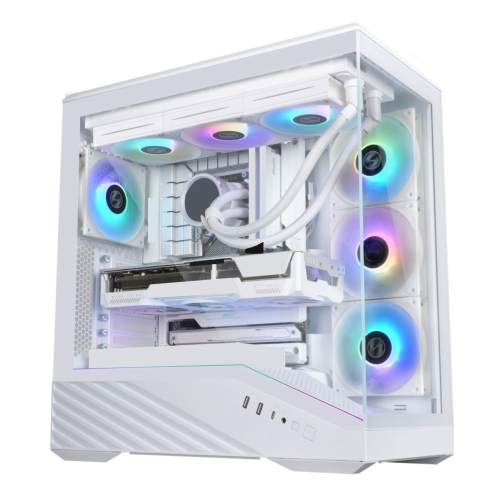
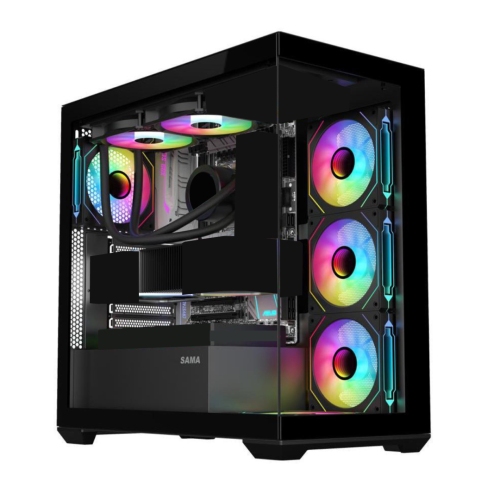
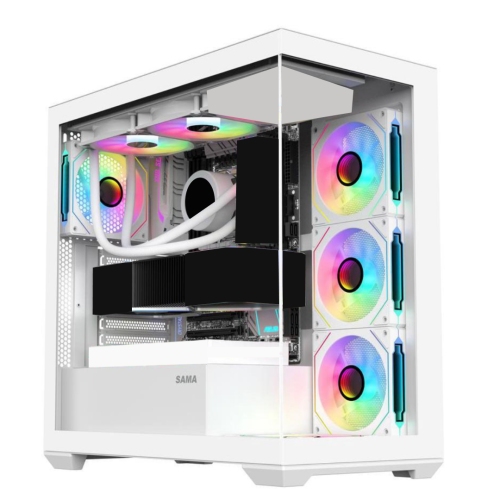
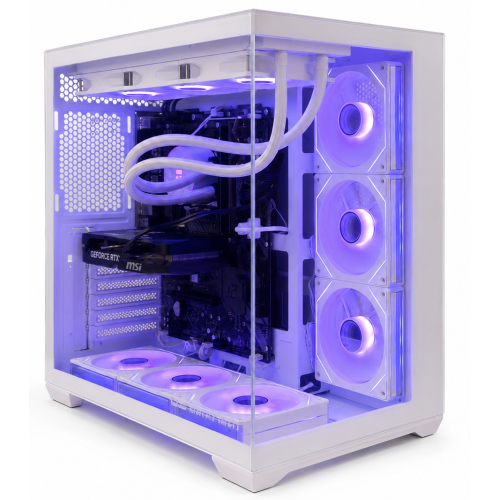
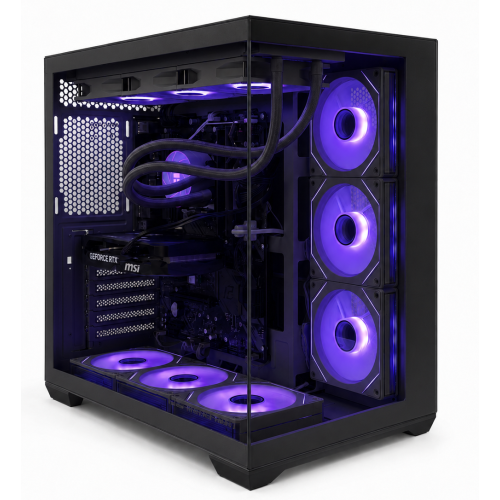
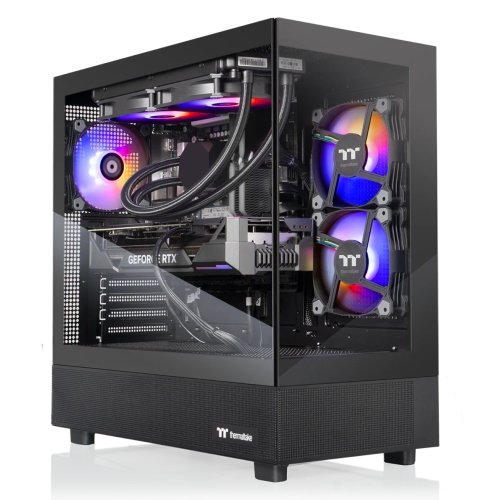
Ready-to-play PCs are prebuilt gaming desktop computers that bring the main components together in an assembled system, offering a straightforward alternative to selecting parts and building a computer from scratch. The focus is on getting from setup to gameplay with less hardware preparation, whether that means joining friends for a cooperative adventure, settling into a sprawling role-playing game, or practising for competitive matches. A ready-to-play desktop typically combines a processor, graphics hardware, memory, storage, cooling, and a power supply inside a single case. Operating system installation, included accessories, and software setup vary by configuration, so “ready to play” does not necessarily mean every game is already installed or every peripheral is included. Account sign-ins, downloads, and updates may still be needed before the first session. These systems suit first-time PC gamers, experienced players replacing an older desktop, and households that want an assembled computer for both entertainment and everyday tasks. Within the broader category of Pre Built Desktop Computers, gaming-focused configurations place particular emphasis on graphics performance, responsive operation, and cooling during sustained use. The right balance depends on the games being played and the display being used. A fast-paced match on a high-refresh-rate monitor places different demands on a PC than a slower strategy game, while a detailed adventure at 4K generally requires more graphics power than the same game at 1080p. Screen resolution, visual settings, and desired frame rates all affect the experience. A system that feels smooth in one game may perform differently in another, especially when features such as ray tracing are enabled. Published game requirements provide useful context, but recommended specifications are generally a more helpful reference than minimum requirements for players who want room for higher settings, background applications, or more demanding games later. This makes ready-to-play gaming PCs a practical option for people who want the flexibility of desktop gaming without taking on the initial assembly themselves.

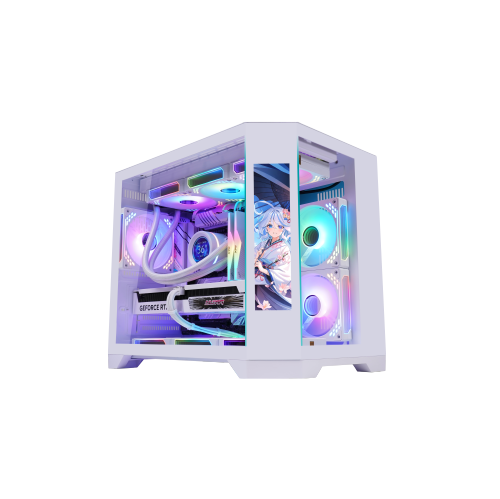
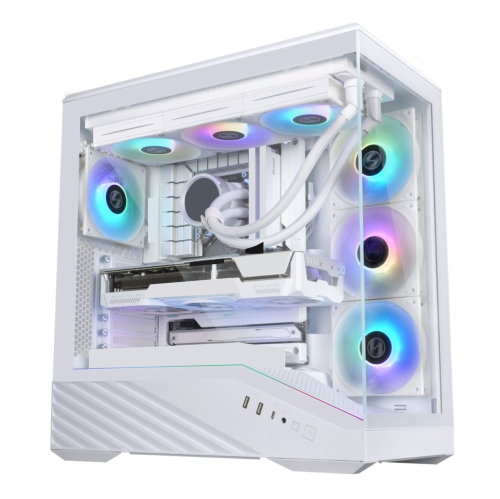
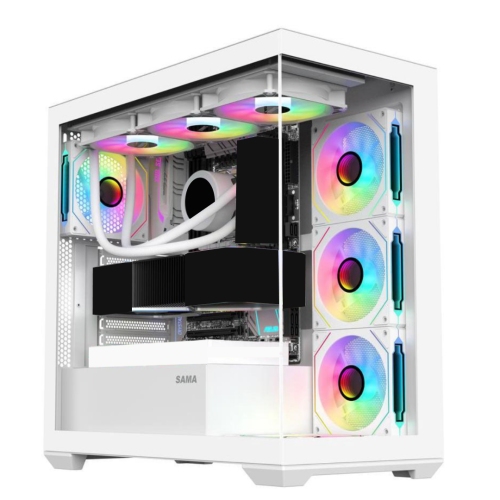
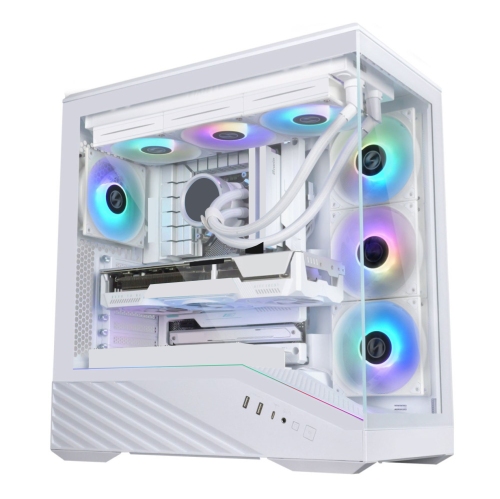
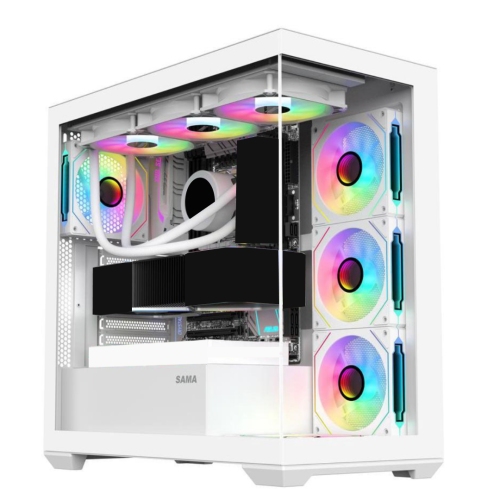
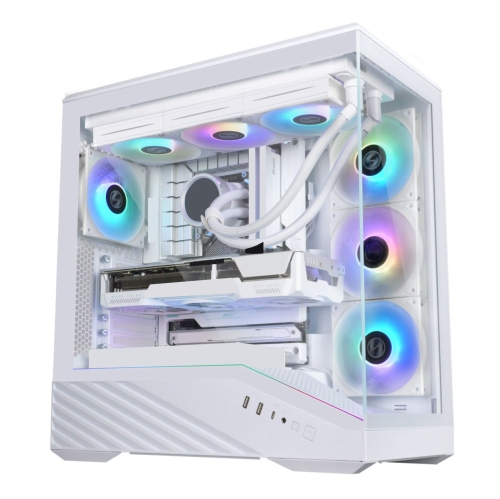
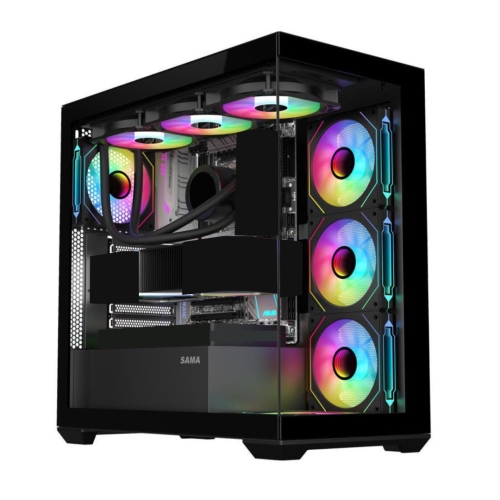
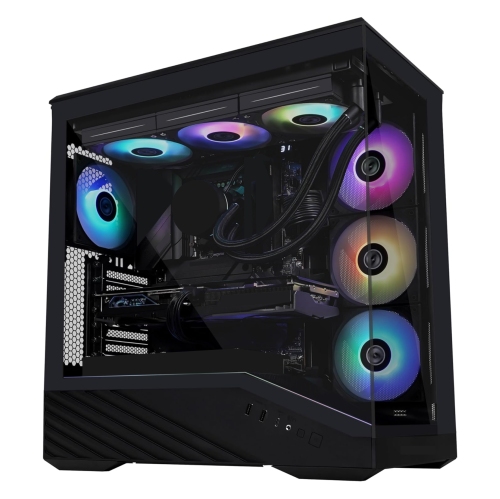
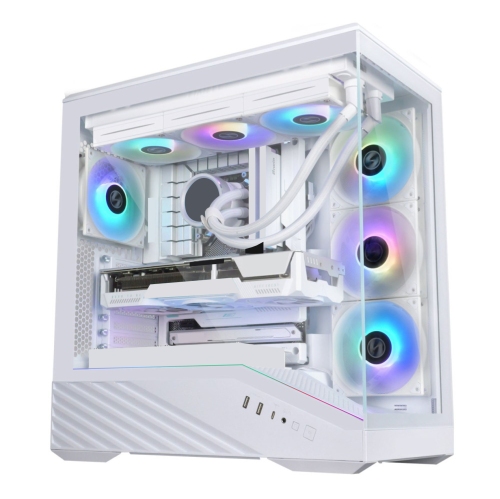
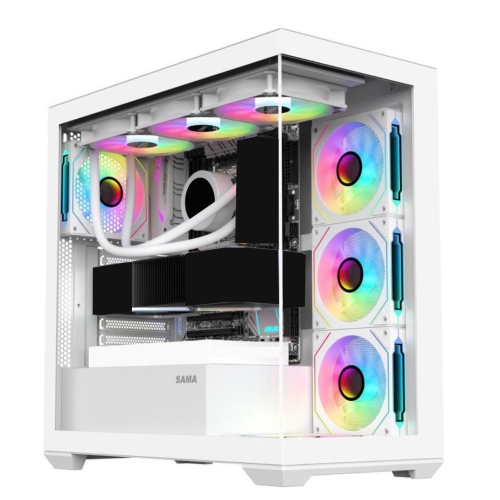
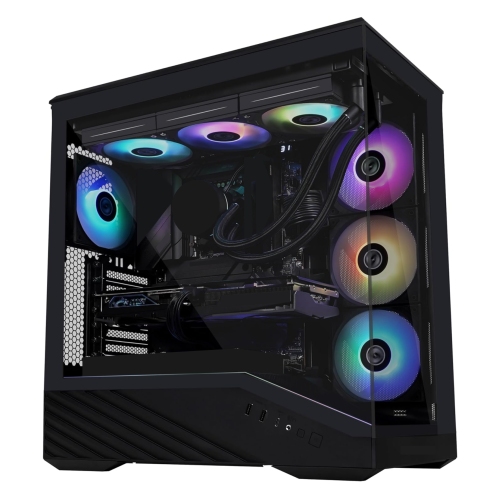
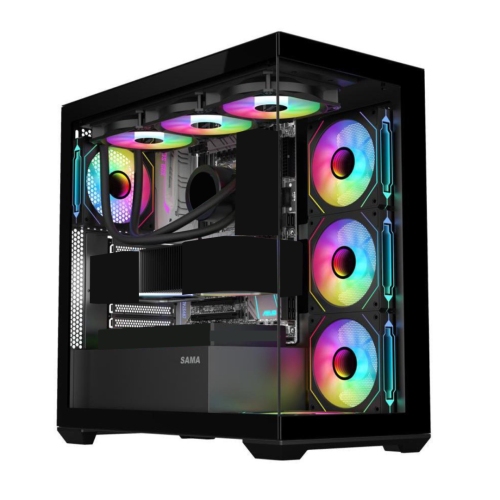
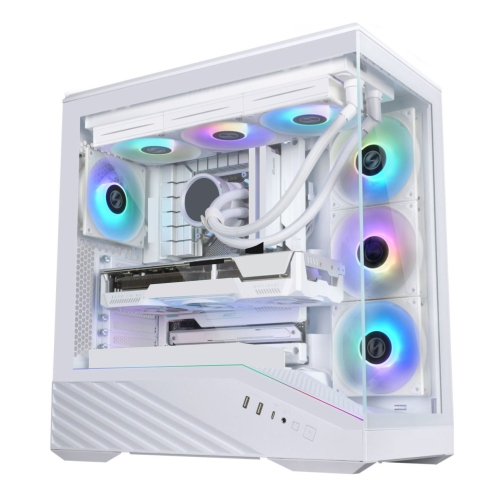
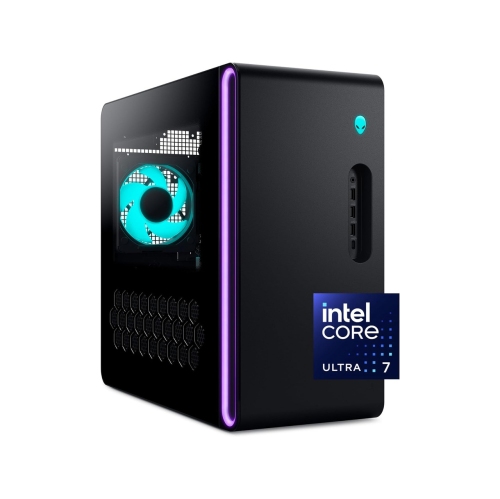
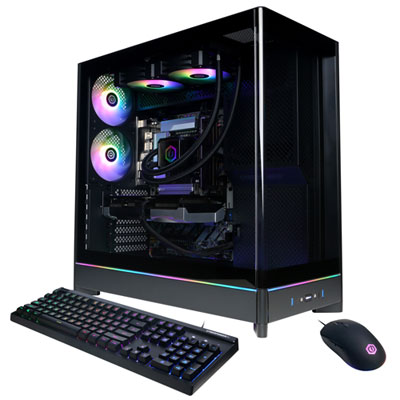
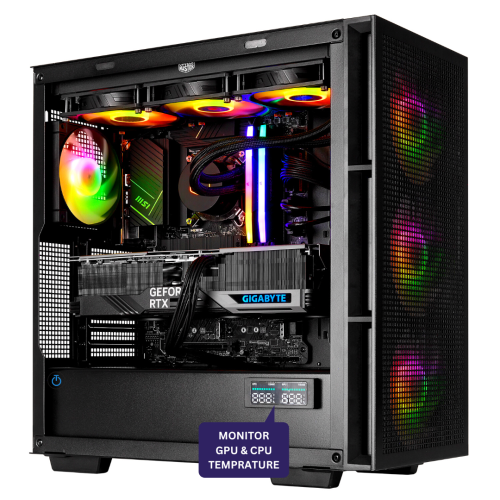
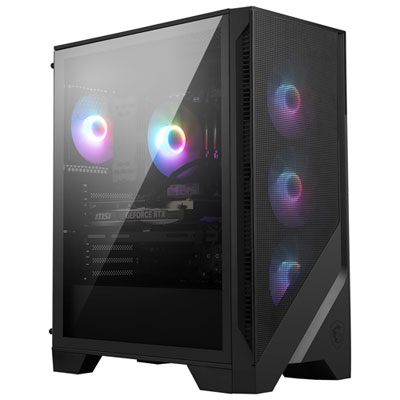
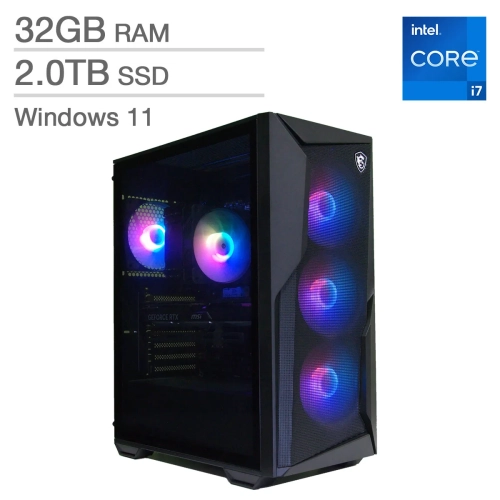
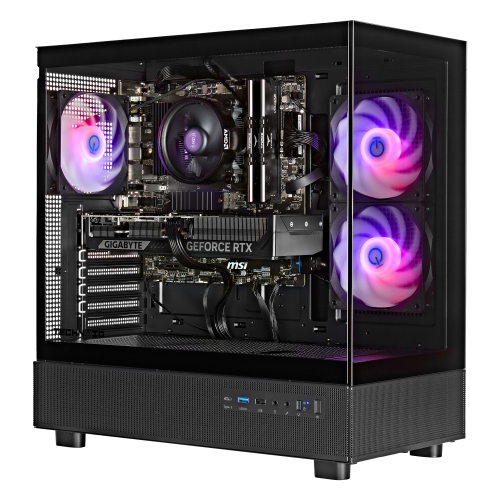
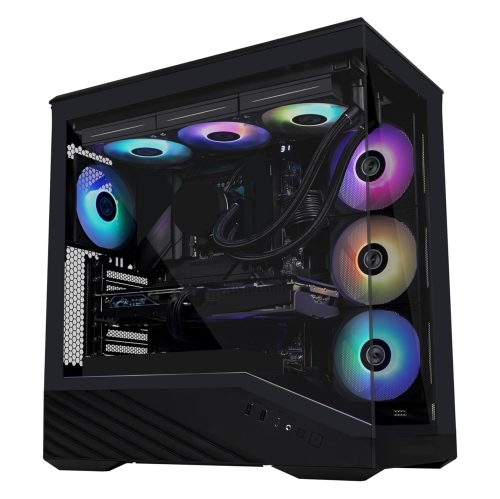
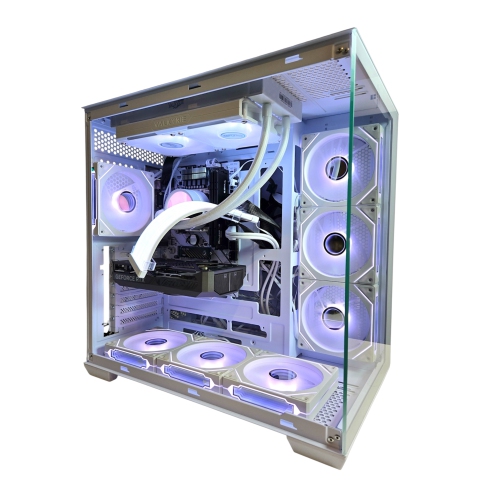
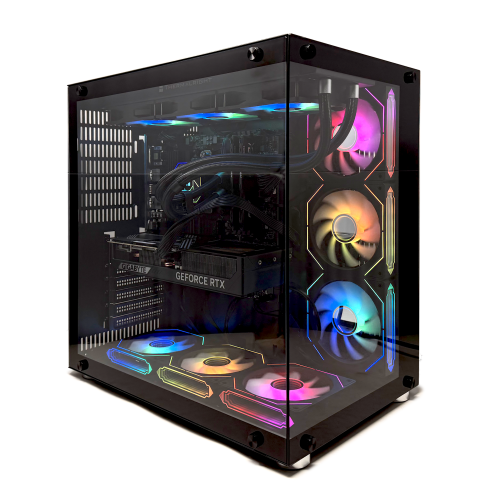
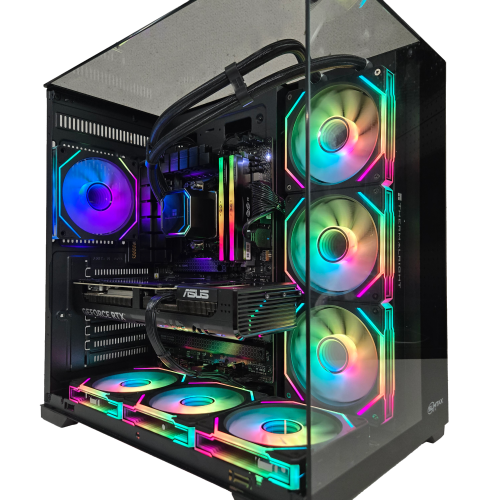
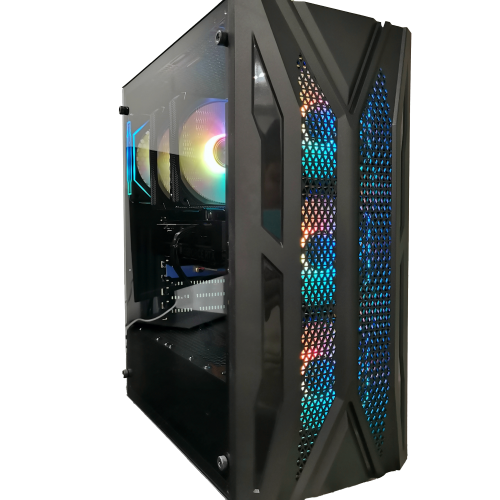
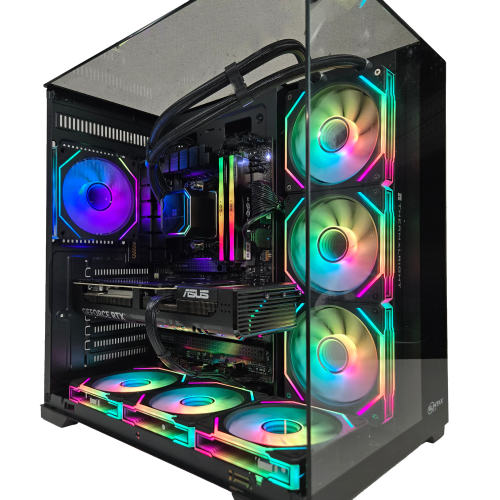
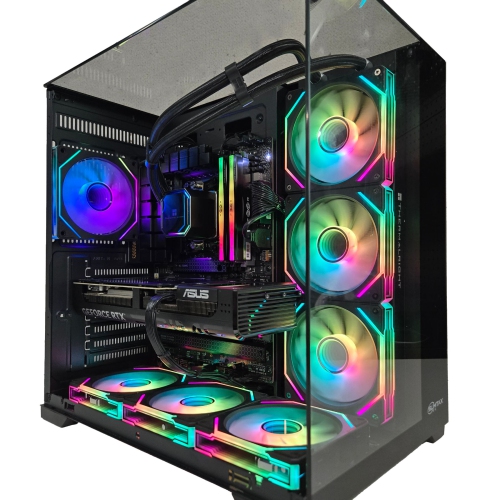
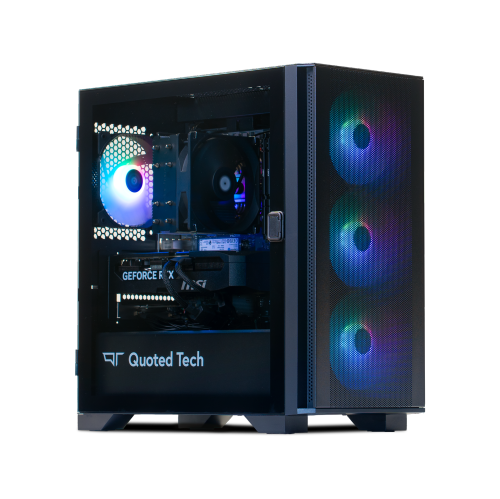
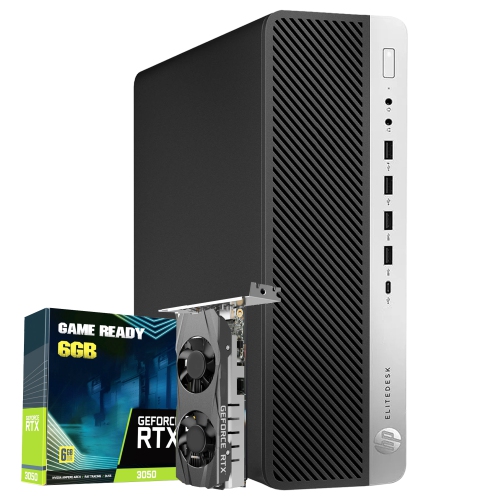
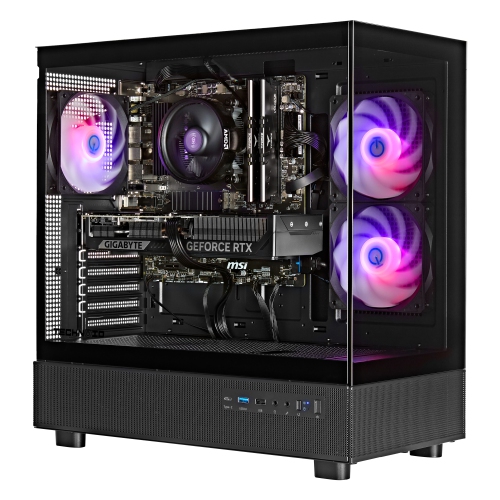
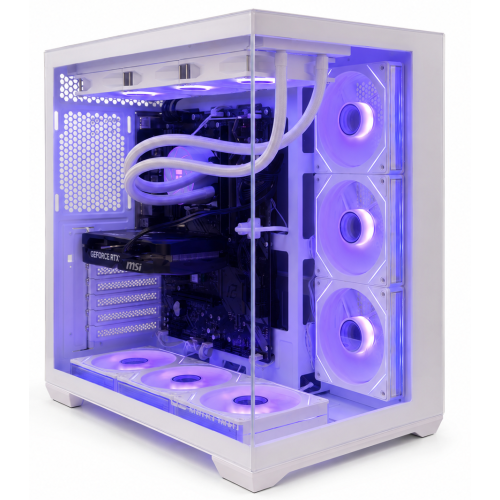
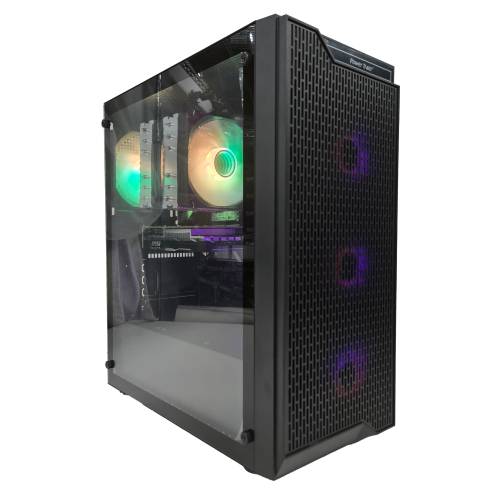
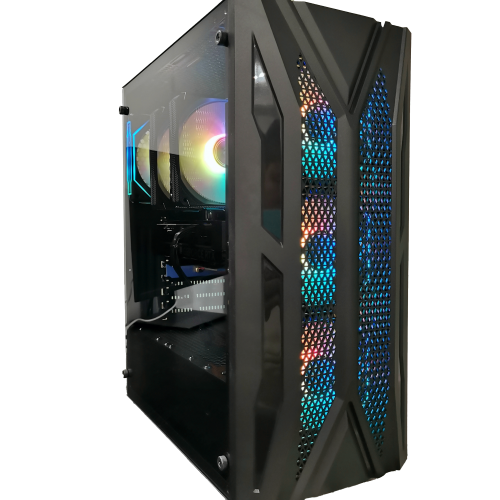
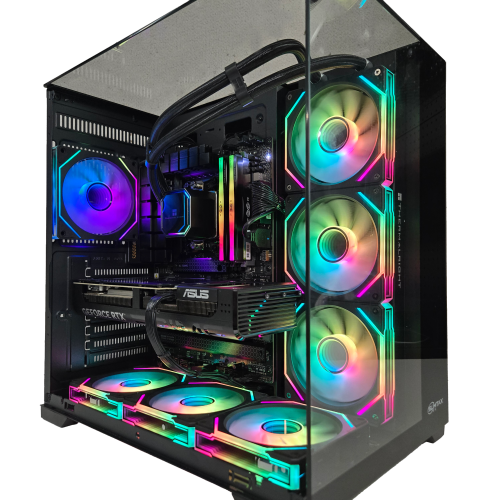
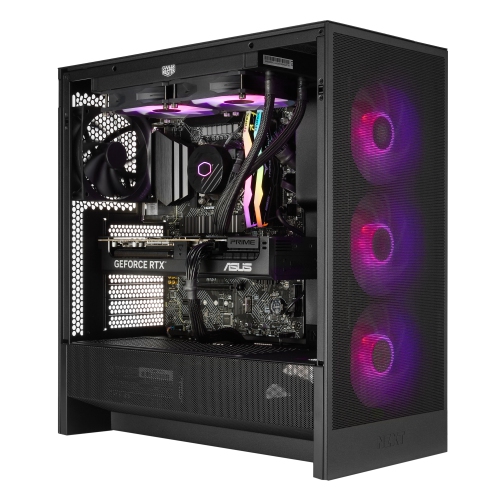
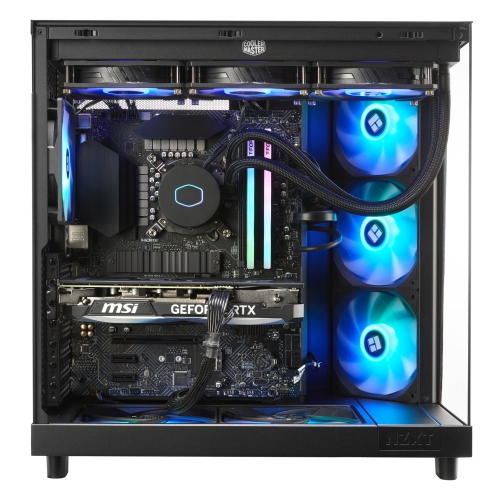
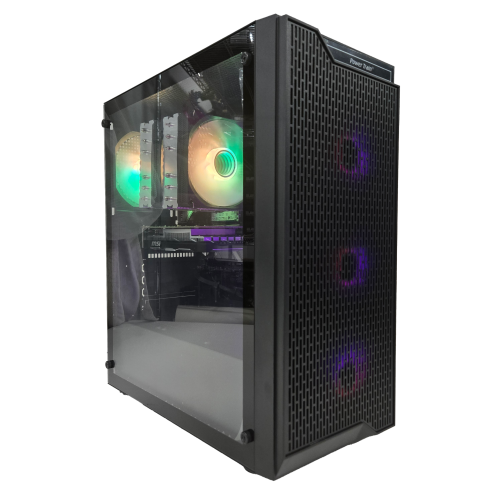
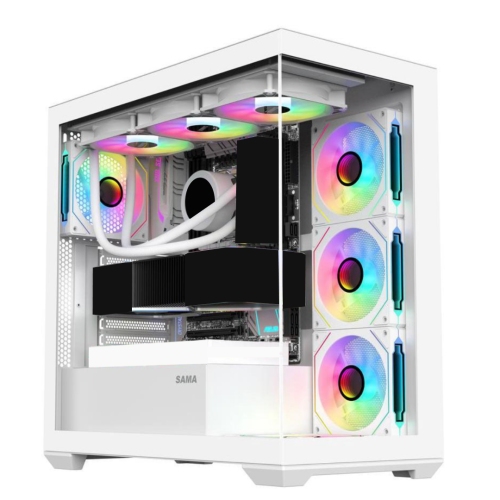
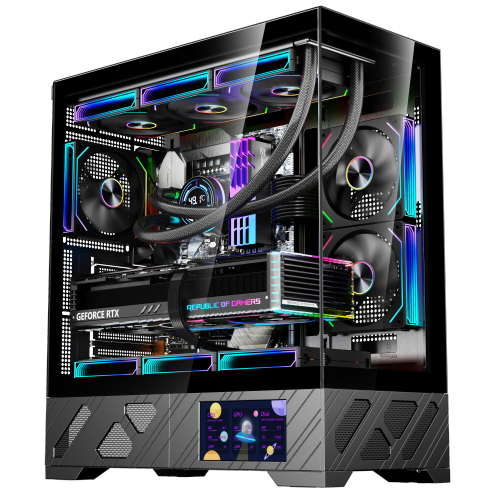
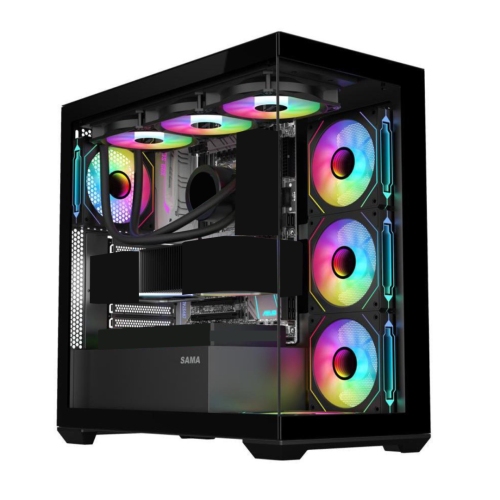
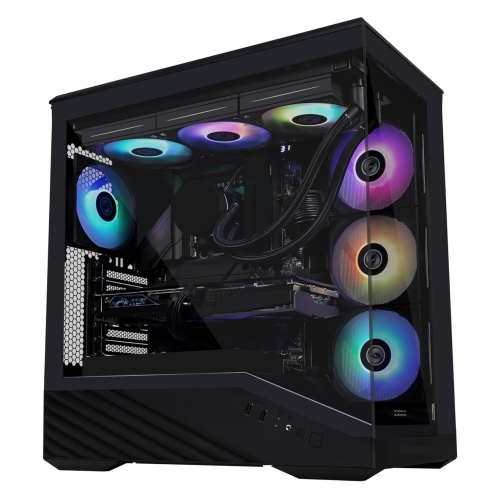
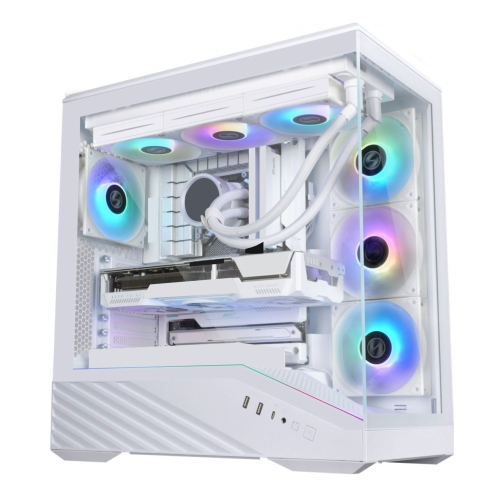
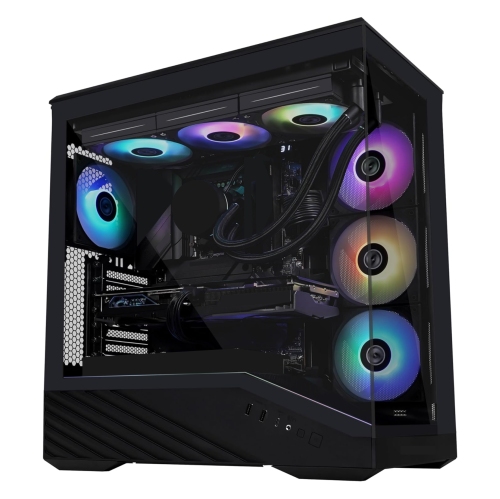
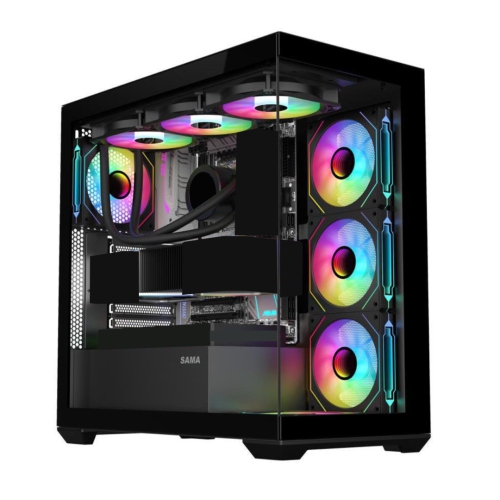
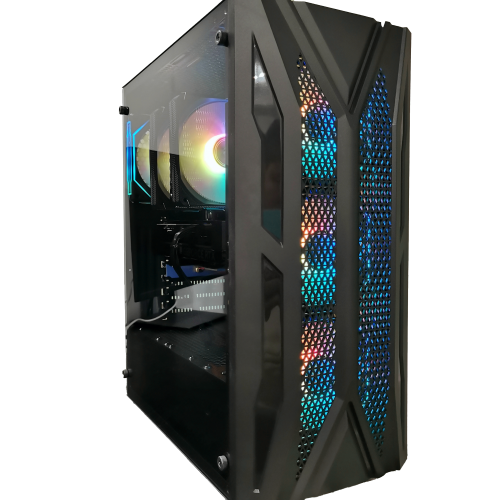
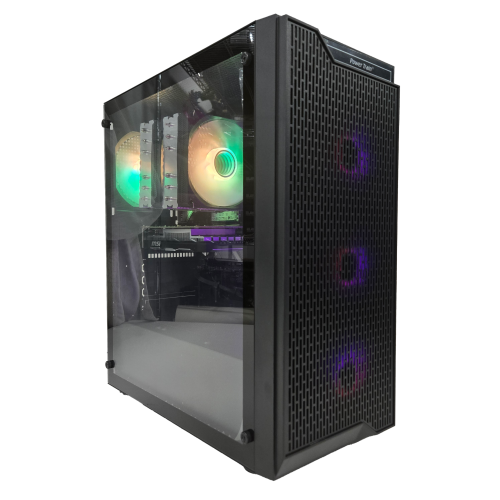
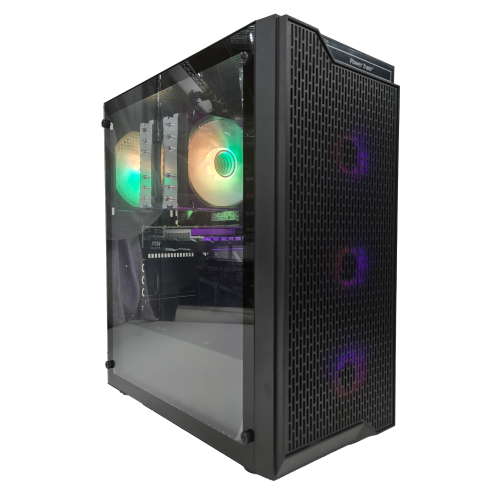
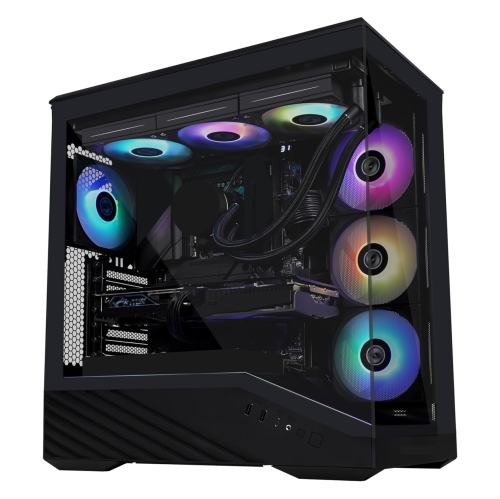
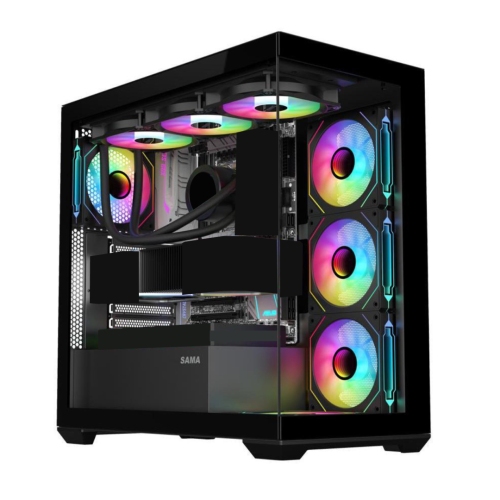
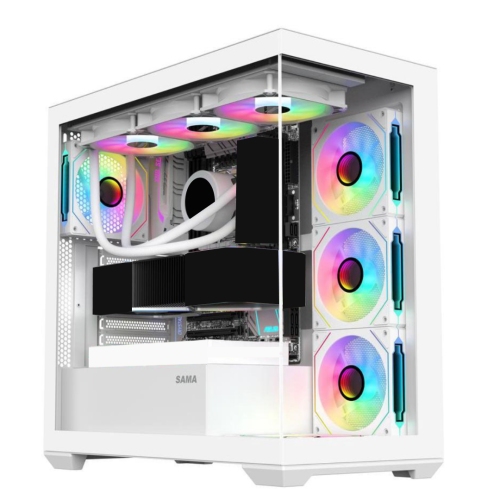
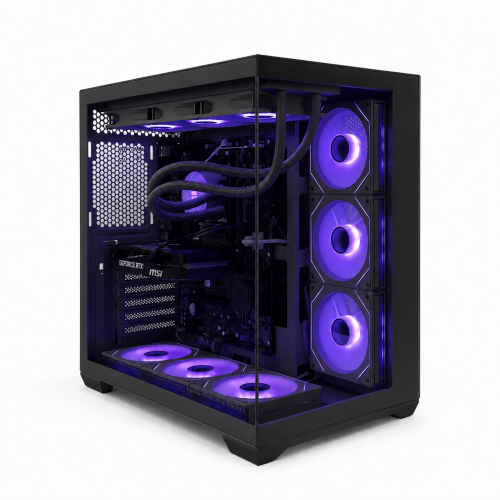
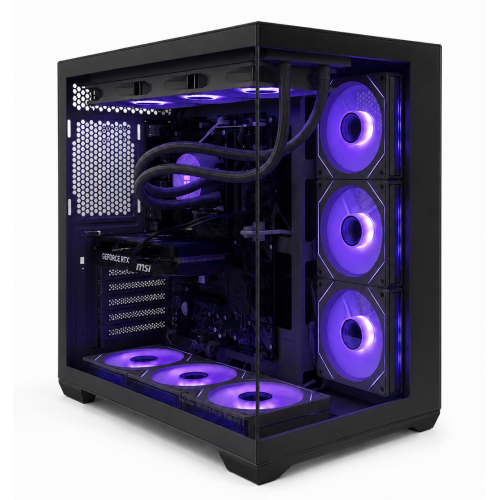
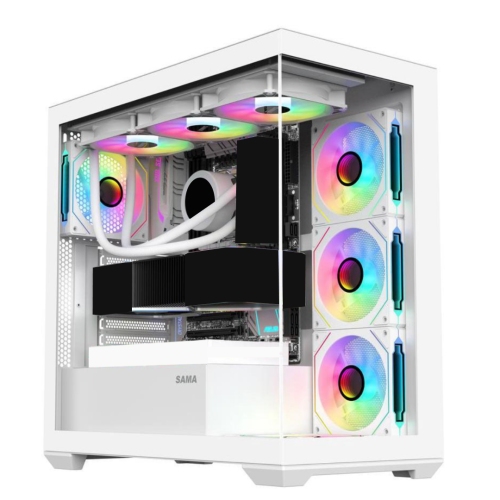
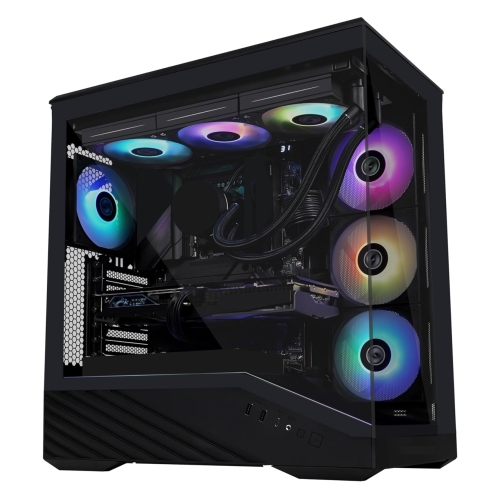
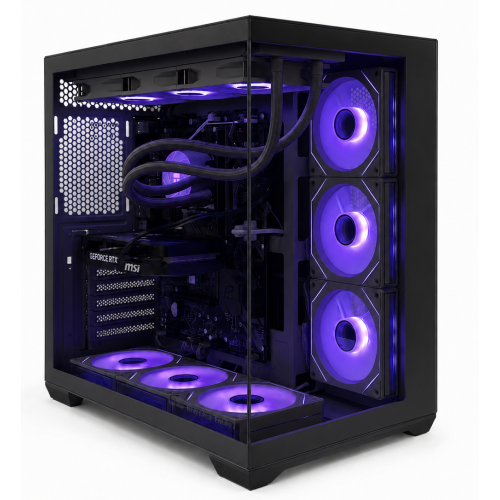
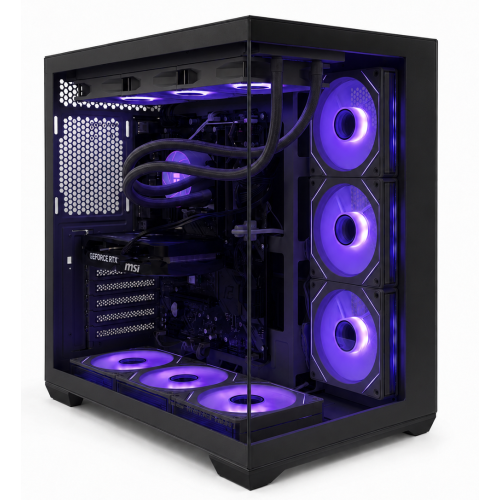
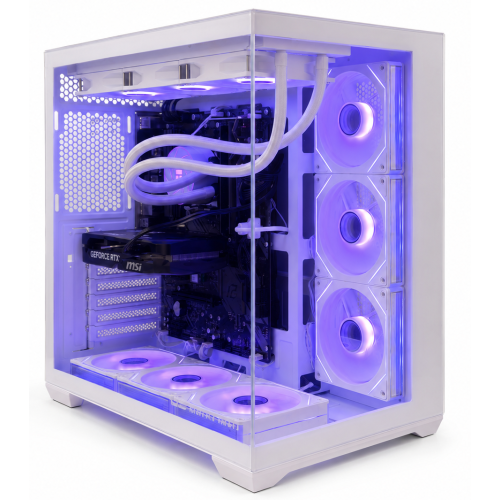
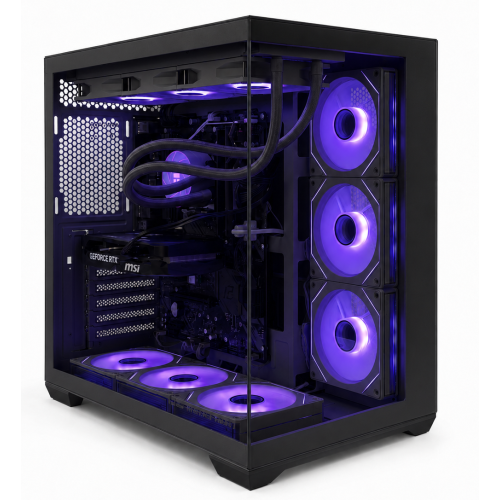
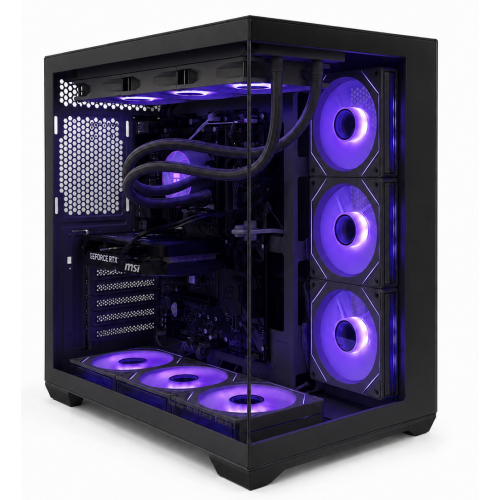
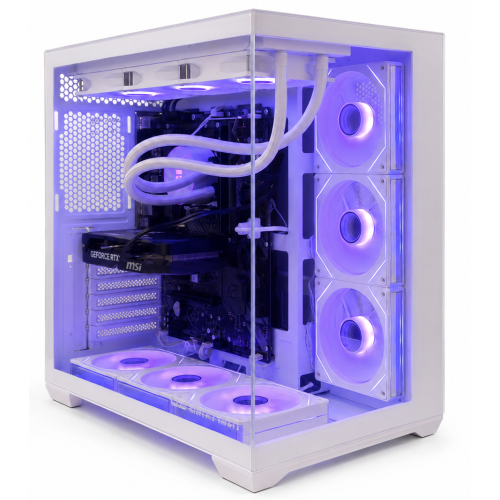
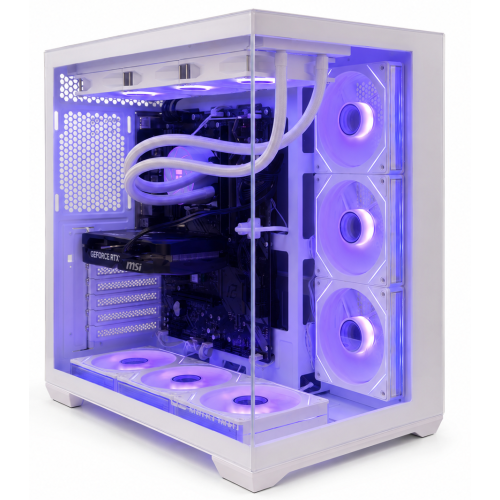
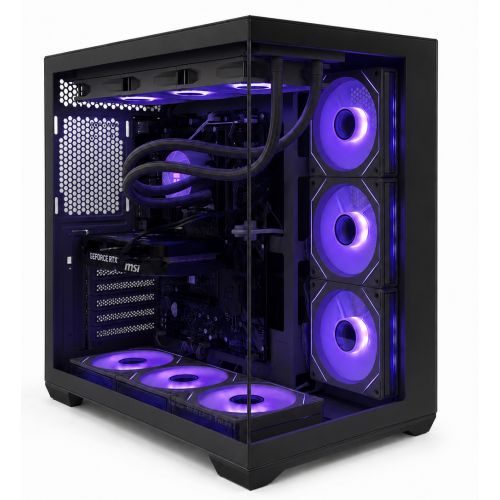
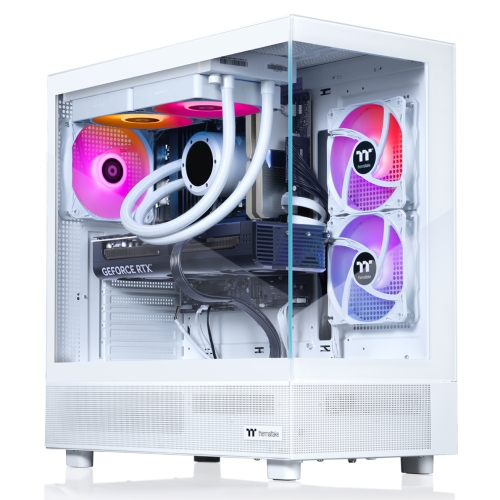
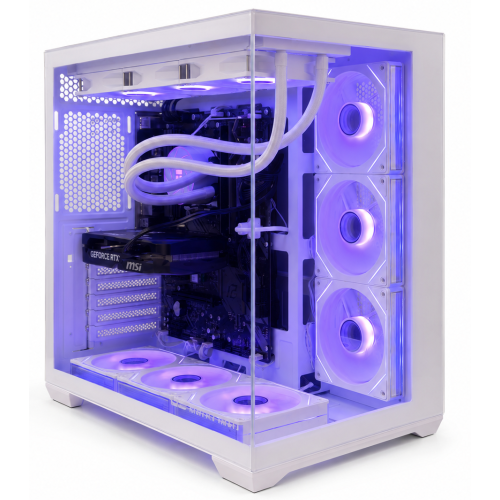
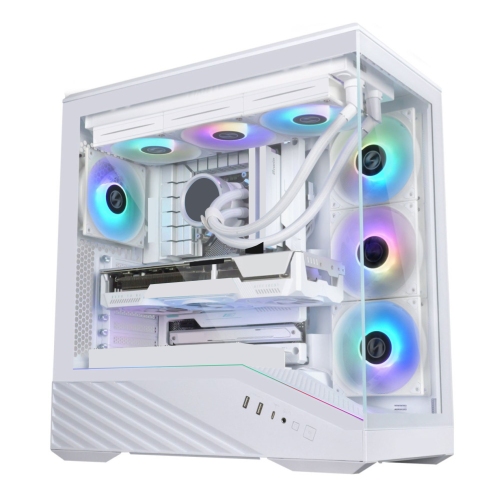
The components inside a ready-to-play PC shape how it feels during both quick sessions and longer stretches of play. Dedicated graphics hardware handles much of the work involved in rendering detailed scenes, while the processor supports game logic, background tasks, and workloads such as streaming or editing clips. System memory helps keep games and other applications running together; having a voice chat, a browser, and a game open at once can require more headroom than playing with everything else closed. Solid-state storage supports responsive everyday use and shorter loading times, although game design and other hardware also affect how quickly a scene appears. Capacity matters just as much as speed for players who keep several large games installed, save recordings, or share a computer with family members. Internal expansion options can make it easier to add storage later, but spare slots and compatible connections differ between systems. The case deserves attention, too. Steel or aluminium panels, mesh sections, and glass side panels each contribute to the computer’s construction, appearance, and weight. A compact tower can suit a smaller desk, while a larger case may provide more space for cooling hardware and future changes; size alone does not establish performance or upgrade potential. Enough clearance around air intakes and exhaust vents helps the cooling system move air effectively. Tucking a tower tightly into an enclosed cabinet or pressing its vents against a wall can restrict that airflow. Fan noise also becomes more noticeable in a quiet room, particularly during demanding gameplay, so cooling design matters for shared spaces and bedrooms. Routine care is usually simple: keeping vents unobstructed, removing dust according to the manufacturer’s directions, and keeping drinks away from the case and cables. Accessible dust filters can make regular cleaning easier. A stable surface and tidy cable routing help protect connections from accidental knocks, especially around a busy family desk.

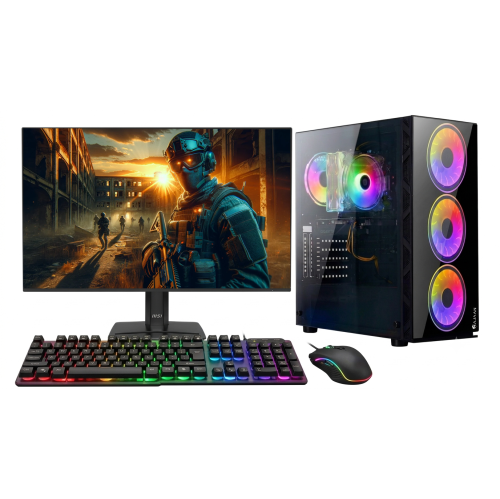
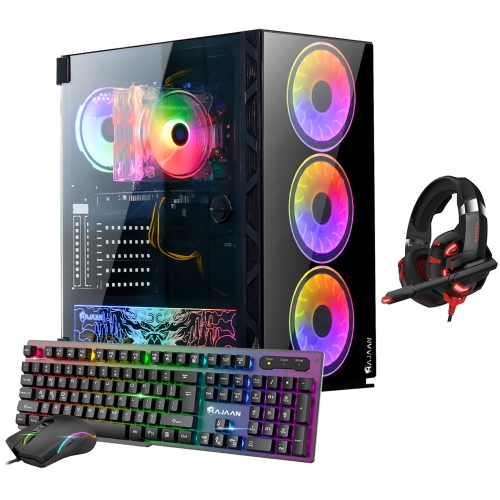
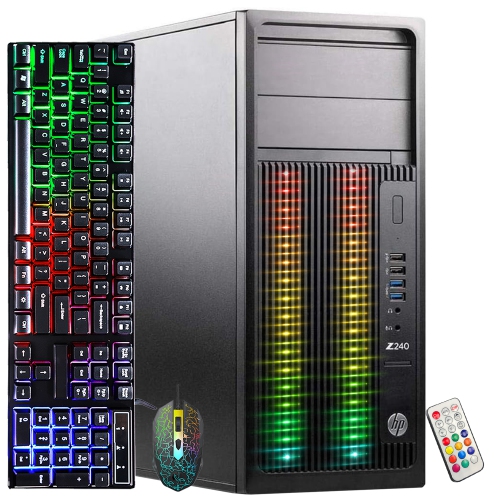
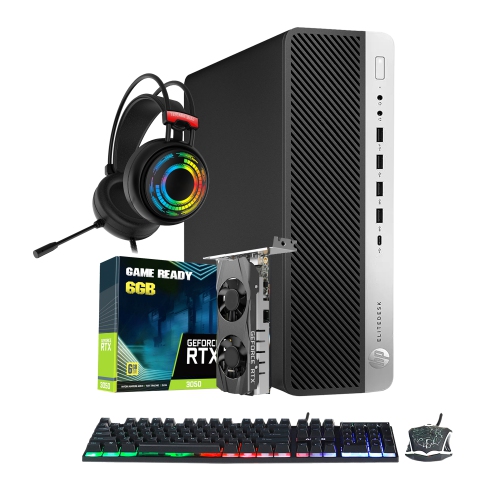
A ready-to-play gaming desktop works best as part of a setup that fits the person using it. Monitor resolution and refresh rate should complement the computer’s capabilities, and the available display connections need to match the screen. A separate monitor, keyboard, mouse, headset, or controller may be required, depending on what is included and how someone prefers to play. Front-facing audio and USB connections are convenient for frequently used accessories, while rear connections can keep permanent cables out of the way. For online multiplayer, a wired network connection can provide a dependable link to the router; built-in Wi-Fi is useful when running a cable across the room is impractical. Wireless features vary, and connection quality still depends on the home network and signal strength. Players who use a headset for team chat may appreciate easy access to audio controls, while those who stream gameplay need to consider upload speeds as well as the PC’s processing capabilities. Beyond games, these desktops can handle school assignments, video calls, creative projects, and general household computing, with suitability depending on the software and configuration. A student might move from research and coursework to an evening game, while a hobbyist might edit a short video captured during a favourite match. For gifting, a ready-to-play PC can be a thoughtful choice for someone starting PC gaming or moving on from an older computer. Knowing the recipient’s favourite games, existing monitor, available desk space, and preferred accessories helps make the setup feel considered rather than incomplete. Longer-term ownership also involves compatibility: replacement graphics cards, additional memory, and extra drives must work with the motherboard, power supply, case dimensions, and cooling arrangement. Some desktops use standard components that offer more flexibility, while others have model-specific parts or limited internal space. A well-matched system balances the way someone plays today with practical needs such as storage, connectivity, manageable maintenance, and room for everyday use.
FAQ

Some products may be subject to Environmental Handling Fees (EHF) depending on your province. Learn more about EHFs.