Wi-Fi Routers With USB Port
Experience seamless connectivity and enhanced versatility with a Wi-Fi router with a USB port. Ideal for both home and office use, these routers offer the convenience of fast and reliable internet access combined with the added functionality of USB ports. Whether you're looking to share files across your network, connect external storage devices, or streamline your smart home setup, a Wi-Fi router with a USB port provides the flexibility you need to optimize your digital environment. Explore a range of options that cater to various needs and budgets, ensuring you find the perfect solution for your connectivity requirements.
Sort
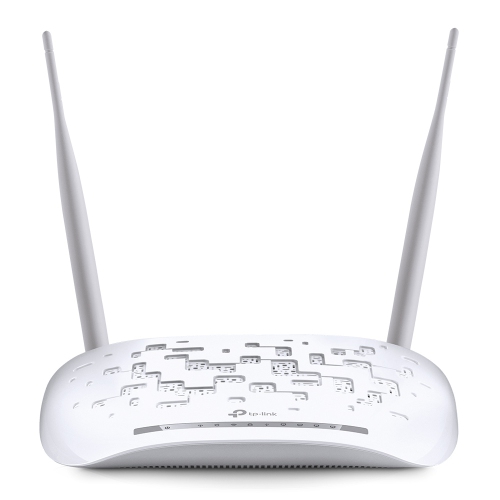
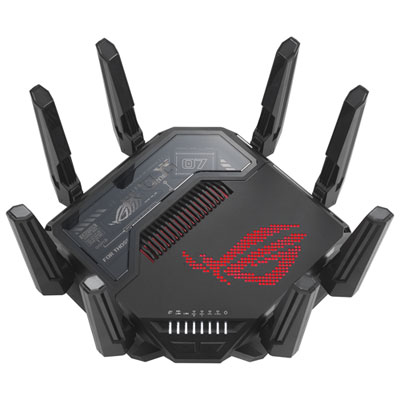
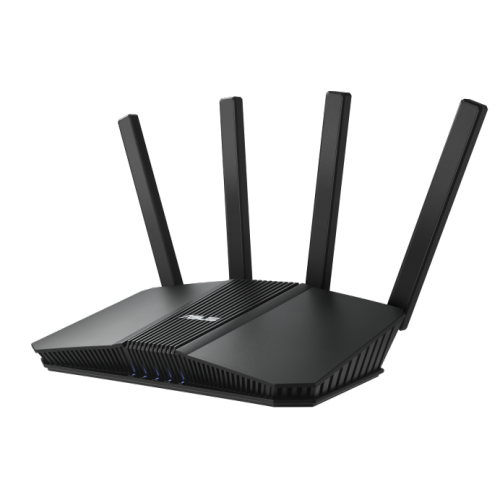
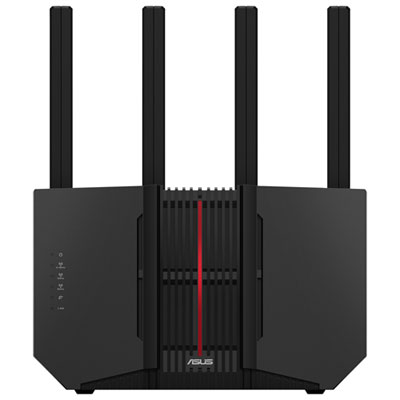
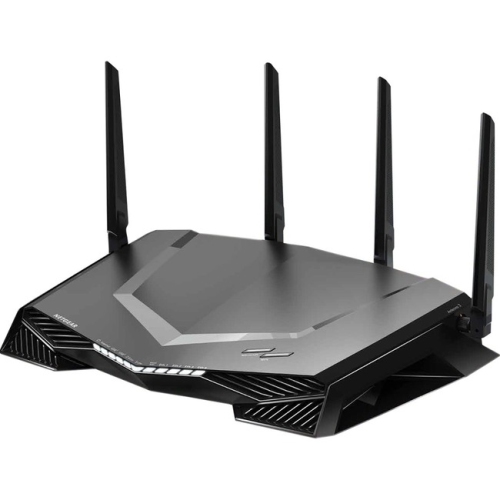
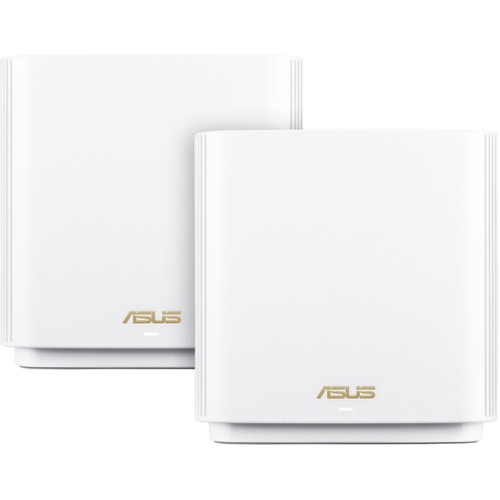
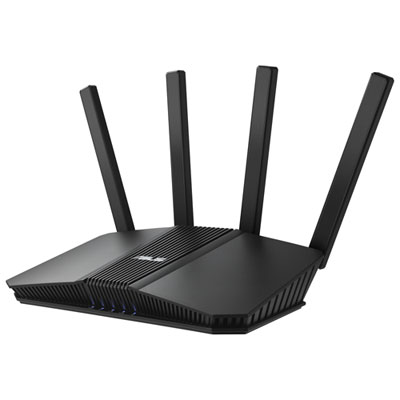
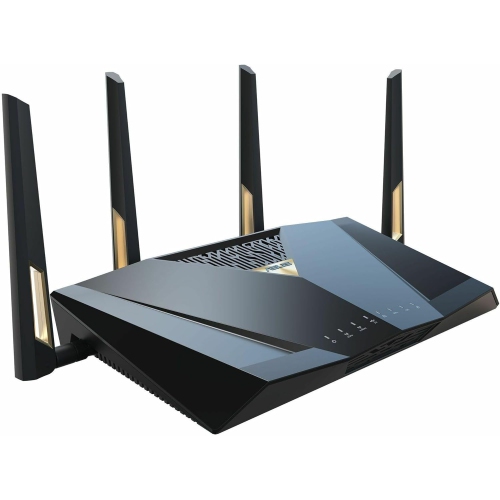
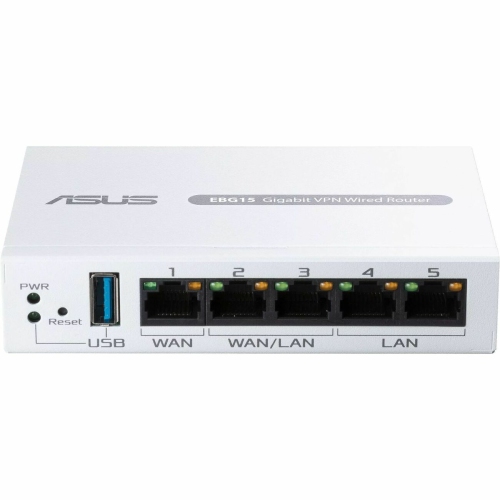
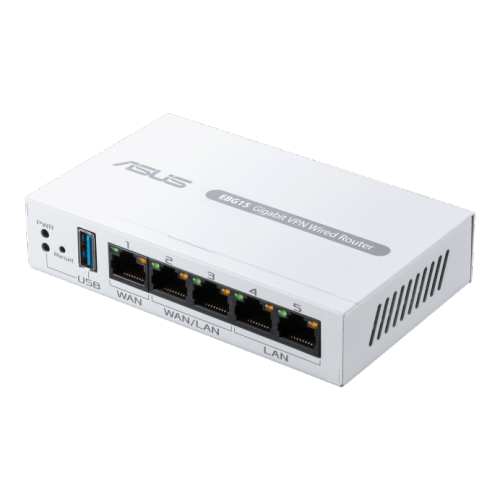
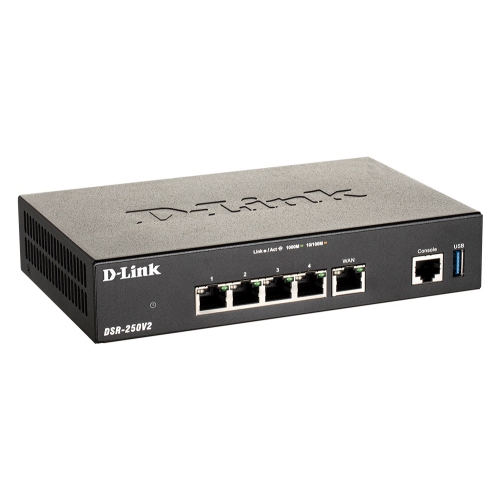
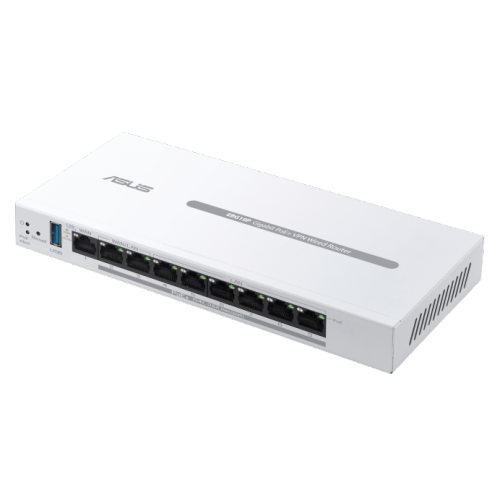
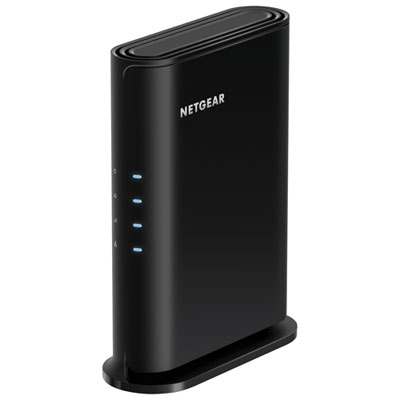
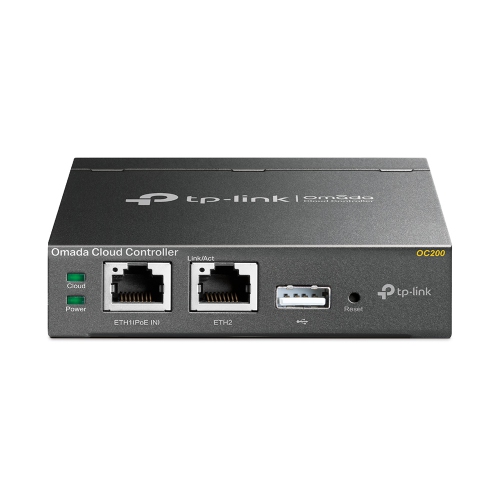
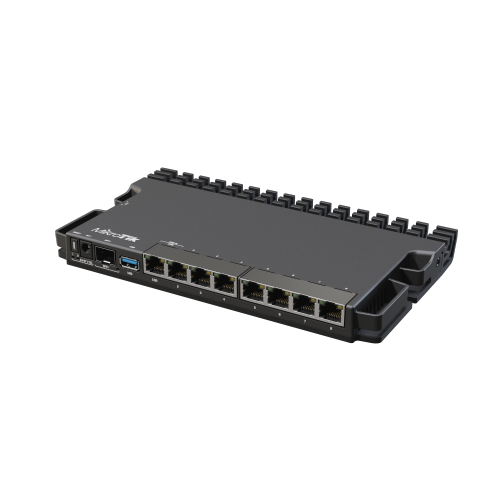
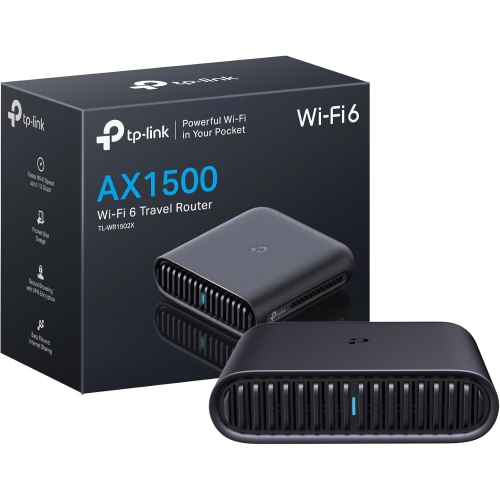
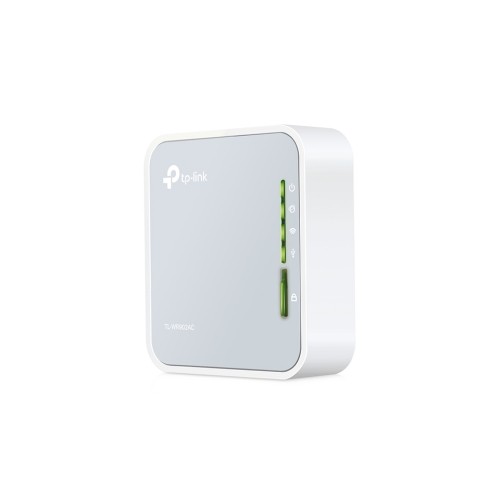
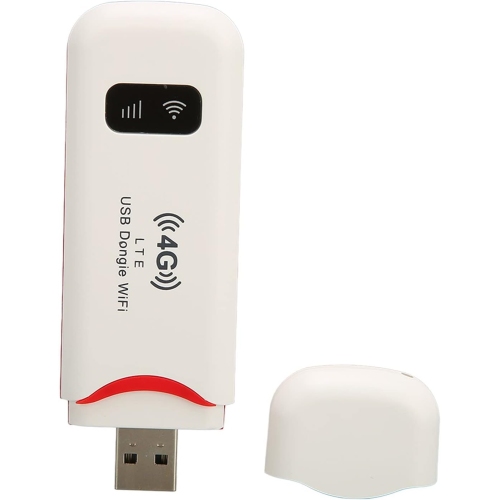
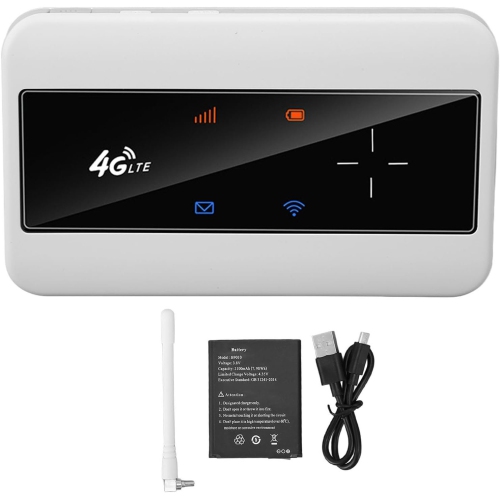
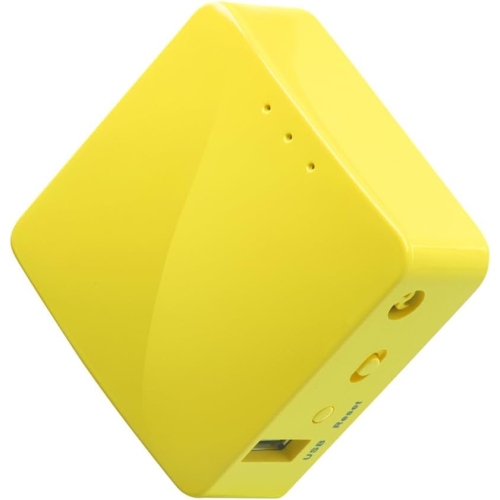
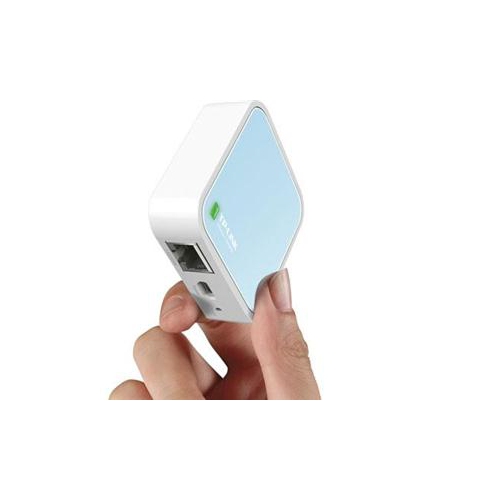
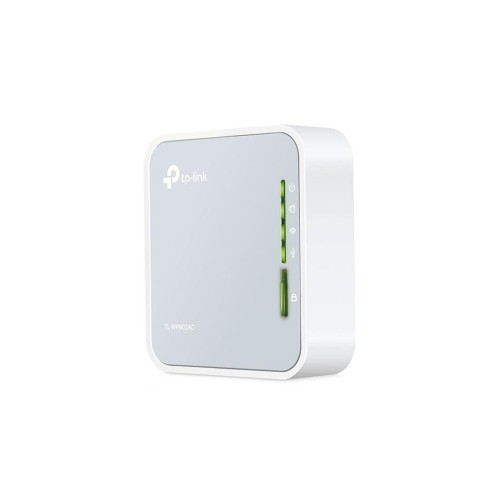
Shared files without moving drives between computers
Wi-Fi routers with a USB port combine wireless networking with a physical connection for compatible accessories, bringing file sharing and other practical functions to a home network. Depending on the router’s software and supported devices, that USB connection may accept an external storage drive, share a USB printer, or support a cellular modem or phone tethering for an alternative internet connection. These capabilities are model-dependent: a USB socket alone does not guarantee support for every function. For many households, shared storage is the main attraction. A compatible USB flash drive or external hard drive can hold family photos, household documents, or media files that authorized devices access over the local network, without moving the drive between computers. Someone working at a desk can save a document to shared storage, while another household member opens it from a laptop at the kitchen table. Access still depends on the router’s sharing features, file permissions, and the software on each device. A supported media server can also make stored music and videos accessible to compatible televisions or media players, although playback depends on file formats and device support. This arrangement offers some basic network-attached storage functions without a separate storage appliance, but it is not equivalent to a dedicated NAS system. Router-based storage generally has fewer tools for managing drives, protecting data, and handling several demanding transfers at once. It also does not automatically create a backup: files kept only on the attached drive still need another copy elsewhere. For students sharing project files, families organizing photos, or home-office users moving documents between computers, the appeal is straightforward access to a central location. Wireless networking remains the router’s primary job, with USB features adding flexibility rather than replacing the need for suitable coverage, dependable connections, and enough capacity for the household’s connected devices.
The wireless and wired specifications of a router determine how comfortably those shared functions fit into everyday use. Wi-Fi 6 can help manage traffic efficiently when several compatible devices are connected, while newer Wi-Fi standards may offer additional capabilities that also require compatible phones, laptops, or other equipment. The advertised wireless speed is a theoretical figure, not a promise of internet or USB transfer performance. Actual results depend on the internet plan, distance, walls, interference, device capabilities, and the router’s hardware. Dual-band routers typically provide 2.4 GHz and 5 GHz connections, balancing reach with access to higher speeds at shorter distances; additional bands on some routers offer more ways to distribute traffic. In a household where one person uploads work files while others stream video or play online, the router’s ability to manage simultaneous connections matters alongside its USB specification. USB 3.0 and later connections offer a higher theoretical transfer rate than USB 2.0, which can be useful for moving large photo folders or video files. However, the router’s processor, storage software, attached drive, and network connection may limit actual throughput well below the USB interface’s maximum. A fast USB port does not, by itself, make router storage perform like a dedicated NAS. Gigabit or multi-gigabit Ethernet ports can provide a wired path for compatible desktop computers and other fixed equipment, reducing reliance on wireless conditions during large transfers. Storage compatibility is equally important. Routers may support only certain file systems, drive capacities, or partition layouts, and a drive prepared for one computer may not be readable by every router. Portable hard drives draw power through USB, while some larger drives use a separate power adapter; the router’s USB power output must suit the attached device. The number and spacing of USB ports also affect everyday fit, particularly when a wide flash drive could block a neighbouring socket. Support for USB hubs varies, so one port should not be assumed to accommodate several accessories at once.
Beyond storage, a compatible USB print-server function can make a supported printer accessible to computers on the network, which is useful when a household shares one printer for assignments, forms, and shipping labels. Printer compatibility needs particular attention because network printing support does not necessarily extend to scanning, ink-level reporting, or every feature of a multifunction device. Cellular connectivity is similarly specific. Some routers accept supported mobile broadband USB modems or allow USB tethering from a compatible smartphone, but others use their USB ports only for storage or maintenance. Automatic internet failover is a separate capability, not an inherent feature of every router that supports tethering. A cellular connection also depends on carrier service, signal strength, a suitable data plan, and device compatibility. Within the broader category of Routers With USB, intended use can range from a stationary home network with shared files to a compact travel setup that supports compatible tethering. Physical design helps determine how naturally a router fits into either setting. Many routers have lightweight plastic housings with ventilation openings, and desktop designs may include external antennas that need room around them. Larger housings, power adapters, and attached storage cables can take up more shelf space than expected, especially beside a modem or other networking equipment. A stable, open position helps keep antennas unobstructed and prevents strain on USB connectors; a drive hanging from a short cable is more vulnerable to accidental knocks than one resting securely beside the router. Routine care generally involves keeping vents clear of dust, avoiding liquids, and following the manufacturer’s cleaning directions. Durability also depends on software support, since firmware updates can address security issues and improve compatibility over time. Password-protected sharing and separate user permissions, where supported, help keep household files accessible only to intended users. Remote access requires additional security consideration and is distinct from sharing files locally. For everyday use, a well-matched router pairs reliable network performance with the particular USB functions a household will actually use, whether that means sharing a photo archive, connecting a supported printer, or maintaining a compatible alternative internet connection.
The wireless and wired specifications of a router determine how comfortably those shared functions fit into everyday use. Wi-Fi 6 can help manage traffic efficiently when several compatible devices are connected, while newer Wi-Fi standards may offer additional capabilities that also require compatible phones, laptops, or other equipment. The advertised wireless speed is a theoretical figure, not a promise of internet or USB transfer performance. Actual results depend on the internet plan, distance, walls, interference, device capabilities, and the router’s hardware. Dual-band routers typically provide 2.4 GHz and 5 GHz connections, balancing reach with access to higher speeds at shorter distances; additional bands on some routers offer more ways to distribute traffic. In a household where one person uploads work files while others stream video or play online, the router’s ability to manage simultaneous connections matters alongside its USB specification. USB 3.0 and later connections offer a higher theoretical transfer rate than USB 2.0, which can be useful for moving large photo folders or video files. However, the router’s processor, storage software, attached drive, and network connection may limit actual throughput well below the USB interface’s maximum. A fast USB port does not, by itself, make router storage perform like a dedicated NAS. Gigabit or multi-gigabit Ethernet ports can provide a wired path for compatible desktop computers and other fixed equipment, reducing reliance on wireless conditions during large transfers. Storage compatibility is equally important. Routers may support only certain file systems, drive capacities, or partition layouts, and a drive prepared for one computer may not be readable by every router. Portable hard drives draw power through USB, while some larger drives use a separate power adapter; the router’s USB power output must suit the attached device. The number and spacing of USB ports also affect everyday fit, particularly when a wide flash drive could block a neighbouring socket. Support for USB hubs varies, so one port should not be assumed to accommodate several accessories at once.
Beyond storage, a compatible USB print-server function can make a supported printer accessible to computers on the network, which is useful when a household shares one printer for assignments, forms, and shipping labels. Printer compatibility needs particular attention because network printing support does not necessarily extend to scanning, ink-level reporting, or every feature of a multifunction device. Cellular connectivity is similarly specific. Some routers accept supported mobile broadband USB modems or allow USB tethering from a compatible smartphone, but others use their USB ports only for storage or maintenance. Automatic internet failover is a separate capability, not an inherent feature of every router that supports tethering. A cellular connection also depends on carrier service, signal strength, a suitable data plan, and device compatibility. Within the broader category of Routers With USB, intended use can range from a stationary home network with shared files to a compact travel setup that supports compatible tethering. Physical design helps determine how naturally a router fits into either setting. Many routers have lightweight plastic housings with ventilation openings, and desktop designs may include external antennas that need room around them. Larger housings, power adapters, and attached storage cables can take up more shelf space than expected, especially beside a modem or other networking equipment. A stable, open position helps keep antennas unobstructed and prevents strain on USB connectors; a drive hanging from a short cable is more vulnerable to accidental knocks than one resting securely beside the router. Routine care generally involves keeping vents clear of dust, avoiding liquids, and following the manufacturer’s cleaning directions. Durability also depends on software support, since firmware updates can address security issues and improve compatibility over time. Password-protected sharing and separate user permissions, where supported, help keep household files accessible only to intended users. Remote access requires additional security consideration and is distinct from sharing files locally. For everyday use, a well-matched router pairs reliable network performance with the particular USB functions a household will actually use, whether that means sharing a photo archive, connecting a supported printer, or maintaining a compatible alternative internet connection.
Top selling and popular products
-
 Your price for this item is $189.99
 -
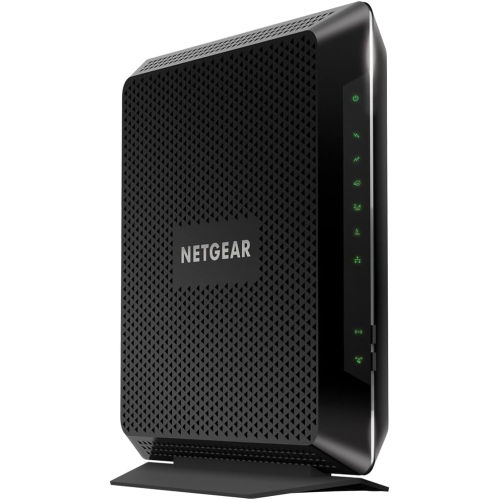 Your price for this item is $189.99
 -
 Your price for this item is $219
 -
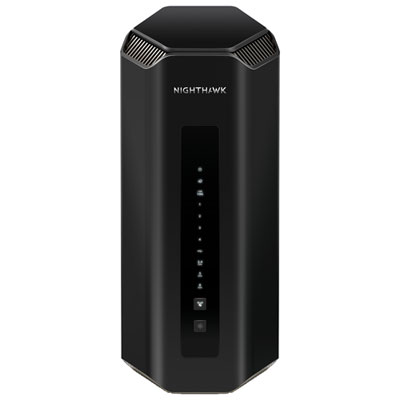 Your price for this item is $899.99
 -
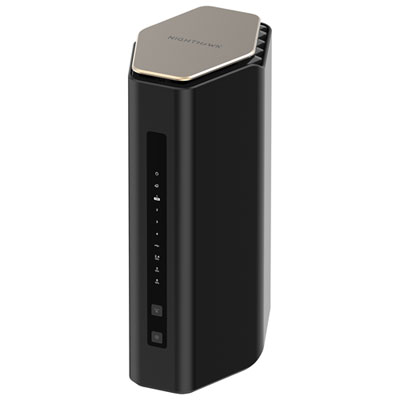 Your price for this item is $299.99
 -
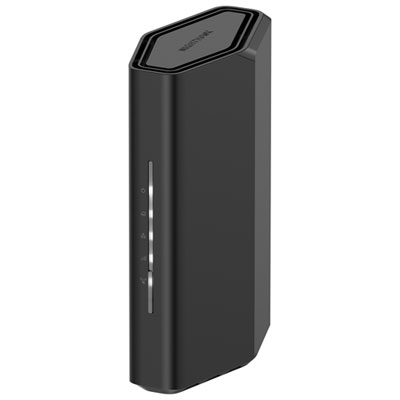 Your price for this item is $139.99
 -
 Your price for this item is $189.99
 -
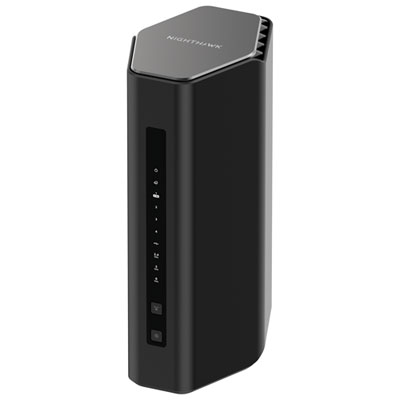 Your price for this item is $499.99
Discover more categories related to Wi-Fi Routers With USB Port
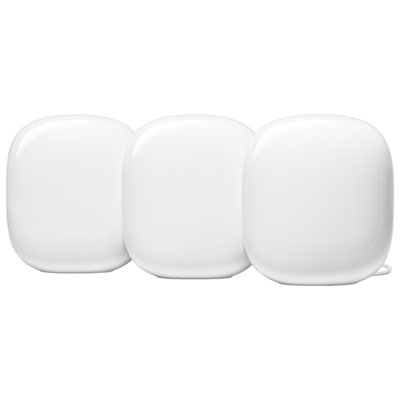
Top Collections:
Pokemon Centers, Best Cameras for Sports Photography, Kindle Devices, Samsung Galaxy Phones, Canon G7X Cameras, Pokémon 30th Celebration Cards, Refurbished Apple Laptops, iPhone 15 Apple, Laptops for Students, Budget Smartphones
Some products may be subject to Environmental Handling Fees
(EHF) depending on your province.
Learn more about EHFs.