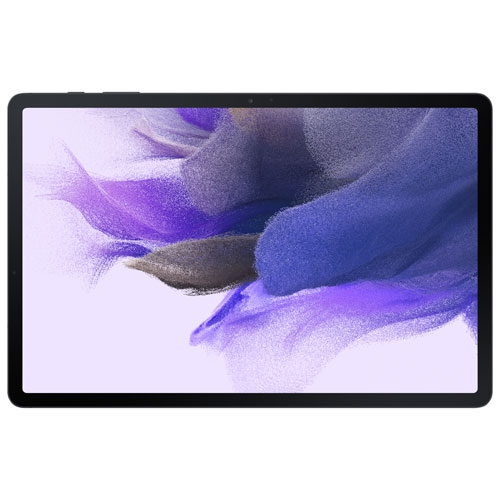
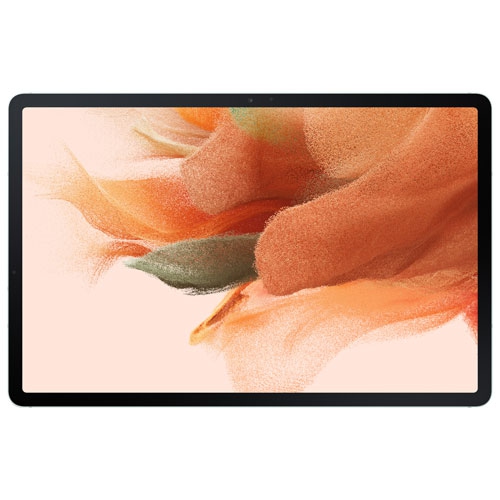
Samsung Galaxy Tab S7 FE Wi-Fi
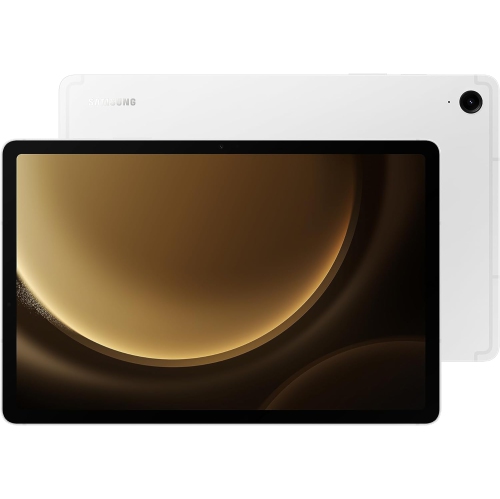
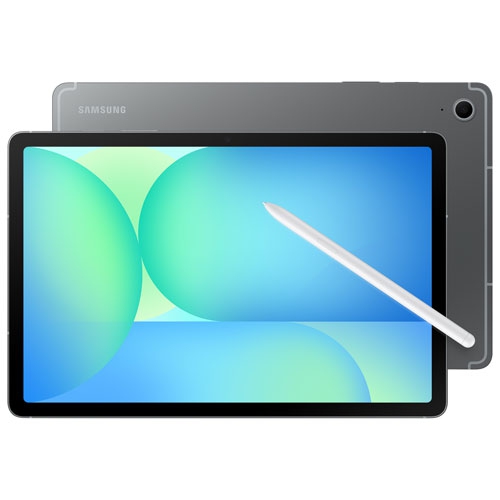
Shop Samsung Galaxy Tab S7 FE Wi-Fi tablets and compare available options to find the right fit for your everyday needs. Check each listing for storage capacity, colour, condition and included accessories before choosing.
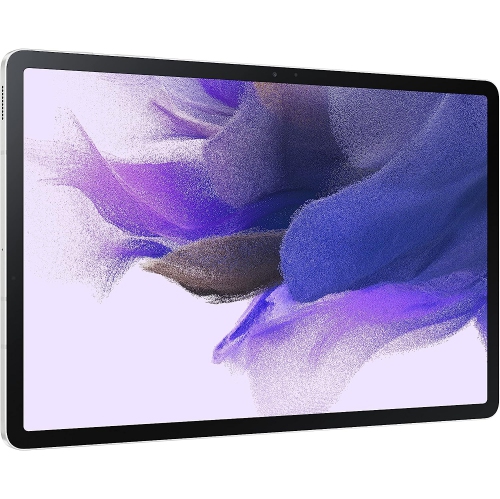
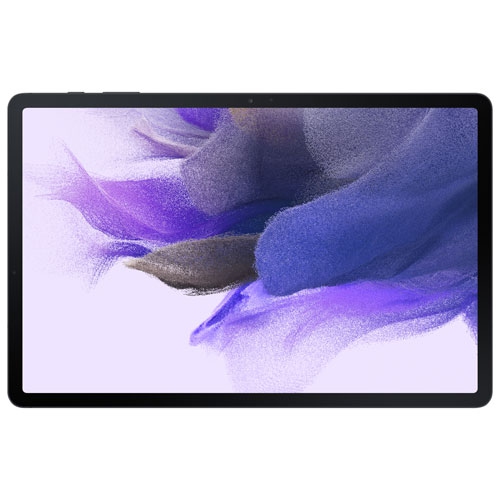
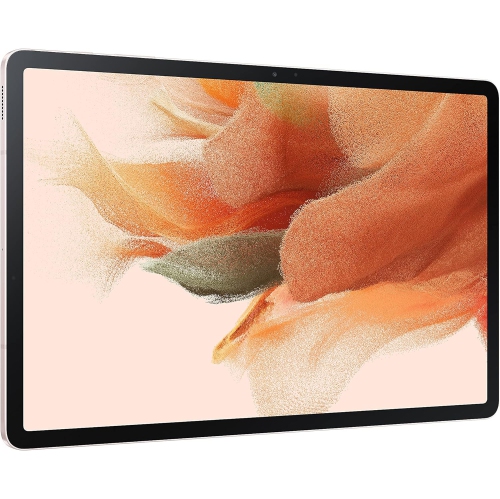
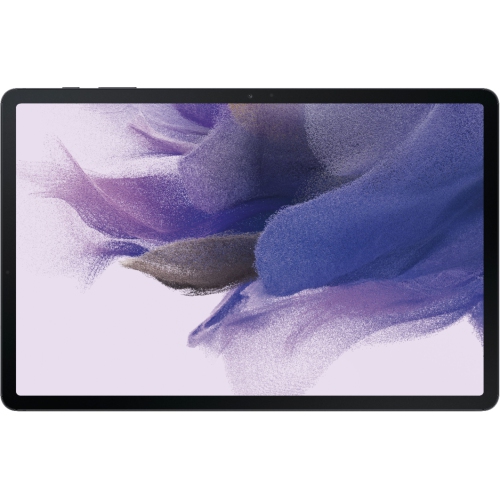
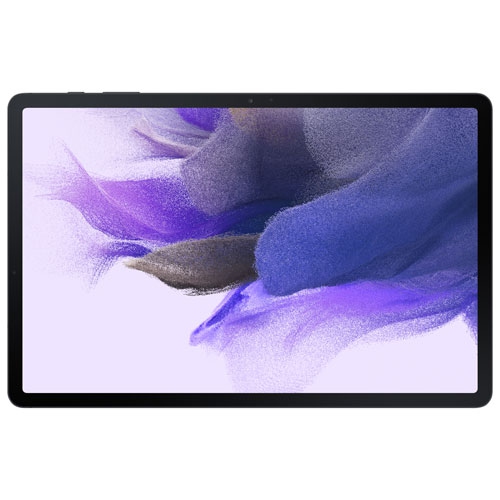
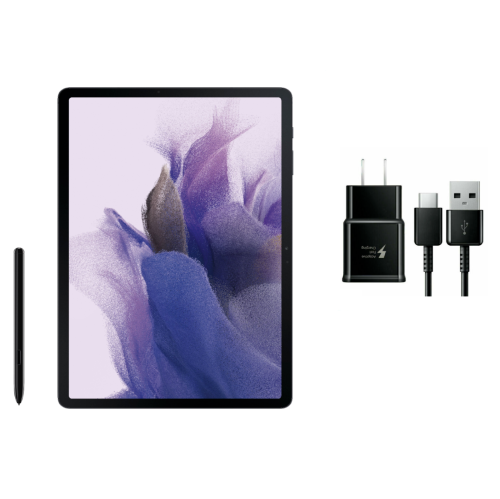
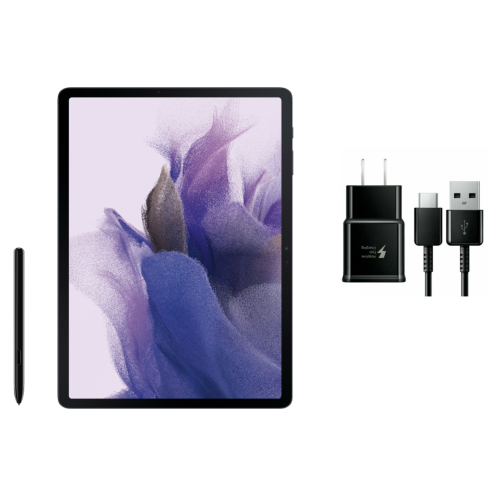
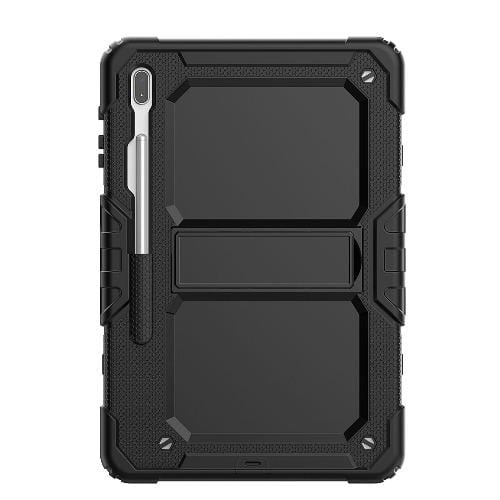
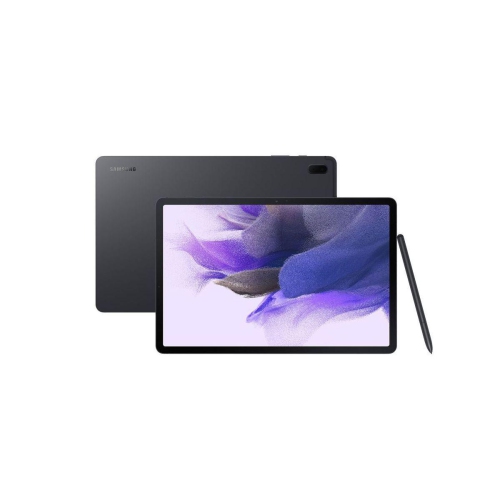
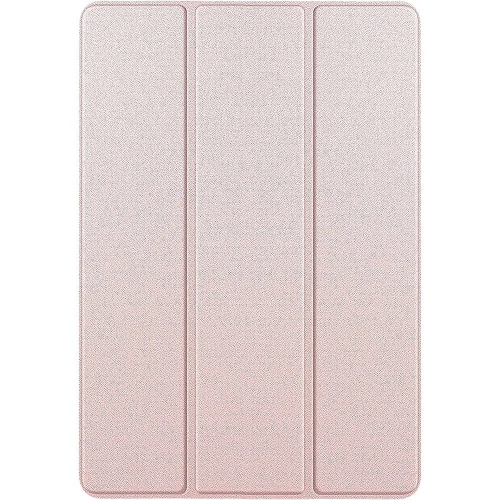
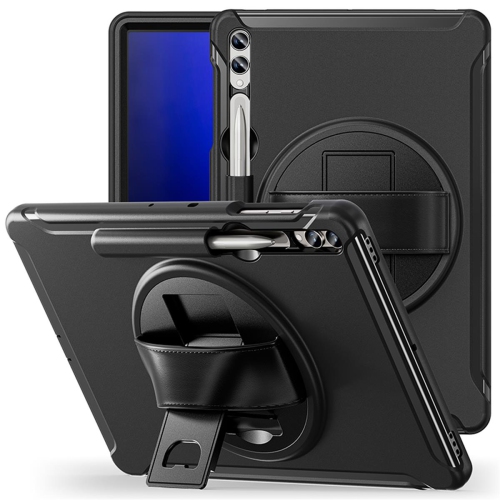
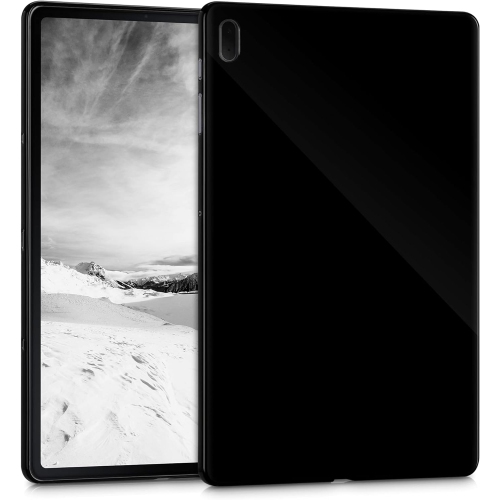
![ODUIO Case for Samsung Galaxy Tab S7 Fe/ S8+/ S8 Plus/ S7+/ S7 Plus 12.4 Inch - [S Pen Holder] Multi-Angle Viewing Stand Pu](https://multimedia.bbycastatic.ca/multimedia/products/500x500/188/18897/18897789.jpeg)
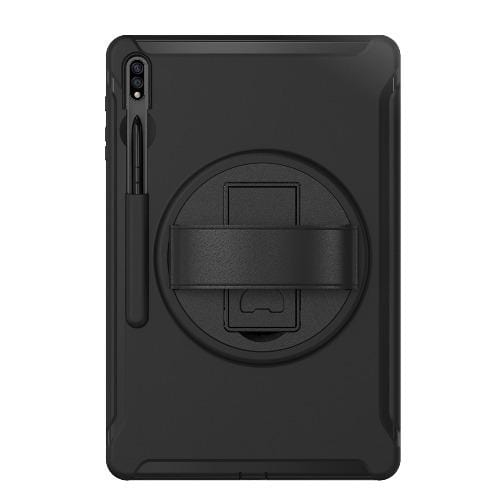
![GENERIC Case for Samsung Galaxy Tab S7 Fe/ S8+/ S8 Plus/ S7+/ S7 Plus 12.4 Inch - [S Pen Holder] Multi-Angle Viewing Stand Pu](https://multimedia.bbycastatic.ca/multimedia/products/500x500/198/19808/19808872.jpeg)
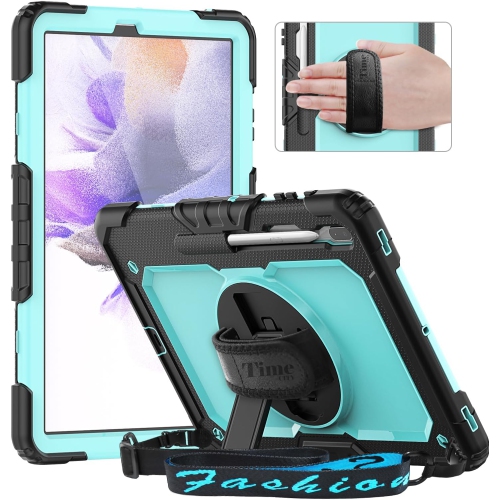
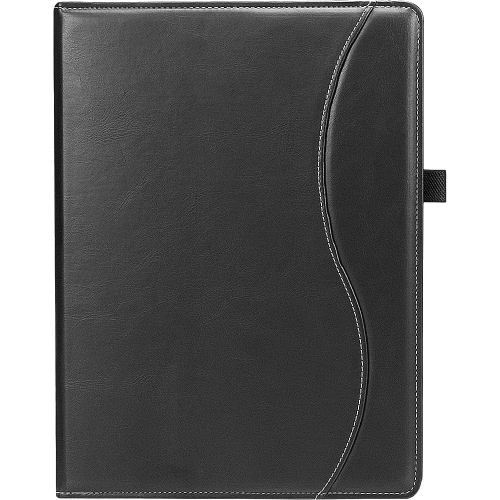
![OECE Case for Samsung Galaxy Tab S7 Fe/ S8+/ S8 Plus/ S7+/ S7 Plus 12.4 Inch - [S Pen Holder] Multi-Angle Viewing Stand Pu Leather Tablet Case w](https://multimedia.bbycastatic.ca/multimedia/products/500x500/197/19708/19708776.jpeg)
FAQ
Wi-Fi tablets connect to the internet through a wireless network, while cellular tablets can also use a compatible mobile data plan. A Wi-Fi tablet can connect through a phone’s mobile hotspot when a regular Wi-Fi network is unavailable, subject to your phone plan’s tethering terms.
Samsung Galaxy tablets support Android apps for streaming, reading, note-taking, video calls and more. Apps are available through the Google Play Store and Galaxy Store, though compatibility depends on the tablet’s hardware, software version and the app’s requirements.
Check whether the tablet supports the S Pen or another active stylus, then confirm compatibility with the exact tablet model. Features such as pressure sensitivity, palm rejection and shortcut buttons depend on the tablet, stylus and app. A basic capacitive stylus generally works like a finger touch rather than offering dedicated pen features.
Supported Galaxy tablets offer split-screen and pop-up window options for using multiple apps together. Available layouts and controls vary by model and software version, and not every app supports these viewing modes.
Common methods include USB connections, cloud storage and wireless sharing tools such as Quick Share on compatible devices. The available options depend on the devices’ operating systems, ports and software. For USB transfers, use a cable that supports data as well as charging.
Top selling and popular products
Discover more categories related to Samsung Galaxy Tab S7 FE Wi-Fi
Some products may be subject to Environmental Handling Fees (EHF) depending on your province. Learn more about EHFs.