Galaxy Tab S10 FE Tablets
Discover the versatility and convenience of the Galaxy Tab S10 FE Tablet, designed to fit seamlessly into your daily routine. Whether you're working, streaming, or connecting with friends and family, this tablet offers a smooth experience for both productivity and entertainment. Explore a range of options to find the perfect fit for your lifestyle and enjoy the flexibility that comes with the Galaxy Tab S10 FE Tablet.
Sort
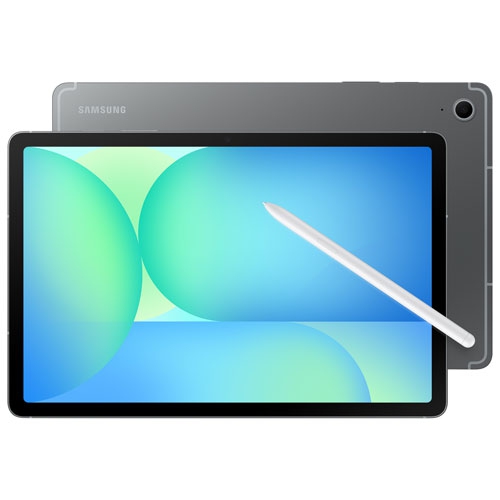
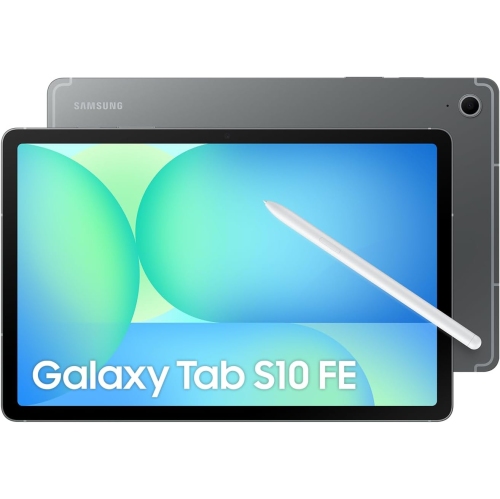
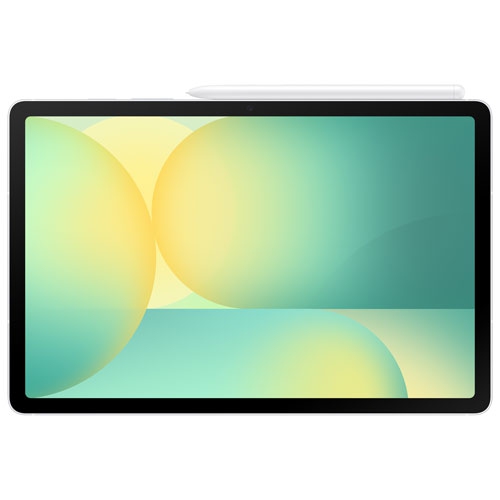
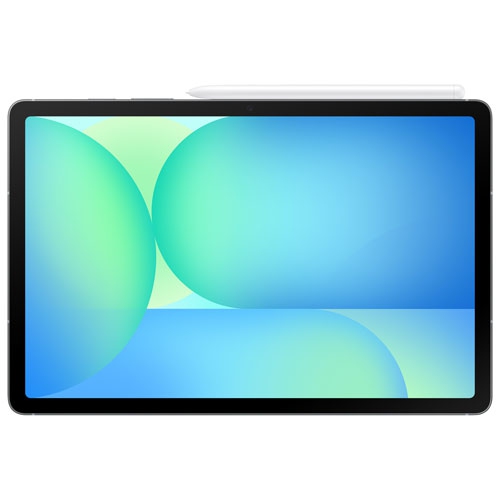
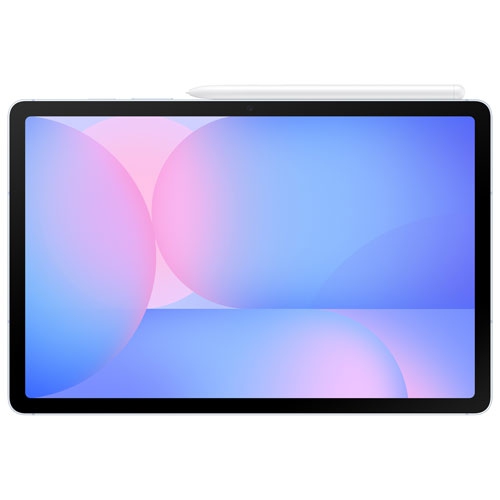
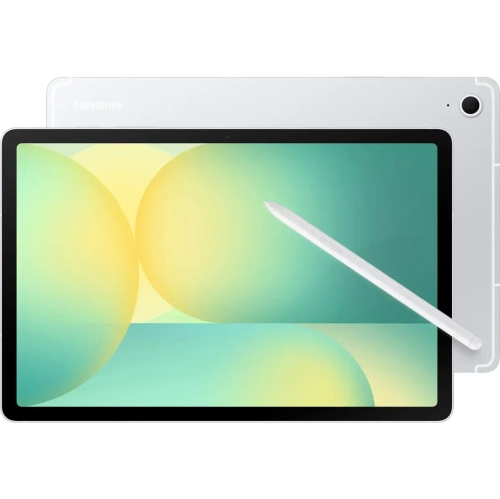
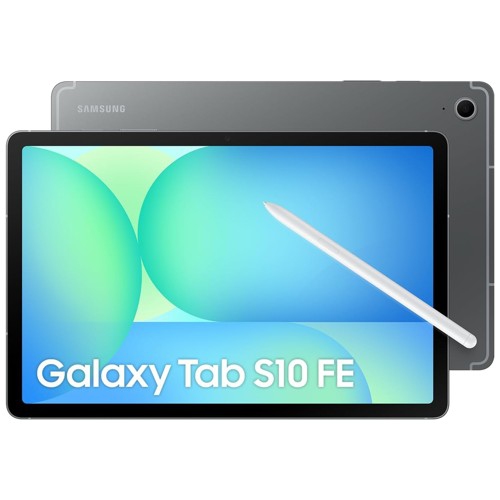
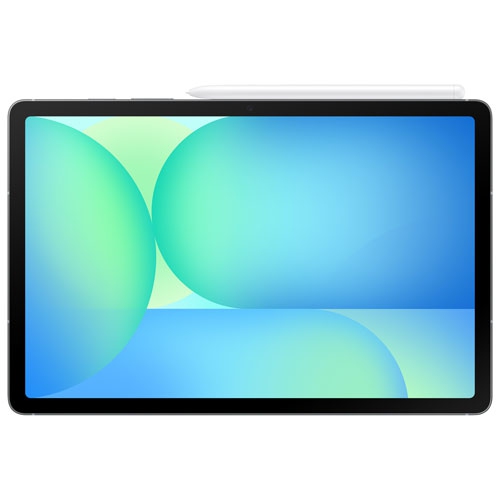
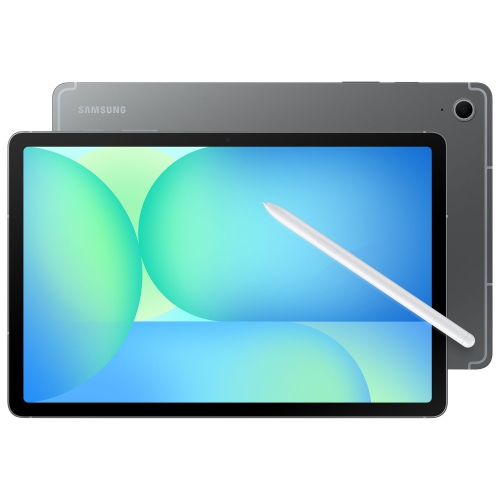
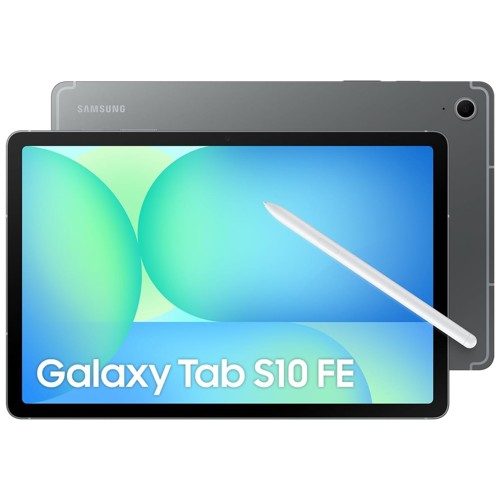
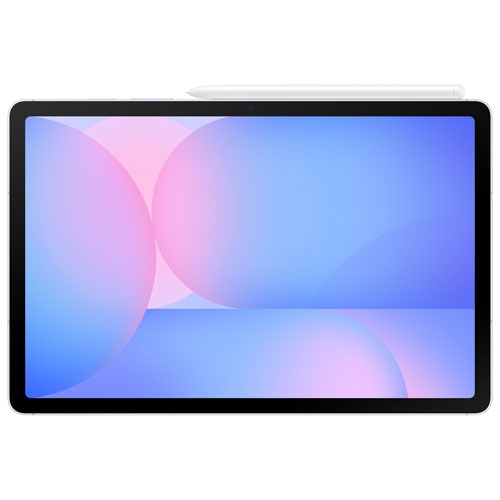
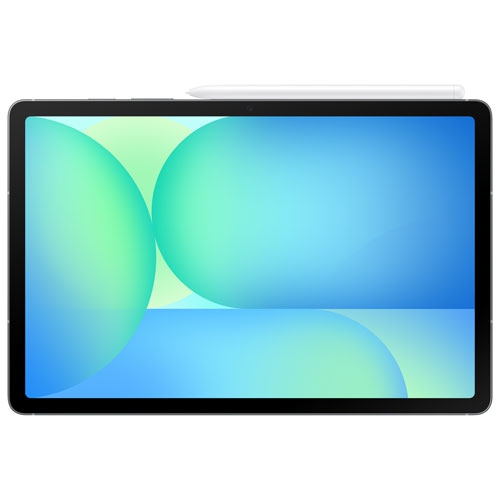
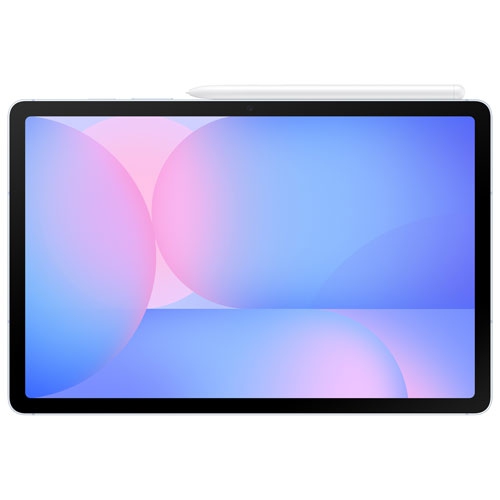
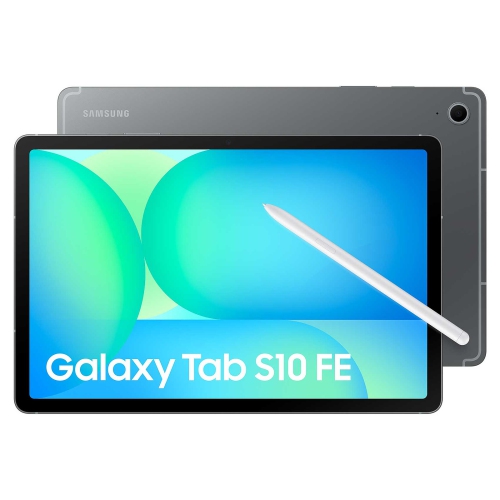
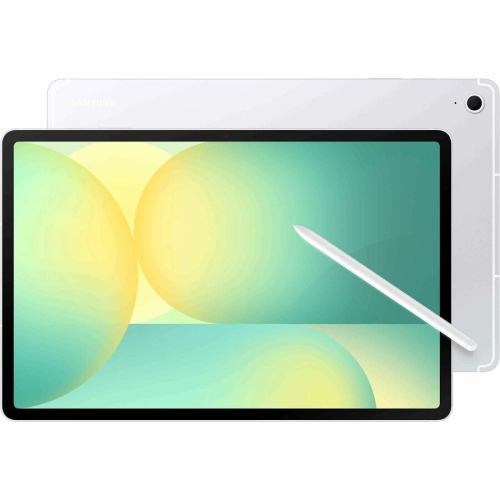
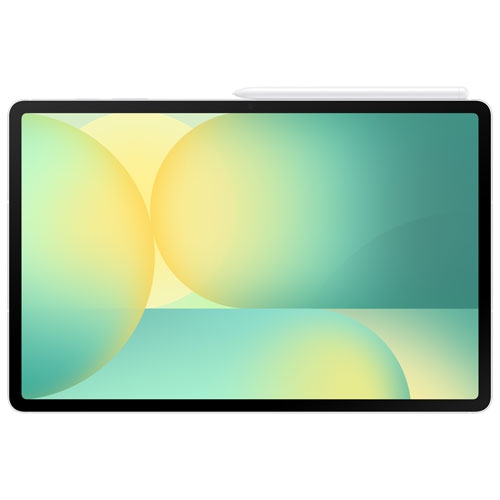
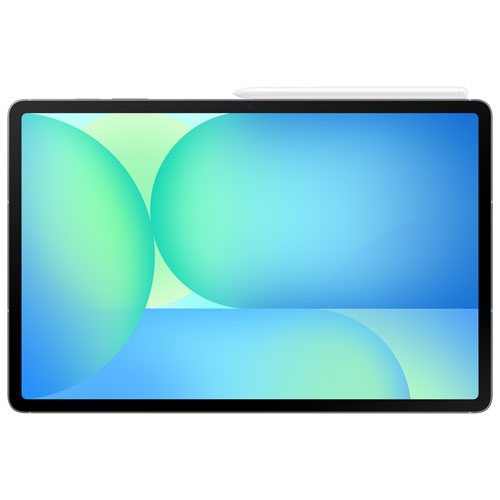
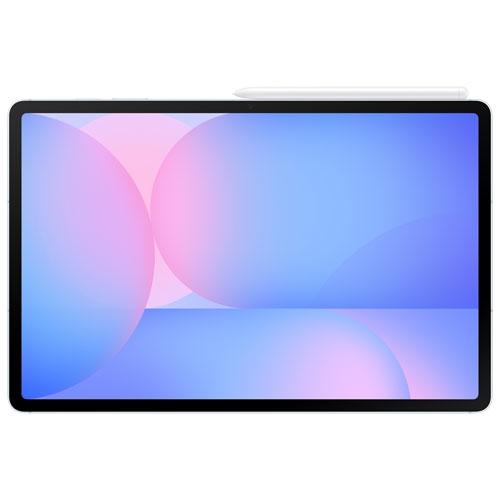
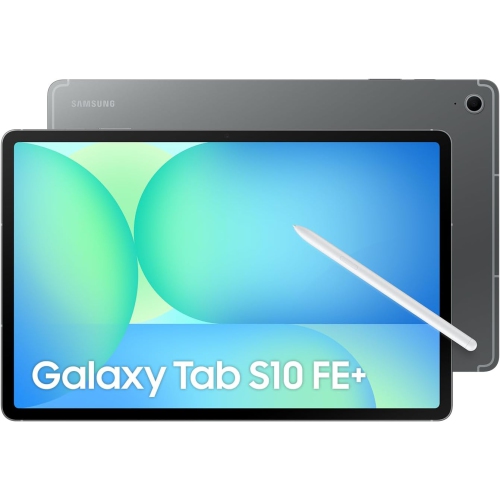
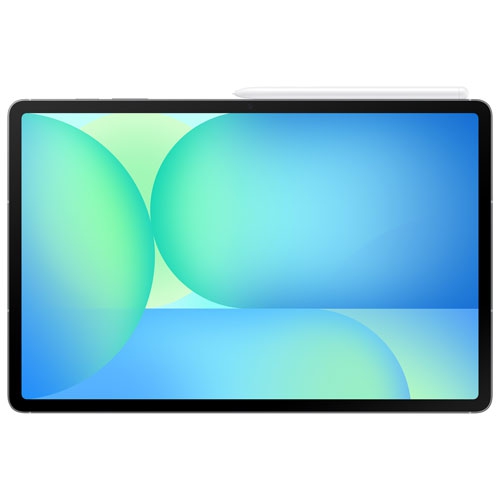
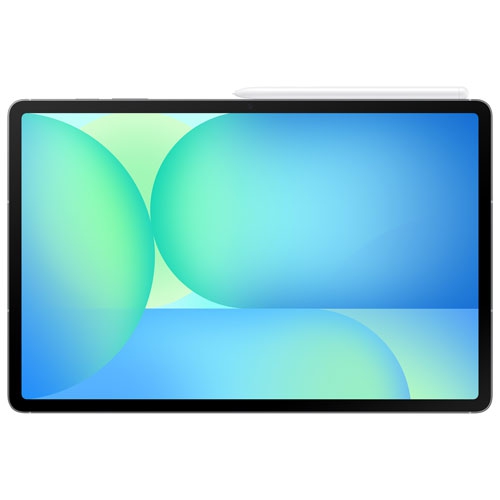
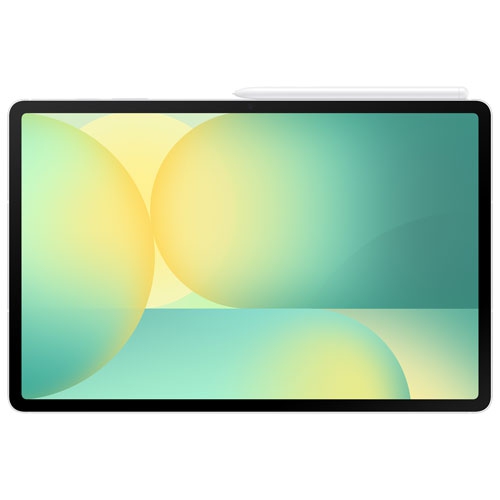
Handwritten notes with room for side-by-side apps
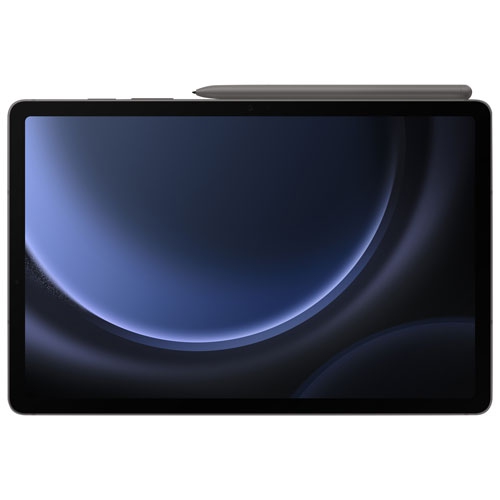
Pen-enabled tablets bring reading, handwritten notes, entertainment, and everyday work together on a screen that is easy to carry from a desk to the sofa or a classroom. A 10.9-inch display offers room for documents and videos without taking up much space in a backpack, while a larger 13.1-inch display gives presentations, drawings, and side-by-side apps more breathing room. The difference becomes noticeable when reading a textbook beside a notes window, following a video lesson while sketching a diagram, or viewing a full page of sheet music. Screen size also affects handling: a smaller tablet is generally easier to hold for longer reading sessions, whereas a larger one benefits from a stand when typing or watching videos. An LCD with a 90Hz refresh rate can make scrolling and pen movements look smoother than on a standard 60Hz screen, although the experience also depends on the app and its settings. Resolution matters for small text and detailed images, while brightness adjustments help keep the screen comfortable to read in different indoor lighting. For everyday responsiveness, consider memory alongside the processor rather than treating either specification as the whole story. Configurations with 8GB or 12GB of memory provide different amounts of working space for apps, especially when switching between a browser, a video call, and a document. Storage serves a separate purpose: 128GB or 256GB determines how much space is built in for downloads, photos, apps, and saved projects. Usable capacity is lower after system files and software are accounted for. Students carrying course readings, commuters saving episodes for a journey, and families sharing games and videos may all have different storage needs. The most useful combination is one that suits those regular activities without adding unnecessary size or weight. A slim metal body adds a solid feel, but its smooth finish may be easier to grip with a fitted cover, particularly when the tablet is carried between rooms or used while standing.
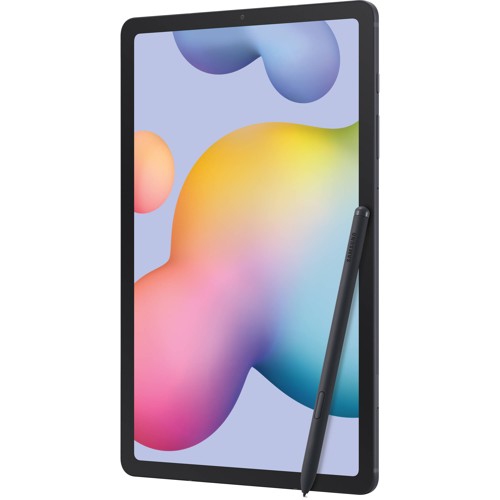
An included digital pen makes these tablets useful for tasks that are awkward with a fingertip, from marking a passage in a PDF to drawing a precise line through a floor plan. Handwriting offers a different rhythm from typing: a student can connect ideas with arrows, a tutor can work through a calculation, and a hobby artist can build a sketch in layers. Pen pressure support and writing feel depend partly on the app, so compatibility with a preferred drawing or note-taking program deserves attention. Palm rejection in supported apps helps make writing more natural by allowing a hand to rest on the screen. Handwriting assistance and calculation features can support study, but results still need checking, particularly when notes contain unusual symbols or cramped lettering. Search and photo-editing tools may also depend on software versions, account requirements, connectivity, and regional support. For longer written assignments, emails, or spreadsheets, a compatible keyboard can turn a tablet into a more comfortable typing setup, while a separate stand helps position the screen at eye level. Multitasking is especially practical when the work is clearly divided: keep a meeting agenda beside a notes app, compare two documents, or follow a recipe while adjusting a shopping list. Not every app supports the same window layouts, and some desktop software has different capabilities on a tablet. Front and rear cameras serve distinct purposes, too. The front camera handles video conversations, while the rear camera is useful for capturing a whiteboard, scanning a receipt, or saving a page of handwritten work. Place the tablet on a steady surface for clearer calls and keep light in front of the speaker rather than directly behind them. Expandable storage can provide extra room for compatible media and files, with support for microSD cards up to 2TB depending on the device specifications. A memory card does not automatically expand working memory or allow every app to be moved off internal storage. Keeping important notes and projects backed up separately remains worthwhile, especially when a tablet holds schoolwork, family photos, or documents needed away from home.
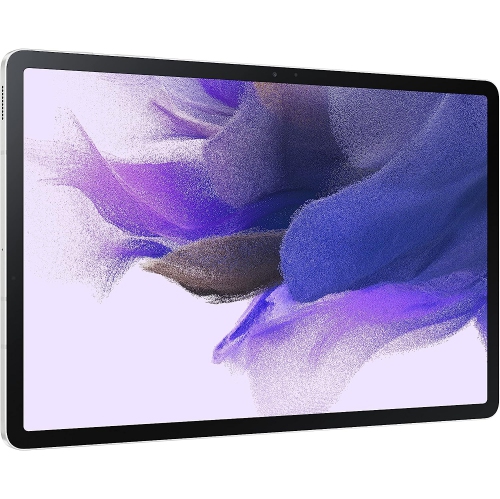
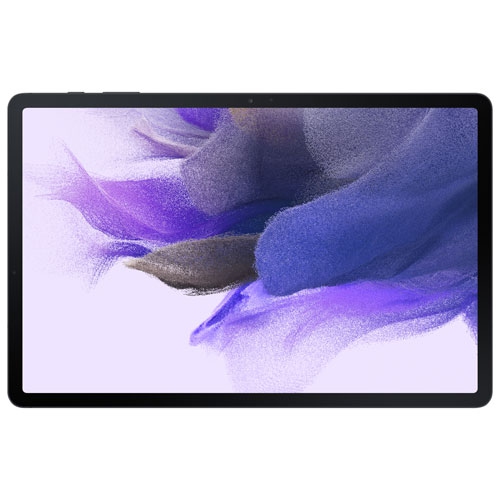
Durability, accessory fit, and straightforward care help a tablet stay useful through daily handling. A metal enclosure provides structure, but corners, glass, and connection ports still need protection from knocks and pressure inside a bag. A fitted case with a raised edge can help protect the screen when placed face down, while a stable folding cover makes reading and video calls more comfortable on a table. Case fit must match the exact tablet dimensions and camera placement; a similar screen measurement does not guarantee that buttons, speakers, and charging ports will line up. A secure pen holder is helpful for anyone moving between classes or meetings, and magnetic attachment should not be mistaken for a charging feature. An IP68 rating describes water and dust resistance under specified test conditions, not protection against every spill, impact, or type of liquid. Keep charging connections dry, follow the care instructions, and avoid treating resistance as permission to submerge a device during everyday use. Clean the screen with a soft, lint-free cloth, avoid abrasive cleaners, and keep grit away from covers and pen tips. Battery life varies with brightness, video calls, gaming, wireless connections, and other settings, so published playback figures are not a promise for every routine. Charging speed also depends on a compatible charger and cable. For home and campus use, check Wi-Fi requirements; for connectivity away from a trusted network, confirm whether the device supports a cellular plan or requires a phone hotspot. Related browsing includes Samsung Galaxy Tab S7 FE Wi-Fi, with accessory compatibility and software features checked separately for each generation. As gifts, pen-enabled tablets suit students, keen readers, digital sketchers, and relatives who enjoy video calls. Matching screen size, storage, and accessories to the recipient’s habits helps create a setup that feels useful from the first handwritten note or downloaded book.
An included digital pen makes these tablets useful for tasks that are awkward with a fingertip, from marking a passage in a PDF to drawing a precise line through a floor plan. Handwriting offers a different rhythm from typing: a student can connect ideas with arrows, a tutor can work through a calculation, and a hobby artist can build a sketch in layers. Pen pressure support and writing feel depend partly on the app, so compatibility with a preferred drawing or note-taking program deserves attention. Palm rejection in supported apps helps make writing more natural by allowing a hand to rest on the screen. Handwriting assistance and calculation features can support study, but results still need checking, particularly when notes contain unusual symbols or cramped lettering. Search and photo-editing tools may also depend on software versions, account requirements, connectivity, and regional support. For longer written assignments, emails, or spreadsheets, a compatible keyboard can turn a tablet into a more comfortable typing setup, while a separate stand helps position the screen at eye level. Multitasking is especially practical when the work is clearly divided: keep a meeting agenda beside a notes app, compare two documents, or follow a recipe while adjusting a shopping list. Not every app supports the same window layouts, and some desktop software has different capabilities on a tablet. Front and rear cameras serve distinct purposes, too. The front camera handles video conversations, while the rear camera is useful for capturing a whiteboard, scanning a receipt, or saving a page of handwritten work. Place the tablet on a steady surface for clearer calls and keep light in front of the speaker rather than directly behind them. Expandable storage can provide extra room for compatible media and files, with support for microSD cards up to 2TB depending on the device specifications. A memory card does not automatically expand working memory or allow every app to be moved off internal storage. Keeping important notes and projects backed up separately remains worthwhile, especially when a tablet holds schoolwork, family photos, or documents needed away from home.
Durability, accessory fit, and straightforward care help a tablet stay useful through daily handling. A metal enclosure provides structure, but corners, glass, and connection ports still need protection from knocks and pressure inside a bag. A fitted case with a raised edge can help protect the screen when placed face down, while a stable folding cover makes reading and video calls more comfortable on a table. Case fit must match the exact tablet dimensions and camera placement; a similar screen measurement does not guarantee that buttons, speakers, and charging ports will line up. A secure pen holder is helpful for anyone moving between classes or meetings, and magnetic attachment should not be mistaken for a charging feature. An IP68 rating describes water and dust resistance under specified test conditions, not protection against every spill, impact, or type of liquid. Keep charging connections dry, follow the care instructions, and avoid treating resistance as permission to submerge a device during everyday use. Clean the screen with a soft, lint-free cloth, avoid abrasive cleaners, and keep grit away from covers and pen tips. Battery life varies with brightness, video calls, gaming, wireless connections, and other settings, so published playback figures are not a promise for every routine. Charging speed also depends on a compatible charger and cable. For home and campus use, check Wi-Fi requirements; for connectivity away from a trusted network, confirm whether the device supports a cellular plan or requires a phone hotspot. Related browsing includes Samsung Galaxy Tab S7 FE Wi-Fi, with accessory compatibility and software features checked separately for each generation. As gifts, pen-enabled tablets suit students, keen readers, digital sketchers, and relatives who enjoy video calls. Matching screen size, storage, and accessories to the recipient’s habits helps create a setup that feels useful from the first handwritten note or downloaded book.
Top selling and popular products
-
 Your price for this item is $499.99
 -
 Your price for this item is $199.95
 -
 Your price for this item is $293.94
 -
 Your price for this item is $579.99
 -
 Your price for this item is $139.99
 -
 Your price for this item is $119.99
 -
 Your price for this item is $979.99
 -
 Your price for this item is $579.99
Discover more categories related to Galaxy Tab S10 FE Tablets
Top Collections:
Pokemon Centers, Kindle Devices, Best Cameras for Sports Photography, Samsung Galaxy Phones, Laptops for Business Work, Canon G7X Cameras, Pokémon 30th Celebration Cards, Refurbished Apple Laptops, iPhone 15 Apple, Cordless Dyson Vacuums
Some products may be subject to Environmental Handling Fees
(EHF) depending on your province.
Learn more about EHFs.