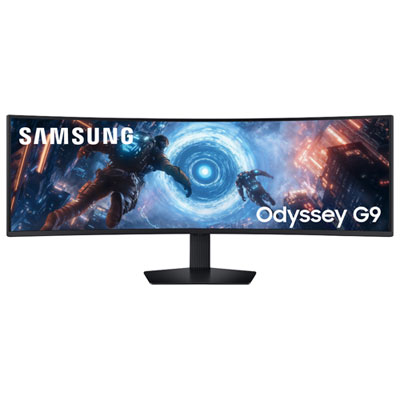
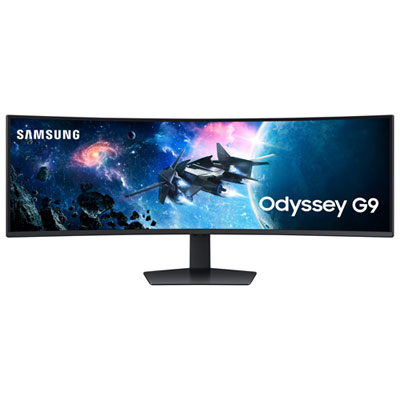
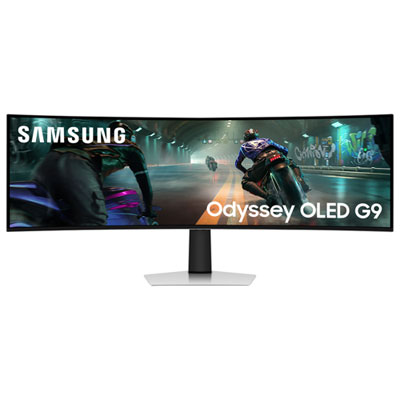
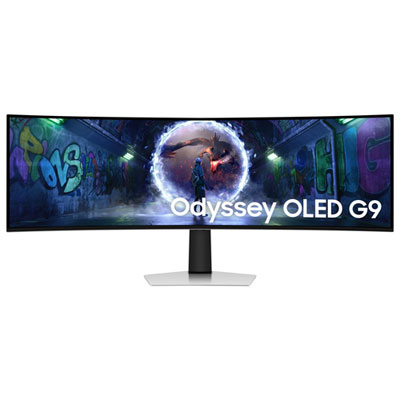
Samsung Ultrawide 49

Shop Samsung 49-inch ultrawide monitors for a wide-screen setup with room for multiple windows, work tasks, or gaming. Compare available models by resolution, refresh rate, connectivity, and desk fit to find a monitor that suits your setup.
Read More

Sort

More room for multitasking without a centre bezel

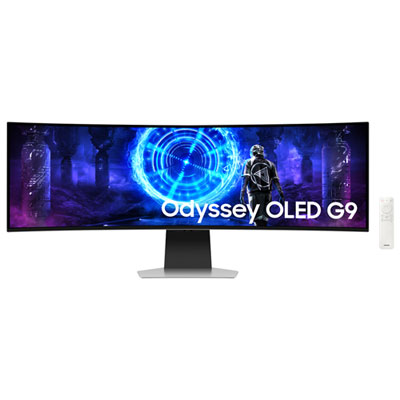
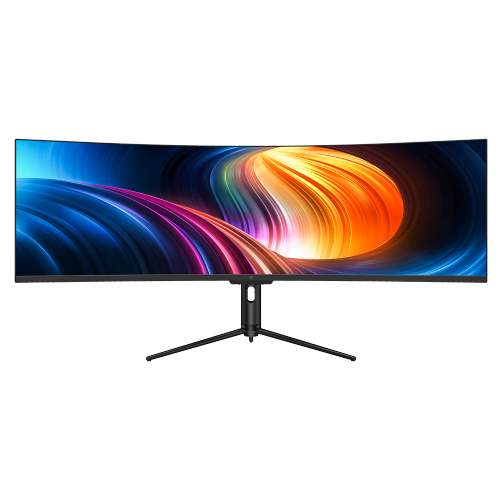
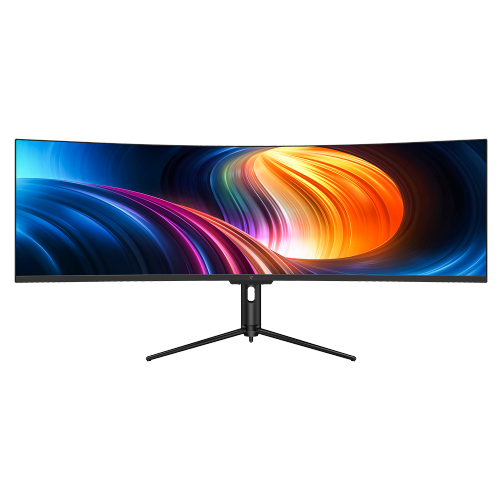
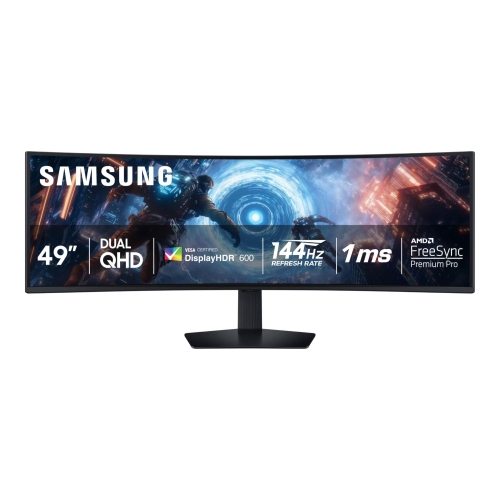
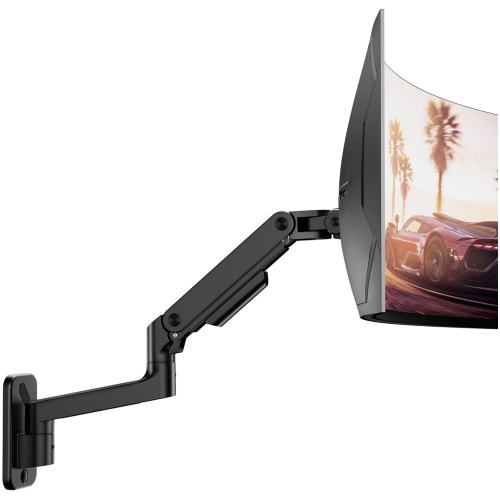
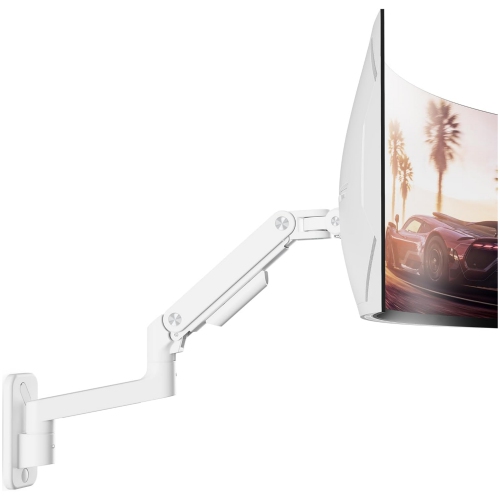
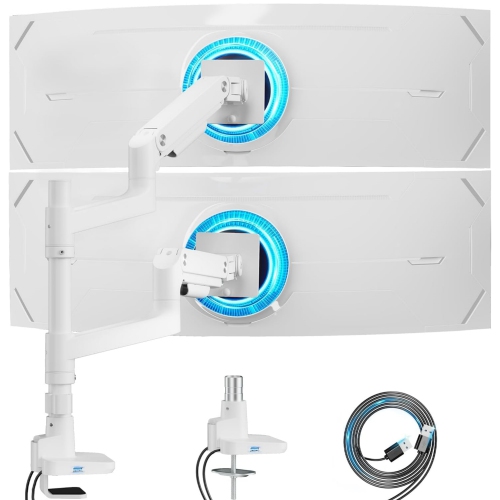
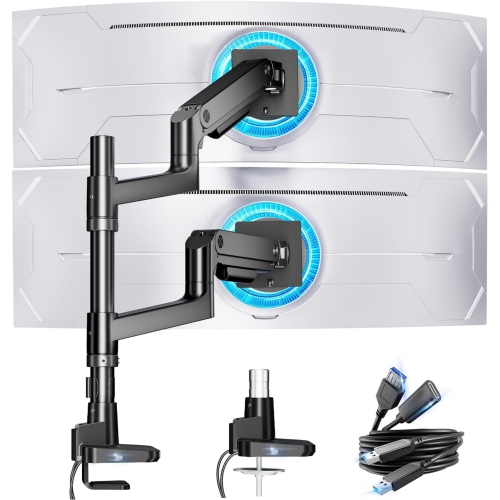
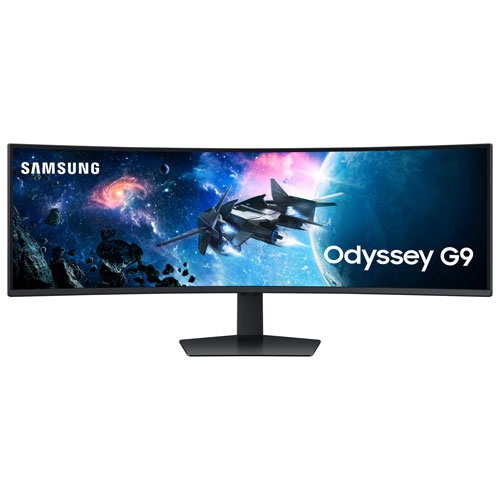
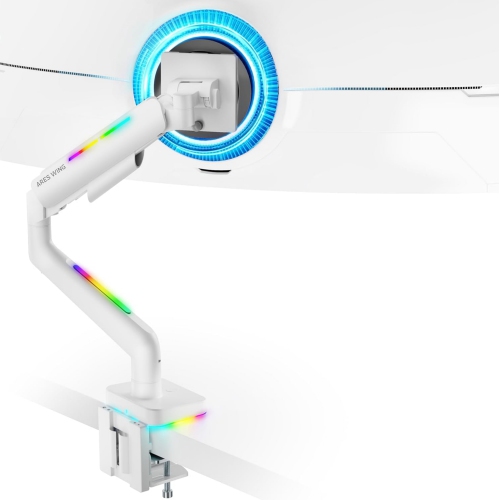
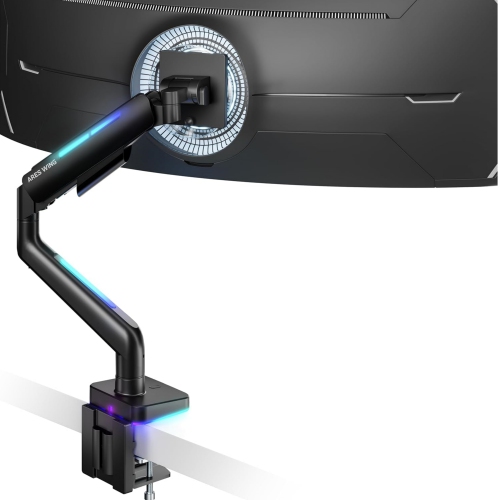
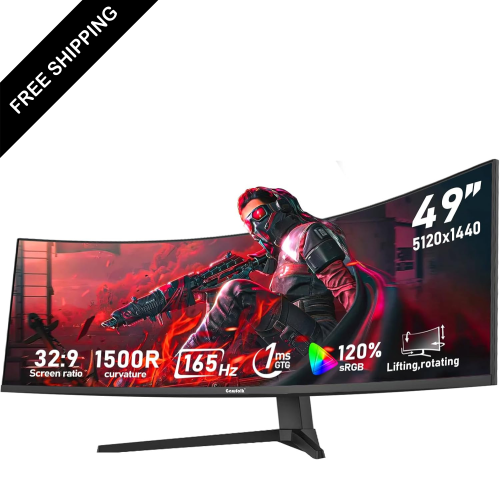
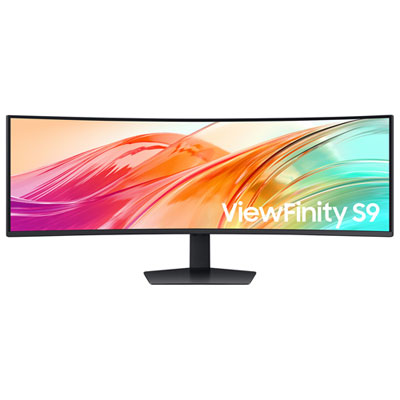
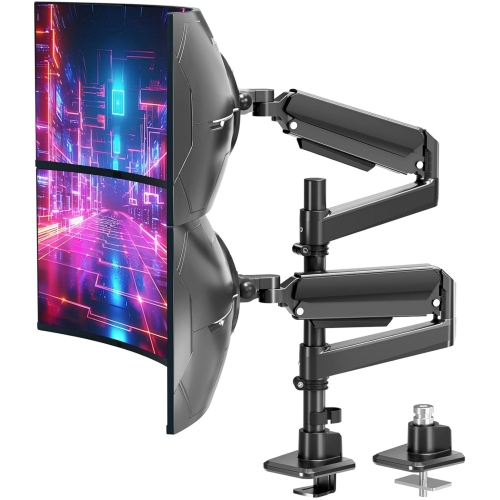
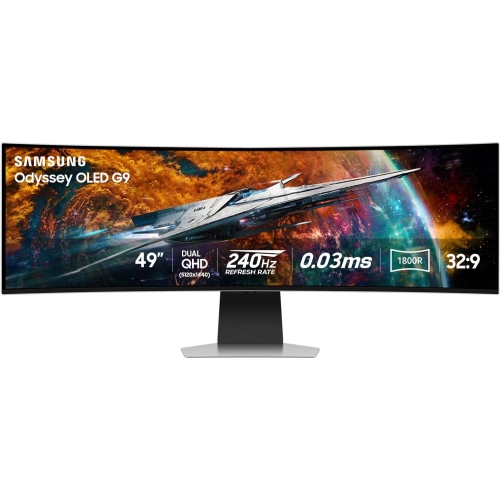
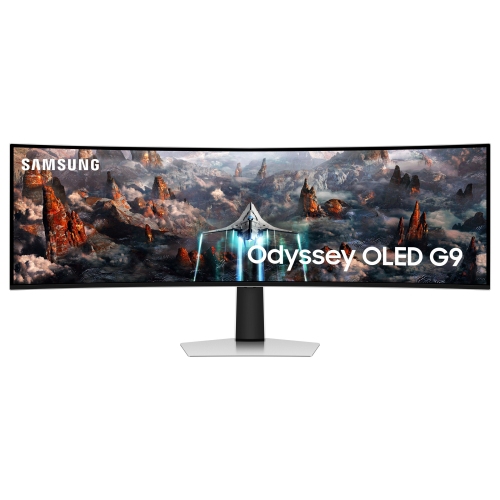
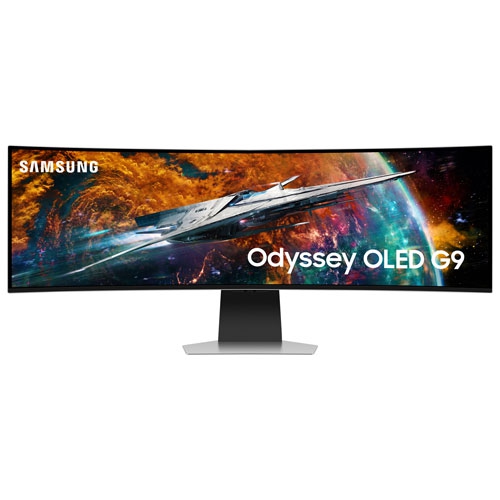
A 49-inch ultrawide monitor creates a broad, continuous workspace for people who prefer to keep more of their day in view. Many displays in this size use a 32:9 aspect ratio, offering roughly the width of two 27-inch, 16:9 monitors without a bezel dividing the centre. That shape suits a spreadsheet beside a report, a video meeting next to reference documents, or an editing timeline stretched across the screen with room for preview windows and controls. For programmers, analysts, designers, and anyone working across several applications, the appeal is less about making one window enormous and more about arranging related tasks where they remain easy to see. Resolution makes an important difference to that experience. A 5120 × 1440 panel provides a different level of detail and desktop space from a lower-resolution screen of the same physical size, while operating-system scaling helps determine whether text and interface elements feel comfortable. Screen sharing also deserves consideration: sharing a single application window is often easier for colleagues to read than broadcasting an entire super-ultrawide desktop. The physical fit matters just as much as the digital workspace. A screen this wide needs adequate desk width, room for the stand, and enough depth to maintain a comfortable viewing distance. Curvature can bring the outer edges into a more consistent relationship with the viewer, although the preferred curve depends on seating position and the work being done. A pronounced curve may feel engaging from a centred seat, while someone frequently showing work to a person beside them may place greater importance on viewing angles. Height adjustment and tilt help position the screen without forcing the shoulders upward or the chin forward. A compatible monitor arm can free desk space, provided its weight capacity, mounting pattern, and support for a large curved display match the monitor’s requirements.

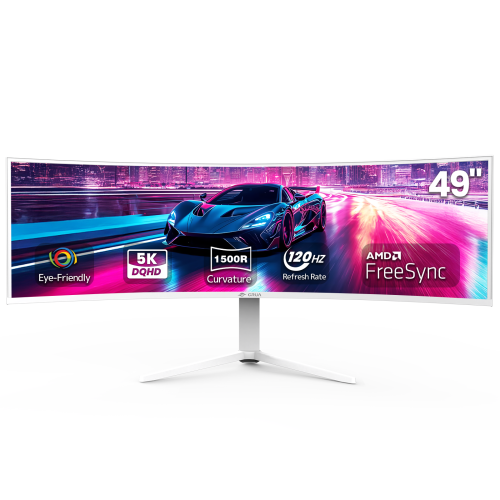
For gaming and entertainment, the attraction of a 49-inch ultrawide display is the uninterrupted view across a much wider scene. Racing cockpits, flight decks, and expansive landscapes can make particularly effective use of that space when the game supports the screen’s aspect ratio. Support is not universal: some games, videos, and console outputs use narrower formats, leaving unused areas at the sides or requiring a scaling choice. Competitive players may also prefer a smaller active image that keeps important information closer to the centre of their vision. Refresh rate and pixel response influence how motion looks, but they describe different characteristics. A higher refresh rate allows more image updates each second, while faster pixel transitions can reduce visible trails behind moving objects. Adaptive-sync features can help reduce tearing when paired with compatible hardware, and the graphics system must still be capable of delivering the desired frame rate at the monitor’s resolution. Running a demanding game across a large pixel count places a heavier load on the graphics processor than playing at a lower resolution. Panel technology adds another layer to the experience. OLED displays control light at the pixel level, producing deep blacks and strong contrast in dark scenes, while LCD performance depends partly on the panel design, backlight, and any local-dimming system. The Samsung 49 Odyssey OLED page offers a related focus on OLED displays in this expansive size. For mixed work and play, text clarity, reflections, and room lighting deserve attention alongside motion performance. An HDR label alone does not explain how bright highlights appear or how precisely dark areas are controlled. People working with photographs or video may place greater weight on colour accuracy and calibration support, while those spending hours with documents may value comfortable text rendering and a screen finish that handles nearby light sources well.

Connections and everyday construction determine how comfortably a large ultrawide monitor fits into an existing setup. The number and type of video inputs matter for anyone moving between a desktop, a work laptop, and another source. The computer, cable, and display input all need to support the intended resolution and refresh rate; a connector that fits does not automatically guarantee every display mode. USB-C can simplify a compatible laptop setup when the monitor supports video, data, and sufficient power delivery through that connection, but those capabilities vary. A built-in USB hub can keep peripherals close at hand, while a keyboard-video-mouse switch, where included, can let two connected computers share a keyboard and mouse. Picture-by-picture support can place two sources beside each other, although the resulting resolution, refresh rate, and available display features may differ from single-source operation. These details are useful for a shared home office or a desk that handles both professional work and personal gaming. Materials and mechanical design deserve equal attention. Plastic housings and metal stand components are common, but stability depends on the complete assembly, including the base, adjustment mechanism, and desk surface. Cable routing helps prevent leads from pulling tight when the screen is raised or turned. During setup, supporting the display as directed is especially important because a wide panel can be awkward to lift and should not be gripped or pressed across its screen. Routine care generally means removing dust with a clean, soft microfibre cloth and following the manufacturer’s instructions for any further cleaning, rather than spraying liquid directly onto the panel. OLED owners should also account for static content and use the built-in panel-care functions as directed. For a gamer, remote worker, or creative professional receiving a monitor as a gift, confirming desk dimensions, computer compatibility, and preferred uses helps make this substantial addition a practical fit rather than simply a larger screen.
Read More

FAQ

Some products may be subject to Environmental Handling Fees (EHF) depending on your province. Learn more about EHFs.