Samsung 49 Odyssey OLED
Experience next-level gaming and entertainment with the Samsung 49 Odyssey OLED. Explore a selection designed to elevate your setup, delivering impressive visuals and immersive experiences for work or play. Whether upgrading your home office or enhancing your gaming station, the Samsung 49 Odyssey OLED offers a premium solution that blends style and performance seamlessly. Find the right addition to transform your space and enjoy outstanding quality every time you power on.
Sort
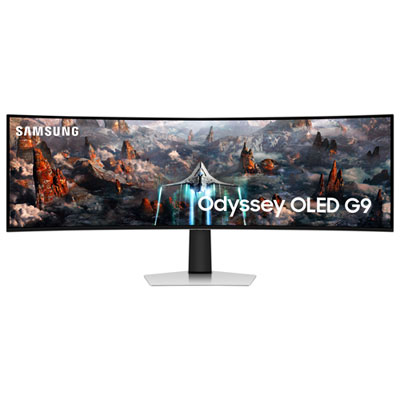
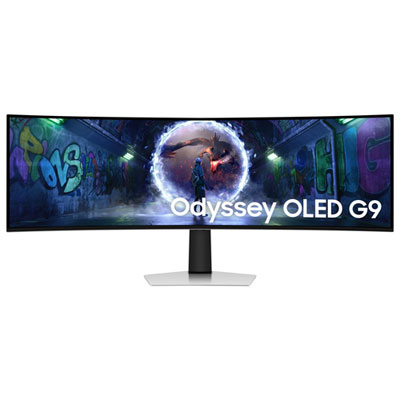
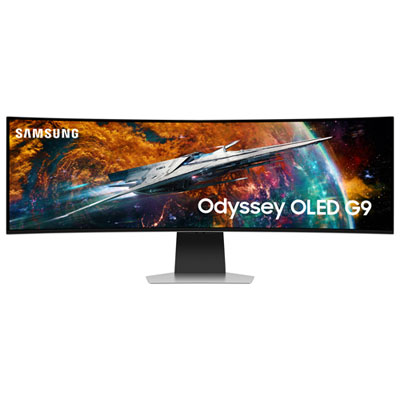
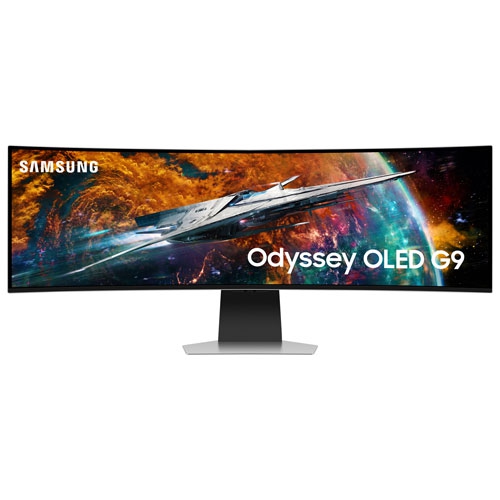
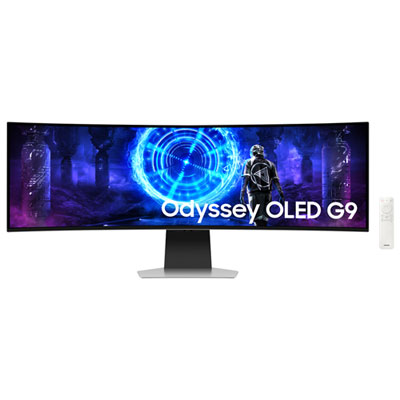
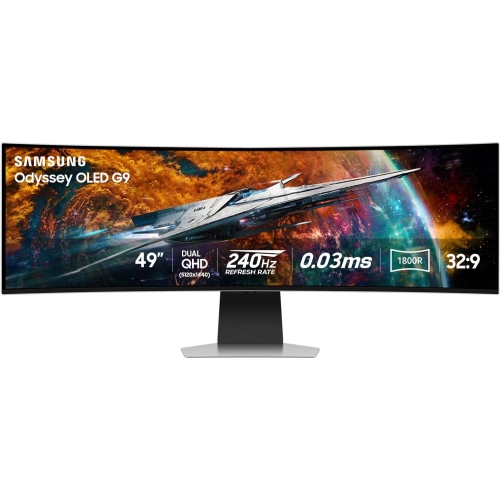
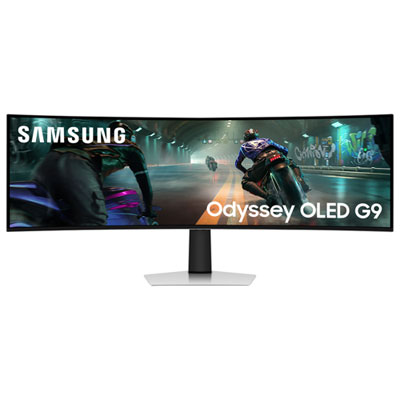
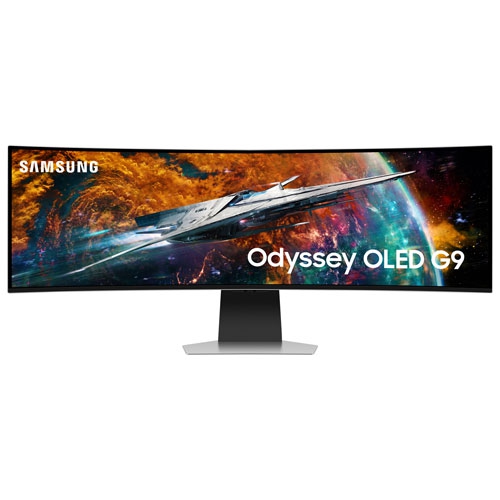

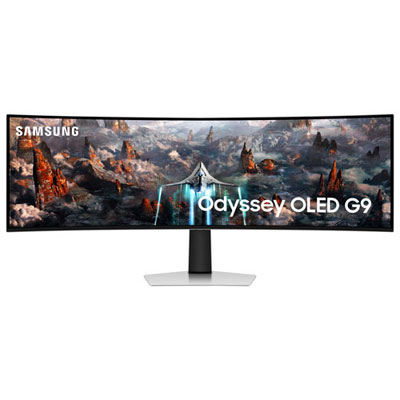
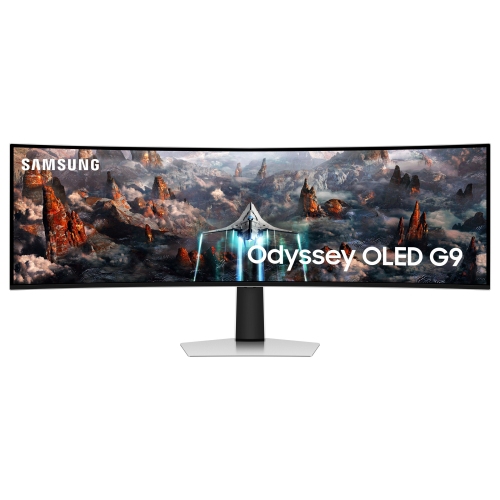
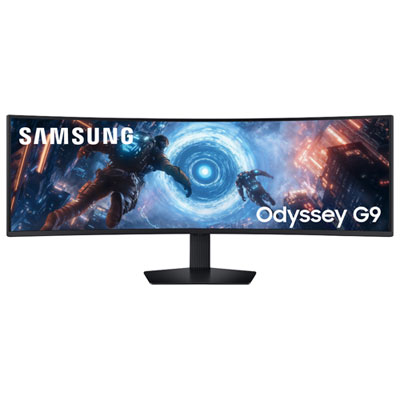
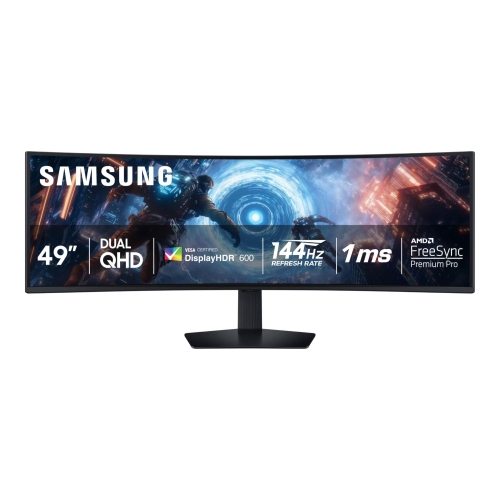
Dual-monitor width meets OLED contrast on one screen
49-inch OLED gaming monitors bring a broad, continuous view to a desktop, combining the width of a dual-monitor setup with the uninterrupted surface of a single screen. Their super-ultrawide 32:9 aspect ratio provides approximately the same display area as two 27-inch, 16:9 monitors placed side by side, without a centre bezel dividing the picture. Dual Quad HD resolution, commonly expressed as 5120 x 1440, gives this format room for detailed game worlds, wide timelines, and several application windows at once. The Samsung Odyssey G9 OLED collection belongs to this category of expansive curved gaming displays. OLED panels use self-emitting pixels that can switch off individually, producing deep blacks and strong contrast between illuminated objects and dark backgrounds. In a space simulator, that can mean bright instrument panels standing out against a black sky; in a racing game, the extra width can bring more of the cockpit and surrounding track into view when the game supports the format. QD-OLED technology combines OLED light with quantum dots to produce colour, helping render vivid scenery and subtle tonal differences. A curved panel brings the outer edges towards the viewer, making the width feel more cohesive from a centred seating position. An 1800R curve, found on displays in this category, describes the radius of the circle that the screen’s curvature would form, rather than a required viewing distance. Refresh rates vary by model, with options such as 144Hz and up to 240Hz. Some panels also specify a response time as low as 0.03ms grey-to-grey under stated test conditions. That figure describes pixel transitions, not the complete delay between a mouse movement and its appearance on screen. Together, fast pixel transitions and a high refresh rate can keep moving details clearer, although the computer’s frame rate and the game’s settings remain important parts of the experience.
The appeal of a 49-inch super-ultrawide OLED display extends from immersive gaming to workspaces where horizontal room makes everyday tasks easier to follow. A video editor can keep a long timeline visible beneath a preview window, while a music producer can spread tracks and mixing controls across the screen. For office work, a document, spreadsheet, and conversation window can sit alongside one another without constant switching. The screen remains 1440 pixels tall at Dual Quad HD resolution, so its main productivity advantage is width rather than extra vertical space. Text appearance can also differ from that of a conventional LCD because OLED subpixel layouts vary; operating system scaling, viewing distance, and individual sensitivity all affect how comfortable small lettering feels. For gaming, support for 32:9 depends on the title. Some games fill the panel naturally, while others display black bars, limit the field of view, or use narrower cutscenes. Consoles generally output standard widescreen formats rather than native 32:9, making a compatible gaming PC the more natural partner for filling the entire display. Driving 5120 x 1440 at high frame rates places substantial demands on a graphics card, particularly with detailed graphics settings and ray tracing enabled. Adaptive sync can help reduce tearing when the monitor, graphics hardware, and connection support the same technology, but compatibility varies. HDMI and DisplayPort capabilities also differ between models, and the supported resolution and refresh rate depend on the complete connection path, including the cable. USB hubs, picture-by-picture modes, built-in speakers, and streaming features are model-dependent rather than standard across every display. Where picture-by-picture is supported, it may allow two sources to share the panel, though available refresh rates and other functions can change in that mode. These distinctions matter for a desktop that moves between gaming, creative projects, and a connected work laptop.
Physical fit is especially important with a display this wide. A 49-inch measurement refers to the diagonal, not the distance across the desk, and the curved panel, stand footprint, and cable connections all contribute to the space it occupies. A deep desktop can provide room for a comfortable viewing position while leaving space for a keyboard, mouse, and forearms. Stand height adjustment and tilt help place the screen at a suitable level, while a compatible monitor arm can free desk space when its weight rating and mounting pattern match the display. The arm also needs to accommodate a wide curved panel, whose shape places different demands on a mount than a smaller flat screen. Materials and finishes vary, from moulded housings to metal stand components, but stability, adjustment quality, and protection of the panel surface matter more in daily use than appearance alone. A curved OLED screen is not a surface to grip or press when repositioning the monitor; handling it according to its supplied instructions helps protect the panel. For routine cleaning, a clean, soft microfibre cloth and the manufacturer’s approved method help avoid scratches or damage to the coating. Reflections deserve attention too, since bright windows or lamps facing the screen can reduce the visibility of darker details, even when the panel has an anti-reflection treatment. OLED care also involves managing prolonged static content. Persistent taskbars, fixed game interfaces, and unchanged application layouts can contribute to uneven pixel wear or burn-in over time. Built-in panel maintenance, screen sleep settings, and varied content can help manage that risk, but they do not make every usage pattern risk-free. These monitors are particularly suited to players who enjoy supported racing, flight, simulation, and expansive adventure games, as well as multitaskers who value one broad workspace. As a gift, a display of this size is most practical when the recipient’s desk, computer, preferred games, and mounting arrangements are already understood. With those foundations in place, the wide OLED format can serve as both an immersive gaming screen and a versatile centrepiece for a carefully arranged desktop.
The appeal of a 49-inch super-ultrawide OLED display extends from immersive gaming to workspaces where horizontal room makes everyday tasks easier to follow. A video editor can keep a long timeline visible beneath a preview window, while a music producer can spread tracks and mixing controls across the screen. For office work, a document, spreadsheet, and conversation window can sit alongside one another without constant switching. The screen remains 1440 pixels tall at Dual Quad HD resolution, so its main productivity advantage is width rather than extra vertical space. Text appearance can also differ from that of a conventional LCD because OLED subpixel layouts vary; operating system scaling, viewing distance, and individual sensitivity all affect how comfortable small lettering feels. For gaming, support for 32:9 depends on the title. Some games fill the panel naturally, while others display black bars, limit the field of view, or use narrower cutscenes. Consoles generally output standard widescreen formats rather than native 32:9, making a compatible gaming PC the more natural partner for filling the entire display. Driving 5120 x 1440 at high frame rates places substantial demands on a graphics card, particularly with detailed graphics settings and ray tracing enabled. Adaptive sync can help reduce tearing when the monitor, graphics hardware, and connection support the same technology, but compatibility varies. HDMI and DisplayPort capabilities also differ between models, and the supported resolution and refresh rate depend on the complete connection path, including the cable. USB hubs, picture-by-picture modes, built-in speakers, and streaming features are model-dependent rather than standard across every display. Where picture-by-picture is supported, it may allow two sources to share the panel, though available refresh rates and other functions can change in that mode. These distinctions matter for a desktop that moves between gaming, creative projects, and a connected work laptop.
Physical fit is especially important with a display this wide. A 49-inch measurement refers to the diagonal, not the distance across the desk, and the curved panel, stand footprint, and cable connections all contribute to the space it occupies. A deep desktop can provide room for a comfortable viewing position while leaving space for a keyboard, mouse, and forearms. Stand height adjustment and tilt help place the screen at a suitable level, while a compatible monitor arm can free desk space when its weight rating and mounting pattern match the display. The arm also needs to accommodate a wide curved panel, whose shape places different demands on a mount than a smaller flat screen. Materials and finishes vary, from moulded housings to metal stand components, but stability, adjustment quality, and protection of the panel surface matter more in daily use than appearance alone. A curved OLED screen is not a surface to grip or press when repositioning the monitor; handling it according to its supplied instructions helps protect the panel. For routine cleaning, a clean, soft microfibre cloth and the manufacturer’s approved method help avoid scratches or damage to the coating. Reflections deserve attention too, since bright windows or lamps facing the screen can reduce the visibility of darker details, even when the panel has an anti-reflection treatment. OLED care also involves managing prolonged static content. Persistent taskbars, fixed game interfaces, and unchanged application layouts can contribute to uneven pixel wear or burn-in over time. Built-in panel maintenance, screen sleep settings, and varied content can help manage that risk, but they do not make every usage pattern risk-free. These monitors are particularly suited to players who enjoy supported racing, flight, simulation, and expansive adventure games, as well as multitaskers who value one broad workspace. As a gift, a display of this size is most practical when the recipient’s desk, computer, preferred games, and mounting arrangements are already understood. With those foundations in place, the wide OLED format can serve as both an immersive gaming screen and a versatile centrepiece for a carefully arranged desktop.
Top selling and popular products
-
 Your price for this item is $299
 -
 Your price for this item is $469
 -
 Your price for this item is $149.99
 -
 Your price for this item is $329.99
 -
 Your price for this item is $499
 -
 Your price for this item is $199.99
 -
 Your price for this item is $249.99
 -
 Your price for this item is $569.99
Discover more categories related to Samsung 49 Odyssey OLED
Top Collections:
Pokemon Centers, Best Cameras for Sports Photography, Kindle Devices, Samsung Galaxy Phones, Canon G7X Cameras, Pokémon 30th Celebration Cards, Refurbished Apple Laptops, iPhone 15 Apple, Laptops for Students, Budget Smartphones
Some products may be subject to Environmental Handling Fees
(EHF) depending on your province.
Learn more about EHFs.