Best Desktop Scanners
Turn paperwork into organized digital files with the best desktop scanners, ranked by customer review ratings. Whether you’re digitizing receipts, archiving photos, or managing office documents, explore top-rated options and compare features such as scanning speed, resolution, and automatic document feeding to find the right fit for your workspace.
What to look for in desktop scanners
1. Document Handling
2. Scan Quality
3. Scanning Speed
4. Connectivity and Compatibility
-
1
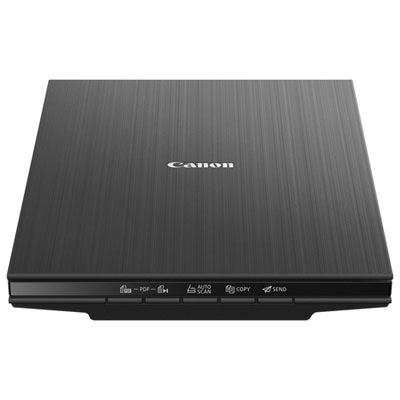
Canon CanoScan LiDE 400 Scanner
About this product
A high-resolution flatbed scanner offering 4800 x 4800 dpi, fast 8-second scans, and cloud connectivity.
What customers like
(33)$99.99 Your price for this item is $99.99 -
2
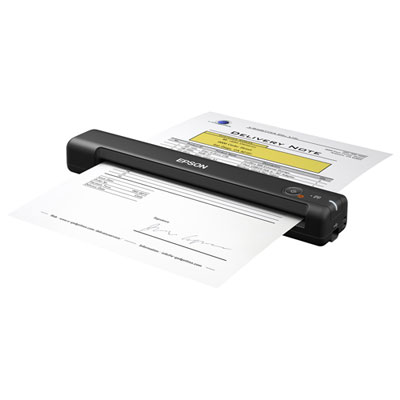
Epson ES-50 Portable Document Scanner
About this product
A lightweight portable scanner offering 600dpi resolution and USB power for fast, clear document digitization.
What customers like
(892)$179.99 Your price for this item is $179.99 -
3
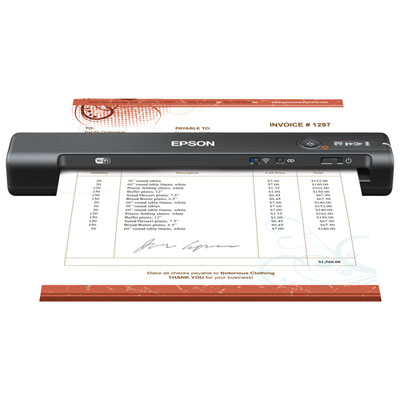
Epson WorkForce ES-60W Wireless Portable Document Scanner
About this product
A lightweight wireless scanner that quickly digitizes documents and creates searchable PDFs or editable files anywhere.
What customers like
(744)$239.99 Your price for this item is $239.99 -
4
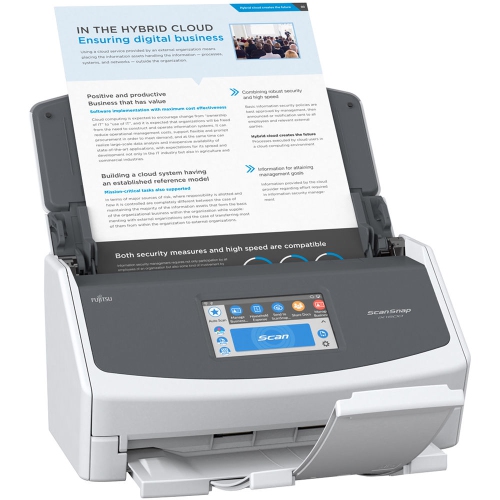
FUJITSU Scansnap Ix1500 Document Scanner (Pa03770-B005)
About this product
A wireless scanner with a 4.8" colour touchscreen for fast, intuitive document digitization.
What customers like
(340)$804.00Your price for this item is $804SAVE $195 -
5
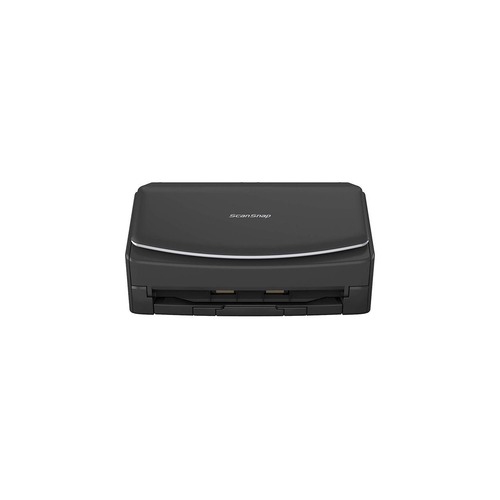
FUJITSU Scansnap Ix1500 Sheetfed Scanner - 600 Dpi Optical
About this product
A black Wi-Fi sheetfed scanner with 600 dpi optical resolution and a 4.3-inch touchscreen interface.
What customers like
(338)$800.00Your price for this item is $800SAVE $199 -
6
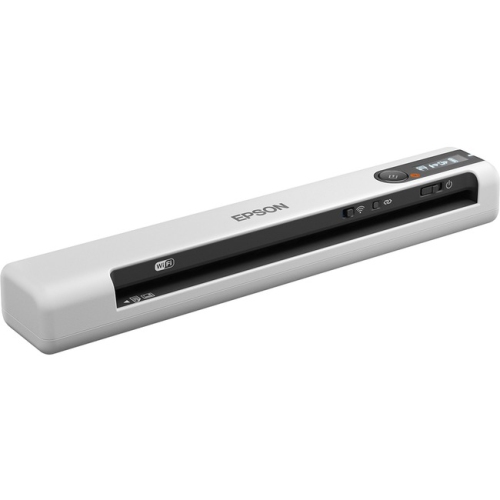
EPSON Ds-80W Ds-80W Wireless Portable Document Scanner (B11B253202)
About this product
A wireless portable sheetfed scanner offering 600 dpi optical resolution and 15 ppm color or mono scanning.
(14)$325.37Your price for this item is $325.37SAVE $32 -
7
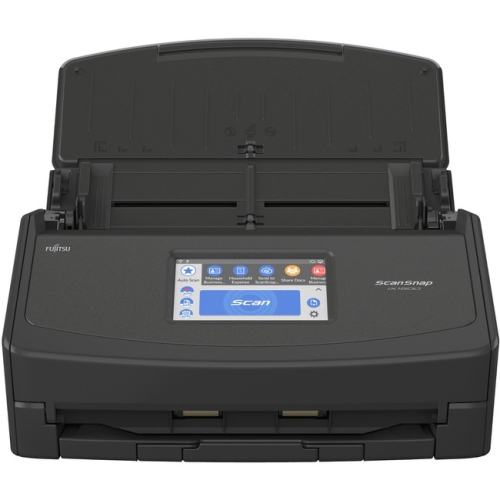
FUJITSU Scansnap Ix1500 Sheetfed Scanner - 600 Dpi Optical Pa03770-B315
About this product
A sheetfed scanner offering 600 dpi optical resolution for efficient, high-quality document digitization.
(6)$789.00Your price for this item is $789SAVE $61 -
8
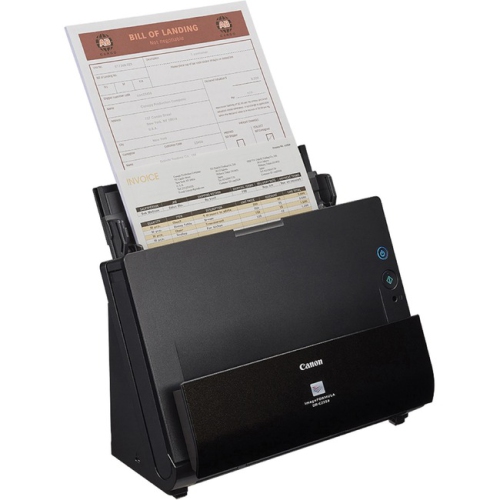
CANON Dr-C225Ii Imageformula Sheetfed Scanner (3258C002)
About this product
A compact sheetfed scanner offering 600 dpi optical resolution, 25 ppm duplex scanning, and USB connectivity.
(3)$444.68Your price for this item is $444.68SAVE $15 -
9
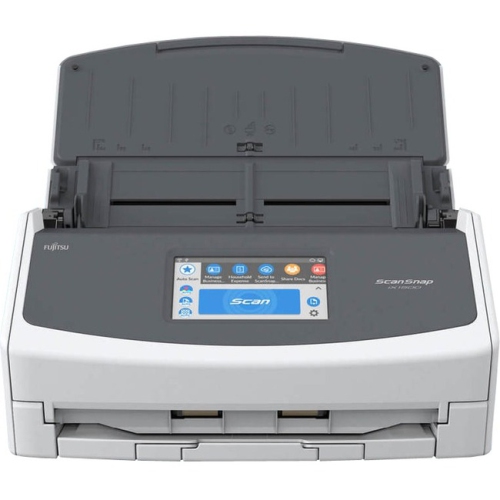
FUJITSU Scansnap Ix1500 Sheetfed Scanner - 600 Dpi Optical Pa03770-B215
About this product
A sheetfed scanner offering 600 dpi optical resolution for efficient, high-quality document digitization.
(1)$755.00Your price for this item is $755SAVE $245 -
10
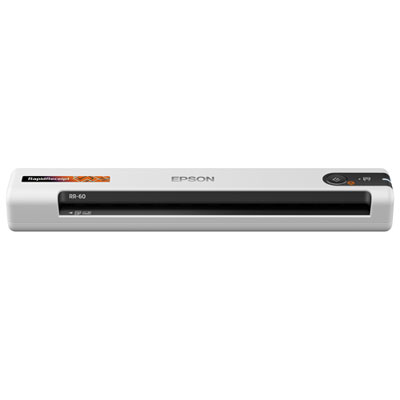
Epson RapidReceipt RR-60 Mobile Receipt and Colour Document Portable Scanner
About this product
A portable colour scanner delivering 600dpi resolution and fast, accurate scans for receipts and documents anywhere.
What customers like
(213)$319.99 Your price for this item is $319.99
FAQ
Consider the types of documents you plan to scan and how you want to organize the files. Features to compare include an automatic document feeder, duplex scanning, searchable PDF creation, and compatibility with your computer’s operating system. For shared use, you may also want Wi-Fi or Ethernet connectivity.
A flatbed scanner has a glass surface where you place each item, such as a photograph, book page, or document. A sheet-fed scanner draws loose pages through a feeder. Some desktop scanners combine both designs, giving you different ways to scan bound materials and stacks of paperwork.
Duplex scanning captures both sides of a document. Some desktop scanners scan both sides in a single pass, while others use a reversing mechanism. Check whether duplex scanning is automatic or requires you to turn the pages over manually.
Depending on the scanner and its software, common formats include PDF, JPEG, PNG, and TIFF. PDF is often used for multipage documents, while image formats are commonly used for photographs and individual scans. Some scanning software can also create searchable PDFs or export text into editable files.
Desktop scanners may connect through USB, Wi-Fi, or Ethernet, depending on the model. USB provides a direct connection to a computer, while network connections can support access from multiple devices. Mobile scanning typically requires a compatible app, so check support for your phone, tablet, and operating system.
Top selling and popular products
Discover more categories related to Best Desktop Scanners
Some products may be subject to Environmental Handling Fees (EHF) depending on your province. Learn more about EHFs.