Privacy Screen Protectors
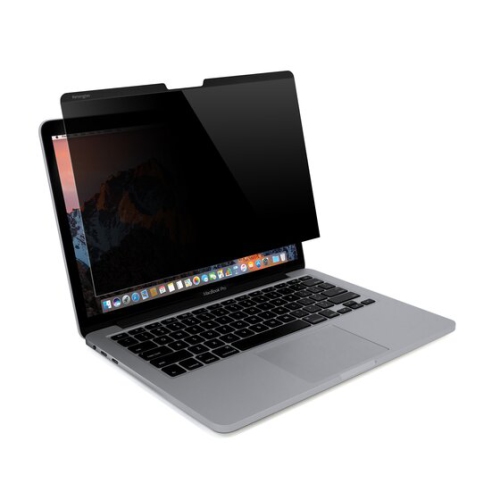
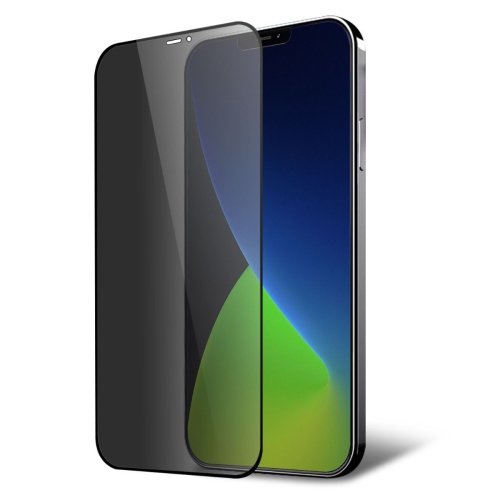
Protect your device's screen from prying eyes with our selection of privacy screen protectors. Keep your sensitive information safe from wandering eyes while maintaining the clarity and responsiveness of your screen. Whether you're working on confidential documents in a public space or simply value your privacy, these screen protectors are the perfect solution to keep your information secure. Explore our range of privacy screen protectors to find the perfect fit for your device.
Sort
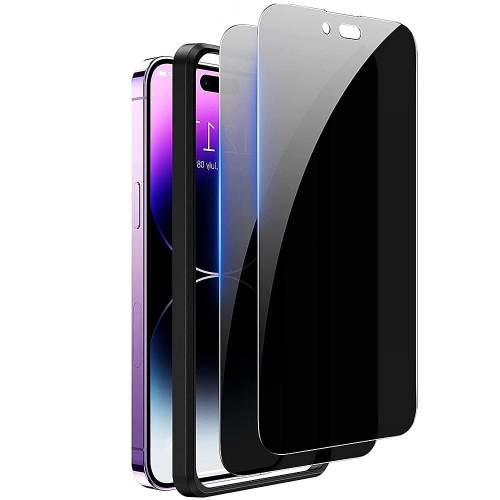
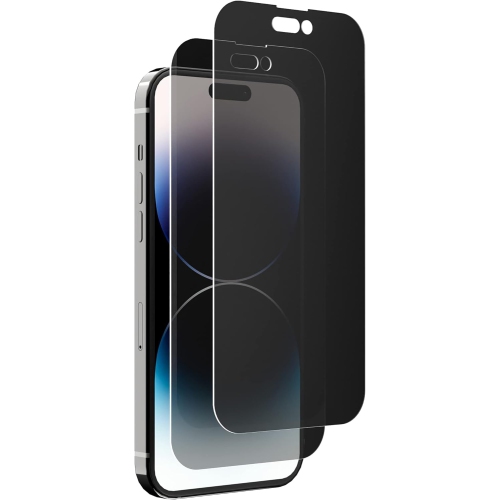
![SUPERSHIELD Designed for Iphone 14 Screen Protector for Iphone 13/13 Pro Privacy Screen Protectors Tempered Glass [Case Friendly] [Anti Scratch]](https://multimedia.bbycastatic.ca/multimedia/products/500x500/172/17277/17277368.jpeg)
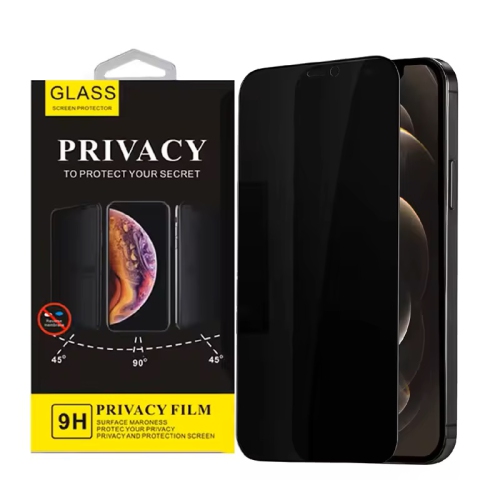
![HLD [2-Pack] Privacy Anti-Spy Case-Friendly Tempered Glass Screen Protector for Apple Iphone 12 & Apple Iphone 12 Pro (Privacy)](https://multimedia.bbycastatic.ca/multimedia/products/500x500/150/15081/15081635.jpeg)
![NAVOR 2 Pack Privacy Screen Protector Compatible With Samsung Galaxy S22 Plus 5G [6.6 Inch], Anti Spy And Privacy Protection](https://multimedia.bbycastatic.ca/multimedia/products/500x500/159/15998/15998189.jpeg)
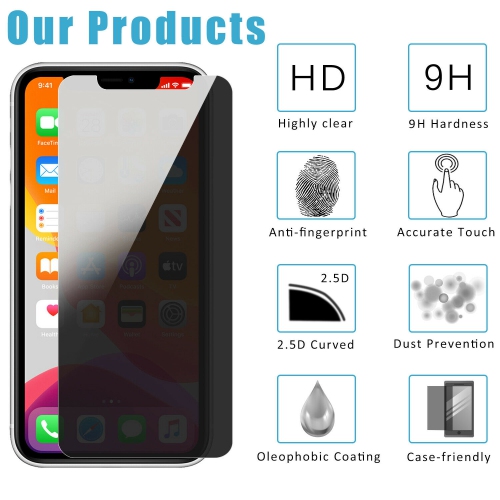
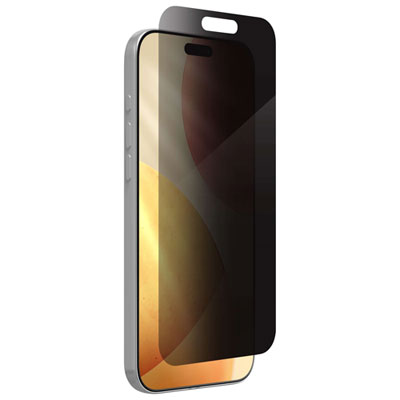
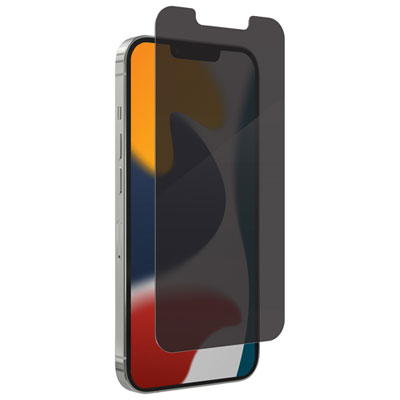
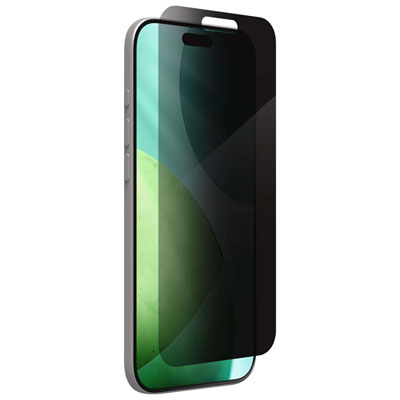
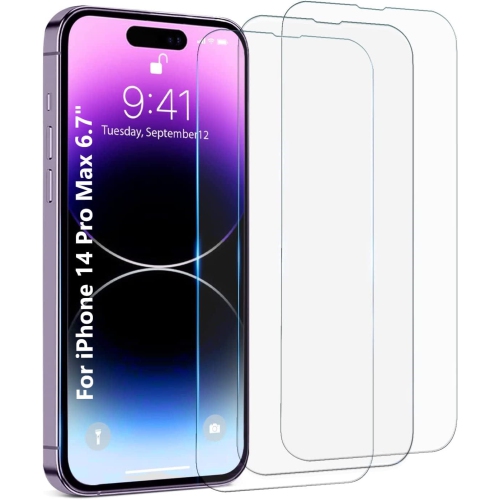
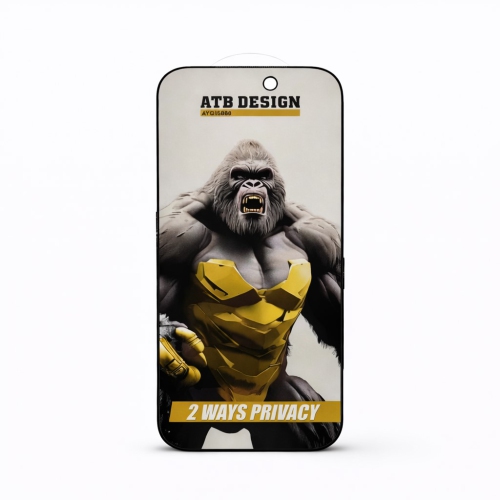
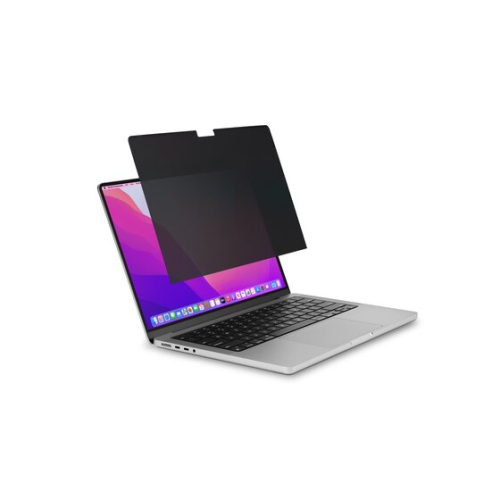
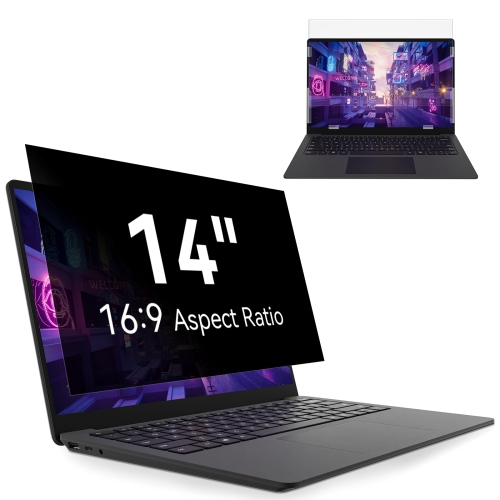
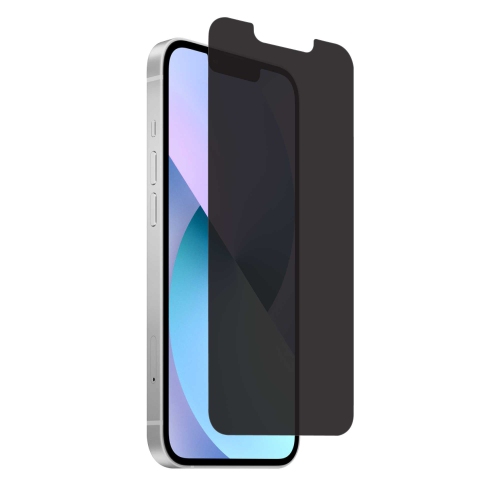
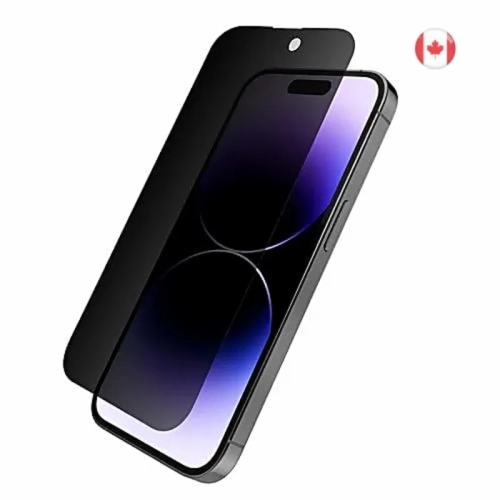
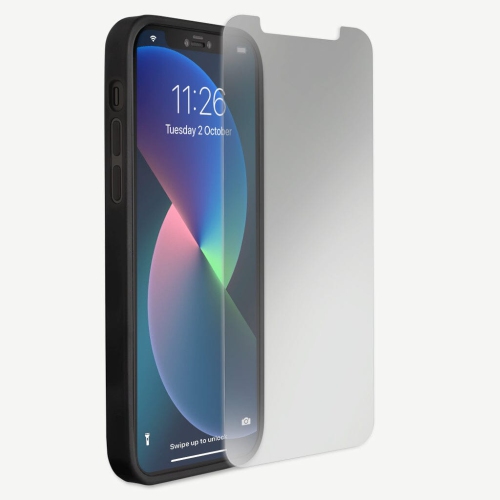
![GENERIC [3 Pack] Privacy Screen Protector for Iphone 13, Full Cover Anti-Spy Screen Protector Tempered Glass Film [6.1](https://multimedia.bbycastatic.ca/multimedia/products/500x500/174/17489/17489414.jpeg)
![HLD [2+3 Pack] Iphone 14 5G -6.1 Inch Privacy Screen Protector w 3 PCs Camera Lens Protector, Anti Spy Tempered Glass 9H Hardness Easy Installation](https://multimedia.bbycastatic.ca/multimedia/products/500x500/164/16488/16488060.jpeg)
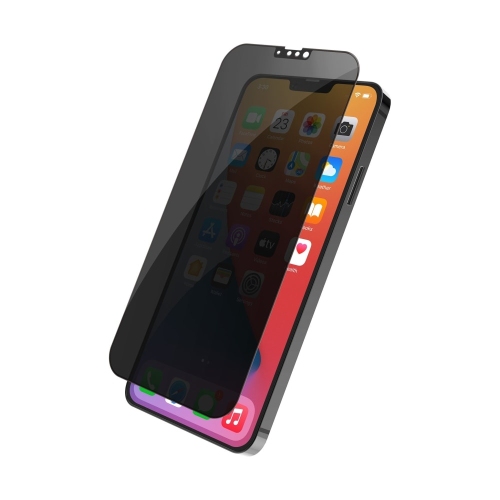
![HLD [2+2 Pack] Compatible w Iphone 13 Pro Max 6.7" - 2 Pack Privacy Tempered Glass Screen Protector & 2 Pack Camera Lens Protector, Bubble Free](https://multimedia.bbycastatic.ca/multimedia/products/500x500/157/15738/15738353.jpeg)
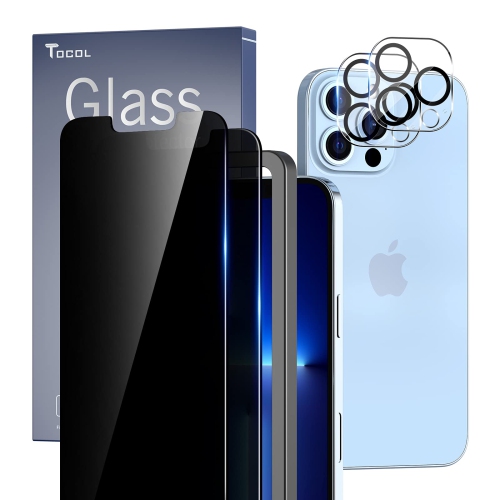
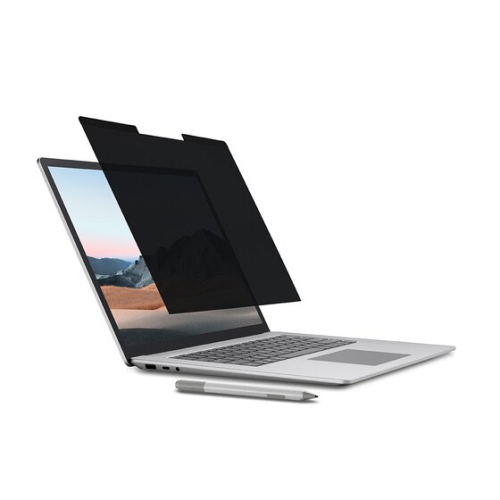
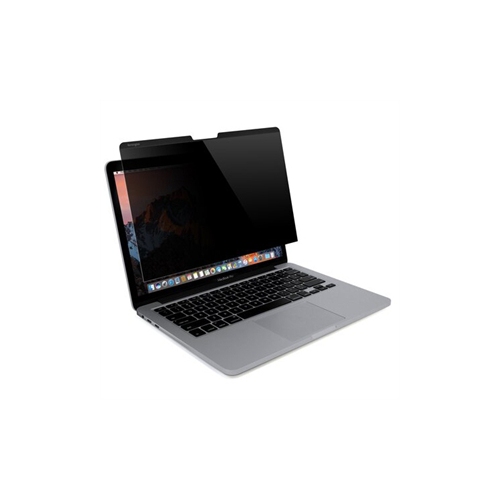
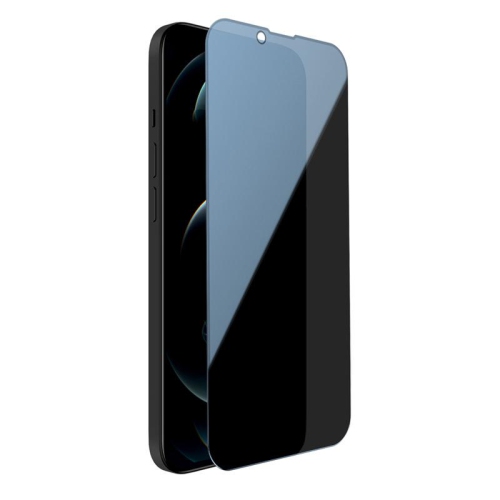
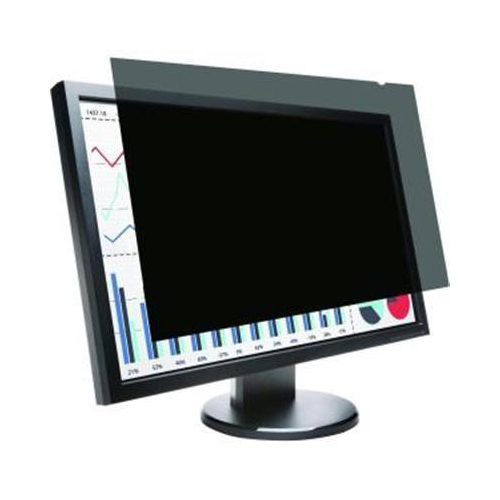
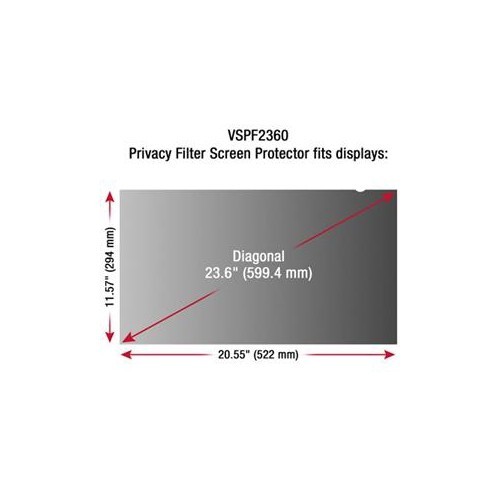
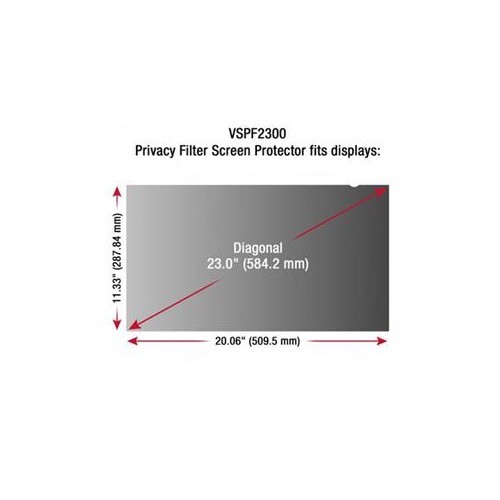
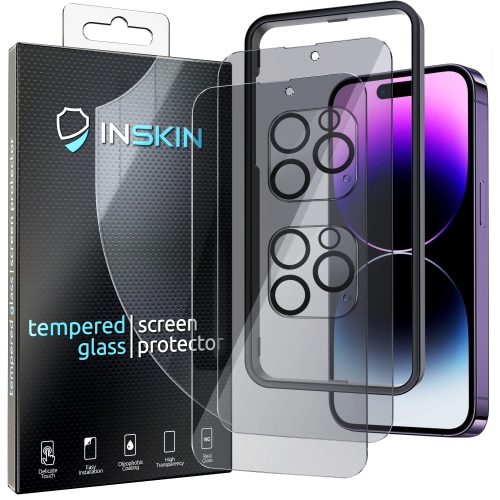
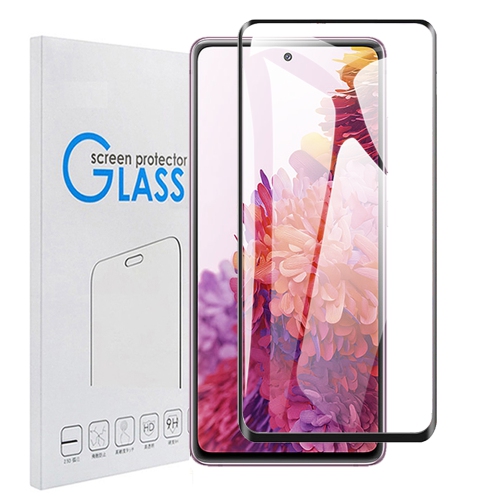
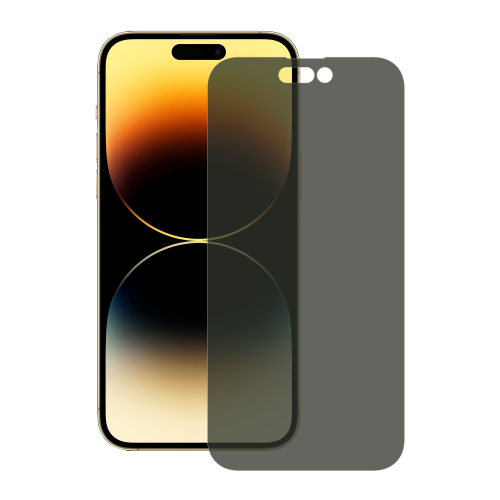
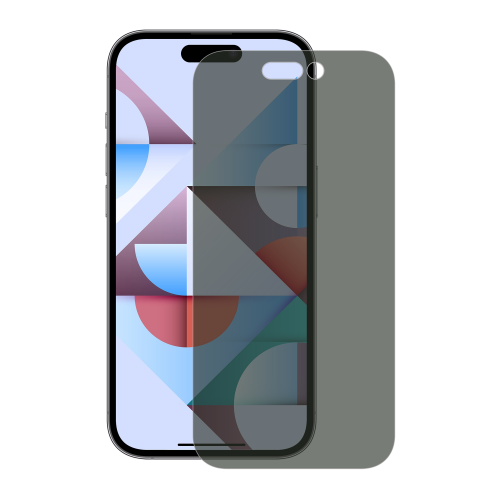
![GENERIC [3 Pack] Privacy Screen Protector for Iphone 14 Pro Max, Full Cover Anti-Spy Screen Protector Tempered Glass](https://multimedia.bbycastatic.ca/multimedia/products/500x500/174/17488/17488948.jpeg)
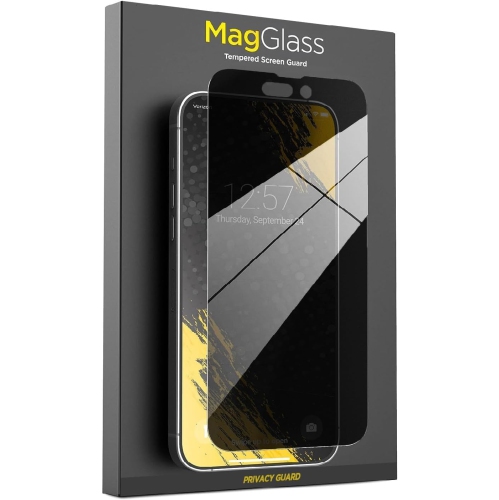
![GENERIC Iphone 11 Pro Max Privacy Glass Screen Protector - [2 Pack] Anti-Spy Privacy Tempered Glass Screen Protector](https://multimedia.bbycastatic.ca/multimedia/products/500x500/174/17490/17490584.jpeg)
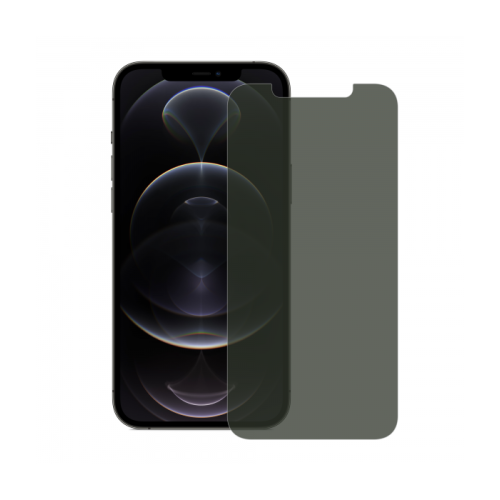
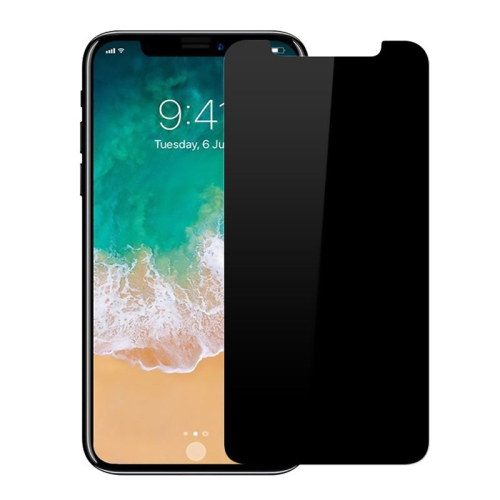
![ICM Topsave [Case Friendly] Full Protection Privacy Tempered Glass Apple for Iphone 14 Pro (6.1")](https://multimedia.bbycastatic.ca/multimedia/products/500x500/165/16502/16502316.jpeg)
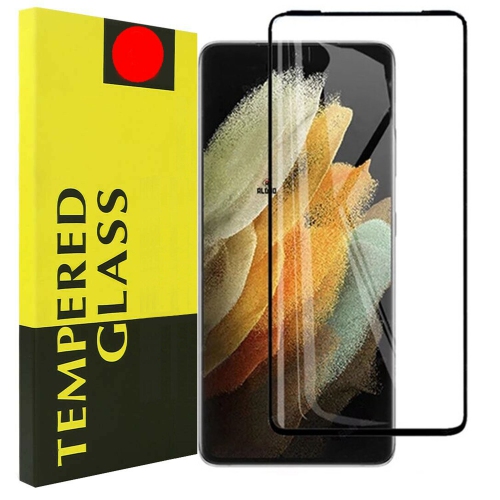
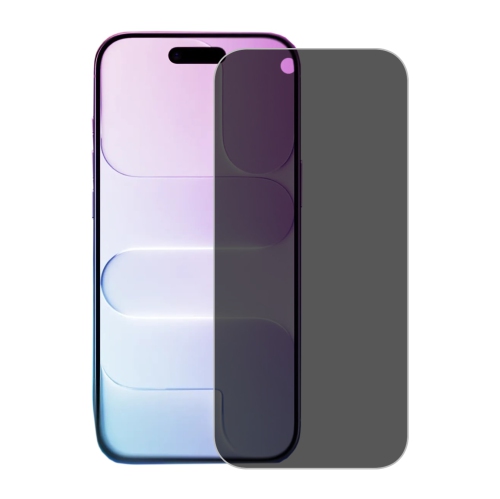
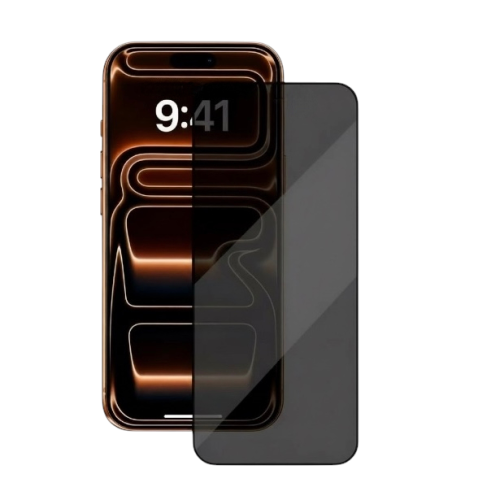
![GENERIC 2 Pack Privacy Screen Protector for Google Pixel 7 [Anti-Spy Tempered Glass], Ultra HD, Anti-Scratch](https://multimedia.bbycastatic.ca/multimedia/products/500x500/196/19608/19608228.jpeg)
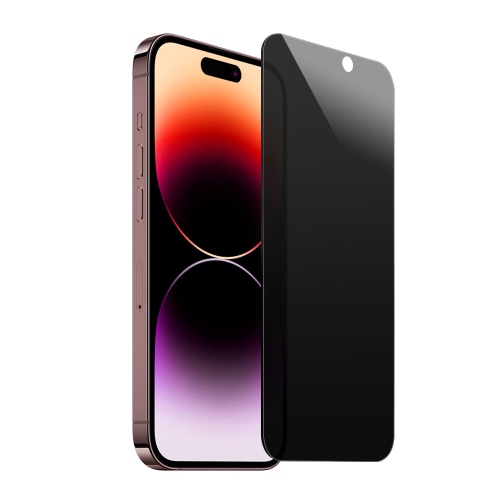
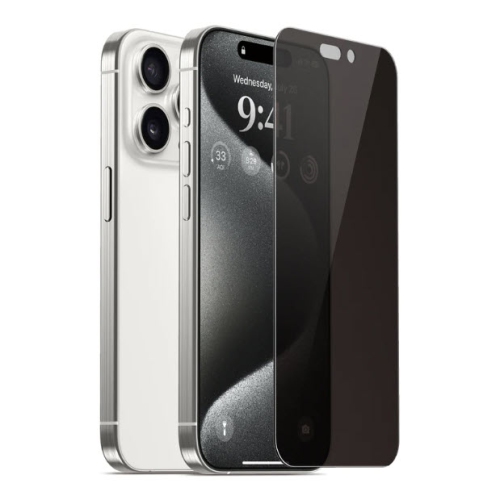
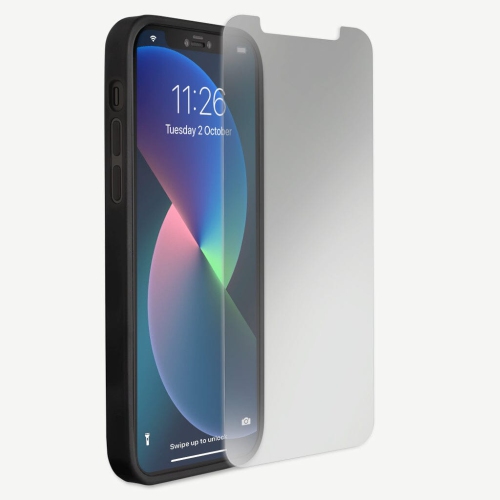
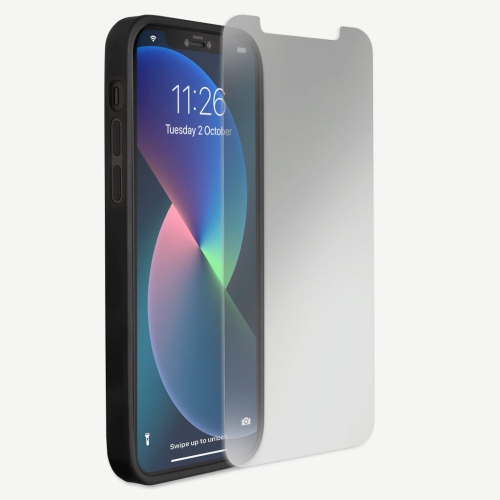
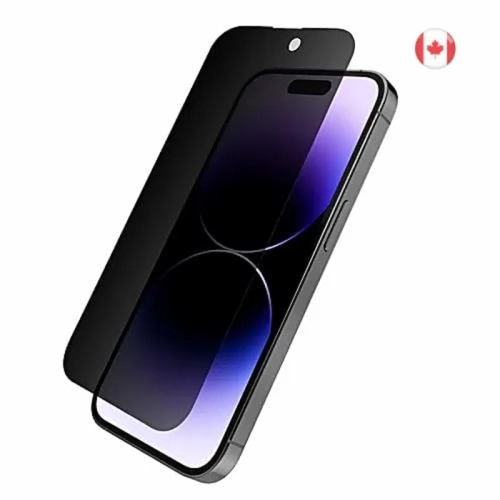
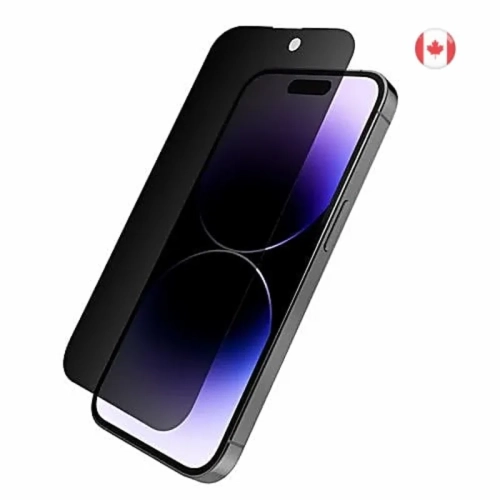
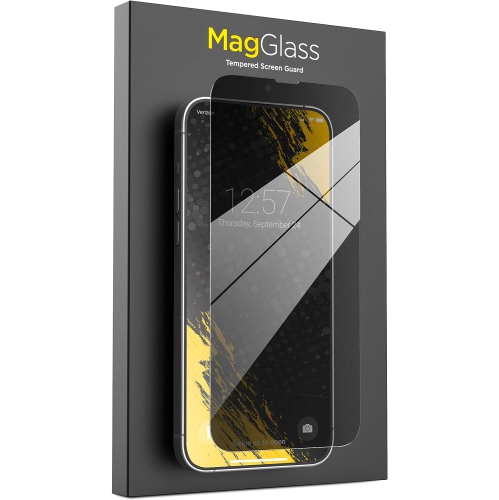
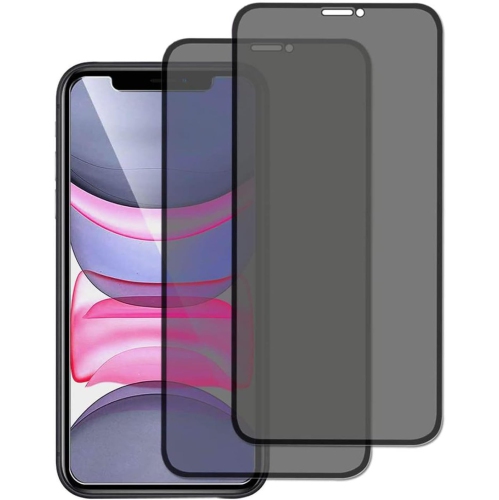
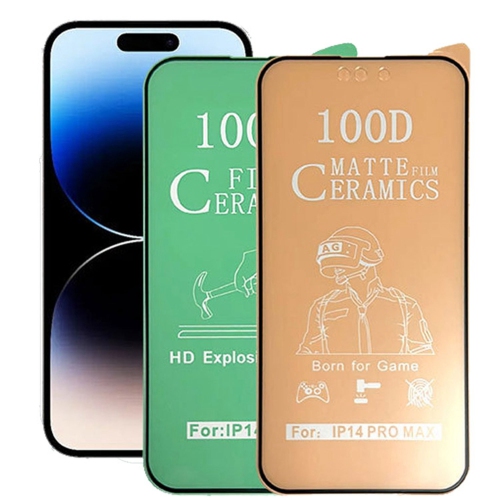
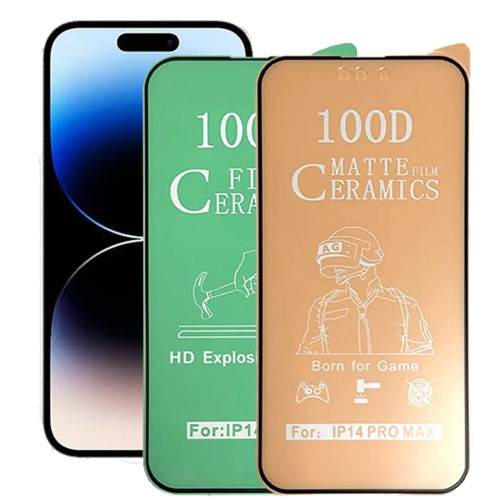
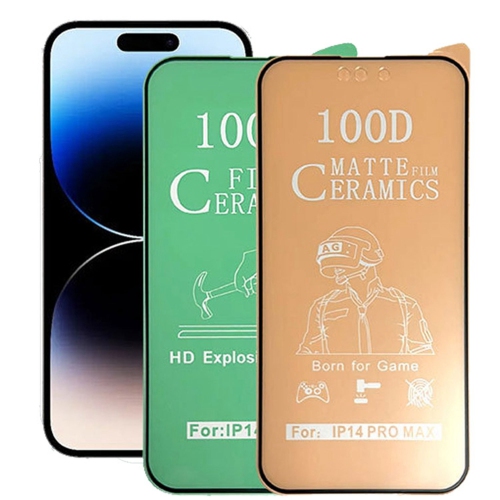

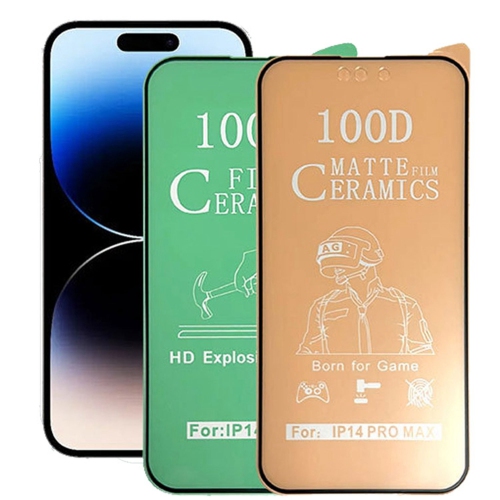
![GENERIC [3-Pack] Privacy Screen Protector for Samsung S23 Plus Privacy Glass Full Coverage Anti Spy Tempered Glass](https://multimedia.bbycastatic.ca/multimedia/products/500x500/174/17489/17489717.jpeg)
![GENERIC [3 Pack] Privacy Screen Protector for Iphone 12 Pro Max, Full Cover Anti-Spy Screen Protector Tempered Glass](https://multimedia.bbycastatic.ca/multimedia/products/500x500/174/17481/17481378.jpeg)
![GENERIC [3 Pack] Privacy Screen Protector for Iphone 12, Full Cover Anti-Spy Screen Protector Tempered Glass Film [6.1](https://multimedia.bbycastatic.ca/multimedia/products/500x500/174/17481/17481997.jpeg)
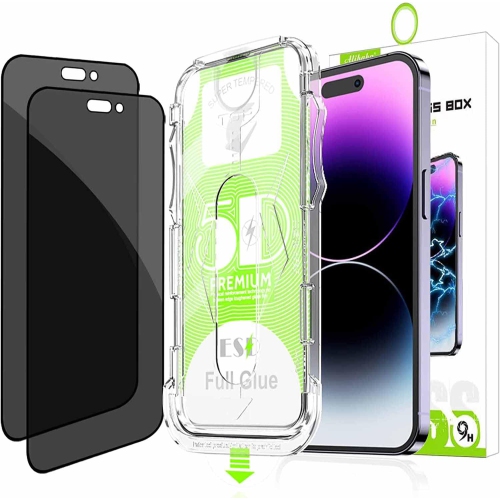
![SUPERSHIELD [2 Pack] Samsung Galaxy A21 Screen Protector Tempered Glass Screen Protector Guard - Case Friendly](https://multimedia.bbycastatic.ca/multimedia/products/500x500/162/16245/16245560.jpeg)
![SUPERSHIELD [2 Pack] Samsung Galaxy S9 Plus Screen Protector Full Cover Tempered Glass Screen Protector Guard In Black](https://multimedia.bbycastatic.ca/multimedia/products/500x500/162/16282/16282836.jpeg)

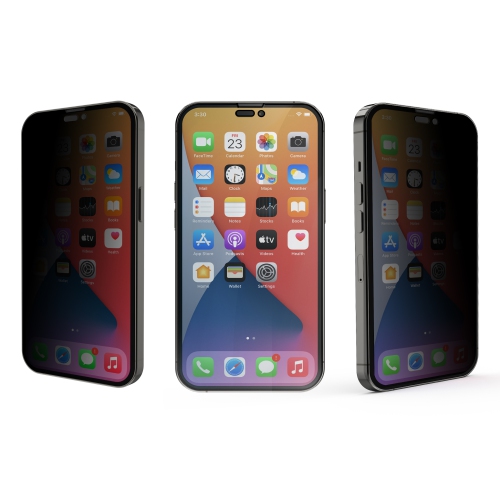
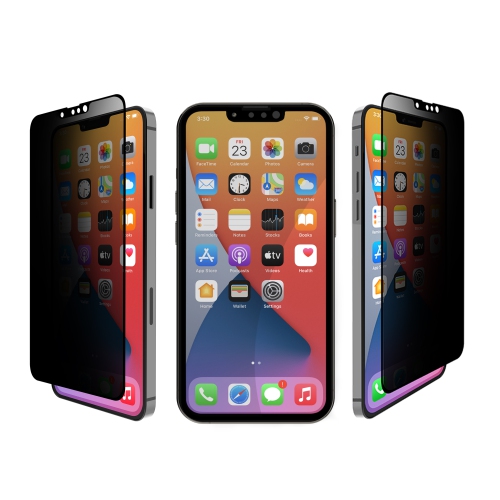
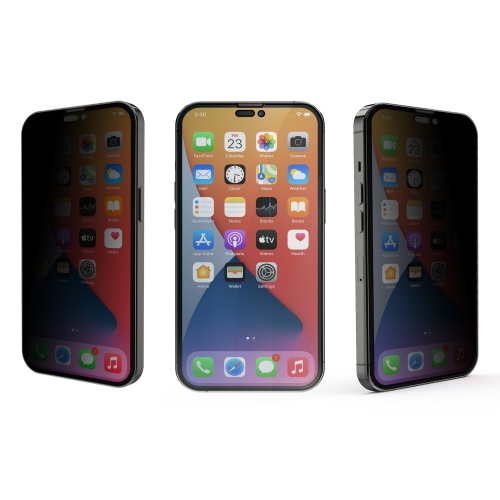
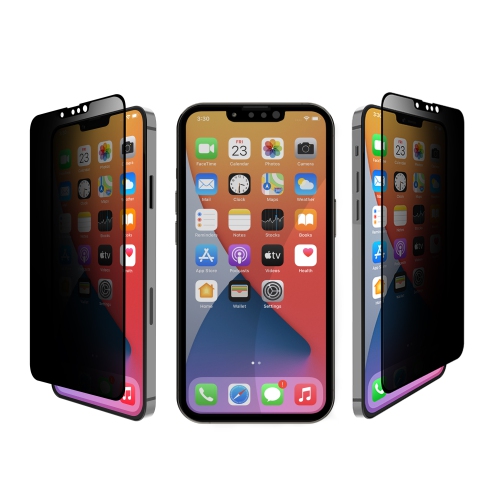
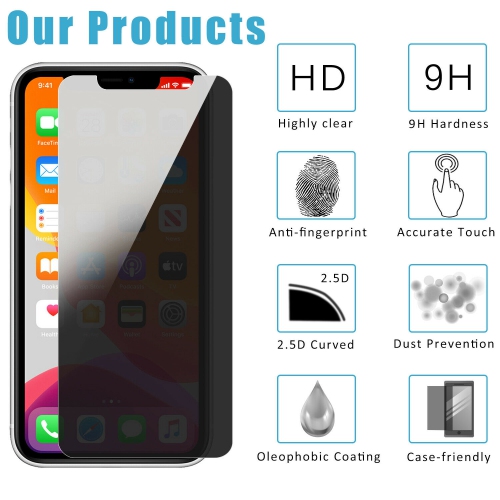
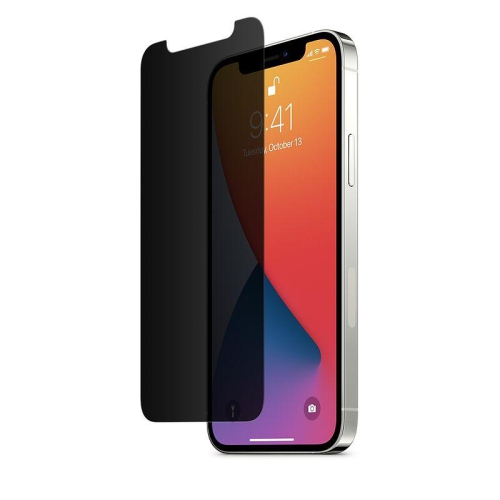
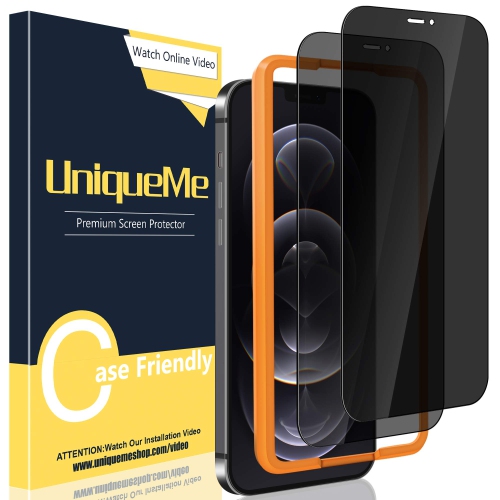
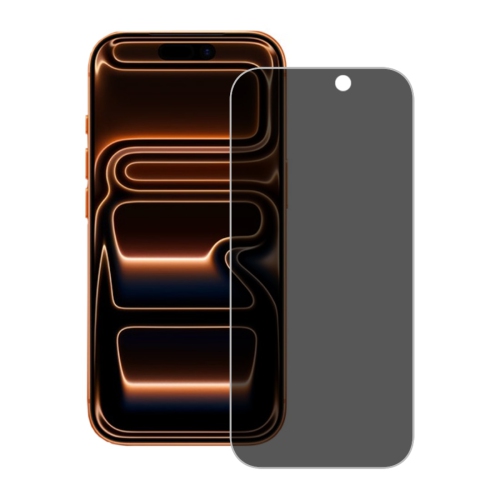
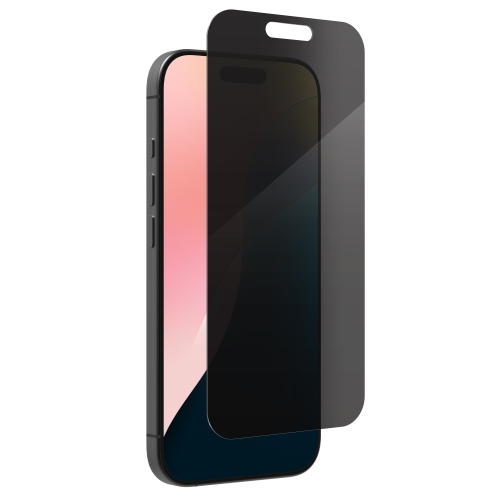
![GENERIC [3-Pack] Privacy Screen Protector for Iphone 15 Pro Max, Iphone 15 Plus (6.7 Inches) Tempered Glass, Anti](https://multimedia.bbycastatic.ca/multimedia/products/500x500/199/19923/19923133.jpeg)
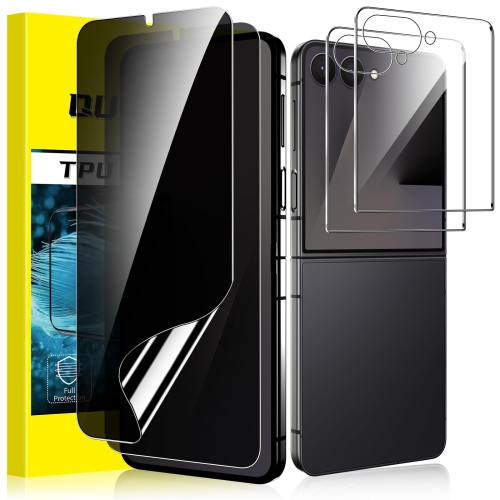
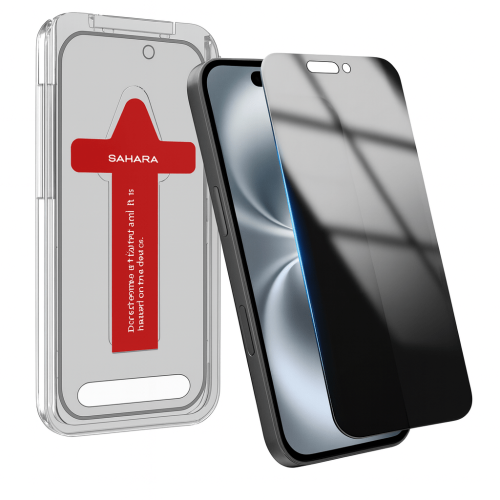
![GENERIC 24° Privacy Screen Protector for Iphone 15 Pro(6.1 Inch), [Zero Bubble][Auto Dust-Elimination] Anti Spy Tempered](https://multimedia.bbycastatic.ca/multimedia/products/500x500/199/19937/19937763.jpeg)
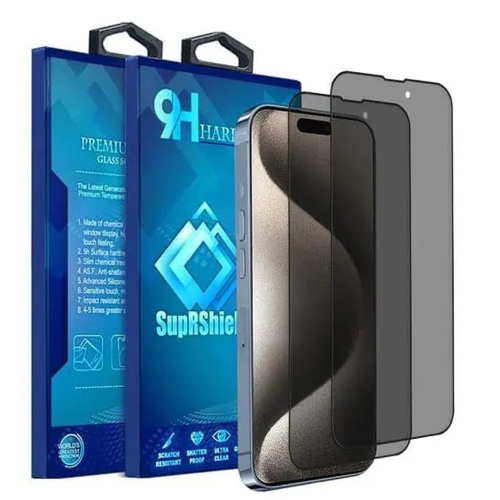
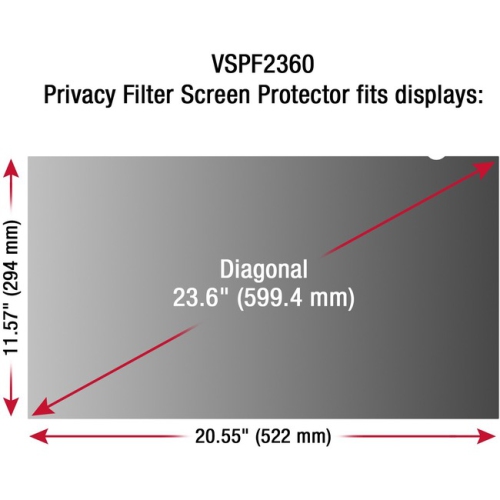
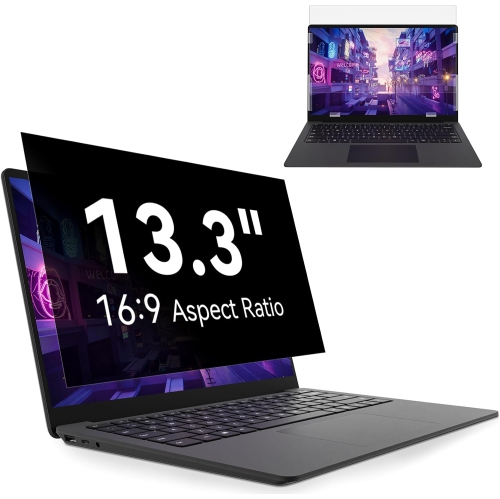
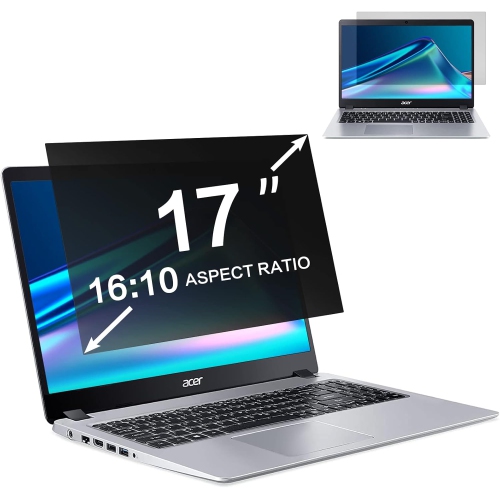
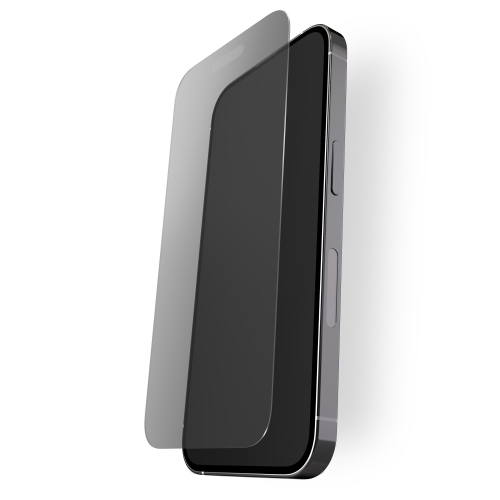
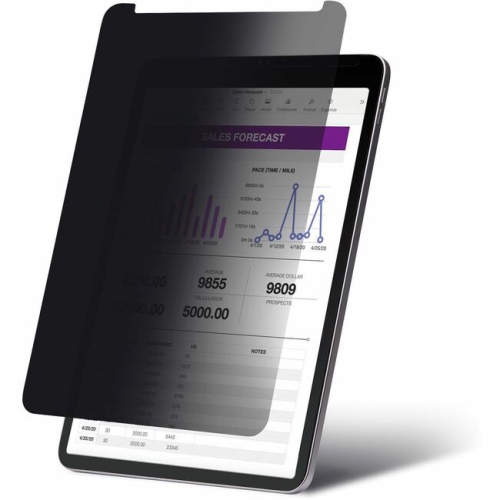
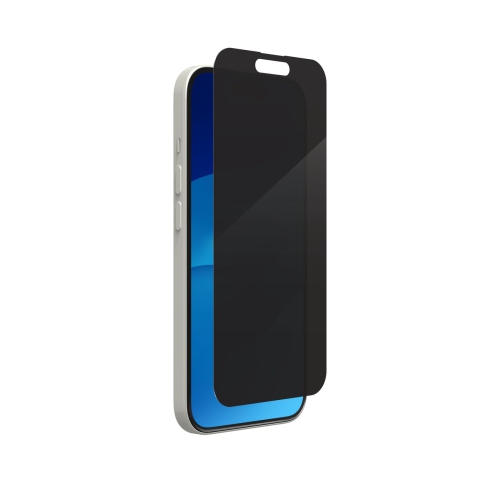
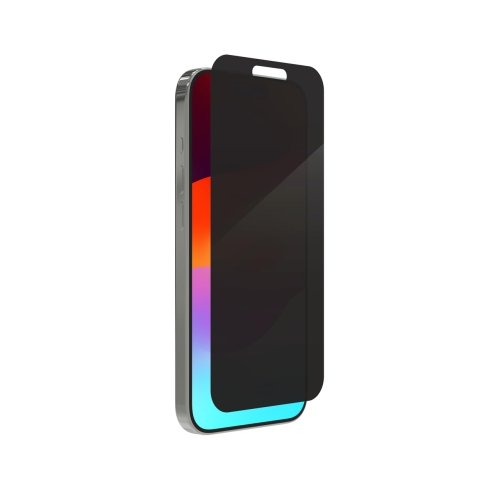
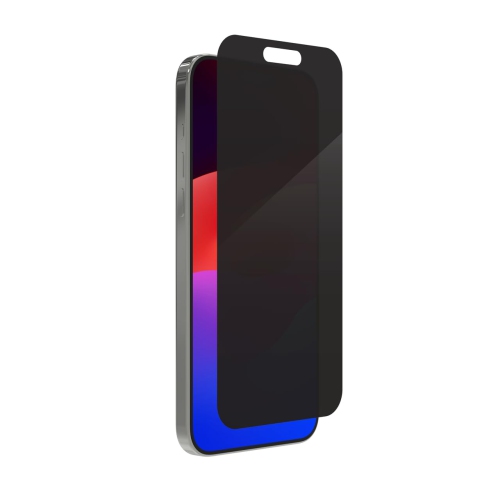
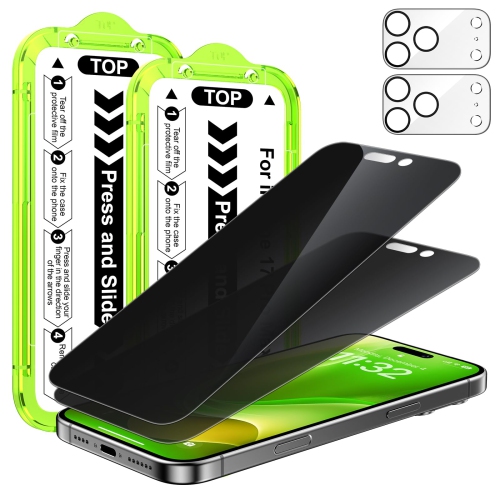
![TASNIM [2 Pack] Uv Screen Protector for Iphone 13 Pro Max, Iphone 14 Plus 6.7-Inch Uv Tempered Glass, Anti-Scratch, Bubble Free, Case Friendly](https://multimedia.bbycastatic.ca/multimedia/products/500x500/194/19469/19469032.jpeg)
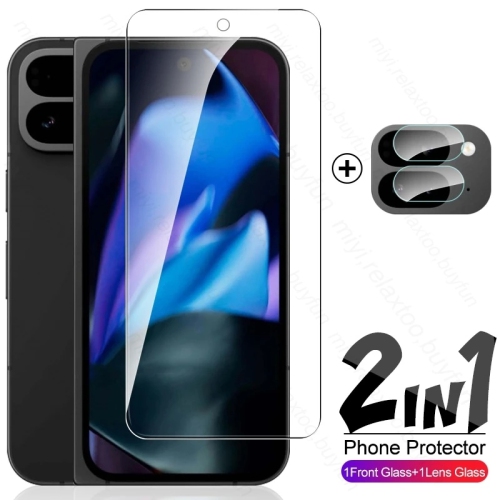
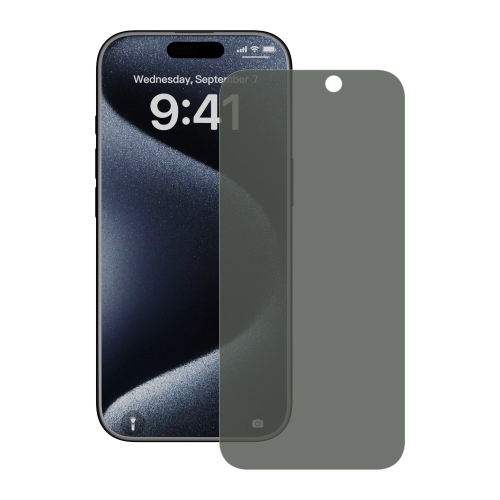
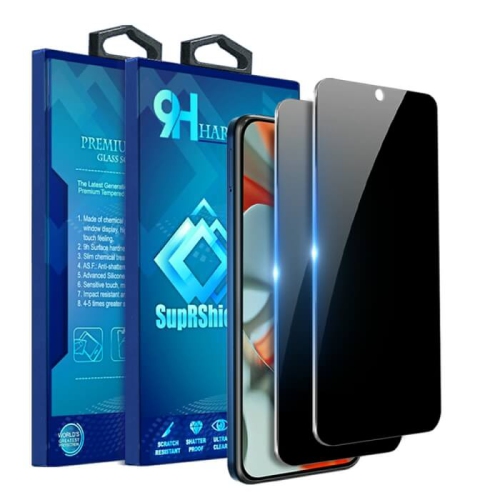
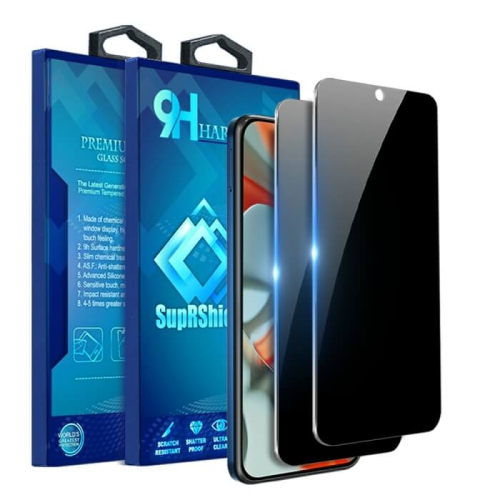
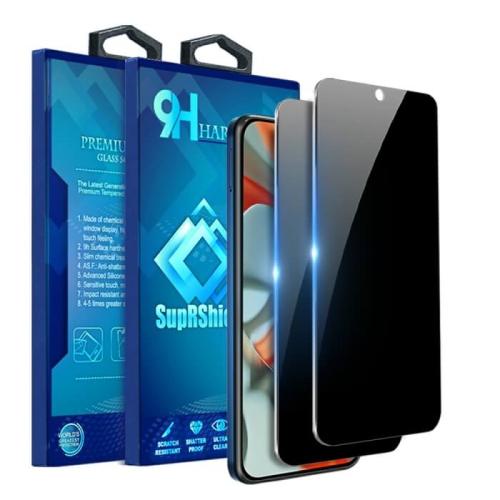
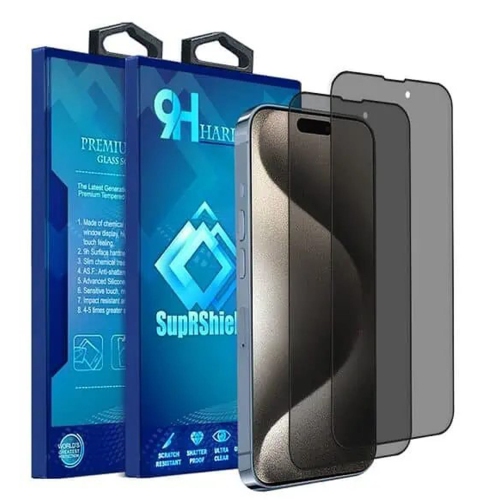
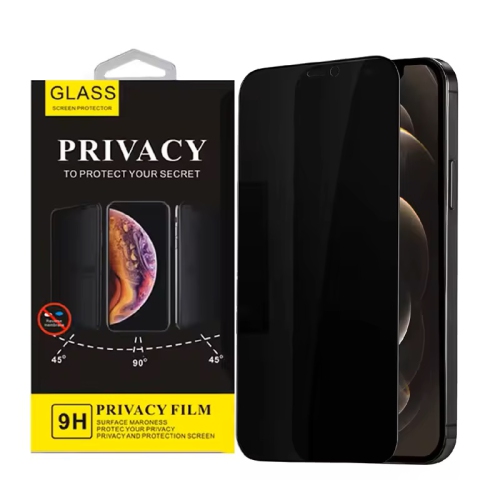
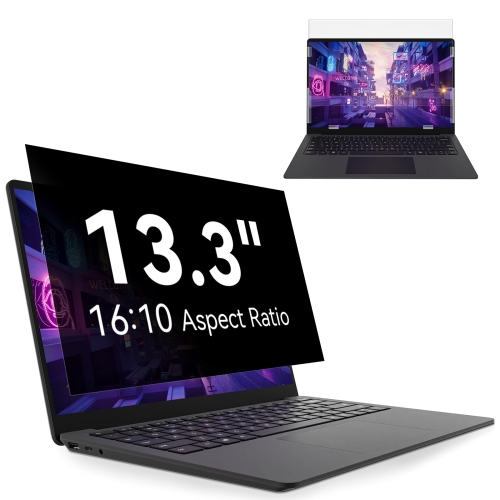
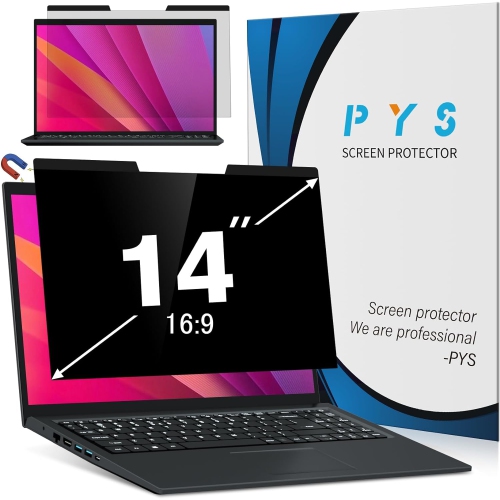
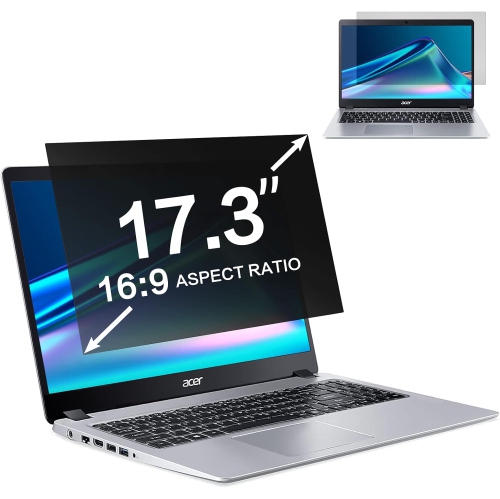
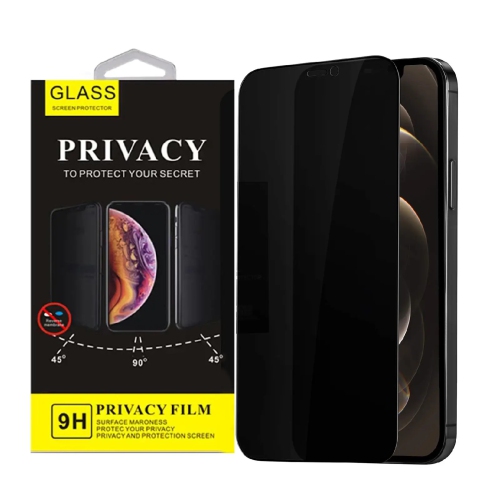
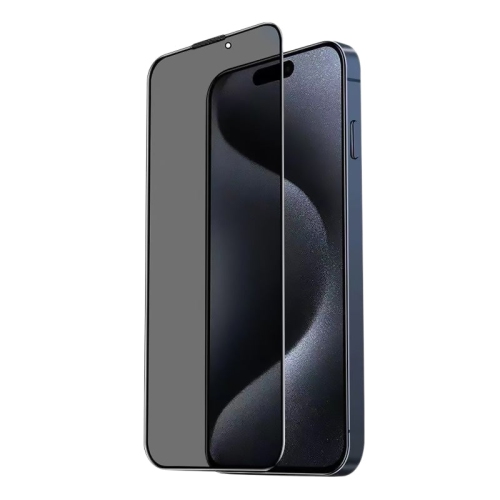
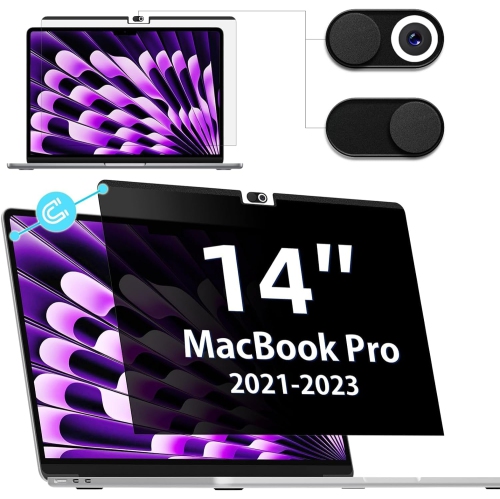
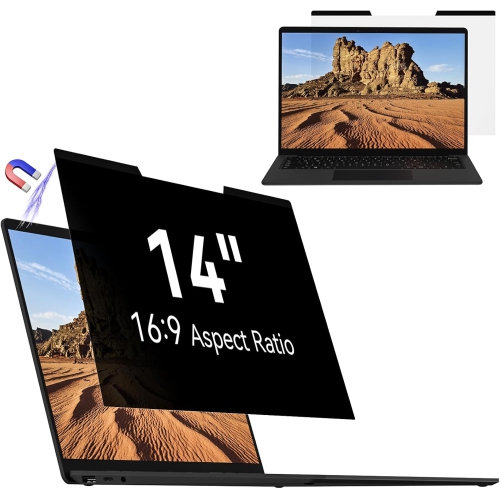
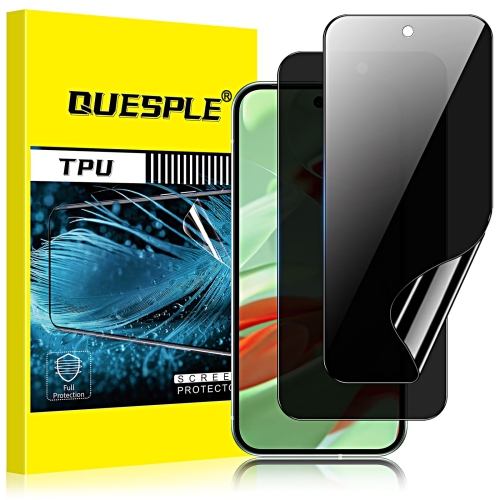
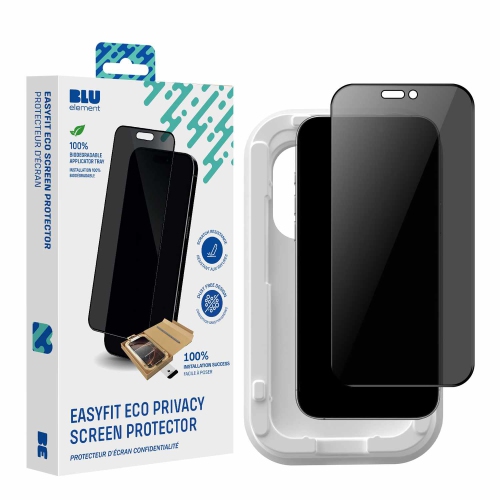
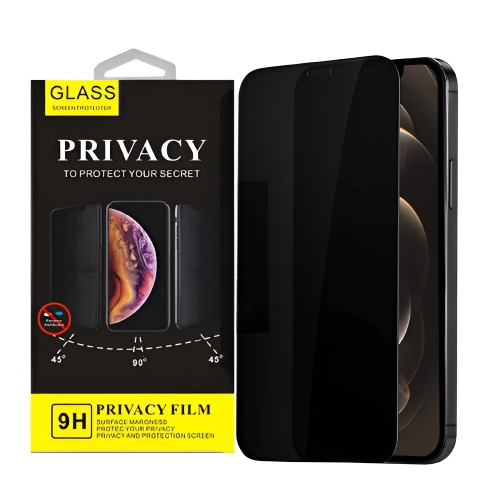
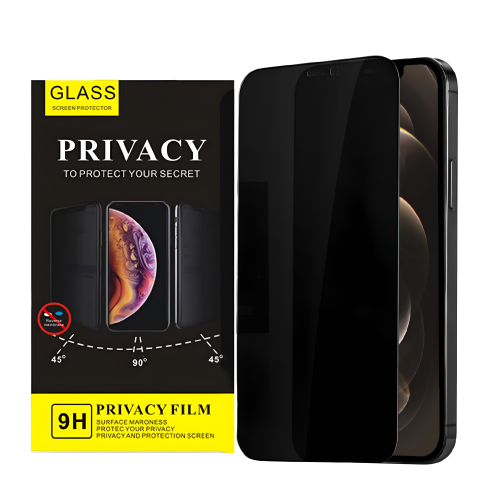
![GENERIC [2+2 Pack] Privacy Screen Protector for Samsung Galaxy Z Flip 5, Front Privacy Tpu Screen Protector + Back](https://multimedia.bbycastatic.ca/multimedia/products/500x500/200/20002/20002408.jpeg)
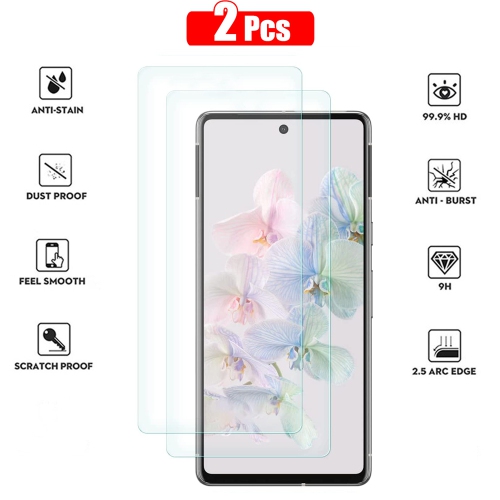
![SUPERSHIELD [2 Pack] Google Pixel 6 Pro Screen Protector Hydrogel Screen Protector Guard - Case Friendly](https://multimedia.bbycastatic.ca/multimedia/products/500x500/171/17166/17166915.jpeg)
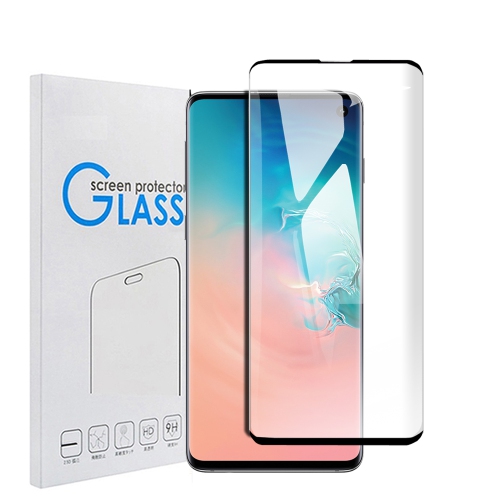

![SUPERSHIELD [2 Pack] Samsung Galaxy S10 Screen Protector Full Cover Tempered Glass Screen Protector Guard In Black](https://multimedia.bbycastatic.ca/multimedia/products/500x500/162/16283/16283842.jpeg)
![SUPERSHIELD [2 Pack] Samsung Galaxy S8 Screen Protector Full Cover Tempered Glass Screen Protector Guard In Black](https://multimedia.bbycastatic.ca/multimedia/products/500x500/162/16283/16283722.jpeg)
![SUPERSHIELD [2 Pack] Samsung Galaxy S20 Screen Protector Full Cover Tempered Glass Screen Protector Guard Samsung S20 In Black](https://multimedia.bbycastatic.ca/multimedia/products/500x500/162/16283/16283729.jpeg)
![SUPERSHIELD [2 Pack] Samsung Galaxy S21 Ultra Screen Protector Full Cover Tempered Glass Screen Protector Film Guard In Black](https://multimedia.bbycastatic.ca/multimedia/products/500x500/162/16282/16282810.jpeg)
![SUPERSHIELD [2 Pack] Samsung Galaxy S8 Plus Screen Protector Full Cover Tempered Glass Screen Protector Guard In Black](https://multimedia.bbycastatic.ca/multimedia/products/500x500/162/16282/16282841.jpeg)
![SUPERSHIELD [2 Pack] Samsung Galaxy S20 Ultra Screen Protector Full Cover Tempered Glass Screen Protector Guard Samsung S20 Ultra In Black](https://multimedia.bbycastatic.ca/multimedia/products/500x500/162/16282/16282843.jpeg)
Side-angle privacy for screens used in shared spaces
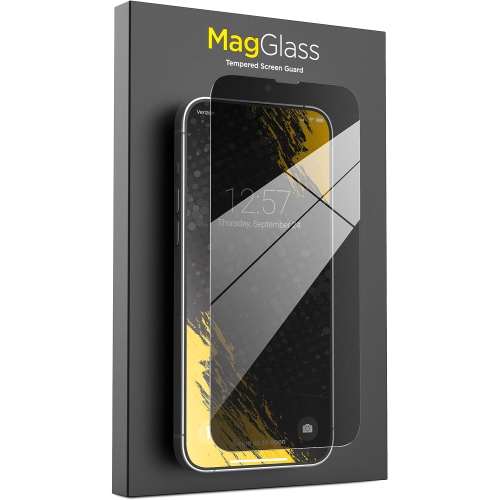
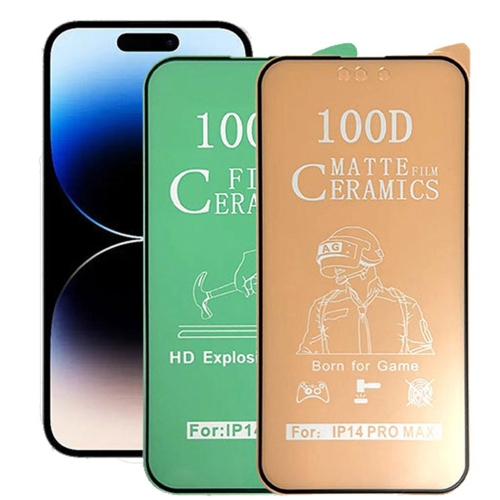
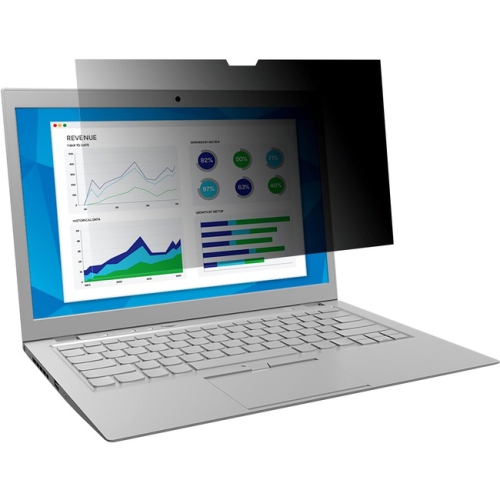
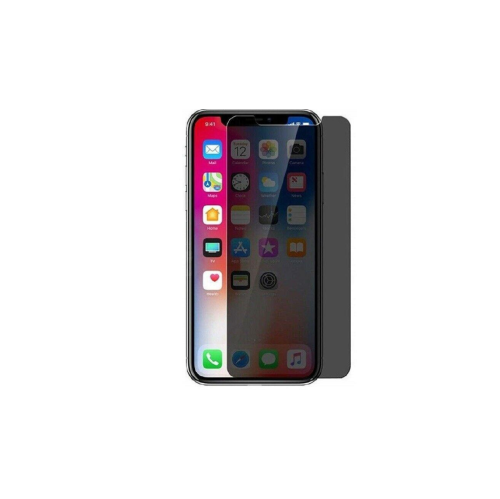
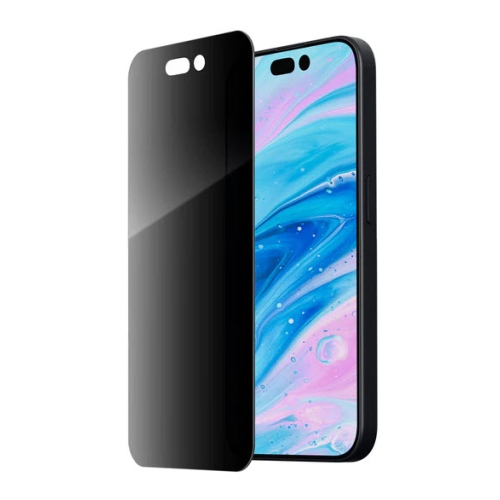
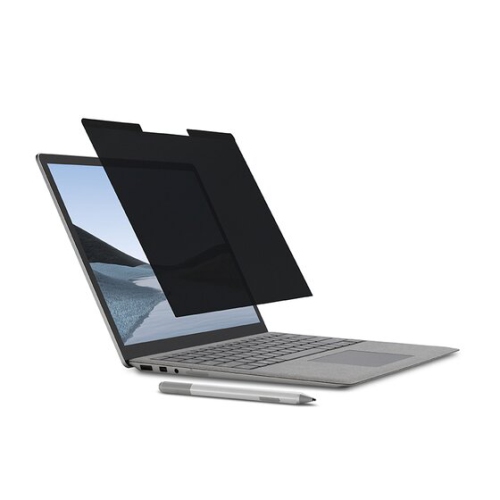
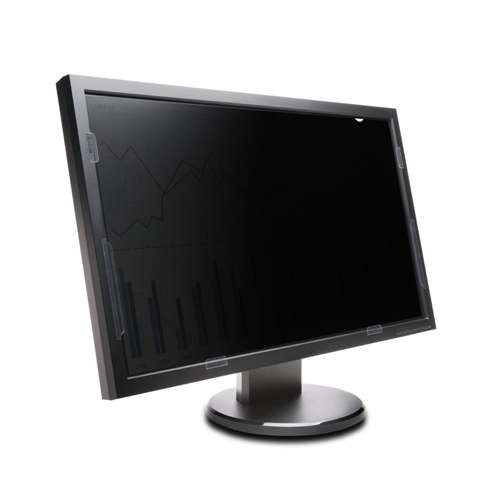
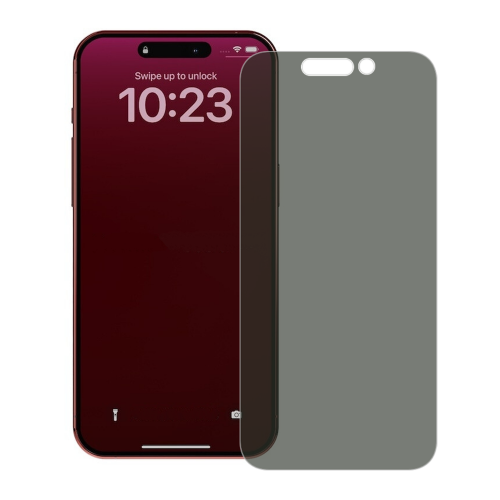
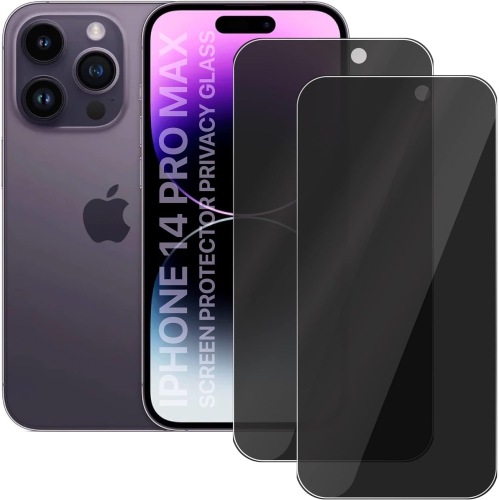
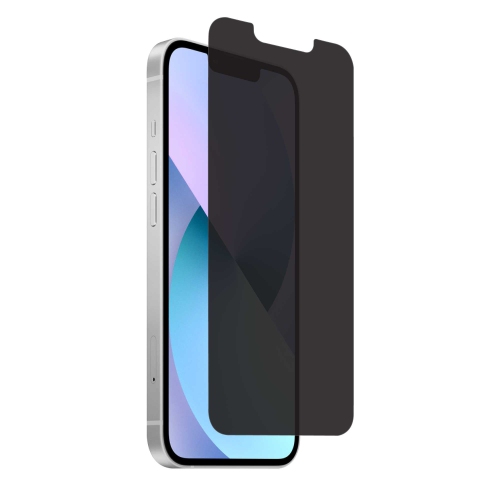
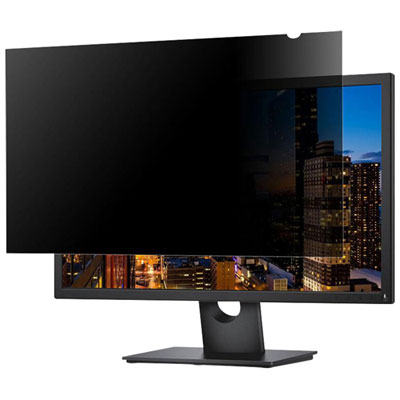
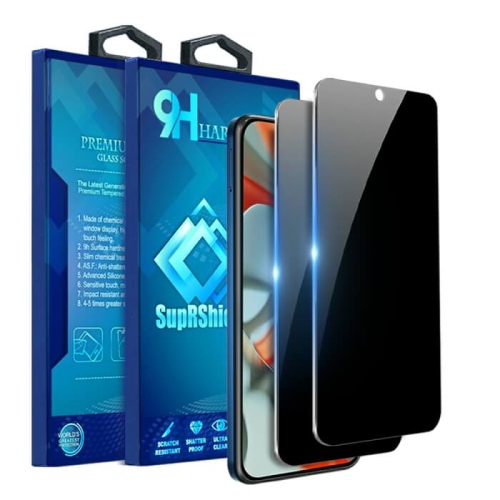
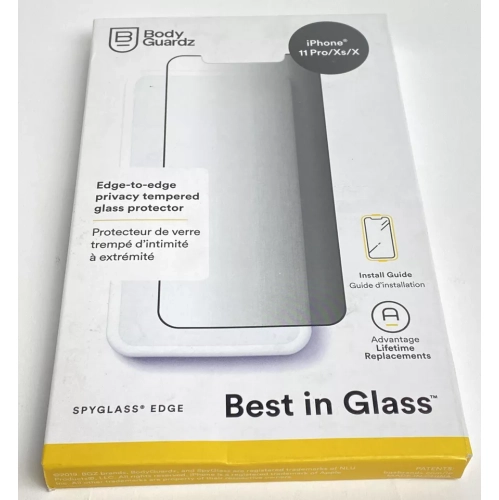
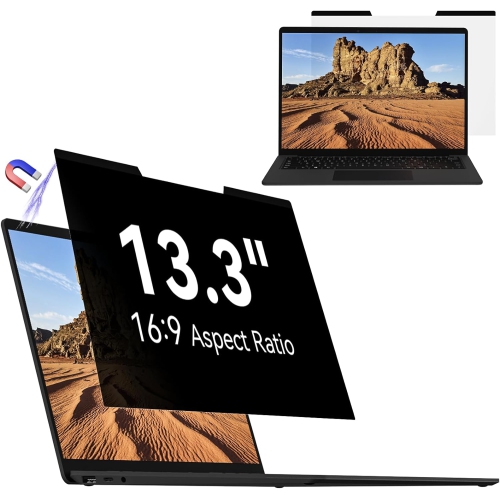
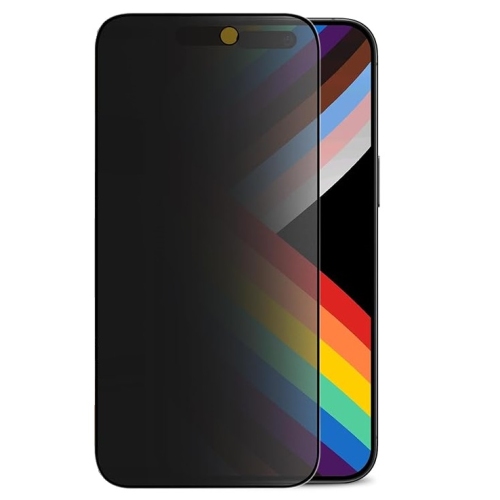
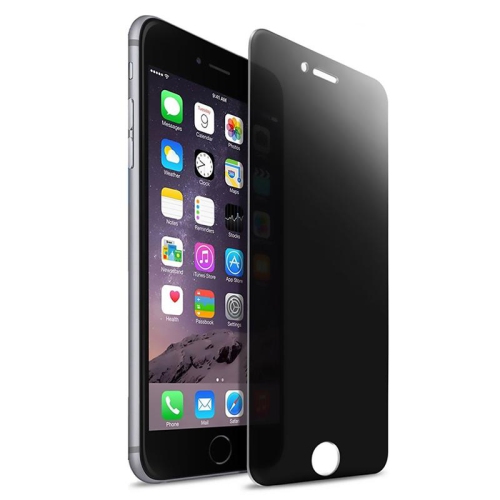
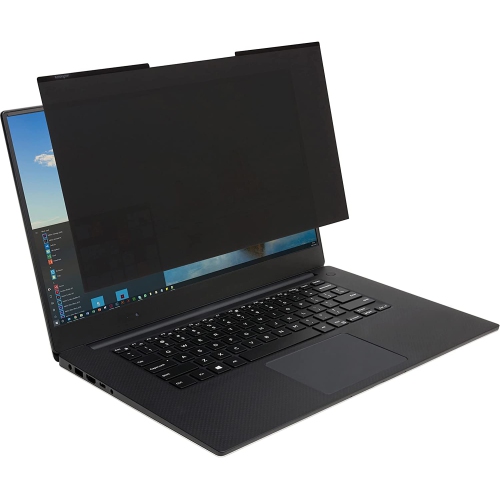
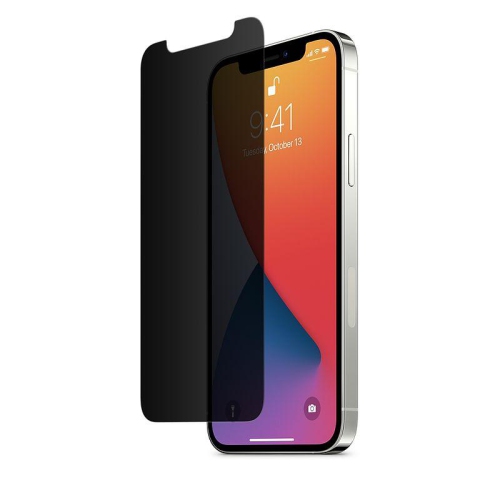
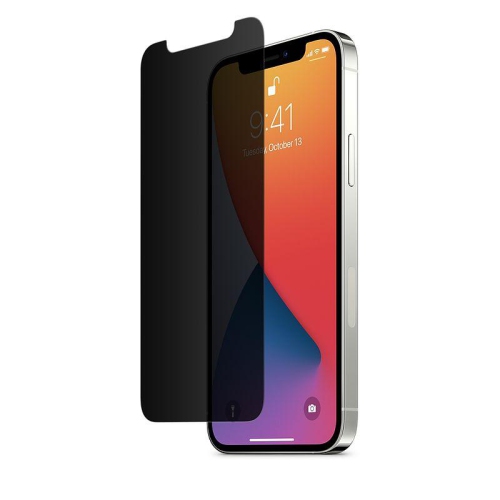
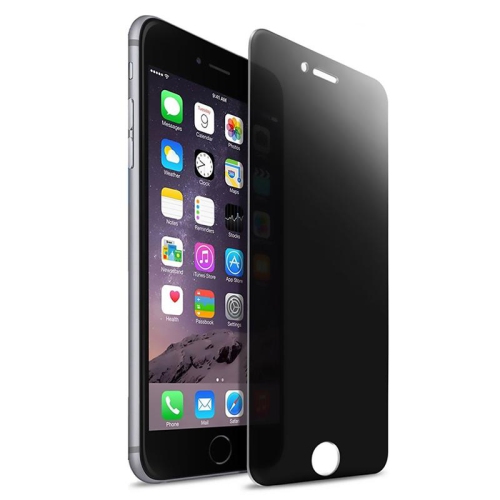
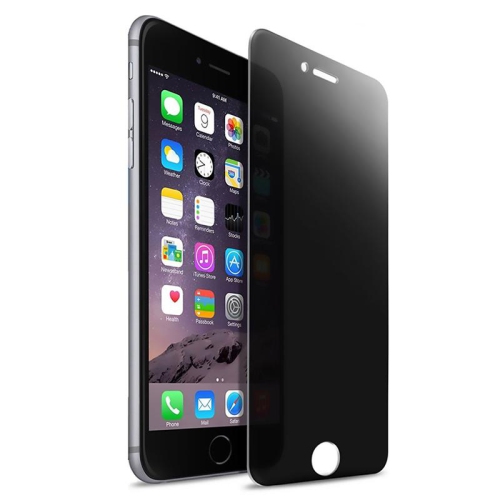
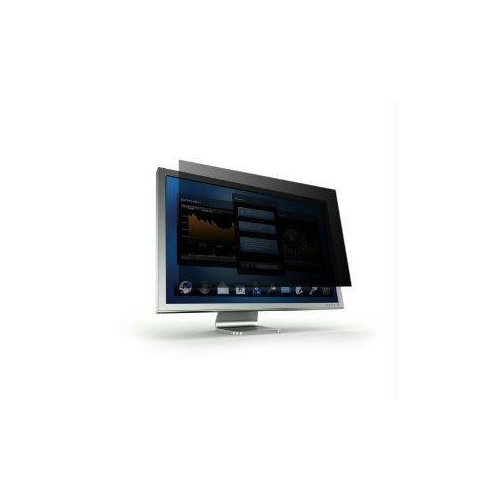
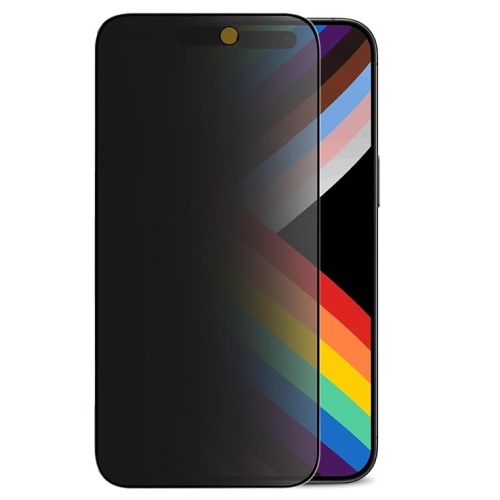
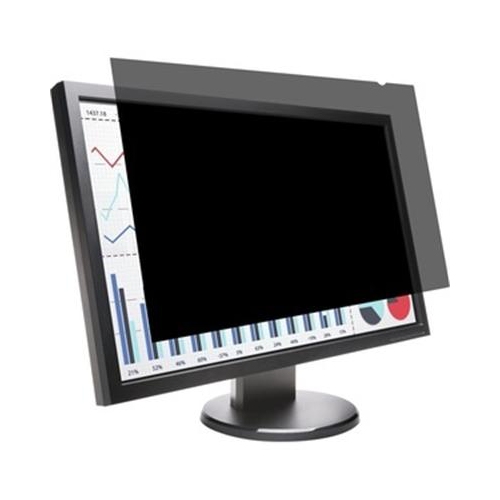
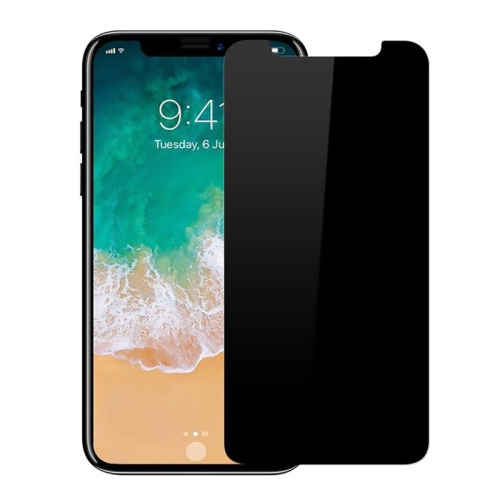
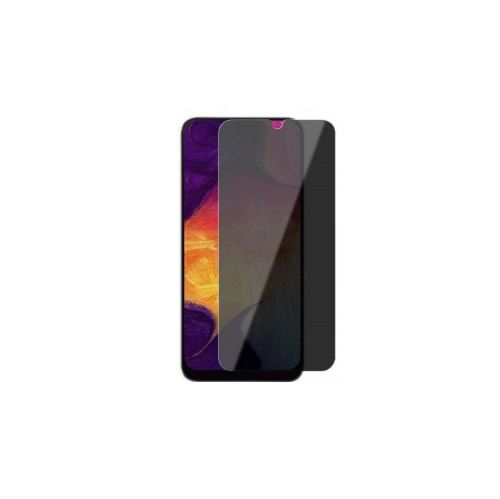
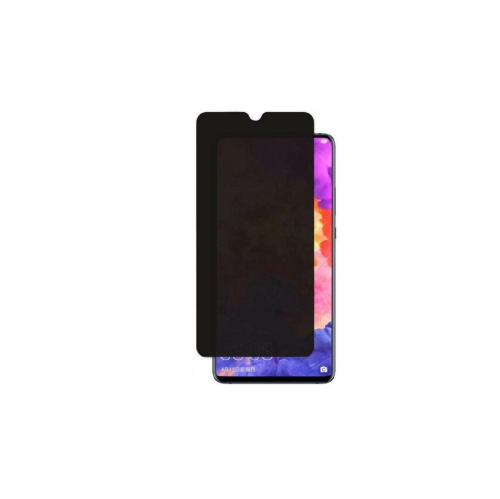
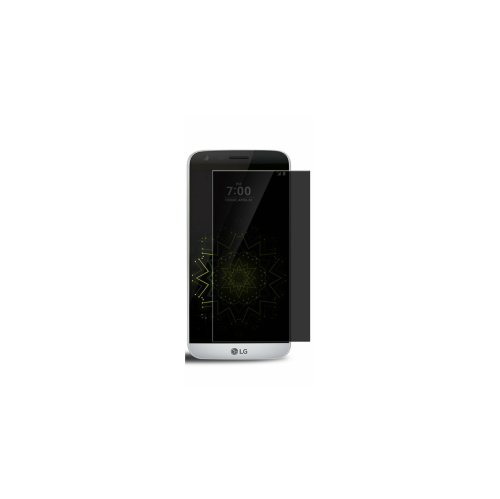
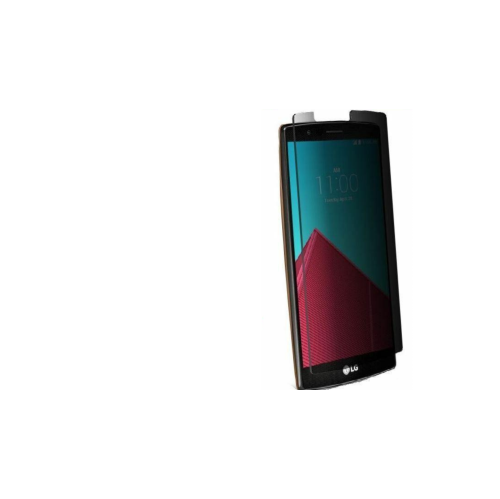
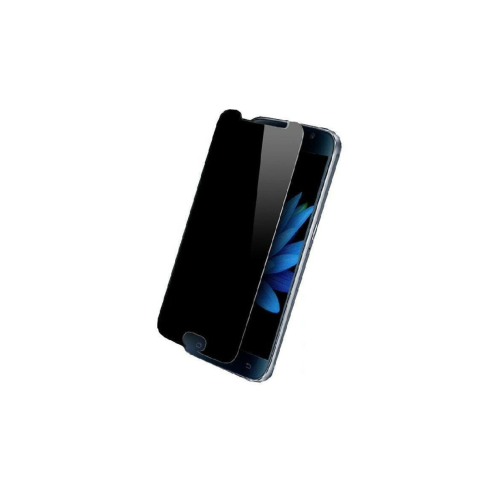
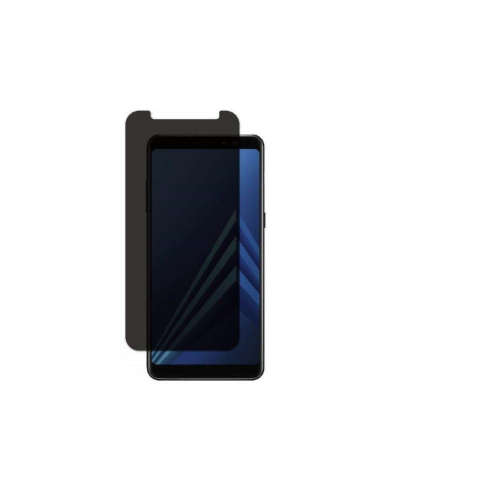
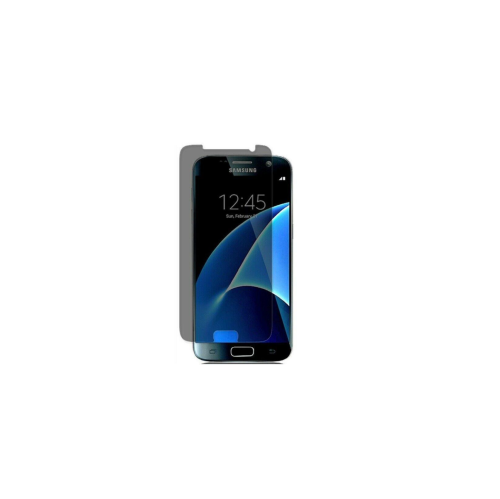
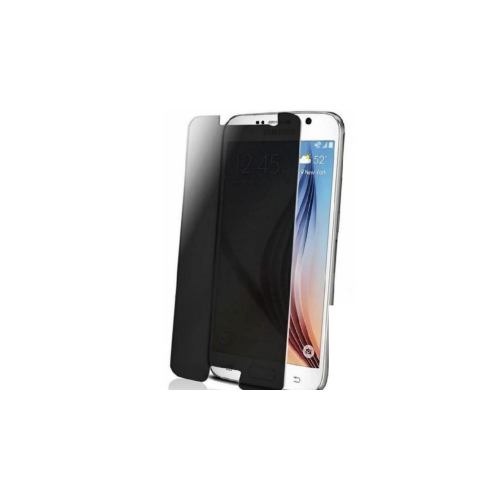
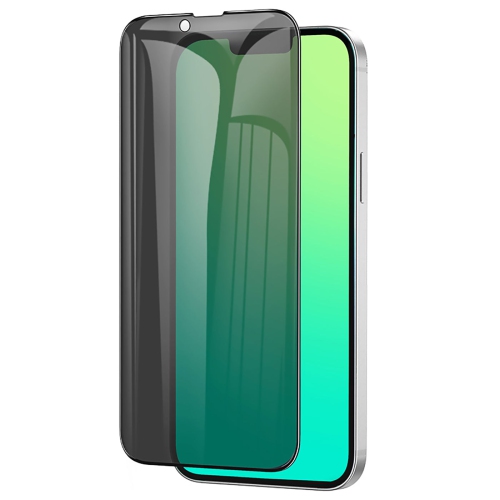
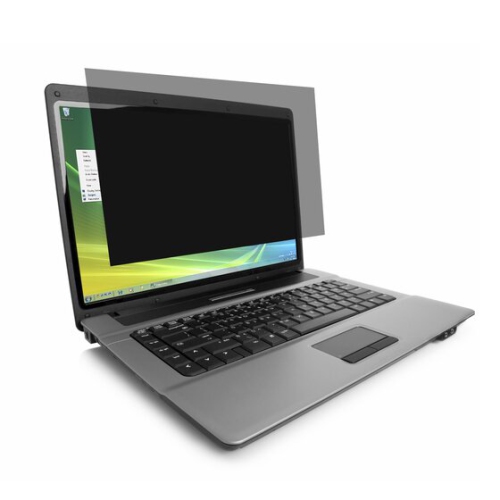
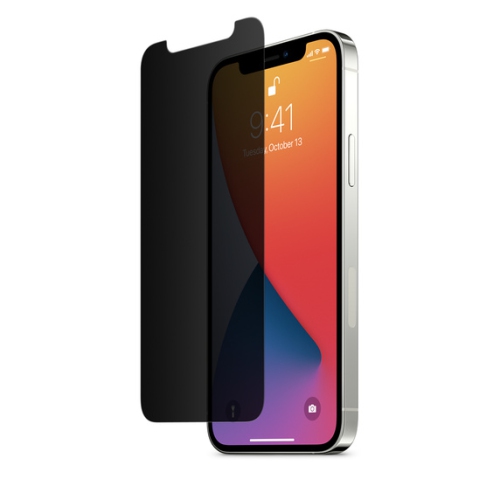
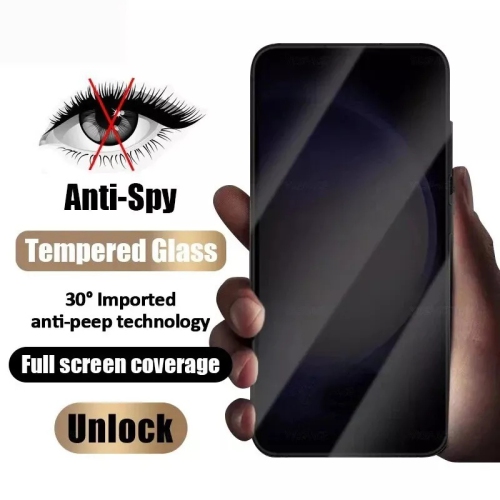
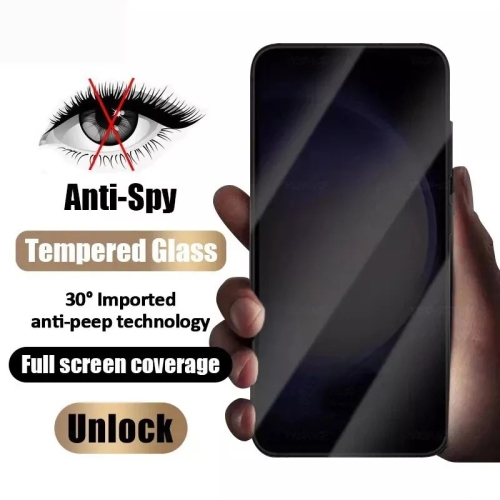
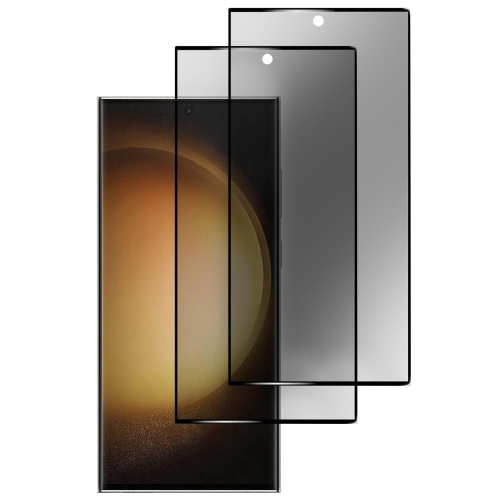
Privacy screen protectors are designed to give you a clearer sense of privacy when you use a phone, tablet, or laptop in shared spaces. They use a fine louvre pattern built into the protector to limit visibility from the side while keeping the display readable when viewed straight on. From a nearby angle, the screen may appear dark, grey, or blank, making it much harder for someone sitting beside you to read messages, view account details, browse personal photos, or follow along with work documents. This can be especially useful on public transit, in airport lounges, cafés, libraries, classrooms, waiting rooms, and open-plan offices, where a quick glance over your shoulder can reveal more than you intended to share. The effect is most noticeable once a viewer moves beyond a narrow front-facing viewing area, often around 25 to 28 degrees depending on the design and device. A privacy protector does not replace a strong password, screen lock, or careful handling of sensitive information, but it adds a practical physical barrier against casual shoulder surfing. It may also provide everyday protection against scratches, fingerprints, and minor bumps, depending on its material and construction. Tempered glass options are generally thicker and more rigid, with many offering a 9H hardness rating and a smooth surface that feels similar to the original display. Plastic film options are typically thinner and lighter, which can be helpful for curved screens, tight cases, or users who prefer a less noticeable layer. The right choice depends on the device, the amount of protection you need, and how important a slim profile is during daily use.
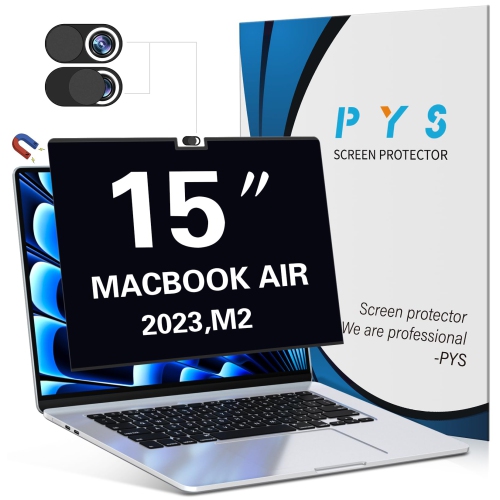
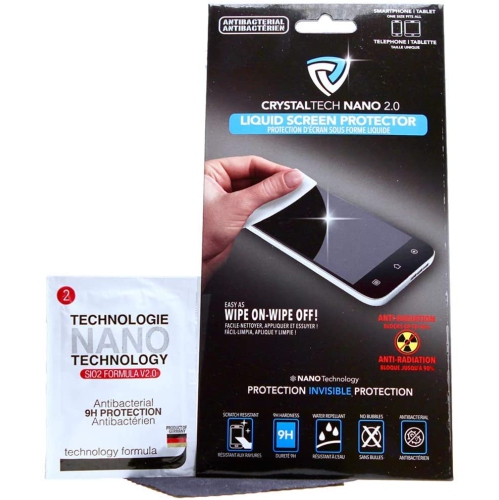
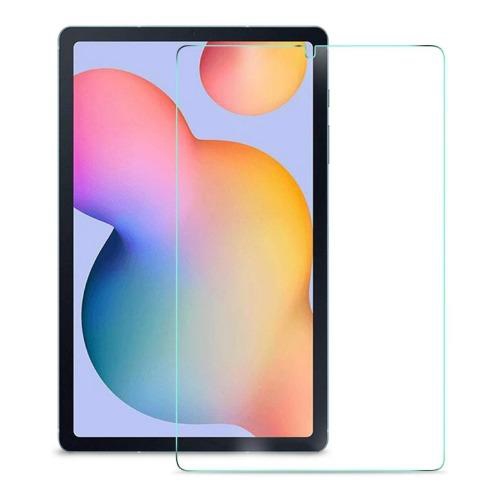
Fit is one of the most important considerations when choosing a privacy screen protector. Check the exact make, model, screen size, and generation of your device before ordering, since tablets and laptops with similar measurements can have different camera placements, bezels, speaker cutouts, and display shapes. A protector made for one phone or tablet may not align properly with another, even when both screens appear to be the same size. For larger displays, including tablets, browse Tablet Screen Protectors to compare options made for the dimensions and features of your device. Case compatibility also deserves attention. A protector that reaches close to the edge of the display may lift when used with a snug case, while a case-friendly design leaves a small margin around the perimeter to reduce pressure and peeling. Before installation, wash and dry your hands, clean the screen carefully, and choose a bright, dust-free area with a flat surface. Align the protector with the camera and speaker openings first, then lower it slowly so the adhesive can settle evenly. Small bubbles may disappear after gentle pressure, but trapped dust usually needs to be removed and addressed during installation. Some protectors include an alignment frame, dust-removal stickers, cleaning wipes, or a smoothing tool, which can make the process easier for first-time users. If you share a screen regularly with colleagues, classmates, or family members, remember that a privacy filter can make side-by-side viewing more difficult. Someone seated beside you may see a noticeably dimmer image, even when you can see it clearly from the front, so removing the protector for presentations or collaborative work may be necessary in some situations.
Privacy screen protectors can be a thoughtful practical gift for people who handle personal or confidential information away from home. They suit students working in busy study areas, commuters checking schedules and messages on the train, travellers using a laptop in a terminal, remote workers moving between cafés and shared offices, and professionals who review client information outside a private workplace. They can also be useful for anyone who manages banking, shopping, health, or travel details on a mobile device and wants an extra measure of discretion in everyday surroundings. When selecting one as a gift, identify the recipient’s precise device model whenever possible, since a correct fit matters more than choosing the thickest or most advanced material. Consider whether the person values maximum drop protection, a barely noticeable film, reduced glare, or a privacy filter that works in both portrait and landscape orientation. Some designs can slightly reduce brightness or make the display look darker, particularly in lower-light conditions or when viewed through sunglasses. Users may need to raise the screen brightness, which can affect battery life, and touch response can vary depending on the protector’s thickness and the device’s sensitivity settings. These are normal trade-offs rather than signs of a poor fit. A well-matched protector should remain responsive, sit flat without lifting at the corners, and provide a clear front-facing view while limiting casual side-angle access. Keeping the surface clean with a soft, lint-free cloth helps preserve clarity, and replacing a cracked or heavily scratched protector ensures the underlying screen continues to receive the intended coverage.
Fit is one of the most important considerations when choosing a privacy screen protector. Check the exact make, model, screen size, and generation of your device before ordering, since tablets and laptops with similar measurements can have different camera placements, bezels, speaker cutouts, and display shapes. A protector made for one phone or tablet may not align properly with another, even when both screens appear to be the same size. For larger displays, including tablets, browse Tablet Screen Protectors to compare options made for the dimensions and features of your device. Case compatibility also deserves attention. A protector that reaches close to the edge of the display may lift when used with a snug case, while a case-friendly design leaves a small margin around the perimeter to reduce pressure and peeling. Before installation, wash and dry your hands, clean the screen carefully, and choose a bright, dust-free area with a flat surface. Align the protector with the camera and speaker openings first, then lower it slowly so the adhesive can settle evenly. Small bubbles may disappear after gentle pressure, but trapped dust usually needs to be removed and addressed during installation. Some protectors include an alignment frame, dust-removal stickers, cleaning wipes, or a smoothing tool, which can make the process easier for first-time users. If you share a screen regularly with colleagues, classmates, or family members, remember that a privacy filter can make side-by-side viewing more difficult. Someone seated beside you may see a noticeably dimmer image, even when you can see it clearly from the front, so removing the protector for presentations or collaborative work may be necessary in some situations.
Privacy screen protectors can be a thoughtful practical gift for people who handle personal or confidential information away from home. They suit students working in busy study areas, commuters checking schedules and messages on the train, travellers using a laptop in a terminal, remote workers moving between cafés and shared offices, and professionals who review client information outside a private workplace. They can also be useful for anyone who manages banking, shopping, health, or travel details on a mobile device and wants an extra measure of discretion in everyday surroundings. When selecting one as a gift, identify the recipient’s precise device model whenever possible, since a correct fit matters more than choosing the thickest or most advanced material. Consider whether the person values maximum drop protection, a barely noticeable film, reduced glare, or a privacy filter that works in both portrait and landscape orientation. Some designs can slightly reduce brightness or make the display look darker, particularly in lower-light conditions or when viewed through sunglasses. Users may need to raise the screen brightness, which can affect battery life, and touch response can vary depending on the protector’s thickness and the device’s sensitivity settings. These are normal trade-offs rather than signs of a poor fit. A well-matched protector should remain responsive, sit flat without lifting at the corners, and provide a clear front-facing view while limiting casual side-angle access. Keeping the surface clean with a soft, lint-free cloth helps preserve clarity, and replacing a cracked or heavily scratched protector ensures the underlying screen continues to receive the intended coverage.
Top selling and popular products
-
 Your price for this item is $34.95
 -
 Your price for this item is $129.99
 -
 Your price for this item is $69.99
 -
 Your price for this item is $69.99
 -
 Your price for this item is $124
 -
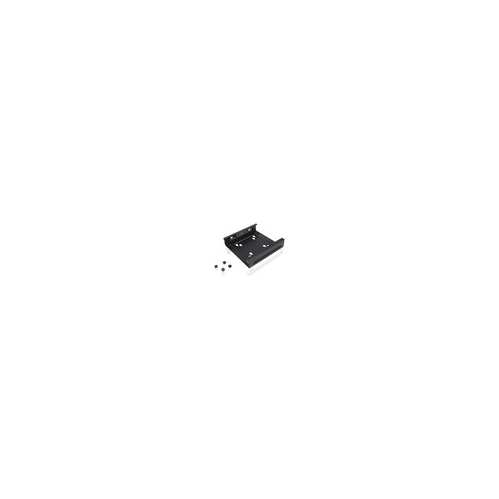 Your price for this item is $26.99
 -
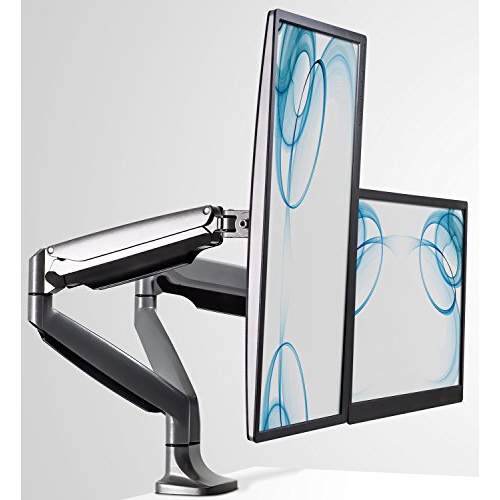 Your price for this item is $254.68
 -
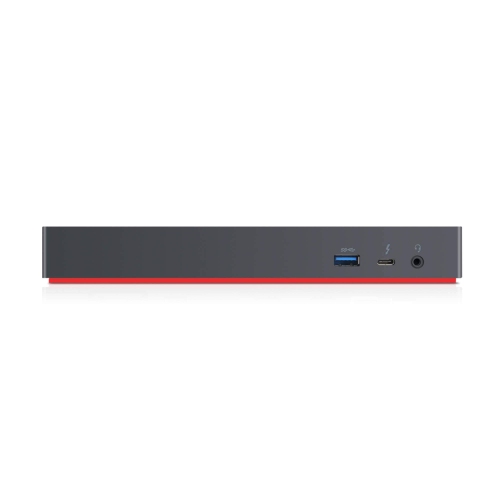 Your price for this item is $300
Discover more categories related to Privacy Screen Protectors
Top Collections:
Pokemon Centers, Budget 4K TVs, Kindle Devices, Canon G7X Cameras, Apple iPhones 16, iPhone 15 Apple, Laptops for Business Work, Flip Phones, Xiaomi Phones, Refurbished Apple Laptops
Some products may be subject to Environmental Handling Fees
(EHF) depending on your province.
Learn more about EHFs.