Security Cameras for Offices
Security Cameras for Offices provide reliable solutions to help monitor and protect your workspace. Whether you are looking to oversee entry points, common areas, or sensitive locations, these cameras offer peace of mind and enhanced oversight. Browse a wide selection tailored to meet the needs of offices of all sizes, making it easier to keep an eye on what matters most during business hours and beyond. Find the right security cameras for offices to support a safer, more secure workplace.
Sort


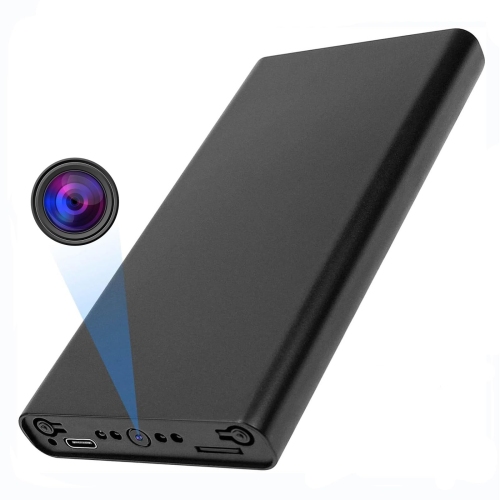
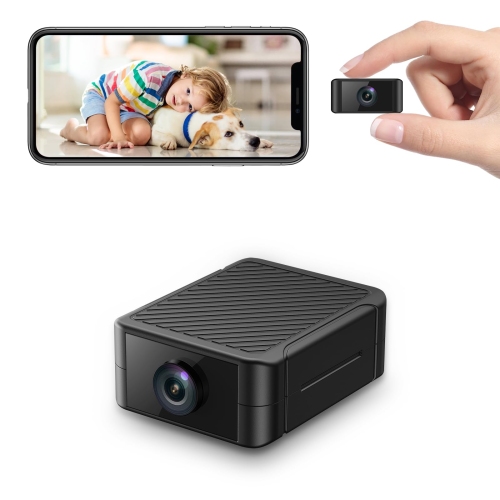
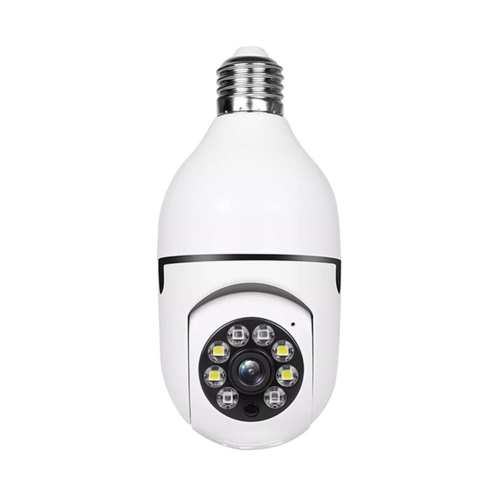
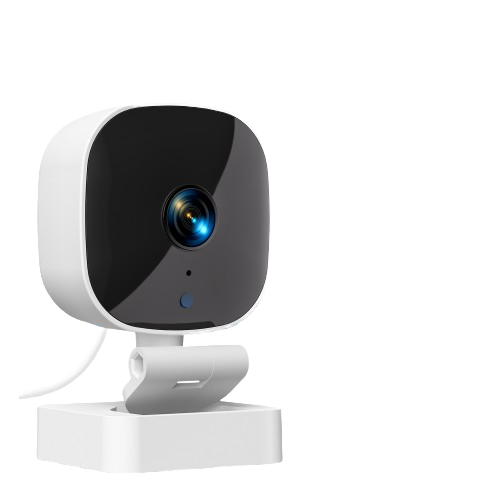
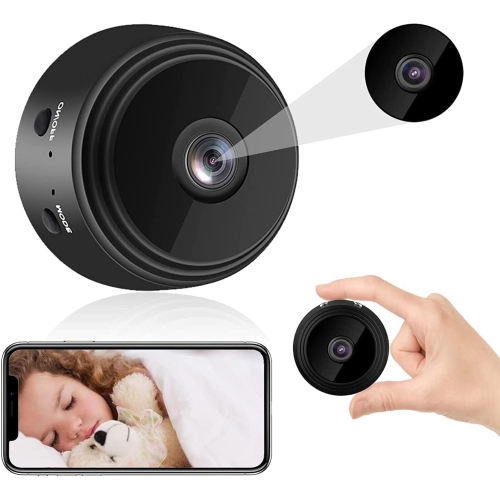

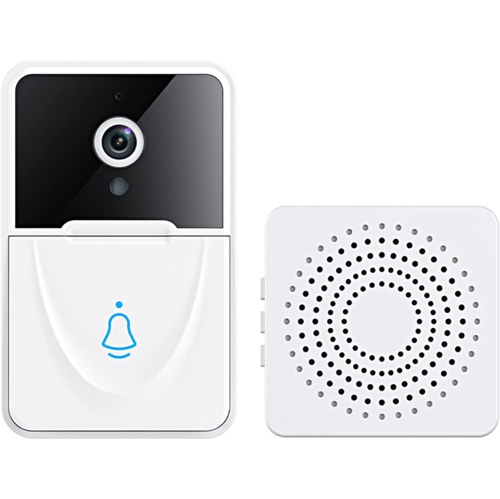

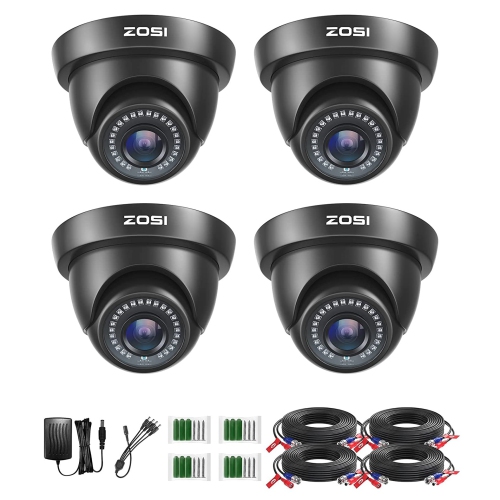
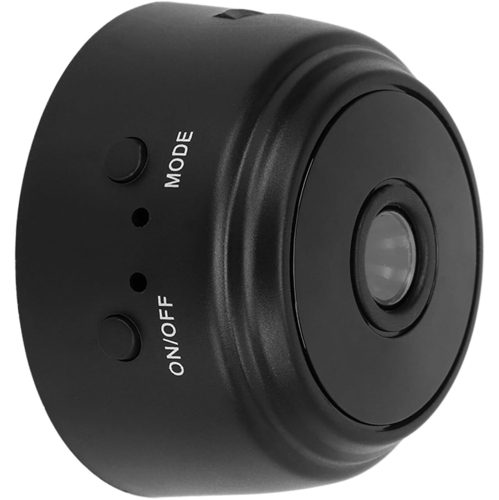
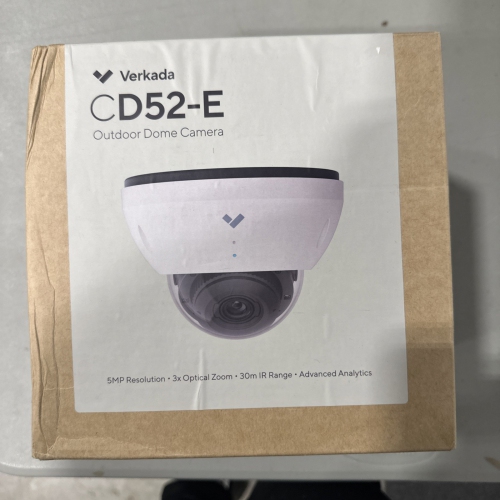
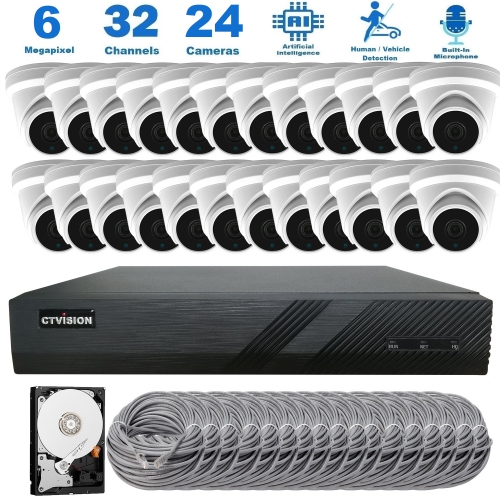
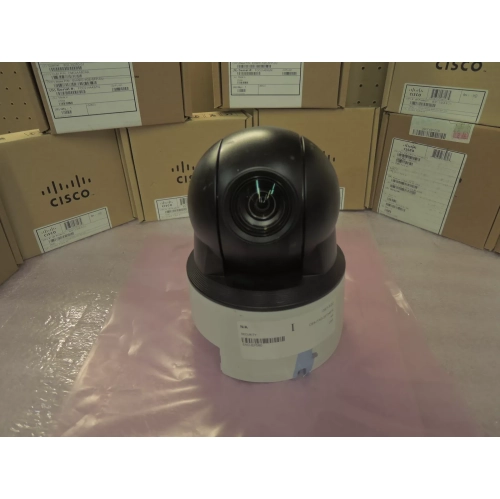
Useful footage starts with the right camera placement
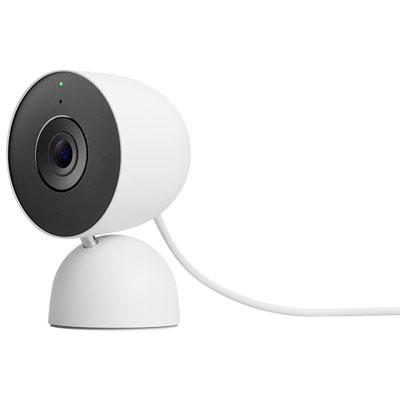
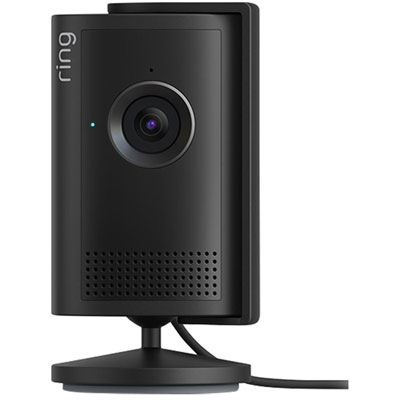
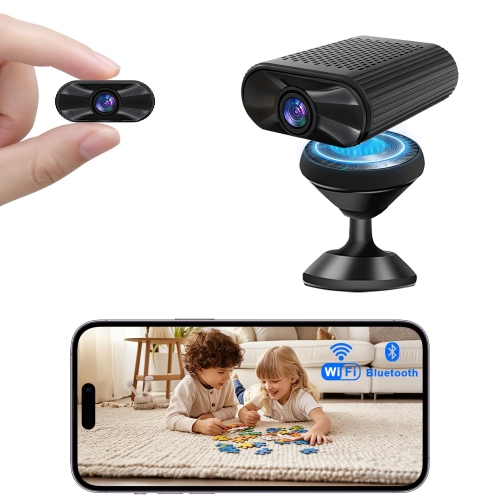
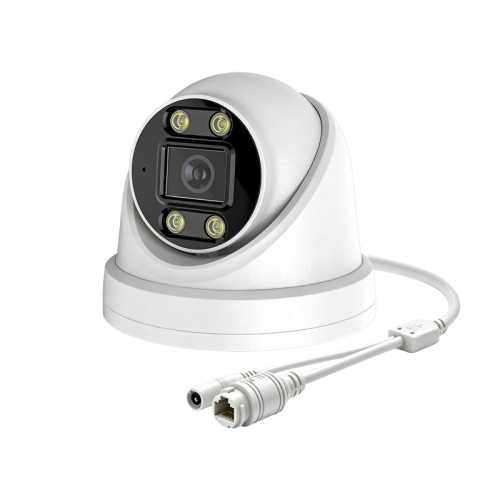
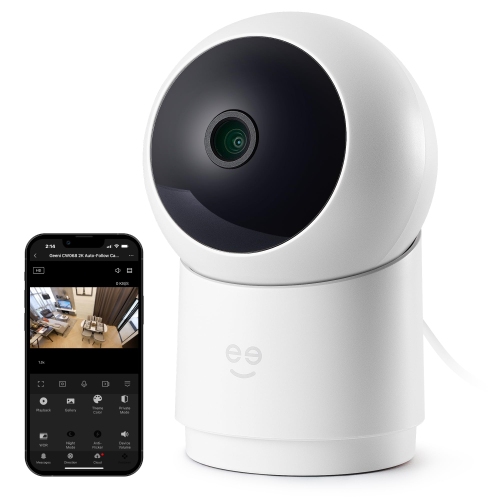
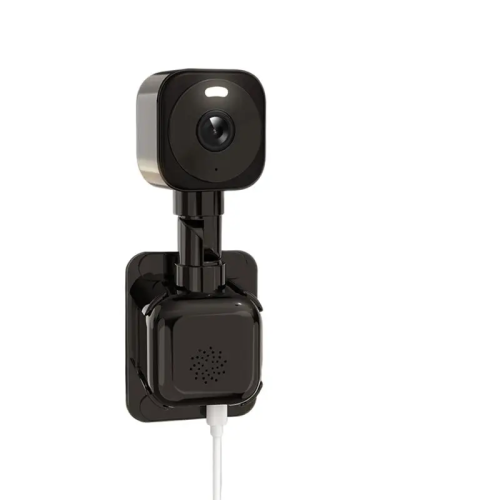
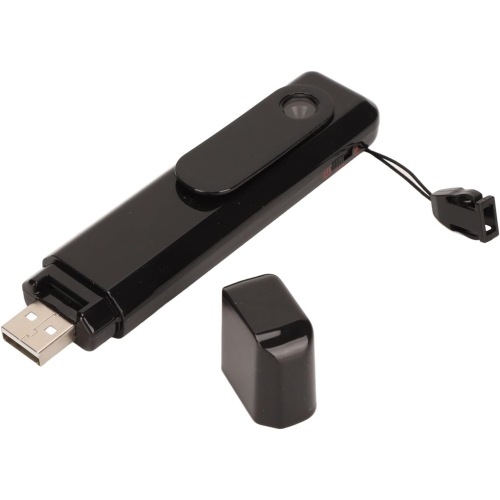
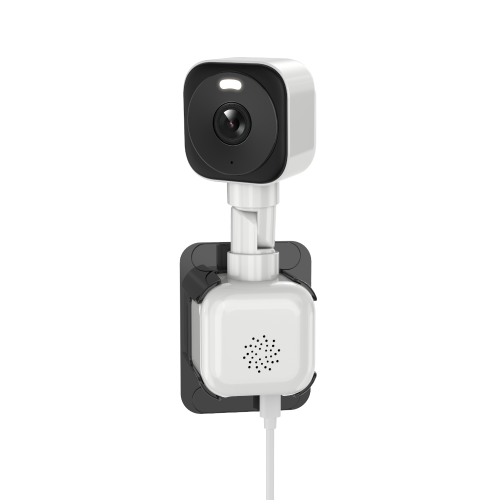
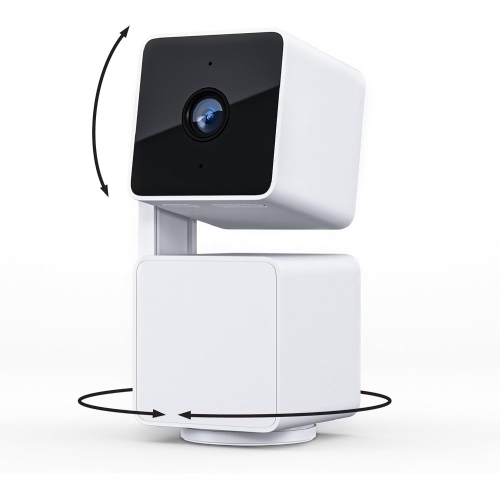
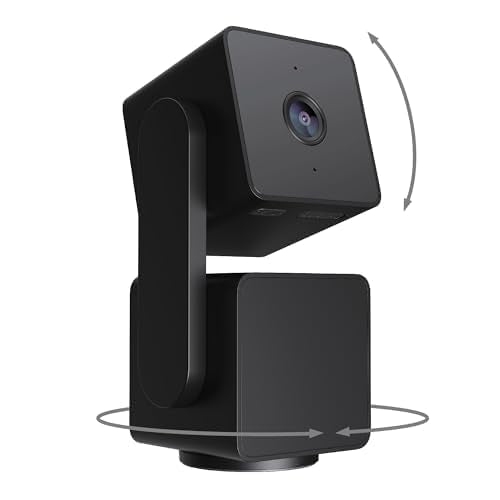
Security cameras for offices help make entrances, reception areas, corridors and other business spaces easier to monitor, with recorded footage that can support reviews of deliveries, unauthorized access or damage. The right arrangement depends on the office layout, the level of detail needed, available power and network connections, storage preferences and workplace privacy obligations. A small professional practice may need a clear view of its front door and reception counter, while a larger workplace may benefit from separate views of access points, equipment rooms and connecting hallways. Camera placement matters as much as camera count: a wide view can show movement through a lobby, but a narrower view may capture more useful detail at a doorway. Resolution contributes to image clarity, although lens quality, lighting, compression and the distance between the camera and its subject also affect what appears in a recording. A face near an entrance and a parcel left across a spacious reception area present different viewing demands. Wide dynamic range can help balance a bright entrance against a dimmer interior, while low-light capabilities support visibility when overhead lights are reduced. Infrared illumination may provide a usable image in darkness, but reflective surfaces and nearby glass can create glare. Fixed cameras offer a consistent view of a defined area; pan-and-tilt designs can provide flexible viewing, though a camera looking in one direction cannot capture everything elsewhere at the same moment. Discreet dome housings can fit neatly into finished office interiors, while more visible housings make a camera’s presence easier to notice. The useful distinction is not simply appearance, but whether the lens position, mounting height and field of view match the task. For reception teams checking an unfamiliar arrival, or managers reviewing when a delivery reached the front desk, well-positioned footage can provide helpful context without requiring cameras to cover every desk. Coverage is most purposeful when it focuses on defined access points and business needs rather than collecting an unnecessarily broad view of everyday work.
Installation and connectivity shape how office cameras fit into daily operations. Wired cameras can offer a stable connection where suitable cabling is already present or can be installed, and Power over Ethernet allows compatible cameras to receive power and transmit data through the same cable. This can simplify installation in ceiling positions where a separate power outlet would be inconvenient, provided the network equipment supplies the required power. Wi-Fi cameras reduce the need for a network cable at each camera, but they still need an appropriate power source unless designed for battery operation. Signal strength, wall construction and network traffic can affect reliability, especially when several cameras share the same wireless connection. Battery-powered designs have their own charging or replacement needs, and recording behaviour varies by model. For offices with limited access to ceiling spaces or restrictions on alterations, mounting requirements deserve particular attention. Adjustable brackets, secure fixings and housings made from durable plastic or metal can help a camera fit its intended position, but the mounting surface must support the installation. A tidy cable route also keeps wiring away from moving doors and routine cleaning. Lens covers need gentle care: fingerprints, dust and cleaning residue can soften an otherwise sharp picture, so cleaning methods should follow the manufacturer’s directions. Storage is another practical distinction. Depending on the system, footage may be saved to an onboard memory card, a local recorder or a cloud service. Local recording can reduce dependence on an internet connection for saving footage, while remote storage can make authorized access convenient across locations. Neither arrangement removes the need for account security, suitable retention settings and reliable operation. Recording resolution, frame rate, camera count and whether recording is continuous or event-based all influence storage requirements. Compatibility between cameras, recorders, apps and network hardware matters too; matching connectors alone does not guarantee that every recording, alert or playback feature will work together.
Everyday usability often determines how valuable an office camera system becomes after installation. Clear playback controls, searchable event histories and straightforward clip exports make it easier to review a specific incident without scanning hours of uneventful footage. Motion alerts can draw attention to activity near an entrance or restricted doorway, while configurable detection zones help avoid repeated notifications from a busy public corridor or movement outside the intended viewing area. Where supported, person detection may help distinguish people from some other motion, although detection accuracy varies with positioning, lighting and the scene. Remote viewing can be useful for an office manager responsible for more than one location, but access should be limited to authorized people with a genuine operational need. Individual accounts, strong passwords, multifactor authentication where supported and maintained software help protect access to live views and stored recordings. Responsibility for reviewing alerts, checking recording status and removing access when someone leaves the business is as important as the camera hardware itself. Privacy also belongs at the centre of an office installation. Canadian workplace privacy requirements vary by province, sector and circumstances, so camera use should have a defined purpose and be assessed against the rules that apply to the business. Visible notices, limited viewing permissions and an appropriate retention period can support responsible use, but signage alone does not settle every legal or consent requirement. Camera angles should avoid capturing confidential documents, computer screens or neighbouring premises when those details are unnecessary. Audio recording introduces separate privacy and legal considerations and should not be treated as a routine addition to video. In multi-tenant properties, responsibility for shared spaces may also differ from responsibility inside an individual office suite. The Security Cameras for Office Buildings collection is relevant to broader layouts involving shared lobbies, building entrances and connecting areas. Across these settings, a well-matched camera arrangement combines useful image detail, dependable recording and manageable access with clear boundaries around what is captured and why.
Installation and connectivity shape how office cameras fit into daily operations. Wired cameras can offer a stable connection where suitable cabling is already present or can be installed, and Power over Ethernet allows compatible cameras to receive power and transmit data through the same cable. This can simplify installation in ceiling positions where a separate power outlet would be inconvenient, provided the network equipment supplies the required power. Wi-Fi cameras reduce the need for a network cable at each camera, but they still need an appropriate power source unless designed for battery operation. Signal strength, wall construction and network traffic can affect reliability, especially when several cameras share the same wireless connection. Battery-powered designs have their own charging or replacement needs, and recording behaviour varies by model. For offices with limited access to ceiling spaces or restrictions on alterations, mounting requirements deserve particular attention. Adjustable brackets, secure fixings and housings made from durable plastic or metal can help a camera fit its intended position, but the mounting surface must support the installation. A tidy cable route also keeps wiring away from moving doors and routine cleaning. Lens covers need gentle care: fingerprints, dust and cleaning residue can soften an otherwise sharp picture, so cleaning methods should follow the manufacturer’s directions. Storage is another practical distinction. Depending on the system, footage may be saved to an onboard memory card, a local recorder or a cloud service. Local recording can reduce dependence on an internet connection for saving footage, while remote storage can make authorized access convenient across locations. Neither arrangement removes the need for account security, suitable retention settings and reliable operation. Recording resolution, frame rate, camera count and whether recording is continuous or event-based all influence storage requirements. Compatibility between cameras, recorders, apps and network hardware matters too; matching connectors alone does not guarantee that every recording, alert or playback feature will work together.
Everyday usability often determines how valuable an office camera system becomes after installation. Clear playback controls, searchable event histories and straightforward clip exports make it easier to review a specific incident without scanning hours of uneventful footage. Motion alerts can draw attention to activity near an entrance or restricted doorway, while configurable detection zones help avoid repeated notifications from a busy public corridor or movement outside the intended viewing area. Where supported, person detection may help distinguish people from some other motion, although detection accuracy varies with positioning, lighting and the scene. Remote viewing can be useful for an office manager responsible for more than one location, but access should be limited to authorized people with a genuine operational need. Individual accounts, strong passwords, multifactor authentication where supported and maintained software help protect access to live views and stored recordings. Responsibility for reviewing alerts, checking recording status and removing access when someone leaves the business is as important as the camera hardware itself. Privacy also belongs at the centre of an office installation. Canadian workplace privacy requirements vary by province, sector and circumstances, so camera use should have a defined purpose and be assessed against the rules that apply to the business. Visible notices, limited viewing permissions and an appropriate retention period can support responsible use, but signage alone does not settle every legal or consent requirement. Camera angles should avoid capturing confidential documents, computer screens or neighbouring premises when those details are unnecessary. Audio recording introduces separate privacy and legal considerations and should not be treated as a routine addition to video. In multi-tenant properties, responsibility for shared spaces may also differ from responsibility inside an individual office suite. The Security Cameras for Office Buildings collection is relevant to broader layouts involving shared lobbies, building entrances and connecting areas. Across these settings, a well-matched camera arrangement combines useful image detail, dependable recording and manageable access with clear boundaries around what is captured and why.
Top selling and popular products
-
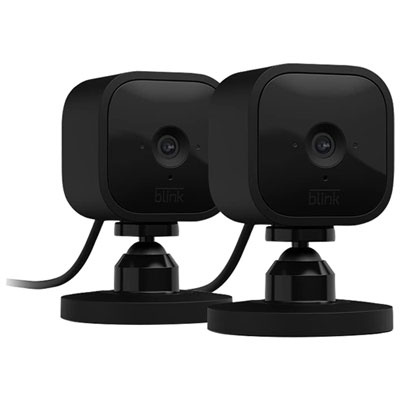 Your price for this item is $59.99
-
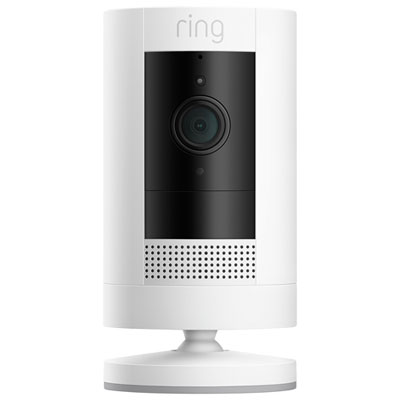 Your price for this item is $109.99
-
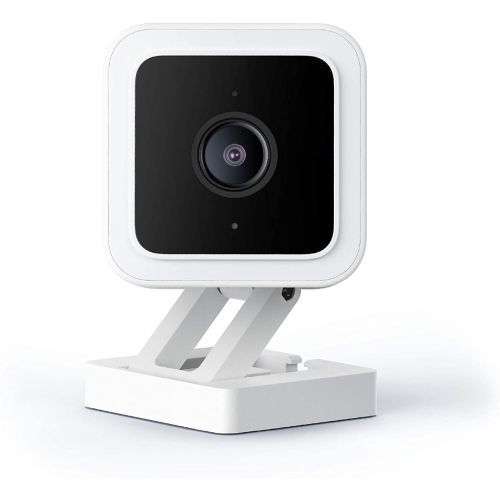 Your price for this item is $95.99
-
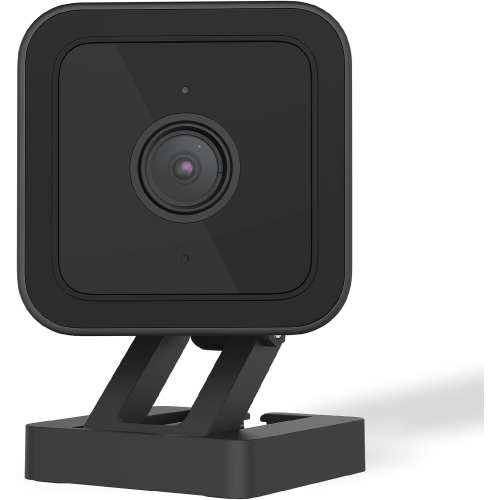 Your price for this item is $89.49
-
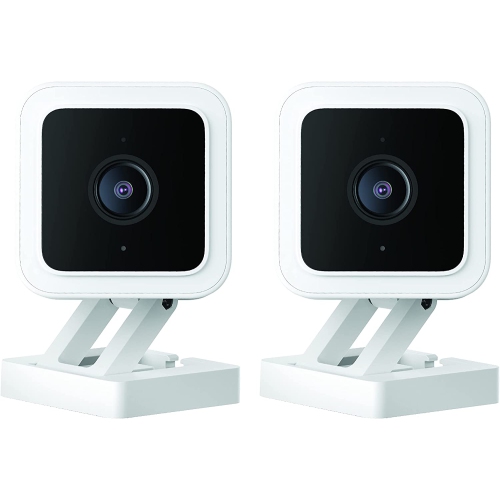 Your price for this item is $97.99
-
 Your price for this item is $107.49
-
 Your price for this item is $329.95
-
 Your price for this item is $96.49
Discover more categories related to Security Cameras for Offices
Top Collections:
Best Black Friday Deals This Year, Best Black Friday Deals On Electronics, Kindle Devices, Pokemon Centers, Best Black Friday Deals On Apple Products, Best Cameras for Sports Photography, Dyson Airwrap, Pokémon 30th Celebration Cards, Apple iPhone 17 Pro, Canon G7X Cameras
Some products may be subject to Environmental Handling Fees
(EHF) depending on your province.
Learn more about EHFs.