4k PTZ Cameras
Capture every detail with crystal-clear precision and unparalleled flexibility using our collection of 4K PTZ cameras. Whether you're a professional photographer, a security enthusiast, or a content creator, these cutting-edge cameras are designed to elevate your visual experience to new heights. With their advanced technology and impressive zoom capabilities, you can effortlessly capture stunning images and videos from any angle, making them perfect for everything from live events and video conferences to wildlife photography and surveillance applications. Explore our range of 4K PTZ cameras today and unlock a world of endless possibilities.
Sort
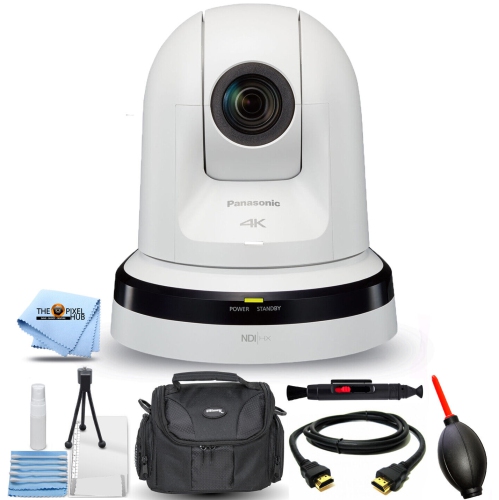
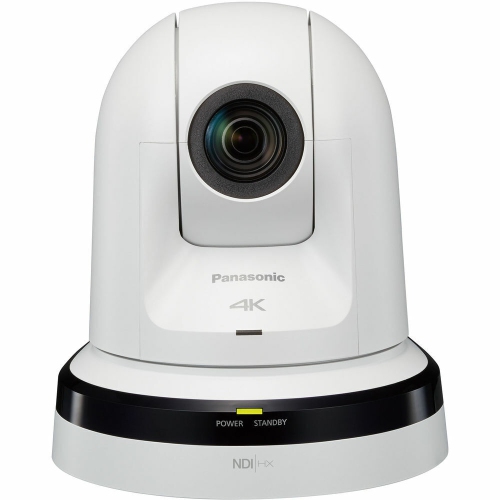
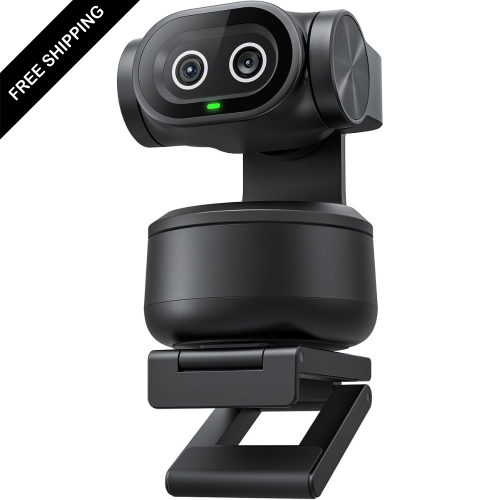
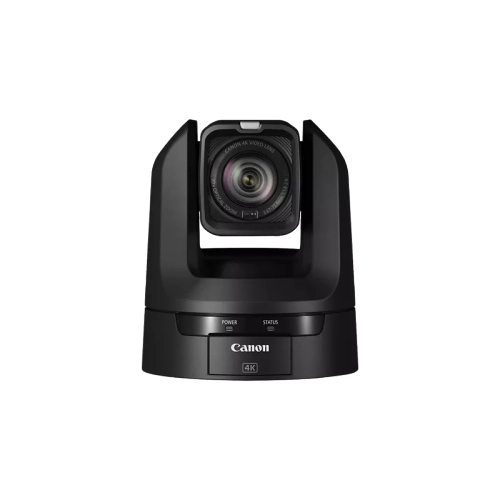
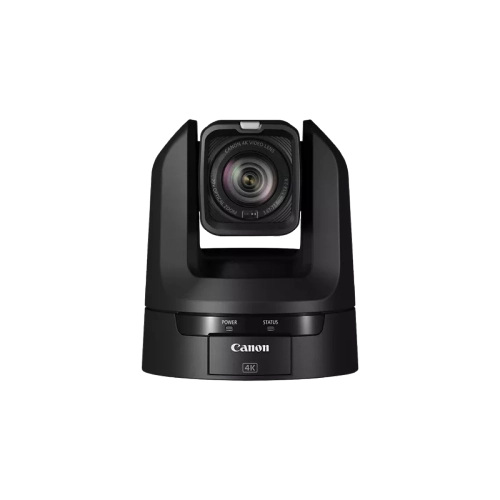
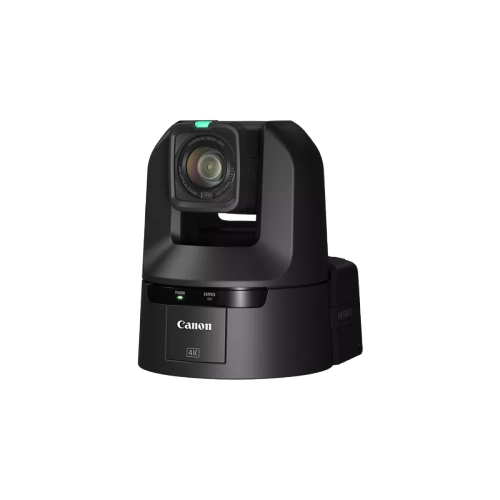
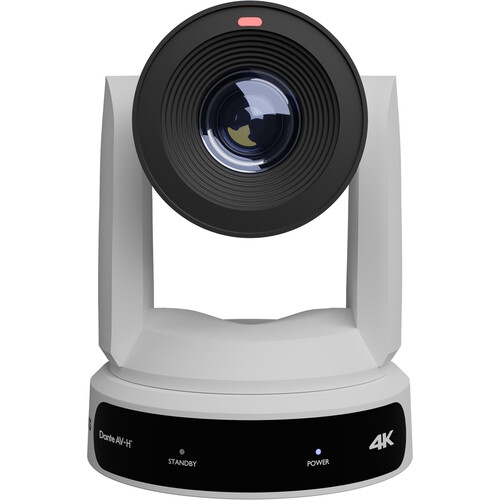
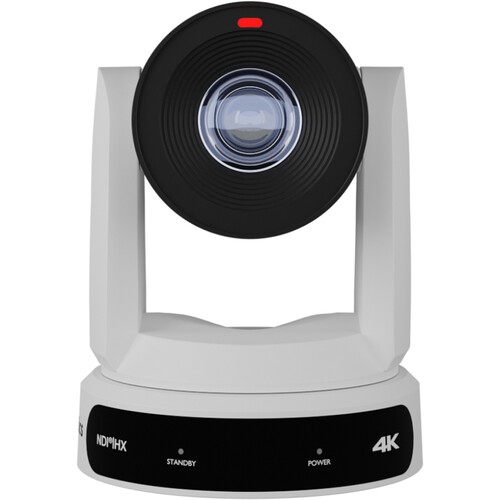
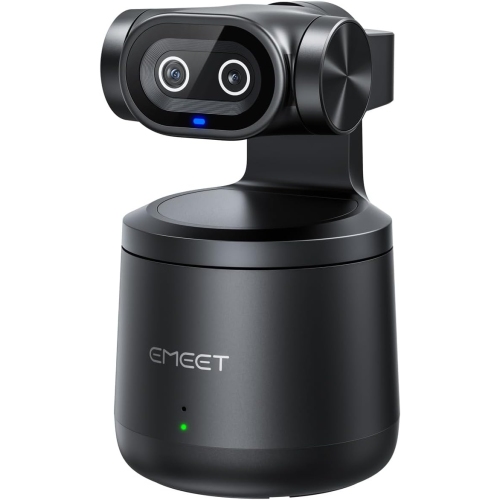
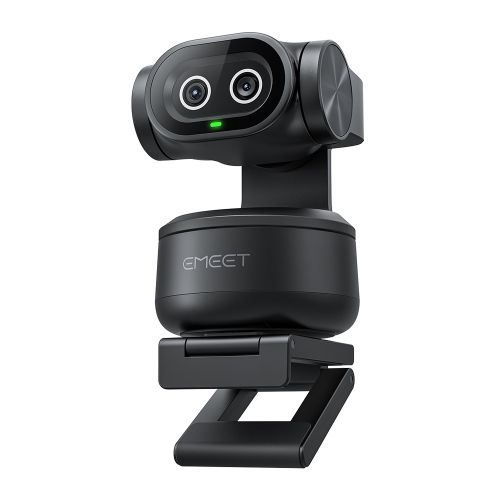
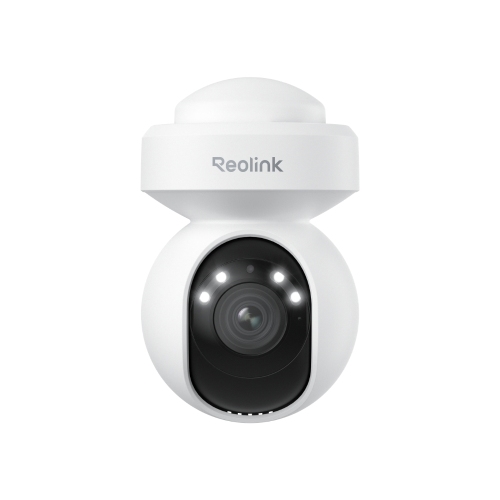
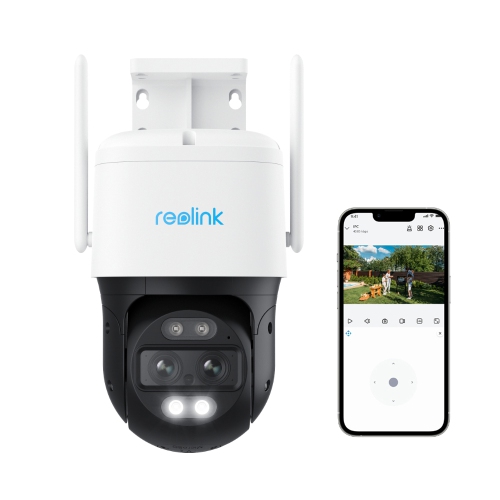
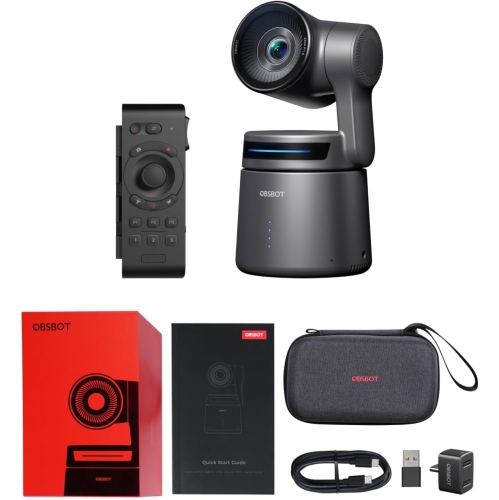
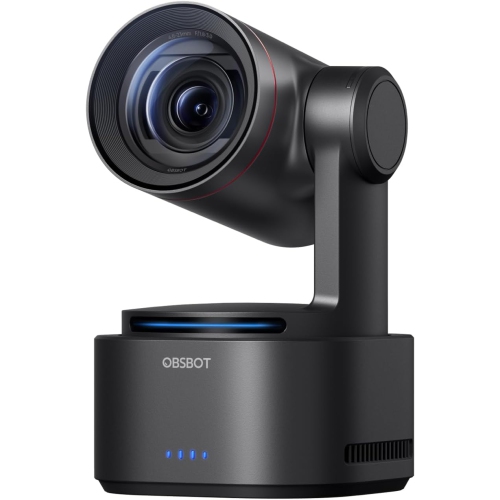
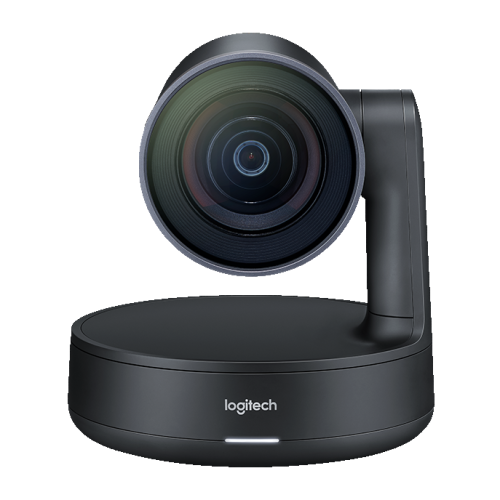
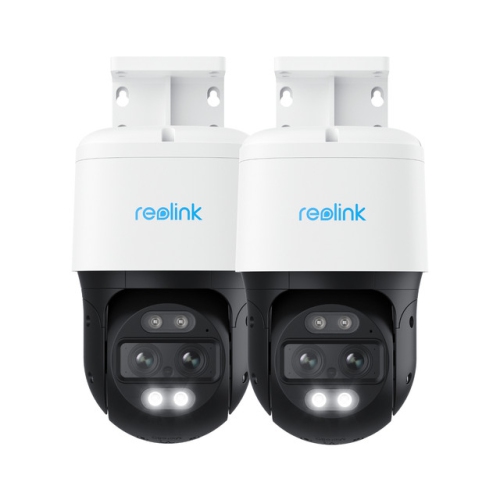
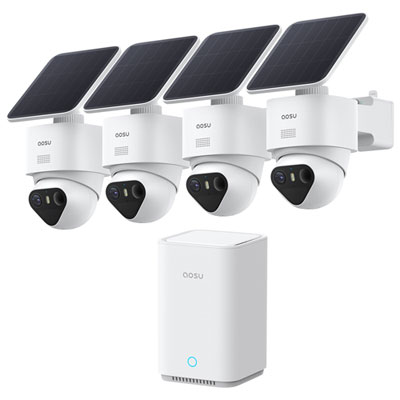
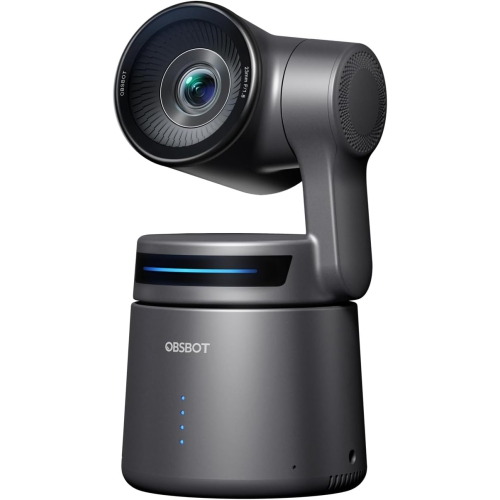
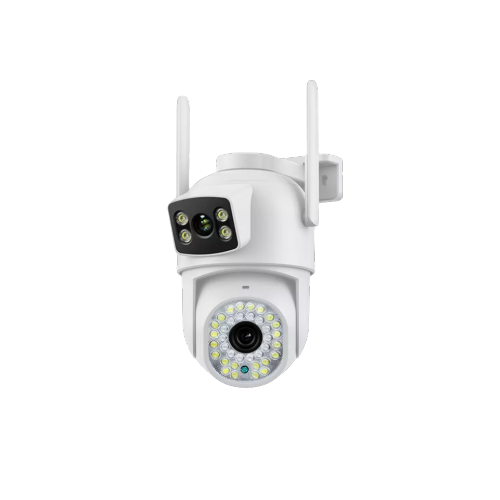
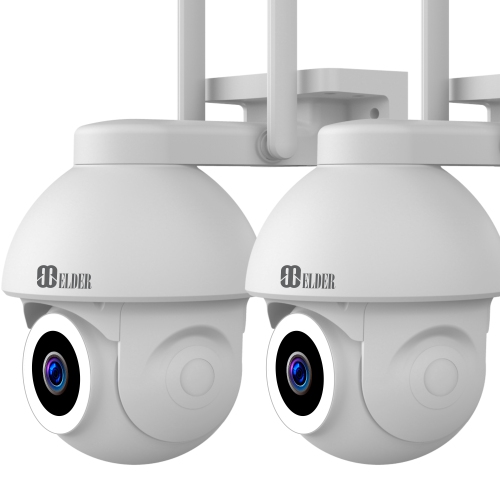
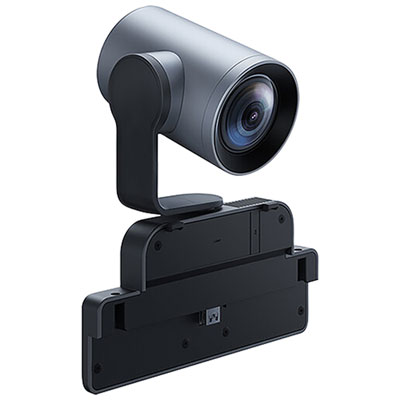
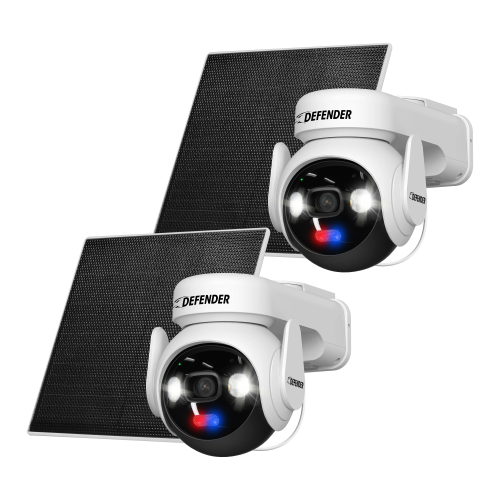
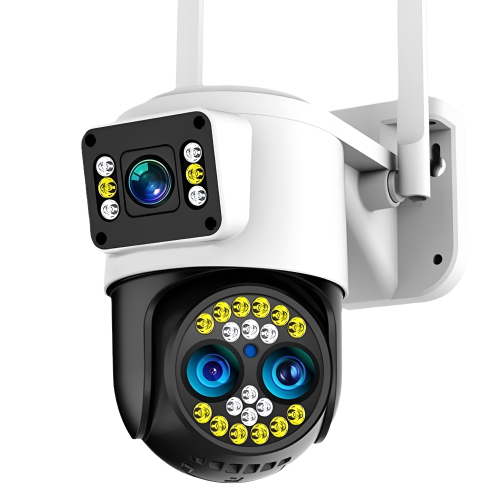
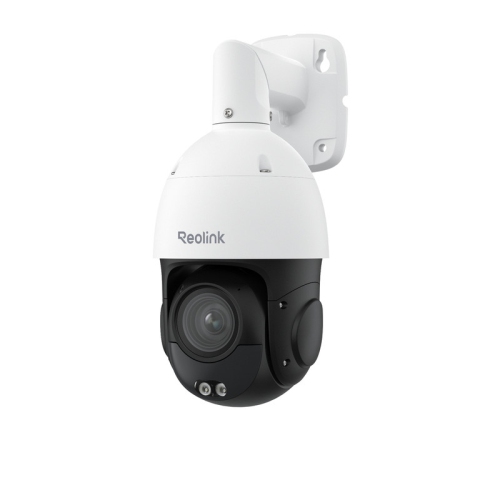
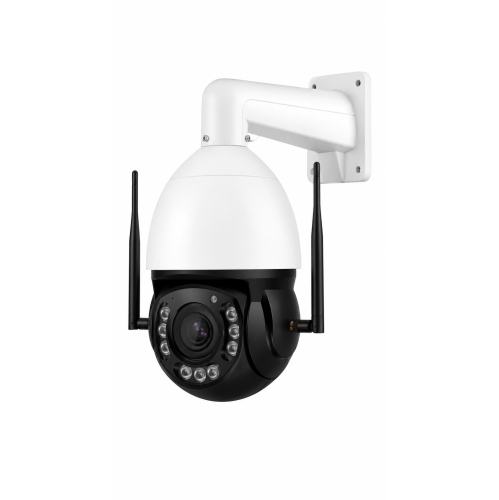
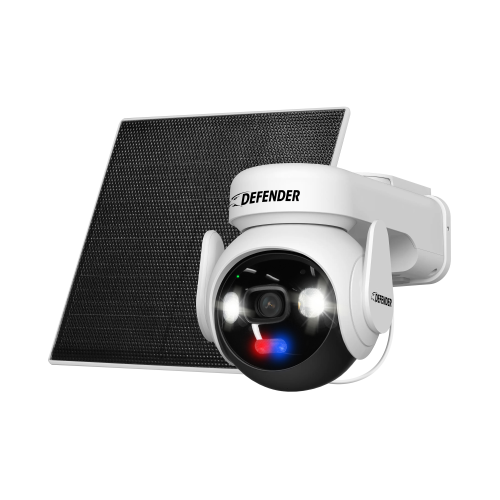
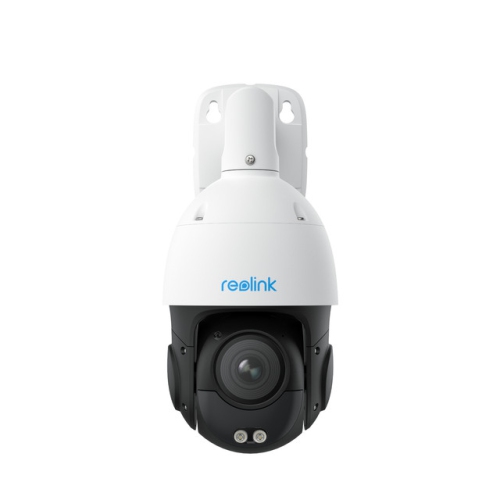
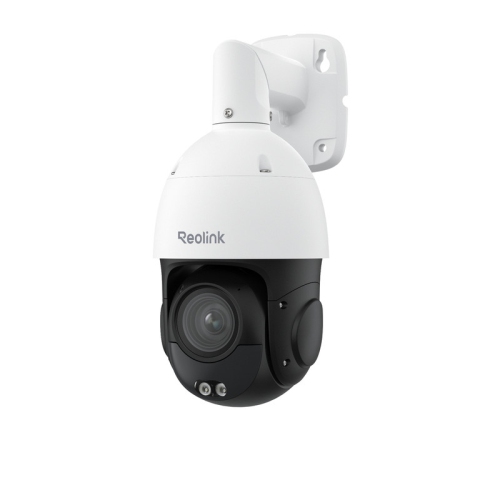
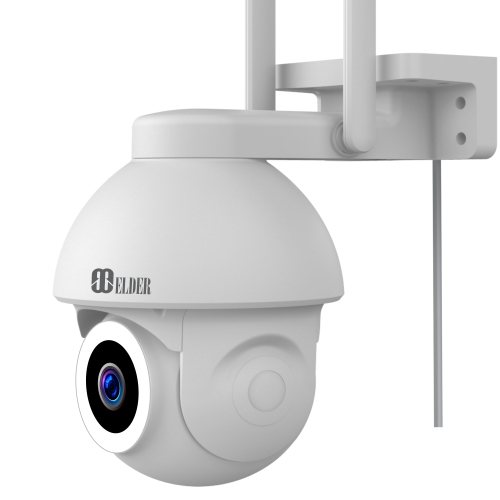
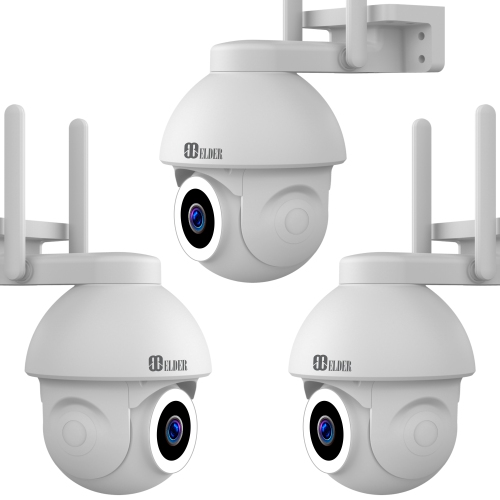
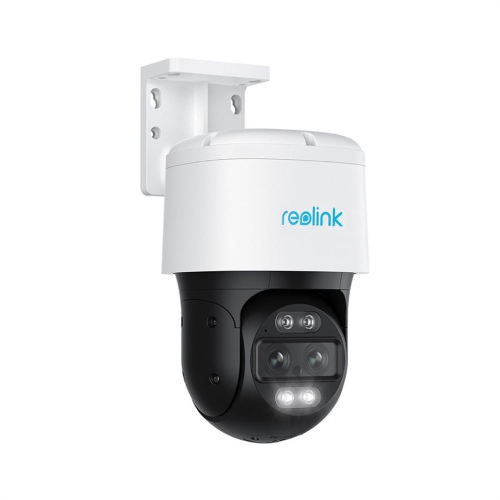
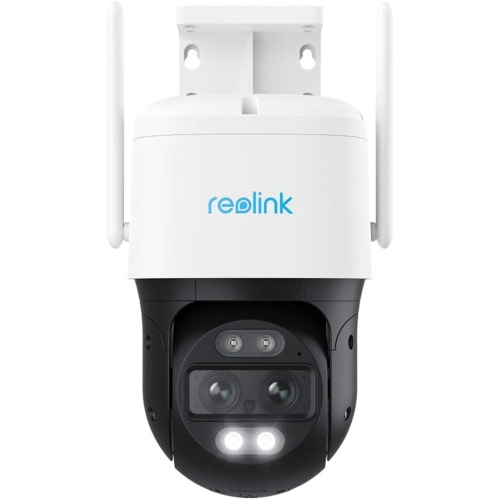
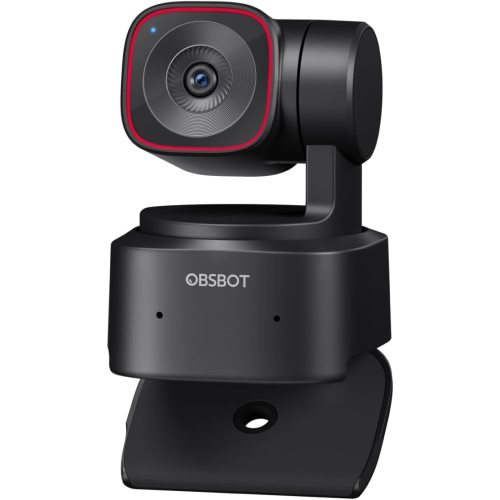
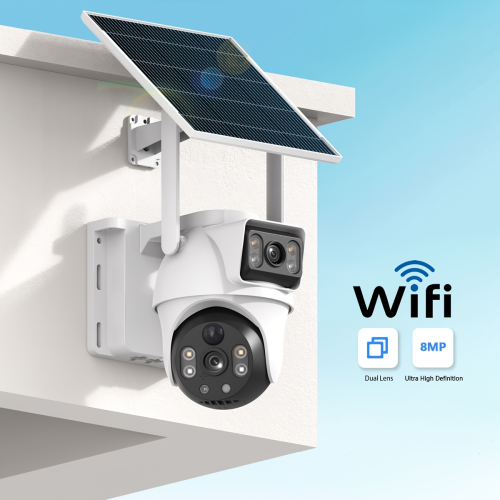
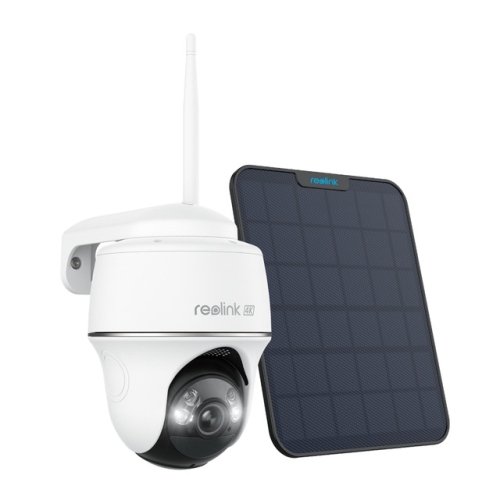
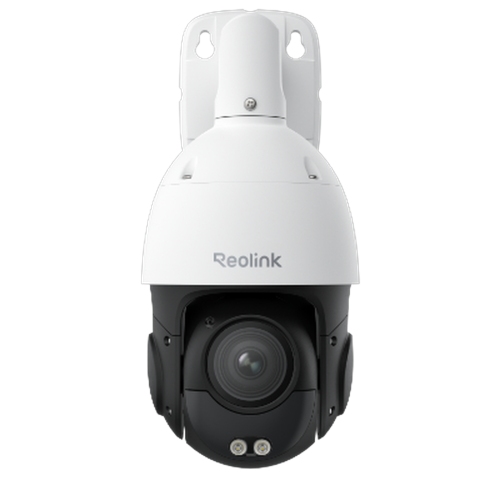
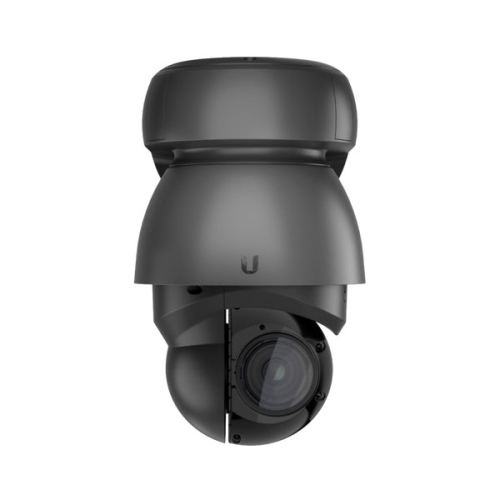
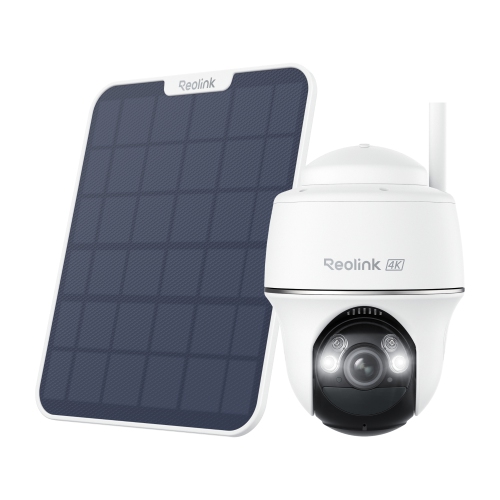
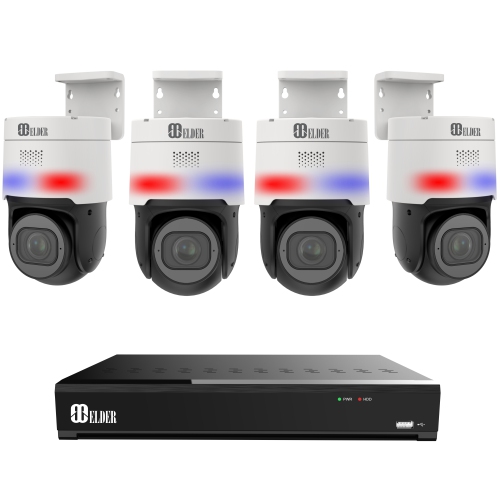
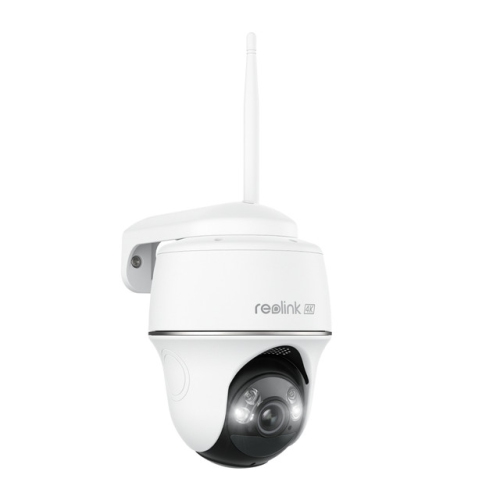
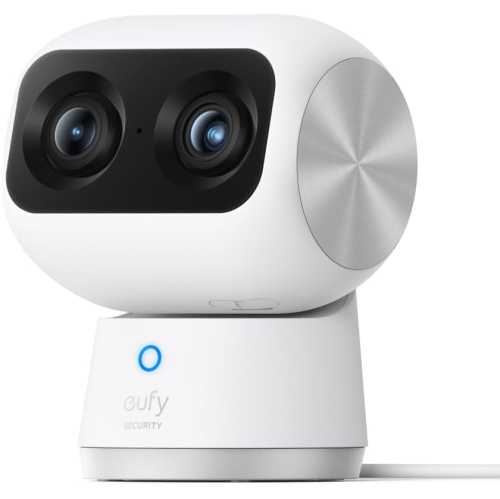
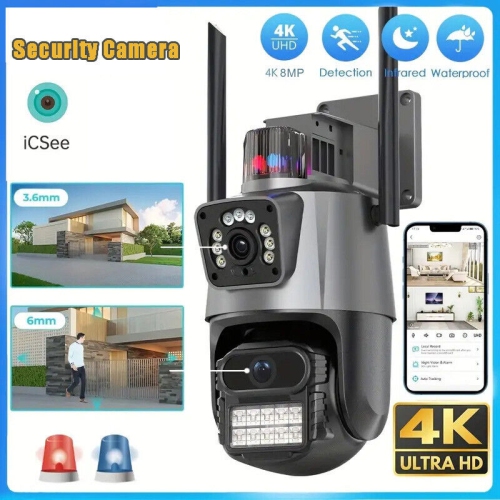
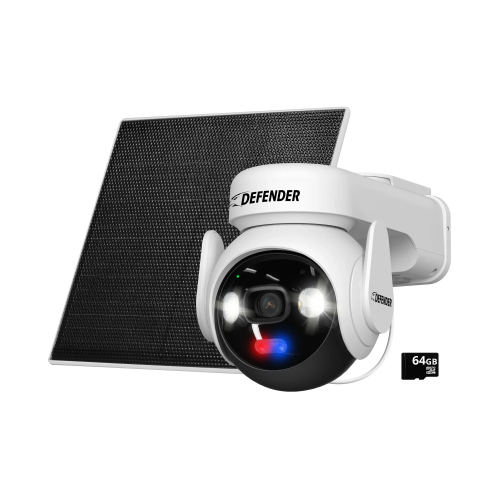

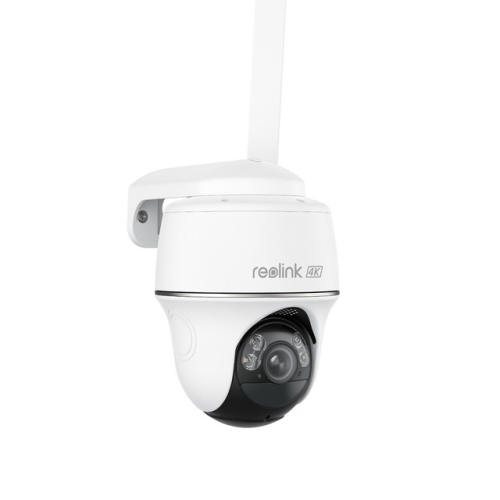
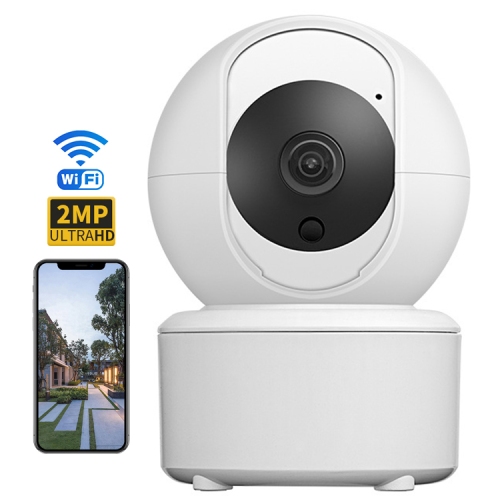
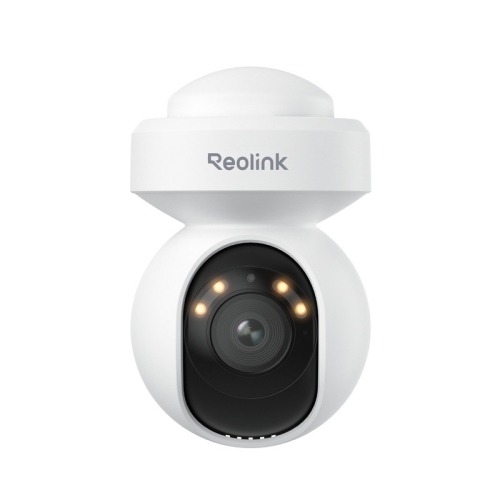
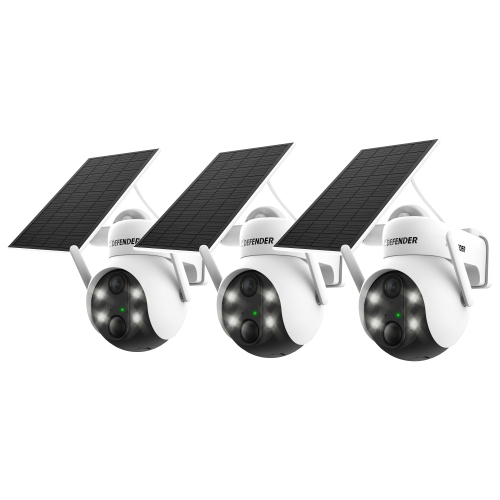
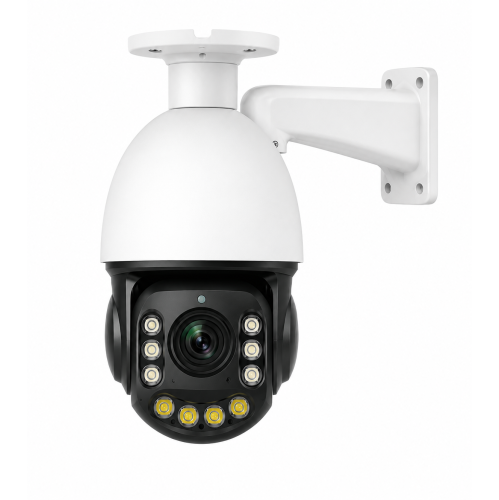
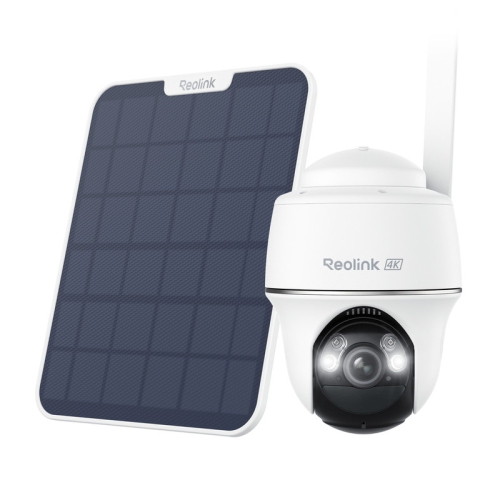
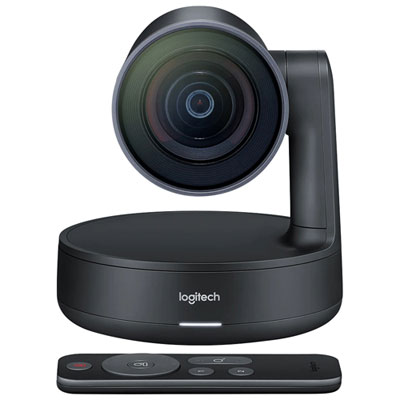
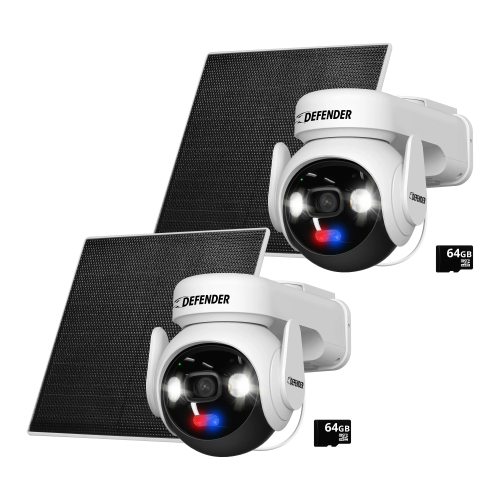
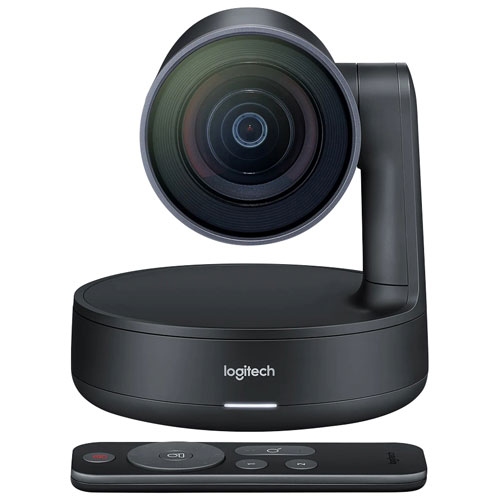
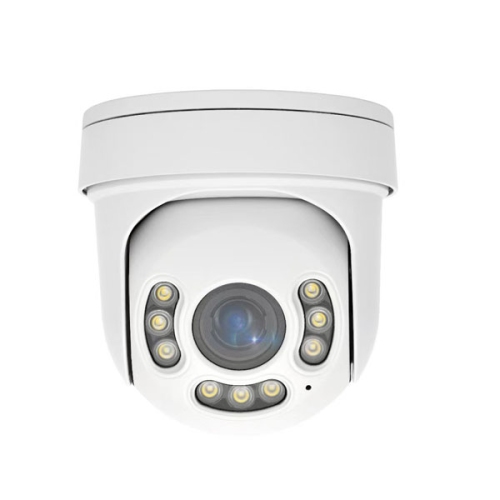
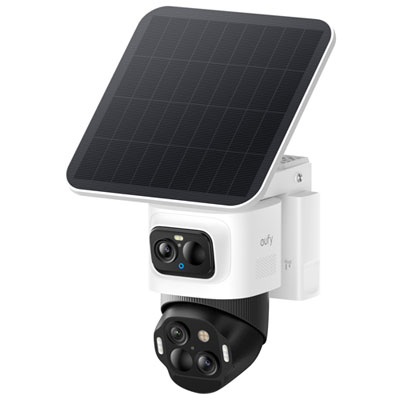
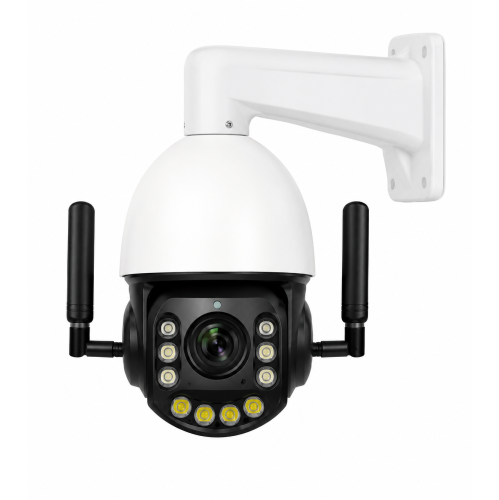
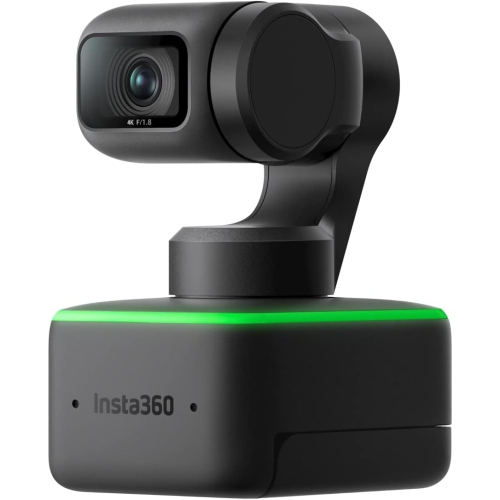
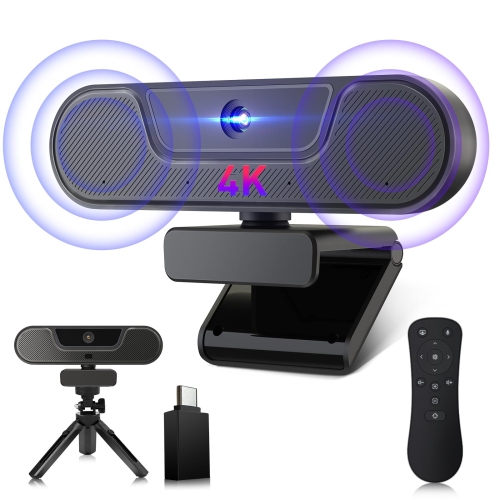
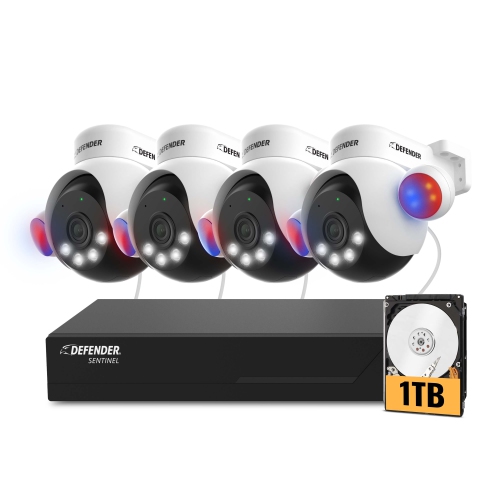
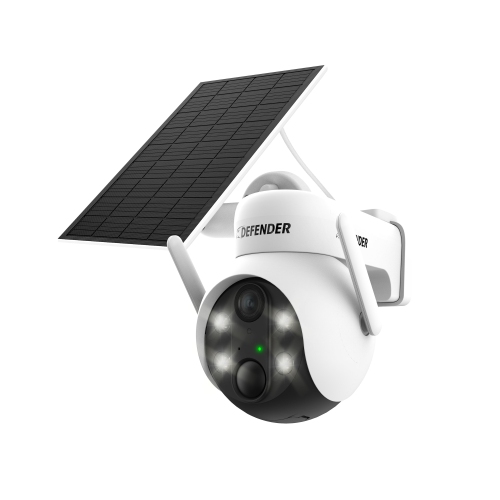
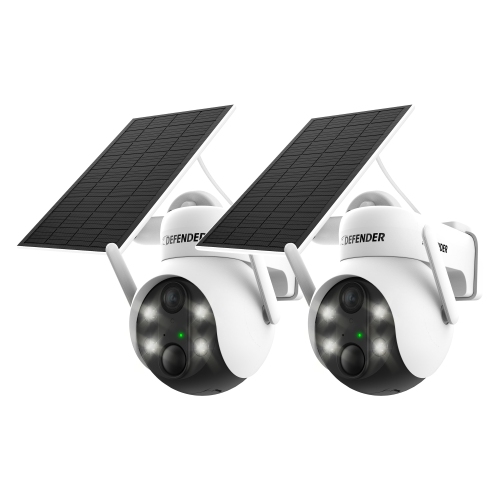
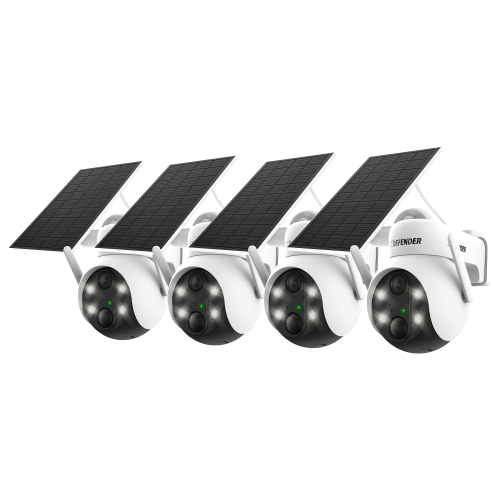
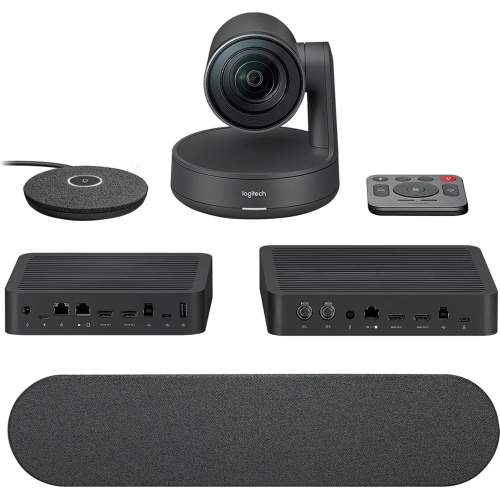
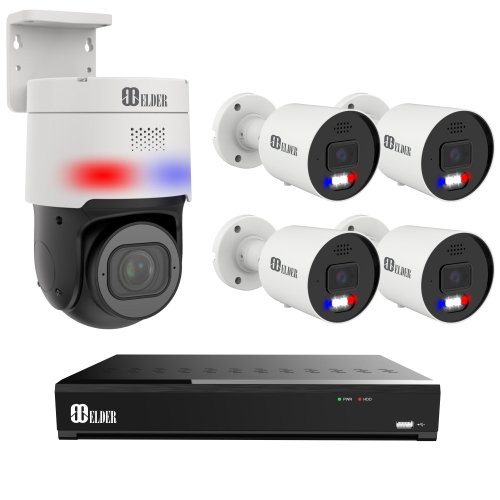
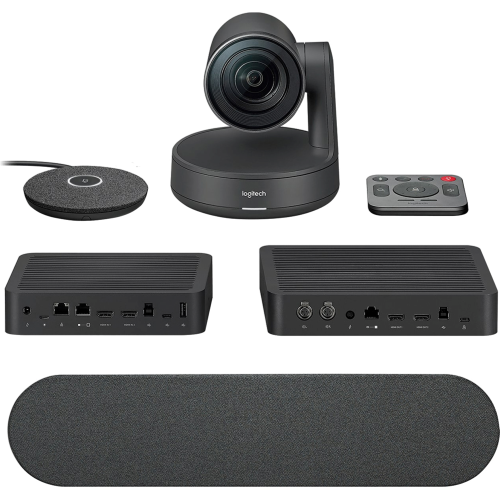
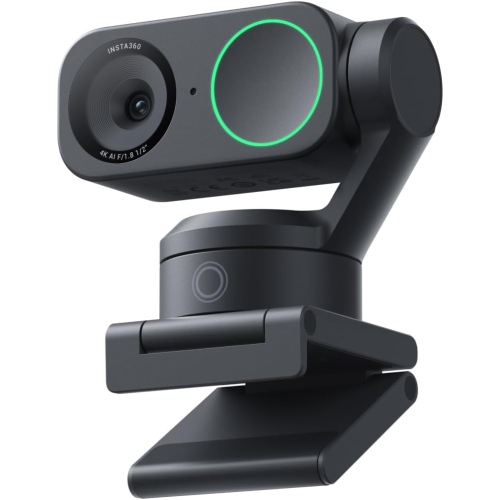
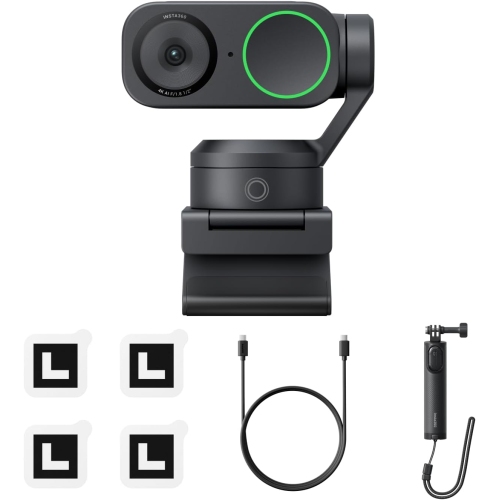
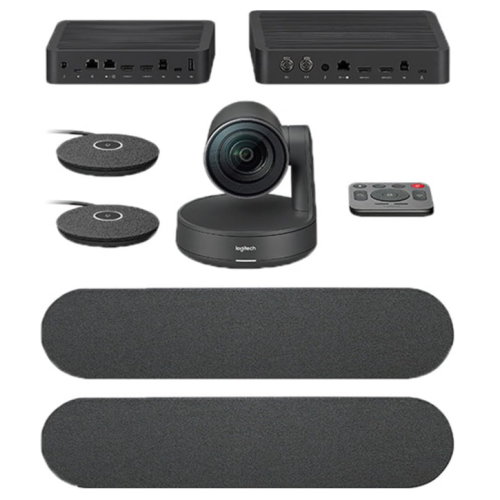
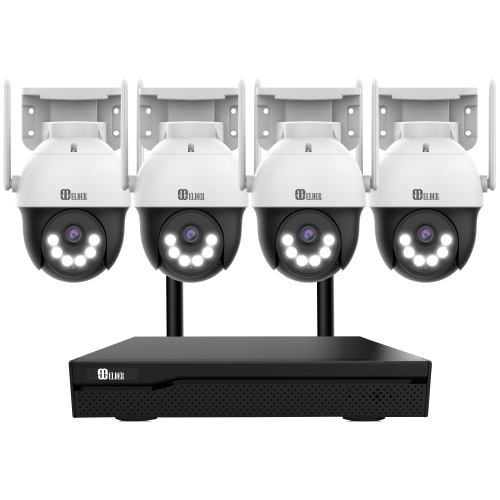
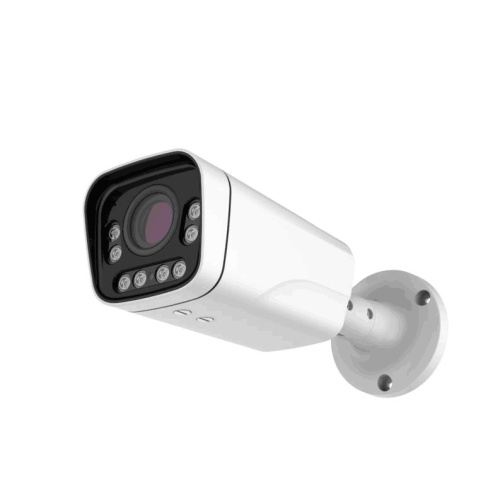
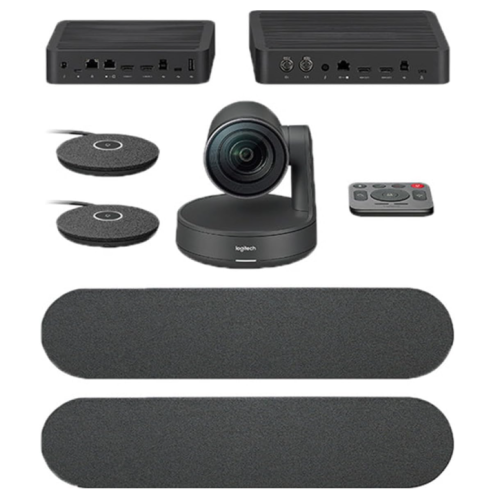
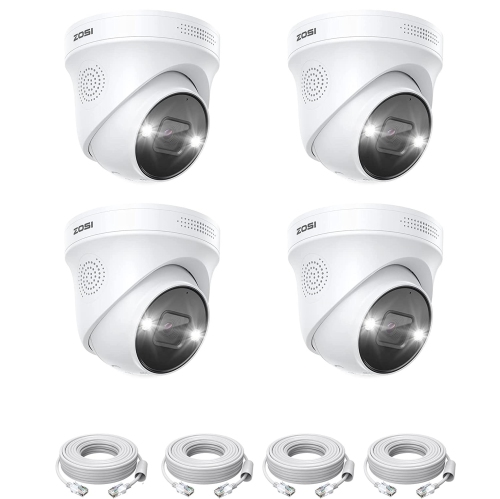
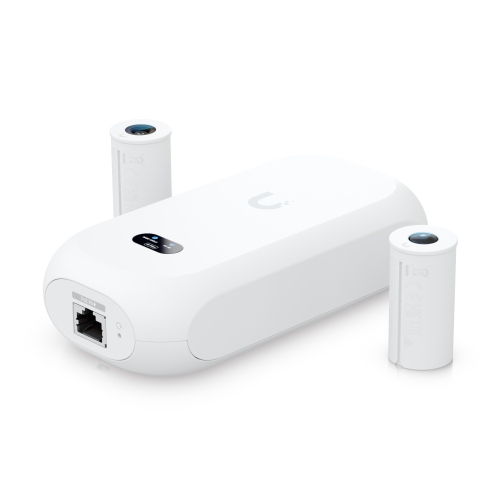
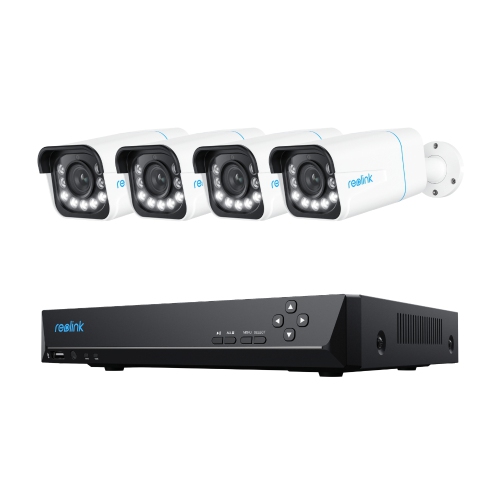
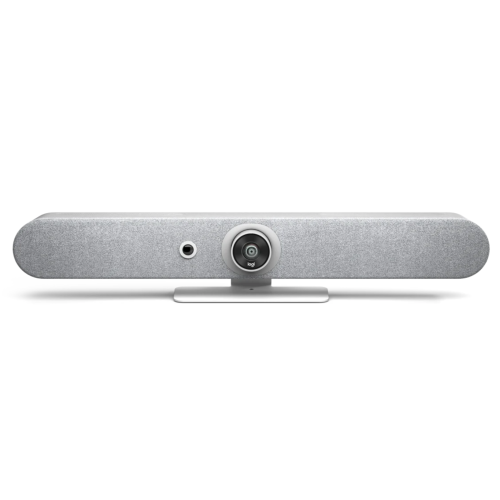
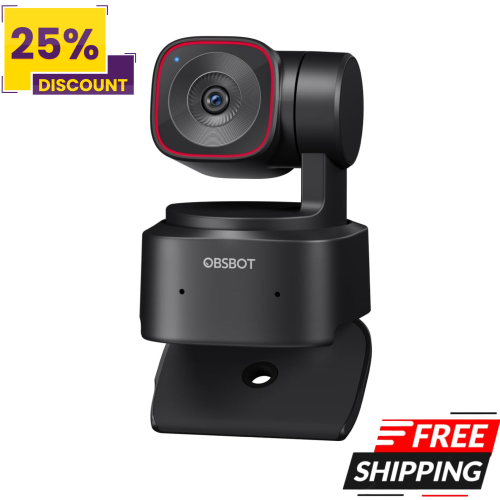
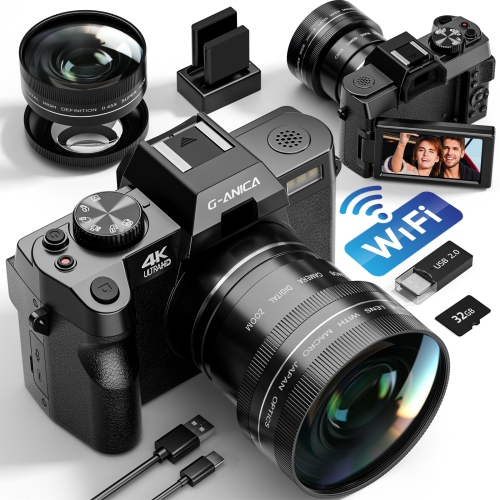
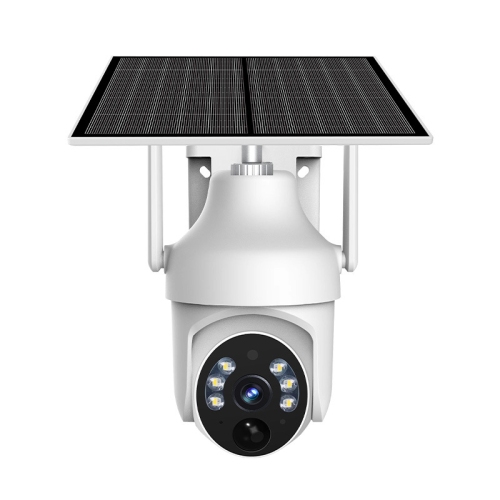
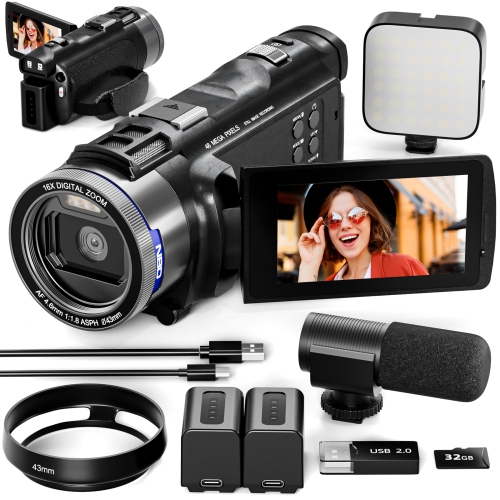
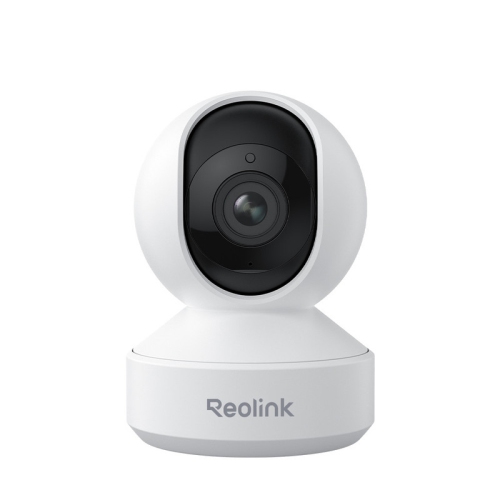
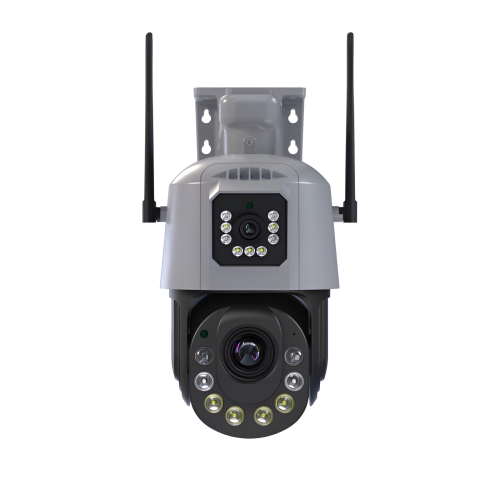
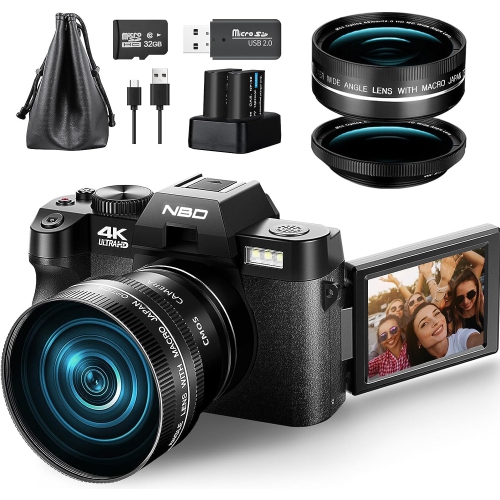
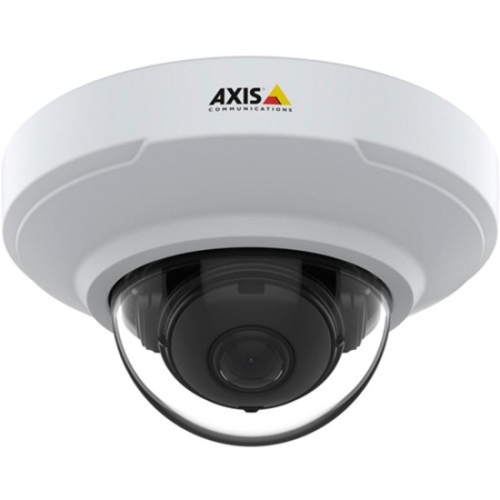
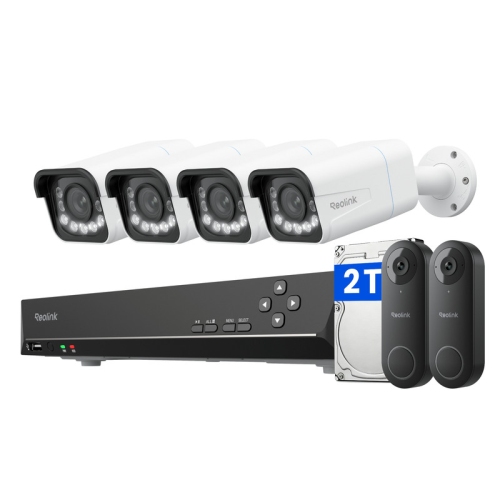
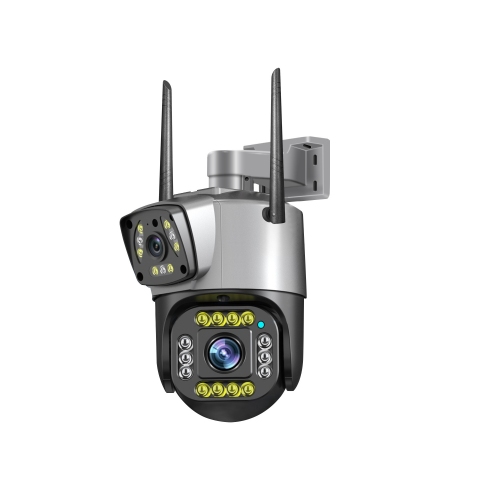
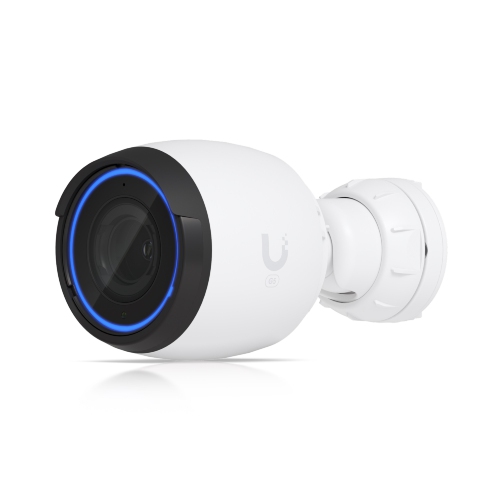
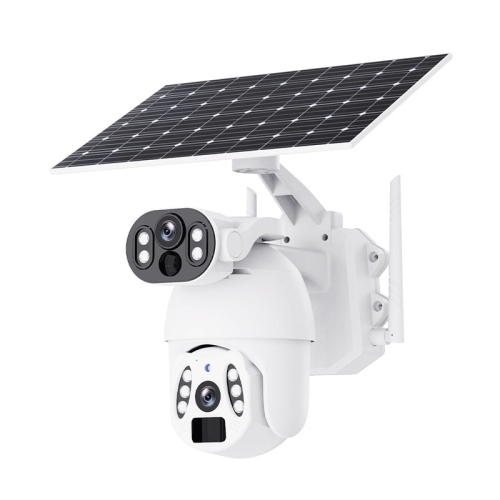
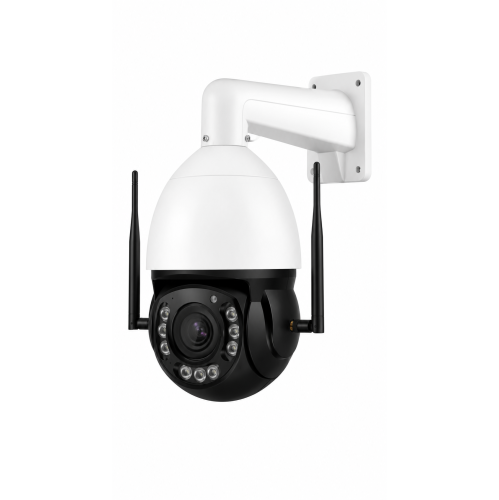
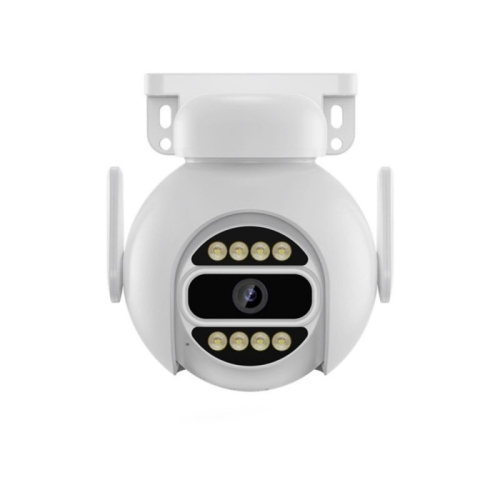
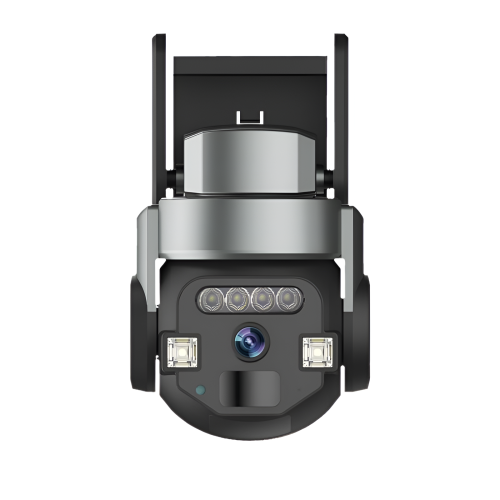
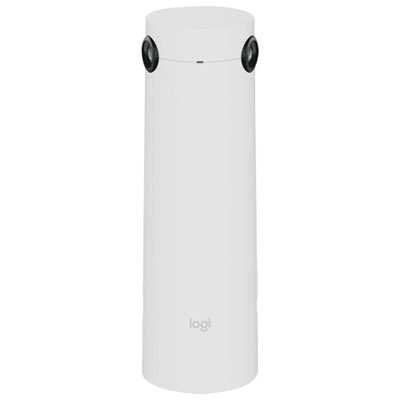
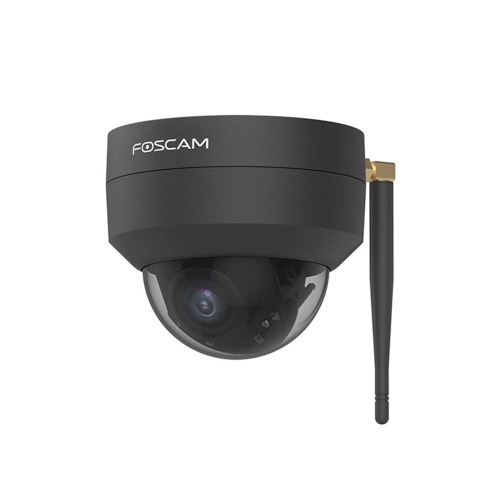
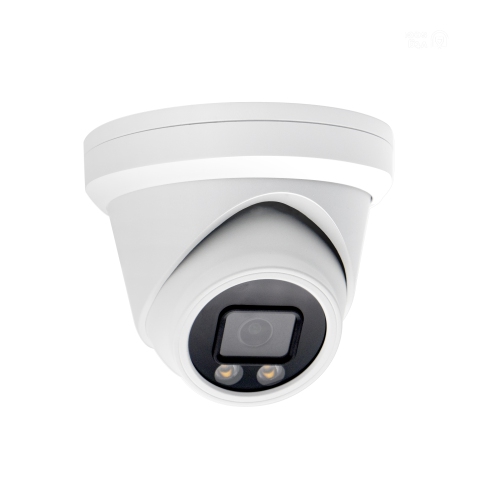
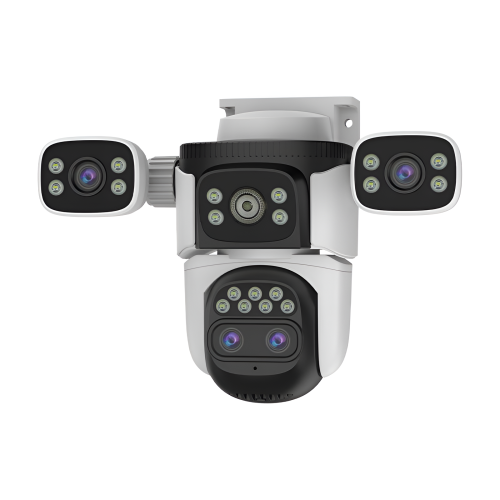
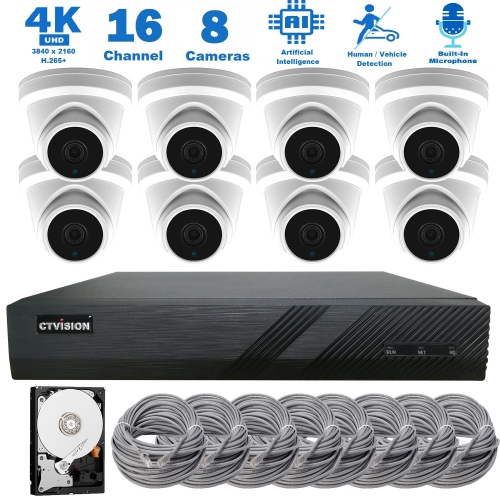
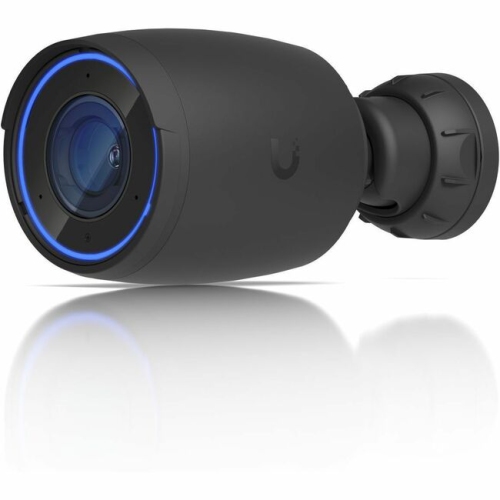

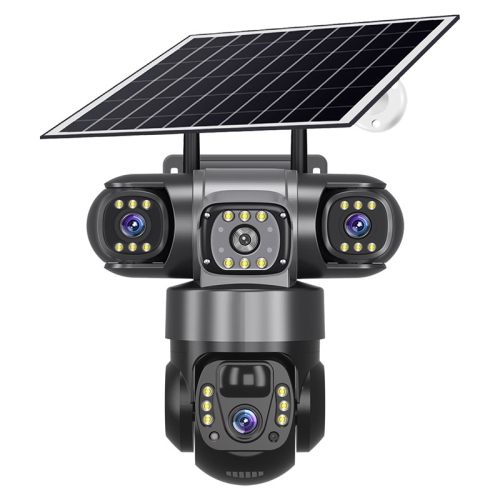
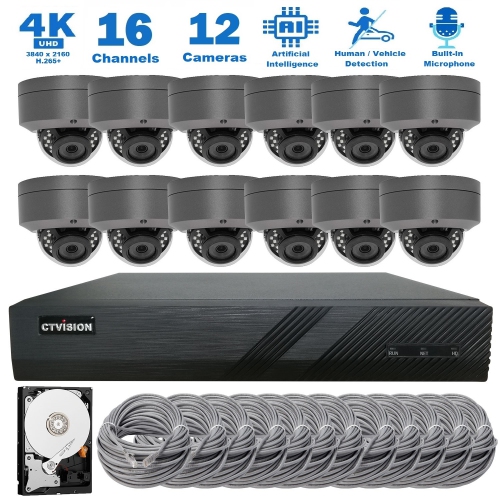
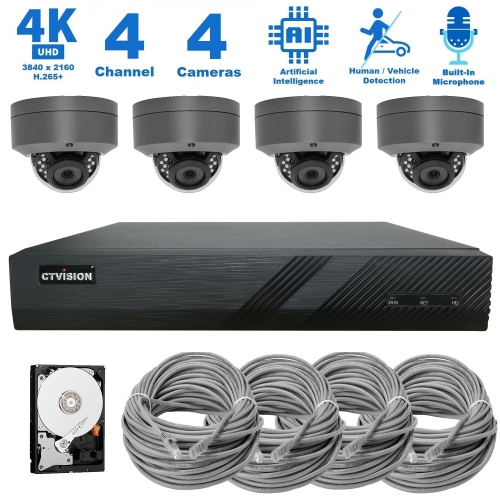
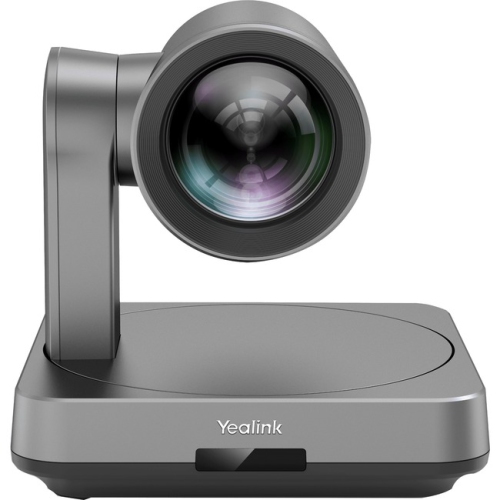
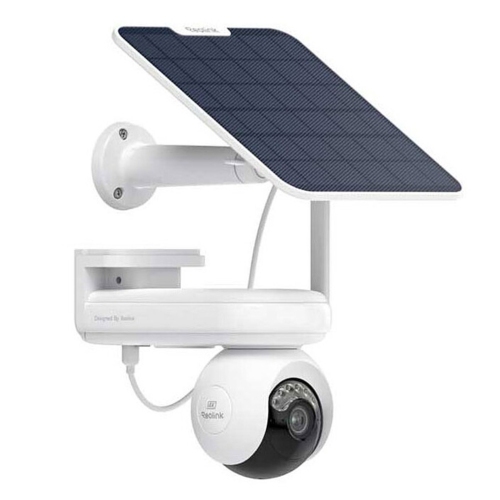
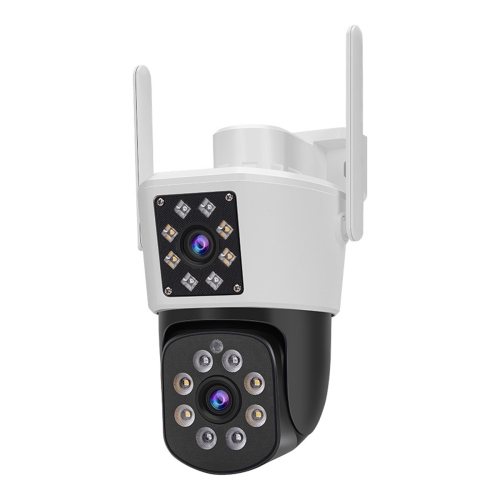
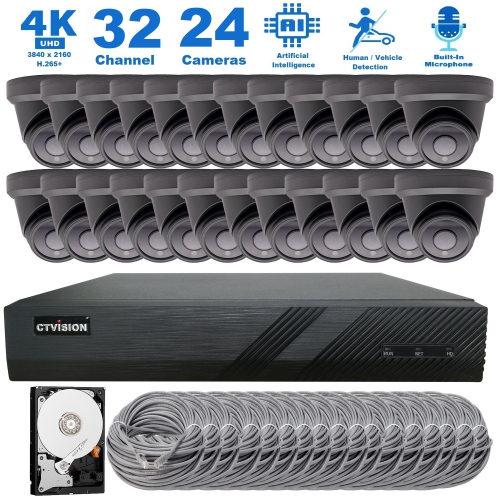
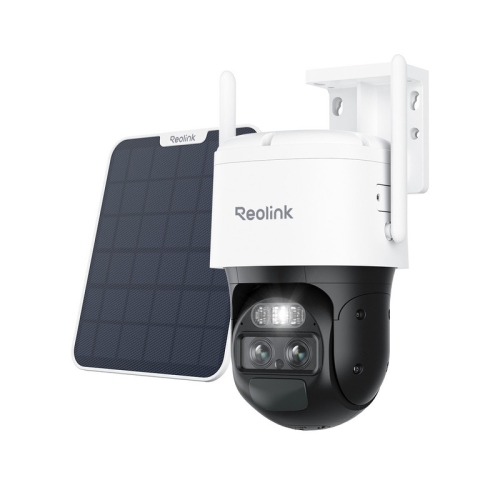
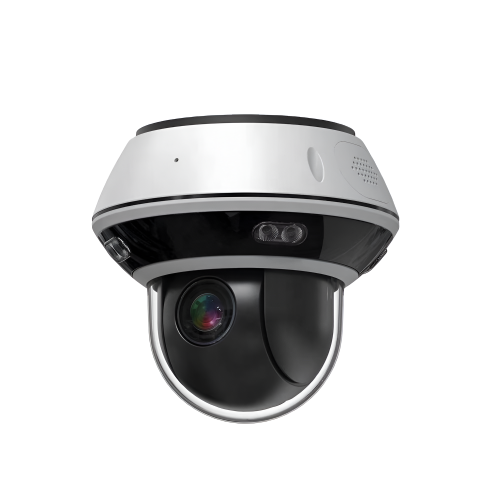
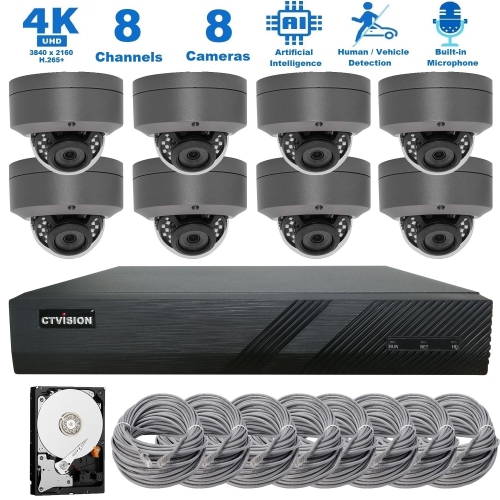
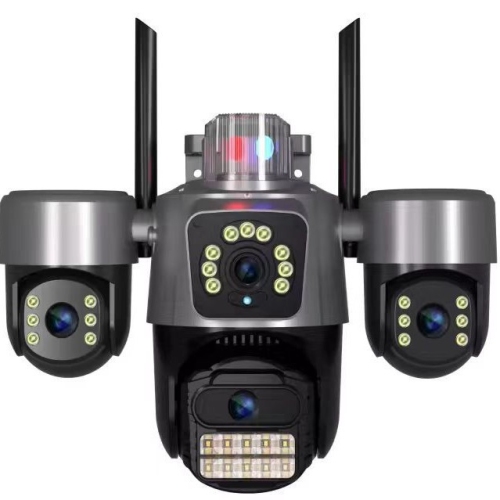
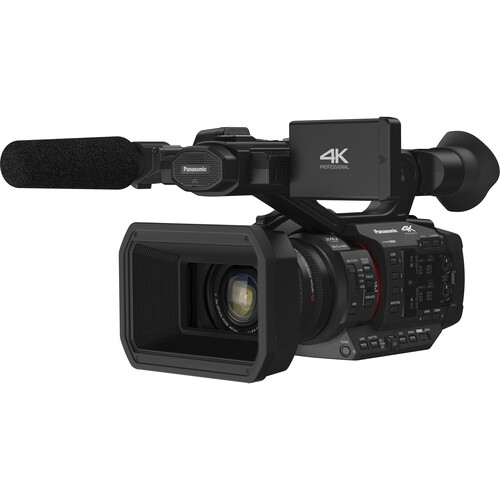
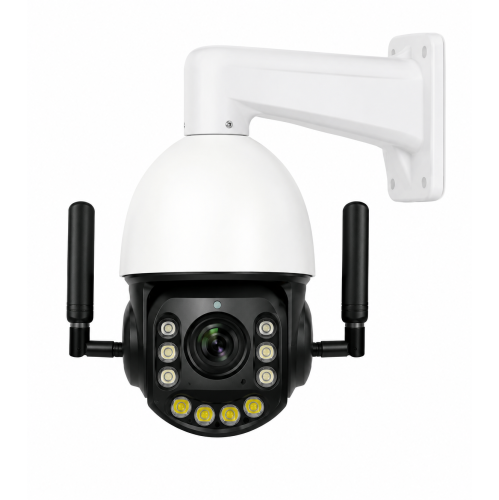
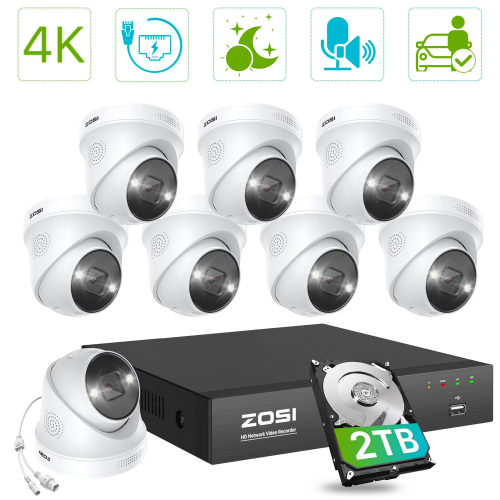
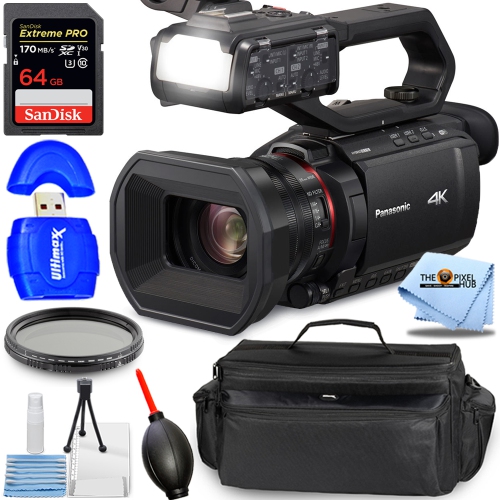
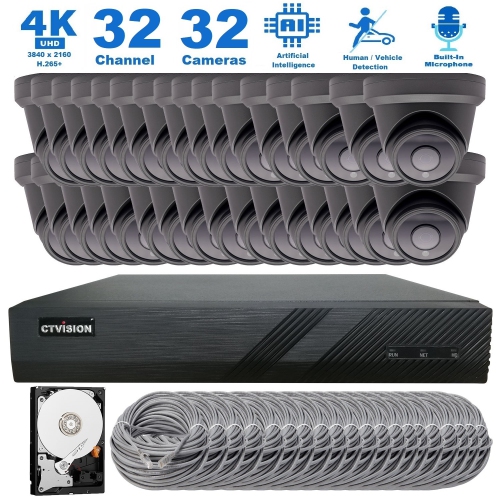
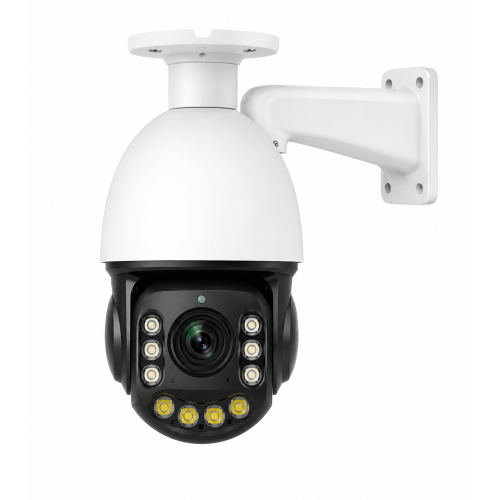
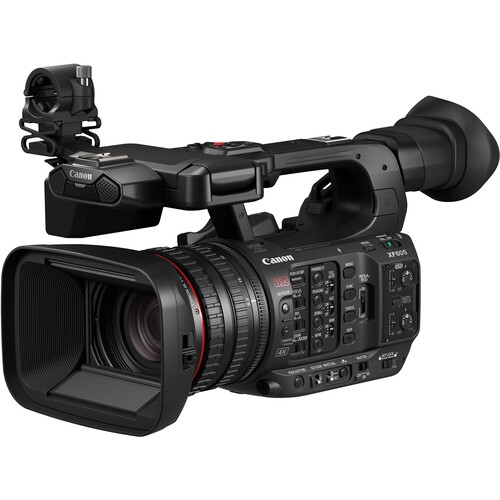
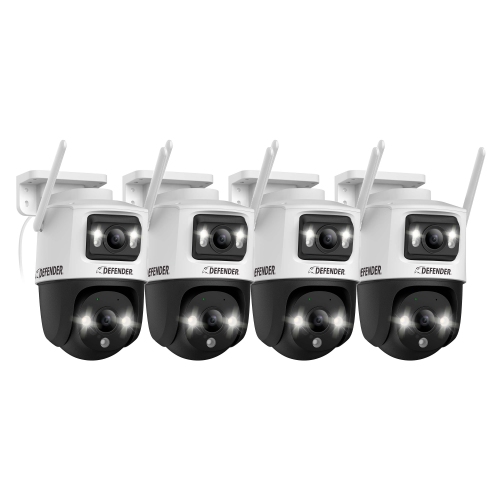
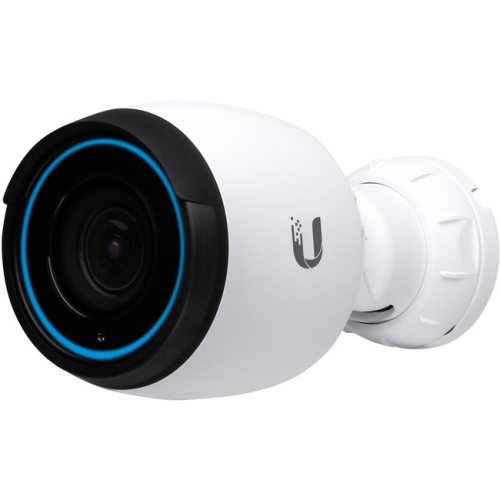
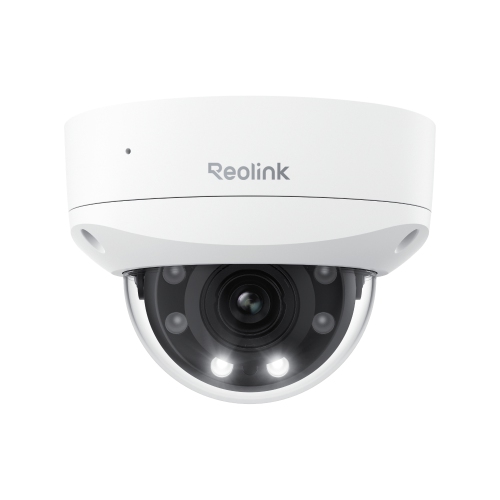

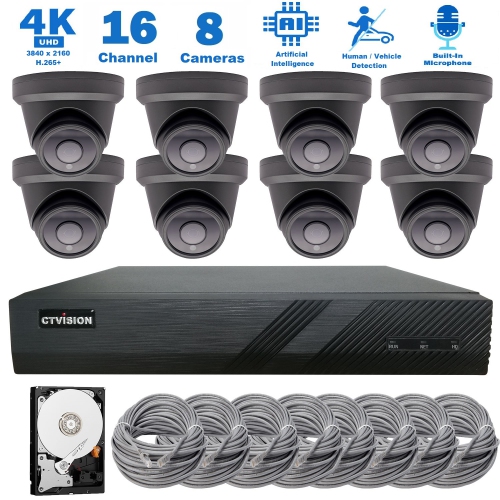
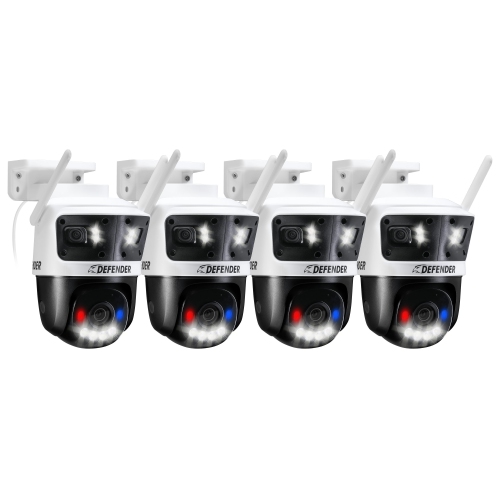
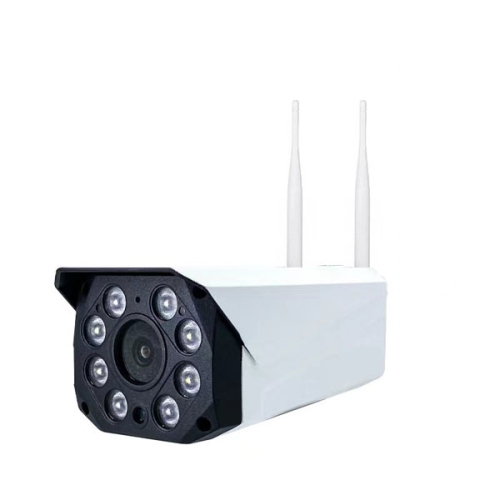
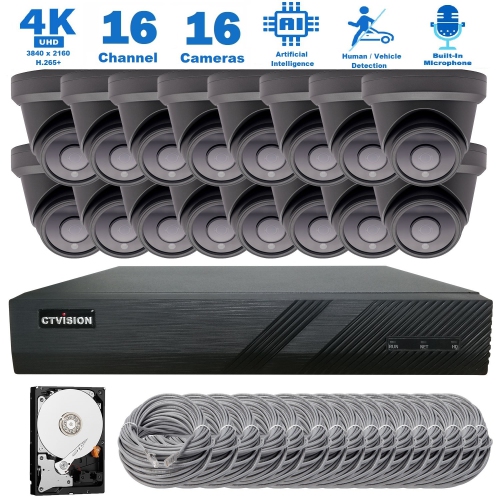
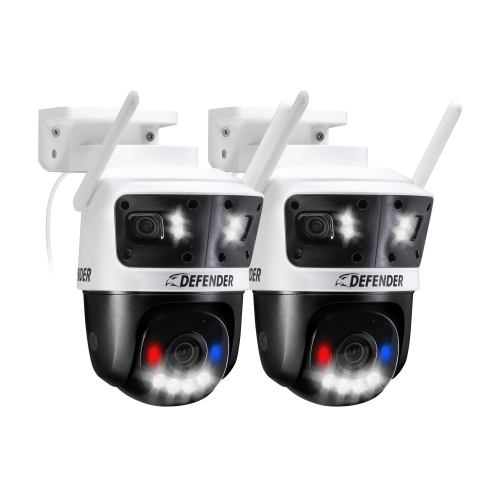
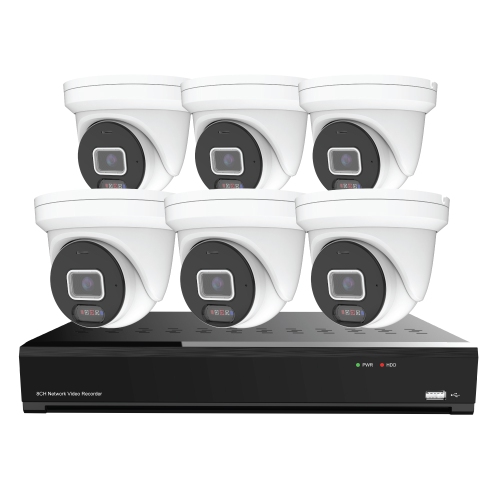
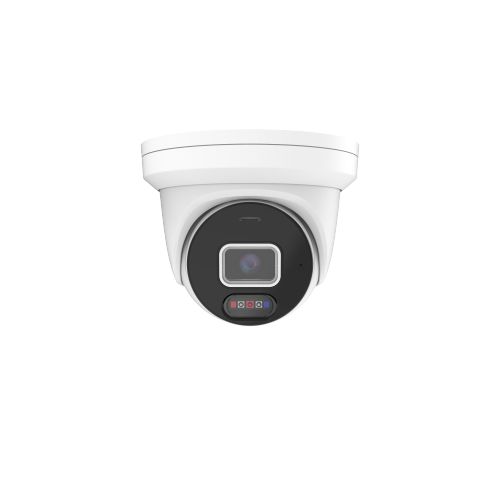
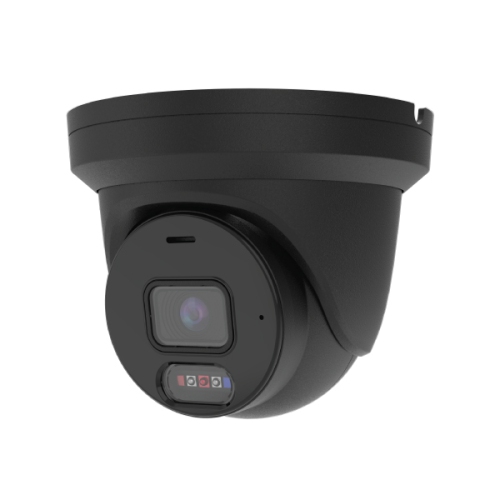
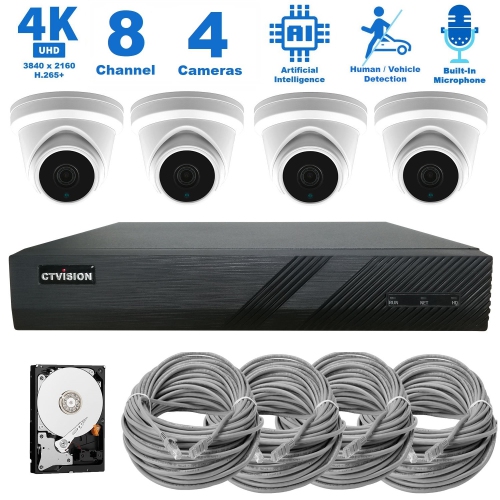
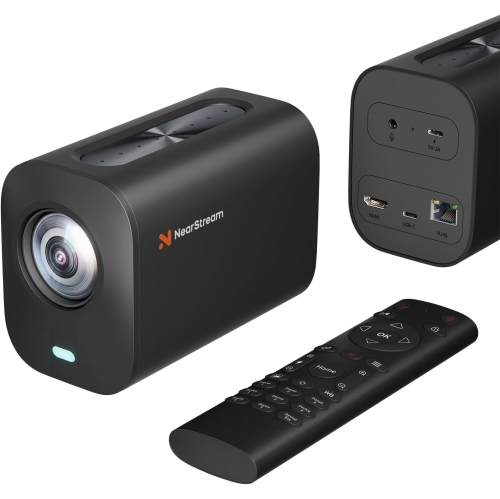
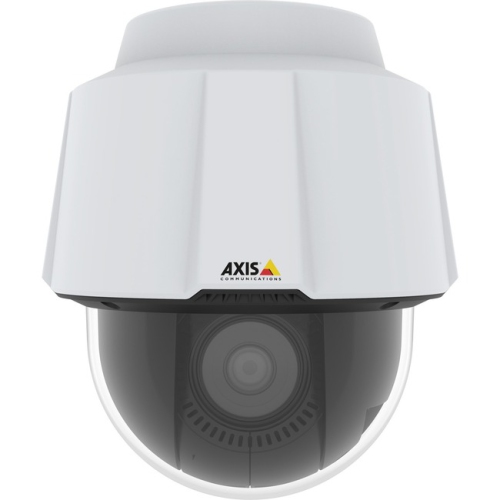
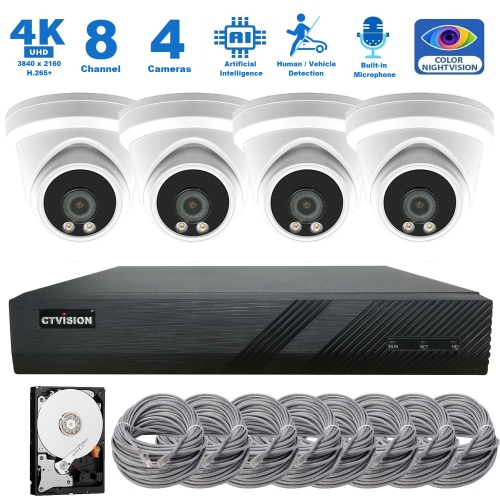
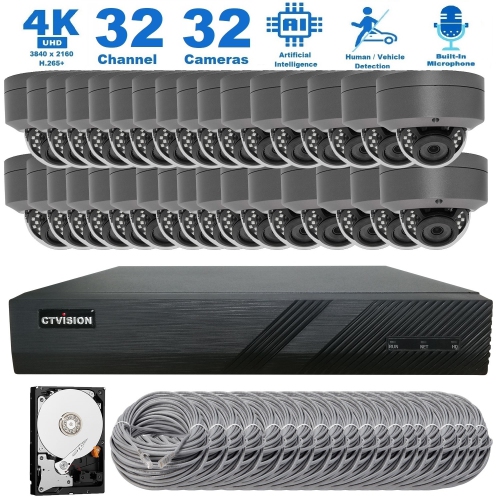
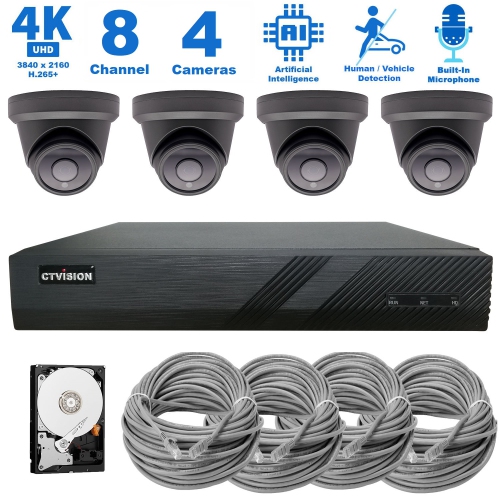
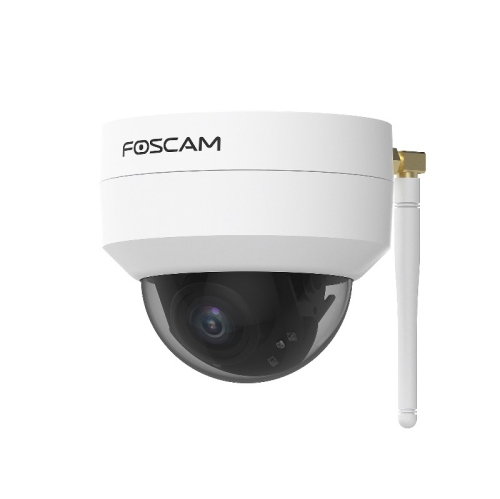
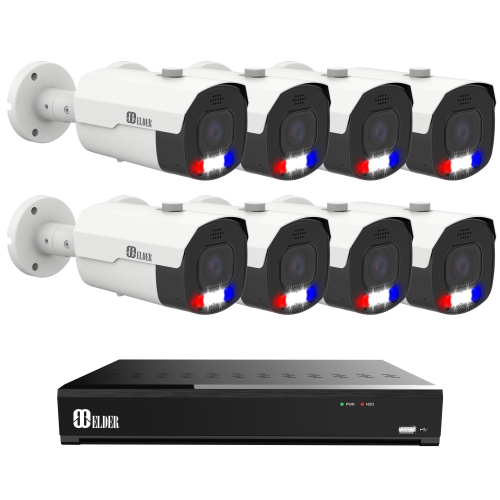
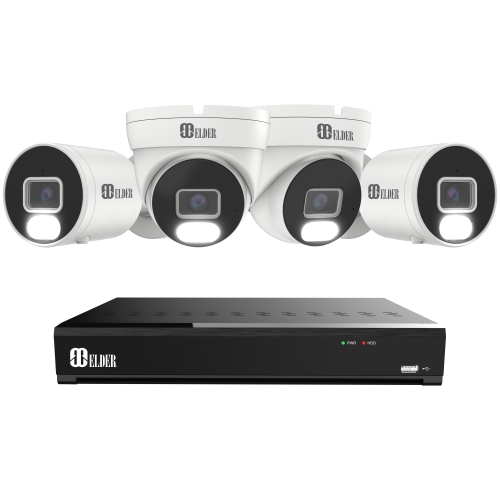
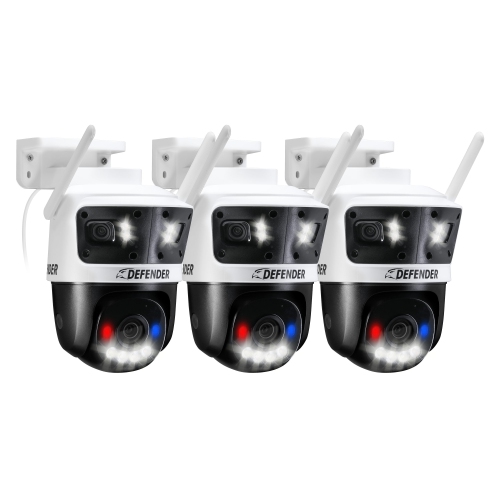
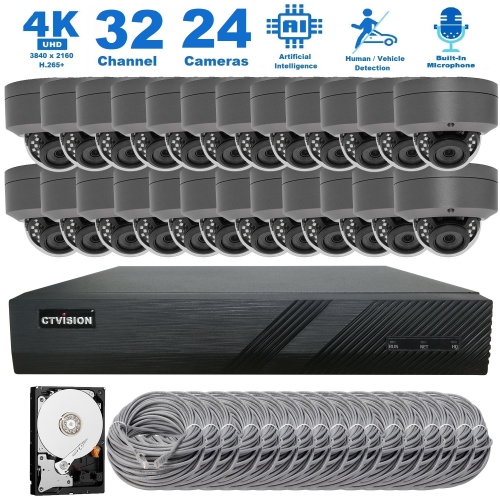
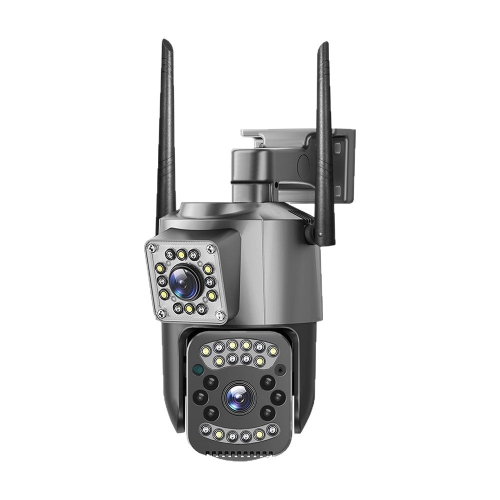
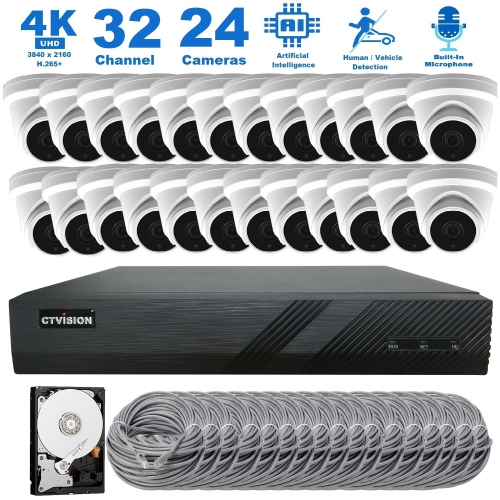
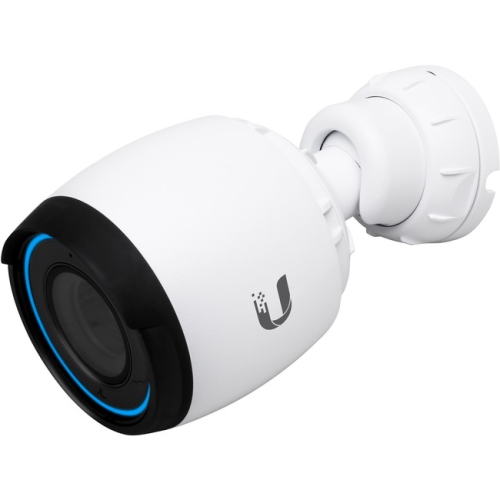
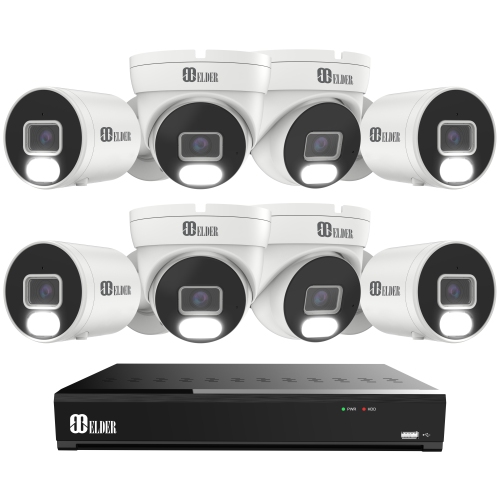
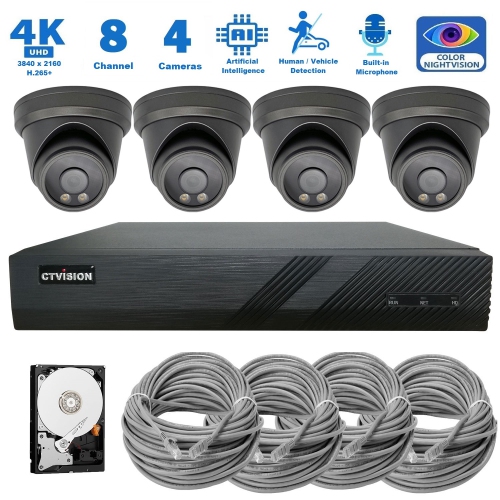
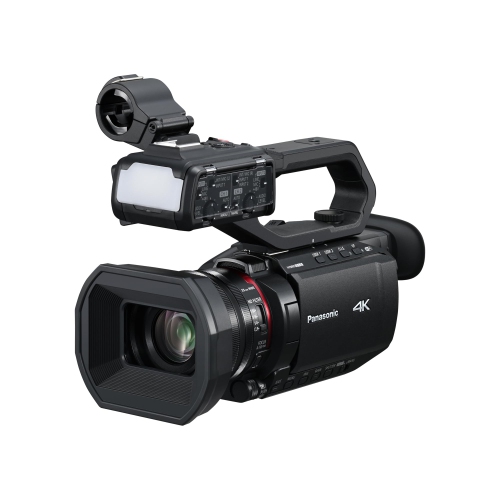
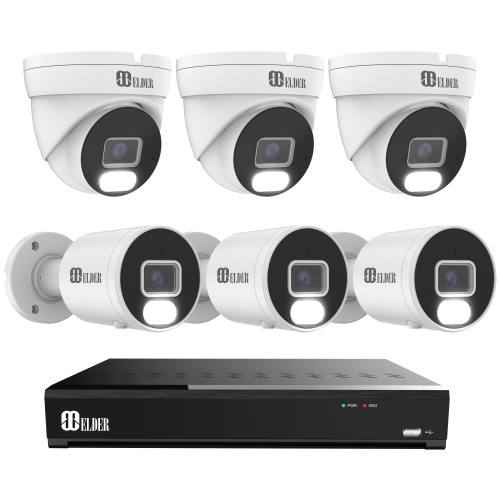
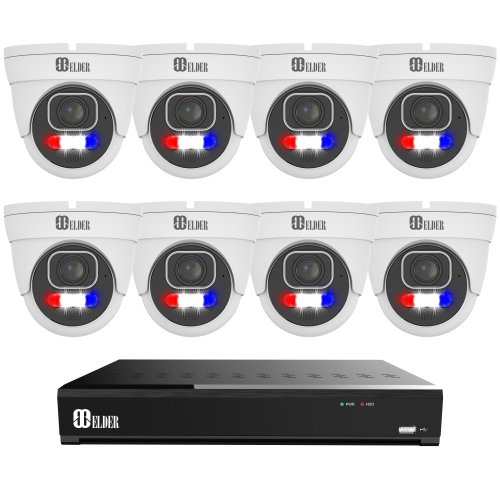
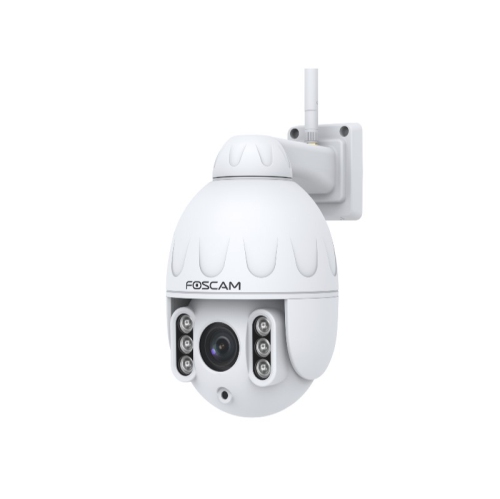
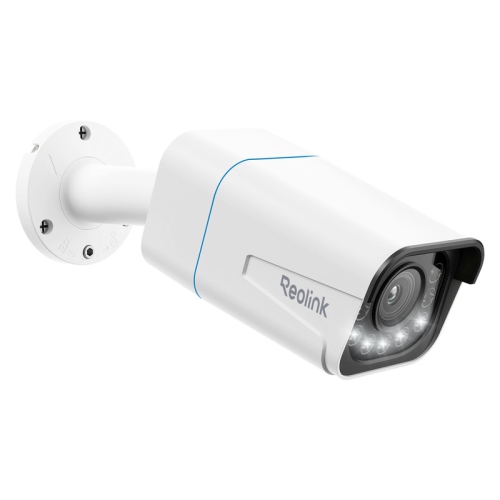
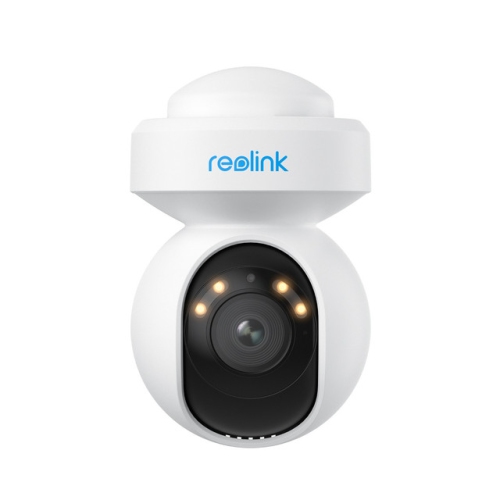
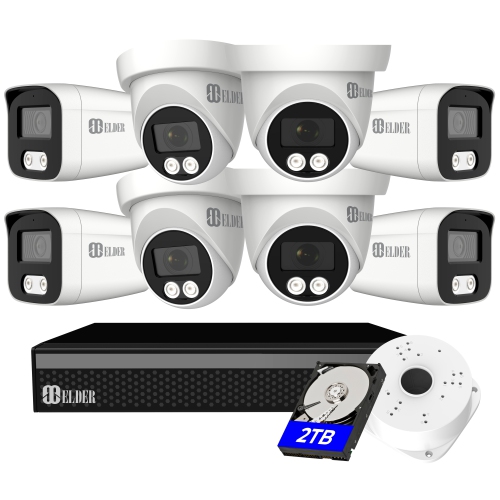
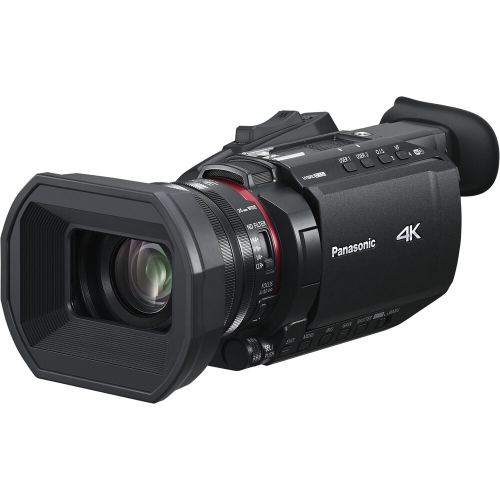
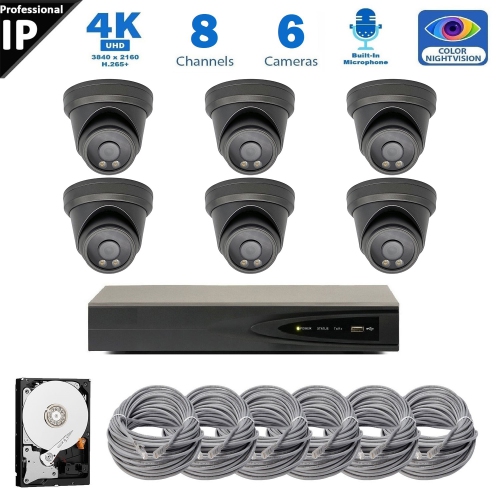
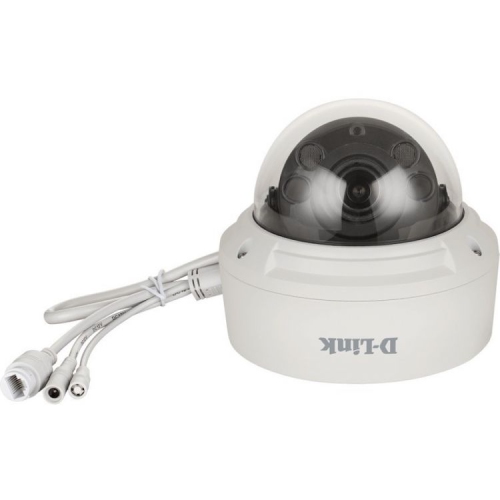
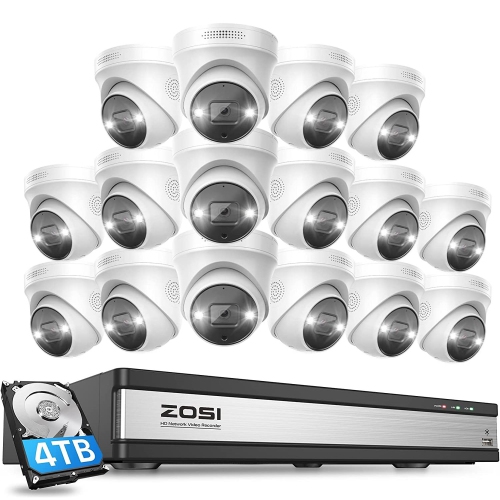
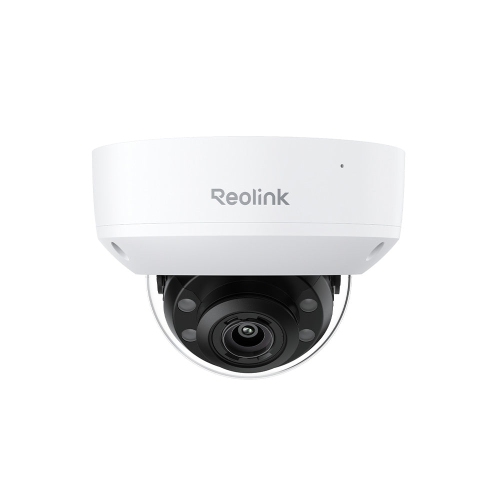
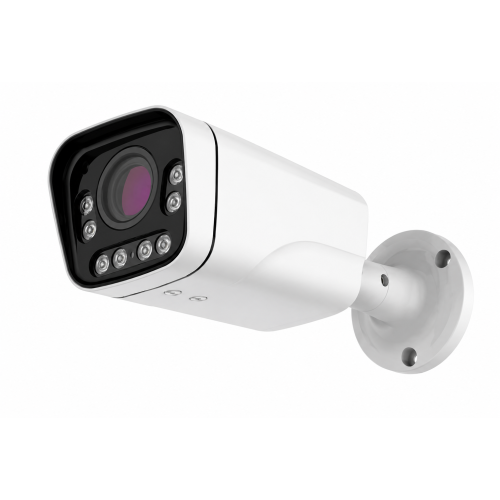
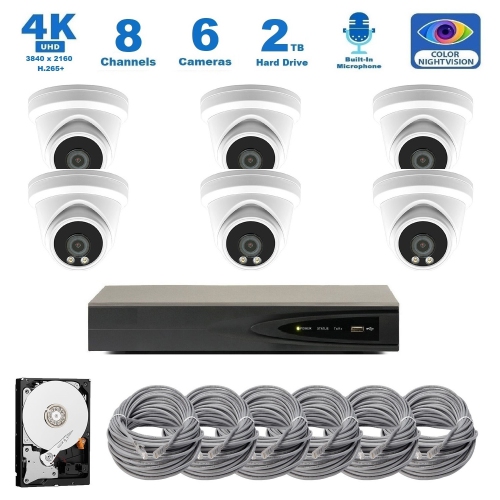
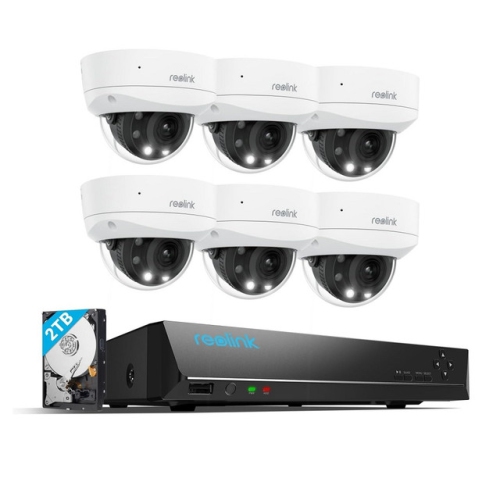
Detailed video with flexible framing from one position
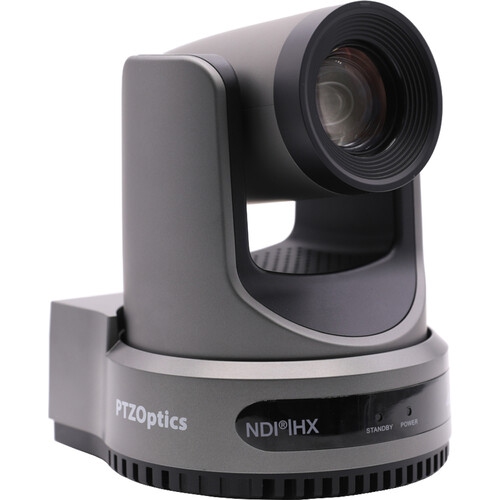
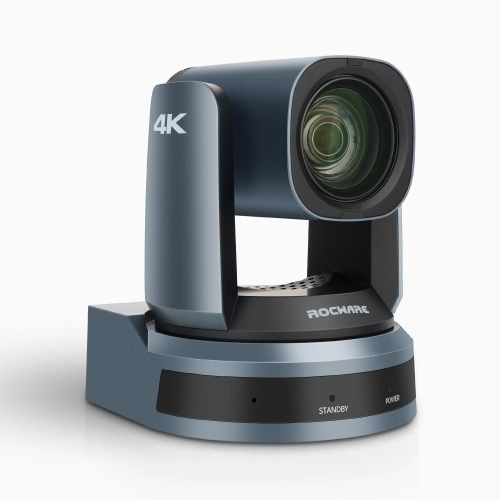
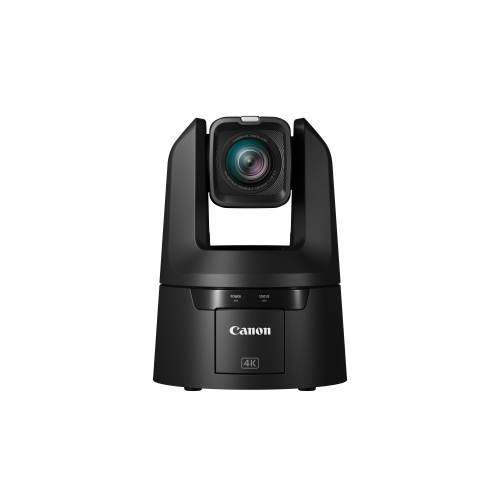
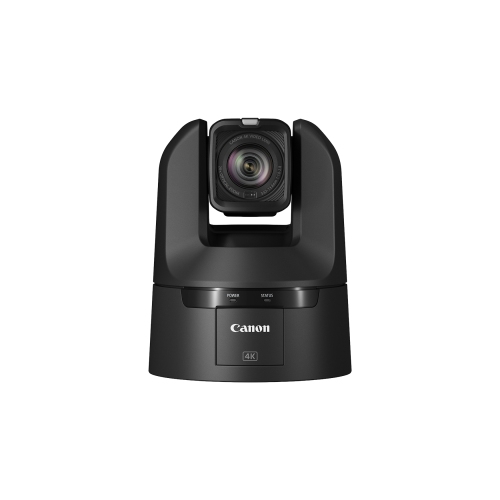
4K PTZ cameras combine ultra-high-definition video with motorized pan, tilt, and zoom controls, allowing a single camera to capture different views without being physically repositioned. Most 4K video applications use a resolution of 3840 × 2160 pixels, providing detail for presentations, live streams, recorded events, and monitoring. Panning moves the view horizontally, tilting moves it vertically, and zooming changes how closely the subject fills the frame. This flexibility makes 4K pan-tilt-zoom cameras useful in meeting rooms, classrooms, production studios, houses of worship, and compatible security installations, although each setting calls for different features. In a lecture hall, a camera might move between a wide view of the teaching area and a tighter shot of a demonstration. In a meeting room, saved positions can frame the full table or a speaker at the front. For a stage presentation, smooth movement and controlled zoom speeds help an operator follow the action without distracting viewers. Optical zoom changes the lens’s focal length to bring distant subjects closer without relying on a digital crop. Digital zoom enlarges part of the image and can reveal less detail as magnification increases. A longer optical zoom range can suit larger rooms, while a wide field of view is especially useful when a camera sits close to participants. Lens quality, sensor size, lighting, and autofocus performance also influence the final picture; resolution alone does not determine how natural faces or fine details will look. Backlit windows, bright presentation screens, and uneven room lighting can challenge exposure, making wide dynamic range and adjustable image settings valuable where supported. Frame rate affects the appearance of movement, too, and the maximum supported rate may differ between 4K and lower-resolution output modes. Within the broader range of 4K Video Cameras, PTZ designs are particularly suited to fixed installations where remote framing matters as much as image detail.
Connections and control options shape how a 4K PTZ camera fits into an existing video system. USB can provide a straightforward connection to a compatible computer for conferencing or recording, while HDMI commonly connects to displays, capture devices, and production equipment. SDI connections are often used in installed production systems, but the supported SDI standard determines whether a particular connection can carry 4K video. A camera with a 4K sensor does not necessarily deliver 4K through every output, and simultaneous output options also vary. Network video can carry a camera feed across compatible infrastructure, with formats such as NDI|HX or SRT supporting different production and transport workflows. These video technologies serve a different purpose from control protocols such as VISCA-over-IP, which allows compatible software or controllers to adjust camera movement and settings. Power over Ethernet can simplify installation by carrying power and network data through one Ethernet cable when both the camera and network equipment support it. The required power standard matters: a camera designed for PoE+ may need more power than a basic PoE port supplies. Adequate network capacity, suitable cabling, and compatible receiving equipment remain important, especially with multiple high-resolution feeds. For live discussions, delay between the camera and the final display can affect how natural an exchange feels. Audio needs equal attention, whether it comes from a built-in microphone, an external microphone input, or a separate sound system. Clear speech and properly synchronized sound often matter more to a remote audience than an especially tight camera angle. Preset positions let an operator recall useful views, such as a lectern, conference table, or demonstration area. Some cameras add automatic tracking or speaker framing, but these functions are model-dependent and can respond differently to overlapping participants, obstructions, or subjects leaving the frame. A remote control may suit a small room, while a dedicated controller can make frequent adjustments more manageable during a staffed production. Compatibility between the camera, controller, conferencing software, and video equipment determines how smoothly these features work together.
Physical design and placement are just as important as video specifications for a dependable installation. A compact camera on a meeting-room shelf has different mounting needs from a unit fixed high on a wall or suspended from a ceiling. The mount must support the camera’s weight, match its attachment points, and leave clearance for the full movement of the camera head. Shelves, nearby displays, and hanging cables can otherwise obstruct a shot or restrict rotation. A position close to eye level often gives remote meeting participants a more natural view, while a higher vantage point may be better suited to covering a stage or larger shared space. Housing materials vary, with moulded plastic keeping many indoor designs relatively light and metal components providing rigidity in some camera bodies and mounting assemblies. Material alone does not establish durability; construction quality, secure mounting, ventilation, and the intended installation type all matter. Cameras intended for outdoor security use need appropriate enclosure and installation ratings, rather than simply the resolution and zoom range of an indoor production camera. Security-focused designs may include night imaging, motion detection, tracking, or recorder integration, but these capabilities should not be assumed across the entire category. A PTZ camera can inspect different areas, yet it cannot show every direction at once; moving toward one subject changes what remains visible elsewhere. Recording support, account controls, and privacy settings also affect suitability for shared spaces. Routine care generally involves keeping the lens free of dust with suitable lens-cleaning materials, gently cleaning the housing according to the manufacturer’s directions, and avoiding pressure on the motorized head. Accessible cable routing makes inspection and maintenance easier without disturbing the camera’s alignment. For educators, event teams, business users, and content creators, the practical appeal is flexible coverage from a stable location. A well-matched 4K PTZ setup brings together useful framing, appropriate connections, clear sound, and reliable control, whether the goal is a polished presentation, a collaborative meeting, or a detailed monitoring view.
Connections and control options shape how a 4K PTZ camera fits into an existing video system. USB can provide a straightforward connection to a compatible computer for conferencing or recording, while HDMI commonly connects to displays, capture devices, and production equipment. SDI connections are often used in installed production systems, but the supported SDI standard determines whether a particular connection can carry 4K video. A camera with a 4K sensor does not necessarily deliver 4K through every output, and simultaneous output options also vary. Network video can carry a camera feed across compatible infrastructure, with formats such as NDI|HX or SRT supporting different production and transport workflows. These video technologies serve a different purpose from control protocols such as VISCA-over-IP, which allows compatible software or controllers to adjust camera movement and settings. Power over Ethernet can simplify installation by carrying power and network data through one Ethernet cable when both the camera and network equipment support it. The required power standard matters: a camera designed for PoE+ may need more power than a basic PoE port supplies. Adequate network capacity, suitable cabling, and compatible receiving equipment remain important, especially with multiple high-resolution feeds. For live discussions, delay between the camera and the final display can affect how natural an exchange feels. Audio needs equal attention, whether it comes from a built-in microphone, an external microphone input, or a separate sound system. Clear speech and properly synchronized sound often matter more to a remote audience than an especially tight camera angle. Preset positions let an operator recall useful views, such as a lectern, conference table, or demonstration area. Some cameras add automatic tracking or speaker framing, but these functions are model-dependent and can respond differently to overlapping participants, obstructions, or subjects leaving the frame. A remote control may suit a small room, while a dedicated controller can make frequent adjustments more manageable during a staffed production. Compatibility between the camera, controller, conferencing software, and video equipment determines how smoothly these features work together.
Physical design and placement are just as important as video specifications for a dependable installation. A compact camera on a meeting-room shelf has different mounting needs from a unit fixed high on a wall or suspended from a ceiling. The mount must support the camera’s weight, match its attachment points, and leave clearance for the full movement of the camera head. Shelves, nearby displays, and hanging cables can otherwise obstruct a shot or restrict rotation. A position close to eye level often gives remote meeting participants a more natural view, while a higher vantage point may be better suited to covering a stage or larger shared space. Housing materials vary, with moulded plastic keeping many indoor designs relatively light and metal components providing rigidity in some camera bodies and mounting assemblies. Material alone does not establish durability; construction quality, secure mounting, ventilation, and the intended installation type all matter. Cameras intended for outdoor security use need appropriate enclosure and installation ratings, rather than simply the resolution and zoom range of an indoor production camera. Security-focused designs may include night imaging, motion detection, tracking, or recorder integration, but these capabilities should not be assumed across the entire category. A PTZ camera can inspect different areas, yet it cannot show every direction at once; moving toward one subject changes what remains visible elsewhere. Recording support, account controls, and privacy settings also affect suitability for shared spaces. Routine care generally involves keeping the lens free of dust with suitable lens-cleaning materials, gently cleaning the housing according to the manufacturer’s directions, and avoiding pressure on the motorized head. Accessible cable routing makes inspection and maintenance easier without disturbing the camera’s alignment. For educators, event teams, business users, and content creators, the practical appeal is flexible coverage from a stable location. A well-matched 4K PTZ setup brings together useful framing, appropriate connections, clear sound, and reliable control, whether the goal is a polished presentation, a collaborative meeting, or a detailed monitoring view.
Top selling and popular products
-
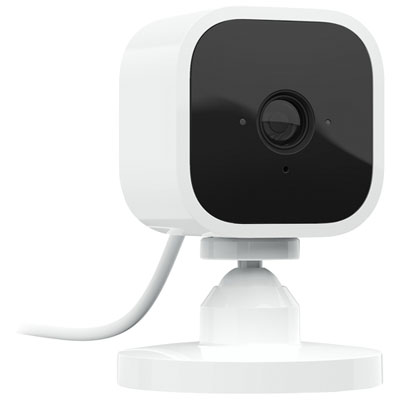 Your price for this item is $34.97
 -
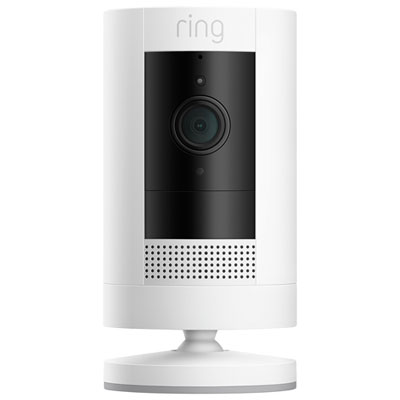 Your price for this item is $109.99
 -
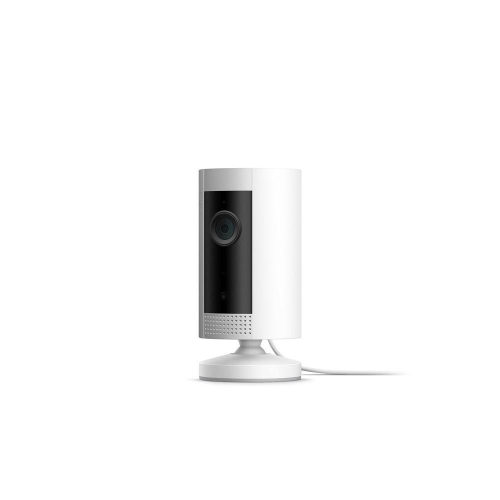 Your price for this item is $79.25
 -
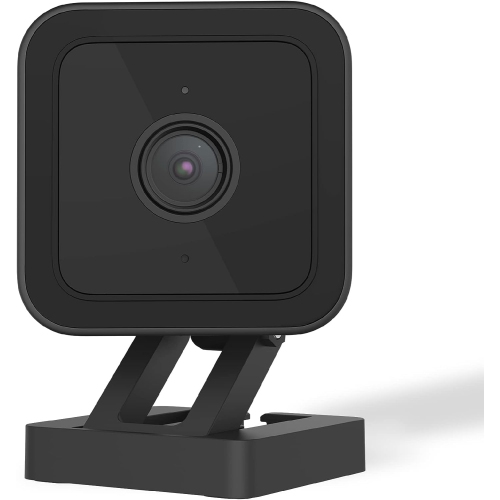 Your price for this item is $95.99
 -
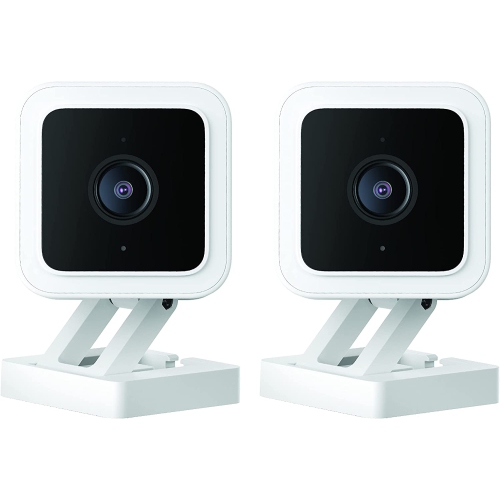 Your price for this item is $110.48
 -
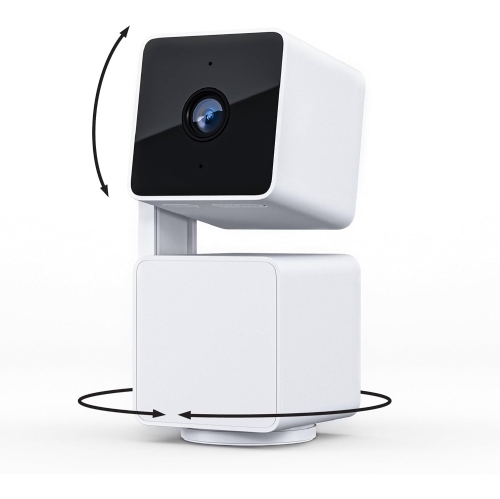 Your price for this item is $110.99
 -
 Your price for this item is $329.95
 -
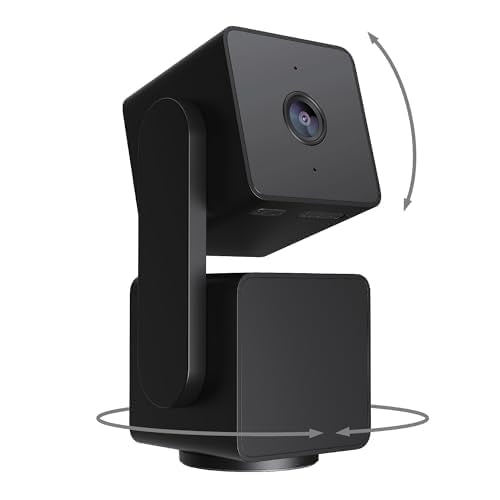 Your price for this item is $105.99
Discover more categories related to 4k PTZ Cameras
Top Collections:
Pokemon Centers, Best Cameras for Sports Photography, Kindle Devices, Samsung Galaxy Phones, Canon G7X Cameras, Pokémon 30th Celebration Cards, Refurbished Apple Laptops, iPhone 15 Apple, Laptops for Students, Budget Smartphones
Some products may be subject to Environmental Handling Fees
(EHF) depending on your province.
Learn more about EHFs.